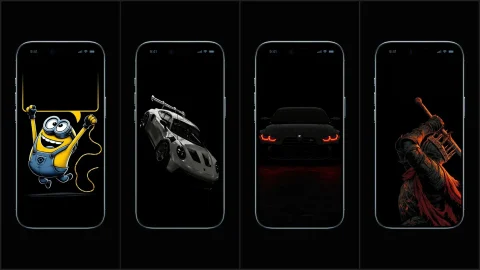
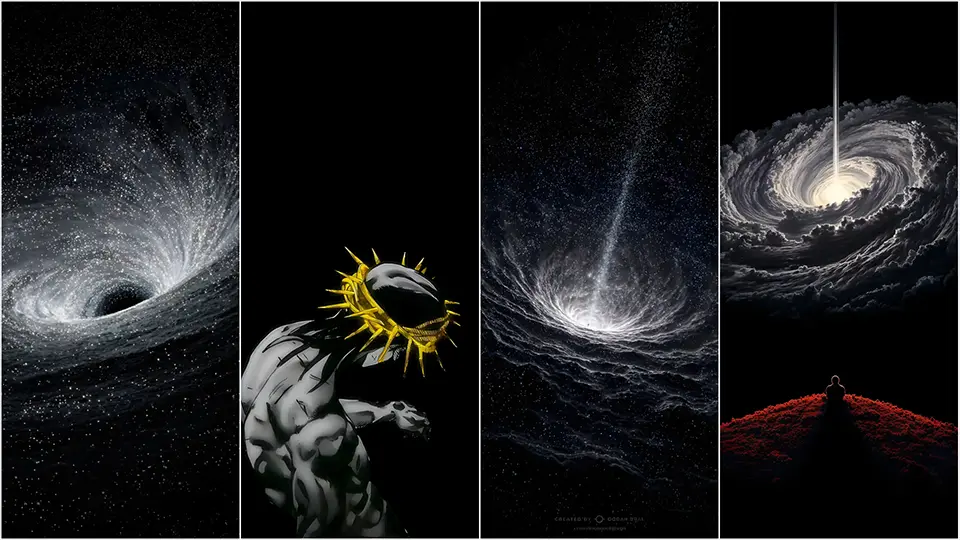
OLED Wallpapers for iPhone
If you own a modern smartphone, you are likely holding a piece of technology that is capable of displaying “infinite contrast.” Whether you are rocking an iPhone 16/17 Pro, a Samsung Galaxy S-Series, or a Google Pixel, your screen uses OLED (Organic Light-Emitting Diode) technology.
However, most people never use this tech to its full potential. They use washed-out photos or busy patterns that keep every single pixel on the screen lit up, draining battery and reducing visual impact.
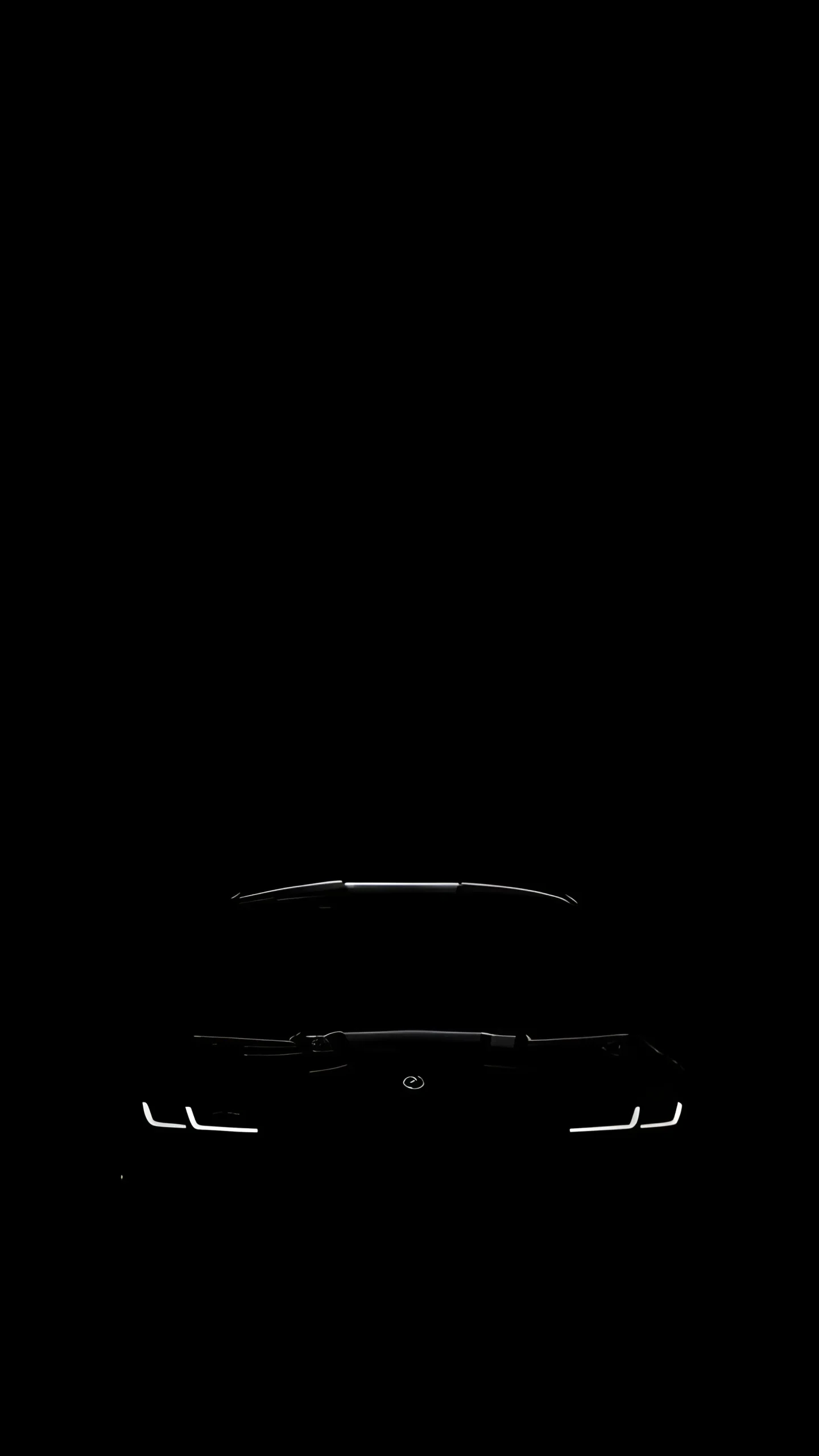
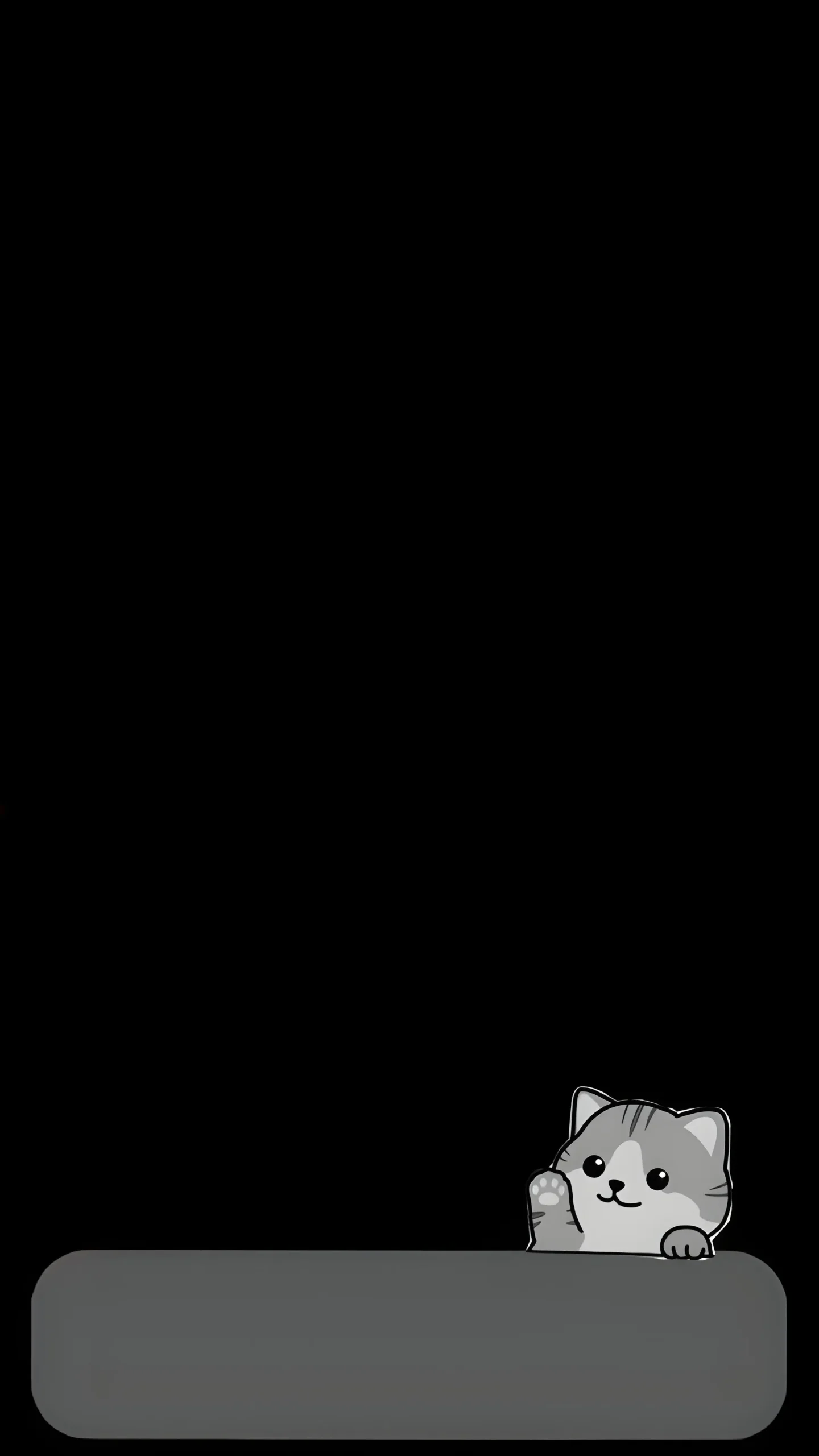
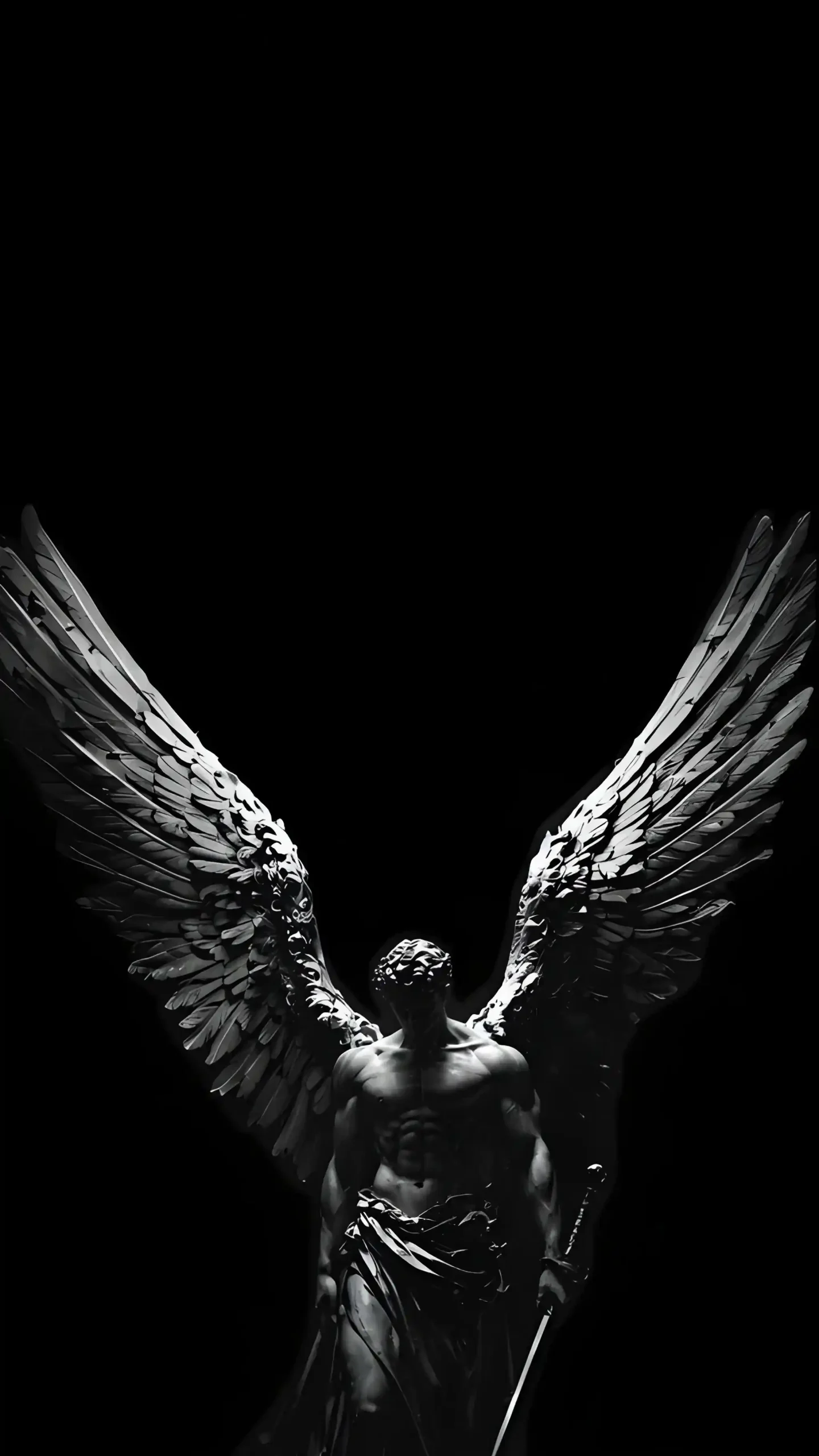
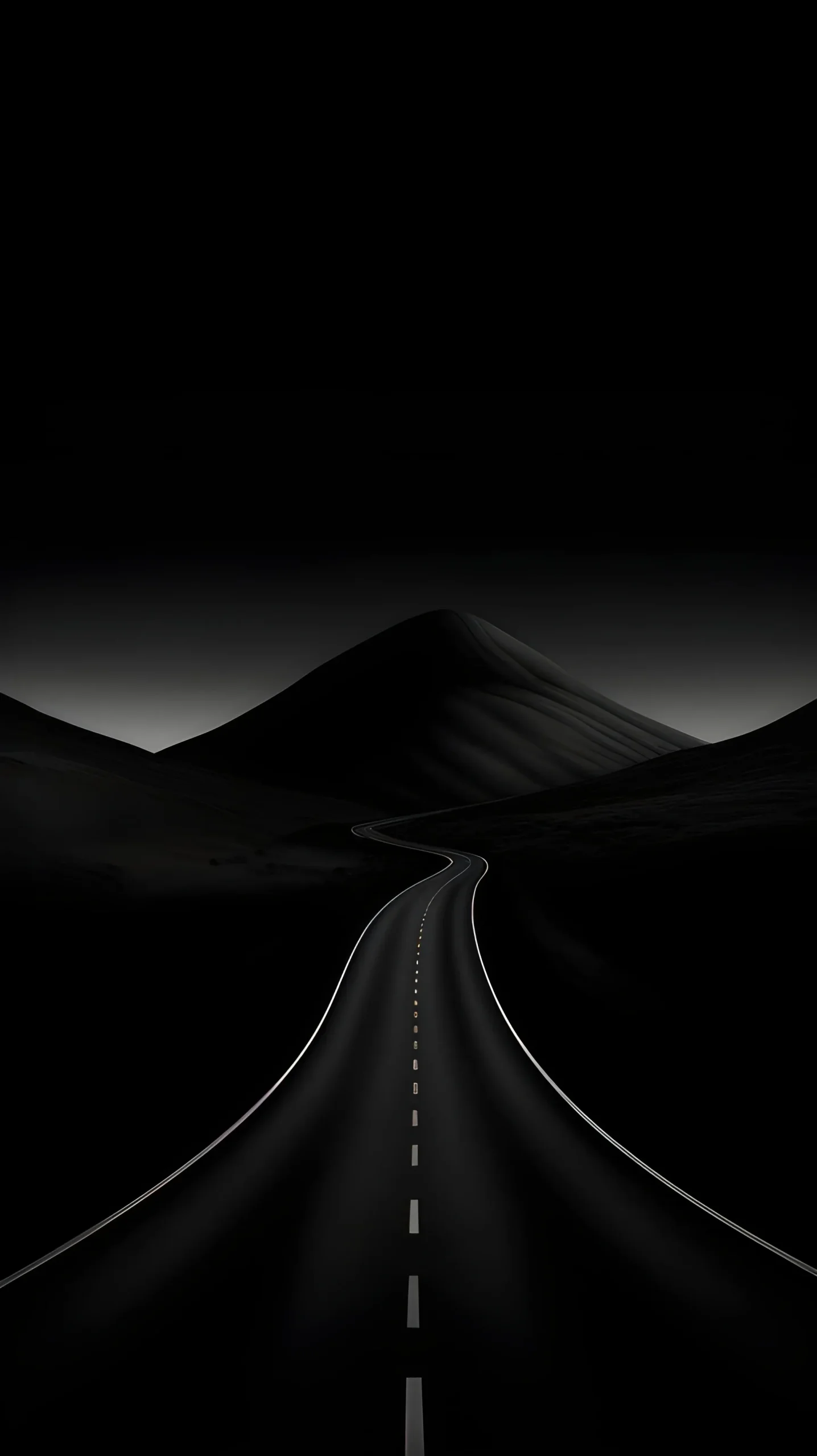
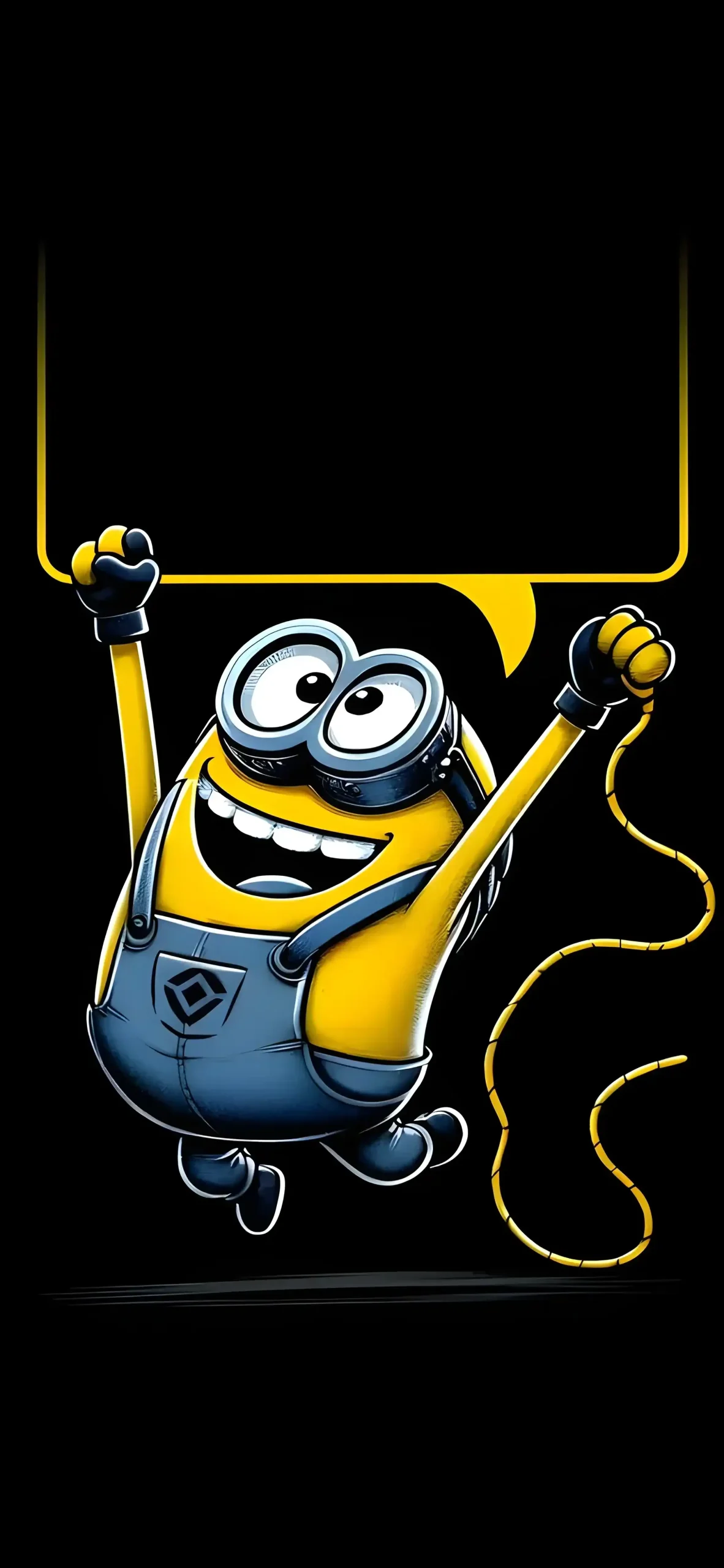
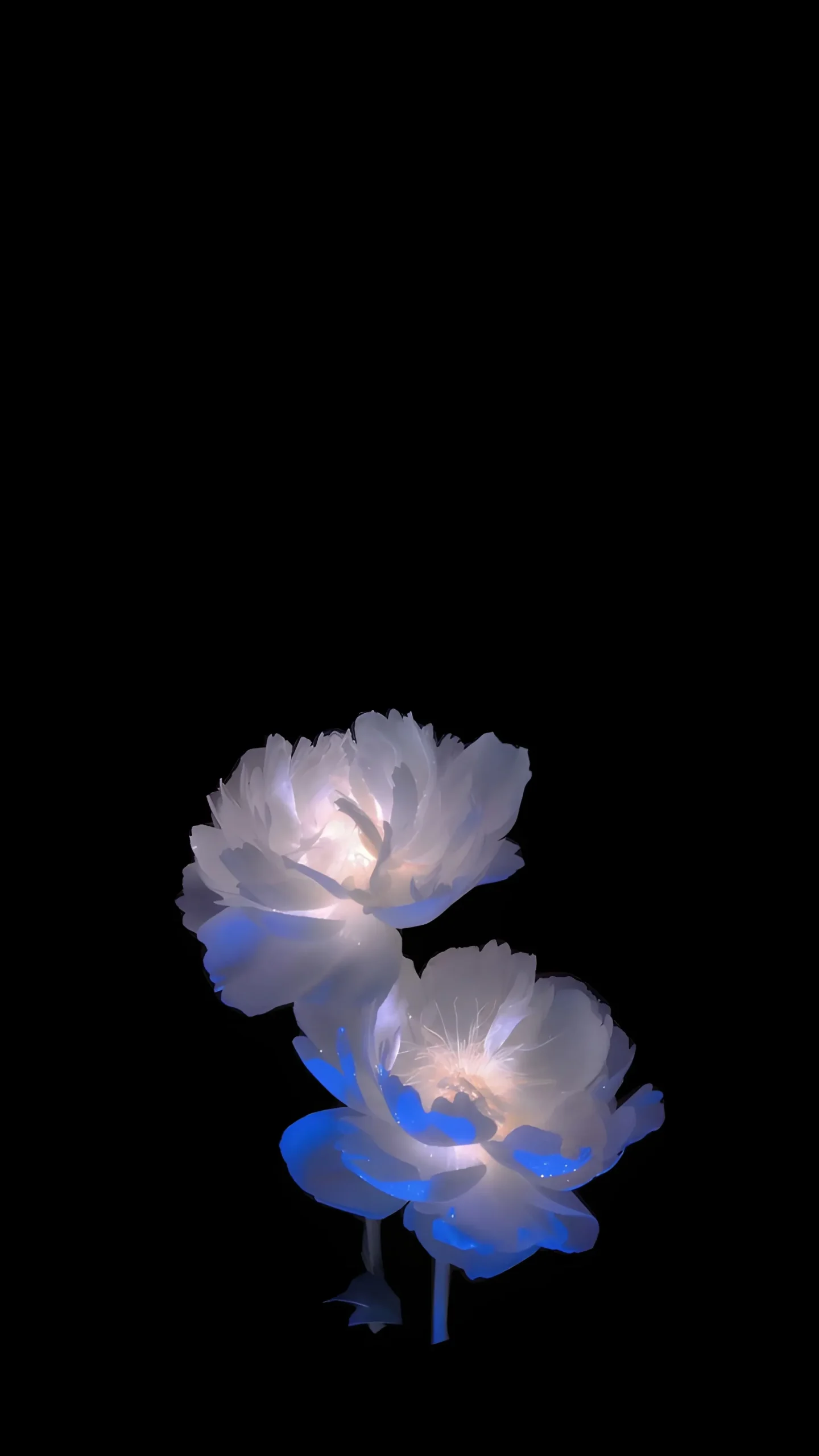
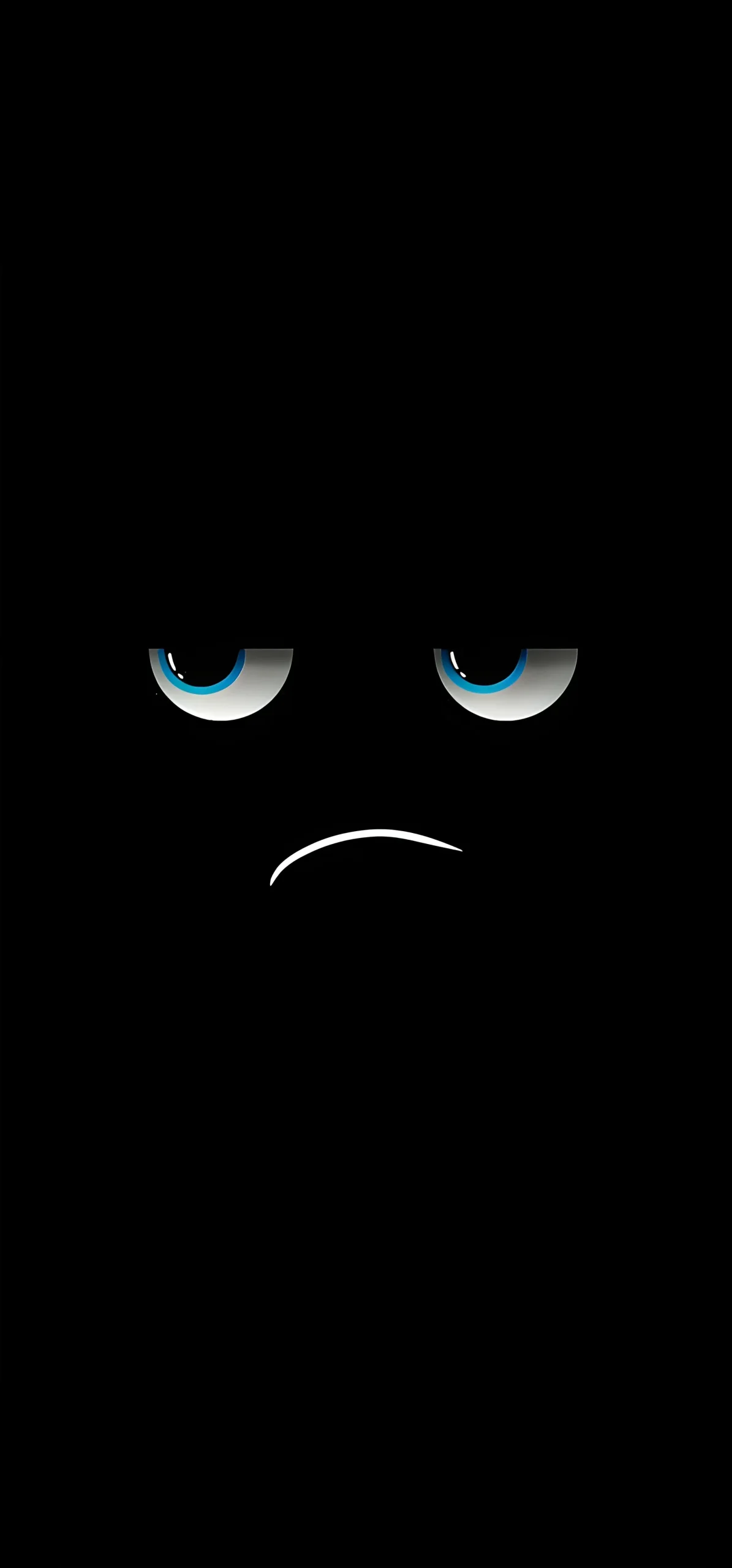
Today, we are fixing that. We have curated a collection of 20 “True Black” OLED wallpapers. These aren’t just dark images; they are precision-tuned backgrounds designed to turn off pixels, save energy, and make your home screen icons pop like never before.
Why “True Black” is Better Than “Dark Mode”
You might think that any dark wallpaper is good for your phone, but there is a massive technical difference between “Dark Grey” and “True Black.”
On a standard LCD screen, the phone has a backlight that stays on 100% of the time, even when displaying black. It simply blocks the light to create darkness. This means “black” is actually just “dark grey light,” and it consumes just as much battery as a white image.
OLED panels are different. Each pixel provides its own light. To display the hex code #000000 (True Black), the pixel simply cuts power completely.
- Battery Life: If you use a wallpaper that is 60% black, then 60% of your screen is technically off while you are on the Lock Screen. Over a year, this adds up to hours of saved battery life.
- Visual Depth: Because the black areas emit zero light, the colored areas (neon lines, stars, abstract shapes) appear to float on the surface of the glass. This creates a 3D effect that LCD screens simply cannot replicate.
Perfect for Lock Screen Widgets (iOS & Android)
Since the introduction of Lock Screen widgets on iOS and the “At a Glance” features on Android, wallpaper choice has become even more critical.
Busy wallpapers (like photos of forests or cities) often make it impossible to read the time, the weather, or your calendar widgets. The text gets lost in the noise of the image.
The 20 wallpapers in this collection are specifically selected to be Widget-Friendly.
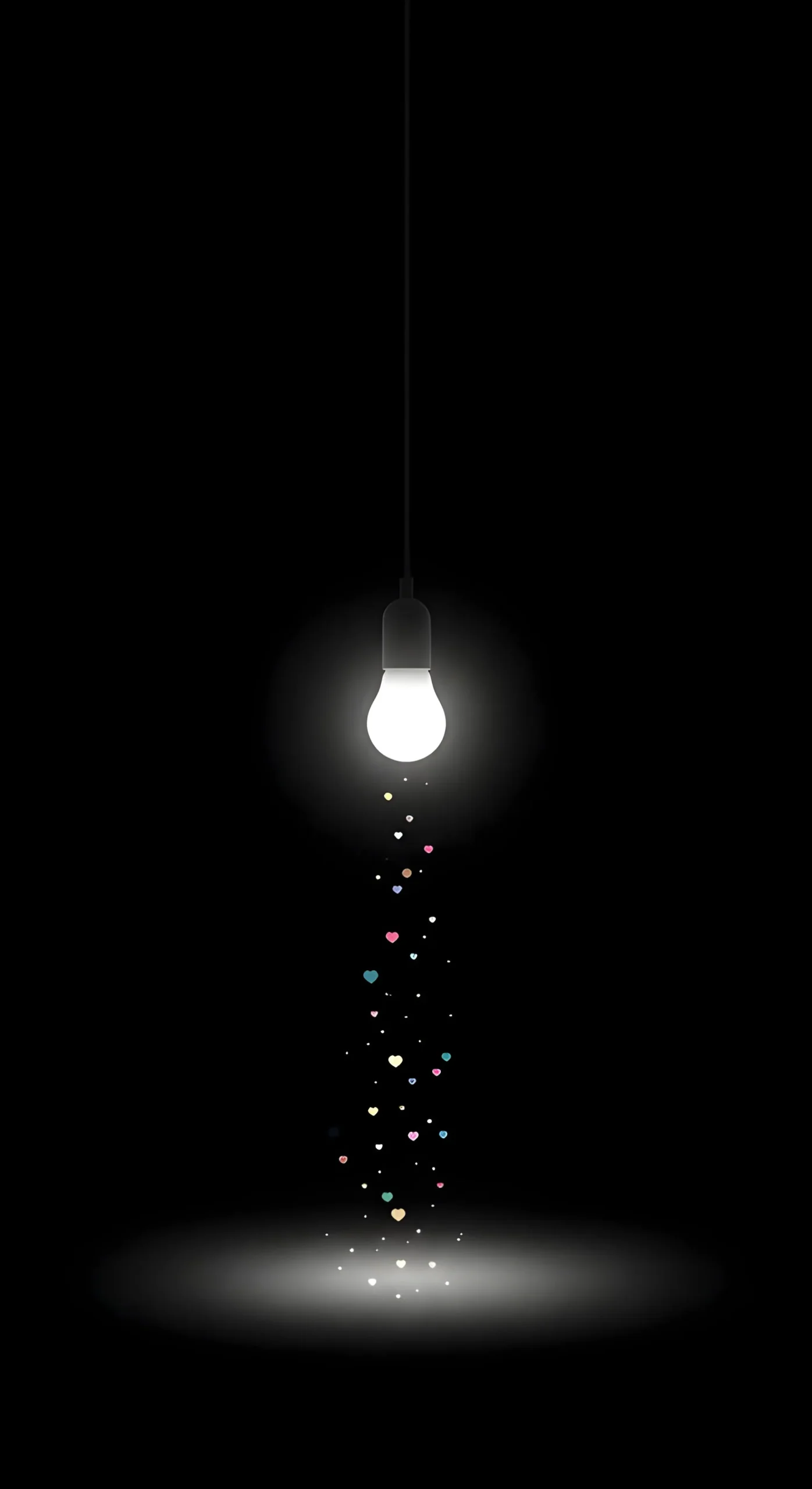
- Negative Space: Most of these images feature “negative space” (pure black areas) at the top specifically to leave room for the clock and date.
- High Contrast: The white text of your clock will stand out sharply against these true black backgrounds, ensuring readability at a glance without needing to squint.
- Depth Effect: Many of these images work seamlessly with the iOS “Depth Effect,” allowing the time to slightly tuck behind the subject for a professional, magazine-cover look.
The Collection: 20 Hand-Picked OLED Backgrounds
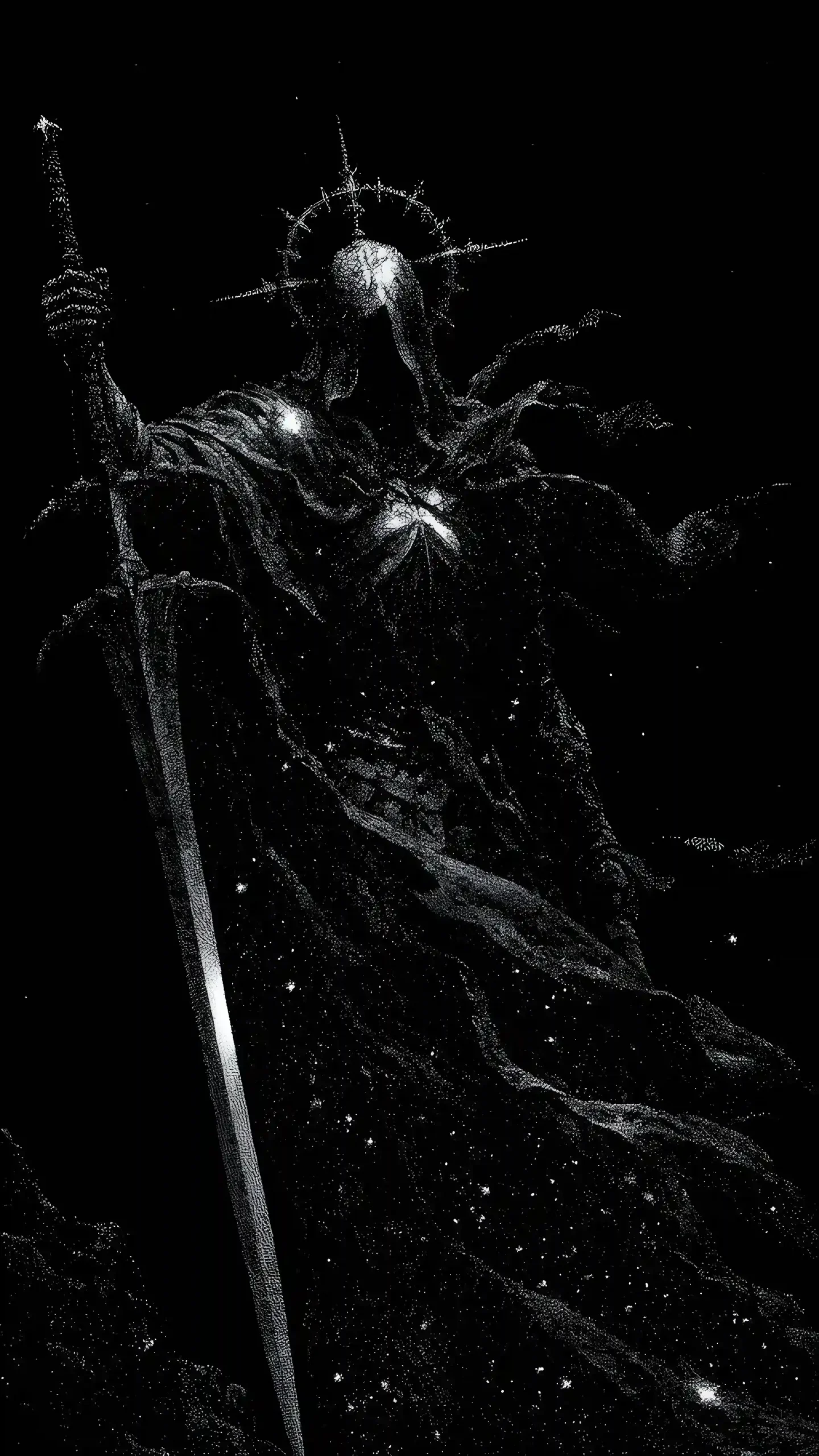
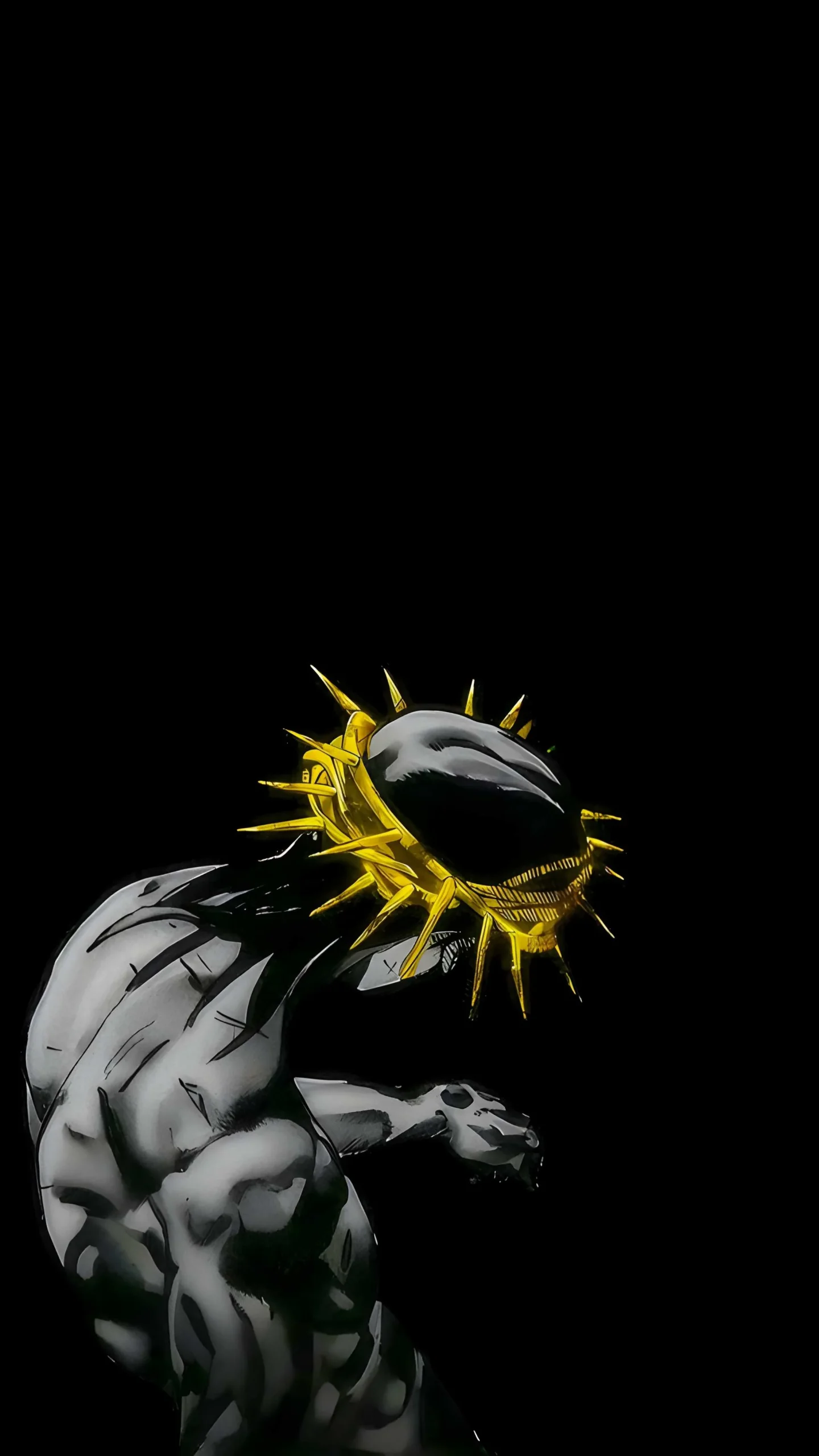
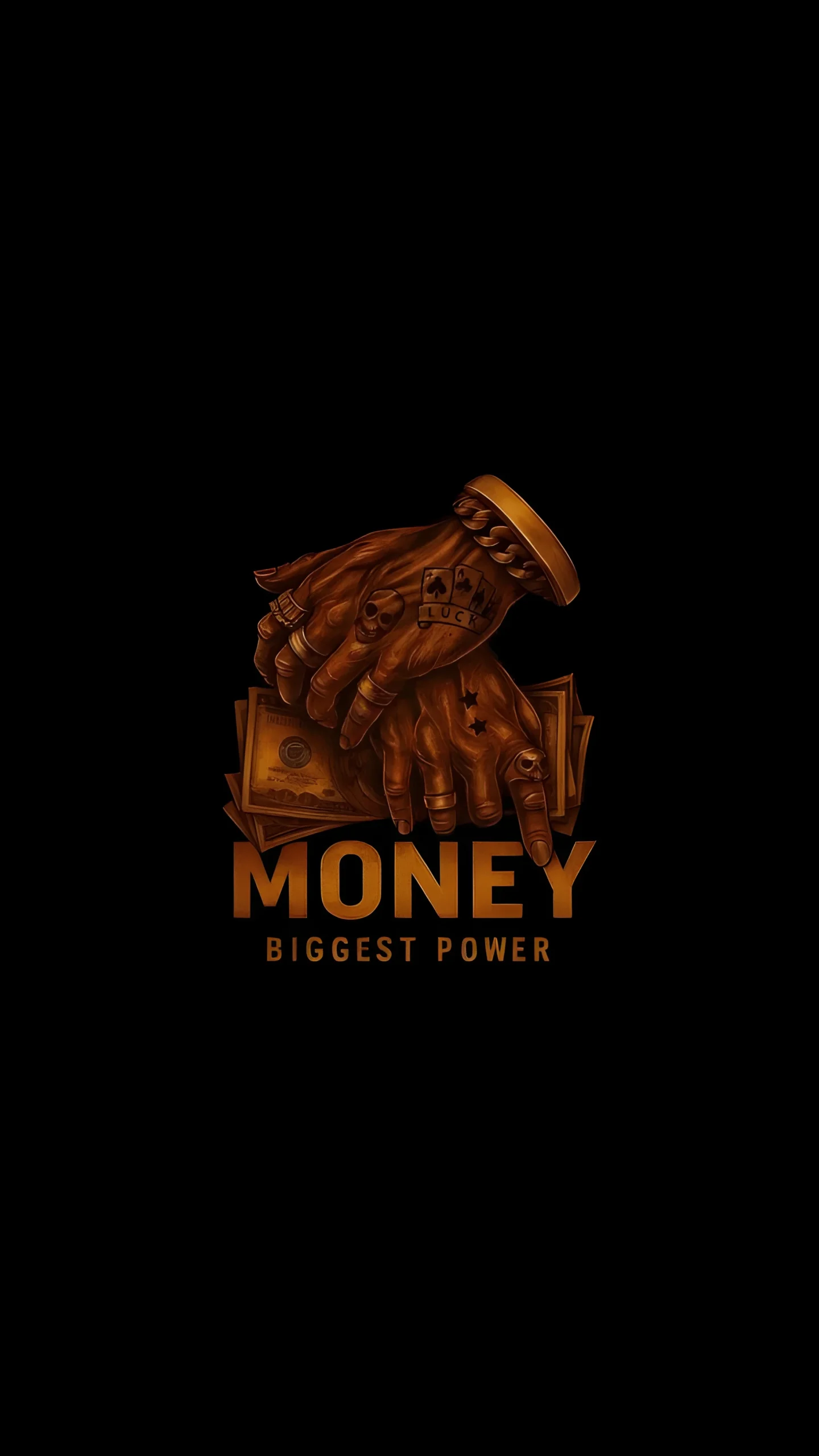
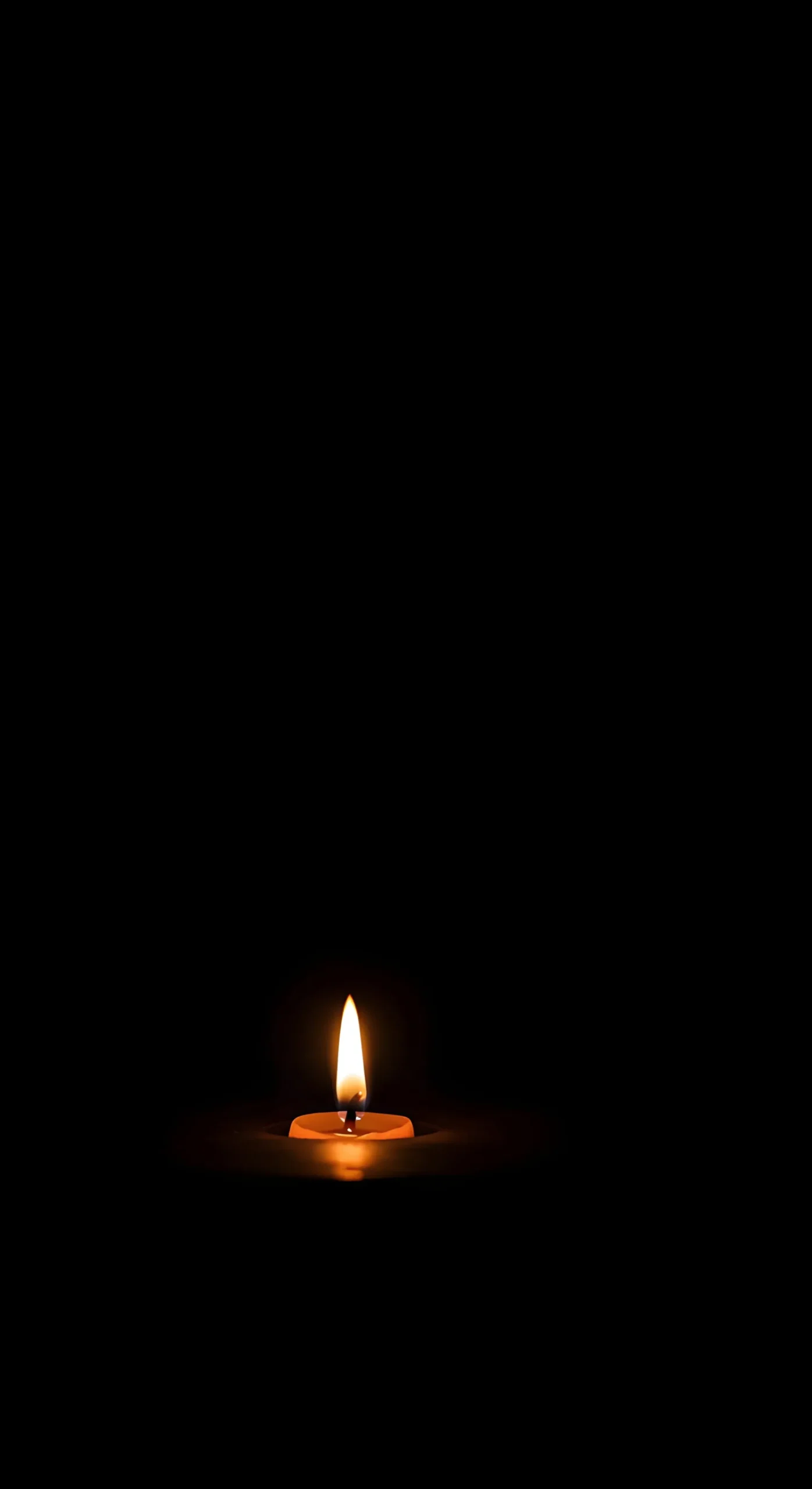
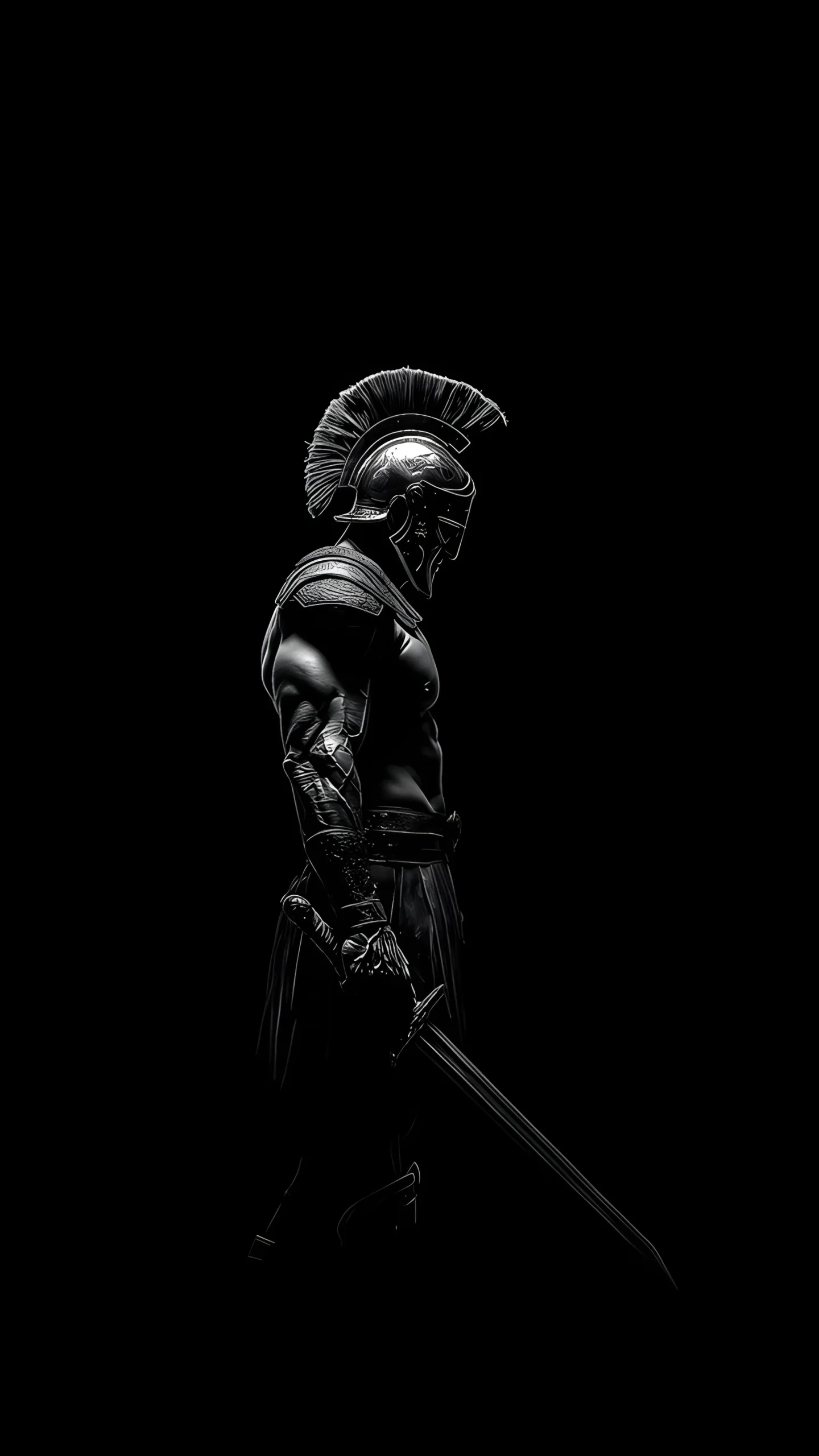
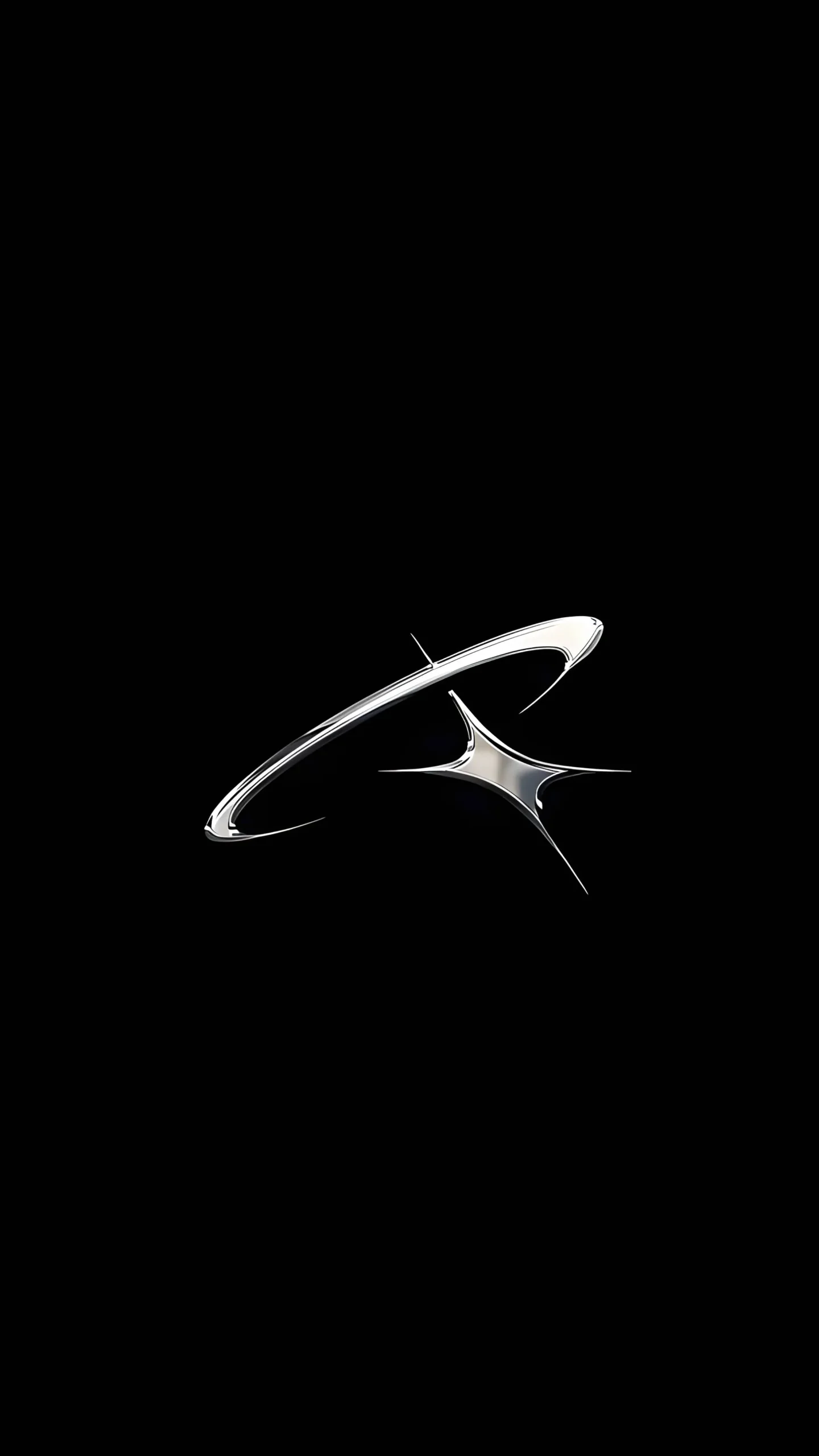
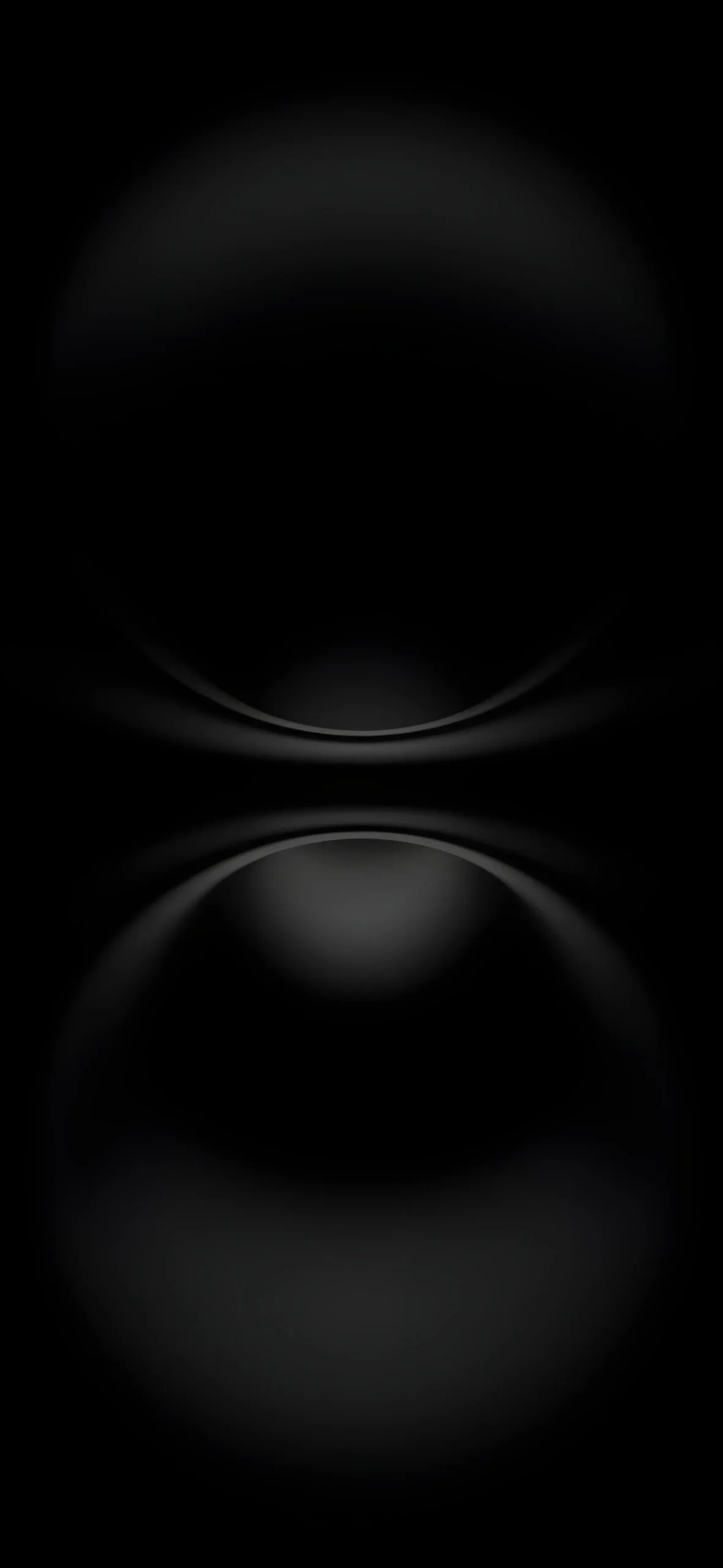
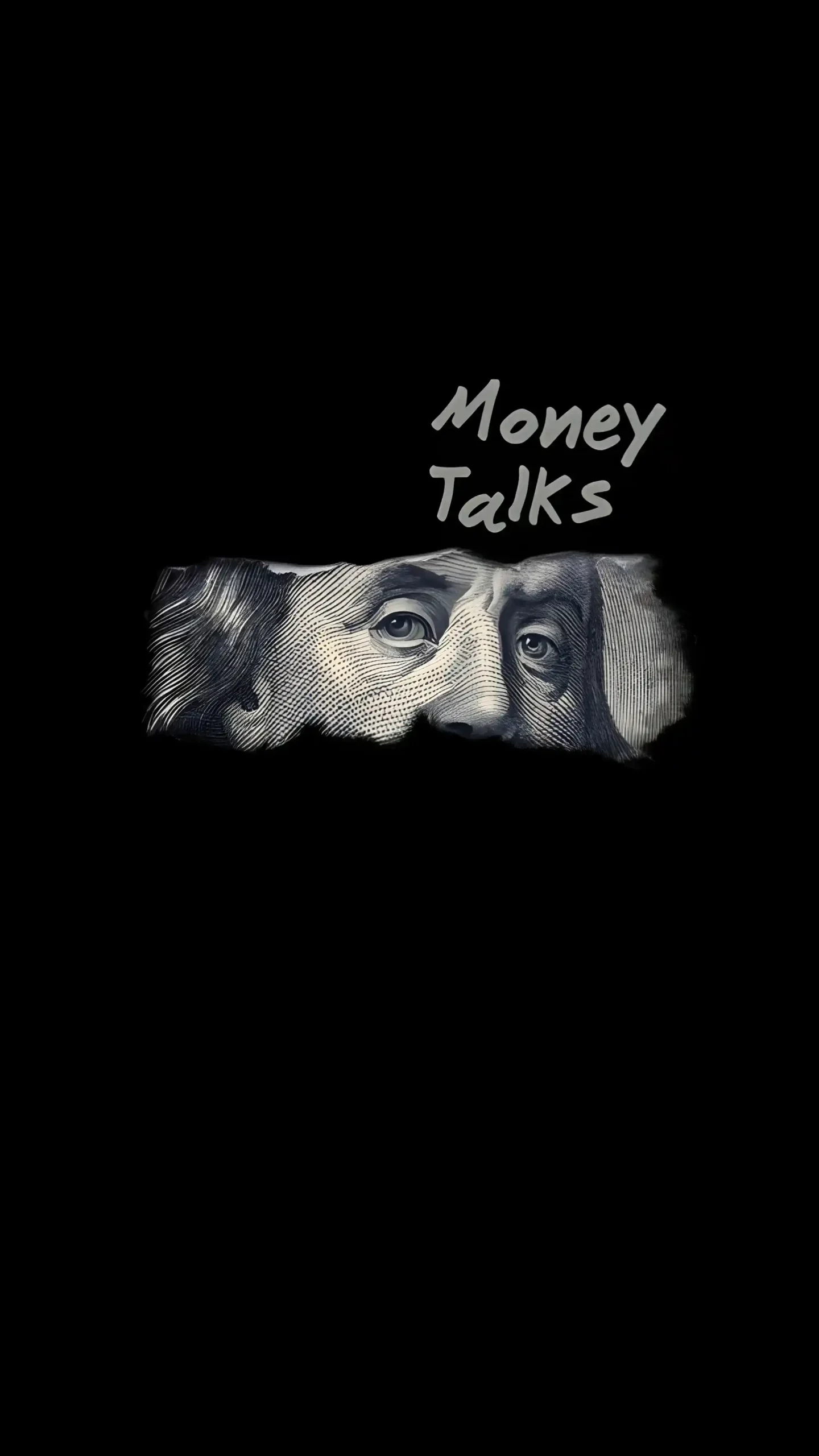
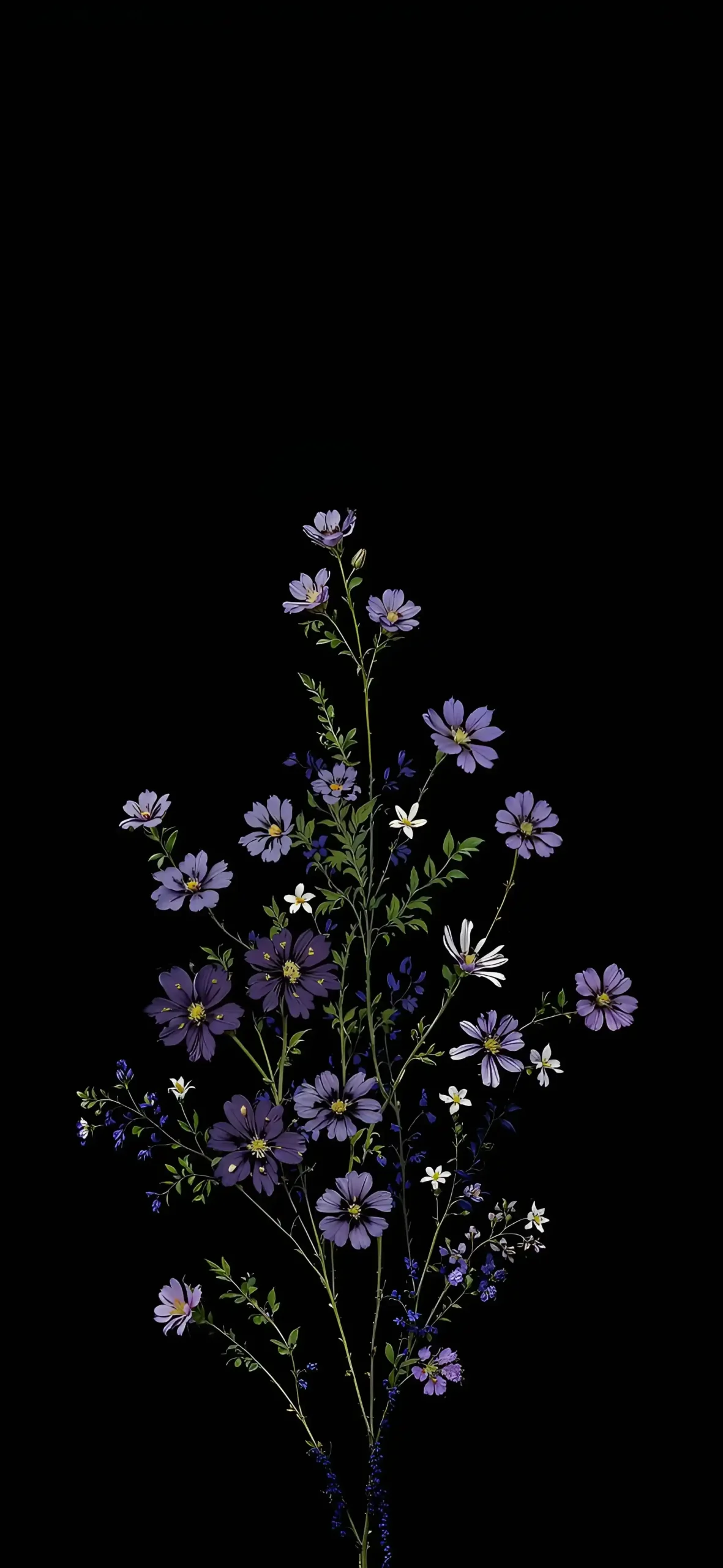
Below you will find our top 20 picks for this month. We have included a mix of styles, including minimal geometry, deep space photography, and neon abstract art.
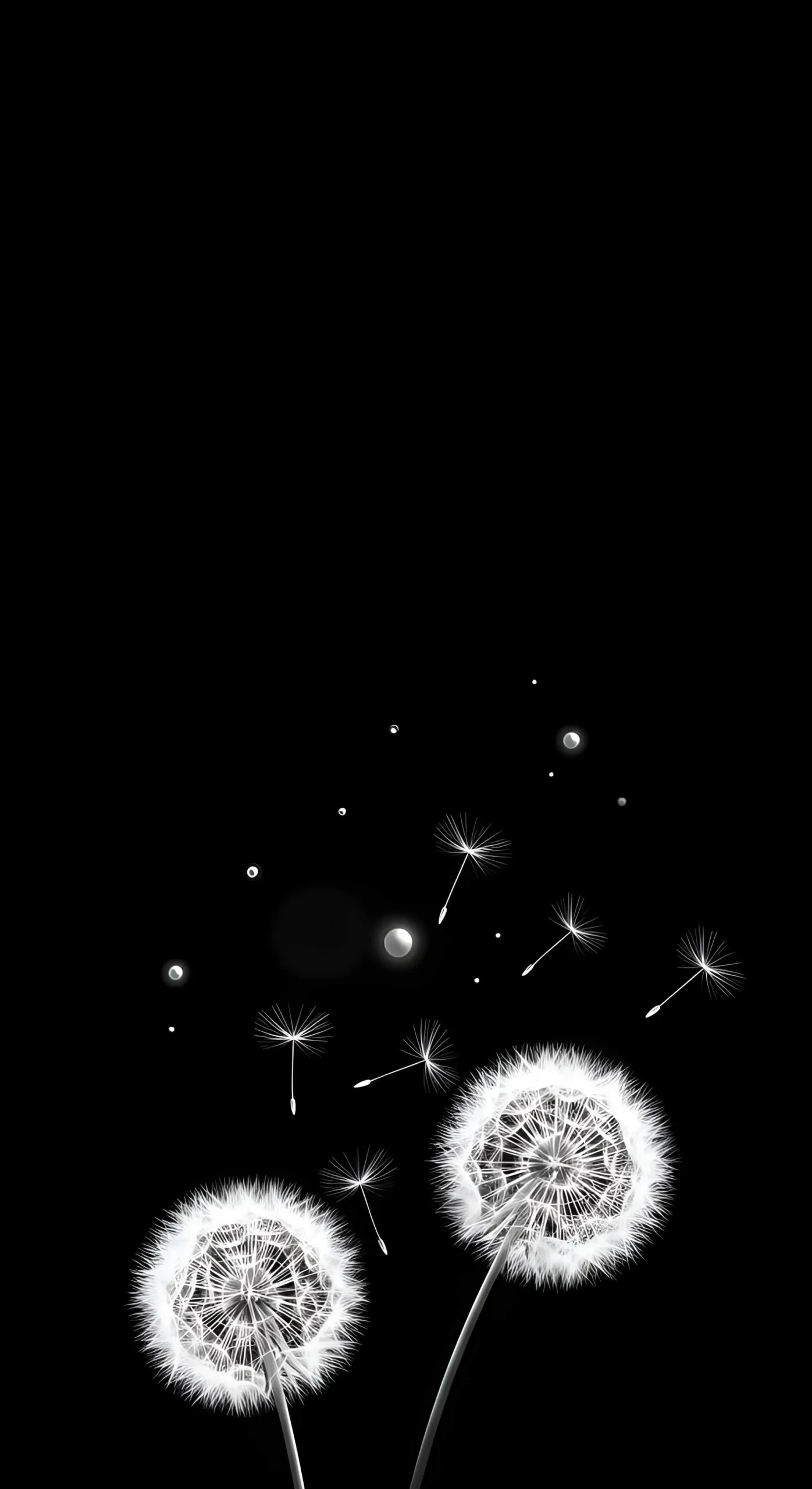
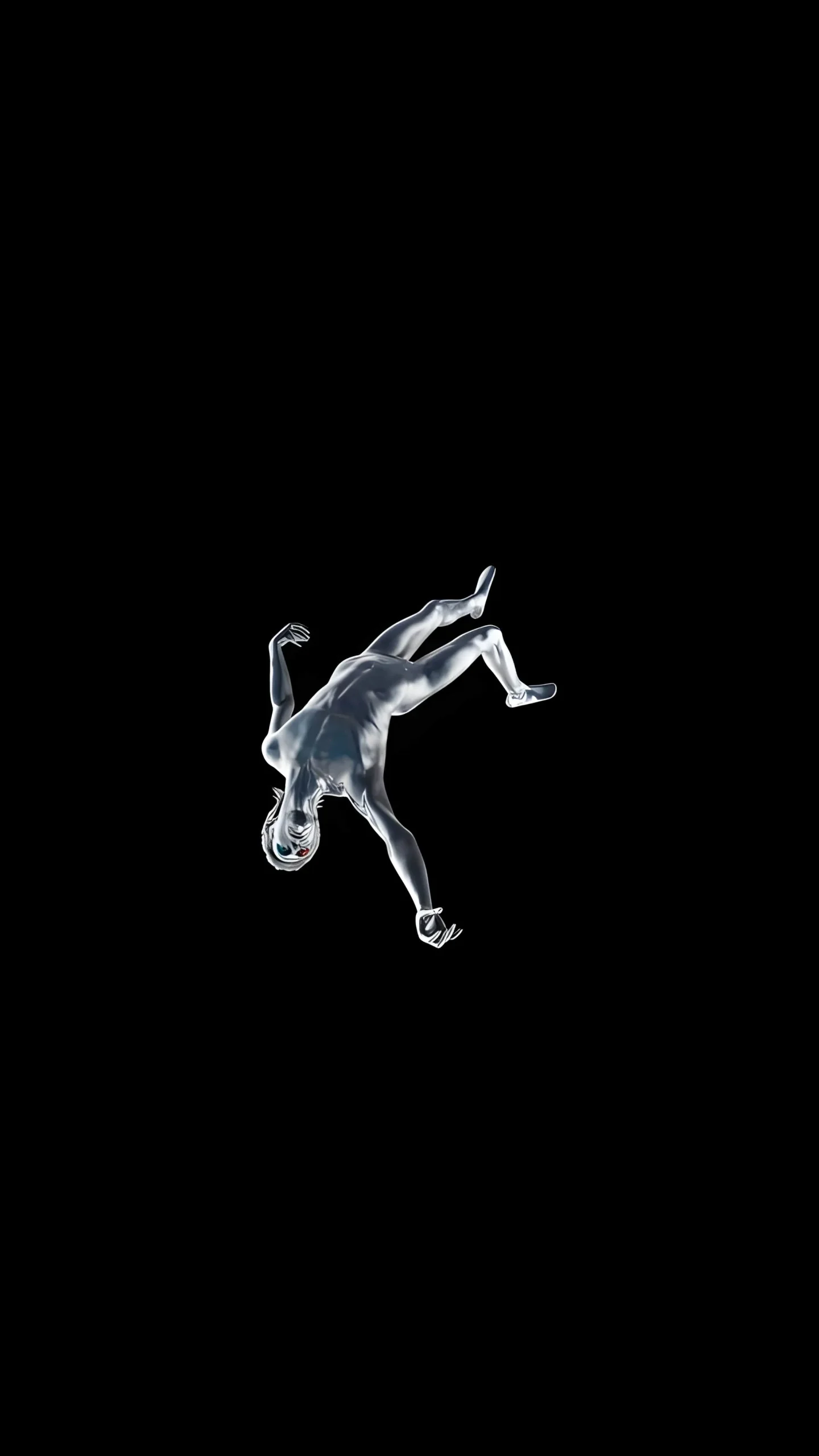

How to Download & Apply
- Tap and hold the image you want.
- Select “Save to Photos.”
- Go to Settings > Wallpaper and turn off “Depth Effect” if you want the purest black look.
Want More Like This?
This allows you to customize your phone’s look while keeping it efficient. If you enjoyed this collection, we have plenty more organized by style.
👉 Explore our massive guide: The Ultimate Guide to OLED Dark Wallpapers (50+ Collections)