
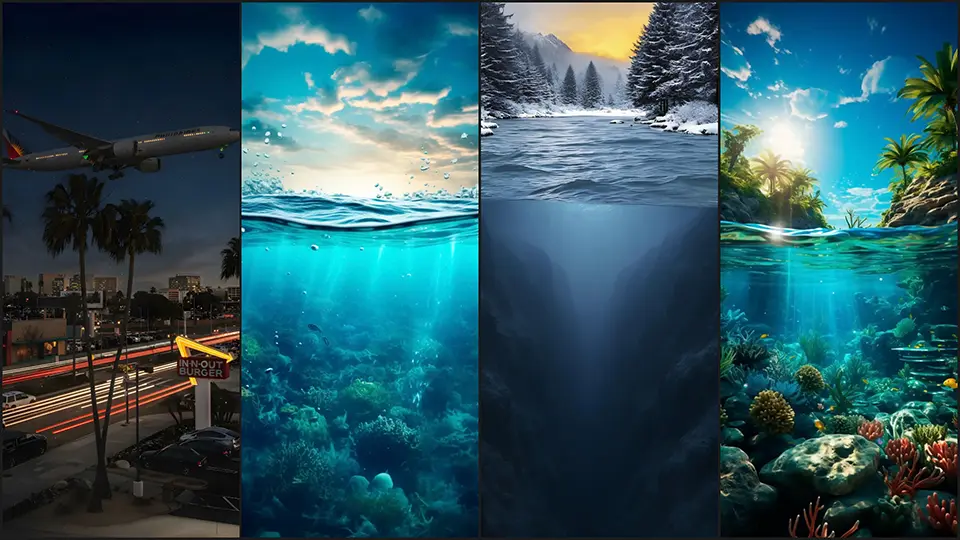
iPhone Depth Effect Wallpapers
Let’s be honest: the standard wallpapers that come with your phone are fine, but they aren’t exciting. Since Apple introduced the Depth Effect in iOS 26, the lock screen has become a canvas for creativity. The most striking trend to emerge from this update is the “Split-View” or “Above & Below” aesthetic—and we have curated the ultimate collection for you.
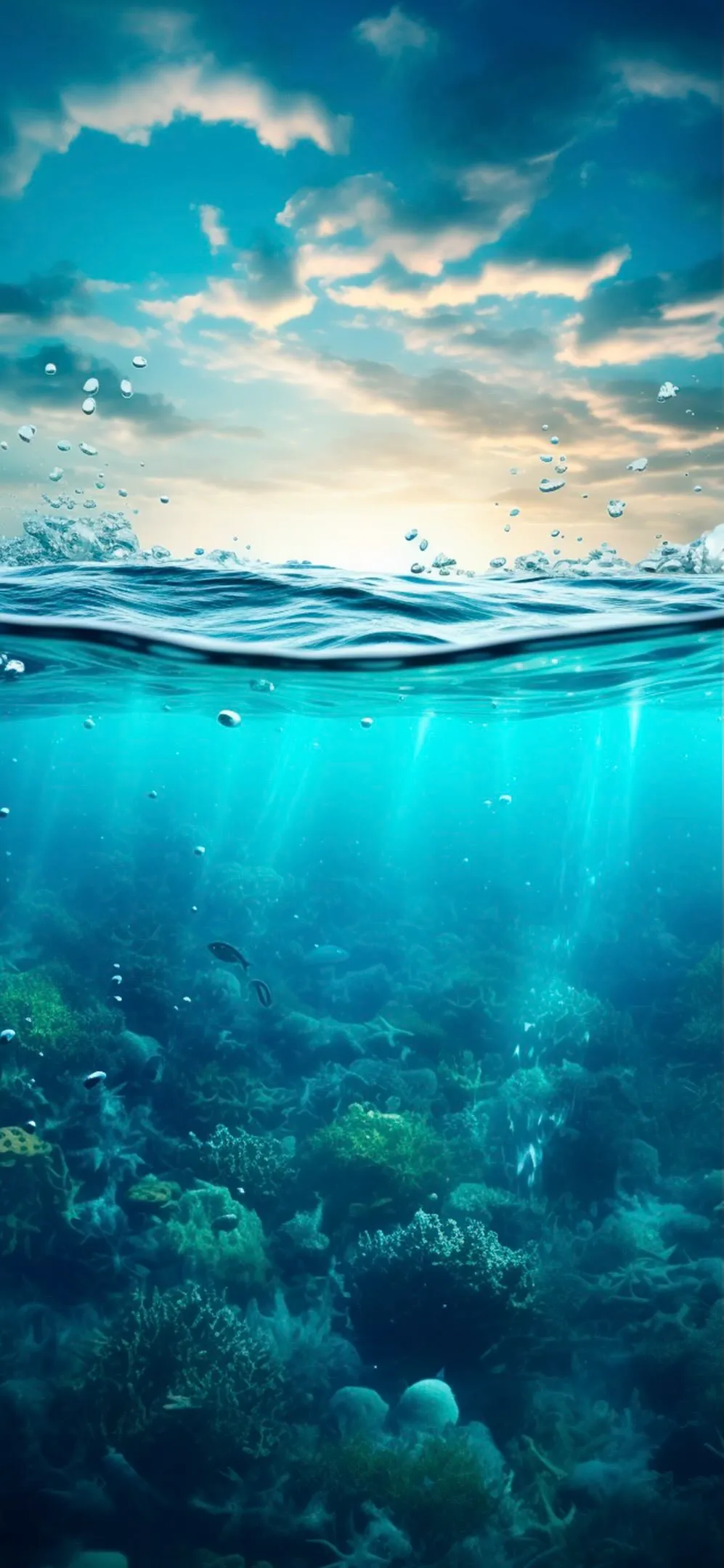
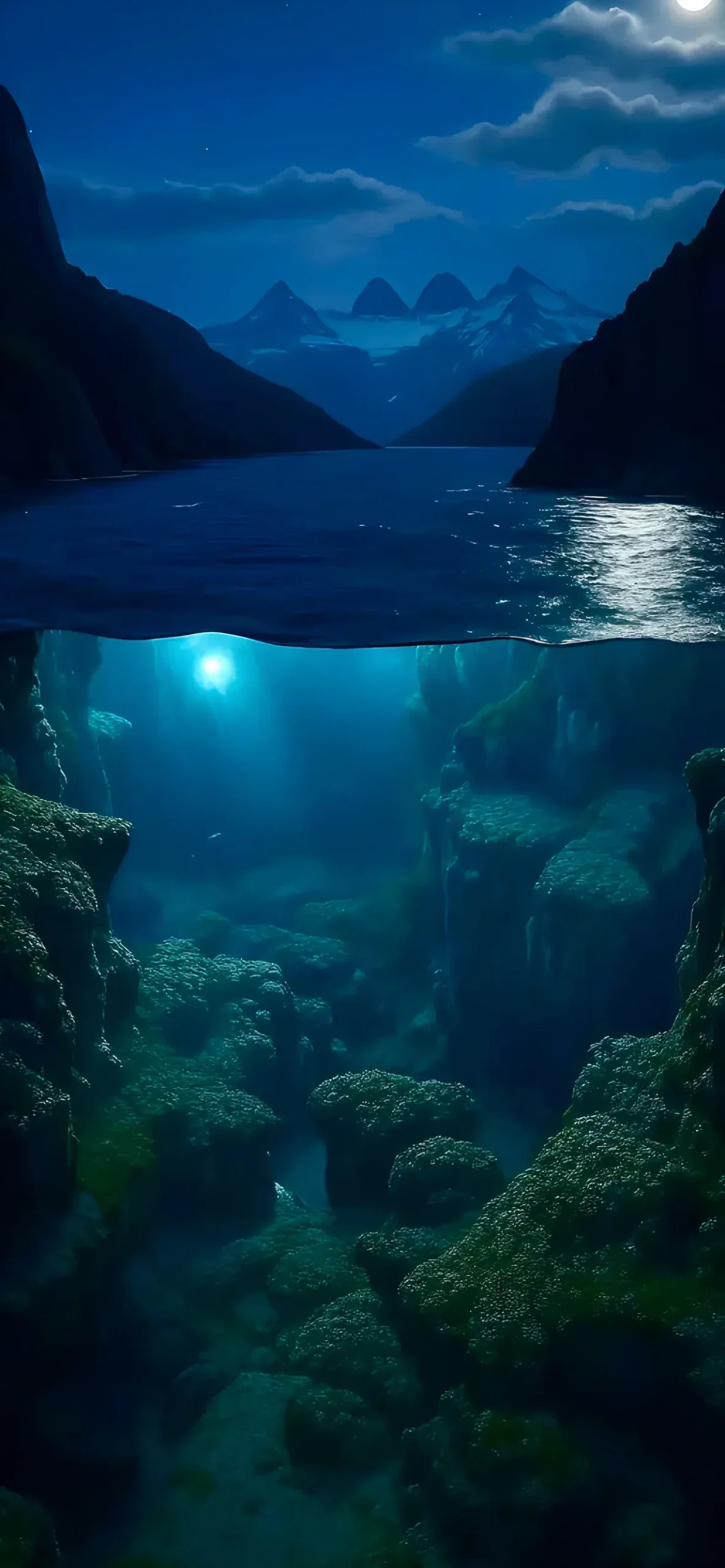
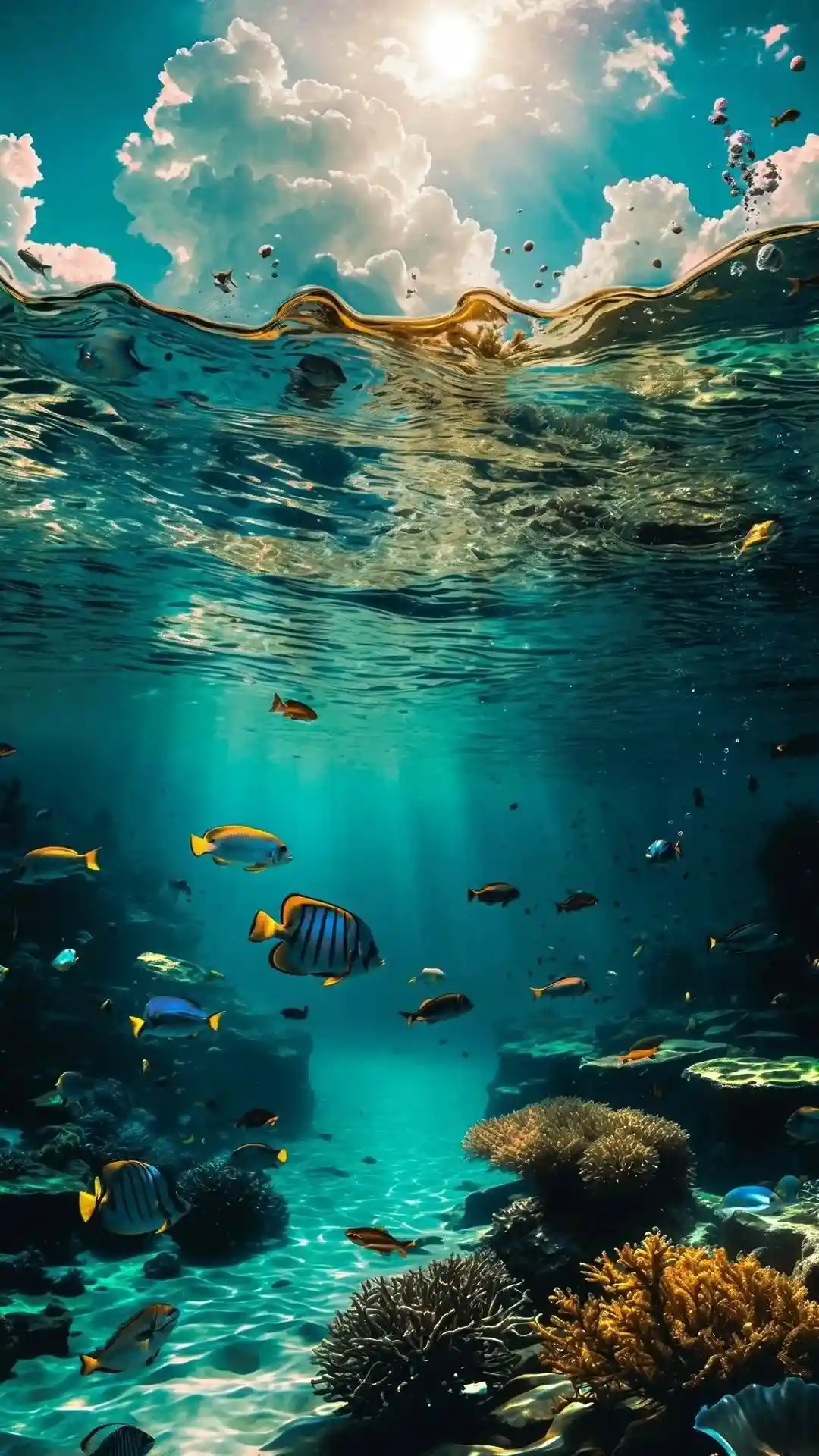
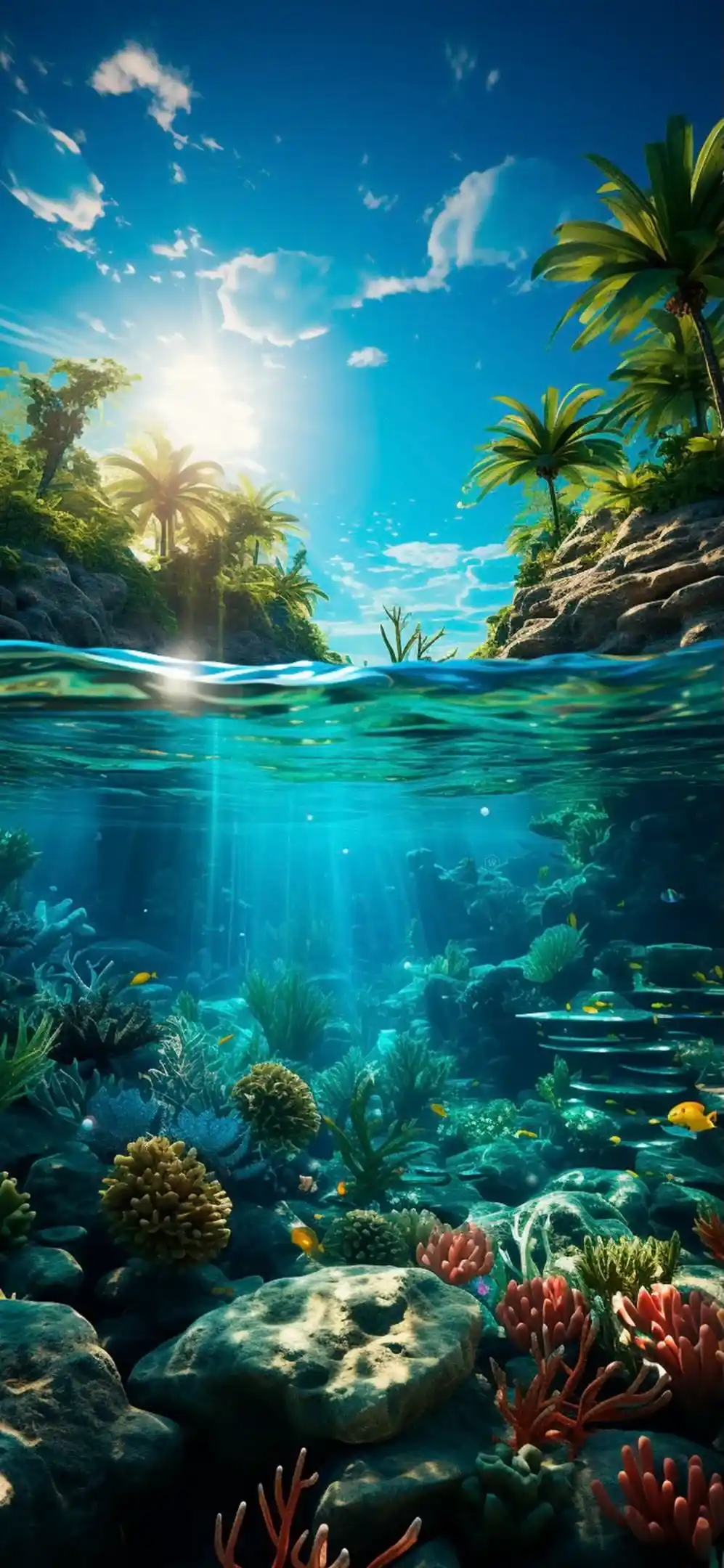
These aren’t just flat images; they are visual stories that play with perspective, contrasting the world above the waterline with the mysteries lying beneath.
Why “Above & Below” Wallpapers Work So Well
The magic of these wallpapers lies in their vertical composition. They are perfectly framed for mobile displays. The top half usually features open skies or landscapes—perfect for sitting behind your lock screen clock—while the bottom half offers deep, rich colors that anchor your notifications and flashlight/camera buttons.
Here is a breakdown of the visual vibes included in this pack:
1. The Surreal & The Submerged
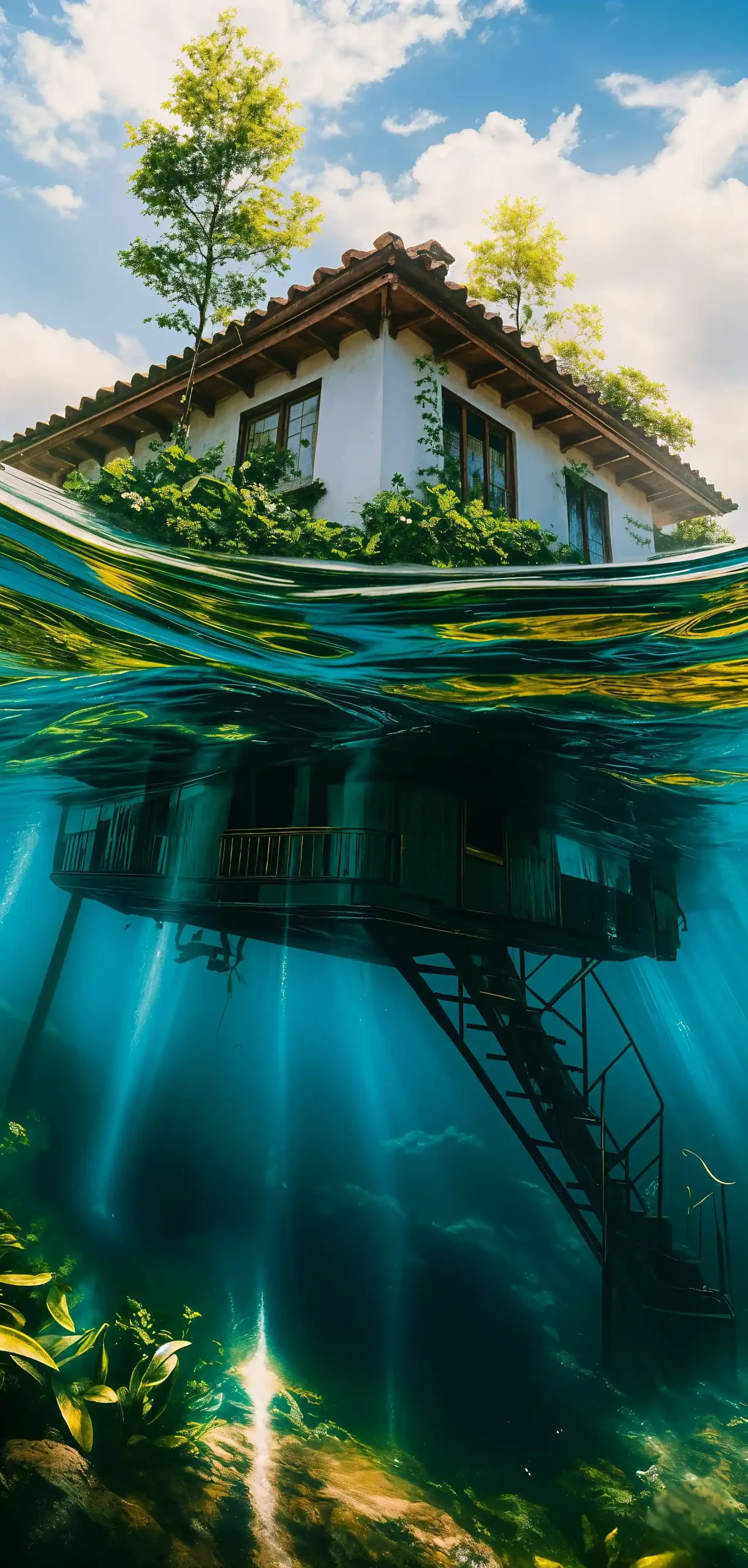
If you love art that makes you look twice, our Surreal Submerged House and Post-Apocalyptic City wallpapers are must-haves.
The Submerged House: Imagine a quaint white cottage, but half of it is underwater, with trees growing from the roof. The light rays piercing the water add a dreamlike quality that looks incredible on OLED screens.
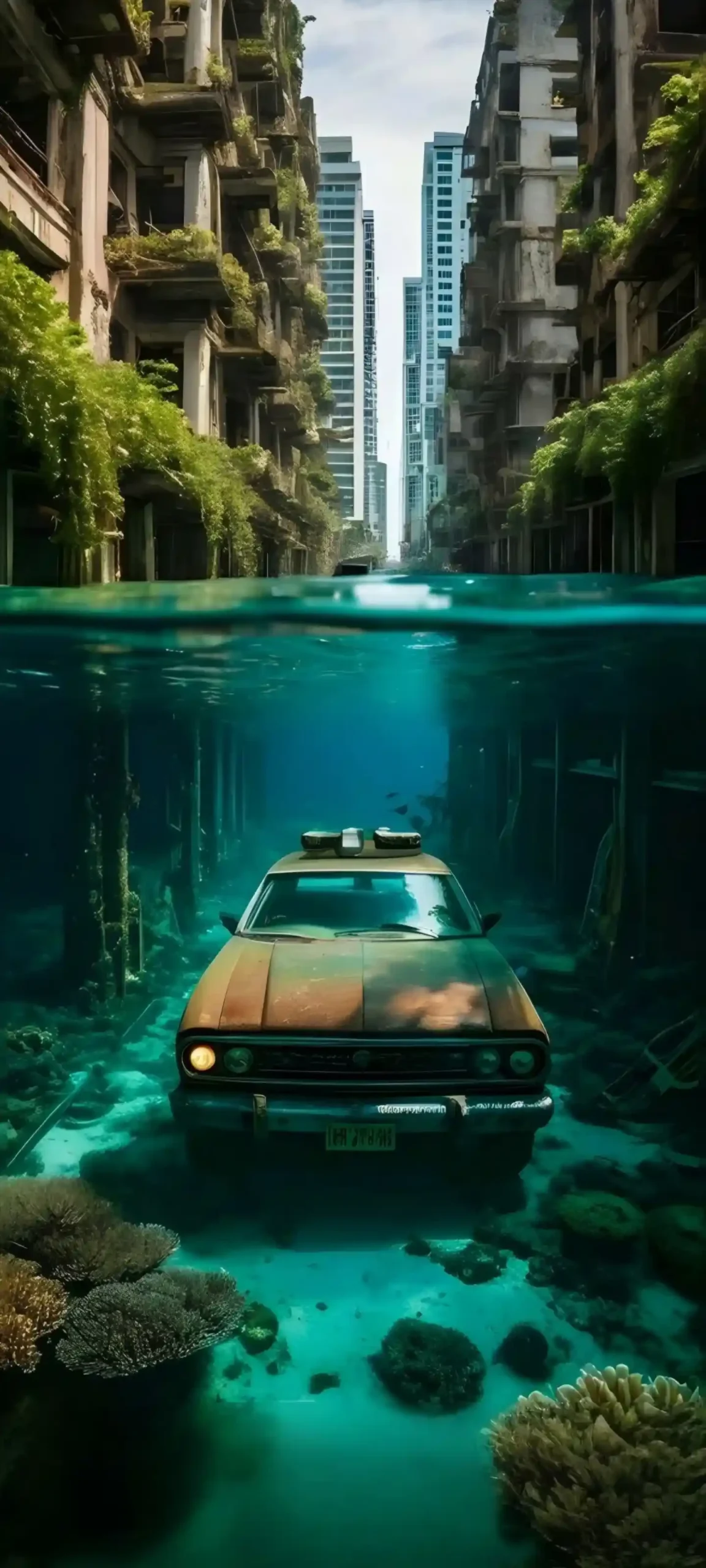
The Flooded City: This gives off a “Last of Us” vibe. It features a rusted car resting on a coral reef with skyscrapers looming above. It’s moody, gritty, and perfect for fans of dystopian aesthetics.
2. Nature’s Hidden Depths
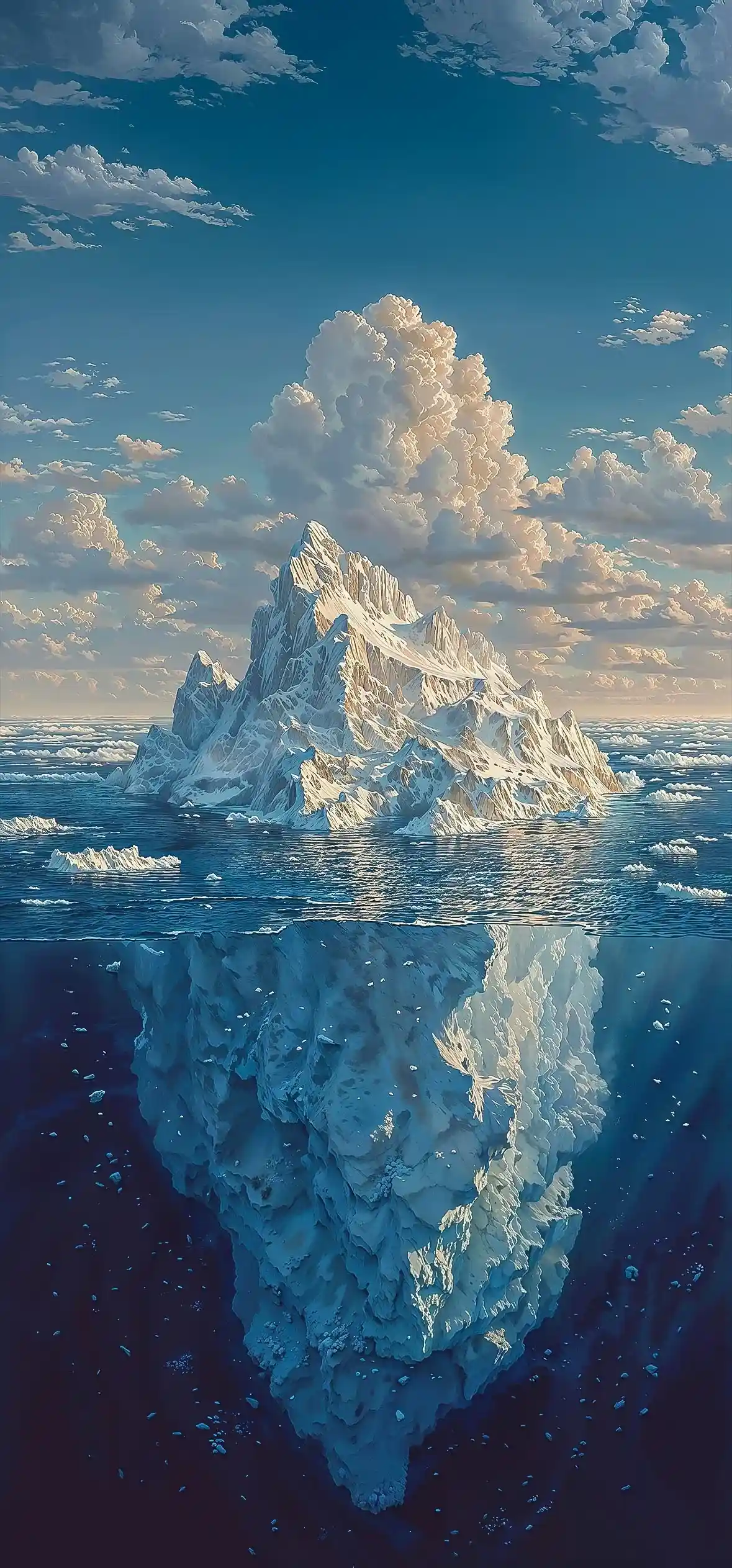
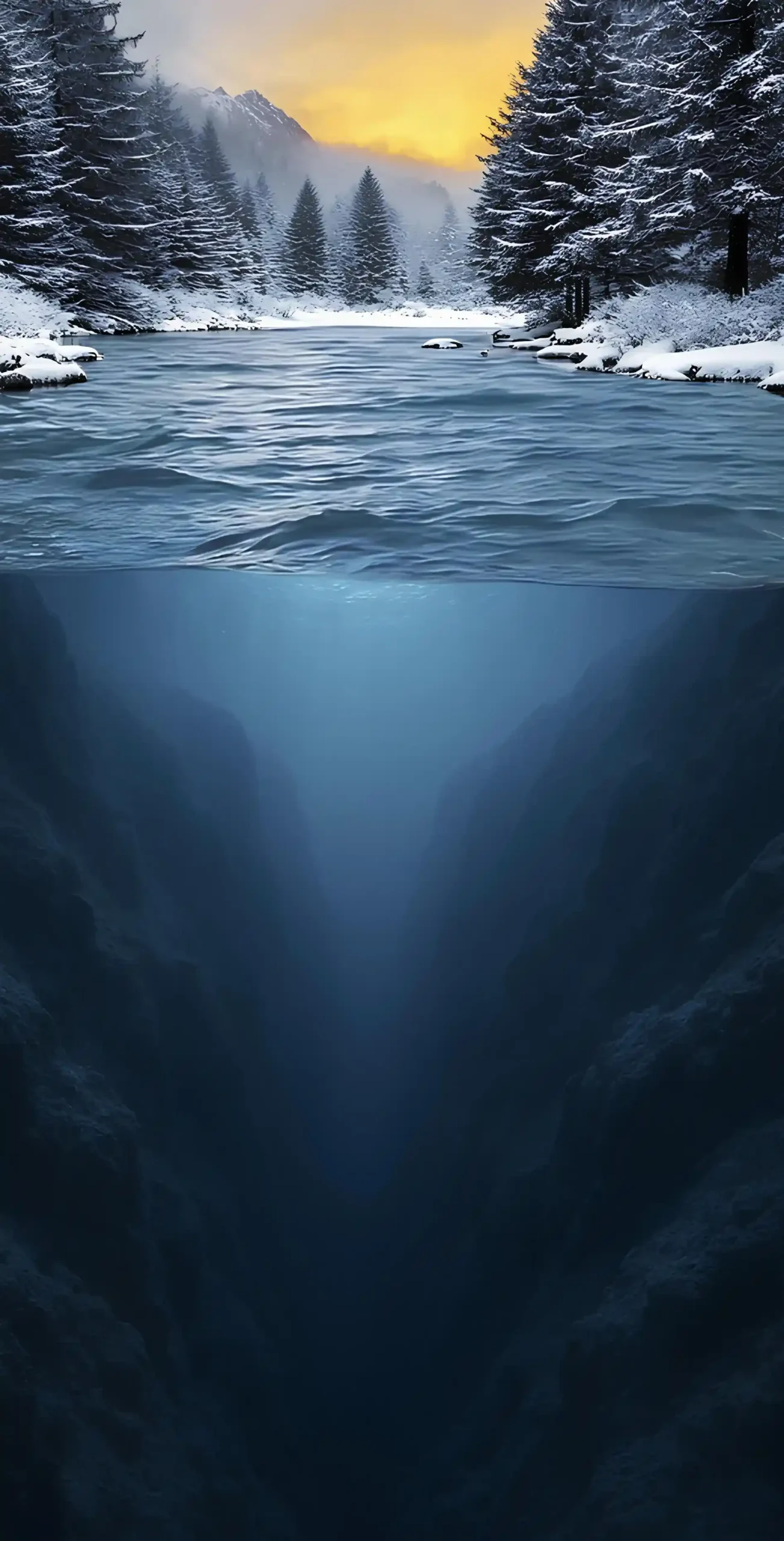
Nature is rarely one-dimensional. Our Arctic Iceberg wallpaper perfectly illustrates the “tip of the iceberg” idiom. You get the crisp, white snow against a blue sky (great for legibility of the time) and the massive, textured ice structure below. Similarly, the Winter Forest & Abyss wallpaper offers a stark contrast between a warm sunset over snowy pines and a cold, dark underwater canyon. This transition from warm to cool tones creates a stunning gradient effect on your screen.
3. Atmospheric Nights
For those who prefer “Dark Mode” aesthetics to save battery life and reduce eye strain, the Moon & Tree and Night Lake wallpapers are ideal.
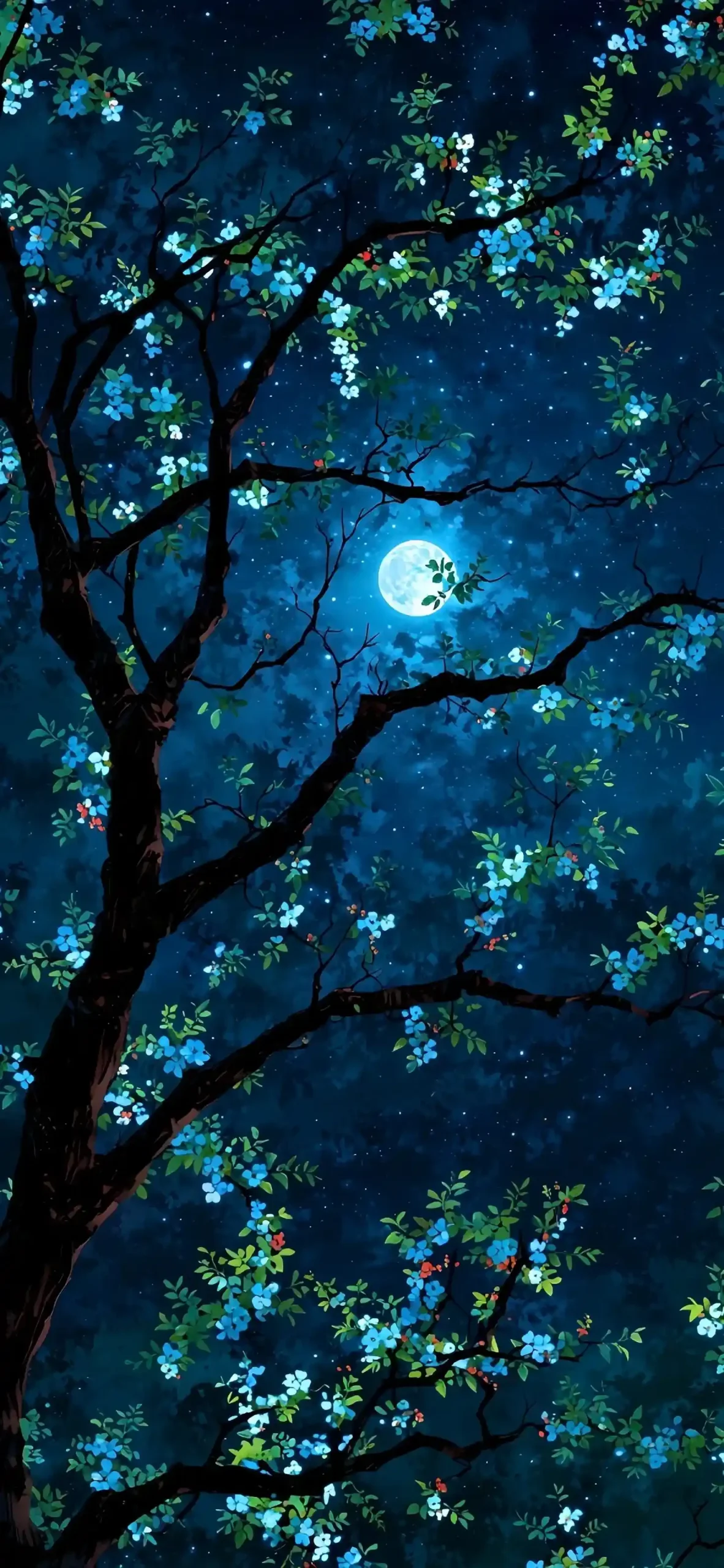
The Moon Silhouette: This image features delicate blue flowers and a tree branch stretching across a starry sky. If you position the moon just right, it can interact beautifully with your clock font.
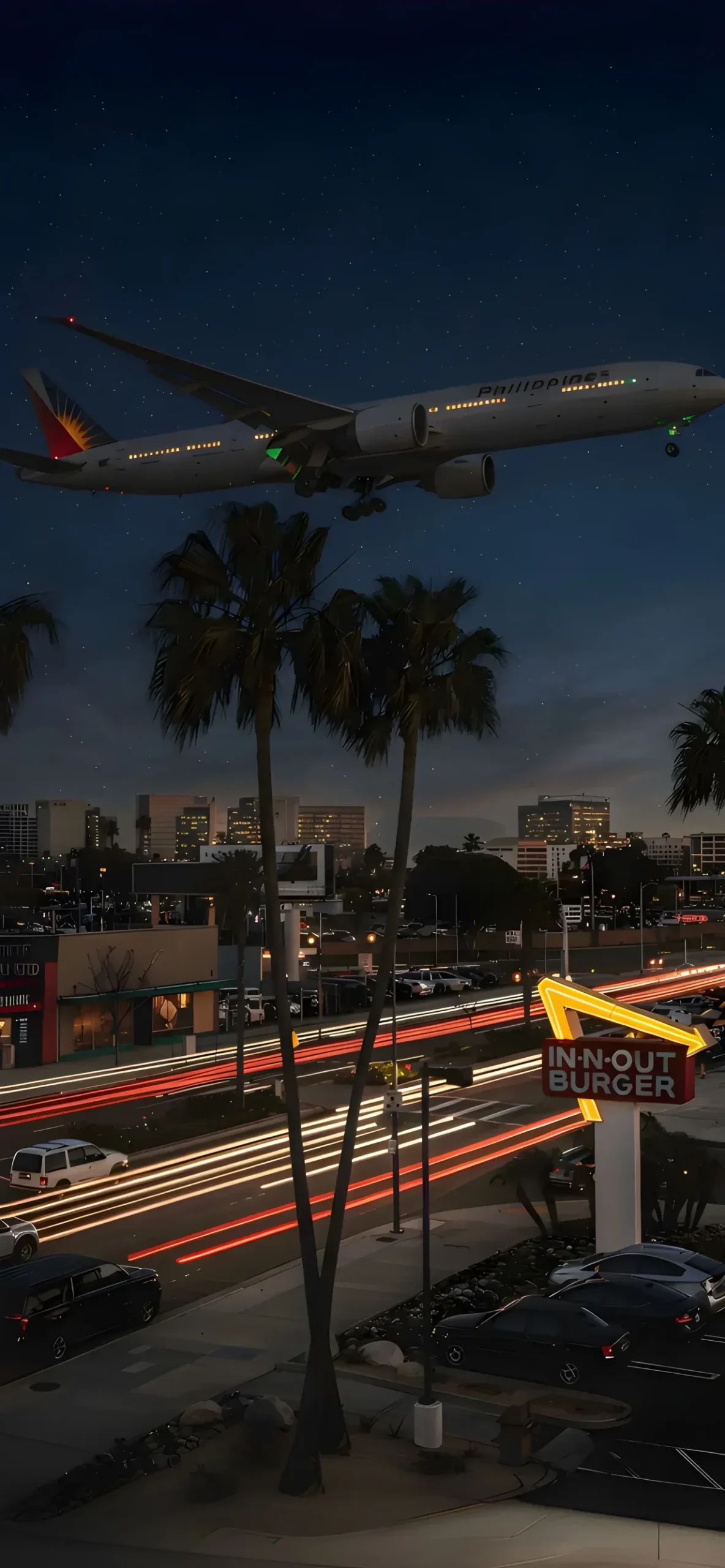
Urban Night: We’ve also included a gritty, realistic shot of an Airplane Landing over a City Street. With the iconic “In-N-Out” sign and light trails from cars, it captures the electric energy of Los Angeles nights.
How to Maximize the Depth Effect
To ensure these wallpapers trigger that cool 3D effect where the subject slightly overlaps your clock:
Pinch to Crop: When setting the wallpaper, pinch the image slightly. The subject needs to be close to the time but not covering more than 50% of the numbers.
Watch the Sky: The “Above” portion of these split-view images is designed with negative space (sky/clouds) to let your widgets and clock shine without looking cluttered.
Remove Widgets (If Needed): Sometimes, the Depth Effect won’t activate if you have a row of widgets under the clock. Try removing them to let the image take center stage.
Download & Dive In
Whether you want the tropical vibes of a coral reef or the moody mystery of a deep-sea cave, this collection has something for every aesthetic. These high-resolution images are designed to look crisp on the Super Retina XDR displays of the latest iPhone models.

