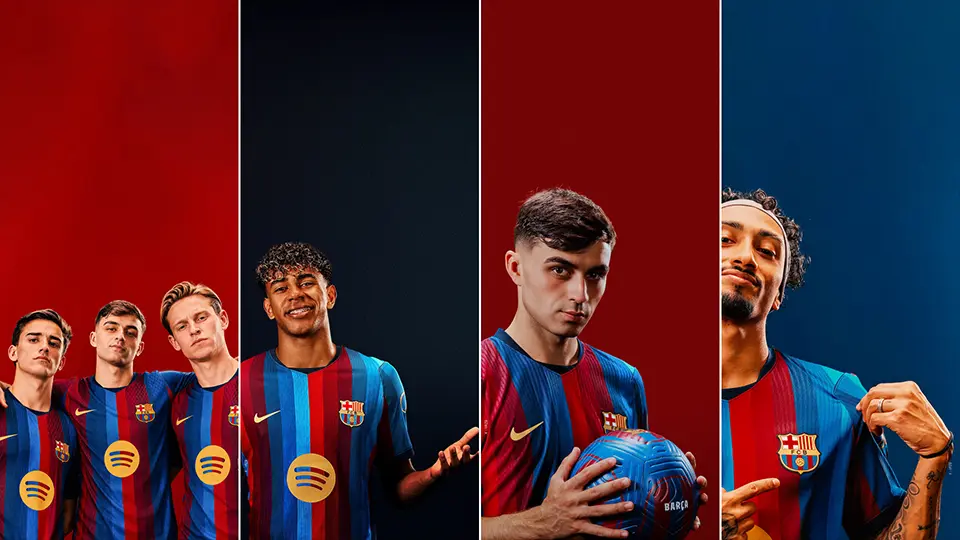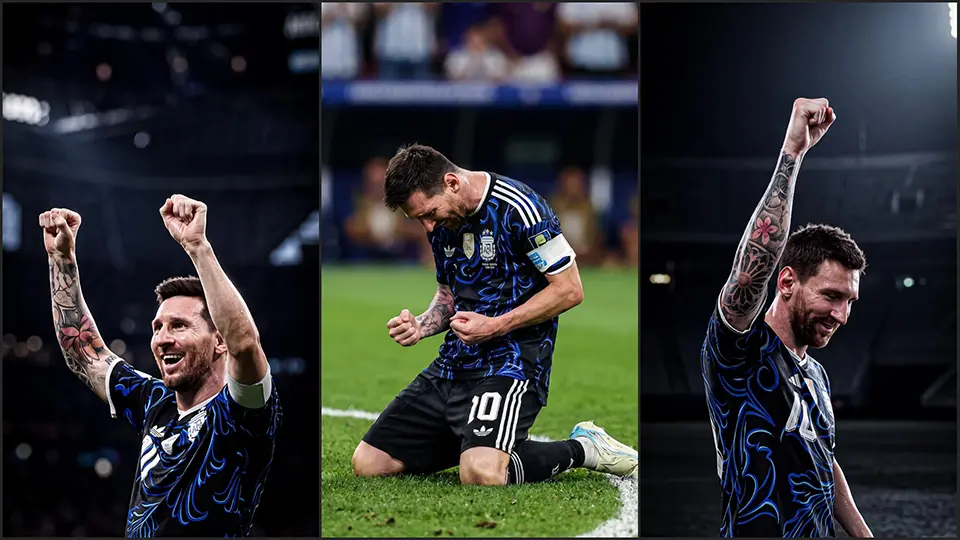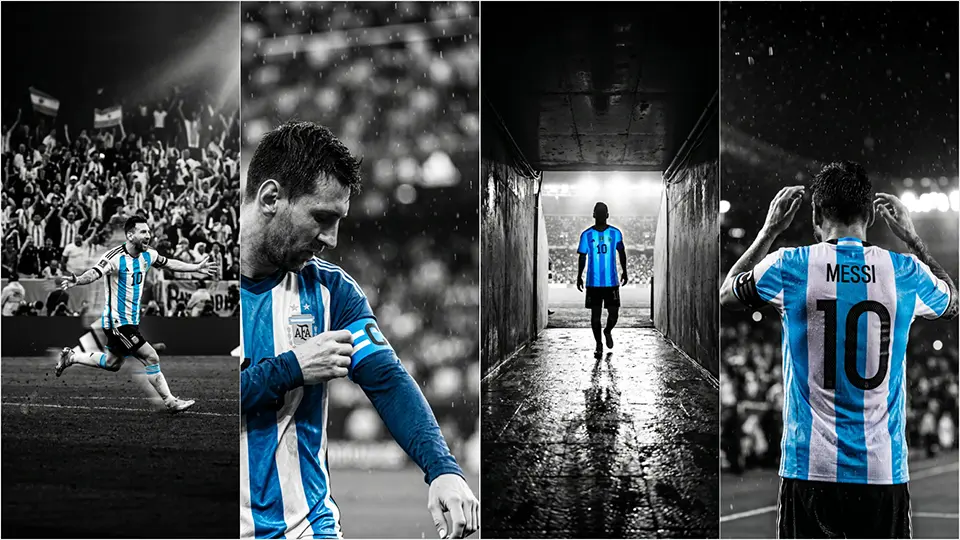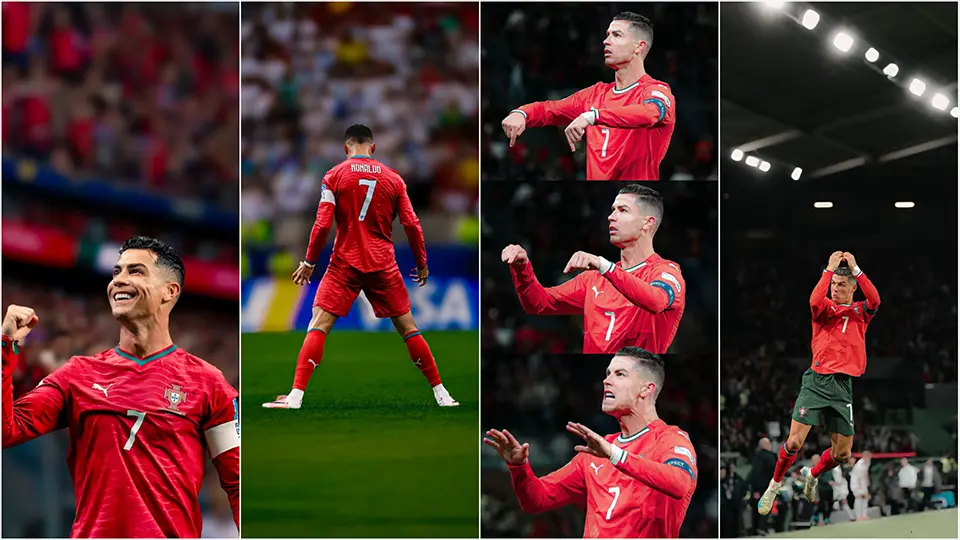
The Ultimate Sports Wallpapers Collection for iPhone: Soccer, NFL, NBA & More (4K & OLED)
Your iPhone lock screen is the most valuable piece of digital real estate you own. If you are a die-hard sports fan, unlocking your phone shouldn’t feel generic. It should feel like stepping onto the pitch, walking through the stadium tunnel, or hearing the roar of the arena crowd.
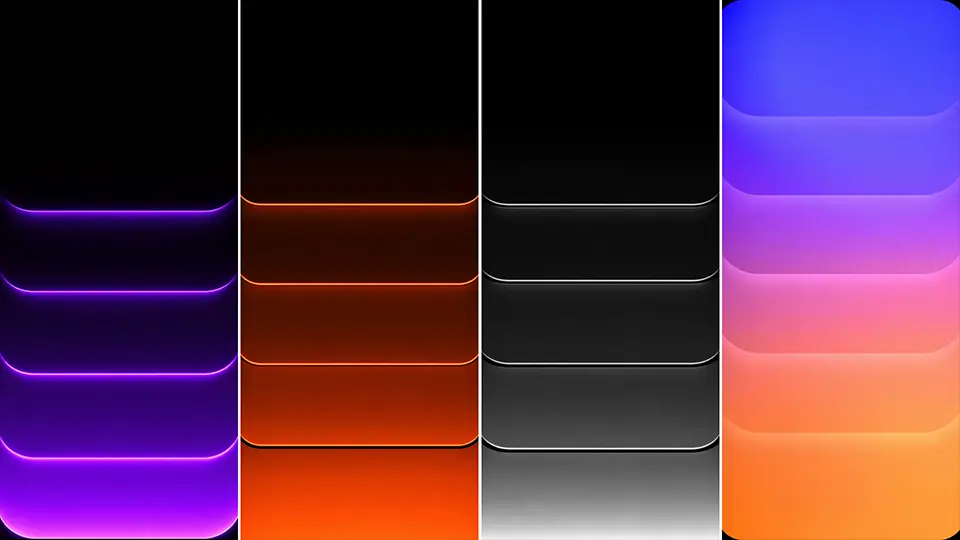
With advanced Super Retina XDR displays, modern iPhones demand high-tier backgrounds. A standard low-resolution crop won’t cut it anymore. To make your display pop, you need 4K sports wallpapers and deep-black OLED-optimized backgrounds that utilize your phone’s contrast ratios while saving battery.
Whether you want to showcase your club loyalty, highlight a legendary MVP, or embrace a minimalist athletic aesthetic, this ultimate collection is built for you.
1. Soccer Wallpapers: Capture the Pitch Aesthetic
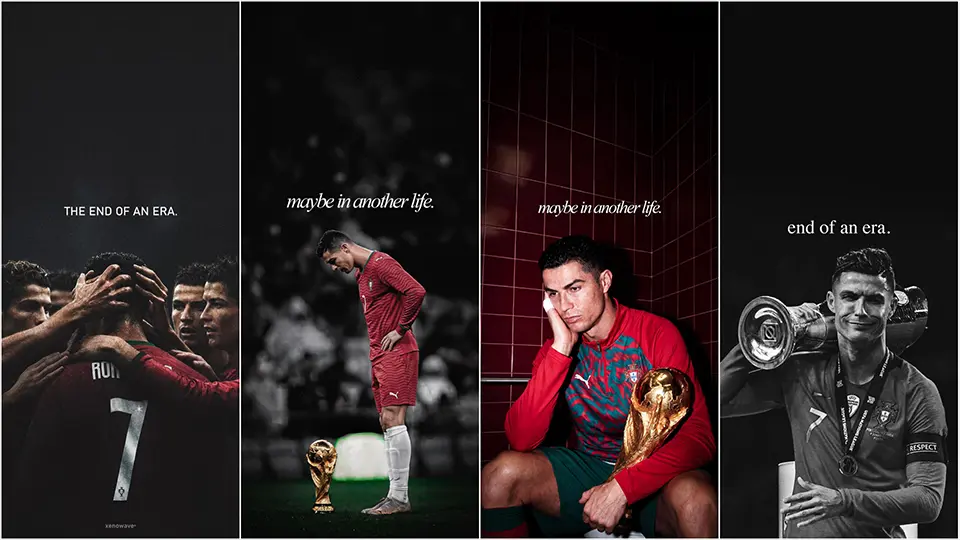
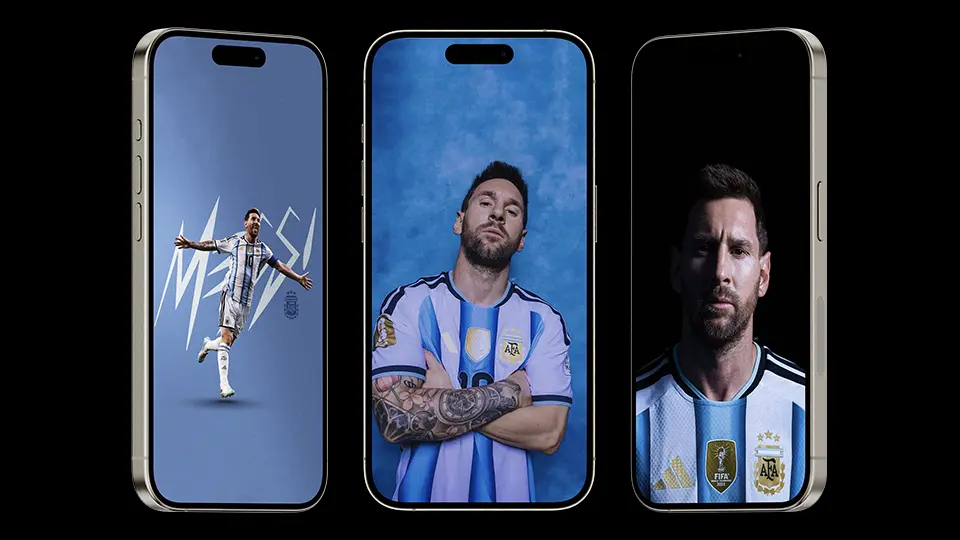
Soccer (or football) is a sport of pure emotion, and its visual culture makes for some of the best mobile backgrounds. If you want your phone to reflect the beautiful game, look for high-shutter-speed match photography or clean vector club crests.
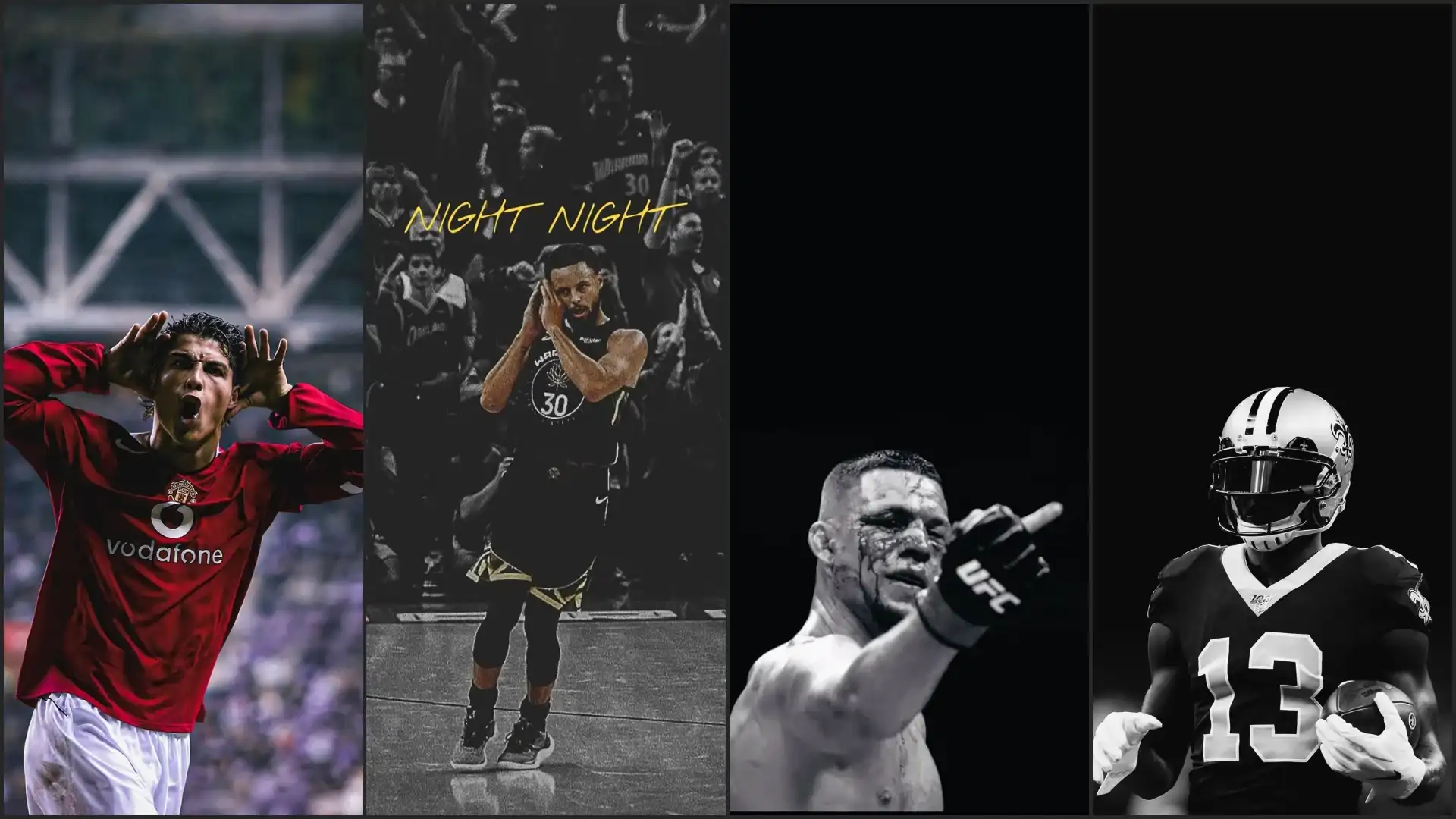
- OLED Advantage: Look for dynamic match-night captures under stadium floodlights. A pitch submerged in deep shadow with a sharply illuminated superstar creates a stark contrast that looks elite on an OLED screen.
- Depth Effect: Choose portraits where the player’s head or shoulders slightly overlap the top third of the frame. This triggers iOS’s built-in depth effect, layering the player seamlessly in front of your lock screen clock.
What to search for:
- Lionel Messi / Cristiano Ronaldo iconic celebration 4K backgrounds
- The Ultimate FIFA Home Kit Jersey iPhone Wallpapers Collection
- 2026 FIFA World Cup Wallpapers Collection for iPhone
- Download Free Arsenal Premier League Champions Wallpapers
- 25+ Football Jersey Wallpapers 4K
2. NFL Gridiron Backgrounds: High-Octane Action
The grit, armor, and geometry of American football translate perfectly to the vertical aspect ratio of an iPhone screen. From crisp autumn morning warmups to high-stakes Super Bowl moments, NFL imagery provides intense visual energy.
- Action Close-ups: Look for hyper-focused shots capturing the texture of turf flying from a cleat, or the gloss of a helmet under stadium lights.
- The Schedule Blueprint: A massive trend for NFL fans is using high-resolution schedule wallpapers. These backgrounds blend minimalist team branding with a readable grid of the season’s matchups, keeping you connected to game day every time you look at your phone.
What to search for:
- Patrick Mahomes / Lamar Jackson mid-pass crunch time lock screens
- True black NFL helmet close-ups for OLED displays
- Retro throwback team logos on dark concrete textures
3. NBA Wallpapers: Hardwood and High-Flyers
Basketball wallpapers are all about verticality. The height of the rim, the elevation of a dunk, and the clean lines of the hardwood court naturally align with the tall frame of an iPhone 14, 15, or 16 Pro Max.
- Rim-Level Perspective: Low-angle shots looking up at a player throwing down a dunk create an imposing, powerful aesthetic on your lock screen.
- Minimalist Court Vectors: If you prefer a clean, distraction-free home screen where your app icons don’t clash with the background, choose minimalist art. A simple, top-down vector illustration of a basketball court with a muted color palette keeps your interface legible.
What to search for:
- LeBron James / Steph Curry silhouette dunk wallpapers
- Classic Michael Jordan 90s vintage aesthetic backgrounds
- Dark mode hardwood basketball courts with glowing neon hoops
4. Why 4K and True OLED Matter for Your iPhone
Setting a standard image as your background can result in a blurry, pixelated look. Here is why choosing dedicated 4K and OLED files changes everything:
| Wallpaper Type | Technical Benefit | Best Used For |
| 4K Ultra HD | High pixel density prevents blur or compression artifacts when zooming or cropping on large screens. | Complex stadium crowd shots, detailed jersey textures, and sharp action captures. |
| OLED / True Black | Pixels turn completely off on pure black zones (#000000), reducing screen power consumption. | Late-night browsing comfort, battery-saving lock screens, and clean minimalist silhouettes. |
5. How to Optimize Your Sports Wallpaper for iOS
To make sure your new background looks professional and doesn’t get buried behind widgets, follow these quick setup tips:
1.Check the aspect ratio:Prerequisite.
Ensure your downloaded image is a vertical layout (ideally a 19.5:9 ratio) to match modern iPhone displays without forcing awkward crops.
2.Position the focal point:Lock screen adjustments.
When setting the image, pinch to zoom so that the main player or team logo sits comfortably in the middle third of the screen. This keeps it clear of both the top clock and bottom flashlight/camera shortcuts.
3.Enable Depth Effect:iOS configuration.
Tap the three dots in the bottom right corner of the wallpaper preview screen. Ensure Depth Effect is turned on. If it’s greyed out, slightly shift the image down until the clock overlaps naturally.
4.Pair with a blurred Home Screen:Final polish.
To keep your app icons readable, select the option to Blur the home screen while keeping the lock screen perfectly sharp.
Pro Tip for Widgets: If you use heavy lock screen widgets (like calendar events or fitness rings), avoid busy wallpapers. Choose an OLED silhouette style instead, which leaves a clean, black canvas at the top or bottom of your screen for maximum widget visibility.