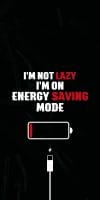
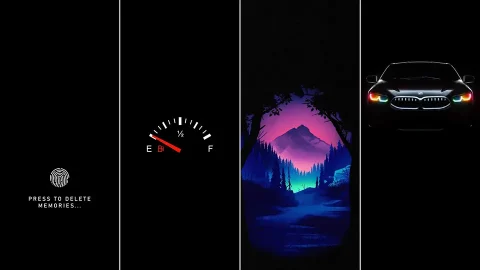
40+ Deep Black AMOLED Dark iPhone Wallpapers for OLED Displays
If you want to maximize both screen aesthetics and hardware efficiency, updating your lock screen background to a true dark theme is one of the smartest upgrades you can make. Finding high-quality Deep Black AMOLED Dark iPhone Wallpapers for OLED Displays allows you to showcase stunning, high-contrast imagery while taking full advantage of modern display technology.
Whether you prefer minimalist geometry, subtle neon accents, abstract fluid artwork, or cinematic dark landscapes, deep black wallpapers offer a sleek, sophisticated look that seamlessly complements dark mode iOS setups.
The Tech Advantage: How True Black Wallpapers Save Battery
Unlike older LCD panels—which rely on a continuous backlighting panel to project an image—OLED (Organic Light-Emitting Diode) and Super Retina XDR displays control every pixel independently.
When an OLED screen renders a pixel as pure pitch black (#000000), that individual pixel completely powers off.
Reduced Energy Draw: Because pure black pixels draw zero power, using true black wallpapers can measurably reduce screen battery drain, helping your daily battery charge last longer.
Infinite Contrast Ratios: With no light bleeding from dark areas, colors, metallic tones, and highlights pop with exceptional sharpness and vibrancy.
Reduced Eye Strain: Darker backgrounds emit less harsh light, making your device screen far more comfortable to view in low-light environments or late at night.
What Makes an Exceptional AMOLED Wallpaper?
Not every dark image translates well to an OLED screen. A top-tier AMOLED background typically features:
True
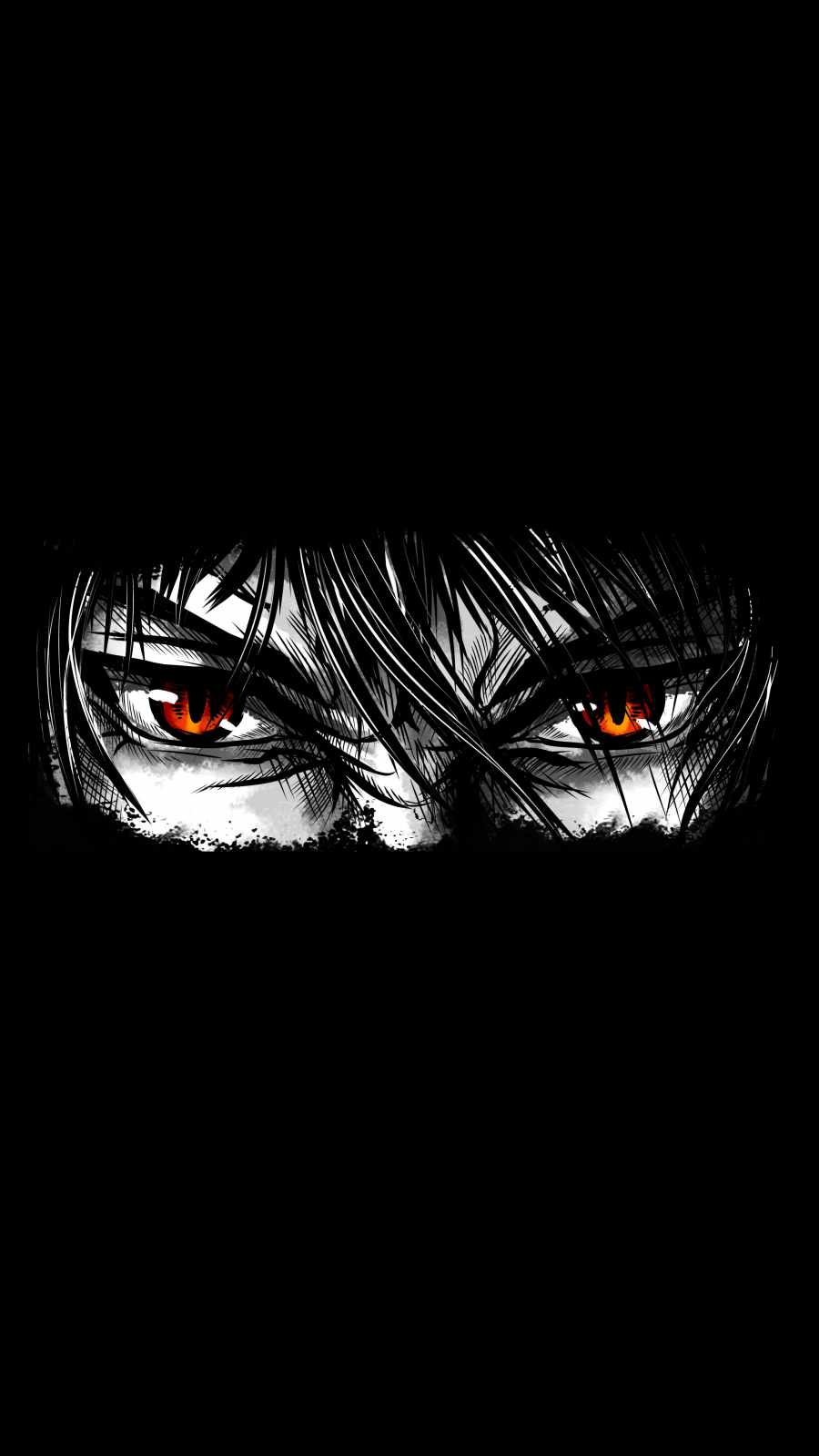
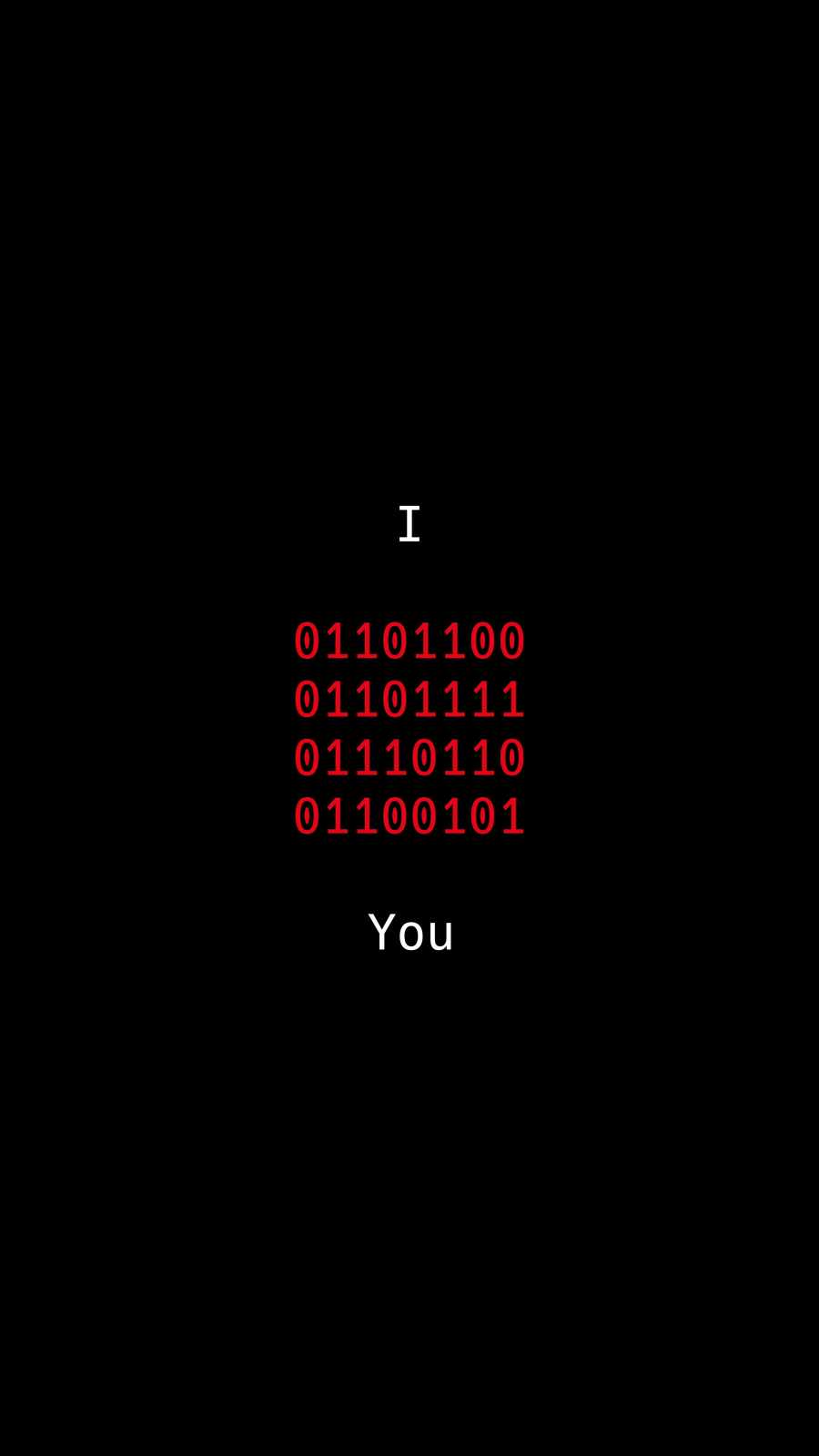
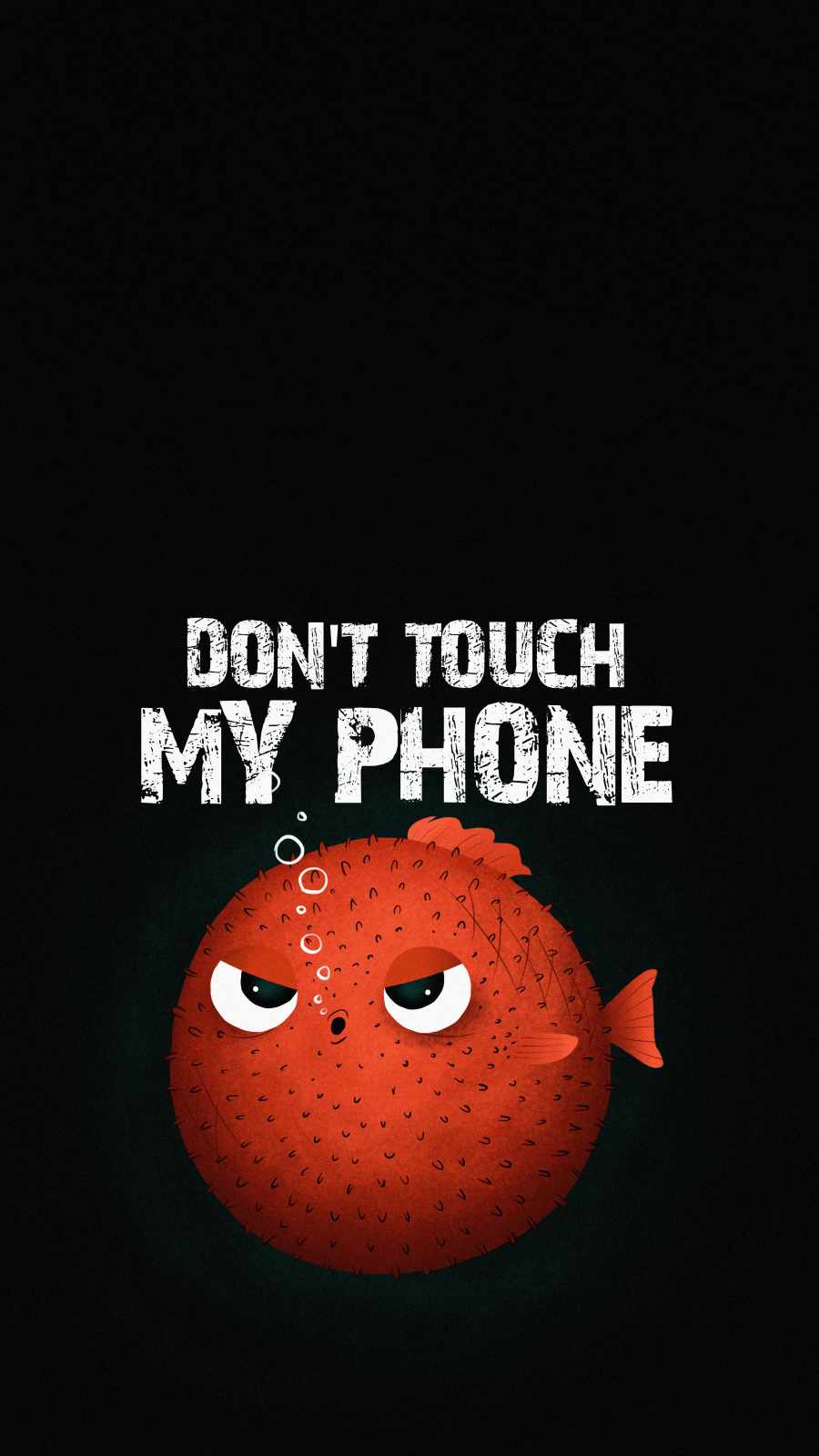
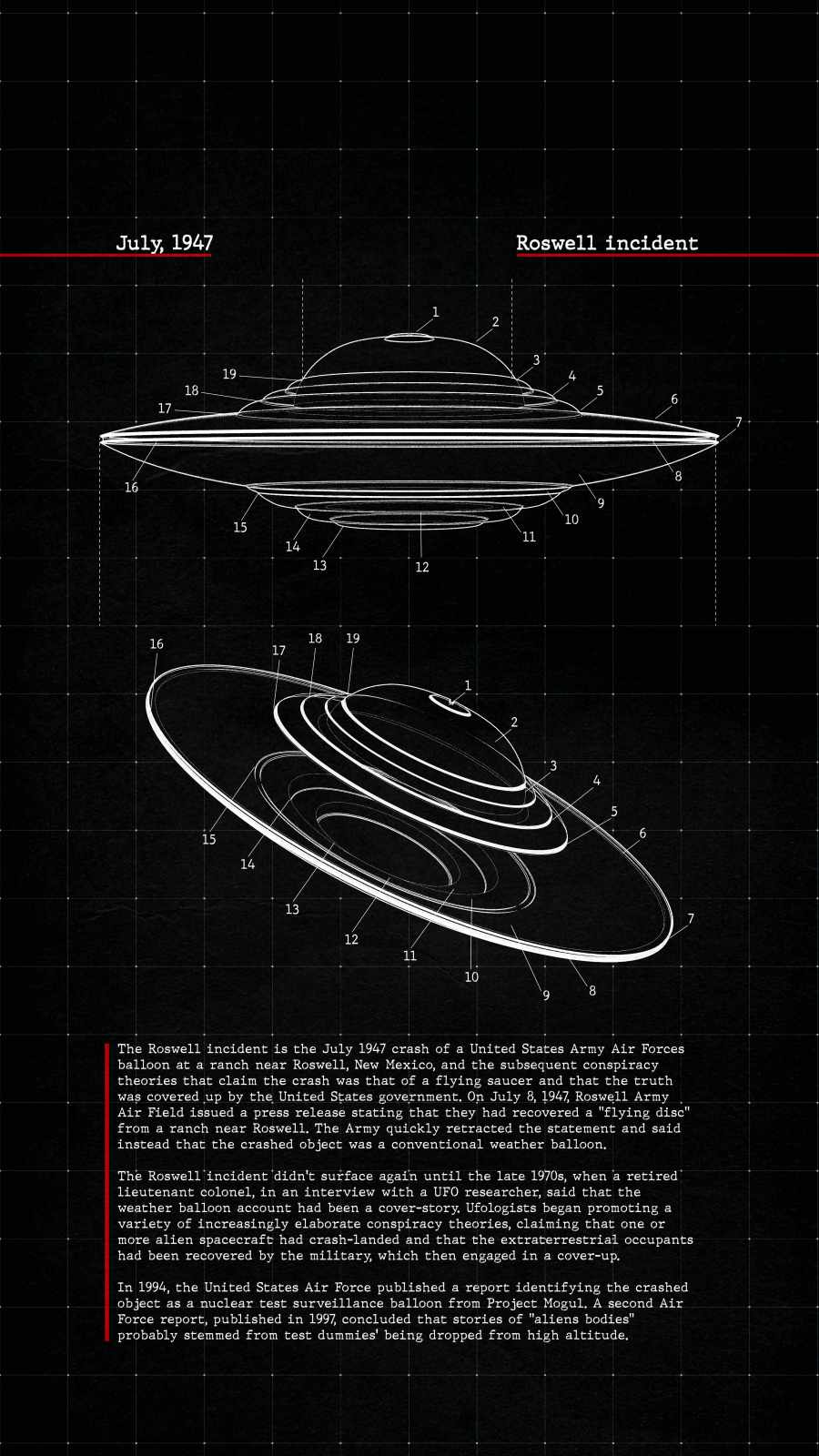
#000000Hex Code Canvas: Substantial areas of pure pitch black rather than dark grays, muted shadows, or compressed noise.Vibrant Accent Elements: Striking neon lighting, metallic accents, or warm gradients (such as glowing cyan, deep violet, or amber) that create visual contrast against the dark backdrop.
Minimalist Composition: Clean negative space near the top portion of the wallpaper so your iPhone clock, Date widget, and battery indicators remain easy to read.

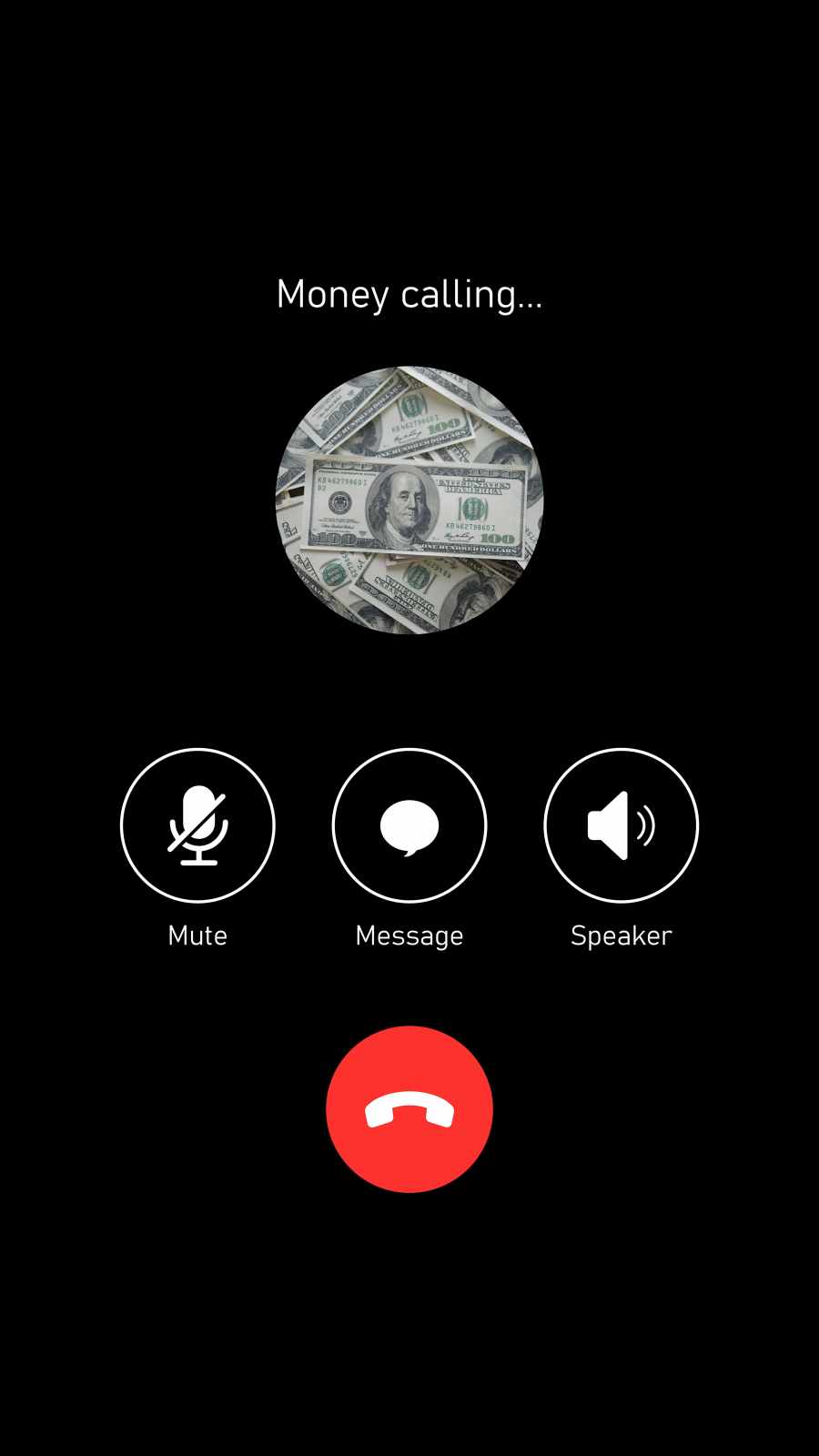
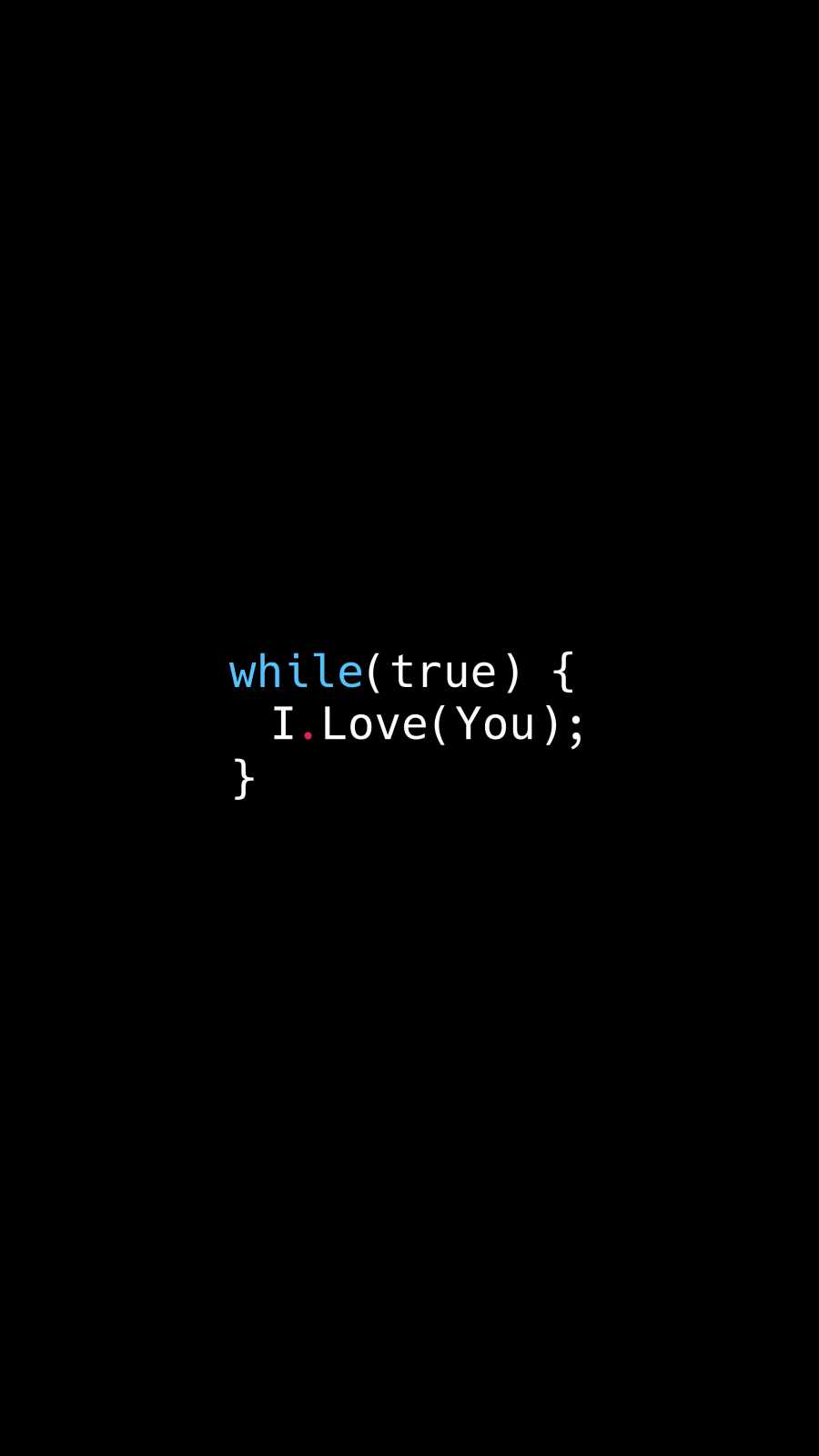

























How to Set Up True Black Wallpapers on Your iPhone
To get the best visual results from your high-resolution 4K dark wallpapers, follow these simple configuration steps:
Download Image: Save your favorite 4K dark background directly to your Photos library.
Apply via Settings: Navigate to Settings > Wallpaper, then select Add New Wallpaper.
Select Photos: Choose the downloaded true-black artwork from your gallery.
Disable Motion Zoom: Check that automatic perspective zoom isn’t cropping out pure black borders or stretching the framing.
Pair with iOS Dark Mode: Toggle Dark Mode on (Settings > Display & Brightness > Dark) to complete the seamless, high-contrast theme.
Upgrade your display today with this collection of 40+ Deep Black AMOLED Dark iPhone Wallpapers for OLED Displays and enjoy the ultimate combination of style, performance, and battery efficiency!
Related posts:

The Ultimate Pure Black AMOLED iPhone Wallpaper Pack (4K UHD)

Gothic Chrome Cross Savage iPhone Wallpaper – Dark Aesthetic Design
Sculpted Archangel Statue Sword iPhone Wallpaper 4K (OLED Dark)

Deep Black AMOLED Dark iPhone Wallpapers for OLED Displays [20+]
[20+] AMOLED Black iPhone Wallpaper Pack – Pure Black Edition