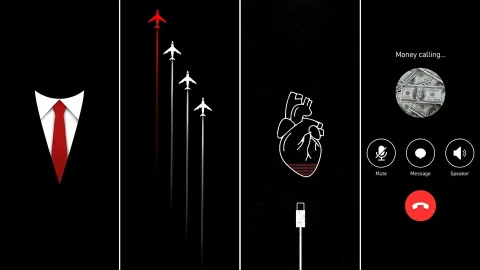
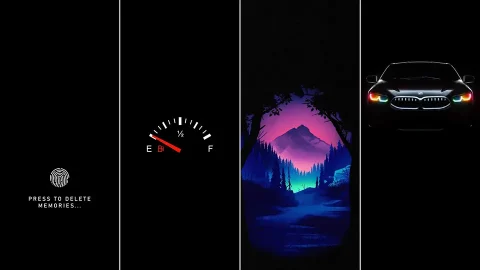
The Ultimate Pure Black AMOLED iPhone Wallpaper Pack (4K UHD)
Not every great wallpaper needs color, texture, or a busy composition. Sometimes the most effective choice is the simplest one: true black. This pure black AMOLED iPhone wallpaper pack is built entirely around that idea, offering a collection of 4K UHD backgrounds designed specifically to take advantage of how OLED screens actually work.
Why Pure Black Matters on AMOLED Screens
Unlike LCD displays, which backlight every pixel regardless of color, AMOLED and OLED screens light up each pixel individually. When a pixel is asked to display pure black (hex code #000000), it simply turns off. No backlight, no glow, no wasted energy. This means a genuinely black wallpaper isn’t just a visual choice — it’s a functional one that can measurably extend battery life, especially on iPhones with Always-On Display enabled, where the screen may be partially active for hours at a stretch.
Built for Depth, Not Emptiness

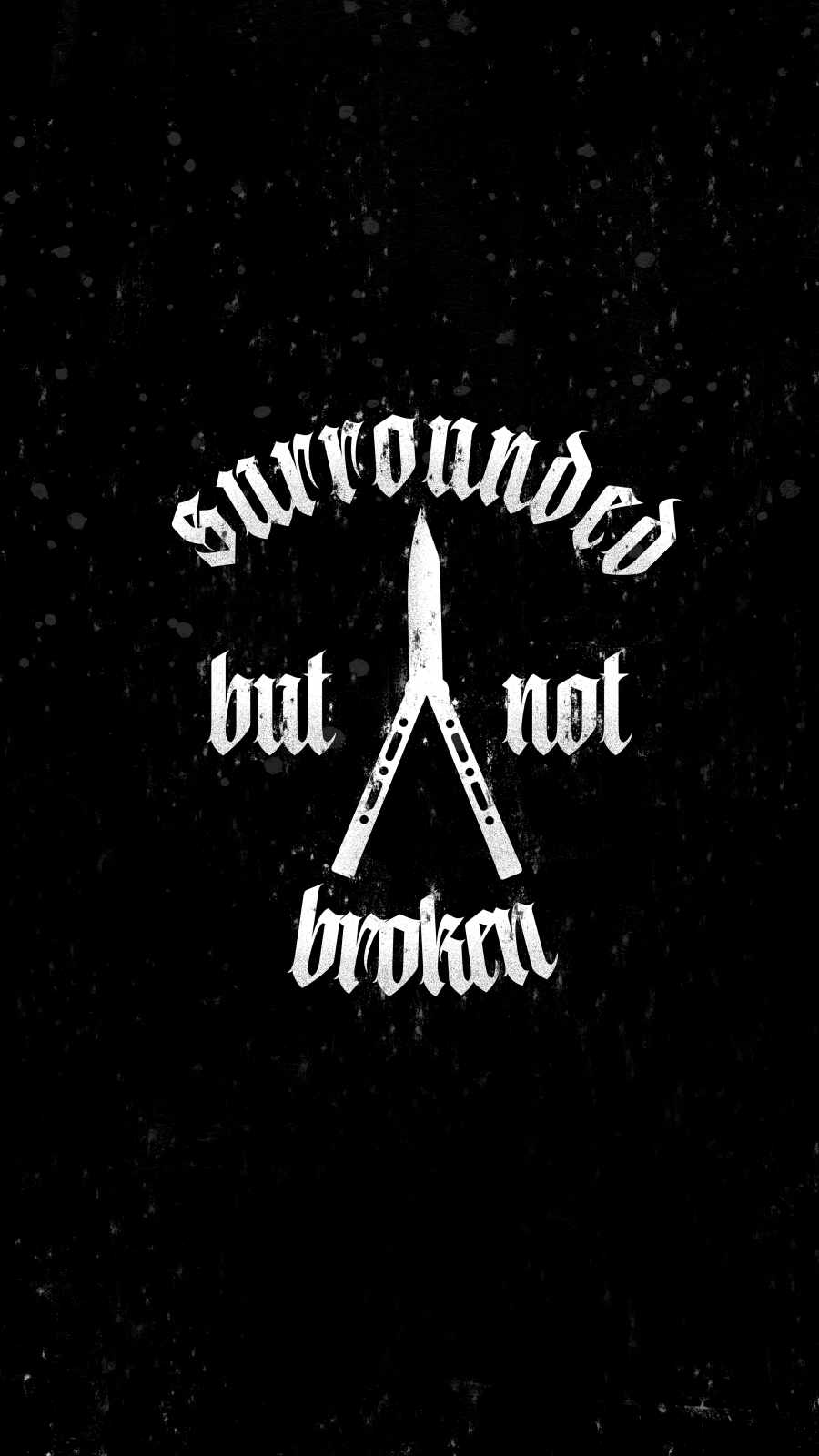




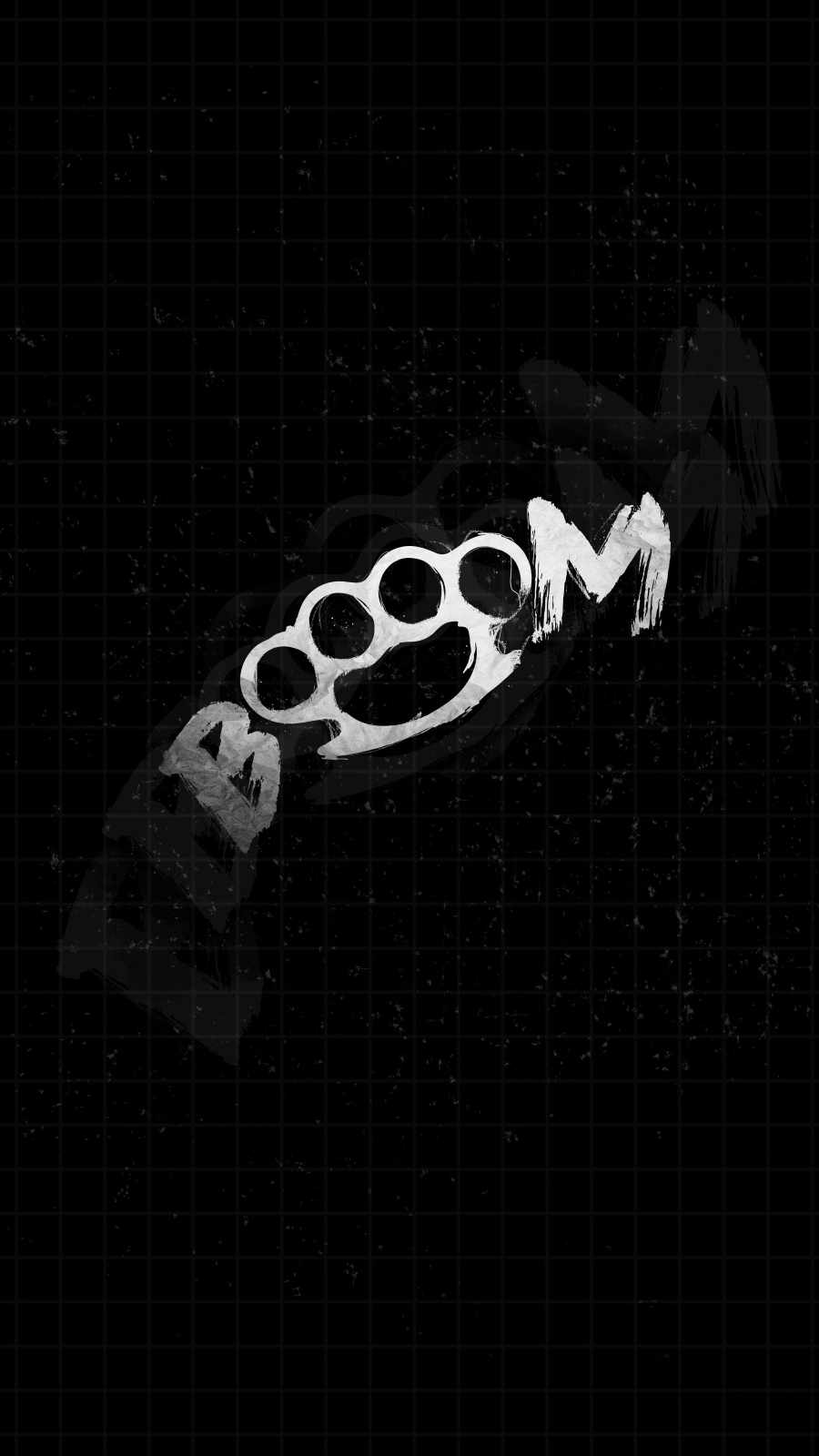




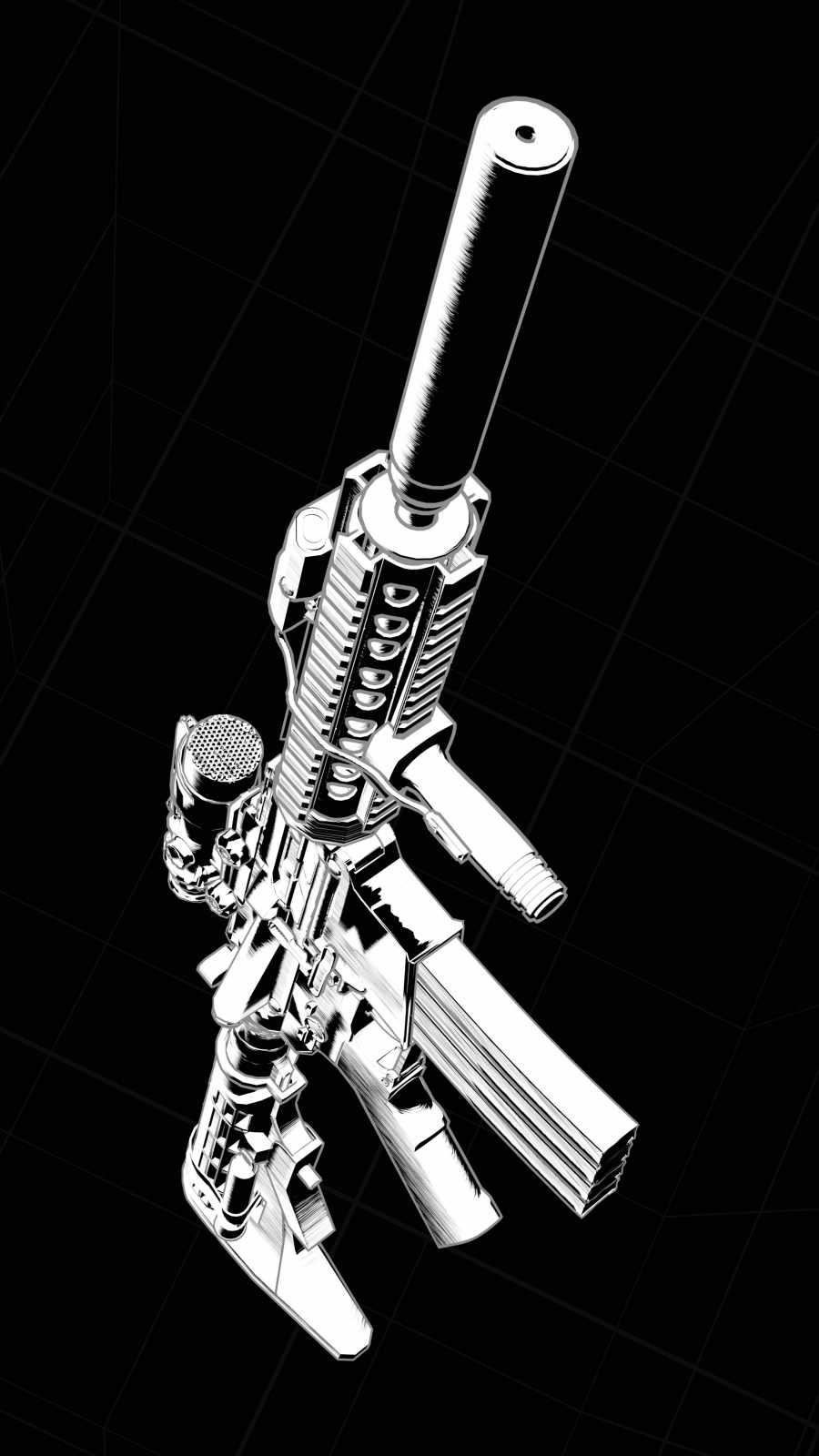
A flat black rectangle might sound uninteresting, but the best wallpapers in this pack avoid feeling like an empty void. Subtle gradients, faint vignettes, and minimal geometric linework are used sparingly to create a sense of depth without introducing any lit pixels that would defeat the purpose. The result is a screen that looks sleek and premium rather than simply “off.”
Seamless Integration With iOS


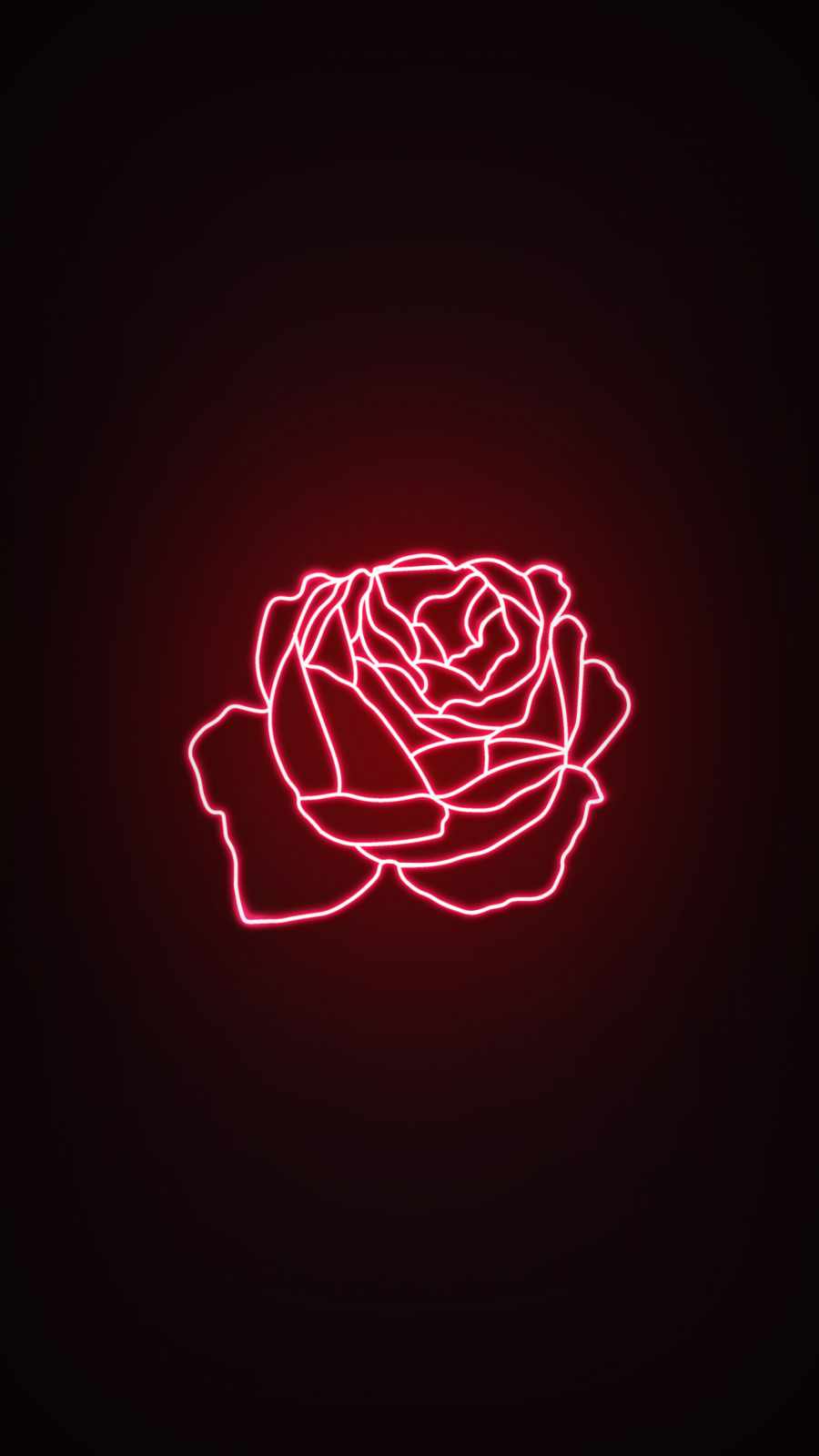
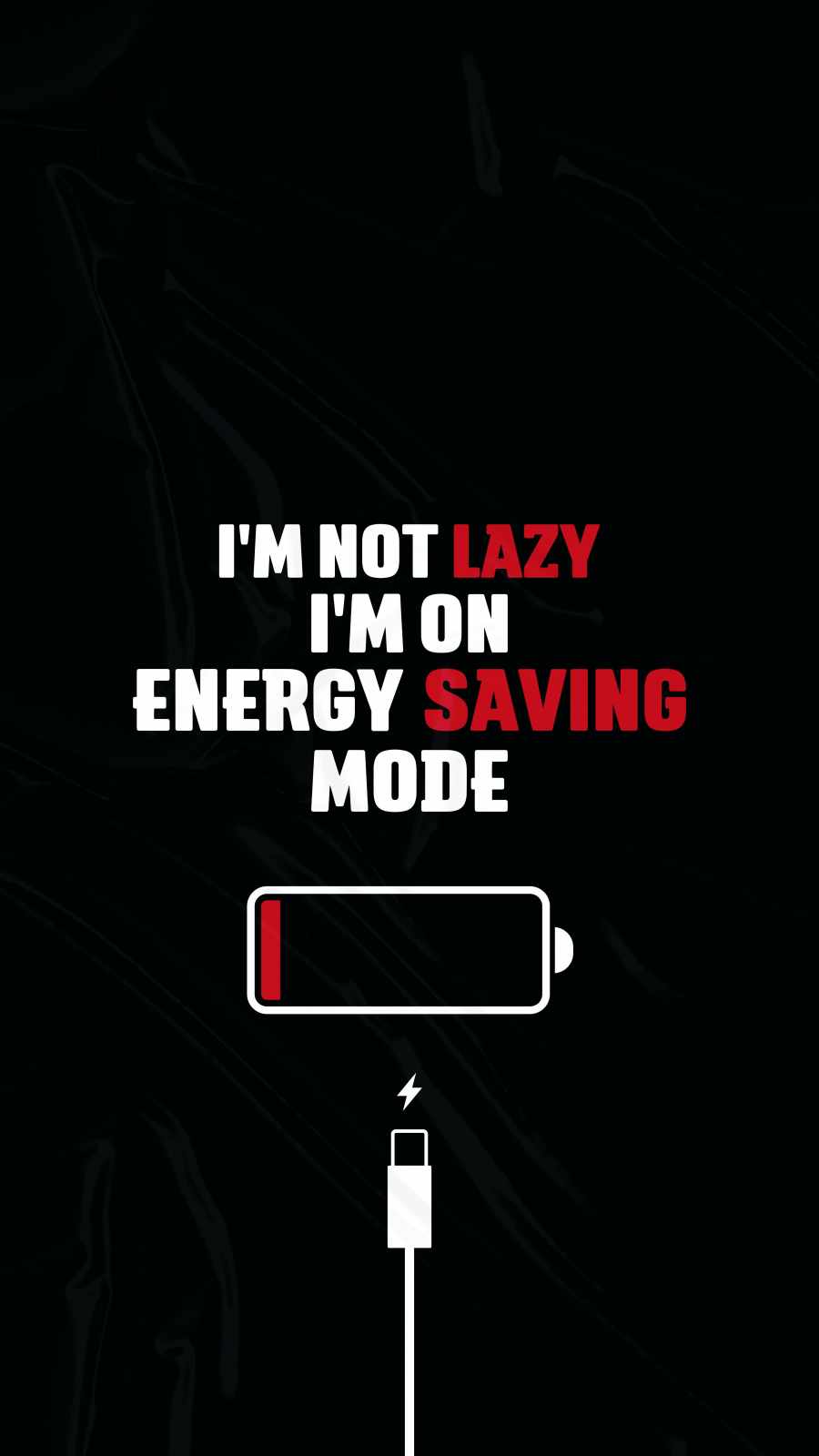




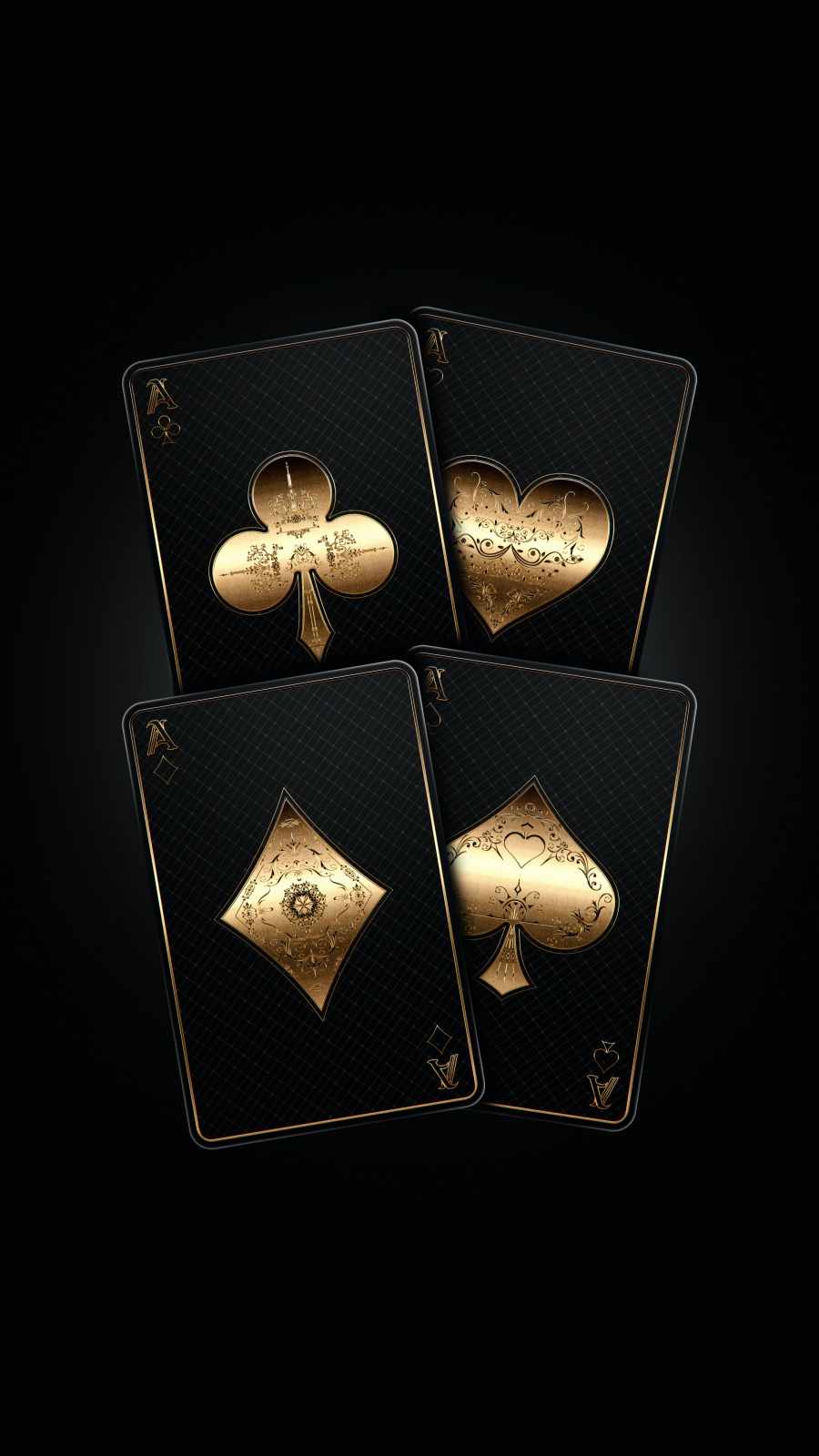



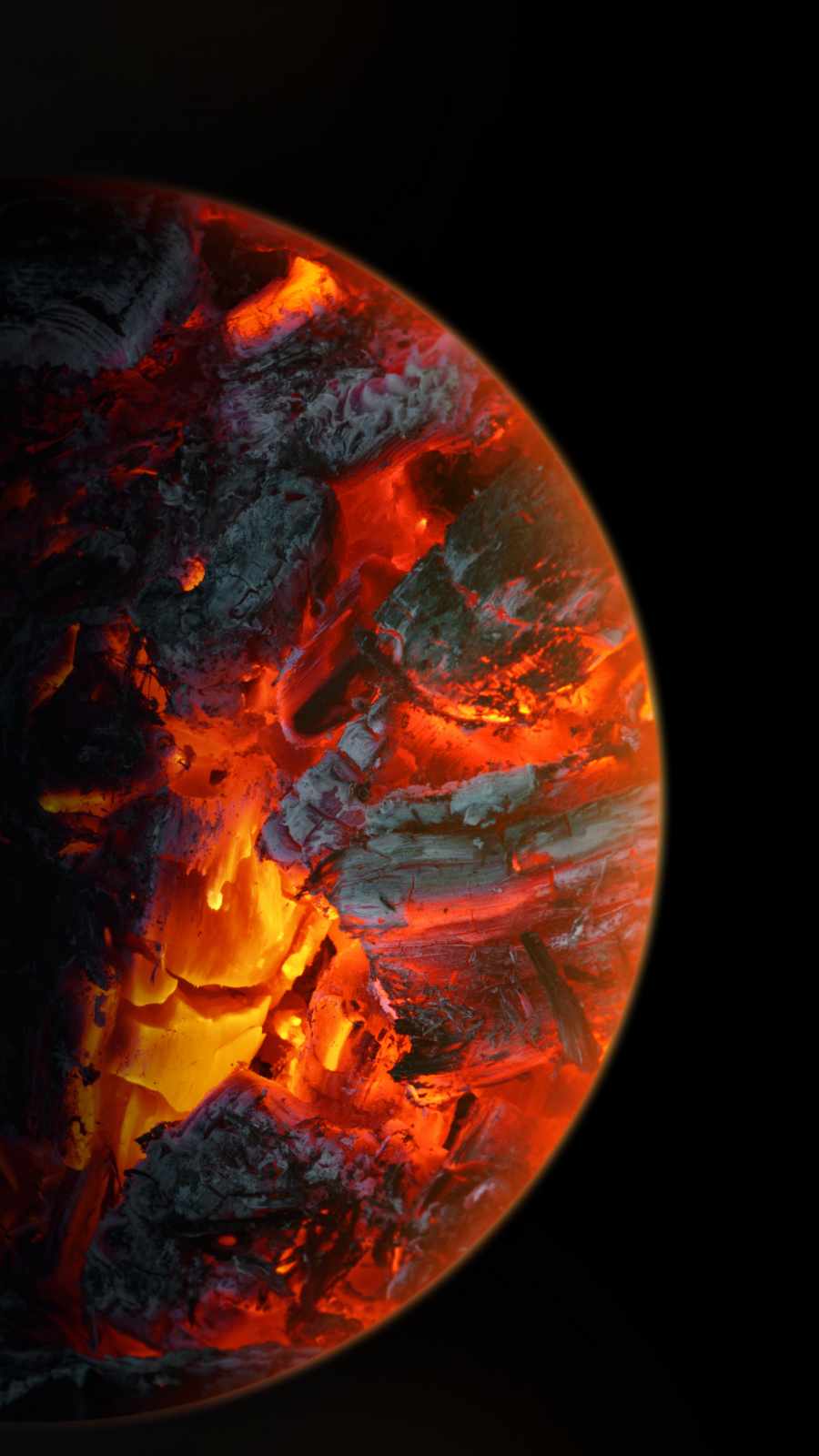




Pure black wallpapers have a practical advantage beyond battery savings: they make your home screen feel unified. Widgets, app icons, and the dynamic island blend naturally into the background instead of competing with a busy image. Notifications and lock screen clocks also pop more clearly against solid black, improving legibility at a glance — particularly useful in dark environments like bedrooms at night.





Who This Pack Is For
This collection suits minimalists who want a distraction-free home screen, night owls who check their phones in the dark, and anyone running an iPhone 12 or later with genuine OLED hardware (older LCD iPhones won’t see the same battery benefit, since their backlights stay on regardless of pixel color).
How to Apply Your Wallpaper
Download your preferred image, open Settings, tap Wallpaper, select “Add New Wallpaper,” and choose it from your photo library. Set it to your lock screen, home screen, or both, and enjoy a cleaner, more efficient display.
Upgrade your iPhone today with this pure black AMOLED wallpaper pack — the simplest way to make your screen both stylish and battery-smart.