FNAF iPhone Wallpapers 4K | Five Nights at Freddy’s HD Backgrounds
There’s a reason FNAF wallpapers work so well on a phone screen: the games were built around darkness in the first place. You’re staring into black hallways, waiting for something to appear in a doorway or a vent. That same tension translates almost perfectly to a lock screen, especially on OLED displays where true black just disappears into the bezel and the animatronic seems to hang there in the void.
This collection leans into that. Several designs push the characters down toward the bottom third of the screen, leaving most of the frame pure black — which isn’t just an aesthetic choice, it’s practical. Your clock, notifications, and widgets sit in that empty space without fighting for attention against a busy image.
The “shh” motif
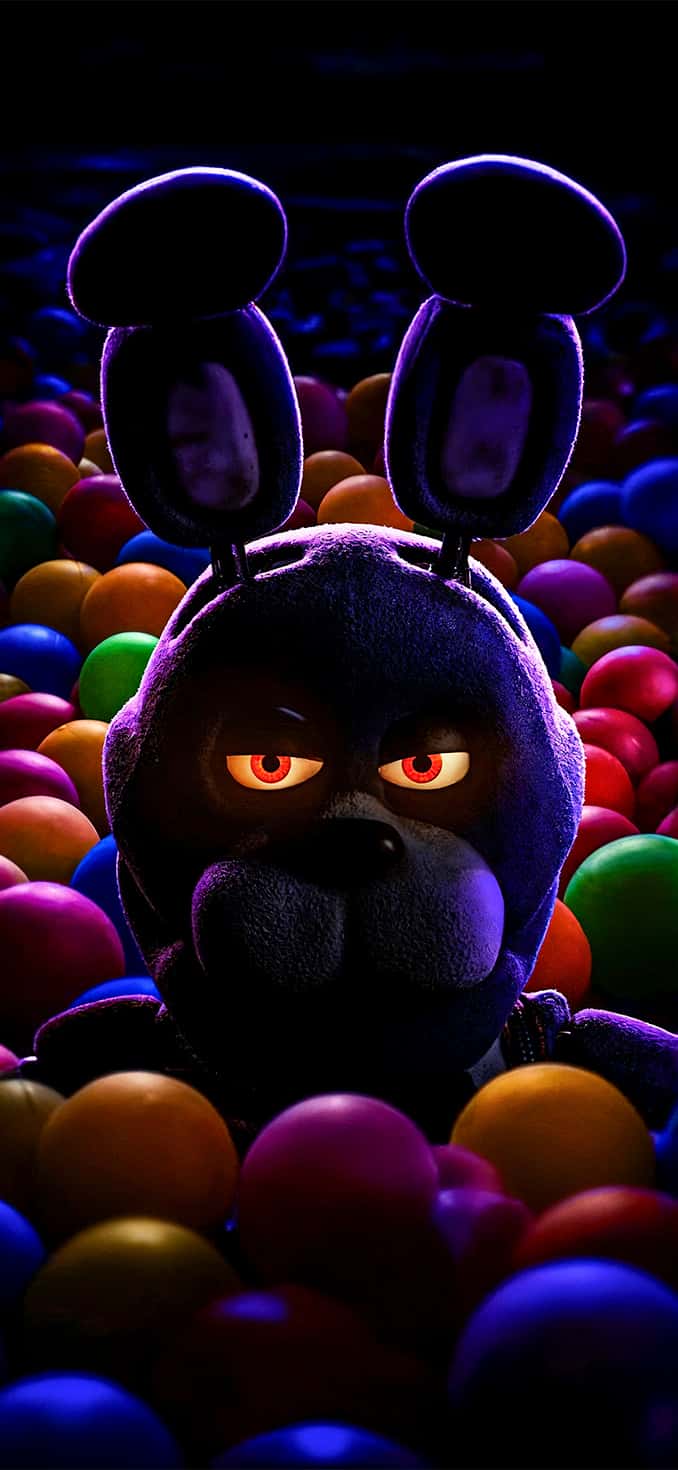
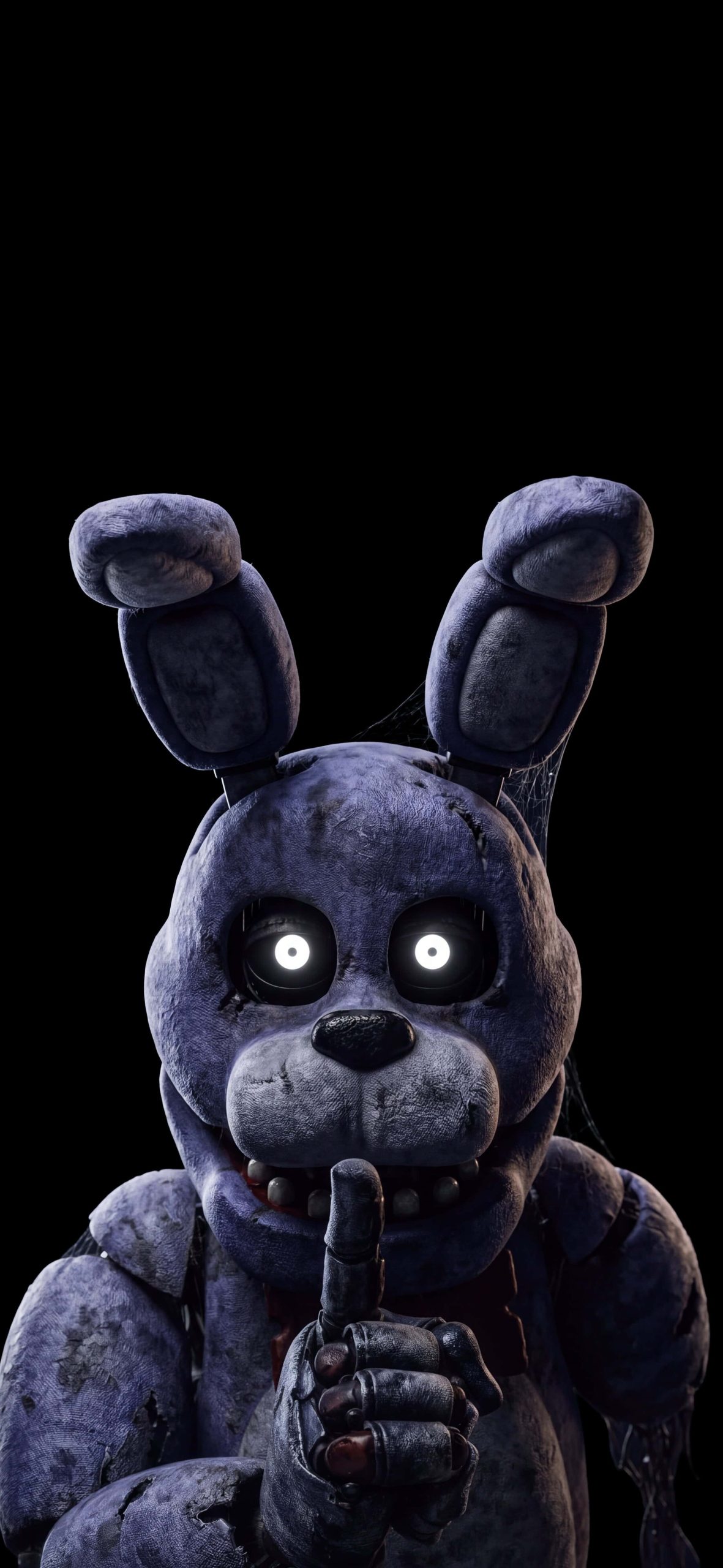
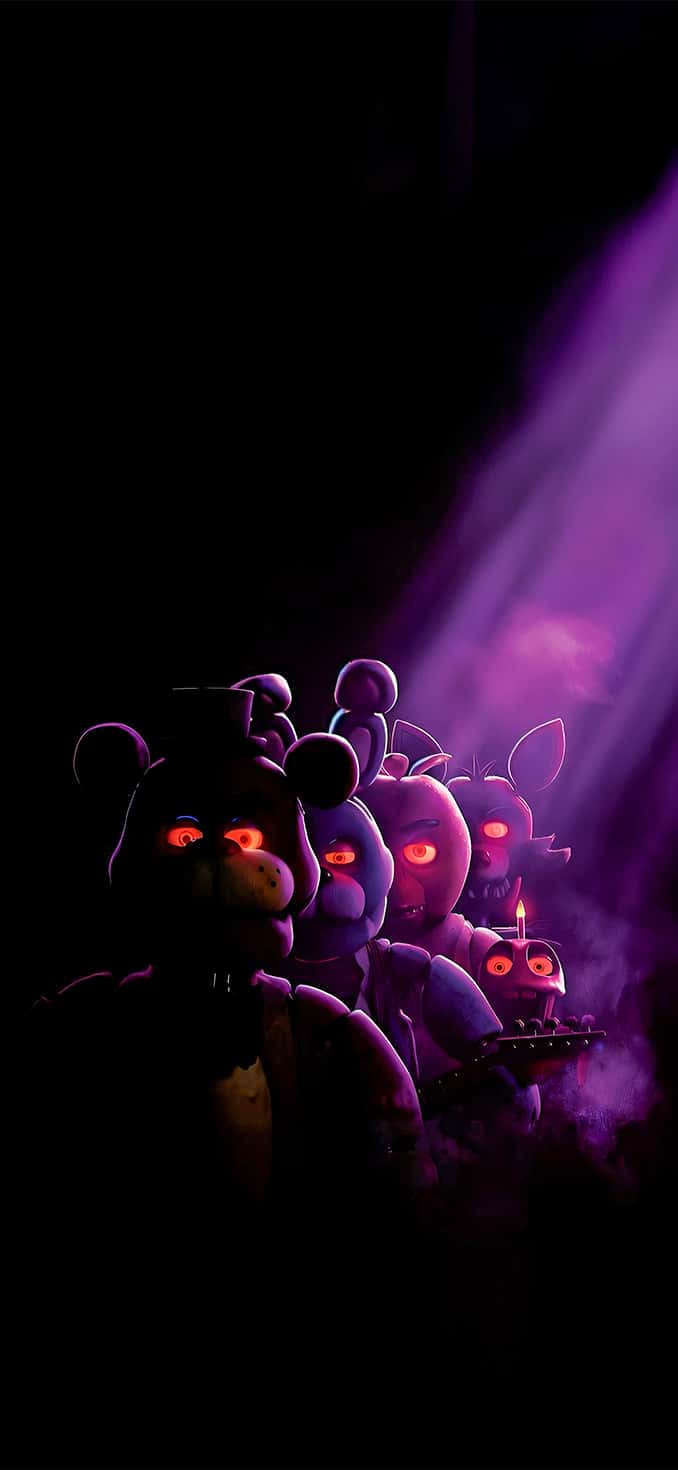
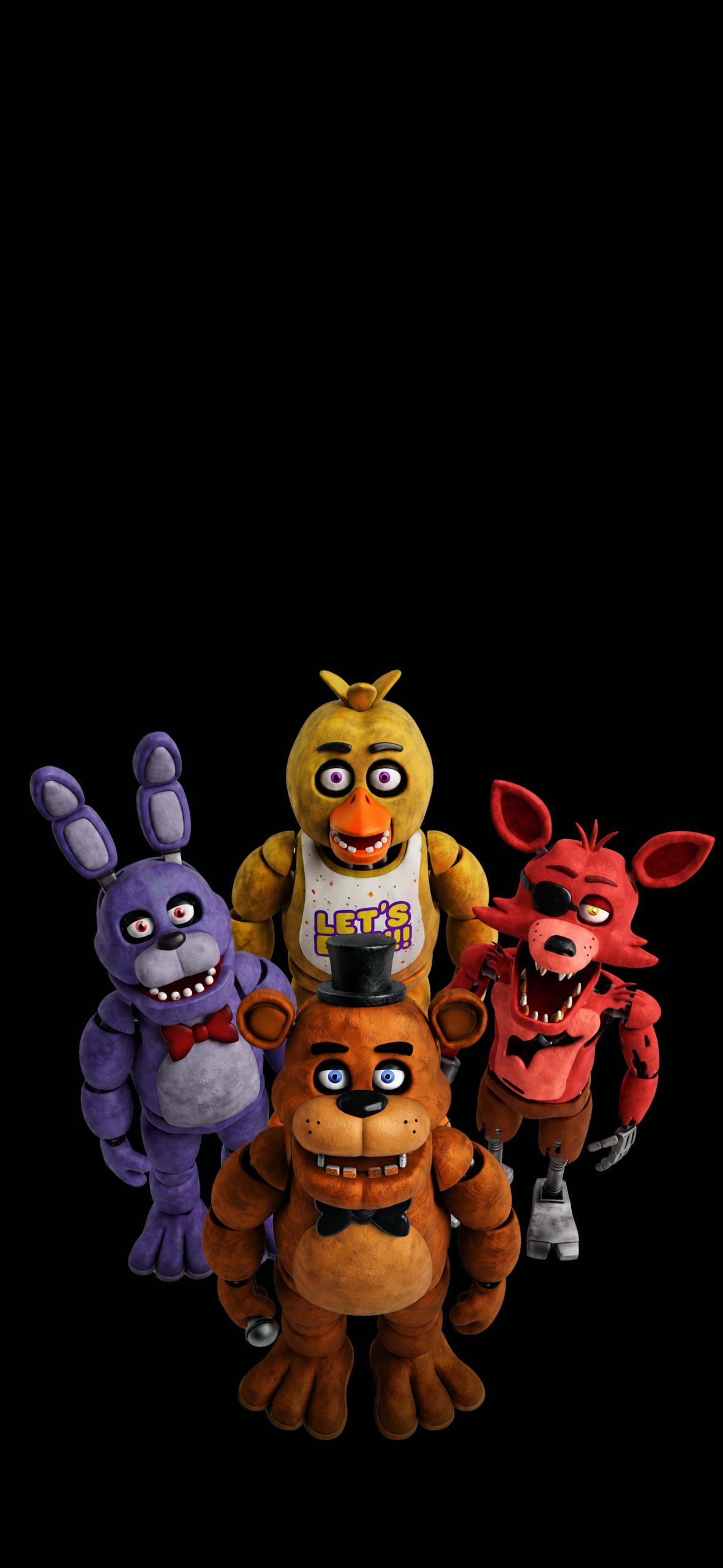
A handful of wallpapers here share a specific gesture: Bonnie, Foxy, Freddy, and Springtrap all raising a claw or finger to their mouth in a silencing motion. It’s a small detail, but it’s the kind of thing that rewards fans who know the games — it echoes the tension of staying quiet during a jumpscare sequence, and it gives the set a consistent identity rather than feeling like a random grab-bag of character shots.
From movie-accurate to retro sketch
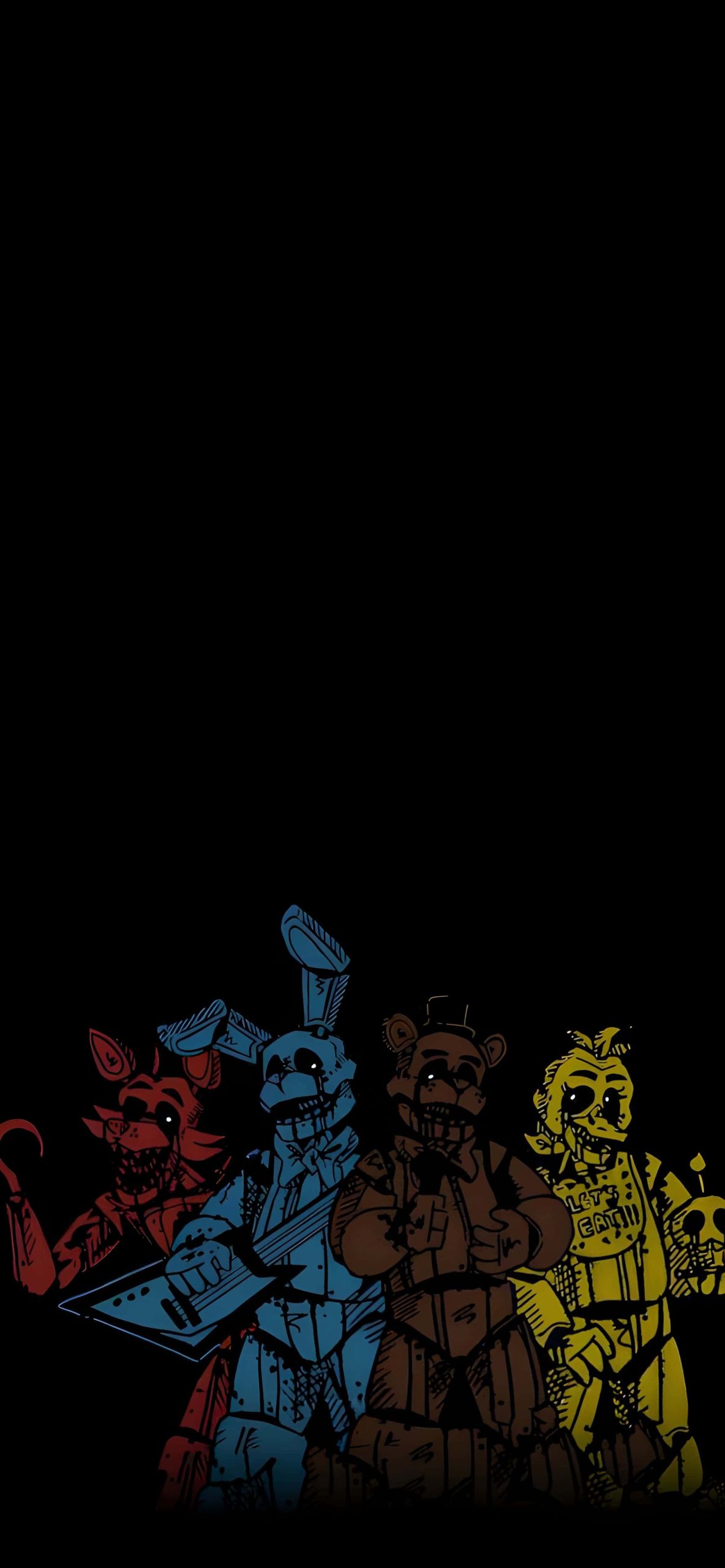
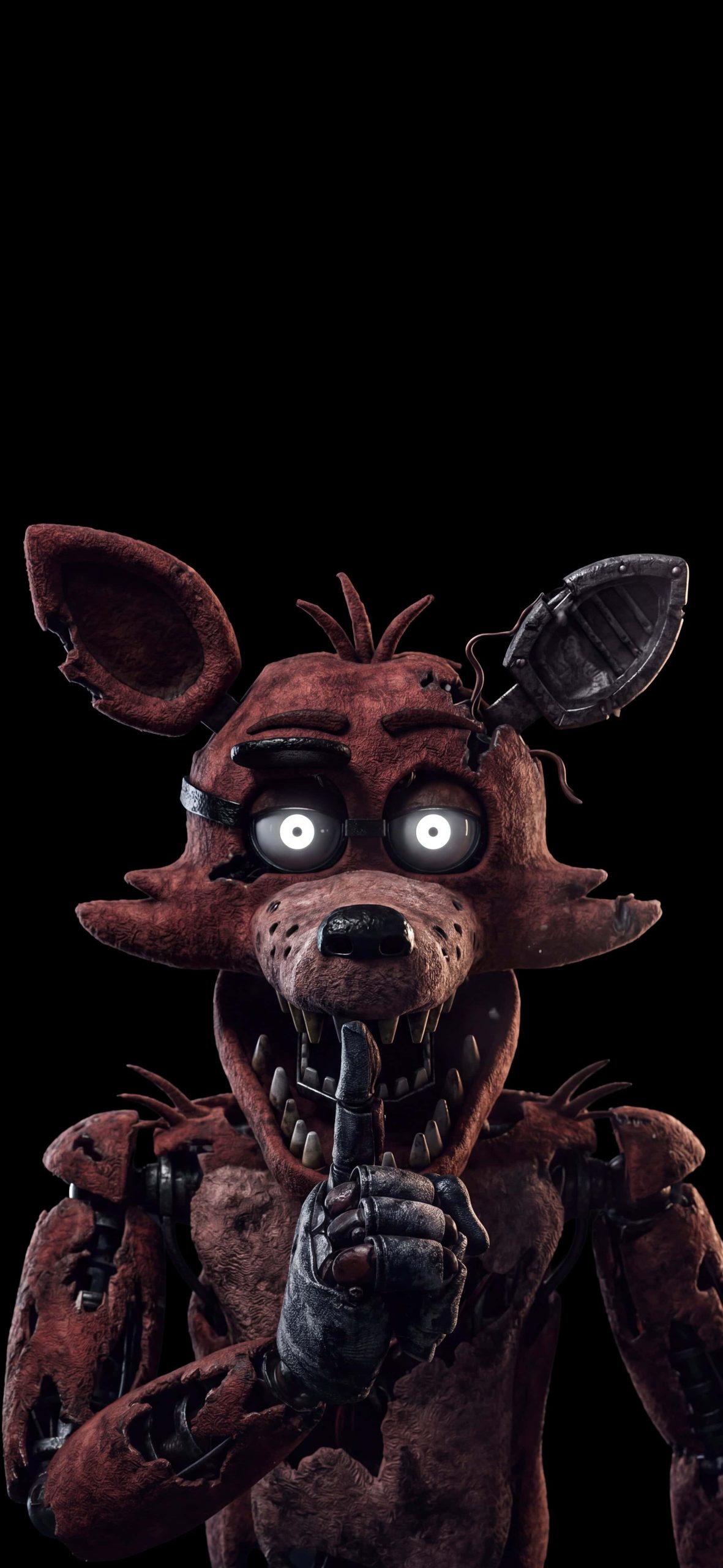
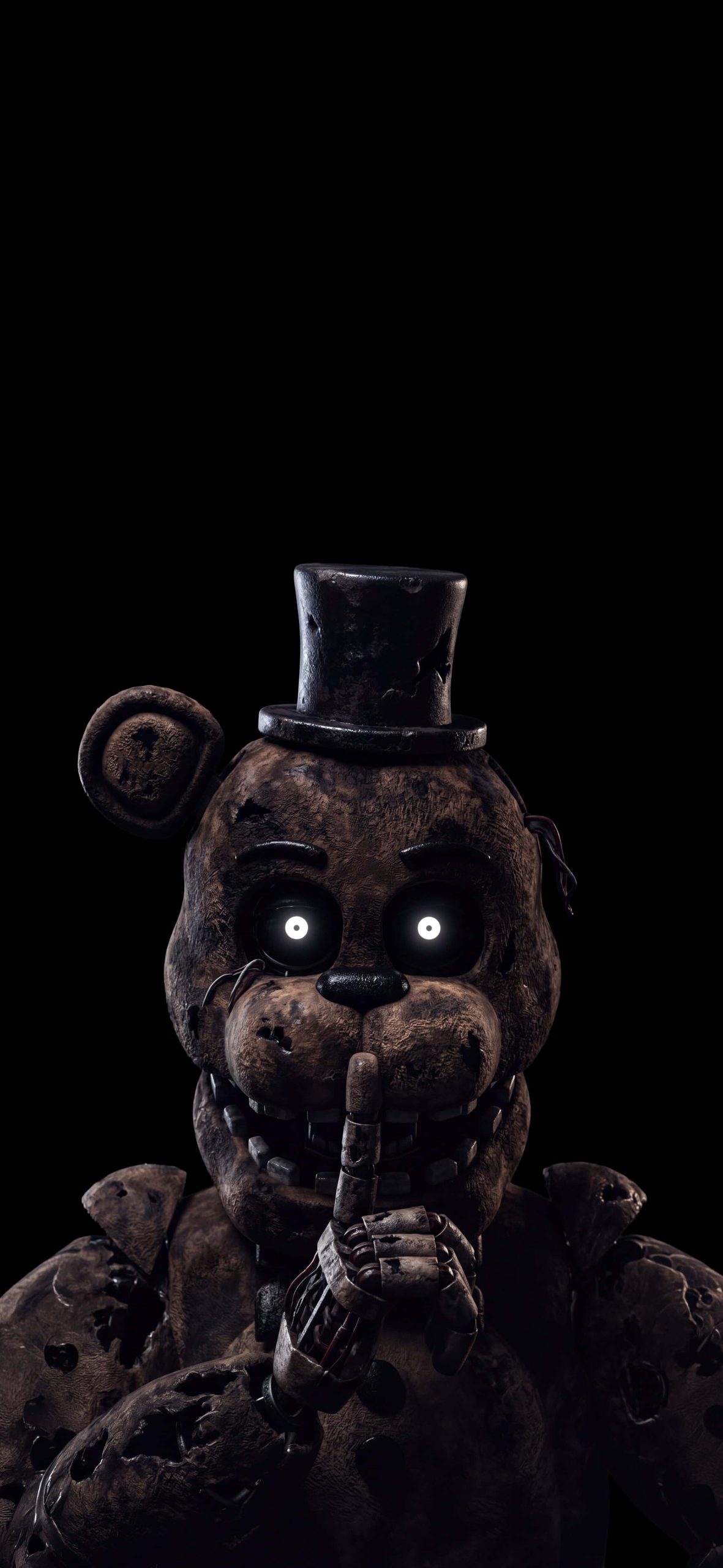
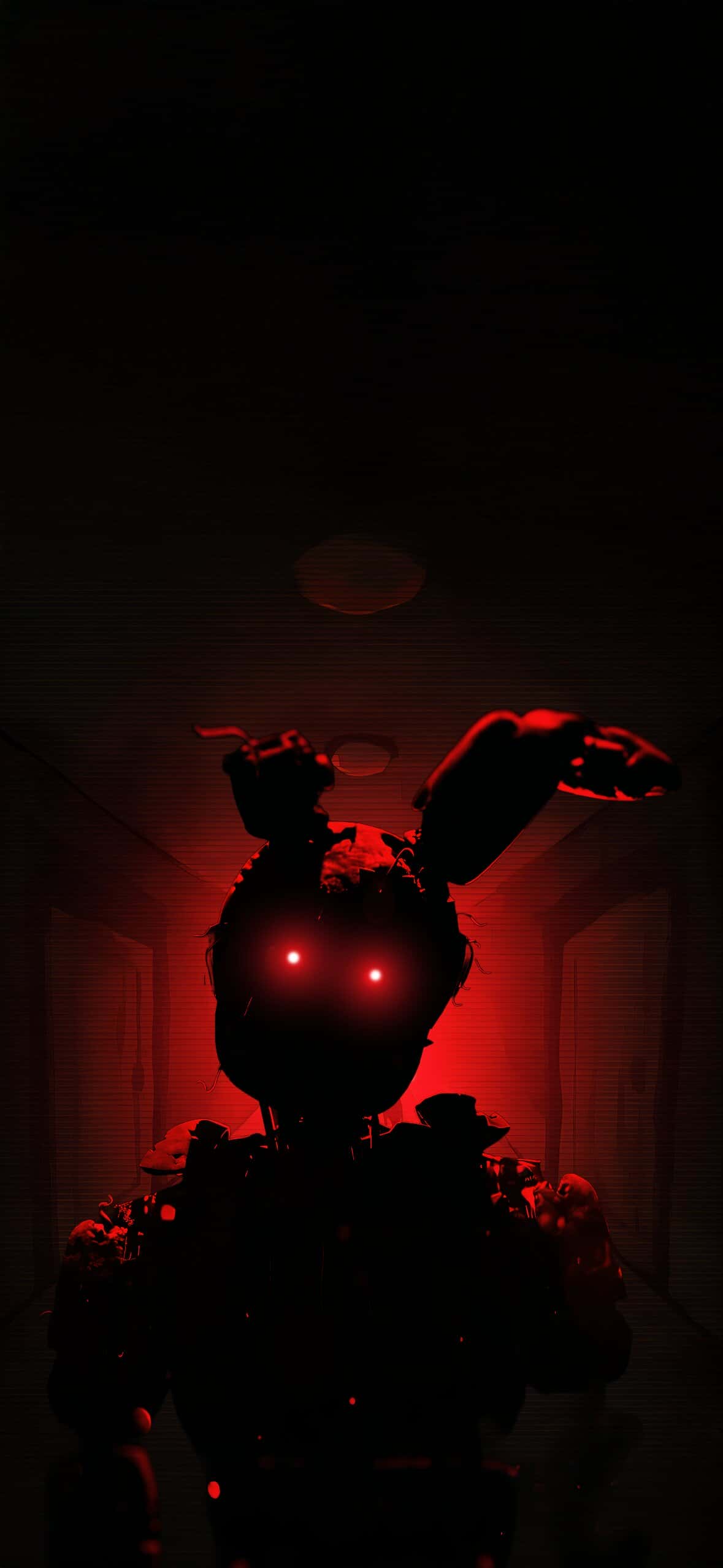
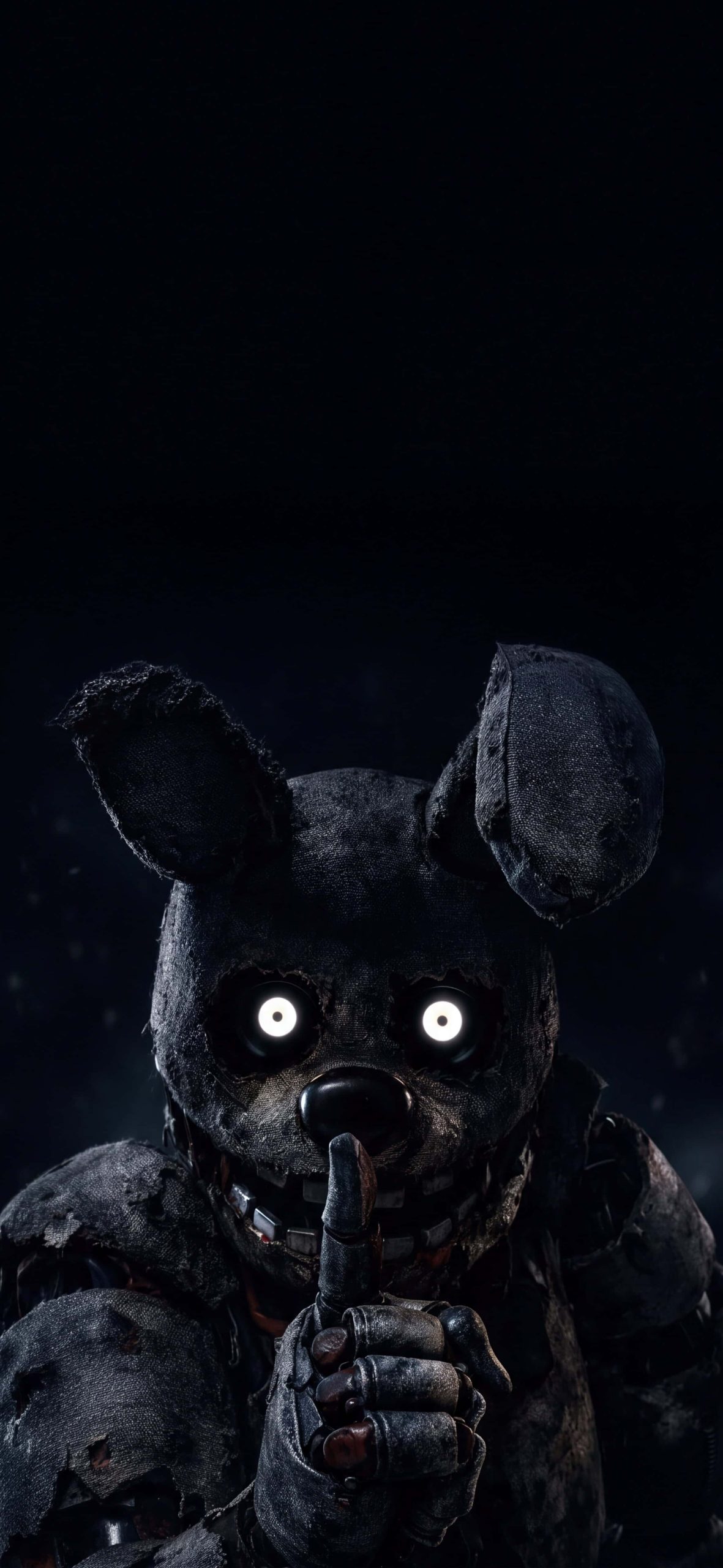
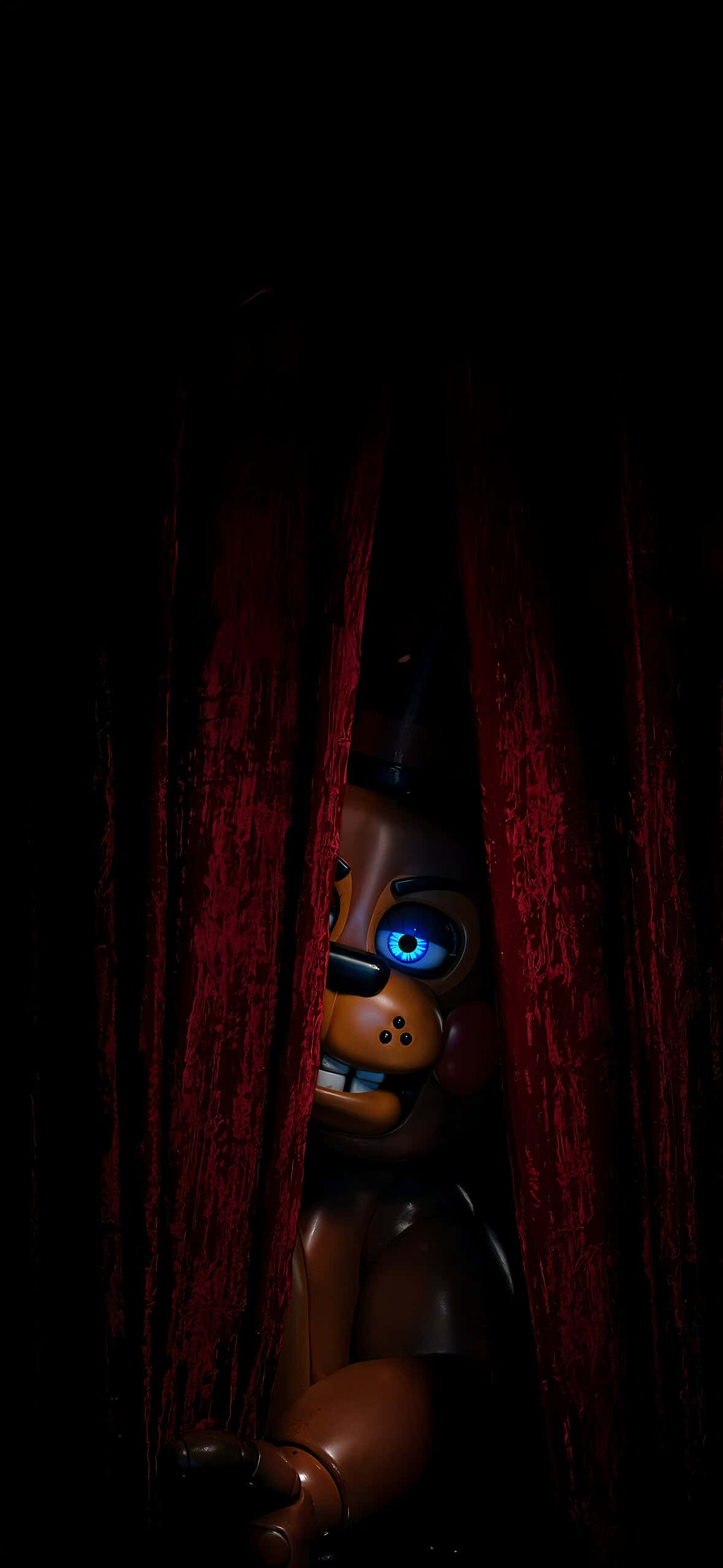
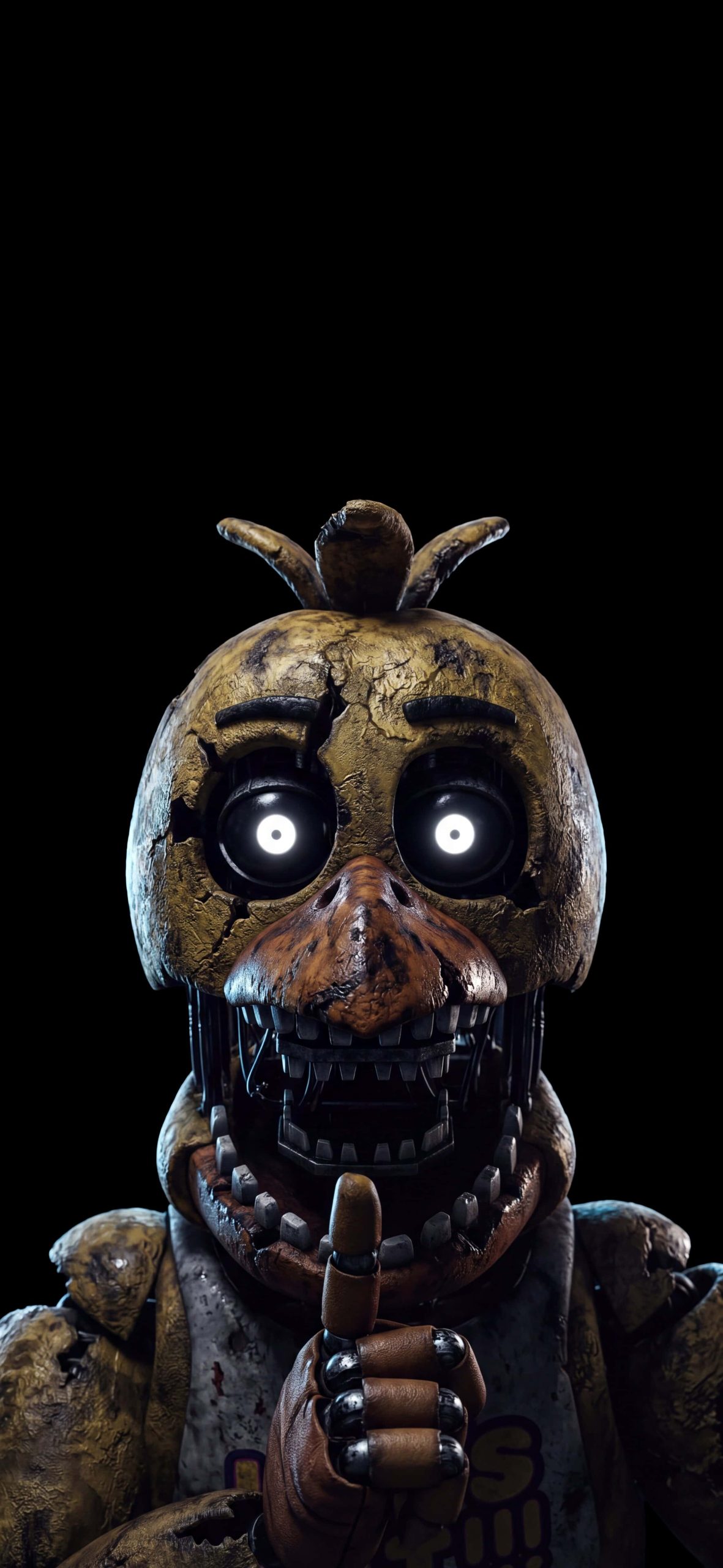
Not everything here is glossy 3D render. There’s a comic-style illustration of the four original animatronics — Freddy, Bonnie, Chica, and Foxy — rendered in flat red, blue, yellow, and brown against black, which looks closer to a poster print than a screenshot. It sits well next to the more photorealistic movie-style images, like Bonnie surfacing from a ball pit with glowing eyes, or Springtrap lit entirely in red down a hallway.
A note on brightness
Because so much of this set relies on near-total black backgrounds, they’re genuinely better suited to OLED and AMOLED iPhone screens (iPhone 12 and later) where black pixels turn off completely. On older LCD models the black will look more like dark grey, which softens the effect somewhat.
Setting it up
Download the image, open Settings → Wallpaper → Add New Wallpaper, and select it from your camera roll. Reposition as needed, then apply to lock screen, home screen, or both.
Grab these free FNAF iPhone wallpapers and let the animatronics take over your screen — five nights or not.