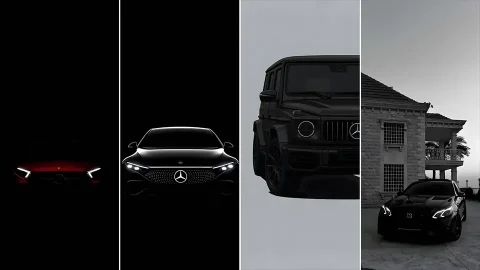
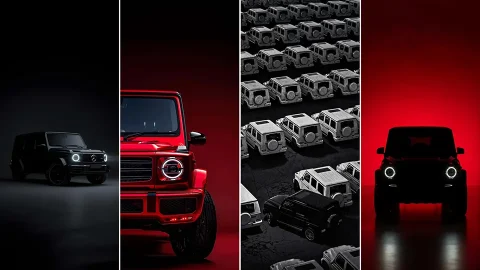
4K Mercedes-Benz iPhone Wallpapers | AMG & Dark OLED Backgrounds
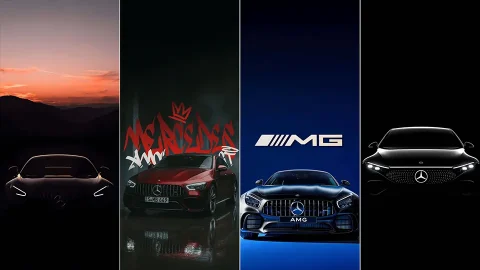
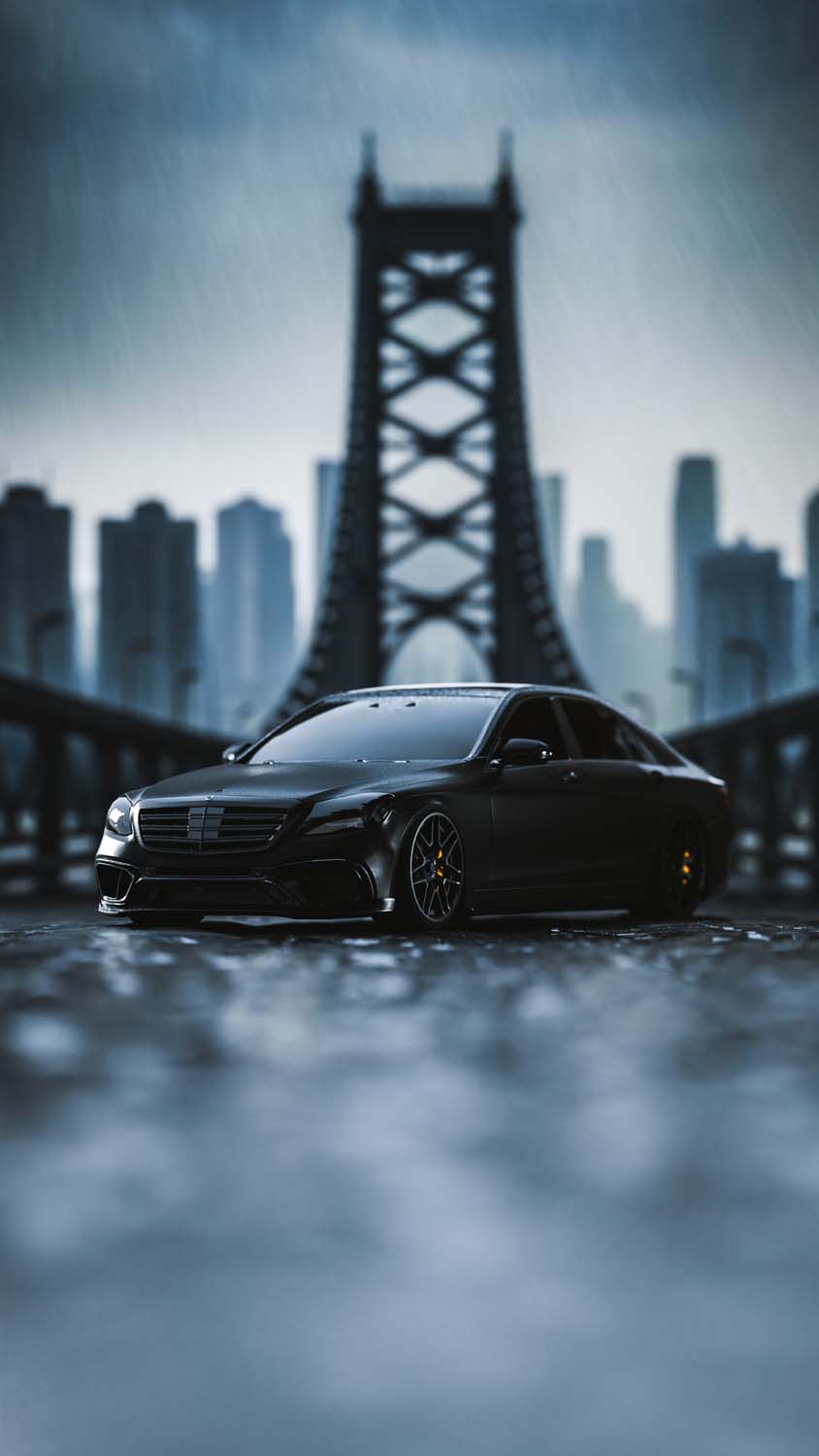
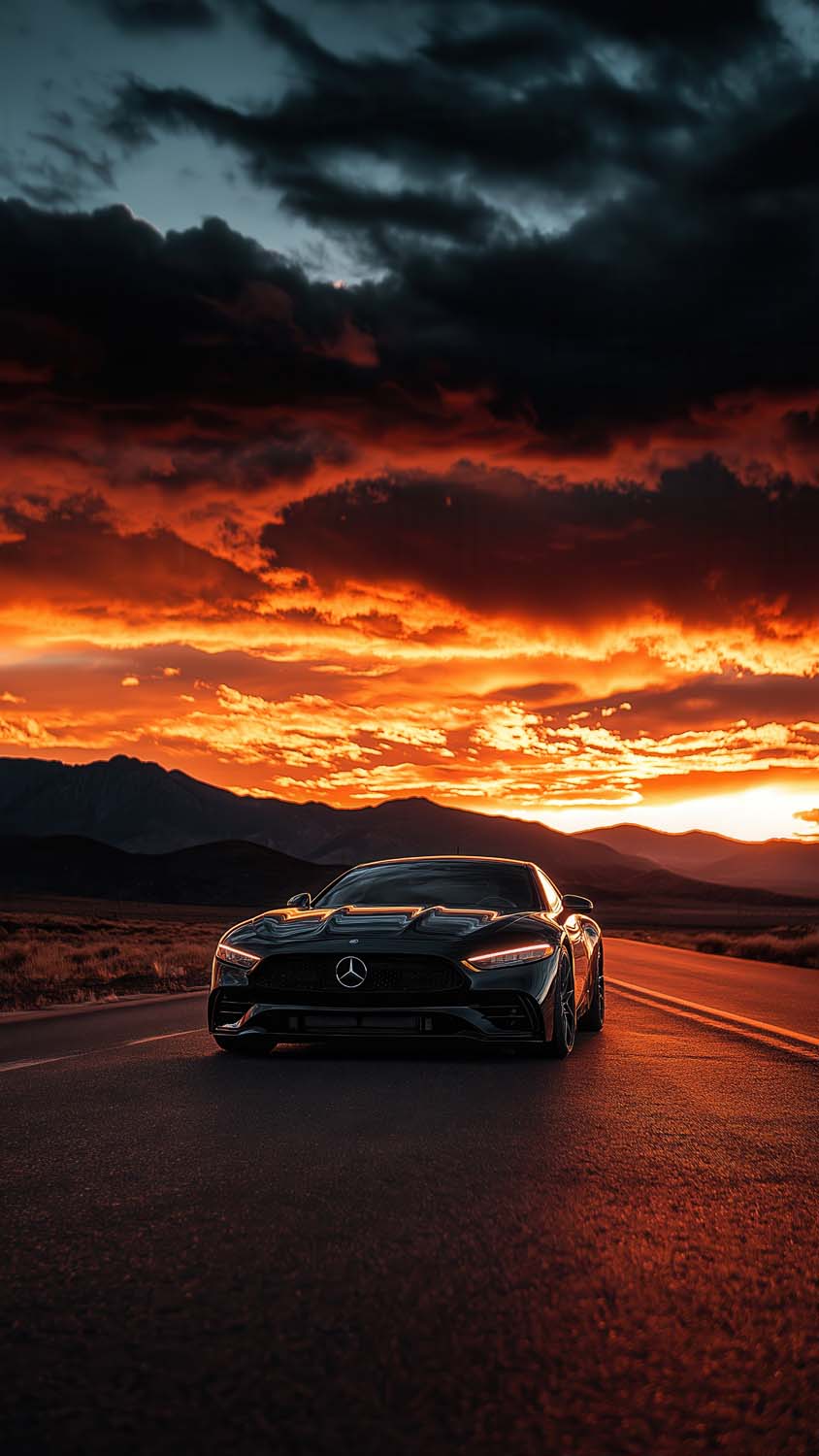
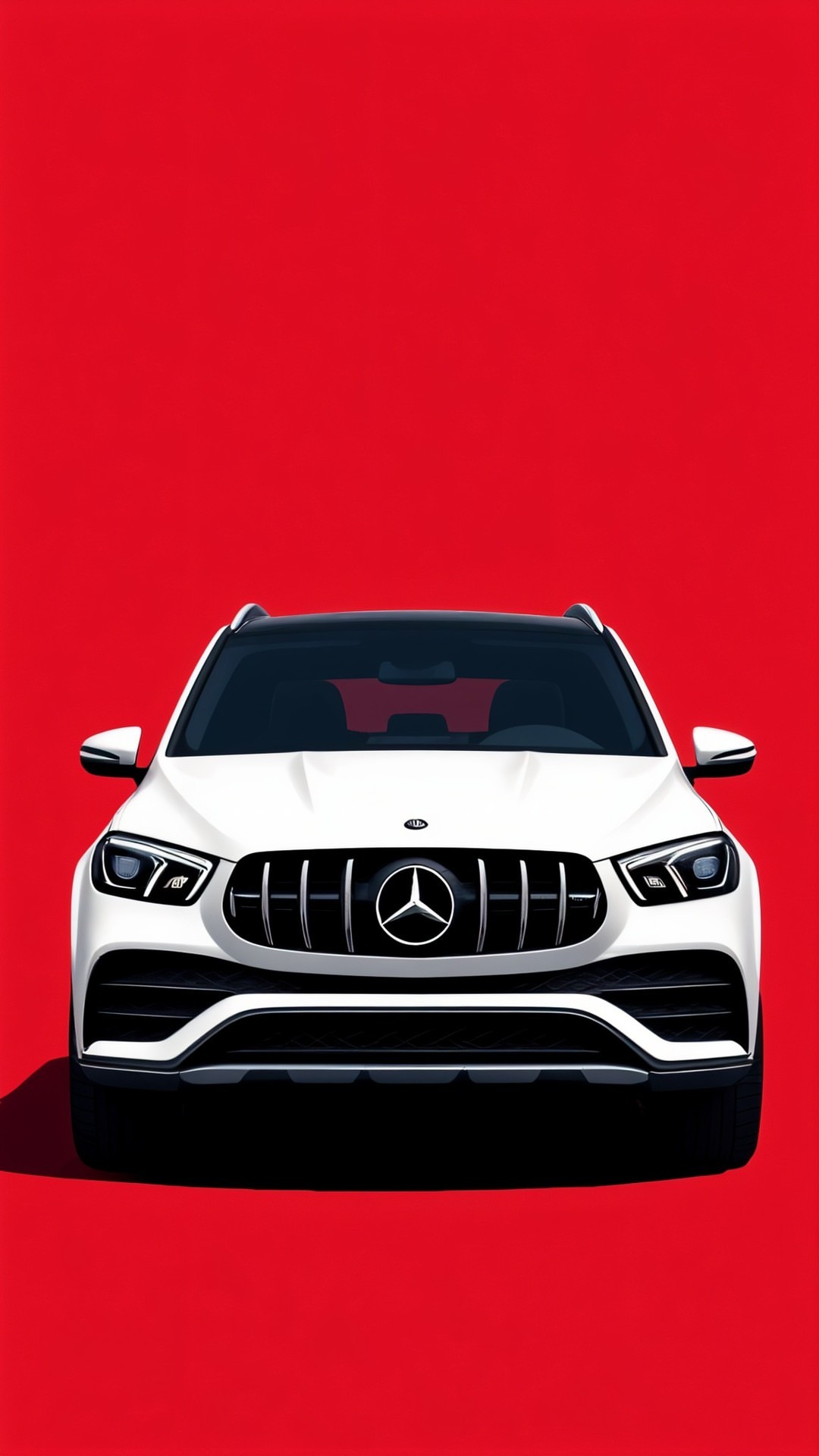
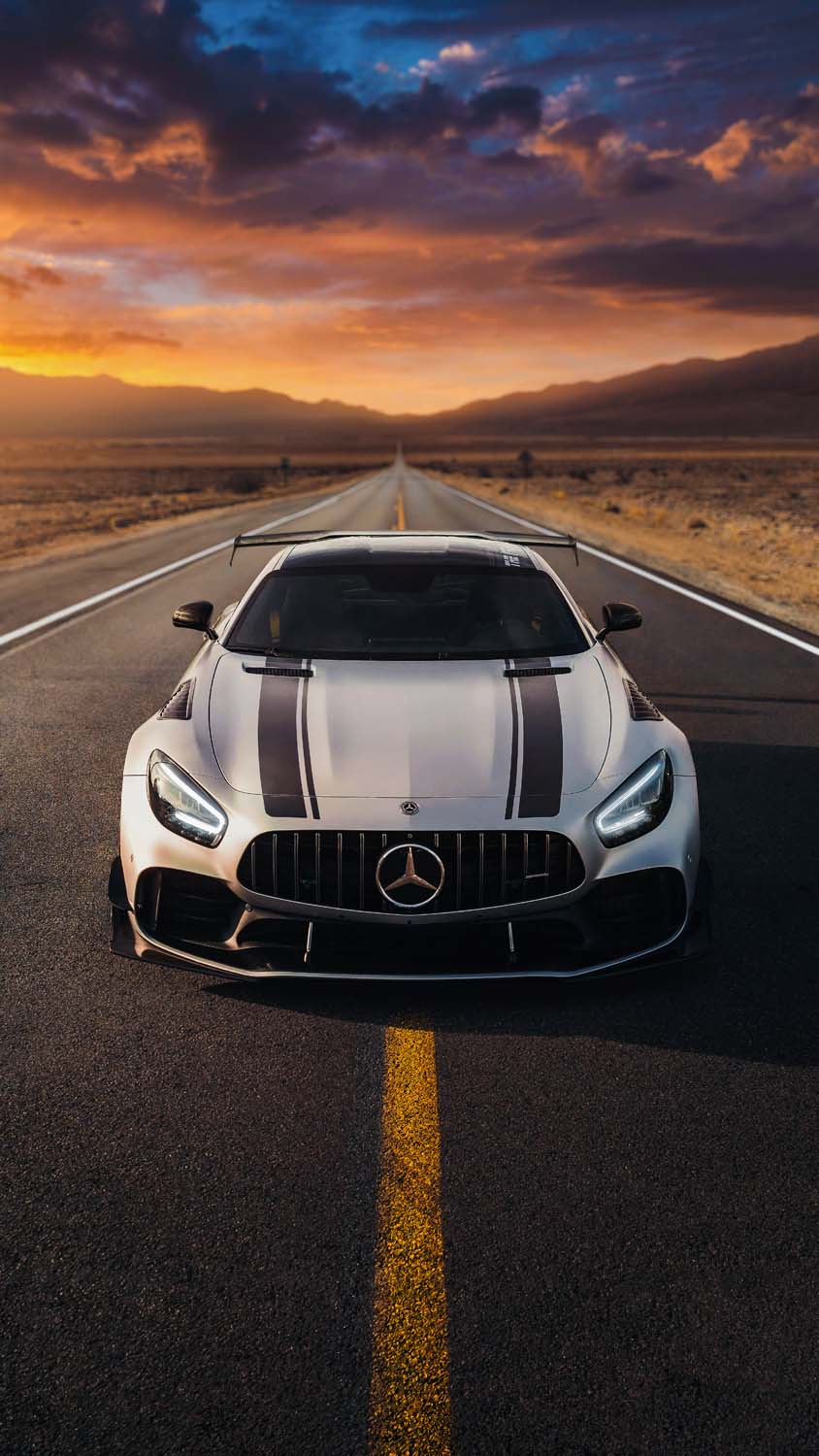
Mercedes-Benz has spent decades building a reputation around precision engineering, understated luxury, and — when it comes to AMG — serious performance. This collection of 4K Mercedes-Benz iPhone wallpapers captures that full range, from sleek sedans and SUVs to aggressive AMG models, all presented in high resolution with a strong focus on dark, OLED-friendly compositions.
What’s Included in the Collection
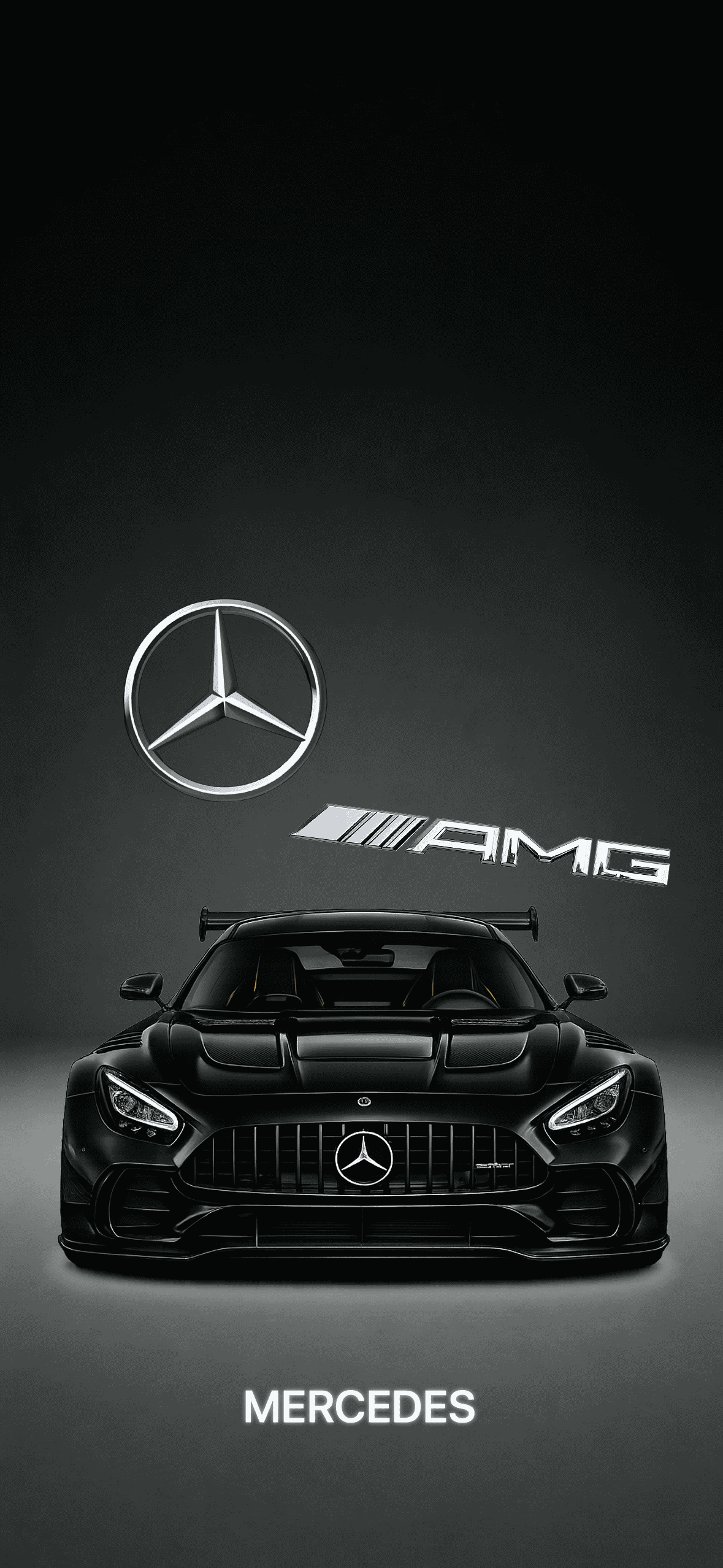
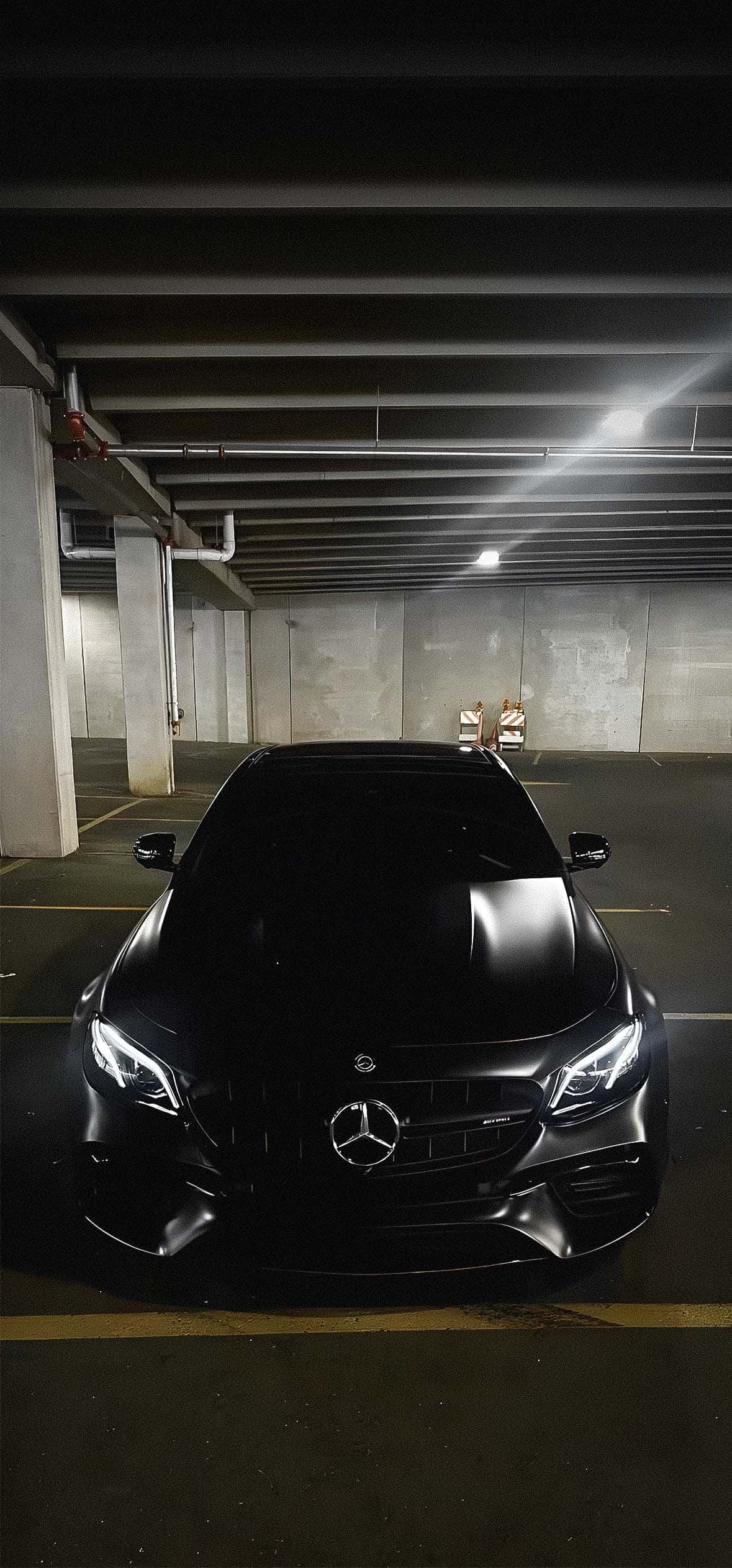
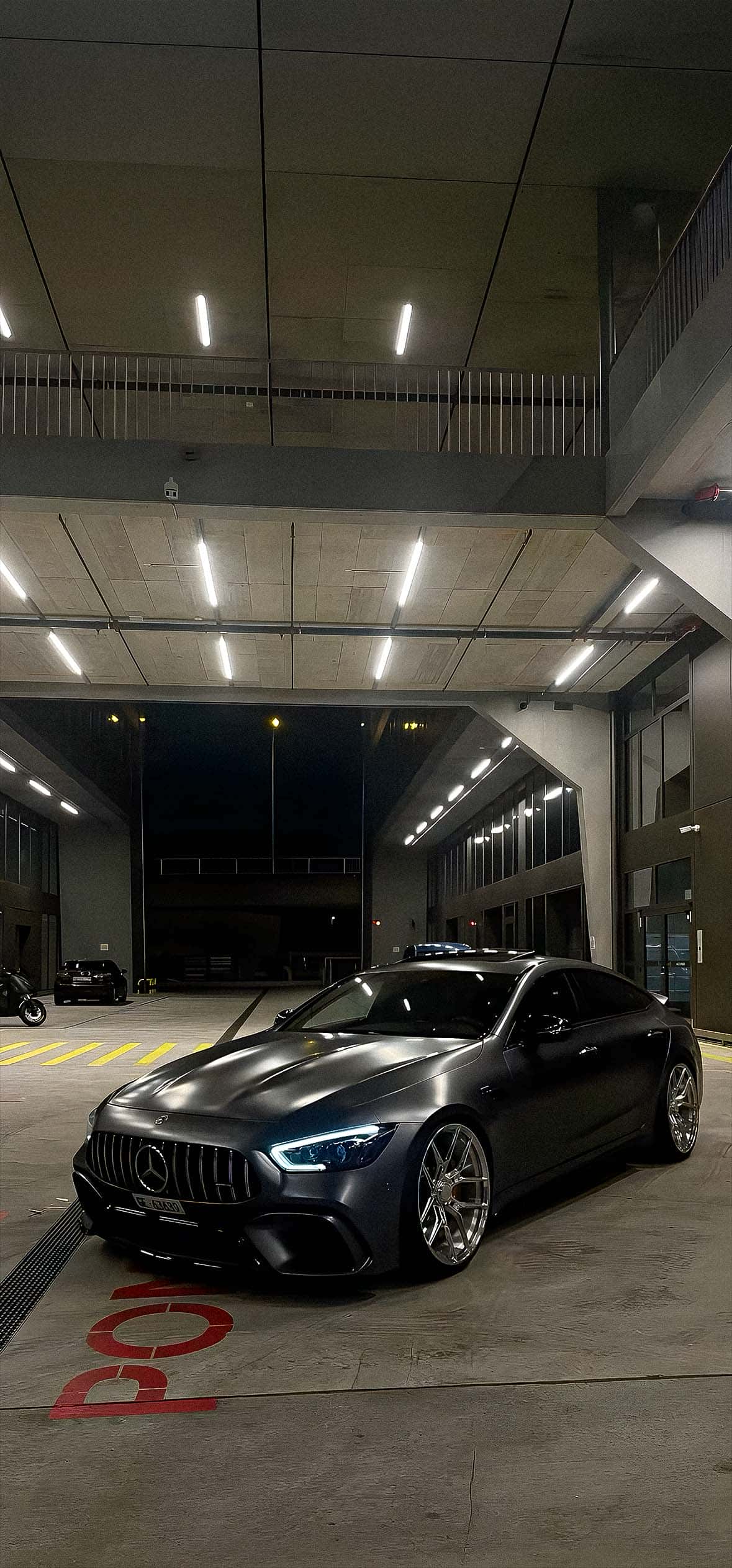
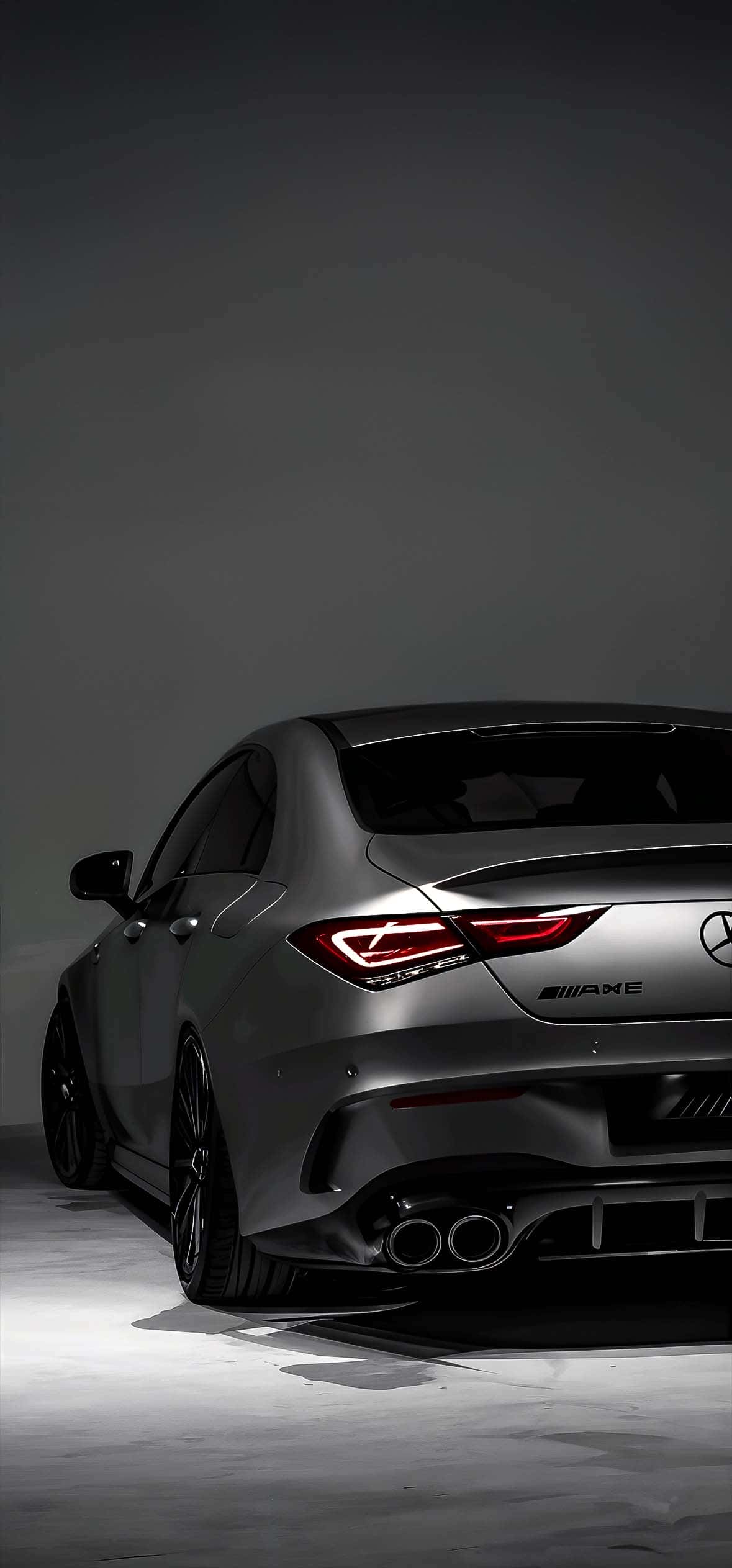
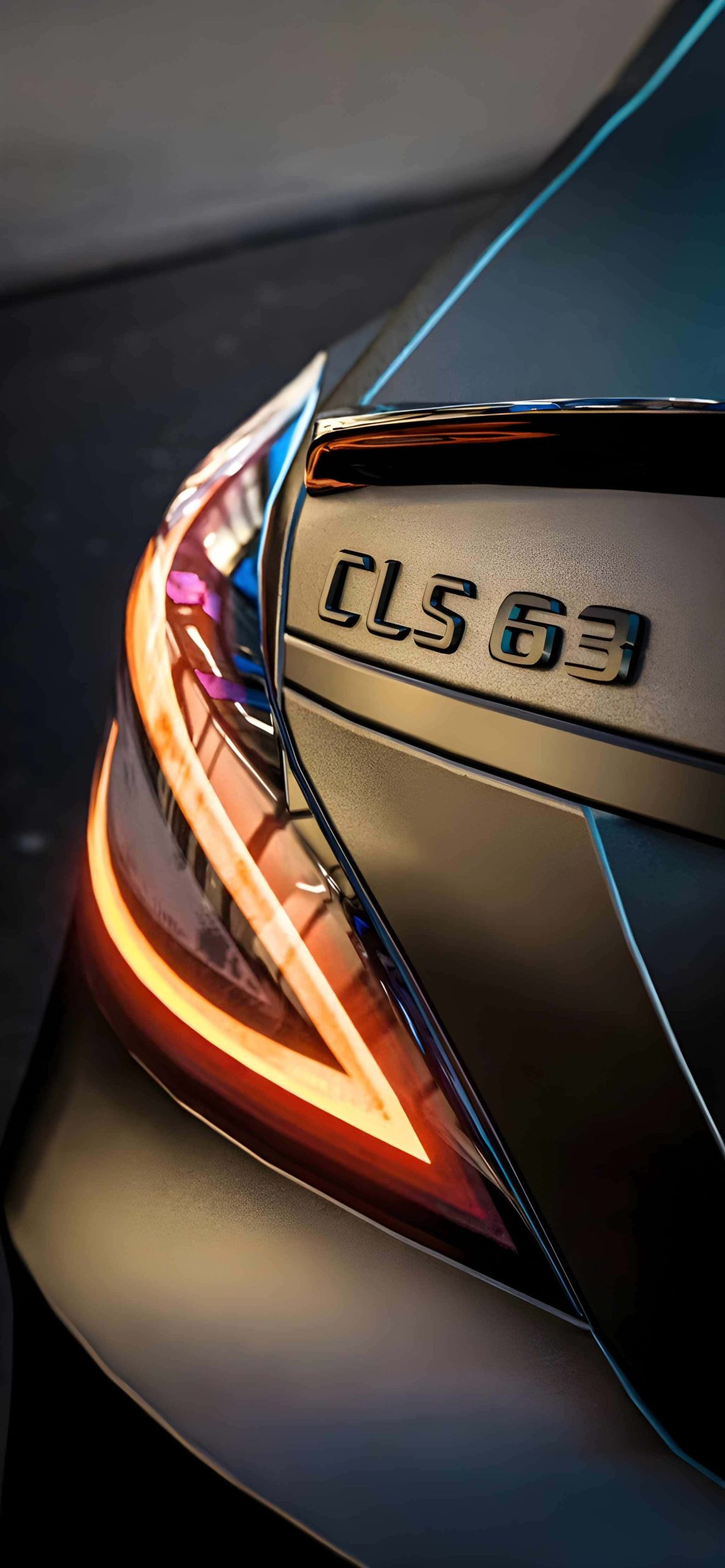
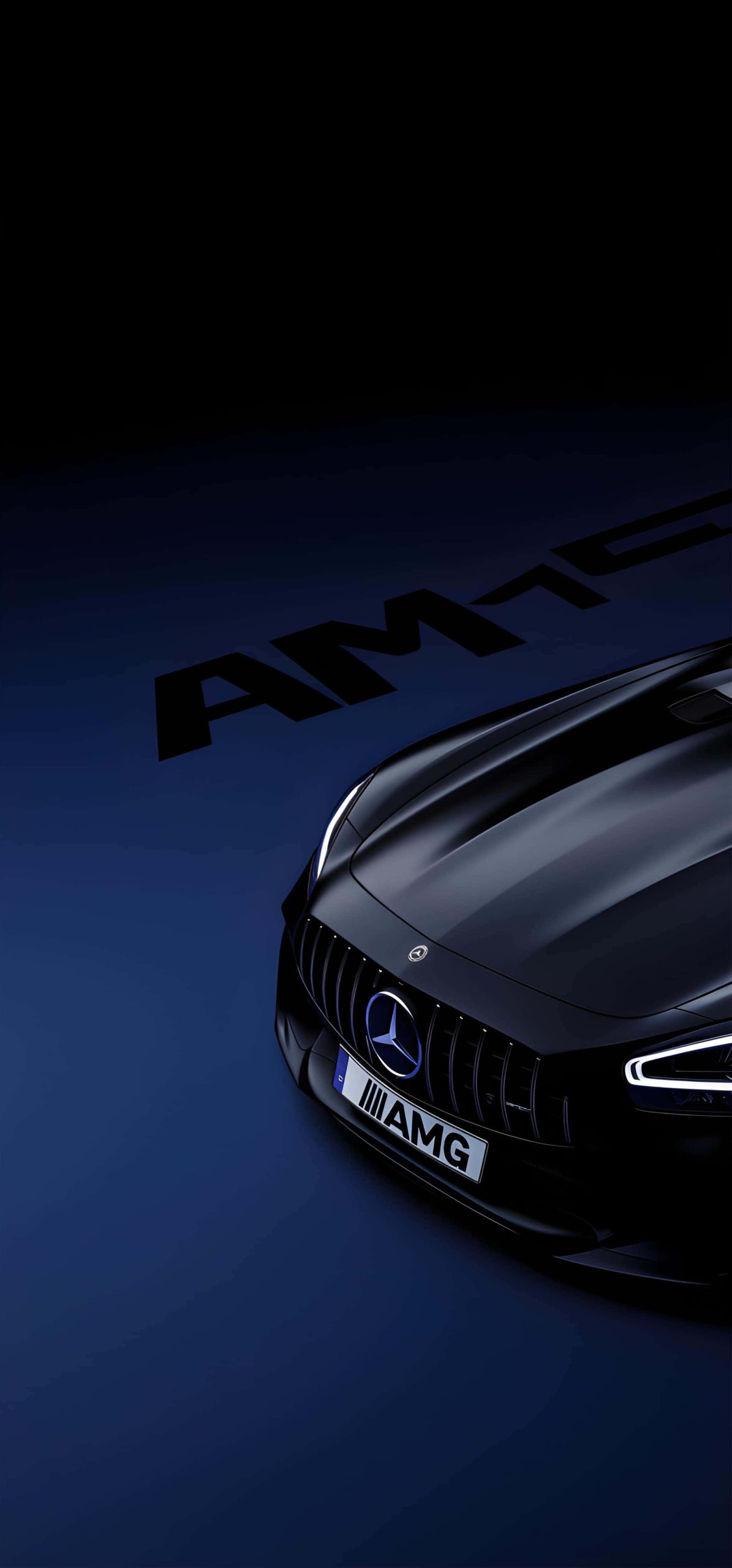
1. AMG Performance Shots Dynamic images of Mercedes-AMG models in motion or posed aggressively, highlighting wide stances, sharp body lines, and signature AMG badging.
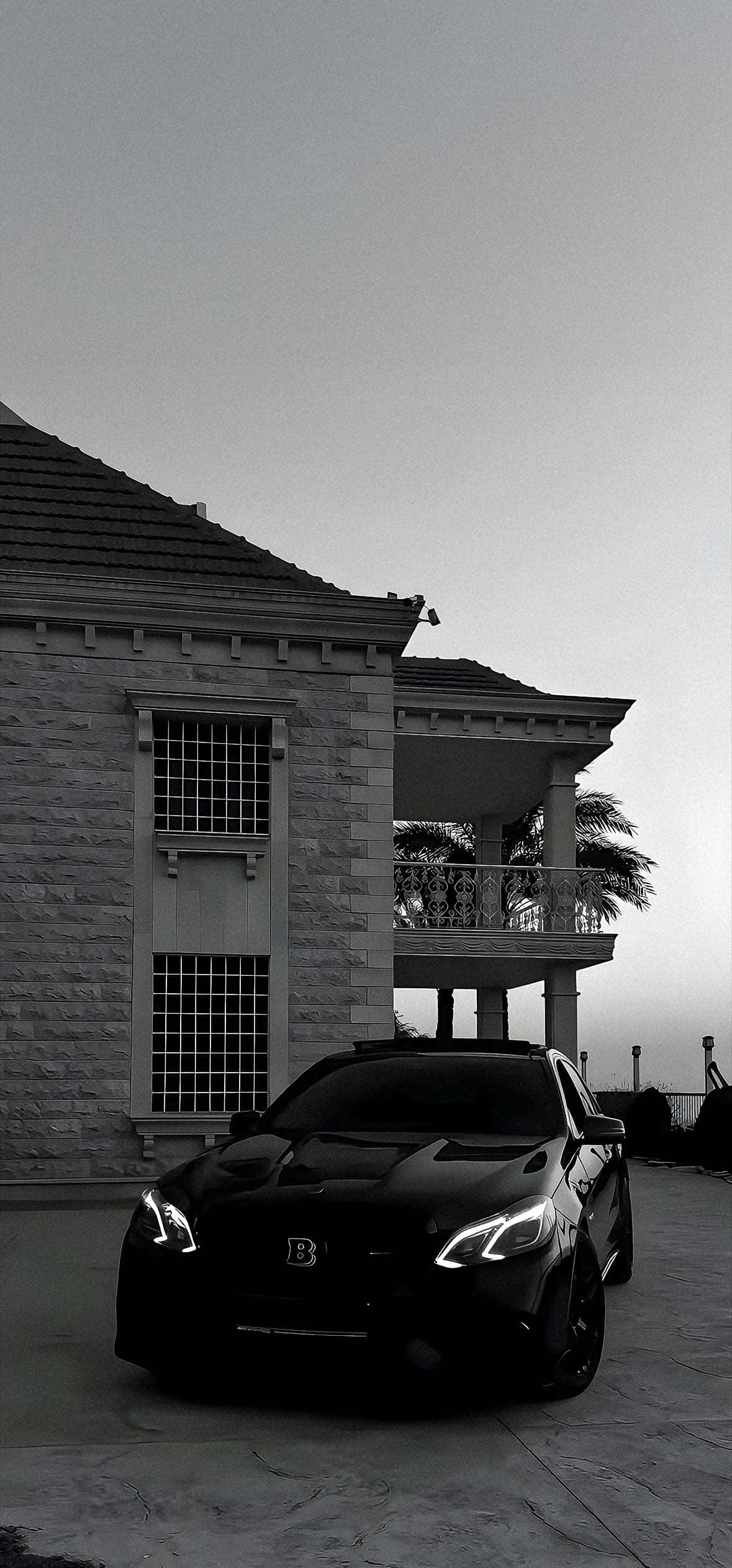
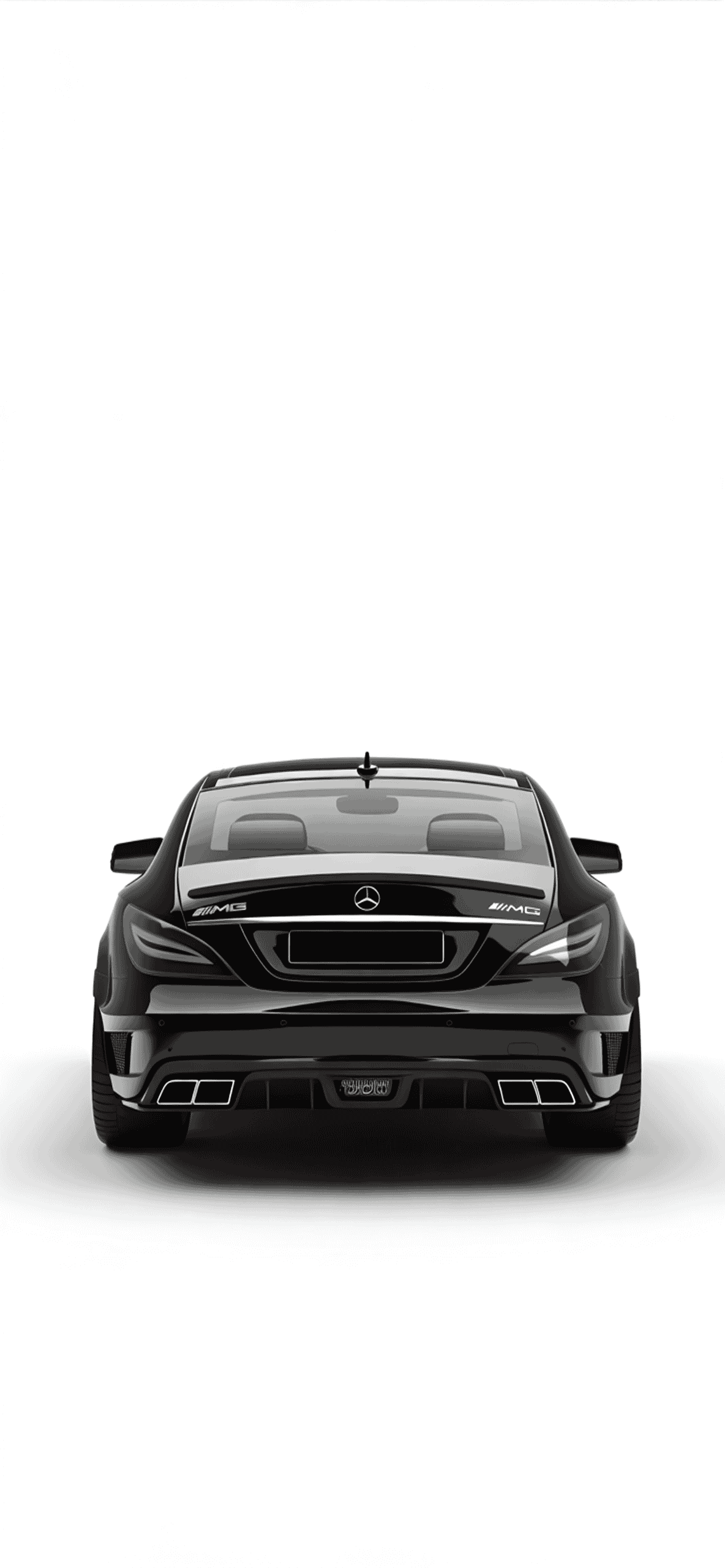
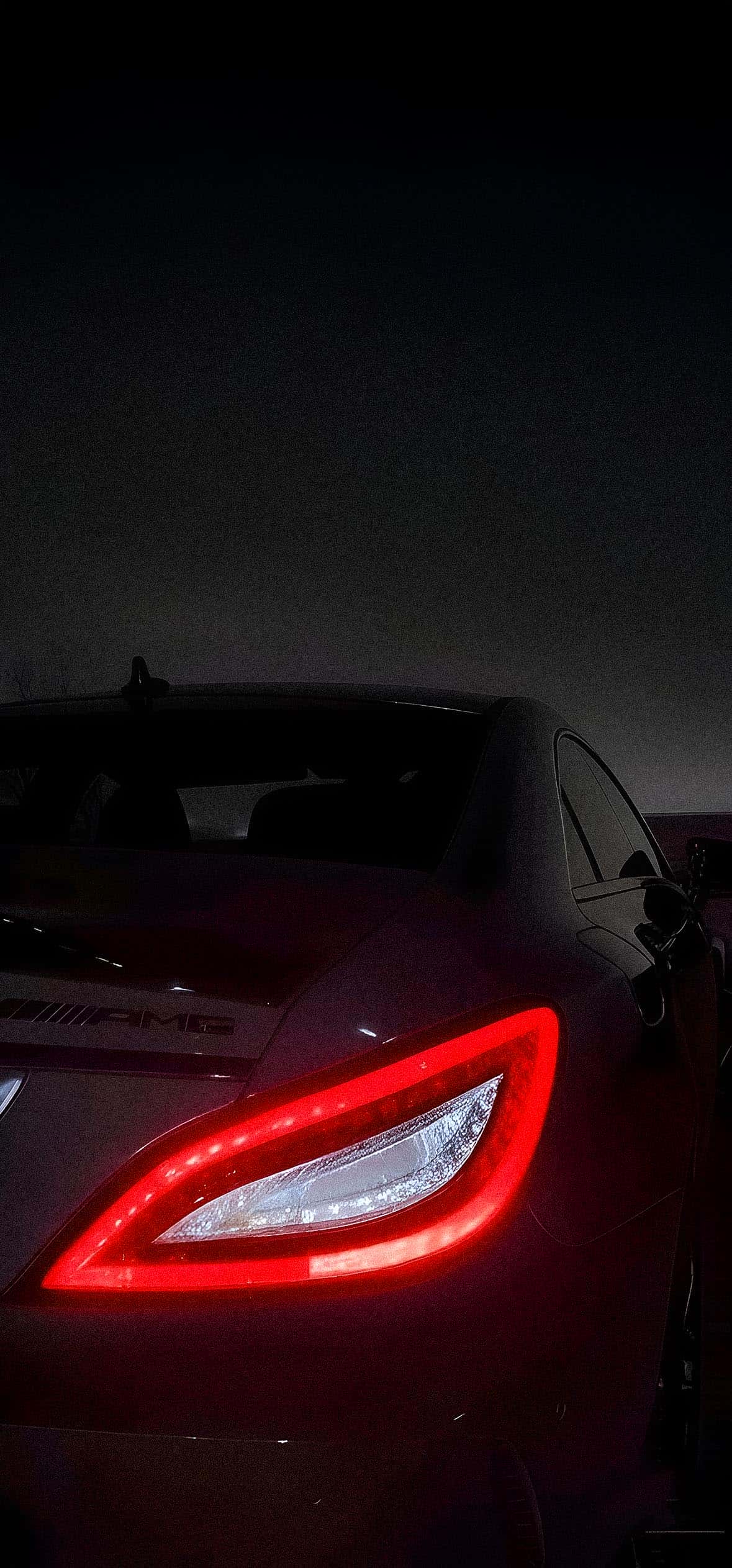
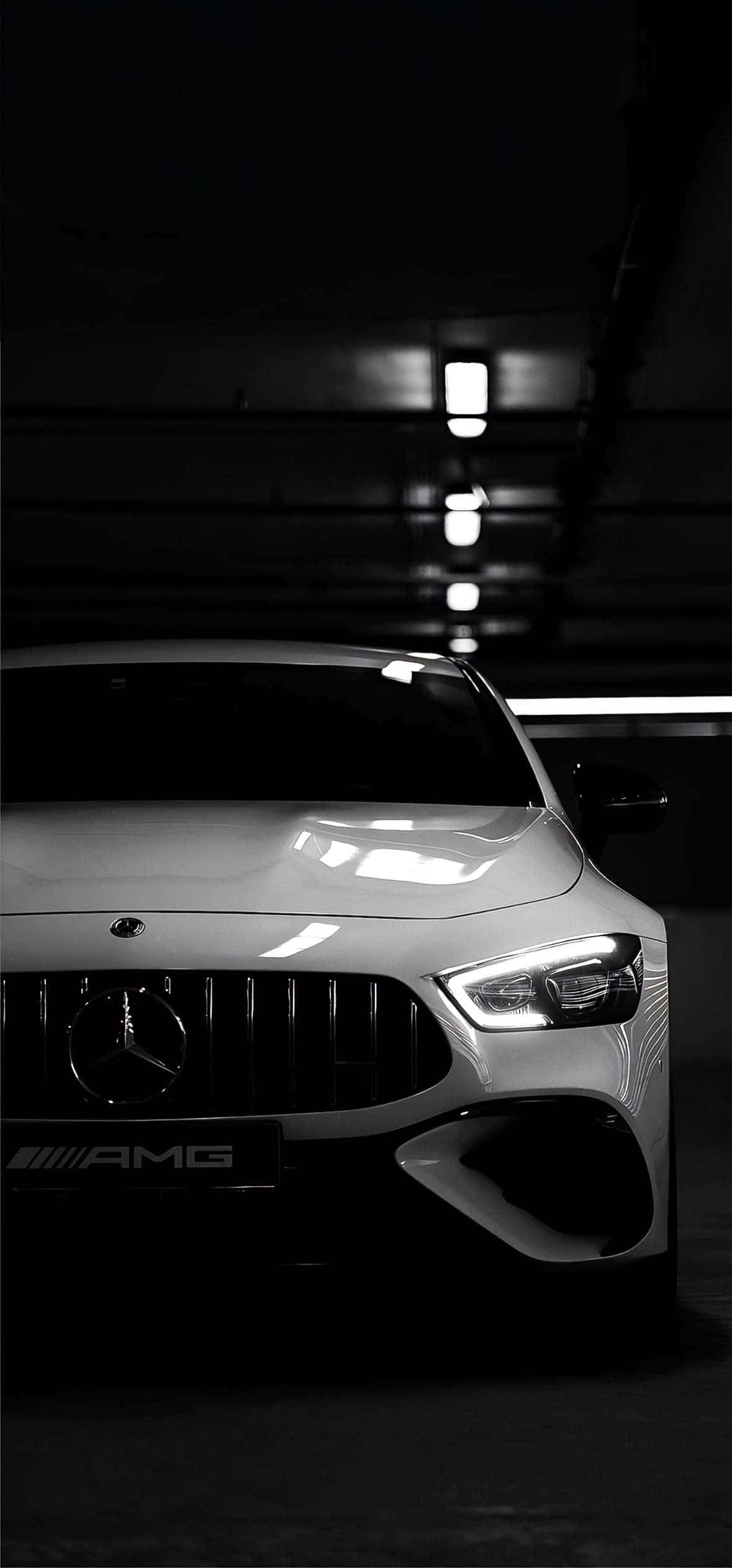
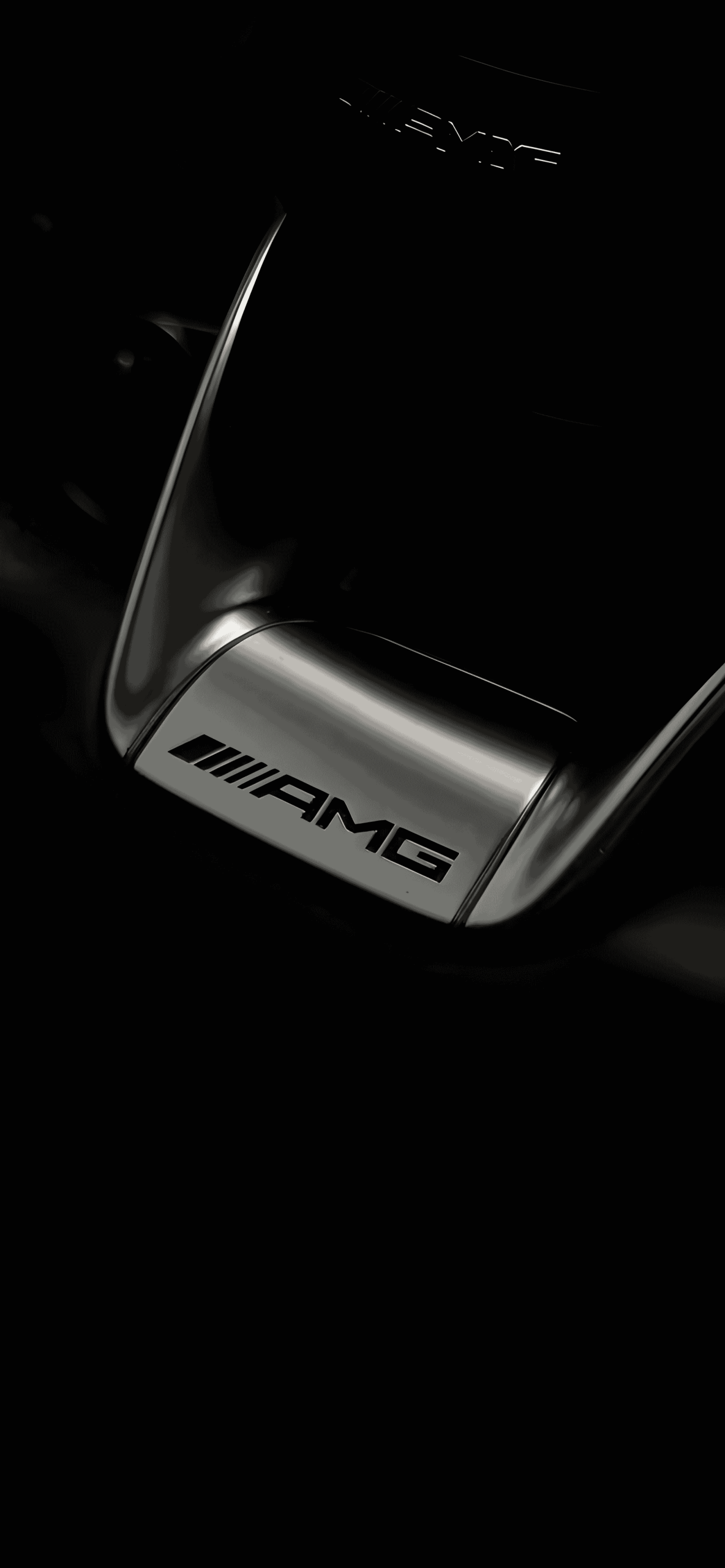
2. Dark & OLED-Optimized Backgrounds Wallpapers shot in low light or edited with deep black backgrounds, designed to blend seamlessly into OLED and AMOLED displays while keeping the car as the clear focal point.
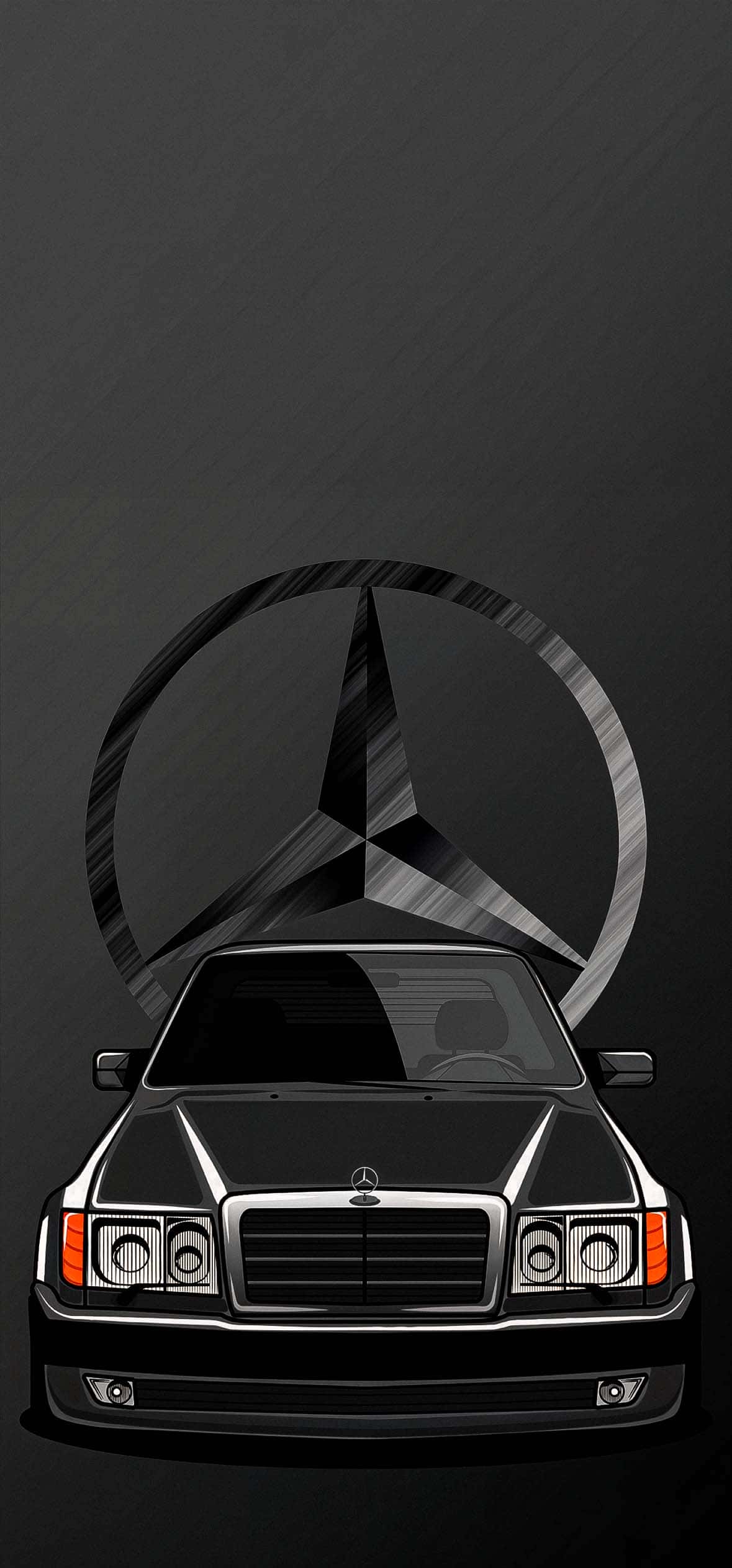
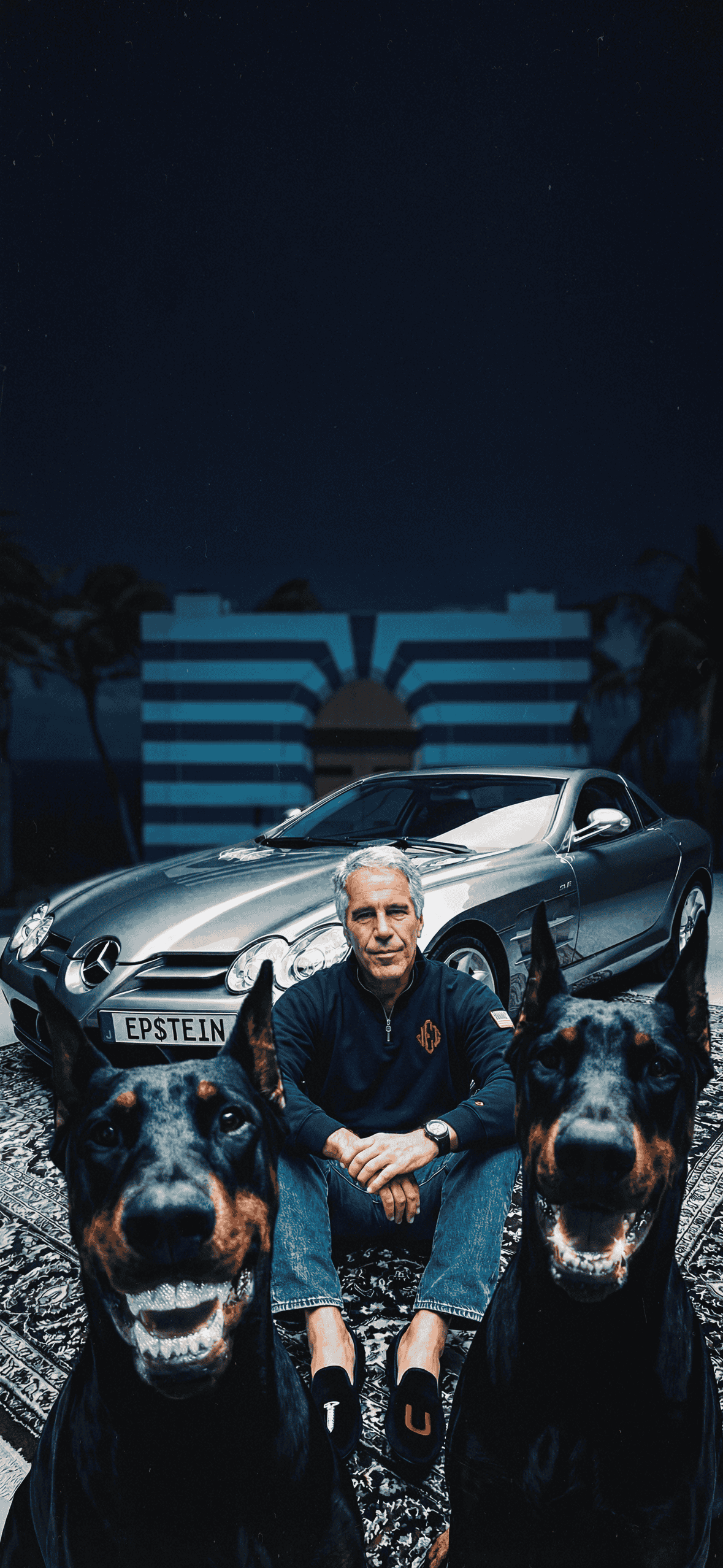
3. Classic Elegance Shots of sedans and coupes that lean into Mercedes-Benz’s more understated, luxury-forward design language — clean lines, chrome detailing, and timeless proportions.
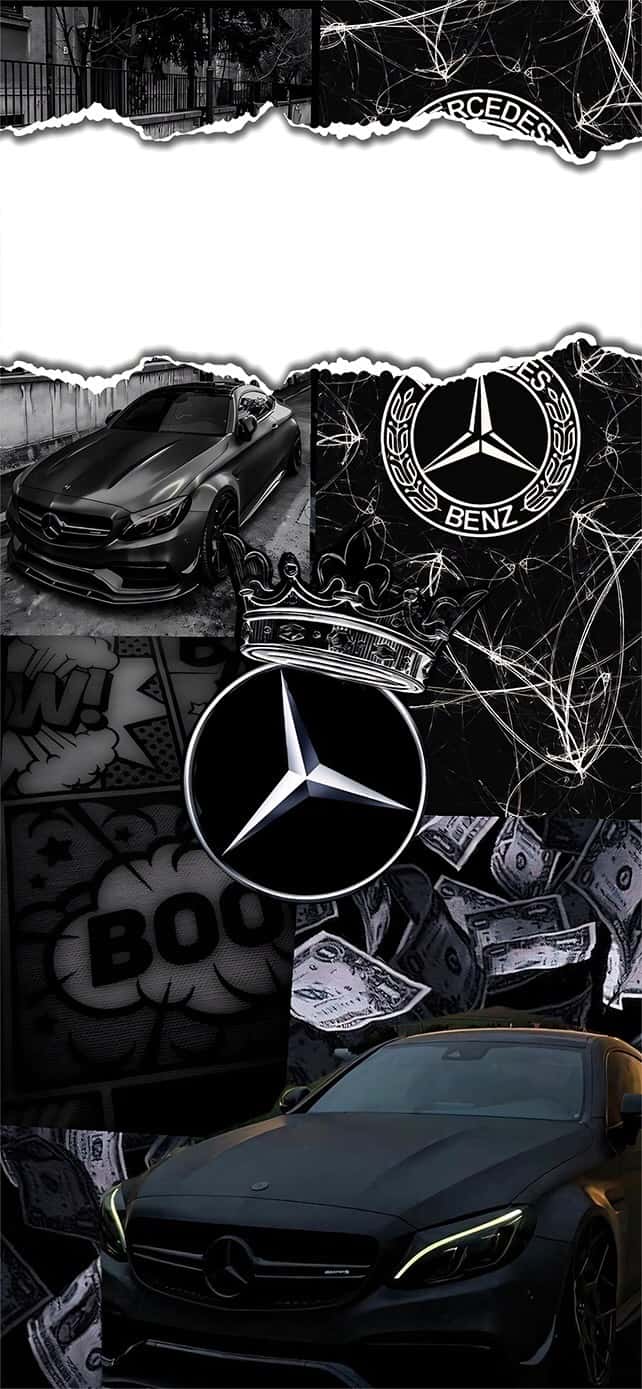
4. Detail & Badge Close-Ups Close crops of the iconic three-pointed star, grille designs, and interior detailing for a more minimal, abstract wallpaper option.
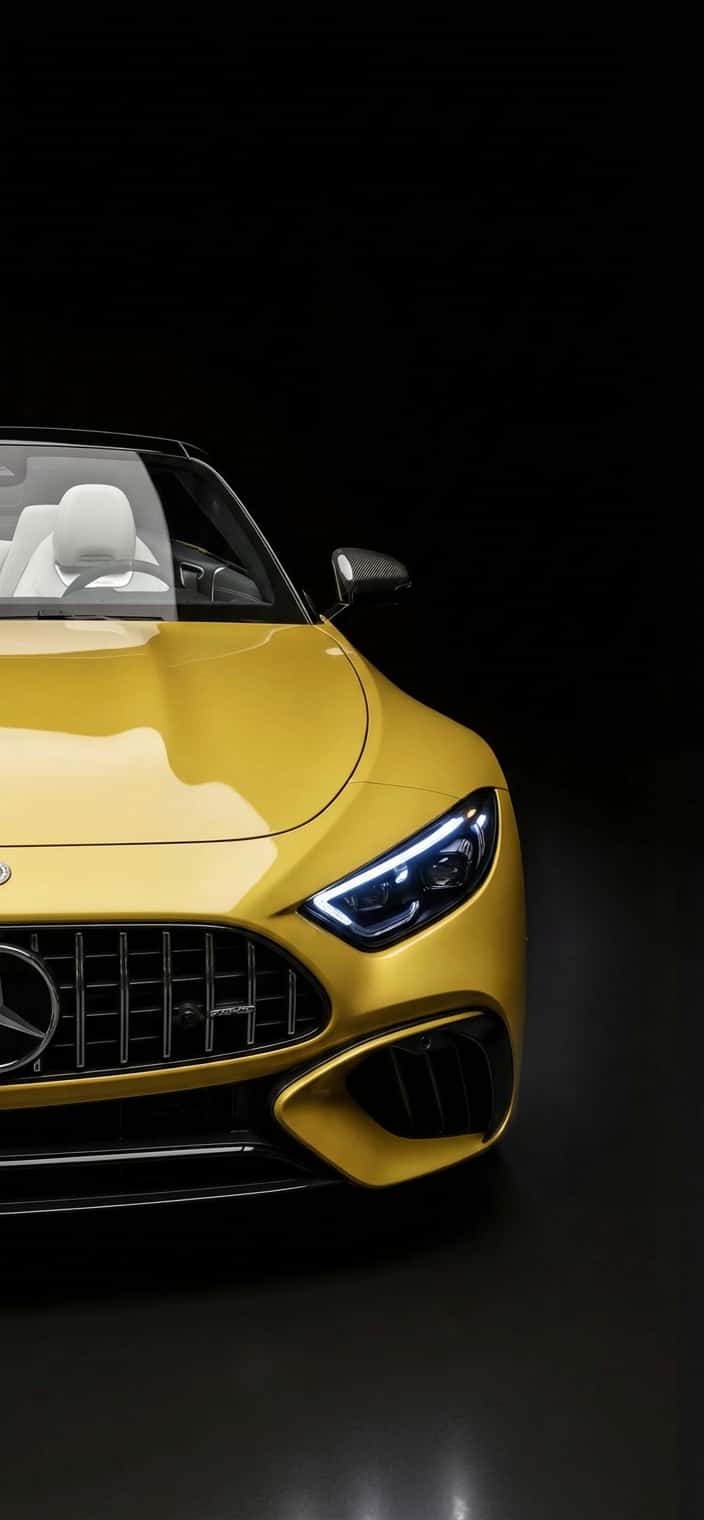
5. Night & Studio Photography Professionally lit studio shots and moody night photography that make the most of reflective paint finishes and sharp headlight design.
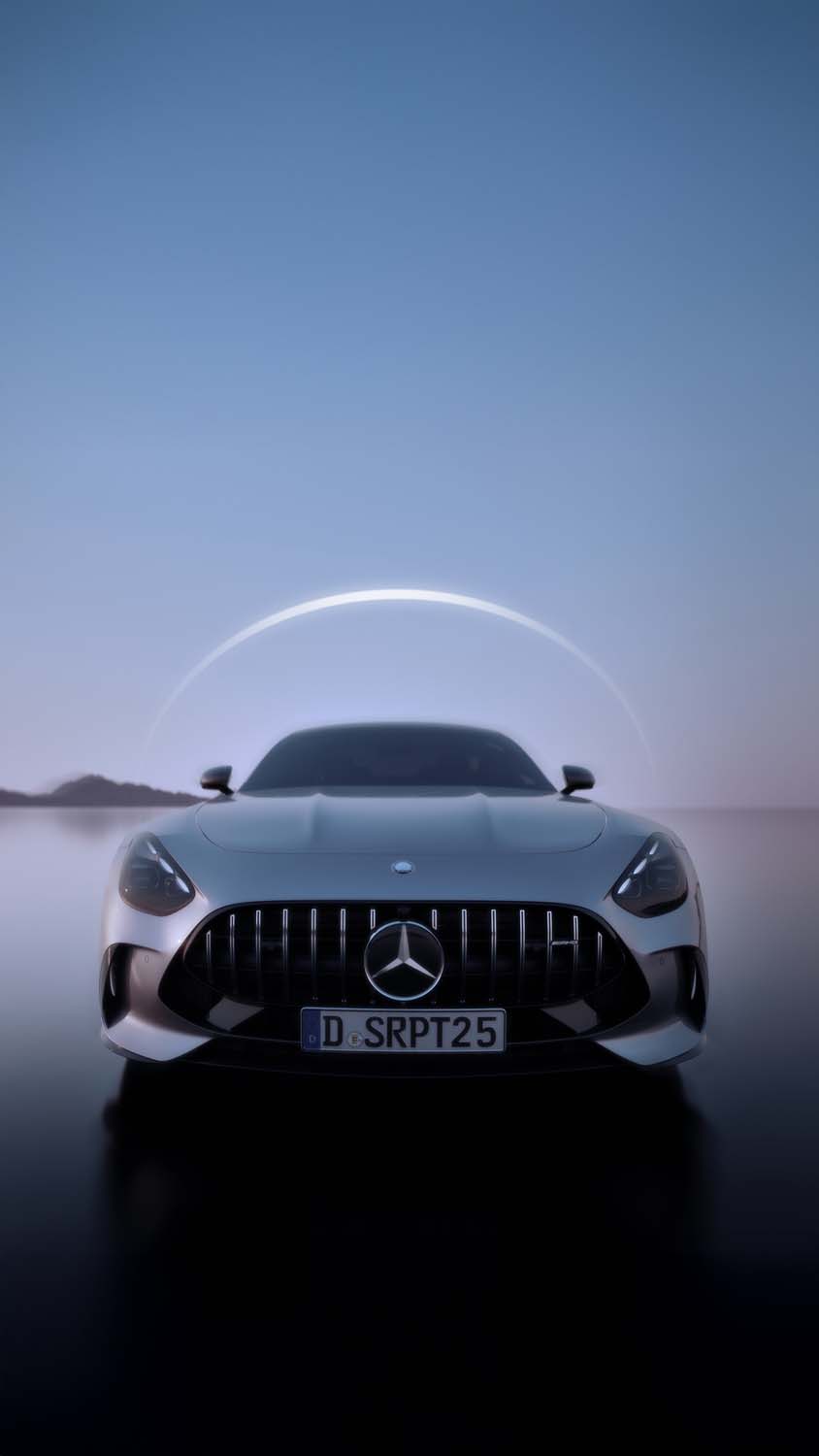
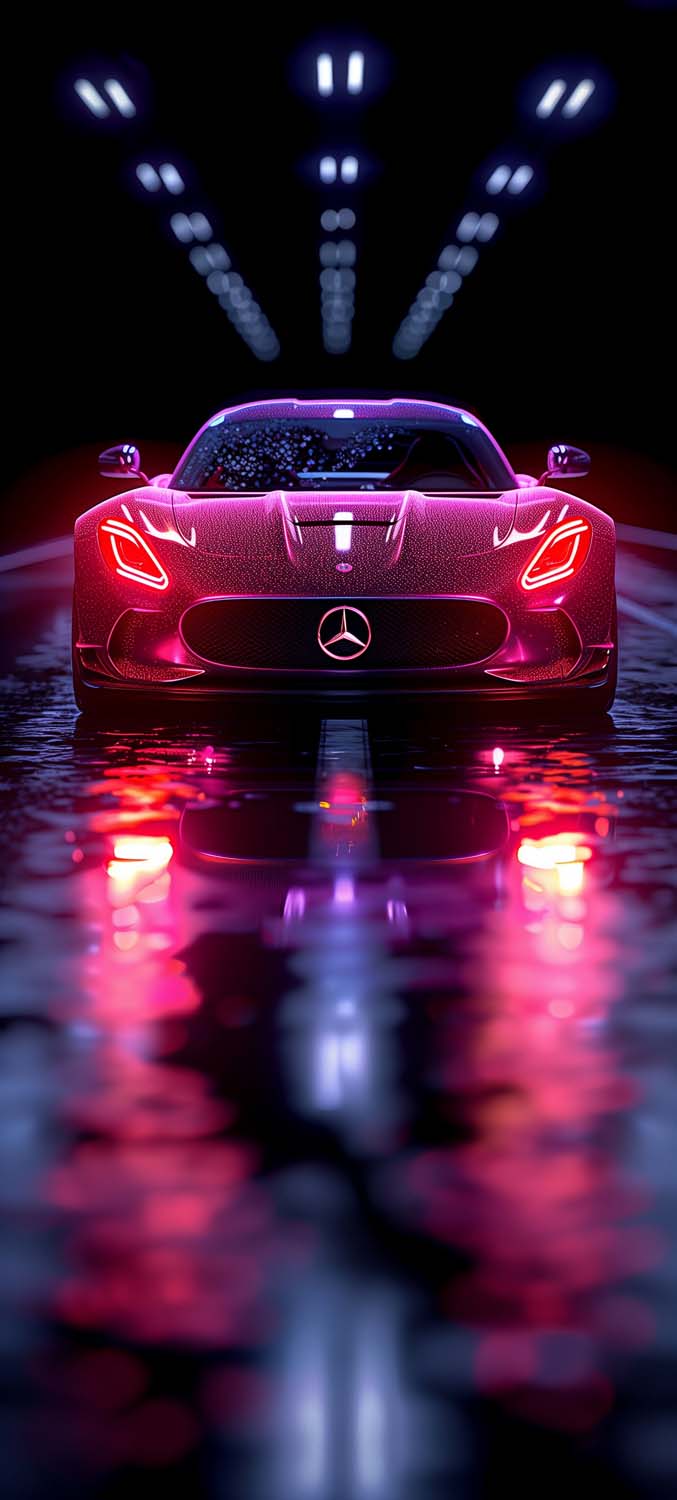




Why Dark Wallpapers Work Well for Car Photography
Dark backgrounds do more than look sleek — they let the car’s lines, curves, and paint reflections take center stage without visual clutter competing for attention. On OLED and AMOLED iPhone displays, these dark tones also blend more naturally with the interface, making app icons and widgets stand out cleanly against the background.
How to Set It Up on iPhone
- Save your chosen wallpaper to Photos.
- Go to Settings > Wallpaper > Add New Wallpaper.
- Select Photos and choose your image.
- Adjust the crop to fit your screen.
- Apply it to your Lock Screen, Home Screen, or both.
For the sharpest results, use images at least 1170 x 2532 pixels, or higher resolution for Pro Max models.
Tips for Choosing Your Mercedes-Benz Wallpaper
- Match your aesthetic: AMG shots feel bold and performance-driven, while classic sedan shots feel more refined and minimal.
- Consider lighting: Night and studio shots tend to look sharpest on OLED displays thanks to their true black backgrounds.
- Widget space: Choose wallpapers with open space near the top if you use Lock Screen widgets.
Final Thoughts
Whether you’re drawn to the raw performance of AMG or the timeless elegance of a classic Mercedes-Benz silhouette, this wallpaper collection offers something for every kind of enthusiast. The dark, OLED-optimized editing throughout makes these wallpapers a great fit for any iPhone display.
Related posts:

Matte Black Porsche 911 GT3 RS iPhone Wallpaper | Red 4K Background

Porsche 911 iPhone Wallpapers 4K | High-Res iOS Lock Screens
Epic Lamborghini Lock Screen Wallpapers for iPhone (iOS Depth Effect Ready)
20+ Blacked-Out Mercedes & AMG HD Wallpapers for iPhone [OLED & 4K]
25+ Mercedes G-Wagon 4K iPhone Wallpapers (HD, Aesthetic, & Dark)