
Minimalist iPhone Wallpapers: The Ultimate Guide to a Clean & Tech-Inspired Setup
In the age of digital saturation, our smartphones have become extensions of our personal space. We check our screens hundreds of times a day, making the visual environment of our devices more important than ever. While busy, high-contrast photos can be distracting, a new trend is dominating the home screens of tech enthusiasts worldwide: Minimalism.
Whether you are looking for the sleek lines of an Apple Mac Studio-inspired texture or the vibrant energy of a neon-framed gaming background, your wallpaper sets the tone for your productivity and digital well-being. Here is why minimalist wallpapers are the ultimate choice for your iPhone and how to choose the right aesthetic for your style.
Why Minimalism Wins on the iPhone
Minimalist wallpapers aren’t just about “empty space.” They are about intentionality. Using a clean background—like a deep navy blue or a matte dark gray—reduces visual clutter. This makes your app icons pop and ensures that your widgets are actually readable at a glance.
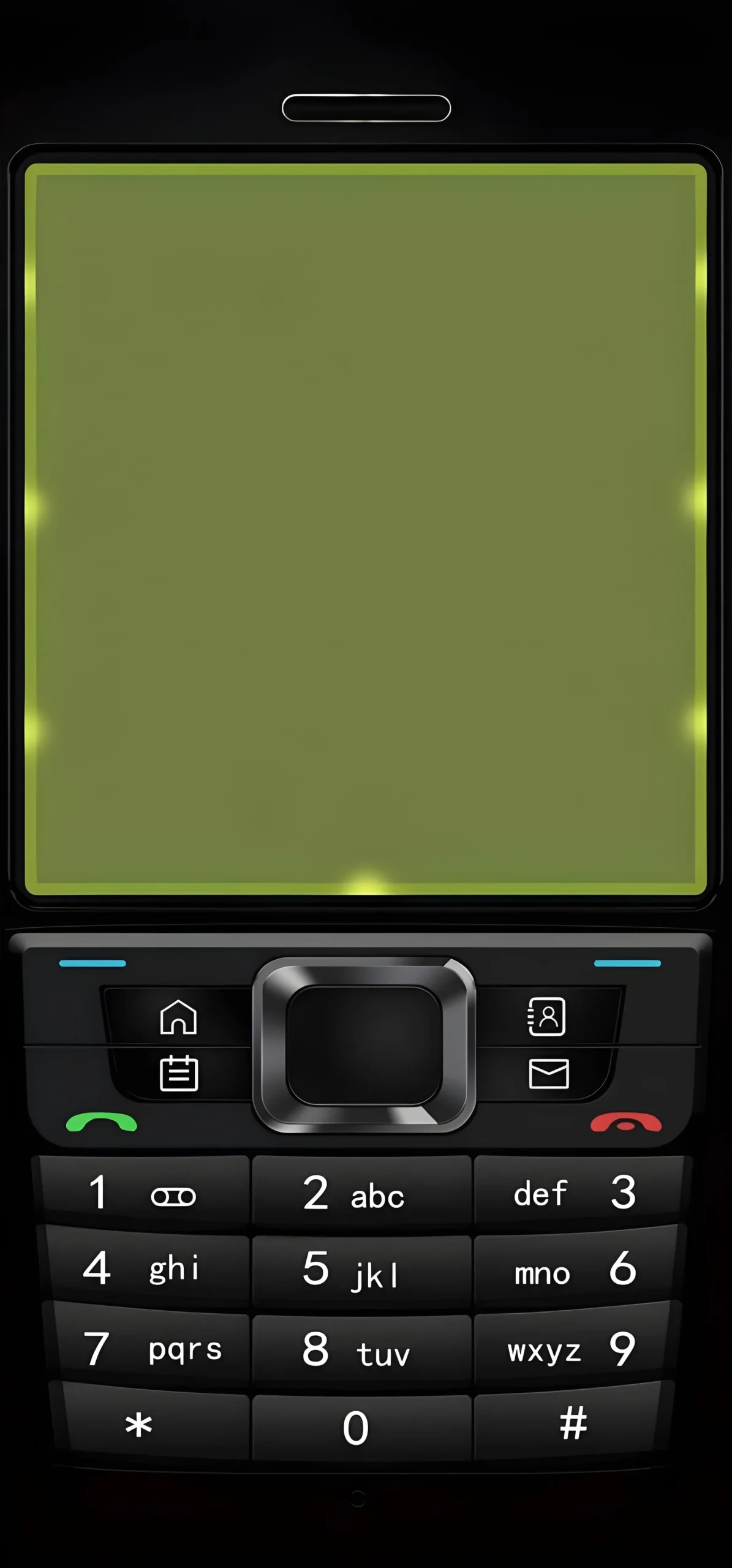
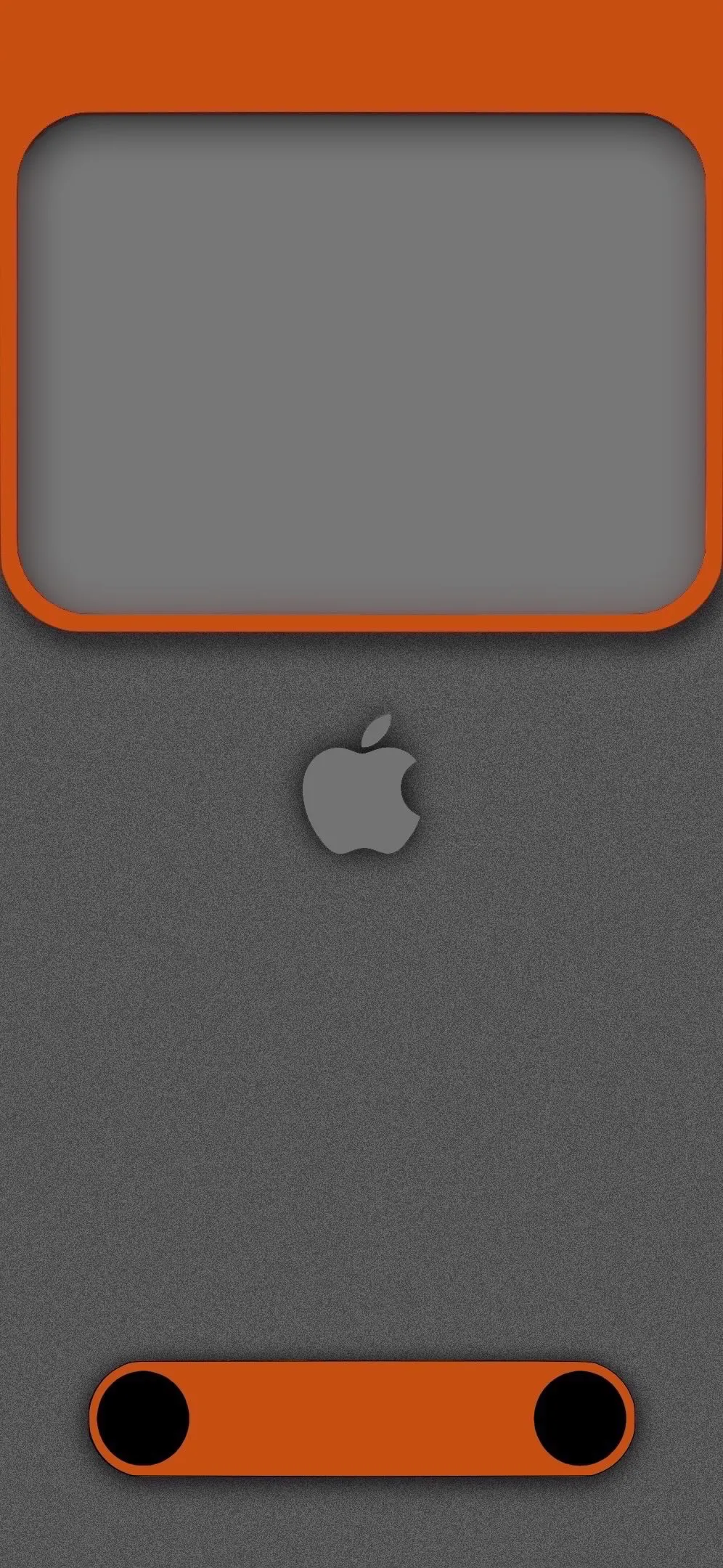
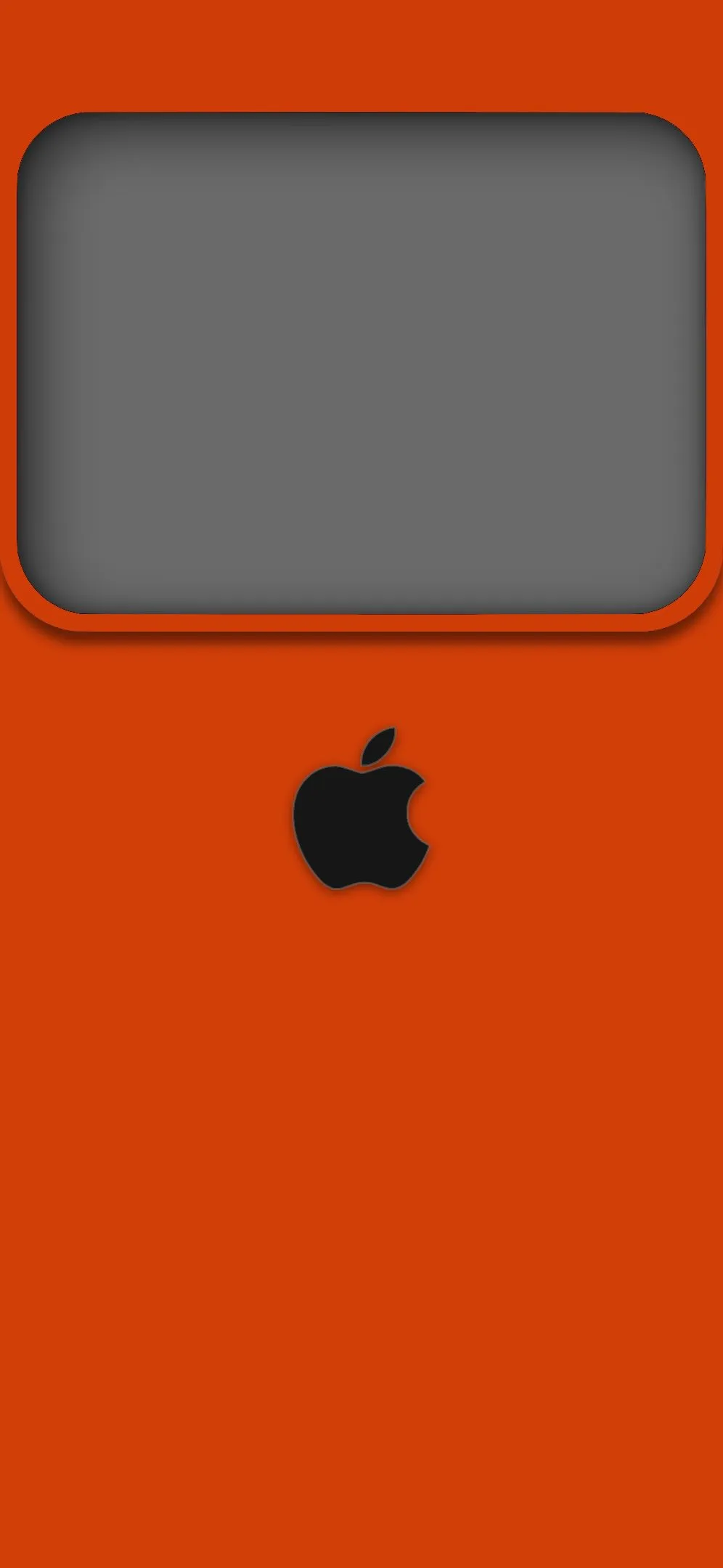
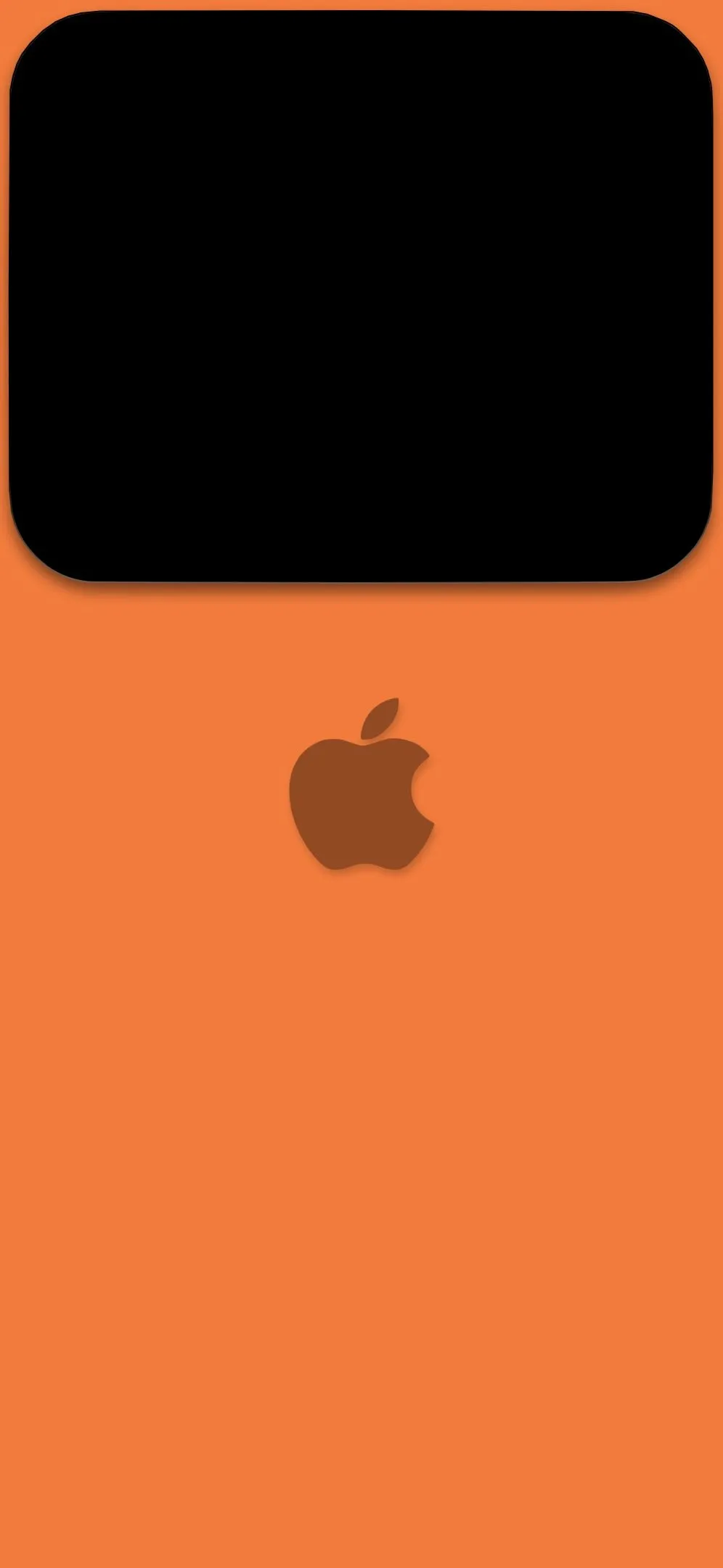
Furthermore, with the introduction of iOS “StandBy” mode and customizable Lock Screens, wallpapers that feature widget frames (like the burnt orange or olive wave designs) provide a structured layout that feels integrated with the iPhone’s hardware.
1. The Pro Aesthetic: Apple-Inspired & Industrial Texture iPhone Wallpapers
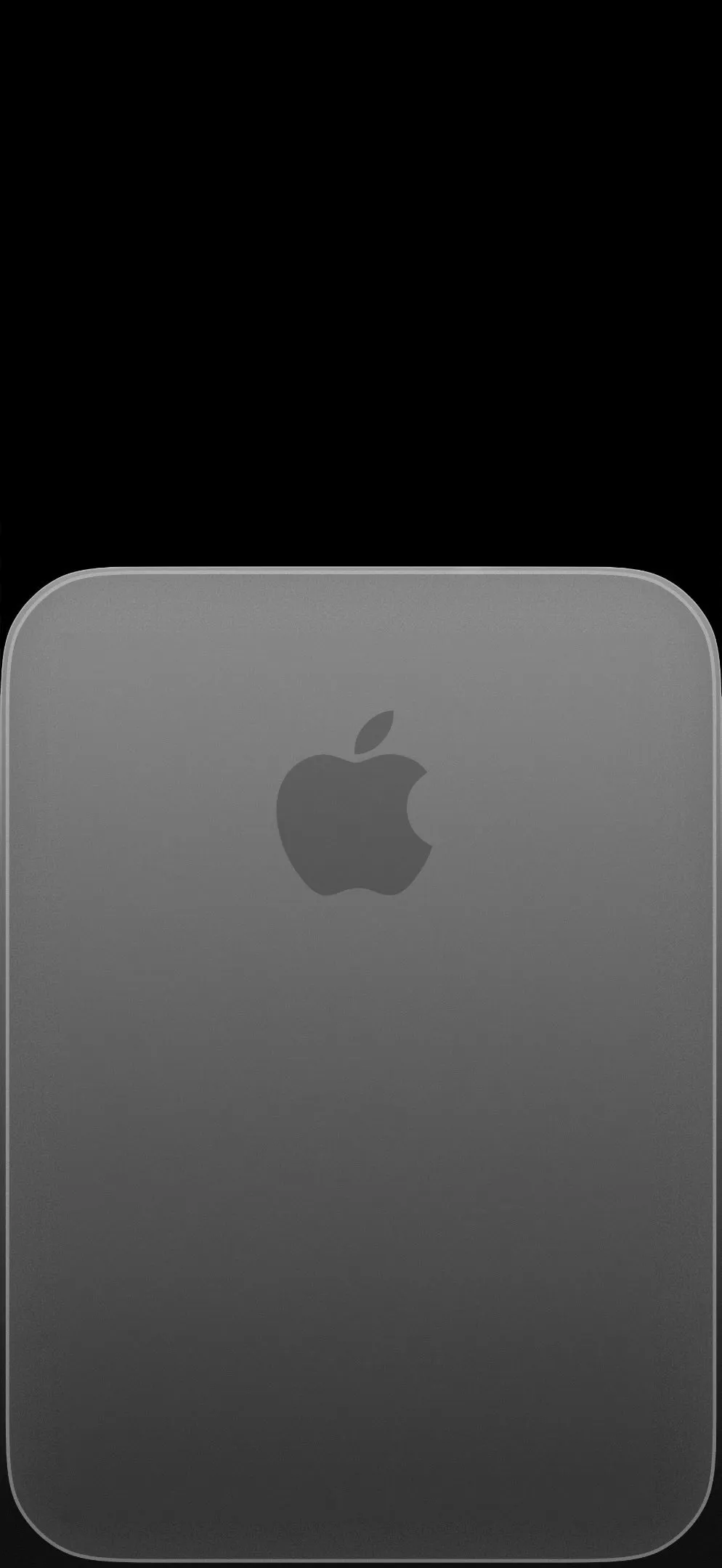
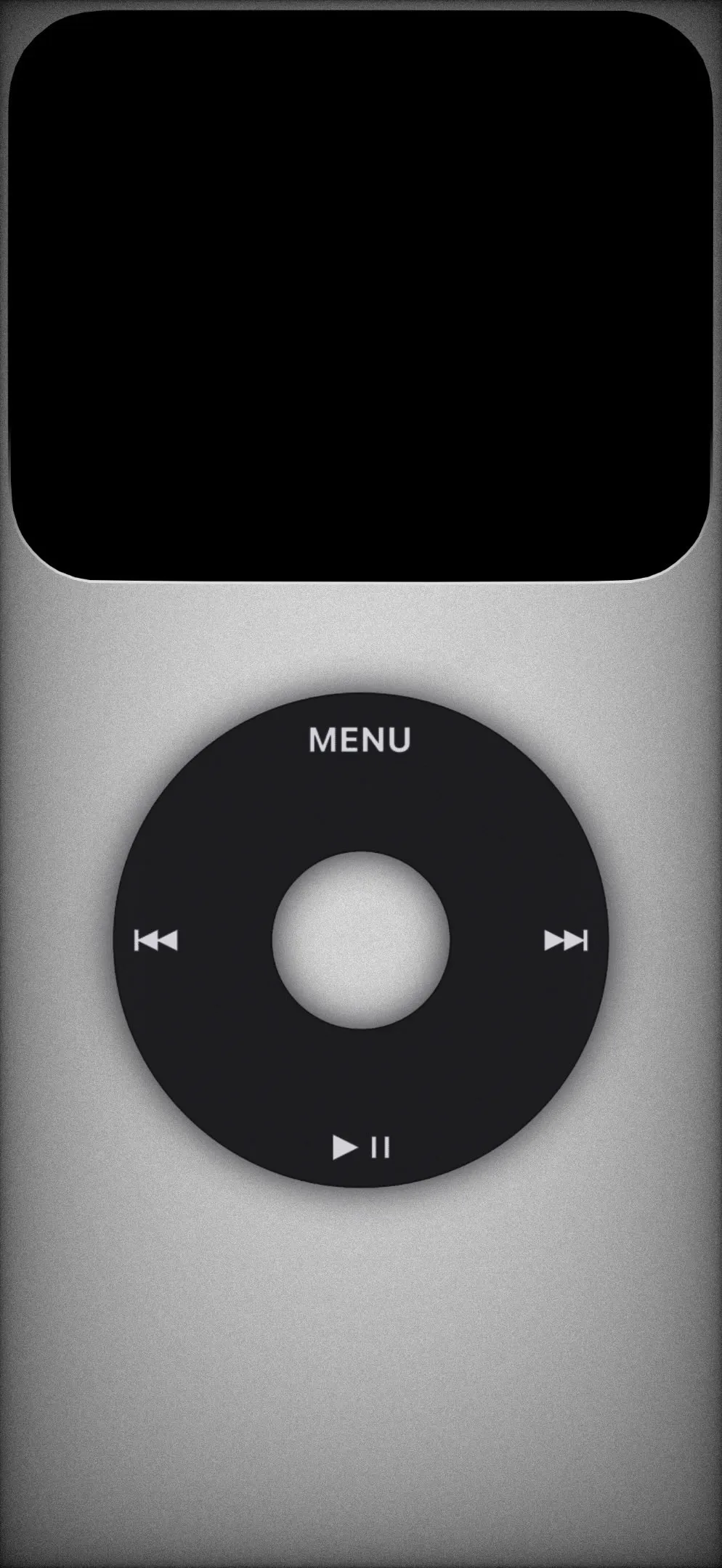
For users who appreciate the “Industrial Design” language of Apple hardware, wallpapers that mimic physical materials are a top-tier choice.
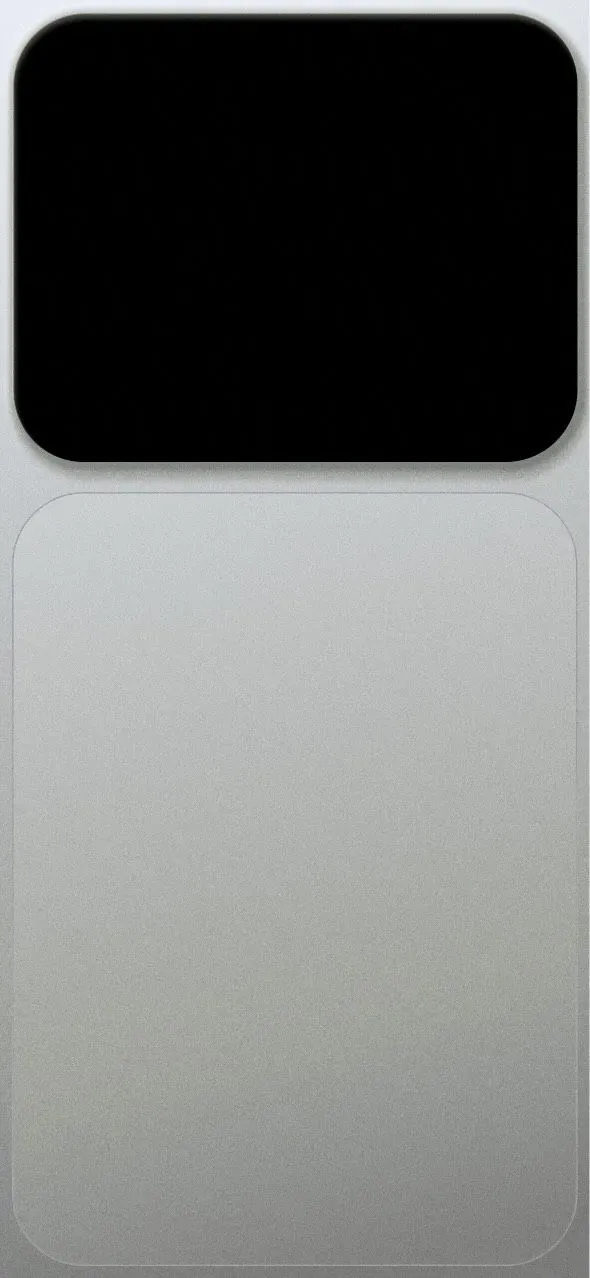
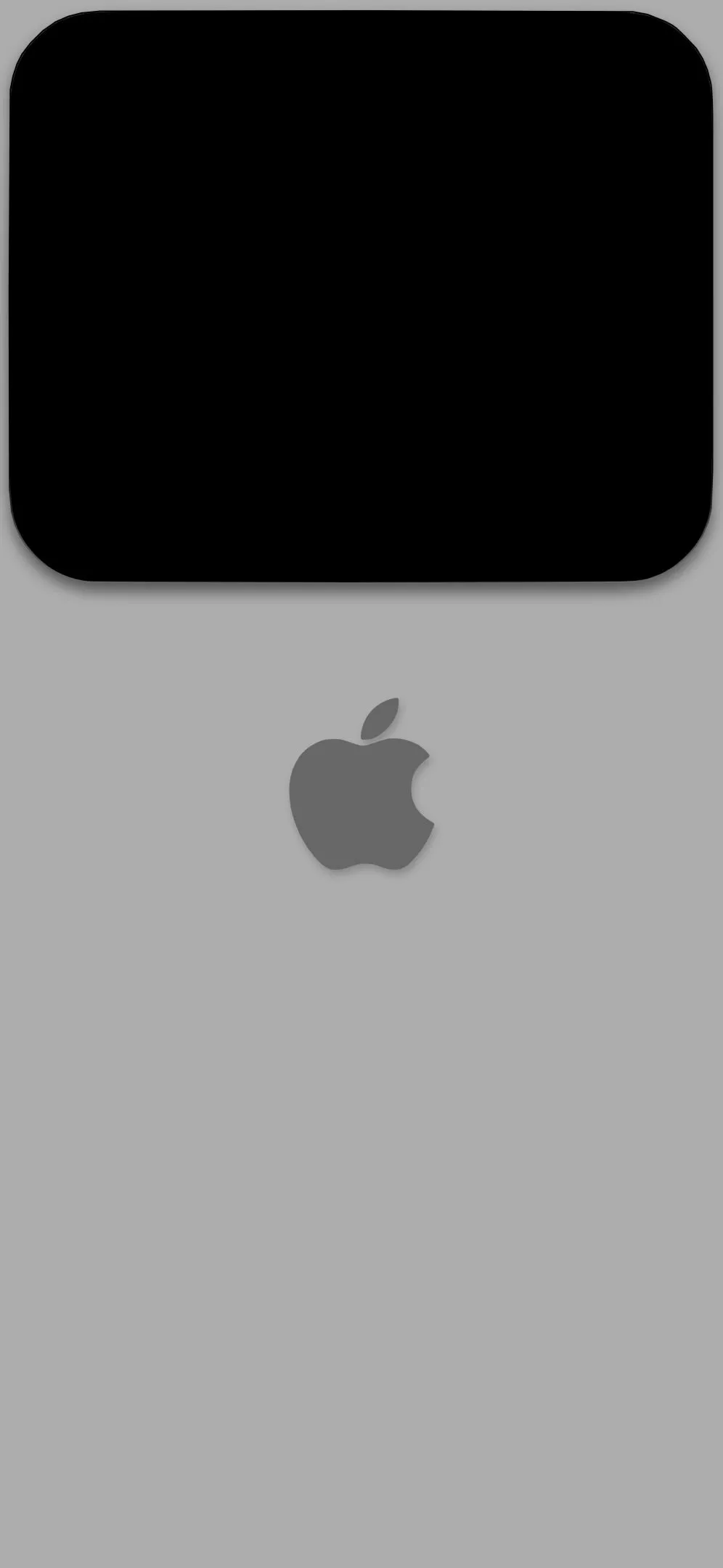
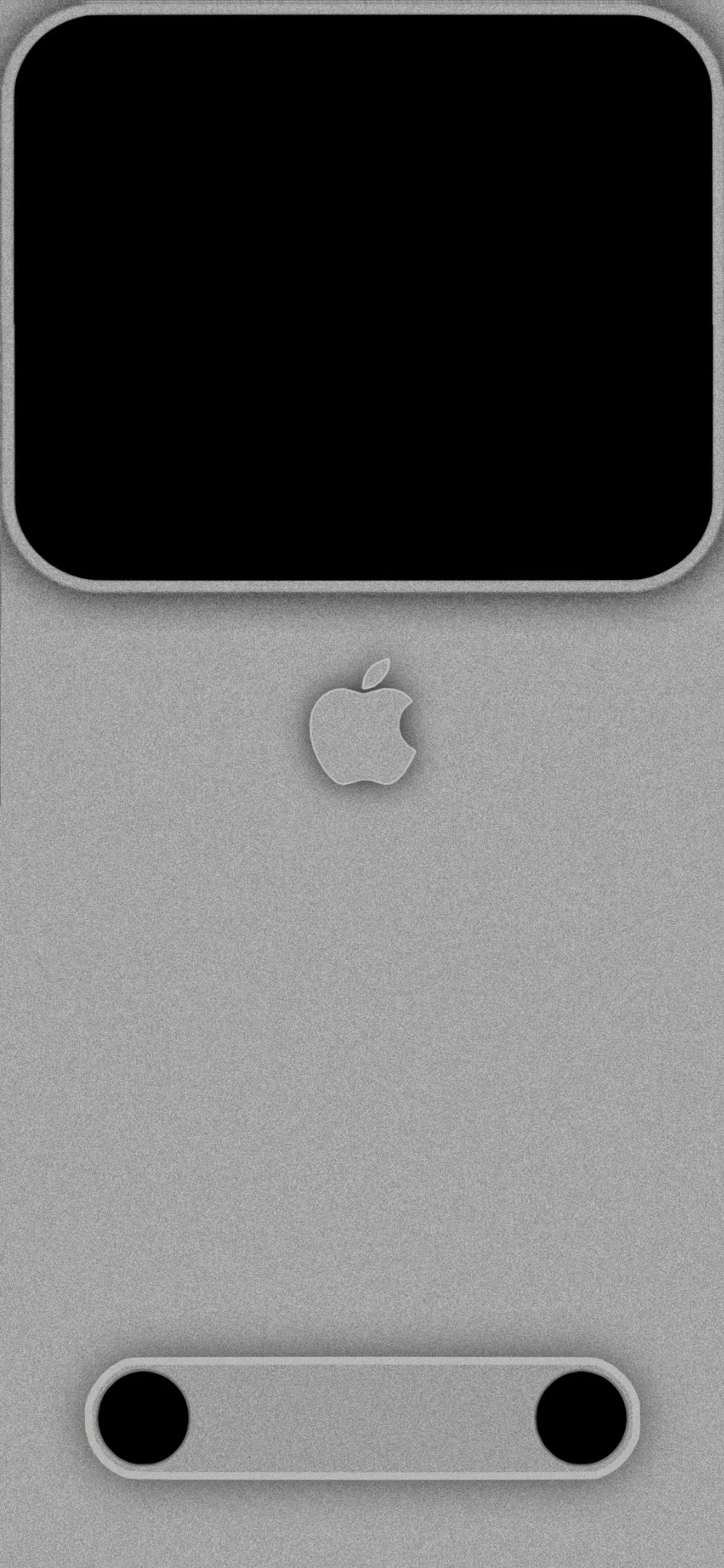
The Mac Studio Look: Using a silver textured wallpaper that mimics the bead-blasted aluminum of a Mac Studio or Mac Pro creates a seamless transition from your physical desk setup to your digital screen.
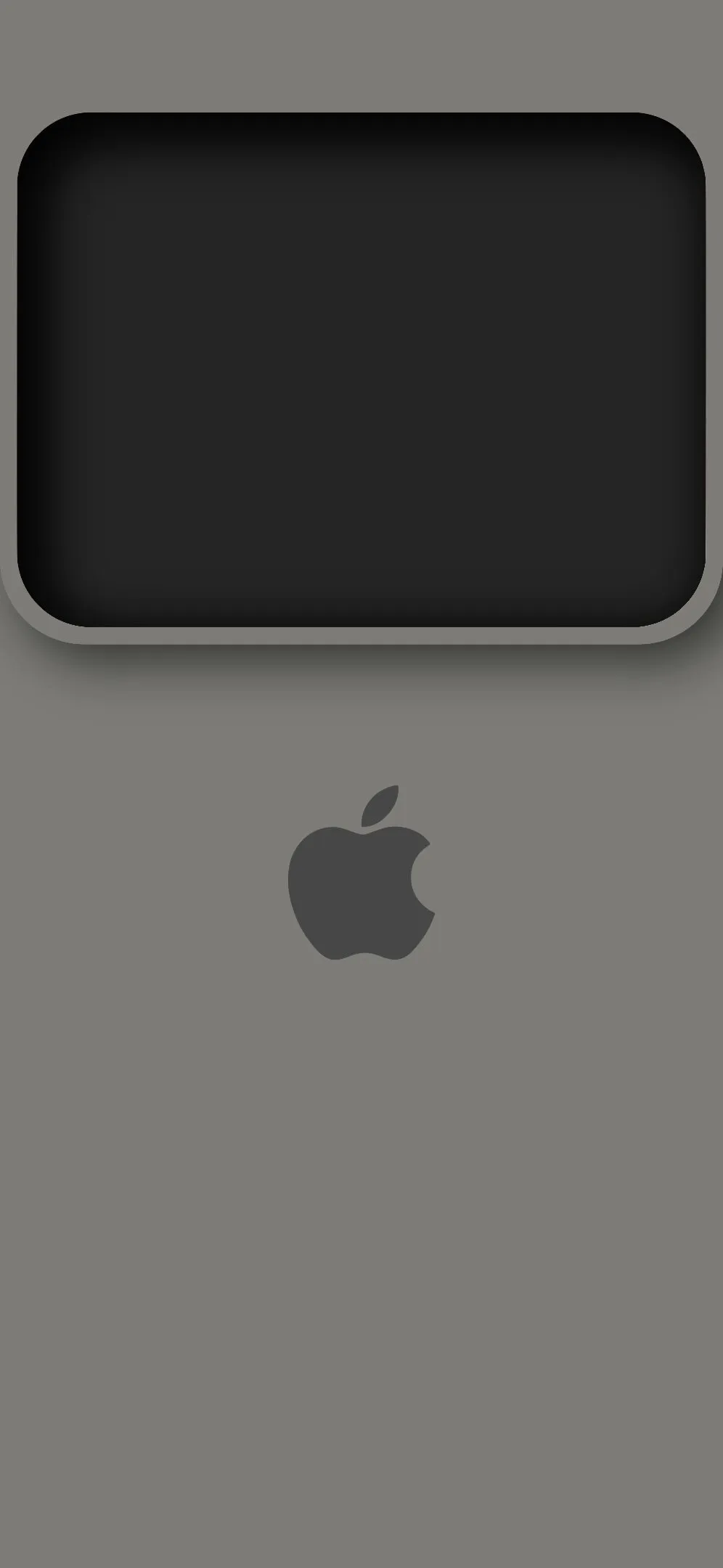
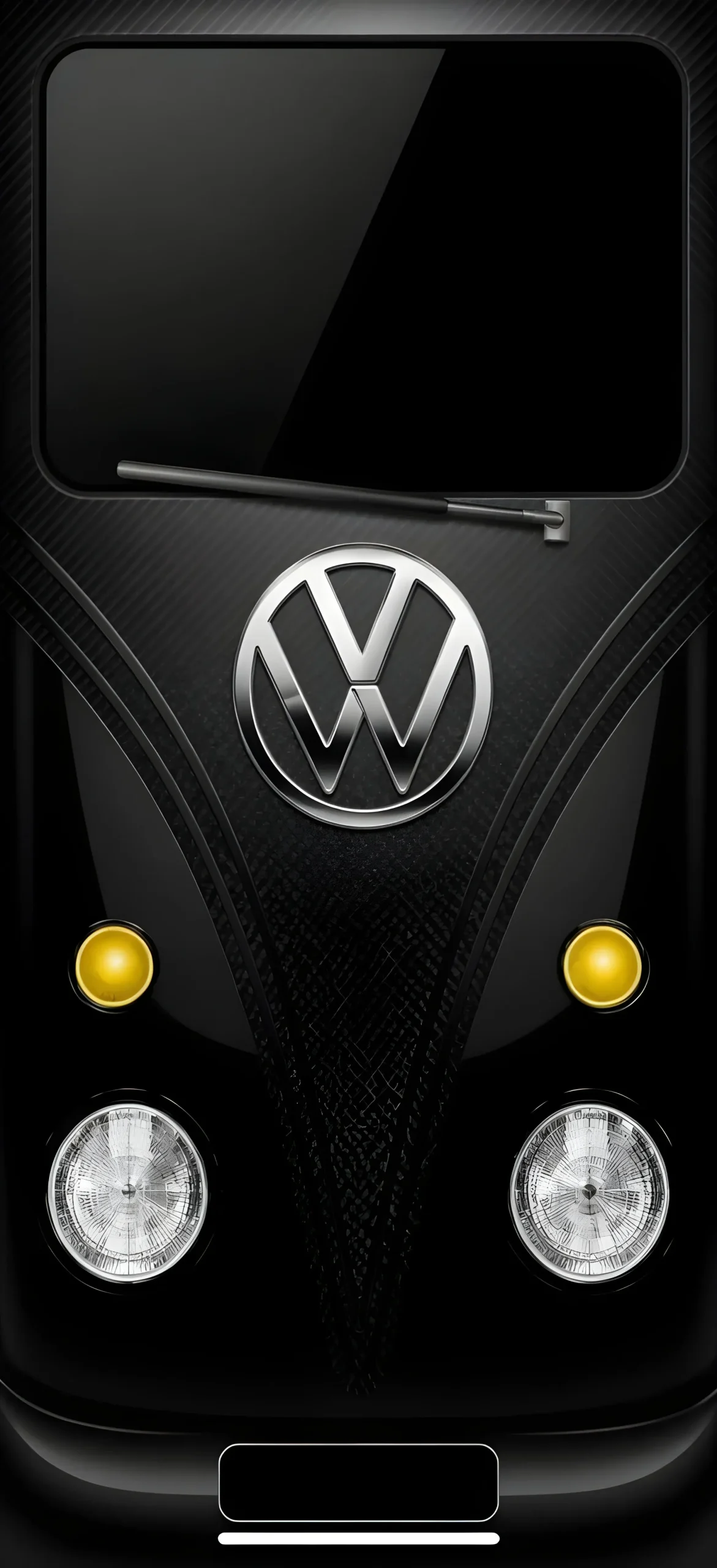
Brushed Metal & Carbon Fiber: For a more “pro” or rugged look, dark gray brushed metal or black carbon fiber backgrounds offer a tactile feel. These are particularly popular among users of the Titanium iPhone Pro series, as the colors complement the natural metal finishes of the device.
21 Minimalist iPhone Wallpapers
2. Dark Mode Mastery: Neon & Glow
If you are a fan of iOS Dark Mode, you know that a true black or deep charcoal background is essential for saving battery life on OLED screens. However, “all black” can be boring.
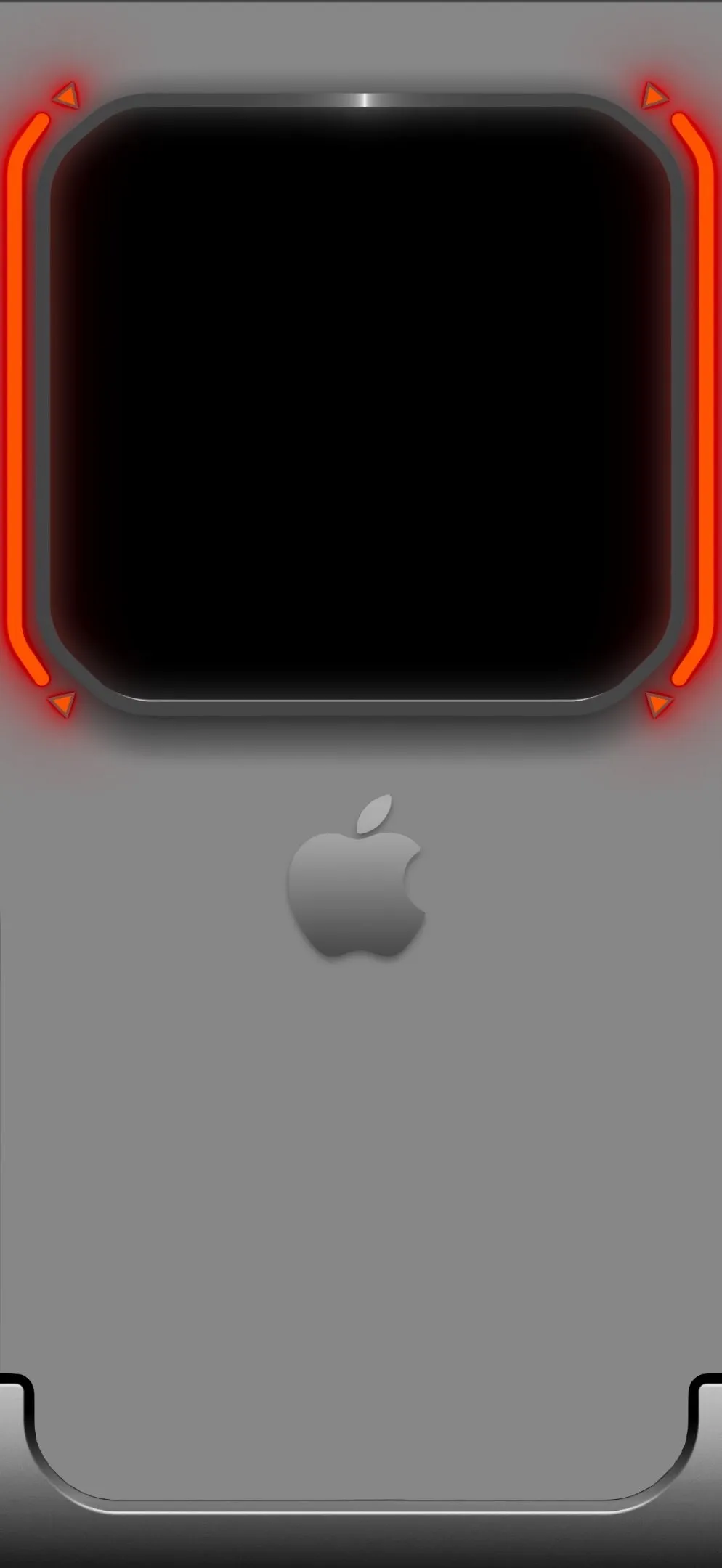

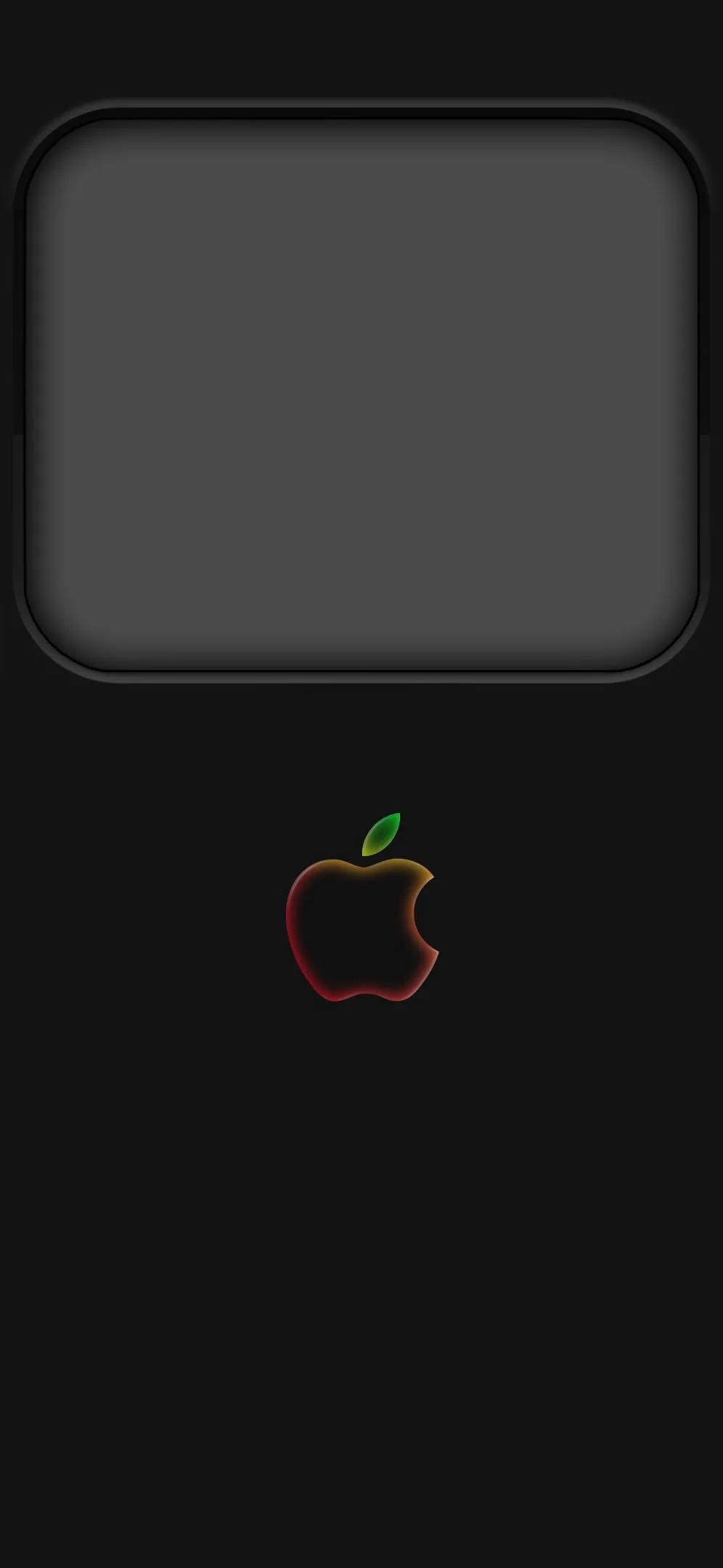
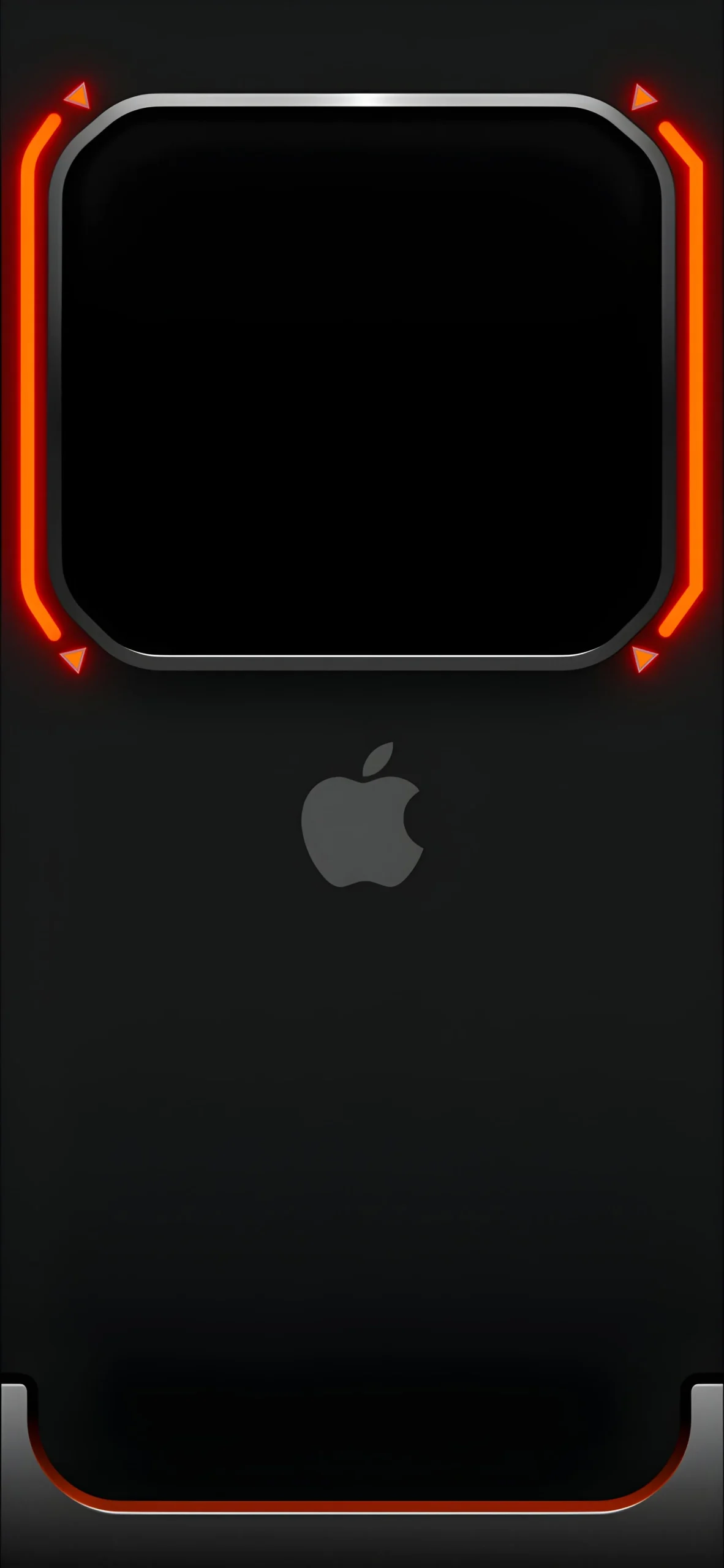
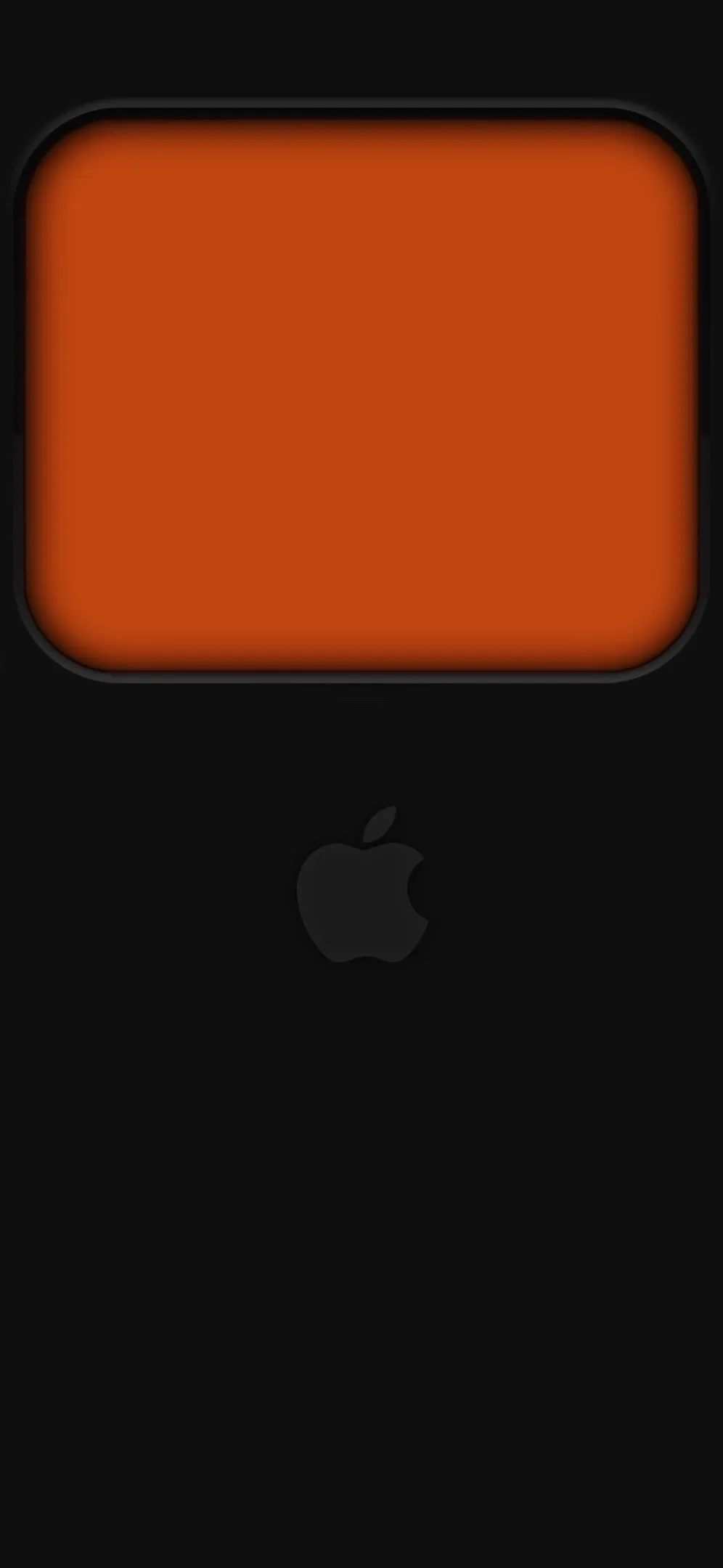
The latest trends involve adding neon accents—specifically red or orange—around the edges of the screen or the Apple logo. These “Cyberpunk” or “Futuristic Gaming” aesthetics provide a high-tech vibe without being overly busy. For a softer touch, a rainbow glow Apple logo on a black canvas offers a nostalgic nod to the vintage 1977 Apple logo while remaining firmly in the modern era.
3. Pop of Color: Burnt Orange & Deep Navy
Minimalism doesn’t have to be monochromatic. Using solid, “earthy” tones can make your phone feel warm and inviting.
Burnt Orange: This color has surged in popularity as a “lifestyle” aesthetic. It’s bold enough to stand out but muted enough to remain professional.
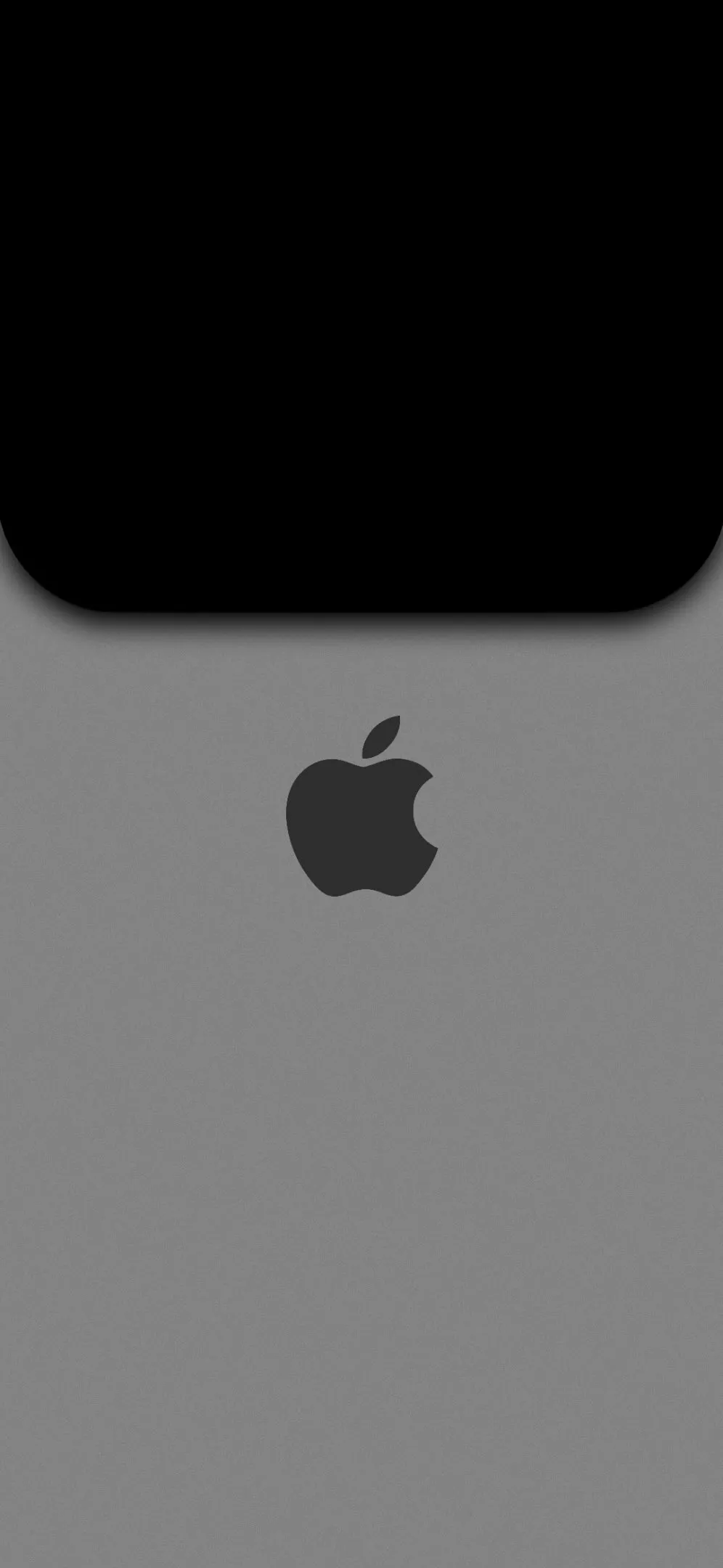
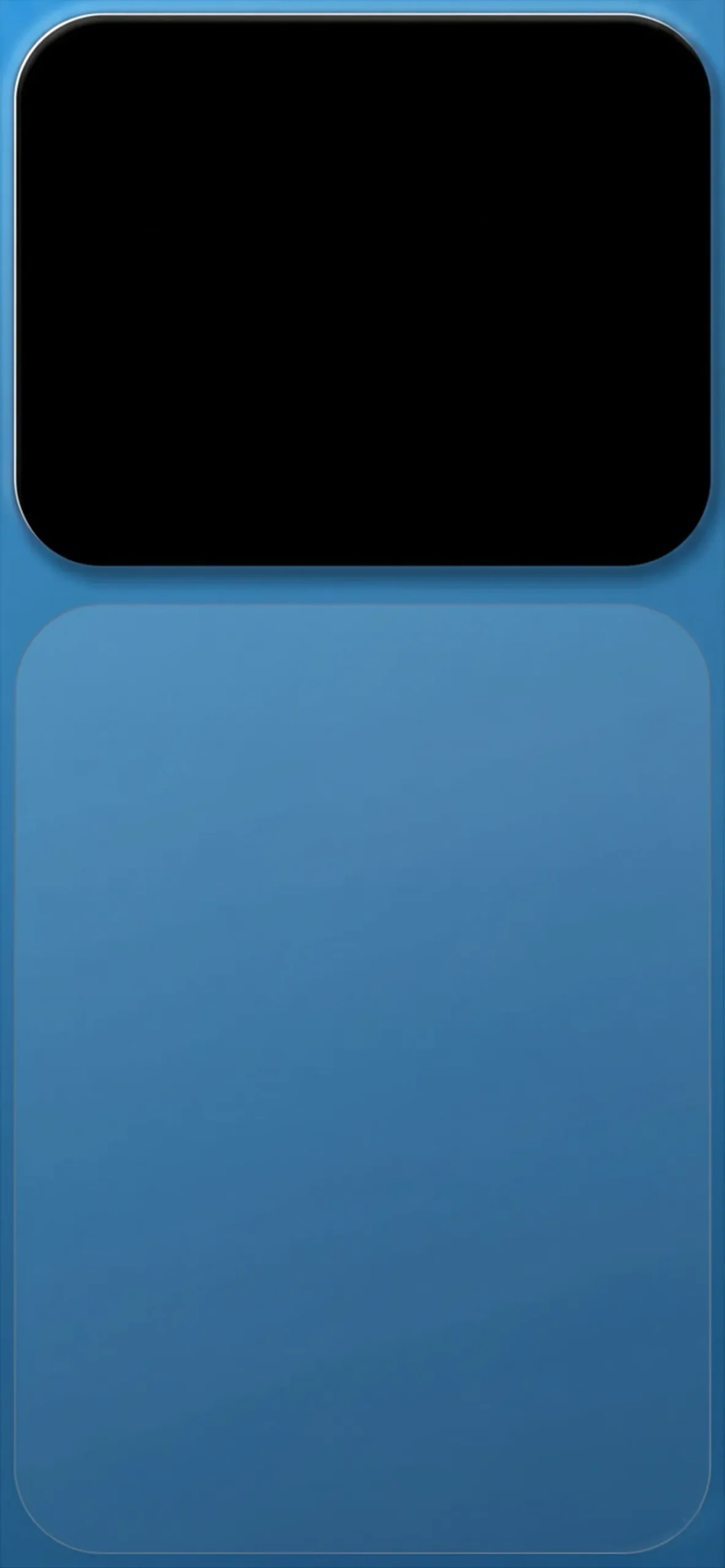
Deep Navy Blue: Often referred to as “the new black,” navy blue provides a calming effect. It’s the perfect middle ground for users who want a dark aesthetic but find pure black too harsh.
4. Abstract Waves & Organic Shapes
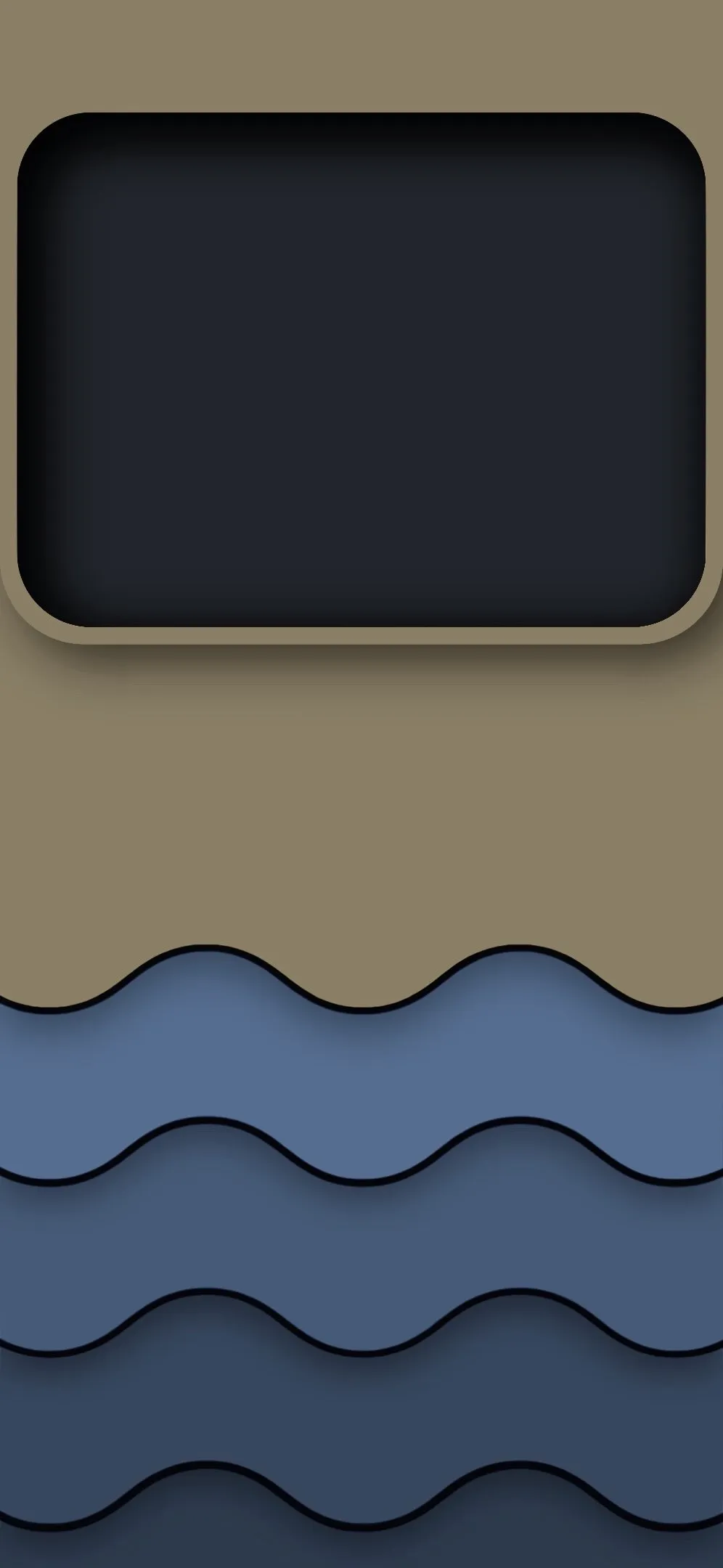
If logos and tech textures aren’t your style, abstract wave patterns are the perfect alternative. Minimalist waves—such as the olive and blue layered designs—introduce a sense of motion and depth. These “layered paper” styles create a 3D effect on the screen, making the wallpaper feel like a physical piece of art tucked behind your glass display.
How to Optimize Your iPhone Lock Screen
To get the most out of these minimalist designs, follow these three tips for a “clean” setup:
Match Your Case: If you have a Midnight or Space Gray iPhone, stick to dark gray or navy backgrounds. If you have a brighter “Spring” color case, go for the olive waves or burnt orange.
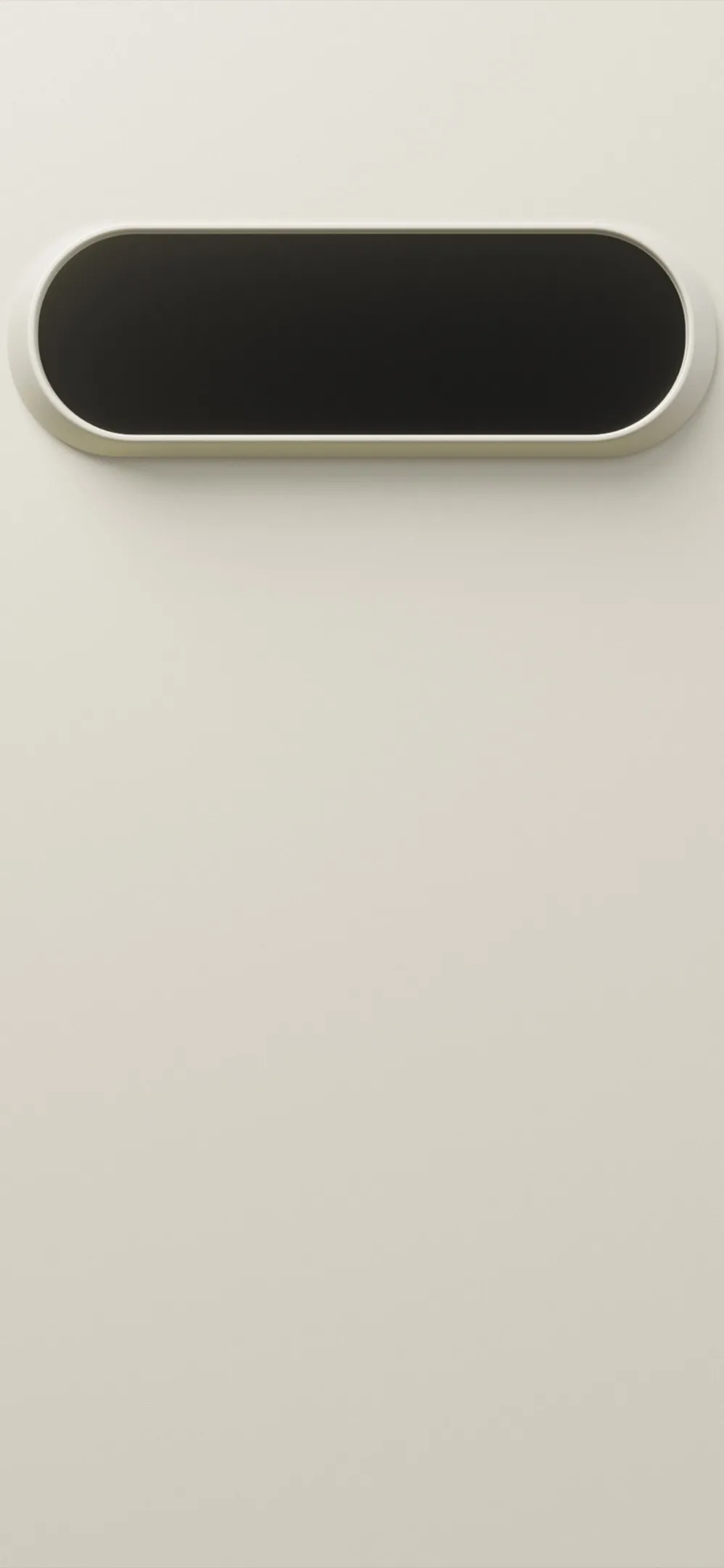
Use Transparent Widgets: Use third-party apps to create “invisible” gaps between your widgets, allowing the Apple logo or the central focal point of your wallpaper to shine through.
Depth Effect: Ensure your wallpaper has a clear subject (like the Apple logo) so that iOS can apply the “Depth Effect,” allowing the clock to sit slightly behind the image for a premium look.
Final Thoughts
Your iPhone is a tool, and your wallpaper is its skin. Choosing a minimalist, tech-inspired background isn’t just a design choice—it’s a way to simplify your digital life. From the carbon fiber textures of a classic VW bus to the sleek glow of a neon frame, there is a minimalist style for every personality.
Ready to refresh your screen? Explore the collection and find the design that speaks to your aesthetic today.




4 comments