
Stunning iPhone Wallpapers You Haven’t Seen Yet
Your iPhone screen is the first thing you see every morning and the last thing you look at every night. Yet most people are still using the same default Apple wallpaper they set up on day one — or worse, an old photo they forgot to change.
If your lock screen feels stale, it is time for a serious upgrade.
We have curated 40+ stunning iPhone wallpapers that you genuinely have not seen plastered all over Pinterest a hundred times. Whether you love clean minimalist aesthetics, moody dark themes, vibrant nature shots, or abstract art, there is something in this collection that will make your screen feel brand new.
Let’s dive in.
Why Your iPhone Wallpaper Actually Matters
Before we get to the wallpapers, here is something worth thinking about: your phone wallpaper is more than just decoration. Research in environmental psychology suggests that visual surroundings — even digital ones — have a real impact on mood and focus. A calming wallpaper can reduce stress, while a vibrant, motivating image can set the tone for a productive day.
Beyond the psychology, a great wallpaper simply makes your iPhone feel more you. It is a small but meaningful act of personalization in a world where millions of people carry the exact same device.
What Makes an iPhone Wallpaper “Stunning”?
Not every wallpaper works well on an iPhone. Here is what separates a truly great wallpaper from an average one:
Resolution matters. The iPhone 15 and iPhone 16 series have Super Retina XDR displays. To look sharp and crisp, your wallpaper should ideally be 1290 x 2796 pixels or higher. Anything lower will look blurry and pixelated once stretched across that gorgeous screen.
Contrast with app icons. A wallpaper that fights with your app icons creates visual noise. The best wallpapers have either a naturally darker or lighter area near the top where icons sit, so your home screen stays clean and readable.
Depth effect compatibility. If you love the iOS depth effect on your lock screen, look for wallpapers with clear foreground and background layers — like a mountain with a sky, or a flower close-up with a blurred background.
Color harmony. The wallpaper should complement your overall aesthetic. Whether you prefer muted earth tones, pastel shades, or high-contrast dark themes, consistency across your lock screen and home screen always looks more polished.
40+ Stunning iPhone Wallpapers by Category
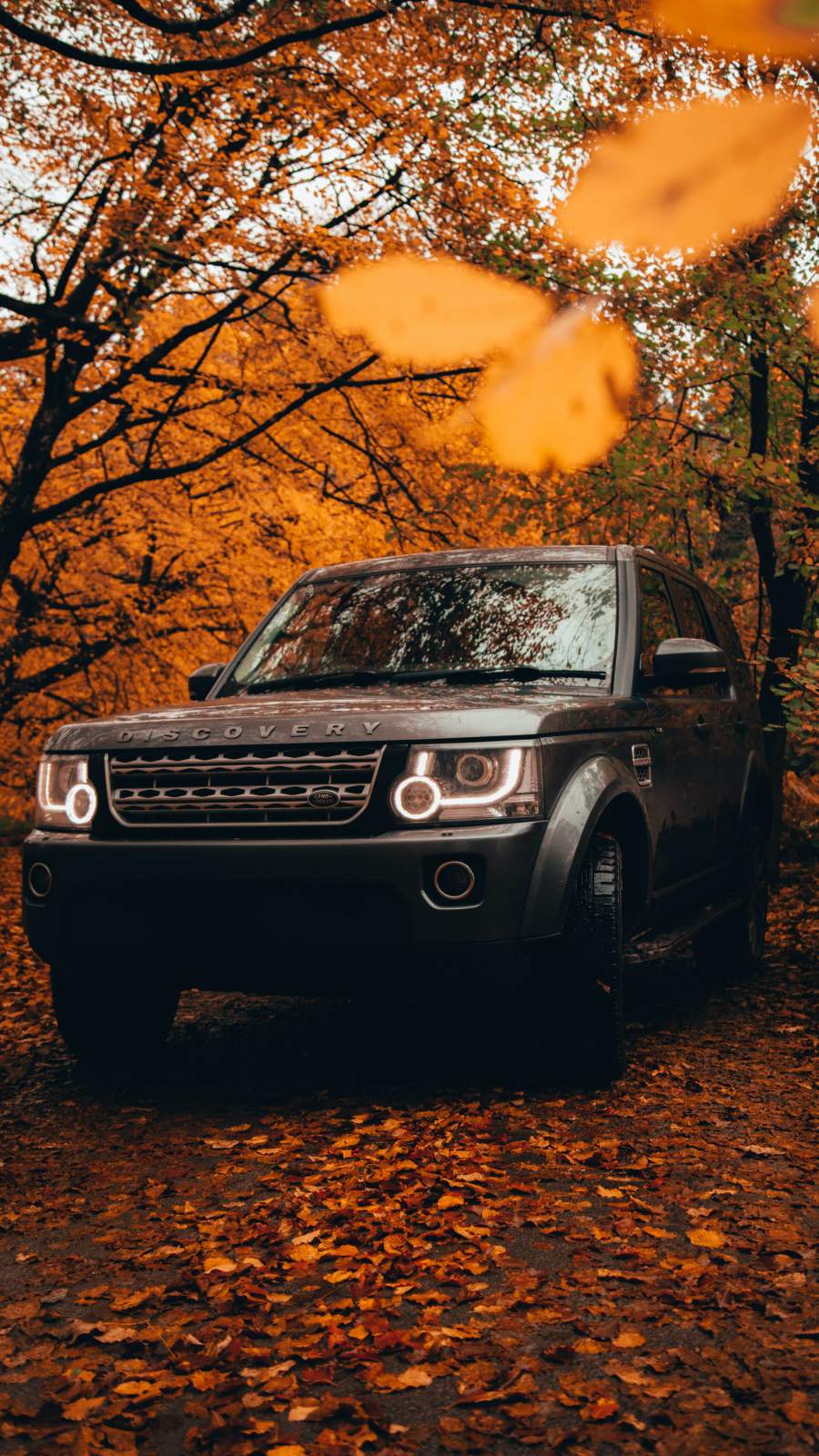
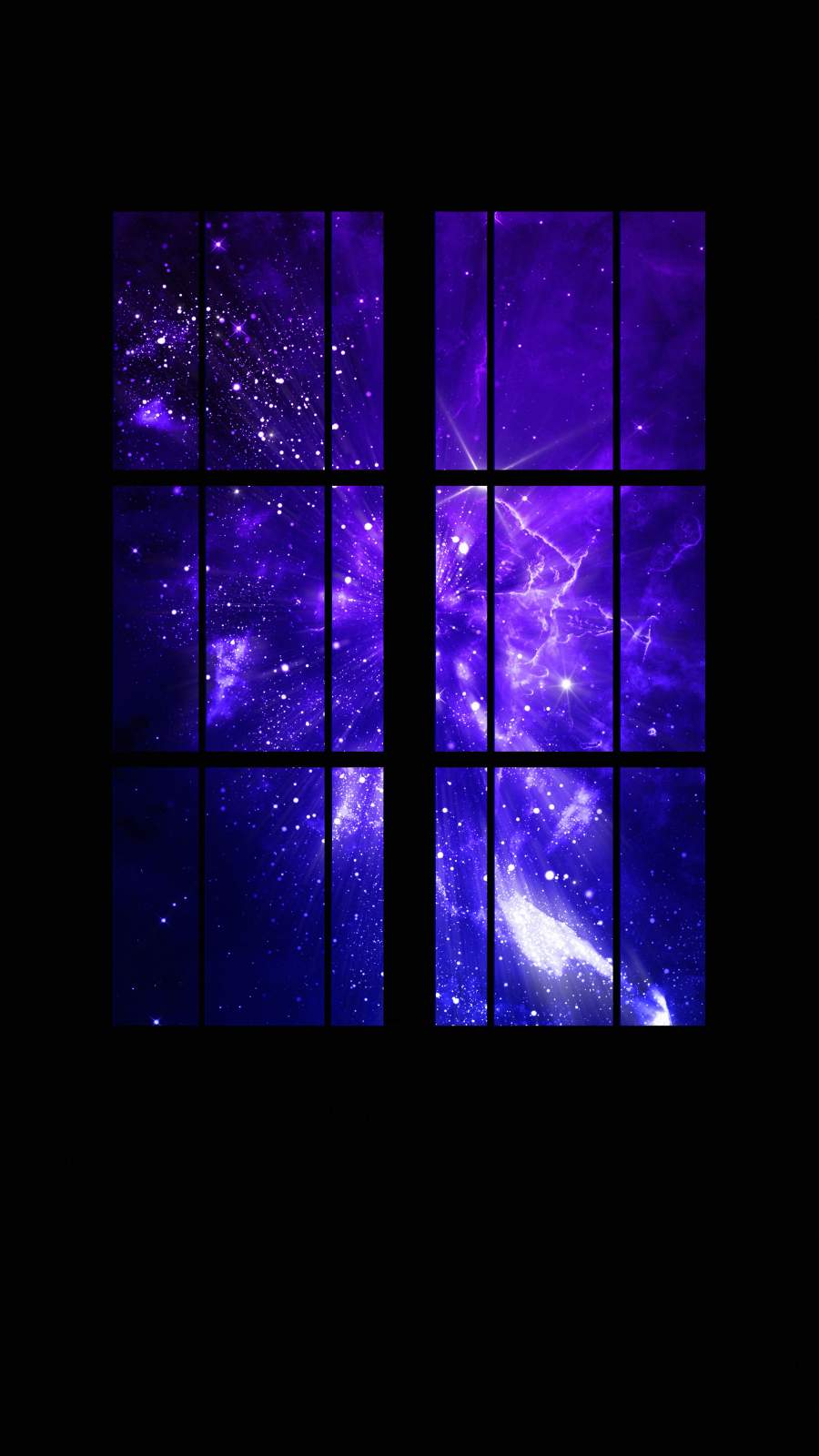
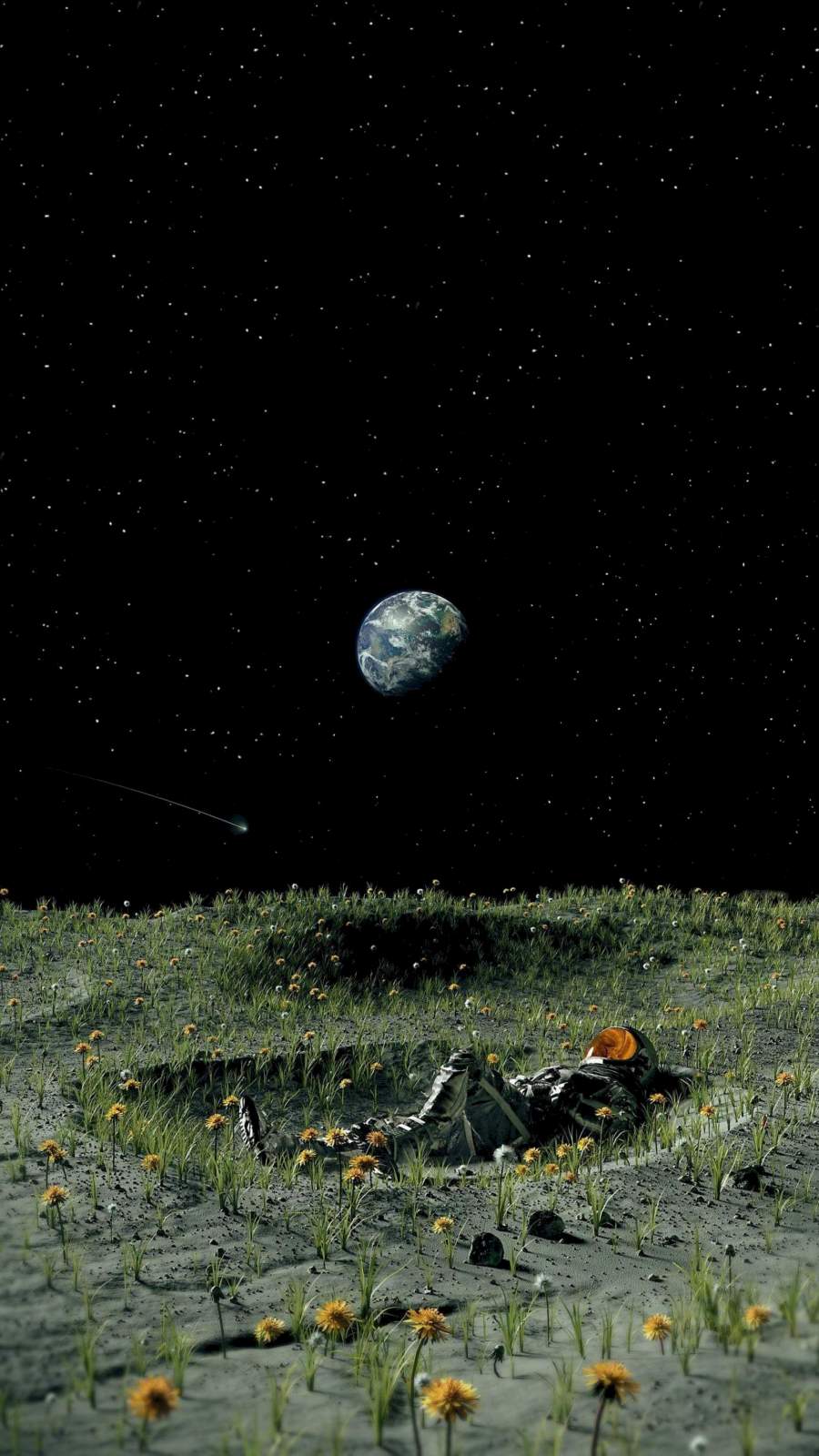
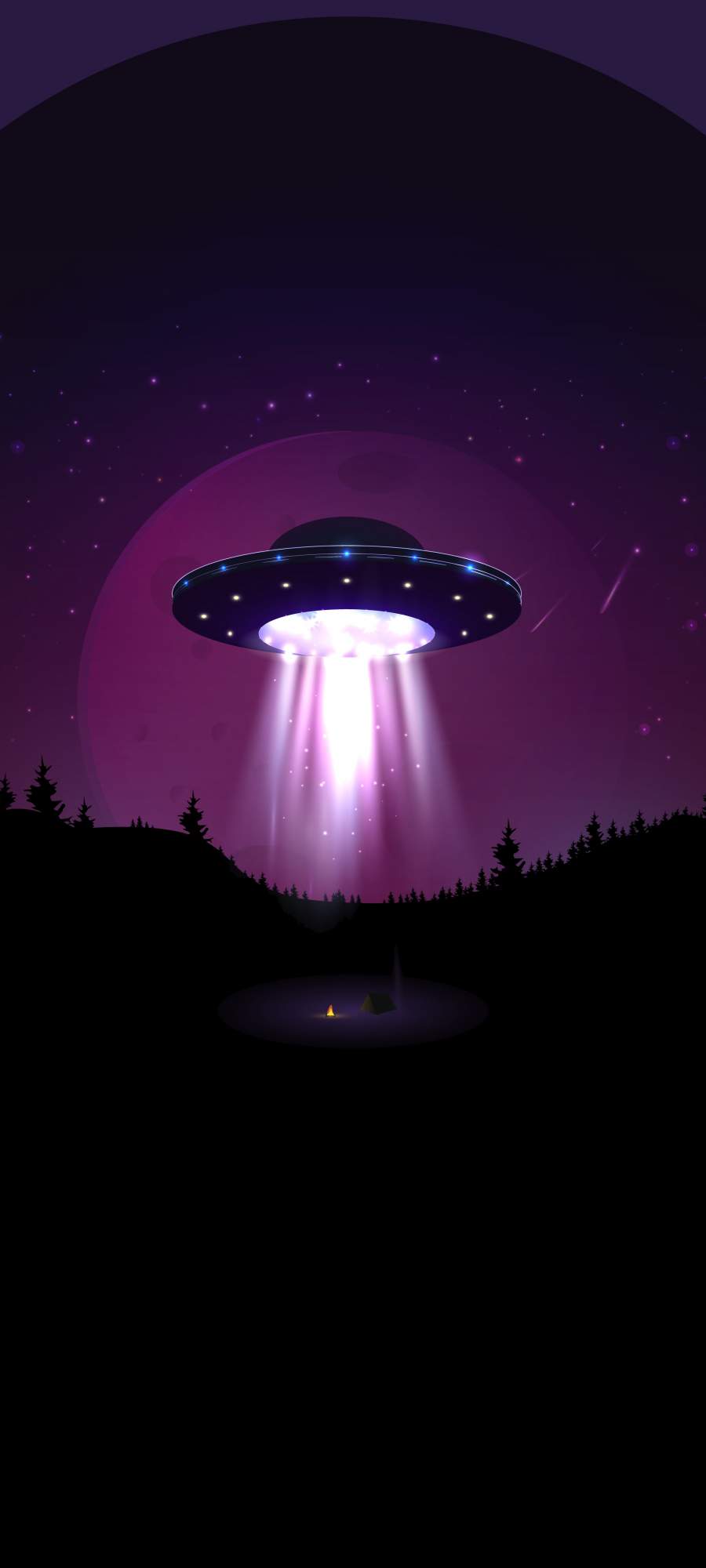
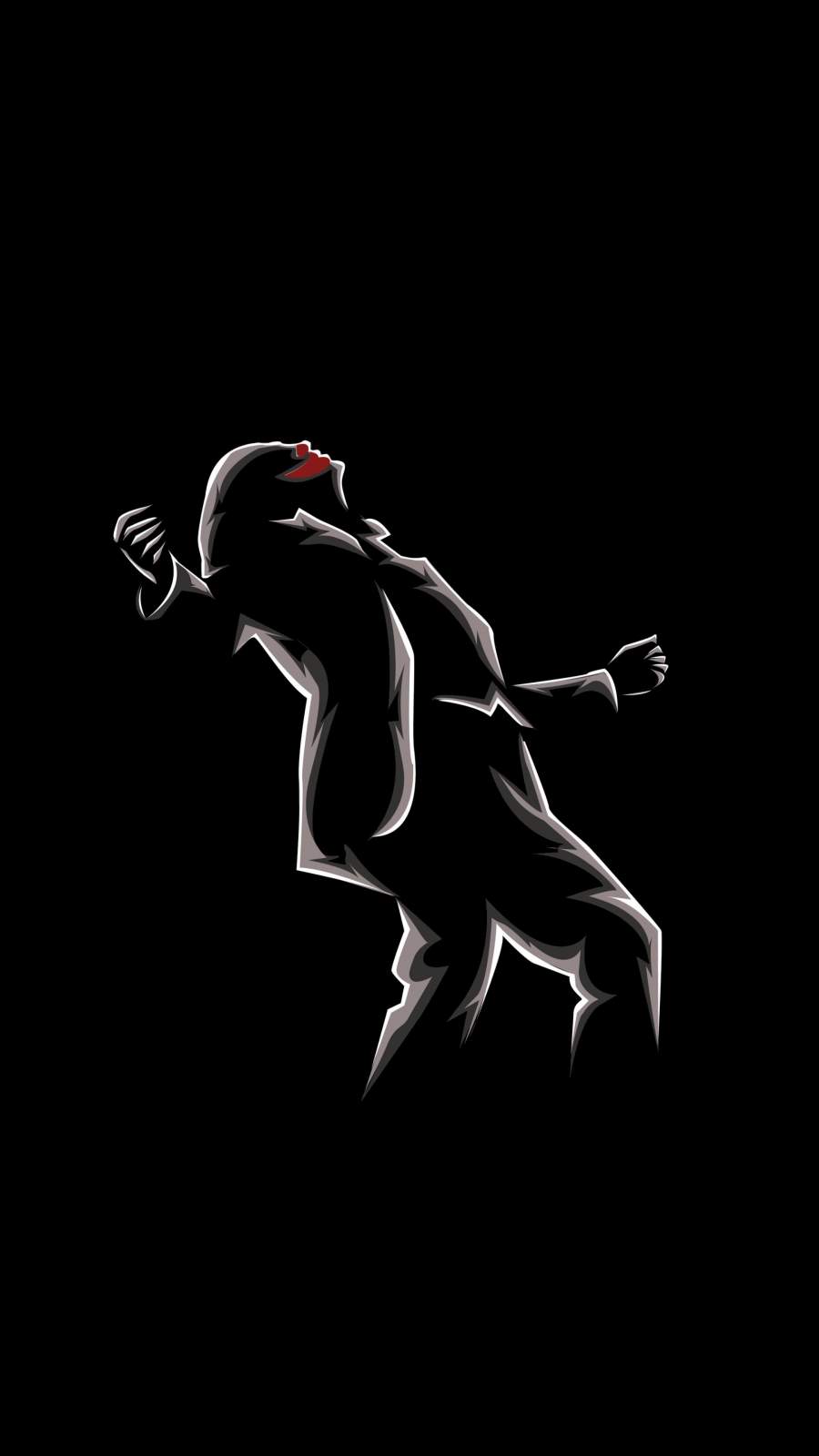
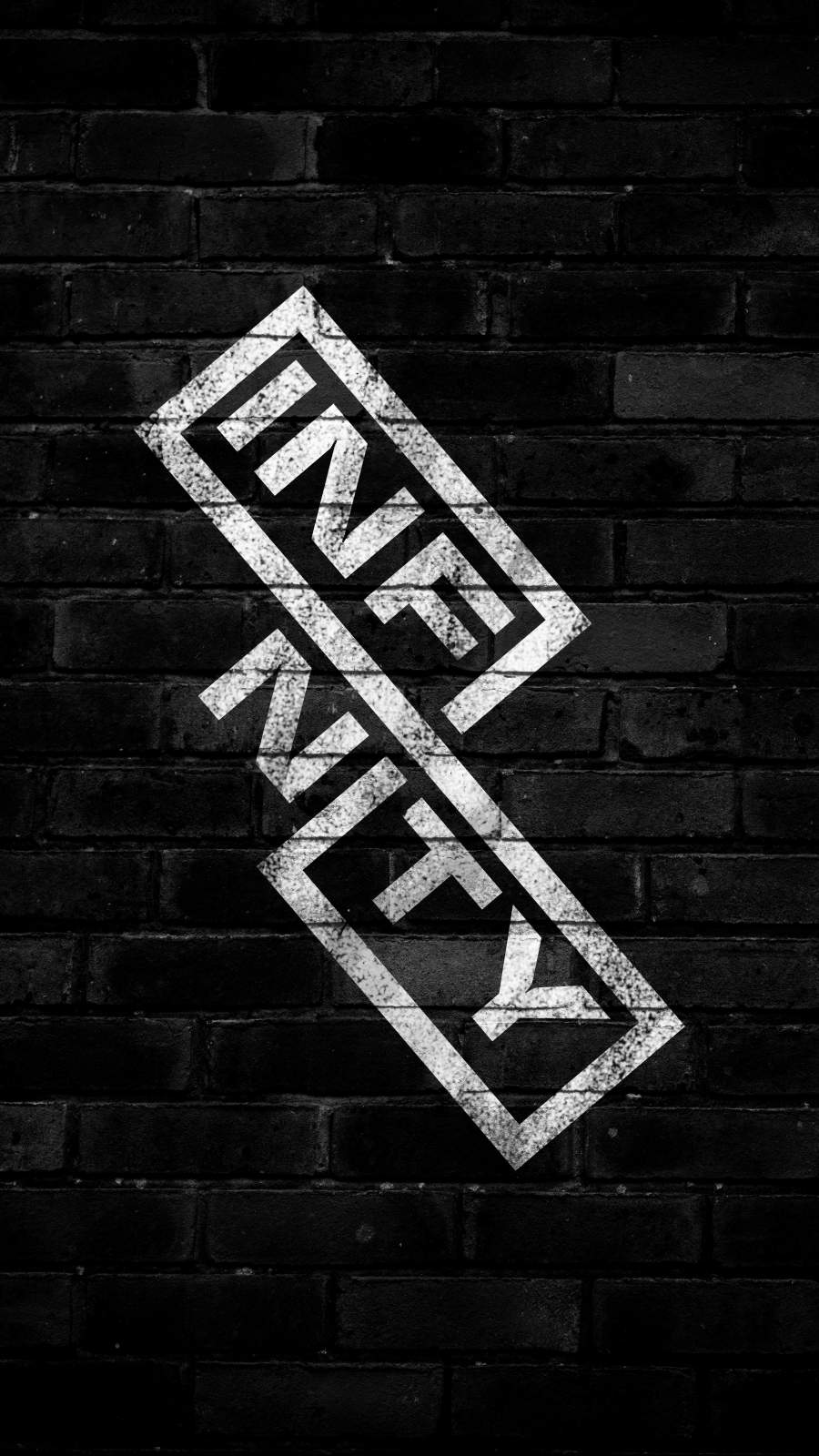
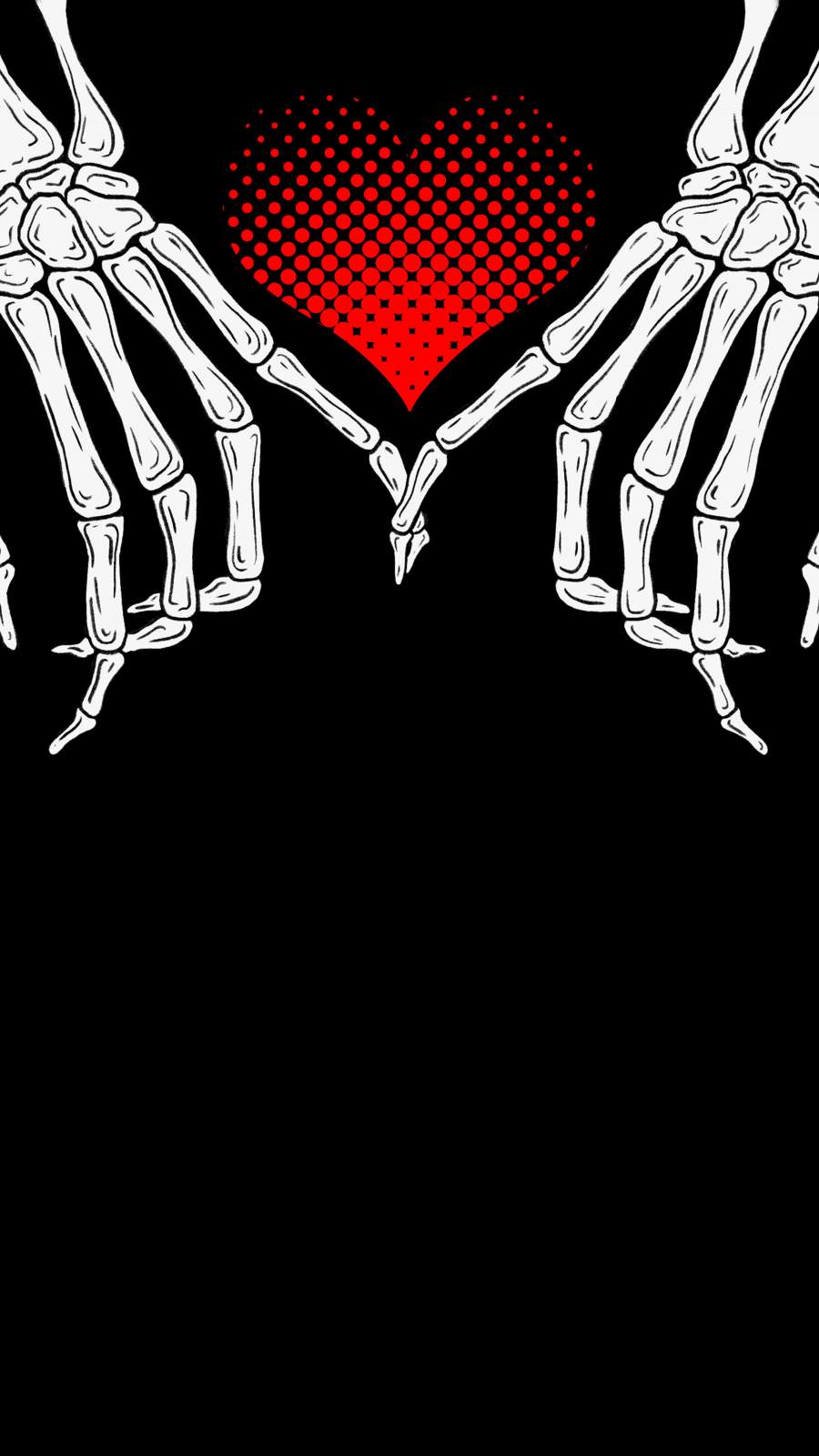
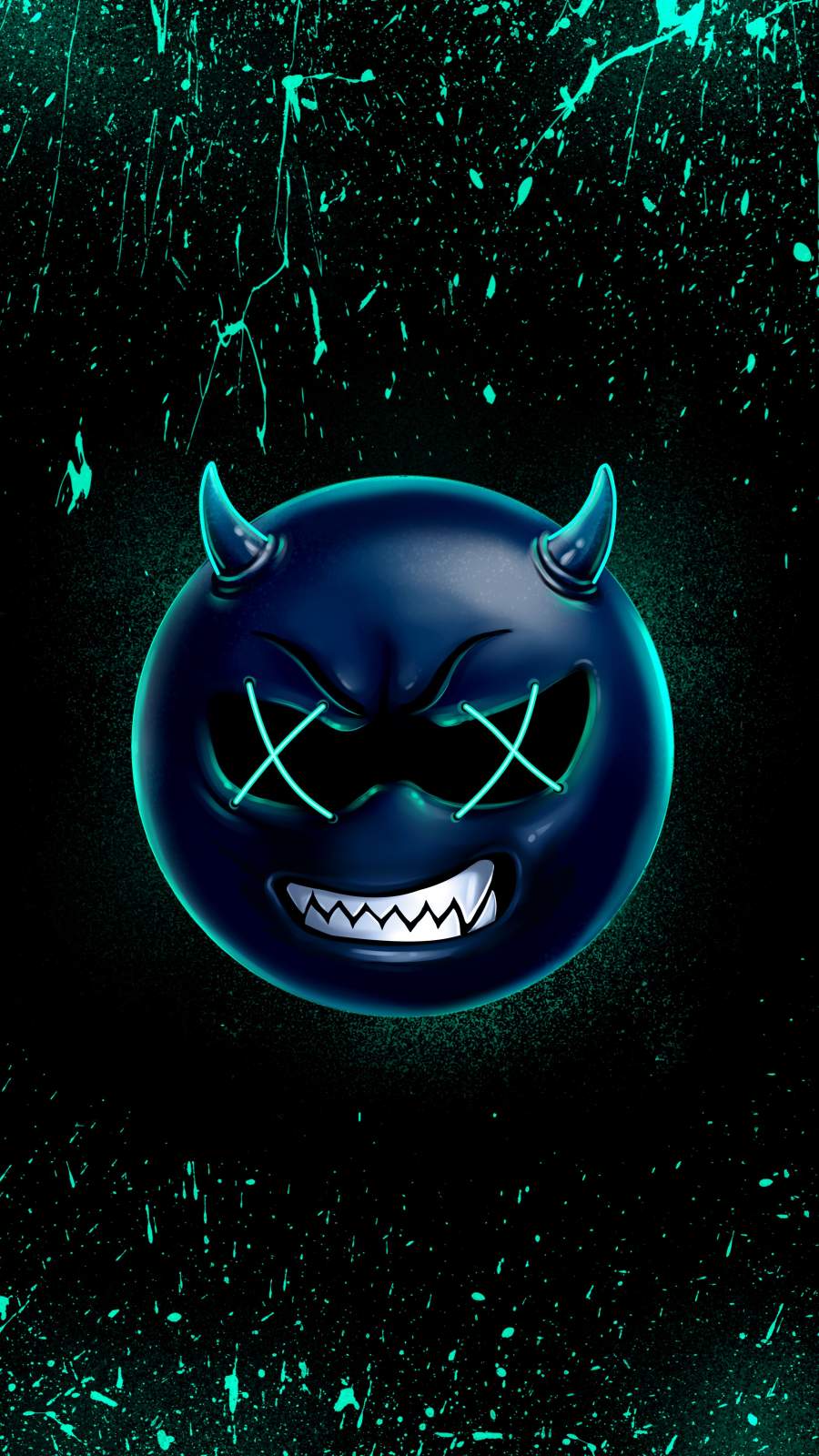
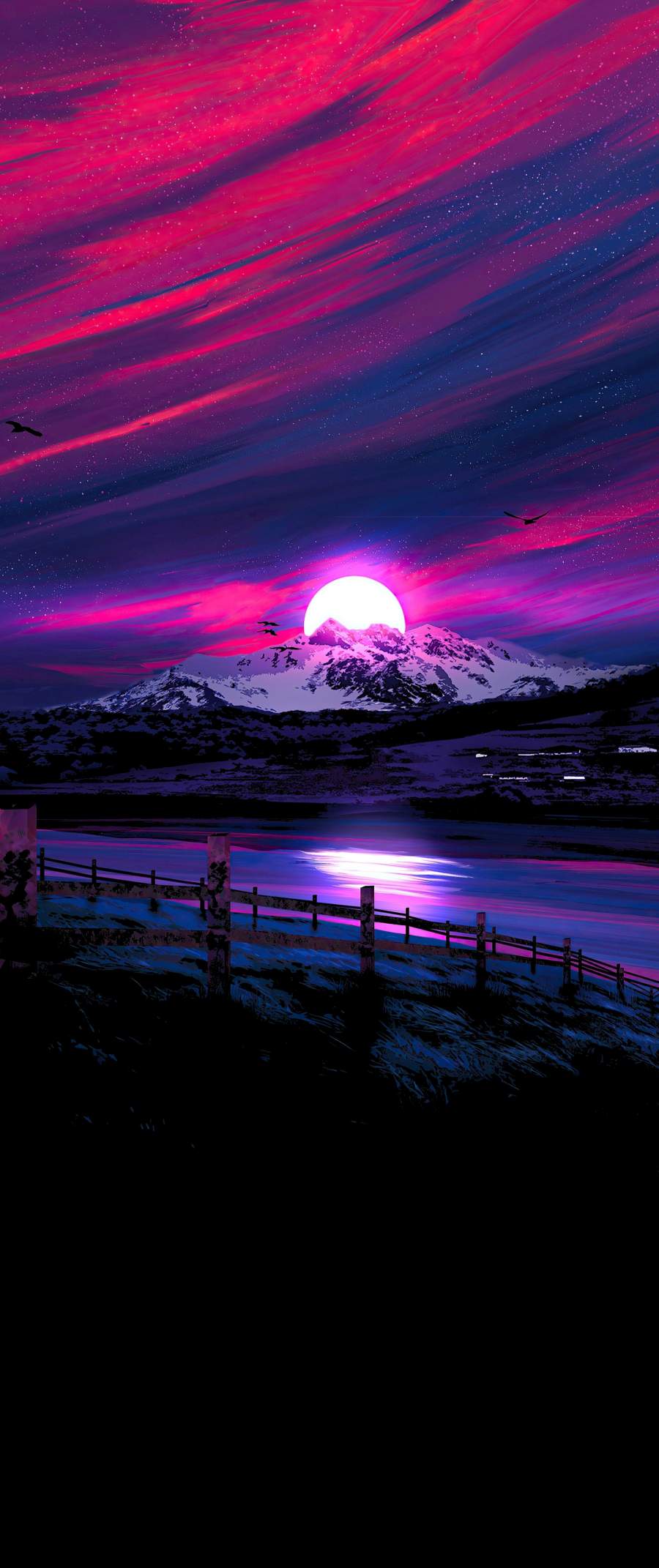
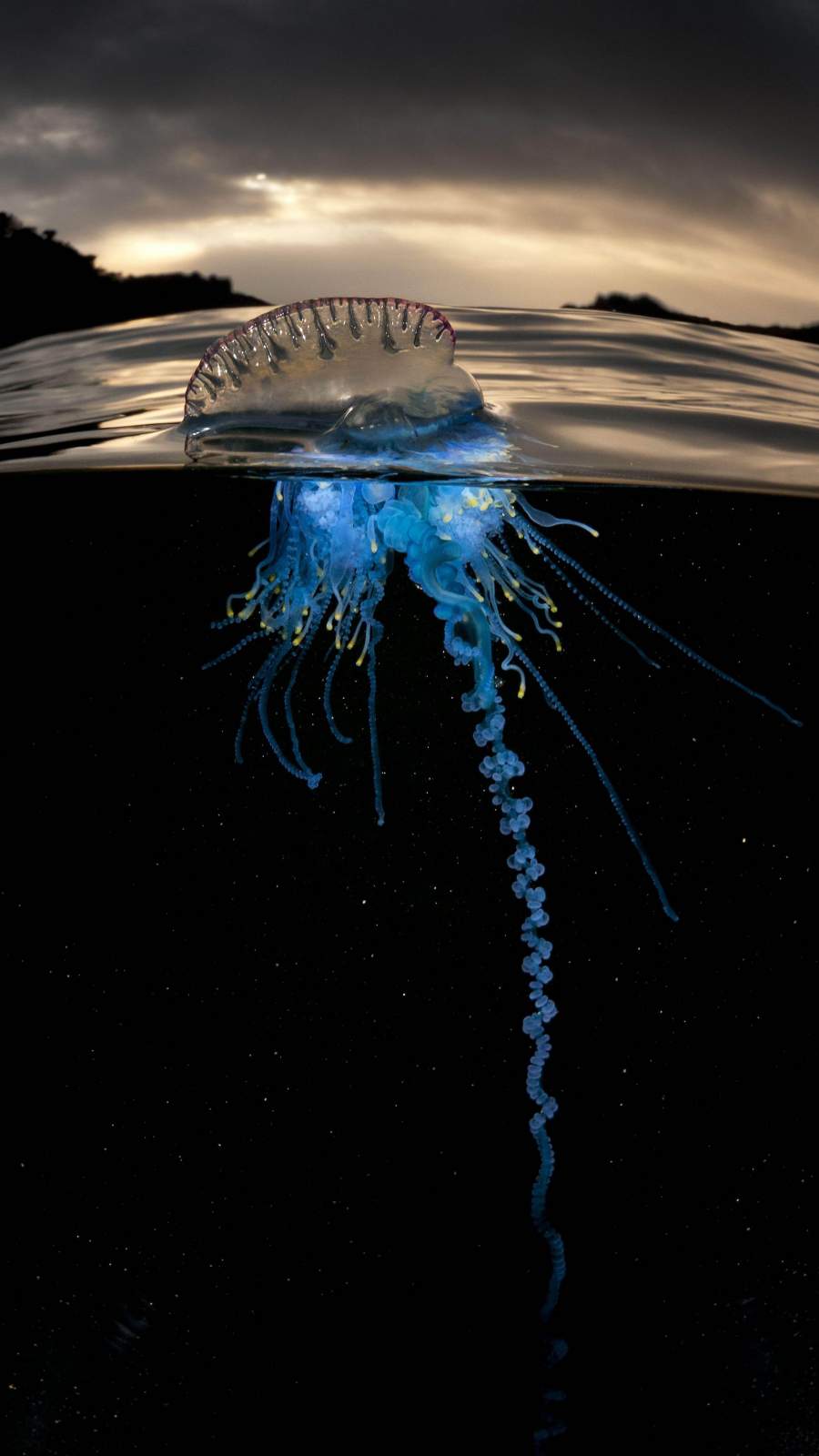

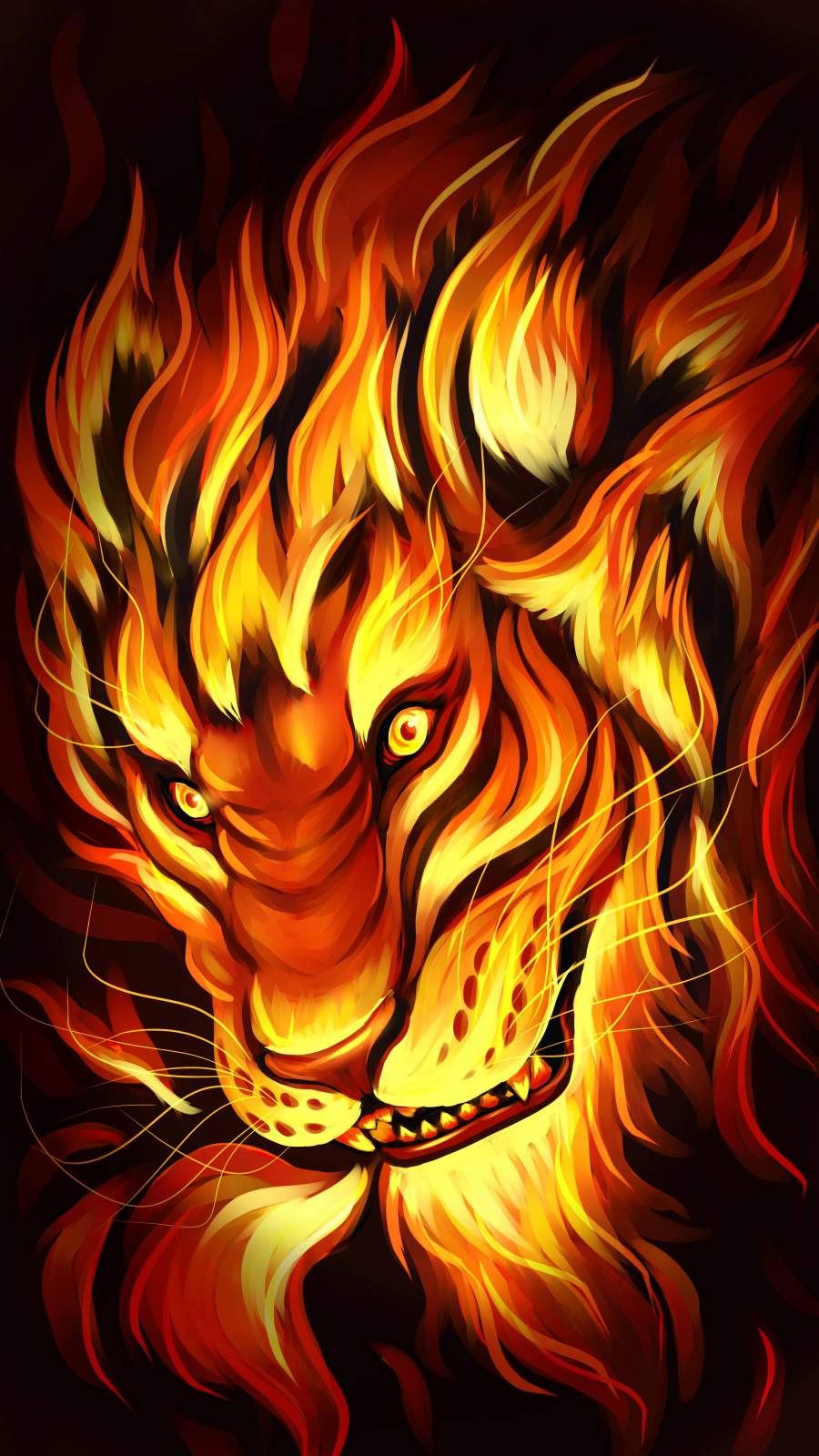
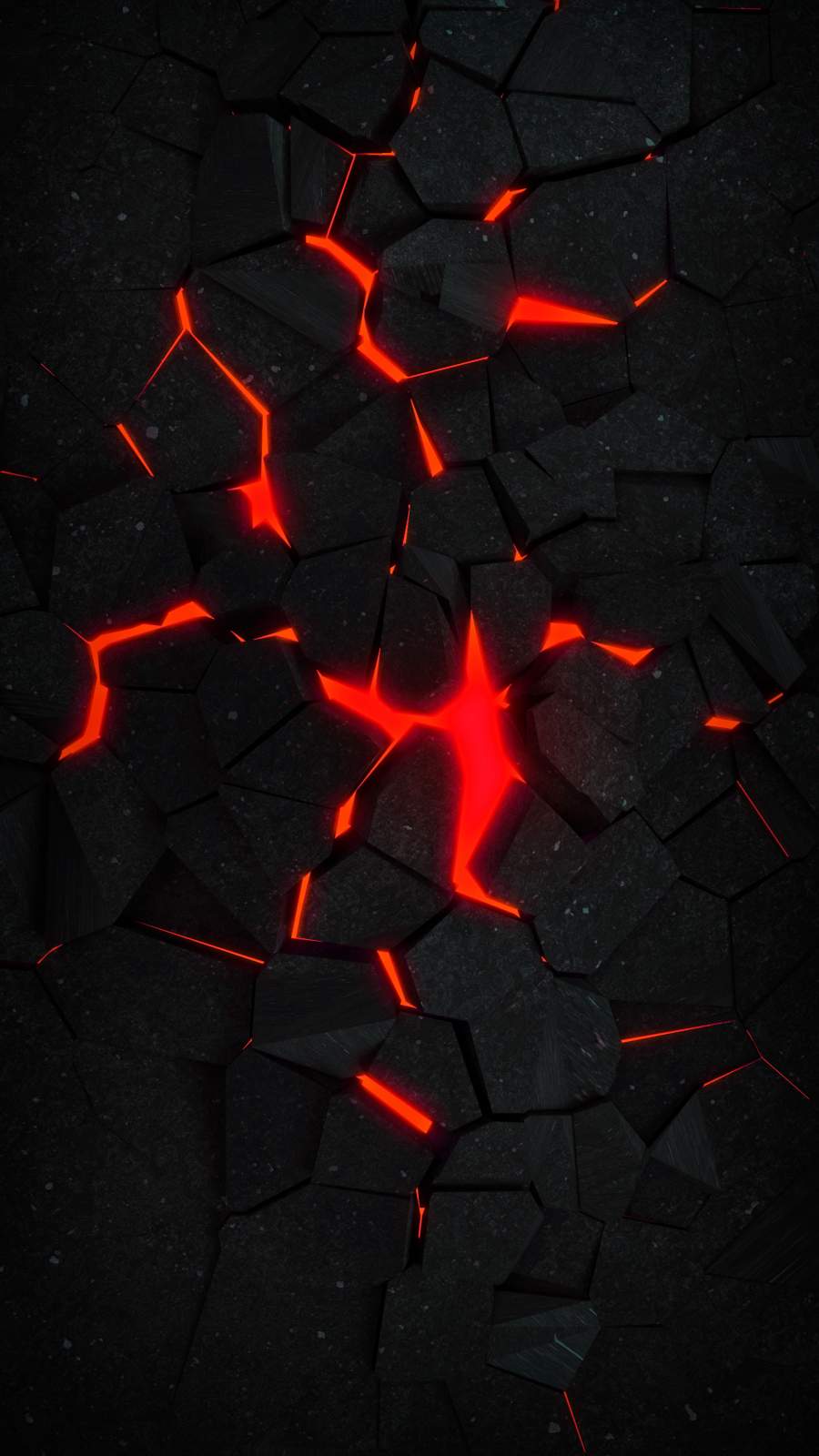
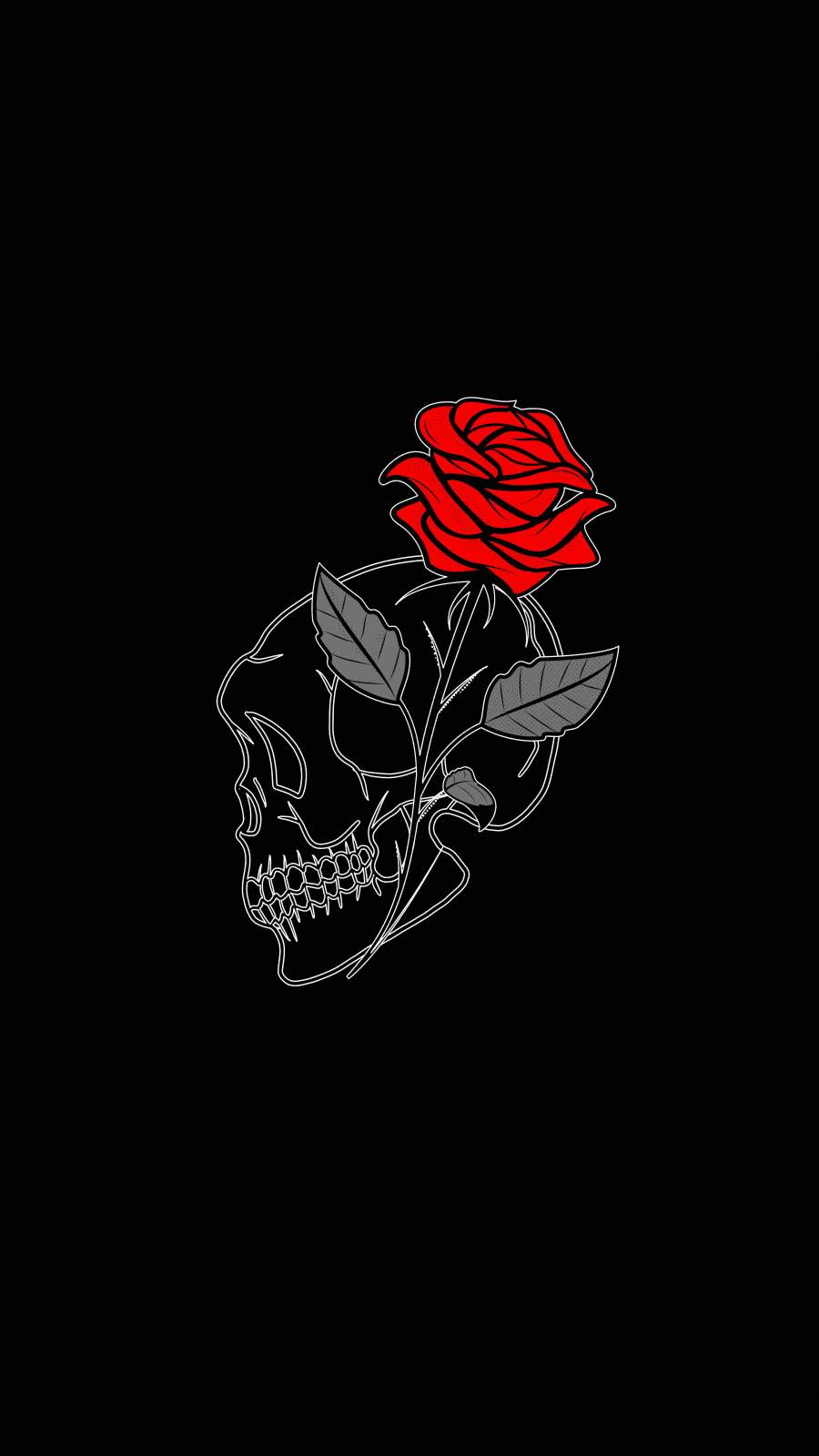
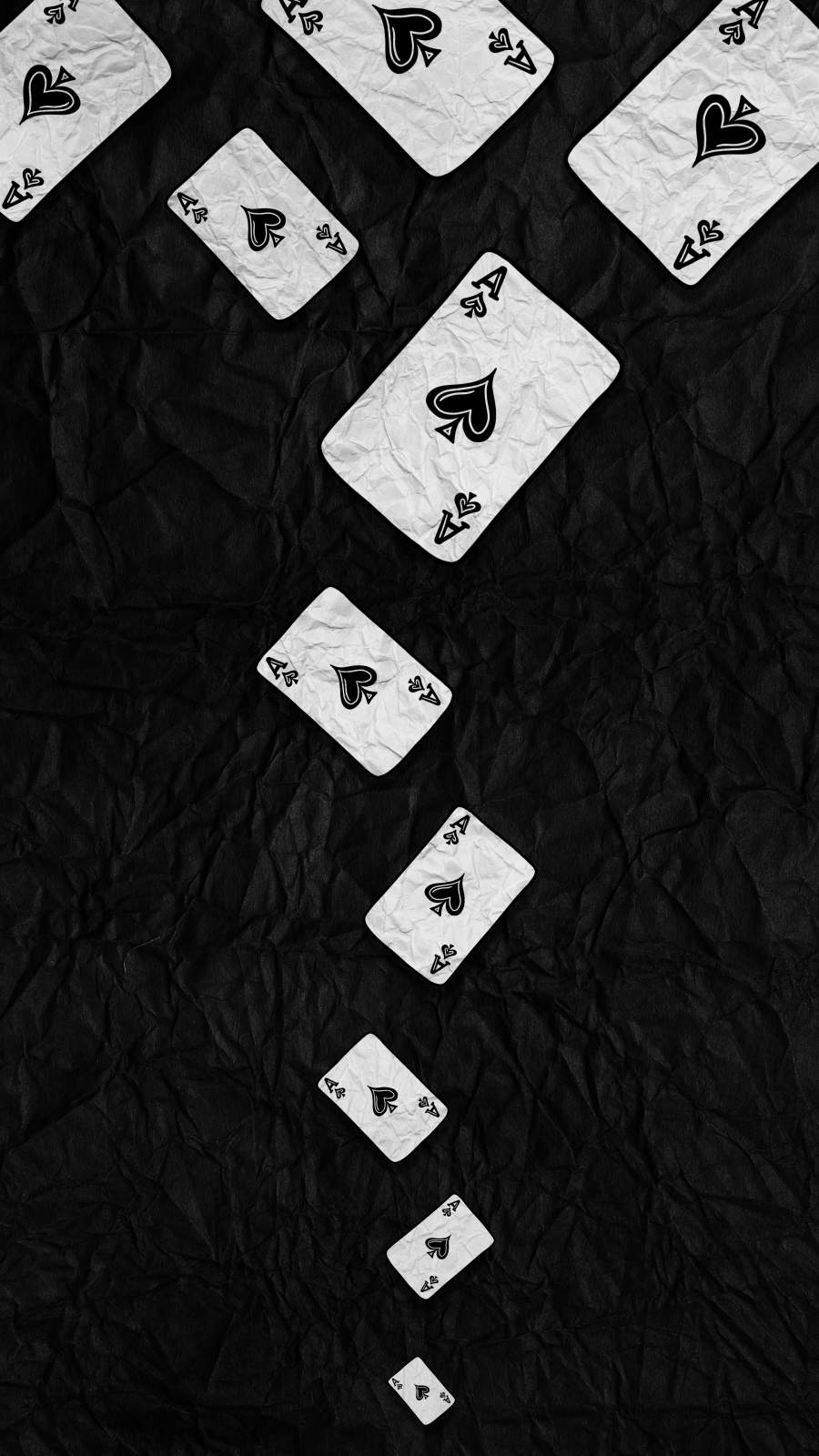
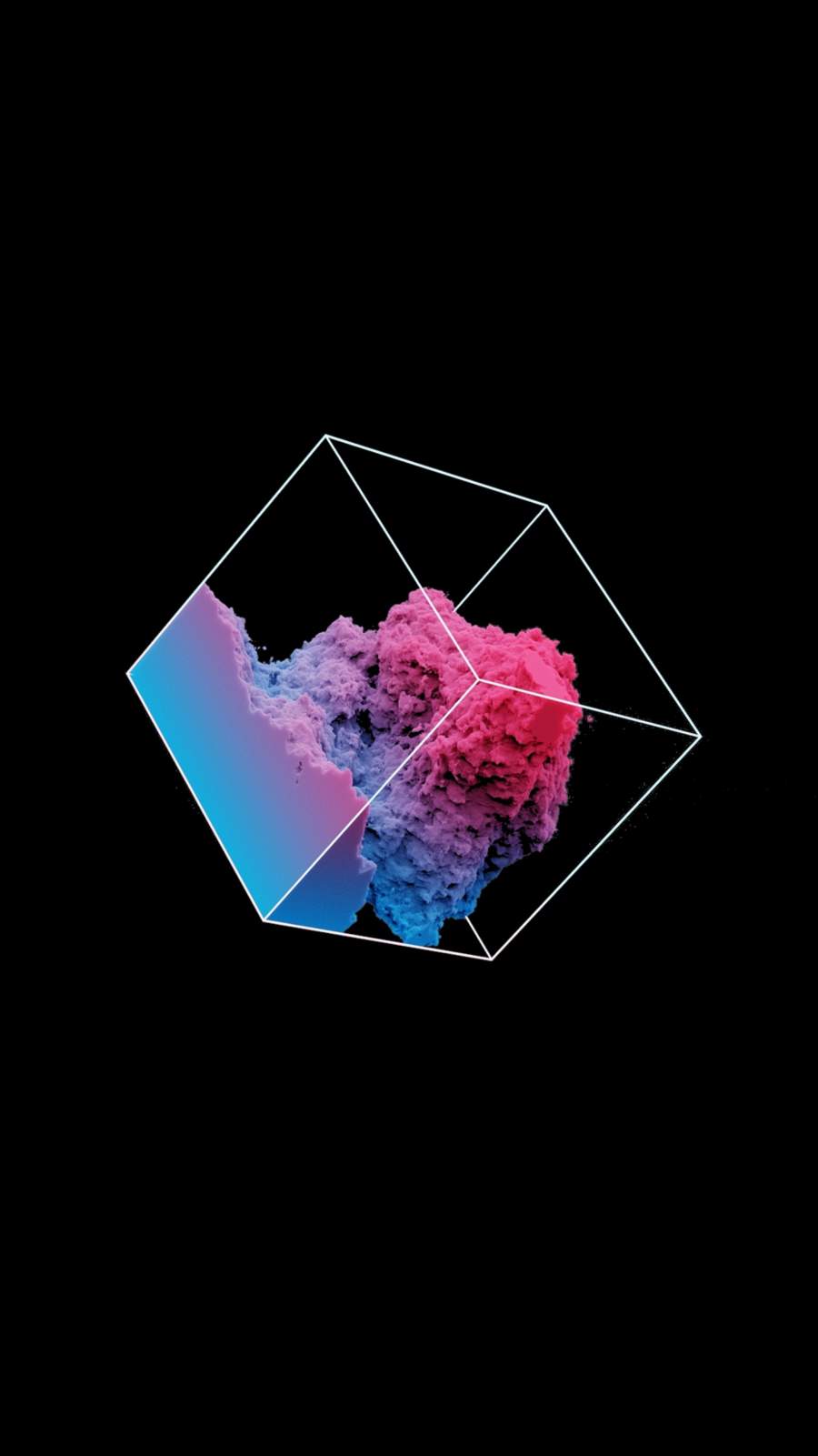
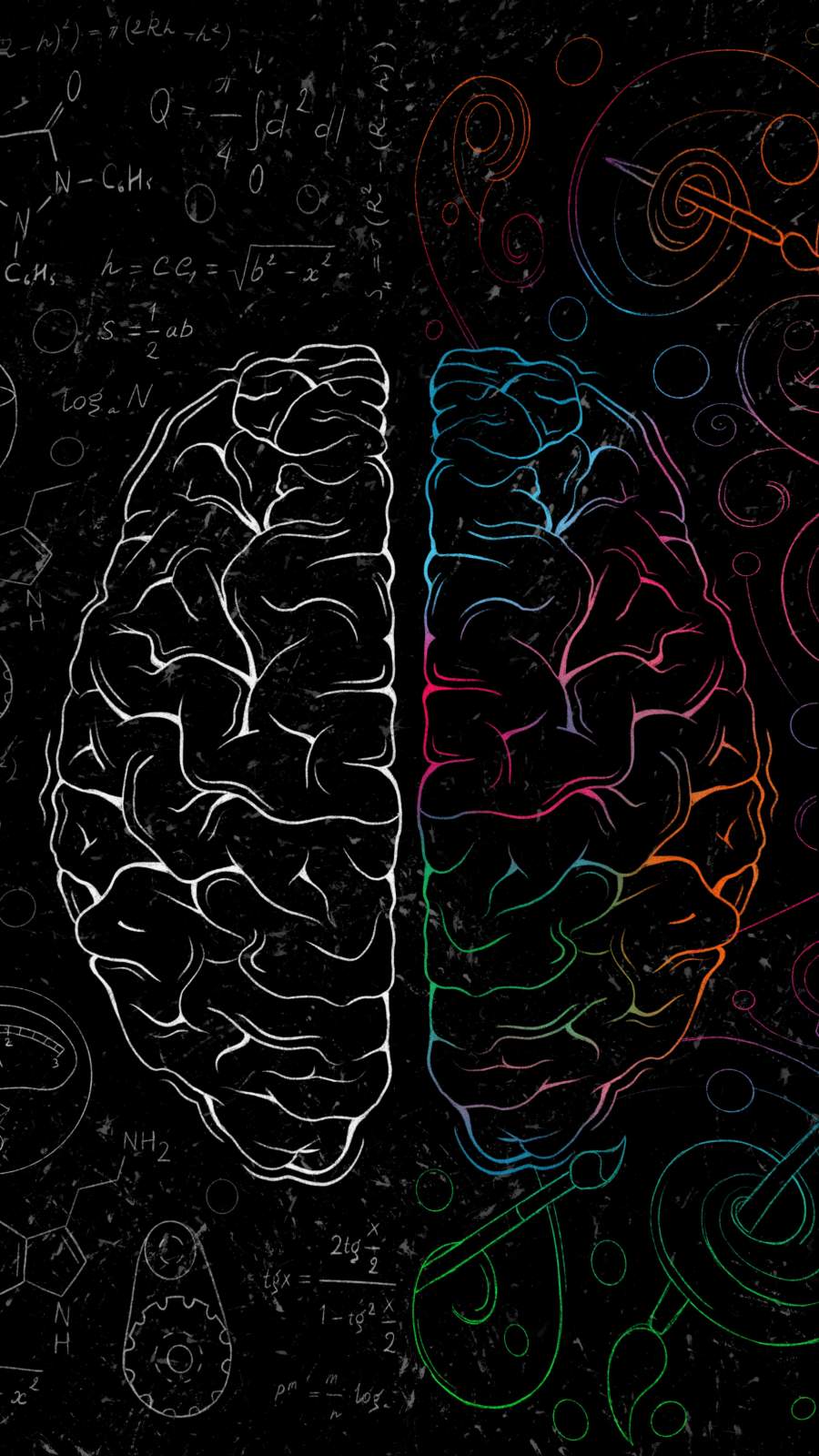
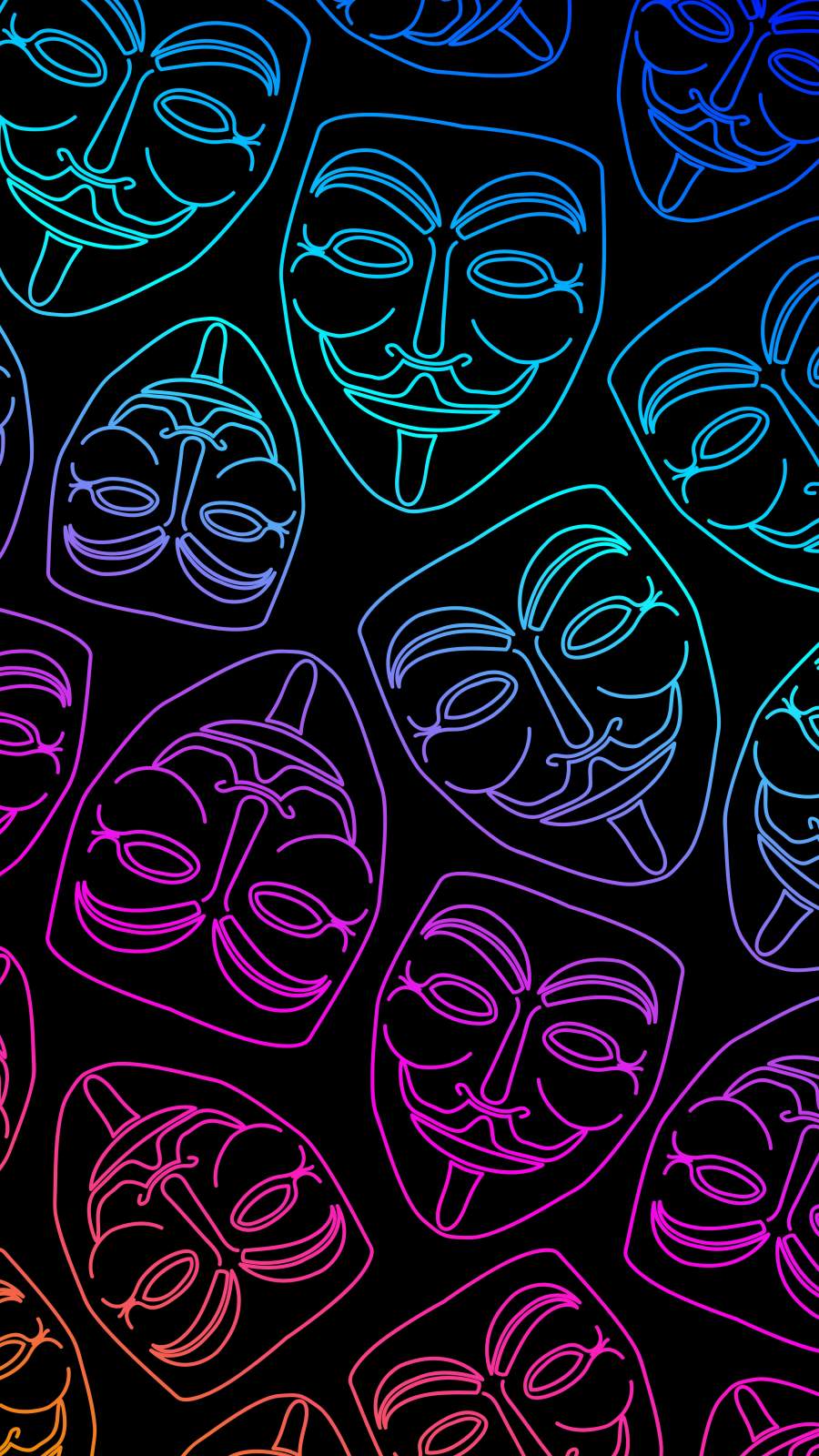
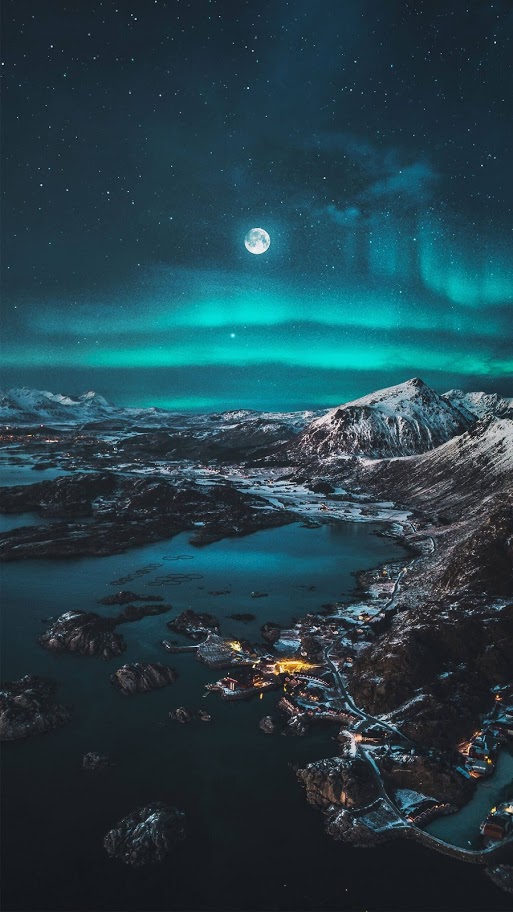
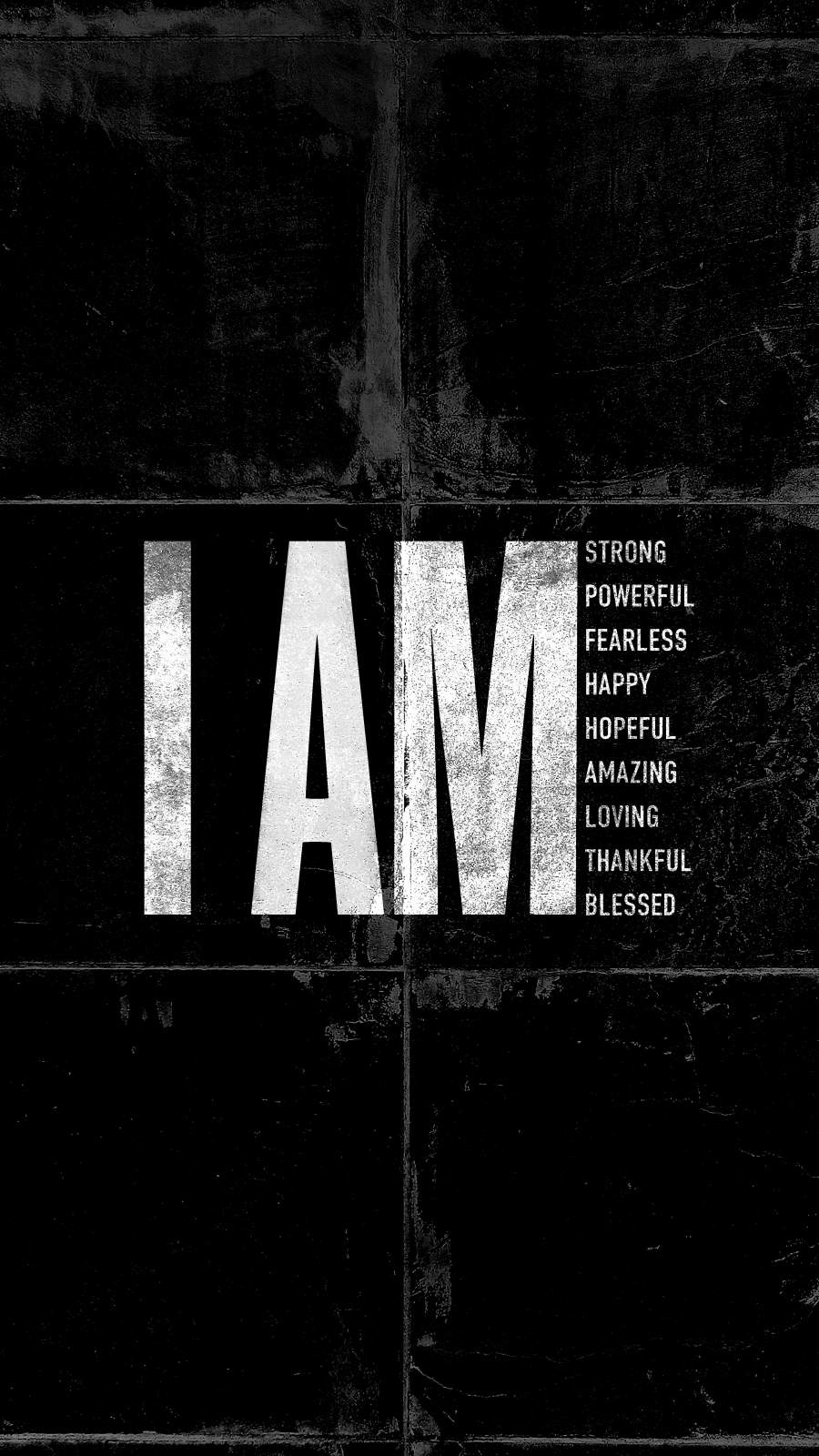
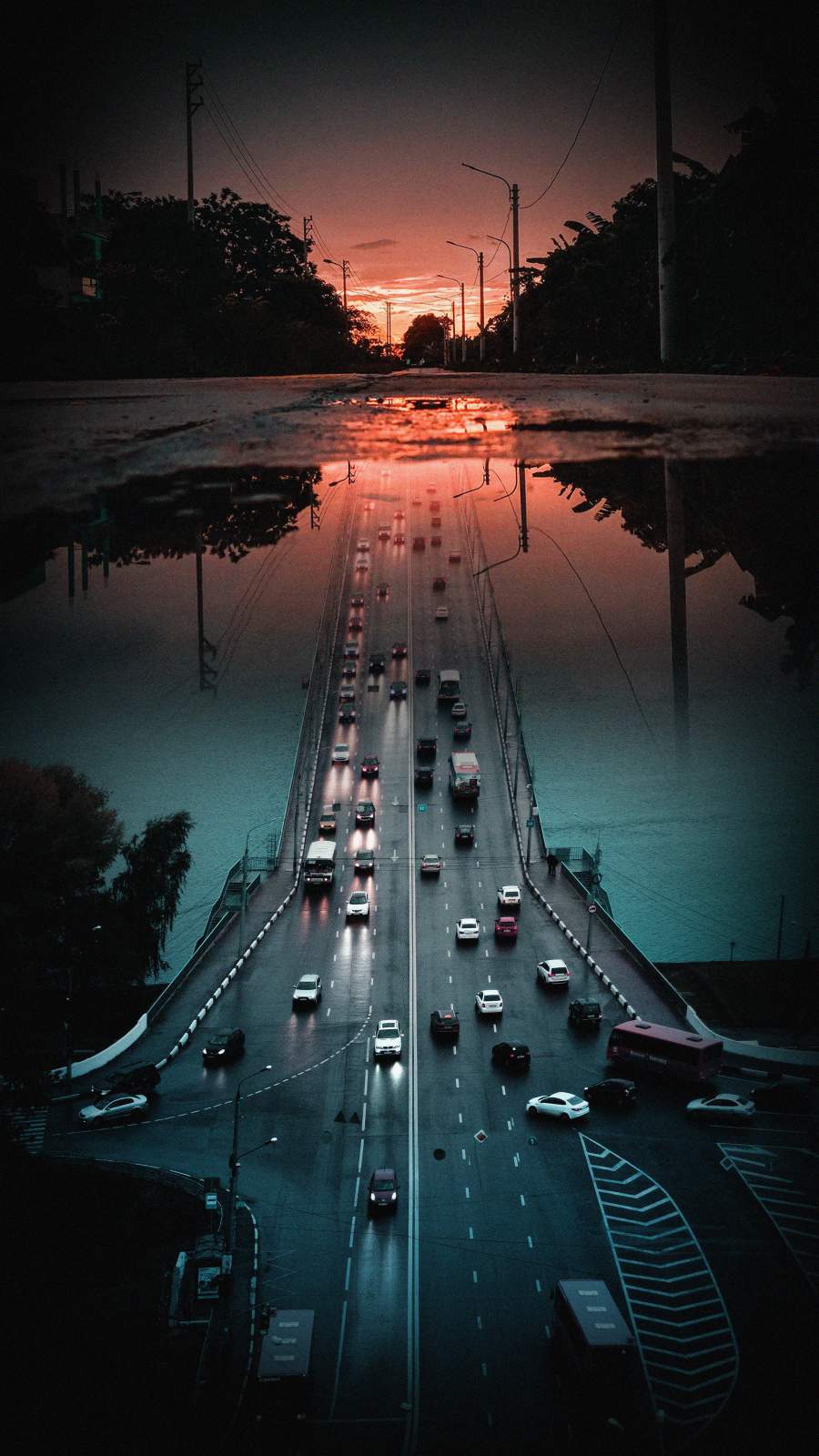
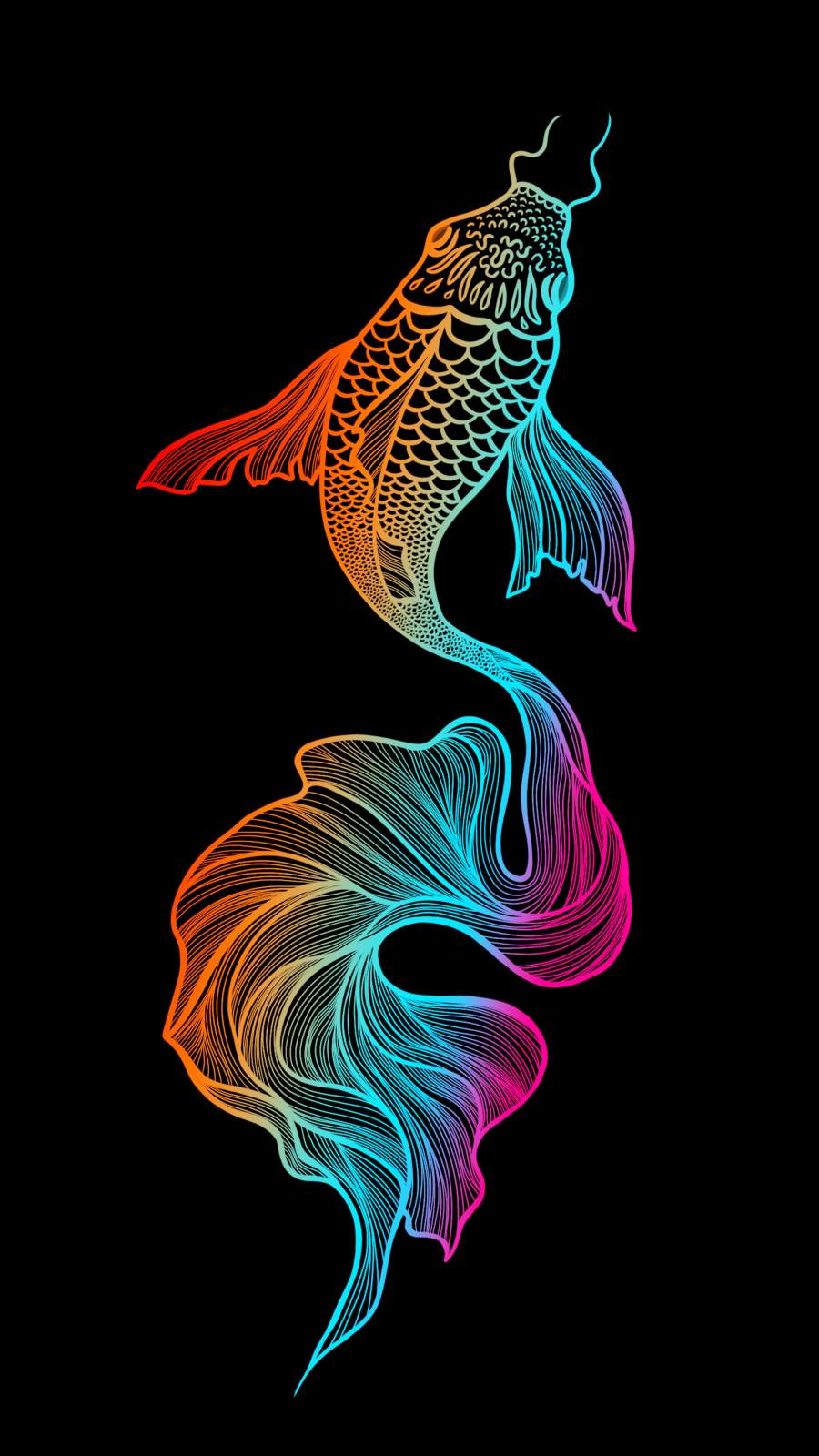
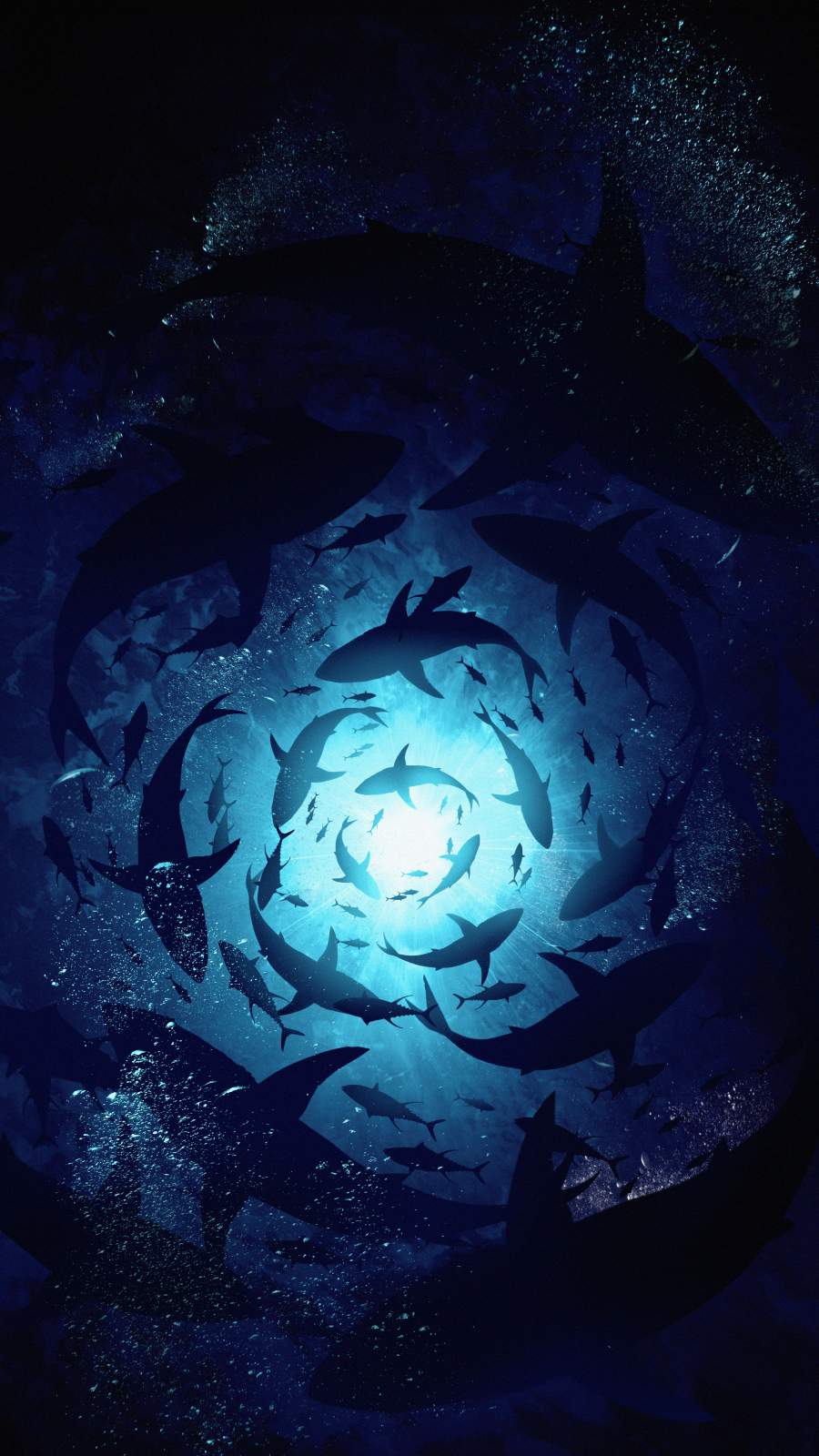
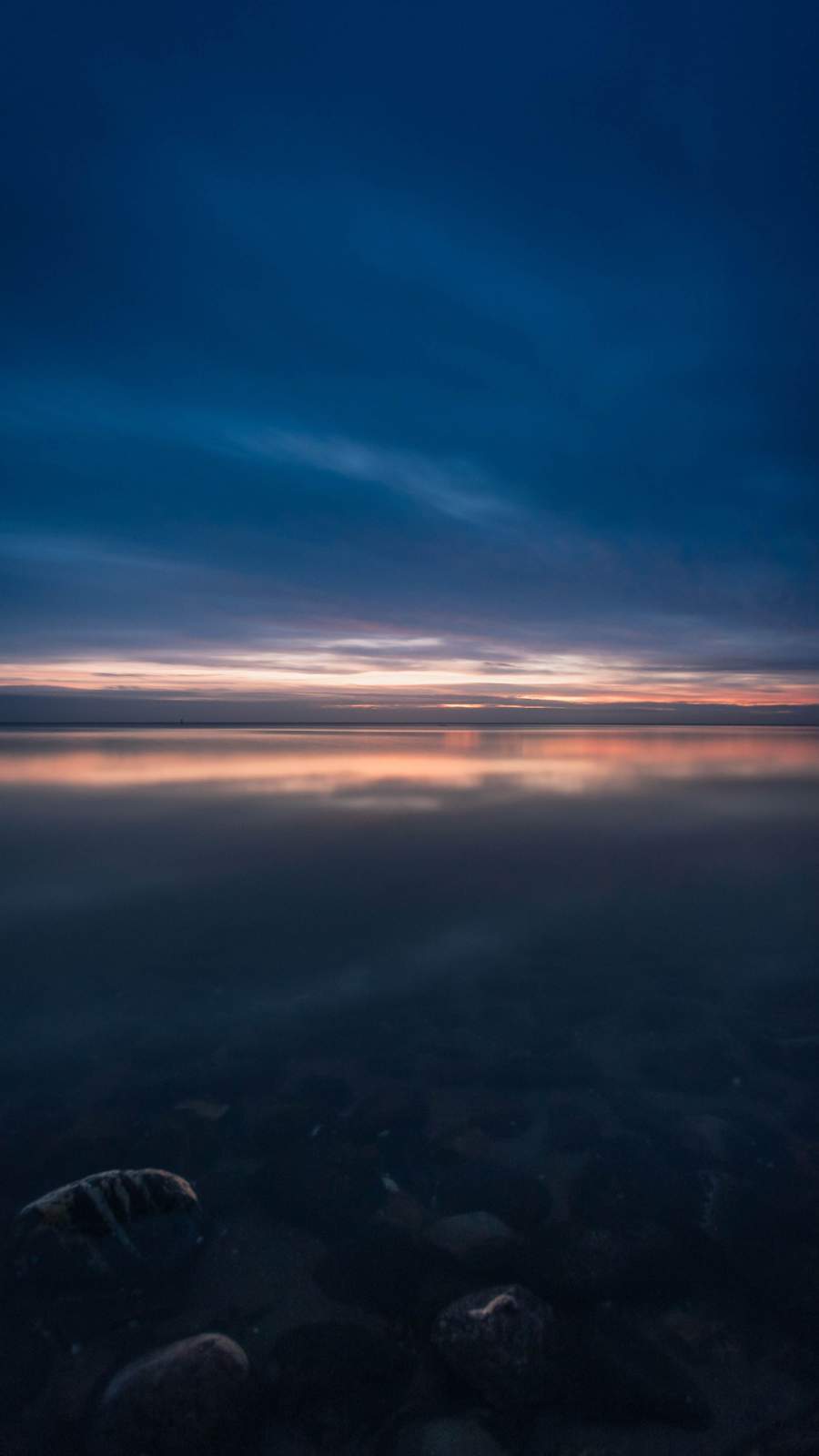
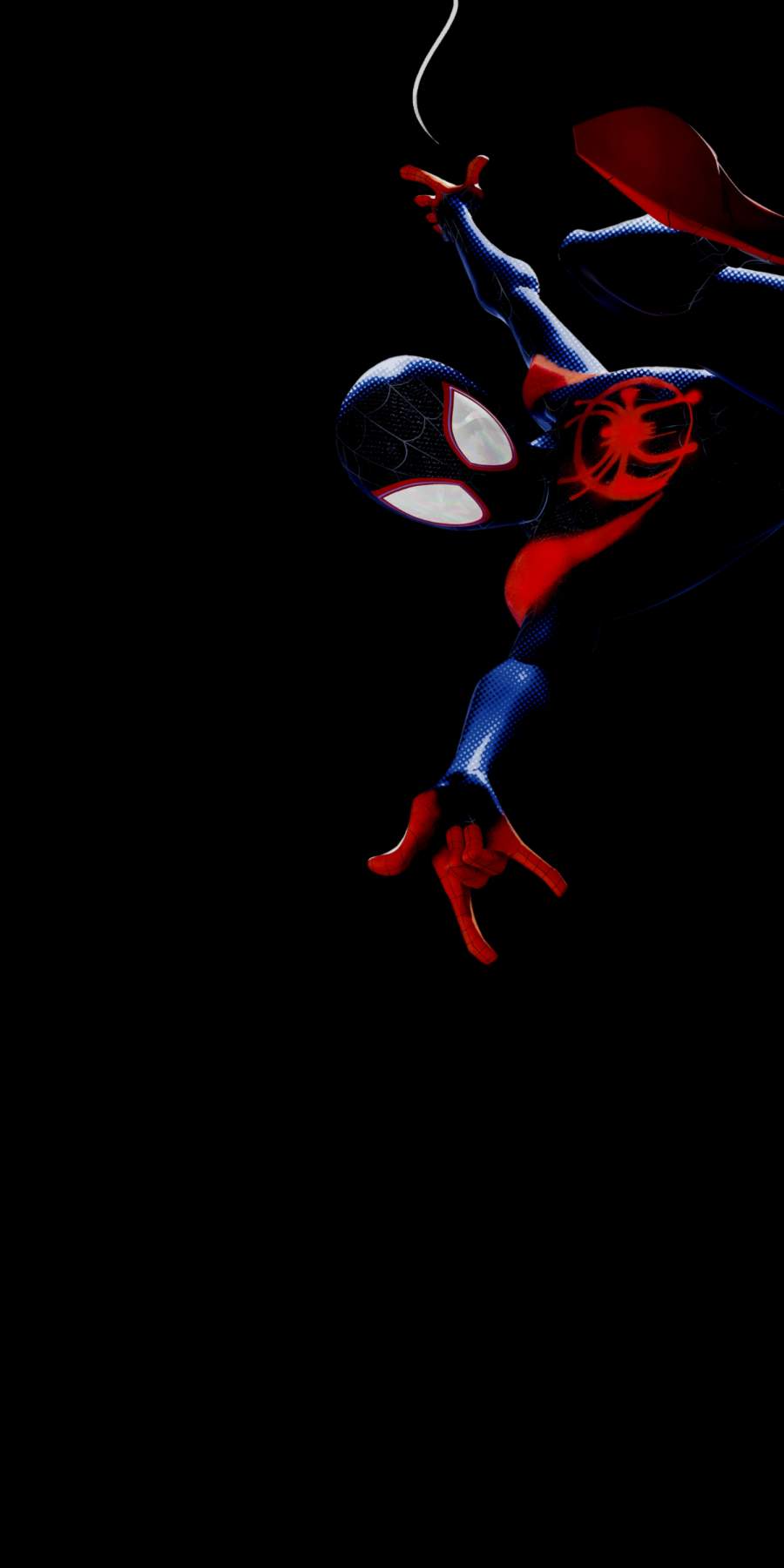
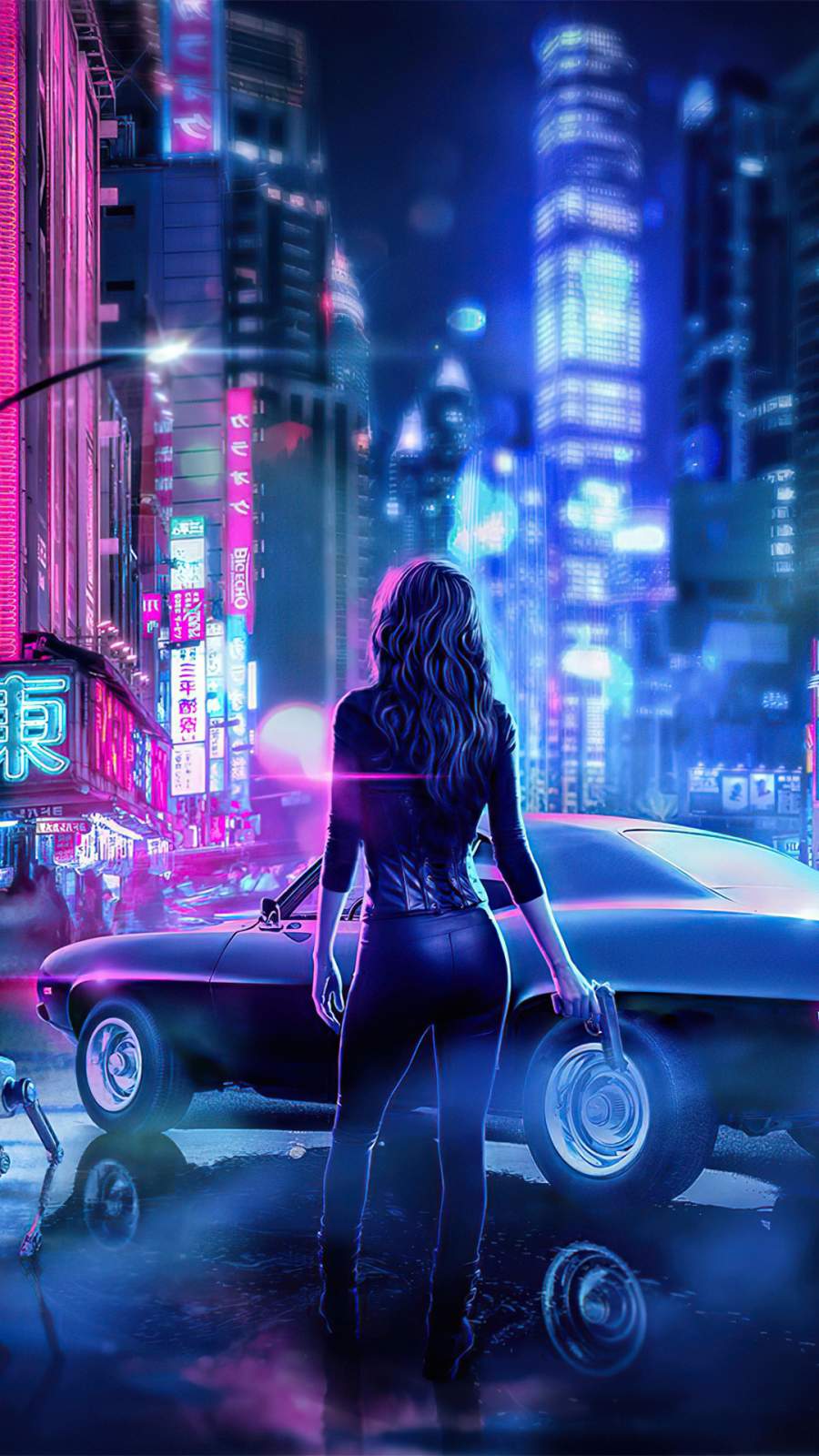
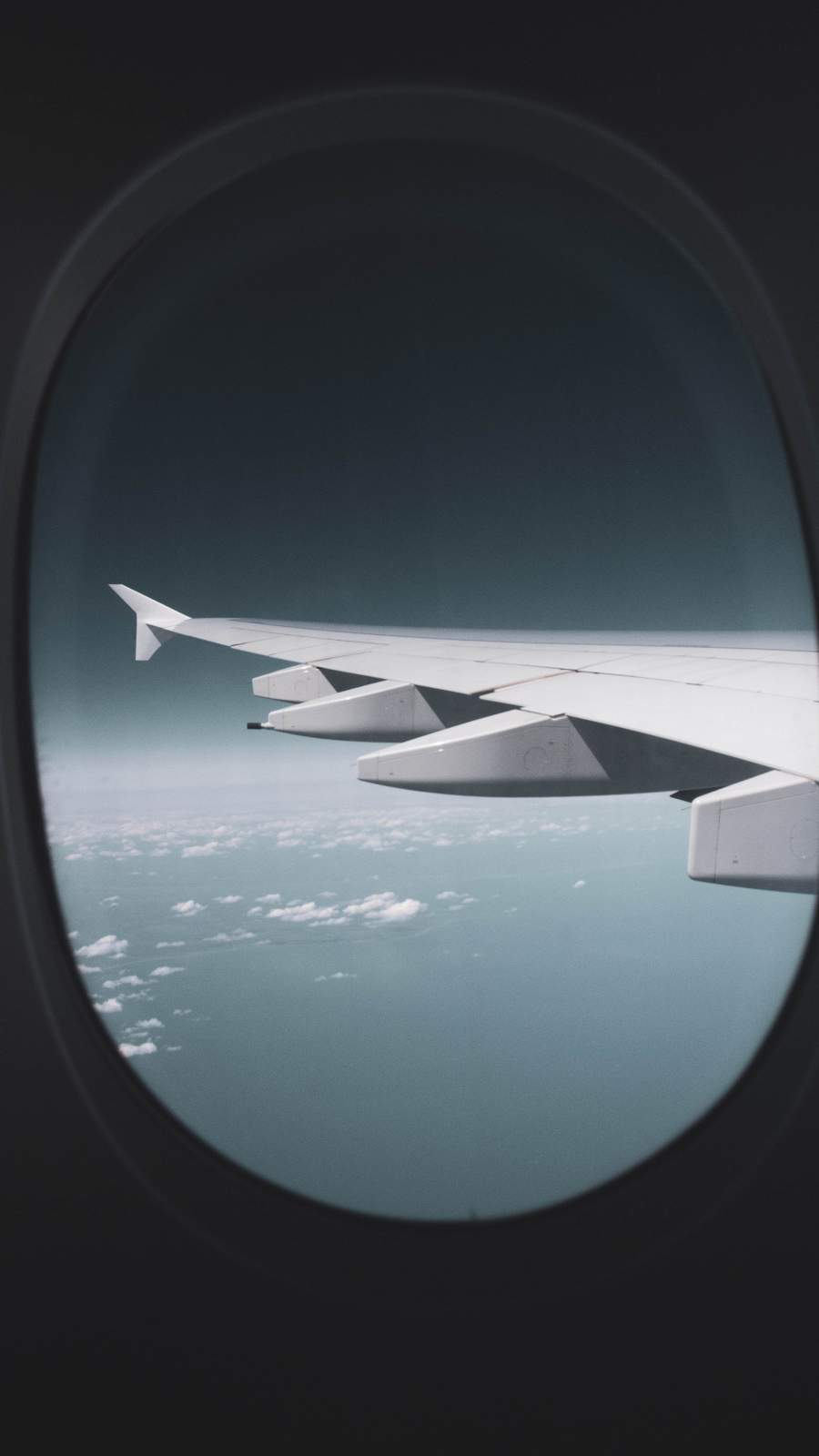


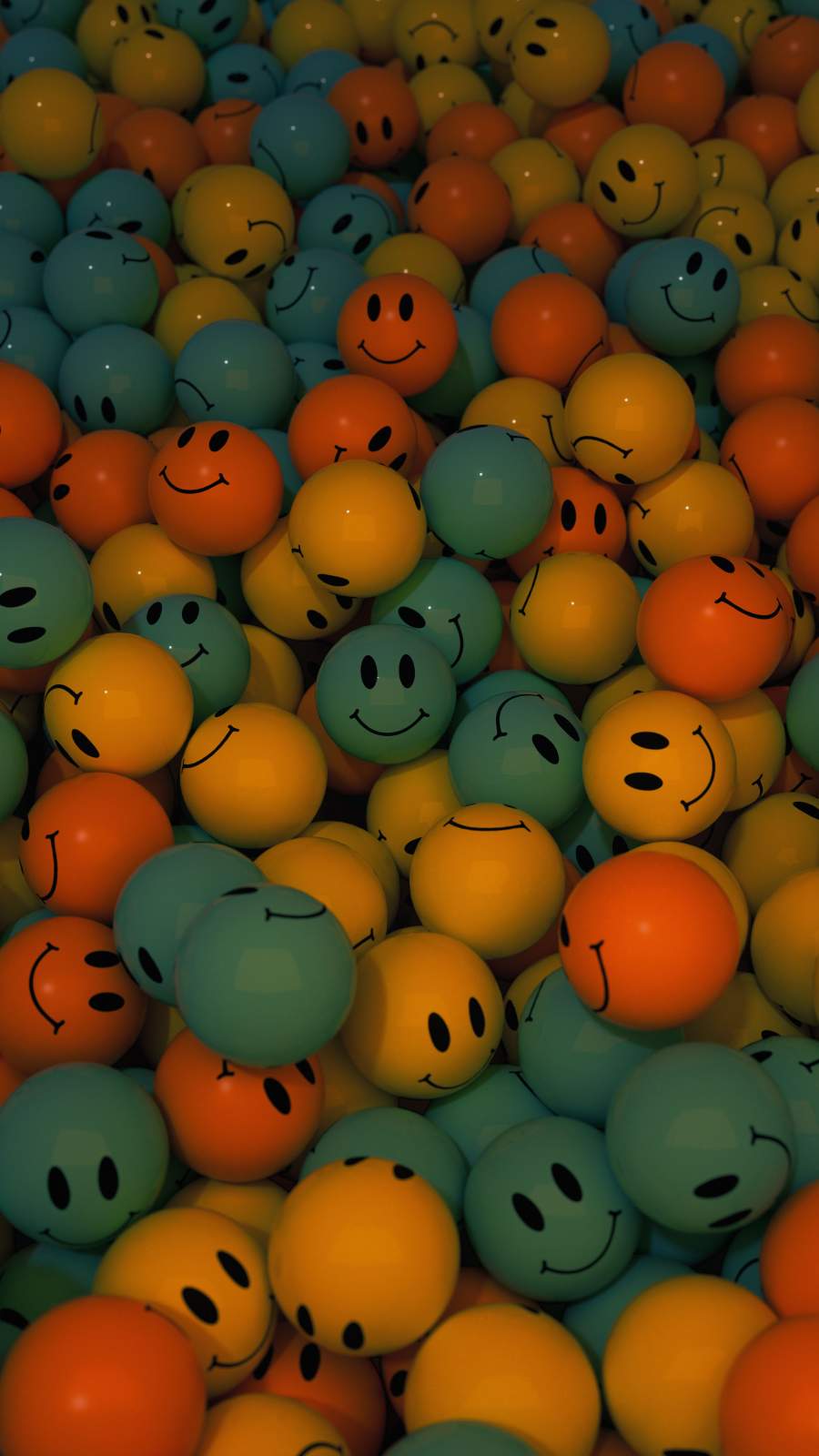
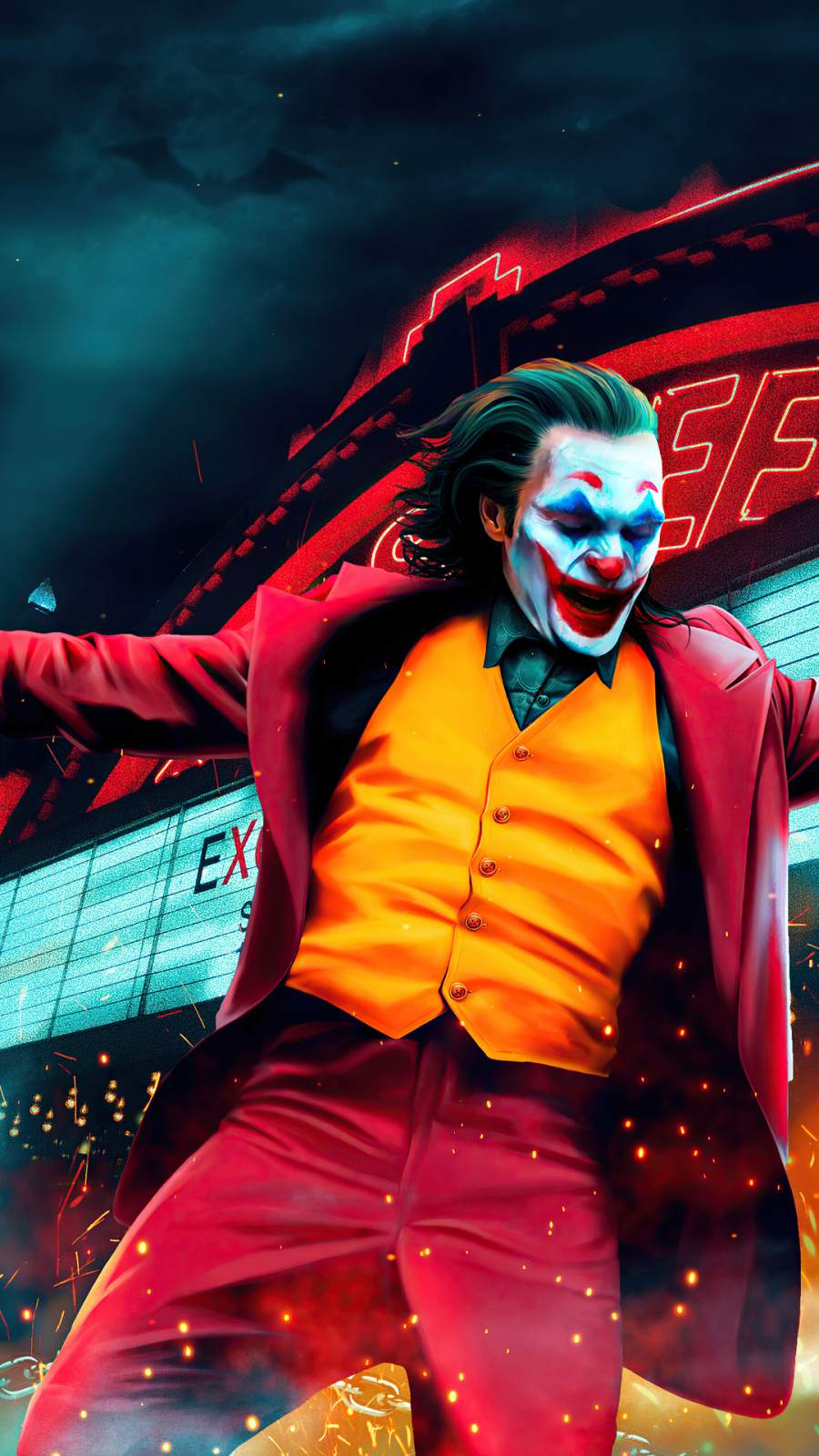
1. Minimalist Wallpapers
Minimalism never goes out of style on iPhone screens. Clean lines, gentle gradients, and lots of negative space let your app icons breathe while keeping your screen looking sharp.
Top picks in this category include:
- Soft gradient washes in blush pink to lavender
- Single-line geometric shapes on matte backgrounds
- Monochrome textures like linen, concrete, or brushed metal
- Pastel color block designs with subtle grain
Minimalist wallpapers work especially well on iPhones with white or light-colored cases, creating a seamless, unified aesthetic from case to screen.
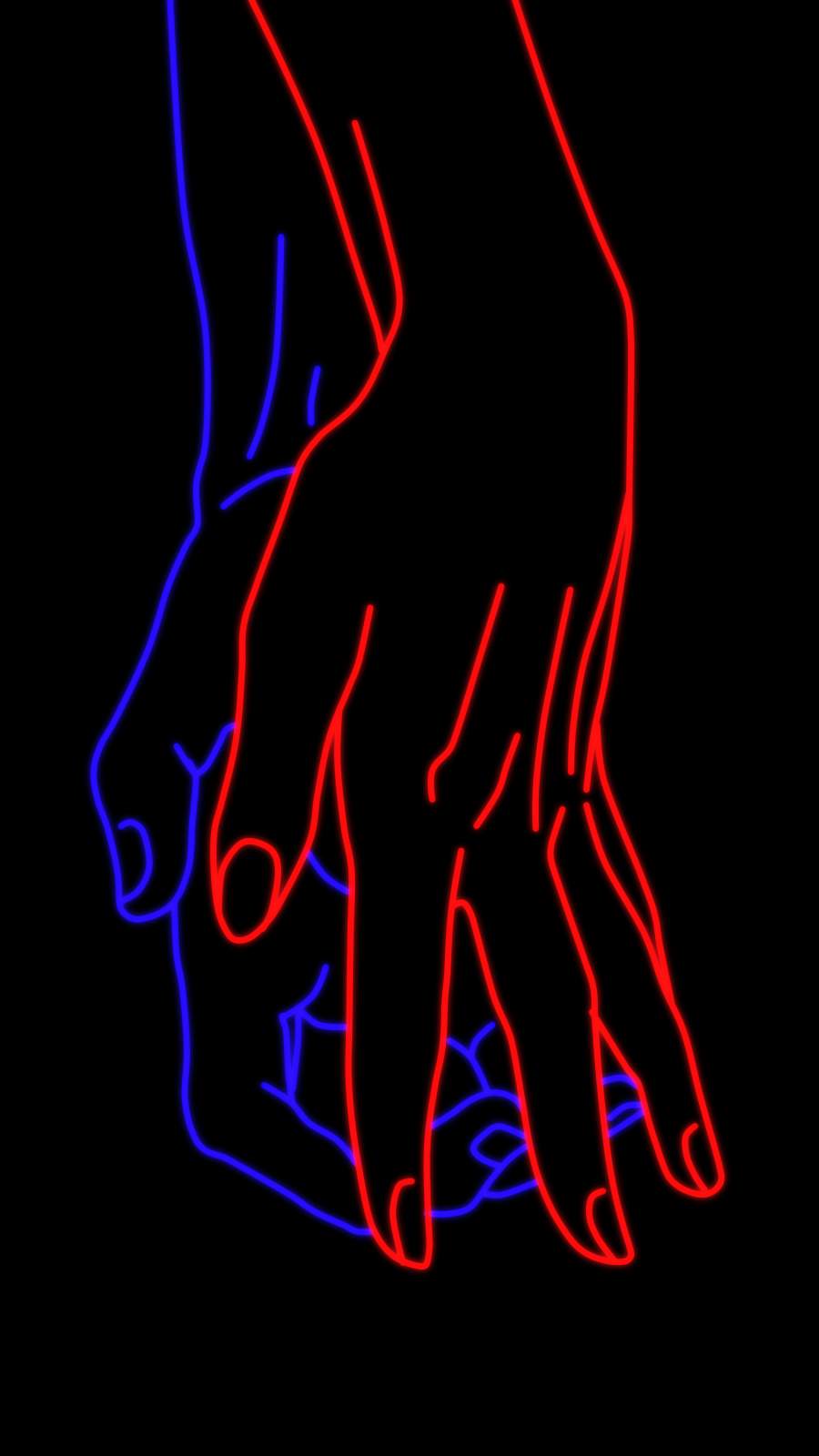
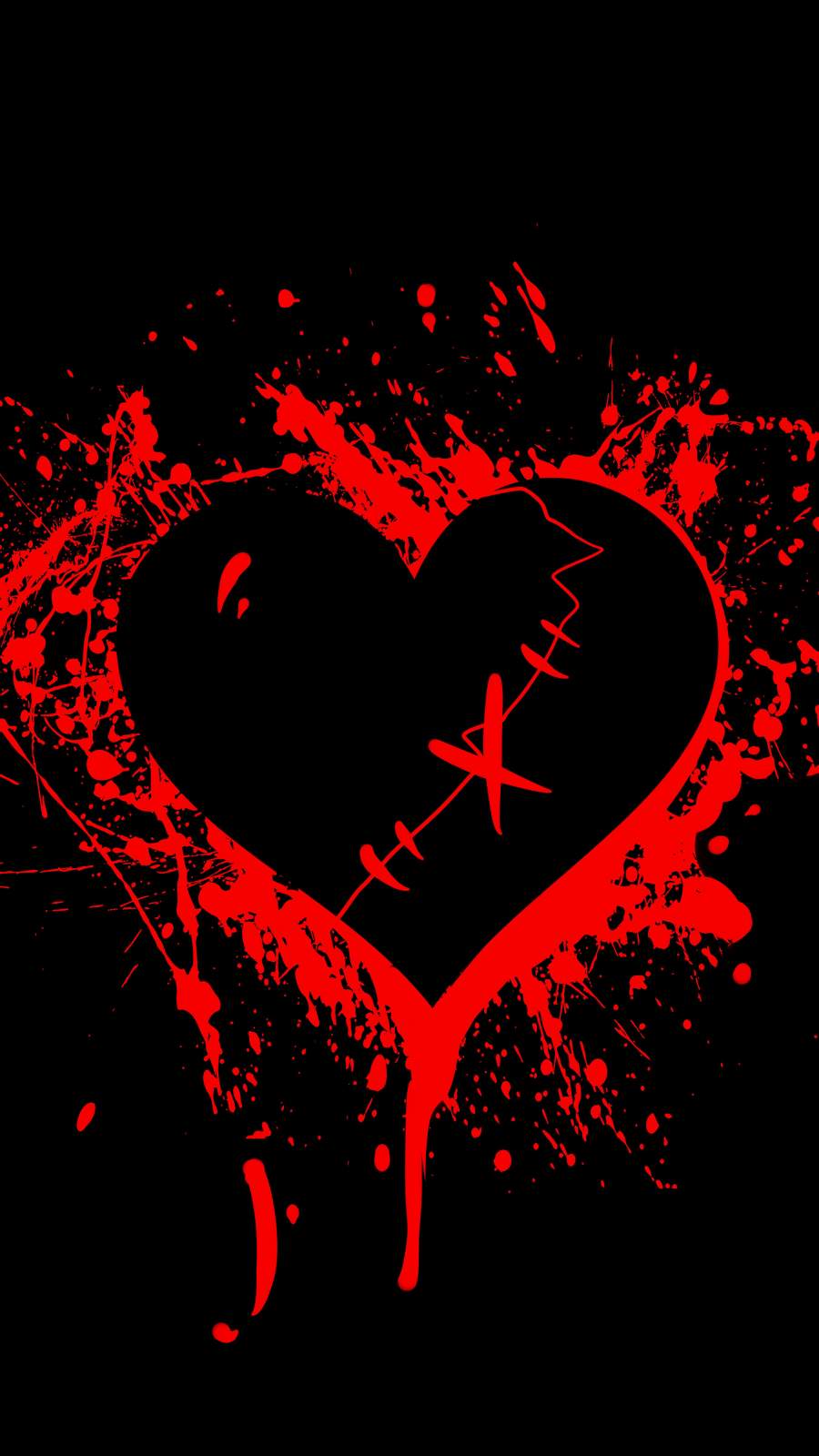
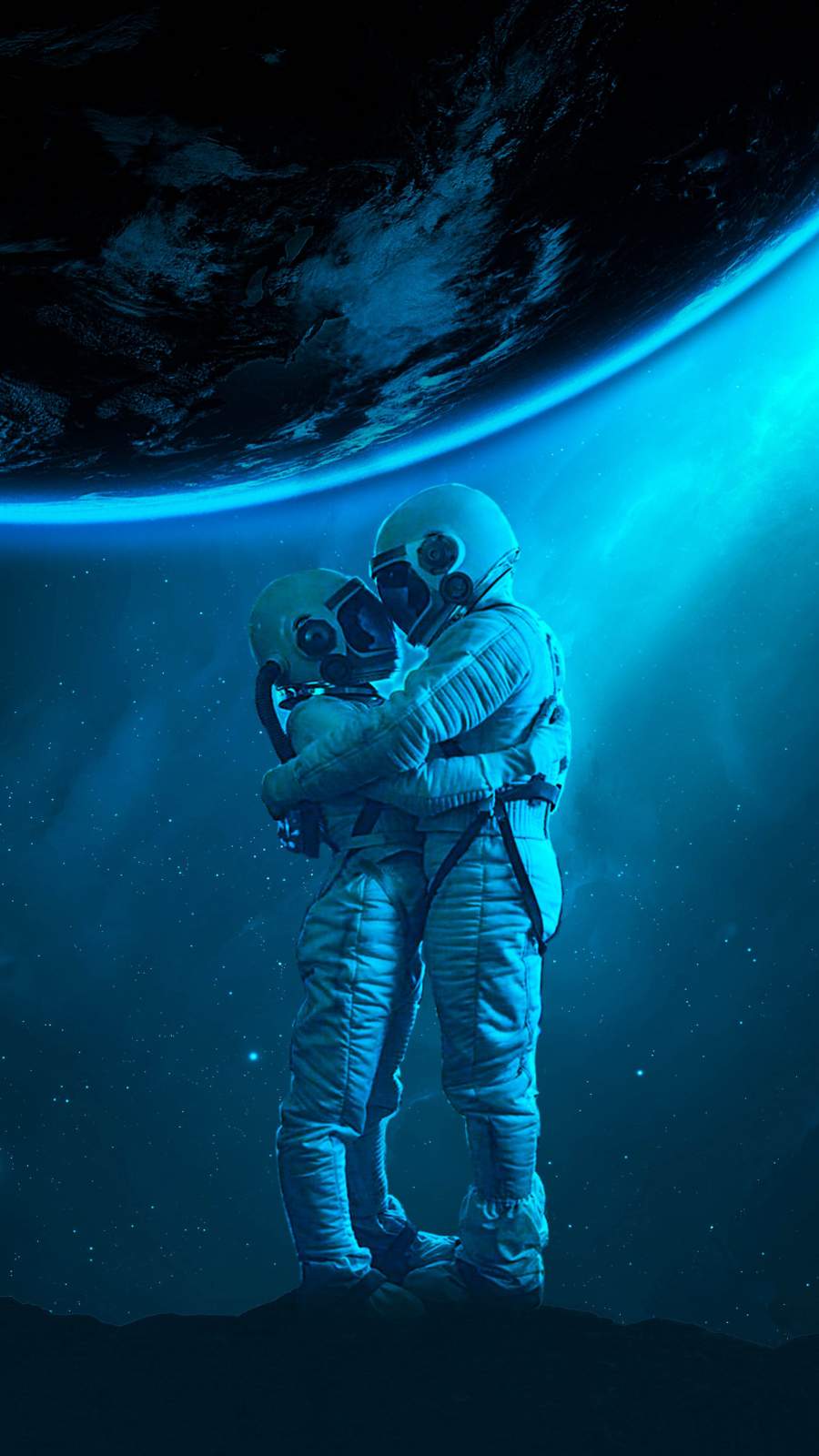
2. Dark & Moody Wallpapers
Dark wallpapers are not just about aesthetics — they are practical. On OLED displays (used in every iPhone since the iPhone X), true black pixels are literally turned off, saving battery life and reducing eye strain in low-light environments.
Stunning dark wallpaper options include:
- Deep space photography with nebulas and star clusters
- Abstract ink-in-water shots on black backgrounds
- Dark floral photography with dramatic lighting
- Nighttime city skylines and neon reflections
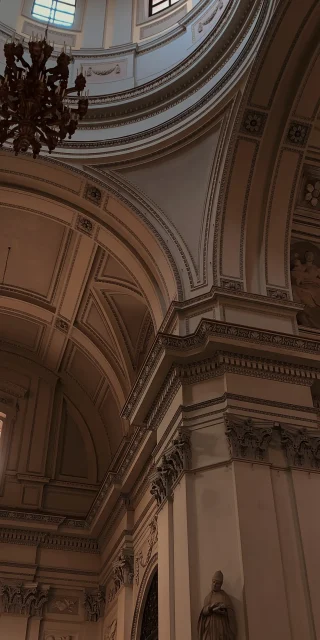
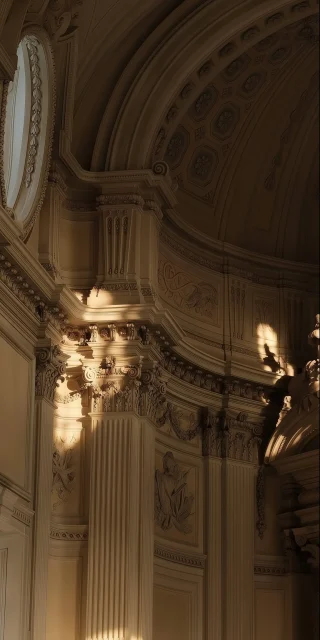
- Gothic architectural details in near-black tones
If you use your iPhone late at night, a dark wallpaper paired with Night Mode is one of the best decisions you can make for your eyes.
3. Nature & Landscape Wallpapers
Nothing competes with the natural world for sheer visual impact. The best nature wallpapers feel like looking through a window rather than at a screen.
Fresh nature wallpaper ideas you might not have seen:
- Aerial drone shots of forest canopies and river bends
- Extreme macro photography of raindrops on leaves
- Underwater shots of coral reefs bathed in filtered sunlight
- Desert dunes captured in the golden hour with long shadows
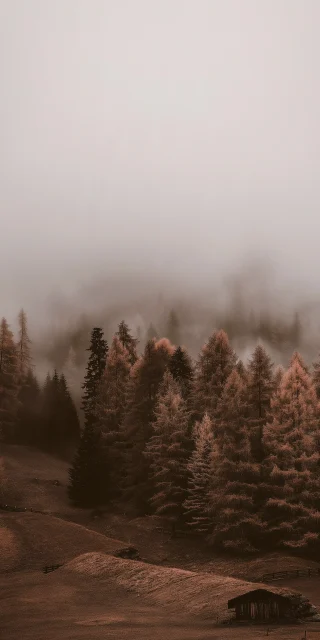
- Misty mountain ranges shot just before sunrise
Look for shots with strong composition — leading lines, the rule of thirds, and clear depth — so the image feels dynamic even when static on your screen.
4. Abstract & Artistic Wallpapers
Abstract wallpapers let your phone double as a miniature gallery. From digital art to scanned oil paintings, this category offers the most creative variety.
Standout abstract options include:
- Fluid paint pour art with metallic finishes
- Generative geometry — algorithmic patterns that look hand-drawn
- Impressionist-style digital paintings of everyday scenes
- Glitch art with fragmented color breaks and pixel drift effects
- Watercolor botanicals with loose, expressive brushwork
Abstract wallpapers pair beautifully with a dark-themed app library, where the splash of color on your home screen becomes the focal point of the whole phone.
5. Aesthetic & Vintage Wallpapers
The aesthetic and vintage wallpaper trend is going strong in 2026, heavily influenced by film photography, retro graphic design, and nostalgia-driven visual culture.
Popular styles in this space:
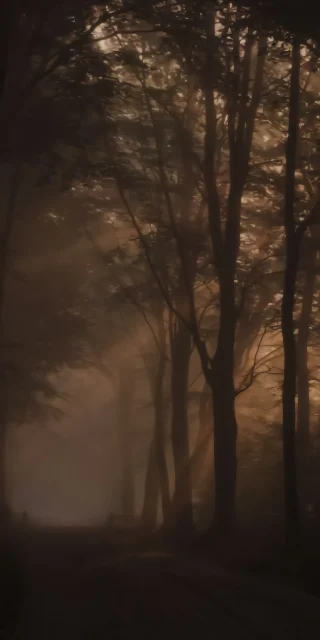
- Grainy film photography with faded, warm color grading
- Vintage travel posters reimagined in modern color palettes
- Retro cartoon textures and halftone patterns
- Old book page textures with faded typography
- 70s and 80s inspired geometric patterns in terracotta, mustard, and olive
These work incredibly well if you use a retro-style widget or custom app icons for a fully cohesive aesthetic home screen.
Where to Download High-Quality iPhone Wallpapers
Finding stunning wallpapers is one thing — finding them in the right resolution is another. Here are the best places to source wallpapers that will look crisp on any iPhone display:
- Unsplash — Free, high-resolution photography from professional creators worldwide
- Pexels — Similar to Unsplash with a strong selection of vertical shots perfect for phones
- Wallpaper apps — Apps like Zedge, Vellum, and Everpix offer curated collections designed specifically for iPhone screen ratios
- Pinterest — Great for discovering aesthetic trends, though you will need to verify resolution before downloading
- Reddit communities — Subreddits like r/iWallpaper and r/MobileWallpaper are goldmines for unique, community-curated finds
Always check the image resolution before setting it as your wallpaper. On your iPhone, go to Settings → Wallpaper → Add New Wallpaper and preview how it looks on both your lock screen and home screen before committing.
Tips to Set the Perfect iPhone Wallpaper
Once you have found your ideal wallpaper, here are a few tips to make it look its absolute best:
Use Perspective Zoom wisely. When setting a wallpaper, iOS offers a “Perspective Zoom” option that creates a parallax effect when you tilt your phone. It looks great on landscape and nature shots, but can feel distracting on detailed abstract art. Toggle it based on the image.
Set different wallpapers for lock screen and home screen. iOS lets you set separate images for each. A bold, detailed image works well on the lock screen, while a simpler, more muted version of the same color palette works better behind app icons.
Try the new iOS Depth Effects. On iPhone 15 and 16, you can add subjects to the foreground layer of your lock screen wallpaper, creating a 3D layered look with your clock. Look for photos with a clear subject and defined background for the best results.
Final Thoughts
Your iPhone wallpaper is a tiny detail that makes a surprisingly big difference. The right image can make your phone feel fresh, express your personality, and even improve your mood every time you pick it up.
With 40+ stunning options across minimalist, dark, nature, abstract, and vintage categories, there is no reason to stick with the default. Pick one, set it up, and enjoy the upgrade — your lock screen deserves it.

1 comment