
Official iPhone 16 Pro Wallpapers [Free High-Res 4K Download]
Every year, Apple sets a new benchmark for premium smartphone aesthetics, and the launch of the flagship iPhone 16 Pro and iPhone 16 Pro Max is no exception. Alongside cutting-edge hardware upgrades, Apple has introduced a brilliant new suite of factory-stock backgrounds designed specifically to showcase the device’s stunning Always-On display and the depth capabilities of iOS 18.
The best part? You don’t need to drop over a thousand dollars on a brand-new device to enjoy this high-end aesthetic. Whether you are upgrading an older iPhone model or customizing an Android device, you can instantly give your phone a modern, flagship-tier refresh. Here is your ultimate guide to the official iPhone 16 Pro wallpapers, complete with uncompressed 4K download overviews and a seamless depth-effect setup tutorial.
The Design Aesthetic: Premium Titanium Gradients
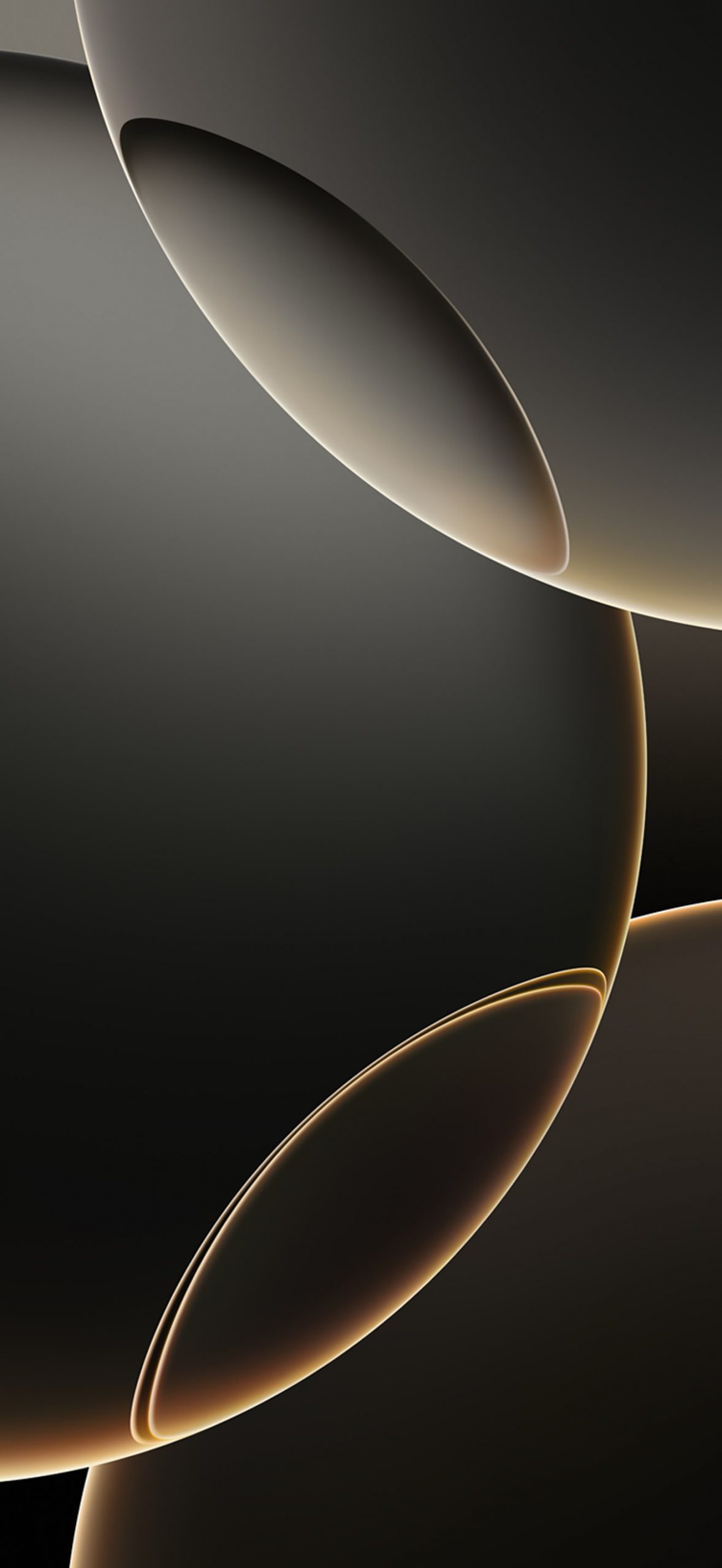
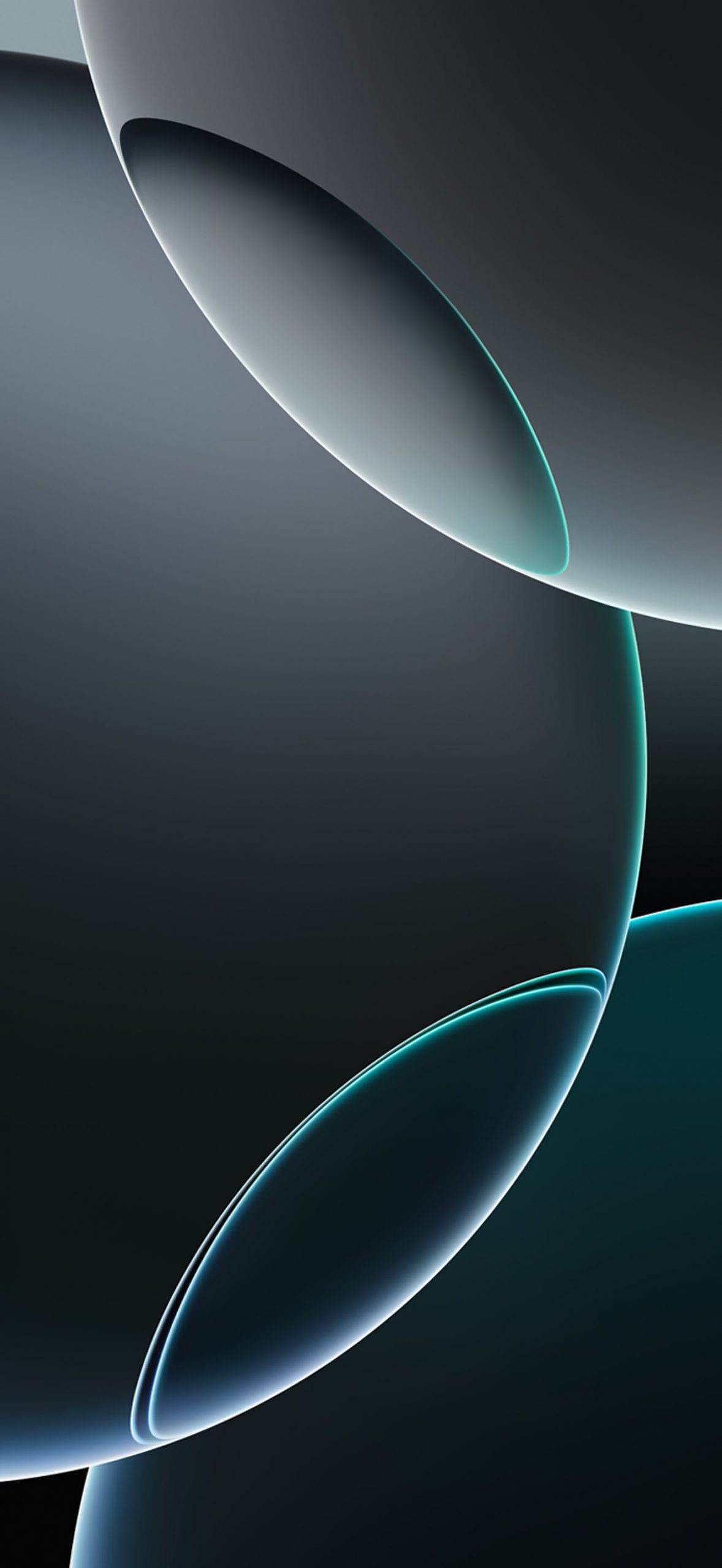
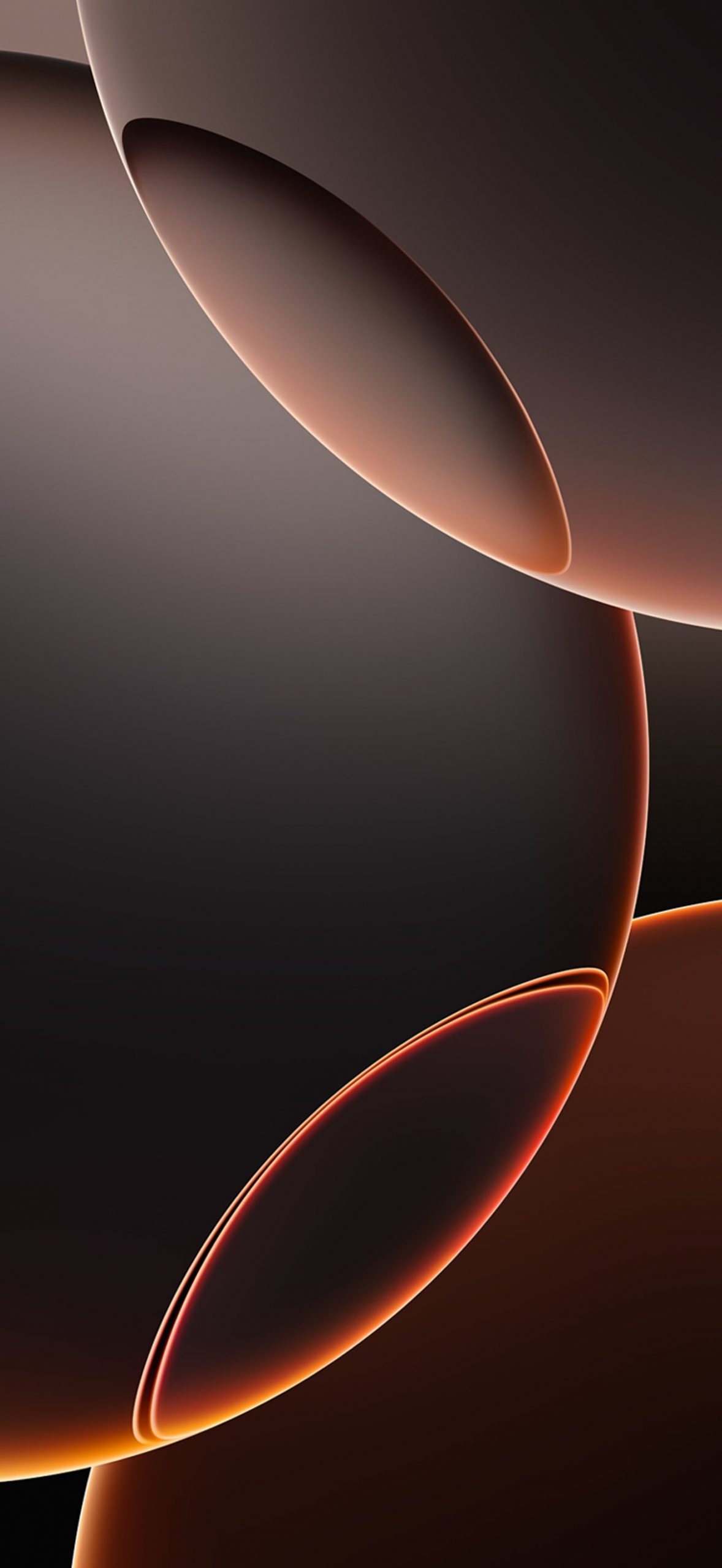
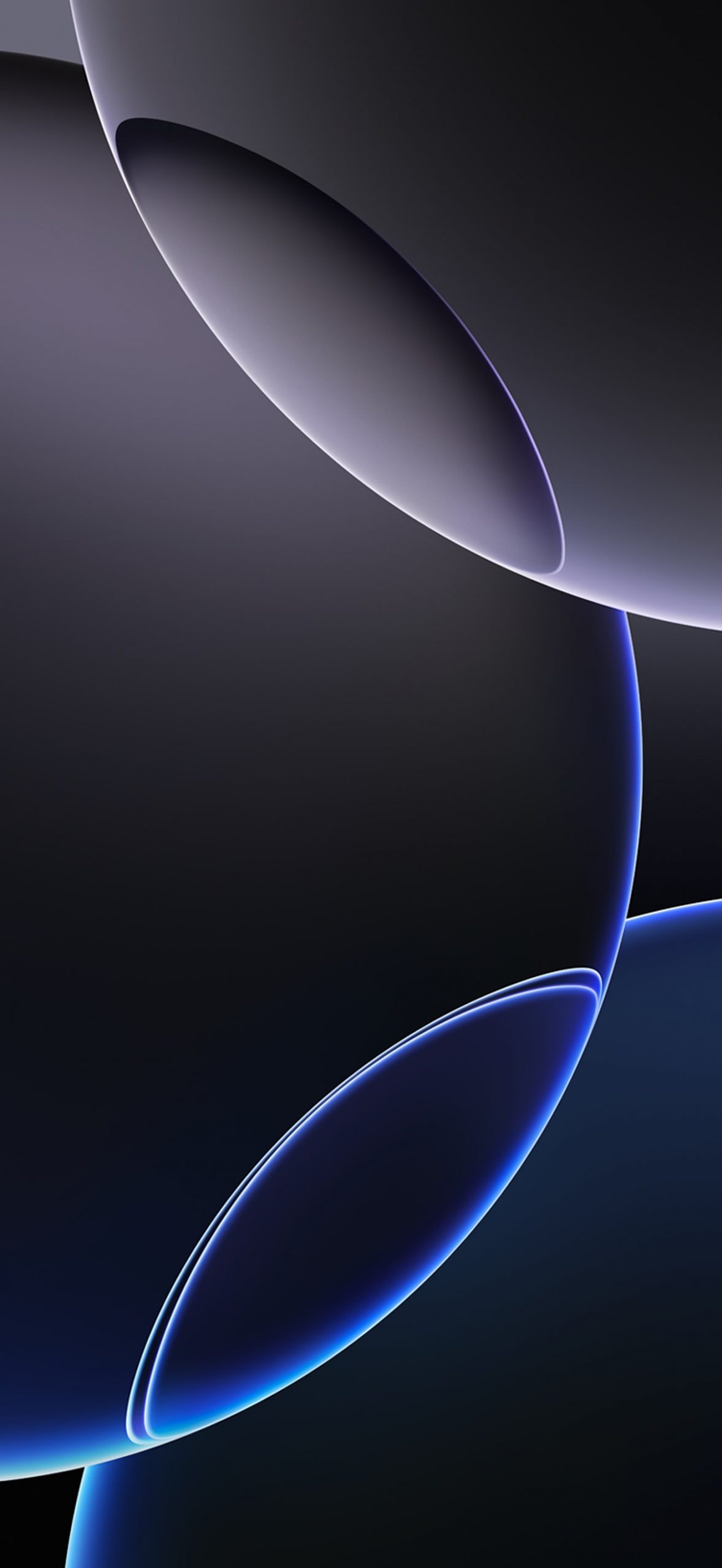
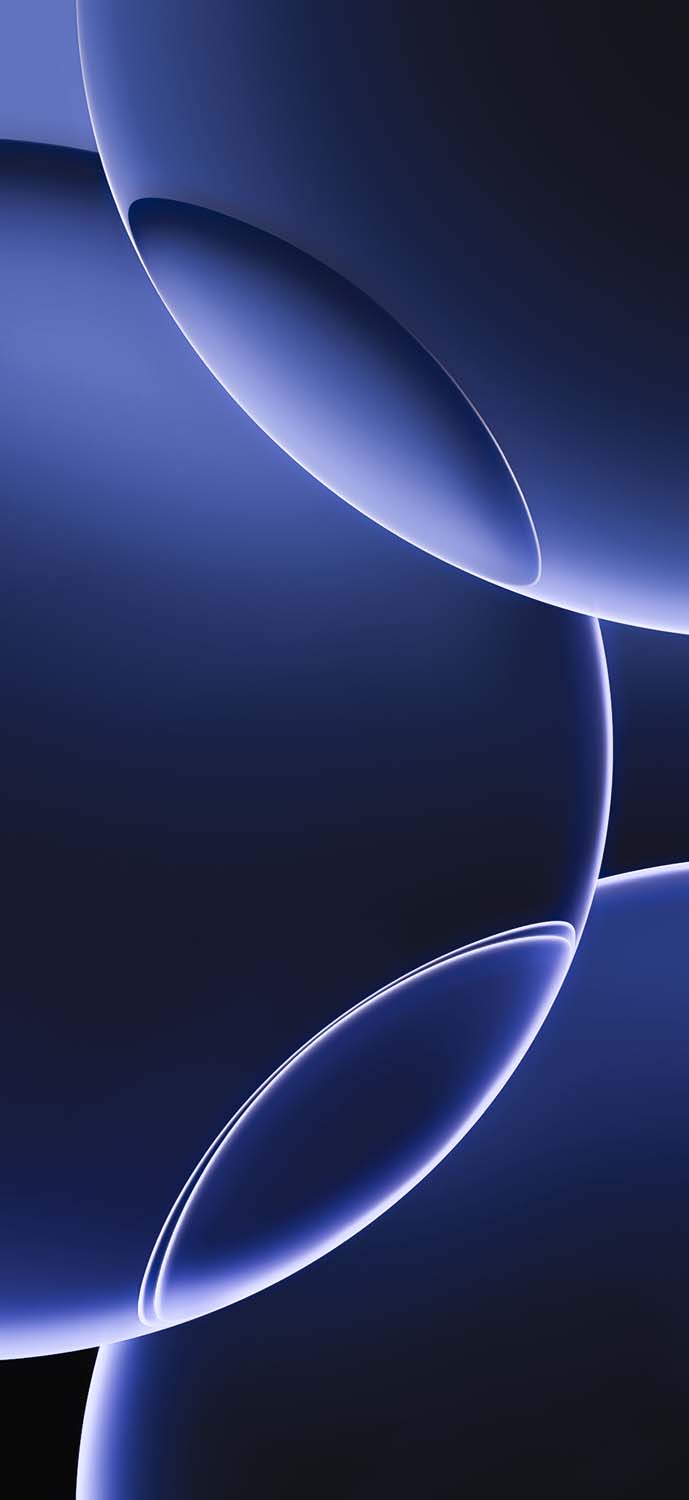
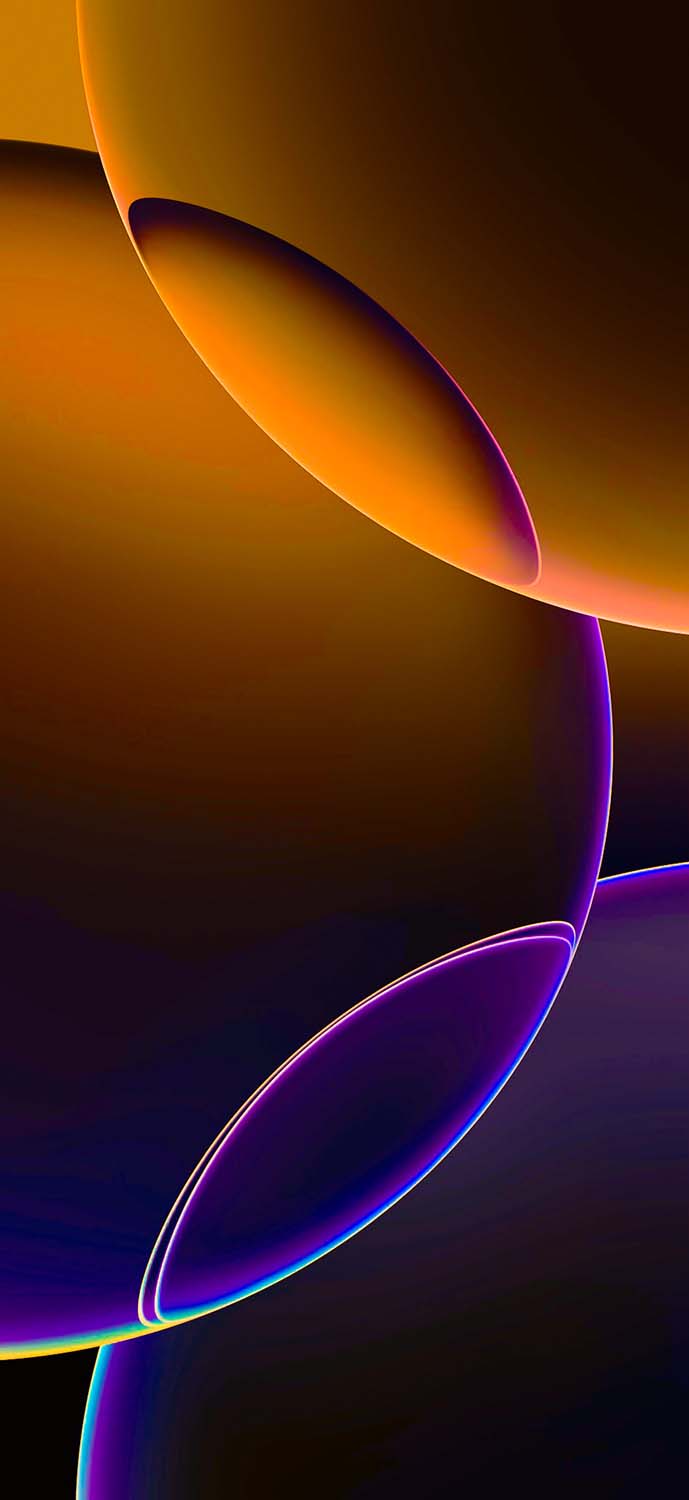
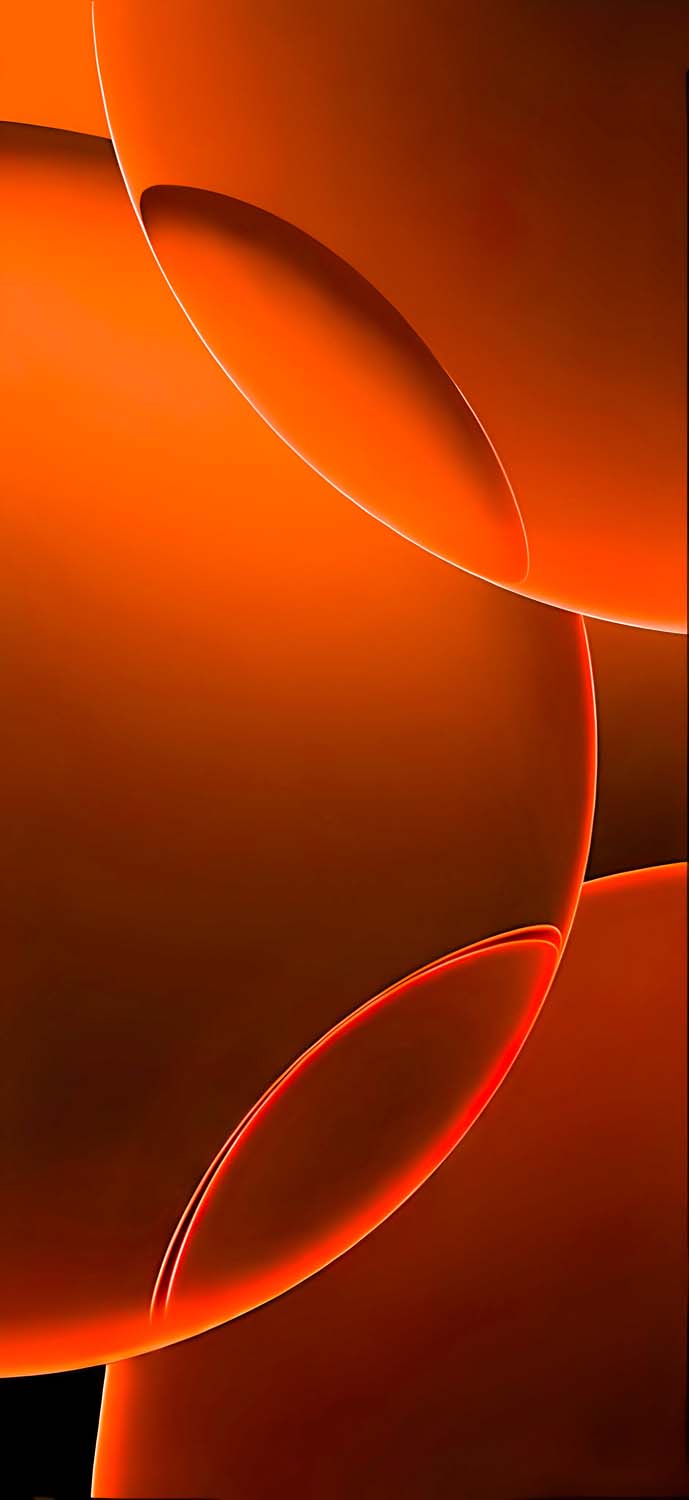
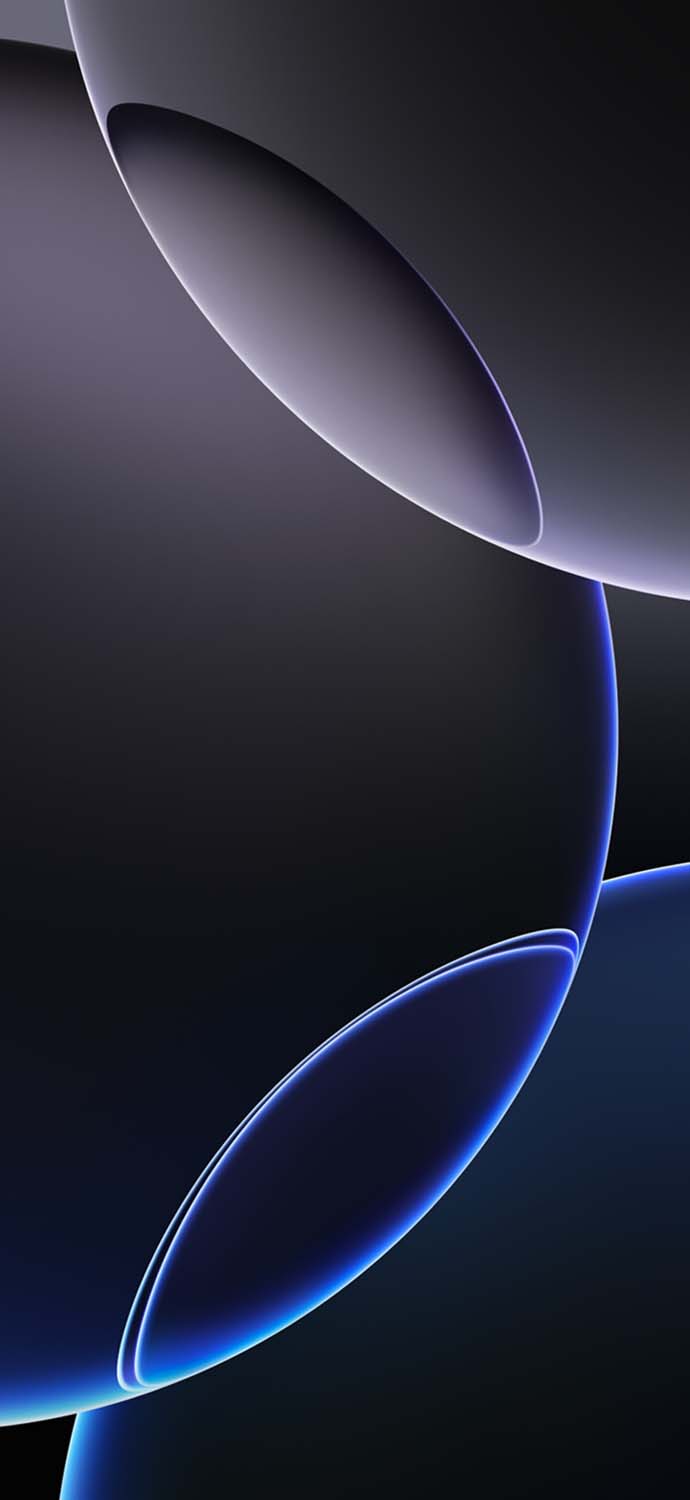
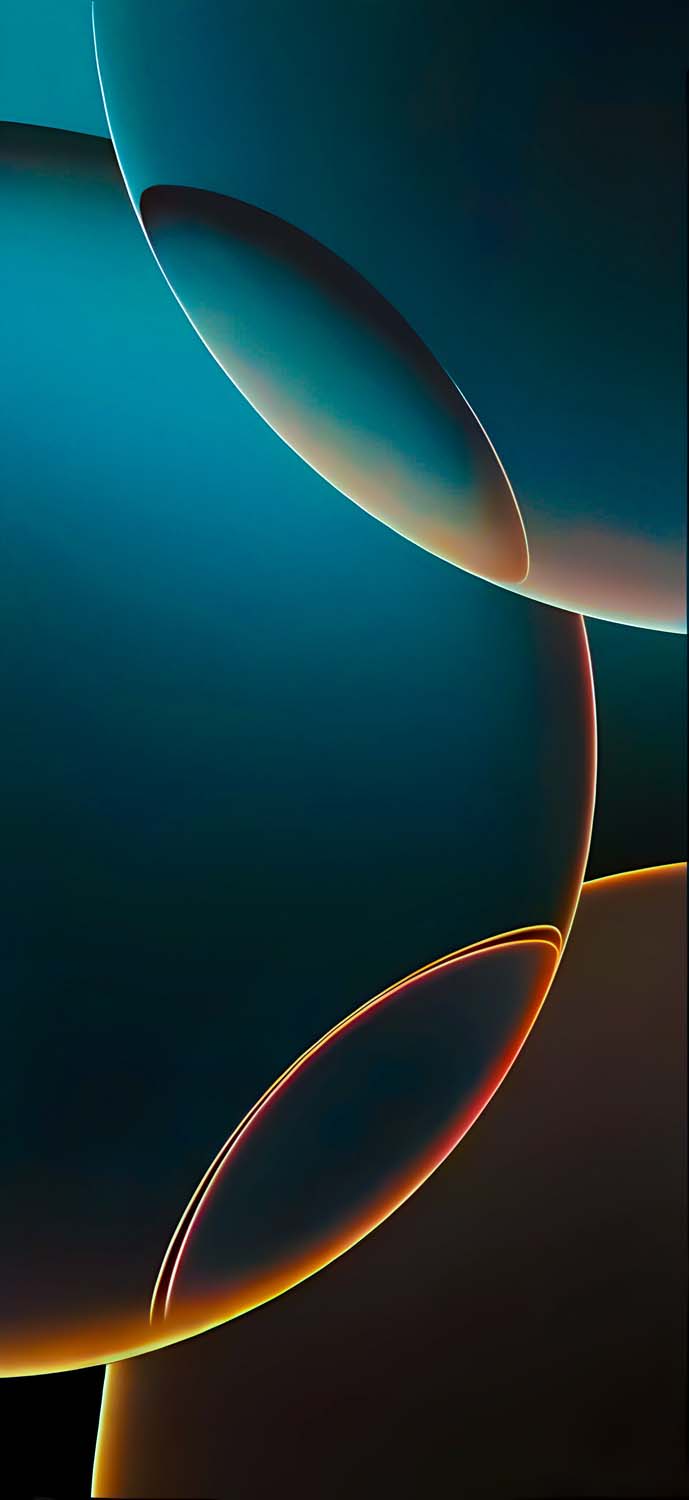
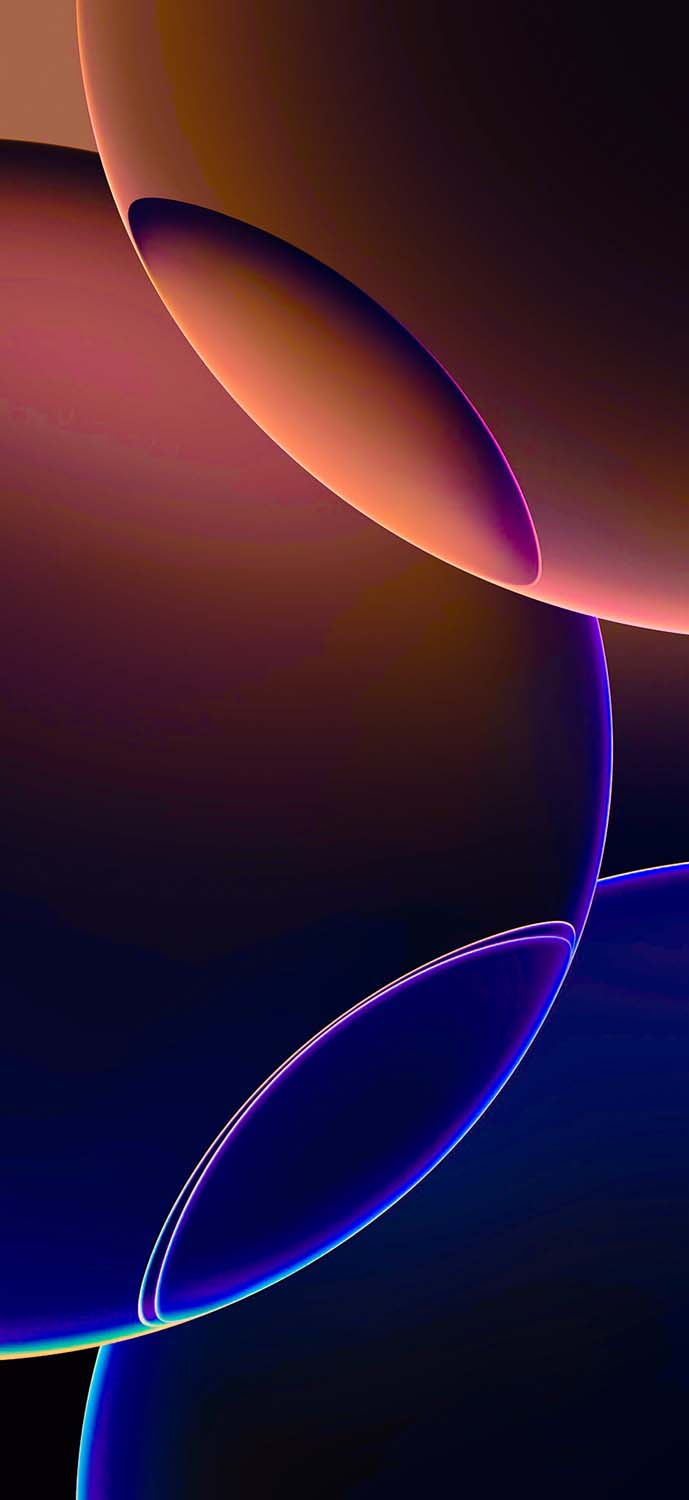
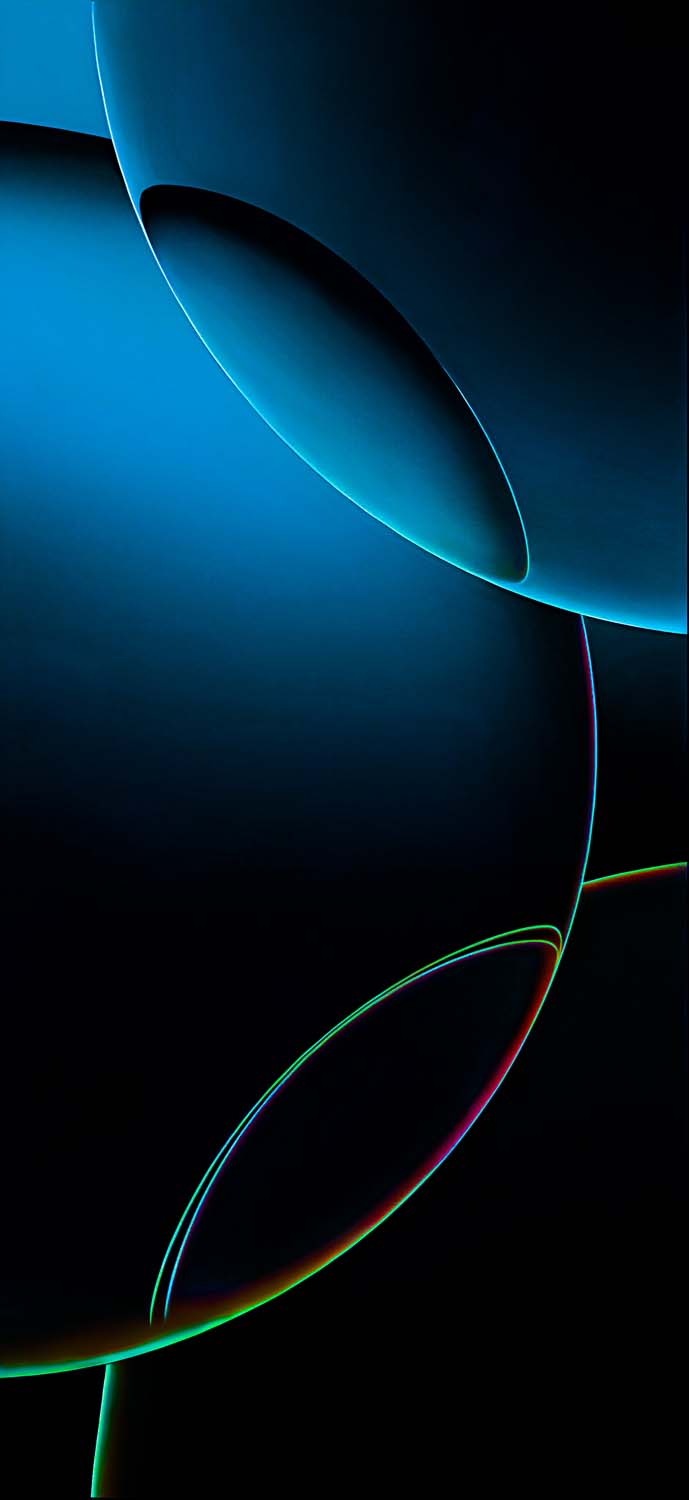
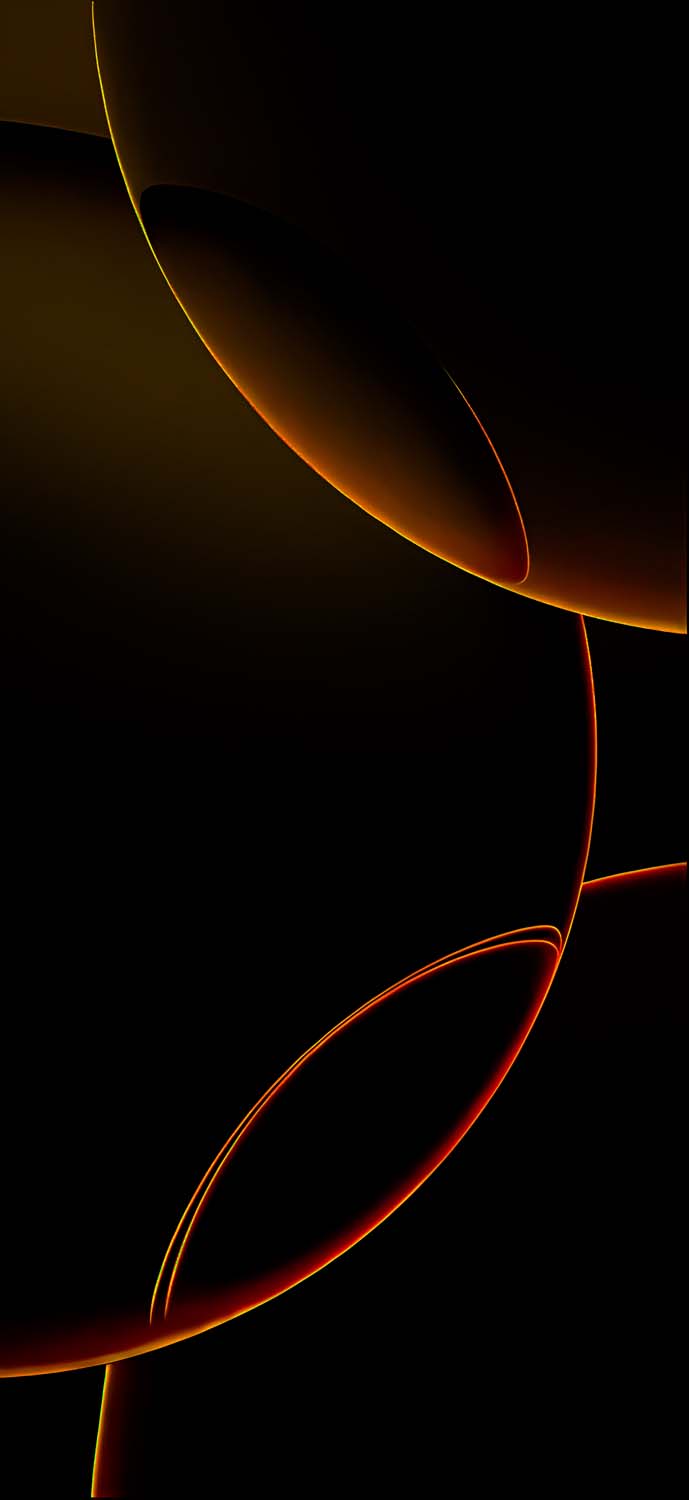
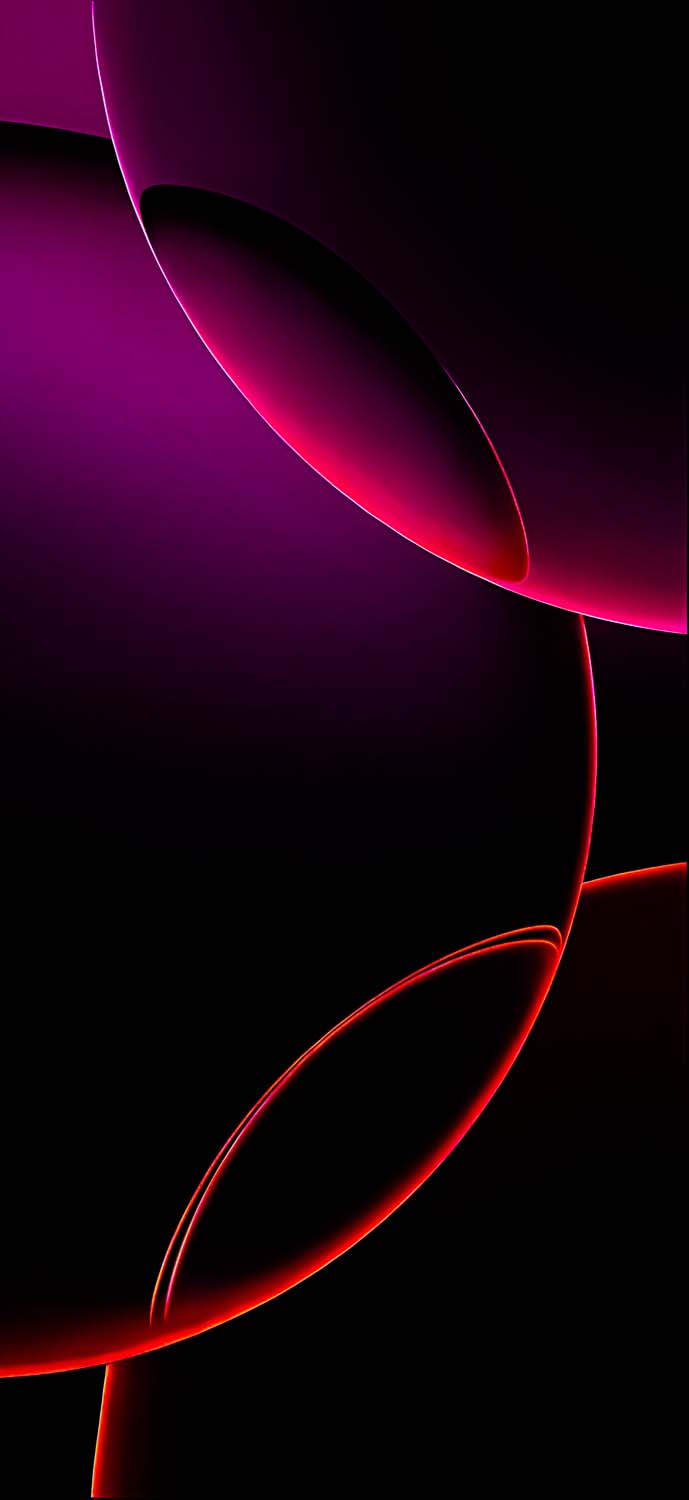
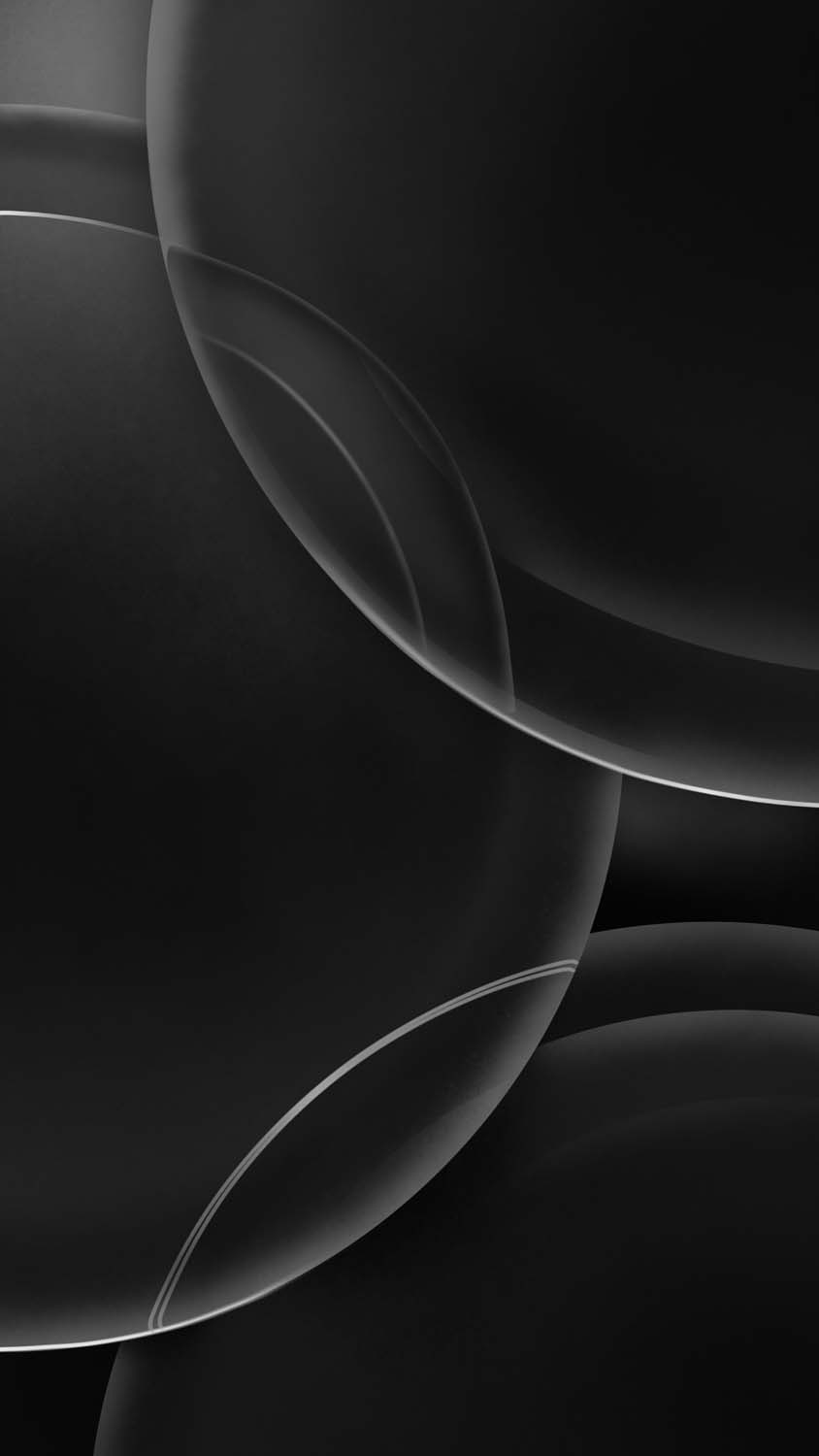
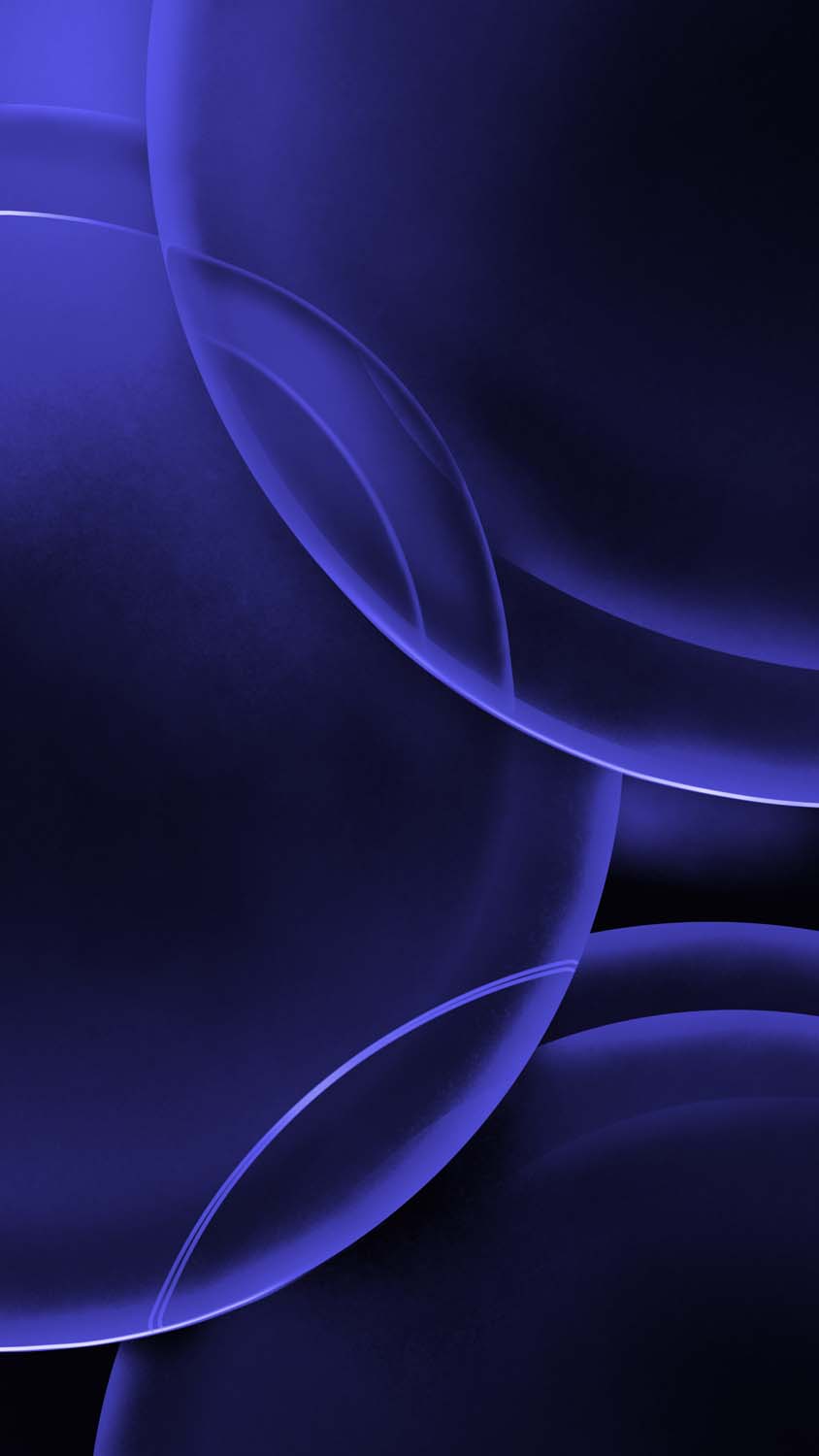
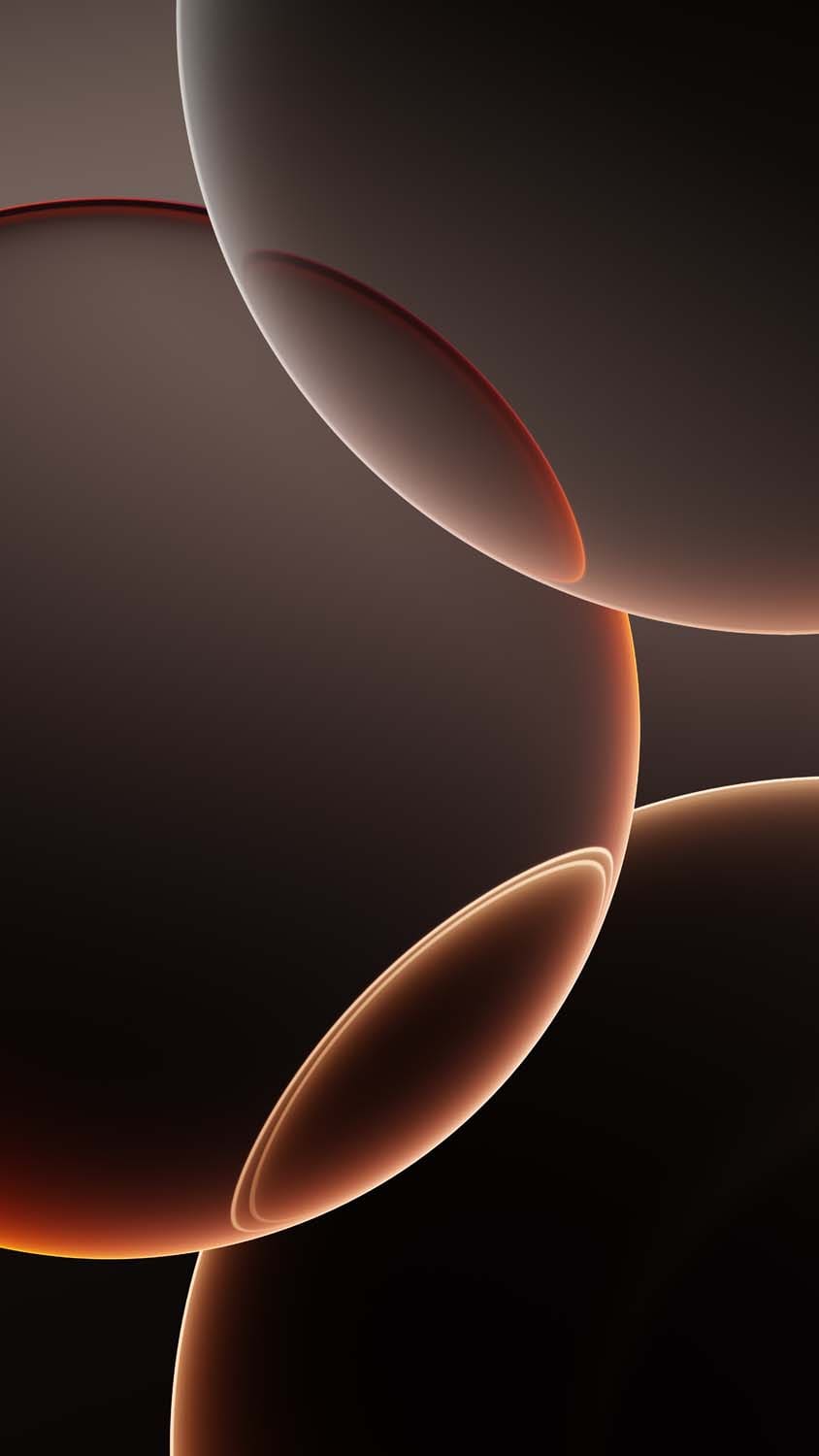
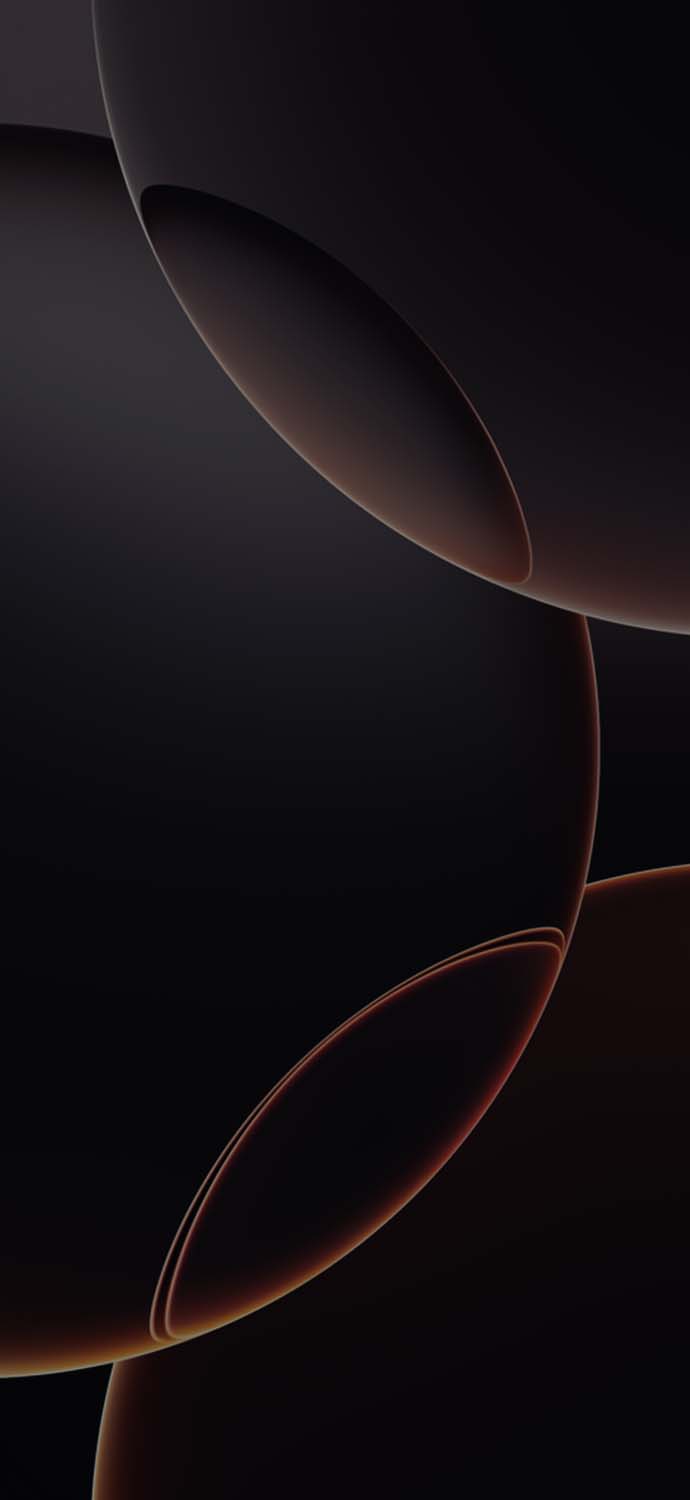
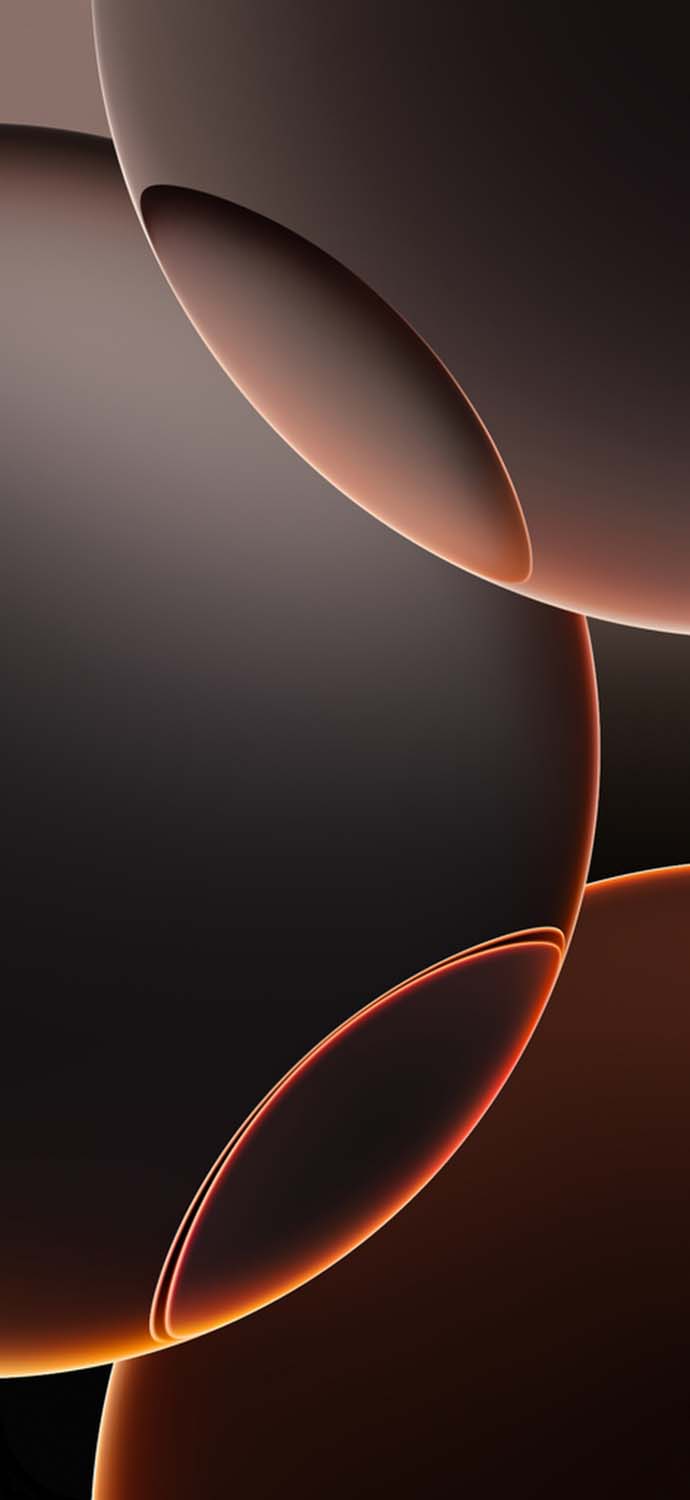
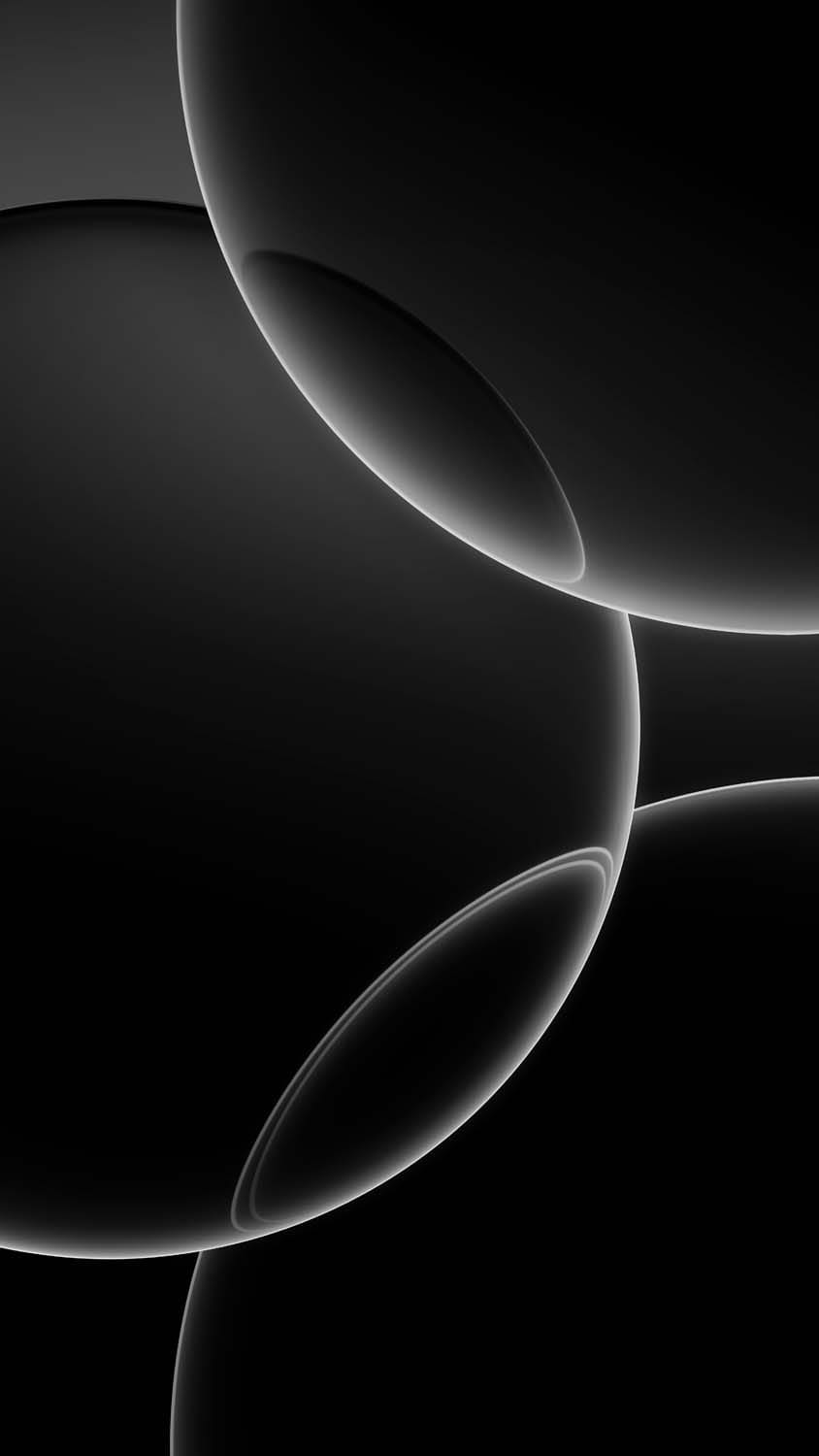
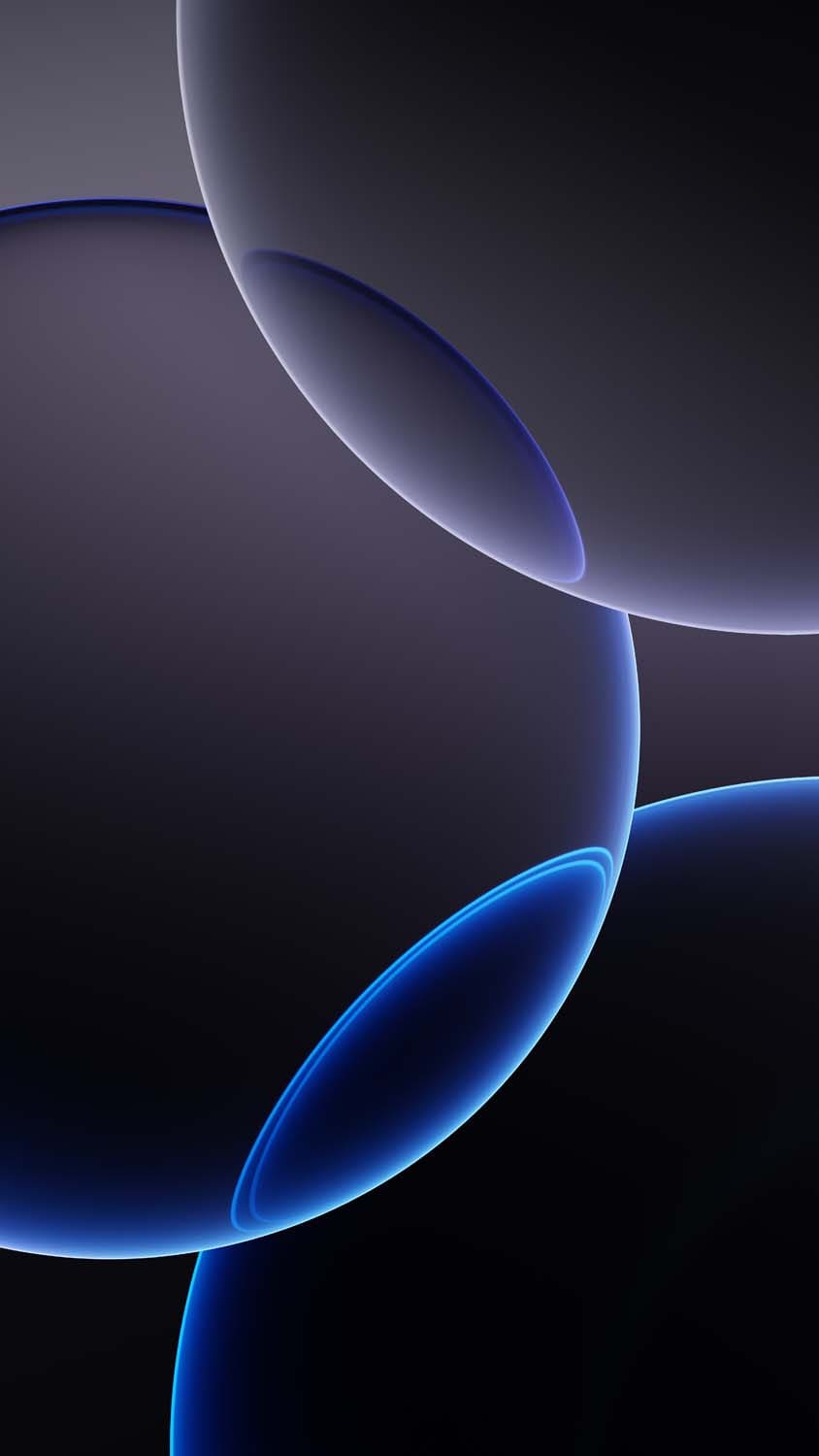
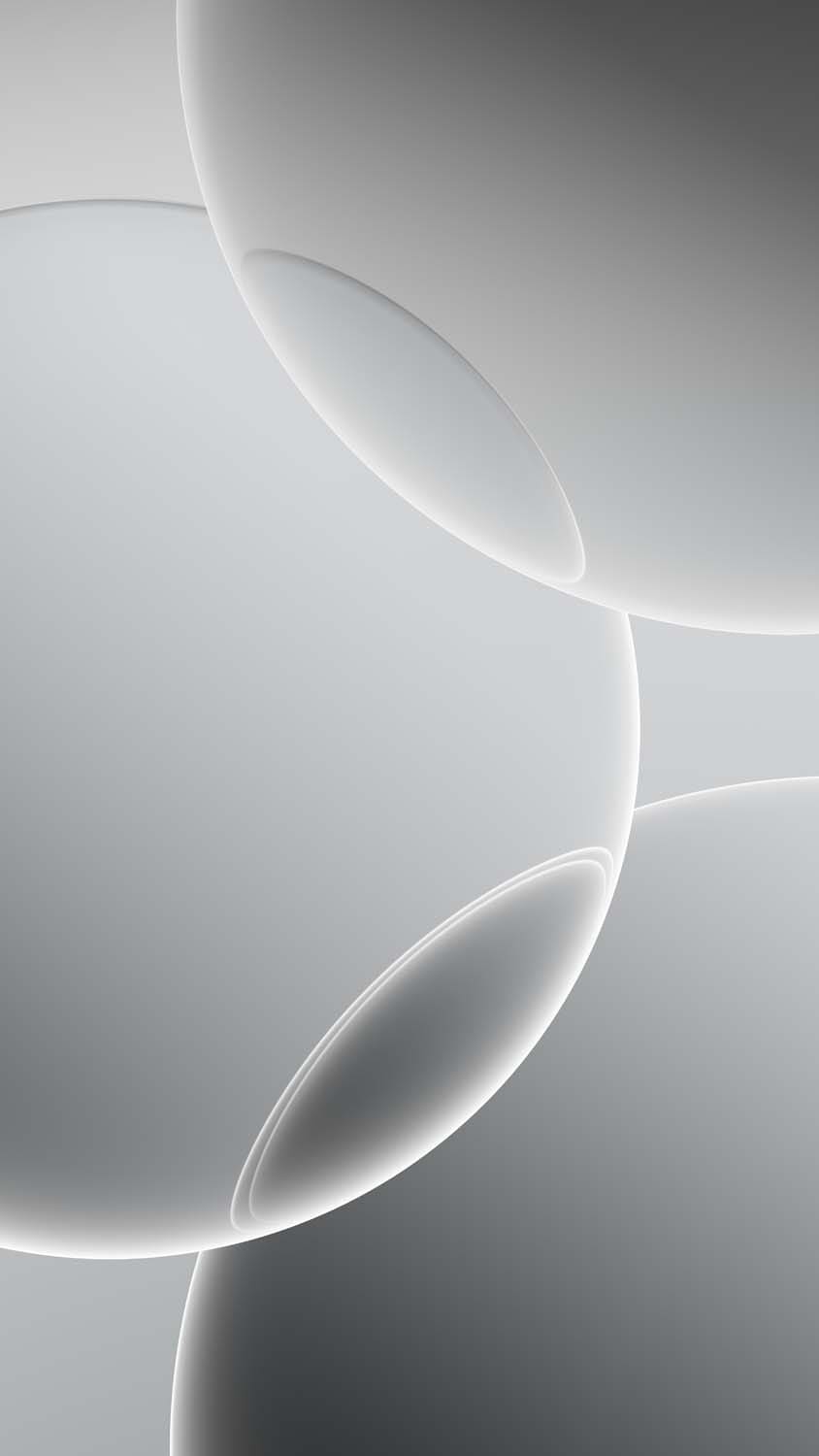
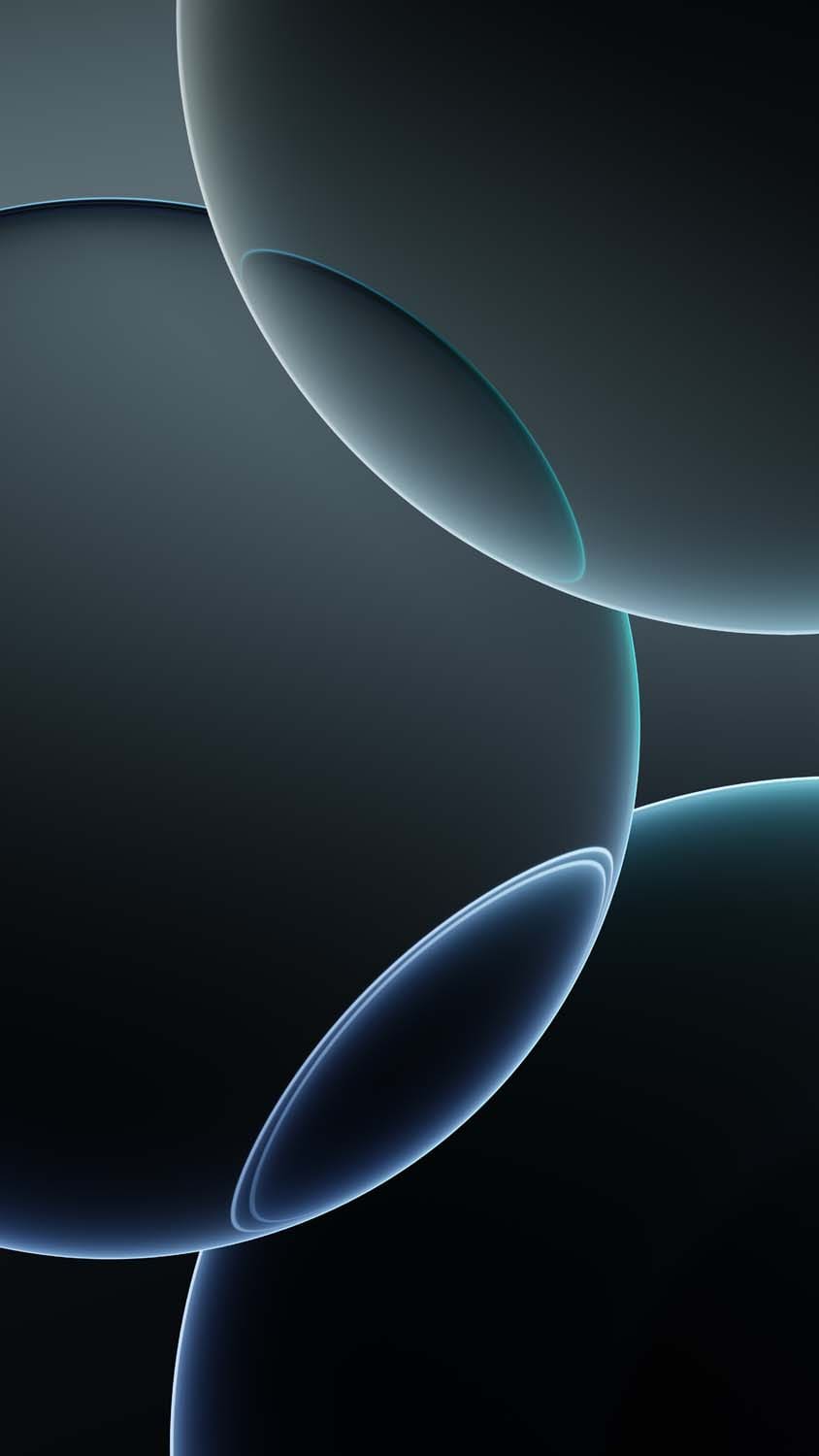
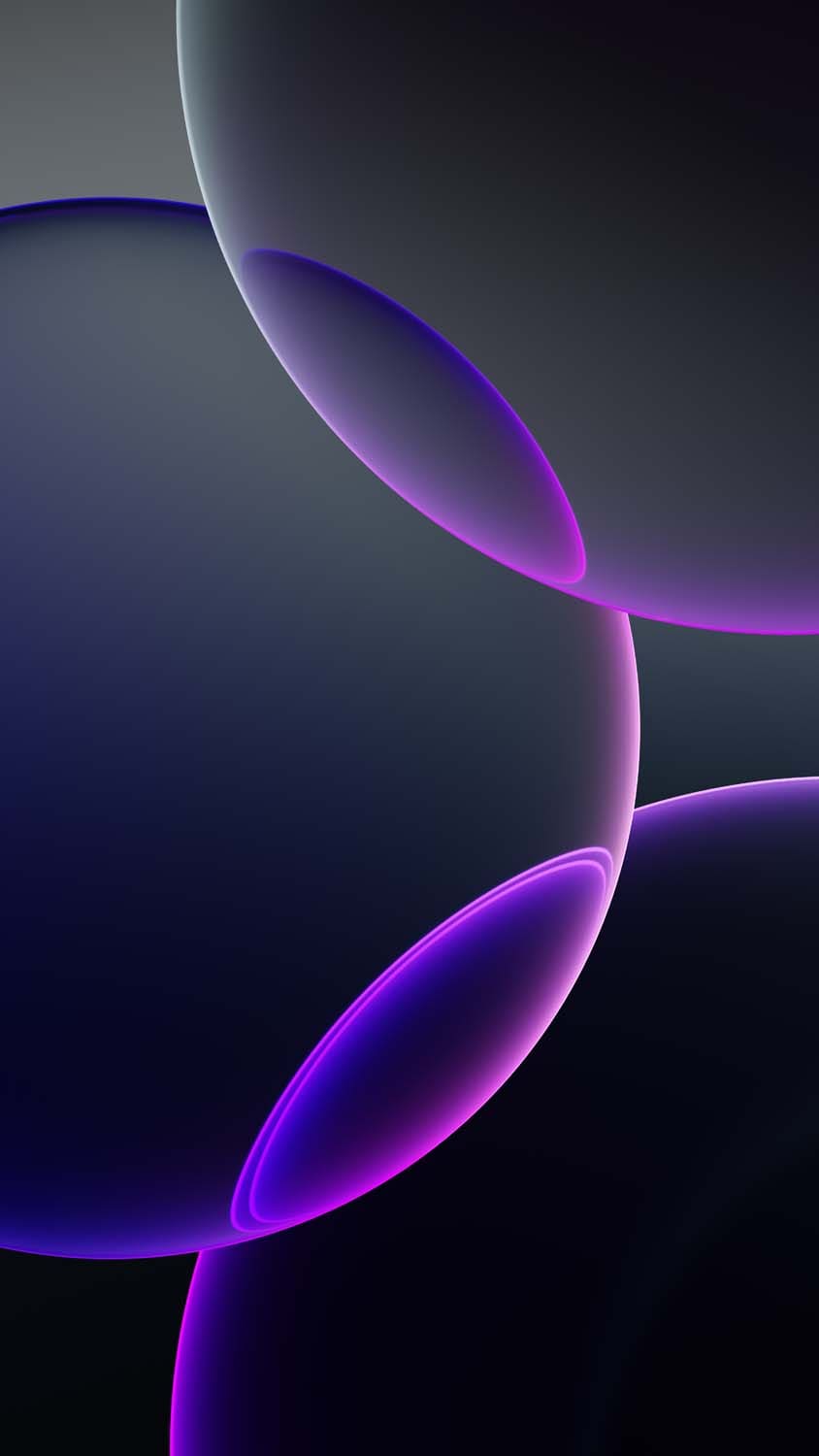
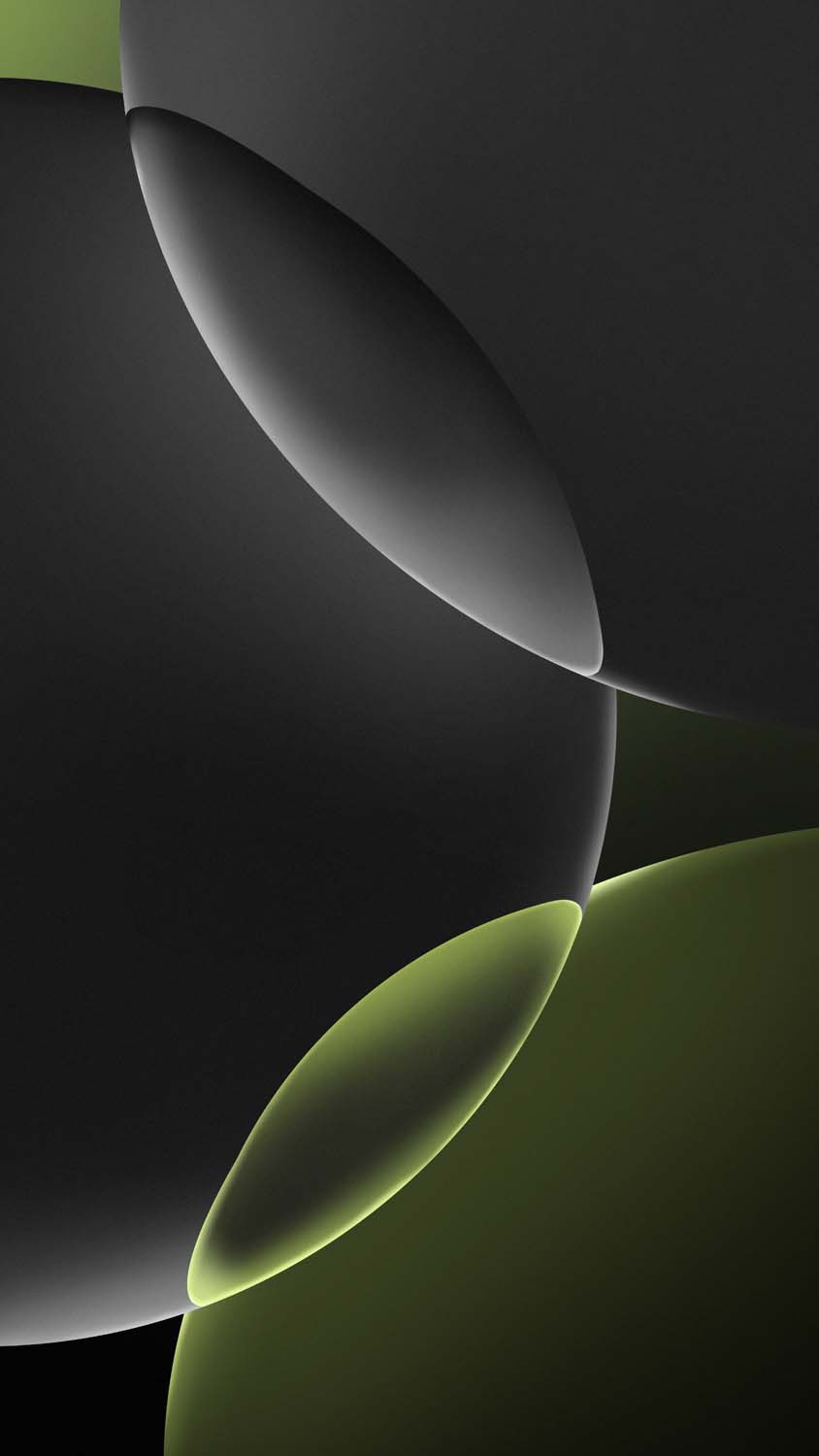
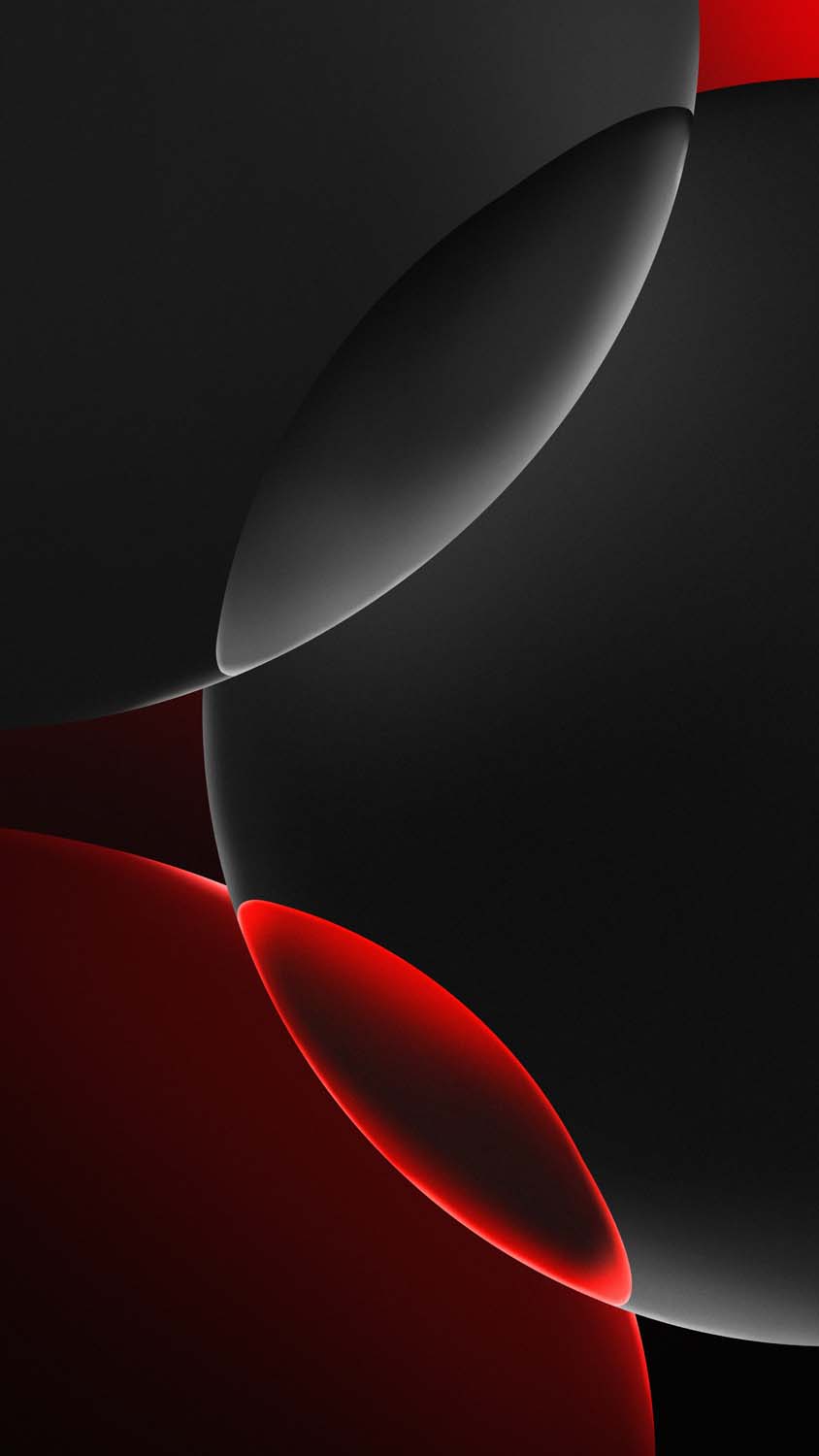
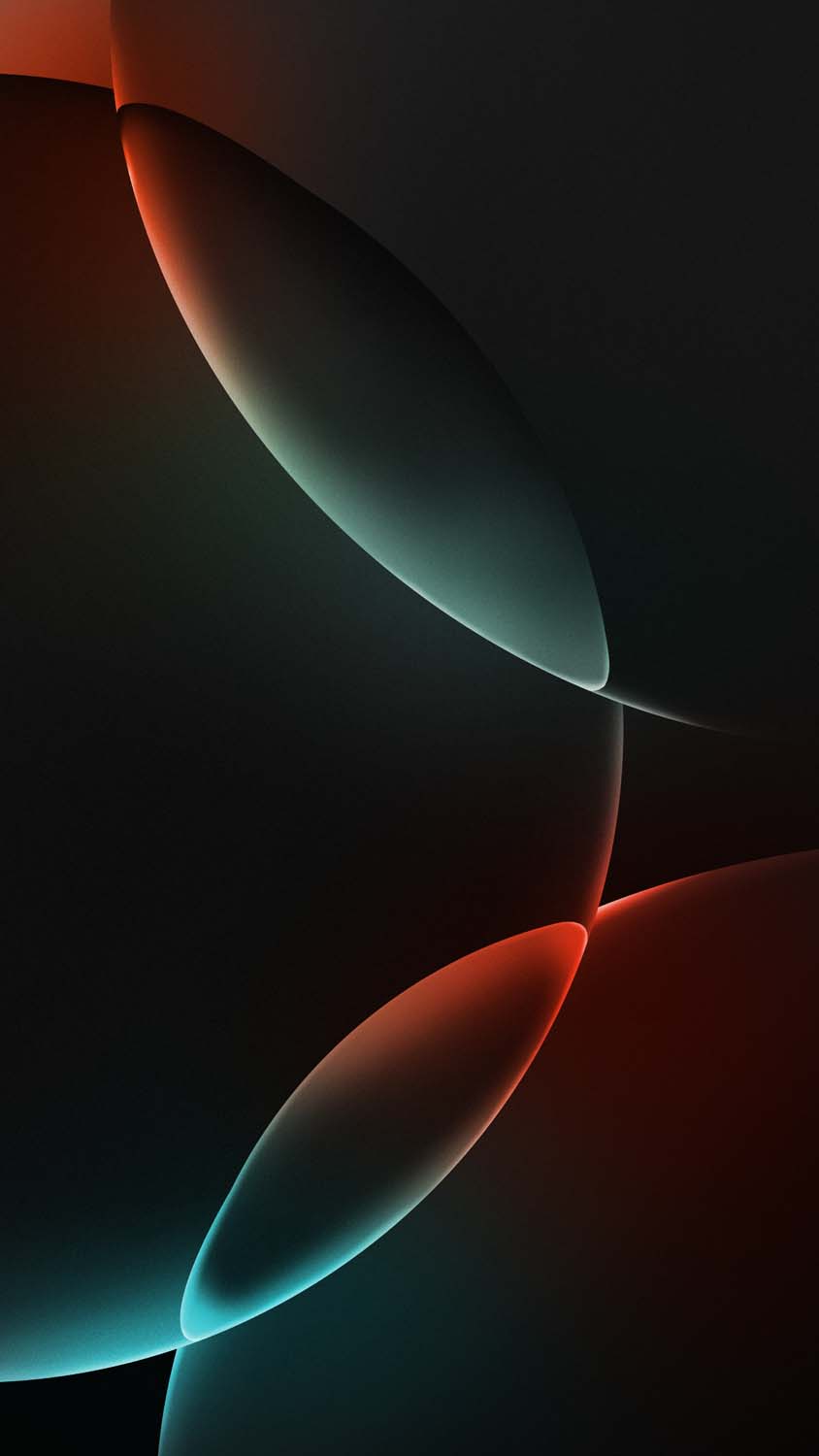
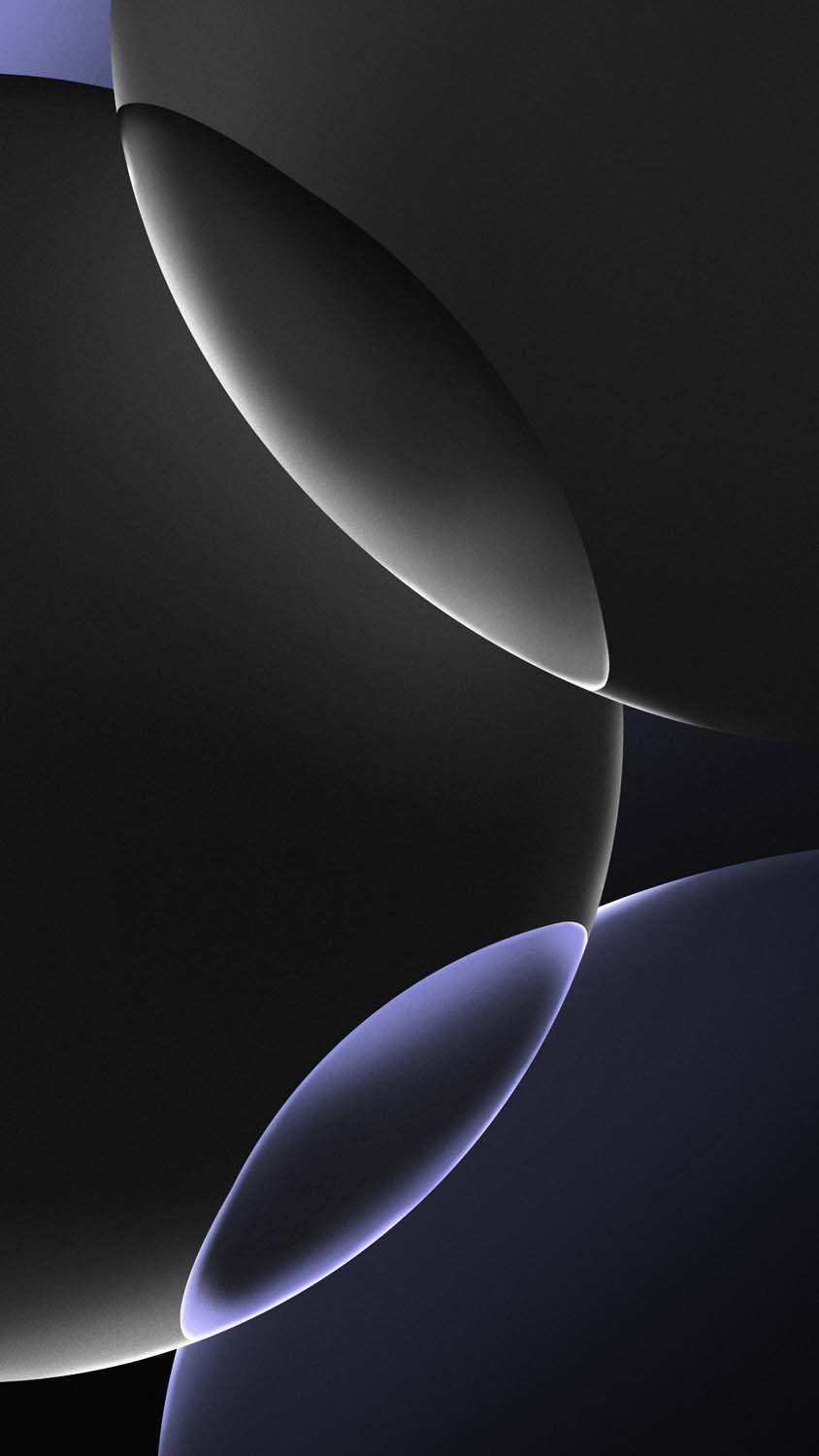
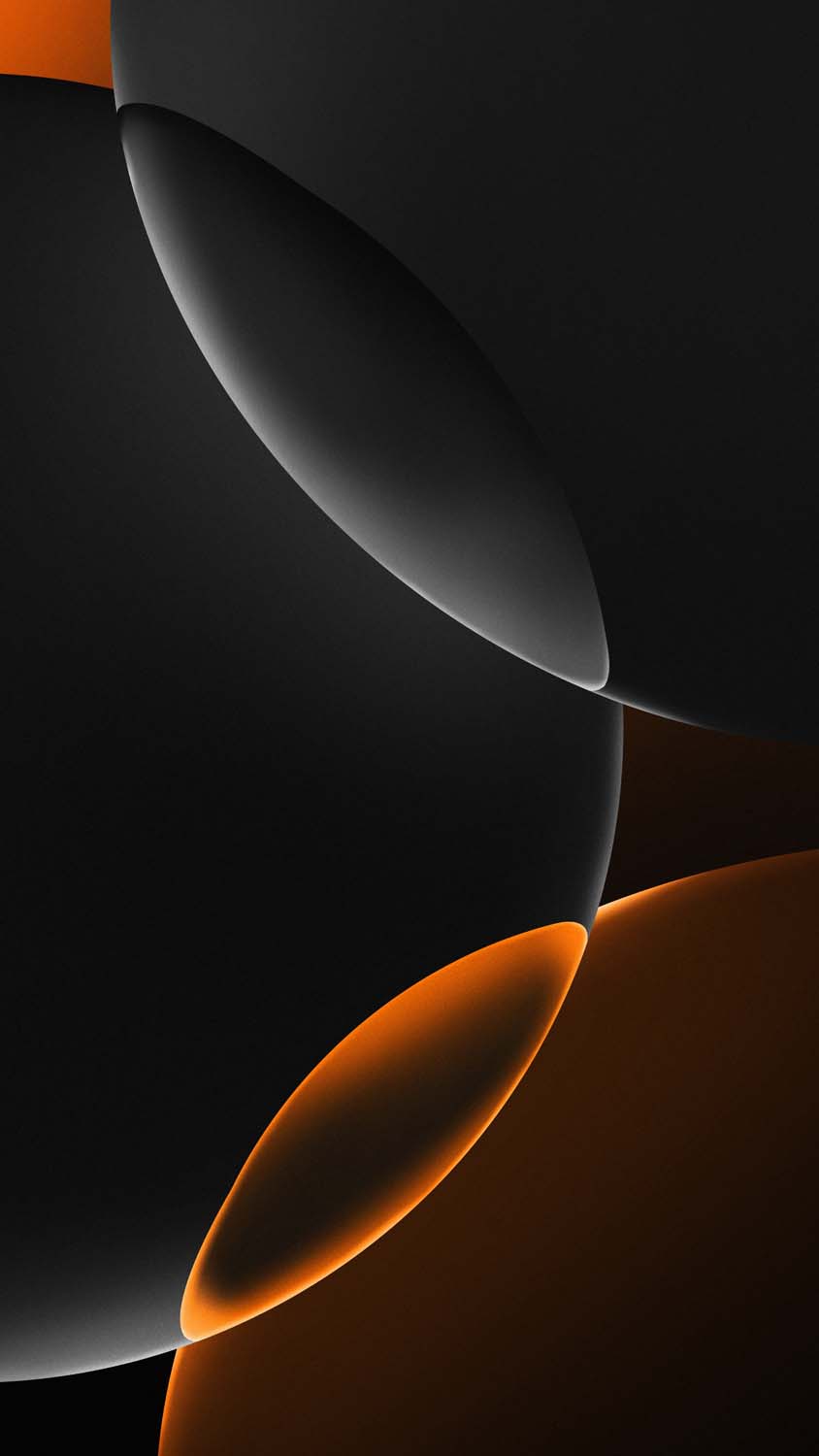
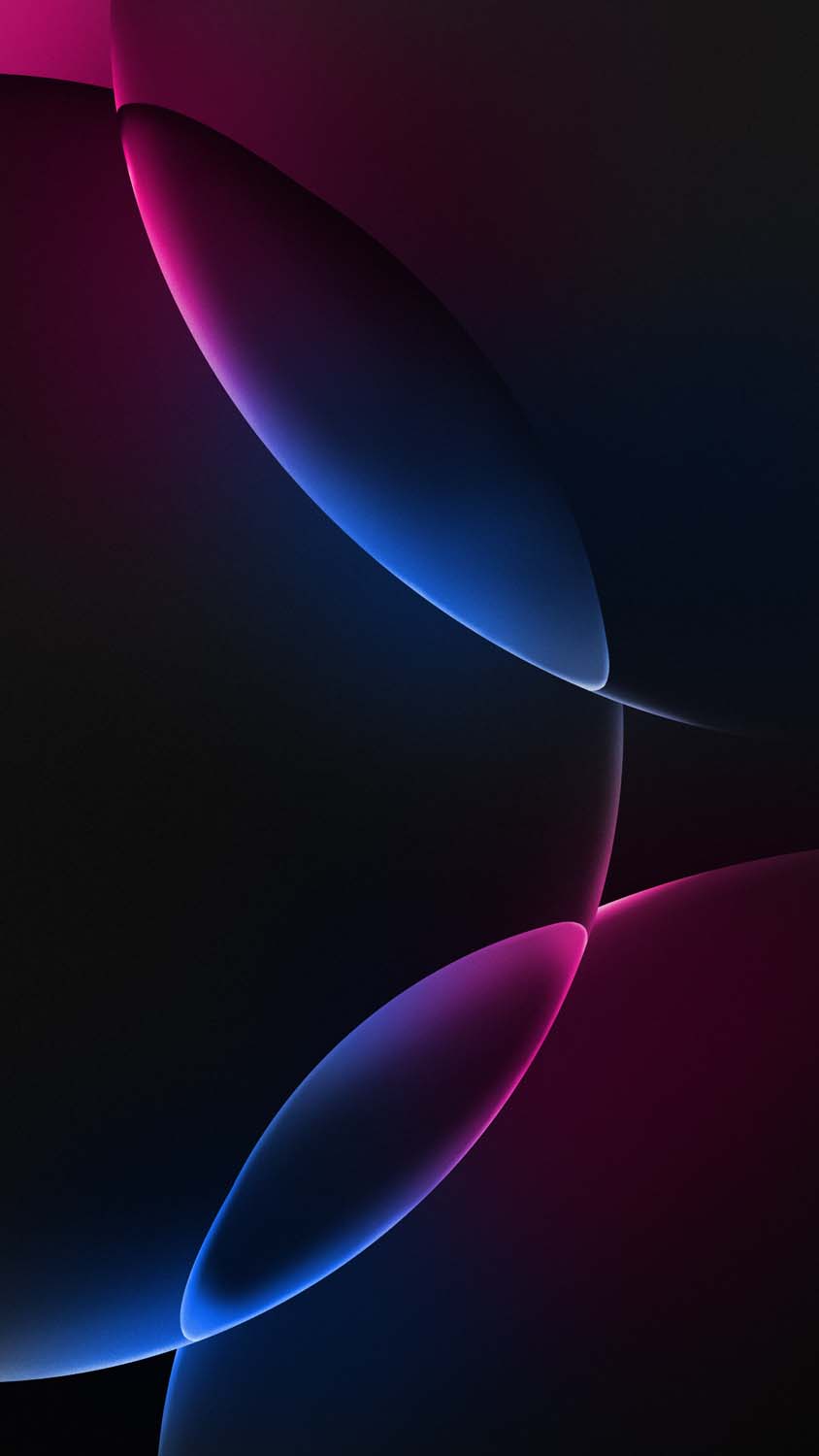
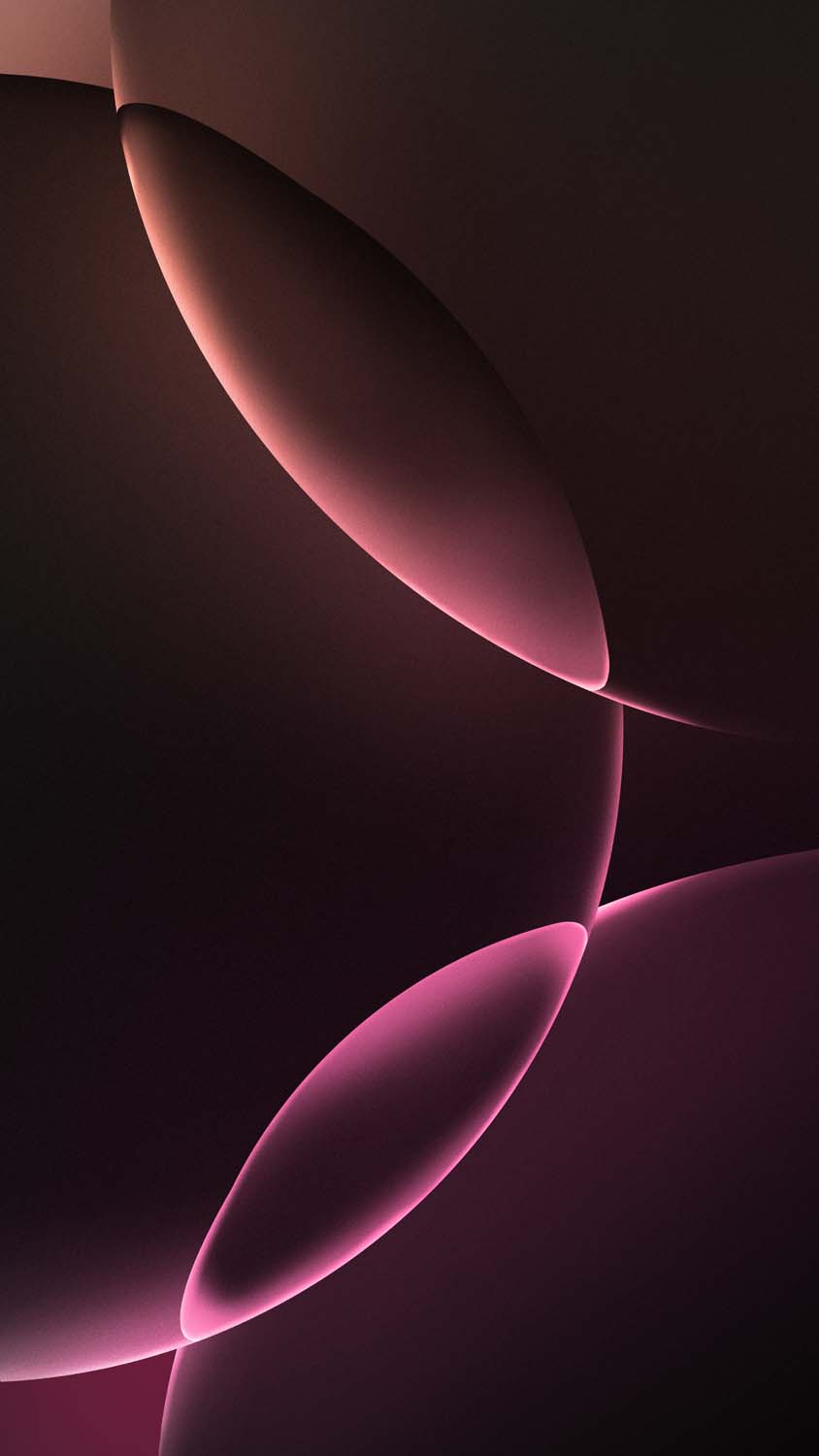
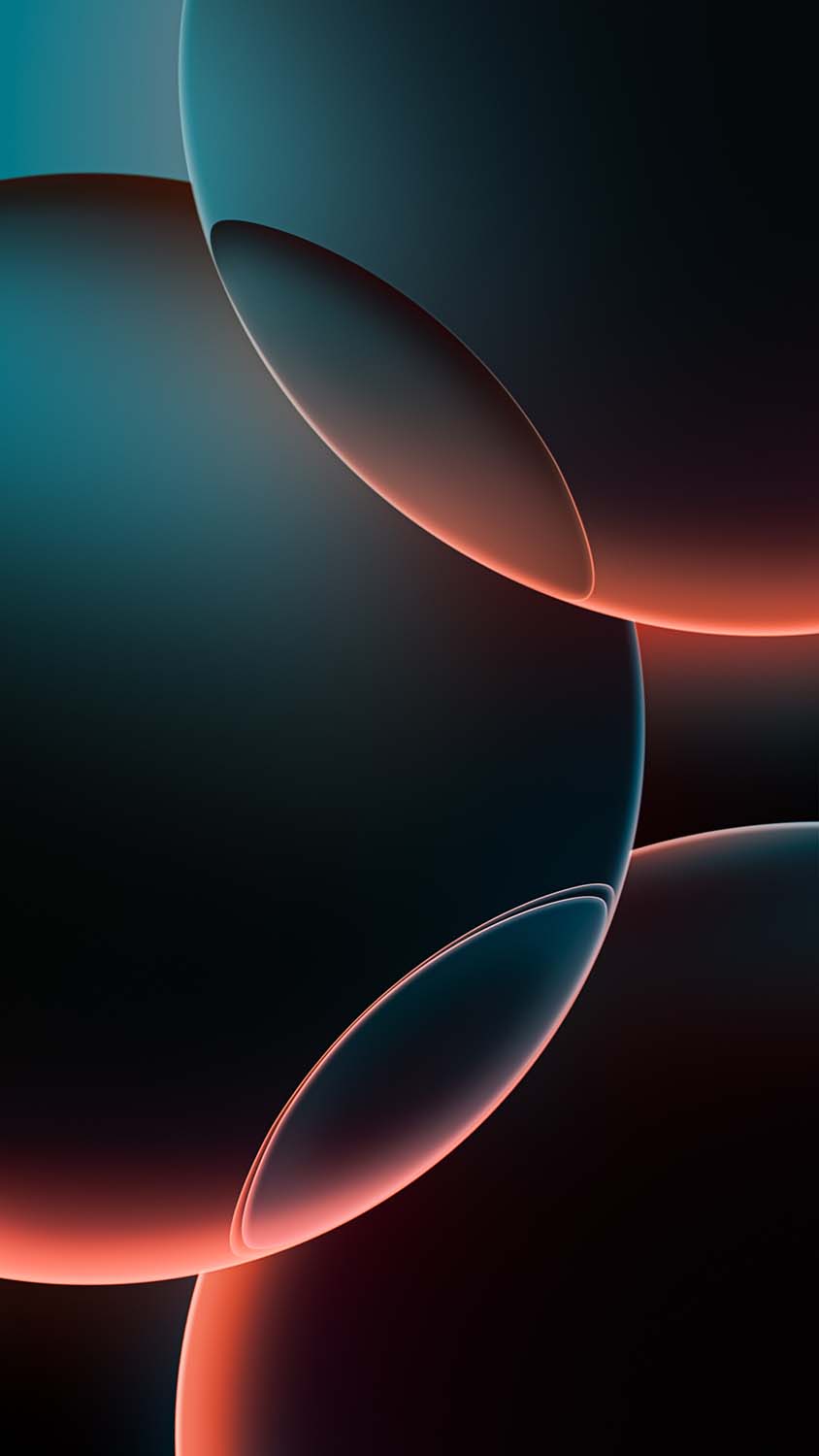
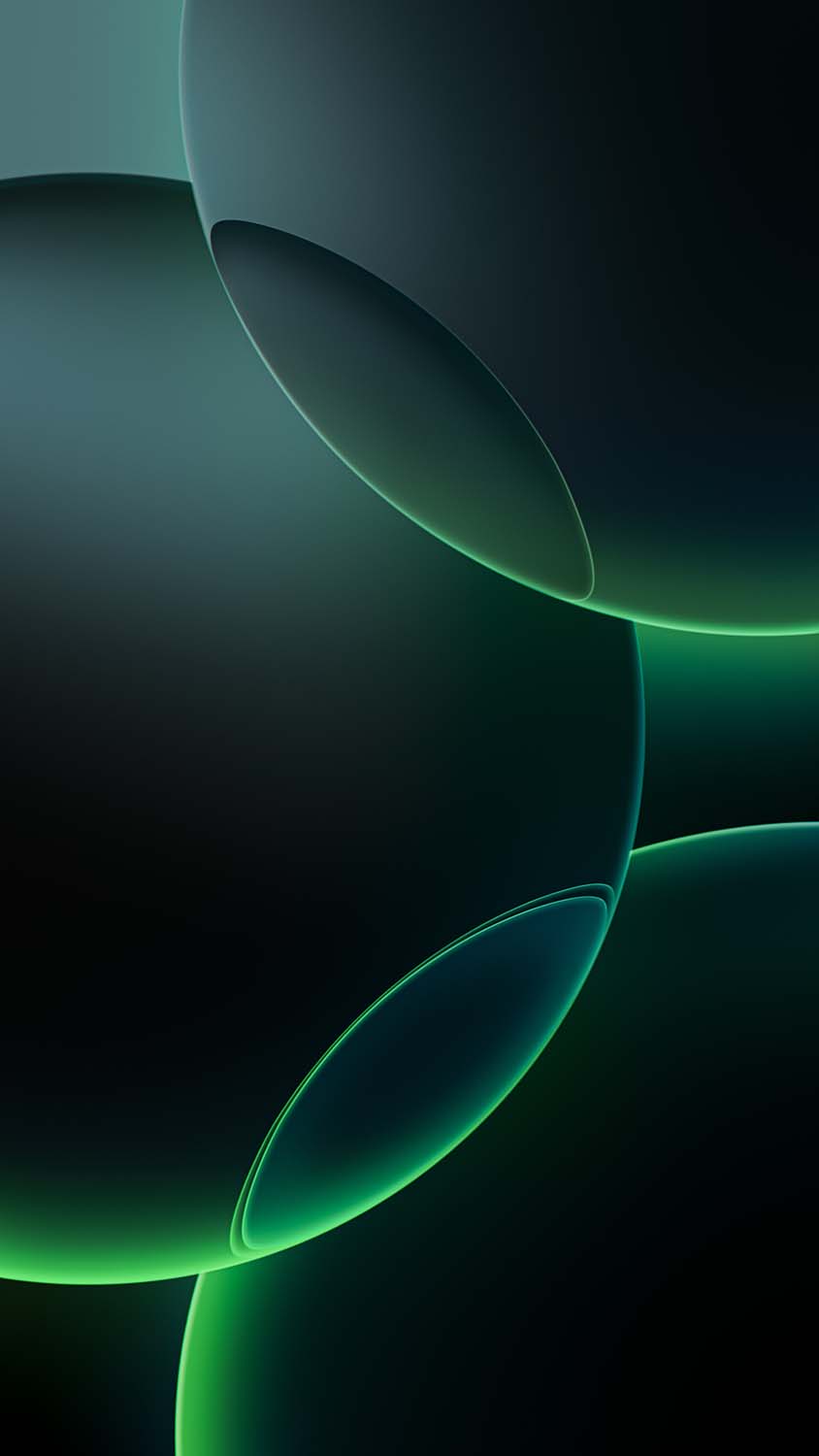
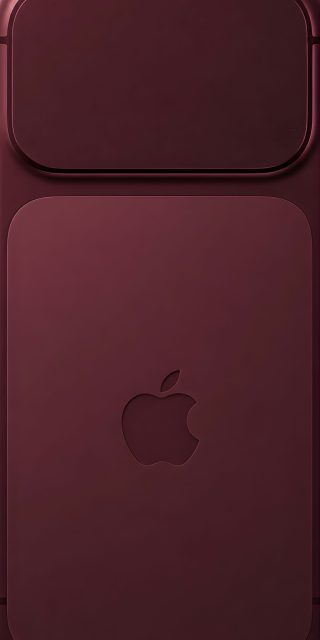
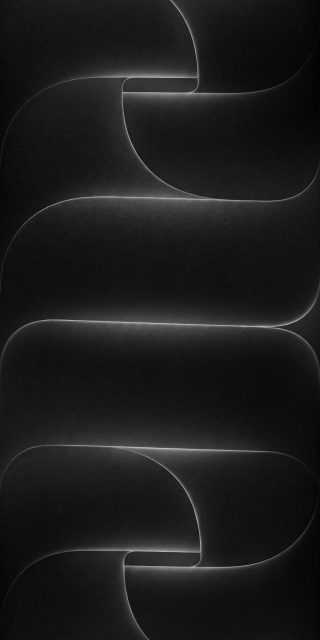
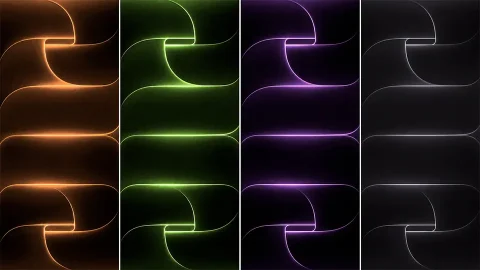
Apple’s design philosophy for the Pro lineup has transitioned toward a sleek, industrial, and deeply premium look. To mirror the rugged yet elegant grade-5 titanium chassis of the iPhone 16 Pro, the official stock wallpapers feature layered, metallic geometric rings that seamlessly fade into pitch-black voids.
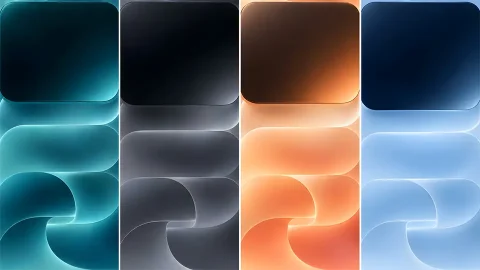
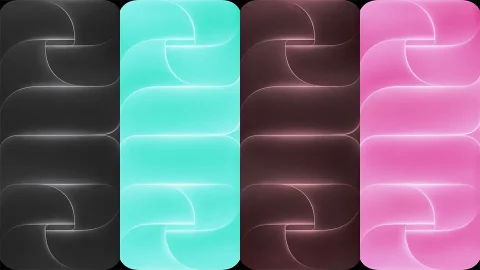
These graphics are meticulously color-matched to complement the official retail phone colorways, allowing you to rock the exact aesthetic of the latest flagships:
Desert Titanium: The signature shade of the generation, blending warm bronze tones with a sophisticated, muted gold shimmer.
Natural Titanium: A raw, metallic gray aesthetic that looks incredibly clean and industrial.
White & Black Titanium: Stark, high-contrast monochrome variations designed flawlessly for minimalist setups.
Because these wallpapers feature deep black backgrounds, they are highly favored by users who prefer dark mode setups. They allow your application icons to stand out sharply without any visual clutter.
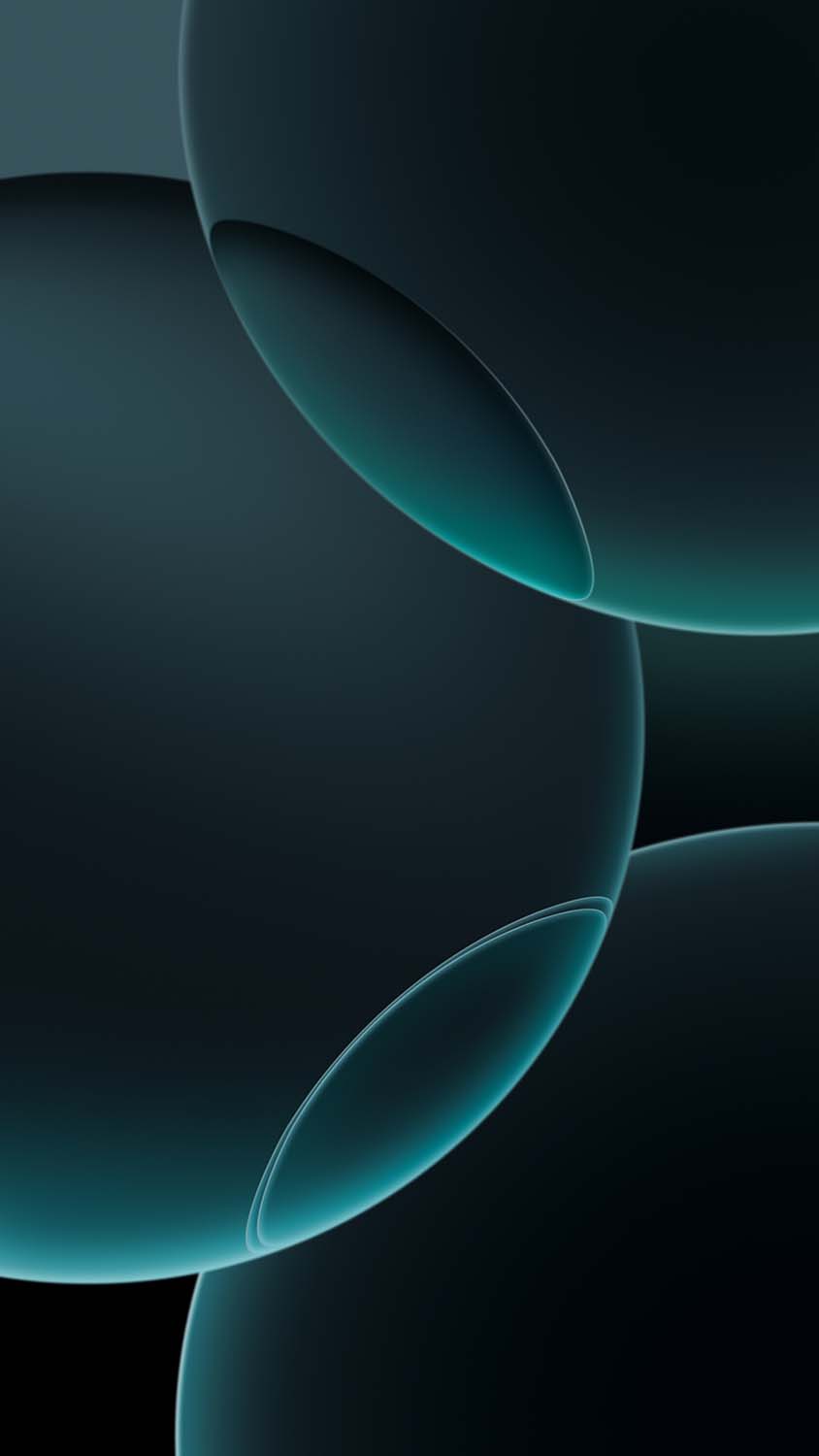
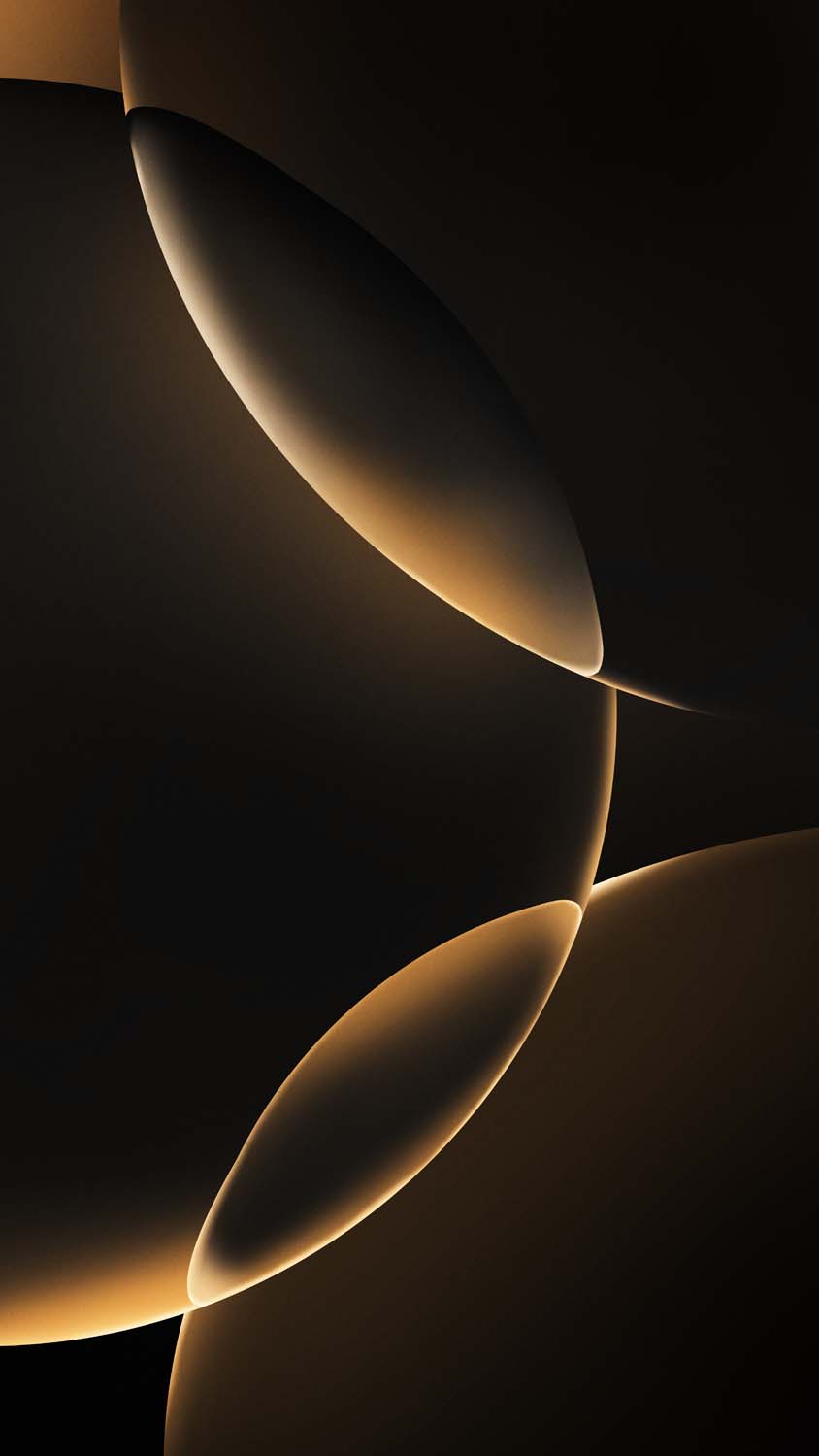
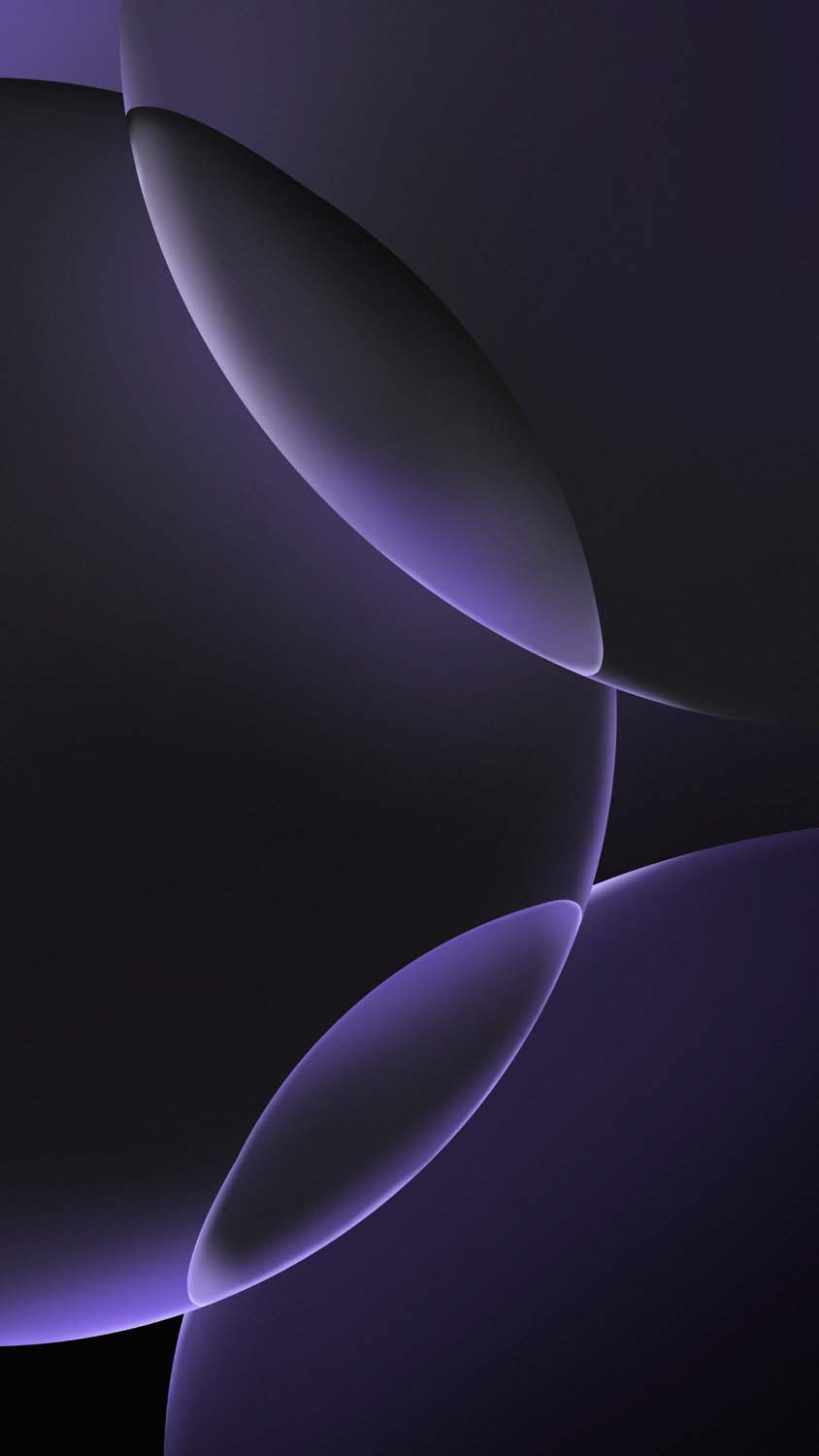
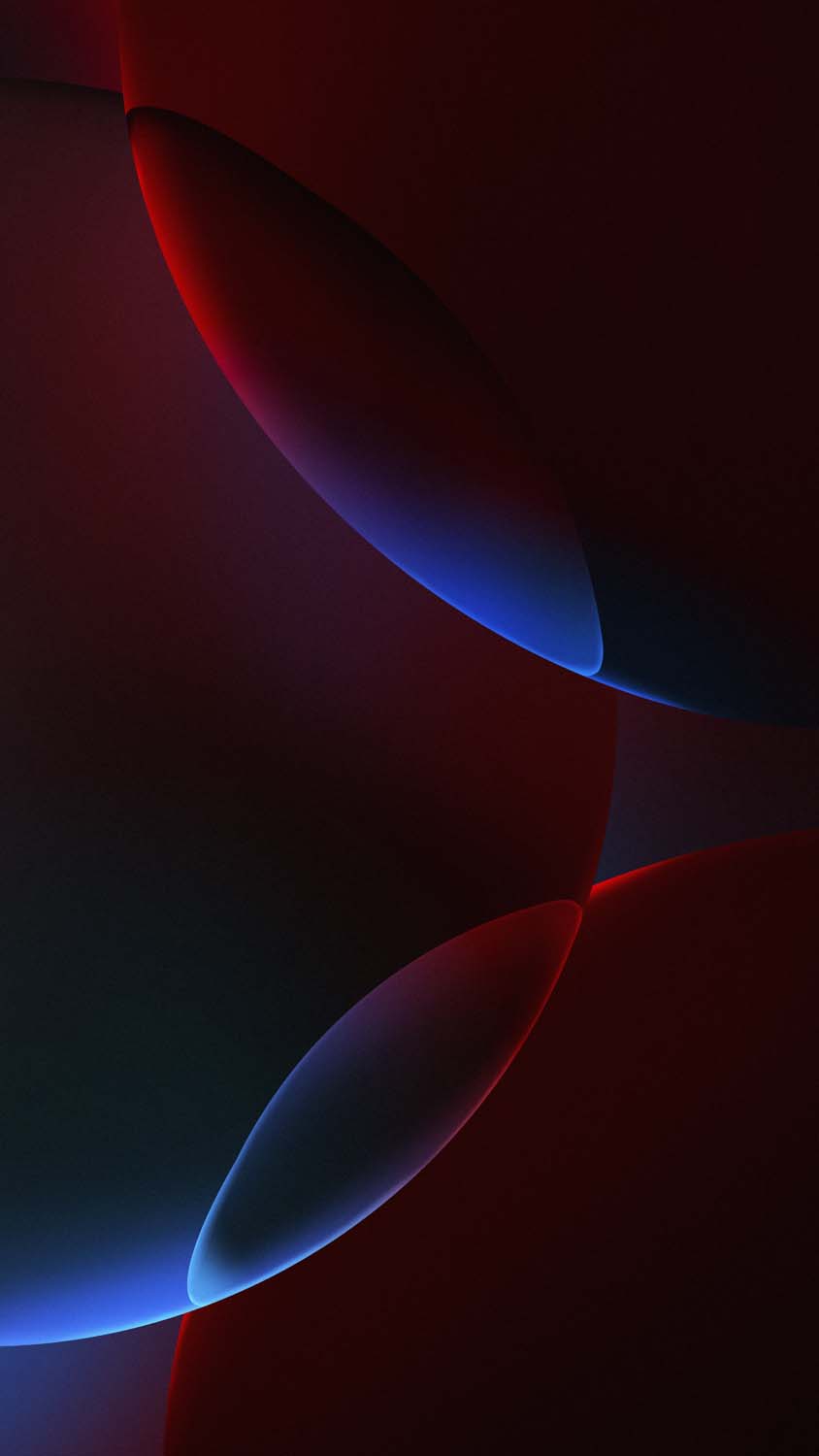
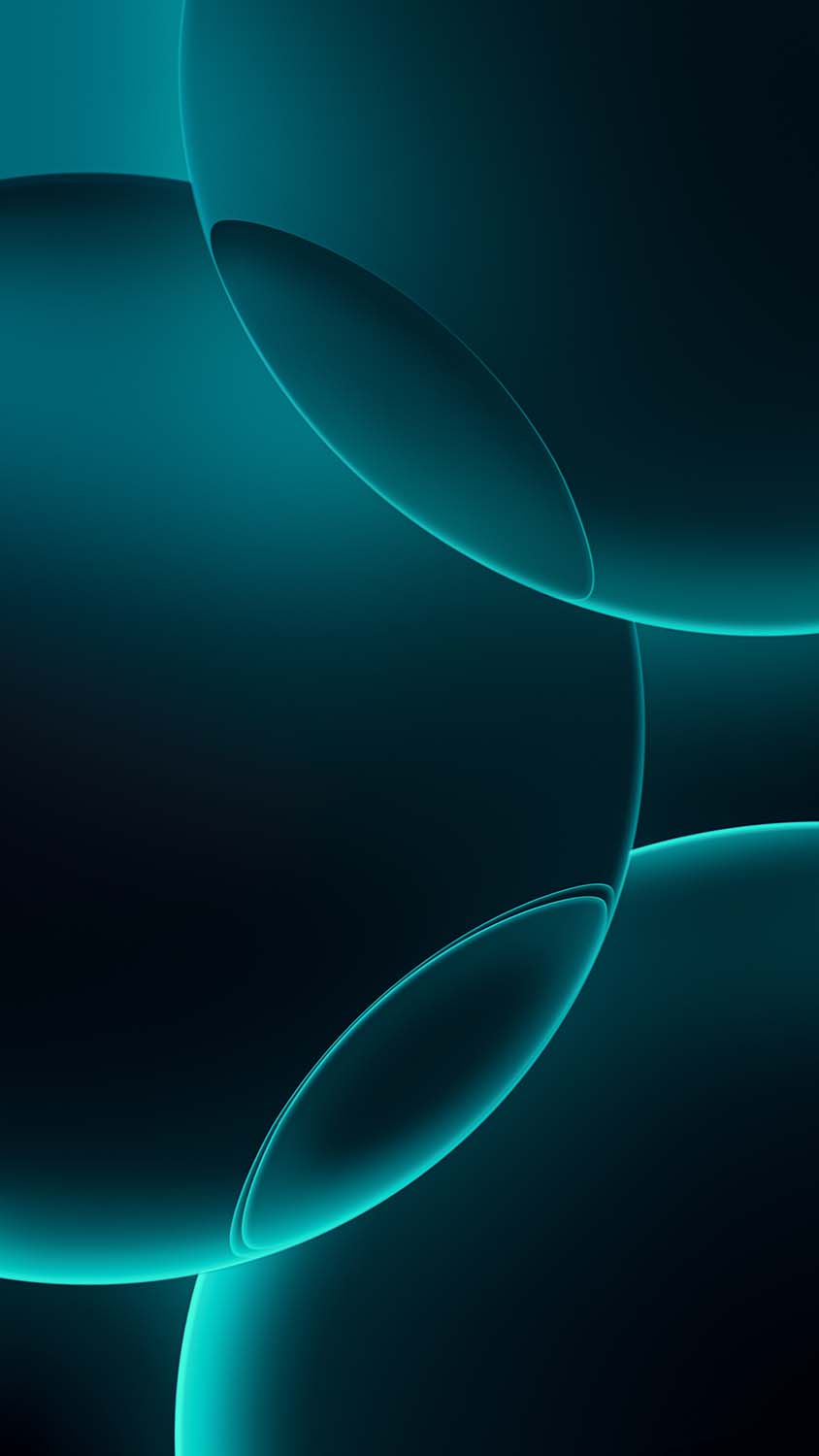
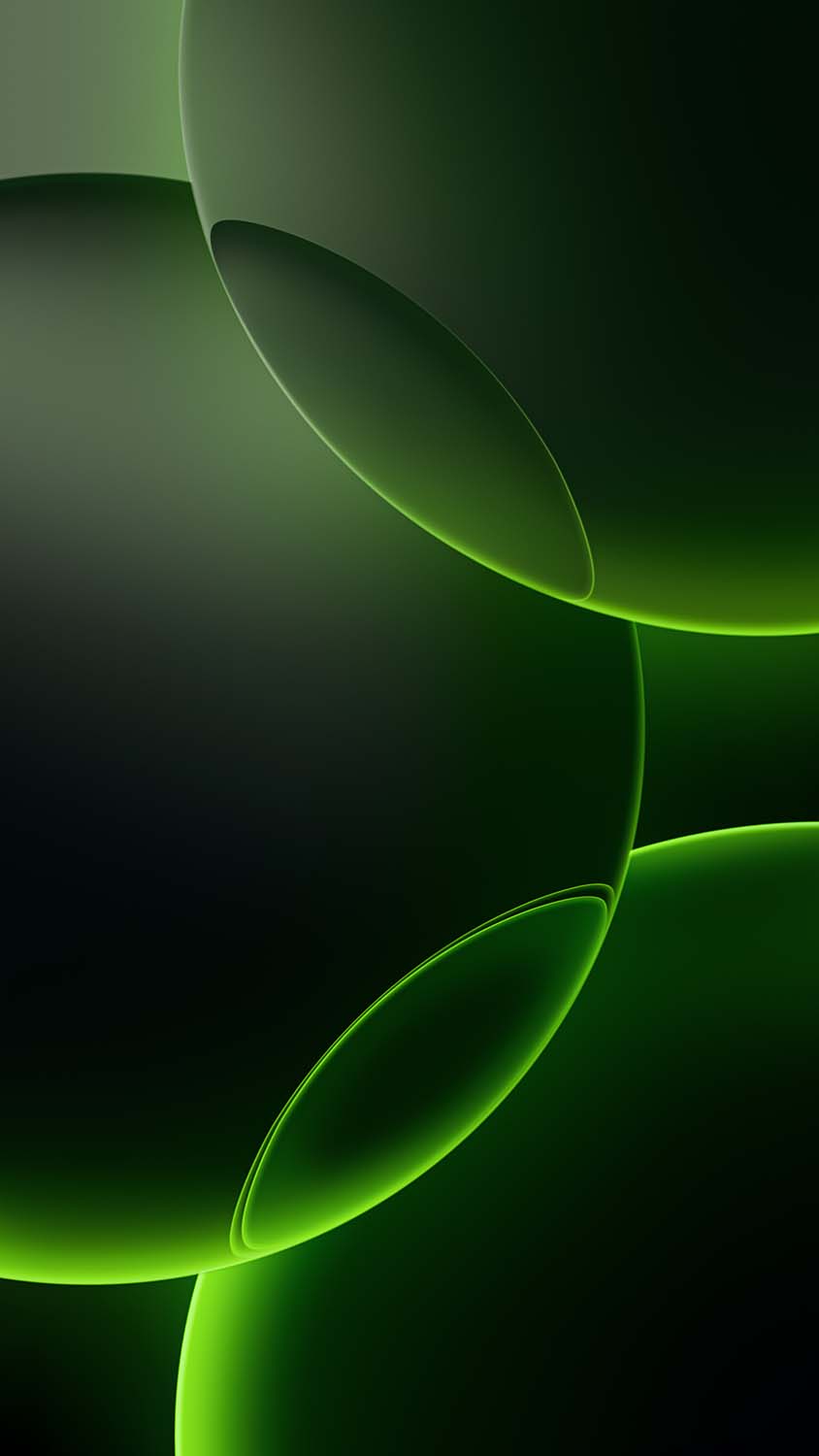
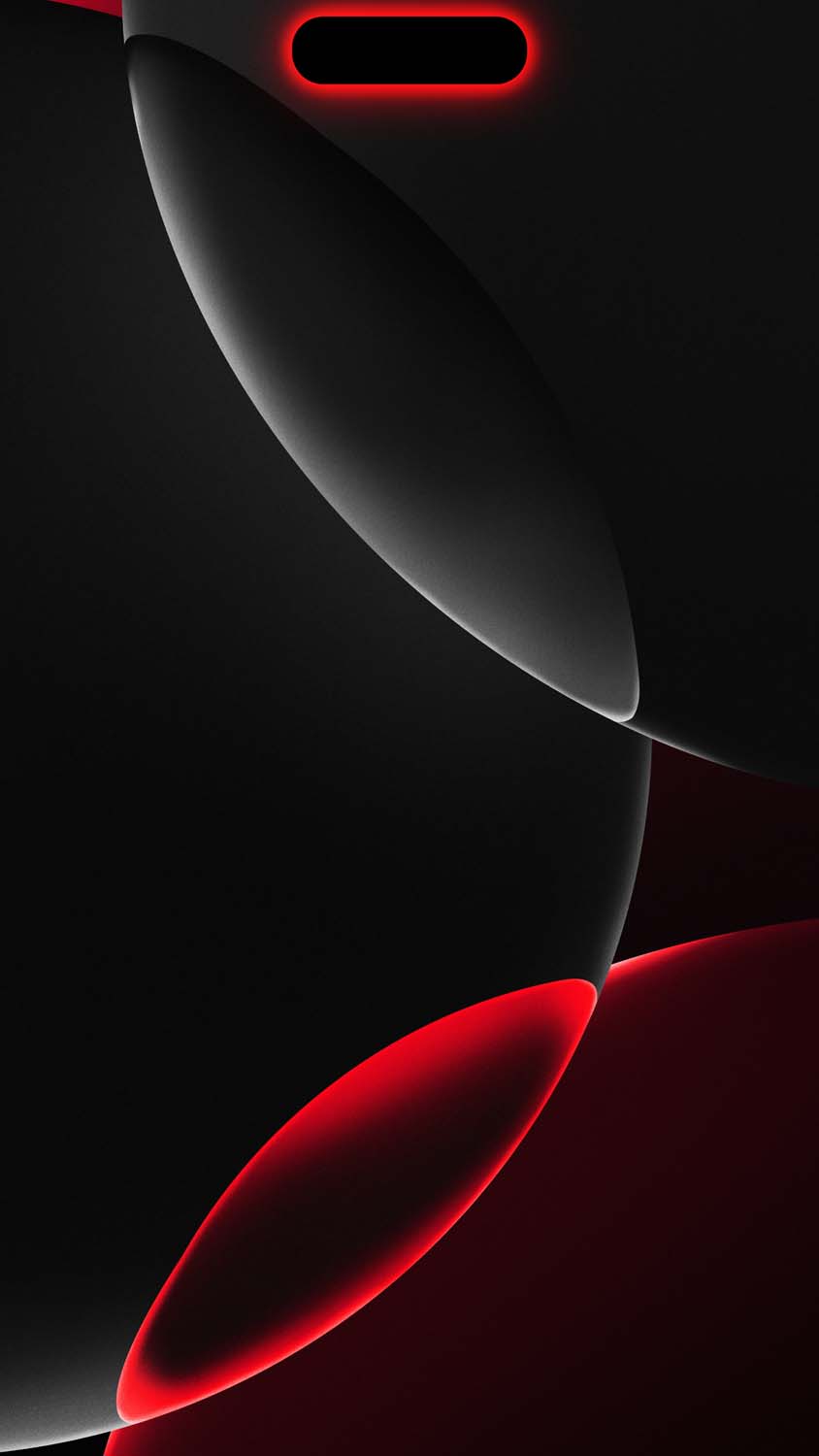
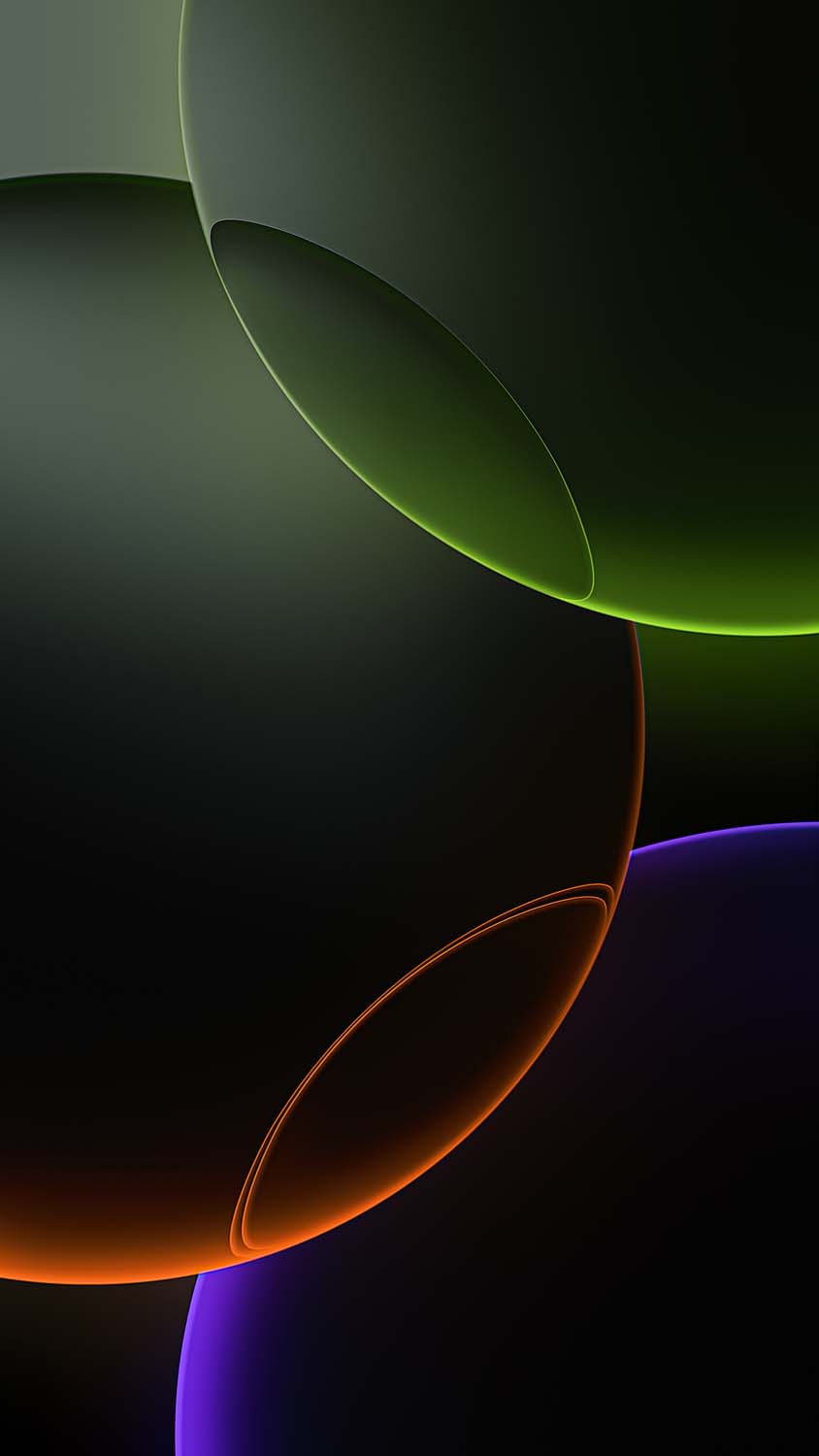
Why You Must Use the Original, Uncompressed 4K Assets
When searching for stock backgrounds online, many files found on social media or casual image-hosting blogs are highly compressed. Compression strips away color depth and introduces jagged artifacts, muddy gradients, and pixelation—which look terrible on high-density Retina and AMOLED mobile displays.
To prevent this, our download library offers the authentic, uncompressed 4K files pulled straight from the iOS 18 file system. Utilizing the true high-DPI (dots per inch) assets ensures a flawless user experience:
Smooth Gradients: The metallic transitions and concentric rings remain perfectly fluid without any awkward color banding lines.
AMOLED Optimization: The dark zones utilize true
#000000pitch-black pixels. On OLED displays, this allows your screen to turn off individual pixels entirely, actively saving your phone’s battery life.Perfect Reframing: The massive 4K resolution allows you to aggressively pinch-to-zoom or crop the image during setup without losing a single drop of sharpness.
Tutorial: How to Set Up iPhone 16 Pro Wallpapers with Depth Effects
Modern mobile operating systems allow you to add incredible layers of depth to your lock screen. Follow these simple steps to apply your new premium titanium wallpaper.
Method 1: Applying on an iPhone (iOS 16 or Newer)
Save your chosen high-resolution wallpaper directly to your Photos app.
Lock your device, wake up the screen, and press and hold a blank area on your Lock Screen until the layout customizer opens.
Tap the blue Plus (+) icon in the bottom right corner to create a fresh layout, then select Photos at the top.
Choose your downloaded iPhone 16 Pro wallpaper from your camera roll.
Position the image. Thanks to the crisp geometry of the titanium rings, you can leverage the system’s layering. Tap the three dots (…) in the bottom right corner and ensure Depth Effect is turned on. This will cleanly slide the time display right behind the metallic structure for a 3D effect.
Hit Done in the upper right-hand corner to finalize your clean, flagship look.
Method 2: Applying on an Android Device
Open your device’s Gallery app and locate the downloaded 4K image.
Tap the menu icon (three vertical dots) and select Set as Wallpaper.
Choose whether you want to apply it to your Lock Screen, Home Screen, or as a wallpaper pair.
Manually center the metallic rings to frame your screen perfectly, then tap Apply.
Elevate Your Smartphone Today
You don’t need a hardware upgrade to enjoy the refreshed, high-end styling of Apple’s premium Pro lineup. By utilizing the official uncompressed stock assets, you can completely transform your current smartphone’s daily interface into something sleek and modern.
Explore our secure, free direct-download gallery below, save your favorite titanium colorways in glorious 4K resolution, and give your phone a premium look immediately!
Explore More:
- Download Official iPhone 17e Wallpapers in 4K | New Floral Glass Collection
- Official iPhone 16 Wallpapers [Free High-Res Download]
- Download Official iPhone 17 Stock Wallpapers (Original Quality)
- Official iPhone 17 Pro Wallpapers [Free High-Res 4K Download]
- Download Official iPhone Air Wallpapers in Full 4K Resolution
- iPhone 15 Pro Wallpapers | Download 4K & HD Titanium Backgrounds
- iPhone 14 Pro Stock Wallpapers | Download Official 4K & HD
- iPhone 14 Stock Wallpapers (Official 4K HD) – Free Download
- iPhone 13 Official Wallpapers: Full HD Stock Background Download

1 comment