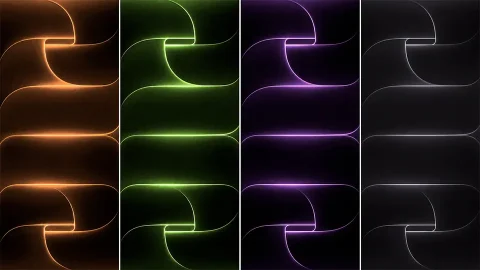
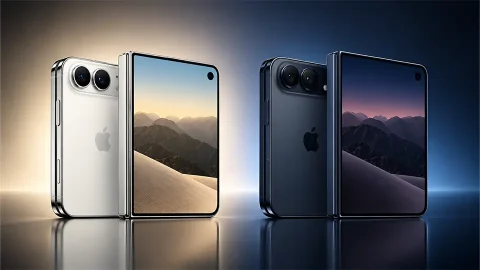
Download Official iPhone 18 Back Wallpapers [4K UHD Original Pack]
Most wallpaper packs ask you to look at a picture. This one asks you to look at a phone. Each of the five images shows the rear of an iPhone 18 filling the whole screen, so your lock screen becomes a quiet mirror of the device in your hand. Do it right and, for a second, you can’t tell where the glass ends and the image begins.
The design in view
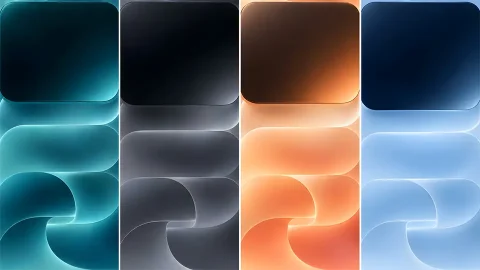
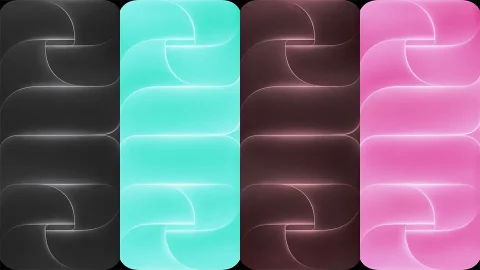
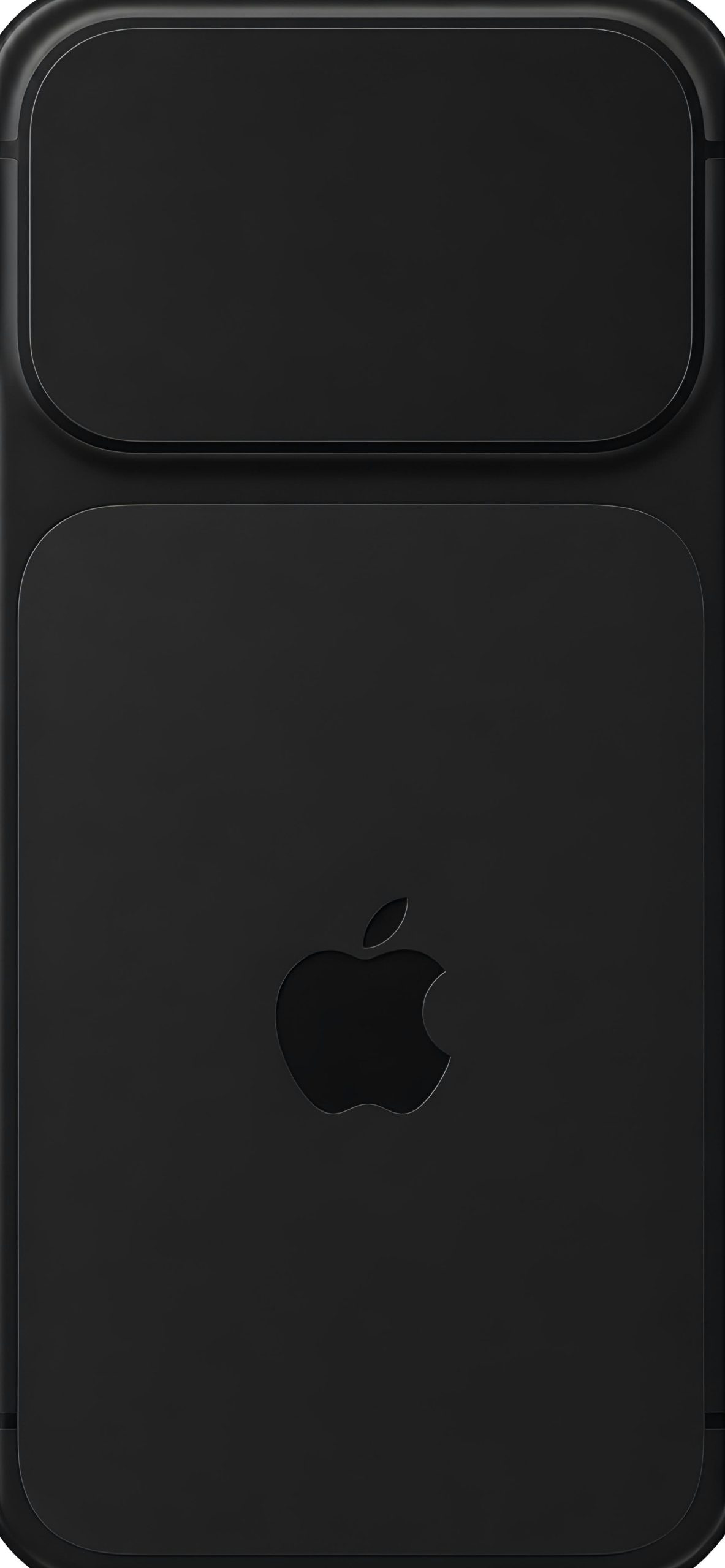
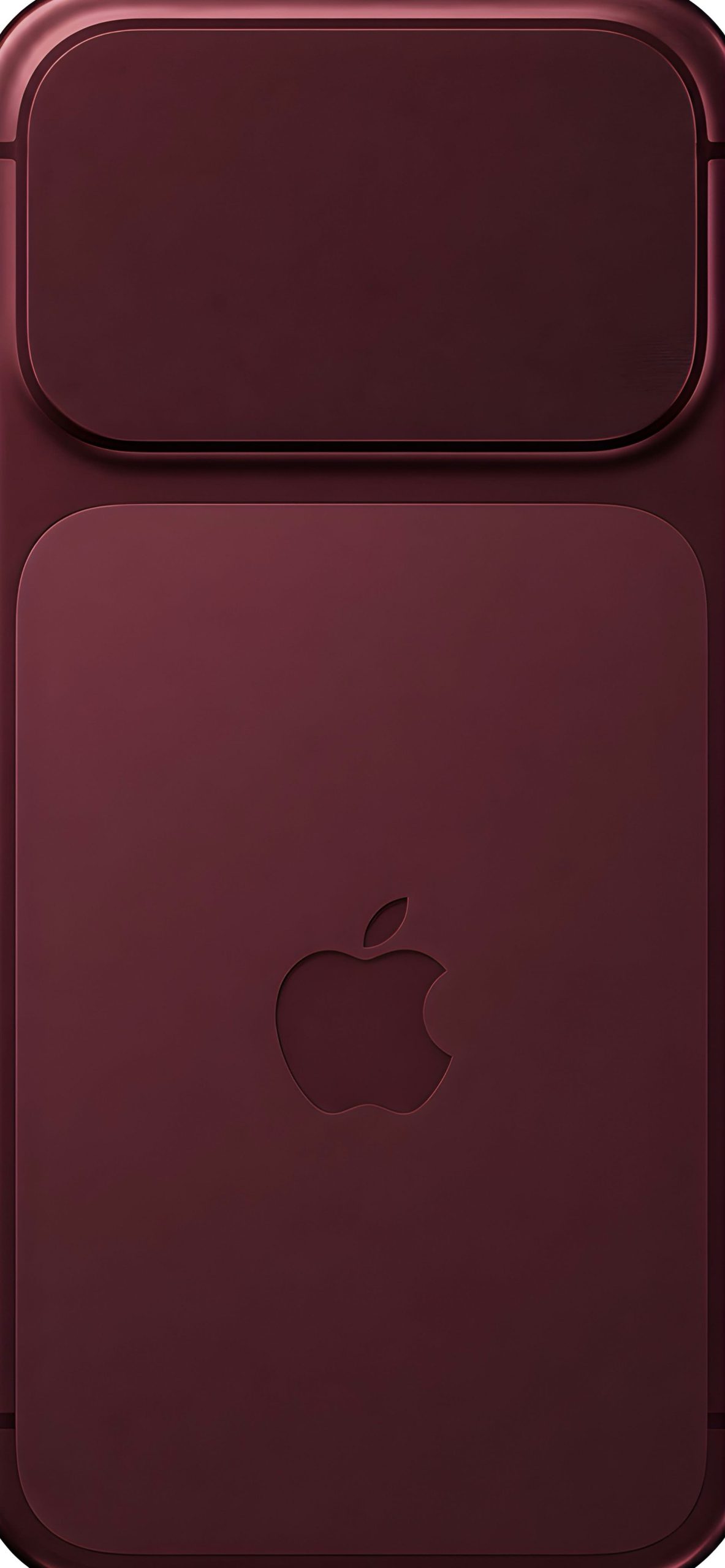
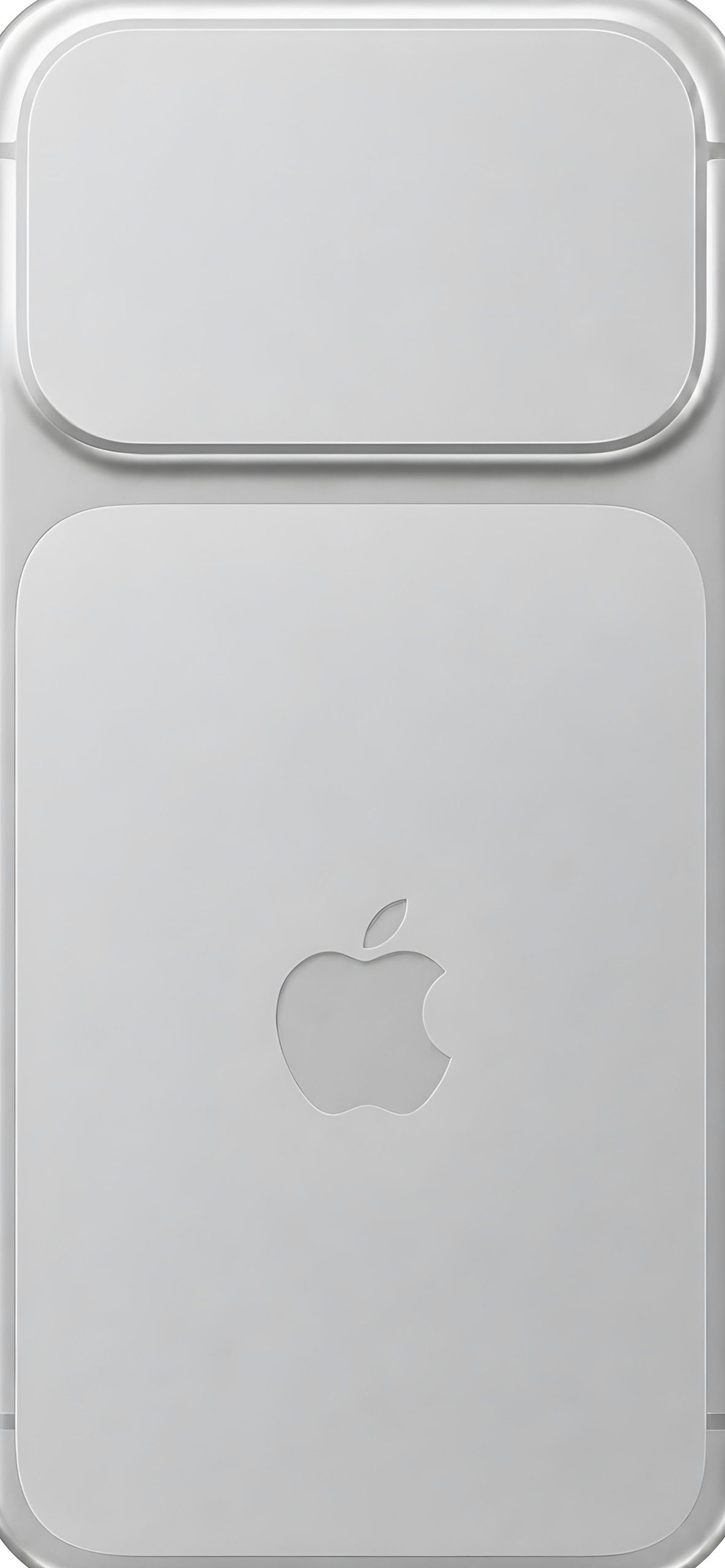
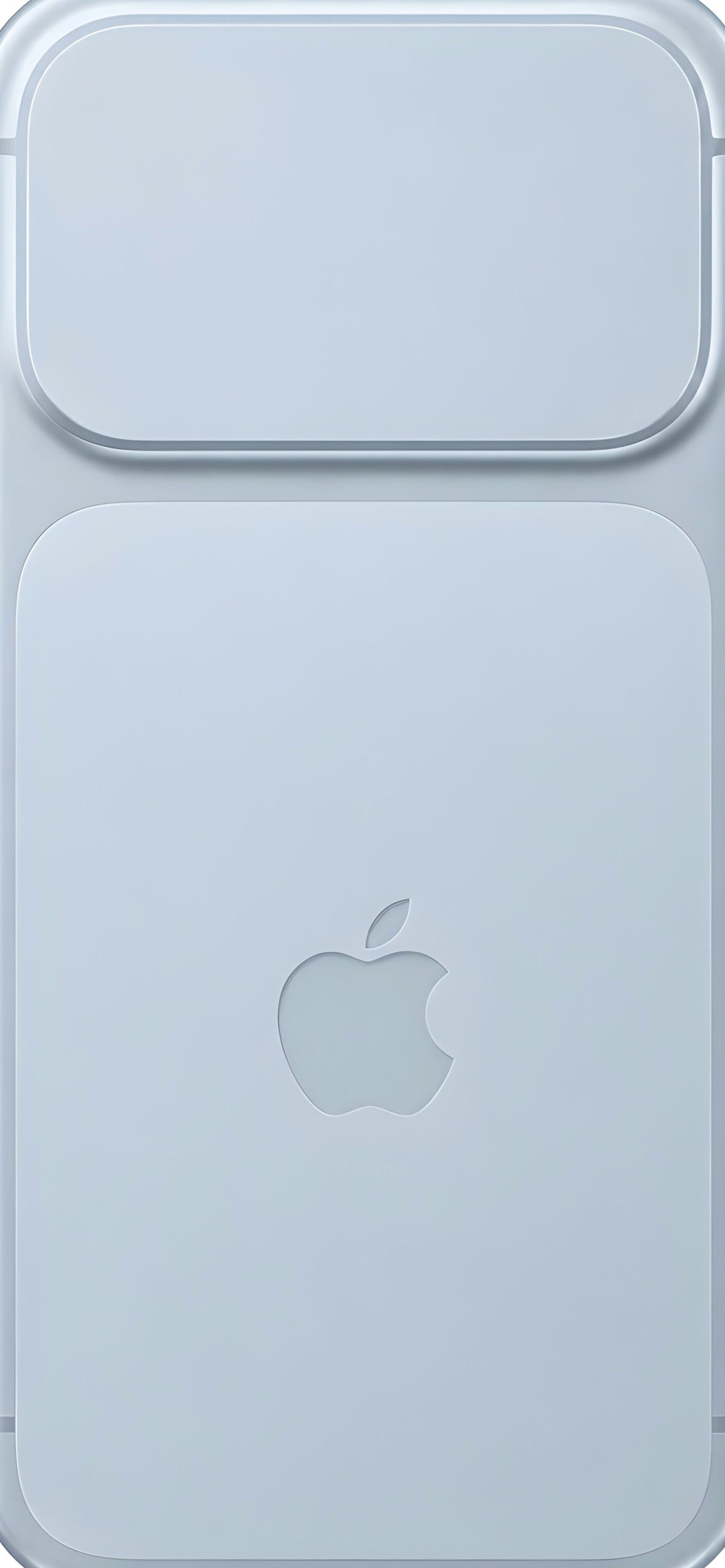
The layout is the same in every colour. A wide, rounded camera plateau runs across the top, sitting inside a soft raised frame. Below it, a large matte panel with generous corner radii holds a single Apple logo, centered and slightly inset into the surface. Nothing else is on the image: no text, no lens details, no clutter. That restraint is why the pack works as a wallpaper rather than a product shot.
The four finishes
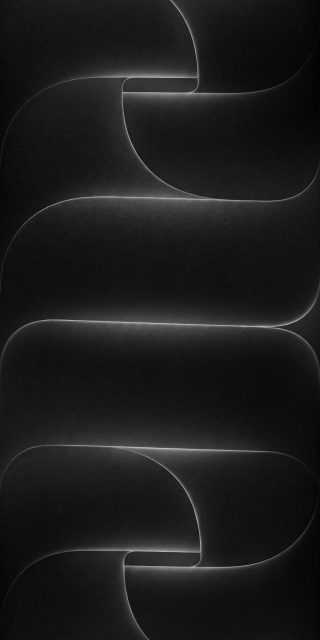
Black . Deep charcoal tones with barely visible edge highlights. It’s the most discreet option and sits well on OLED, where the dark surface blends into the screen.
Burgundy. A rich wine red with darker shading around the plateau. Easily the boldest finish here, and the one that looks different in every light.
Silver. A cool, pale grey with soft gradients across the panel. Clean and slightly clinical, in the best way.
Sky blue. A powder-blue shade with a gentle gradient toward the lower edge. It feels airy, and the pastel suits light mode.
How they behave on a lock screen
Because the camera plateau occupies the top fifth of the image, the lock screen clock lands directly over a flat, even area, which keeps the time easy to read. The Apple logo sits near the lower middle, close to where the flashlight and camera buttons live, so it stays clear of widgets. On the dark versions, switch the clock to a white or light grey font. On silver, white and sky blue, a darker clock reads better.
Quality notes
Gradients on matte surfaces are the hardest thing to render without banding, and these files keep the transitions smooth, especially in the burgundy and blue. Use the original file rather than a screenshot, since screenshots compress the subtle tonal shifts that give the panel its soft, almost soap-like finish.
Setting one up
Save your favourite to Photos, open Settings, tap Wallpaper, then Add New Wallpaper. Choose the image and pinch to fit the full panel to your screen. If you carry a phone in a matching colour, pick the same finish for a near-seamless look when you flip it over.