Download MacBook Pro PROLED-XDR Stock Wallpapers for iPhone [4K UHD Pack]
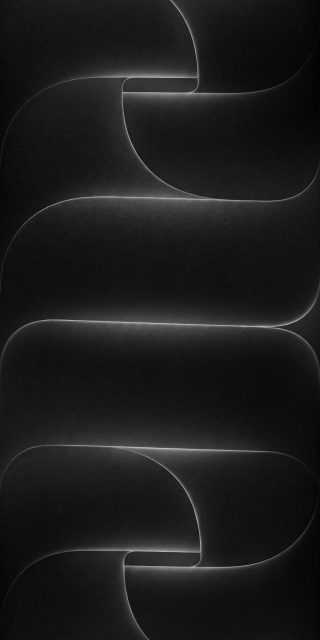
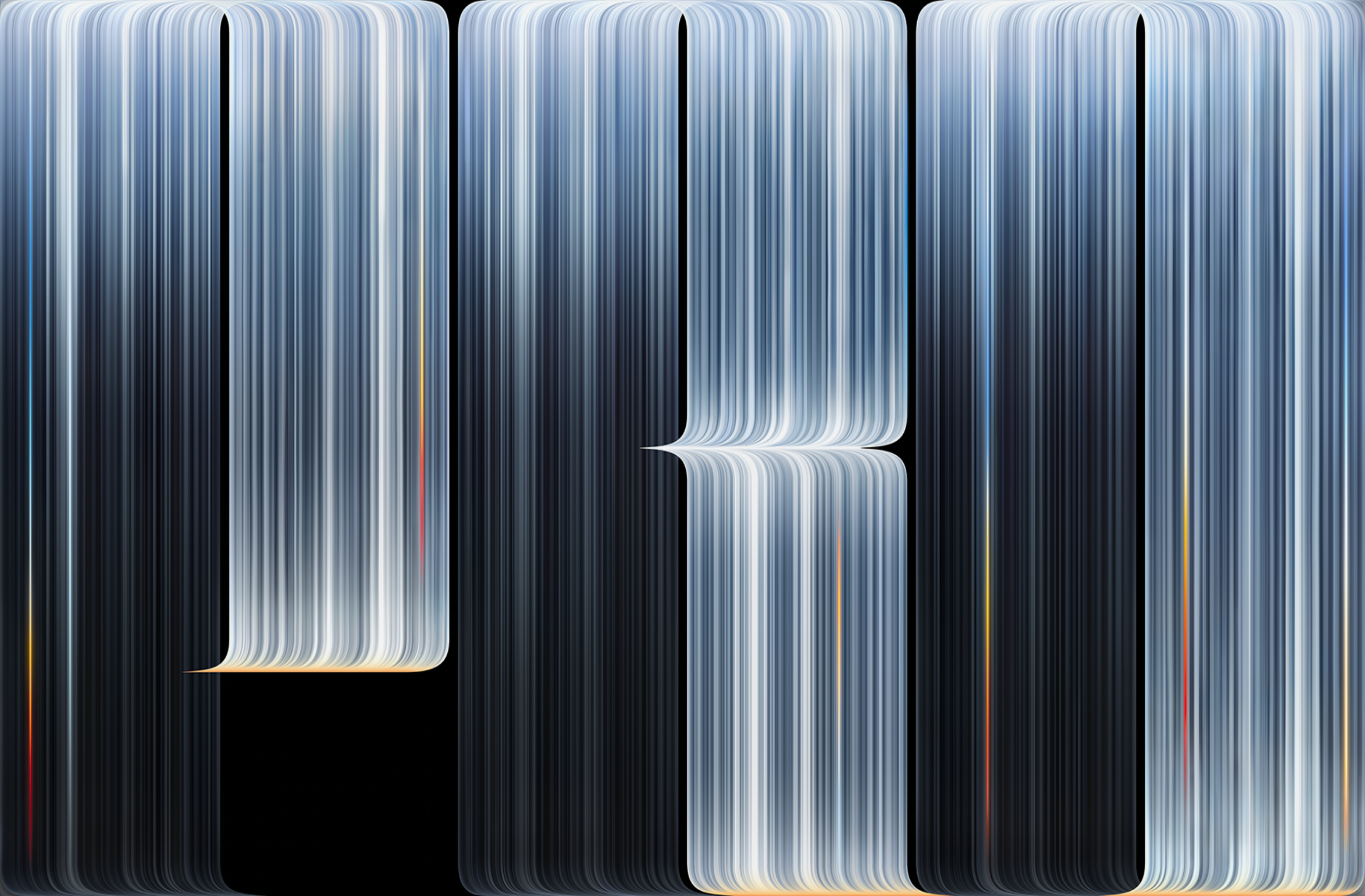
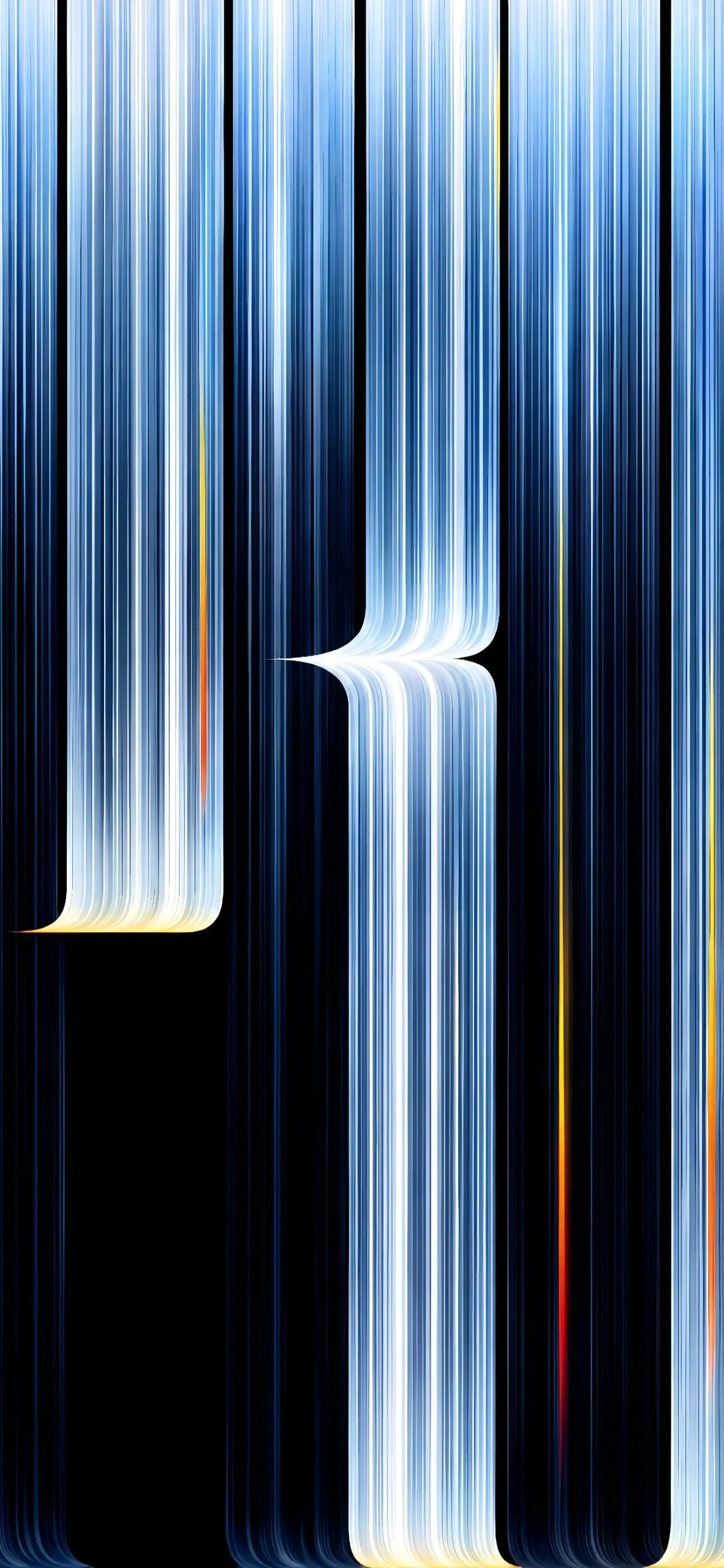
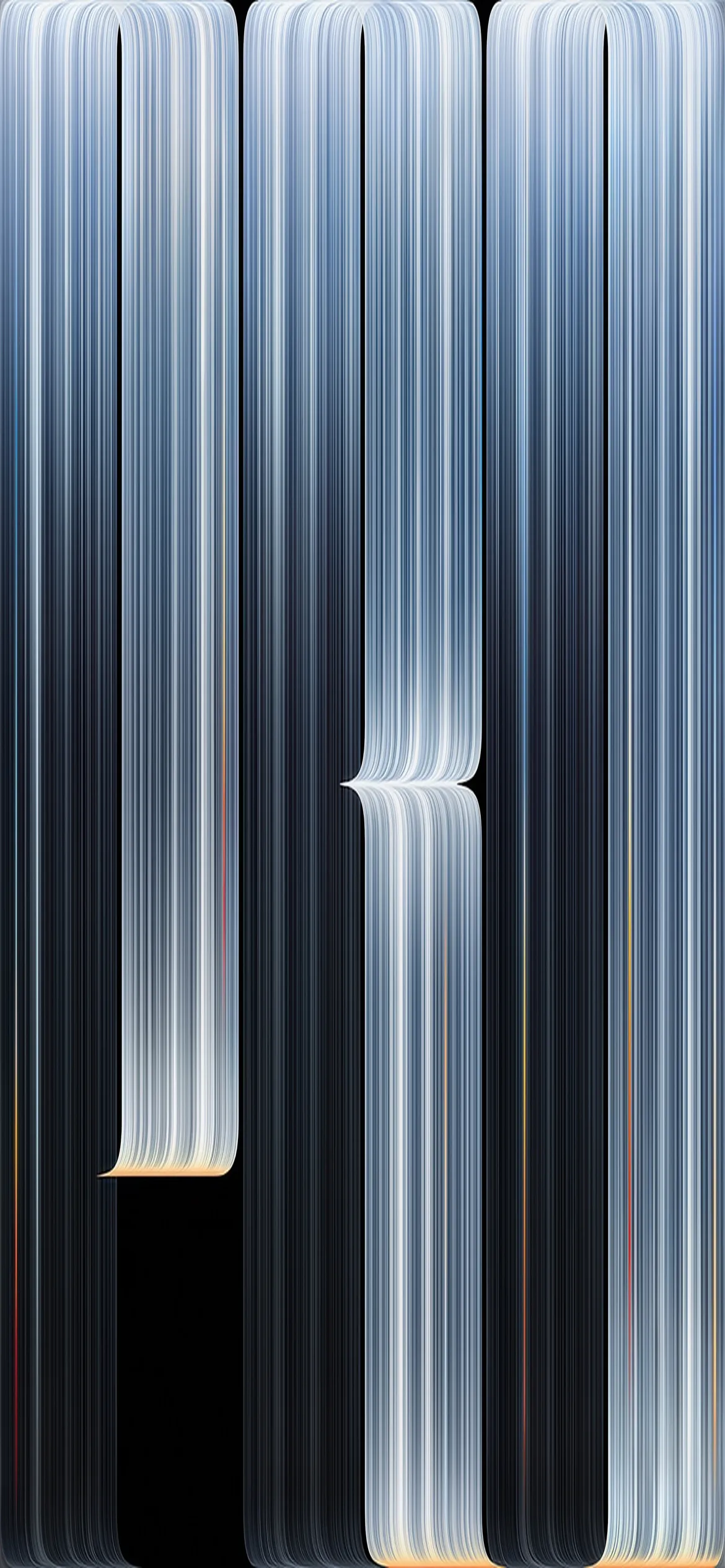
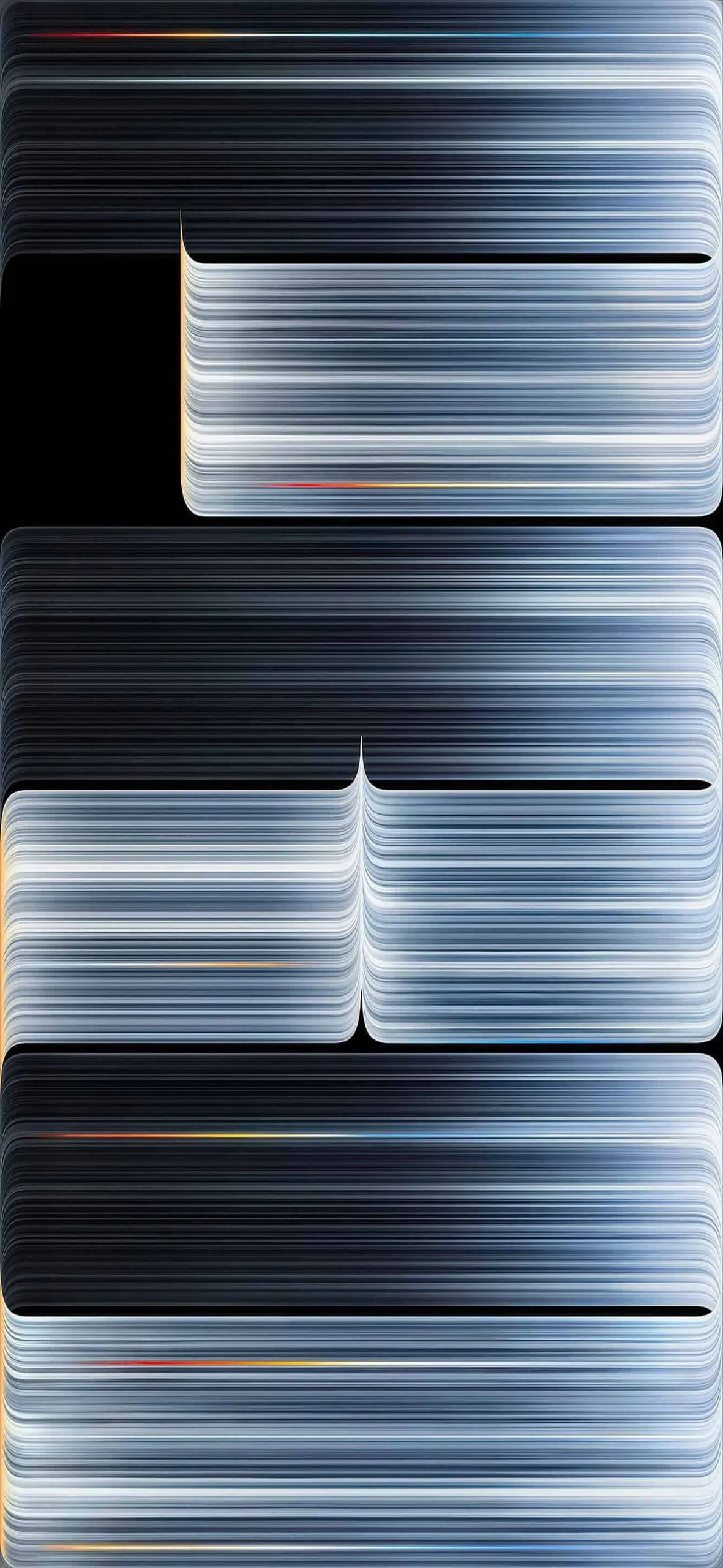
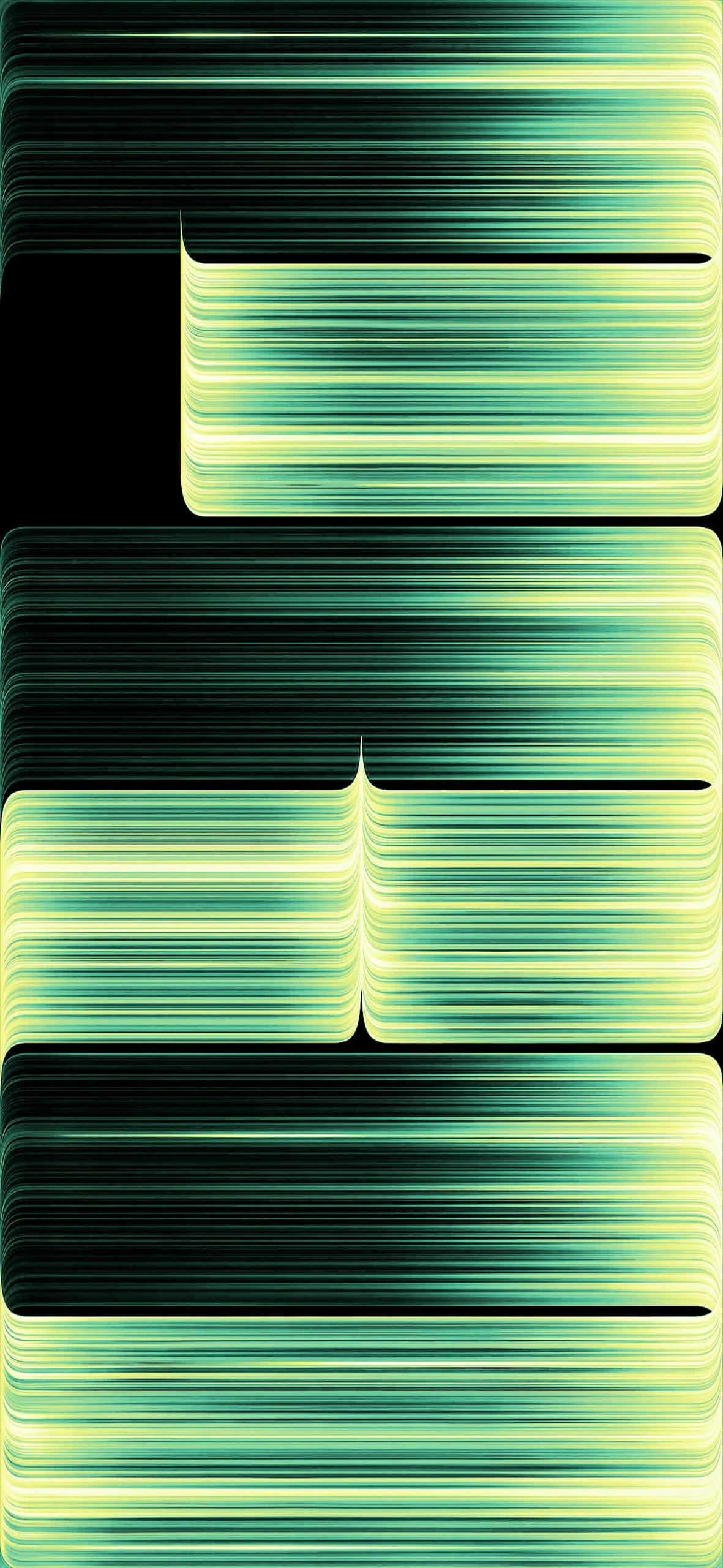
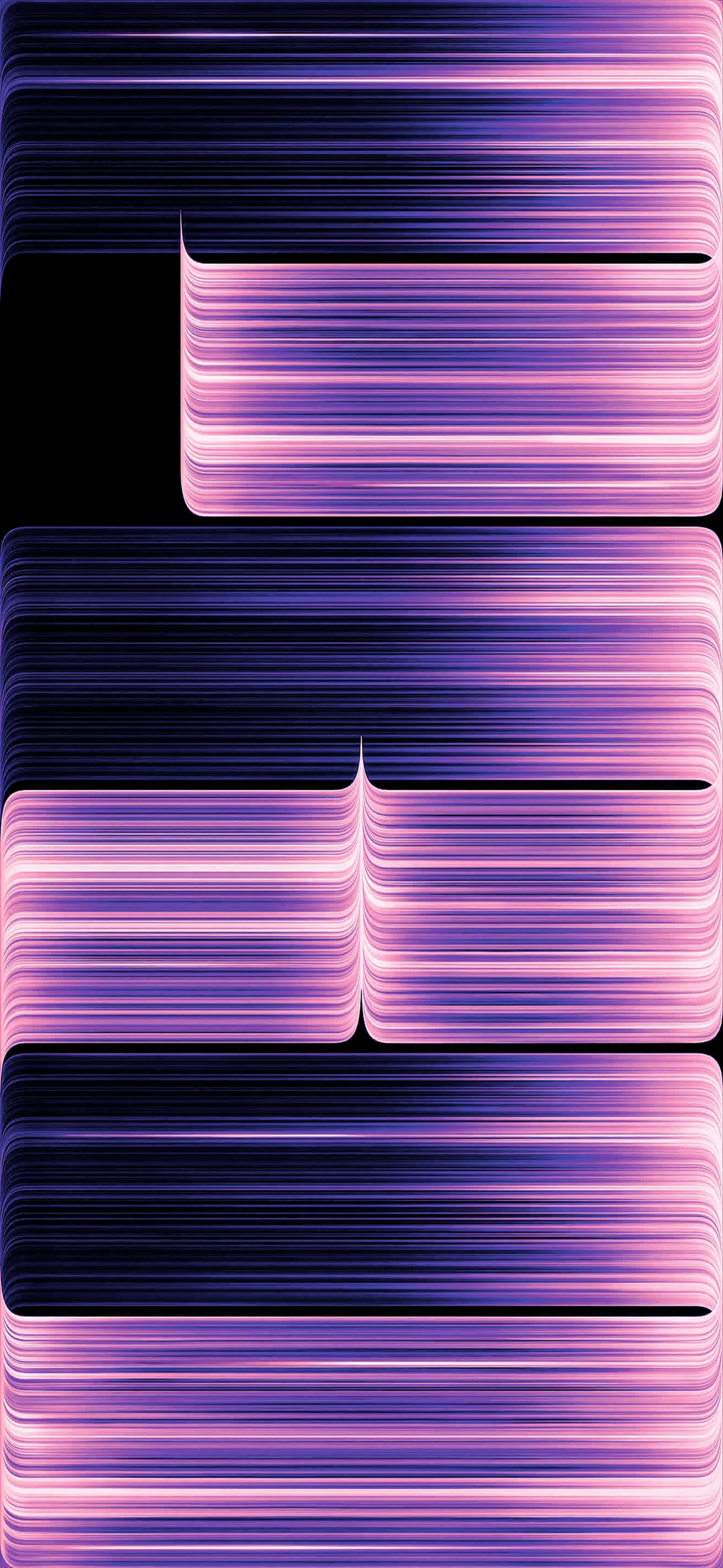
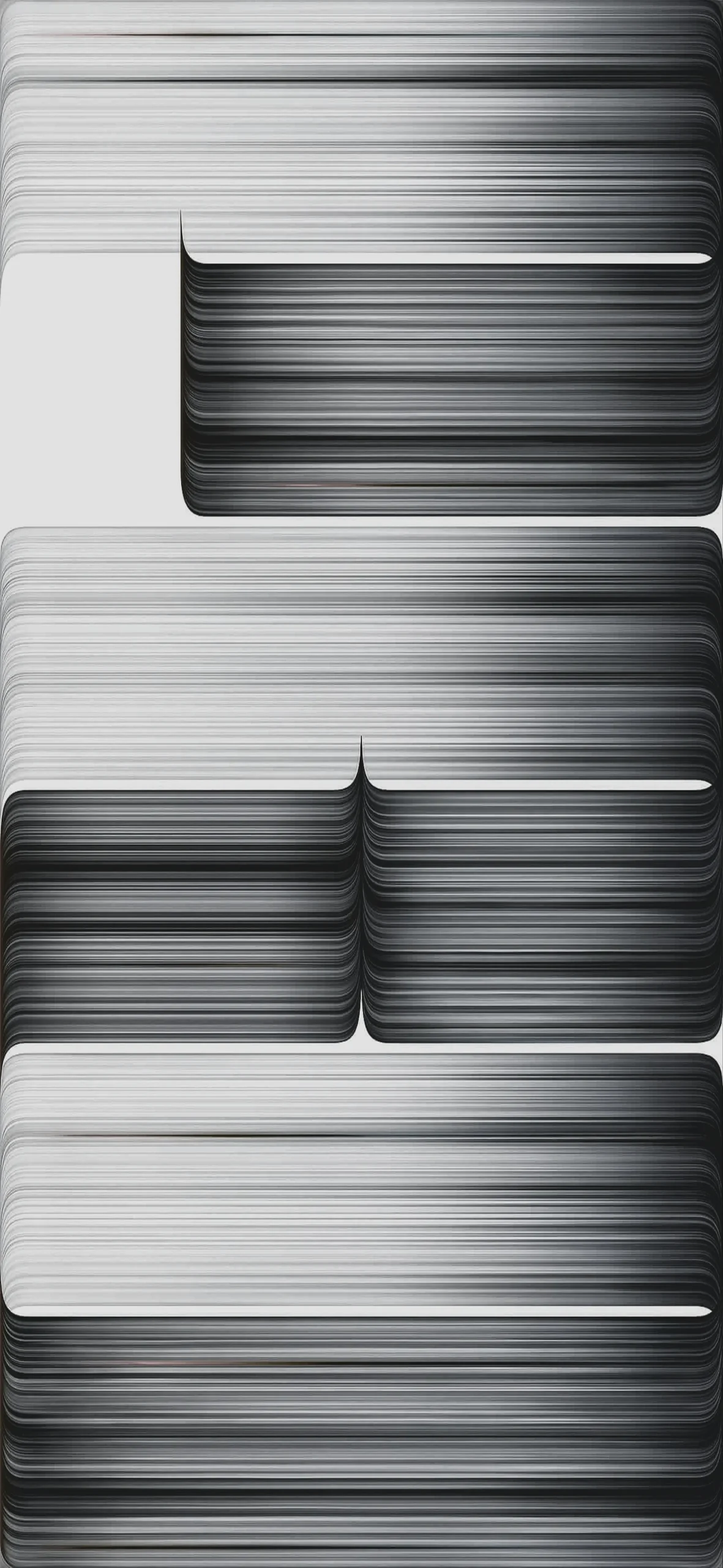
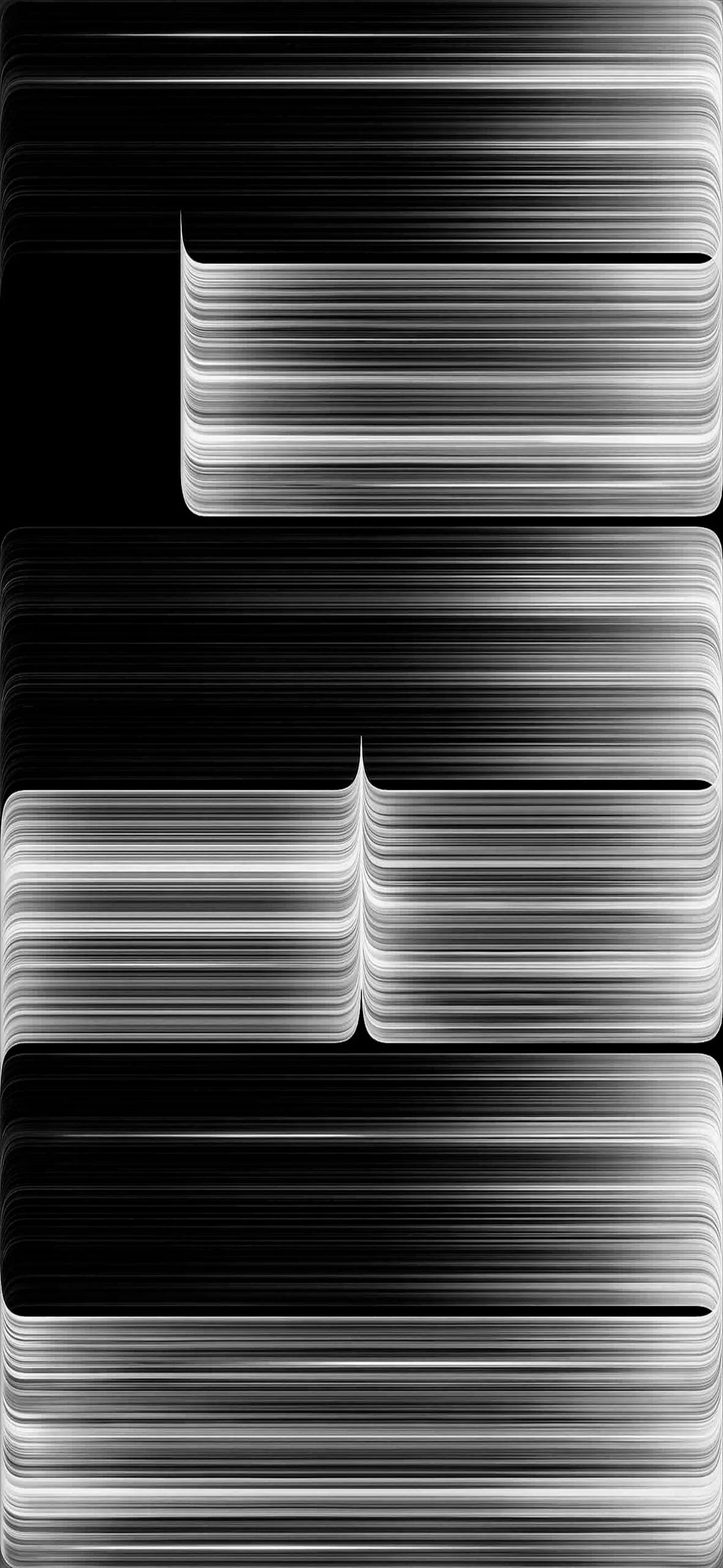
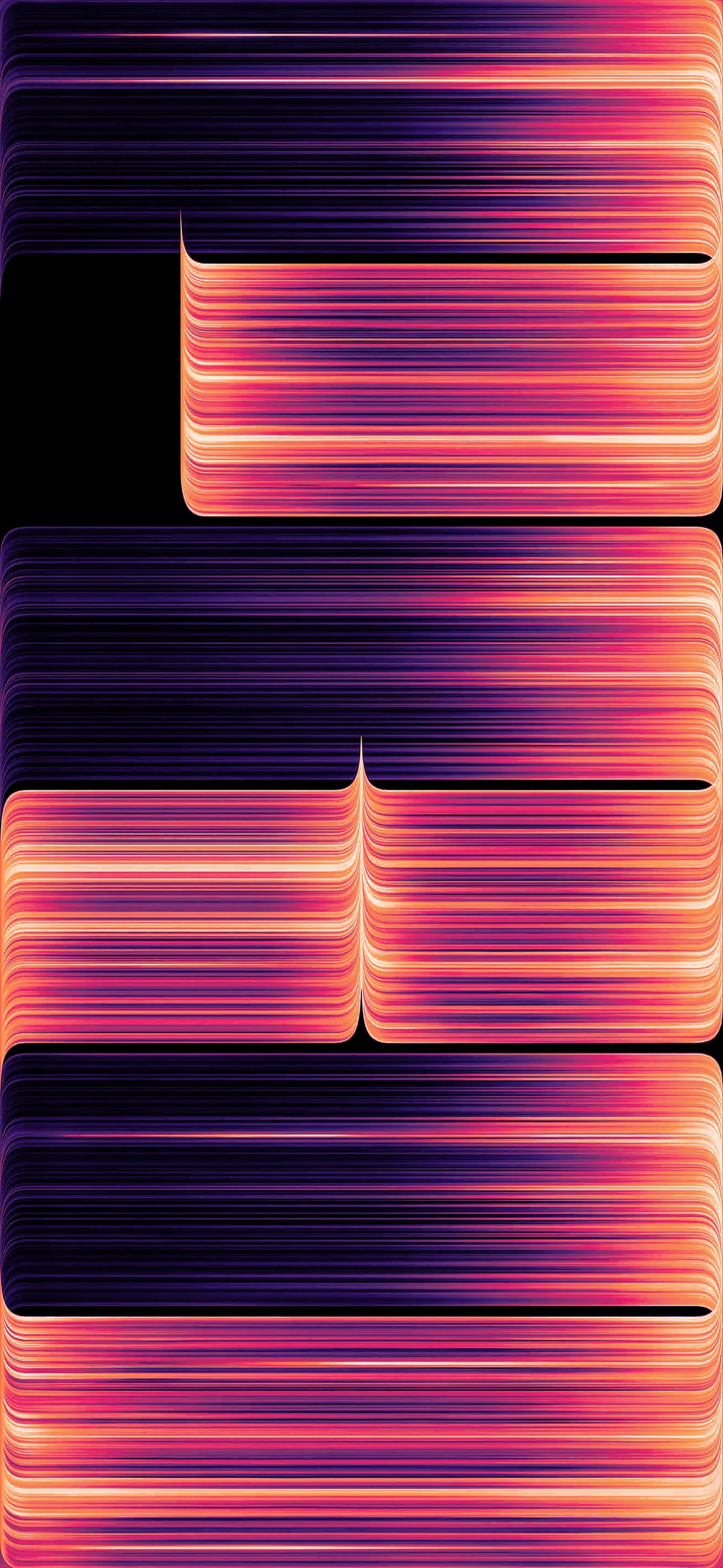
Most stock wallpapers are gradients. This pack is closer to a long-exposure photograph of light. Hundreds of hair-thin lines are stacked tightly and fanned out, so each shape looks like a folded ribbon. The edges are crisp and rounded, the centers fade into black, and a few lines run the whole length in orange, red and blue.
Look closer at the shapes
The ribbons form blocky, oversized letters. In the wide landscape file you can read “PRO” in three tall columns. That makes sense for a pack named after the MacBook Pro display. On the phone versions the letters are cropped and turned sideways. What you see is a notch, a pinched spike or a stepped block, and you only recognize the letters once you’ve seen the wide version. It’s a small detail, but it gives the pack more depth than plain stripes.
The colourways
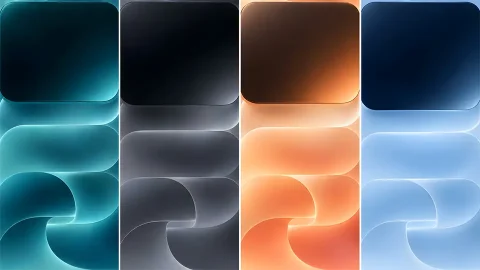
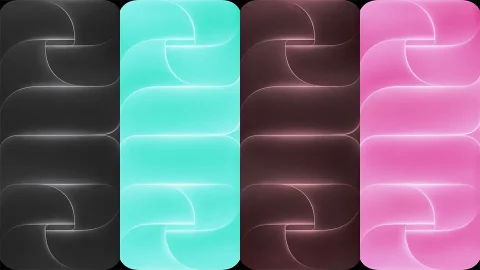
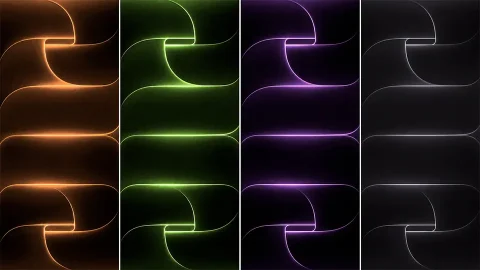
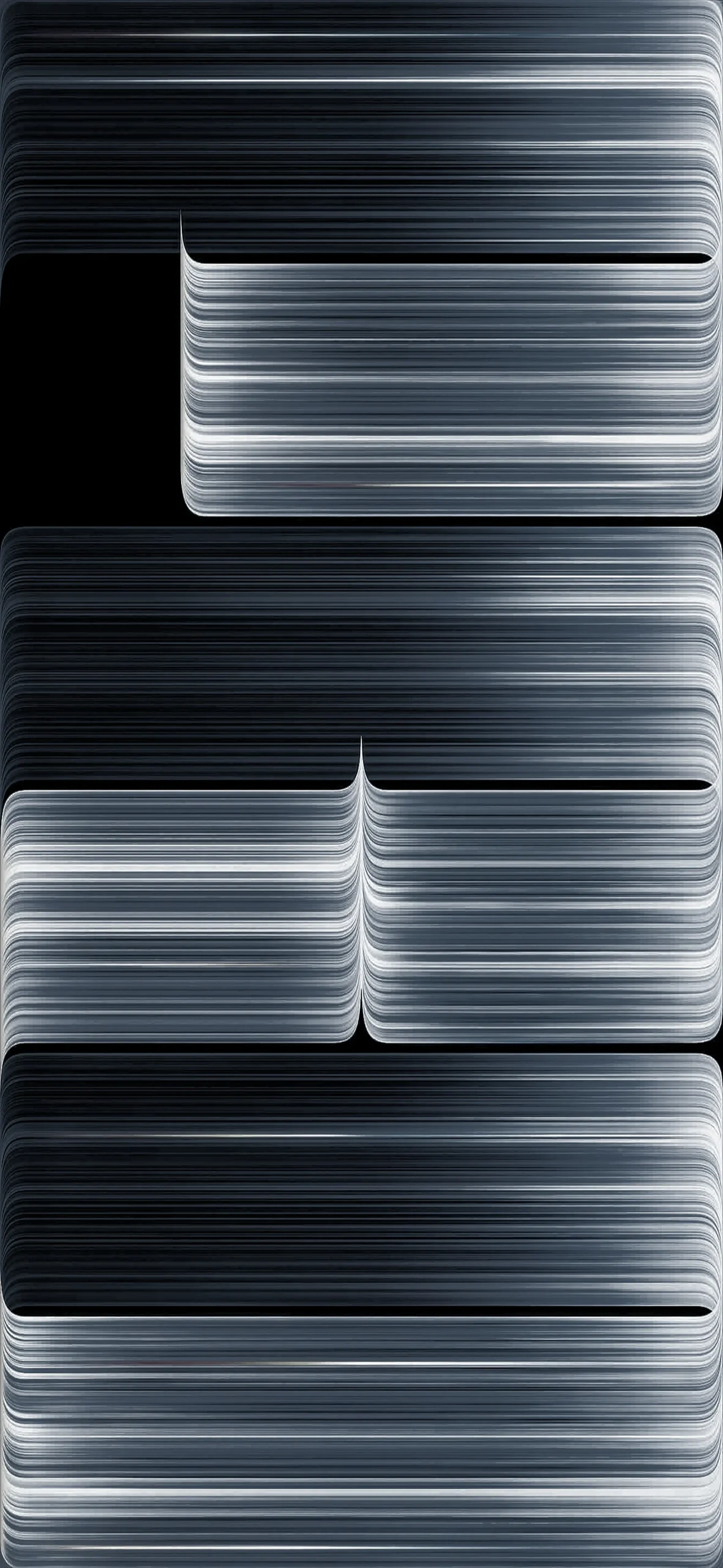
Silver-blue is the original, with cool steel highlights and thin orange, red and blue accent lines. Graphite is the same design with the accents removed and everything in grey. Black and white is the most extreme: bright ribbons on pure black, with the strongest contrast of any file here.
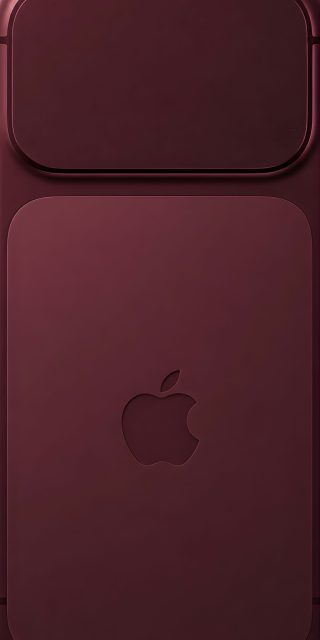
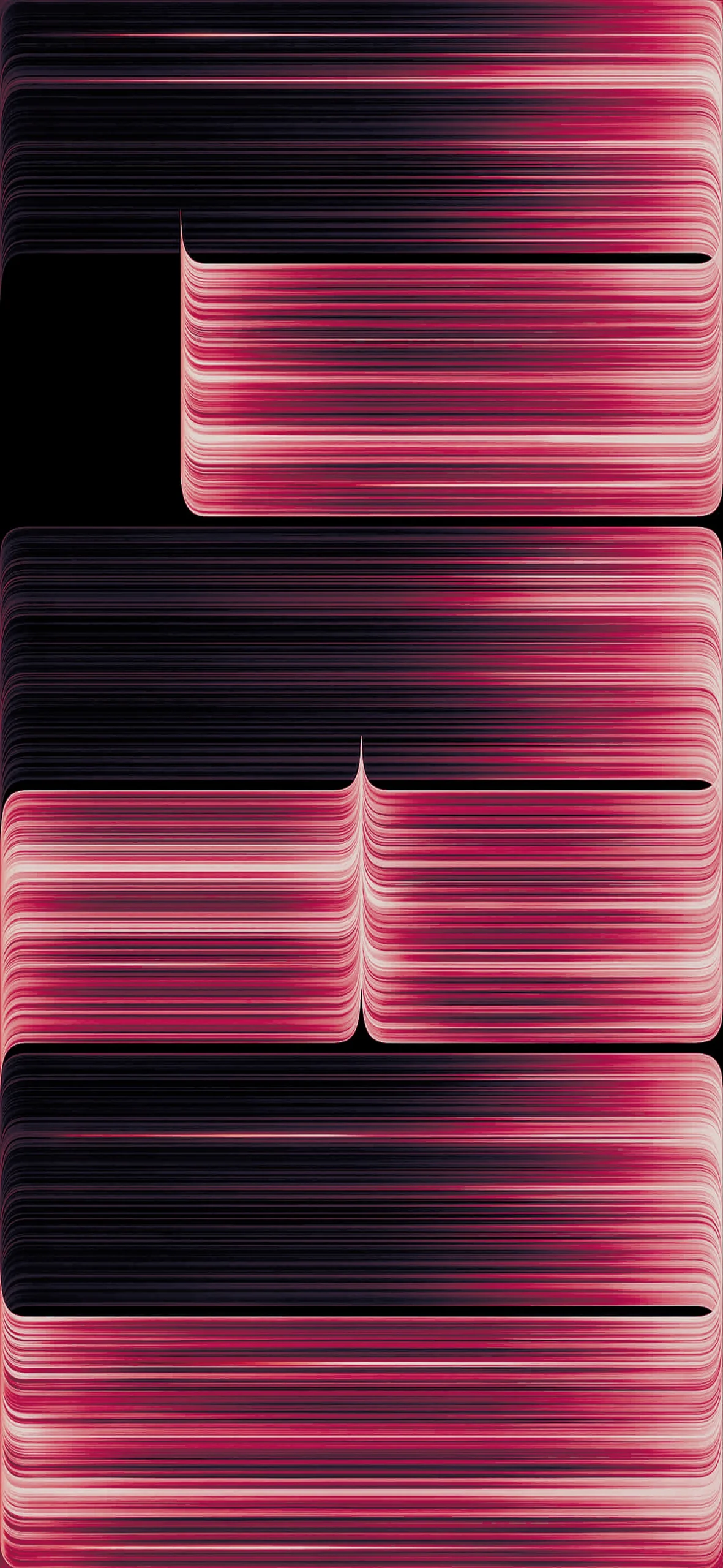
Crimson is a deep raspberry red fading into black. Green moves from dark teal to a bright lime-yellow. Violet pairs indigo with soft pink. Sunset runs from deep purple through magenta to orange, and it’s the warmest of the group.
Light mode flips the idea. The background is pale grey and the ribbons are charcoal, which makes it the only file in the pack that’s mostly bright.
Using them on iPhone
Most files sit on a true black ground, so the OLED panel switches those pixels off and the colored ribbons glow. The brightest stripes sit on the right side and in the lower half, which leaves the top-left clear for the clock. On the crimson, violet and sunset versions, a white clock font keeps the time easy to read. The light-mode file needs a dark font instead.
Setup
Save the image to Photos, then go to Settings, Wallpaper, Add New Wallpaper. Zoom out slightly so a full ribbon block sits between the clock and the dock. Use the original files rather than screenshots, because the fine lines can lose sharpness when an image is recompressed.