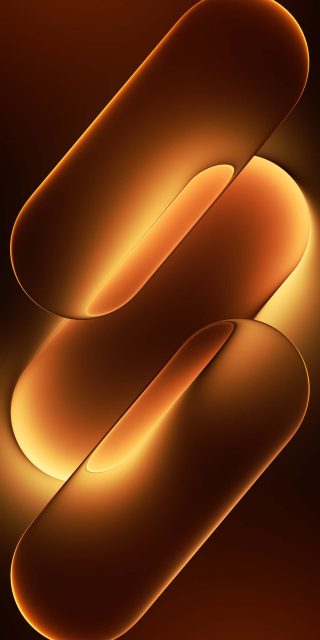
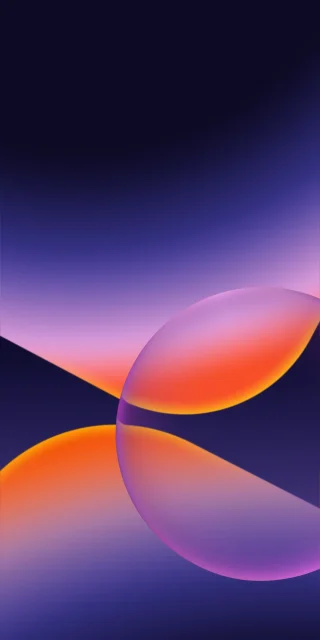
Download Official MagicOS 11 iPhone Wallpapers [4K UHD Original Pack]
This MagicOS 11 pack looks at the world from far above. Half of it is planets seen from orbit, and the other half is mountain ranges seen from a drone’s height. Eighteen tall wallpapers are included, and most come in pairs, so you can pick a daytime or a night version of the same scene.
Planets from orbit
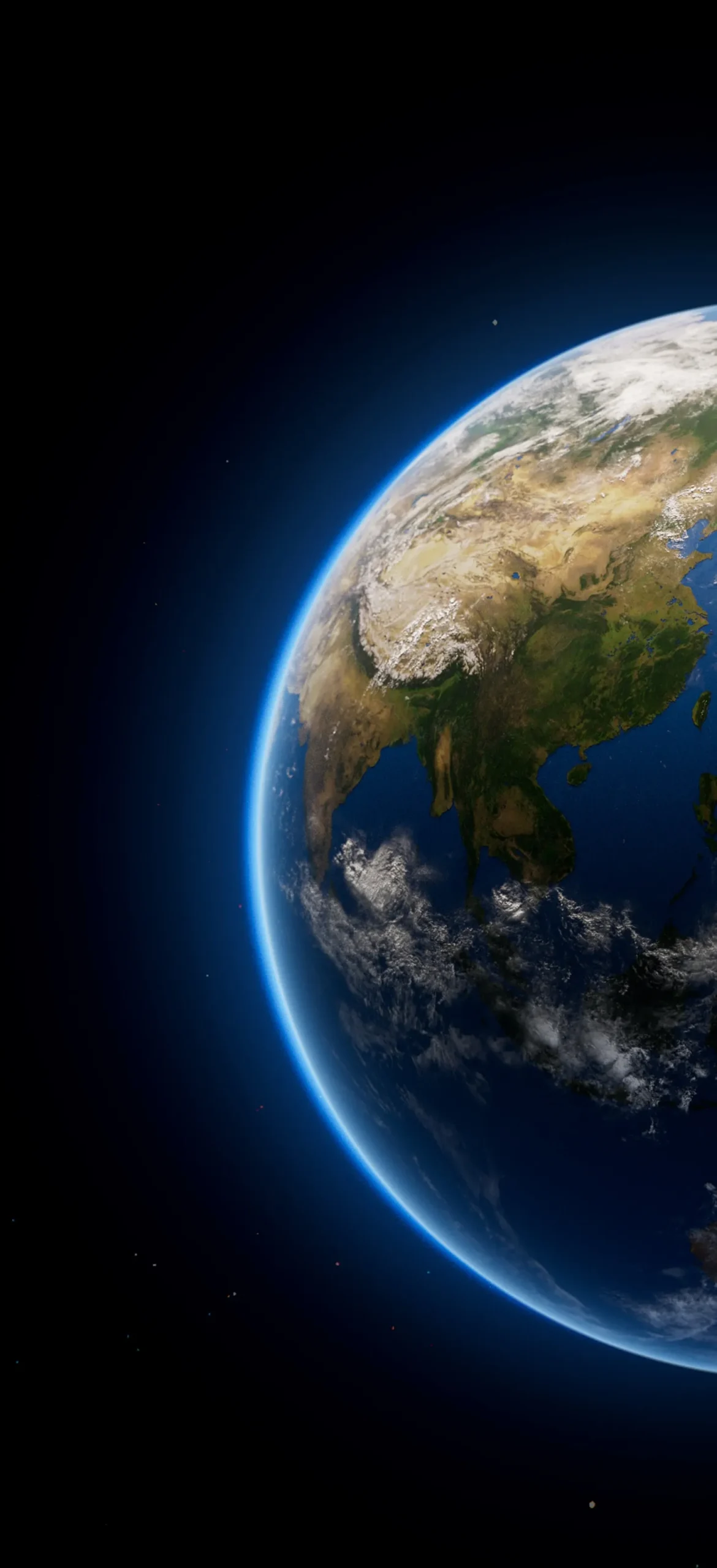
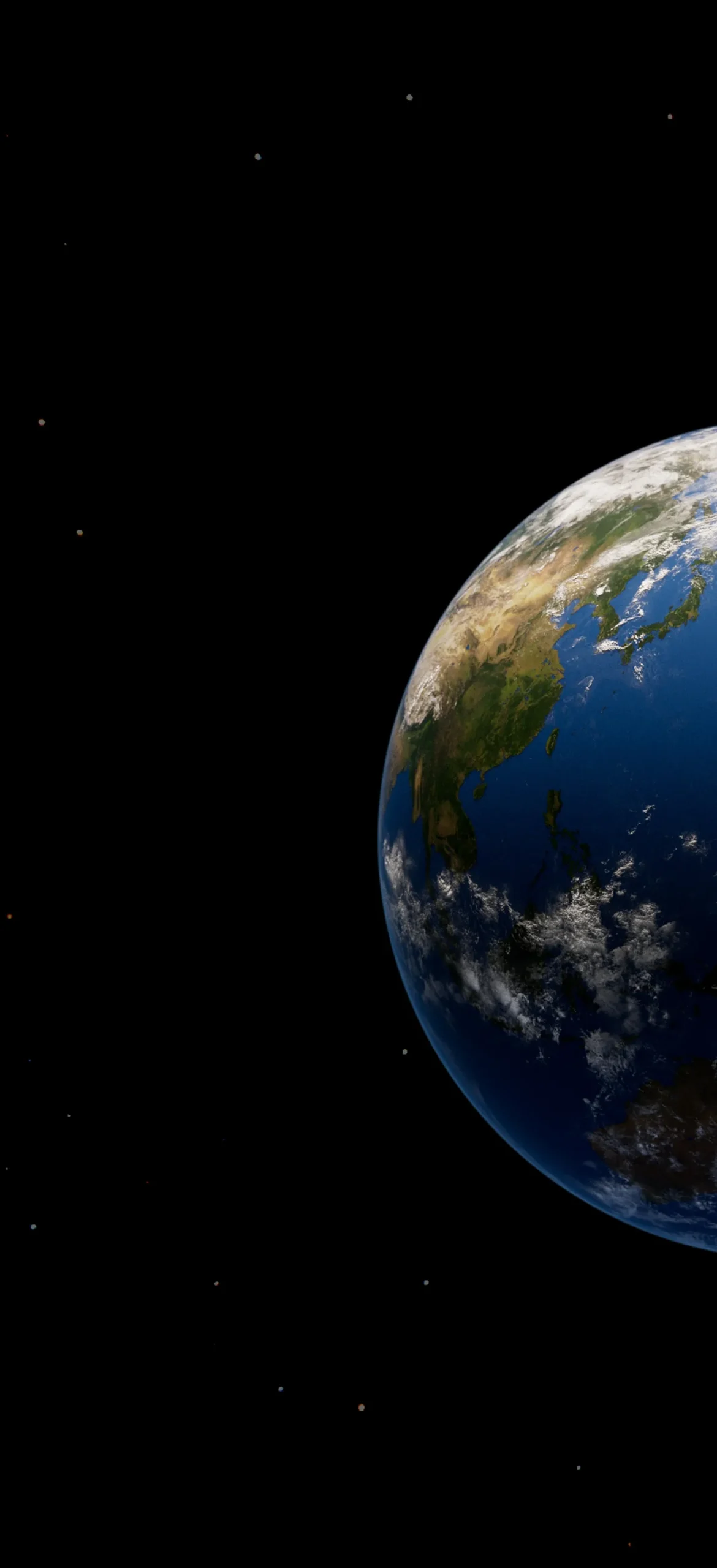
Earth. This is Asia seen from space. You can pick out the Tibetan plateau, the Indian peninsula, Southeast Asia and Japan. One version has a thin blue atmospheric glow along the edge. The other drops the glow and sits on pure black.
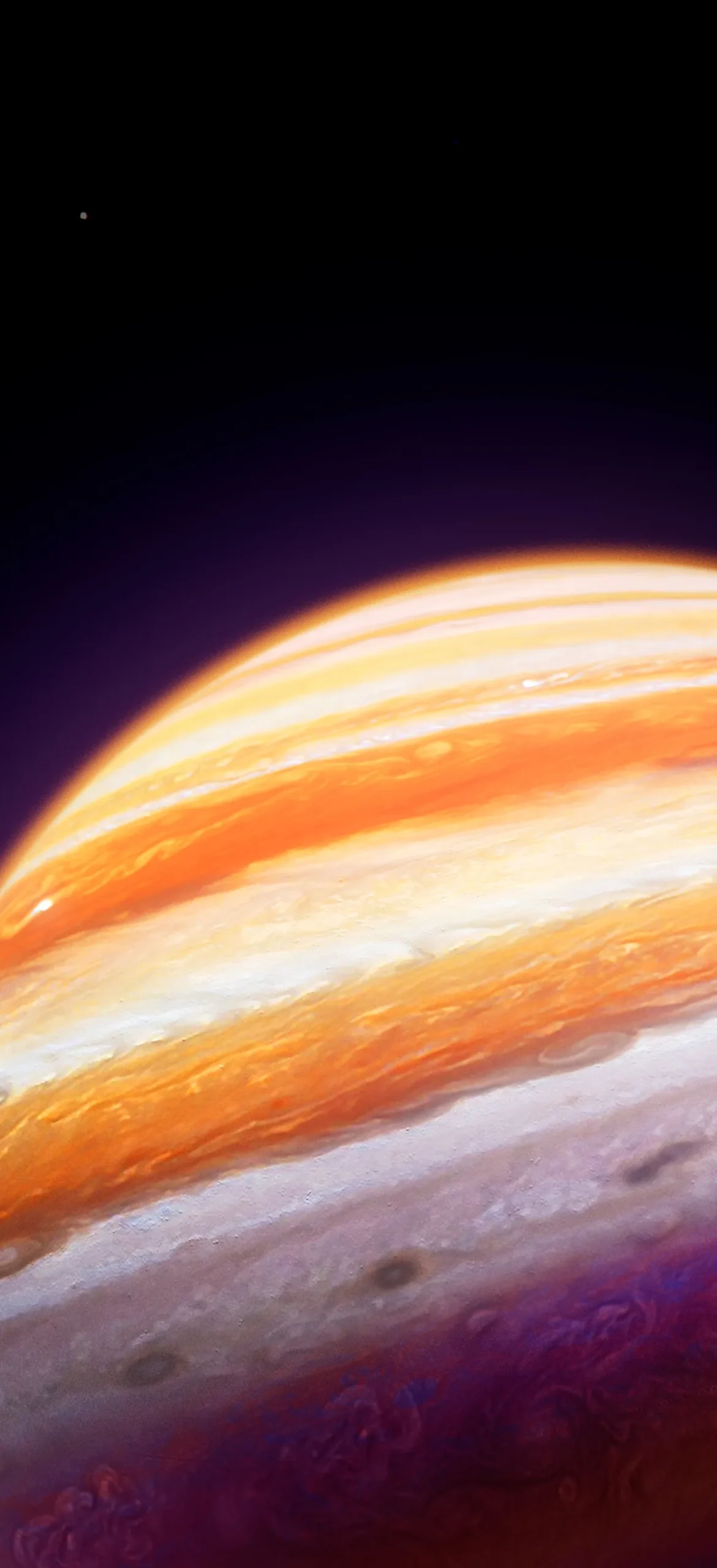
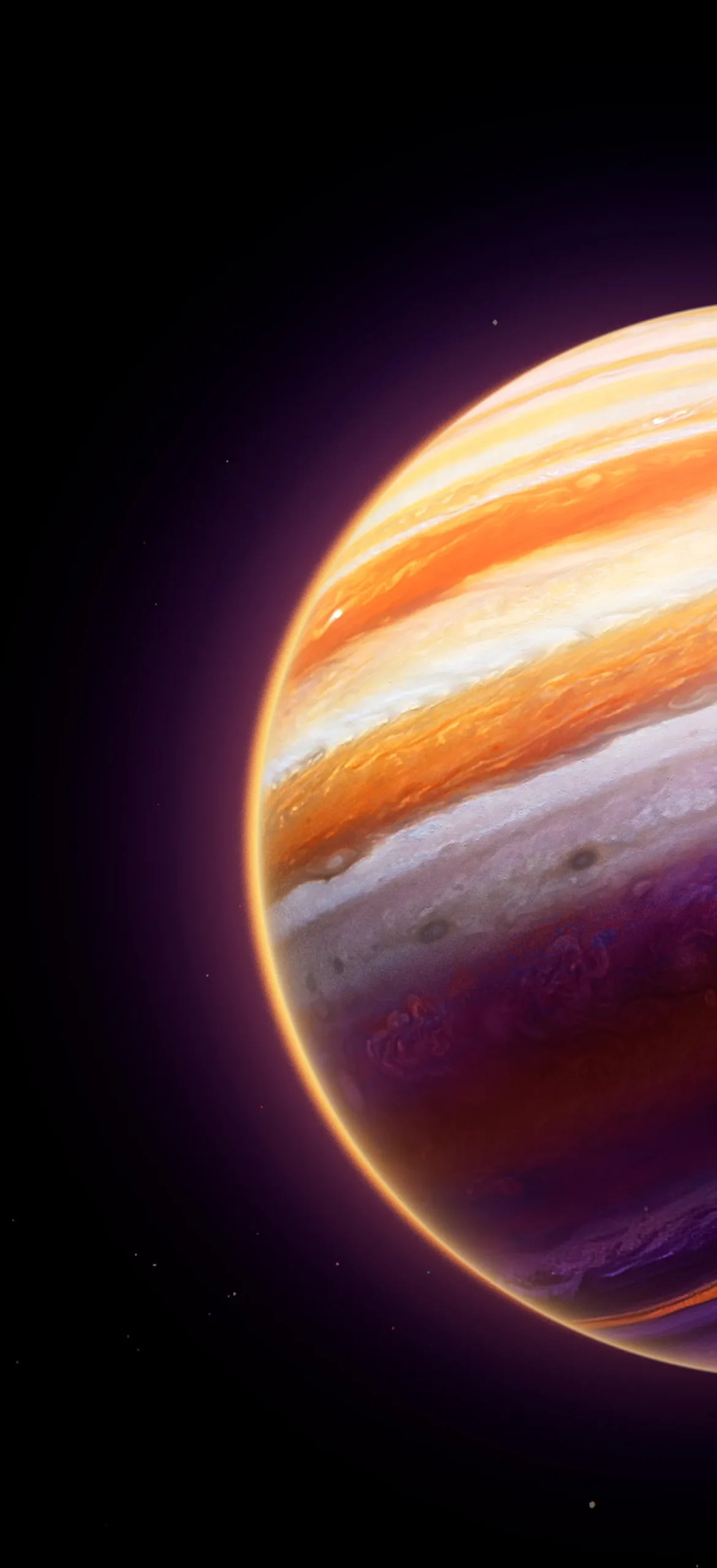
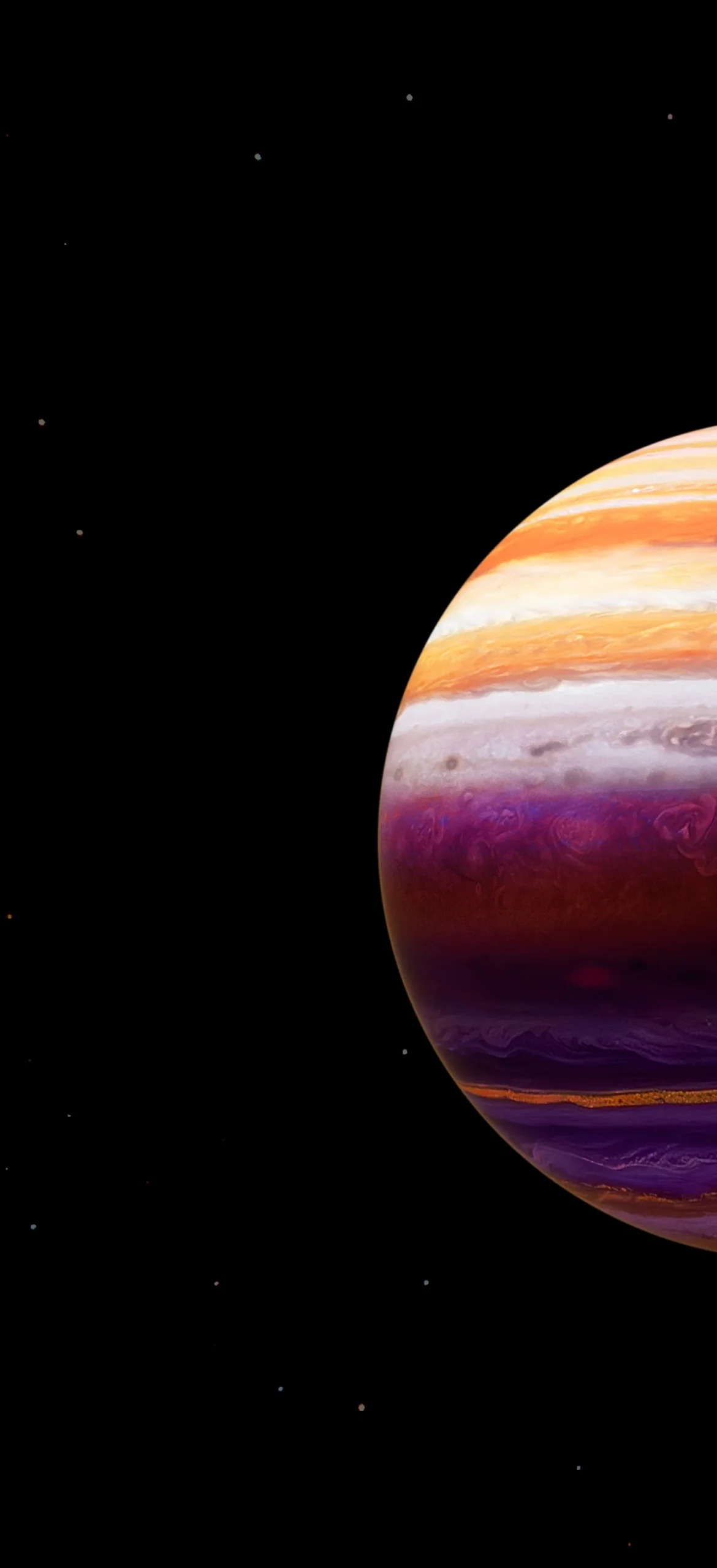
Jupiter. The bands run from orange to cream, then drift into deep purple near the bottom. There are three versions: a full sphere on black, a glowing-rim shot, and a tight crop of the cloud bands that fills the screen with swirling color.
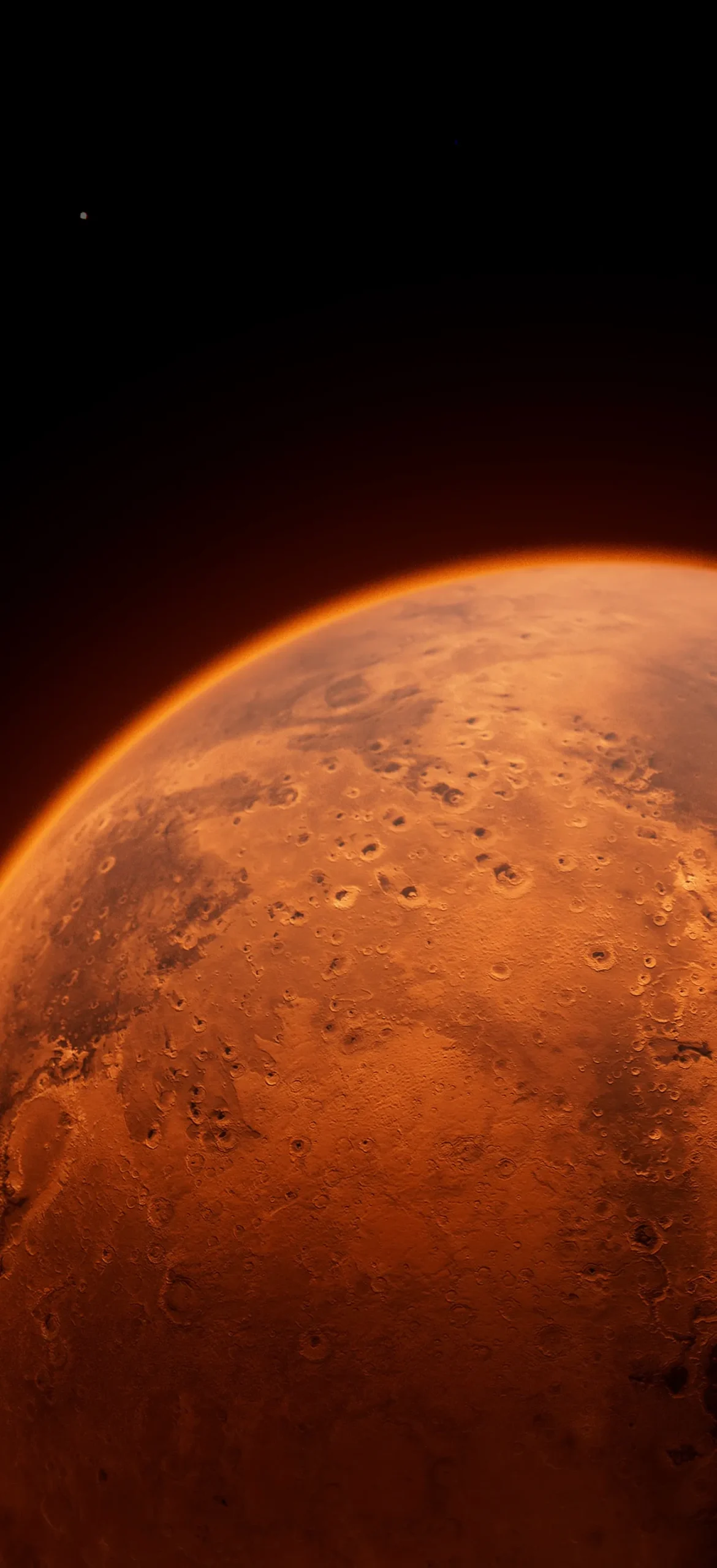
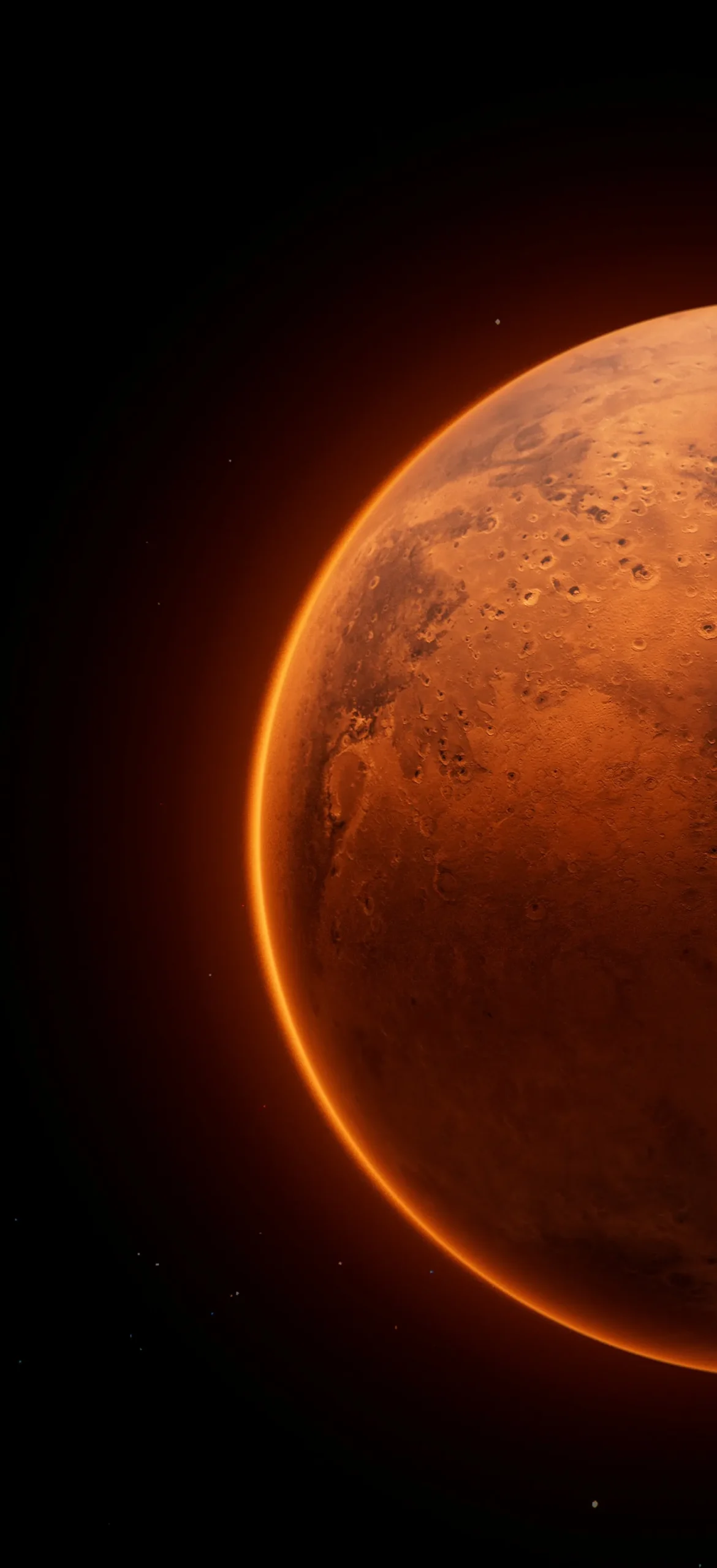
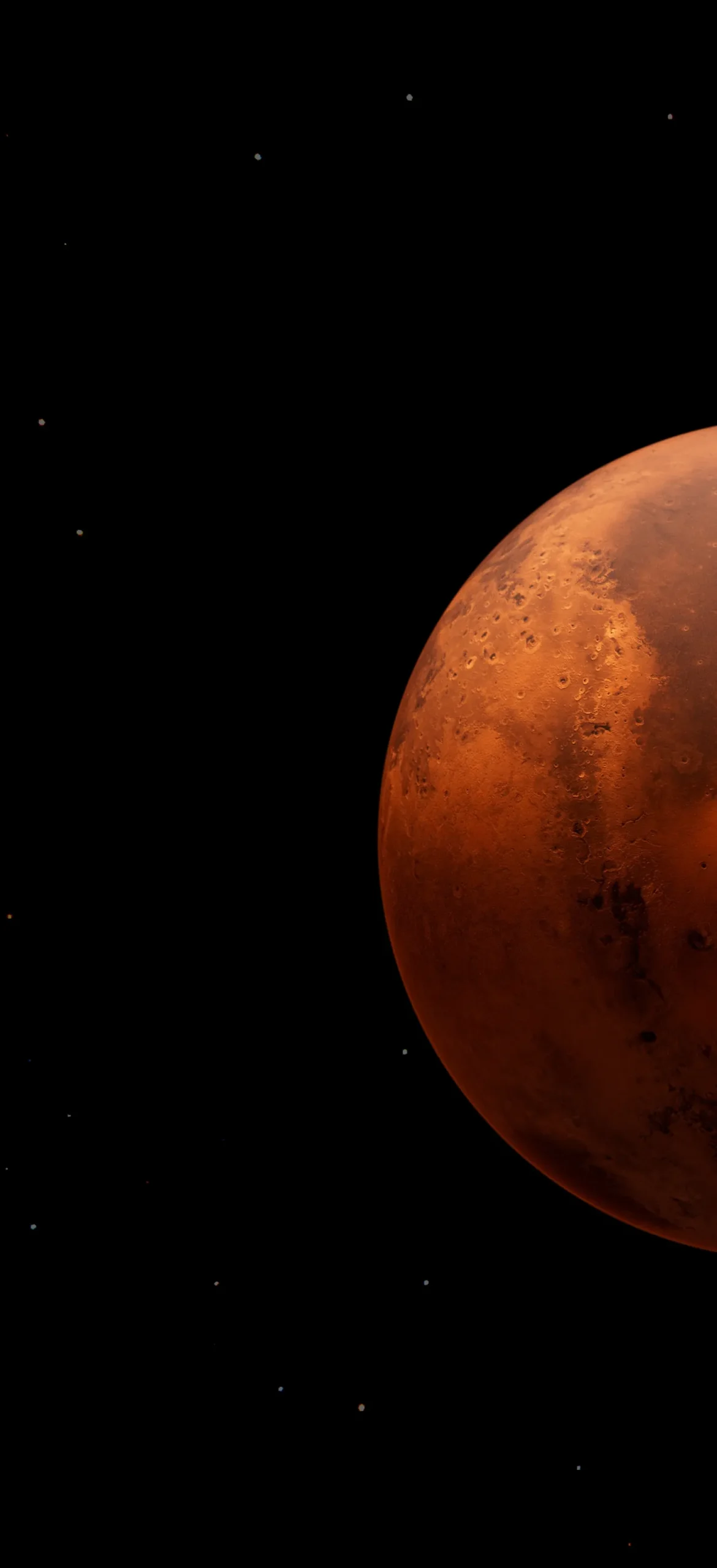
Mars. The crater-pitted rust surface comes in three versions. One is a plain right-aligned sphere on black. One has an orange halo around the edge. The third is a close-up of the surface that fills the screen.
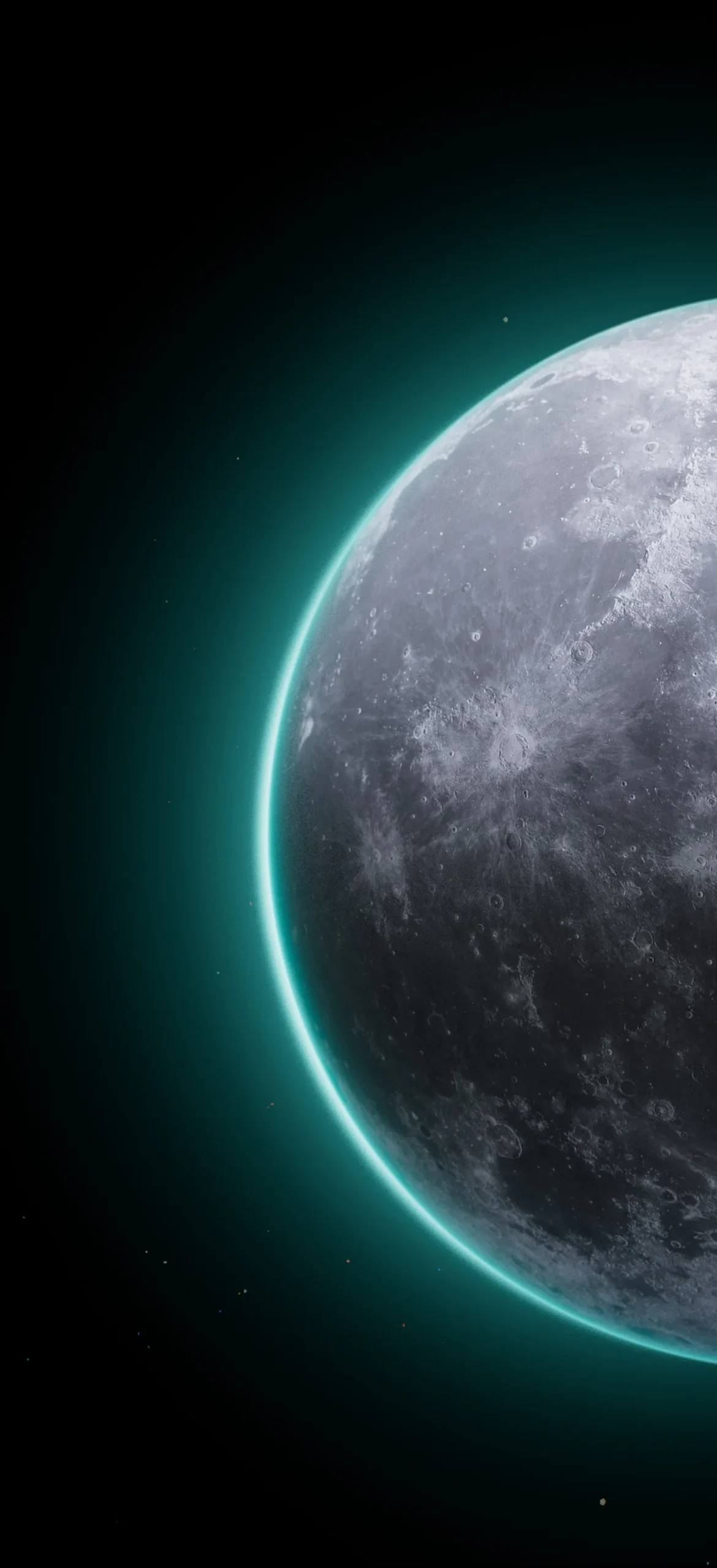
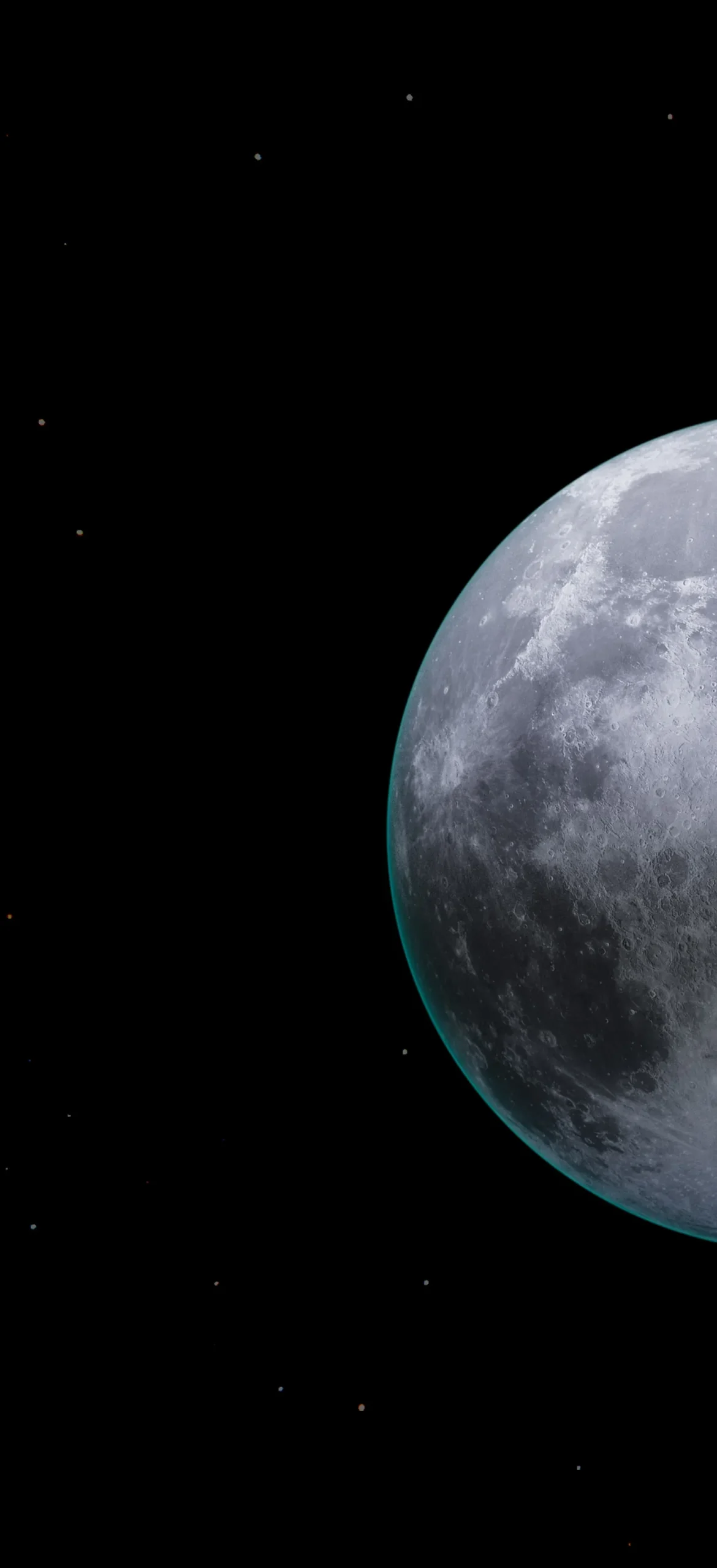
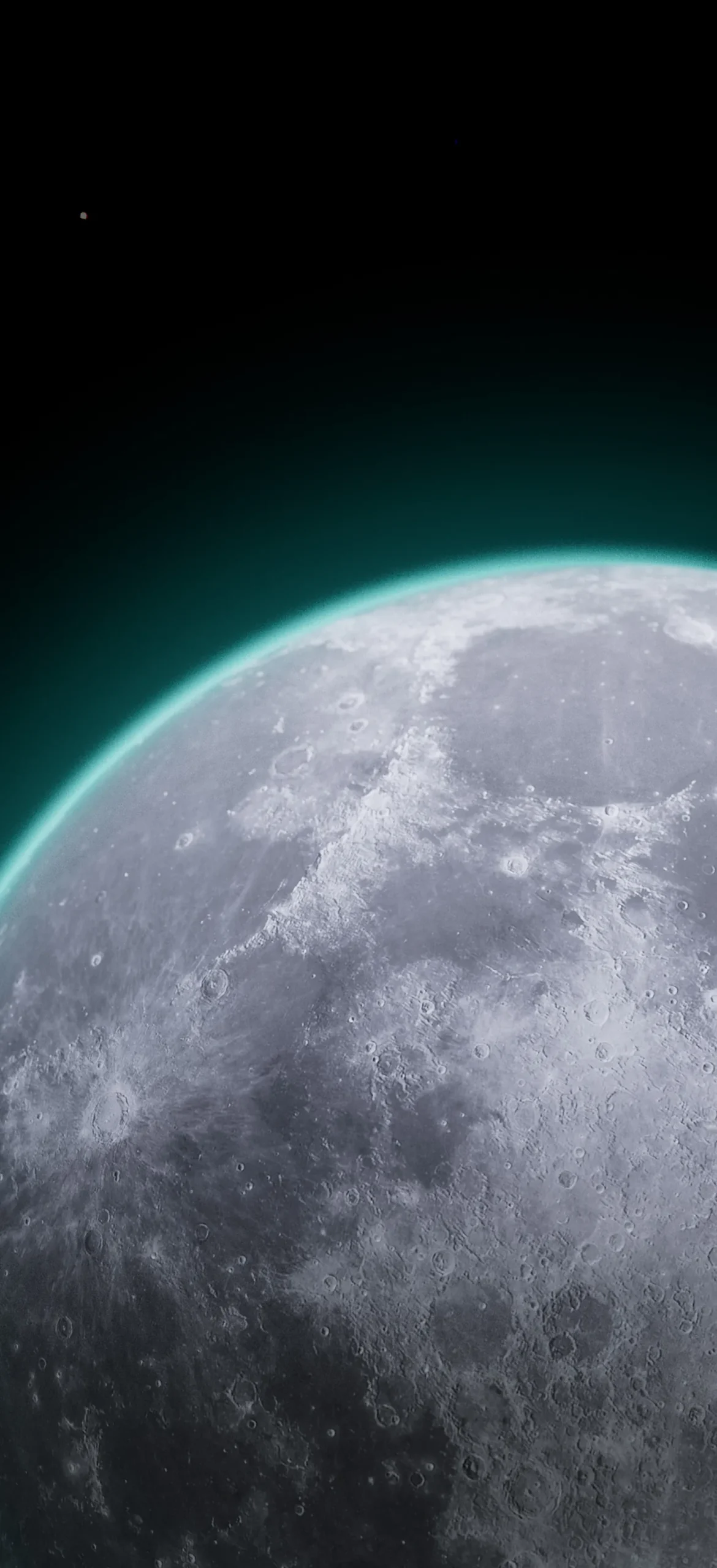
The Moon. The grey crater fields have a teal-cyan rim light, which makes this the coolest-looking set in the pack. As with Mars, there’s a sphere on black, a glowing-edge version and a horizon close-up.
Mountains from above
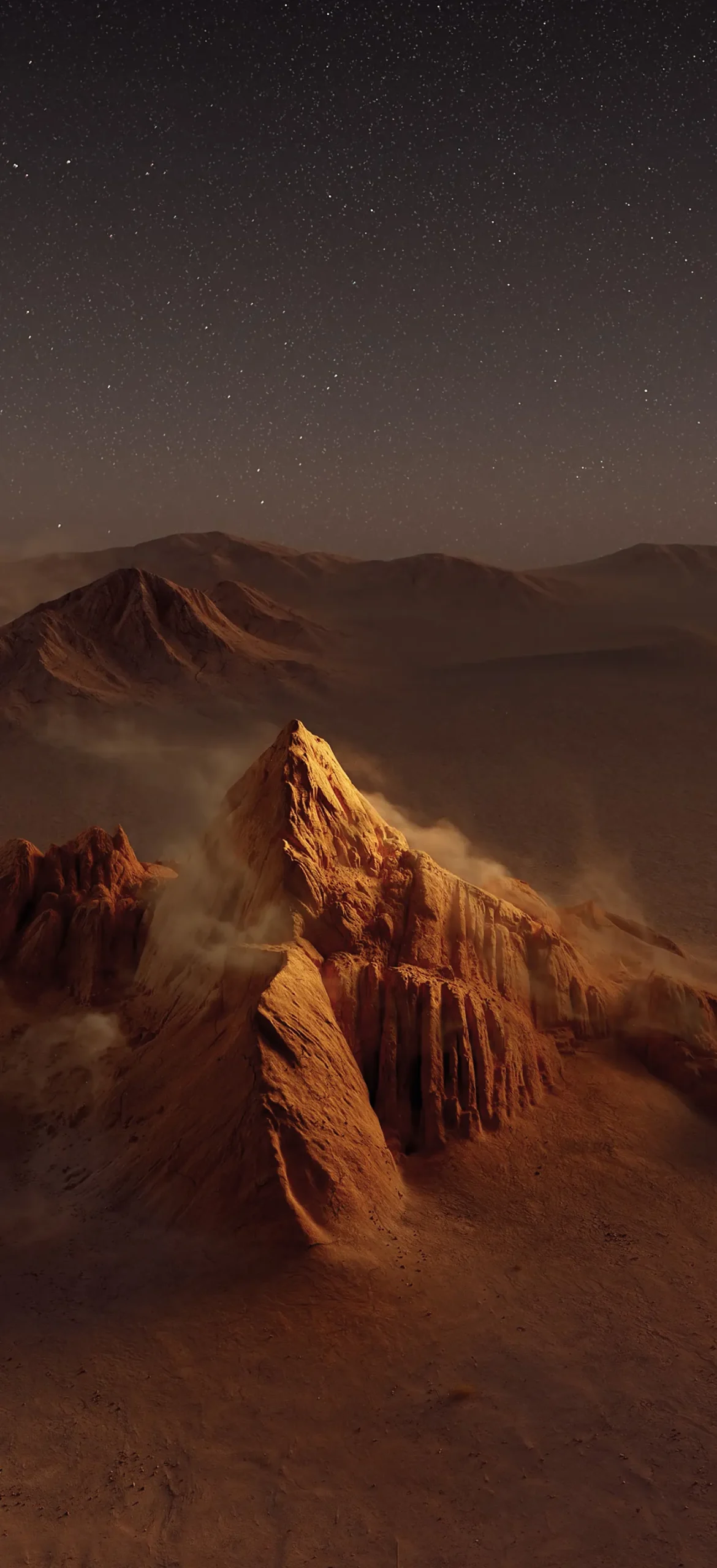
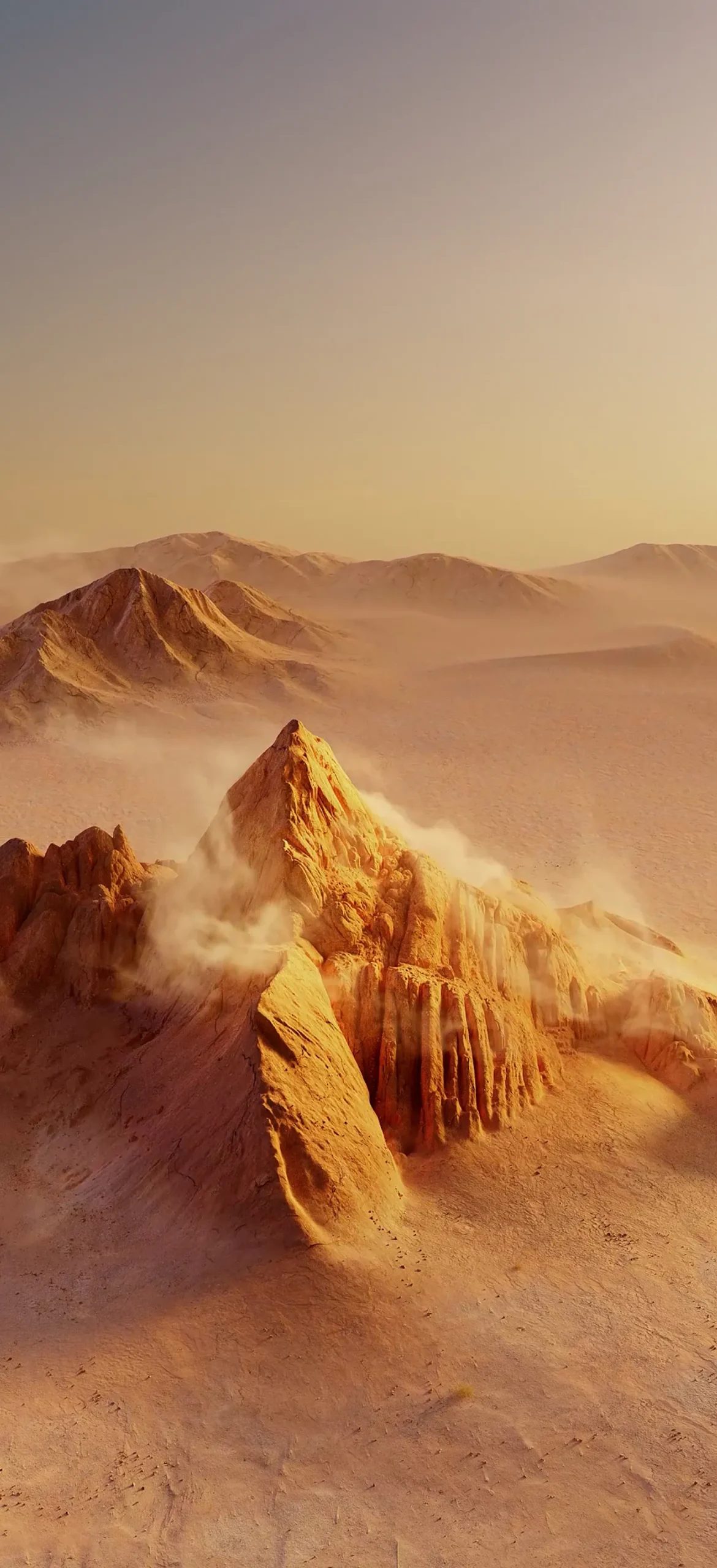
Golden desert peak. A jagged sandstone spire sits in amber haze, with dust drifting around its base. The night version keeps the same landscape under a field of stars.
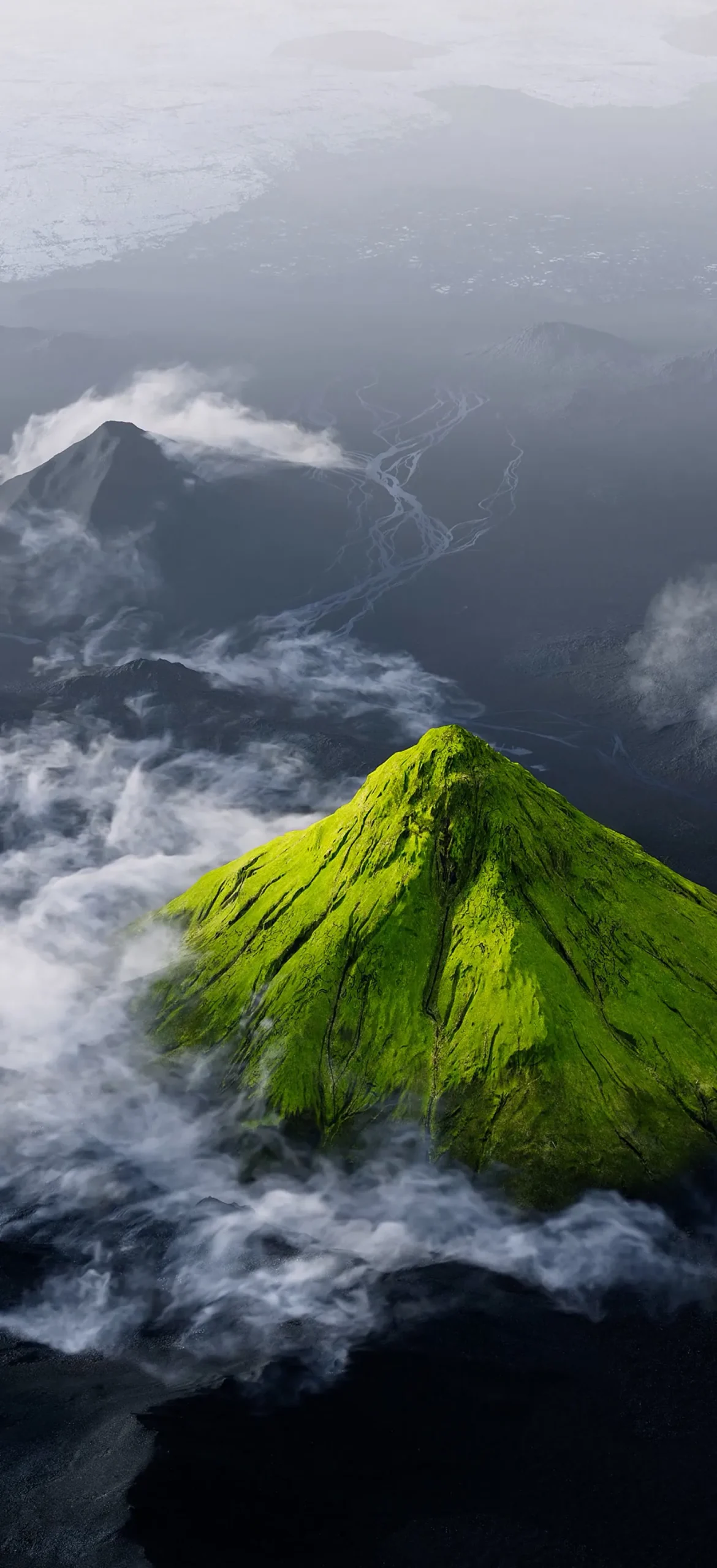
Green volcano. A bright moss-green cone rises through white cloud over black volcanic plains. Braided rivers wind across the dark ground behind it.
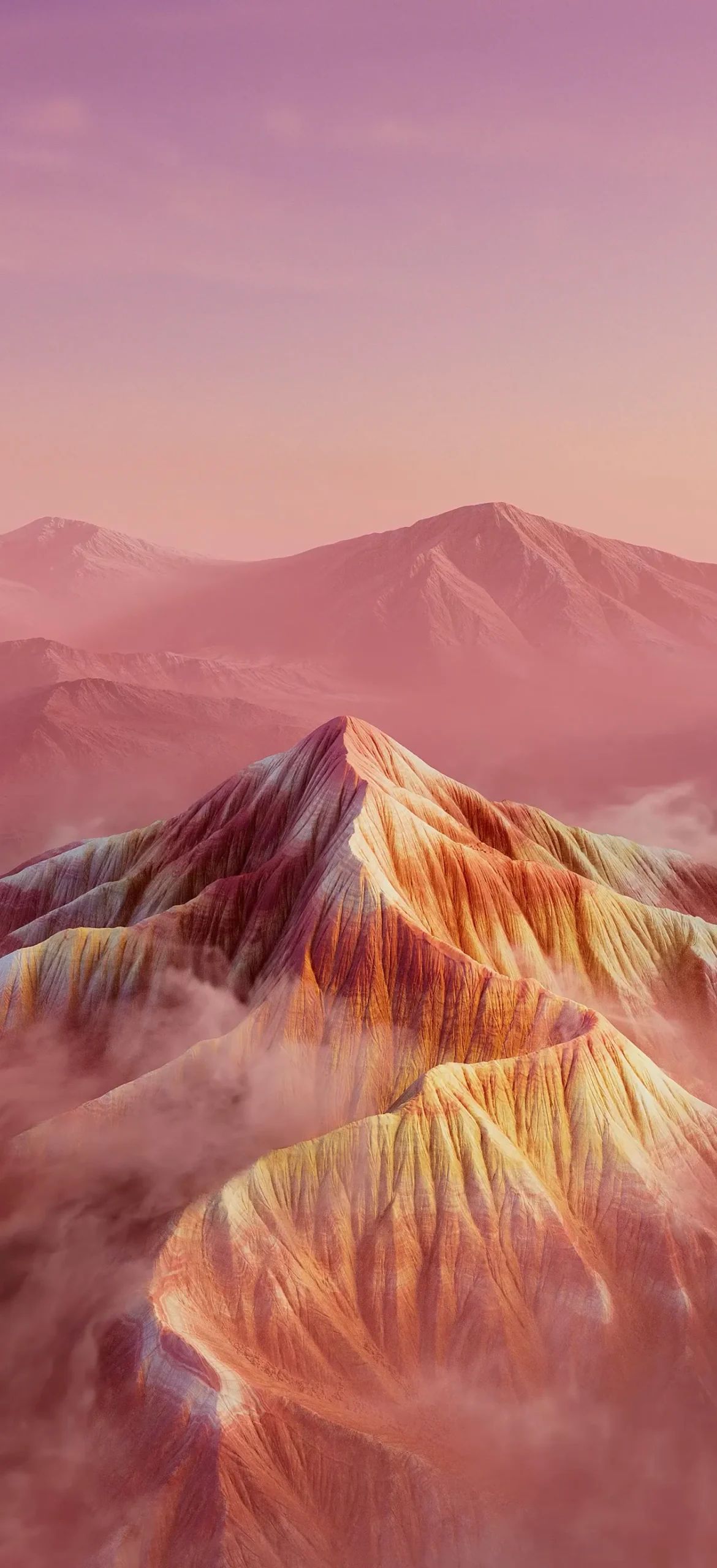
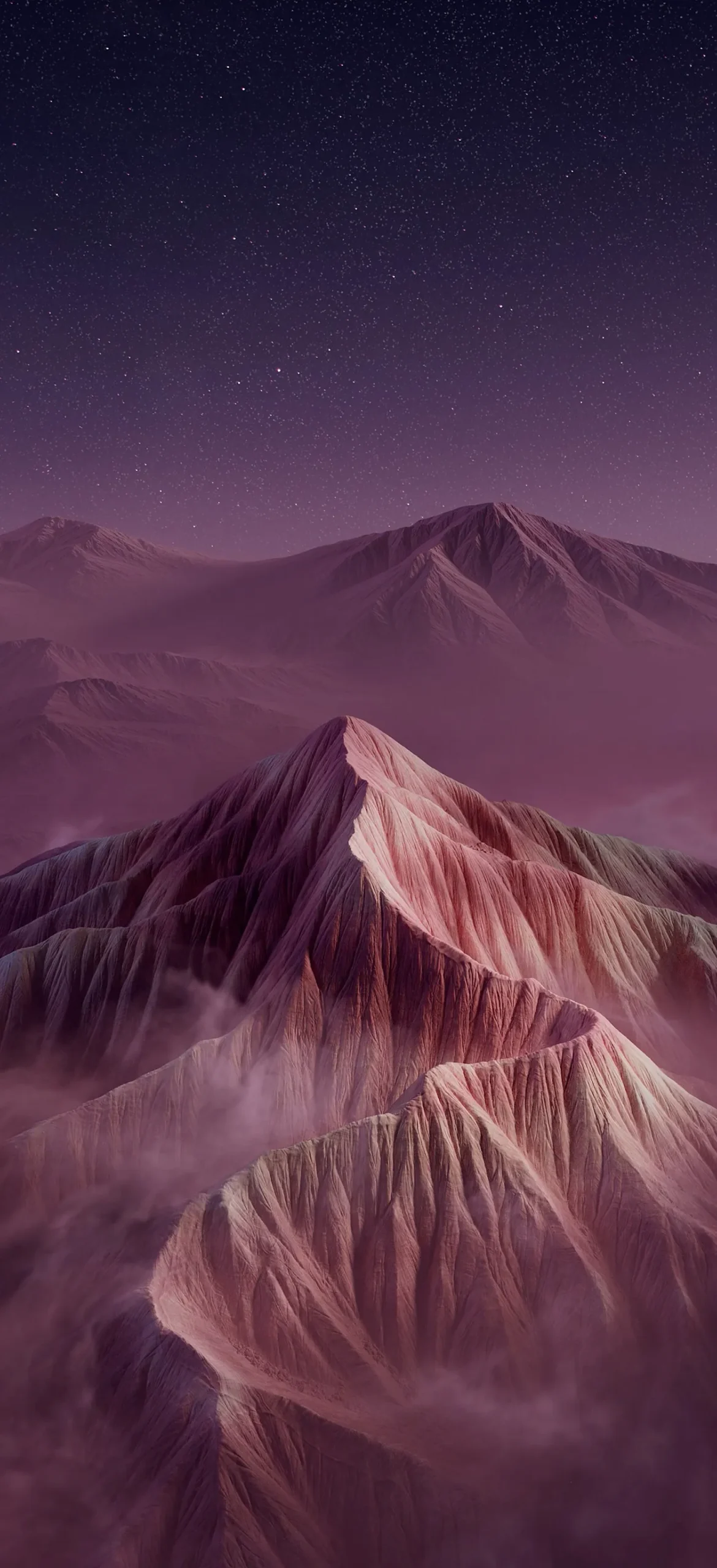
Pink rainbow mountain. Striped ridges in coral, gold and plum sit inside a pink fog. The night version turns them mauve under a purple, starry sky.
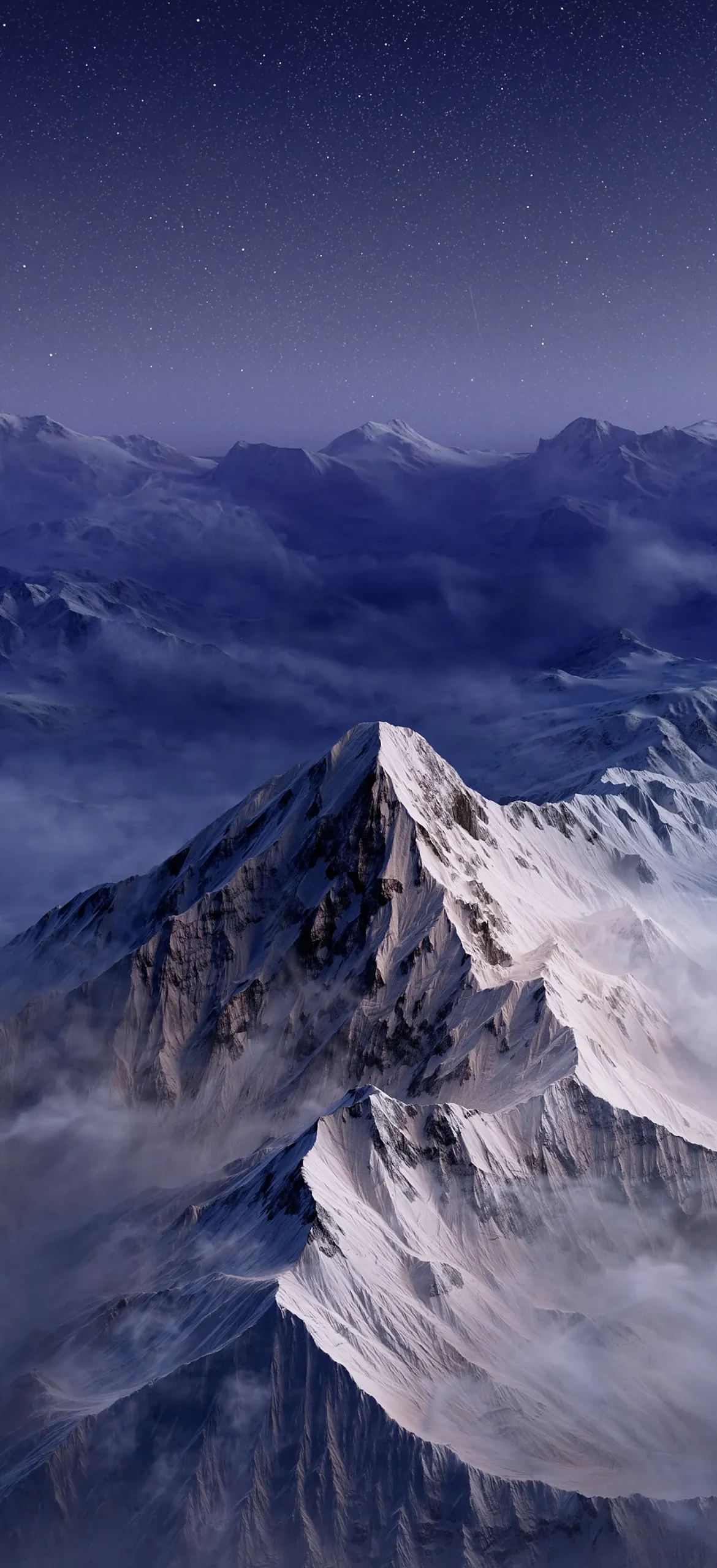
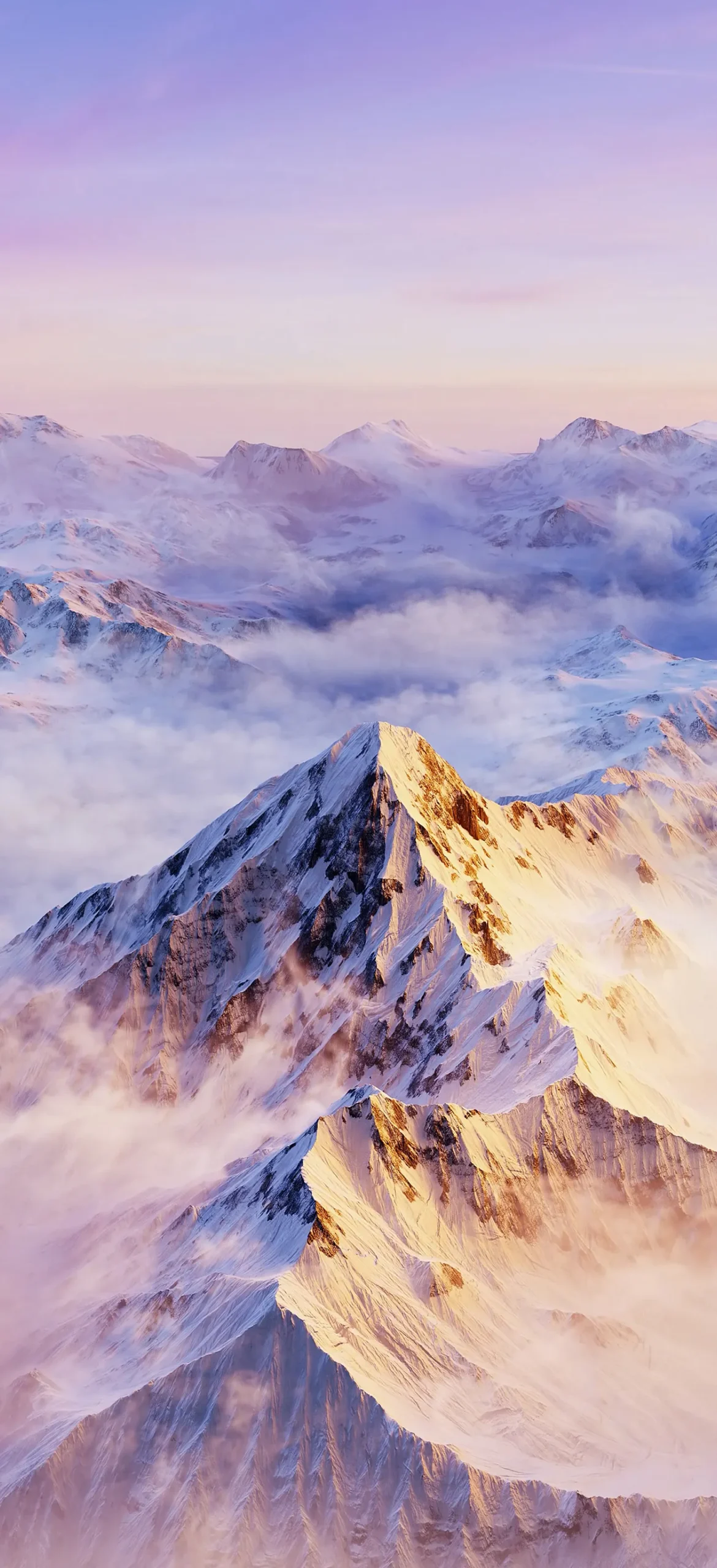
Snowy peak. Snow ridges catch warm gold light under a lavender sky. The night version turns the same scene steel blue and adds stars.
Which ones suit an iPhone
The space wallpapers are the best fit for OLED iPhones. The black background switches the pixels off, so the planet seems to float on the screen. The right-aligned planets also leave the left side open for your clock and widgets. The mountain scenes are brighter and more detailed. They work better on the home screen, or on a lock screen if you move the peak below the clock.
Setting one up
Save the image to Photos, then go to Settings, Wallpaper, Add New Wallpaper. Pinch to position the subject so it clears the clock. For the night mountains, a white clock font looks best. For the golden desert and the snowy peak in daylight, a darker font reads more clearly.