Tesla Roadster iPhone Wallpapers 4K | Electric Supercar HD Backgrounds
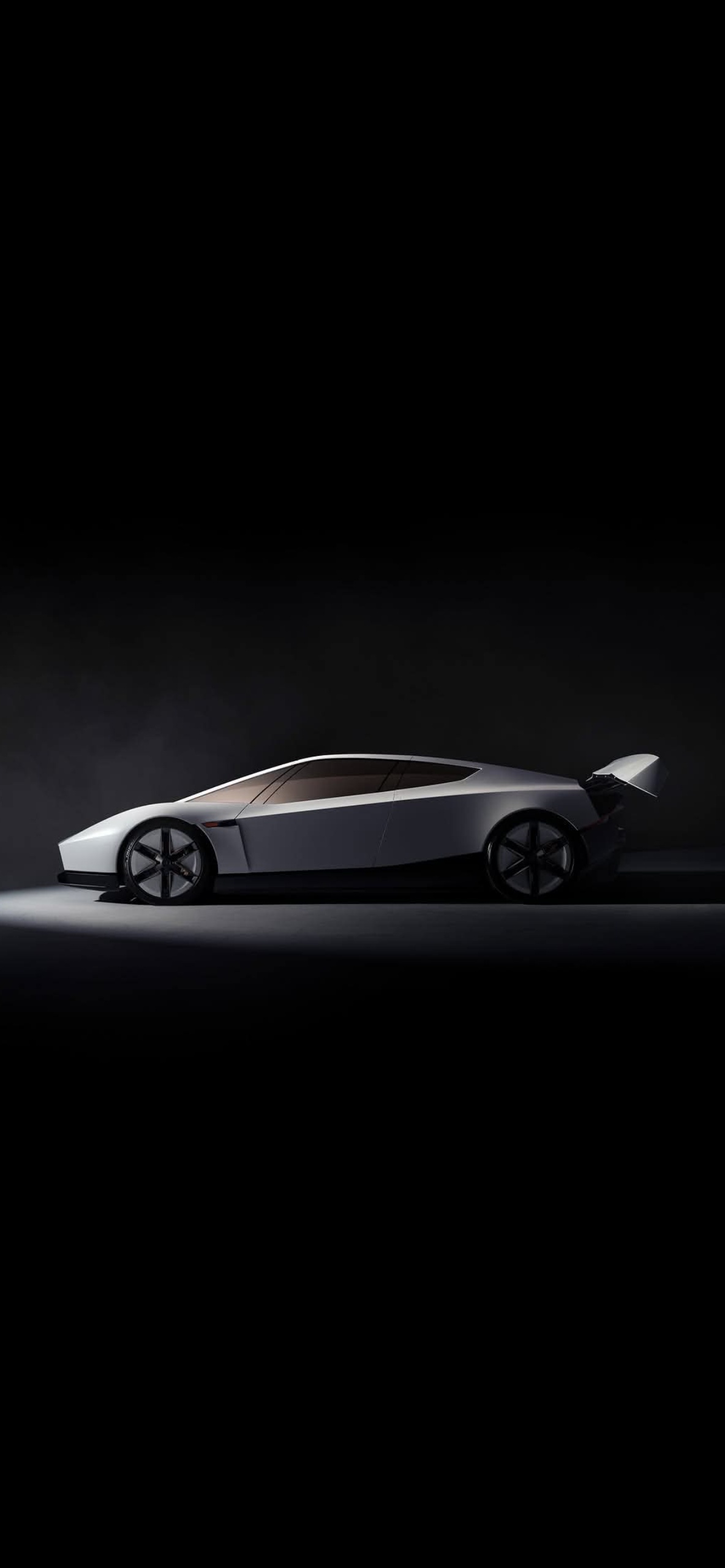
Studio lighting does a lot of work in car photography, and this set uses it well. Each frame shows the Tesla Roadster as a pale, wedge-shaped silhouette against nearly pure black, with a single pool of light on the floor and the car itself catching only a few highlights. The result is a set of Tesla Roadster iPhone wallpapers that feels more like a gallery print than a spec sheet.
What’s in the pack
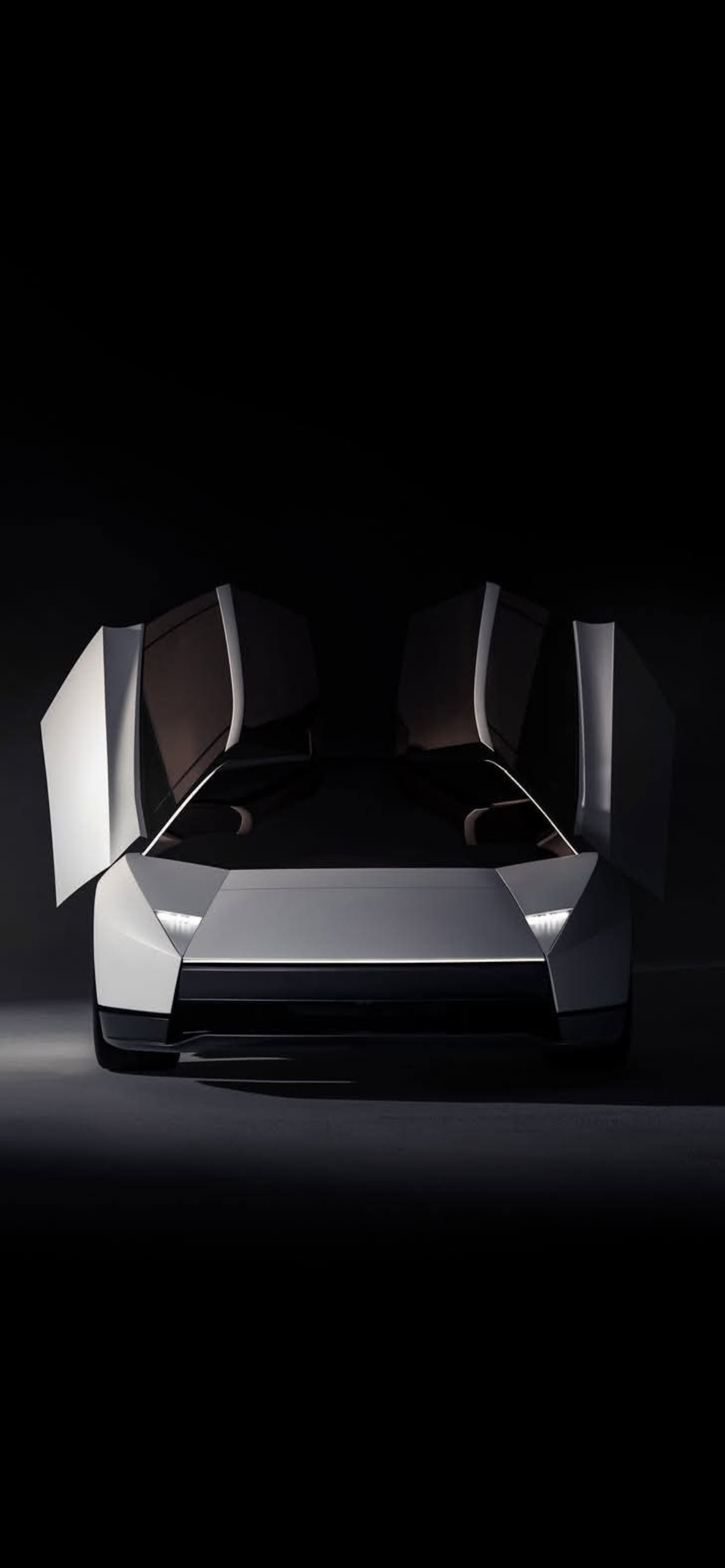
Front view, doors up. The car faces you with both gullwing doors raised like wings. The thin white light bar across the nose and the slim headlamps are the only bright details, so the sharp, folded bodywork reads clearly.
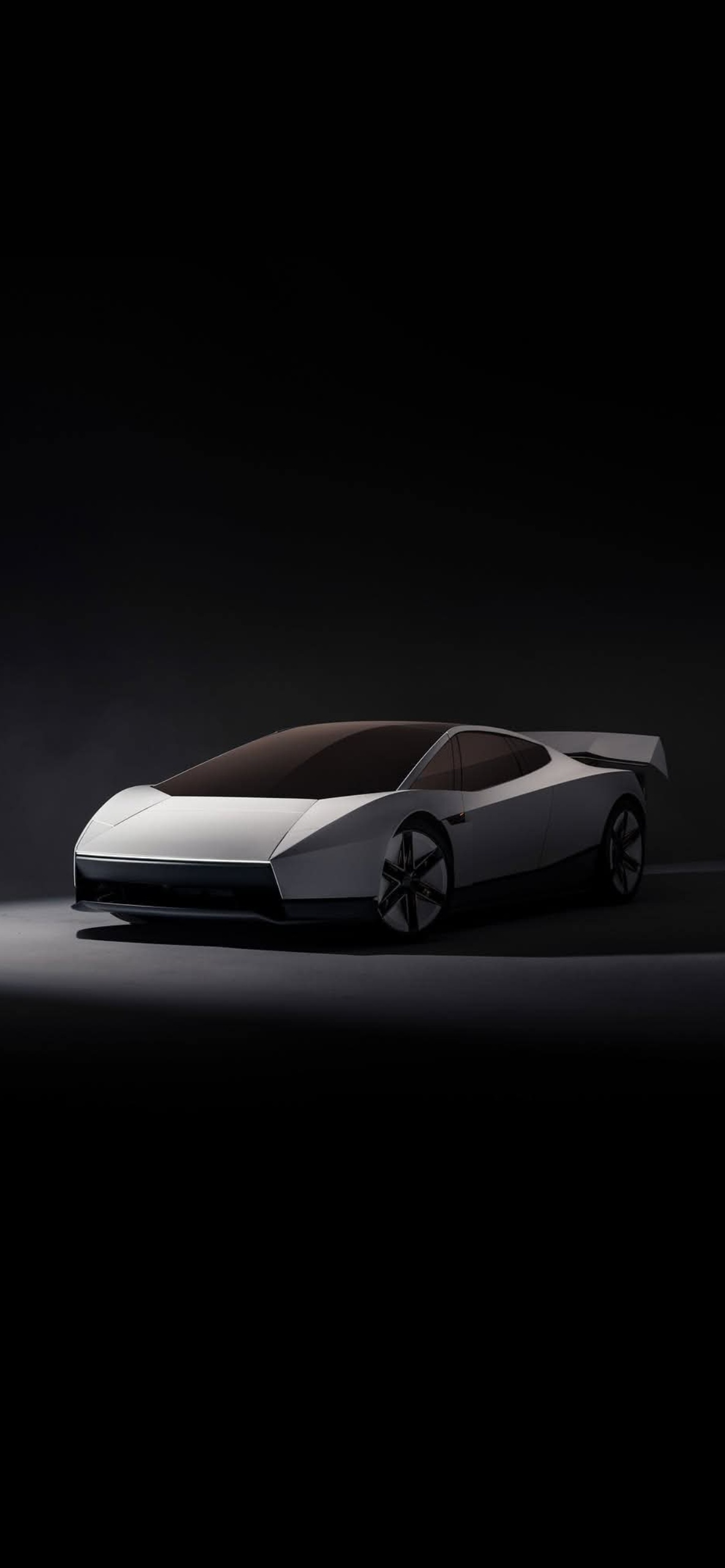
Three-quarter front. A lower, wider angle that shows the long windshield, the dark glass roof and the five-spoke turbine wheels. The light spill on the left makes the nose glow.
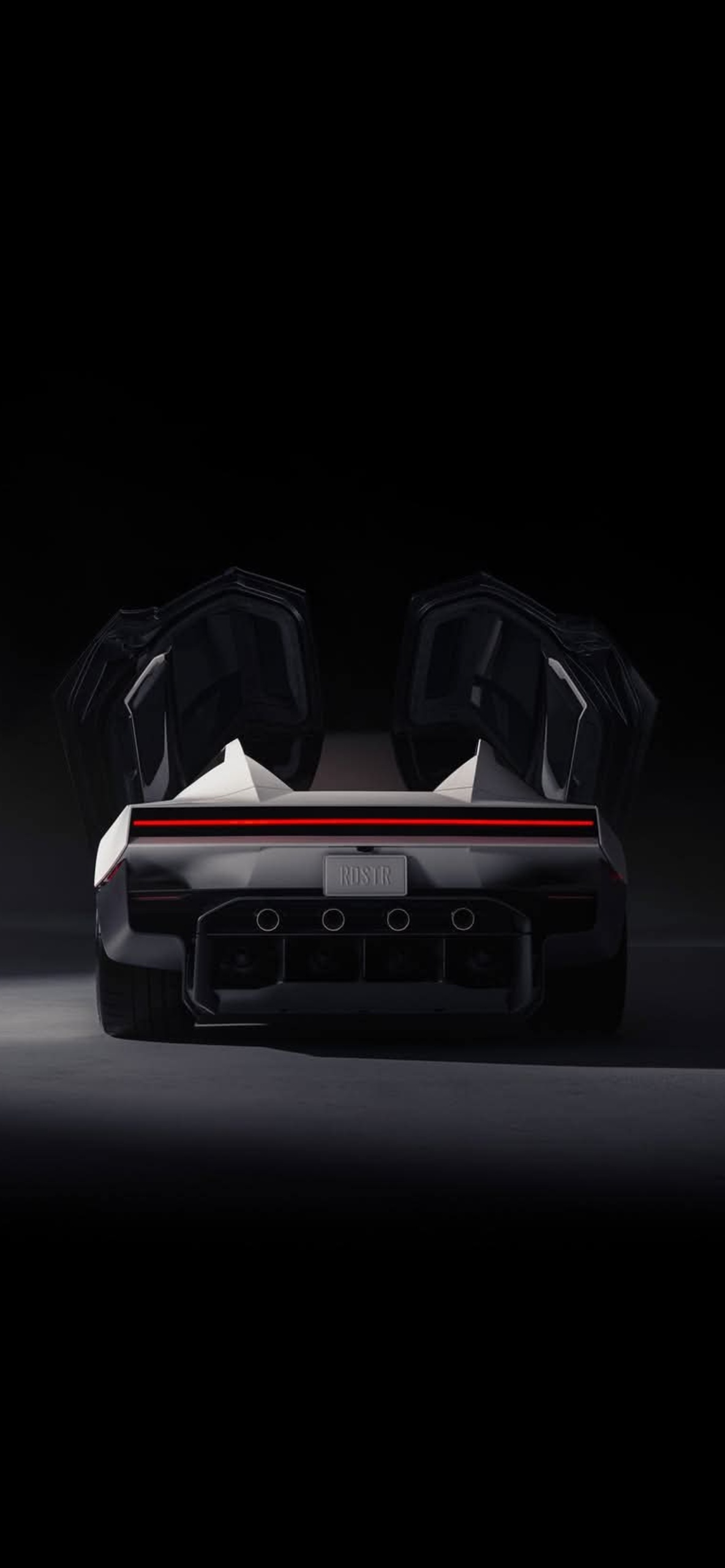
Rear with doors open. From behind, the raised doors frame the cabin and a thin red tail light runs the full width of the car. The plate reads RDSTR, and four round exhaust-style outlets sit in the diffuser.
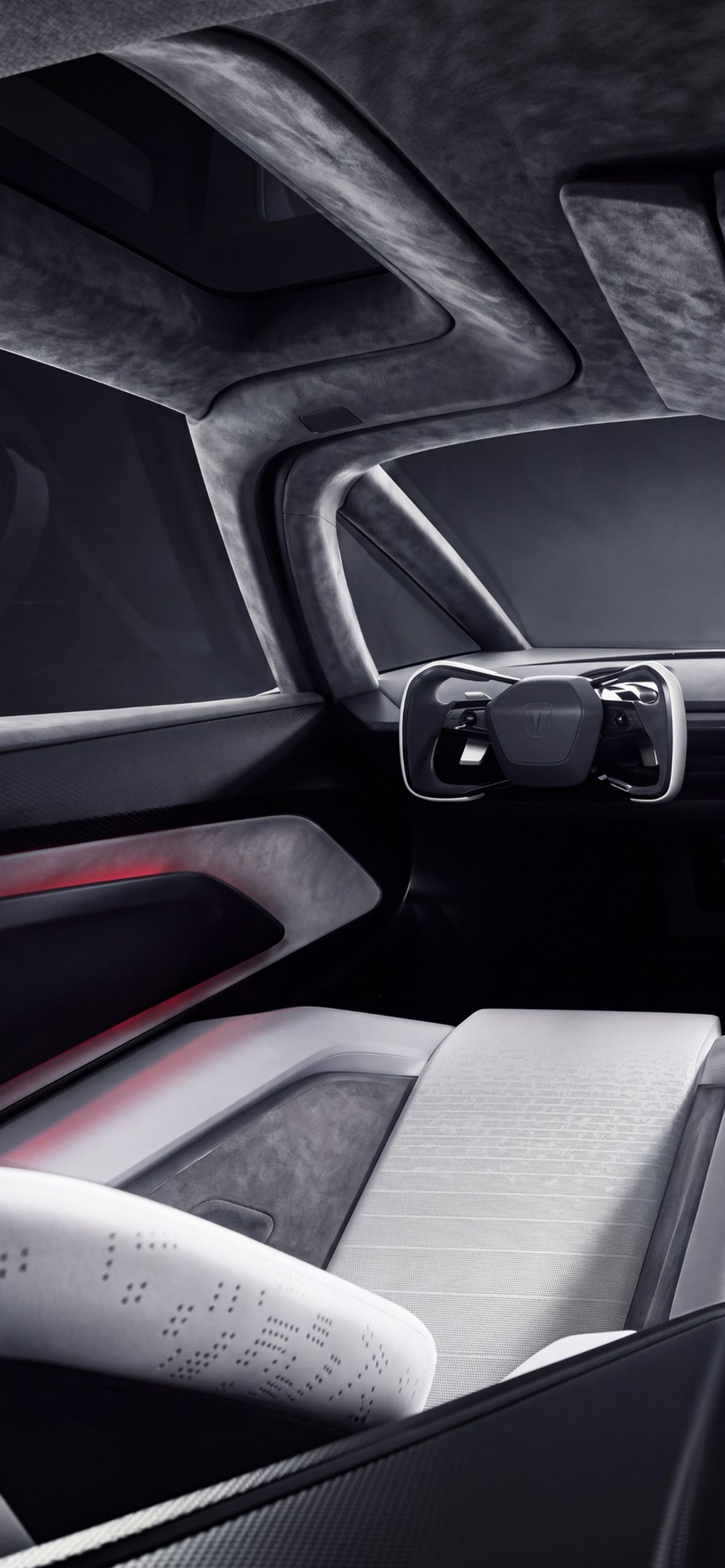
Cabin shot. The only interior image. Grey suede-like trim, a yoke-style steering wheel, perforated pale seats and a soft red glow along the door panel. It’s busier than the rest, but the muted palette keeps it calm.
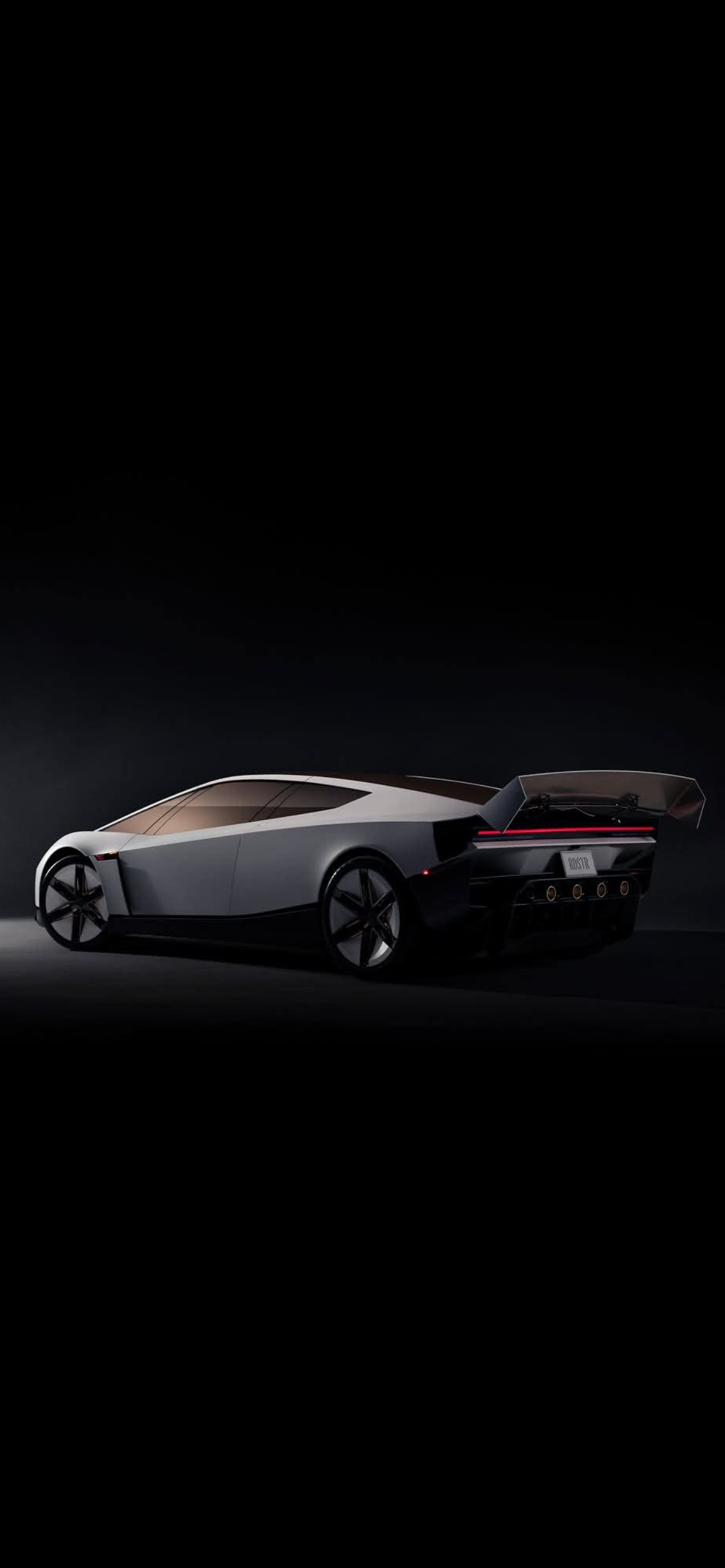
Rear three-quarter. The car’s profile with the large rear wing, tinted glass and glowing tail light bar. The dark floor swallows the lower half of the frame.
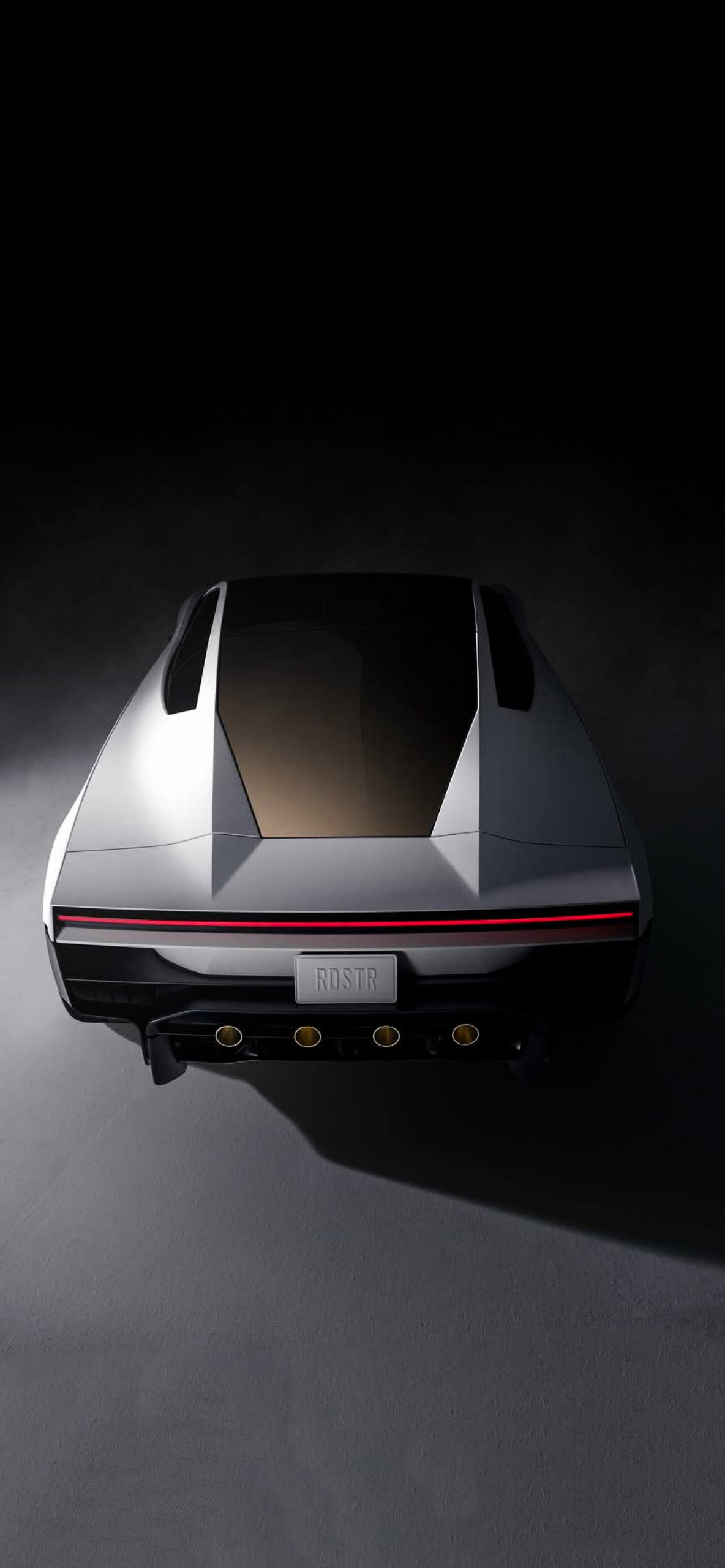
Top-down rear. A high angle that shows the roof panel, the twin ducts beside it and the plate, with a long shadow cast across the floor.
Side profile. A clean silhouette that emphasises how low and flat the car sits.
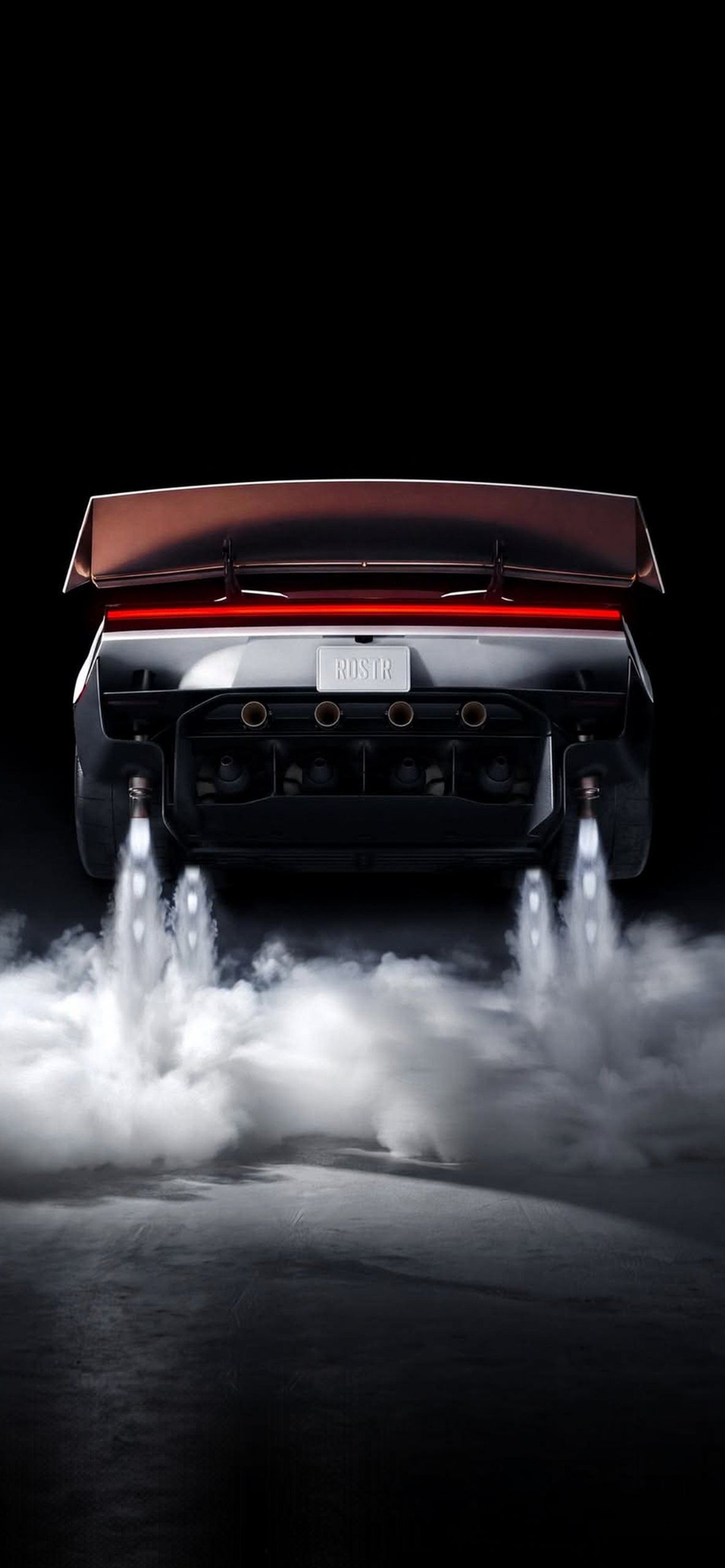
Thrusters and smoke. The most dramatic file. White jets and thick smoke burst from the rear, lit from behind and framed under the big wing. It’s loud next to the others, and it works well as a lock screen.
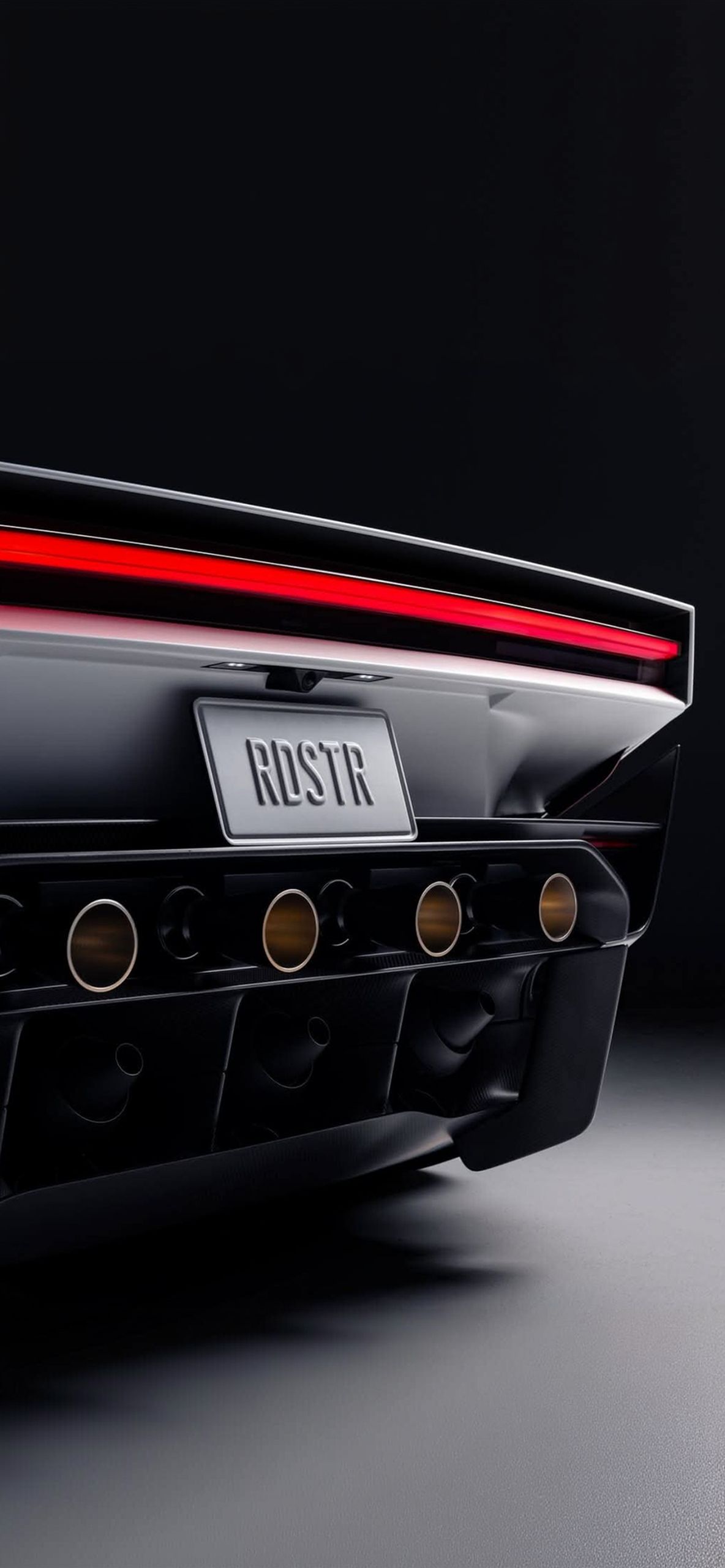
Close-up of the tail. A tight crop of the light bar, the RDSTR plate and the gold-tinted outlets. It’s the best pick if you like abstract detail over the whole car.
Using them on your iPhone
Most of these files have a large empty black area across the top third, which is exactly where the clock and date sit on an iPhone. On OLED models those black pixels turn off completely, so the car appears to float in the dark and the screen uses a little less power. The side profile and three-quarter shots leave especially clean space for widgets underneath.
Quick setup
Save the image to Photos, open Settings, tap Wallpaper, then Add New Wallpaper. Pick your favourite and drag it so the car sits in the lower half of the screen, below the clock. Choose a thin white or light grey clock font so the numbers match the car’s pale bodywork. For a set, try switching between the rear shots and the side profile each week.
Related posts:

Matte Black Porsche 911 GT3 RS iPhone Wallpaper | Red 4K Background

Porsche 911 iPhone Wallpapers 4K | High-Res iOS Lock Screens
Epic Lamborghini Lock Screen Wallpapers for iPhone (iOS Depth Effect Ready)
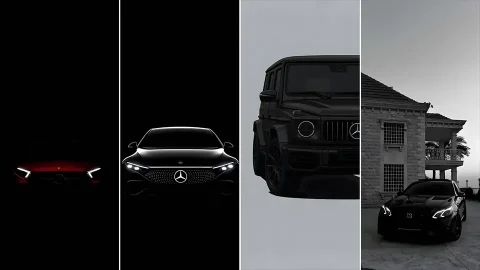
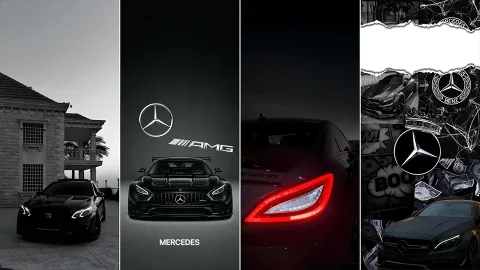
20+ Blacked-Out Mercedes & AMG HD Wallpapers for iPhone [OLED & 4K]
4K Mercedes-Benz iPhone Wallpapers | AMG & Dark OLED Backgrounds