
OriginOS 7 Wallpapers 4K | Download Official Vivo & iQOO Backgrounds
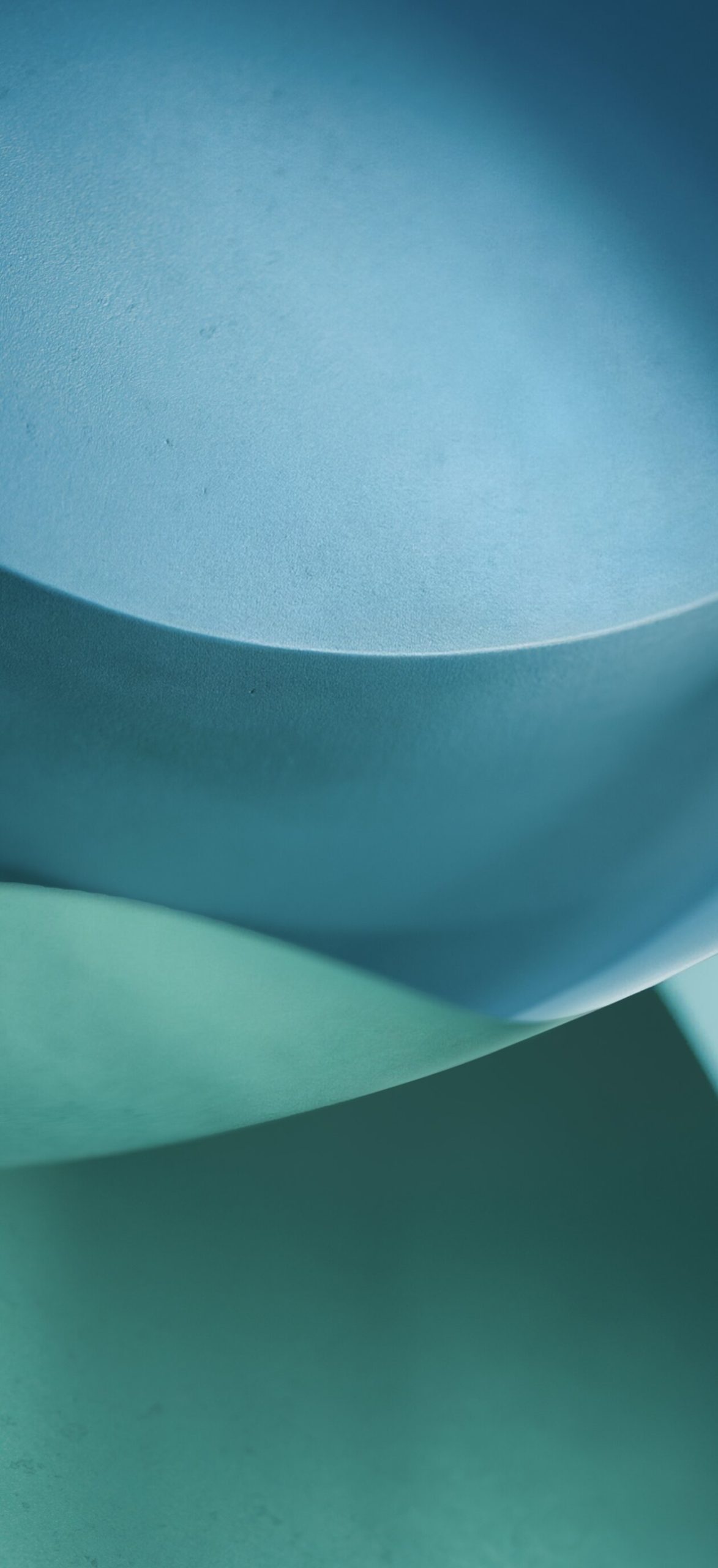
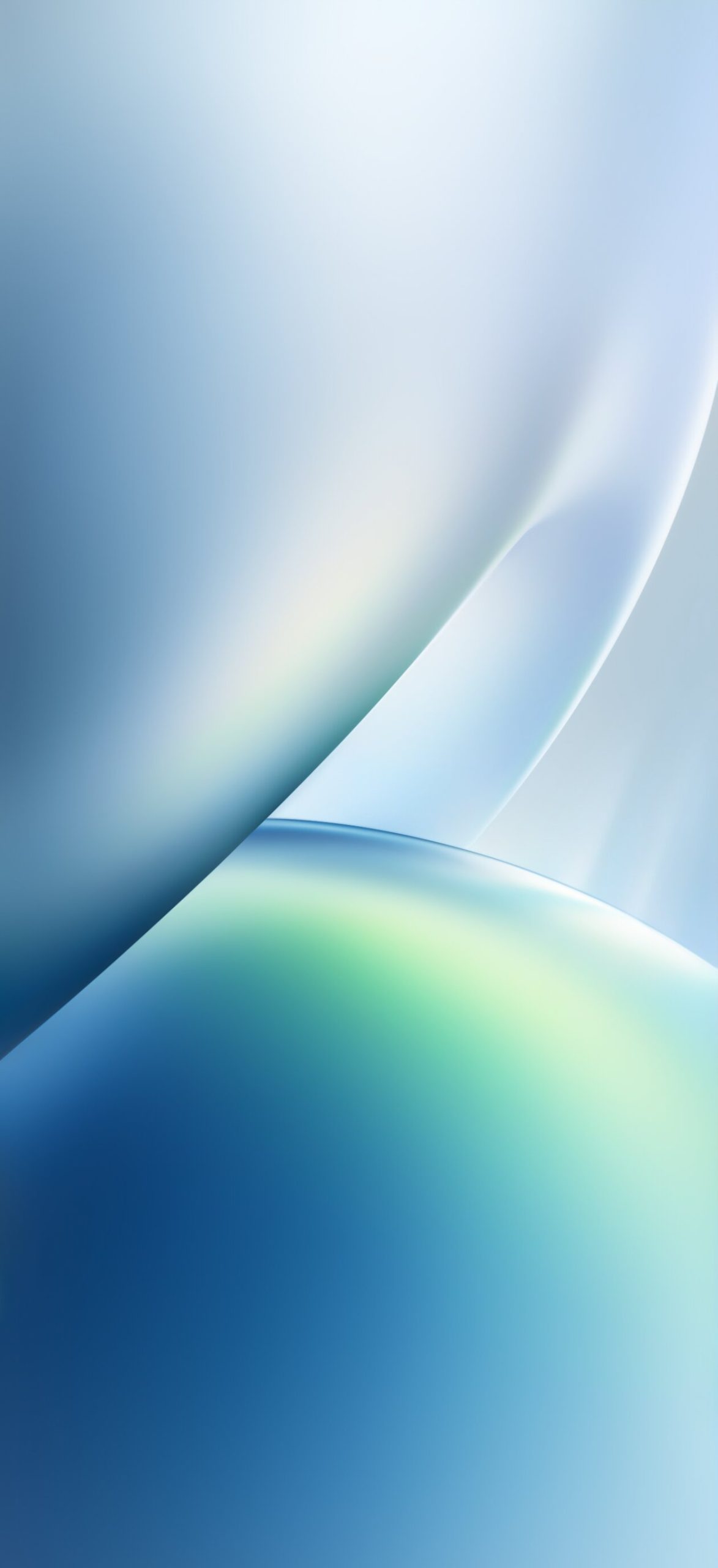
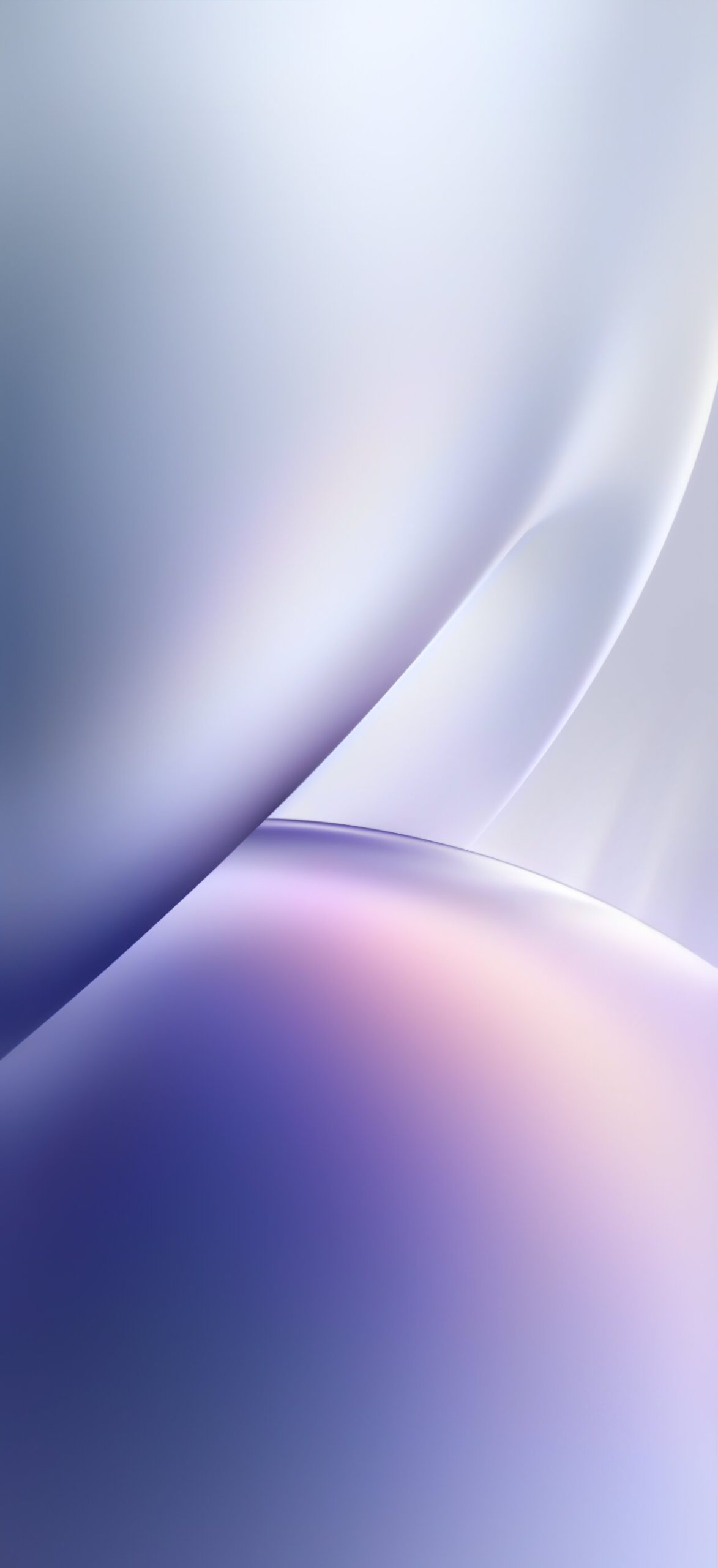
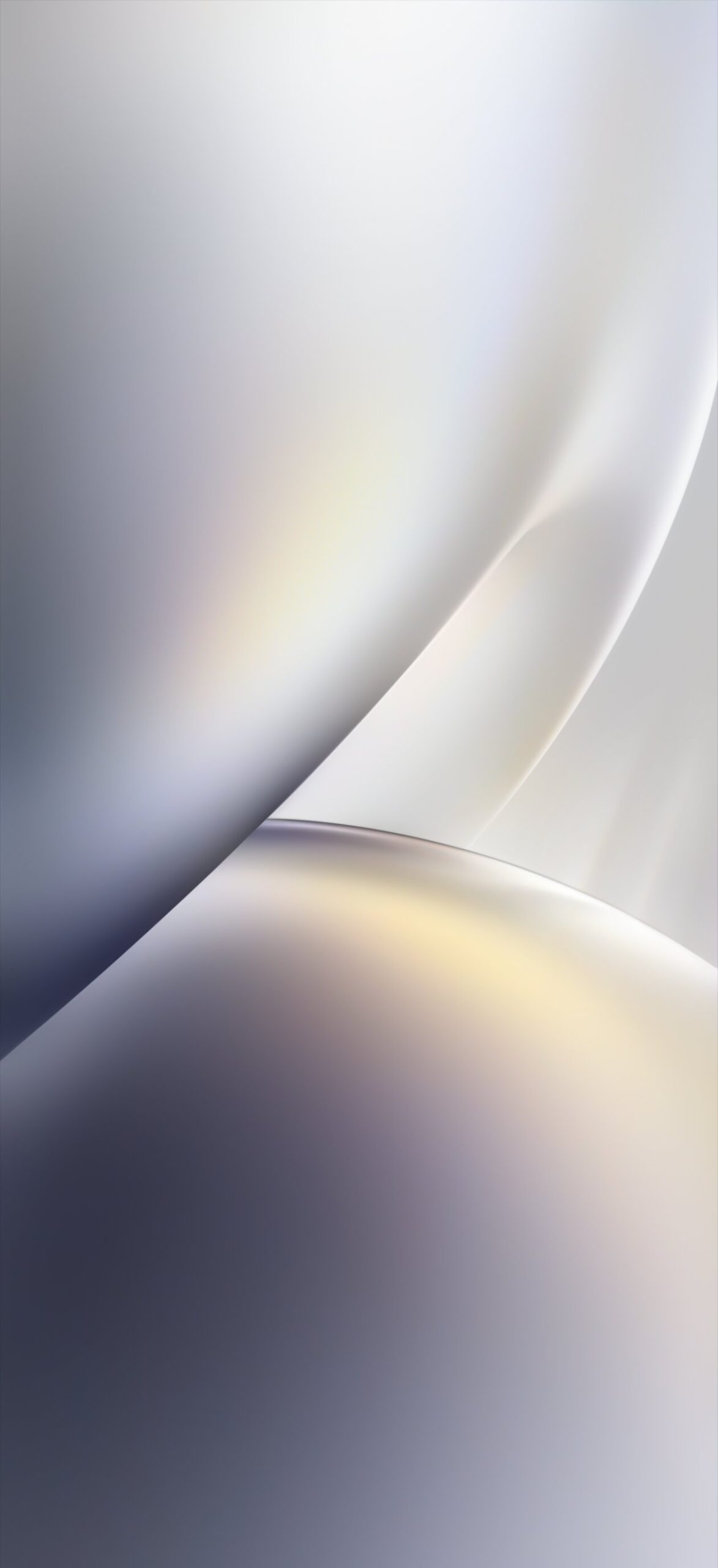
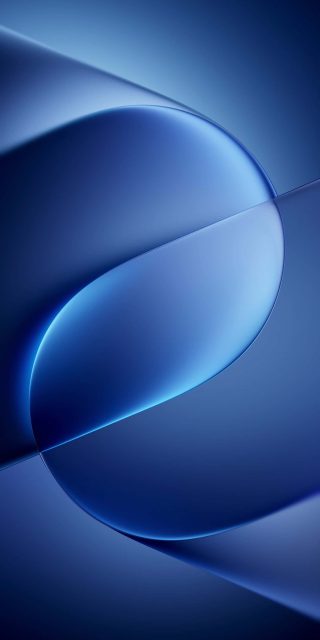
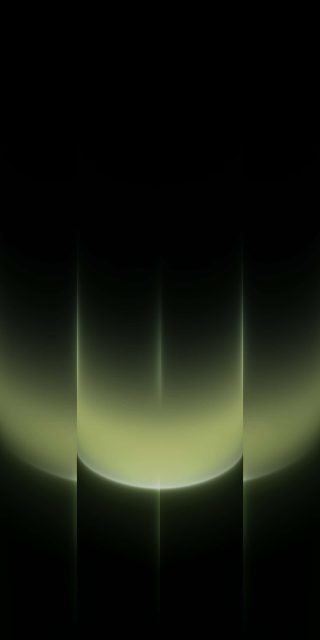
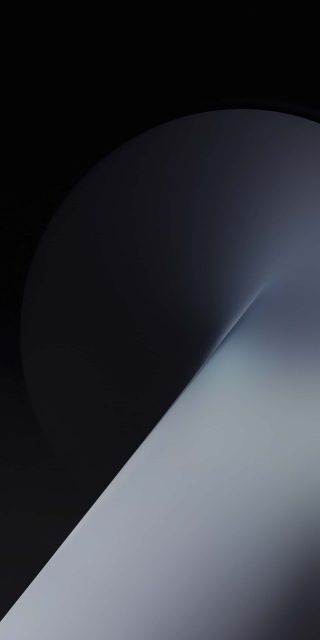
Vivo’s OriginOS has always leaned into soft, tactile visual design, and OriginOS 7 continues that tradition with one of its most varied wallpaper sets yet. This collection of 20 official OriginOS 7 wallpapers spans glossy abstract orbs, minimalist geometric blocks, smooth gradient curves, and detailed macro florals, all rendered in full 4K for Vivo and iQOO devices.
What’s Included in the Collection
1. Glossy Abstract Spheres A series of smooth, light-catching orb wallpapers in blue-green, lavender, silver, gold, and deep blue tones, each with a soft studio-lighting feel.
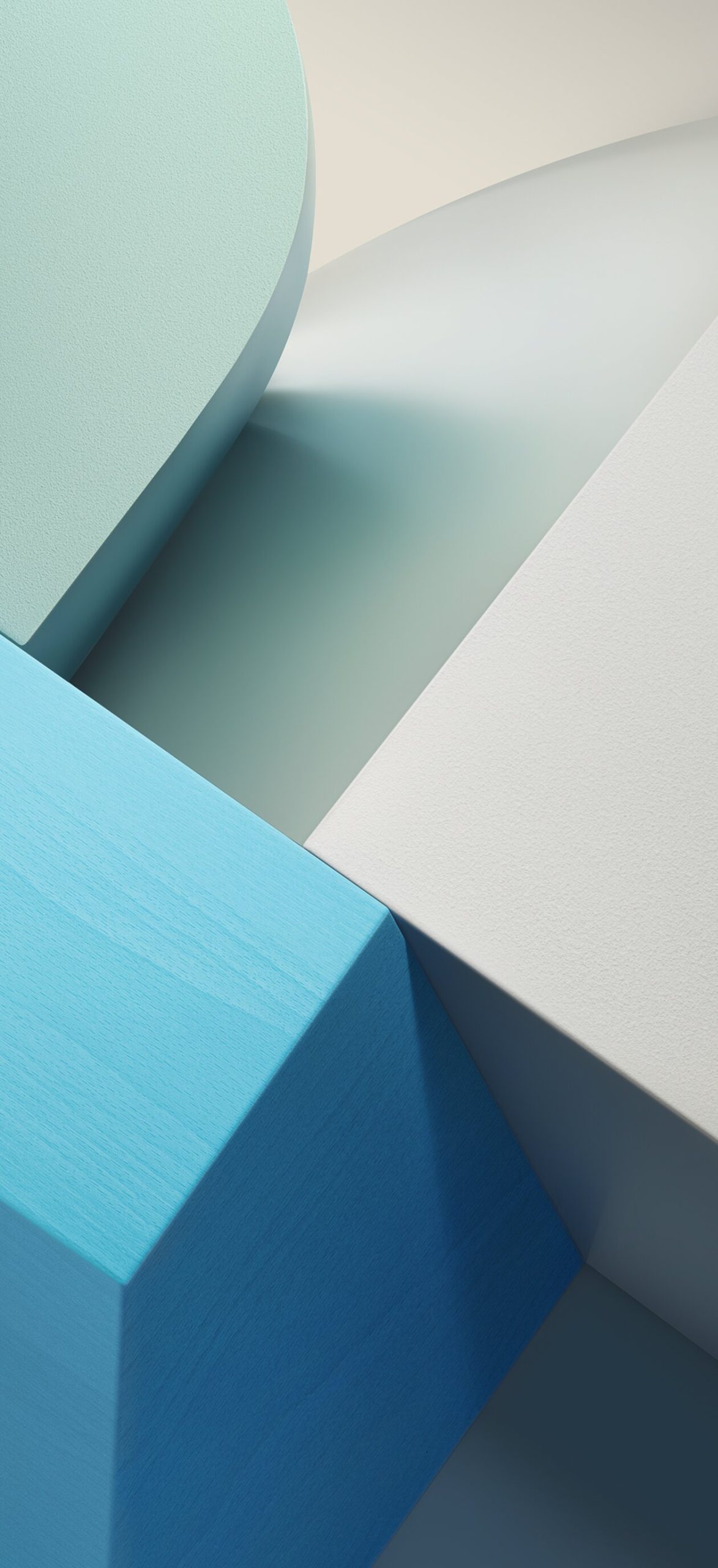
2. Geometric Block Compositions Bold, minimalist 3D block arrangements in yellow-orange, warm wood tones, and teal-blue, giving off a clean, architectural aesthetic.
3. Gradient Curve Wallpapers Sweeping, ribbon-like gradients in teal-blue, orange-pink, and soft blue, offering a more fluid, motion-inspired look.
4. Glossy Curve Close-Ups Tighter, more abstract crops of glassy curved surfaces in orange-peach, blue, and purple, ideal for a cleaner Lock Screen.
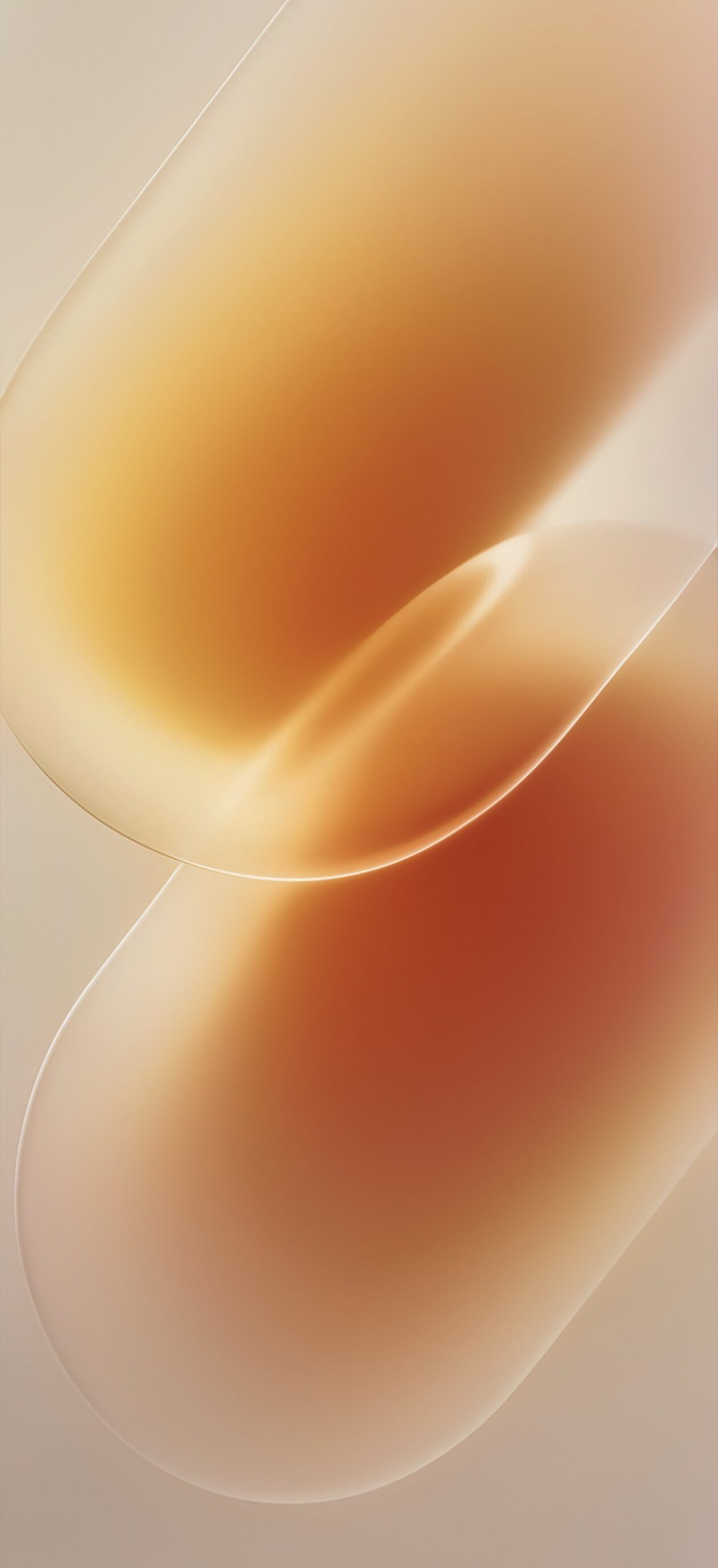

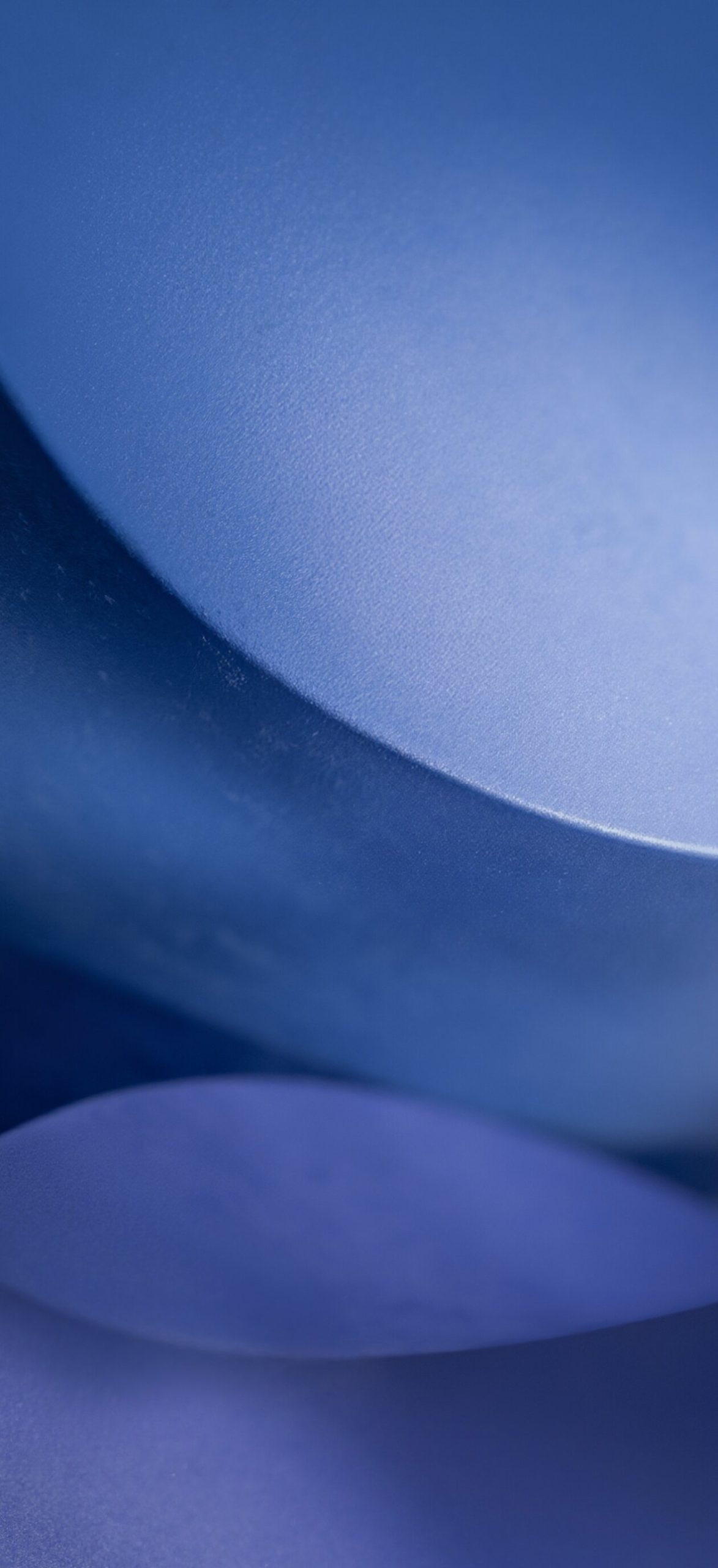
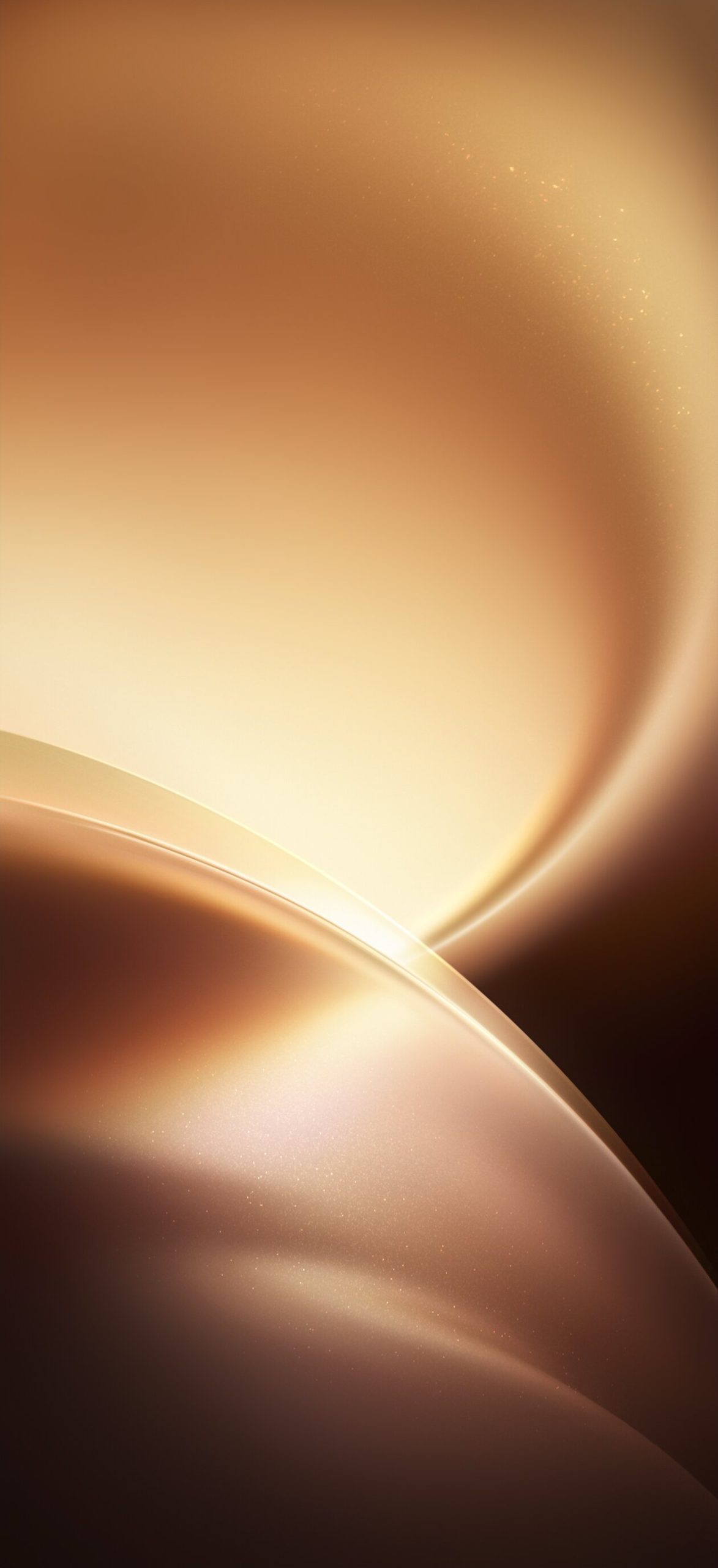
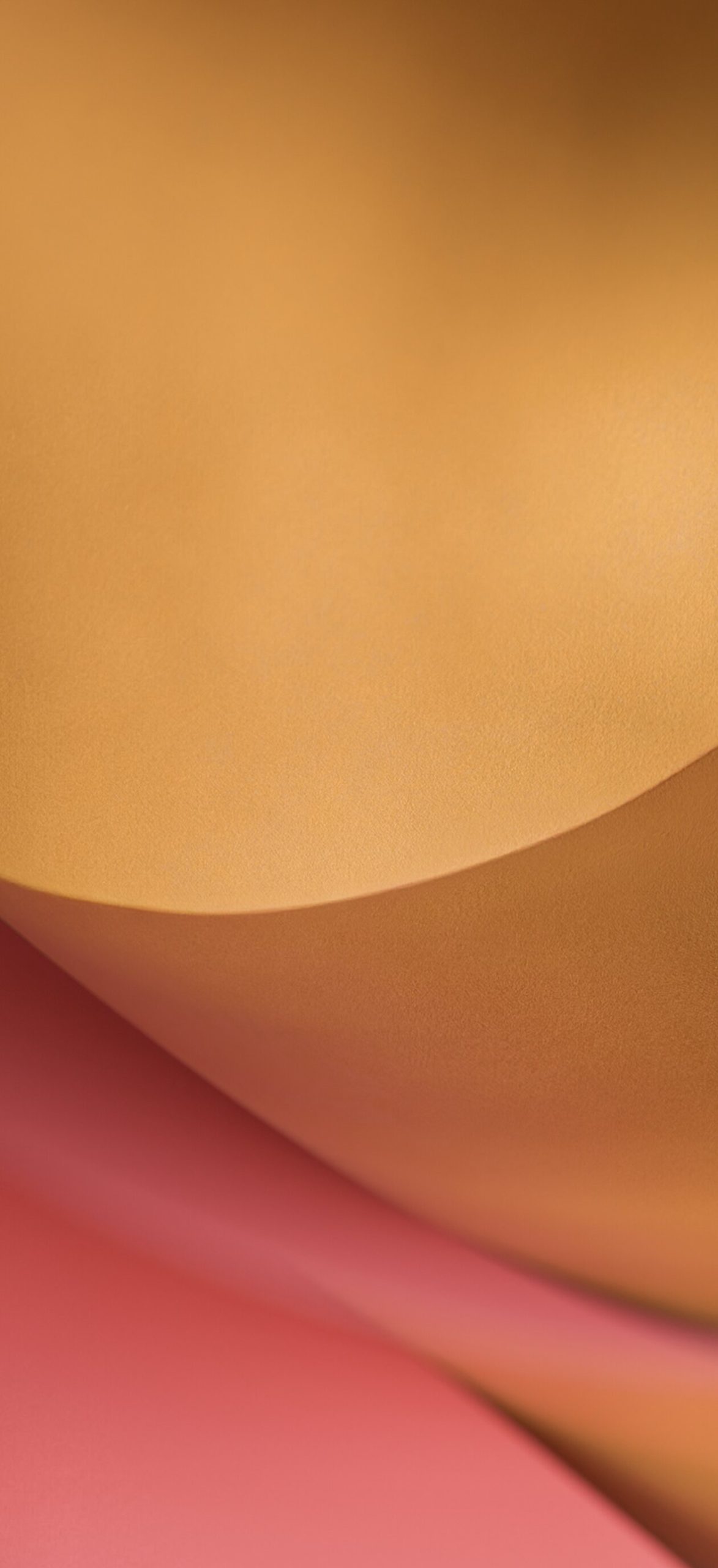
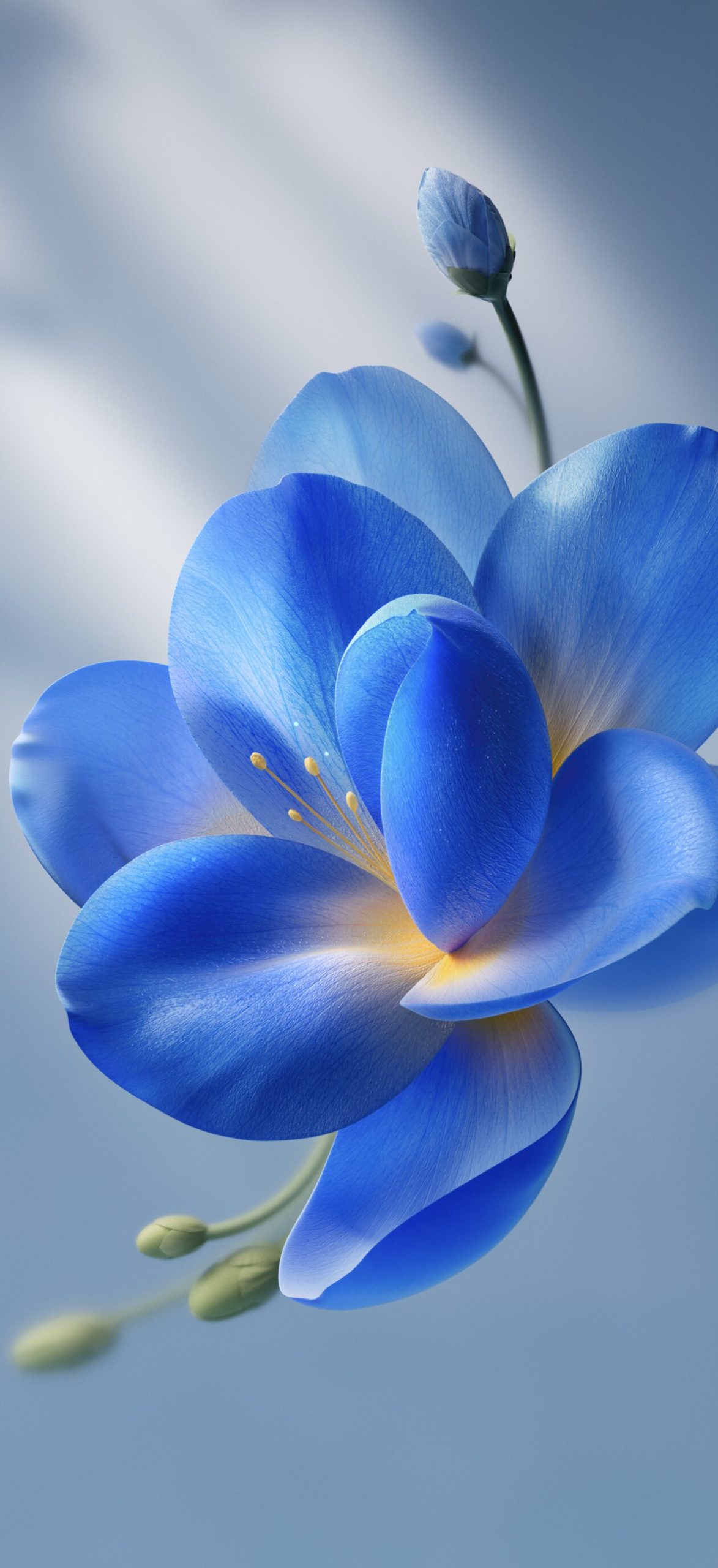
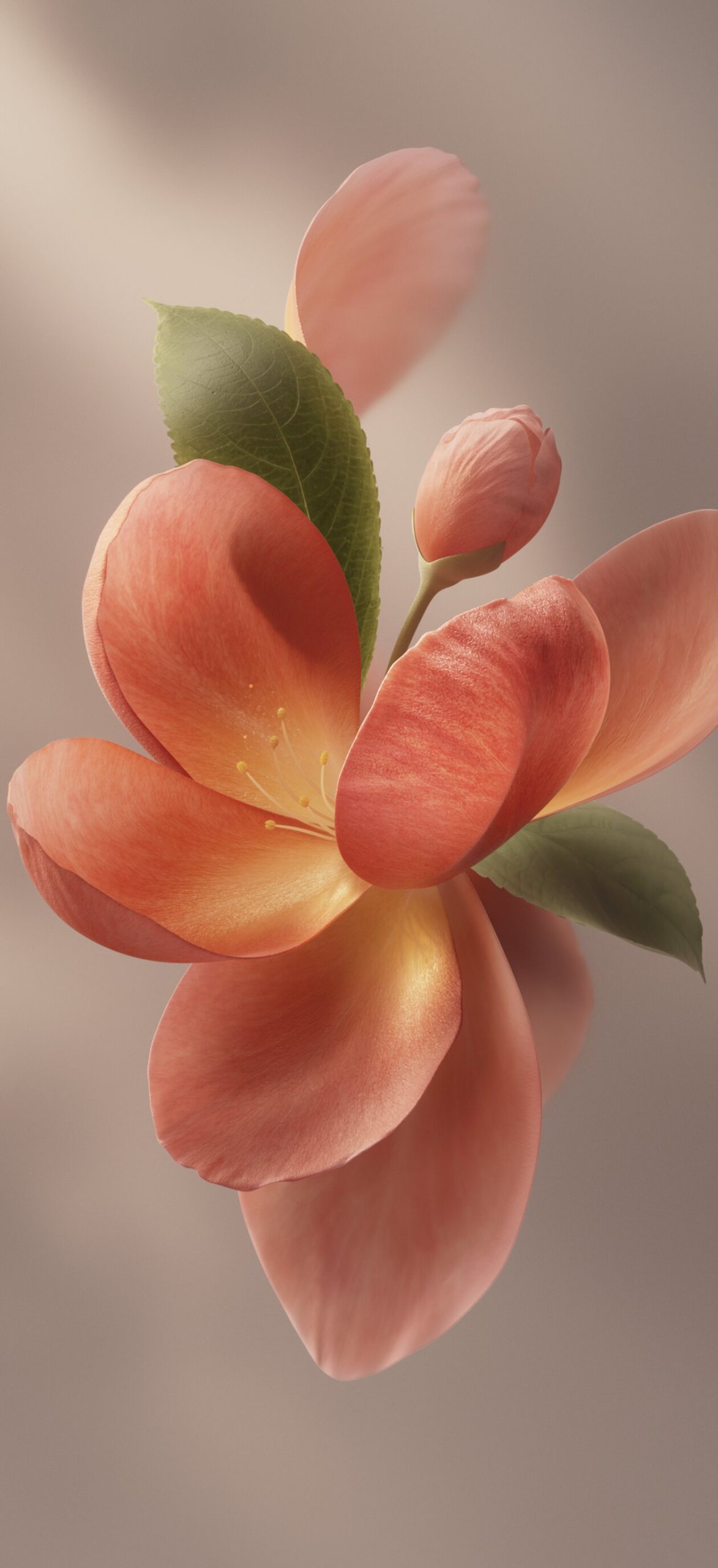
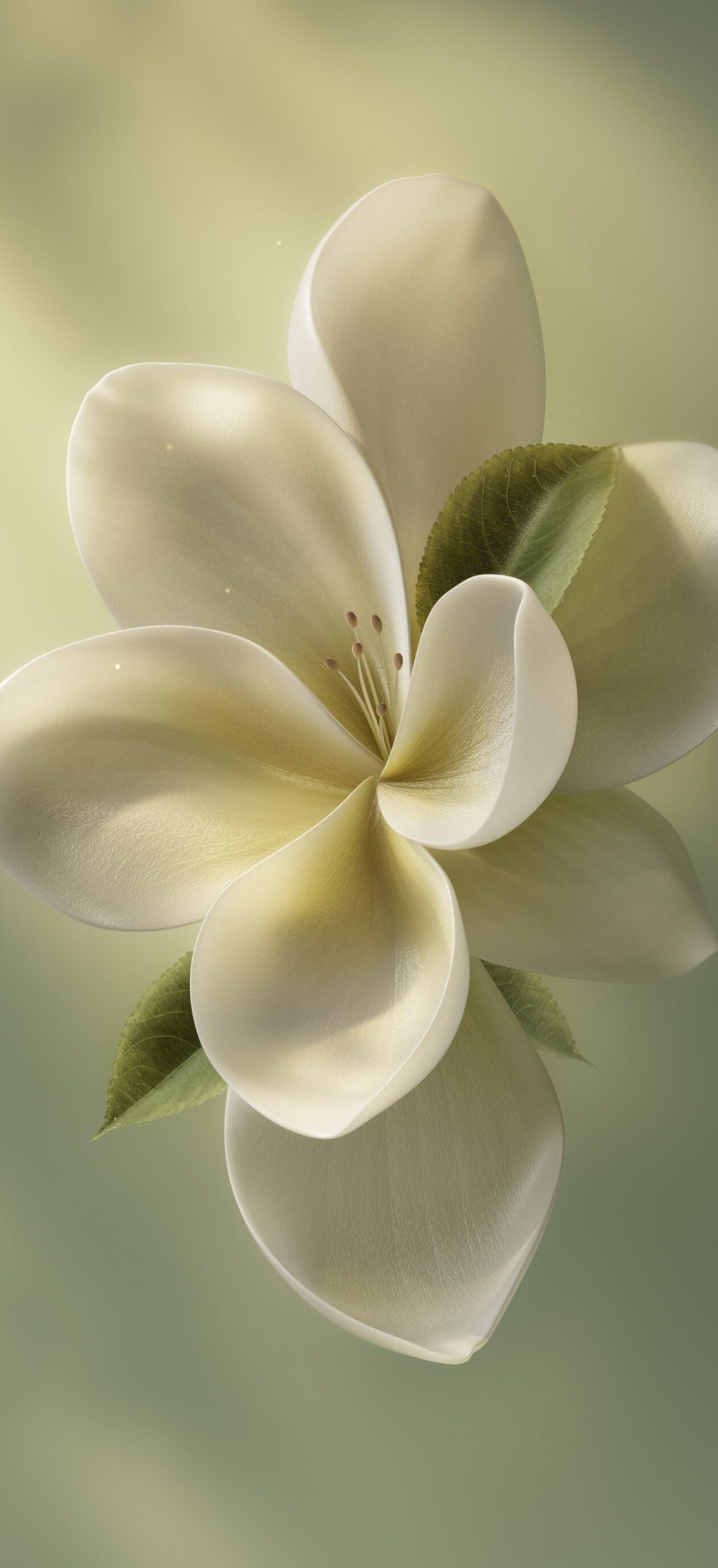
5. Macro Floral Photography Close-up shots of individual flowers in cream-white, blue, and coral-pink, bringing a softer, more natural element to the set.
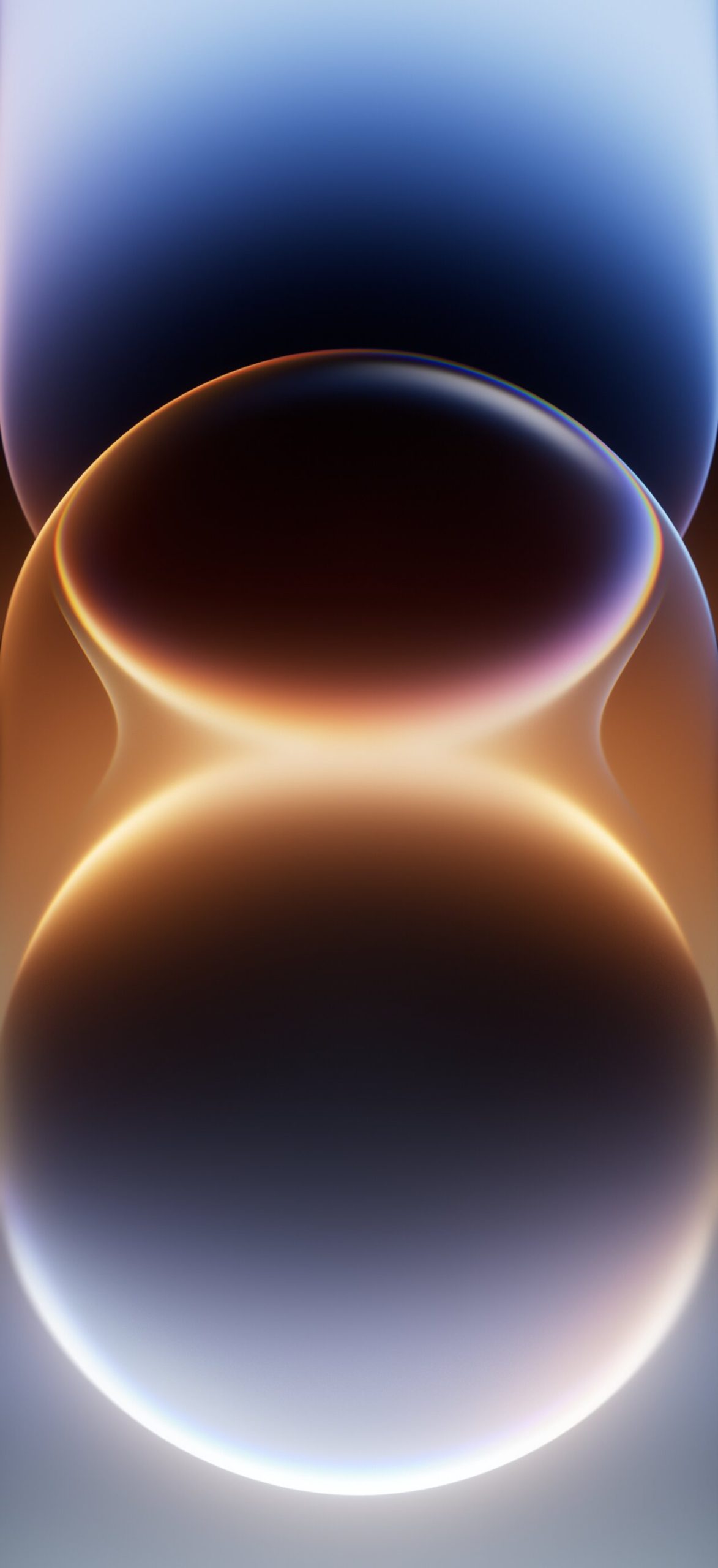
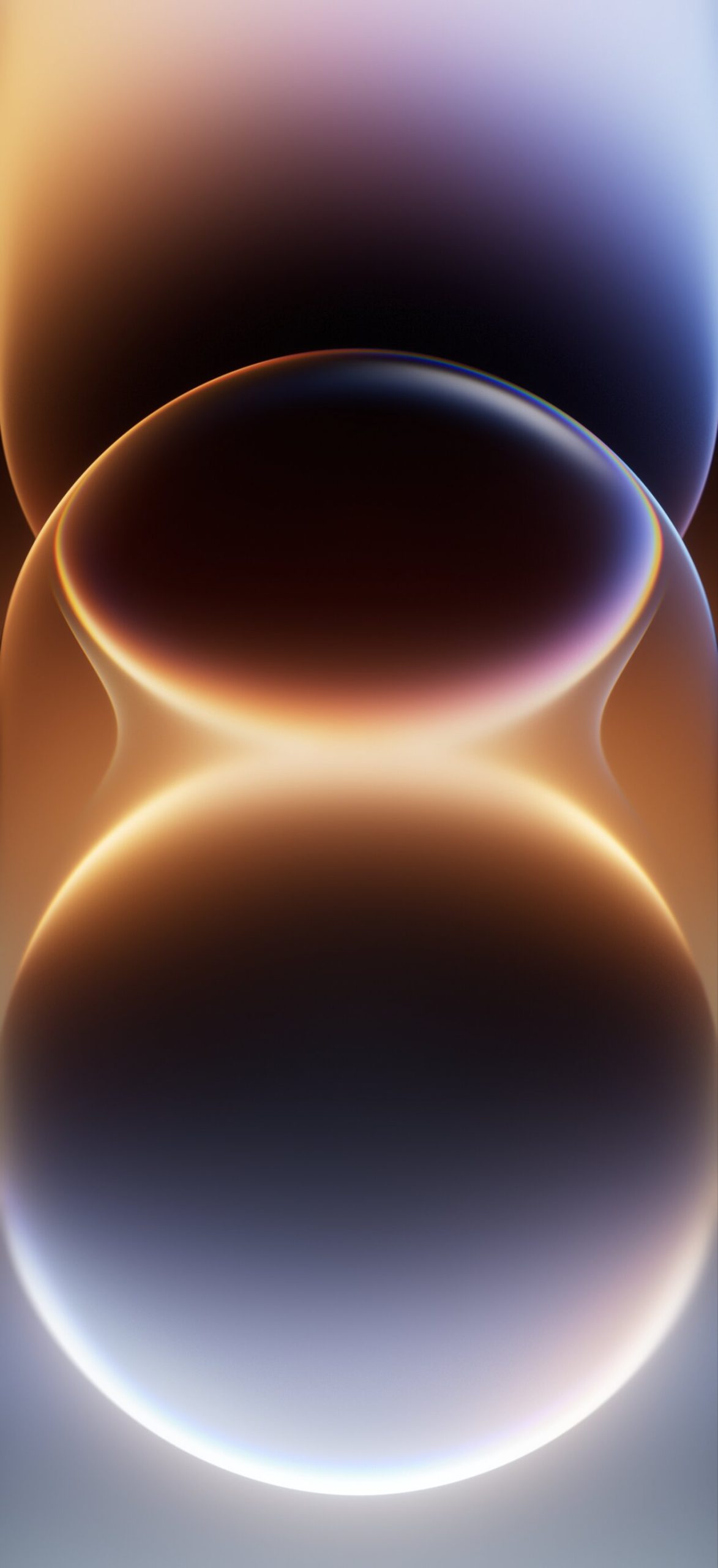
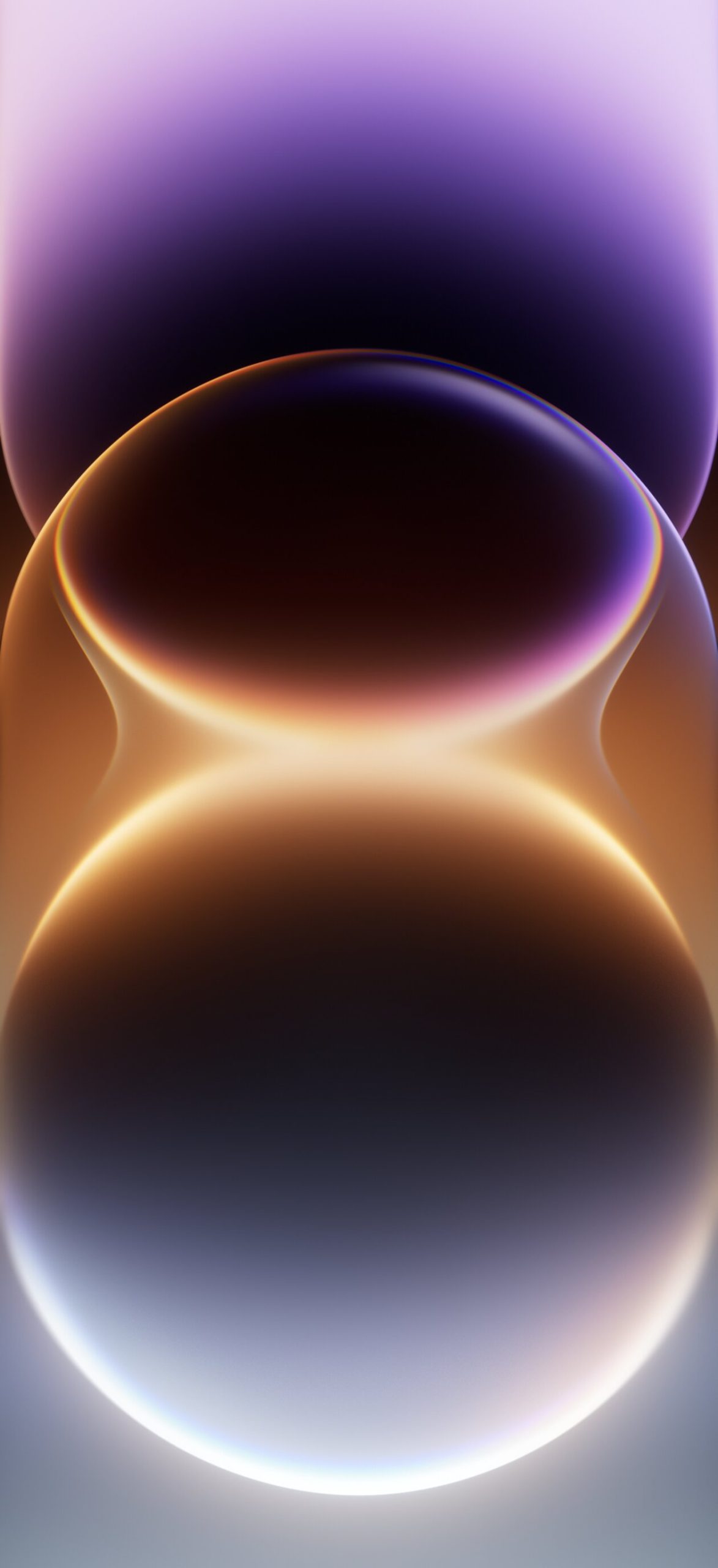
6. Layered Abstract Orbs A trio of stacked, glowing sphere compositions in brown-bronze, blue-bronze, and purple-bronze, each with a subtle rainbow edge highlight.
Why OriginOS 7 Wallpapers Stand Out
What makes this set distinct is its range. Rather than sticking to one visual theme, OriginOS 7 moves between soft studio-lit abstractions, sharp geometric shapes, and organic floral macro shots — giving users genuinely different moods to choose from rather than variations on a single idea.
How to Set Up Your Wallpaper
- Save your chosen wallpaper to your gallery.
- Go to Settings > Wallpapers > Select from Gallery.
- Choose your downloaded image.
- Adjust the crop and positioning for your screen.
- Apply it to your Lock Screen, Home Screen, or both.
Tips for Choosing Your Wallpaper
- Match your device color: Glossy orb wallpapers pair well with metallic device finishes, while florals suit lighter, softer colorways.
- Consider contrast: Darker gradient and geometric wallpapers make Home Screen icons stand out more clearly.
- Mix styles by mood: With this much variety, rotating between abstract and floral styles is an easy way to keep your device feeling fresh.
Final Thoughts
OriginOS 7’s wallpaper set is one of the most diverse official collections available right now, blending glossy abstraction, geometric minimalism, and natural macro photography into one download. Whether you’re on a Vivo or iQOO device, there’s a style here worth setting as your next background.



11 comments