Official Nothing OS 5.0 Wallpapers for iPhone (4K Download)
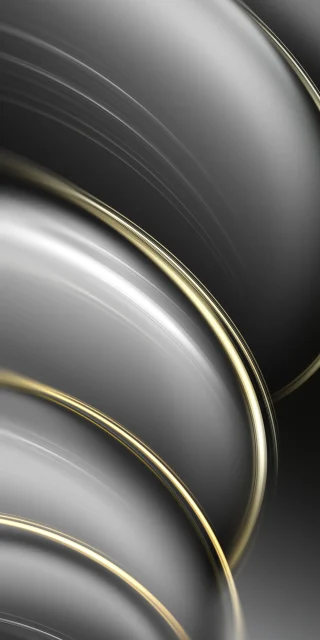
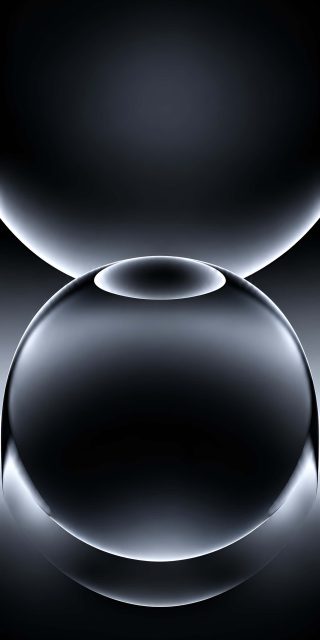
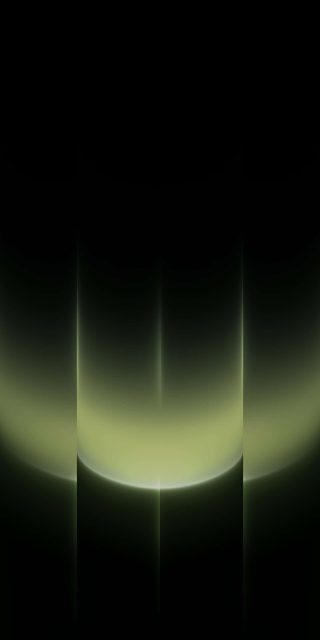
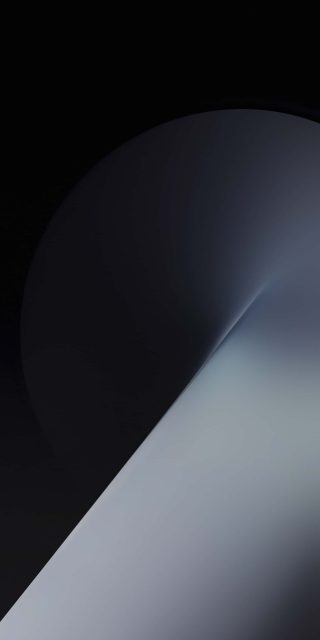
Most Android wallpaper packs lean on glossy 3D blobs. This one doesn’t. The Nothing OS 5.0 set looks more like printed posters: flat shapes, soft grain, and small technical marks that make it feel designed rather than generated. The files are tall, so they fit an iPhone without much cropping.
The split-capsule series


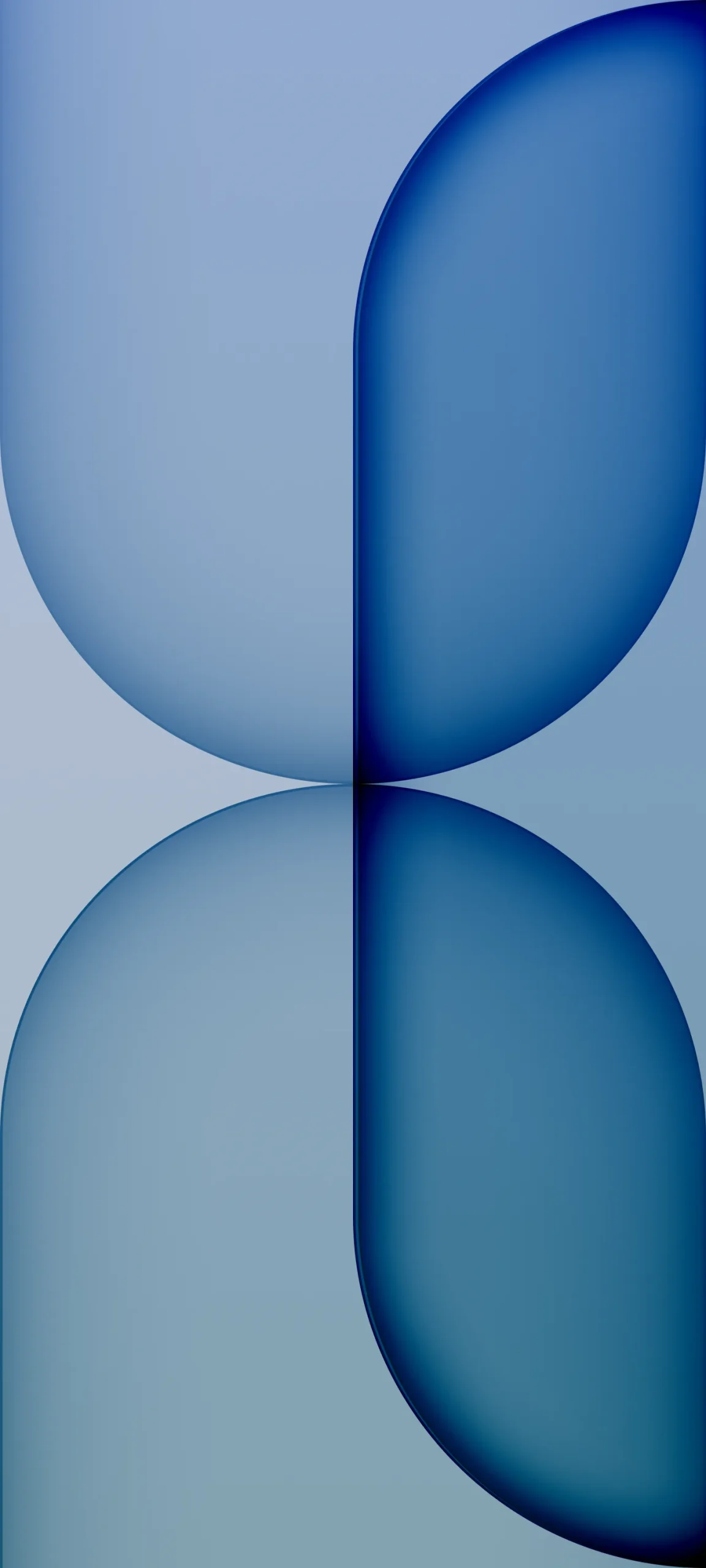
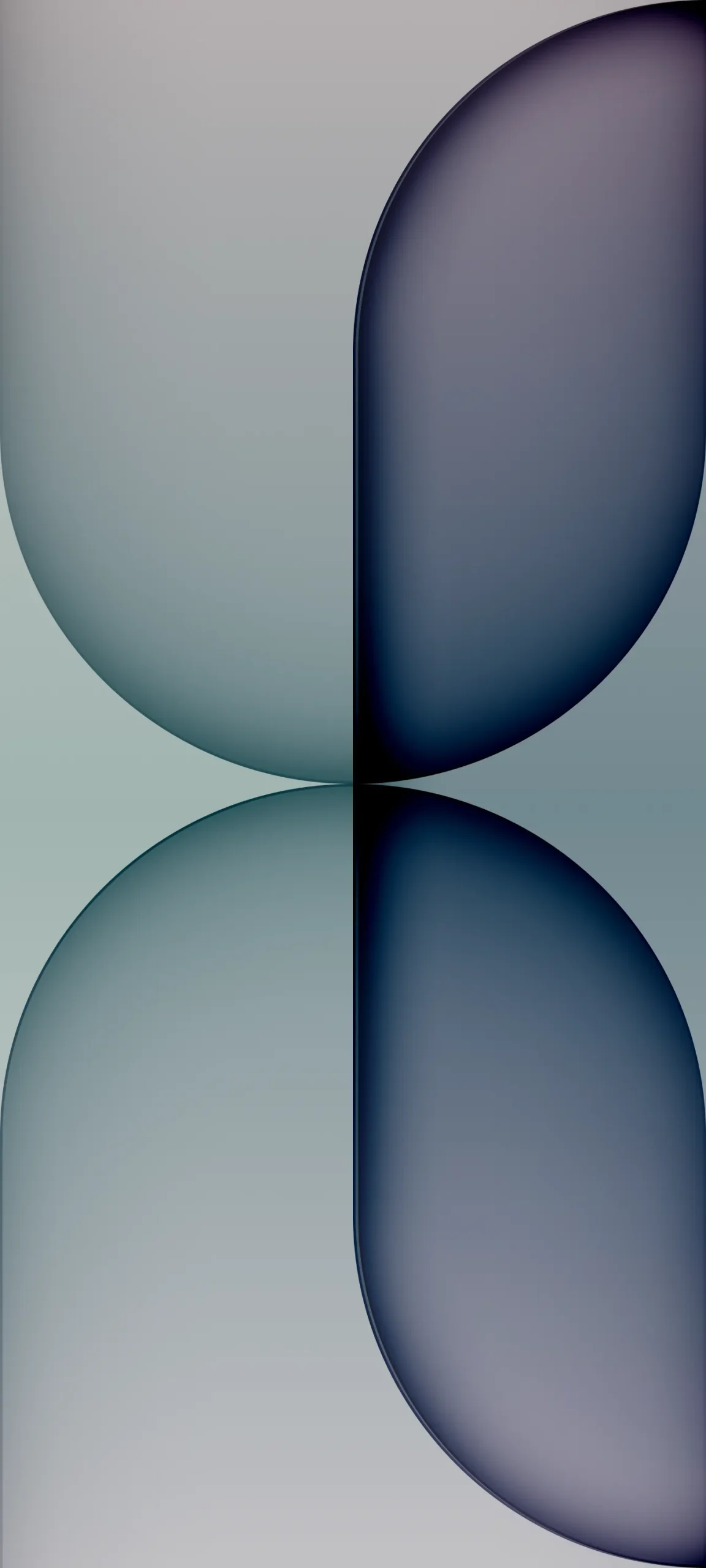
The most recognisable design is a tall frame cut into four rounded halves meeting at one dark seam in the centre. It comes in several colourways: sand and burnt orange, dusty pink and wine red, powder blue and navy, and a muted sage-to-ink purple. The right half is always the darker one, which makes the lock screen feel weighted rather than flat.
Grain, crosshairs and tiny squares
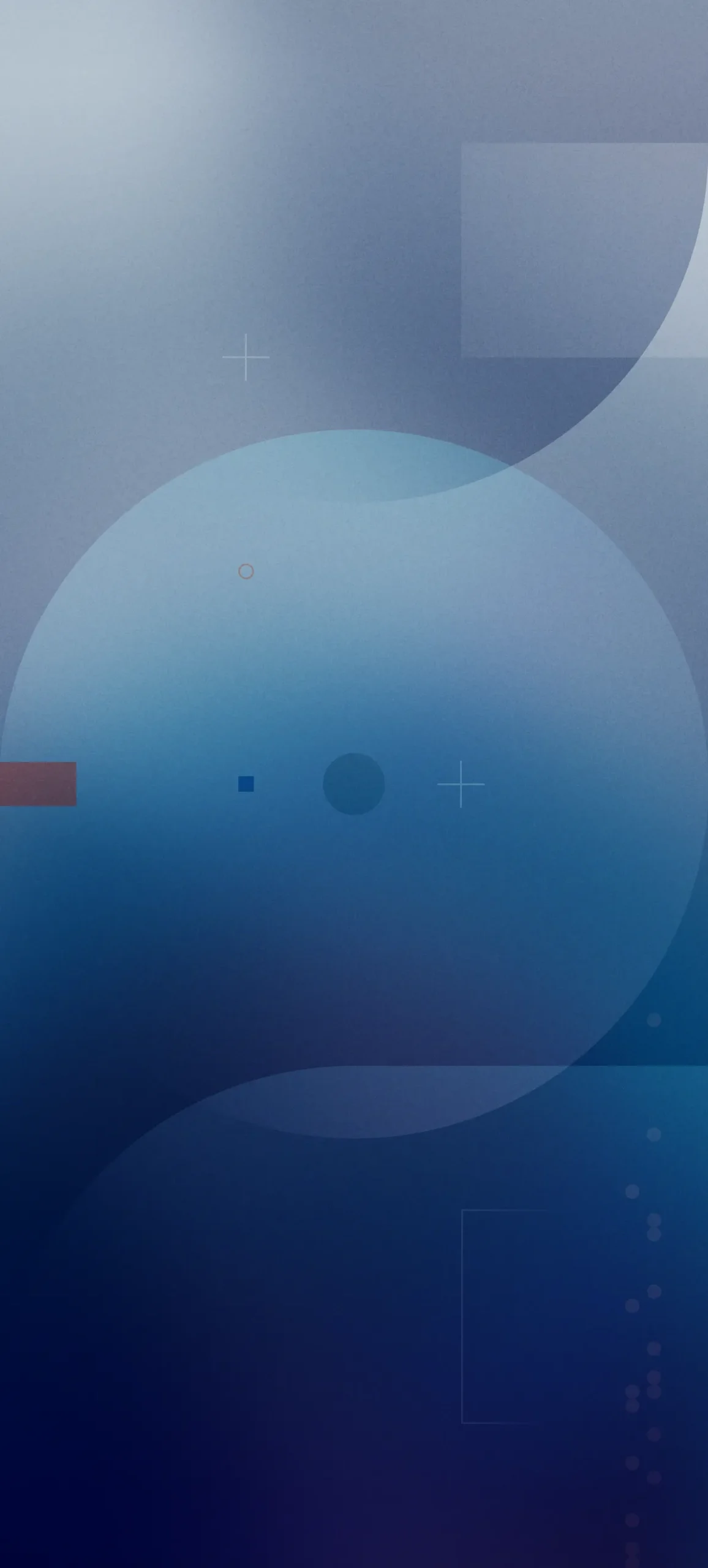
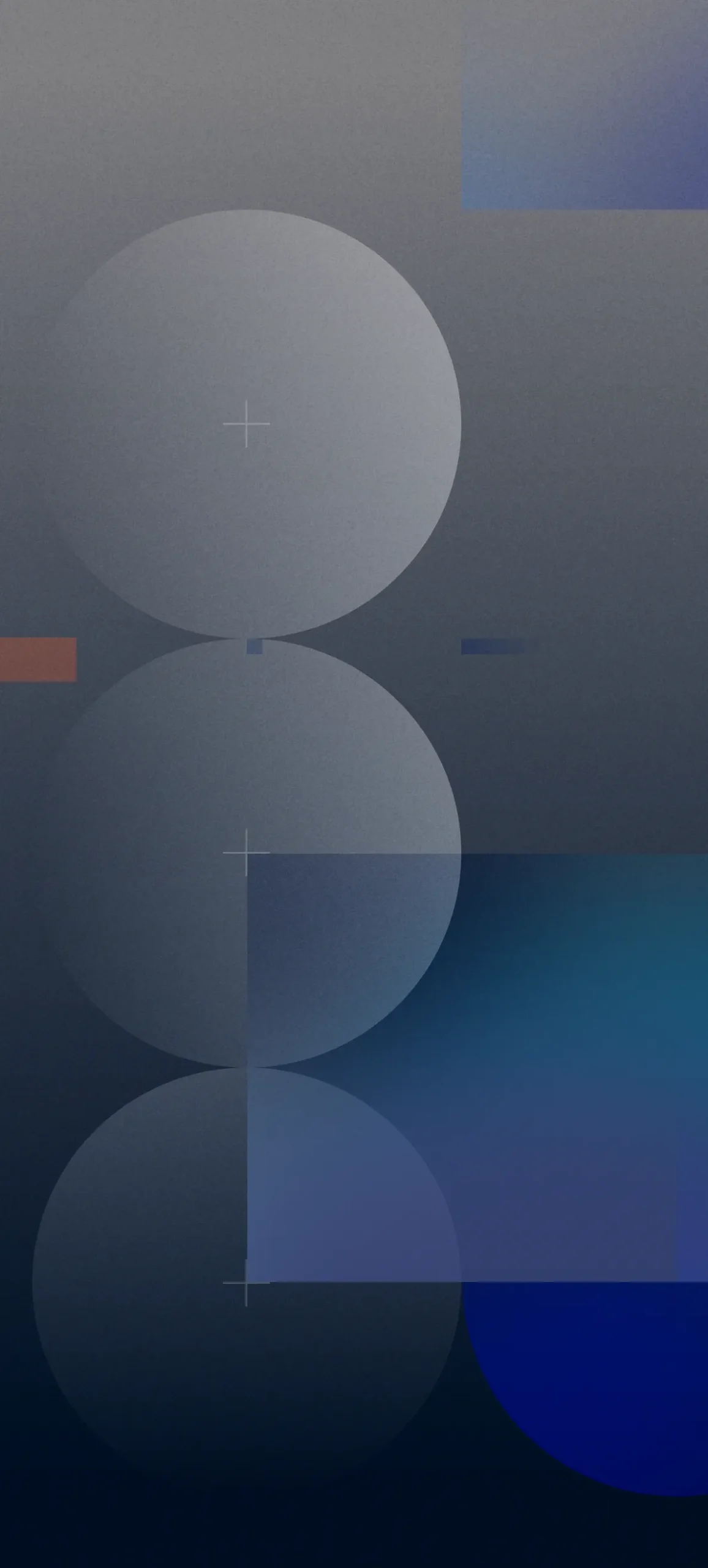

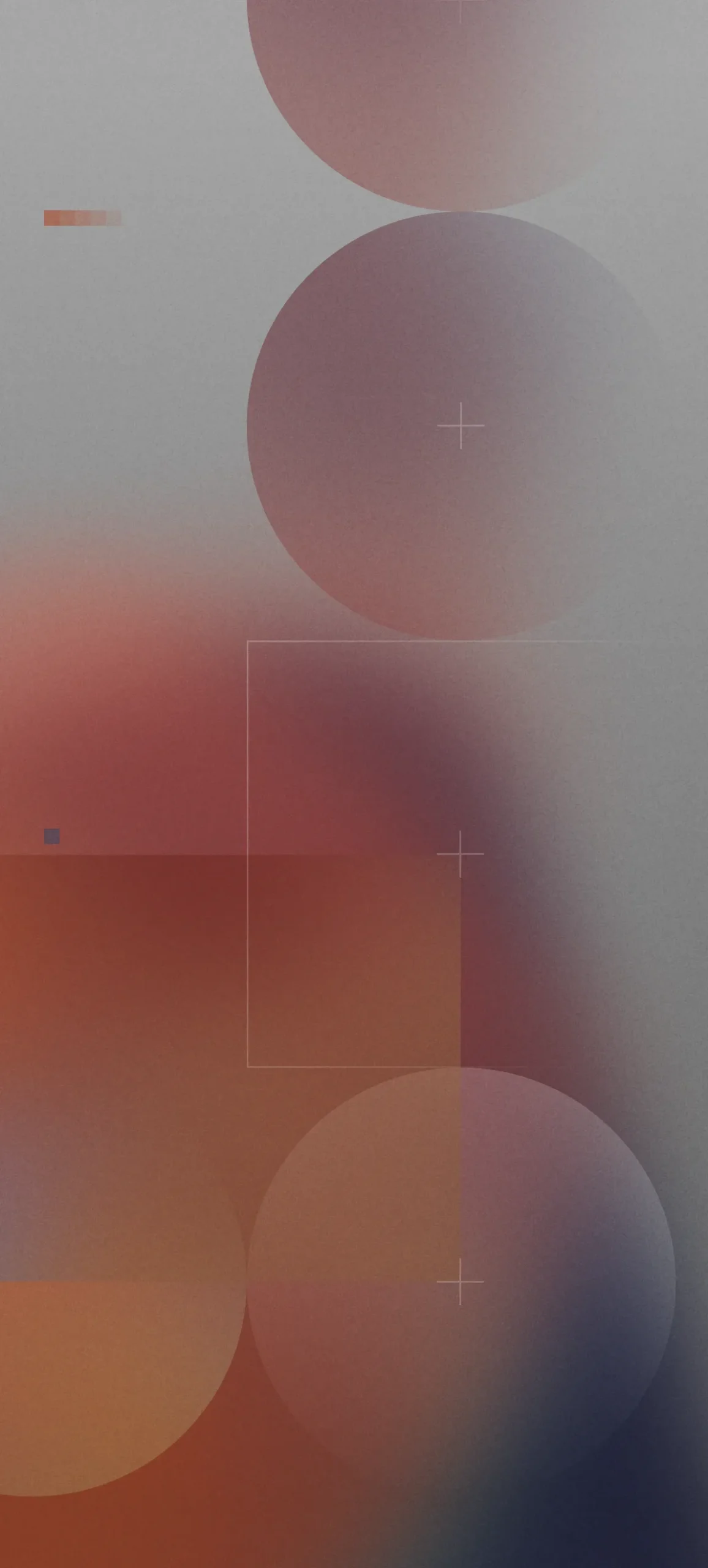
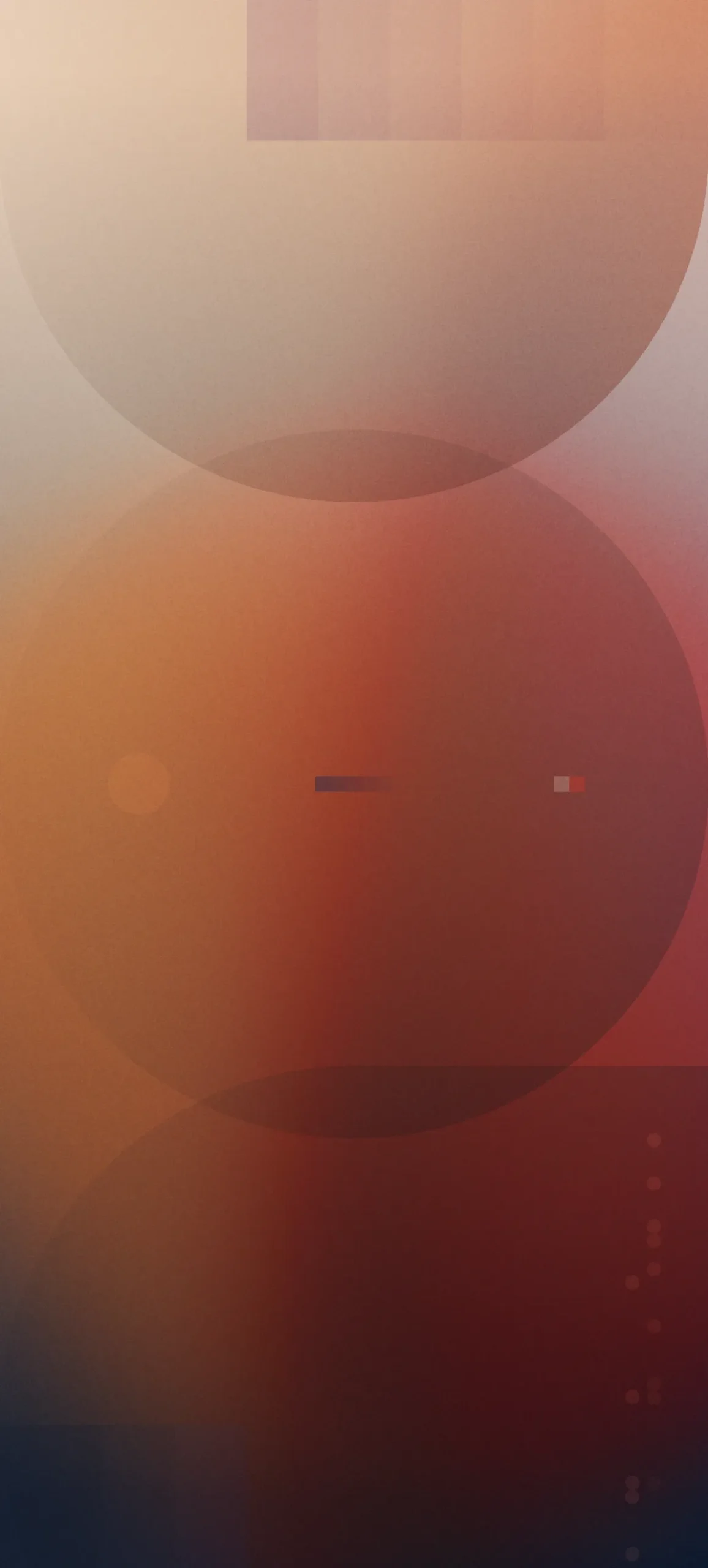
A second group stacks translucent circles over a grainy gradient. Look closely and you’ll find thin crosshair marks, small coloured squares, a few dotted columns and an outlined rectangle. The palettes run from steel blue and navy to rust, copper and slate. It’s busier than the capsules, but the details are faint enough that icons stay readable.
Flowers behind glass
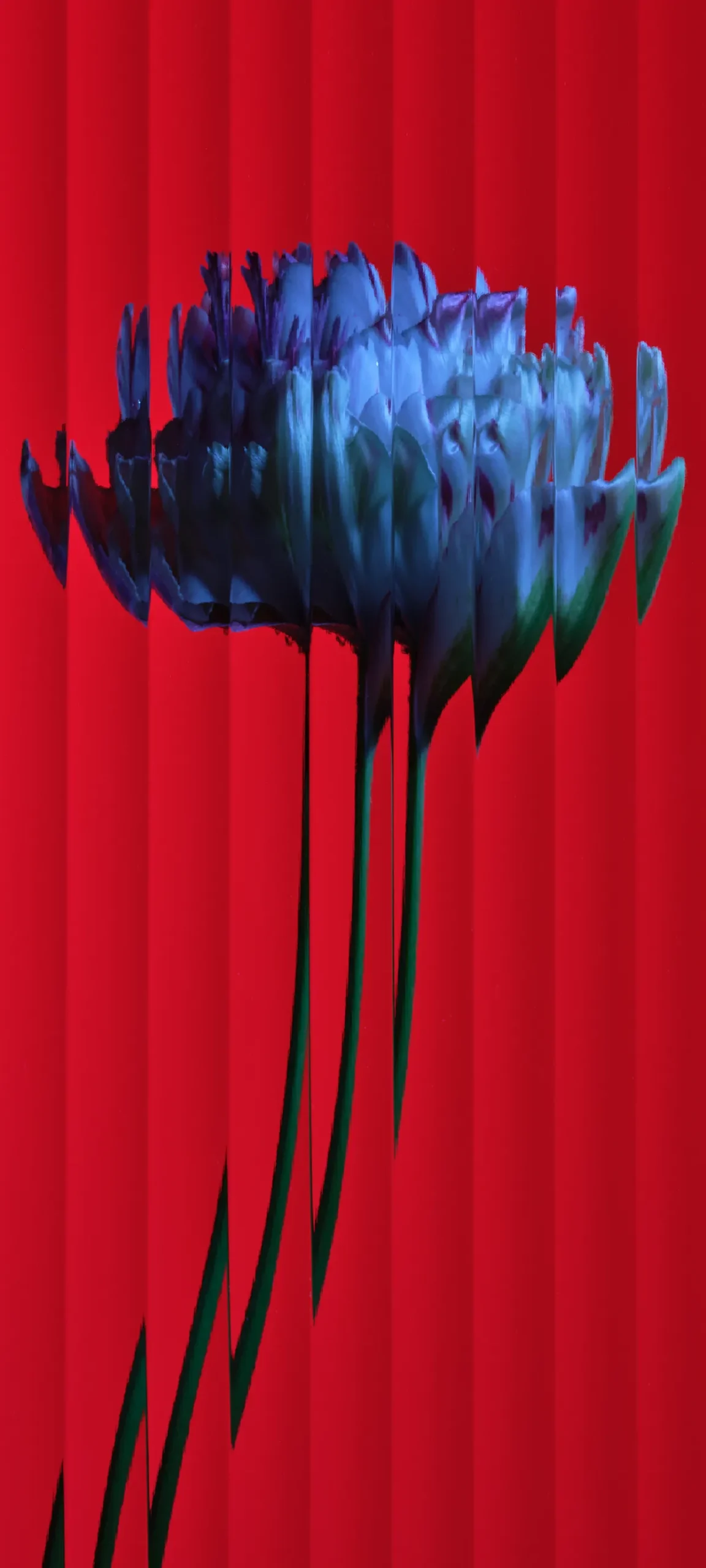

Two wallpapers use ribbed, reeded glass. In one, a blue chrysanthemum on solid red is sliced into vertical strips, and the stems stretch and kink where the glass bends them. In the other, a purple anemone sits on pale grey, with the same vertical distortion. Both are bold, and the centre of the image is busy, so keep your widgets low.
Eucalyptus in black and white
An X-ray-style eucalyptus branch appears twice, once on a dark charcoal background and once almost white. The thin black branch runs down the middle and the round leaves overlap behind it. The dark version works well on OLED screens.


Stacked arches and circles
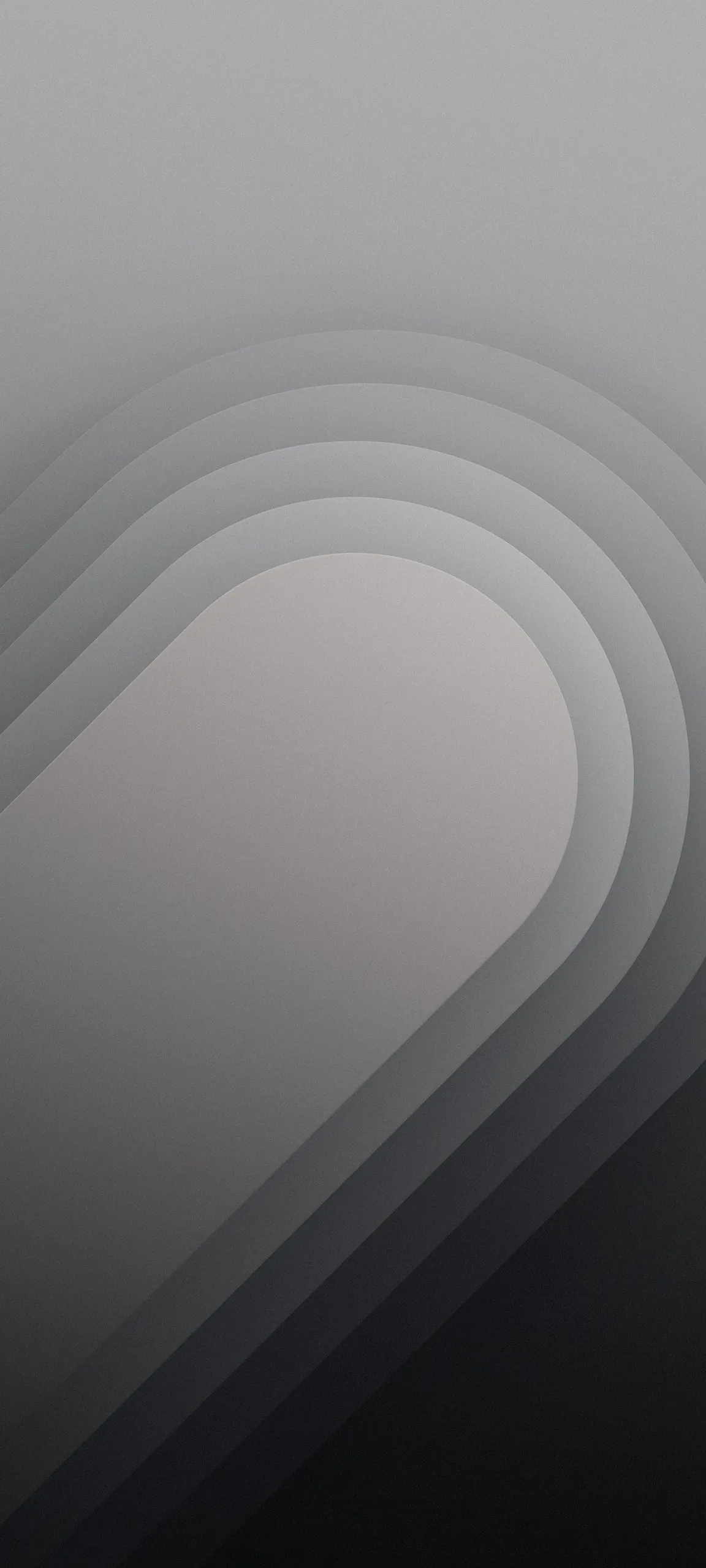
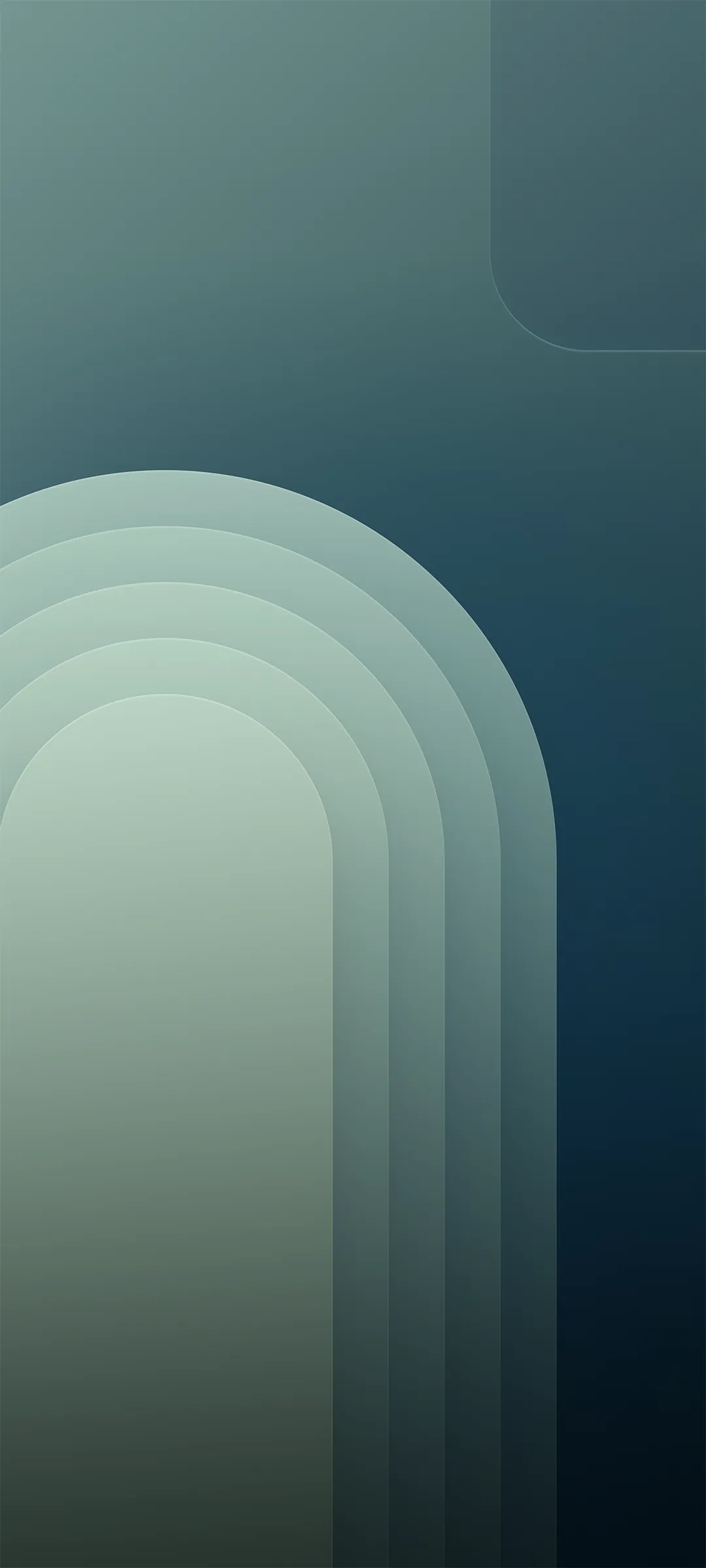
The rest is simple geometry. There’s a coral-red scene with concentric arcs, a grey capsule built from stacked layers, a diagonal blue design, and a teal-green arch that fades into near black. There’s also one pastel wallpaper in mint, lilac and pink, with soft blurred bubbles and faint circle outlines.


Using them on iPhone
Save your picks to Photos, then go to Settings > Wallpaper > Add New Wallpaper > Photos. The split-capsule designs look best with the seam centred, so don’t pinch-zoom too far. For the darker images, a white clock font reads cleanly. For the sand, pink and white eucalyptus ones, switch the clock to a darker colour.