Download Honor 700 Pro Stock Wallpapers for iPhone – Ultra HD & OLED
Eight wallpapers, three moods. Some are cold metal, some are soft frosted glass, and two are small fluffy mascots. None of them are dark, so this pack is about colour and texture instead of deep blacks.
Metal and glass
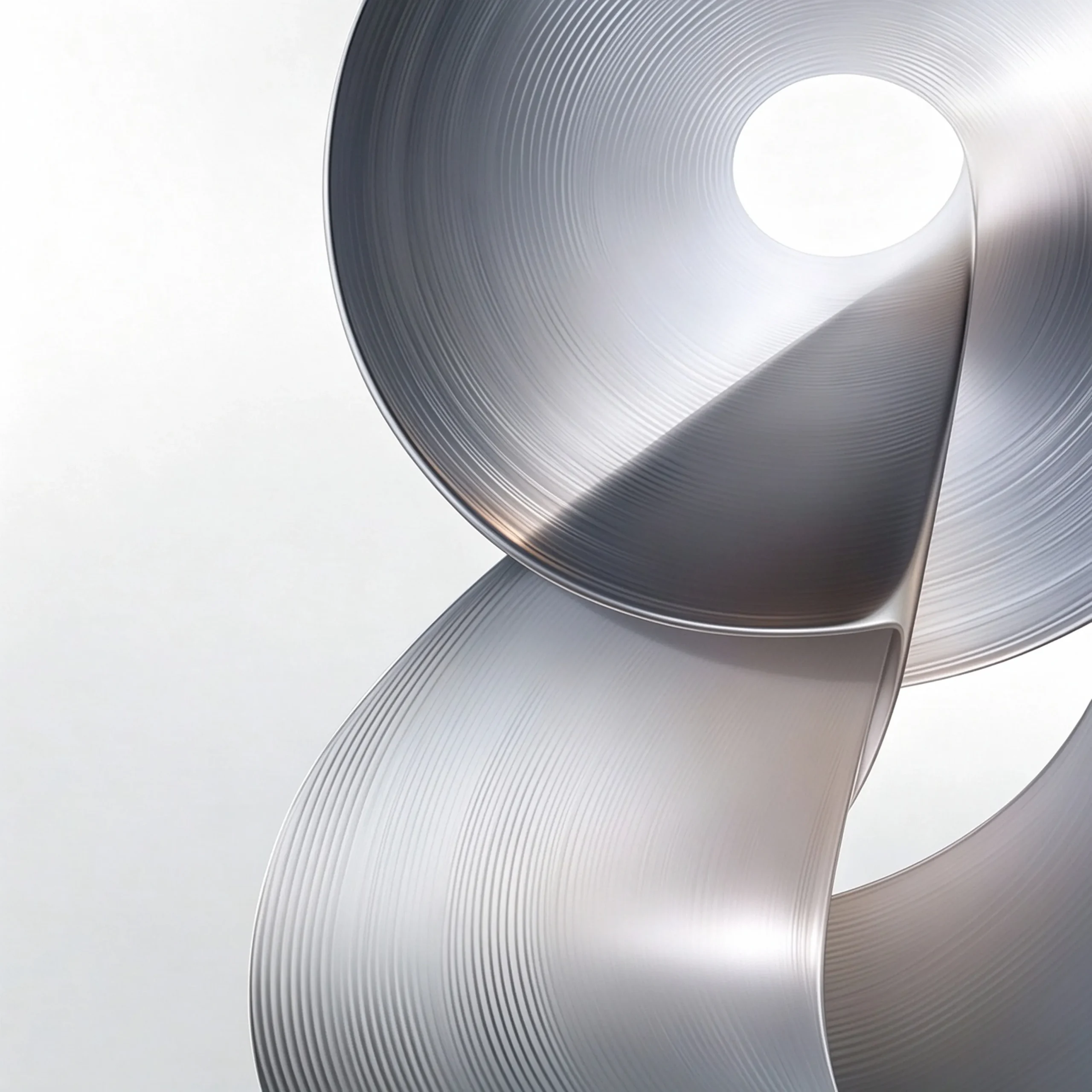
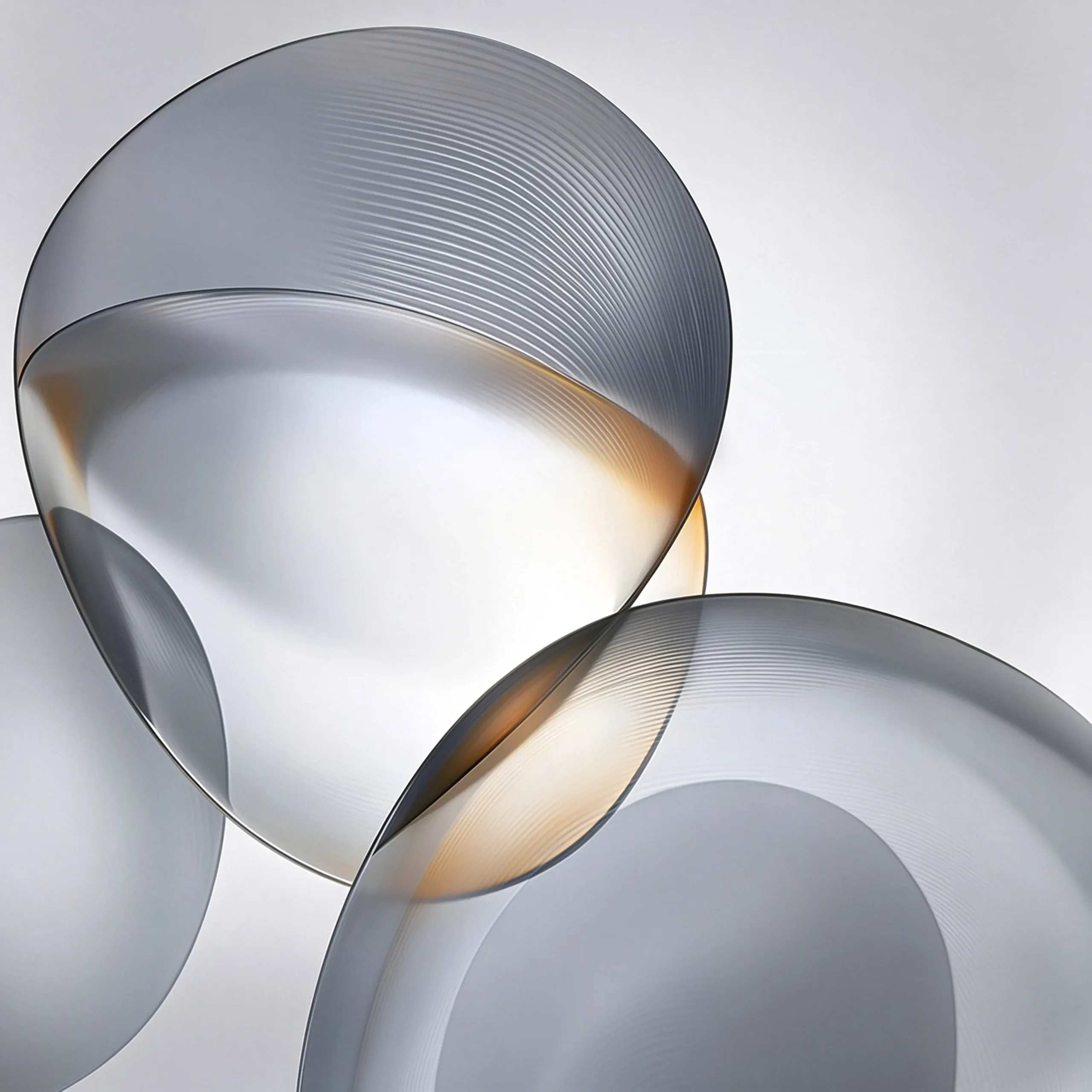
The brushed-silver ribbon is the most striking. A wide band of fine concentric grooves loops through the frame, with a bright white hole at the top right where the light pours in. The grooves make it look machined rather than rendered, and the plain white background lets the metal do all the work. The ribbed glass wallpaper is a quieter cousin: three overlapping grey translucent discs with thin ridges, and a few warm amber glints where they cross.
Four frosted capsules
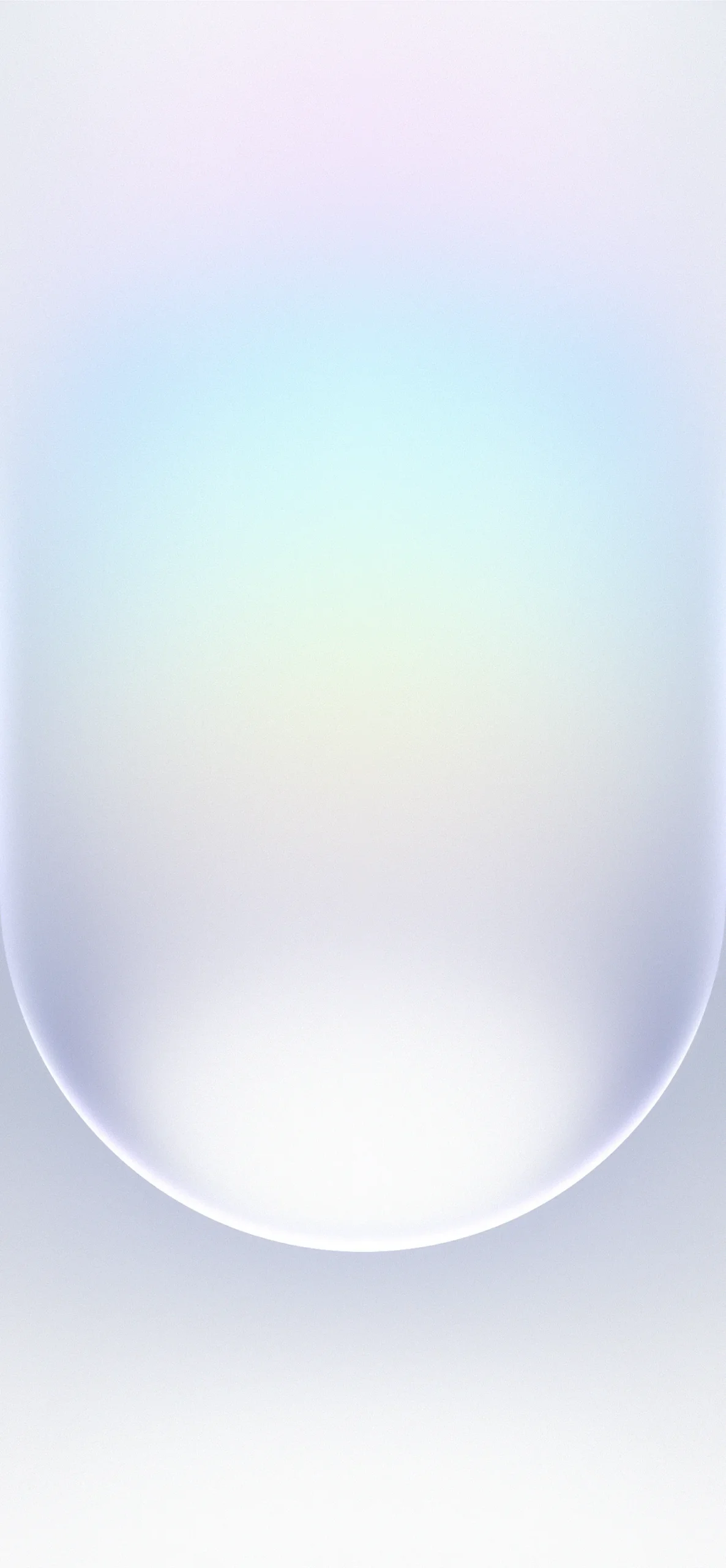
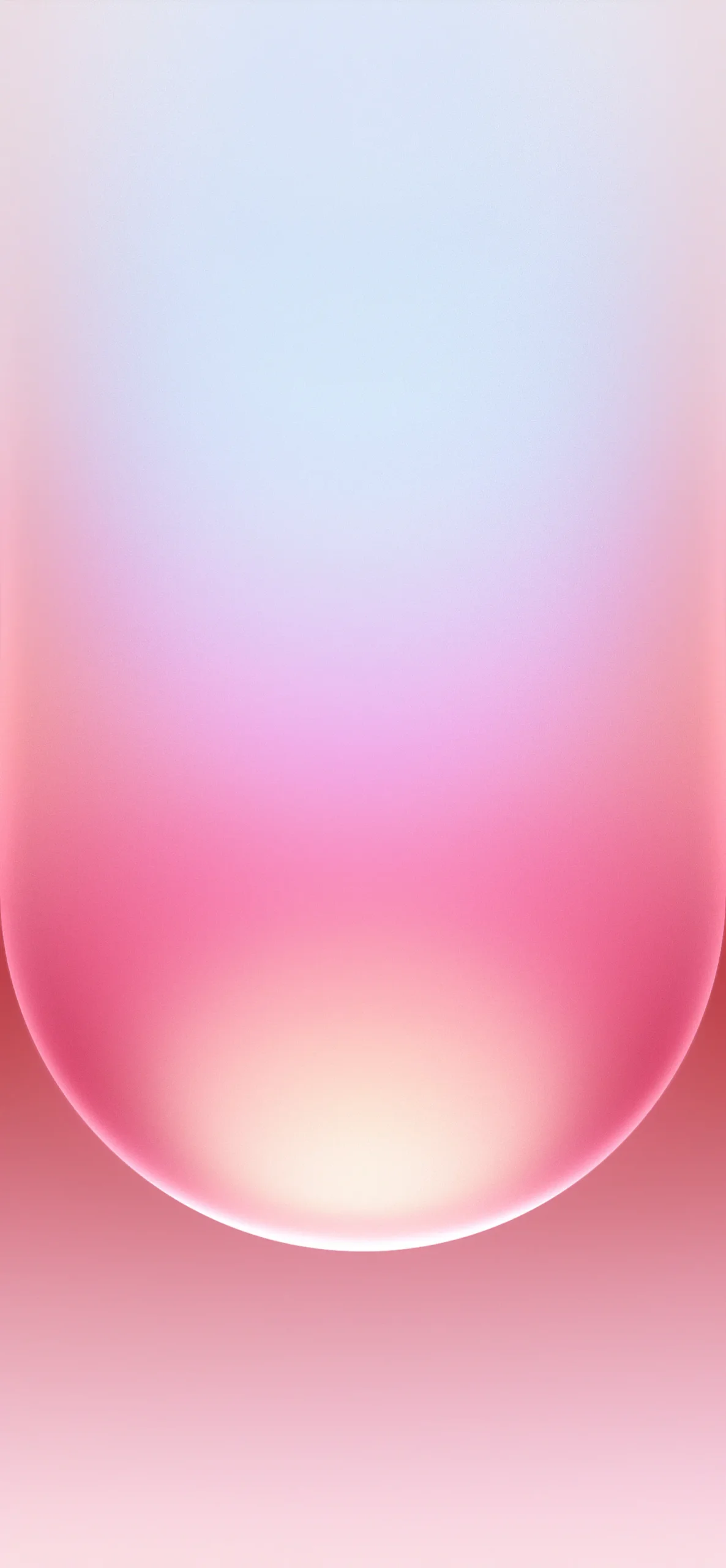
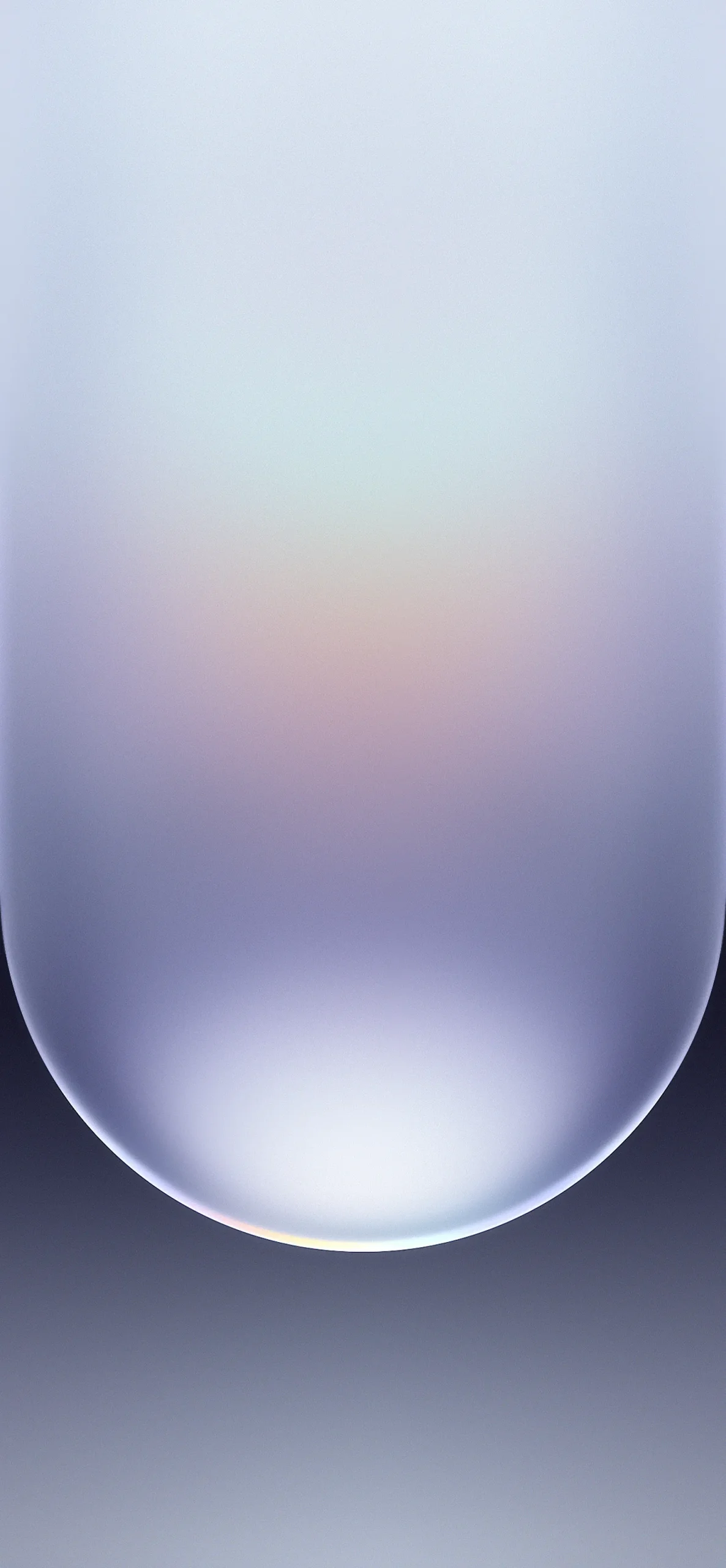
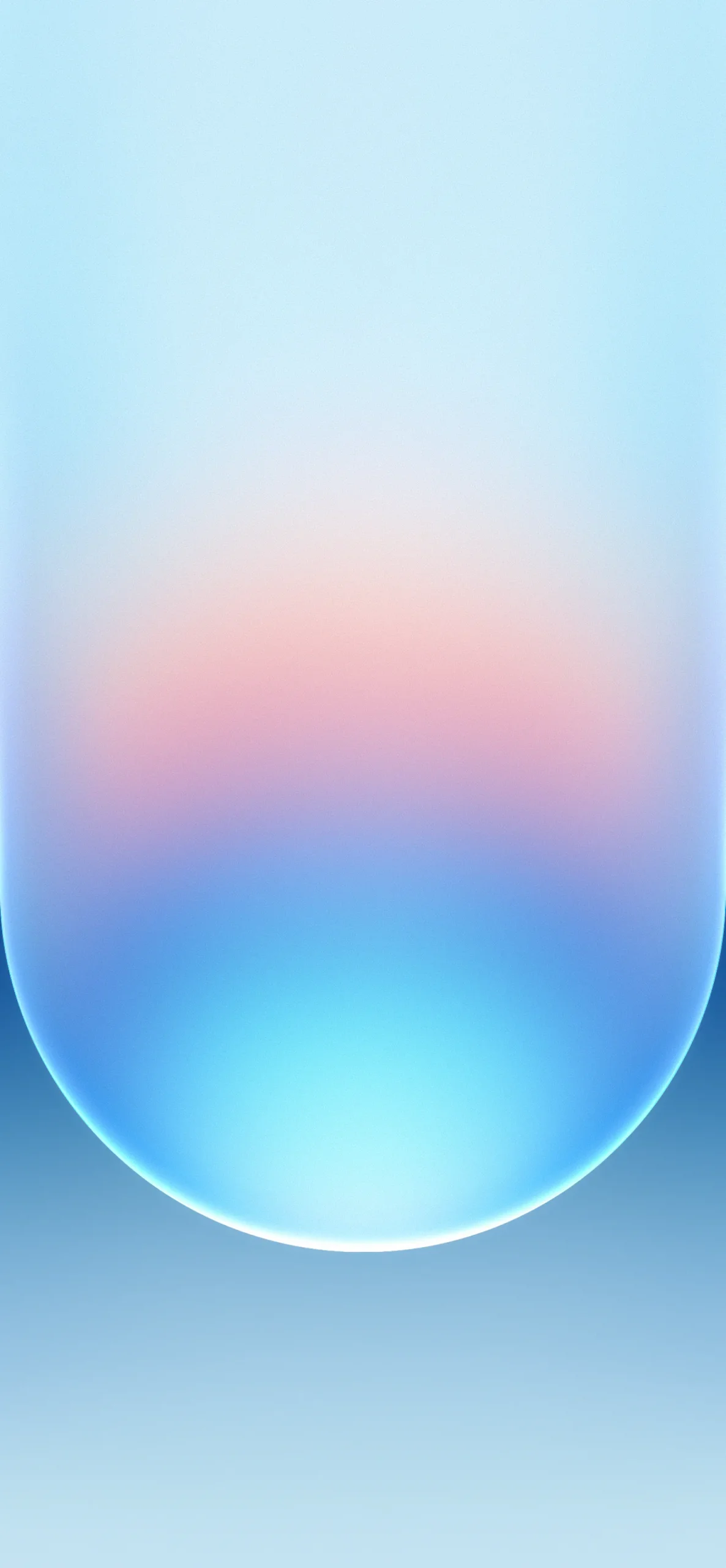
The largest group is a set of tall rounded capsule shapes, each filled with a soft gradient. The pearl one drifts from lilac at the top through aqua to pale yellow, then fades to white. The coral one is the boldest, with powder blue at the top turning to hot pink and a warm cream glow at the base. The silver-lavender one is the moodiest, with a rainbow glint along the bottom curve and a dark navy edge below. The sky-blue one has a pink band in the middle that melts into bright cyan. All four have fine grain, which keeps the gradients from banding.
The two mascots
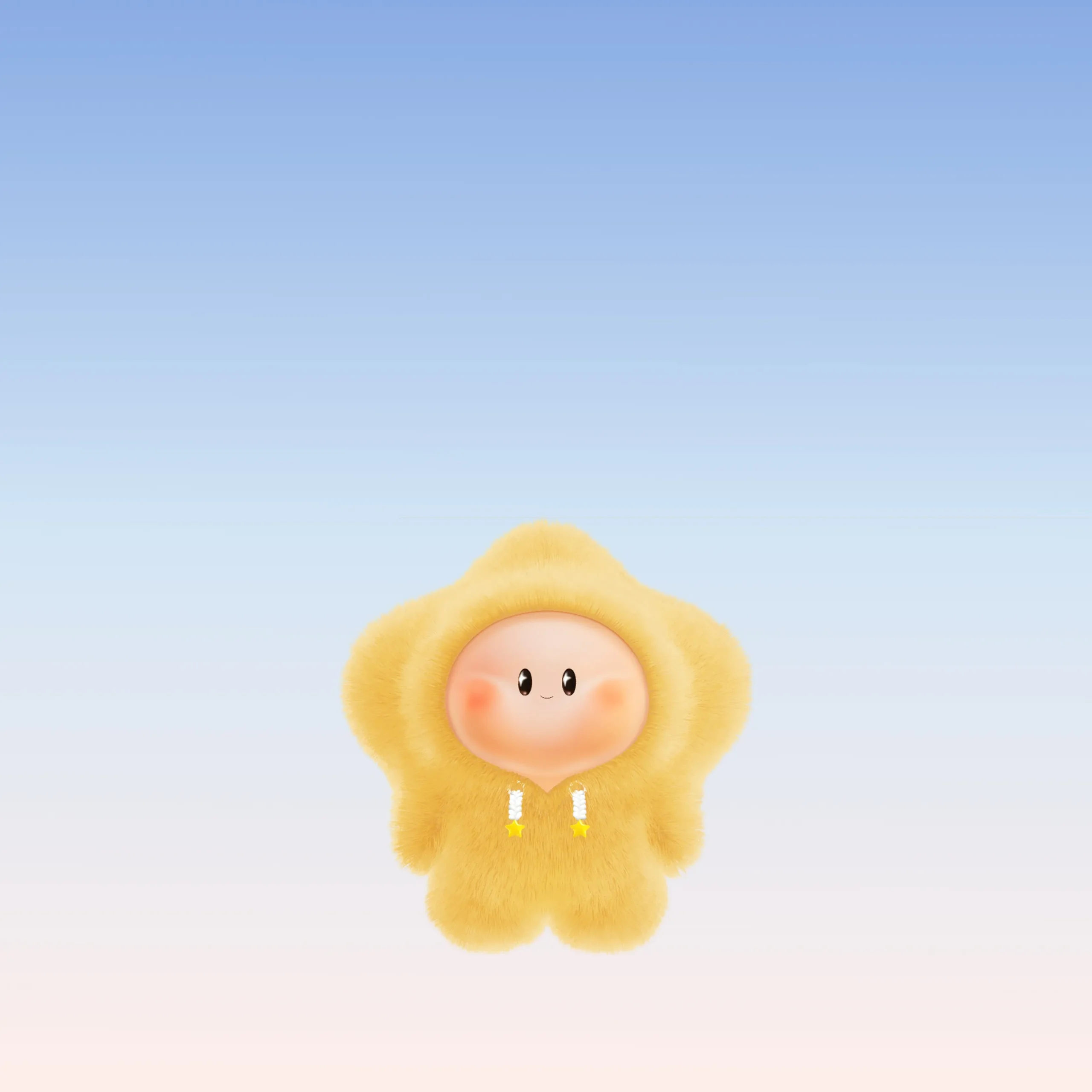
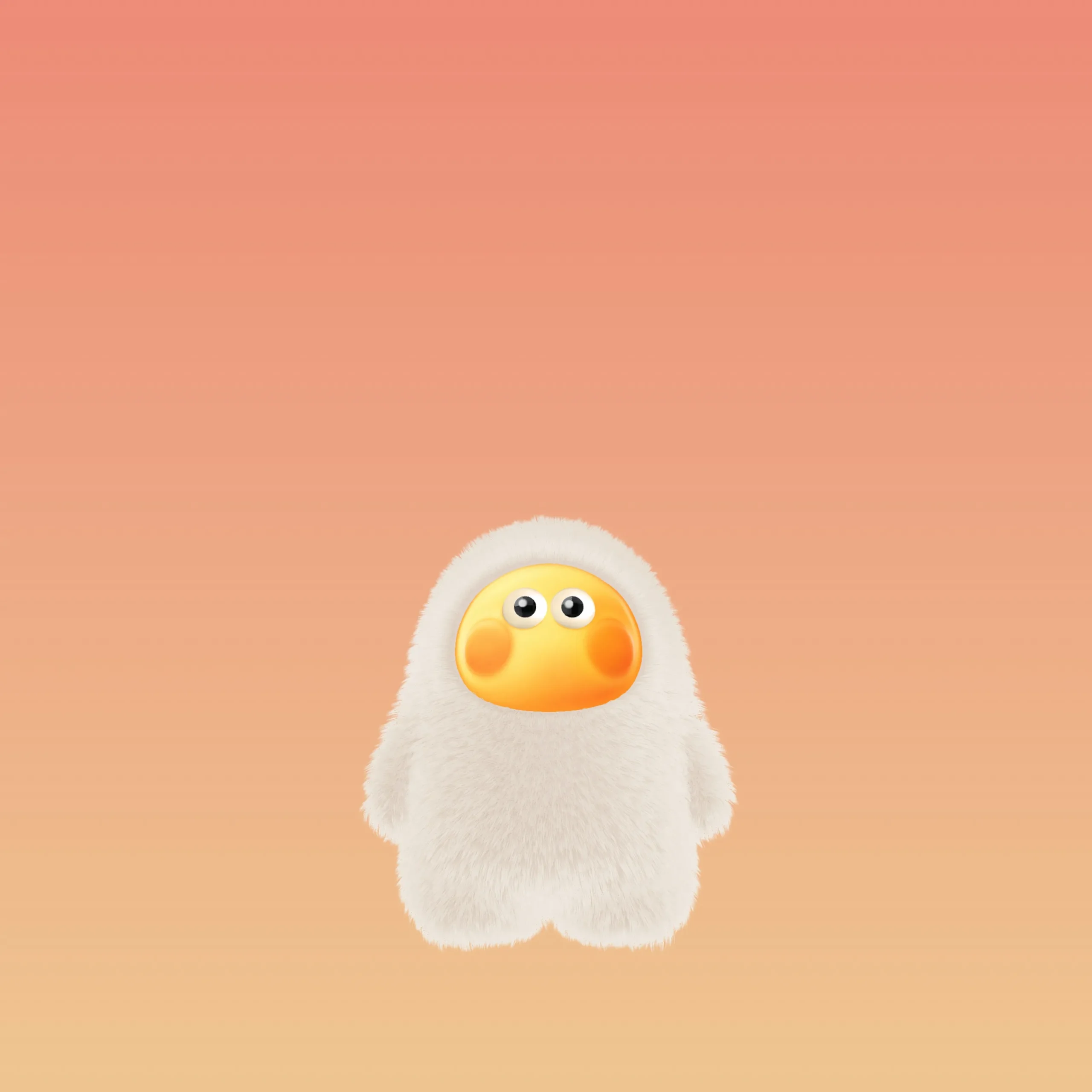
These are the odd ones out, and the most fun. A white fluffy yeti with a round yellow face and orange cheeks stands on a peach-to-orange gradient. A yellow fluffy character in a star-shaped hood, with a pink face and small star charms on its drawstrings, sits on a sky-blue to pale pink background. Both are placed in the lower half with open space above, which is where your clock goes.
About the OLED part
If your iPhone has an OLED screen, these will look vivid, especially the coral and sky-blue capsules. But they won’t save battery the way a black wallpaper does, because there’s almost no black here.
Setting them up
The mascot and ribbon images are square, so you’ll need to crop them when setting them. Save the image to Photos, then go to Settings > Wallpaper > Add New Wallpaper > Photos, and drag the subject toward the bottom.