
Black AMOLED Wallpapers
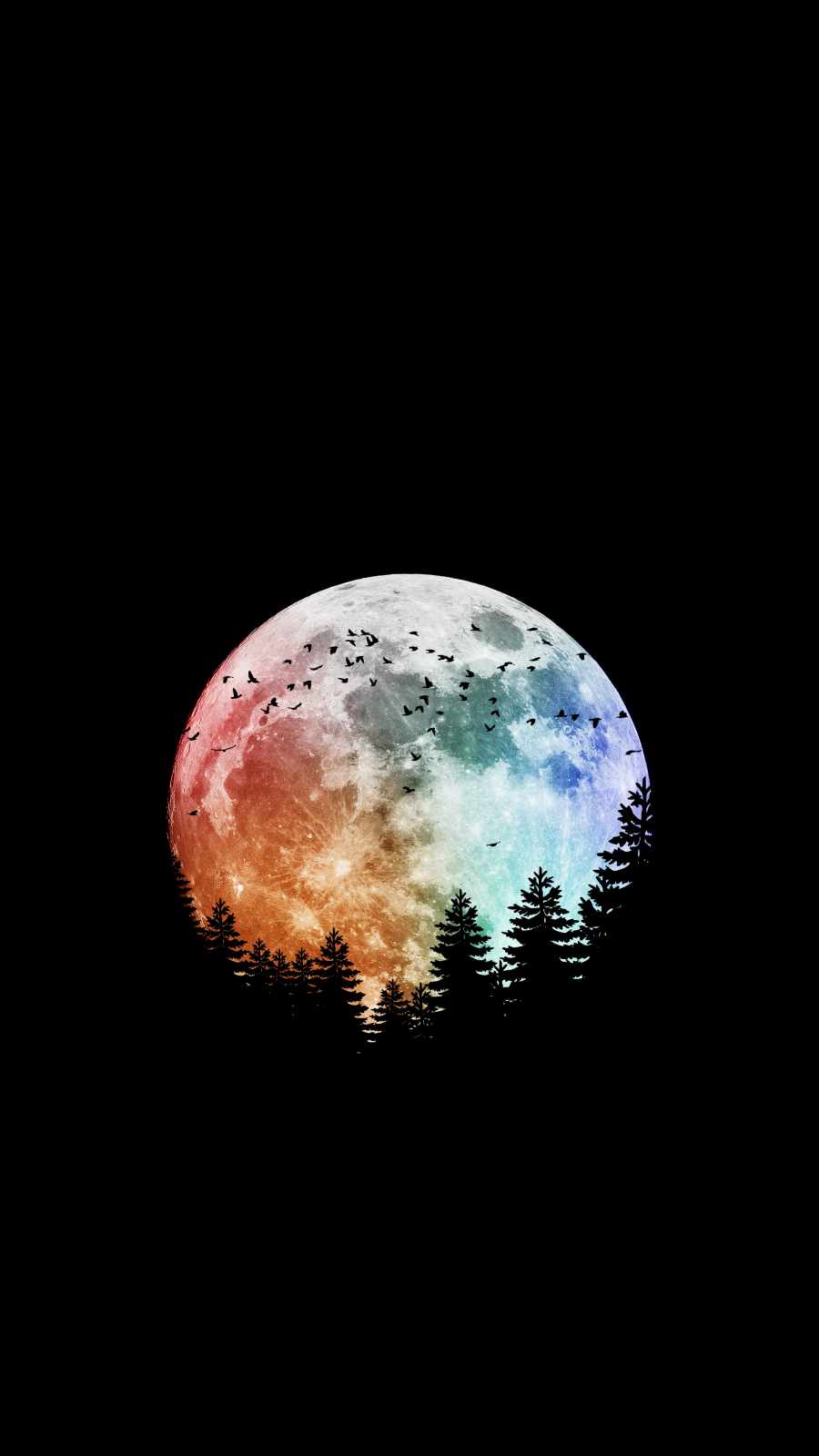
Scroll through any wallpaper app or subreddit dedicated to phone aesthetics and you’ll notice one category comes up again and again: black AMOLED wallpapers. At first glance, they might seem like the laziest possible choice for a phone background — just a dark screen with maybe a thin outline of a mountain, a single star, or a faint silhouette. But there’s real technology behind why this style has become so popular, and it goes deeper than simply looking sleek.
The Science Behind “True Black”
To understand why AMOLED wallpapers matter, it helps to know how AMOLED and OLED displays actually work. Unlike older LCD screens, which rely on a constant backlight shining through a layer of liquid crystals, AMOLED panels use individual pixels that emit their own light. When a pixel is asked to display pure black, it doesn’t dim a backlight — it simply turns off completely. No power flows to that pixel at all.
This is the entire reason black AMOLED wallpapers exist as a distinct category. A wallpaper that’s mostly filled with pure black (specifically the hex code #000000) means a large portion of your screen’s pixels are switched off any time you’re looking at your home screen, lock screen, or an app with a dark background. On a phone with a large percentage of true black on screen, this can measurably extend battery life, especially on devices used for long stretches with the screen on, like during navigation, reading, or media playback.
Why “Black” Isn’t Always Actually Black
Here’s where a lot of people accidentally undercut their own battery savings: not every dark-looking wallpaper is actually black. Many “dark mode” images floating around online are a very deep charcoal or near-black gray — something like #0A0A0A or #121212 — which still looks black to the eye on most screens but requires those pixels to stay lit at low brightness rather than switching off entirely. The difference might be invisible to your eyes, but it’s very real to your battery meter. If battery savings are your priority rather than just aesthetics, it’s worth specifically seeking out wallpapers built around pure #000000 black, or checking an image’s actual pixel values before setting it.

















The Visual Appeal Goes Beyond Battery Life
Even setting aside power consumption, black AMOLED wallpapers have a strong aesthetic case of their own. Because AMOLED panels produce genuinely infinite contrast in the dark areas of the screen, small design elements — a thin glowing outline, a single star field, a subtle color gradient bleeding out of pure black — appear to float rather than sit flat against a background. This is part of why so many black wallpapers lean minimalist: a single glowing shape, a distant nebula, or a barely visible geometric pattern reads as far more striking on true black than the same design would on a lighter background, simply because there’s nothing else competing for your eye’s attention.
This same effect is why black wallpapers pair so well with always-on-display features. Many phones show the time, date, and notification icons continuously using a dimmed version of the screen, and a true black background keeps that always-on layer looking crisp and high-contrast without the surrounding wallpaper washing it out or adding unnecessary brightness.
Choosing the Right Black AMOLED Wallpaper for You
Not all black wallpapers serve the same purpose, so it’s worth thinking about how you actually use your phone before picking one. If maximizing battery life is genuinely your goal, look for designs with the smallest possible amount of non-black content — a thin logo, a small clock numeral, or a sparse scattering of stars will save far more power than a wallpaper with a large glowing nebula or a bright colored gradient taking up half the screen.
If you’re choosing based on style rather than battery optimization, black AMOLED wallpapers tend to fall into a few recognizable families: minimalist line art (simple outlines of mountains, animals, or objects against black), space and galaxy themes (stars, nebulas, and planets that take advantage of AMOLED’s contrast), and geometric or glitch-style designs that use thin neon outlines against total darkness. Each of these looks distinct, but all of them rely on the same underlying principle of letting pure black do most of the visual work.
A Simple Habit Worth Building
If you like the look of dark wallpapers but haven’t specifically sought out true black ones before, it’s worth taking five extra minutes to check before you set a new background. A quick way to test this yourself is to view the wallpaper at low brightness in a dark room — if the “black” areas still look slightly gray or blueish rather than disappearing into the bezel of your phone, it’s probably not a true #000000 black. Making that small adjustment to your wallpaper habits costs nothing, but it’s one of the easiest, most overlooked ways to squeeze a little extra life out of your battery every single day.







3 comments