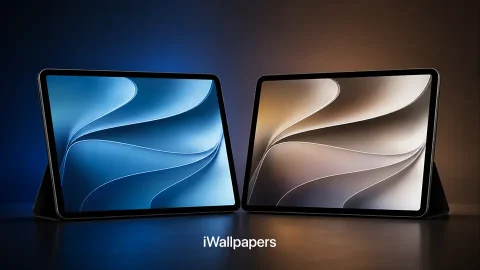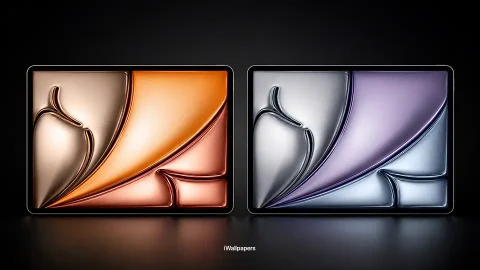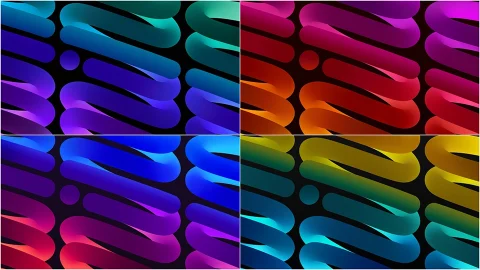
Official iPad Pro 11 Wallpapers HD – Best 4K Backgrounds for iPad Pro 11-Inch Display
The iPad Pro 11-inch is one of the most visually stunning tablets ever made. With its Liquid Retina display delivering razor-sharp clarity, vibrant colors, and ProMotion 120Hz smoothness, it deserves a wallpaper that truly does justice to its incredible screen. Whether you just unboxed a brand new iPad Pro 11 or you have had one for years and want a fresh look, finding the perfect wallpaper can completely transform how your device feels to use every single day.
In this guide, we cover everything you need to know about official iPad Pro 11 wallpapers — from Apple’s built-in default backgrounds to the best third-party 4K downloads that are perfectly optimized for the iPad Pro 11-inch display resolution.
What Makes the iPad Pro 11 Display So Special?
Before diving into wallpapers, it is worth understanding what makes the iPad Pro 11-inch screen so exceptional — because the display is what makes a great wallpaper truly come alive.
The iPad Pro 11 features a Liquid Retina display with a resolution of 2388 x 1668 pixels at 264 pixels per inch. That is an extraordinary level of sharpness and detail. The display also supports a wide P3 color gamut, True Tone technology that adjusts the white balance to match your environment, and ProMotion adaptive refresh rate up to 120Hz for buttery smooth scrolling and touch response.
What this means for wallpapers is simple — every detail matters. A wallpaper that looks average on a budget tablet will look absolutely breathtaking on the iPad Pro 11 display. Fine textures, subtle gradients, deep blacks, and vivid colors all render with a level of fidelity that makes choosing the right background a genuinely rewarding experience.
Apple’s Official iPad Pro Wallpapers
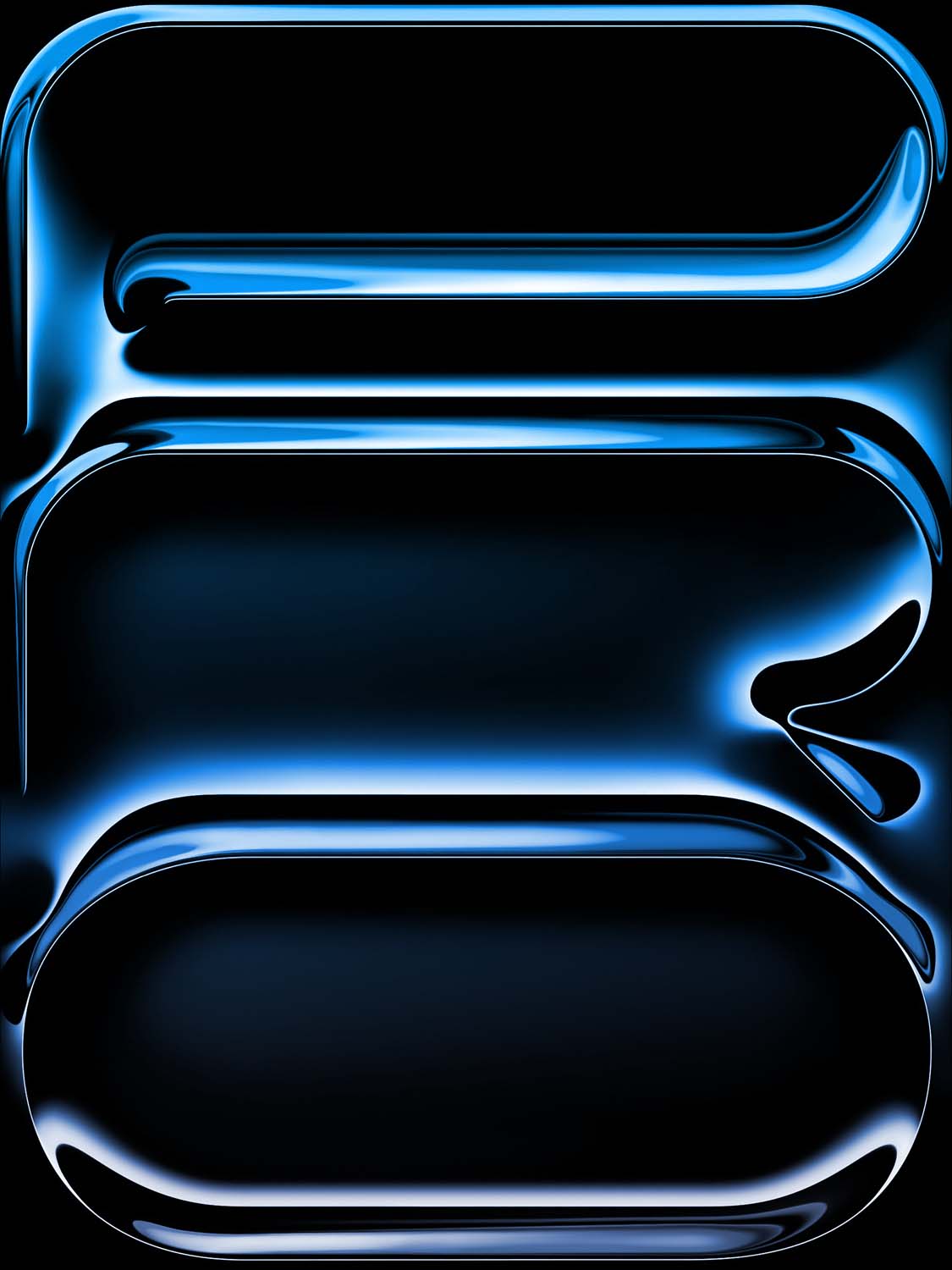
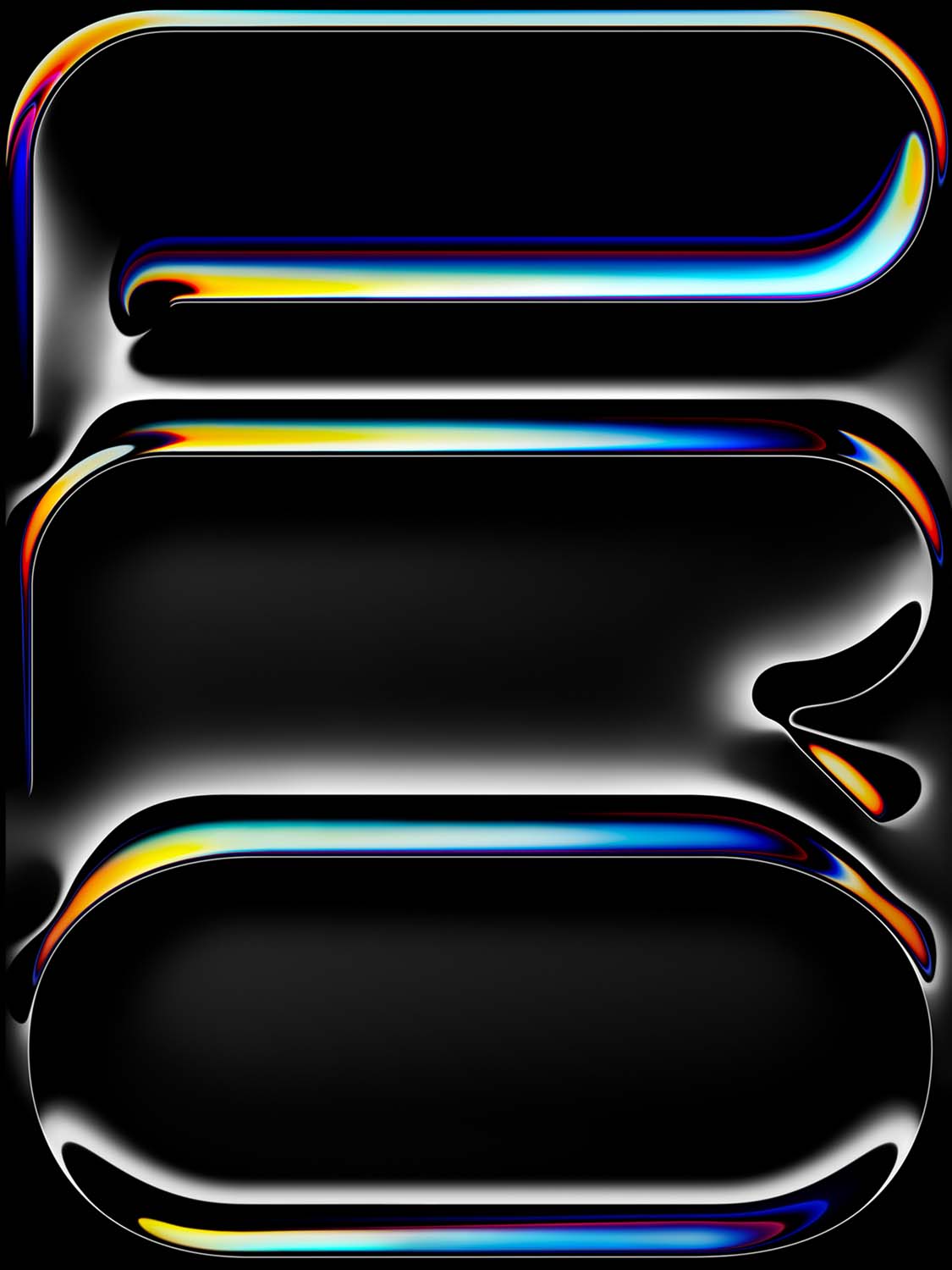
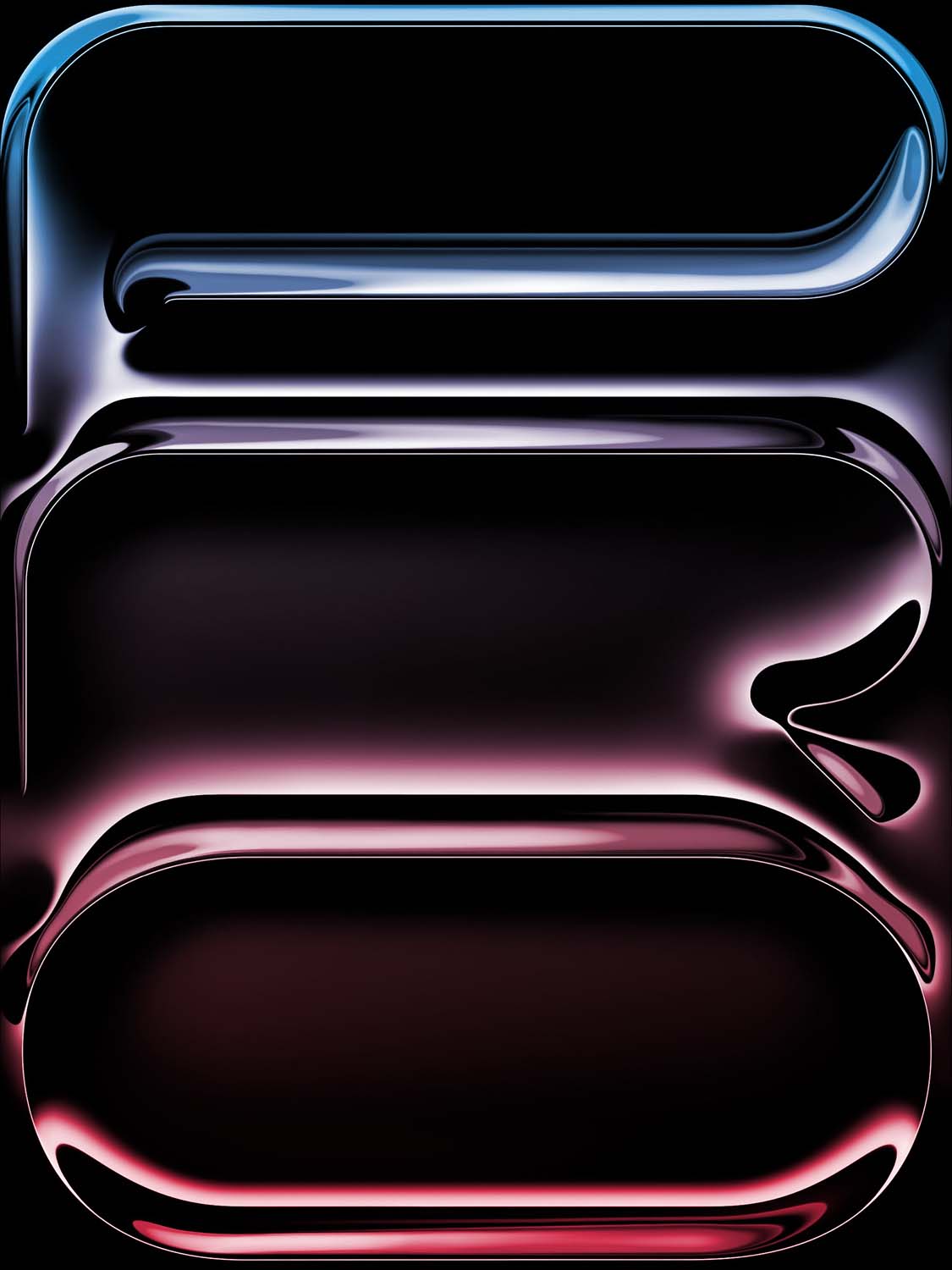
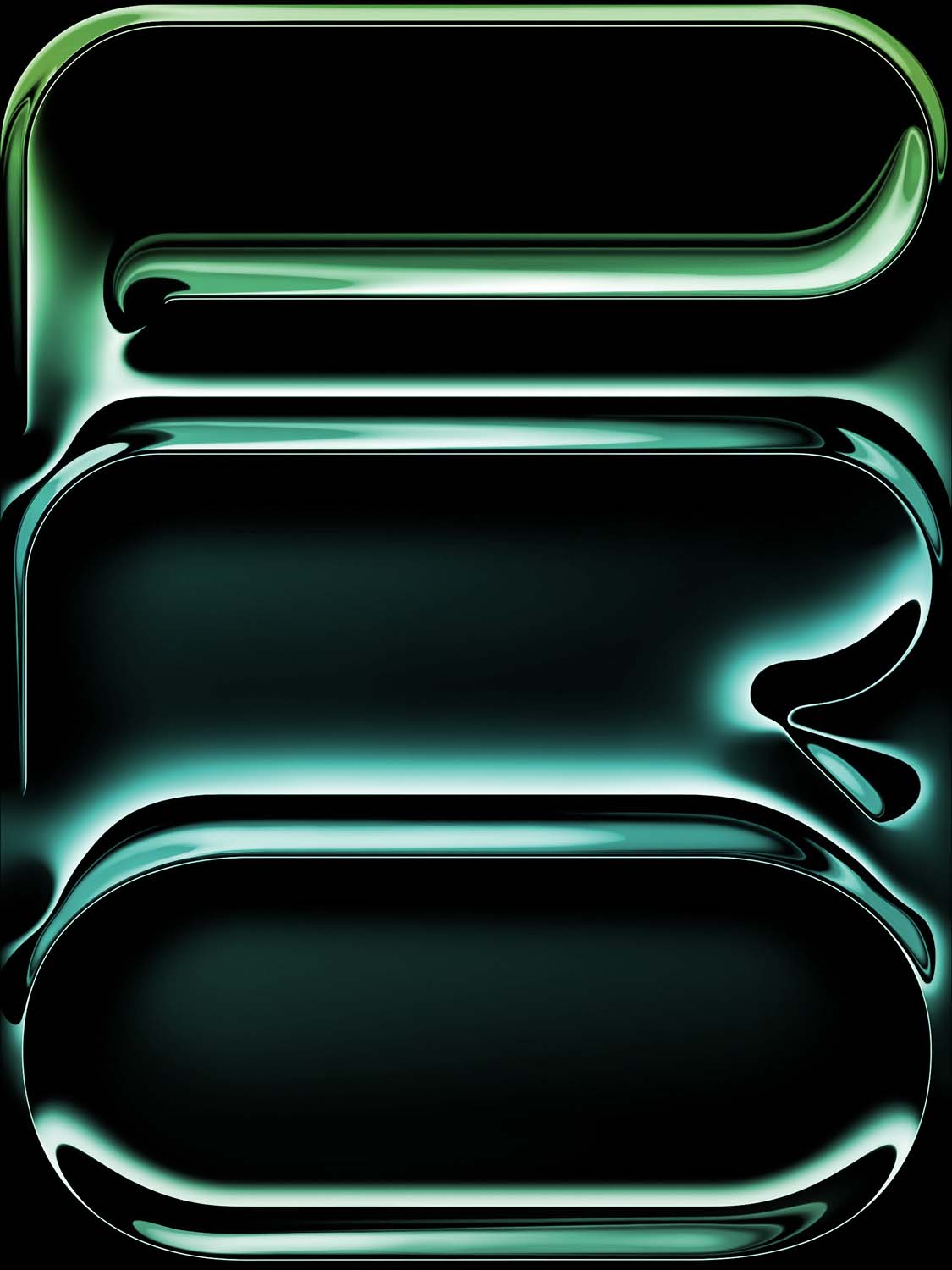
Every iPad Pro 11 ships with a curated selection of Apple’s official wallpapers built directly into iPadOS. These are not just generic stock images — they are professionally designed and specifically optimized for the iPad Pro display by Apple’s own design team.
Apple’s official wallpaper categories for iPad Pro include:
Stills: High-resolution photographs and graphic designs covering themes like nature, space, underwater, abstract art, and earth photography shot from orbit. These images are sourced from Apple’s partnerships with world-class photographers and are optimized to the exact pixel for the iPad Pro 11 display.
Live and Motion Wallpapers: Subtle animated wallpapers that bring gentle movement to your home screen and lock screen. These include slow-moving color washes, floating particles, and nature-inspired motion effects that make your iPad feel alive without being distracting.
Dynamic Wallpapers: These intelligent backgrounds shift appearance based on the time of day, transitioning from bright daytime tones to rich evening palettes automatically — a particularly beautiful effect on the iPad Pro 11’s True Tone display.
Dark Mode Wallpapers: With iPadOS’s Dark Mode becoming increasingly popular for late-night use and productivity work, Apple includes a range of deep, rich dark wallpapers that are not only visually stunning but also reduce eye strain in low-light environments.
Best Third-Party Wallpaper Styles for iPad Pro 11
Beyond Apple’s official collection, a huge range of third-party wallpapers are available that are specifically sized and optimized for the 2388 x 1668 pixel iPad Pro 11 resolution. Here are the most popular categories:
Nature and Landscape Photography: Sweeping mountain ranges, glowing sunsets, misty forests, and crystal-clear ocean waters — high-resolution nature photography is arguably the most popular wallpaper category for iPad Pro users. The wide Liquid Retina display makes landscape wallpapers look like a window to the world.
Abstract and Gradient Art: Fluid color gradients, geometric shapes, and abstract digital art are perfect for the iPad Pro 11’s wide P3 color gamut. Vivid purples, electric blues, and warm sunset oranges rendered in P3 color space look dramatically more saturated and lifelike than on standard displays.
Space and Astronomy: Hubble telescope imagery, galaxy wallpapers, nebula photography, and cosmic art look absolutely otherworldly on the iPad Pro 11’s precision display. The deep blacks in space photography are particularly stunning thanks to the display’s excellent contrast ratio.
Minimal and Clean Designs: For productivity-focused iPad Pro users, minimalist wallpapers with clean backgrounds, subtle textures, and muted tones keep the home screen looking professional and uncluttered — letting your app icons and widgets take center stage without visual competition.
Architecture and Cityscape: Aerial city photography, dramatic skylines, and architectural detail shots translate beautifully to the iPad Pro 11’s wide landscape-oriented display, making them feel almost like a live view through a window.
How to Change Your iPad Pro 11 Wallpaper
Updating your iPad Pro 11 wallpaper is simple. Here is the step-by-step process:
- Save your chosen wallpaper image to your iPad Photos app — make sure it is at least 2388 x 1668 pixels for the sharpest results
- Open the Settings app on your iPad Pro 11
- Tap Wallpaper in the left sidebar
- Select Add New Wallpaper
- Choose Photo and select your downloaded image from the Photos library
- Use the pinch-to-zoom gesture to adjust the crop and positioning
- Tap Add in the top right corner
- Choose whether to set it on your Home Screen, Lock Screen, or both
For the very best visual results, always use wallpapers that match or exceed the native 2388 x 1668 pixel resolution of the iPad Pro 11 display. Upscaled low-resolution images will appear soft and blurry on the Liquid Retina screen.
Tips for Getting the Most From Your iPad Pro 11 Wallpaper
Use different wallpapers for Home Screen and Lock Screen — Apple’s iPadOS allows you to set completely independent wallpapers for each, giving you twice the visual customization. A dramatic full-bleed landscape works beautifully on the lock screen, while a cleaner, more minimal design is ideal behind your app icons and widgets on the home screen.
Match your wallpaper to your iPad Pro case — if your case is a particular color or material, choosing a wallpaper with complementary tones creates a cohesive aesthetic that feels intentional and polished.
Try Dark Mode wallpapers for night use — the iPad Pro 11’s True Tone display automatically adjusts color temperature, but pairing it with a proper dark wallpaper in Dark Mode takes eye comfort to another level during evening use.
Final Thoughts
The iPad Pro 11-inch is a premium device with a display that genuinely deserves premium wallpapers. Whether you stick with Apple’s beautifully crafted official backgrounds or explore the vast world of third-party 4K downloads optimized for the 2388 x 1668 pixel Liquid Retina screen, the right wallpaper will make your iPad Pro 11 feel more personal, more beautiful, and more yours.
Take your time browsing the options, download a few favorites, and enjoy the process of making your iPad Pro 11 truly your own. With a screen this good, your wallpaper is never just a background — it is the first thing you see every time you pick up your device. Make it count. 🖥️✨