
iPadOS 27 Wallpapers
Every June, Apple’s Worldwide Developers Conference brings more than just software headlines — it also brings a fresh set of wallpapers that quietly become one of the most talked-about parts of the release. This year is no exception. Alongside the announcement of iPadOS 27 at WWDC 2026, Apple unveiled a brand-new wallpaper design that’s already generating buzz among iPad owners eager to give their Home Screen and Lock Screen a seasonal refresh.
What’s New in the iPadOS 27 Wallpaper Design
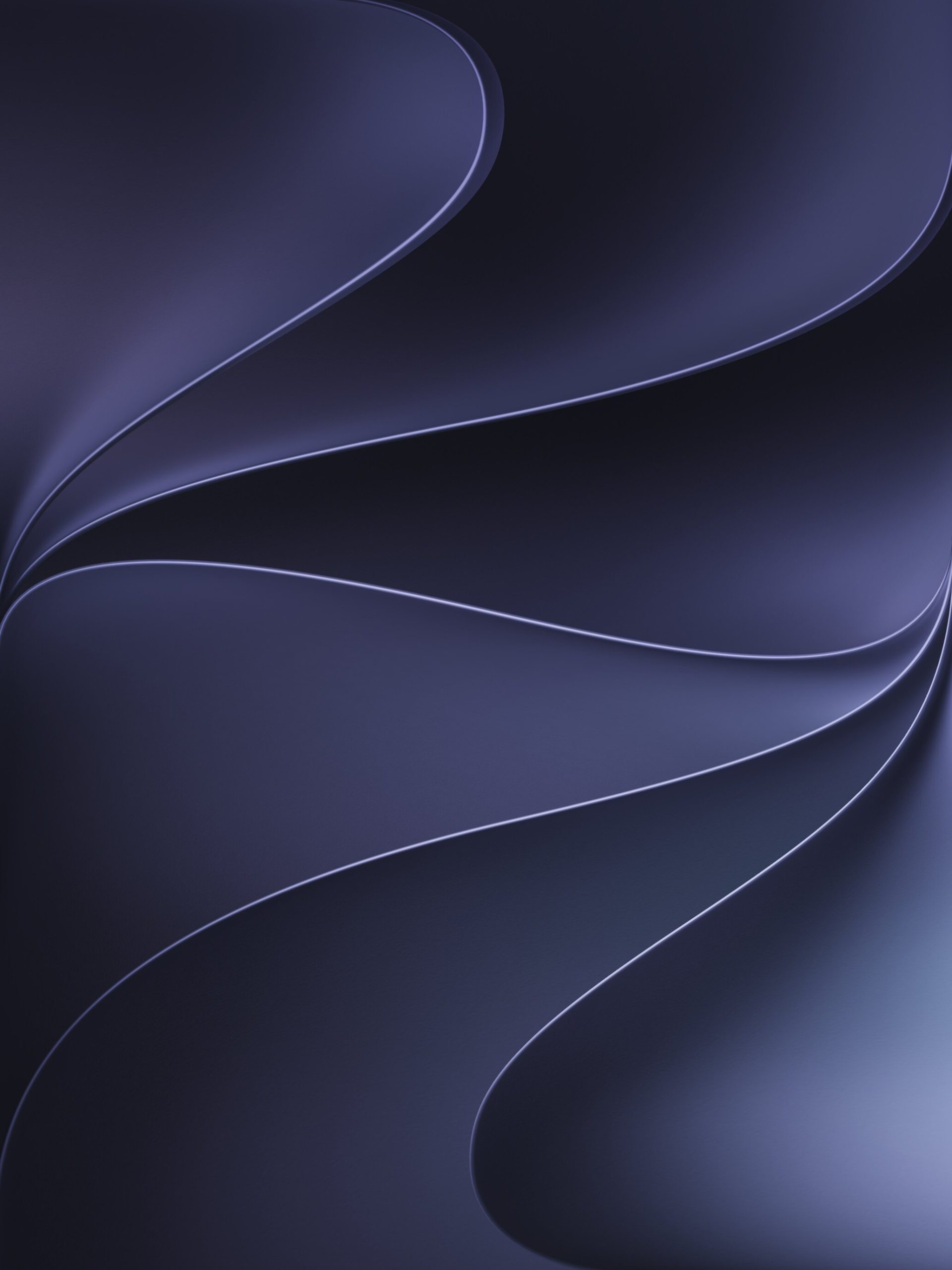
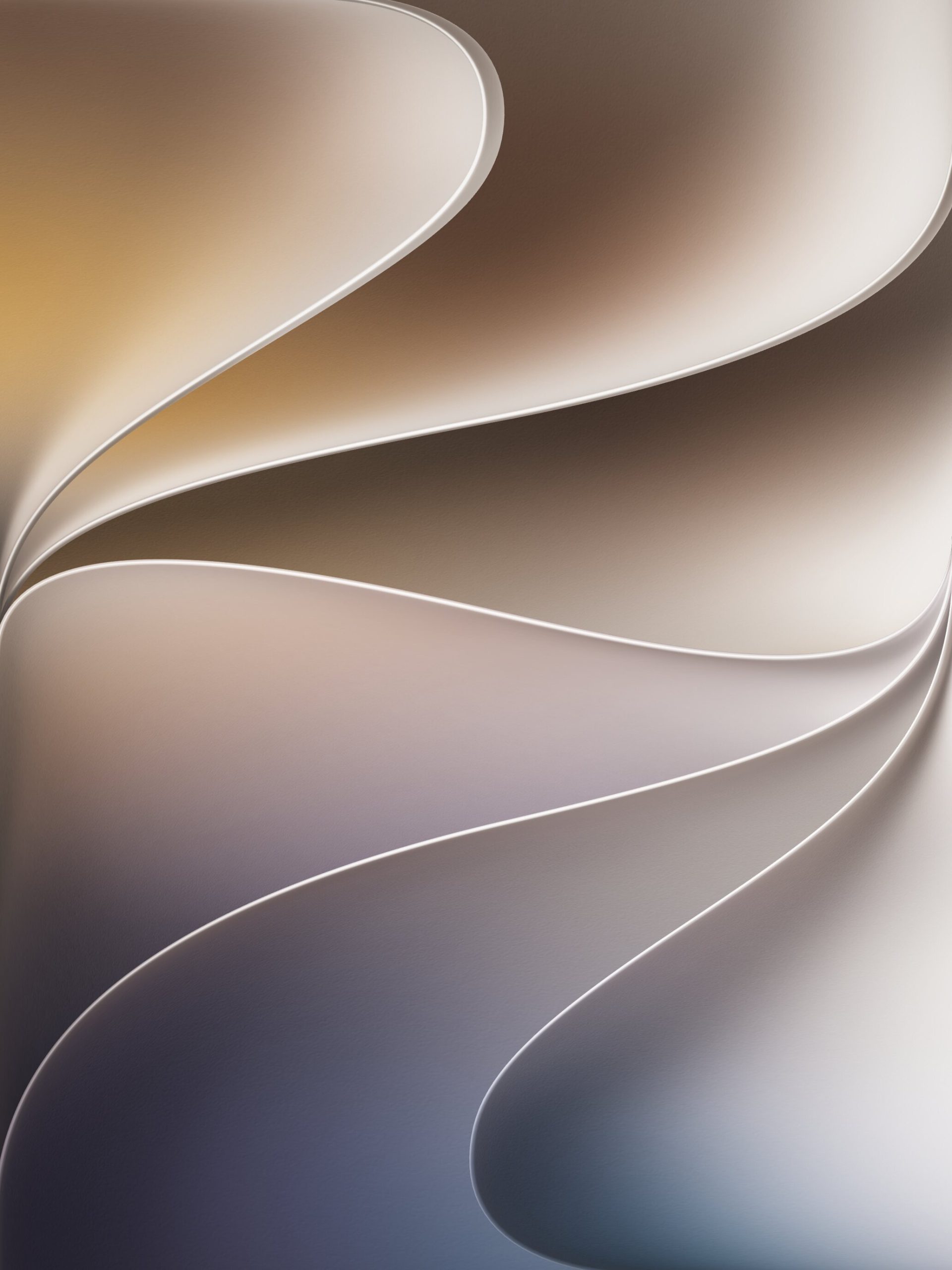
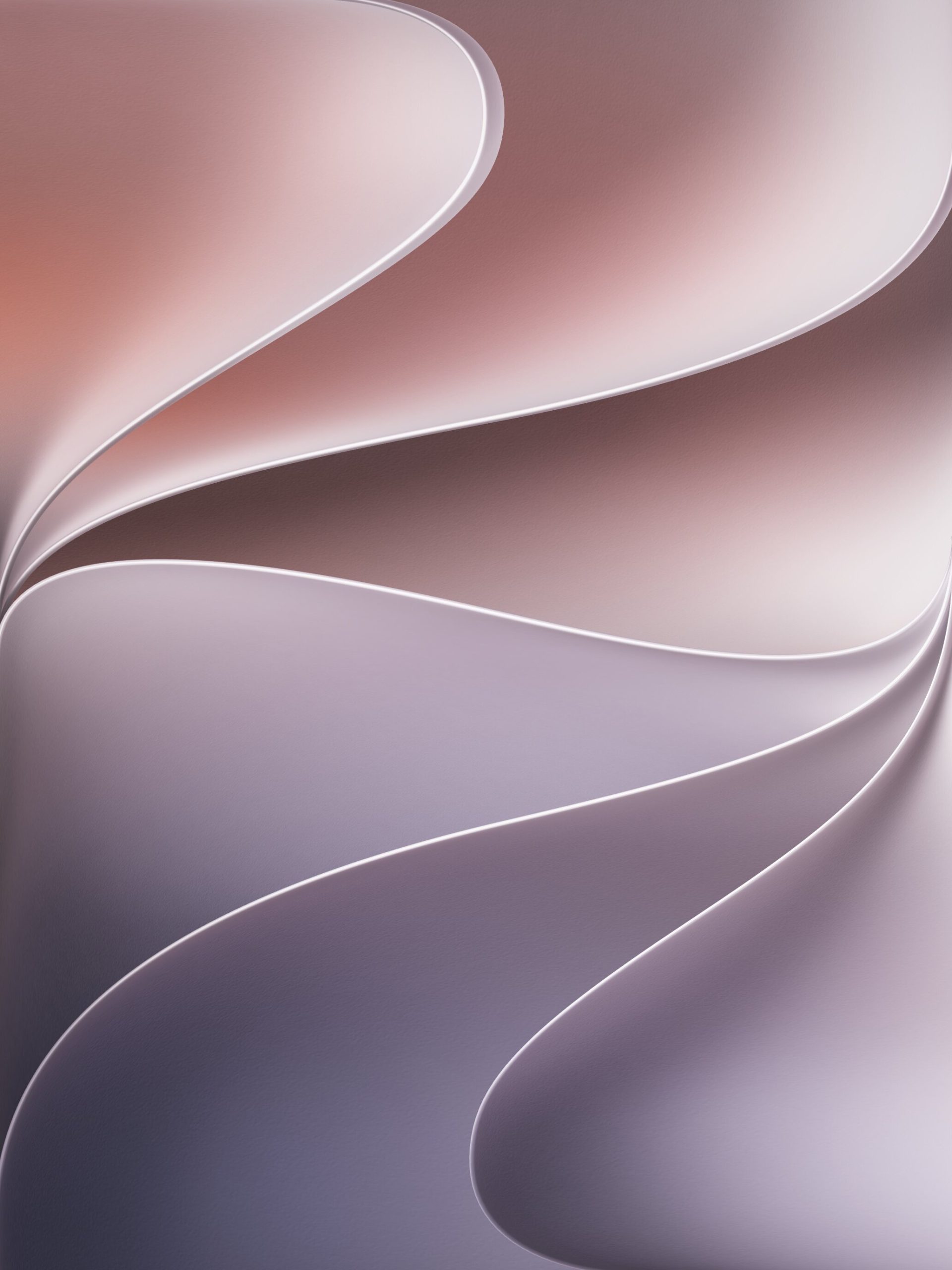
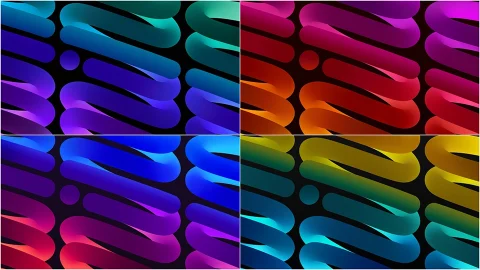
The centerpiece of this year’s release is a design Apple calls “Celosia,” featuring sweeping, overlapping curves and soft shadows inspired by layered flower petals or folded paper. It’s a distinctly organic departure from the more geometric wallpaper themes of past years, and it’s meant to complement the broader visual overhaul happening across Apple’s software lineup this cycle.
Color-wise, the new wallpaper offers two primary moods to choose from. Light mode blends warm sandy gold into a soft purple, while Dark mode shifts to deep indigos with silvery-blue edges. Beyond the standard light and dark options, Apple has also built in more flexibility than usual. The Celosia design comes in three variants: the standard option in Light and Dark, a Dynamic version that shifts automatically throughout the day, and a Color version that can be tinted to whatever shade a user prefers. That dynamic-lighting behavior — where the wallpaper subtly changes tone from morning to evening — has become something of a signature move for Apple’s more recent OS wallpapers, and it returns here with noticeably richer gradients.
Interestingly, the design language isn’t limited to iPad. According to reporting on the WWDC 2026 wallpaper rollout, Apple gave iOS 27 and macOS 27 “Golden Gate” wallpapers a unified visual identity built around stylized shapes forming the number 27, tying the entire ecosystem together for the first time under one cohesive aesthetic rather than giving each platform a completely distinct look.
Built for the Bigger Screen
One detail that sets the iPadOS wallpapers apart from their iPhone counterparts is how they’re built to handle Apple’s wide range of tablet sizes. From the compact 8.3-inch iPad mini up through the 13-inch iPad Pro and iPad Air, a single wallpaper design has to hold up whether the screen is small and bright or large and cinematic. Coverage of the release noted that the artwork was designed with enough surrounding space to survive the iPad’s frequent shifts between portrait and landscape orientation, including when the device is docked in a Magic Keyboard or running Stage Manager across an external display.
The high resolution helps here too. The official files are being distributed at 2064 by 2752 pixels, which is sharp enough to stay crisp even when it’s stretched across a 13-inch Liquid Retina display or cropped down for a smaller model. On devices with mini-LED or OLED panels, the darker sections of the Celosia design reportedly render with noticeably deeper contrast, giving the layered petal shapes a bit more visual depth than they’d have on an older LCD screen.

Why Apple Redesigns Its Wallpapers Every Year
It’s easy to treat a new wallpaper as a minor cosmetic afterthought, but Apple treats it as part of the broader design story of each release. This year’s software update leans heavily into a translucent, layered interface style — often described as “Liquid Glass” — where menus, icons, and system panels appear to have depth and light passing through them. A busy or high-contrast wallpaper would undercut that effect, making the layered UI elements harder to read. A calmer, gradient-based background like Celosia, by contrast, gives those glassy interface elements something soft to sit on top of, which is likely why Apple chose petal-like curves and shadow gradients rather than sharp geometric patterns this time around.
There’s also a compatibility note worth knowing before you go looking for the update itself: iPadOS 27 is supported on iPad Air starting from the 4th generation, along with any iPad running an A14 chip or newer, or any model with an M1 chip or later. If your device falls outside that range, you can still grab the wallpaper files separately and apply them manually, since they work independently of whether your iPad is actually running the new operating system.
How to Set the New Wallpaper on Your iPad
If you’d like to get the look before installing the beta yourself, the process is simple. Open the wallpaper file on your iPad, press and hold the image, and select “Save to Photos.” From there, head into the Settings app, tap Wallpaper, and choose “Add New Wallpaper” to select your saved image from your photo library. Alternatively, you can long-press directly on your Lock Screen, tap Customize, and pick the image from Photos that way. On iPad, the same wallpaper is automatically applied to both the Home Screen and Lock Screen, so there’s no need to set them separately.
Final Thoughts
Whether or not you plan to install the iPadOS 27 beta right away, the new Celosia wallpaper is a low-risk way to preview this year’s design direction on your existing setup. With its warm gold-and-purple Light mode, moody indigo Dark mode, and the added flexibility of Dynamic and Color variants, it’s one of the more versatile wallpaper sets Apple has released in recent memory — and a solid reminder that even the smallest design details get real thought behind them each year.

1 comment