Aesthetic Flower iPhone Wallpapers: Minimalist 4K Picks
There’s a reason single-flower wallpapers keep showing up at the top of every “aesthetic wallpaper” search. A lone bloom set against a soft gradient sky feels calm, editorial, and a little bit dreamy — the kind of image that looks like it belongs in a design magazine rather than a phone screen. If you’re hunting for aesthetic flower iPhone wallpapers, this guide breaks down exactly what makes this style so effective, the range of looks you can go for, and how to get the sharpest possible result on your specific iPhone model.
Why Minimalist Flower Wallpapers Are Having a Moment
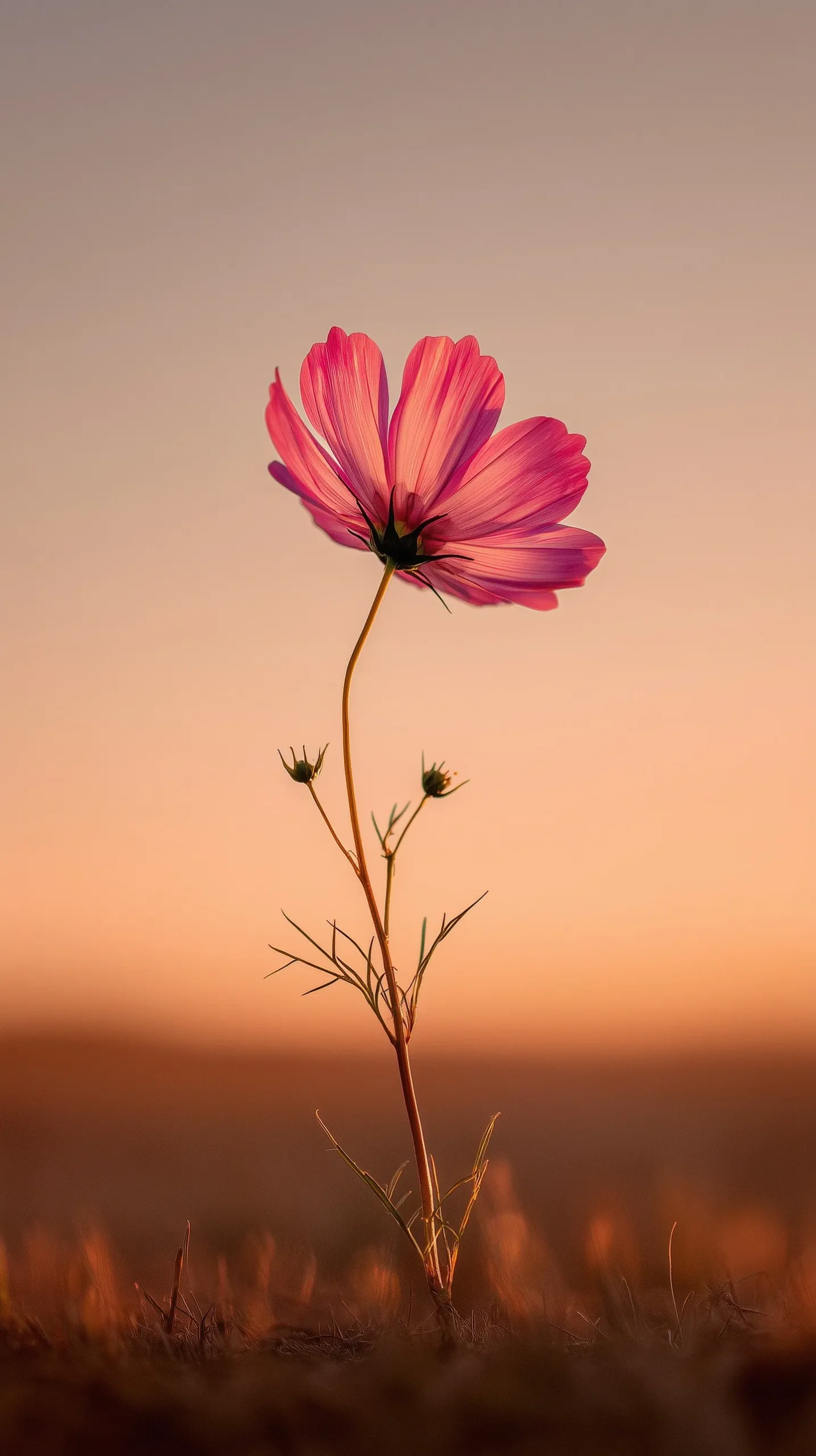
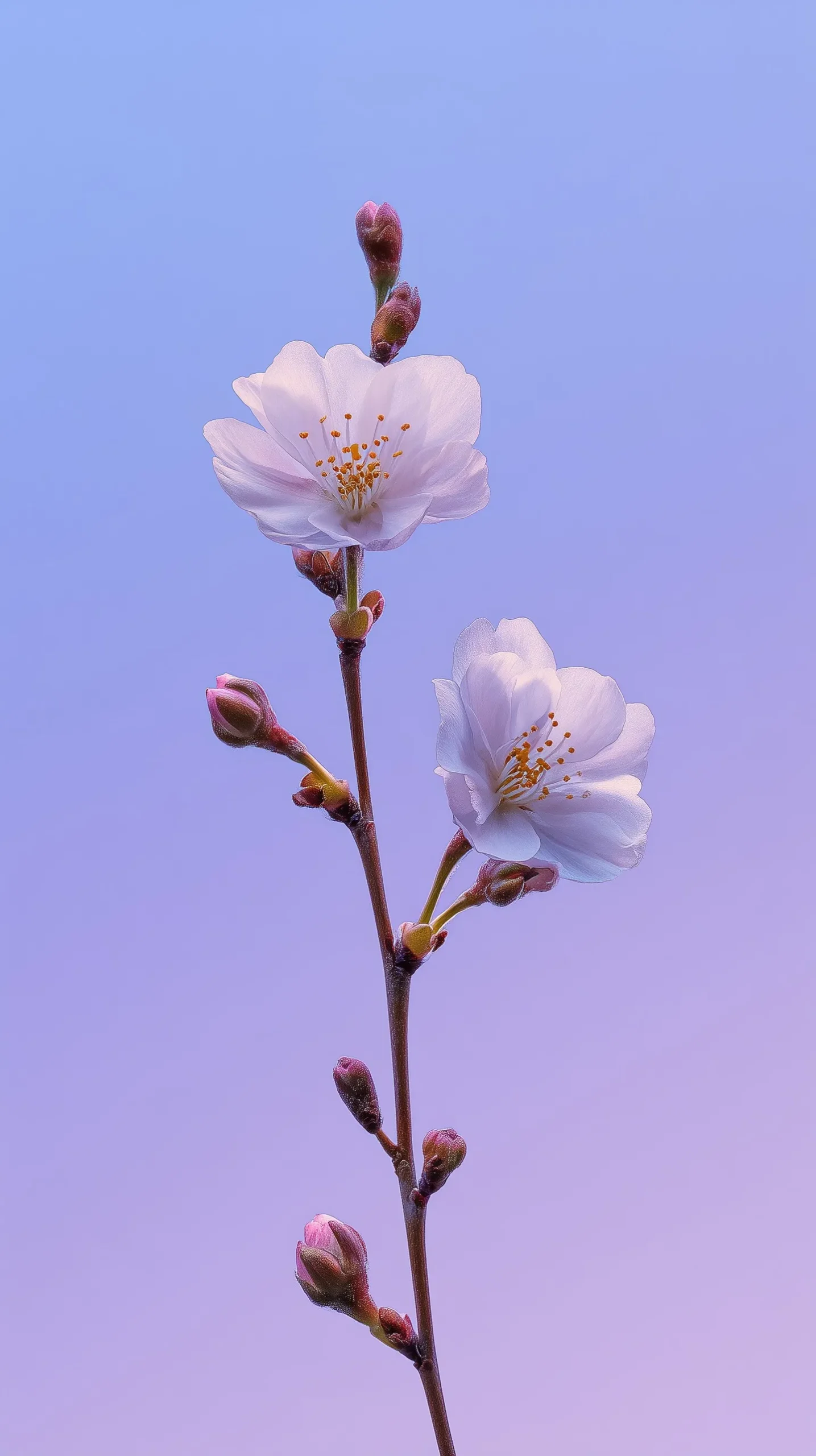
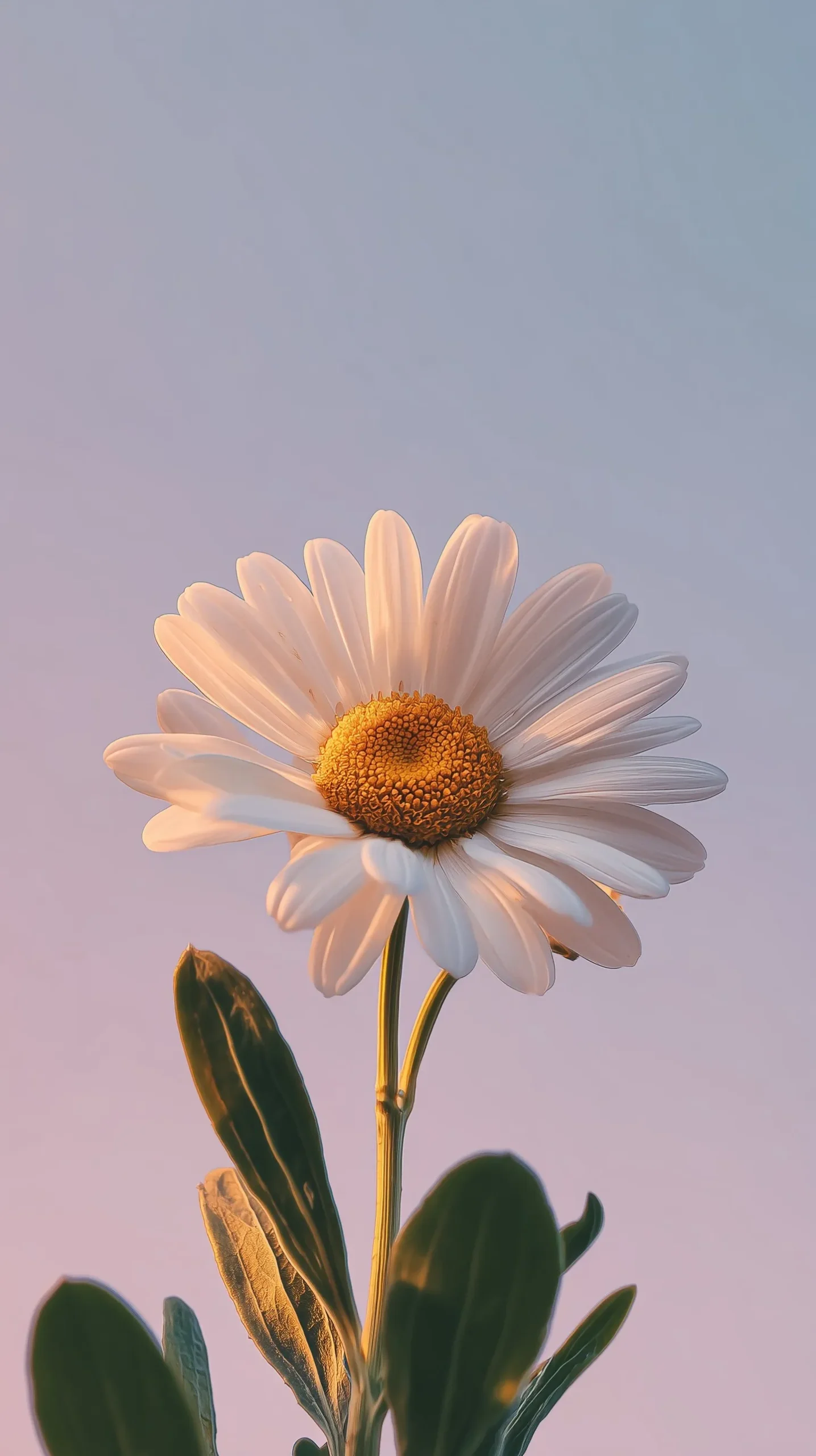
Botanical wallpapers aren’t new, but the current wave has a distinct look: a single flower, shot in sharp macro-style detail, set against a smooth, softly graduated background rather than a busy garden or field. This minimalist composition does a few things really well. It keeps the Lock Screen legible — the negative space around the flower leaves plenty of room for the clock, date, and notifications without visual clutter. It also photographs beautifully on OLED iPhone screens, since smooth color gradients (blues fading to pink, orange fading to gold) render with almost no banding or noise on a high-quality display.
There’s also an emotional pull to this style. A single flower reads as intentional and calm, which fits the broader “soft life” and slow-living aesthetic that’s been trending across social media — a phone background that feels like a small, personal moment of stillness every time you check the time.
The Key Visual Styles Within This Trend
Even within “minimalist flower wallpaper,” there’s a surprising amount of range to choose from depending on the mood you want:
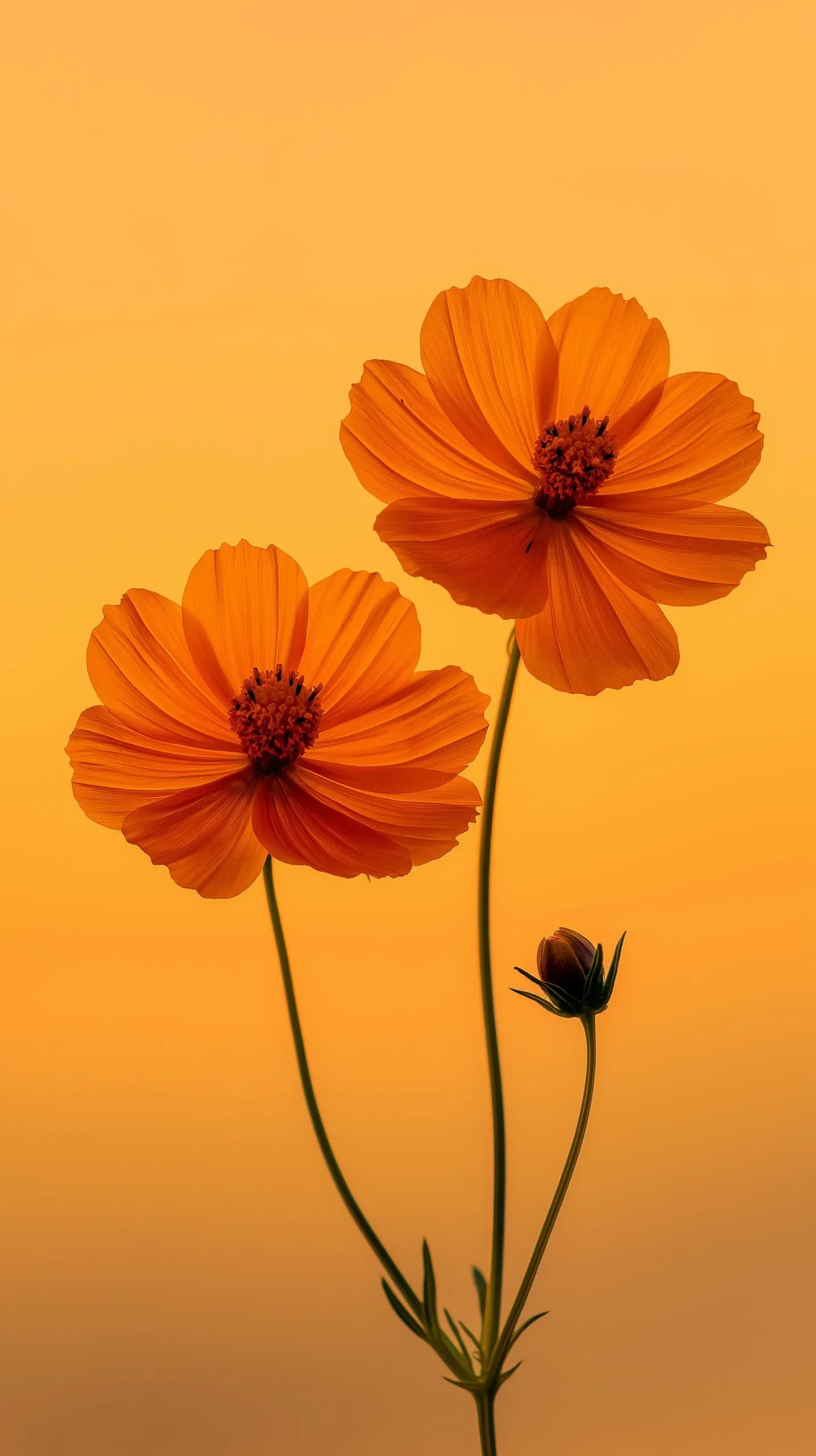
Backlit and translucent petals. Some of the most striking images use natural backlighting so the petals glow slightly, showing their internal vein structure through translucent color. This works especially well with warm sunset gradients behind the bloom.
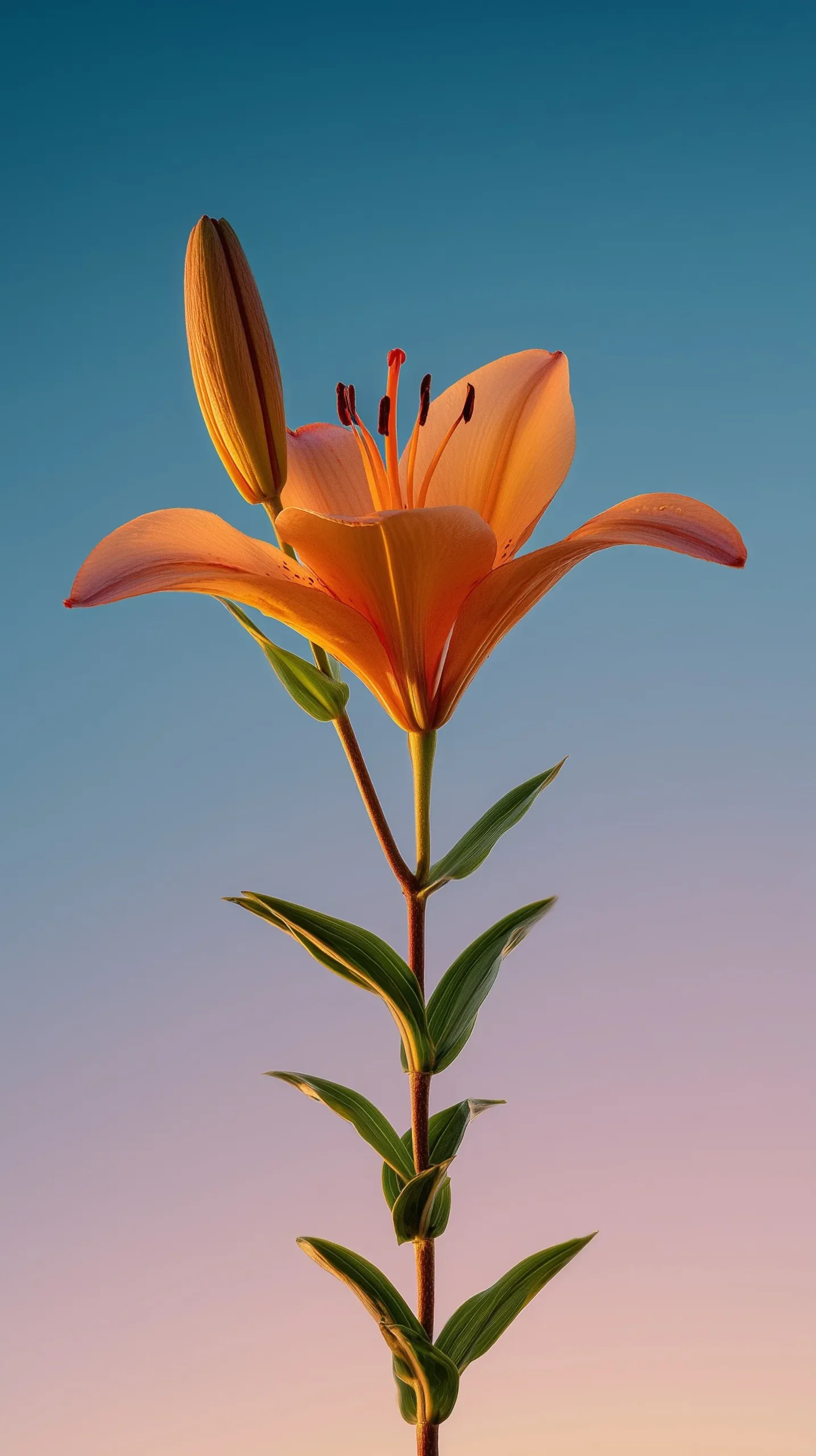
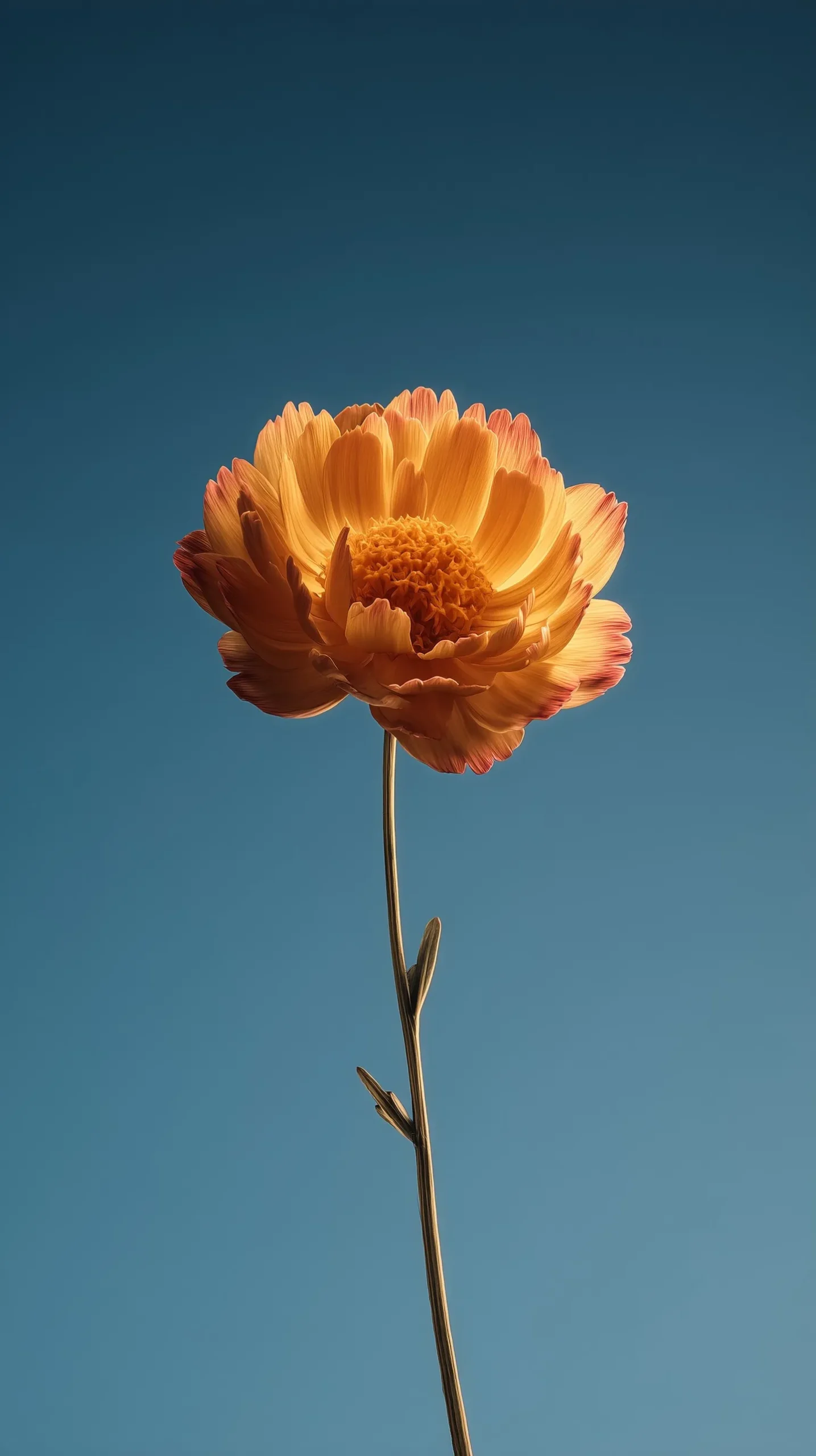
Cool gradient backdrops. Pairing a warm-toned flower (orange, red, yellow) against a cooler blue or lavender sky creates a strong color contrast that makes the flower pop without needing a busy background.
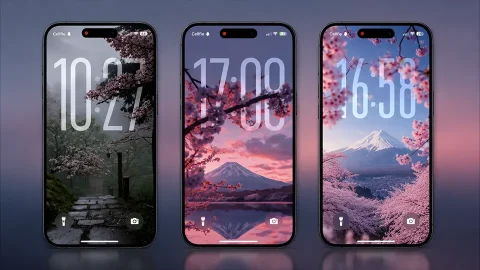
Pastel-on-pastel palettes. For a softer, more muted look, some wallpapers pair pale flowers — white cherry blossoms, soft daisies — against equally pale lavender or blush skies, creating an almost monochrome, foggy effect.
Silhouette-style compositions. A handful of these wallpapers shoot the flower nearly in silhouette against a bright sky, emphasizing shape and outline over fine detail — a striking option if you want something a little more graphic.
Dual-bloom compositions. Rather than a single flower, some wallpapers show two blooms at slightly different heights and angles, which adds visual movement and asymmetry compared to a perfectly centered single flower.
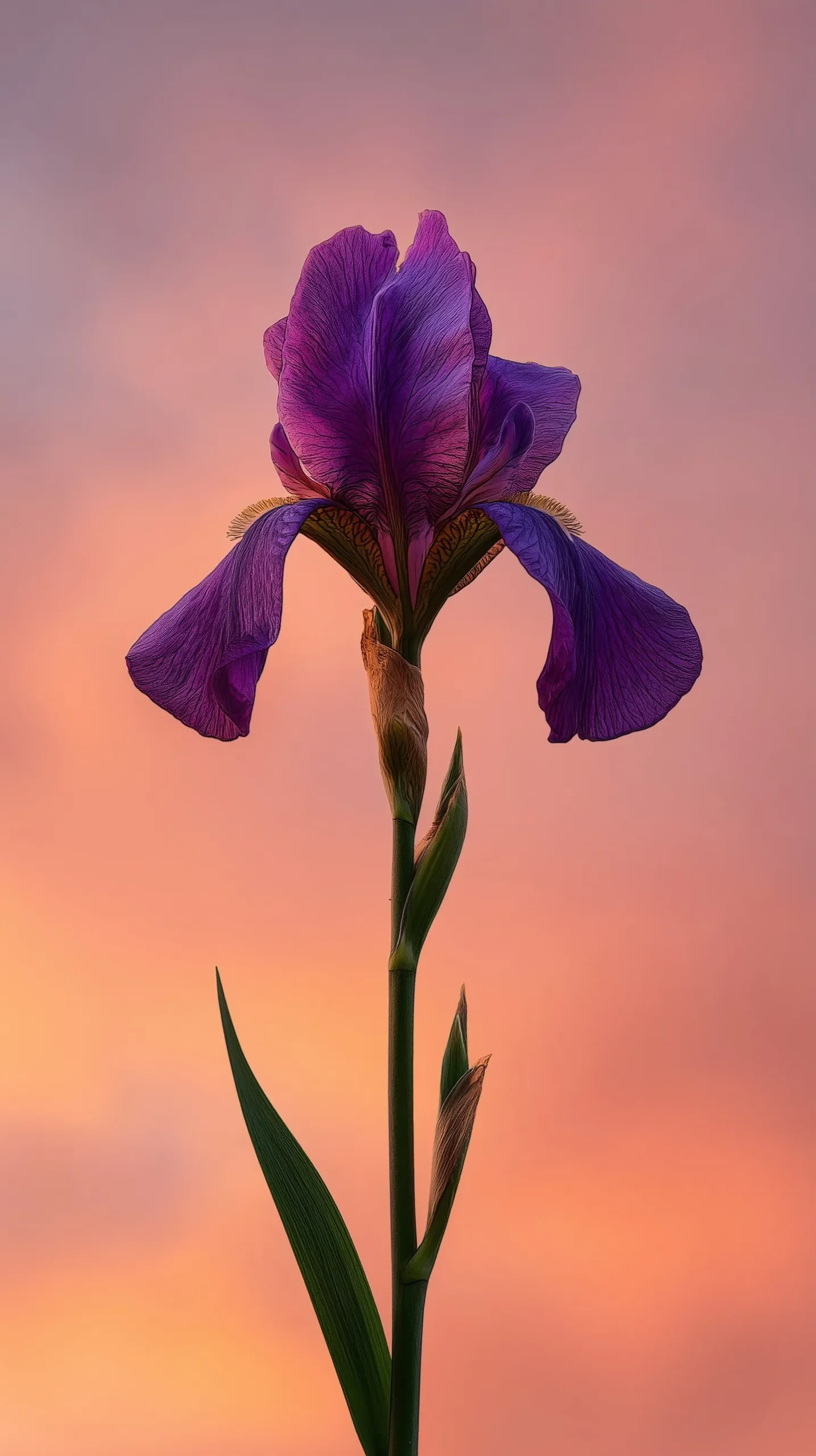
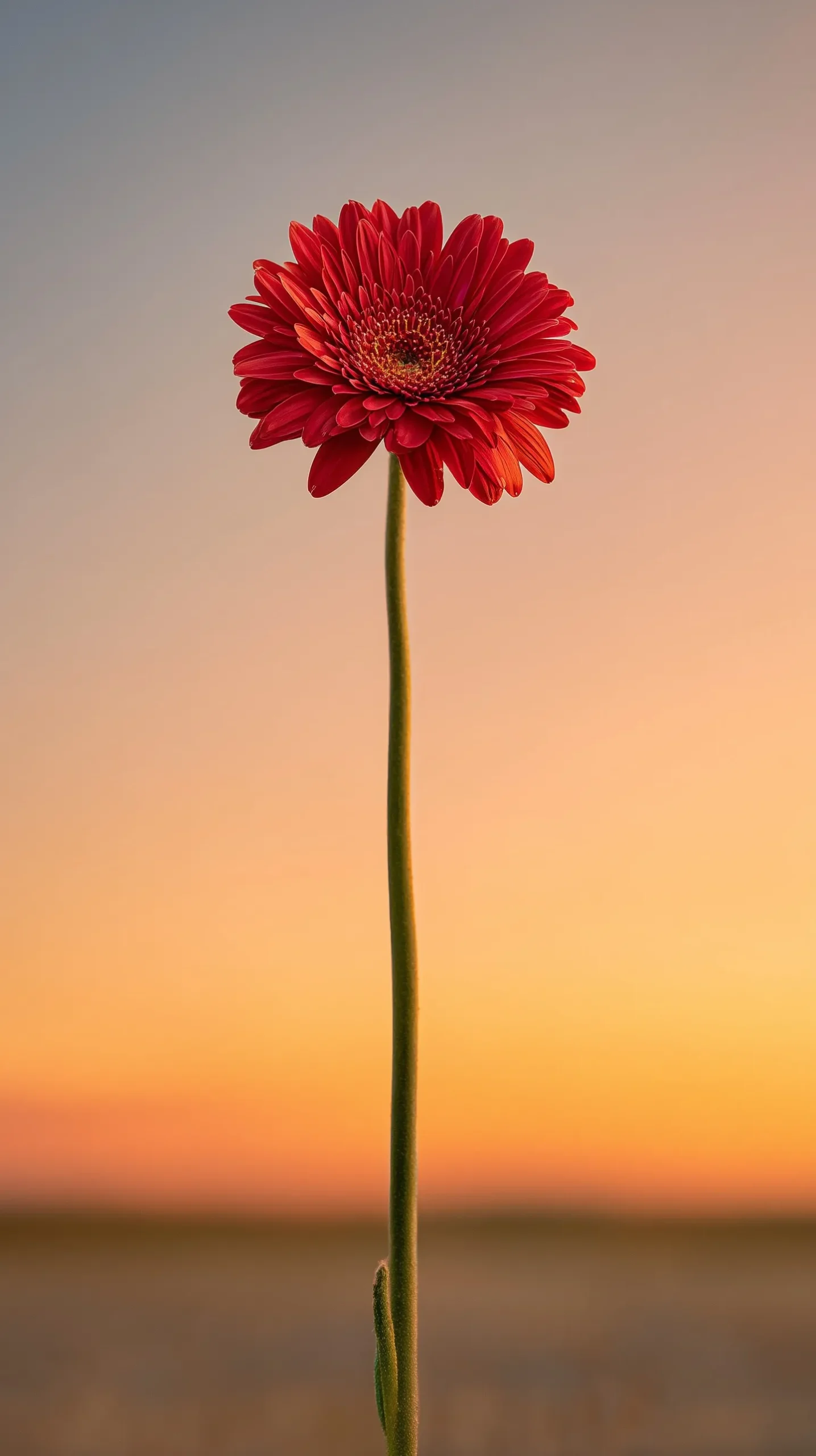
Vivid single-color statement blooms. Bold reds, deep purples, and saturated oranges against a fading sky create a strong “hero image” feel — ideal if you want your Lock Screen to be an immediate visual focal point rather than a subtle background.
What “4K” Actually Means for These Wallpapers
As with most phone wallpaper searches, “4K” is used as shorthand for “sharp and detailed” rather than a literal spec, since iPhone displays don’t use true 3840×2160 resolution. Depending on your model, the native display resolution falls somewhere between roughly 1170×2532 and 1290×2796 pixels. The practical takeaway: look for source images with a long edge of at least 2000–3000 pixels so there’s plenty of resolution to work with, especially for detail-heavy areas like petal texture and stamen close-ups, which show compression artifacts more obviously than a smooth gradient background does.
Because these wallpapers rely so heavily on smooth color transitions, file compression matters a lot here. A heavily compressed JPEG can introduce visible banding in the gradient sky, which instantly undermines the polished, editorial look these wallpapers are going for. Where possible, choose the highest-quality version available.
How to Set a Flower Wallpaper on iPhone
- Save the image you like to your Photos app.
- Open Settings and tap Wallpaper.
- Tap Add New Wallpaper, then choose Photos.
- Select your image and adjust the zoom and position so the flower sits centered, with the stem trailing toward the bottom of the screen.
- Choose whether to apply it to your Lock Screen, Home Screen, or both, then tap Set.
- If you’re on iOS 16 or later, try enabling the Depth Effect — many of these compositions have a clear subject (the flower) against a distant background, which can create a subtle parallax layer behind your clock widget.
Styling Tips for a Polished Look
- Match your Lock Screen font color to whichever tone dominates the image — white text on darker gradients, or a soft black/gray on pale pastel backgrounds.
- If you use widgets, choose a wallpaper where the flower sits in the upper two-thirds of the frame, leaving the lower section clearer for icons.
- Build a small rotating set of 3–4 wallpapers in a shared color family (all warm sunset tones, or all cool pastel tones) so switching between them still feels cohesive.
- Pair these wallpapers with a minimal, monochrome Home Screen icon pack for a more editorial, cohesive aesthetic overall.
Final Thoughts
Aesthetic flower iPhone wallpapers work because they do more with less — a single, sharply detailed bloom against a soft gradient sky feels calm, intentional, and genuinely beautiful every time you glance at your phone. Whether you gravitate toward fiery backlit petals or a hushed pastel daisy, prioritizing high-resolution, uncompressed images will make sure the final result looks every bit as polished on your screen as it did in the original photograph.
Explore More :
- 10 Best Split-View iPhone Depth Effect Wallpapers (4K Download)
- iOS 27 Pastel Depth Effect Wallpapers: Soft 3D Lock Screens [10+]
- Autumn Depth Effect iPhone Wallpapers: Cozy 3D Lock Screens
- Spider-Man 3D Wallpapers for iPhone (4K HD) – Free Download
- Ocean Depth Effect Wallpapers for iPhone (4K HD) – Free Download
- 15+ iOS 27 3D Spatial Scene Wallpapers for iPhone (4K HD)
- 20+ Blooming Sakura 3D Depth Effect iPhone Wallpapers 4K