iPhone Depth Effect Wallpapers – Best 3D Lock Screen Backgrounds (4K HD)
If you have ever looked at someone’s iPhone lock screen and noticed how the time and widgets appear to sit in front of the wallpaper while the background stretches behind them in three dimensions — that is the Depth Effect at work. It is one of the most visually impressive features Apple has built into iOS, and when you pair it with a wallpaper that is specifically designed to take advantage of it, the result is a lock screen that looks genuinely three-dimensional every time you raise your phone.
This pillar guide brings together every depth effect wallpaper collection on this site in one place — your single destination for the best 3D iPhone lock screen backgrounds available in free 4K HD download.
What Is the iPhone Depth Effect?
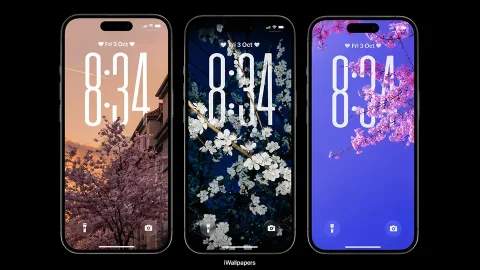
The Depth Effect is an iOS lock screen feature that creates a layered 3D parallax effect between your wallpaper and the clock, widgets, and notifications on your lock screen. When set up correctly, the subject of your wallpaper — a flower, a character, a wave, a tree — appears to pop forward in front of the clock, while the background recedes behind it. The effect is most pronounced when the wallpaper has a clear subject in the foreground and a distinct background, giving iOS’s depth algorithm a clear layer to work with.
Apple introduced this feature with iOS 16 and has continued to refine it with each major release. With iOS 27, the Depth Effect has become even more sophisticated, now supporting spatial scene rendering and pastel gradient layering that was not possible in earlier versions. The result is lock screens that feel less like photographs on glass and more like actual windows into three-dimensional spaces.
The Complete Depth Effect Wallpaper Collection
Blooming Sakura 3D Depth Effect Wallpapers
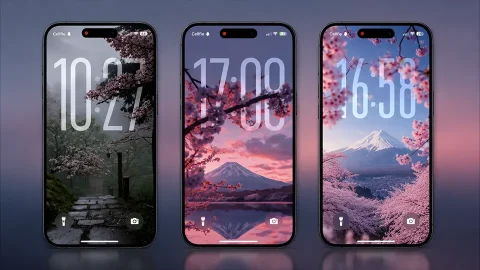
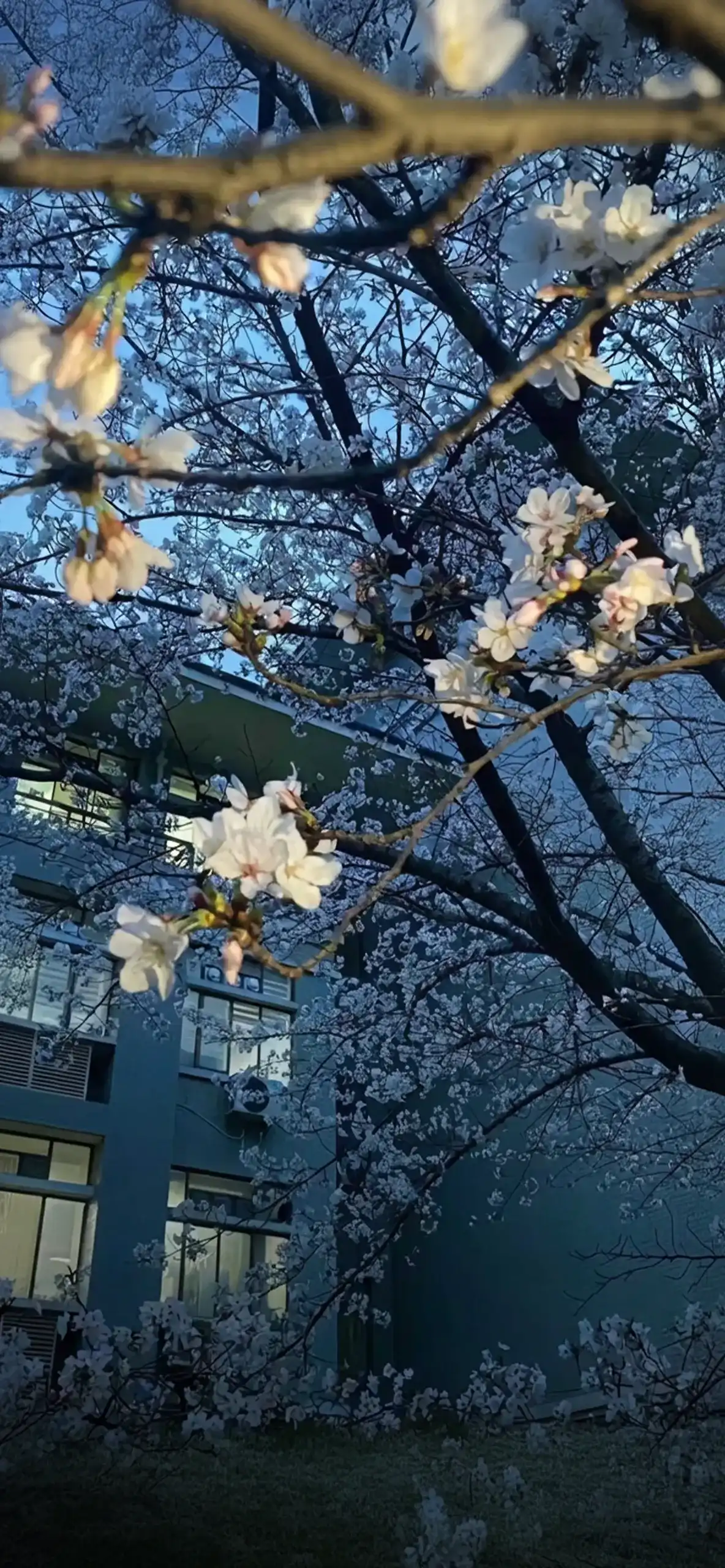
The sakura collection is one of the most popular depth effect sets on the site, and it is easy to see why. Cherry blossom branches extending toward the camera with soft bokeh petals falling behind them are a perfect match for the Depth Effect algorithm. The foreground blossoms sit in front of your clock while the blurred blossom background fades gracefully into the distance.
→ View Blooming Sakura 3D Depth Effect Wallpapers
iOS 27 3D Spatial Scene Wallpapers
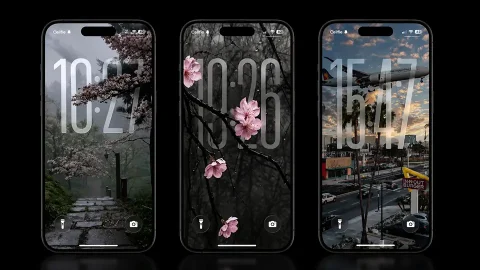
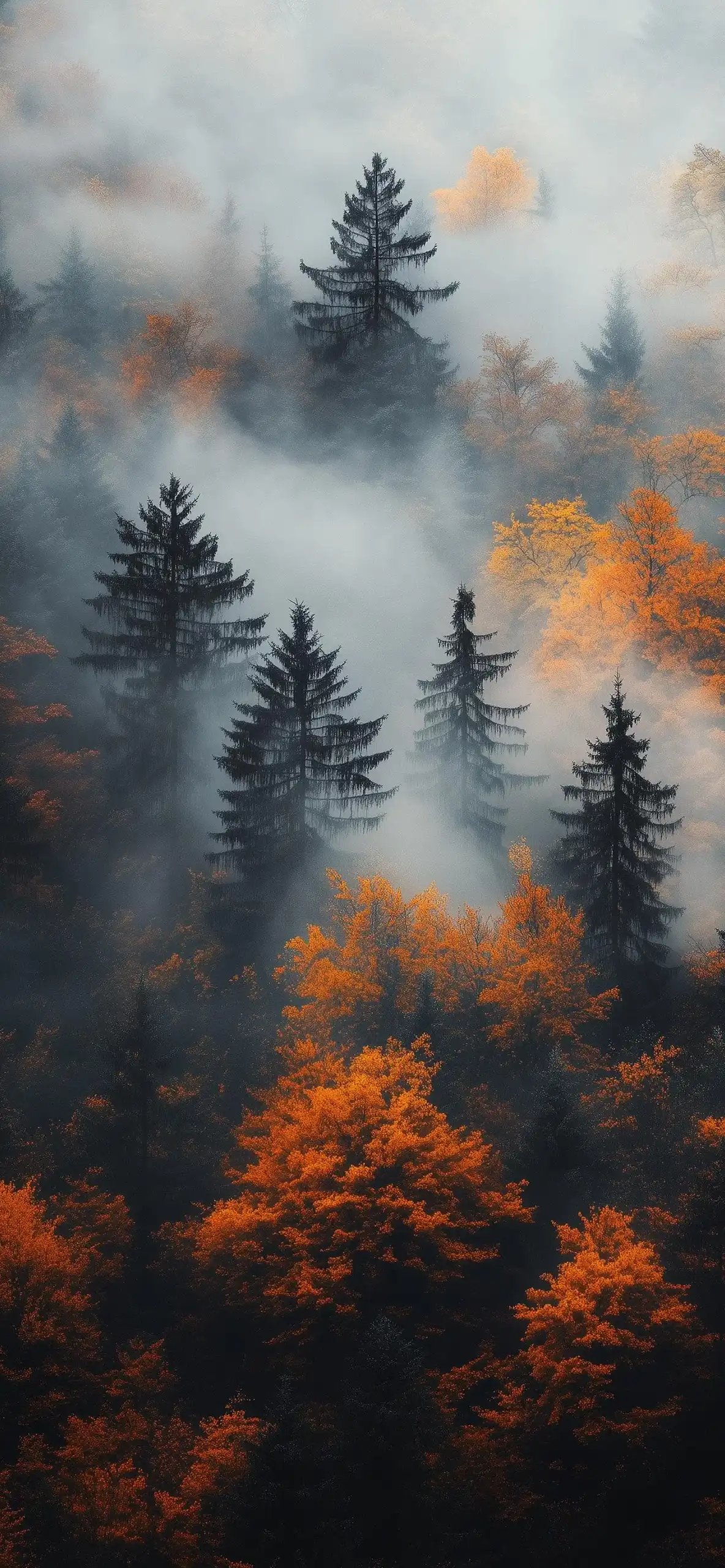
The newest addition to the collection takes full advantage of iOS 27’s upgraded spatial rendering. These wallpapers are built specifically for the Depth Effect engine in iOS 27, with multi-layer scene compositions that create a remarkable sense of genuine depth on any iPhone with a Super Retina XDR display.
→ View iOS 27 3D Spatial Scene Wallpapers
Ocean Depth Effect Wallpapers
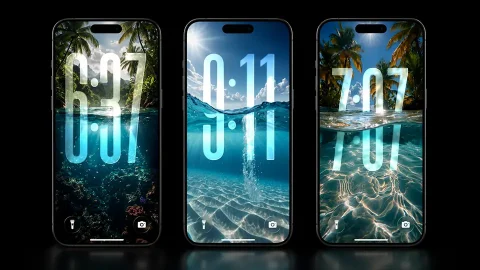
Underwater photography and ocean surface shots are naturally suited to the Depth Effect — the way light filters through water layers creates a built-in sense of depth that iOS enhances beautifully. These ocean depth wallpapers range from sunlit surface ripples to deep blue underwater scenes that make your lock screen feel like an aquarium window.
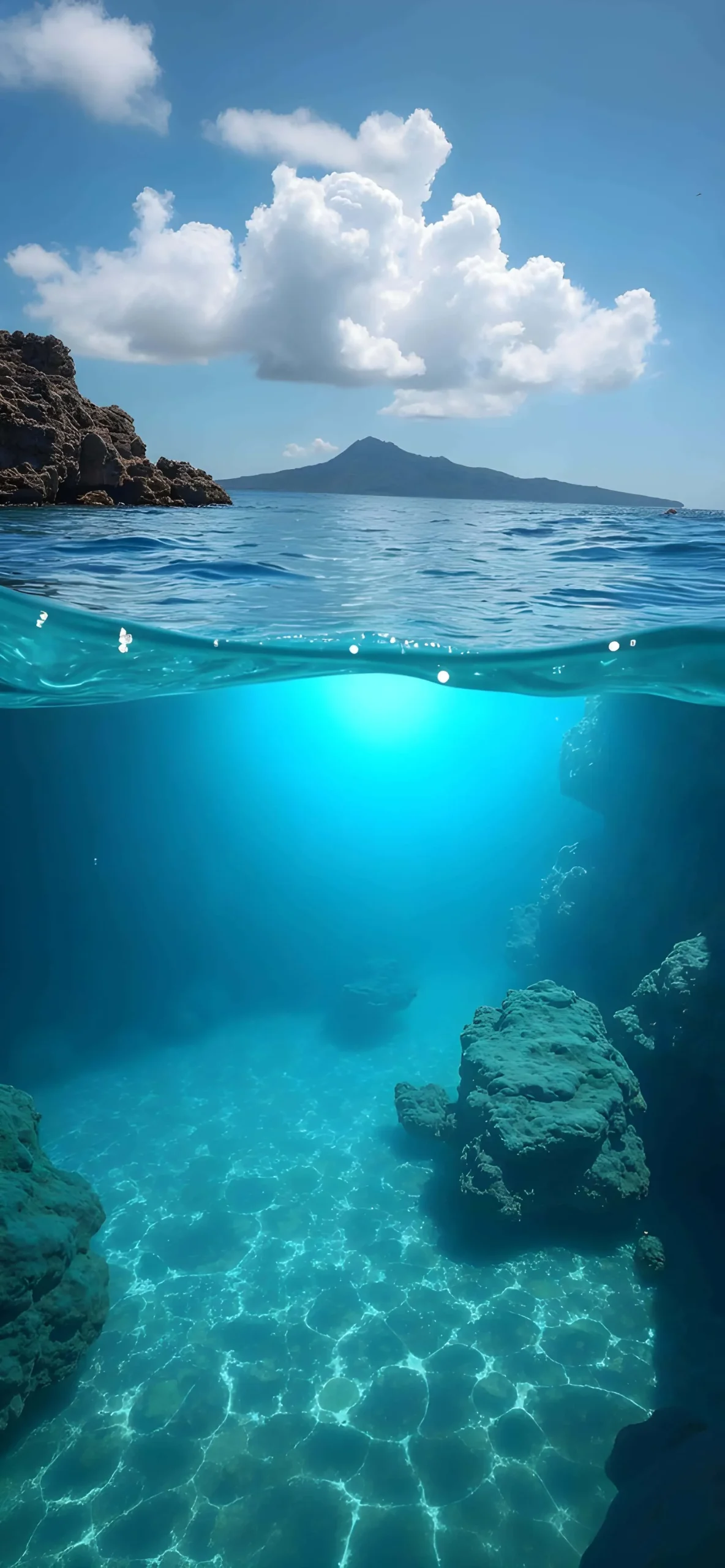
→ View Ocean Depth Effect Wallpapers
Spider-Man 3D Wallpapers
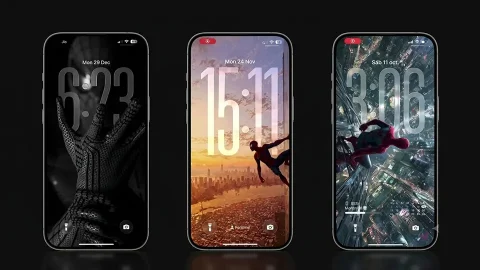
For fans who want their lock screen to feel like a Marvel movie poster, the Spider-Man 3D collection delivers. Spidey’s figure pops dramatically in front of cityscape and web backgrounds, making the Depth Effect feel more like a comic panel coming to life than a static phone wallpaper.
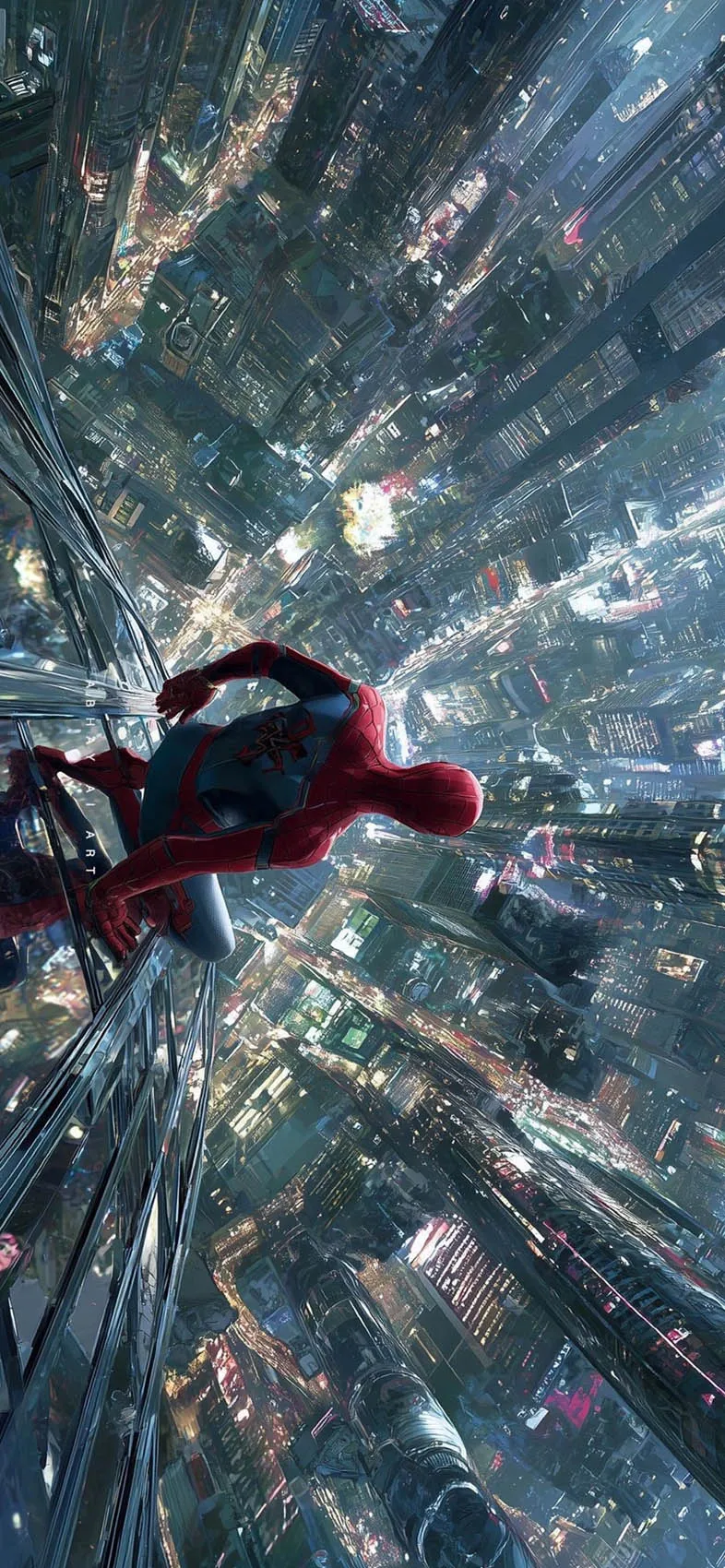
→ View Spider-Man 3D Wallpapers
Autumn Depth Effect Wallpapers
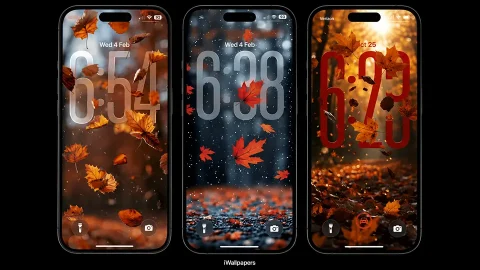
Fall foliage and the Depth Effect are made for each other. Golden leaves, misty forest paths, and warm amber tones in the foreground against soft out-of-focus autumn backgrounds create some of the coziest lock screens in the collection — perfect for the season and genuinely beautiful year-round.
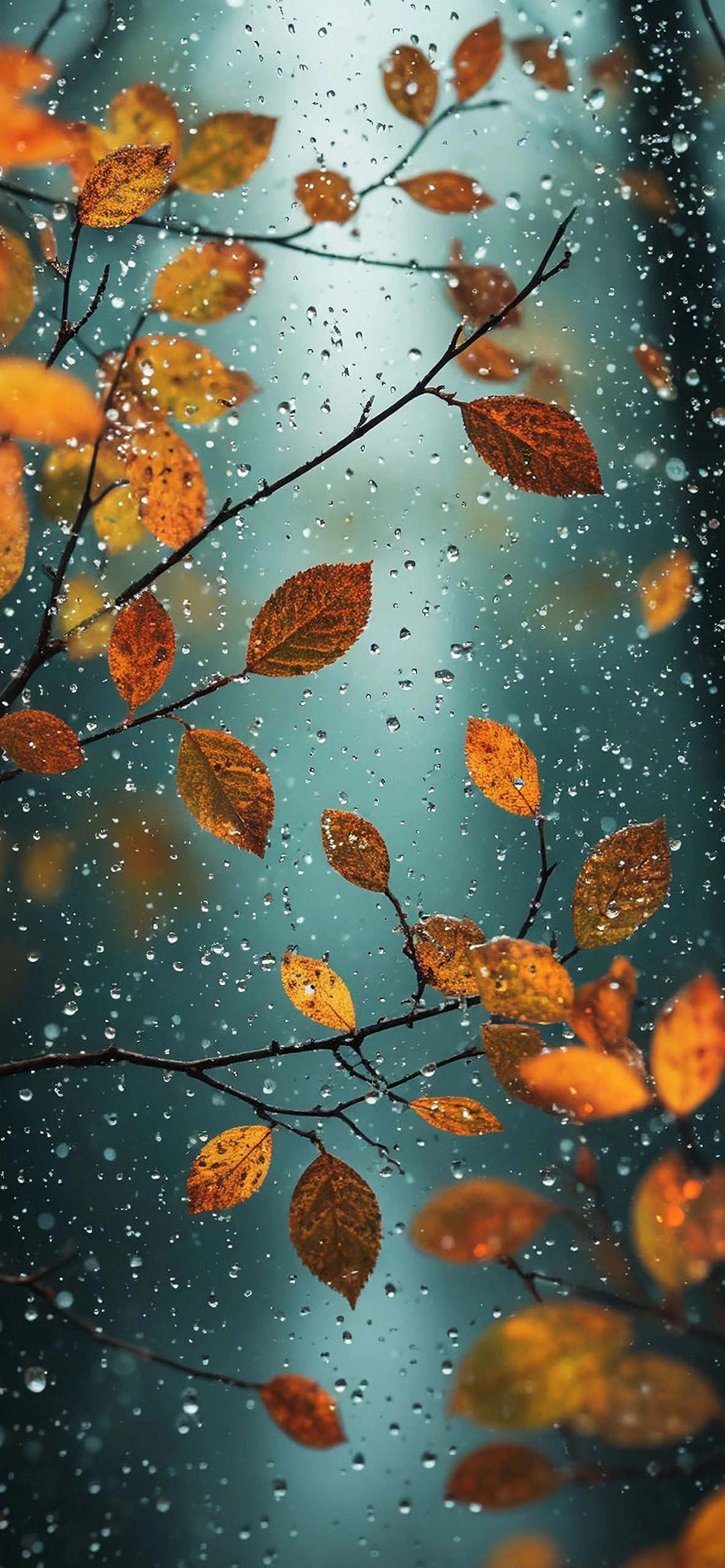
→ View Autumn Depth Effect Wallpapers
iOS 27 Pastel Depth Effect Wallpapers
Soft, dreamy, and specifically designed for iOS 27’s refined depth rendering, this pastel collection is ideal for users who want a gentle aesthetic rather than a dramatic one. Lavender gradients, soft mint tones, and blush pink layers create a subtle but genuinely beautiful 3D lock screen effect.
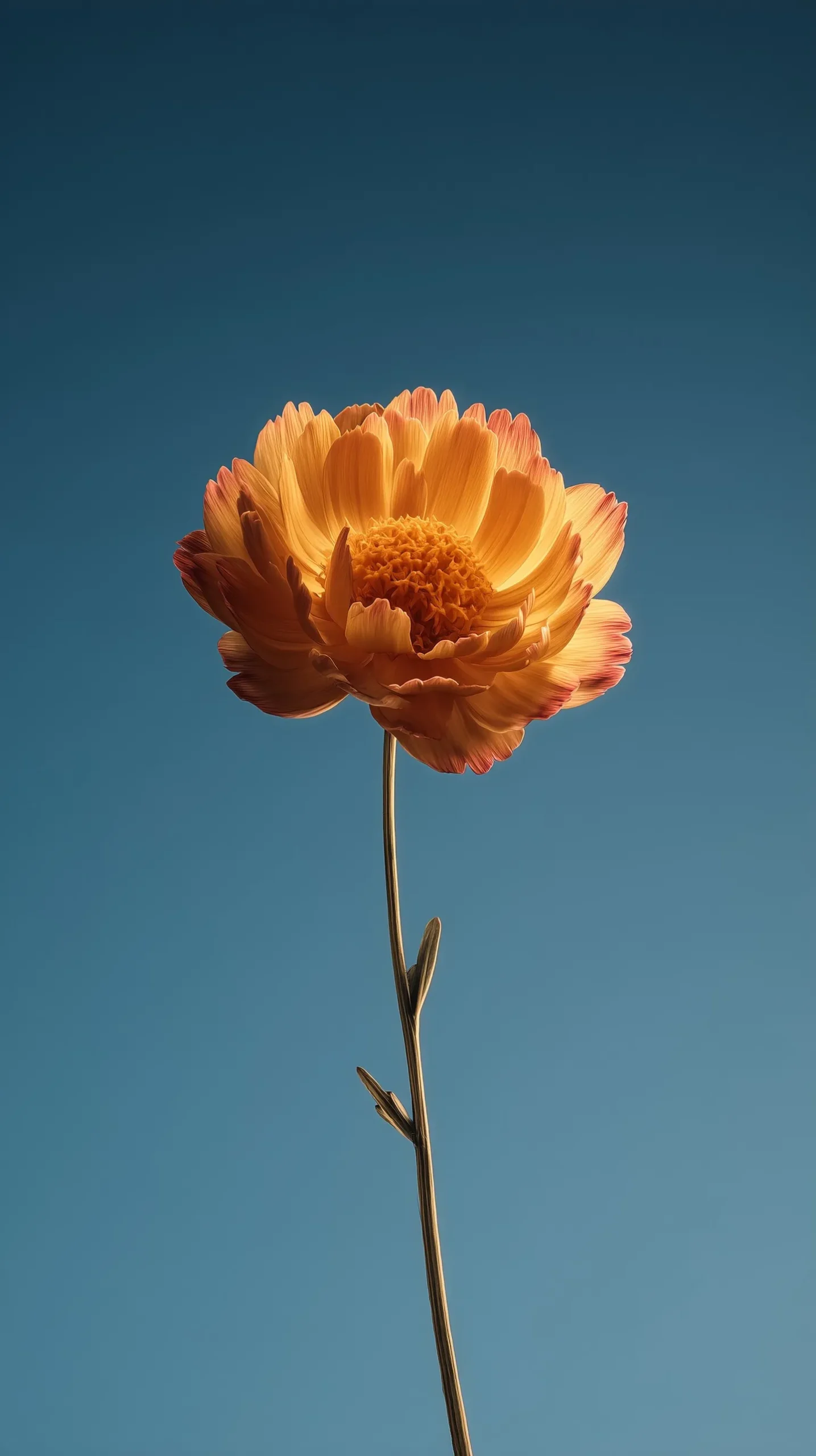
→ View iOS 27 Pastel Depth Effect Wallpapers
Aesthetic Flower Wallpapers
Minimalist flower photography with clean compositions and soft backgrounds — this collection works naturally with the Depth Effect while also standing on its own as a beautiful lock screen without it. Single blooms, petal close-ups, and botanical arrangements in muted tones make these among the most versatile wallpapers on the site.
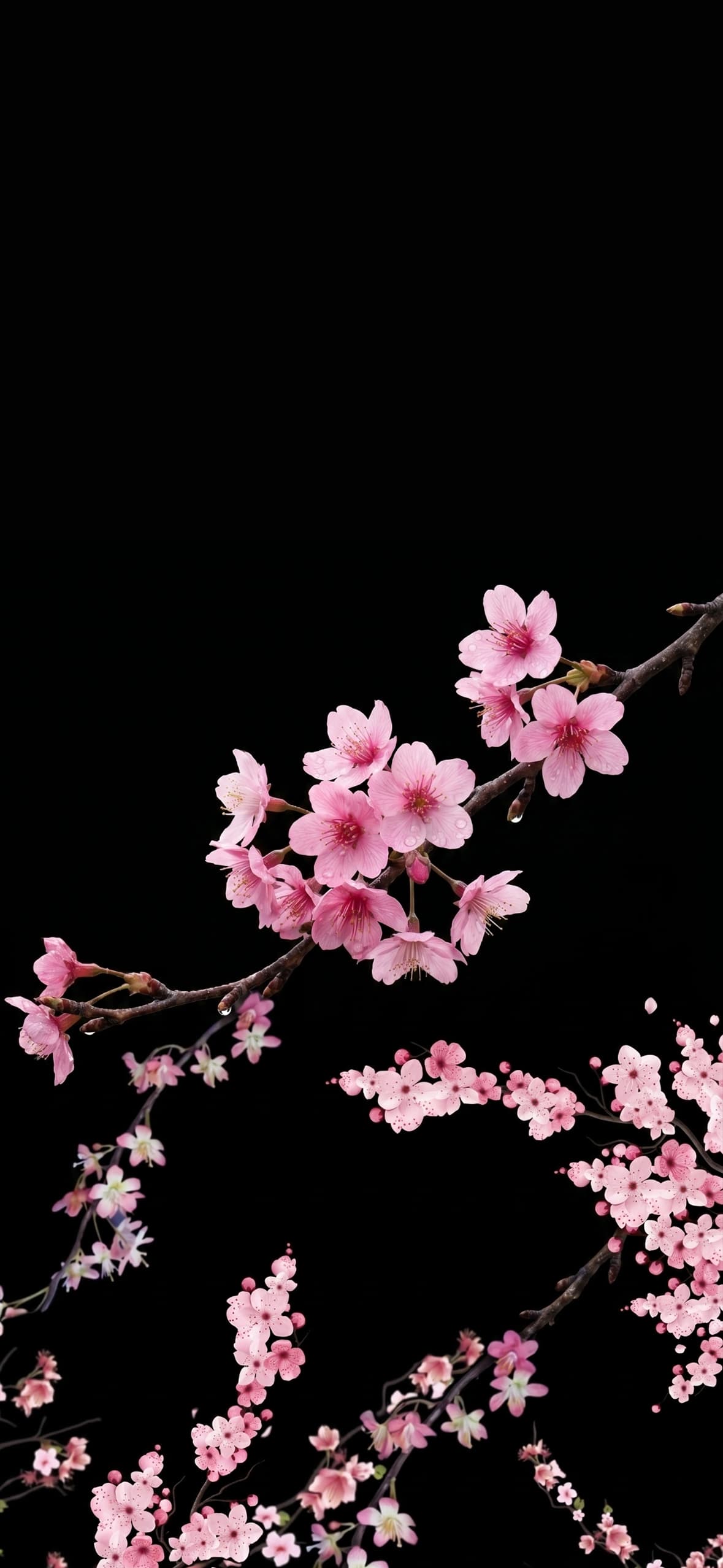
→ View Aesthetic Flower Wallpapers
Split-View Depth Effect Wallpapers
The most technically creative collection in the depth effect category. Split-view wallpapers are designed so that different elements appear on different planes of your lock screen, with the horizon of the split aligning perfectly with your clock placement. The result is a lock screen that looks like two separate worlds stacked on top of each other in perfect three-dimensional harmony.

→ View Split-View Depth Effect Wallpapers
How to Enable Depth Effect on Your iPhone Lock Screen
Setting up the Depth Effect takes less than a minute. Long press your lock screen to enter edit mode, tap Customize, select your wallpaper photo, and iOS will automatically detect whether the image supports depth layering. If it does, a Depth Effect toggle will appear. Enable it, position your subject so it aligns with the clock area, and tap Done. For best results, always use wallpapers that are specifically designed for this feature — like every collection linked above.
All wallpapers on this page are free to download in 4K HD and optimized for every current iPhone model from iPhone 12 through iPhone 17 Pro Max. 📱✨