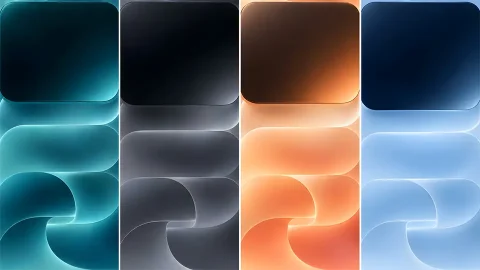
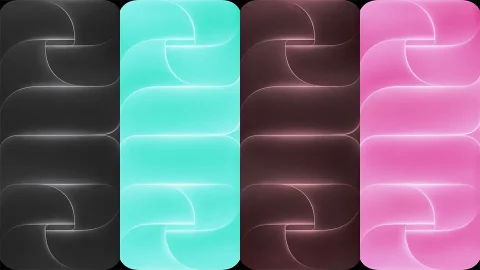
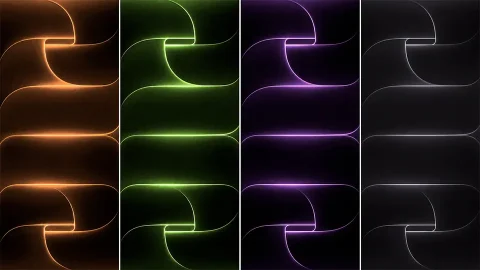
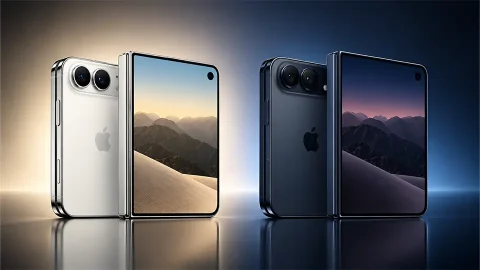
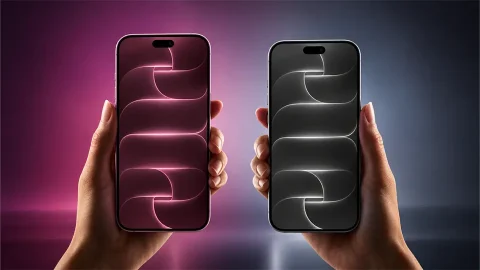
Next-Gen Stealth: iPhone 18 Pro Dark Abstract OLED Wallpaper
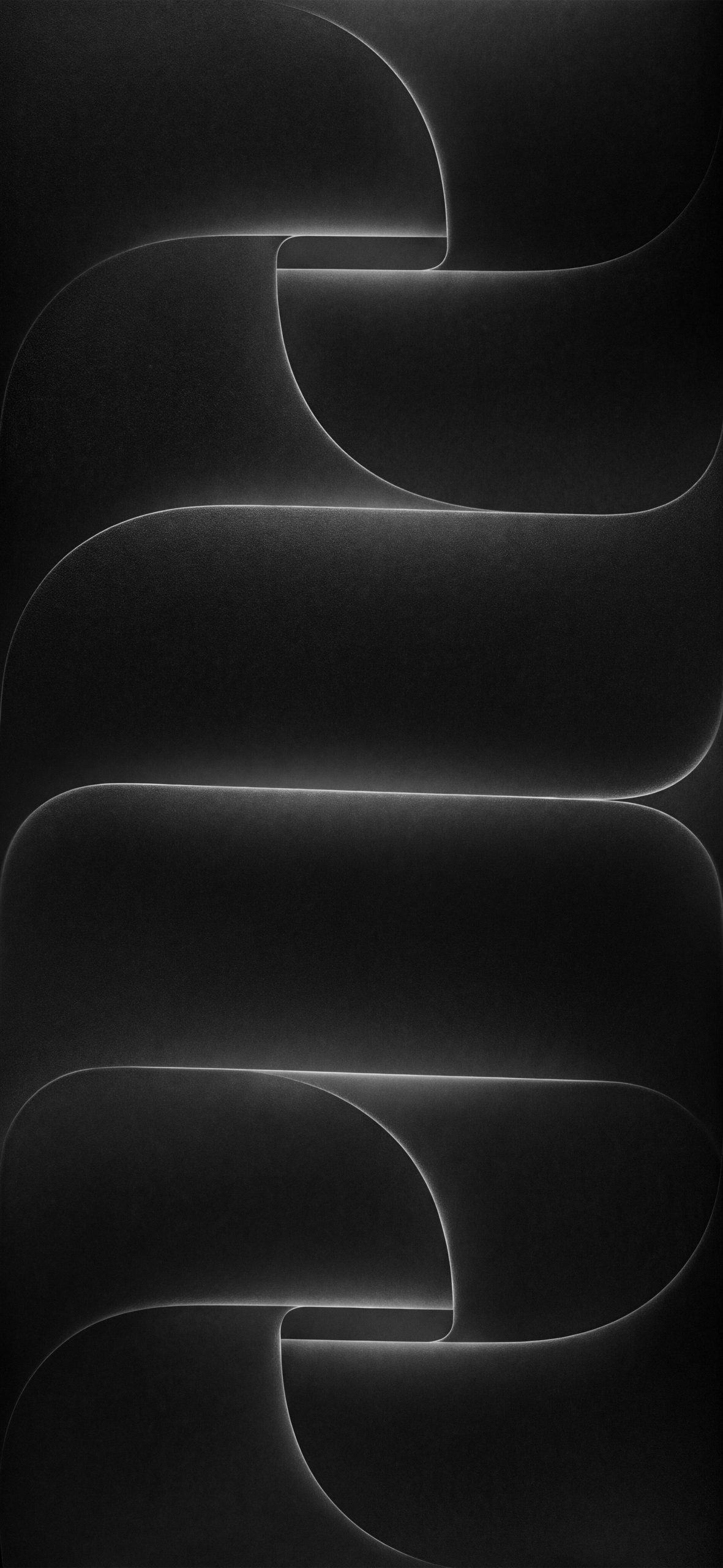
Elevate your device’s display with this high-precision dark abstract wallpaper designed in the signature ultra-clean Apple concept style. Featuring interlocking 3D geometric loops and soft horizontal wave structures, this piece creates an illusion of depth while maintaining an uncluttered canvas. The design centers around stacked rounded forms framed by razor-thin, luminous silver rim highlights that trace every fluid curve. Set against deep charcoal shadows and pure matte black zones, it offers an executive, stealth aesthetic tailored for fans of sleek monochrome design.
Precision Engineering for Super Retina XDR Screens
Abstract digital art shines best when optimized for modern smartphone screen physics. This wallpaper was specifically crafted to maximize the optical capabilities of high-end OLED and Super Retina display panels:
True-Black Battery Efficiency: The expansive black background enables OLED displays to turn off individual pixels completely, reducing power consumption during active screen time.
Zero Color Banding: Smooth, high-bit depth gradients ensure continuous tonal shading across the central curved shapes without distracting stepped line artifacts.
HDR Edge Contrast: The sharp contrast between the bright white edge lighting and deep shadows takes full advantage of high peak brightness, making the metallic rims pop vividly on screen.
Recommended iOS & Lock Screen Setup
To keep your home screen and lock screen looking cohesive and functional, align your UI elements with the artwork’s architectural structure:
Lock Screen Typography: Select a thin, clean sans-serif font weight. Match the text color to a soft Cool Gray or Off-White (#E5E5E5) to echo the metallic glow of the ribbon edges.
Widget Layout: Position system widgets in the open central or upper sections where the soft horizontal gradients reside, preventing visual interference with the intricate loop folds at the top and bottom edges.
Home Screen Icon Pairing: Pair this wallpaper with dark mode or tint-customized app icons. The dark background ensures app labels and icon silhouettes remain distinct and easy to read without requiring additional tint overlays.