Official iPhone 16 Wallpapers [Free High-Res Download]
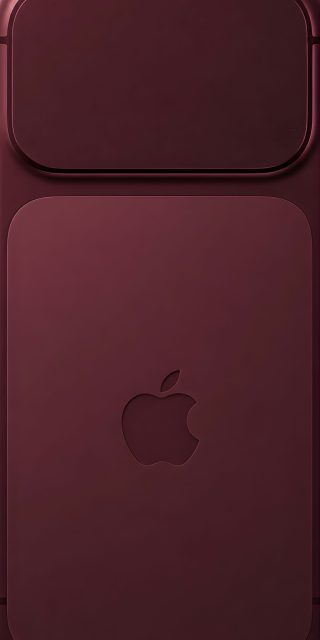
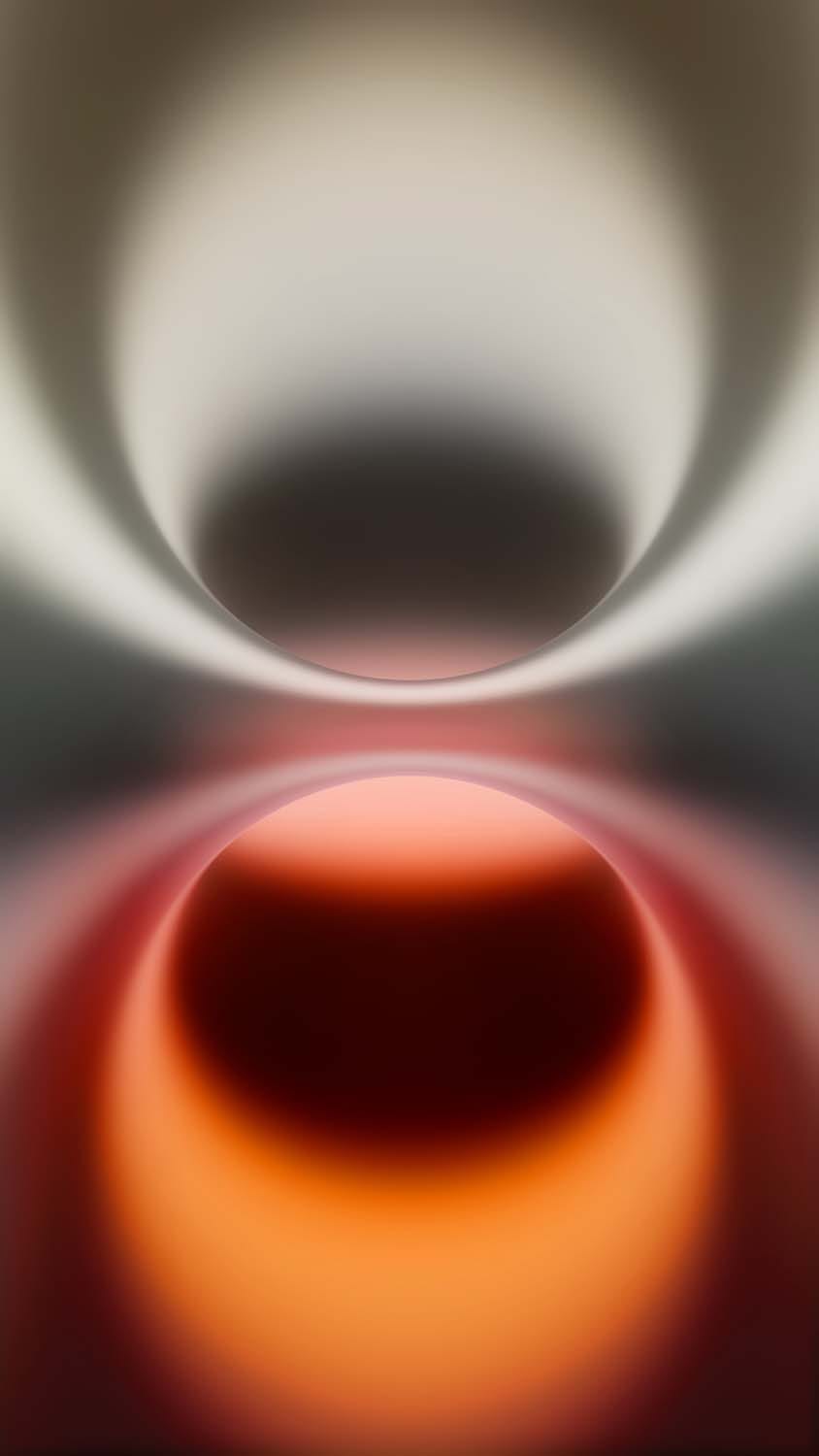
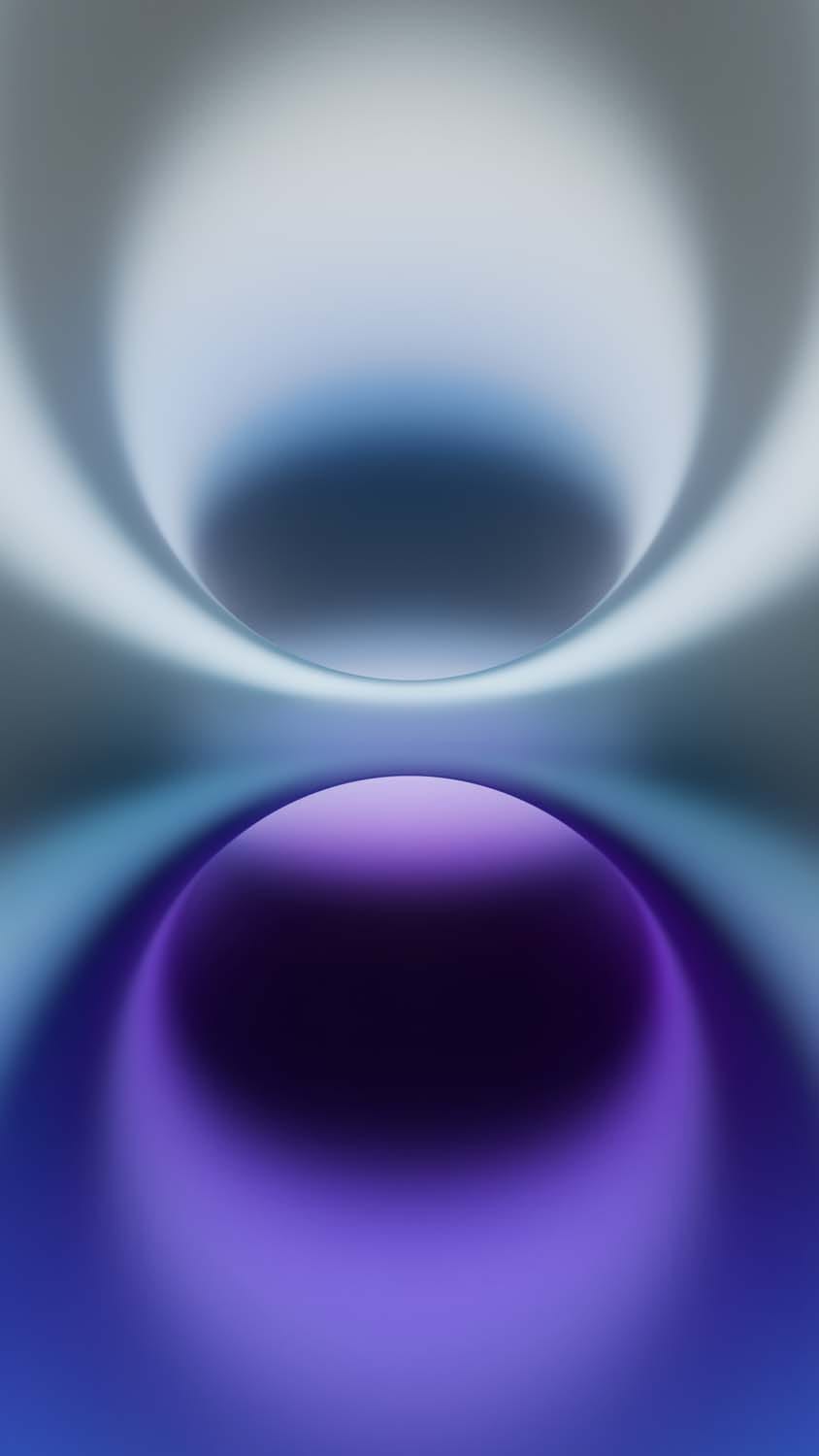
Every time Apple introduces a new generation of smartphones, they refresh its visual identity with a custom suite of factory backgrounds. The launch of the standard iPhone 16 lineup is no exception. Alongside the sleek new hardware colorways and the power of iOS 18, Apple has debuted a gorgeous new set of factory-stock wallpapers designed to make the phone’s hardware and display pop.
The best part? You don’t need to buy a brand-new device to enjoy this premium aesthetic. Whether you are rocking an older iPhone model or an Android device, you can instantly give your phone a modern, flagship-tier upgrade. Here is your ultimate guide to the official iPhone 16 wallpapers, featuring full-resolution 4K asset overviews and a seamless setup tutorial.
The Design Vibe: A Closer Look at the Stock iOS 18 Assets
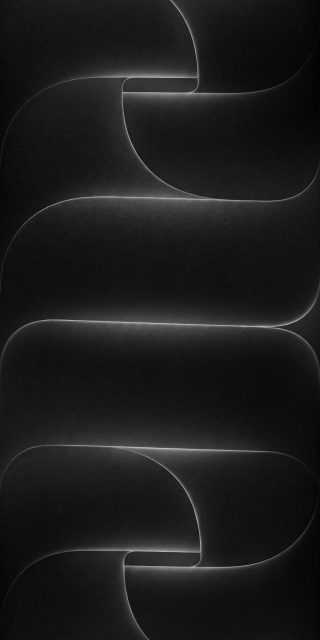
Apple’s design philosophy for the stock iPhone 16 wallpaper collection revolves around depth, vibrant color transitions, and geometry that complements the physical chassis of the devices.
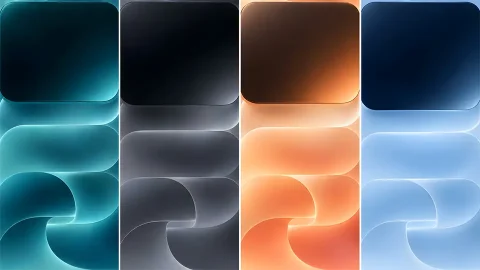
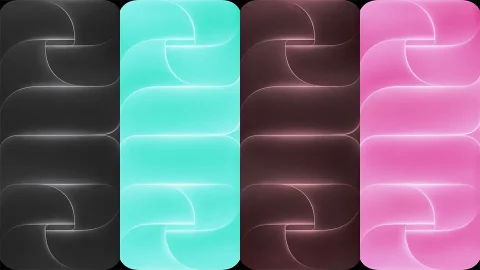
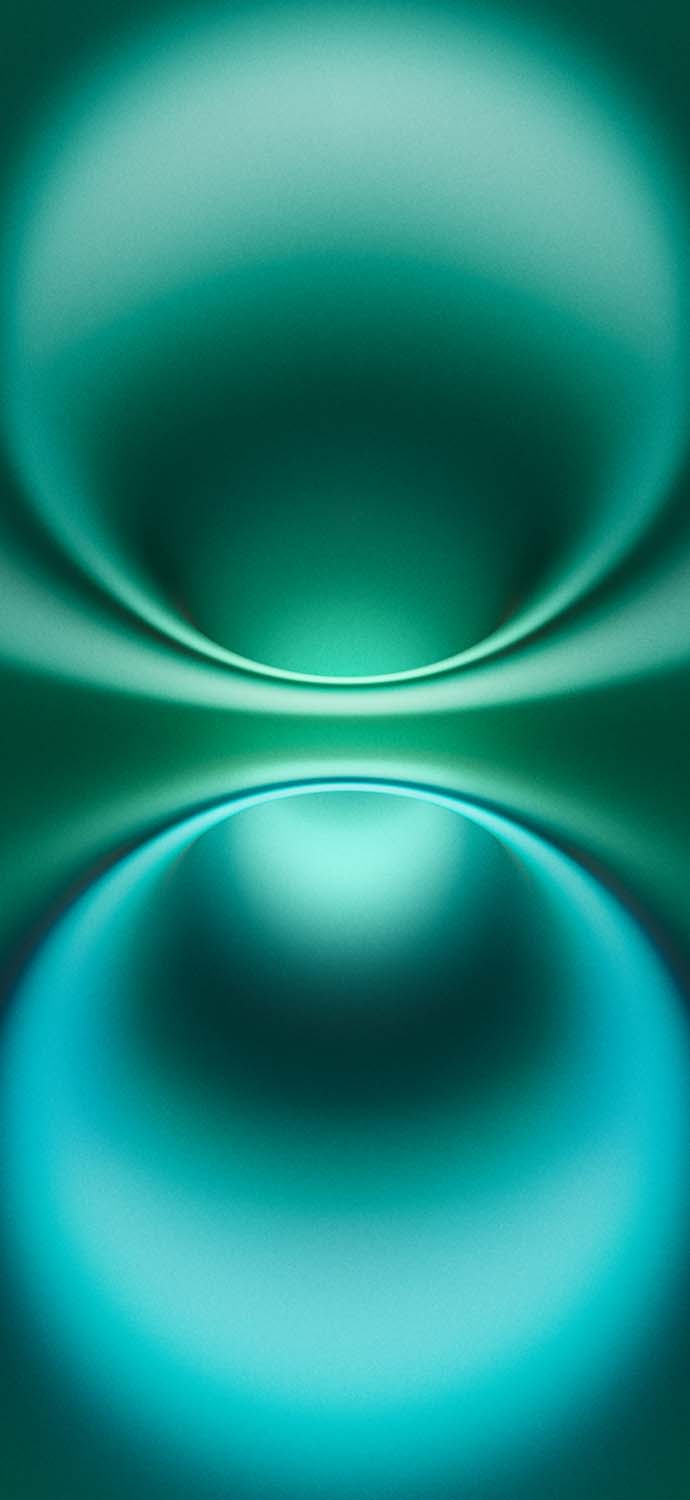
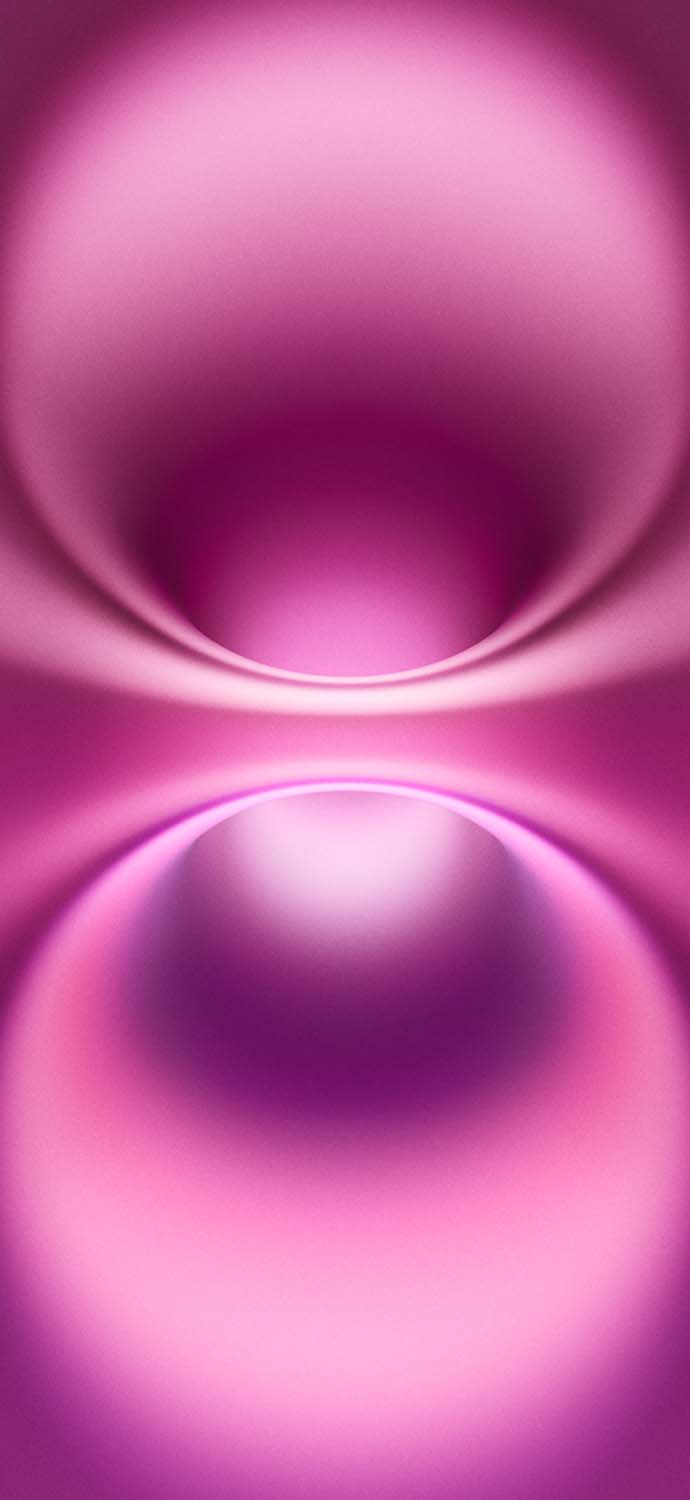
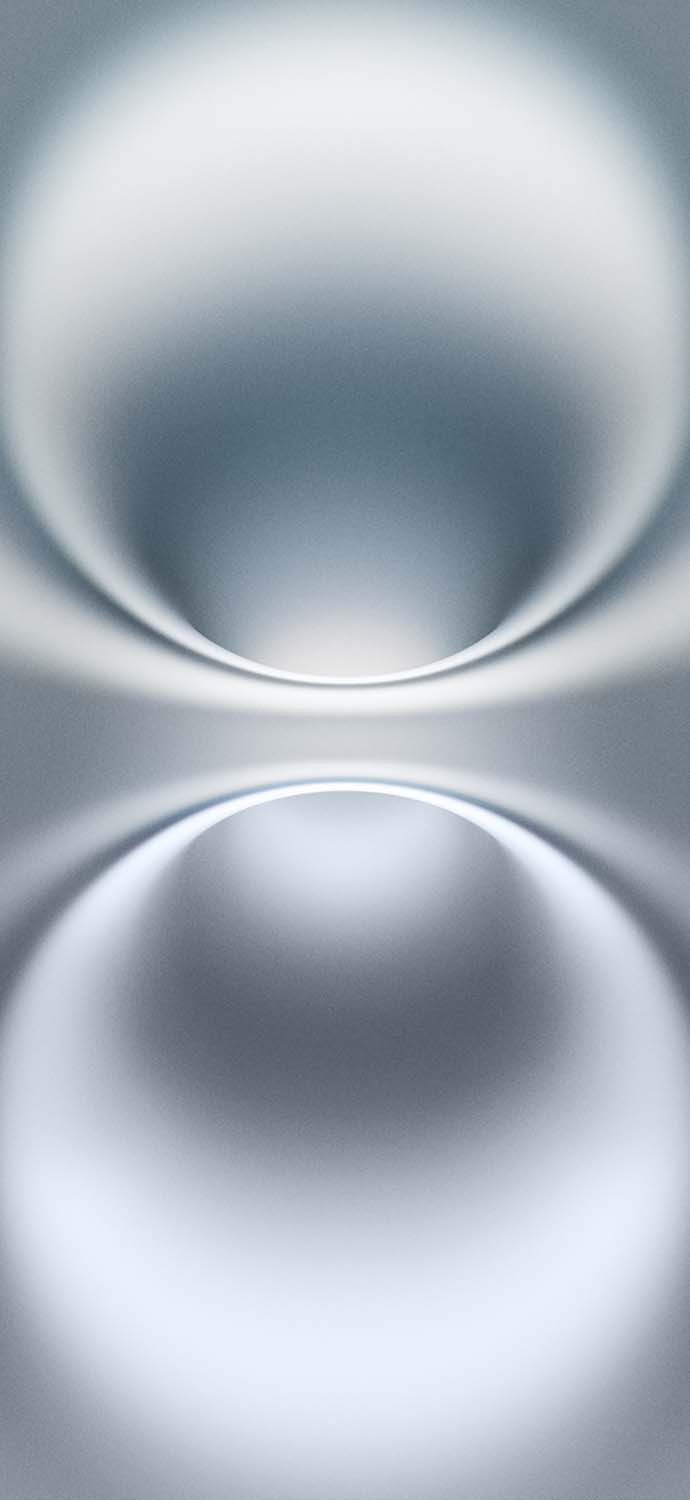
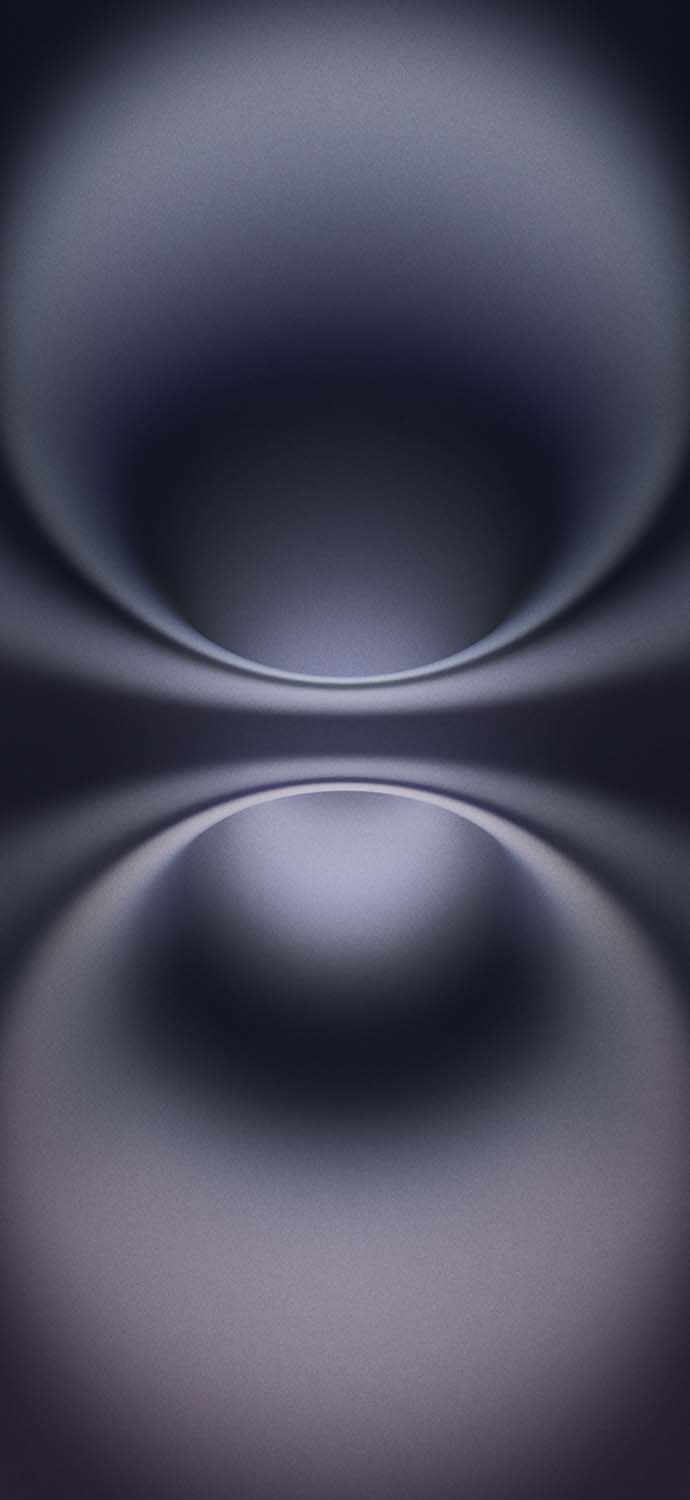
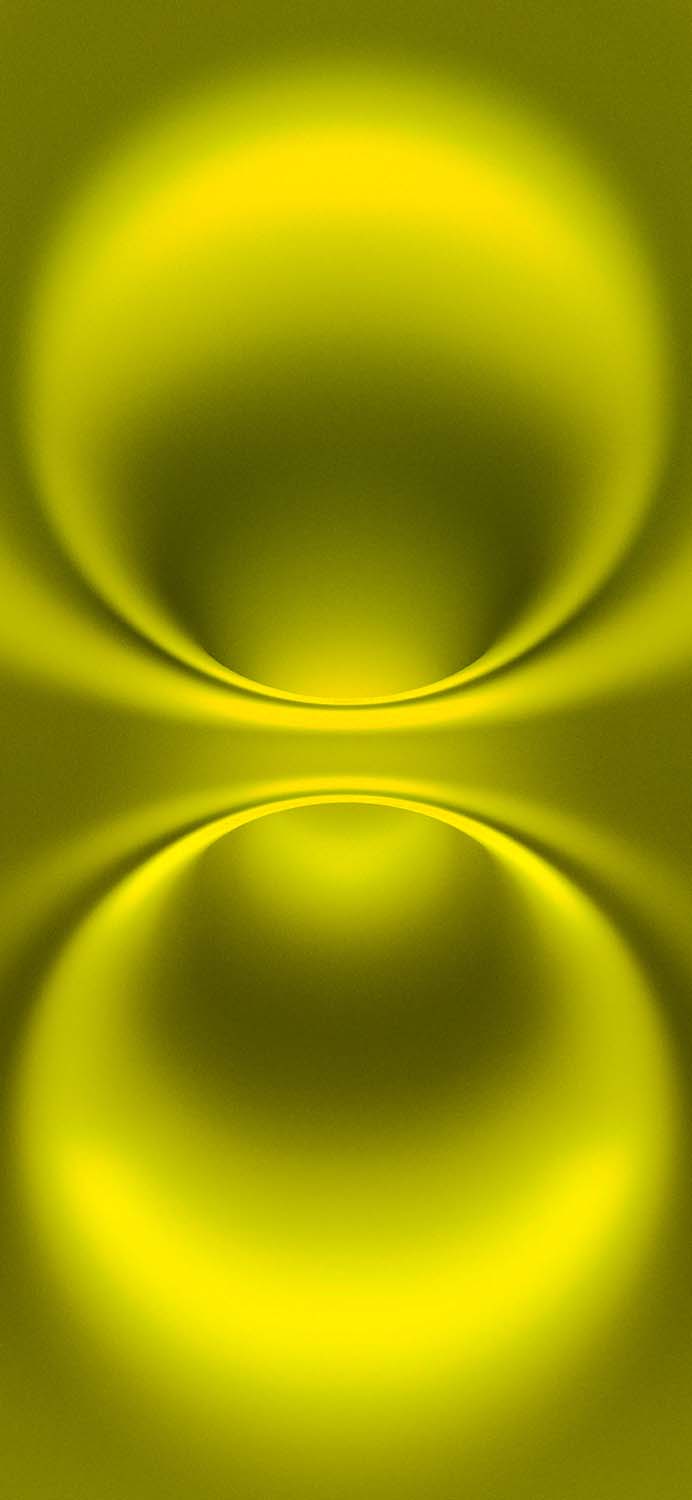
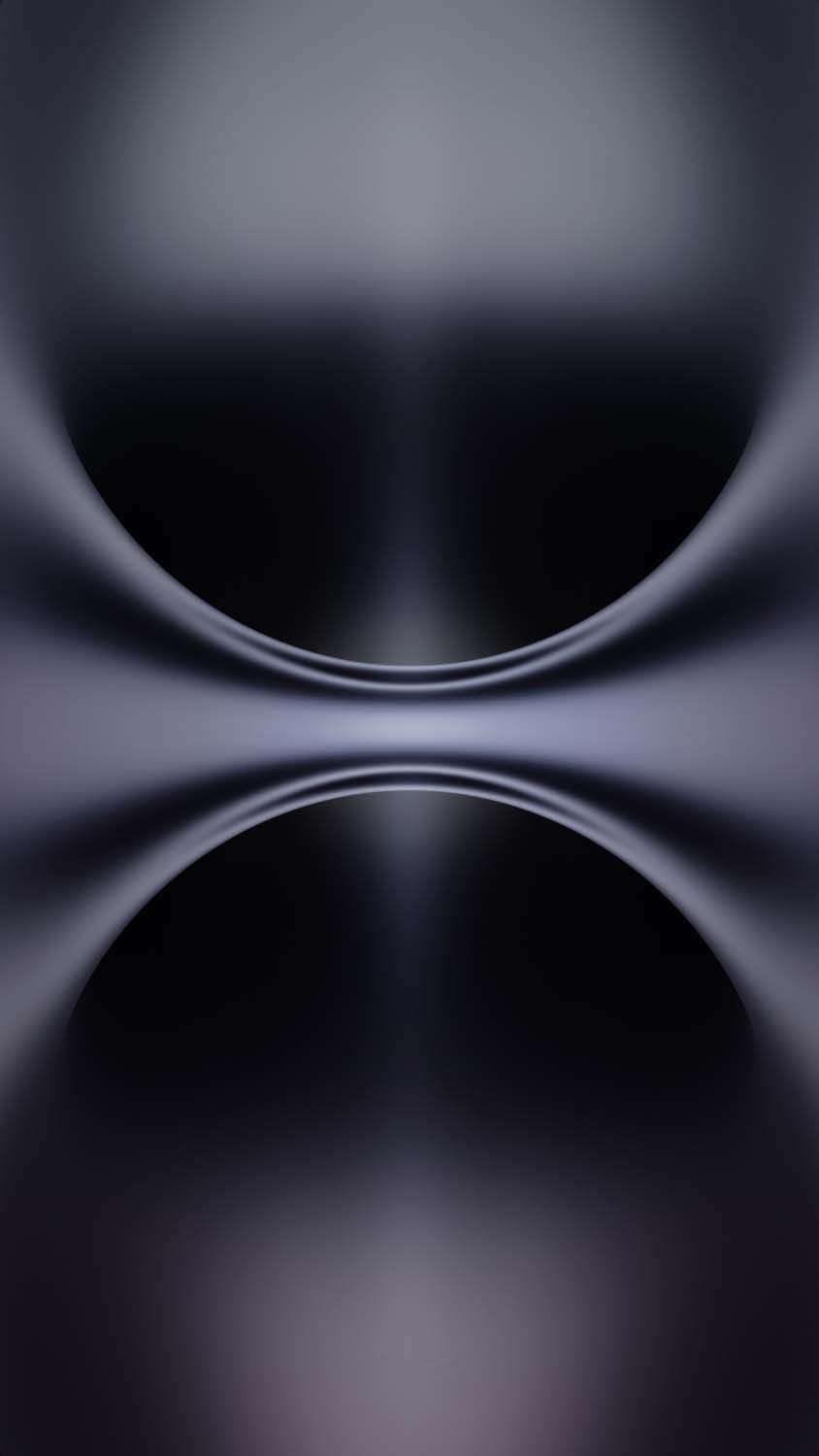
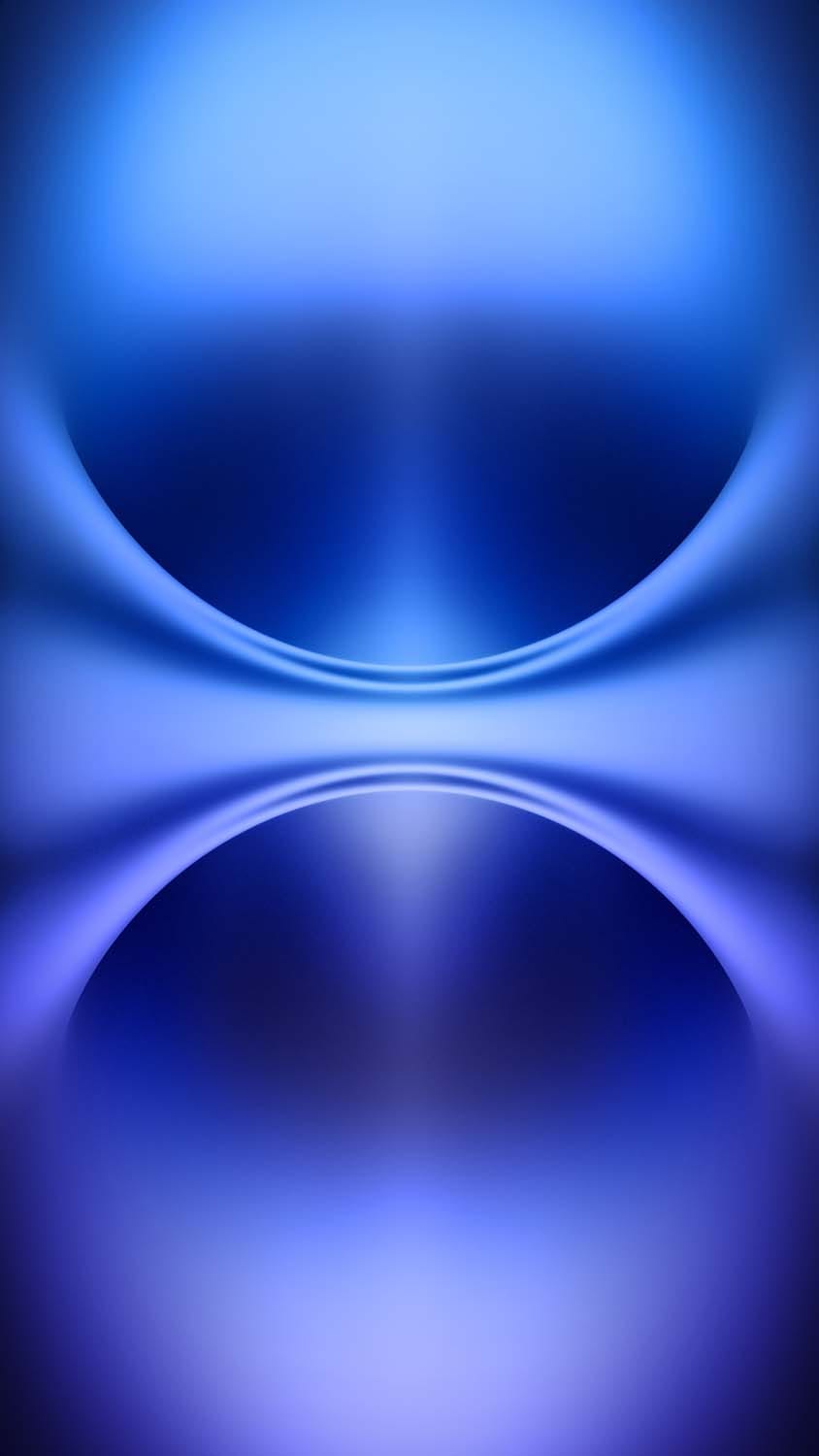
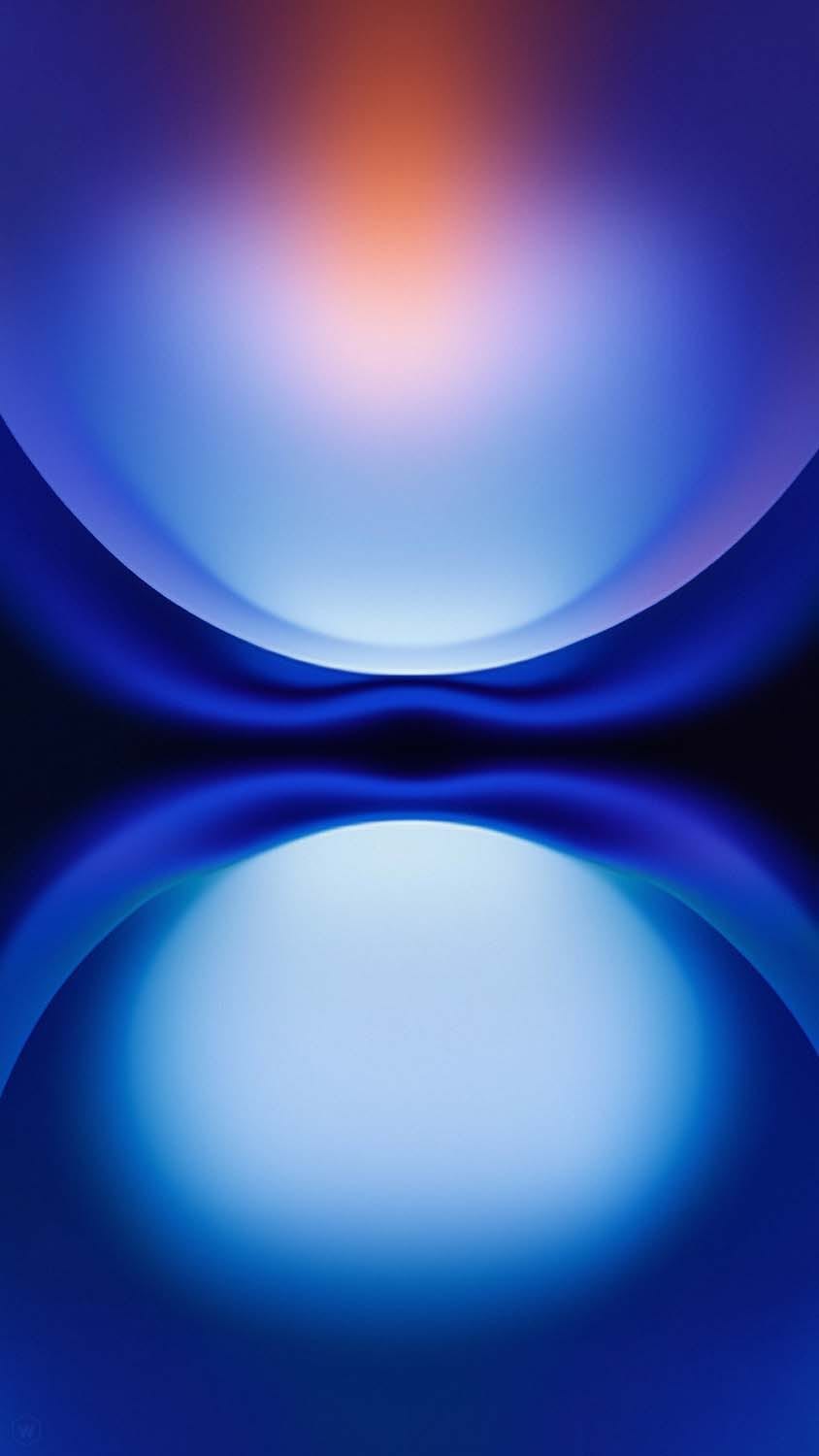
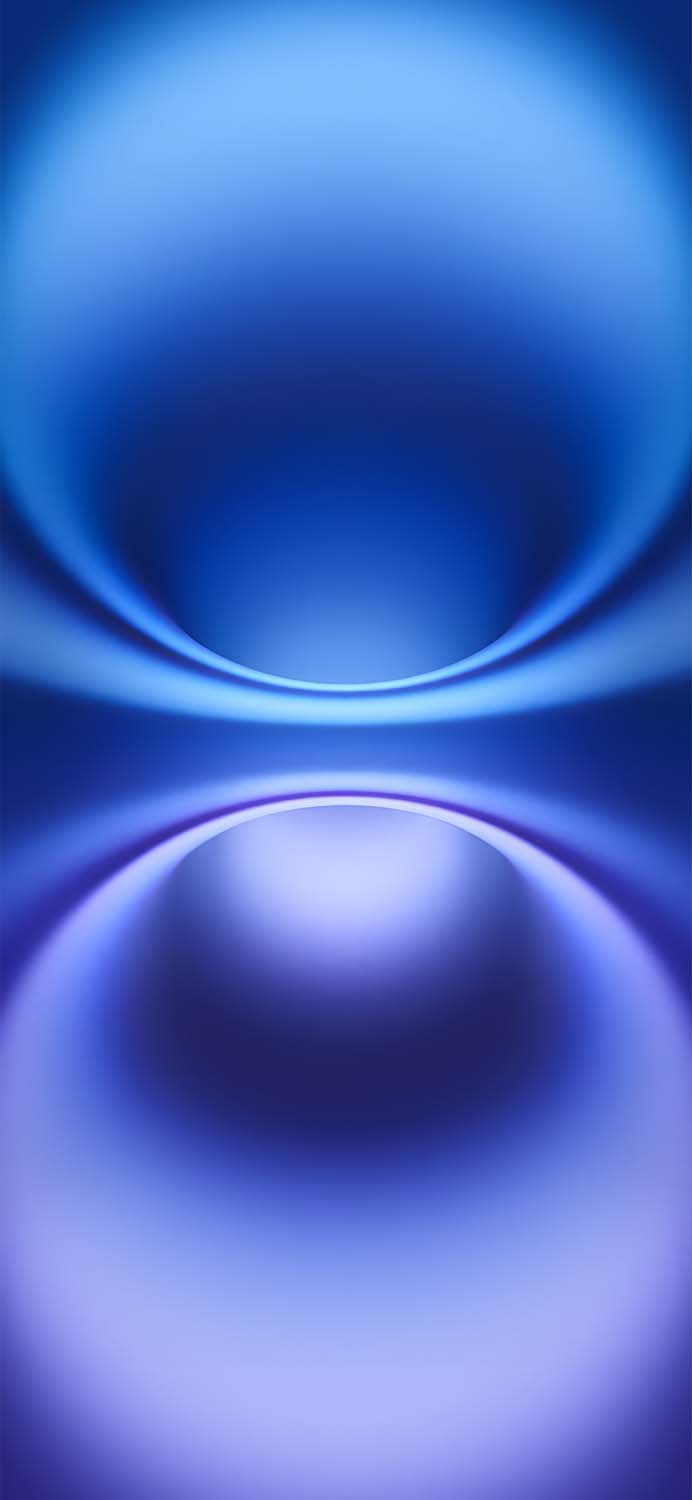
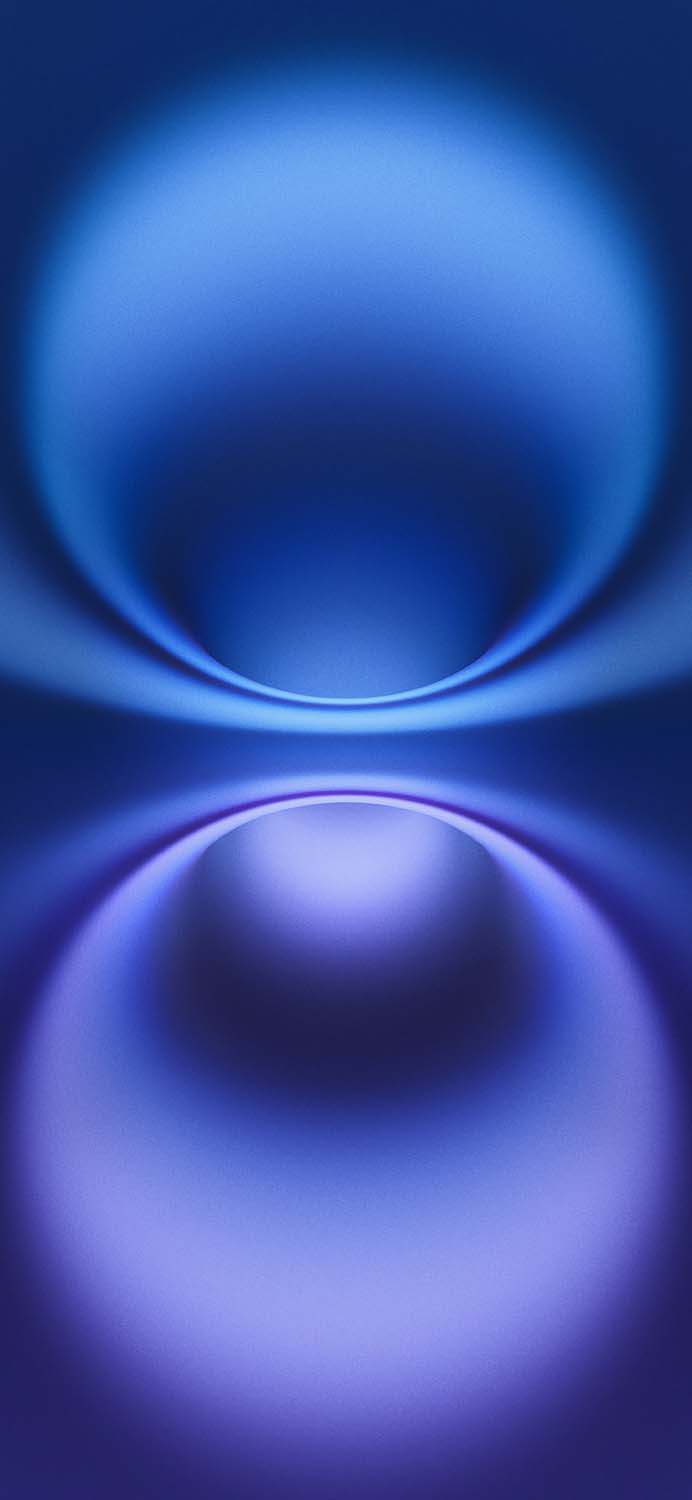
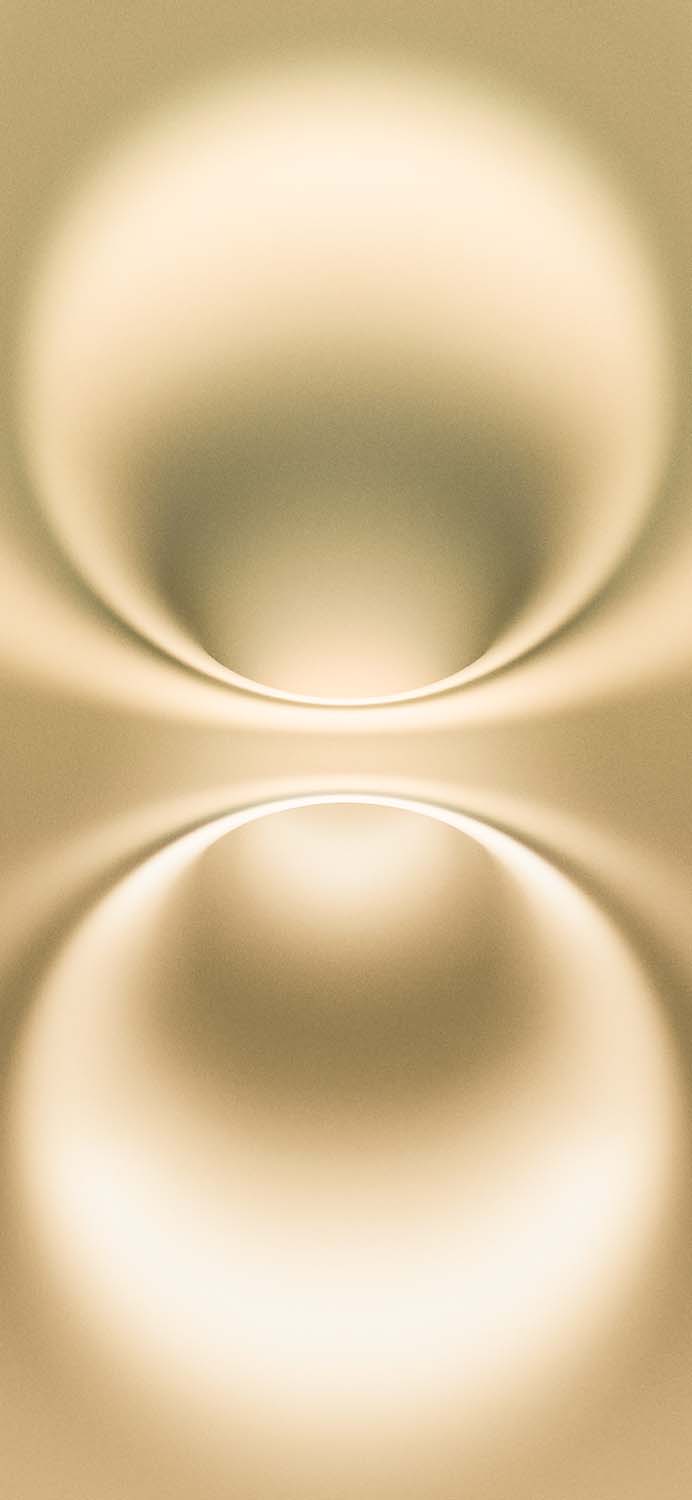
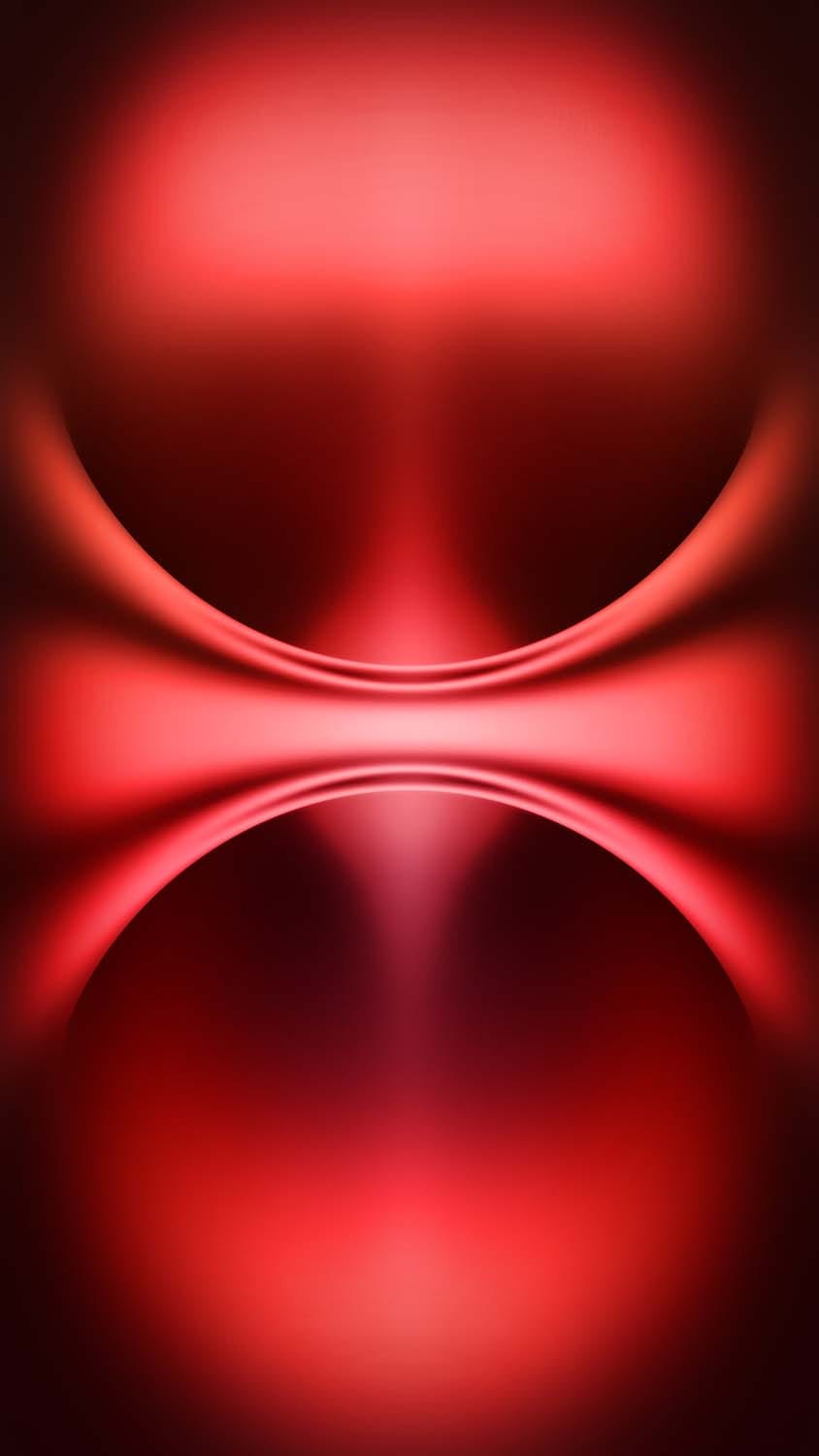
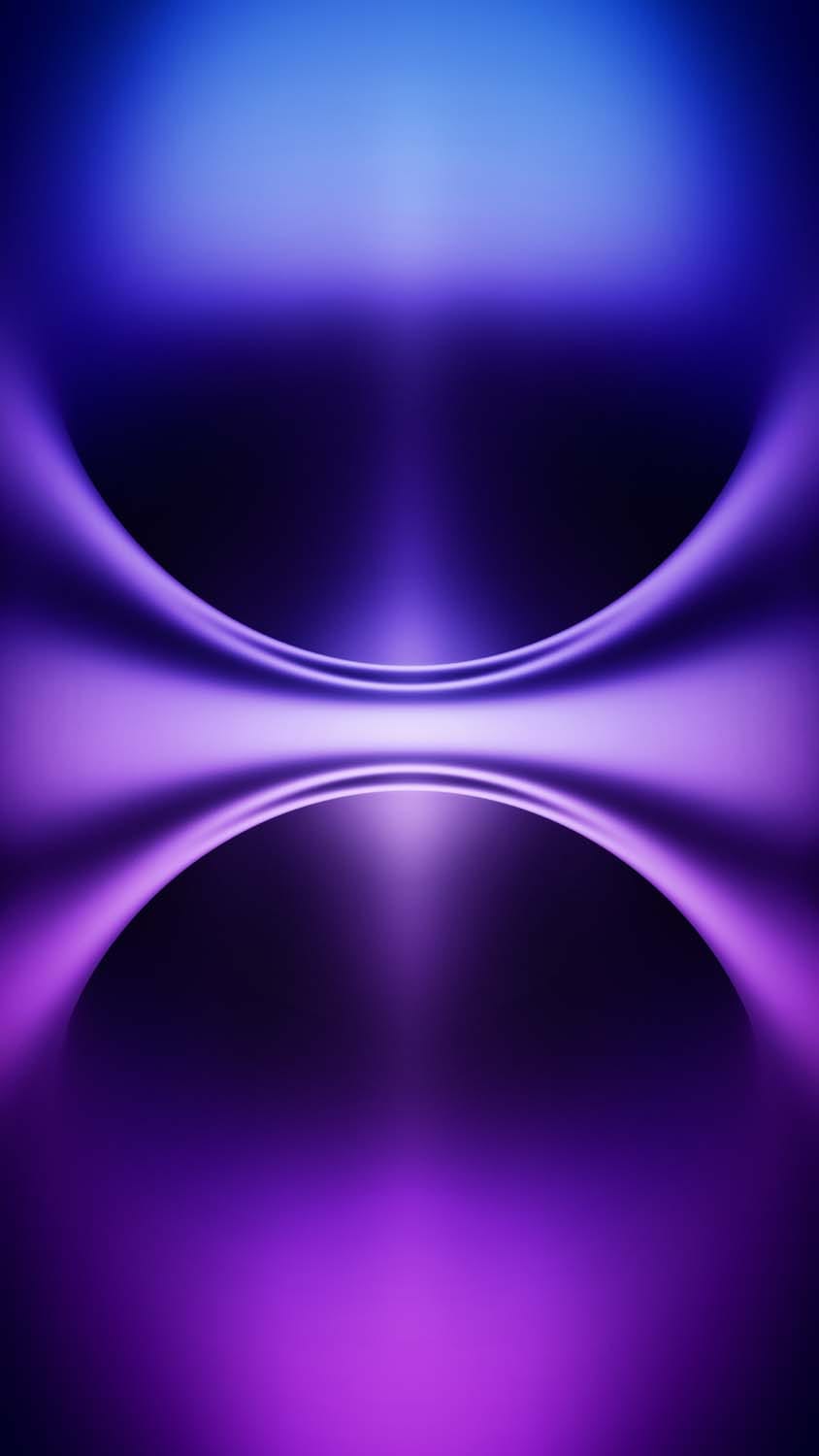
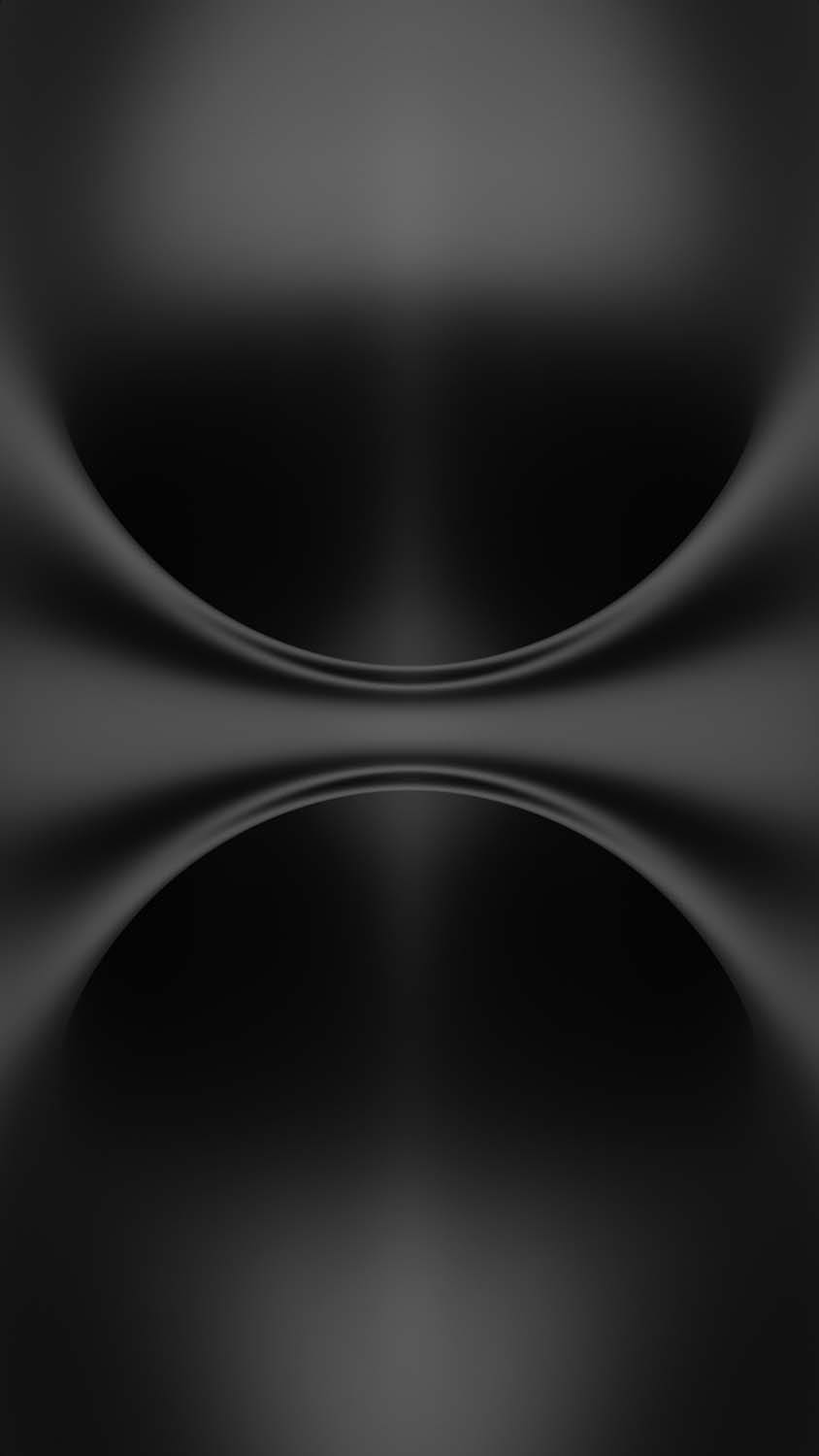
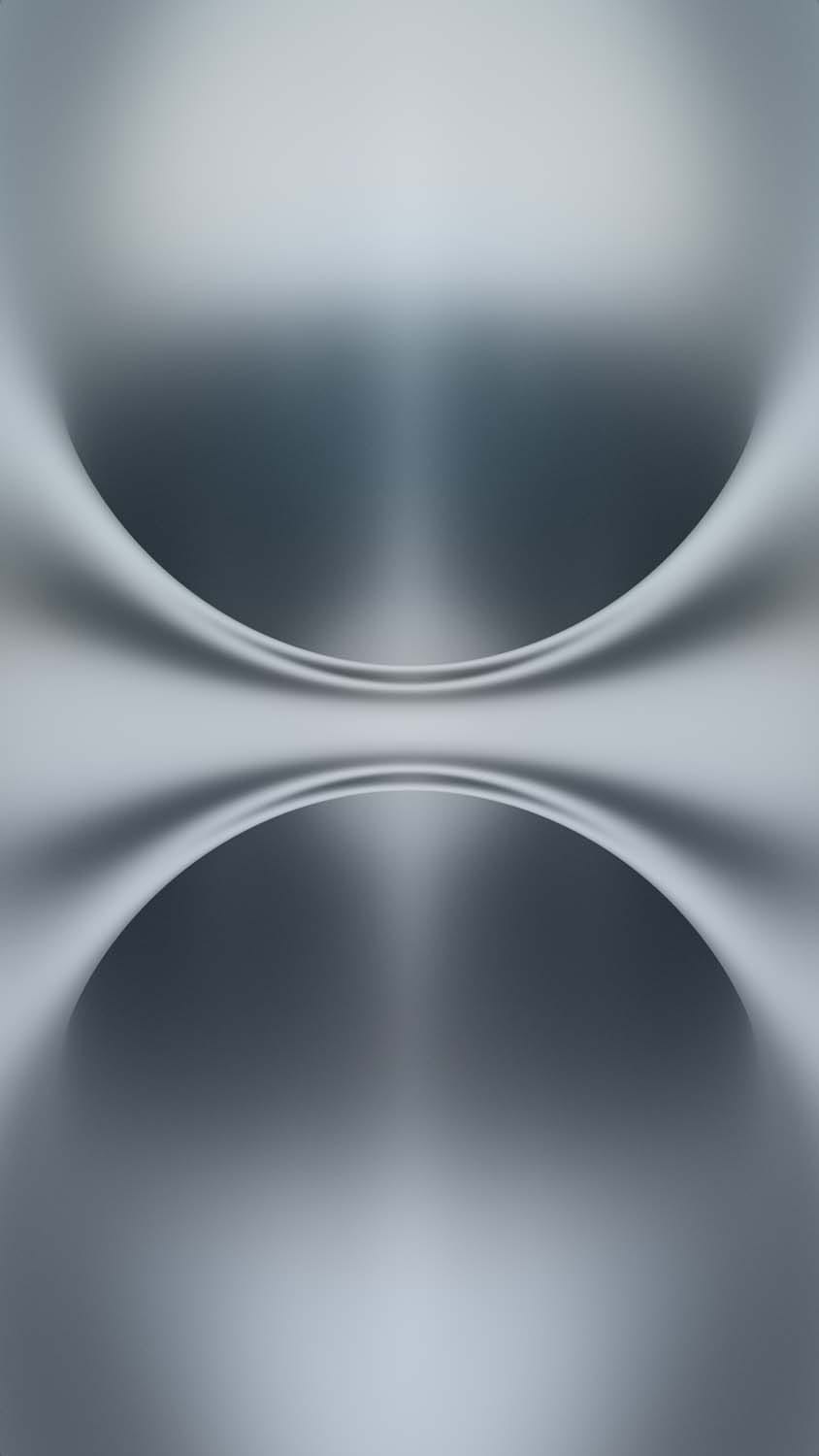
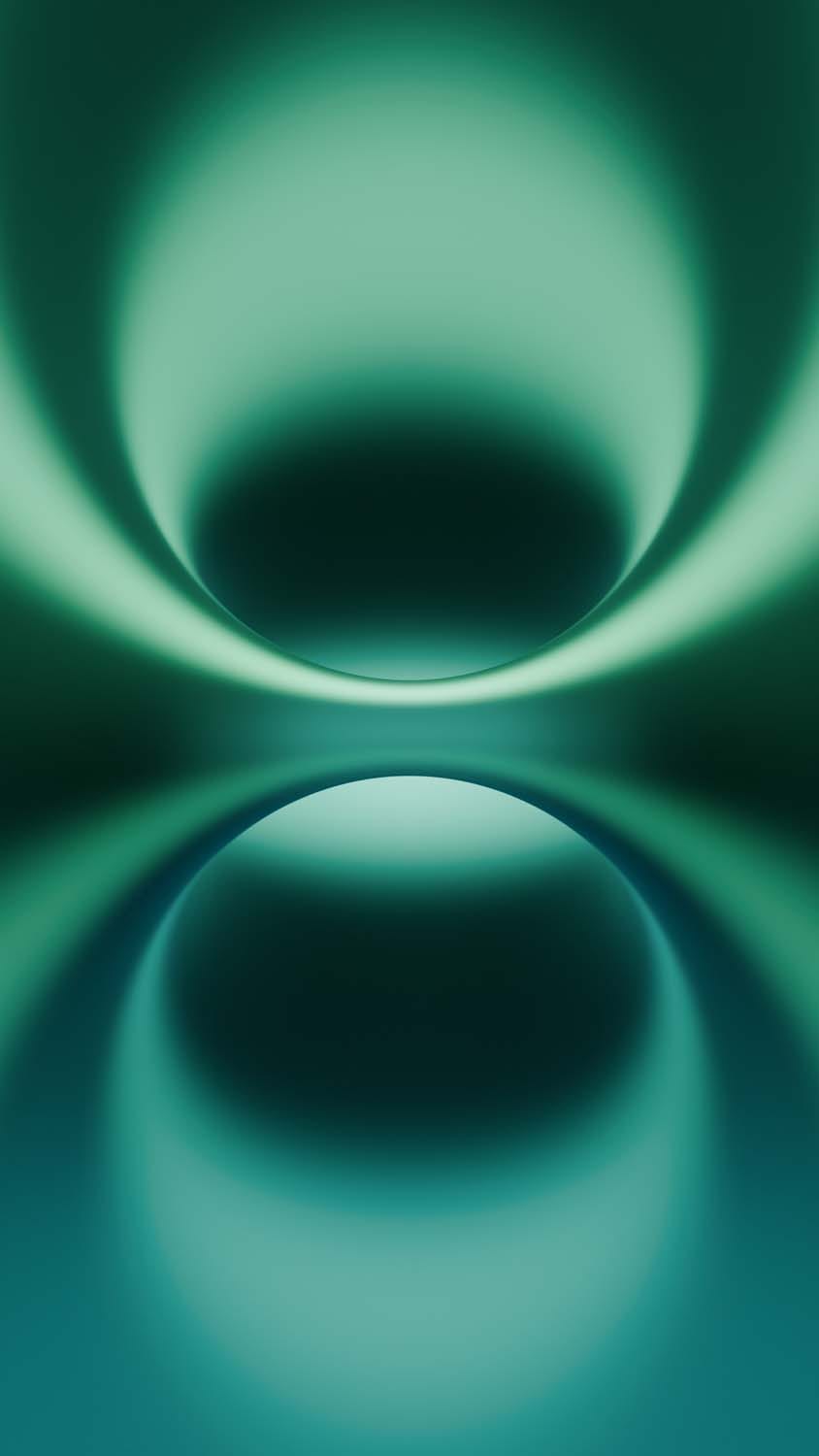
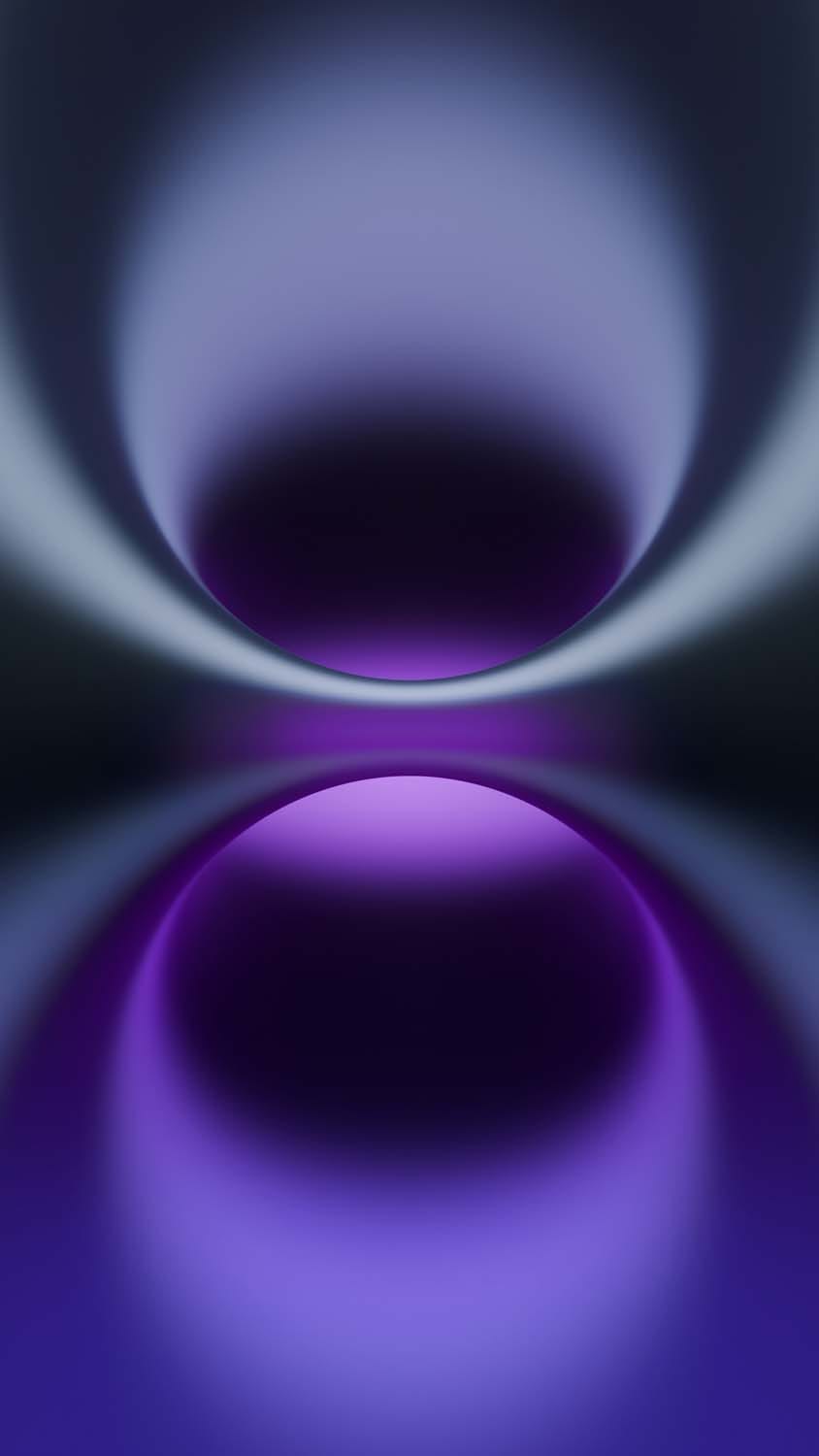
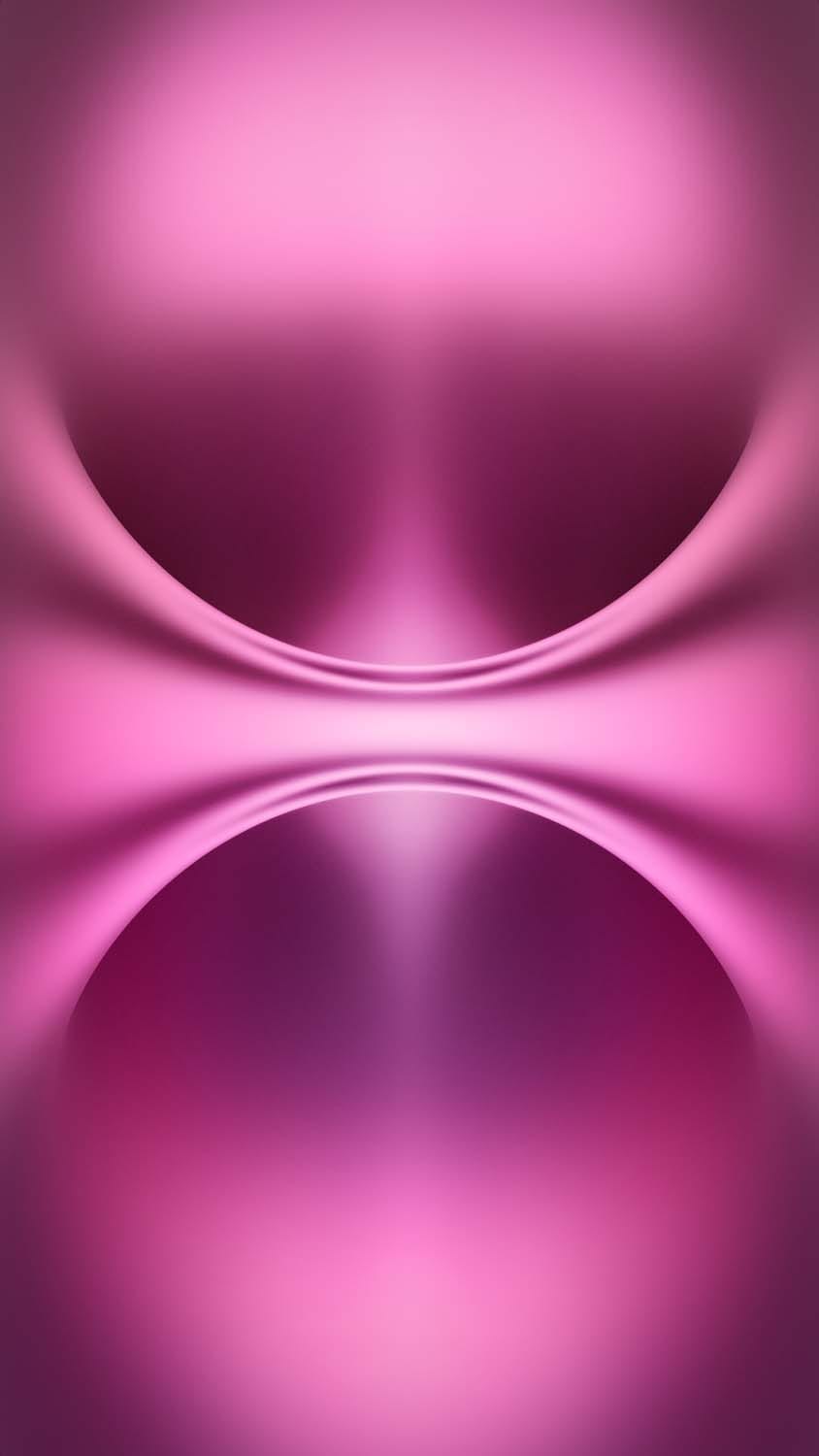
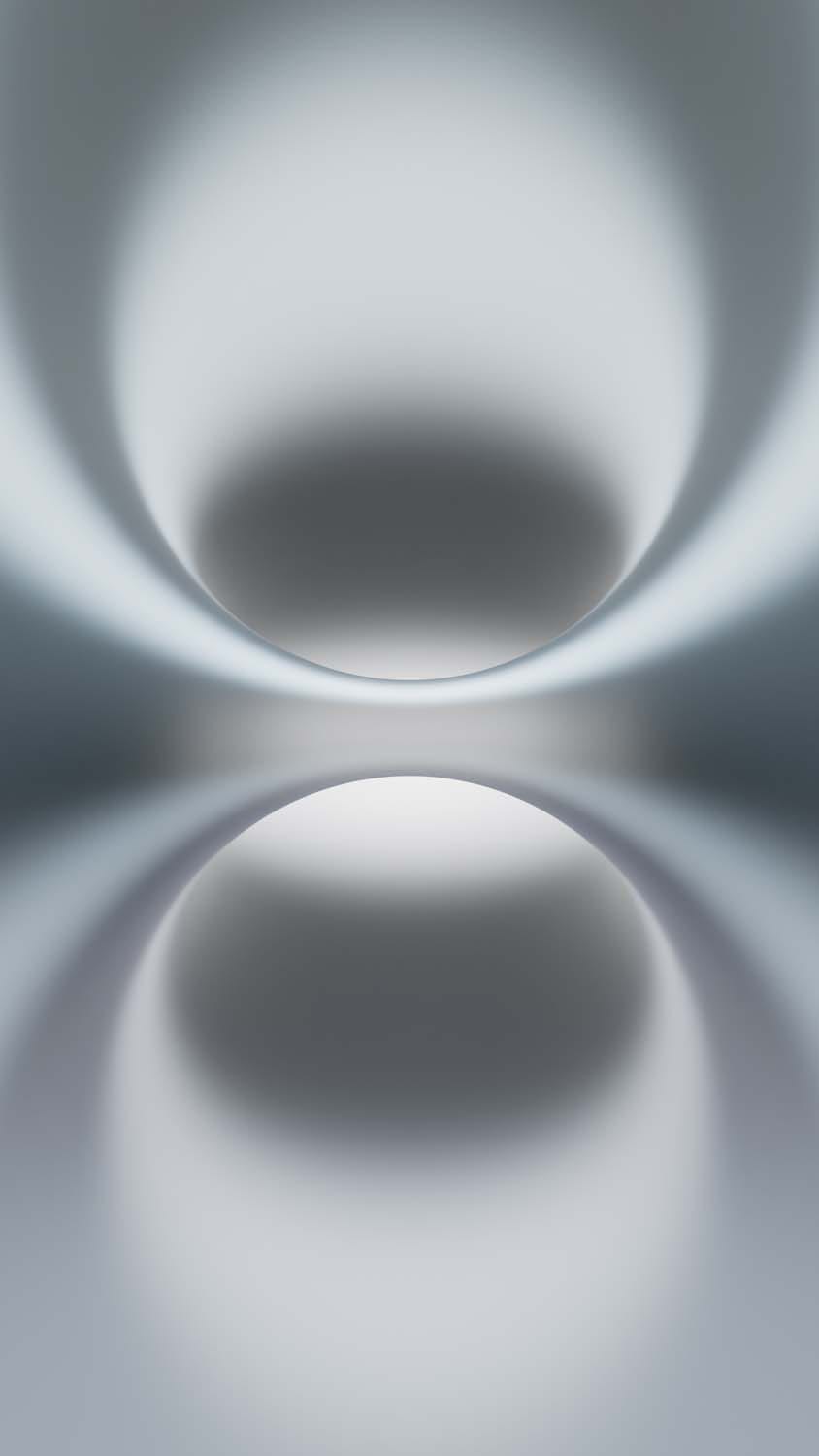
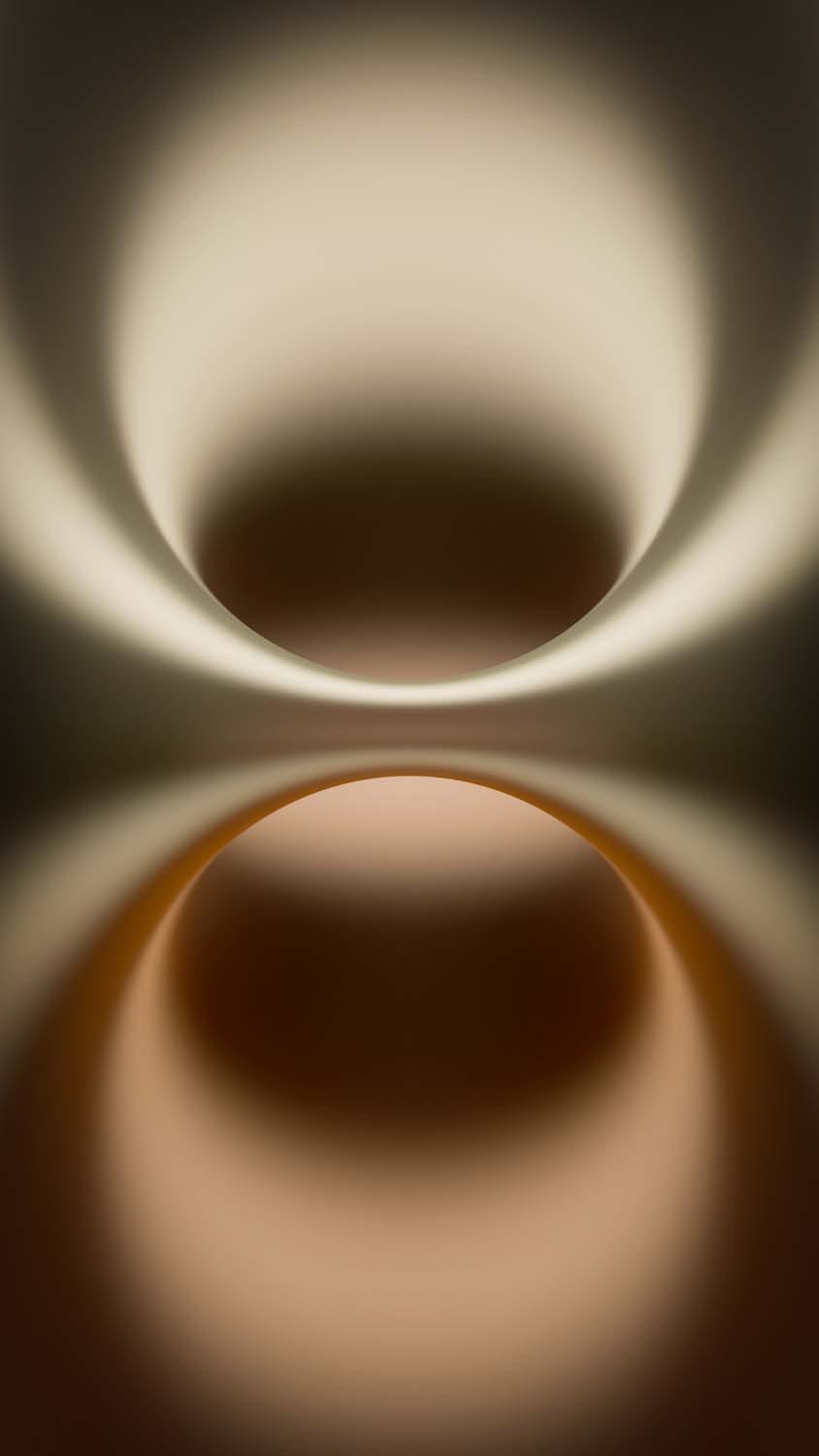
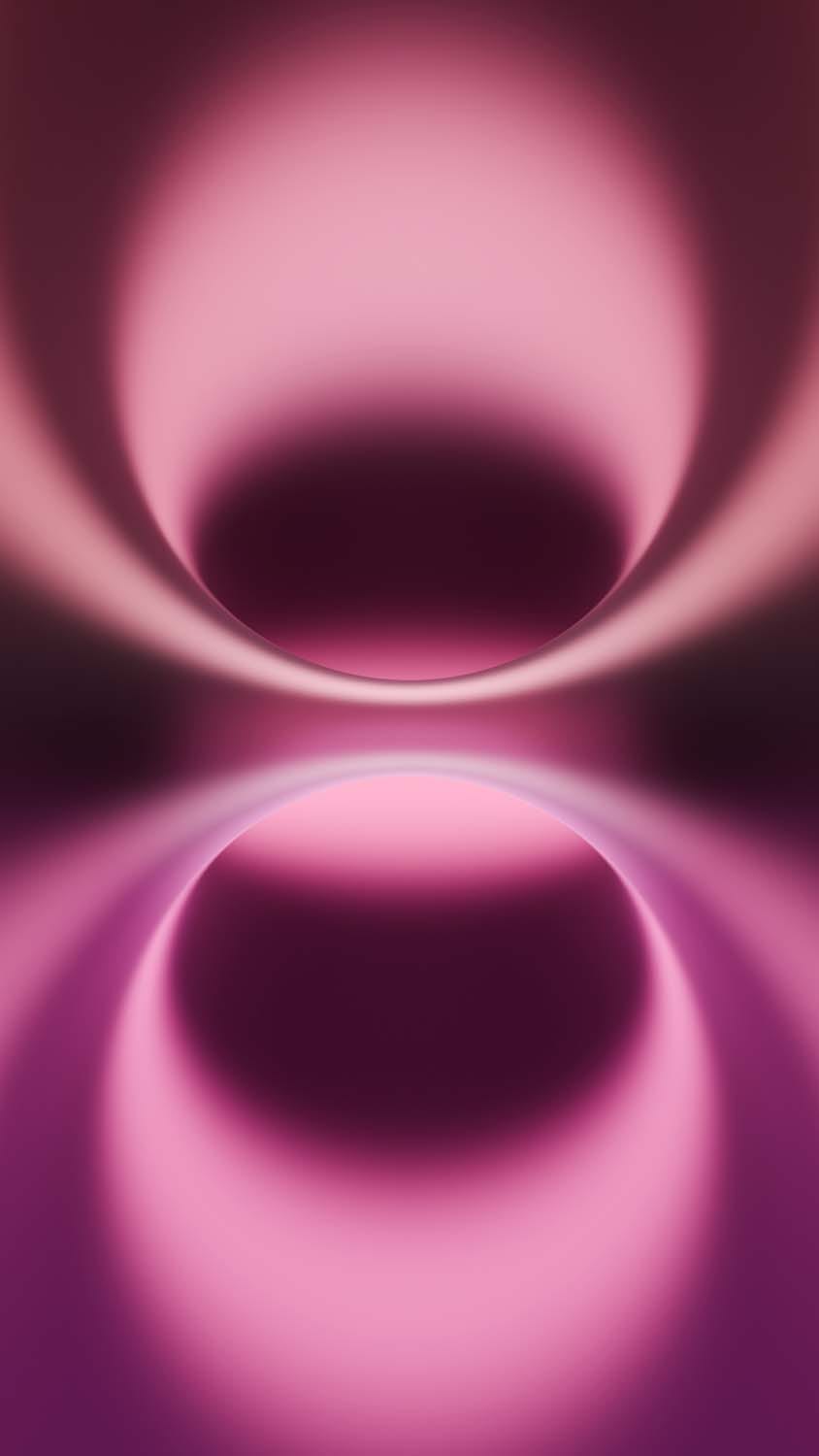
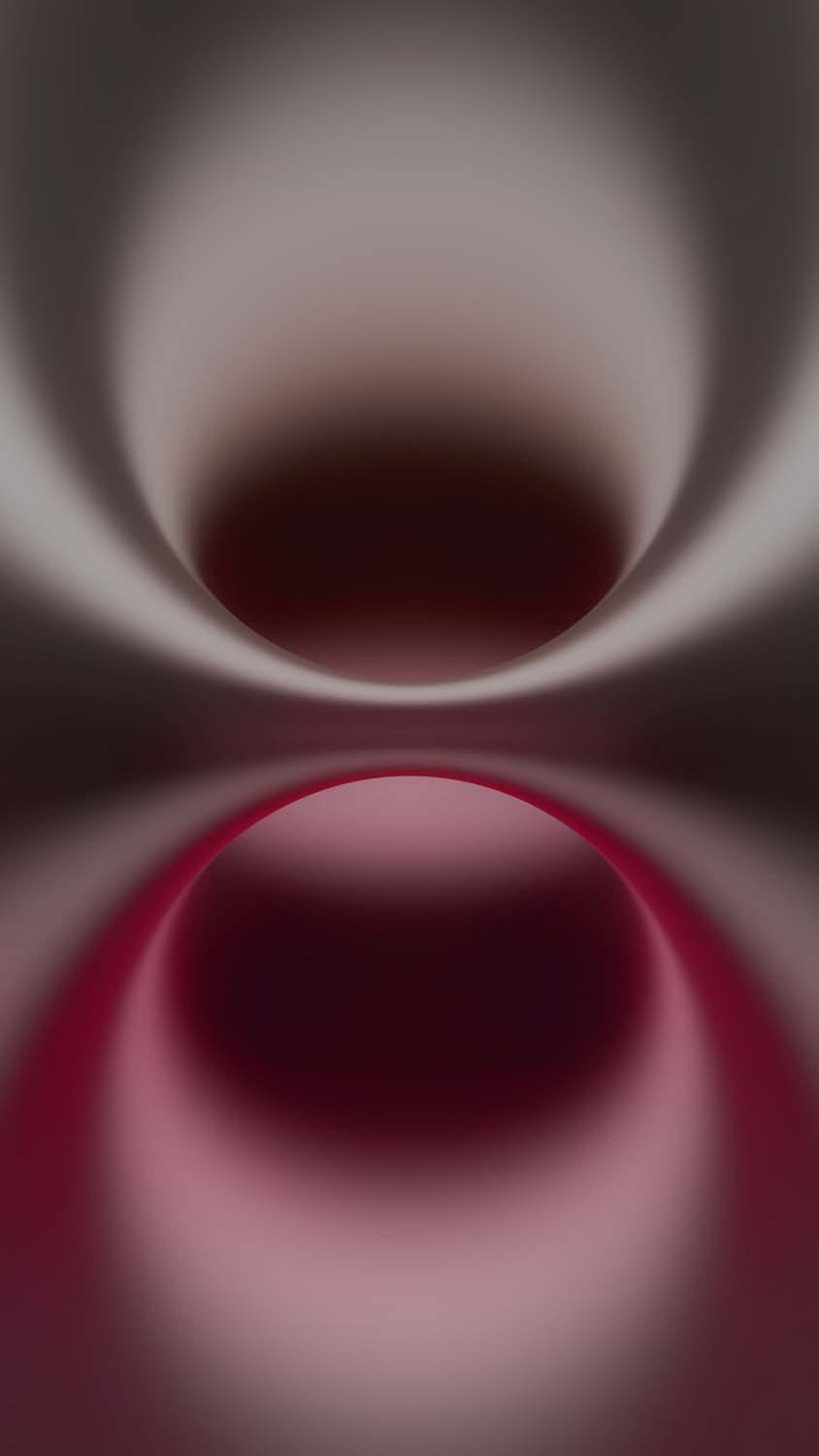
The standard iPhone 16 and 16 Plus models are celebrated for their bold, saturated injection-molded back glass. To mirror this vibrant personality, the standard wallpapers feature dynamic, abstract spherical structures that bleed rich gradients across the display. They are precisely tailored to match the official retail colorways, including:
Teal & Ultramarine: Cool, calming, high-contrast ocean shades that bring immense pop to an OLED screen.
Pink: A soft, pastel-infused palette that looks incredibly clean and stylish on lock screens.
White & Black: Clean, stark layouts tailored specifically for minimalist lovers who want a clutter-free backdrop.
Why You Need the Original, Uncompressed 4K Quality
When searching for new backgrounds online, many images you find on social media or casual image hosting sites are highly compressed. Compression introduces jagged artifacts, muddy gradients, and pixelation—especially on high-density Retina or OLED displays.
To prevent this, our download library offers the authentic, uncompressed 4K files pulled straight from the iOS 18 file system. Downloading the true high-DPI (dots per inch) assets ensures that:
Color transitions stay perfectly smooth without any awkward color banding lines across the spheres.
Details remain completely sharp, even if you utilize a heavy two-finger pinch-to-zoom crop gesture during system setup.
The dark variations use true
#000000hexadecimal pitch-black pixels, allowing your phone’s screen to turn off individual pixels and actively preserve your battery life.
Tutorial: How to Set Up Stock Wallpapers with Depth Effects
Modern smartphone operating systems allow you to add incredible layers of depth to your lock screen. Follow these simple steps to apply your new iPhone 16 background:
Method 1: Applying on an iPhone (iOS 16 or Newer)
Save your chosen high-resolution wallpaper directly to your Photos app.
Lock your device, wake up the screen, and press and hold the Lock Screen until the layout customizer appears.
Tap the blue Plus (+) icon to add a new layout, then choose Photos from the top row.
Select your downloaded stock wallpaper.
Position the image. Thanks to the crisp geometry of the abstract spheres, you can let the shapes subtly clip behind your system clock font. To activate this, tap the three dots (…) in the bottom right corner and ensure Depth Effect is checked.
Hit Done in the upper right-hand corner to finalize your clean, flagship look.
Method 2: Applying on an Android Device
Open your device’s Gallery app and navigate to your downloaded image.
Tap the menu icon (usually three vertical dots) and select Set as Wallpaper.
Choose whether you want to apply it to your Lock Screen, Home Screen, or both.
Adjust the framing matrix manually to center the vibrant gradients, then tap Apply.
Refresh Your Screen Today
You don’t need to shell out for a new upgrade to enjoy the refreshed, high-end styling of Apple’s latest baseline models. By applying the official uncompressed stock assets, you can completely transform your current smartphone’s daily interface.
Explore our secure, free direct-download gallery below, save your favorite colorways in glorious 4K resolution, and enjoy a premium lock screen experience immediately!
Explore More:
- Download Official iPhone 17e Wallpapers in 4K | New Floral Glass Collection
- Official iPhone 16 Pro Wallpapers [Free High-Res 4K Download]
- Download Official iPhone 17 Stock Wallpapers (Original Quality)
- Official iPhone 17 Pro Wallpapers [Free High-Res 4K Download]
- Download Official iPhone Air Wallpapers in Full 4K Resolution
- iPhone 15 Pro Wallpapers | Download 4K & HD Titanium Backgrounds
- iPhone 14 Pro Stock Wallpapers | Download Official 4K & HD
- iPhone 14 Stock Wallpapers (Official 4K HD) – Free Download
- iPhone 13 Official Wallpapers: Full HD Stock Background Download