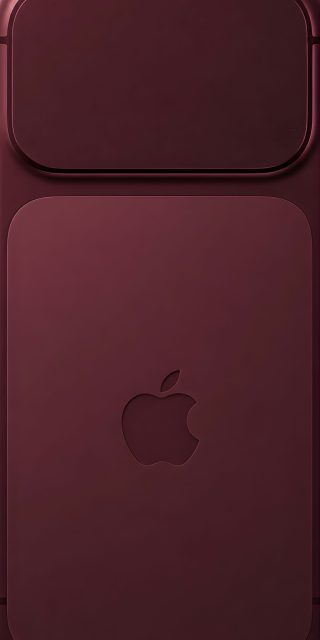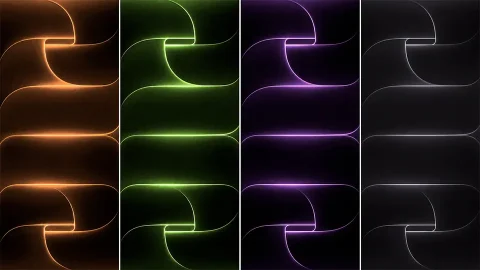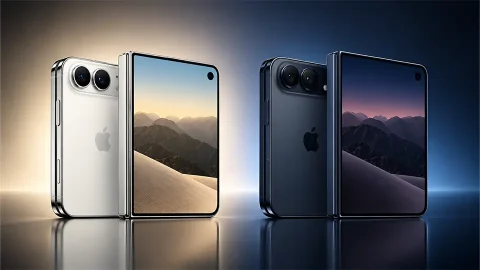
Download Official iPhone Air Wallpapers in Full 4K Resolution
Apple has once again disrupted the smartphone industry with the release of its thinnest handheld to date: the highly anticipated iPhone Air. Measuring just millimeters thick—barely deeper than its own volume rocker keys—the iPhone Air is a marvel of industrial design. Alongside its ultra-slim profile and stunning 6.5-inch display, Apple has introduced an exclusive collection of color-matched stock backdrops.
If you want to bring the premium, minimalist aesthetic of Apple’s newest device to your current smartphone, you are in the right place. Below, you can find the direct download links to every single official iPhone Air wallpaper in full 4K resolution ($1260 times 2736$ pixels), completely free.
Why the iPhone Air Wallpapers Are a Must-Have
Every year, Apple’s creative team designs system backgrounds that accentuate the physical engineering of their new hardware. For the ultra-thin iPhone Air, the design language leans heavily into seamless geometric curves, fluid gradients, and minimalist space-saving layouts.
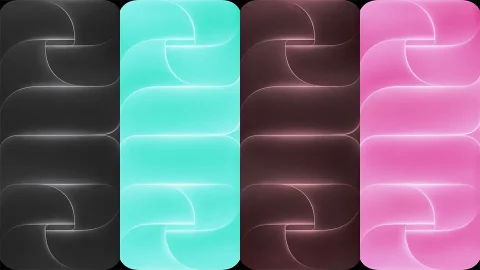
The official stock collection features dual variants for every single colorway: a vibrant, high-contrast Light Mode version and an ink-black, battery-saving Dark Mode equivalent optimized for Super Retina XDR OLED panels. Whether you are using an older iPhone model or an Android flagship, these 4K extracts ensure a crisp, pixel-perfect fit without any stretching or quality degradation.
Download Official iPhone Air Stock Wallpapers (High-Res Extracts)
We have extracted the official system files directly from the device firmware. Browse the collections below to download your favorite color-matched variants.
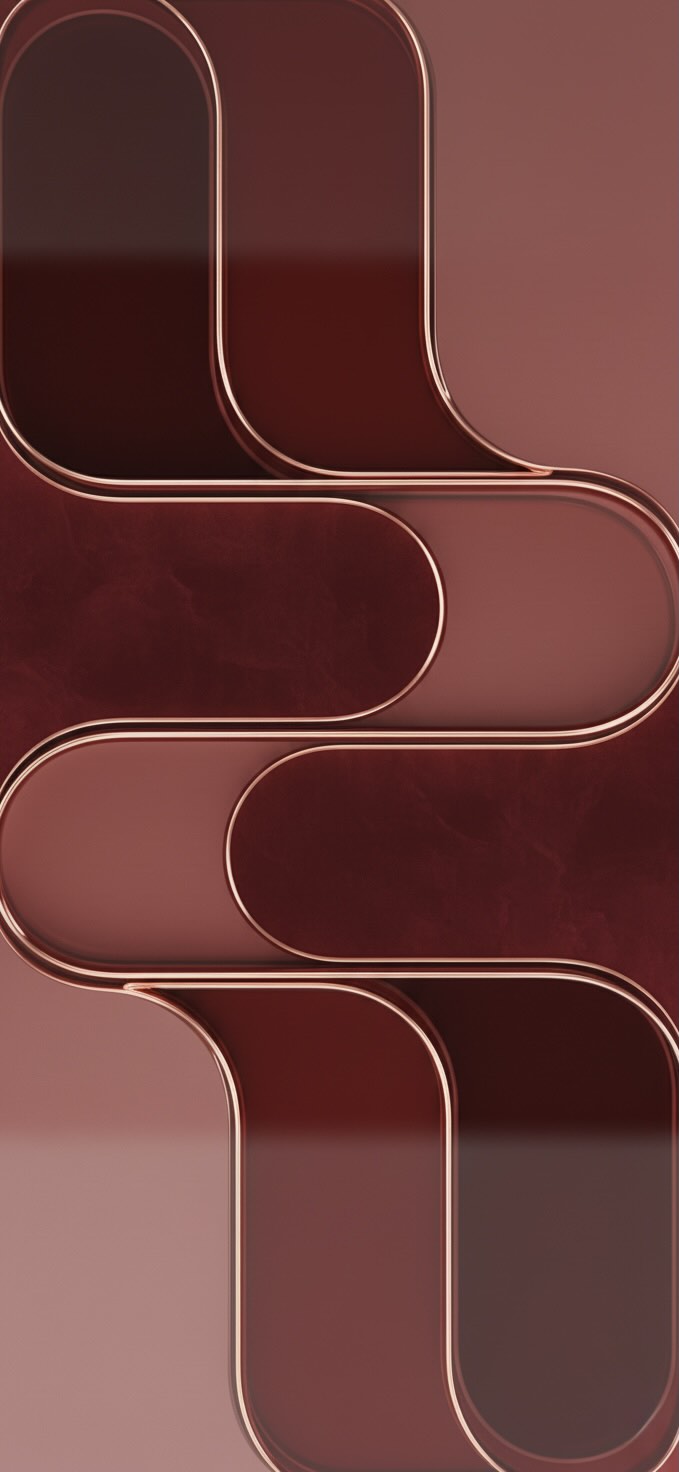

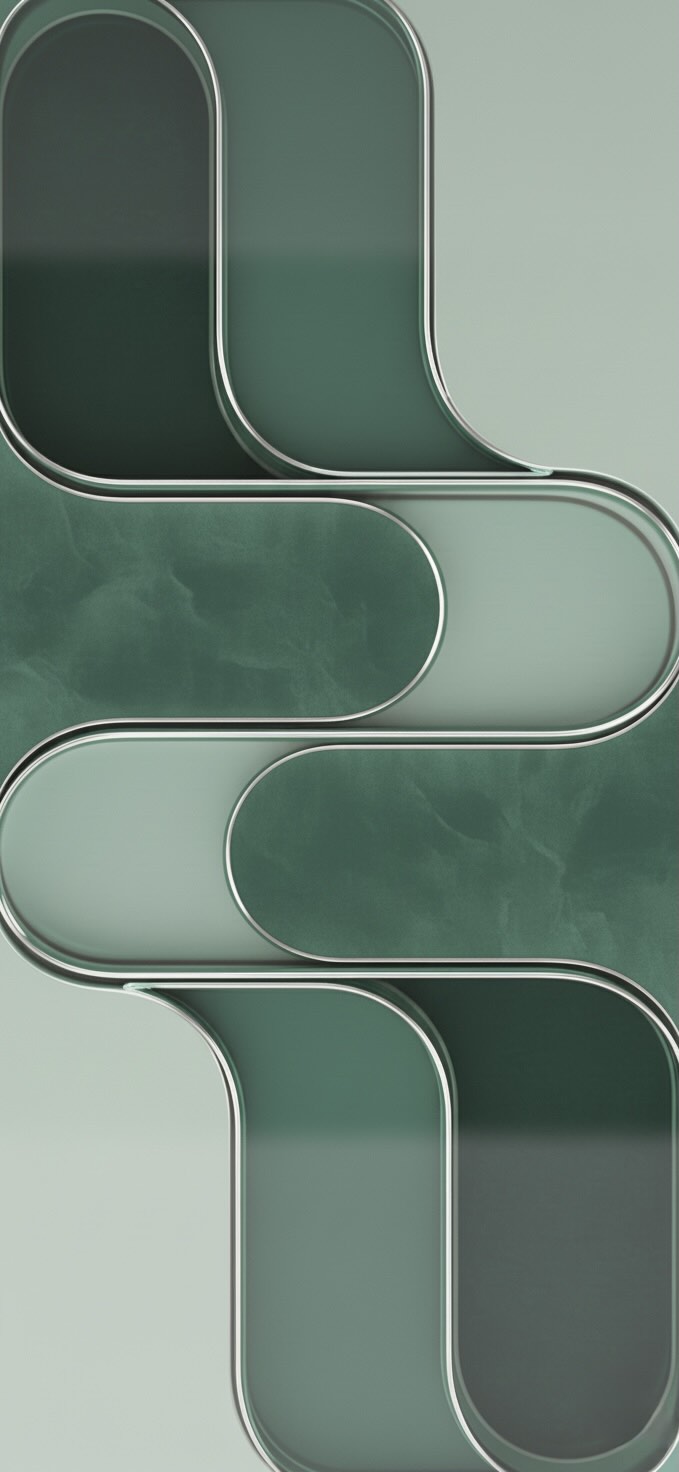
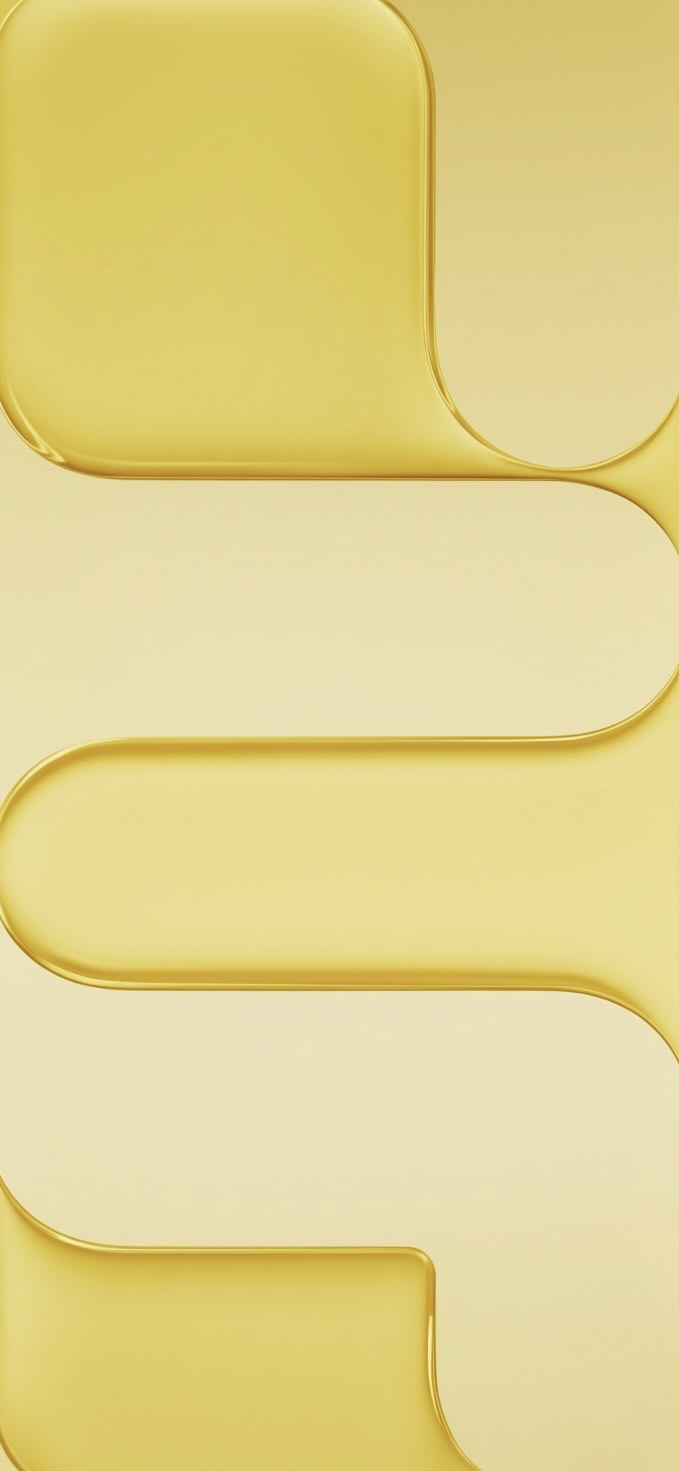
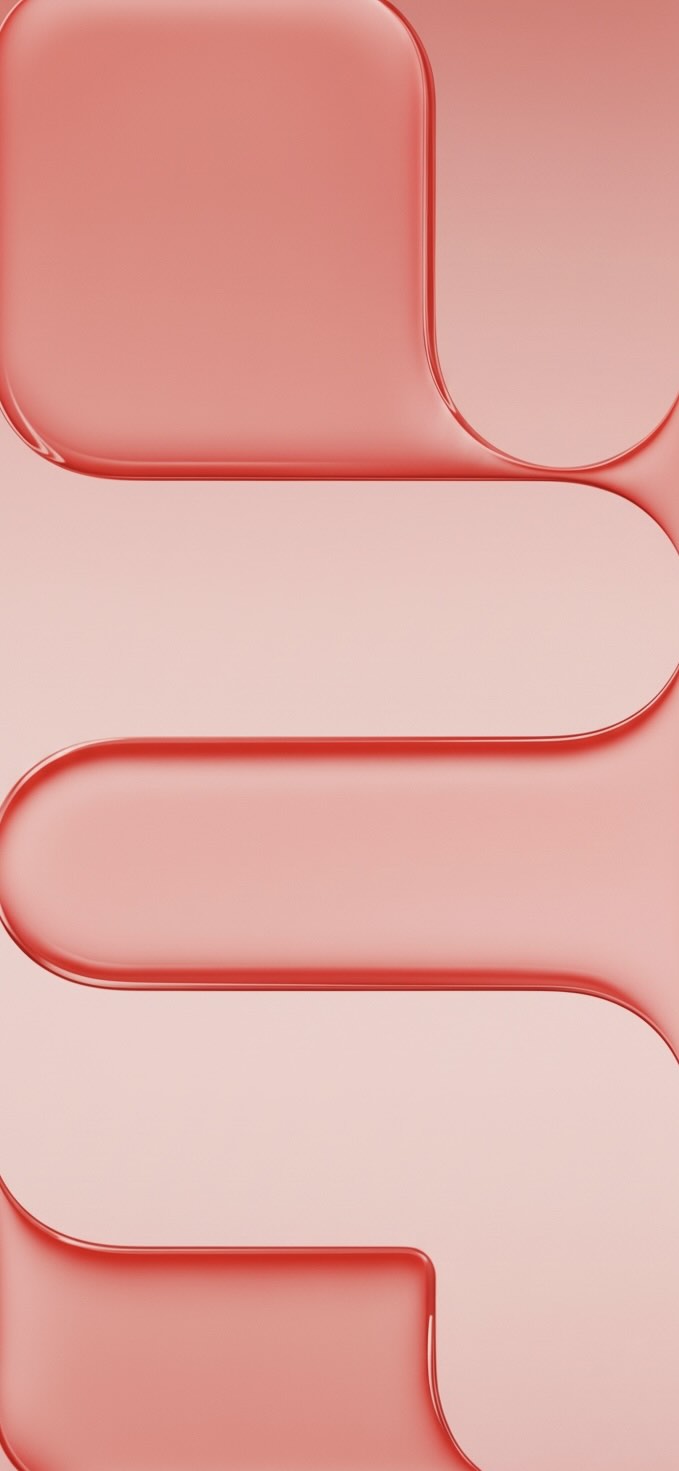
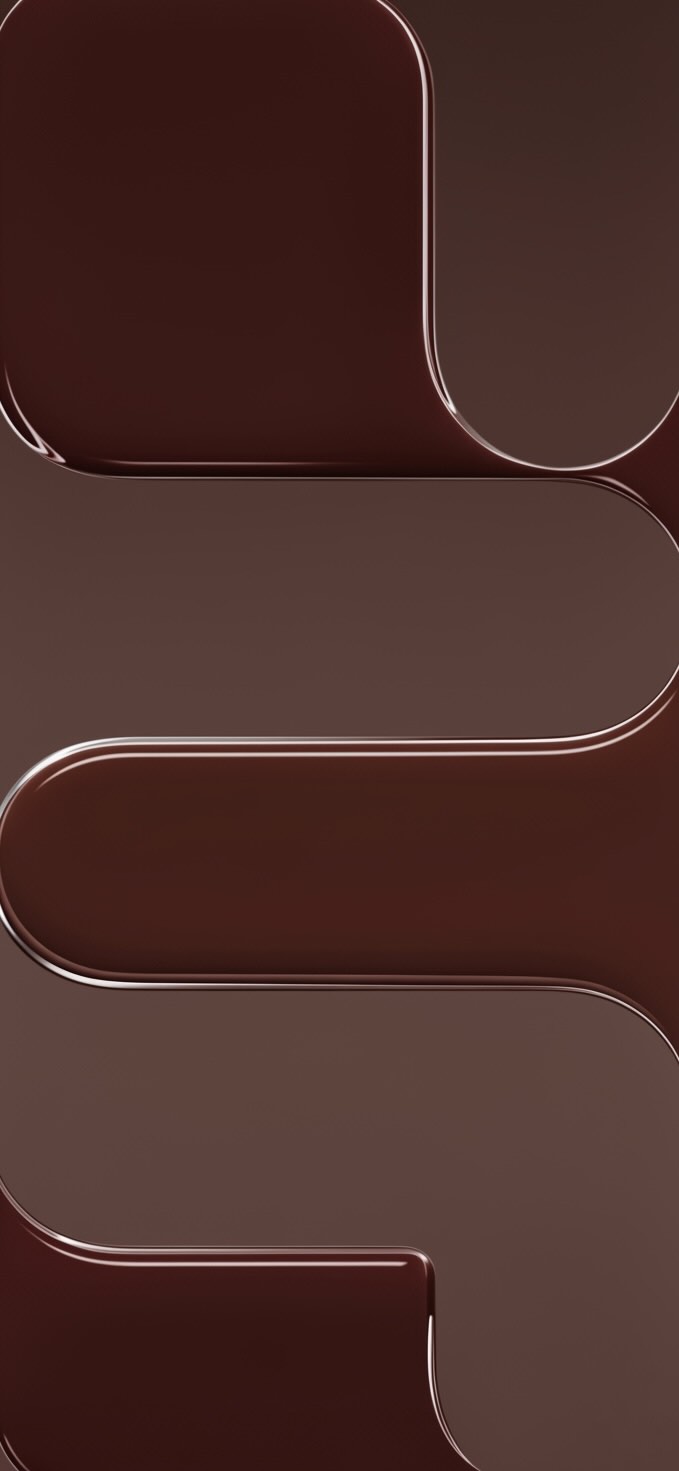
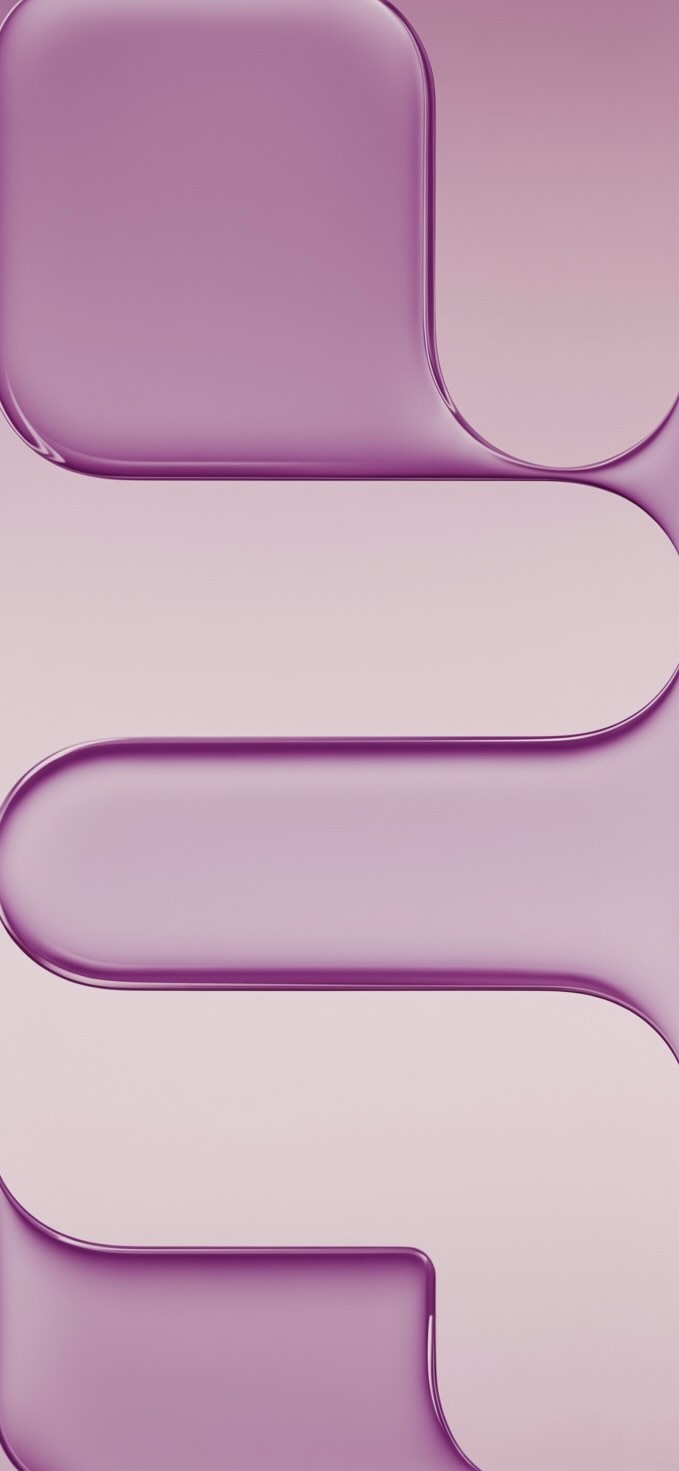
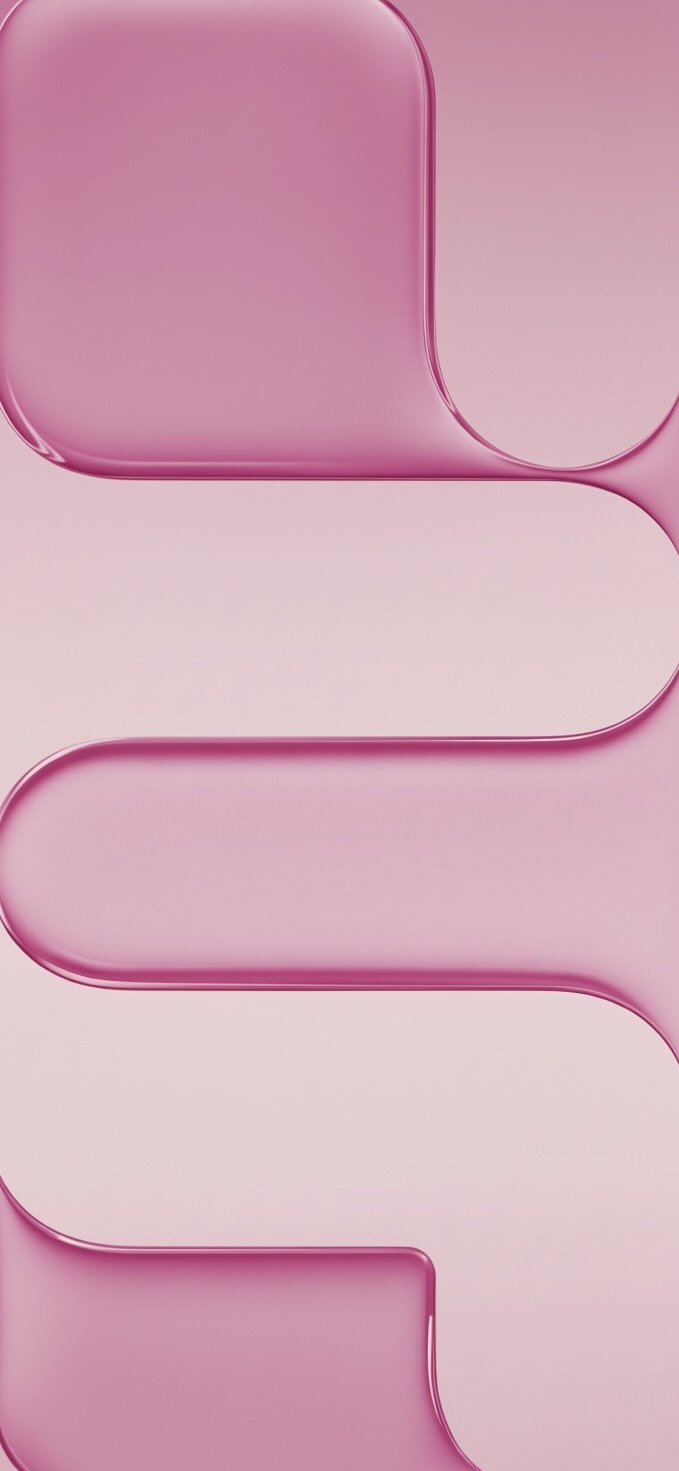
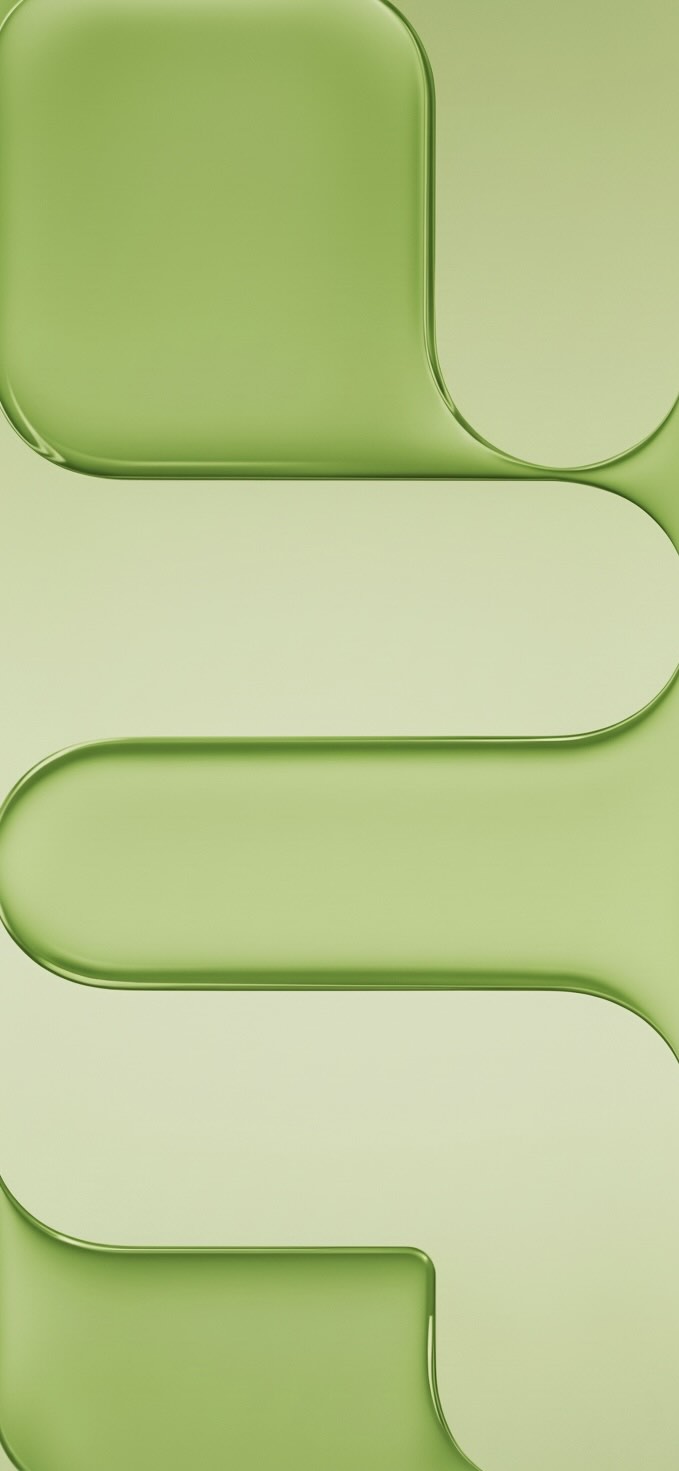
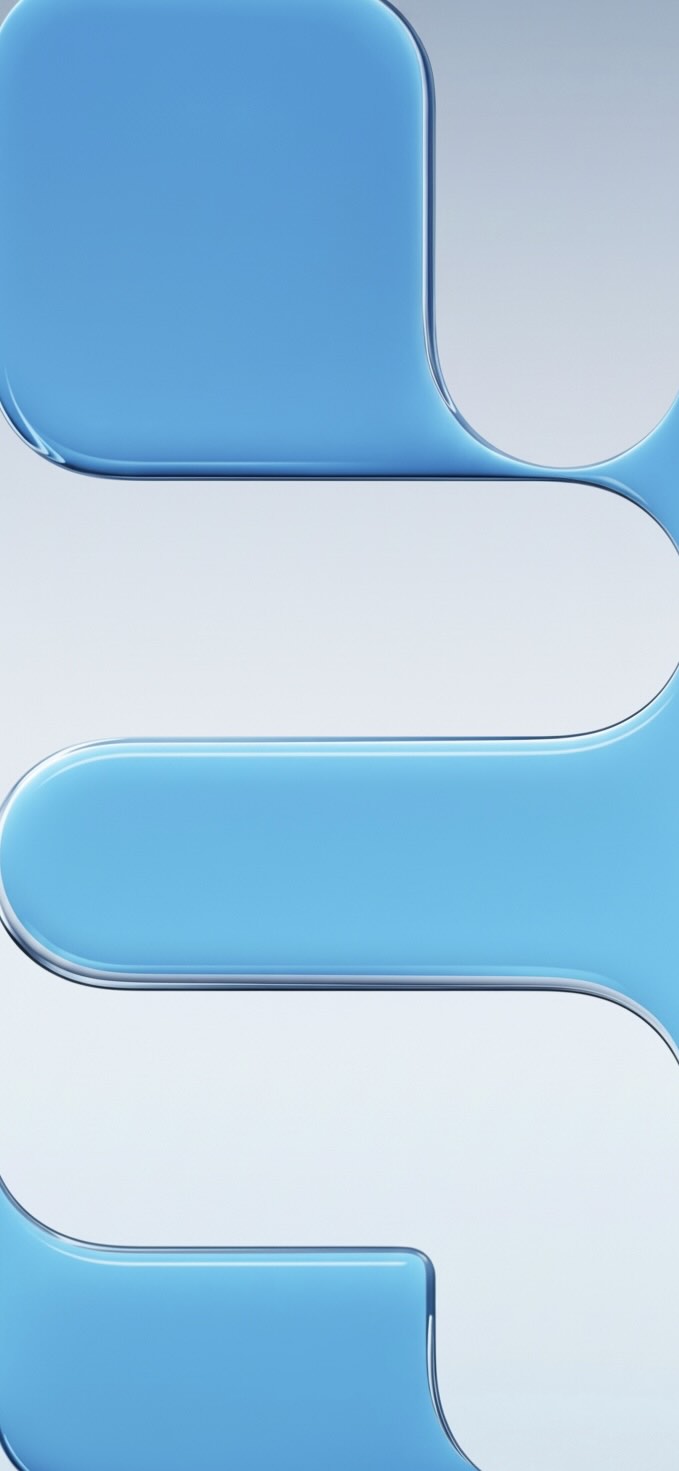
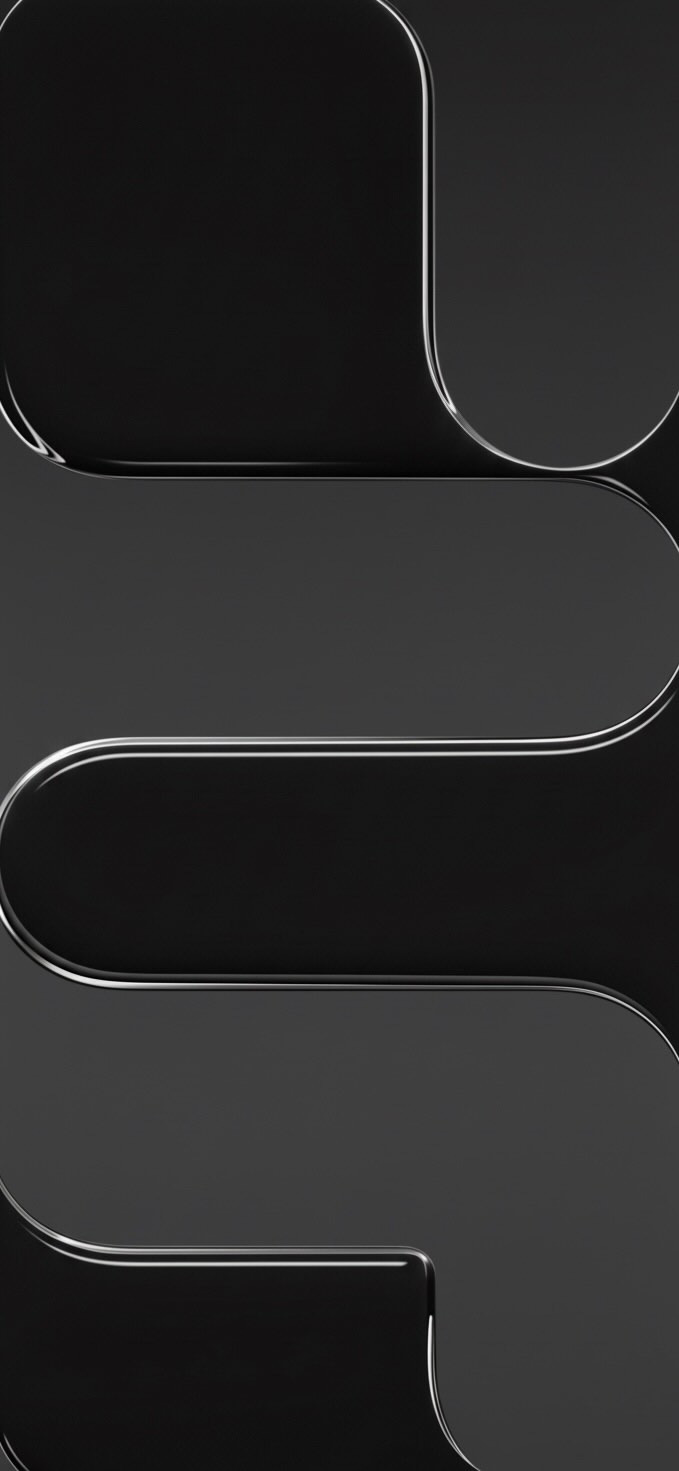

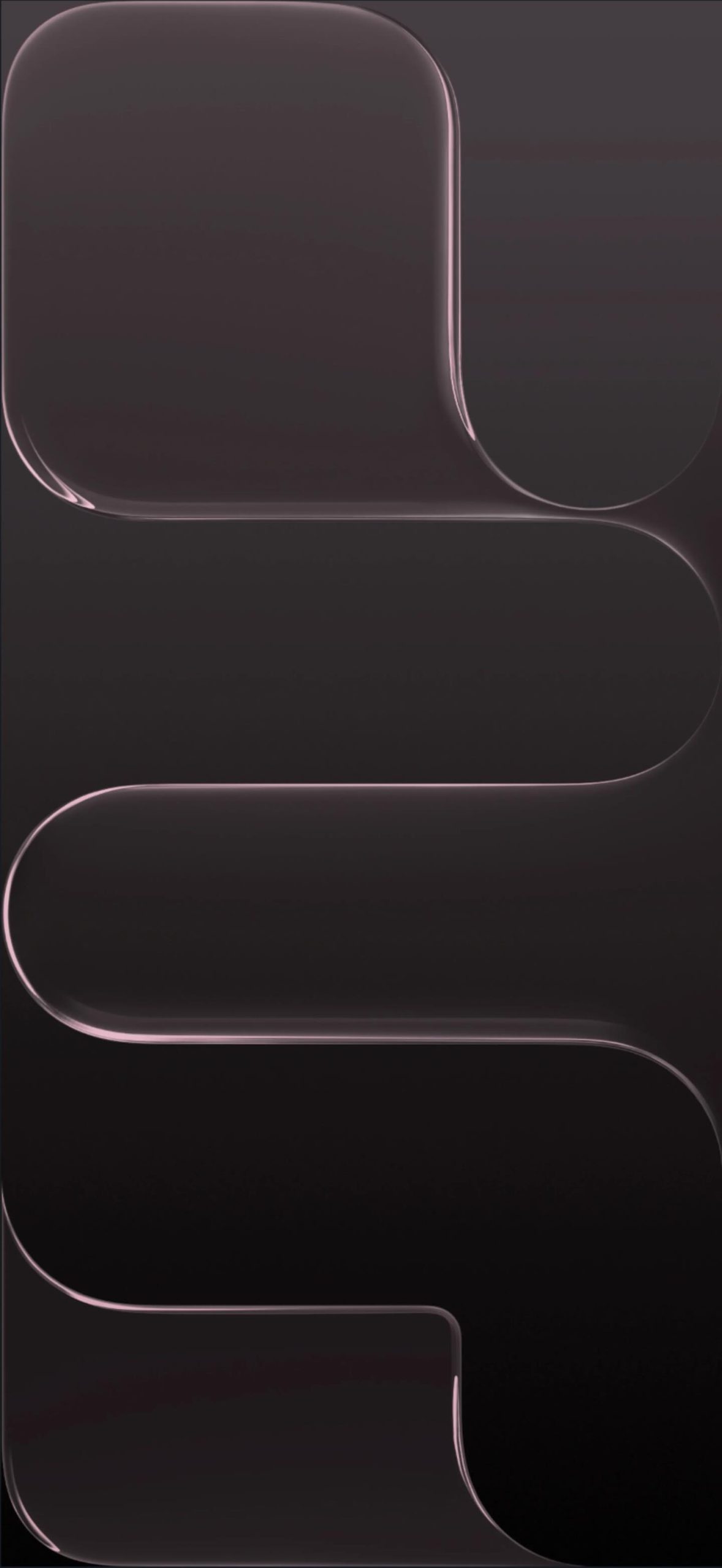

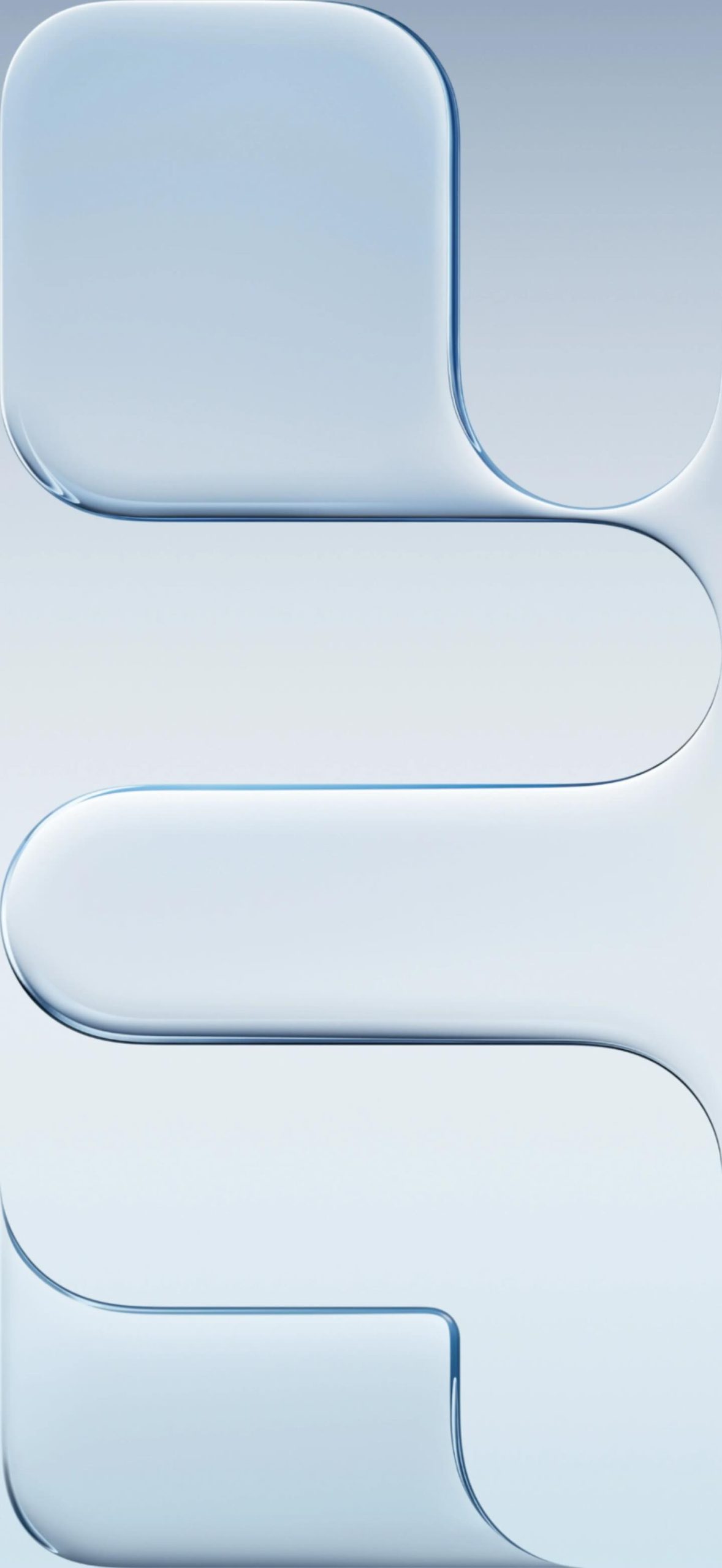
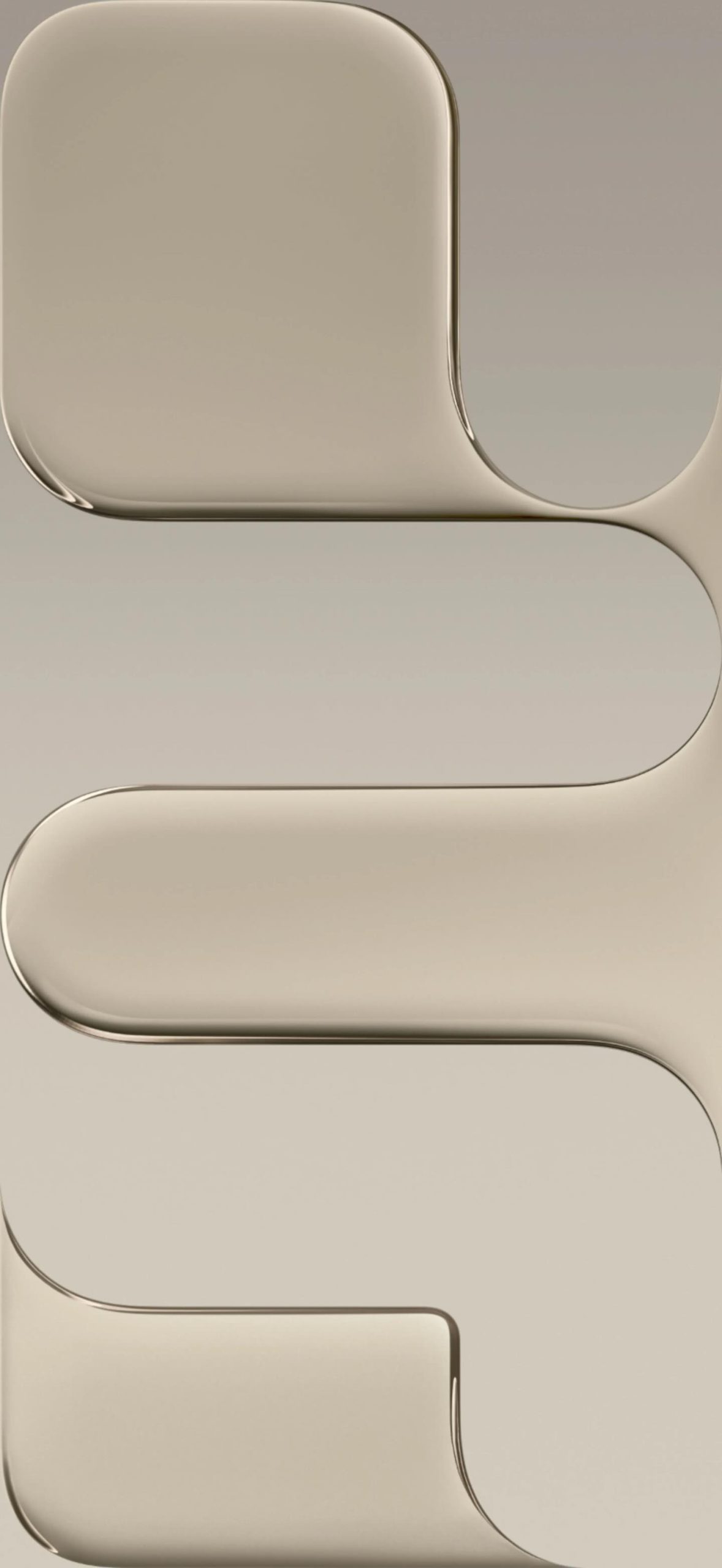
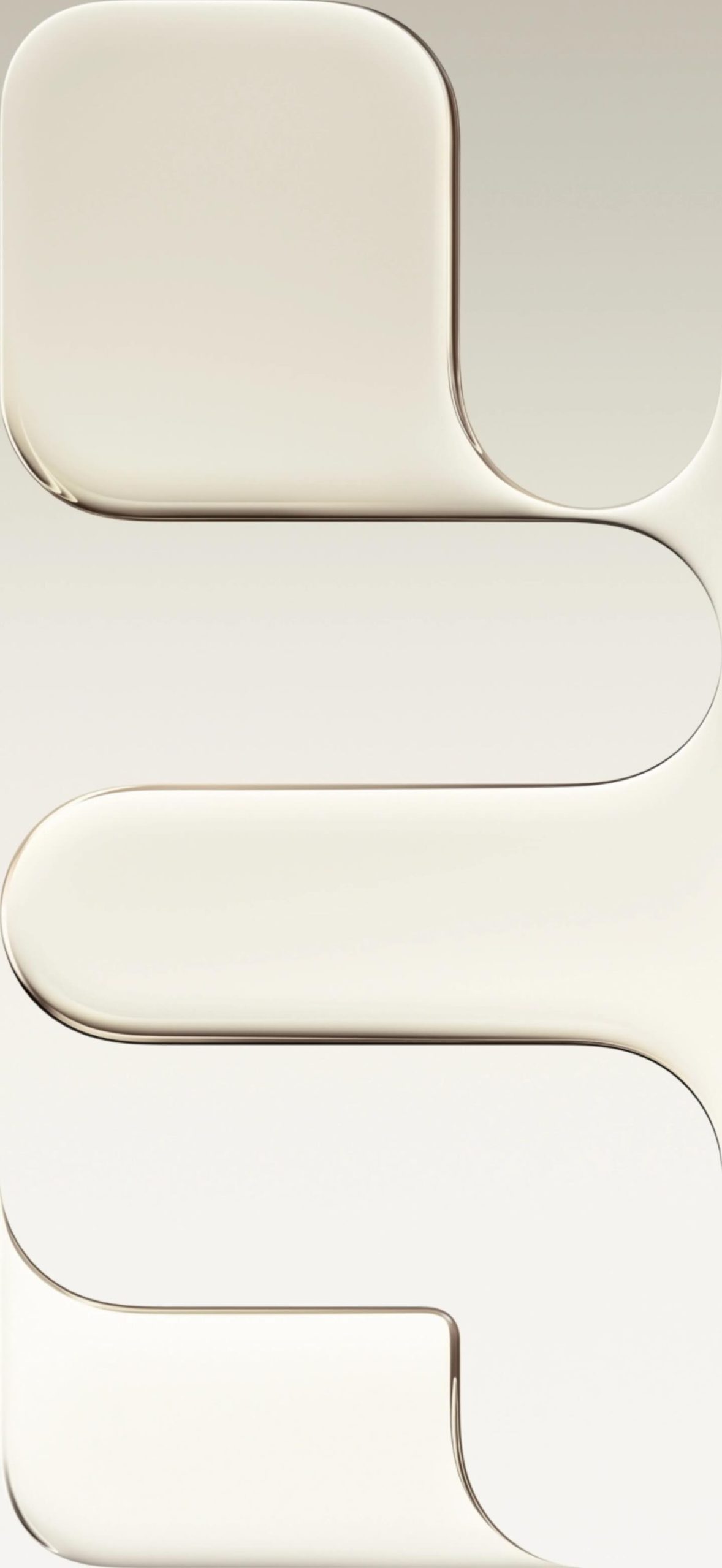
Pro-Tip: To save these in lossless 4K quality, click the direct download link below each preview to access the full-resolution uncompressed asset.
1. Sky Blue Stock Collection
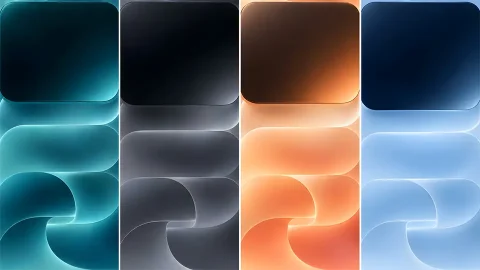
The Sky Blue colorway is arguably the standout of this generation. The accompanying backdrop features a soft, airy gradient shifting from crisp cerulean to an understated pastel base.
- Best For: Users who prefer clean, calming home screens with high icon legibility.
- Download: [Click here for Sky Blue Light Mode (4K)] | [Click here for Sky Blue Dark Mode (4K)]
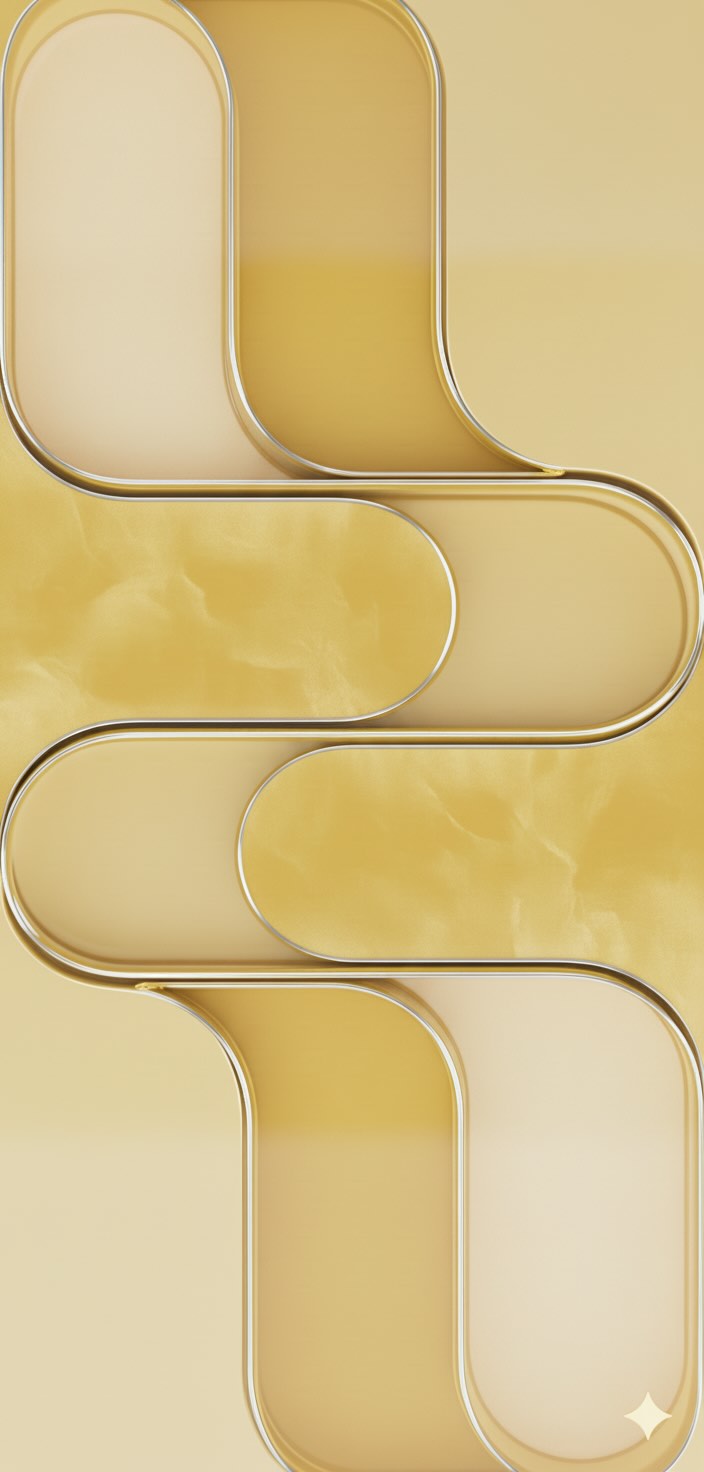
2. Light Gold Stock Collection
Evoking a sense of quiet luxury, the Light Gold wallpaper uses warm metallic tones layered over micro-textures. It perfectly complements gold, champagne, and silver device frames.
- Best For: Elegant, premium lock screen setups that highlight the iOS clock widget.
- Download: [Click here for Light Gold Light Mode (4K)] | [Click here for Light Gold Dark Mode (4K)]
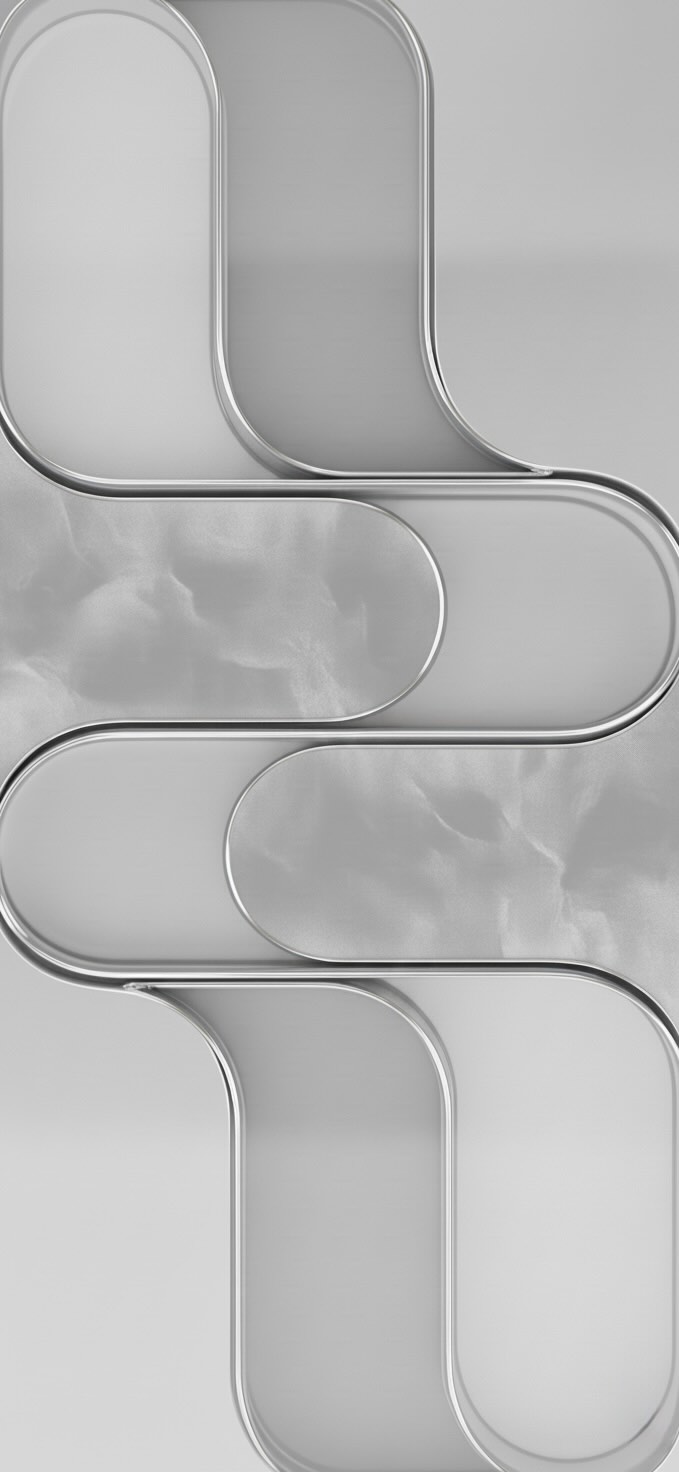
3. Cloud White Stock Collection
The Cloud White backdrop is the definition of clean minimalism. It blends bright architectural whites with light gray shadows to create a subtle sense of three-dimensional depth on the flat display.
- Best For: Minimalist enthusiasts who want zero visual clutter beneath their application icons.
- Download: [Click here for Cloud White Light Mode (4K)] | [Click here for Cloud White Dark Mode (4K)]
4. Space Black / True AMOLED Collection
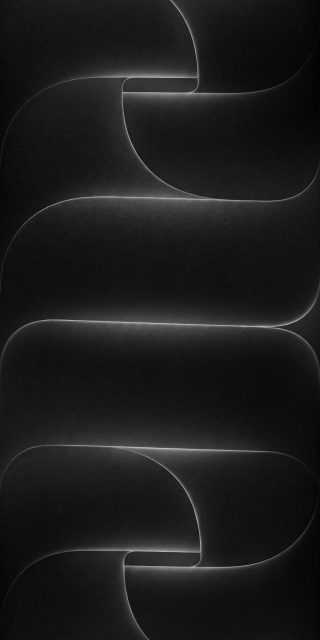
Designed specifically to show off the infinite contrast ratios of modern OLED screens, the Space Black wallpaper drops down into true deep-black gradients.
- Best For: Dark mode purists and users looking to maximize battery efficiency by keeping pixels turned off.
- Download: [Click here for Space Black Light Mode (4K)] | [Click here for Space Black Dark Mode (4K)]
Technical Specifications: The Perfect Resolution Fit
A common frustration with generic mobile backgrounds is low resolution or poor aspect ratios that force harsh cropping. The official iPhone Air system wallpapers are tailor-made for high-performance displays:Metric Specification Benefit Native Resolution $1260 \times 2736$ Pixels Pin-sharp clarity on any mobile device Aspect Ratio ~19.5:9 Ultra-Tall Perfect vertical framing for modern bezel-less screens Color Profile Display P3 Wide Color Richer, more true-to-life color saturation
How to Install the 4K Wallpapers on Your Device
Setting up your new backdrop takes less than a minute. Follow these simple steps depending on your operating system:
1.Download the uncompressed file:Step 1.
Tap the direct download link for your preferred colorway. Avoid saving the low-resolution thumbnail preview directly from the browser view.
2.Save to local storage:Step 2.
On iOS, long-press the image and select Add to Photos. On Android, tap the three-dot menu icon in your browser and select Download Image.
3.Apply via System Settings:Step 3.
Navigate to Settings > Wallpaper > Choose a New Wallpaper on iPhone, or long-press an empty space on your Android home screen and select Wallpapers & Style.
4.Adjust and crop:Step 4.
Pinch to zoom slightly if you want to align the geometric gradients with your app grid, then hit Apply to Both or select independent Lock/Home screens.
Final Thoughts
You don’t need to shell out for a brand-new device just to enjoy its premium aesthetic. By downloading these official system extracts, you can give your current smartphone a sleek, ultra-modern facelift instantly.
Make sure to bookmark this page, as we frequently update our digital libraries with upcoming iOS releases, specialized modded AMOLED variants, and exclusive seasonal color palettes.
Explore More:
- Download Official iPhone 17e Wallpapers in 4K | New Floral Glass Collection
- Official iPhone 16 Wallpapers [Free High-Res Download]
- Official iPhone 16 Pro Wallpapers [Free High-Res 4K Download]
- Download Official iPhone 17 Stock Wallpapers (Original Quality)
- Official iPhone 17 Pro Wallpapers [Free High-Res 4K Download]
- iPhone 15 Pro Wallpapers | Download 4K & HD Titanium Backgrounds
- iPhone 14 Pro Stock Wallpapers | Download Official 4K & HD
- iPhone 14 Stock Wallpapers (Official 4K HD) – Free Download
- iPhone 13 Official Wallpapers: Full HD Stock Background Download