Download Official Huawei Mate 90 Wallpapers [4K UHD Original Pack]
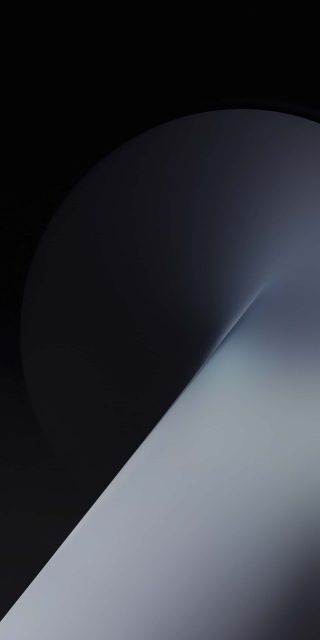
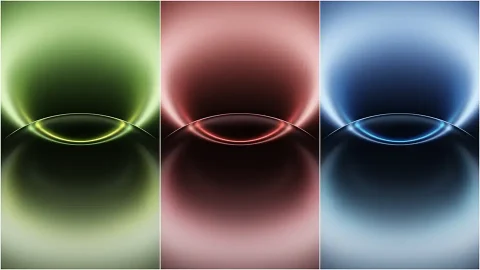
Huawei’s default wallpapers have quietly become some of the most copied stock art in the Android world, and this set explains why. Instead of the glowing-orb-on-black formula most flagships lean on, these go with something closer to a light well — a soft glow rising from the bottom edge of the screen, split by three faint vertical seams that make it look like light leaking through a set of blinds or columns.
That detail is what separates this pack from generic gradient wallpapers. The three vertical divisions aren’t random — they break the glow into distinct bands, almost like the wallpaper is being cast through a window frame rather than emanating from a single source. It gives the image a sense of architecture rather than just atmosphere.
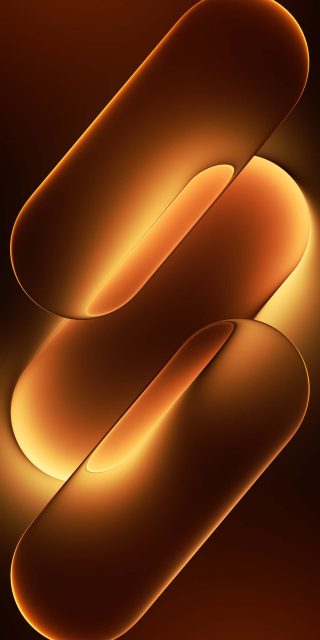
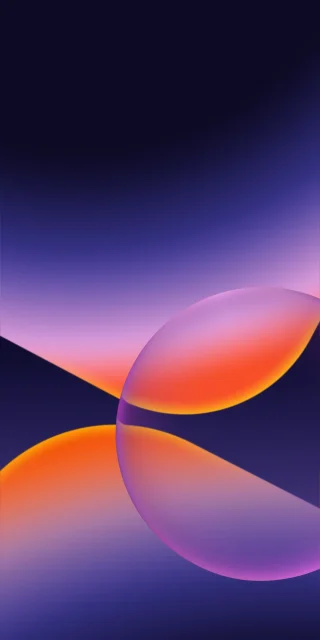
Color-wise, the three versions take the same structure in different directions. The gold edition sits closest to candlelight — warm, slightly amber, with the brightest point glowing almost white where the light well reaches its peak. The green version cools things down considerably, landing somewhere between sage and chartreuse, less neon than you’d expect and more like light filtered through foliage. Purple is the most restrained of the three, a dusty lavender-grey that reads almost monochrome from a distance and only reveals its color once you look closely at the brightest band.
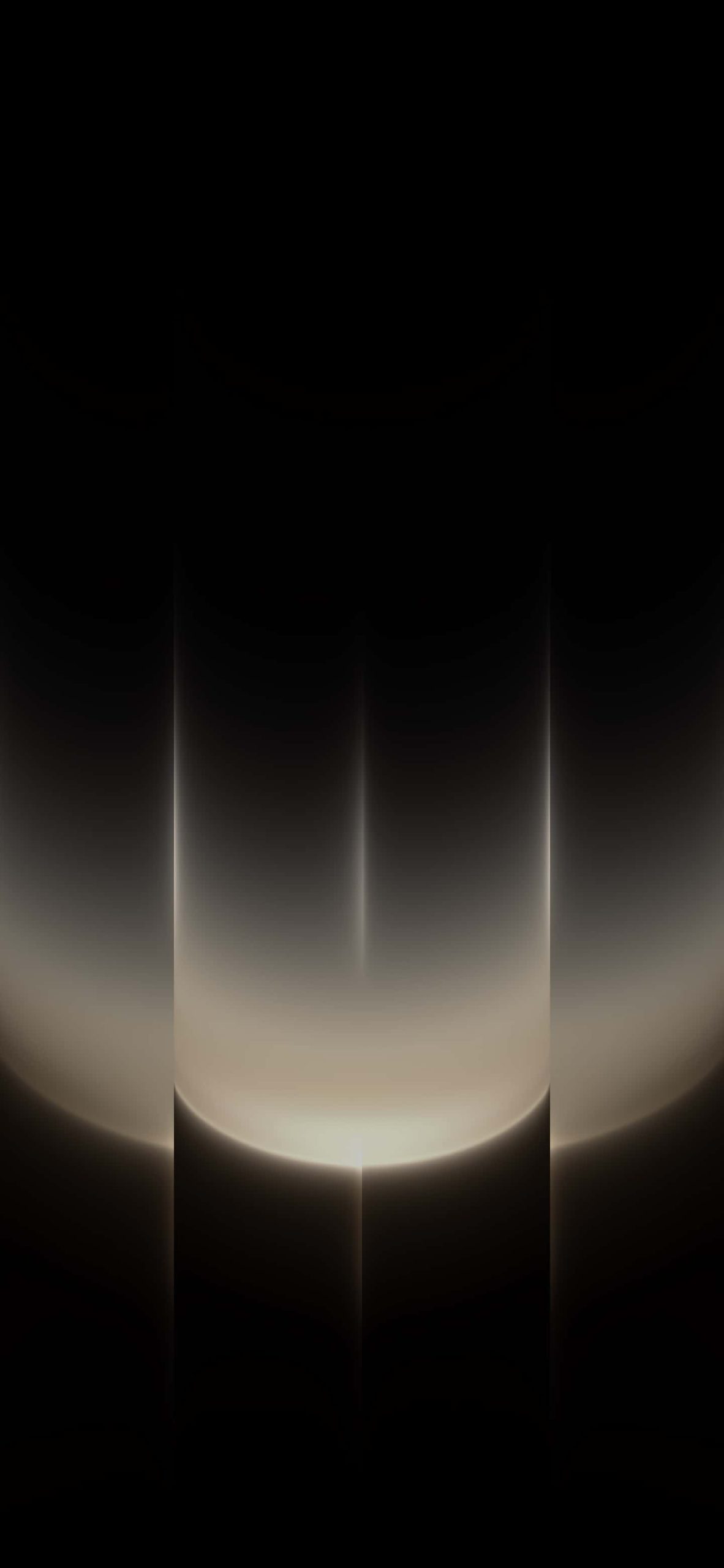
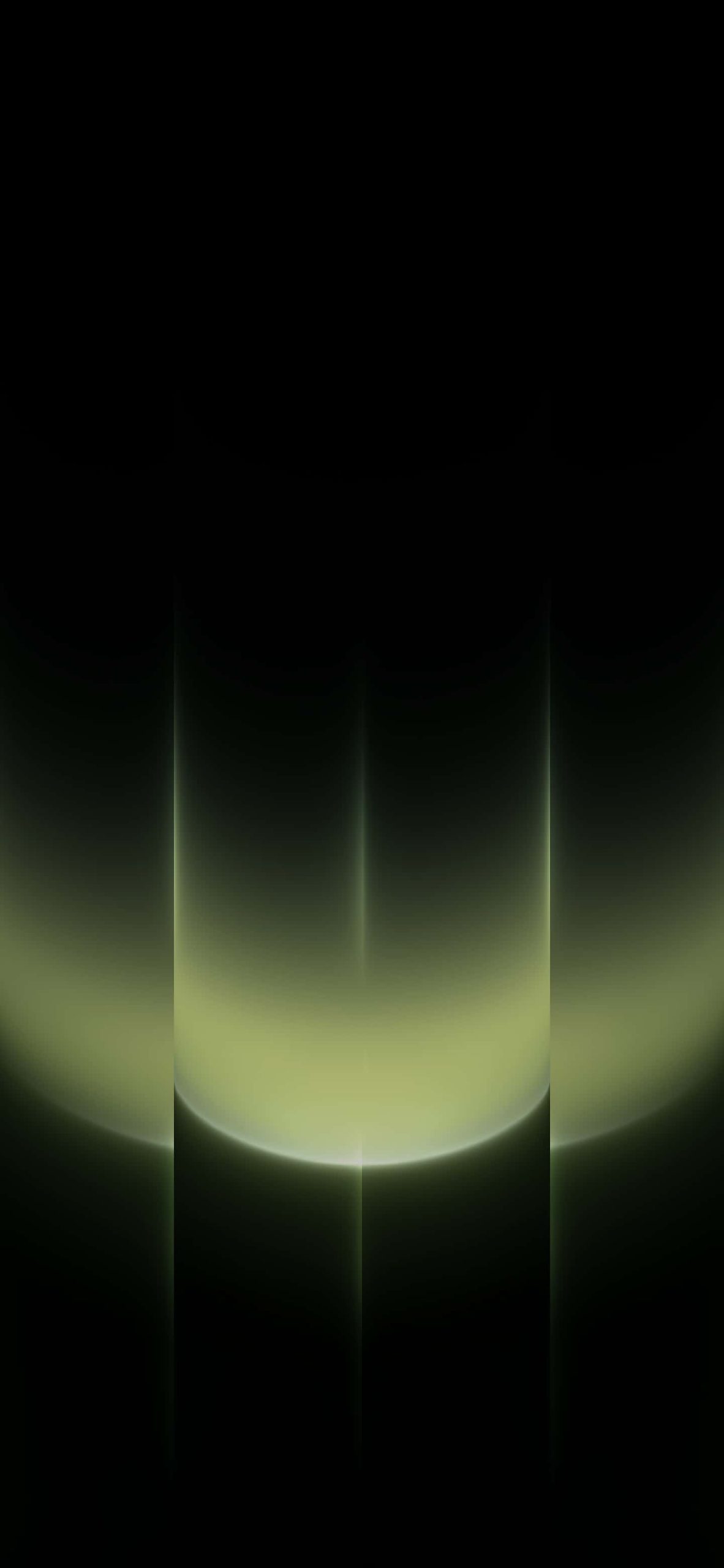
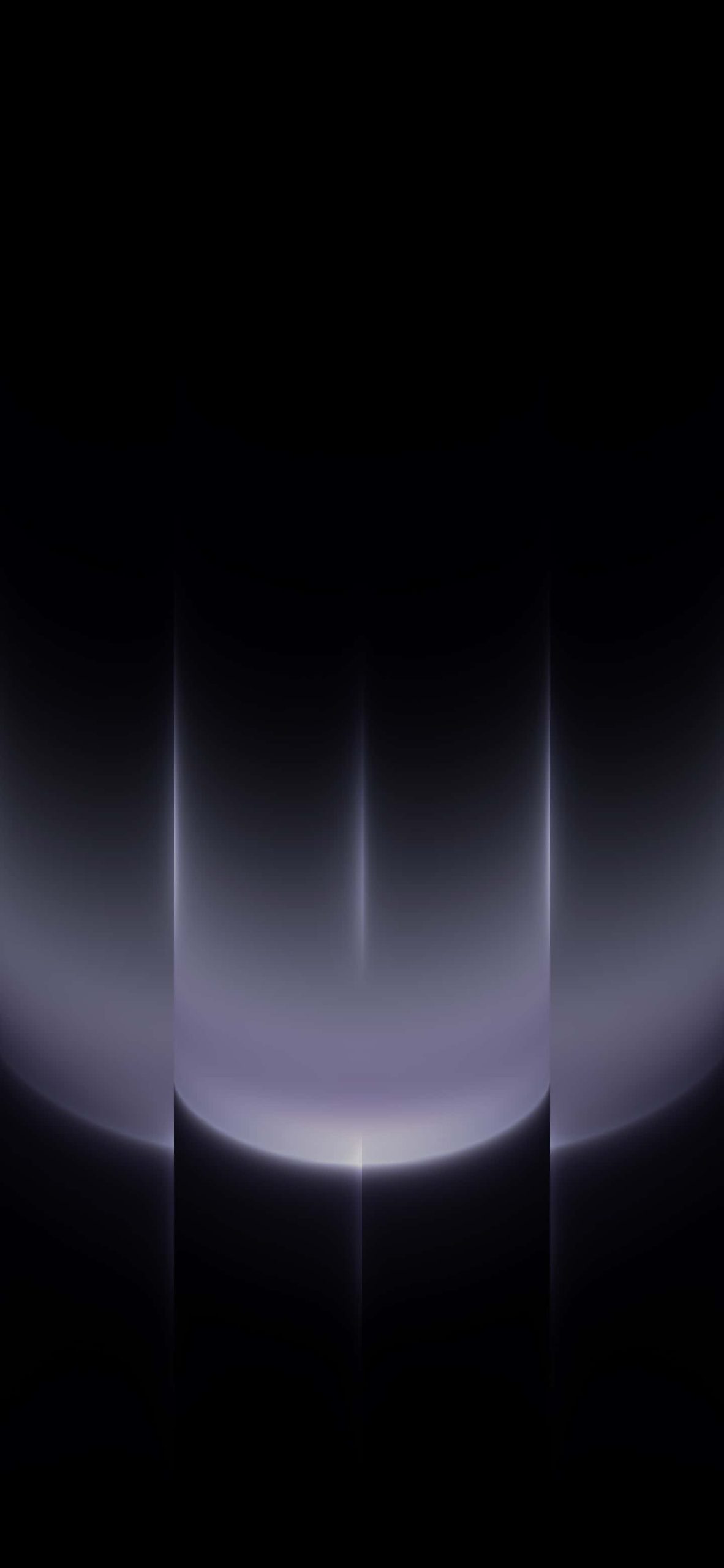
All three keep the top two-thirds of the screen in pure, undiluted black, with the glow concentrated entirely in the lower third. That’s a deliberate design decision that happens to work extremely well on a phone: your Dynamic Island, clock, and notification stack all sit in that black upper region without any visual noise behind them.
Because the black areas here are genuinely full black rather than dark grey, these wallpapers are built for OLED and Super Retina XDR displays. On an iPhone 12 or later, that top section will effectively disappear into the bezel, making the glow look like it’s floating in the screen itself rather than sitting on top of an image. Older LCD iPhones will still display the gradient correctly, just without that same depth effect.
To apply: download your preferred color, open Settings, tap Wallpaper, select “Add New Wallpaper,” and choose it from your photo library. Set it as your lock screen, home screen, or both.