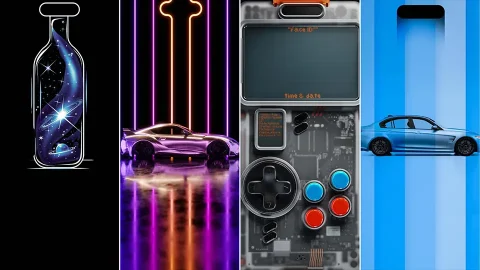
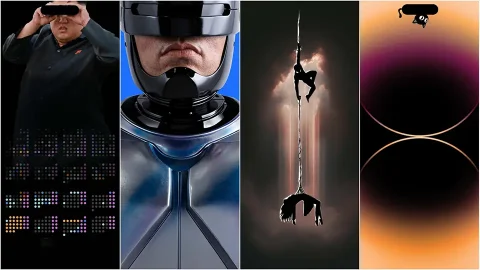
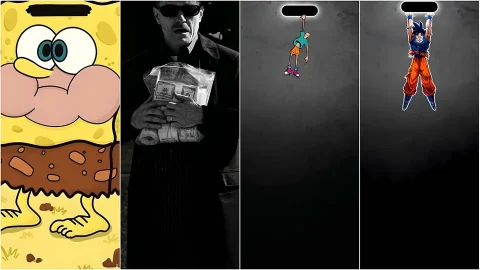
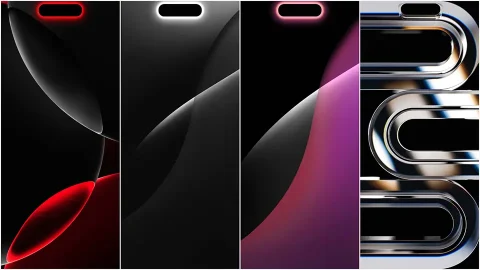
Dynamic Island Wallpapers: 15 Free 4K Designs for iPhone
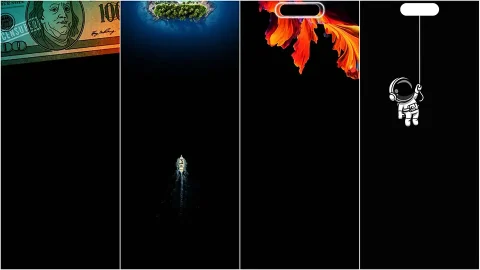
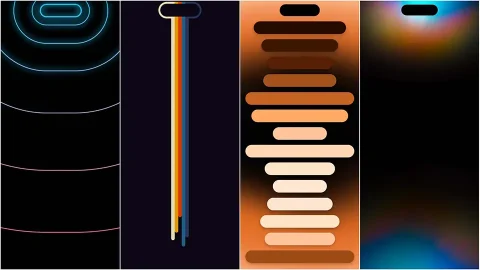
Since Apple introduced the Dynamic Island, phone customization took an unexpected turn. What used to be a simple notch cutout became a design opportunity, and wallpaper artists quickly caught on. Instead of treating that black pill-shaped cutout as something to hide, a whole genre of wallpapers now builds around it, turning it into a handle, a hat, a spotlight, or even a punchline. This collection rounds up 15 free 4K Dynamic Island wallpapers that do exactly that, each one designed so the hardware becomes part of the artwork instead of an interruption to it.
Why Dynamic Island Wallpapers Are Different
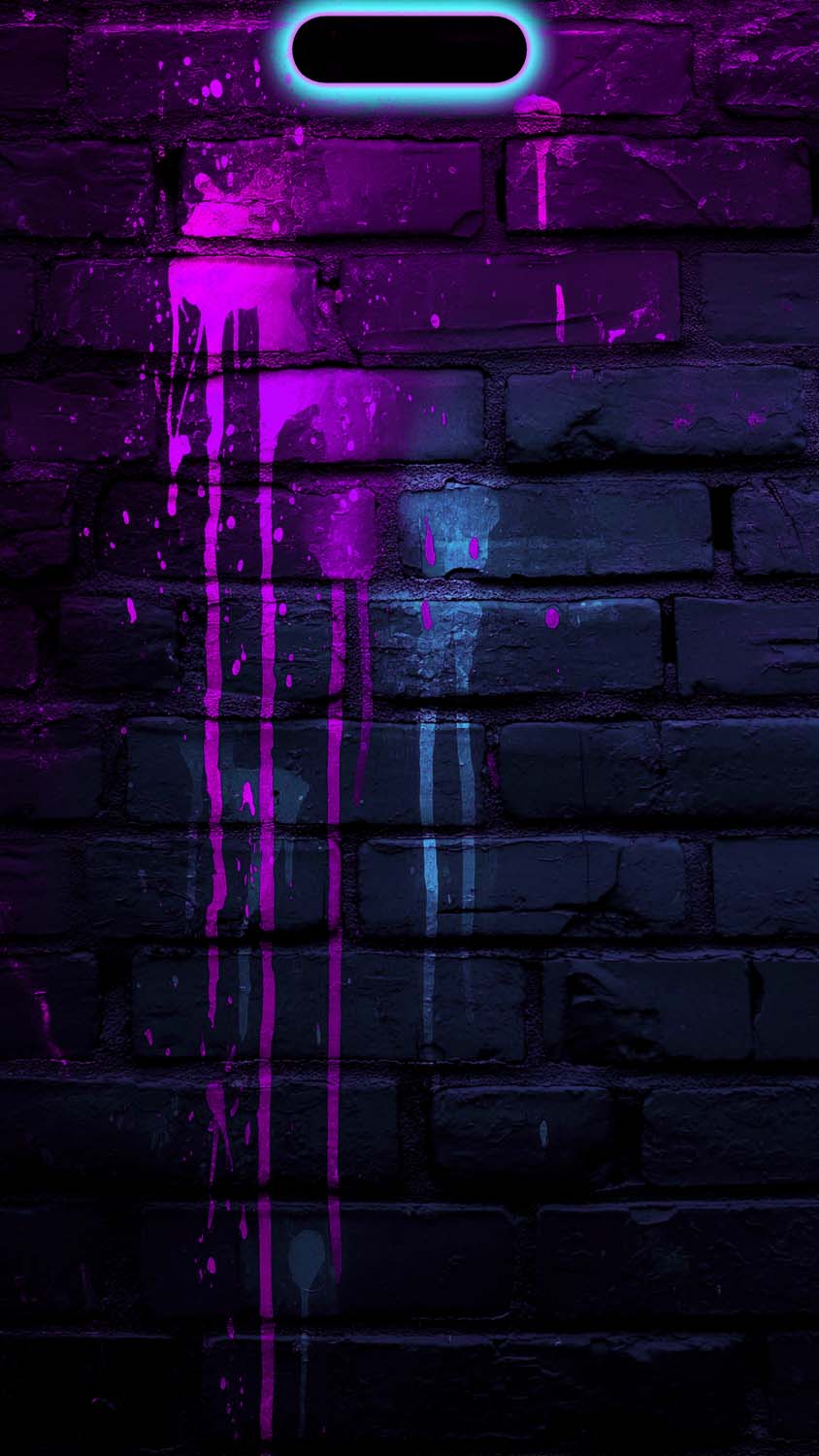
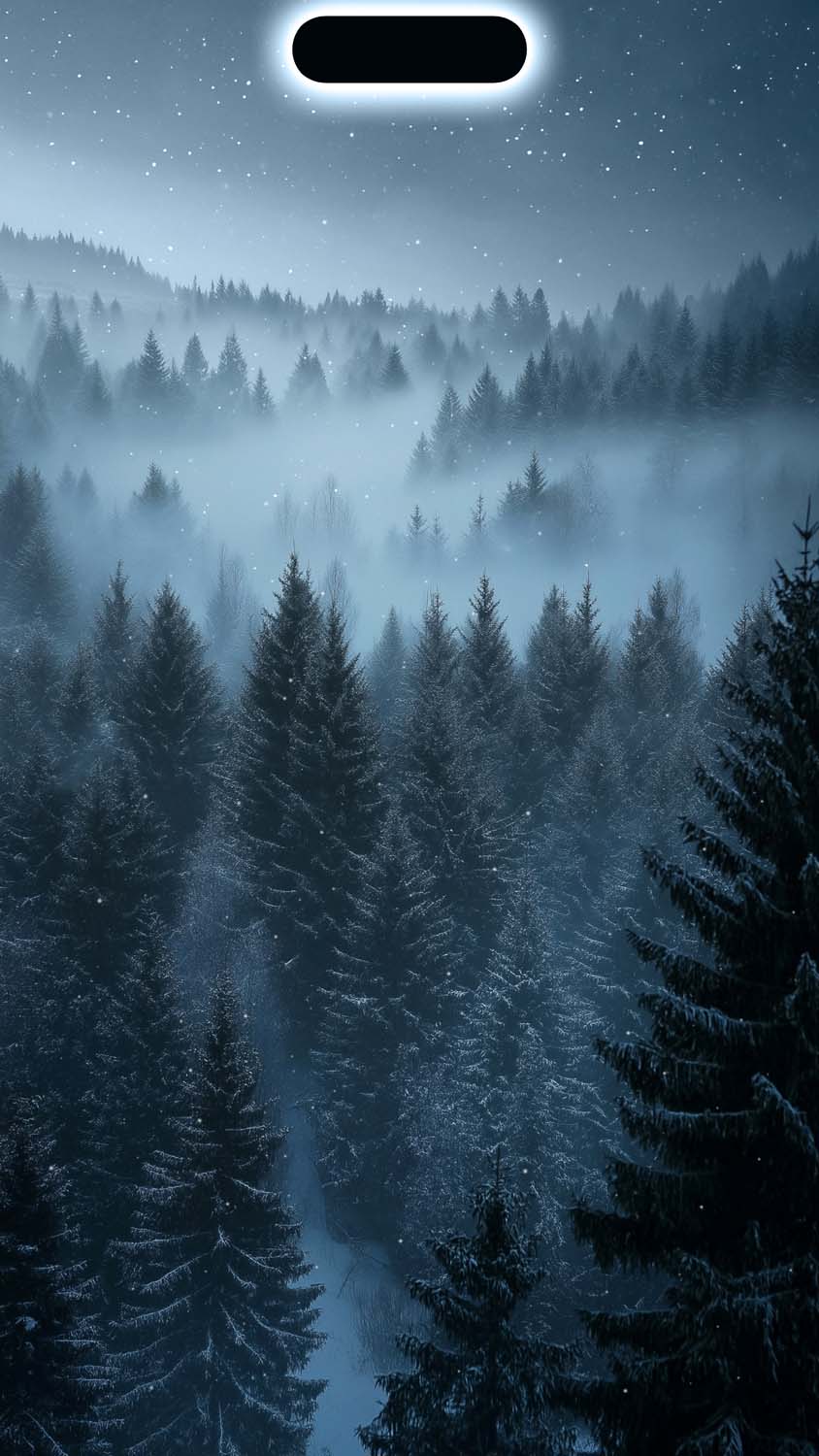
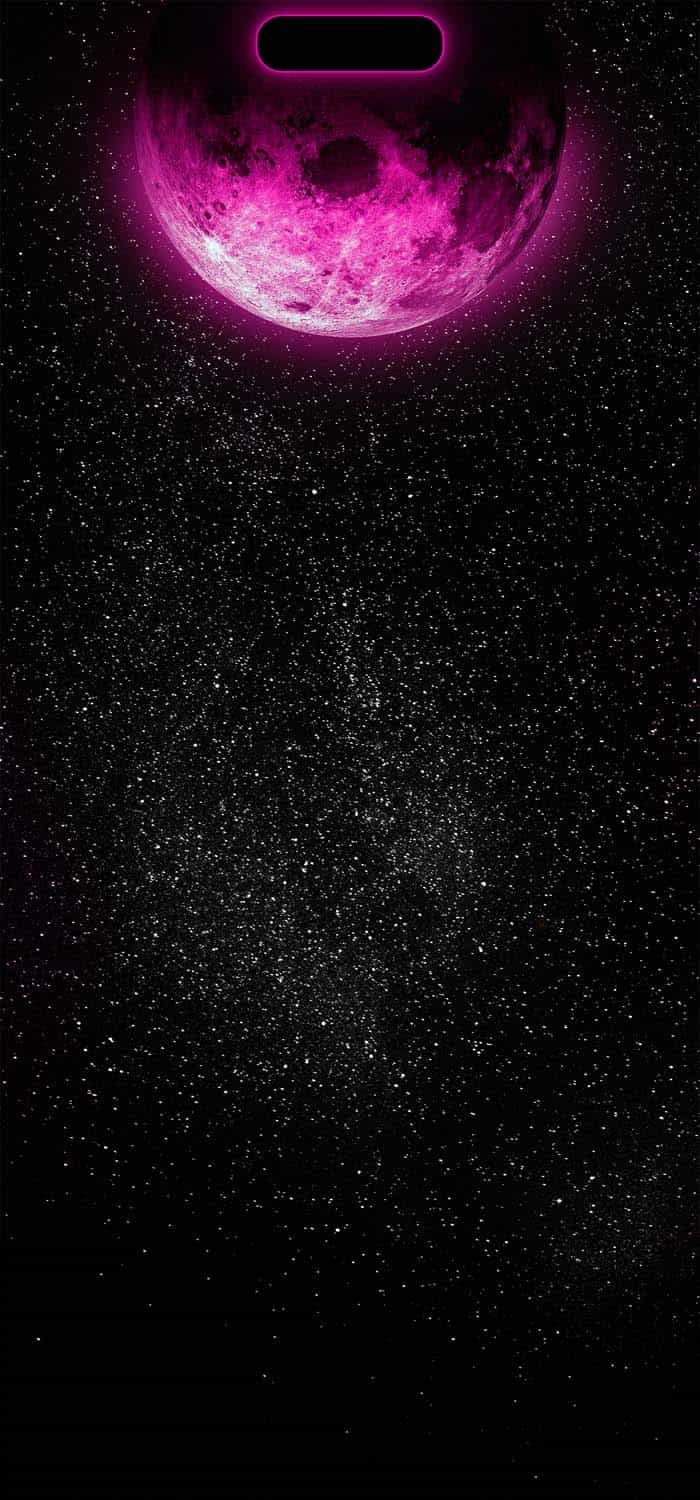
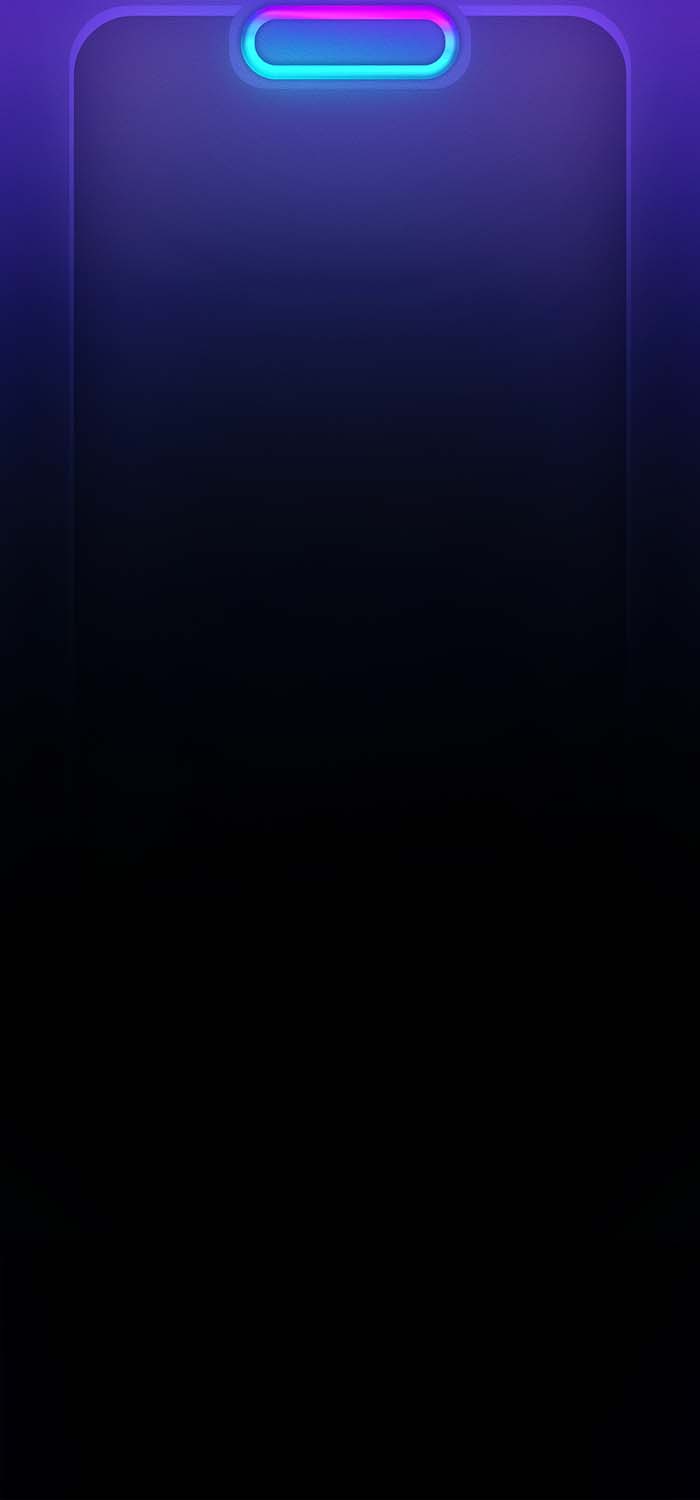
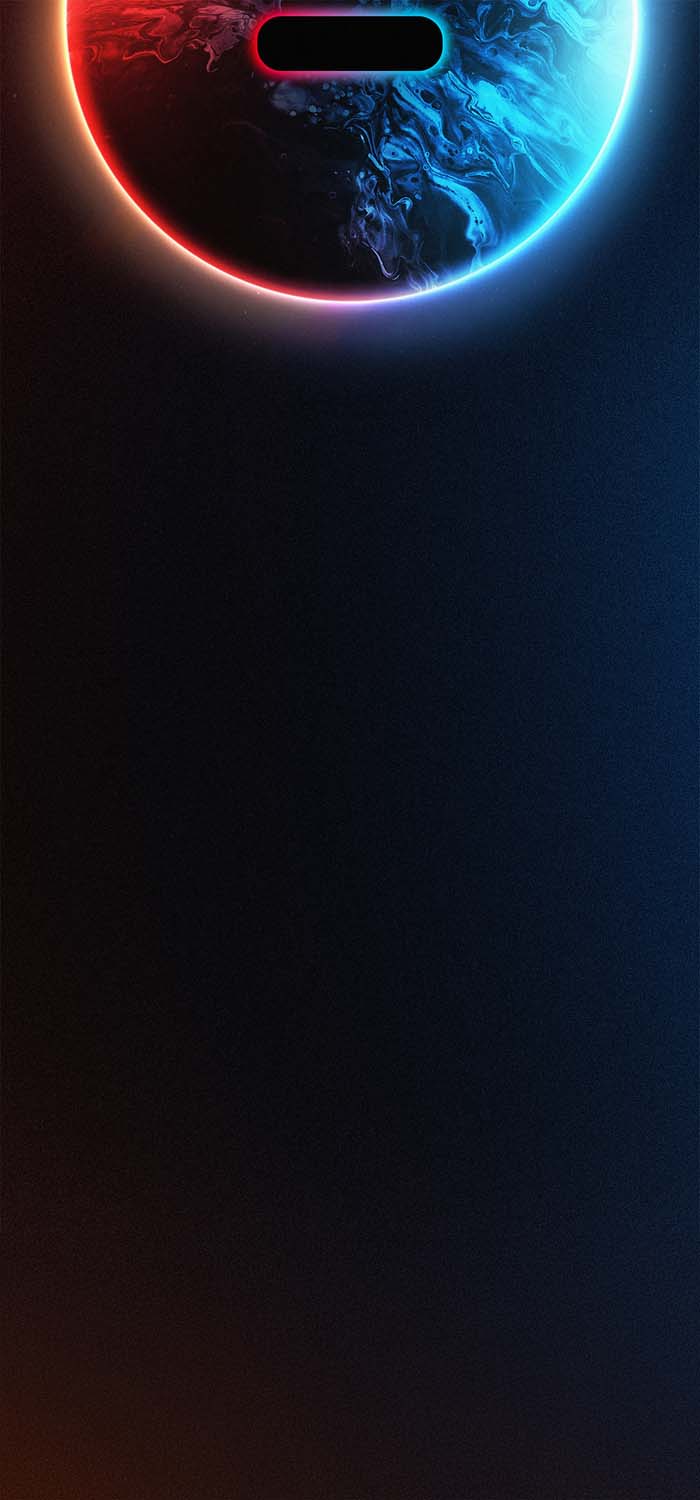
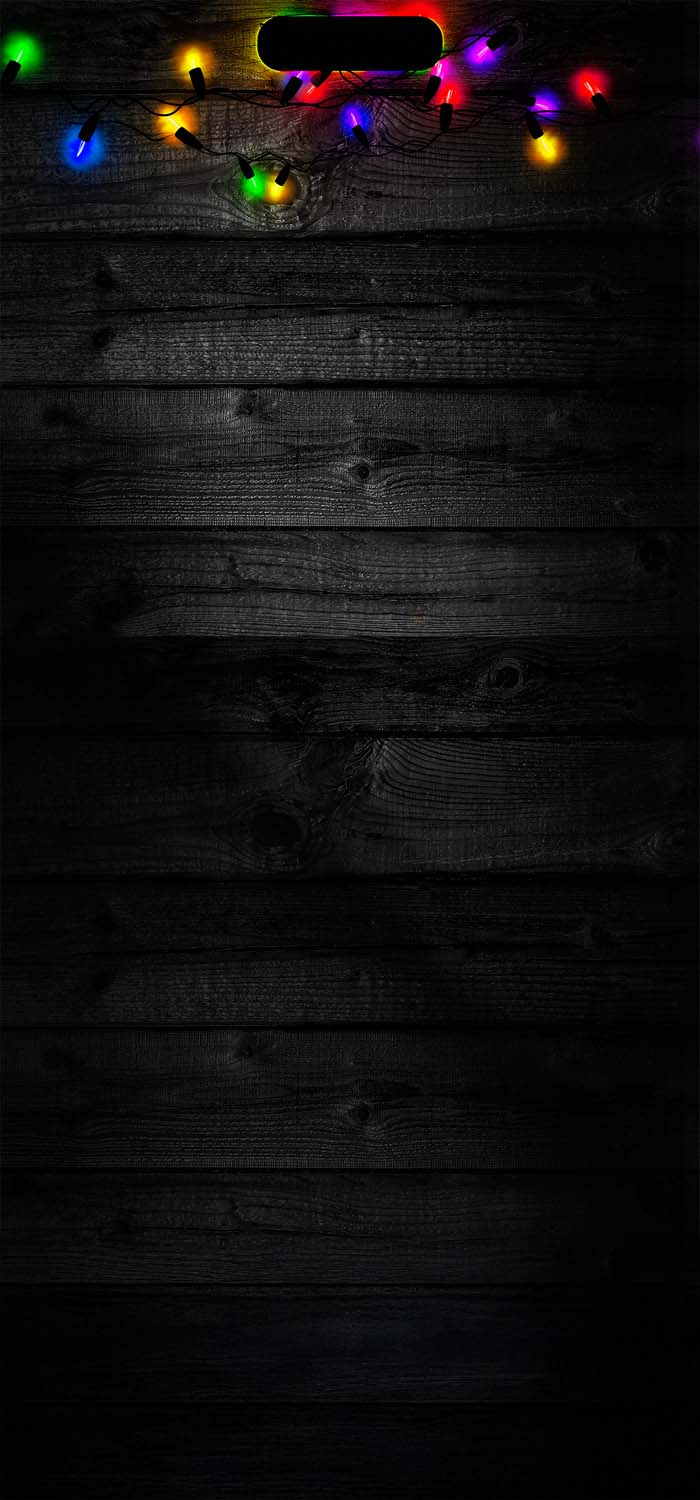
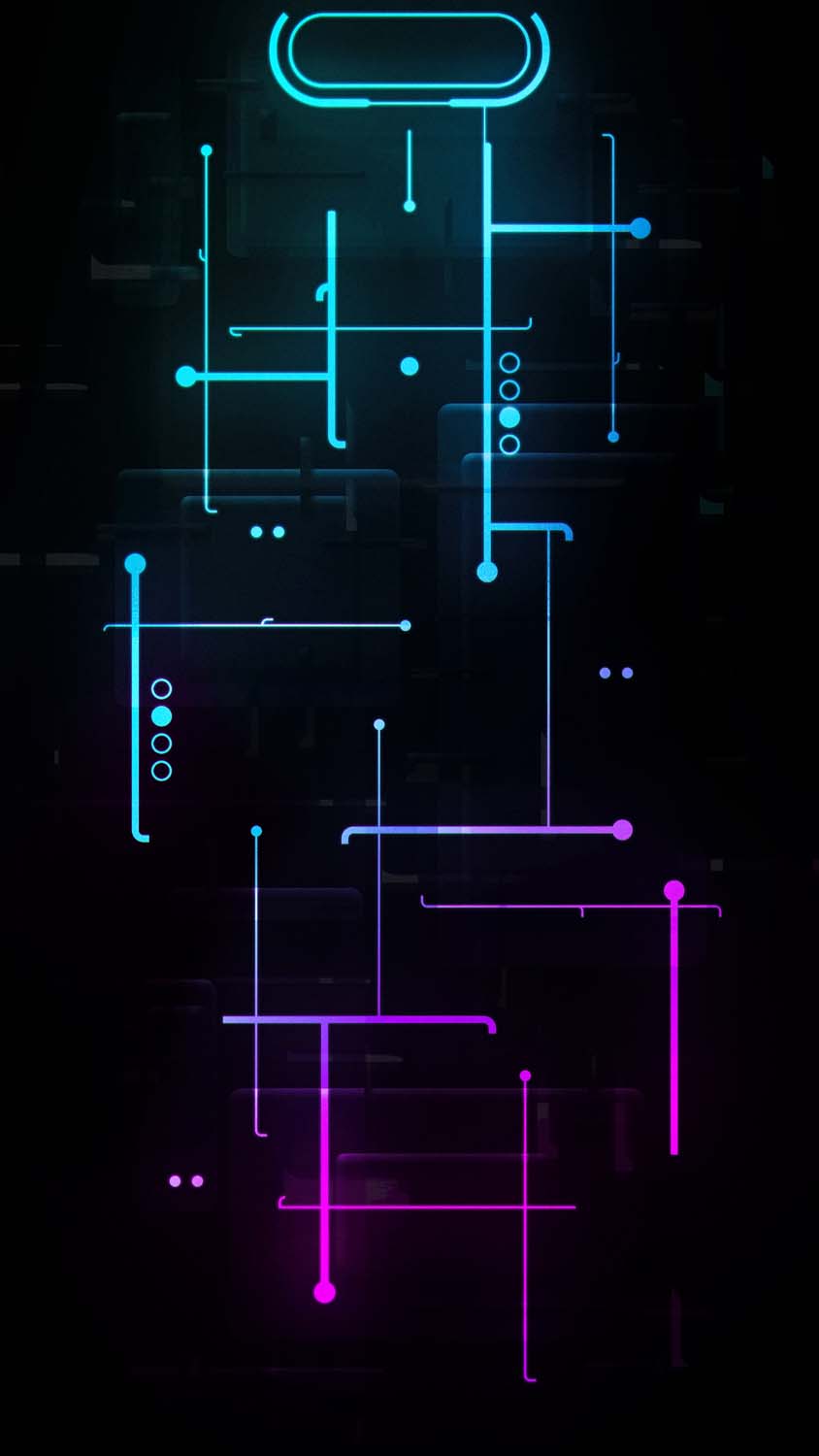
A regular wallpaper is just a static image stretched across your screen. A well-made Dynamic Island wallpaper does something more deliberate — it treats that pill-shaped cutout as an anchor point. Characters hang from it like a bar. Light glows around it like a halo. Objects appear to be gripped, held, or balanced on it. The best examples in this genre make you forget you’re looking at a UI element at all; it just becomes part of the scene.
This design trend has grown alongside a broader shift in how people personalize their phones. Lock screens are no longer just backgrounds — they’re a small canvas people actually think about, swap out seasonally, and match to their mood. Dynamic Island wallpapers take that a step further by making the customization interactive with the hardware itself.
What’s Included in This Collection
This set of 15 wallpapers spans a wide range of styles, so there’s something here regardless of your usual taste:
- Playful cartoon designs — Illustrated characters dangling, stretching, or reaching toward the island, often with a slightly absurd or comedic feel that adds personality to your lock screen.
- Anime-inspired action shots — Dynamic poses where a character appears to be hanging or leaping from the cutout, giving a sense of motion and energy every time you glance at your phone.
- Minimalist silhouettes — Simple black-and-white designs, like a peeking cat or a curious character, that use negative space instead of detail to make an impact.
- Cinematic and moody scenes — Atmospheric shots with dramatic lighting, glowing eyes, or noir-style framing that give the phone a more serious, stylized aesthetic.
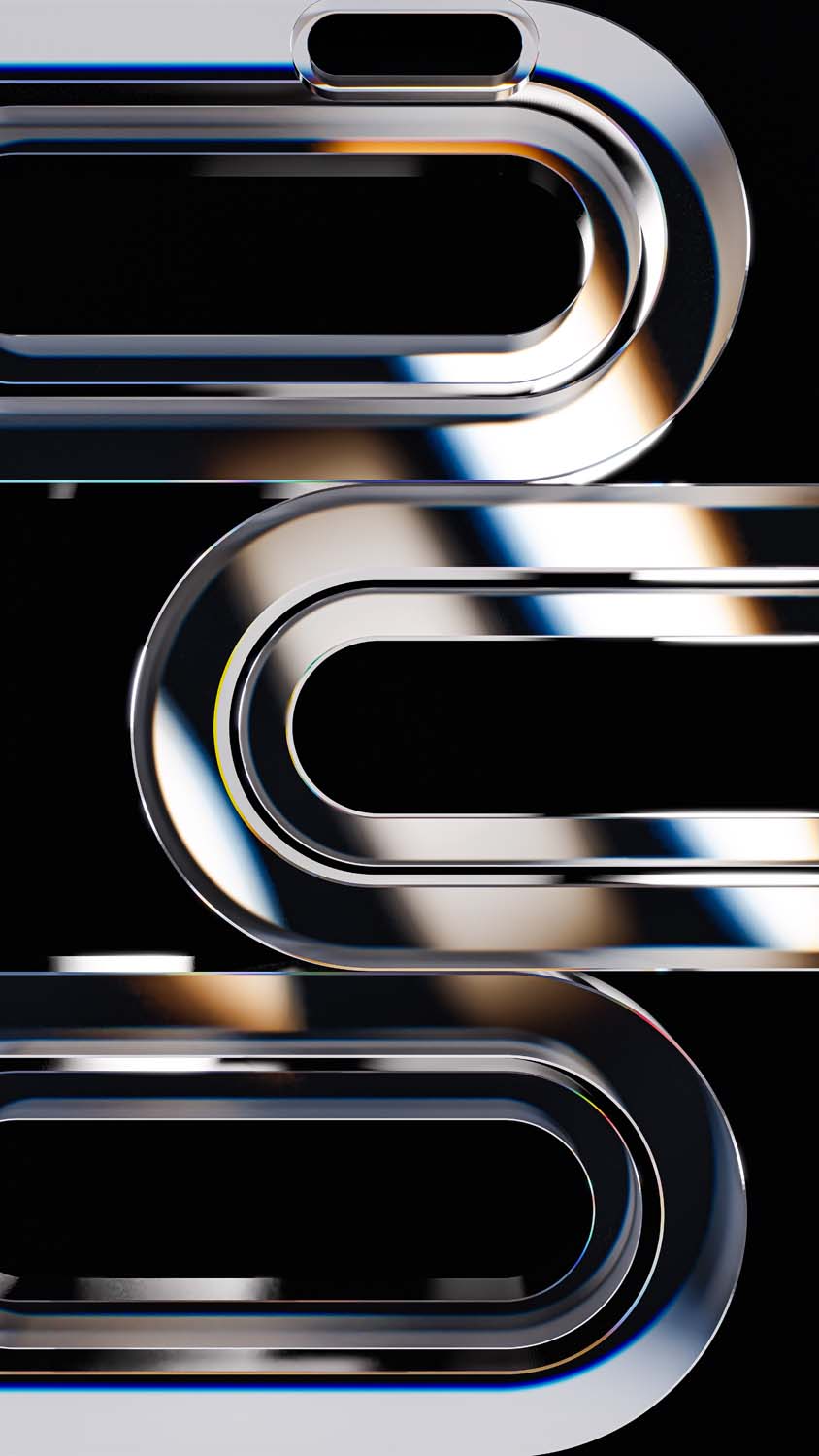
- Abstract and gradient designs — Clean geometric patterns like stacked bars or soft color transitions for anyone who prefers subtlety over illustration.
- Nature and wildlife themes — Aerial island shots, fluffy cat stacks, and sleepy panda silhouettes for a softer, calmer visual mood.
Having this range matters because Dynamic Island wallpapers tend to be a personal style choice more than a trend everyone follows the same way. Some people want their phone to feel funny and expressive; others want it clean and understated. A good collection should be able to serve both moods without forcing a single aesthetic on everyone.
Getting the Resolution Right
One thing that separates a genuinely good Dynamic Island wallpaper from a mediocre one is precision. Because the island sits in a fixed location near the top of the screen, the artwork has to line up almost exactly, or the illusion falls apart. A character that’s supposed to be hanging from the cutout looks off if it’s positioned even slightly wrong, and that’s a common problem with wallpapers that weren’t designed with this specific placement in mind.


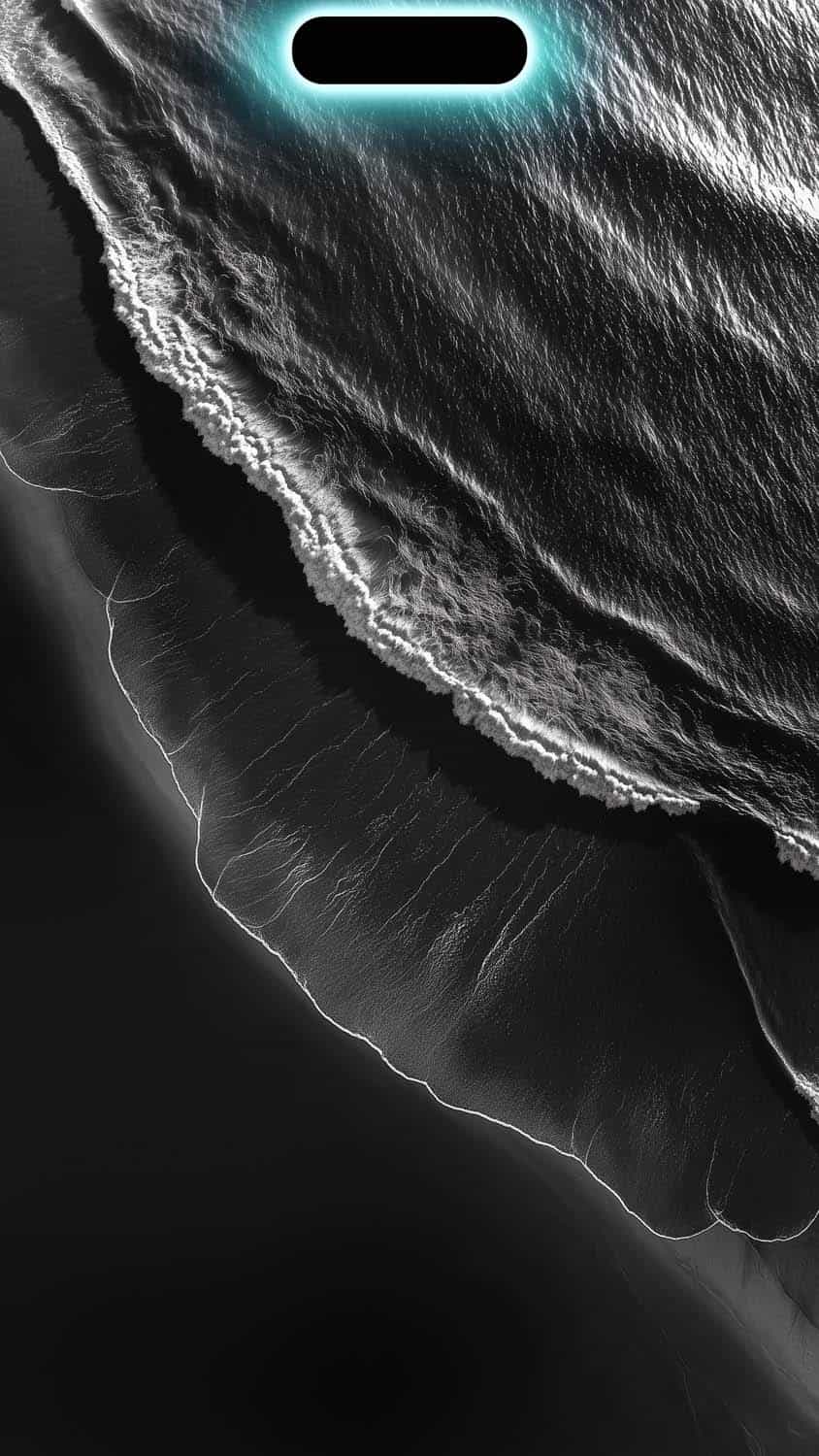
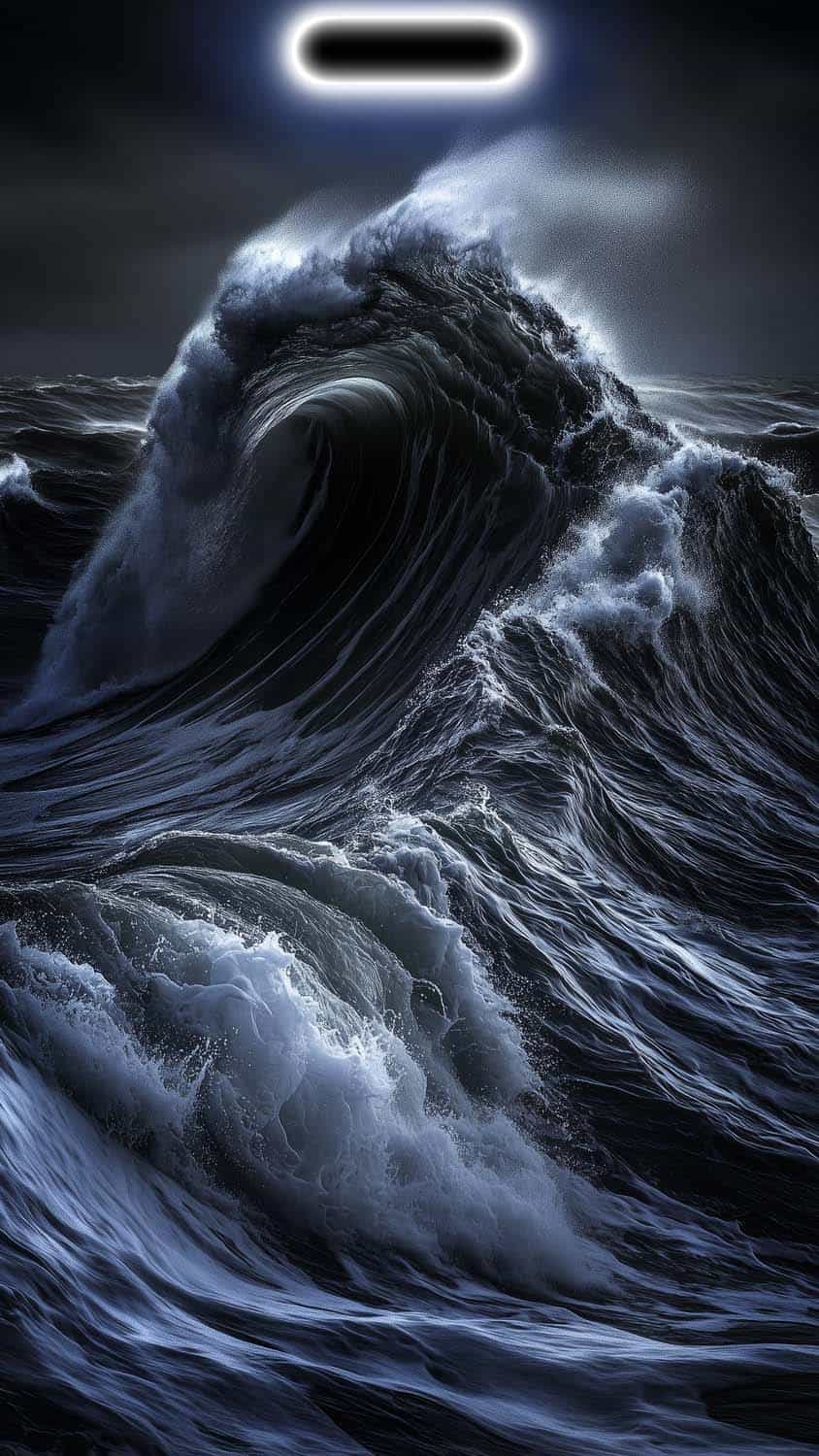

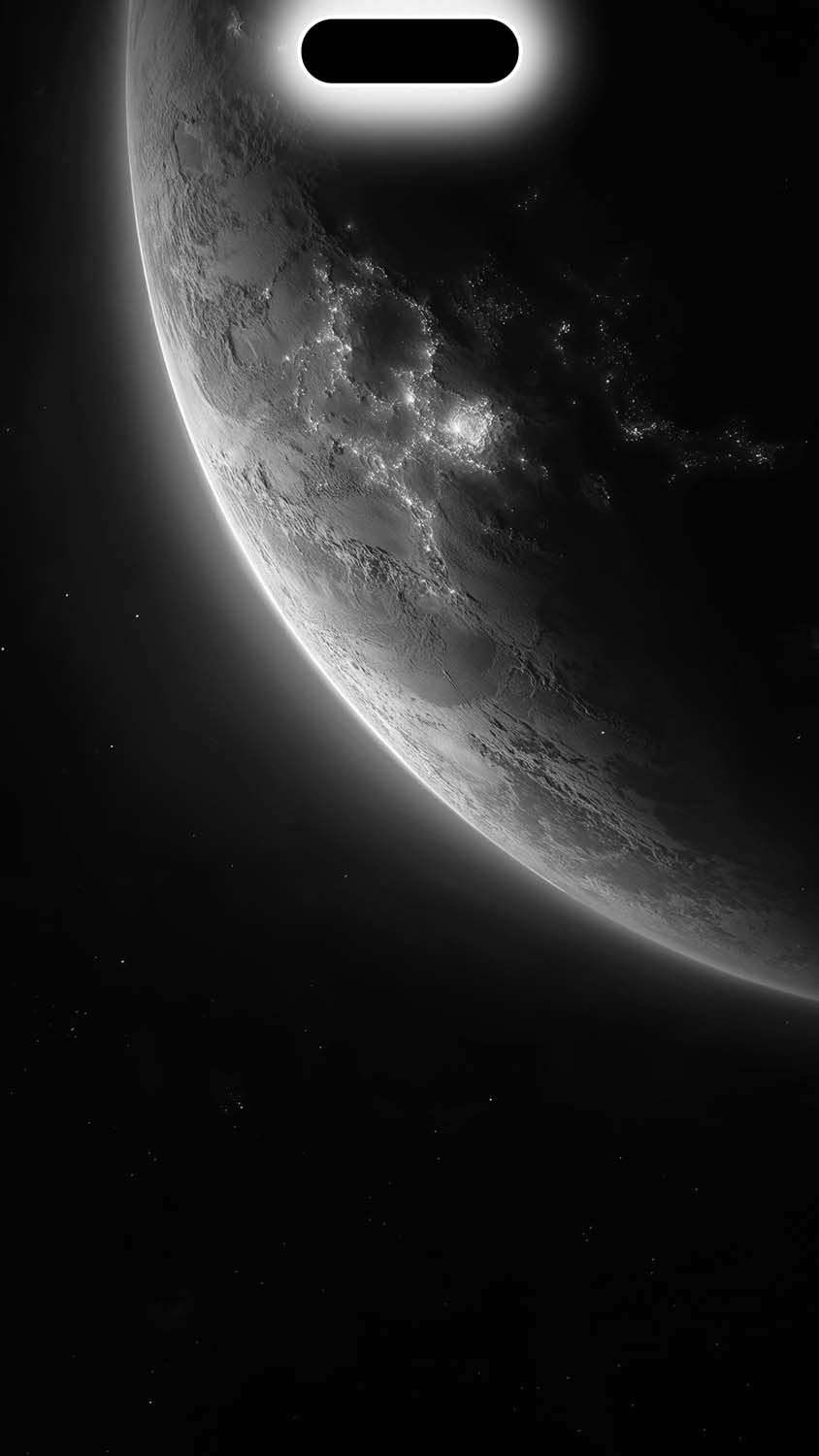
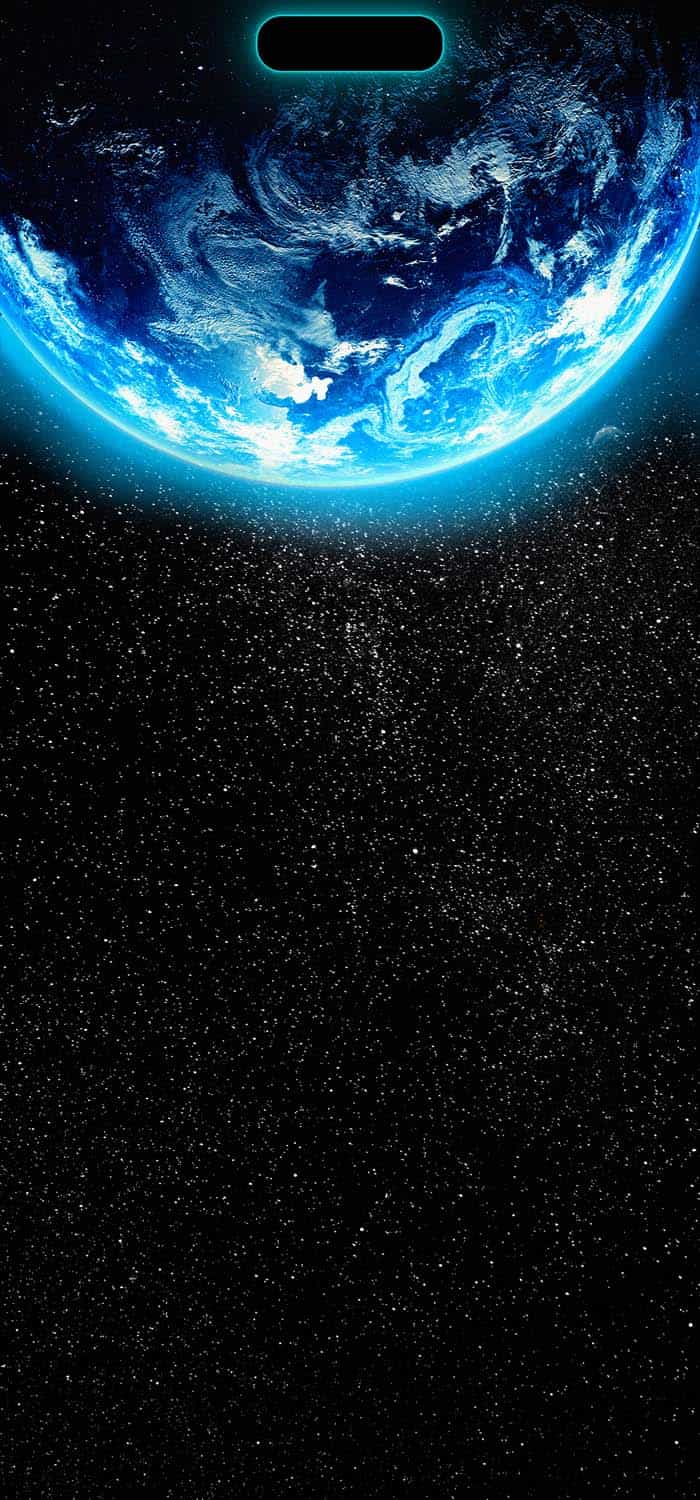
For that reason, it’s worth prioritizing wallpapers explicitly built for Dynamic Island devices rather than repurposing older iPhone wallpapers that just happen to have a plain top section. True 4K resolution also matters more here than in most wallpaper categories, since the area around the island is exactly where your eye naturally lands first — any blur or compression artifacts will be immediately noticeable.
How to Install These Wallpapers
Setting one up is straightforward once you’ve downloaded the image:
- Save the wallpaper to your Photos app.
- Open Settings and go to Wallpaper, or long-press your current lock screen and tap the plus icon to add a new one.
- Select the downloaded image from your photo library.
- Adjust the positioning if needed so the design lines up correctly with the Dynamic Island cutout.
- Set it for your lock screen, home screen, or both.
A quick tip: after applying the wallpaper, check how it looks with your actual widgets and clock style in place. Some busier designs can clash with certain clock fonts or widget placements, so it’s worth testing before committing to one for the long term.
Final Thoughts
Dynamic Island wallpapers represent a small but genuinely clever shift in how people think about phone design. Instead of working around a hardware limitation, this entire wallpaper category turns it into the main character. Whether your taste leans toward funny cartoon characters, moody cinematic scenes, or quiet minimalist silhouettes, there’s likely a design in this collection that fits. And since your phone’s lock screen is something you see dozens of times a day, it’s a small customization that pays off more than most.
Explore More:
- 15 Dynamic Island 4K Wallpapers for iPhone | Best HD, AMOLED & OLED Backgrounds
- 50+ Abstract Dynamic Island Wallpapers for iPhone | Free HD, 4K & AMOLED Backgrounds
- Amoled Dark Dynamic Island Wallpapers for iPhone | 4K AMOLED Backgrounds
- Minimal Dynamic Island Wallpapers for iPhone | Free HD & 4K Backgrounds
- Creative Dynamic Island Wallpapers for iPhone | Free HD & 4K Backgrounds
Related posts:

33 Best Dynamic Island Wallpapers for iPhone | 4K & AMOLED Backgrounds
15 Dynamic Island 4K Wallpapers for iPhone | Best HD, AMOLED & OLED Backgrounds
50+ Abstract Dynamic Island Wallpapers for iPhone | Free HD, 4K & AMOLED Backgrounds
Amoled Dark Dynamic Island Wallpapers for iPhone | 4K AMOLED Backgrounds
Minimal Dynamic Island Wallpapers for iPhone | Free HD & 4K Backgrounds