iOS 26 Liquid Glass Wallpapers for iPhone – HD Collection Free Download (2026)
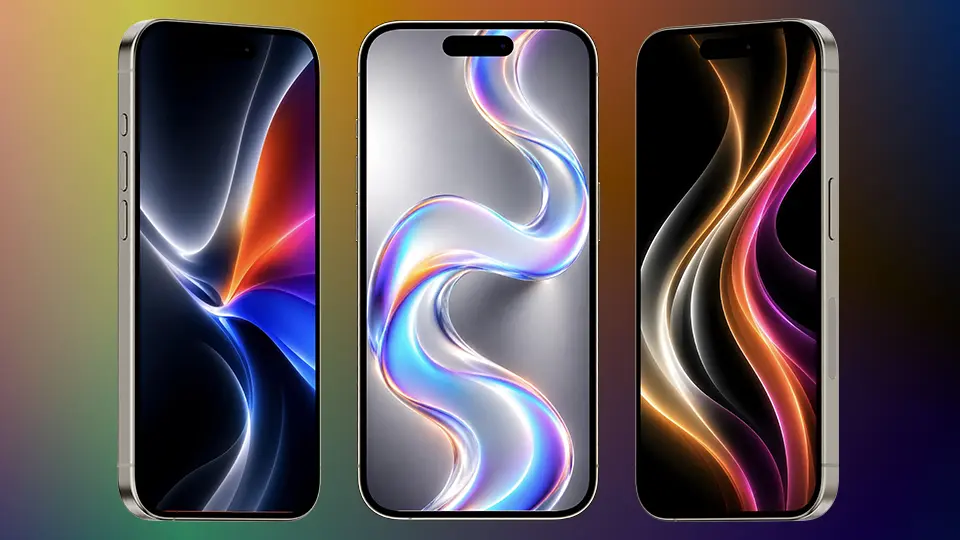
Apple has never been shy about redefining what a smartphone looks like, but with iOS 26, they’ve done something genuinely different. The new Liquid Glass design language — first unveiled at WWDC 2026 — is the most dramatic visual overhaul Apple has made to its operating system in over a decade. And at the heart of this new aesthetic are the wallpapers. Fluid, glossy, three-dimensional, and endlessly satisfying to look at, the iOS 26 Liquid Glass wallpapers have already taken the internet by storm.
In this post, we’re sharing the complete HD collection of iOS 26 Liquid Glass wallpapers for iPhone, free to download — no watermark, no compression.
What Is iOS 26 Liquid Glass?
If you haven’t heard yet, Liquid Glass is Apple’s new design system introduced with iOS 26. It replaces the flat, frosted-glass look that has defined iPhones since iOS 7 with something far more tactile and immersive. Think transparent, gel-like surfaces that reflect light, bend color, and appear to have actual physical depth. Every surface looks like it was carved from a block of translucent crystal or poured like molten metal.
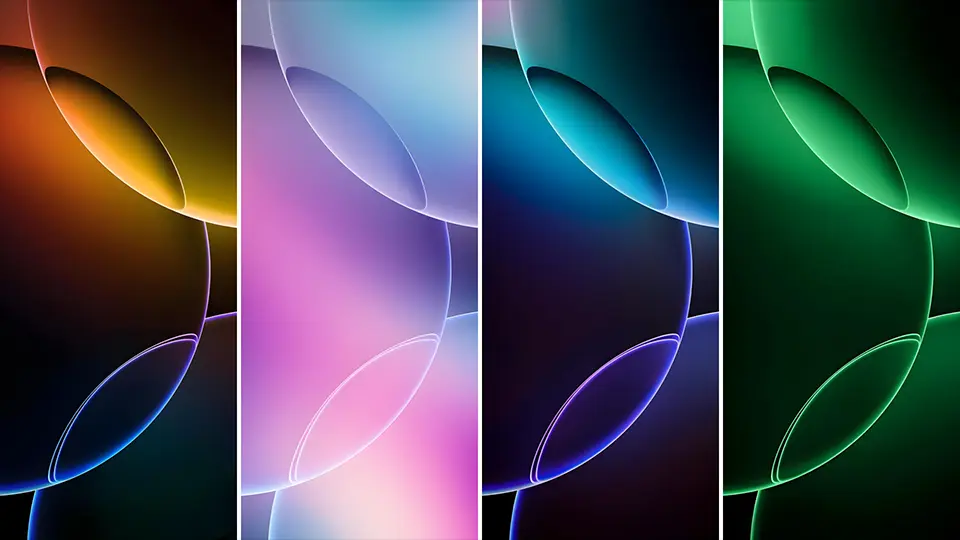
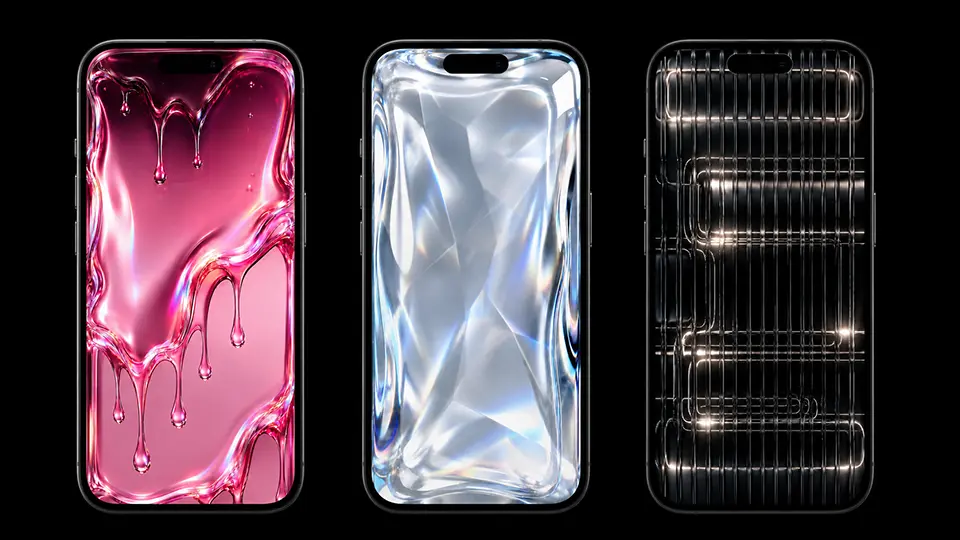
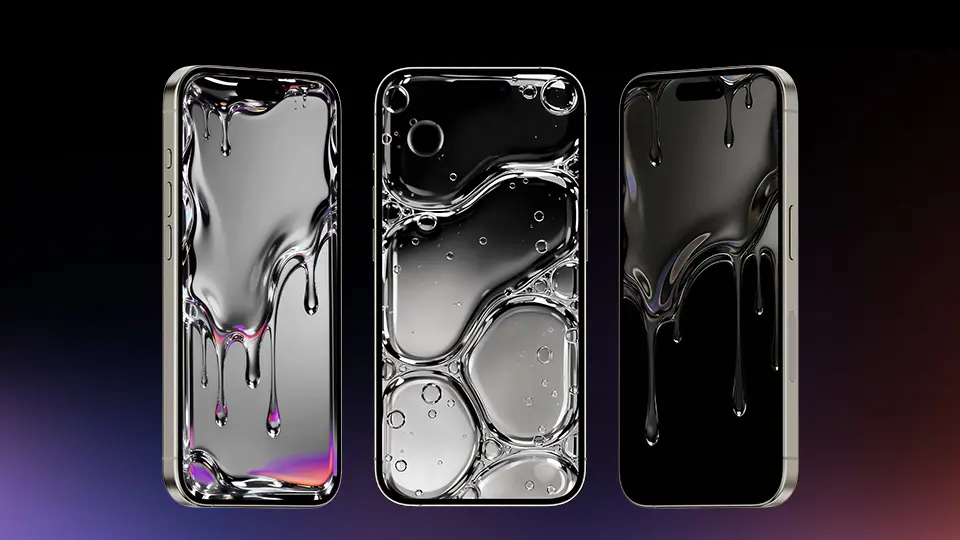
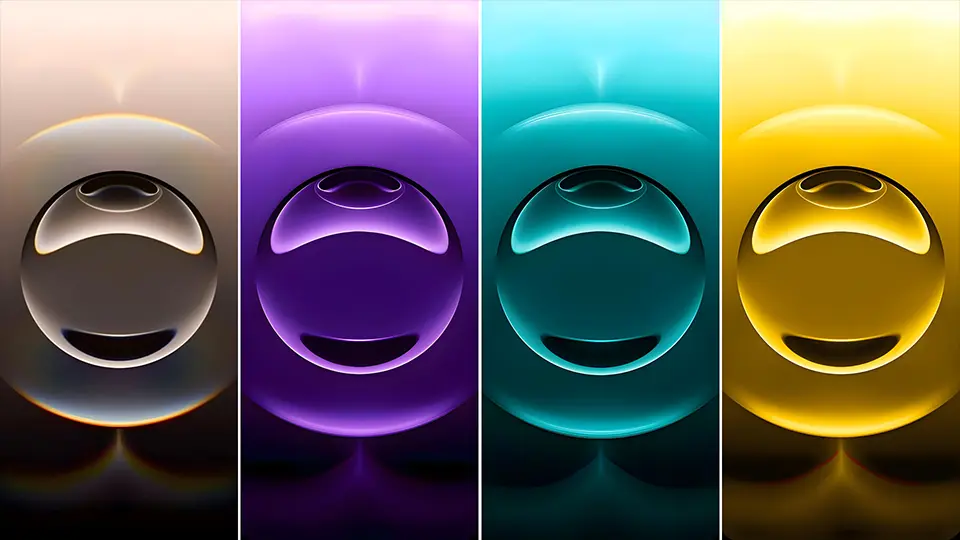
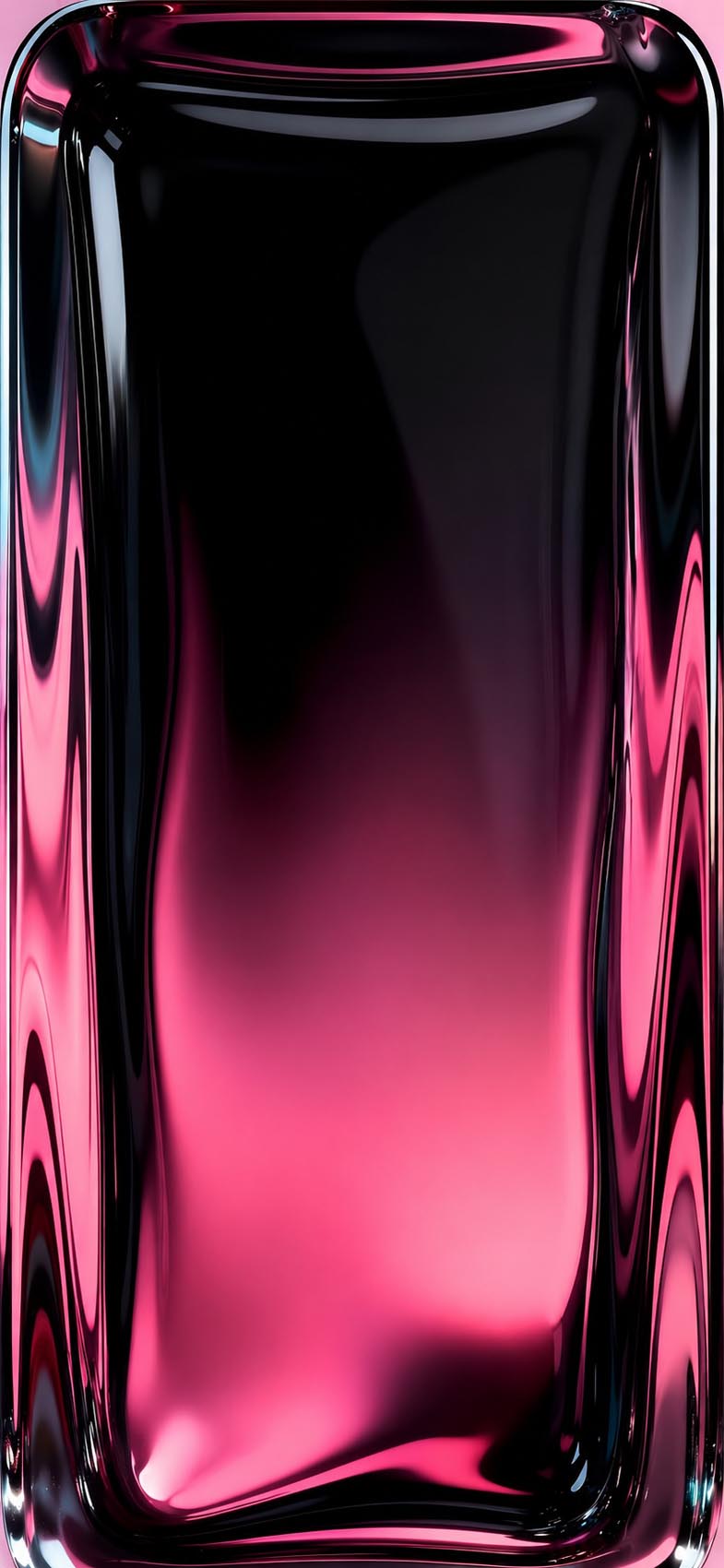
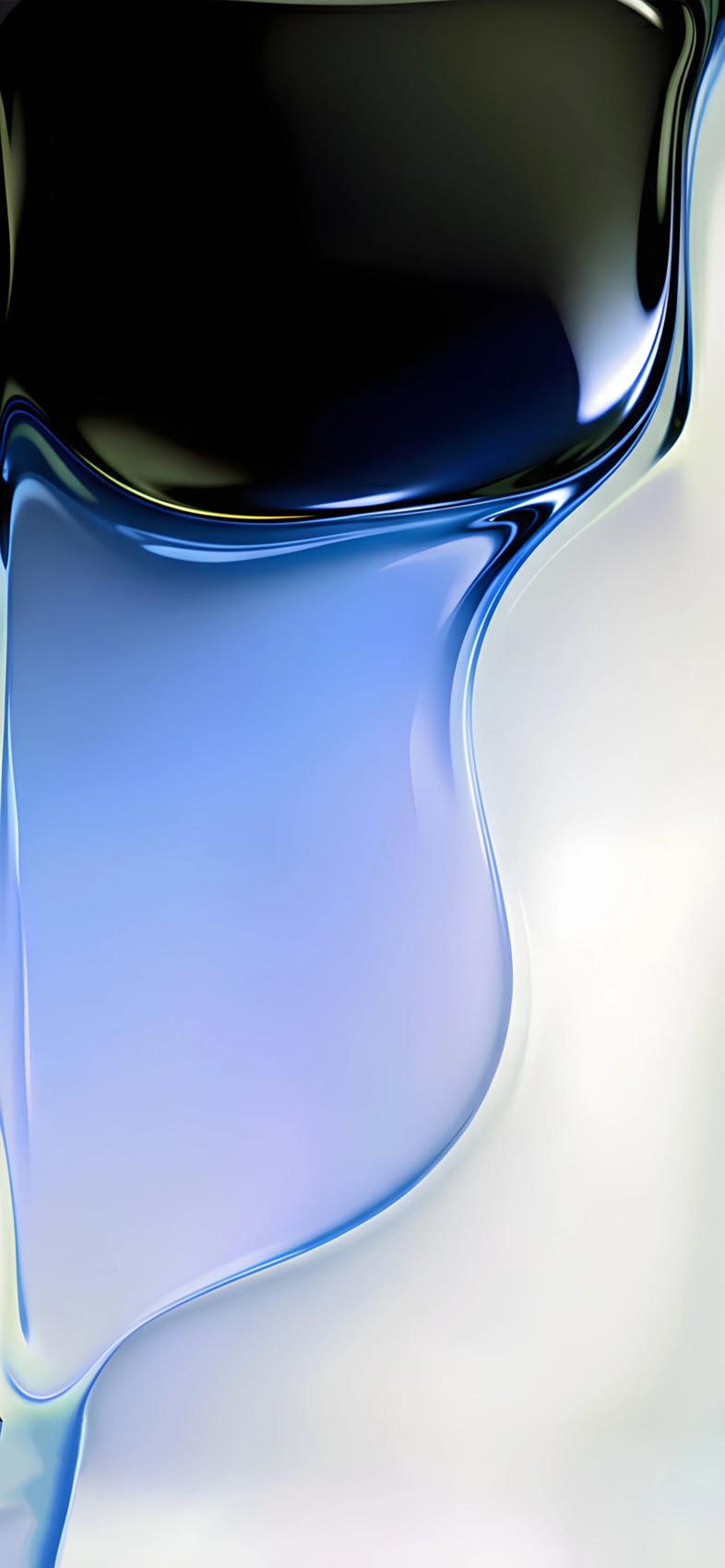
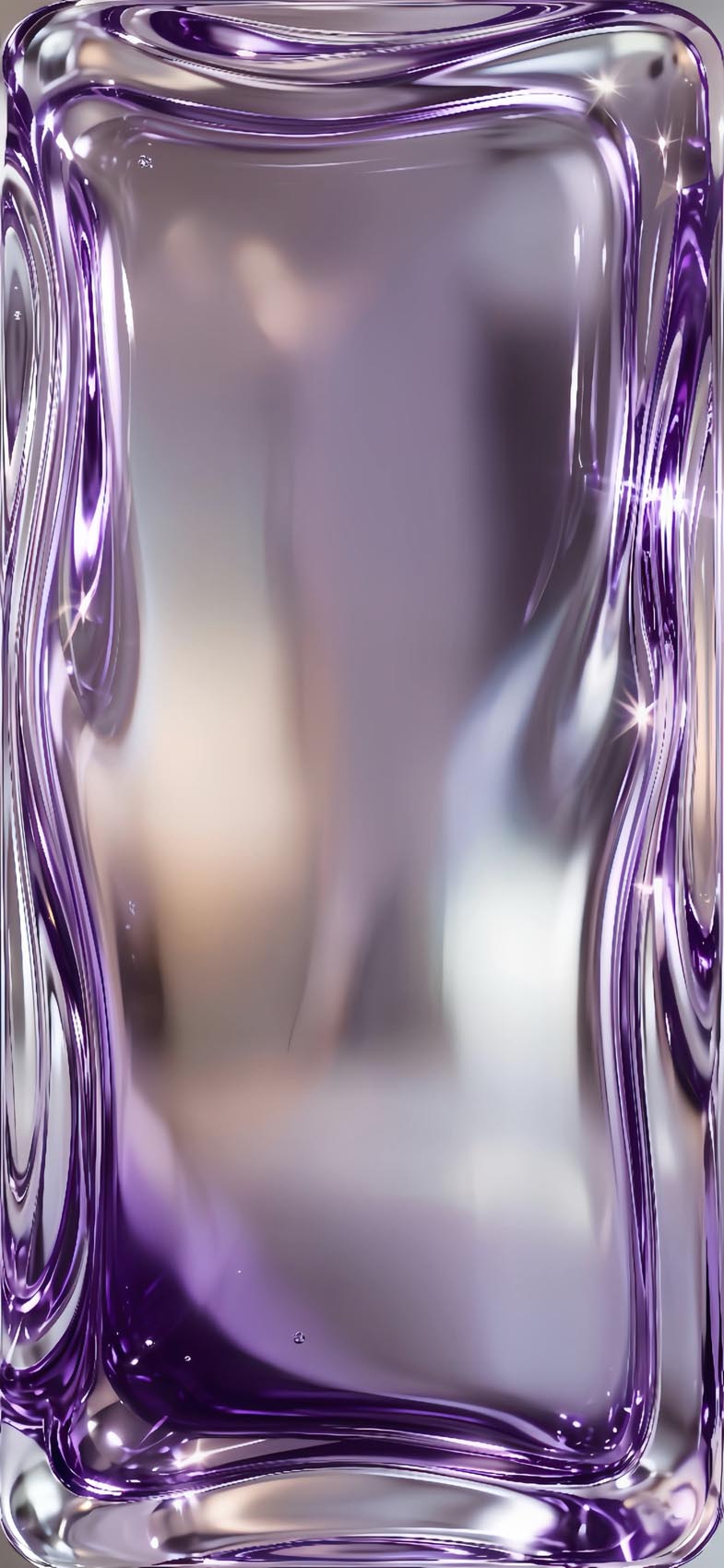
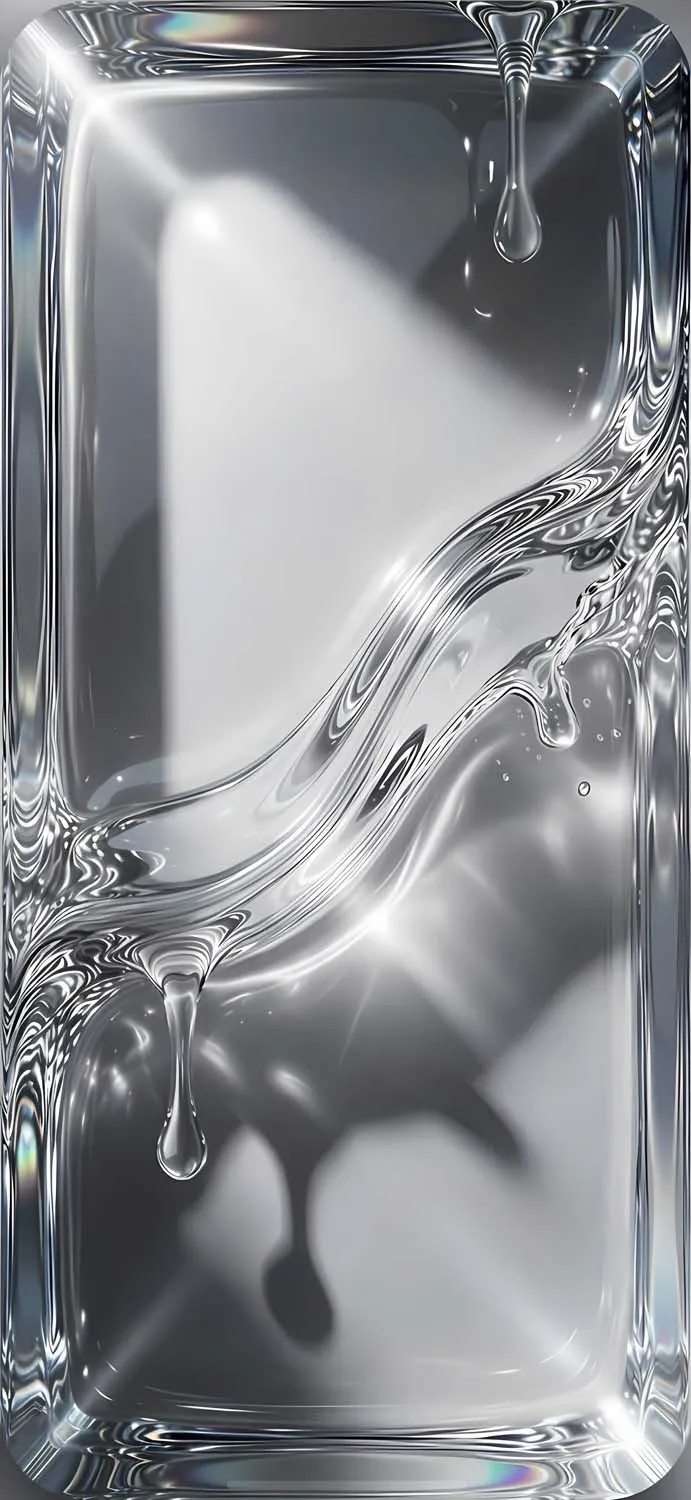
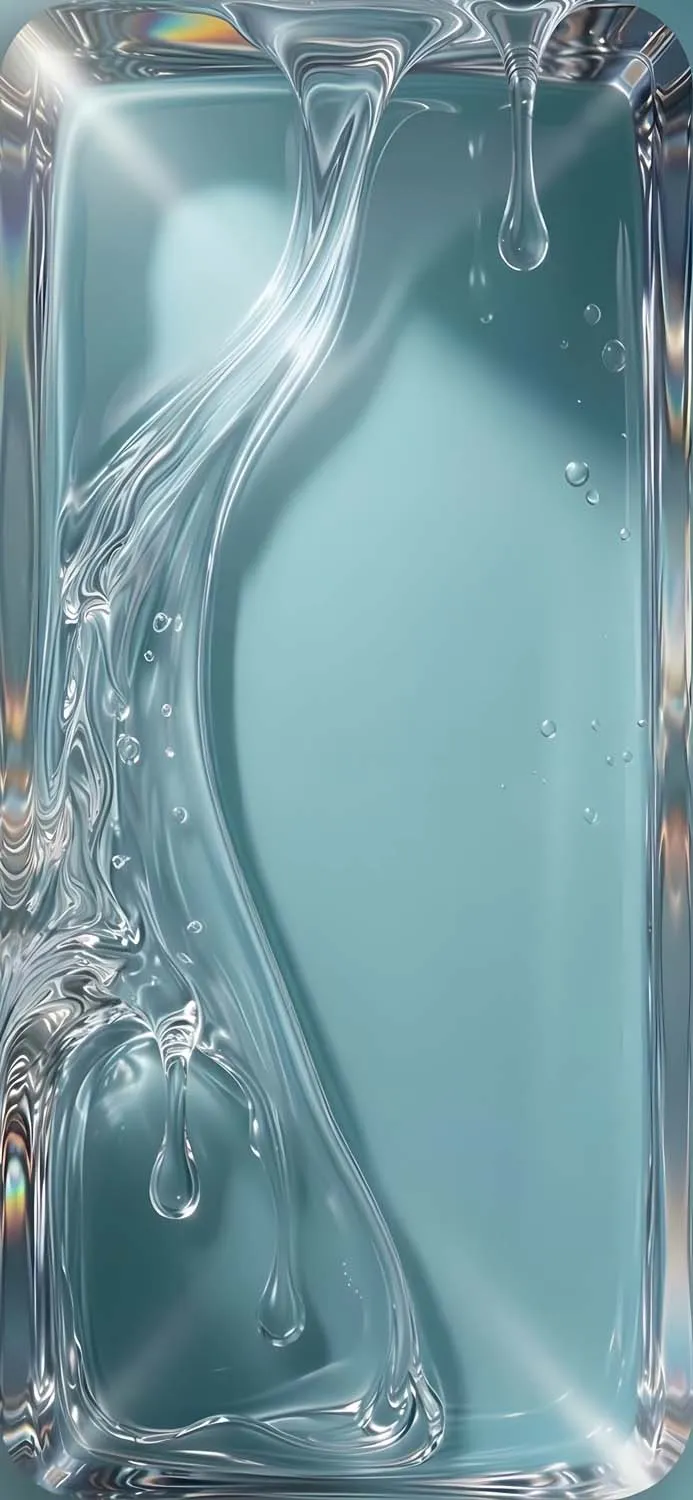
The wallpapers that come with iOS 26 are designed to showcase this aesthetic at its most dramatic. They are not simple gradients or abstract patterns — they are fully rendered 3D compositions featuring stacked glass pebbles, flowing ribbons, deep-set frames, and dripping liquid forms, all rendered with photorealistic lighting and reflections.
Why Everyone Is Downloading These Wallpapers
The iOS 26 Liquid Glass wallpapers have gone massively viral on Pinterest, Reddit, and Twitter within days of the WWDC announcement — and for good reason. They represent something that feels genuinely new. Most wallpaper trends recycle the same ideas: dark gradients, nature shots, minimalist typography. Liquid Glass breaks that pattern entirely.
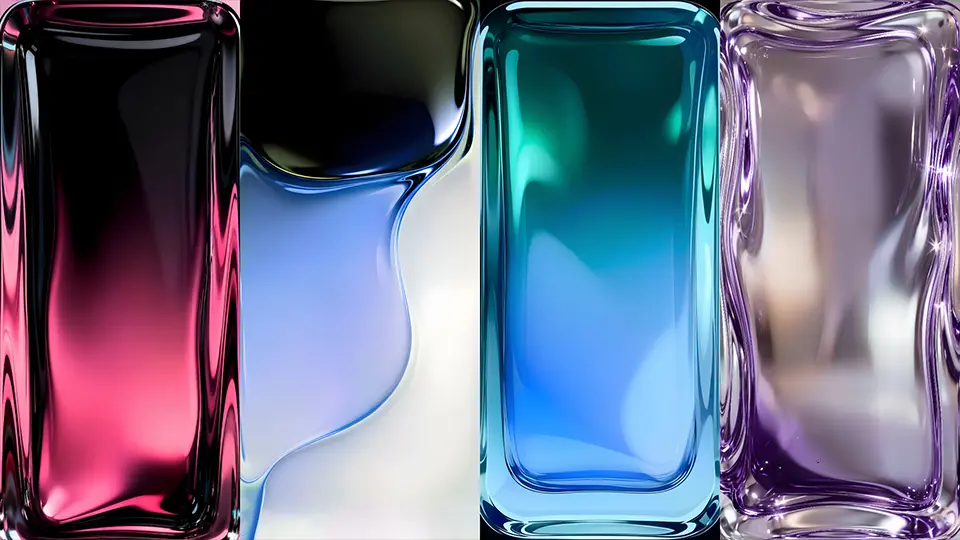
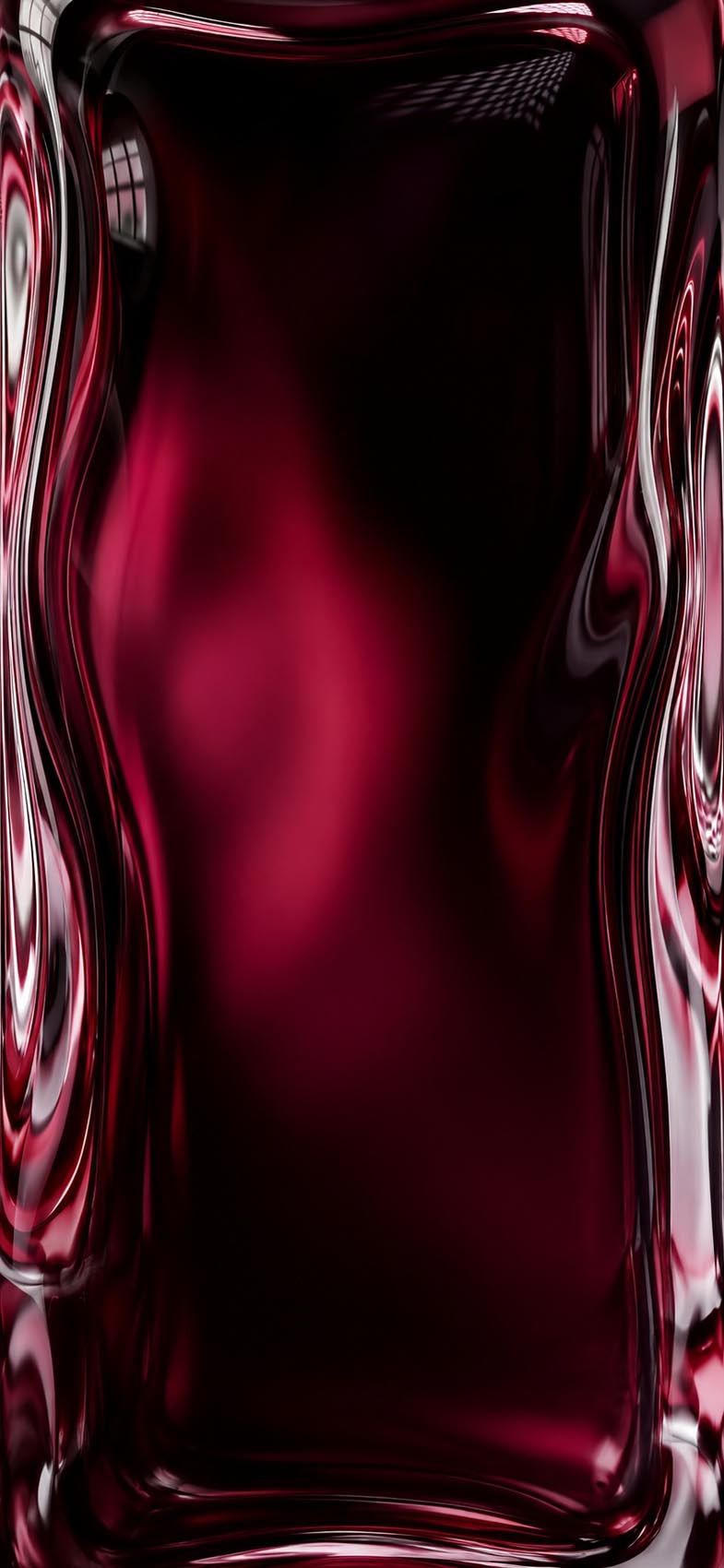
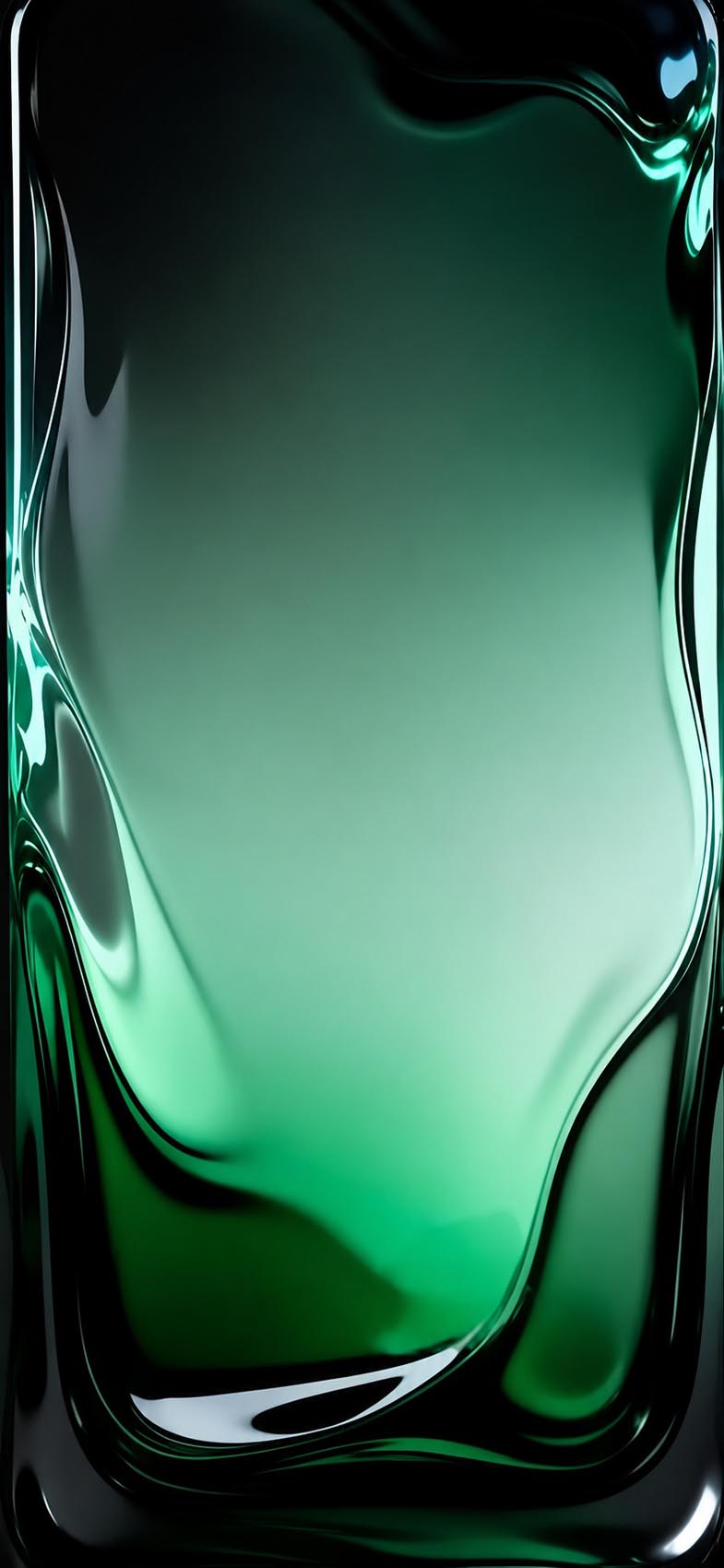
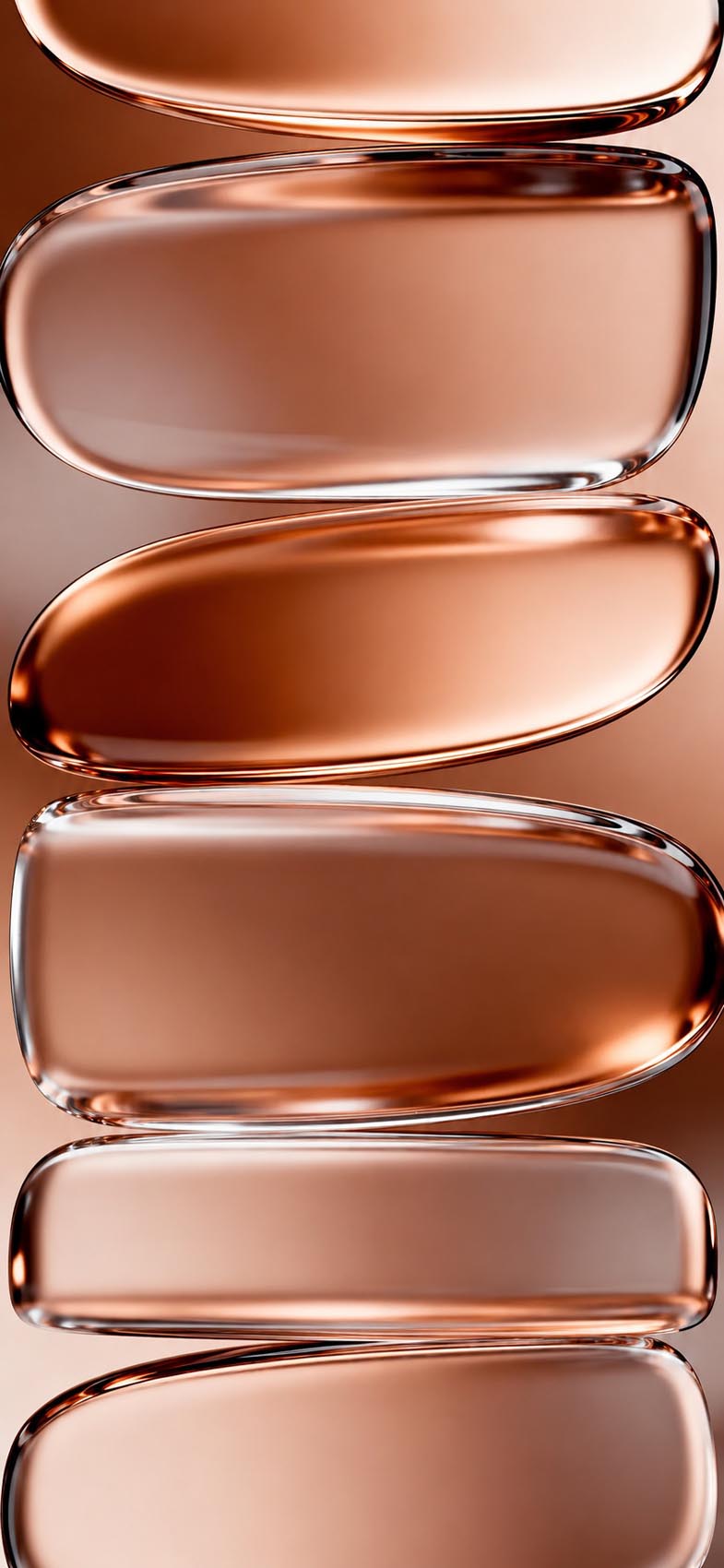
What makes them special is the sense of physical weight and depth. When you set one of these as your lock screen, your iPhone no longer looks like a flat screen — it looks like a window into something sculptural. The deep emerald green with its organic pooling edges, the crimson red that seems to glow from within, the rose gold pebble stack that catches imaginary light — each one feels like a miniature art installation on your phone.
They also work exceptionally well with iOS 26’s new Liquid Glass UI elements. Since the icons, widgets, and notification panels now all use the same translucent glass material, these wallpapers create a seamless, cohesive look that feels completely unified — like the entire phone was designed as one object.
About This Collection
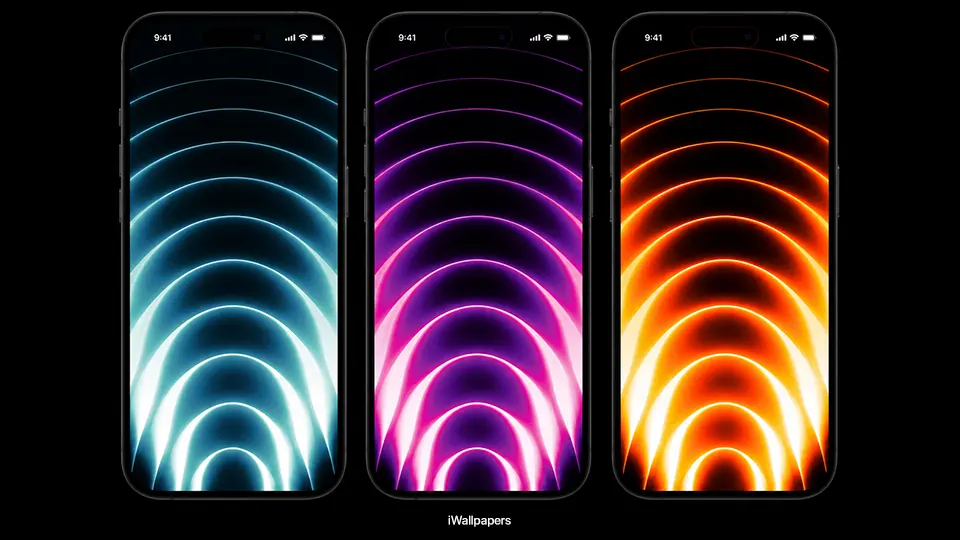
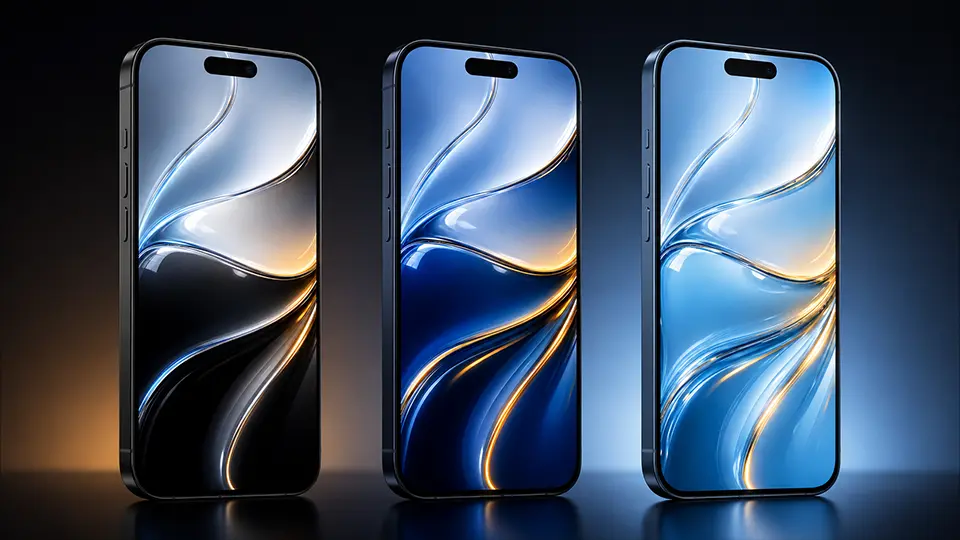
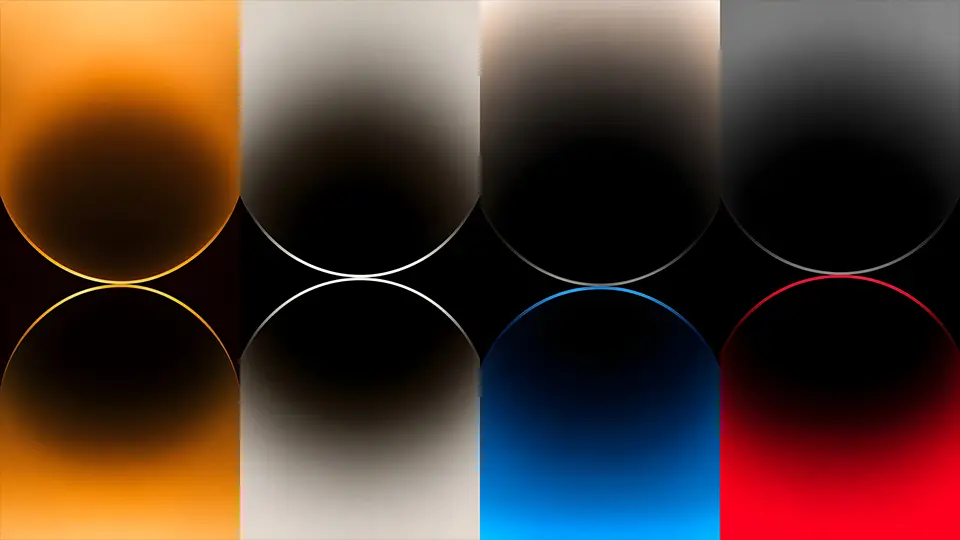
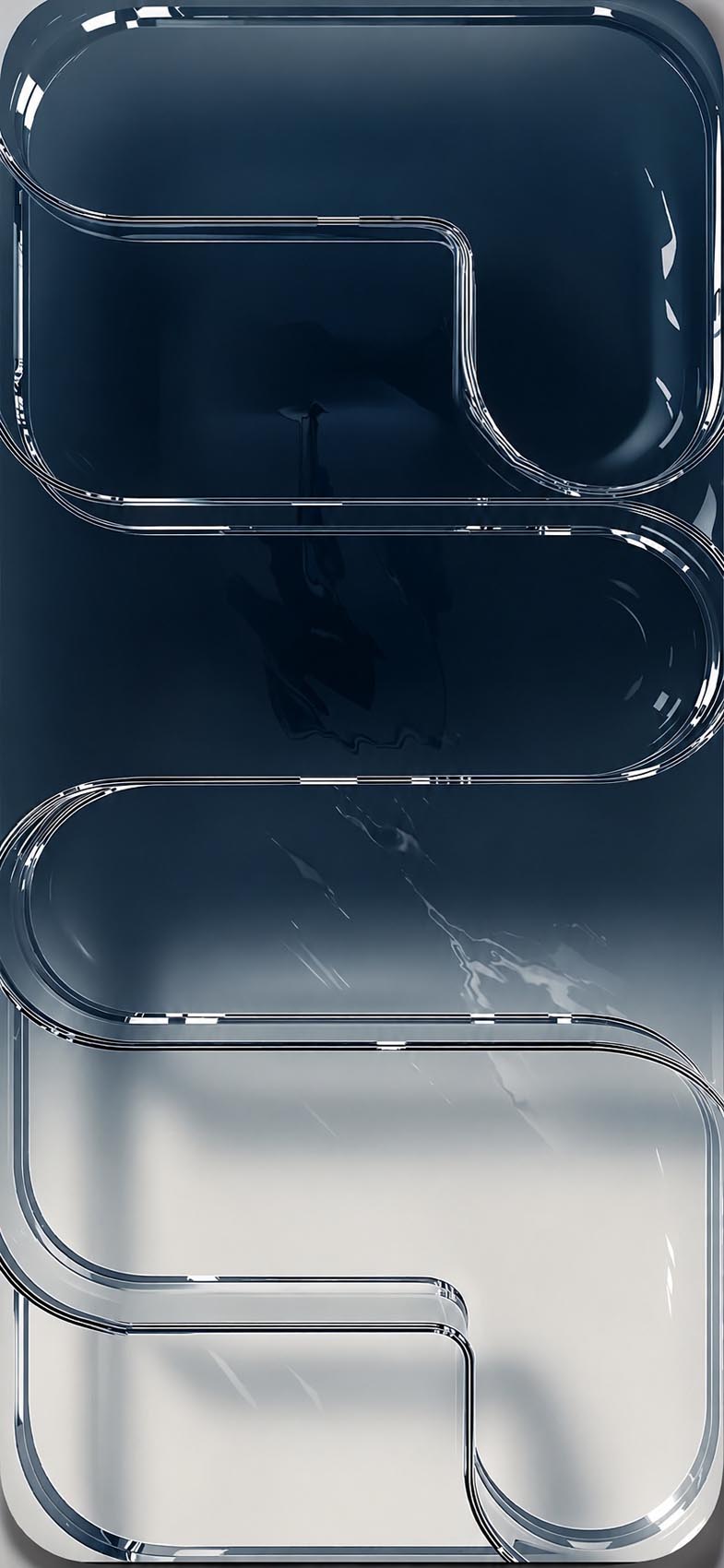
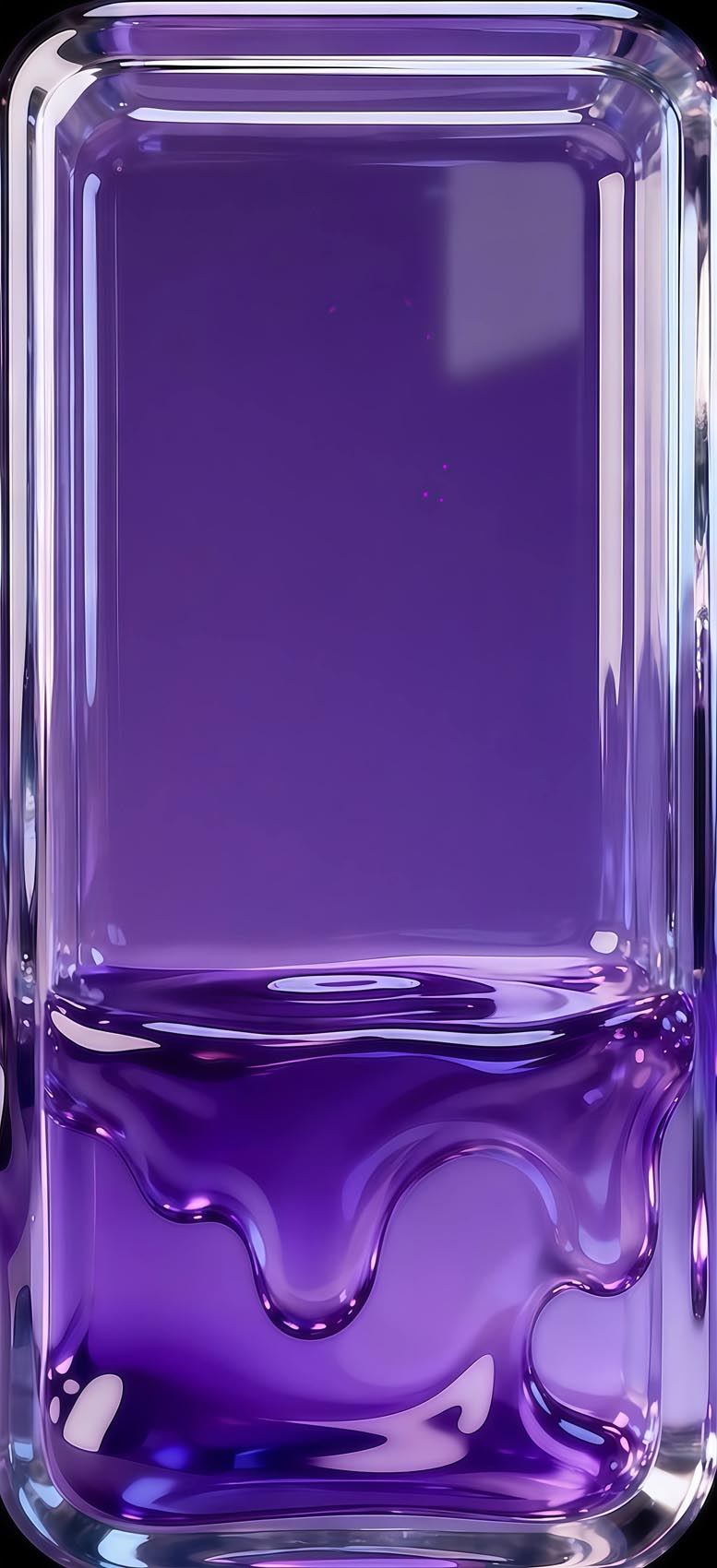
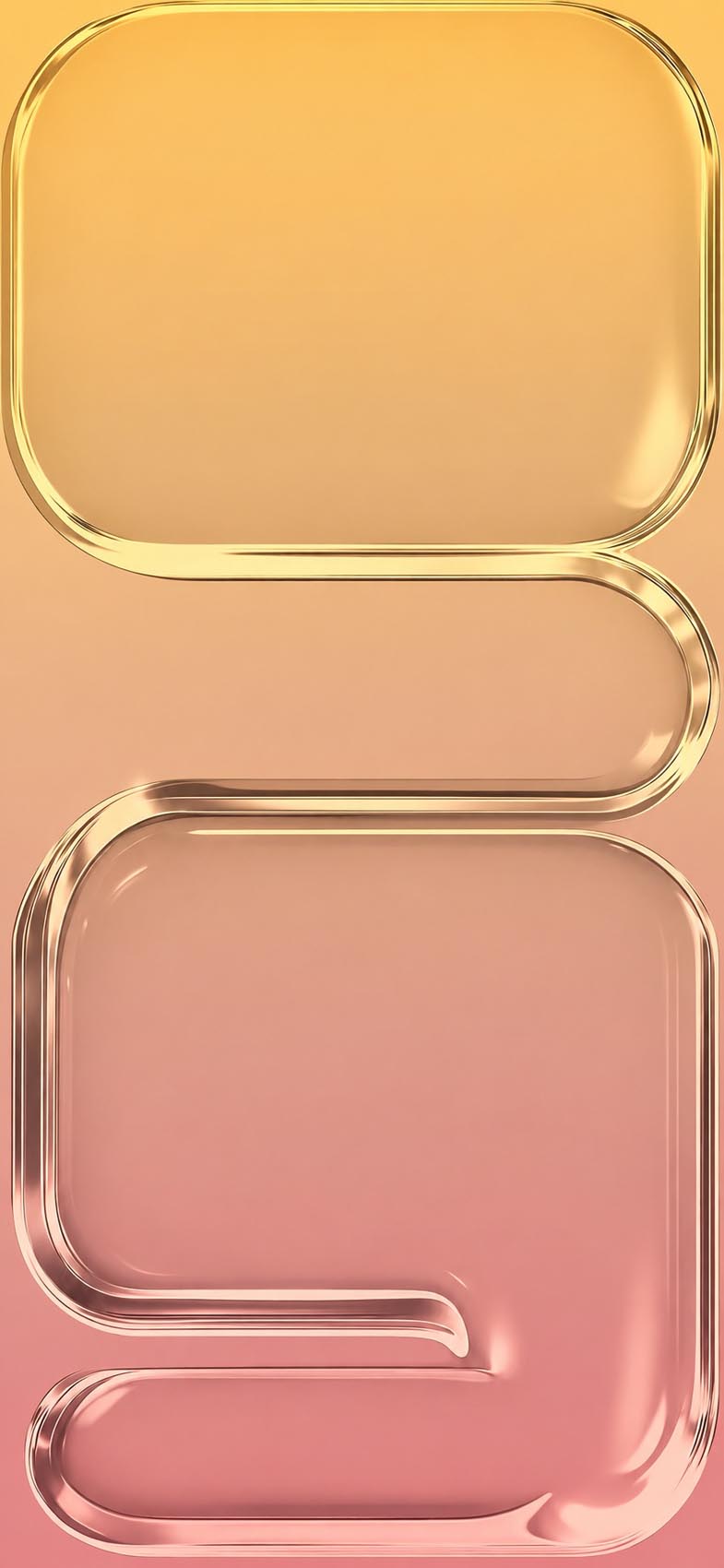
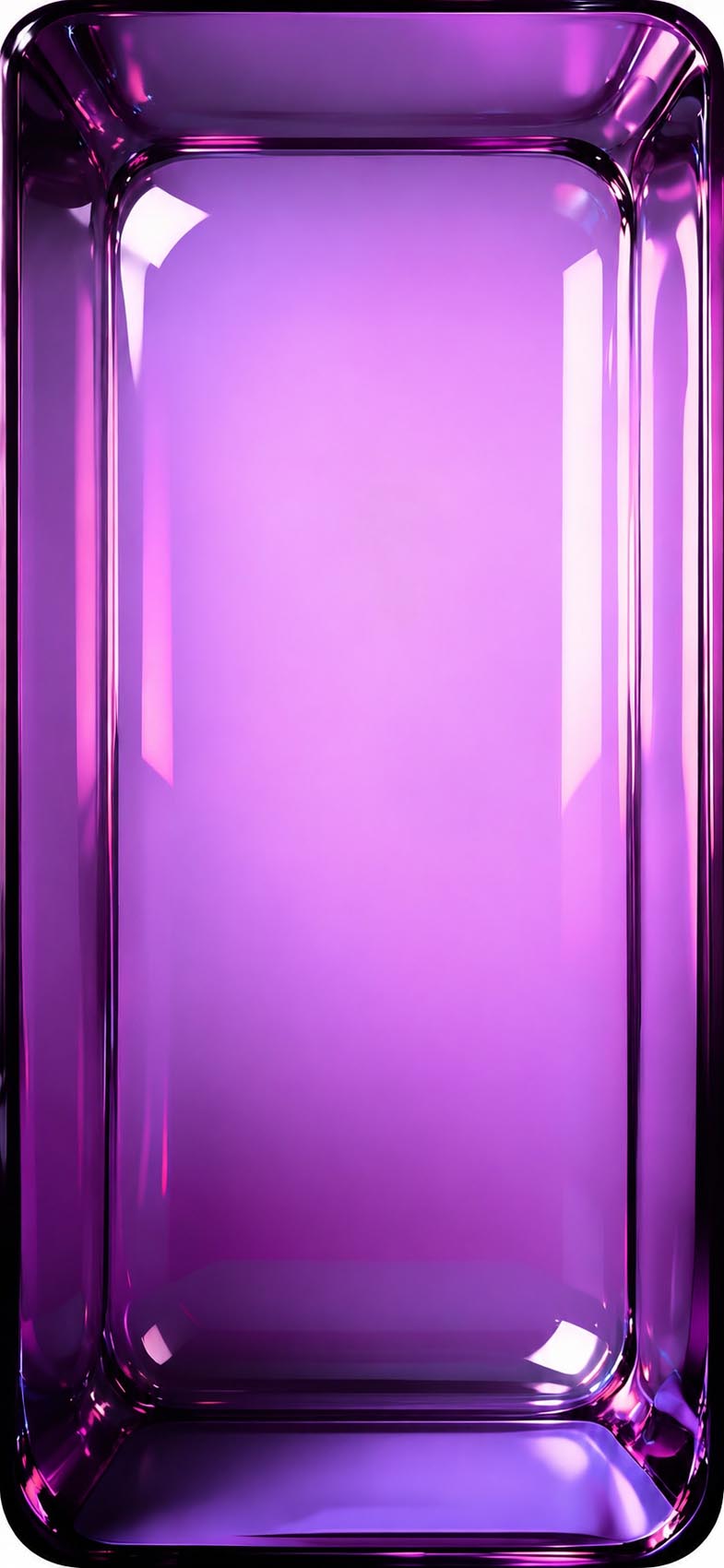
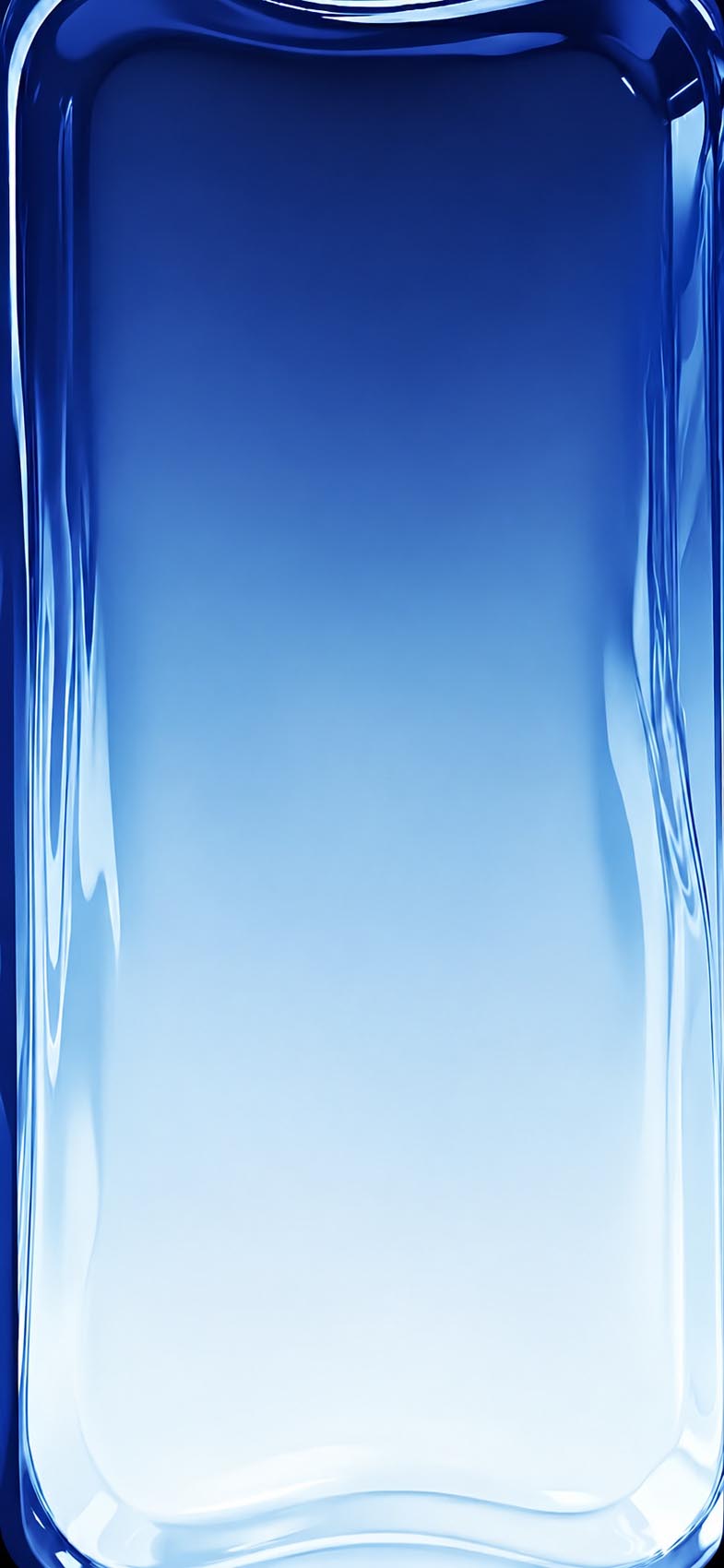
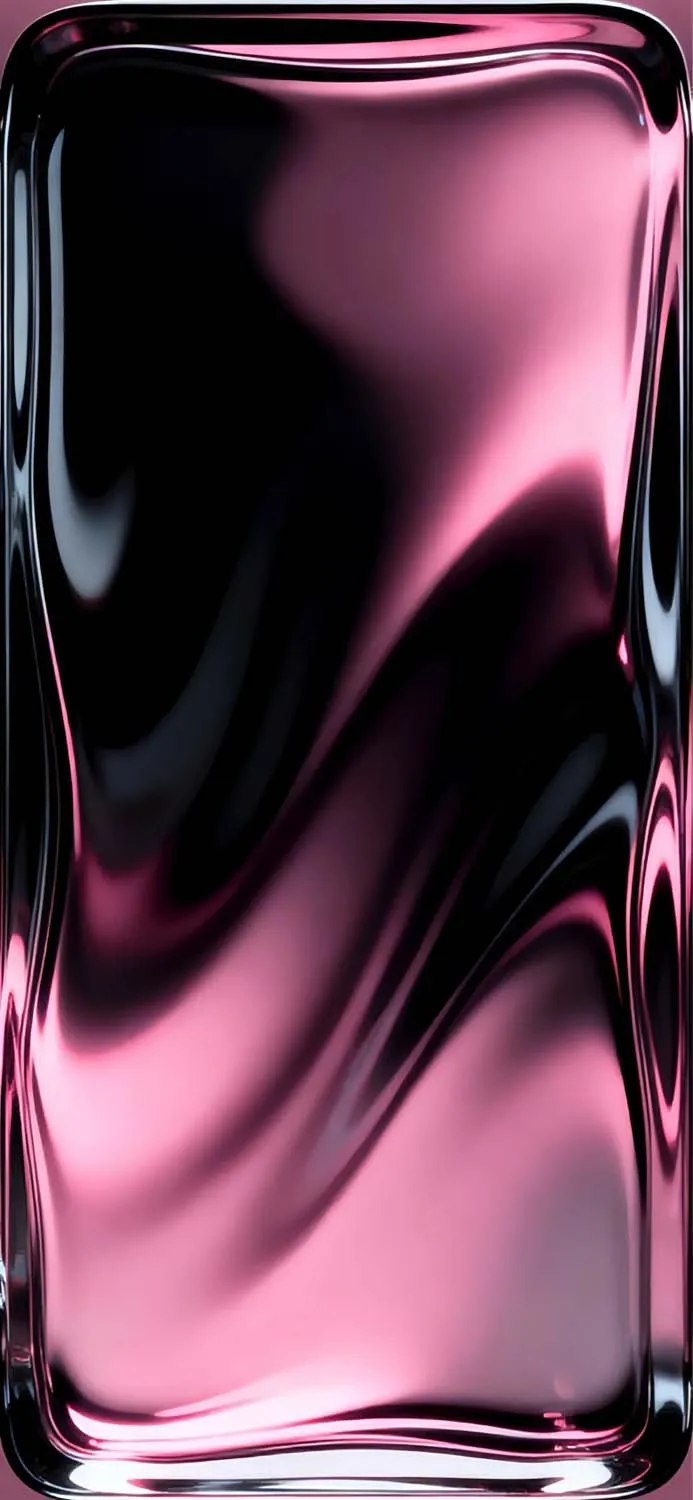
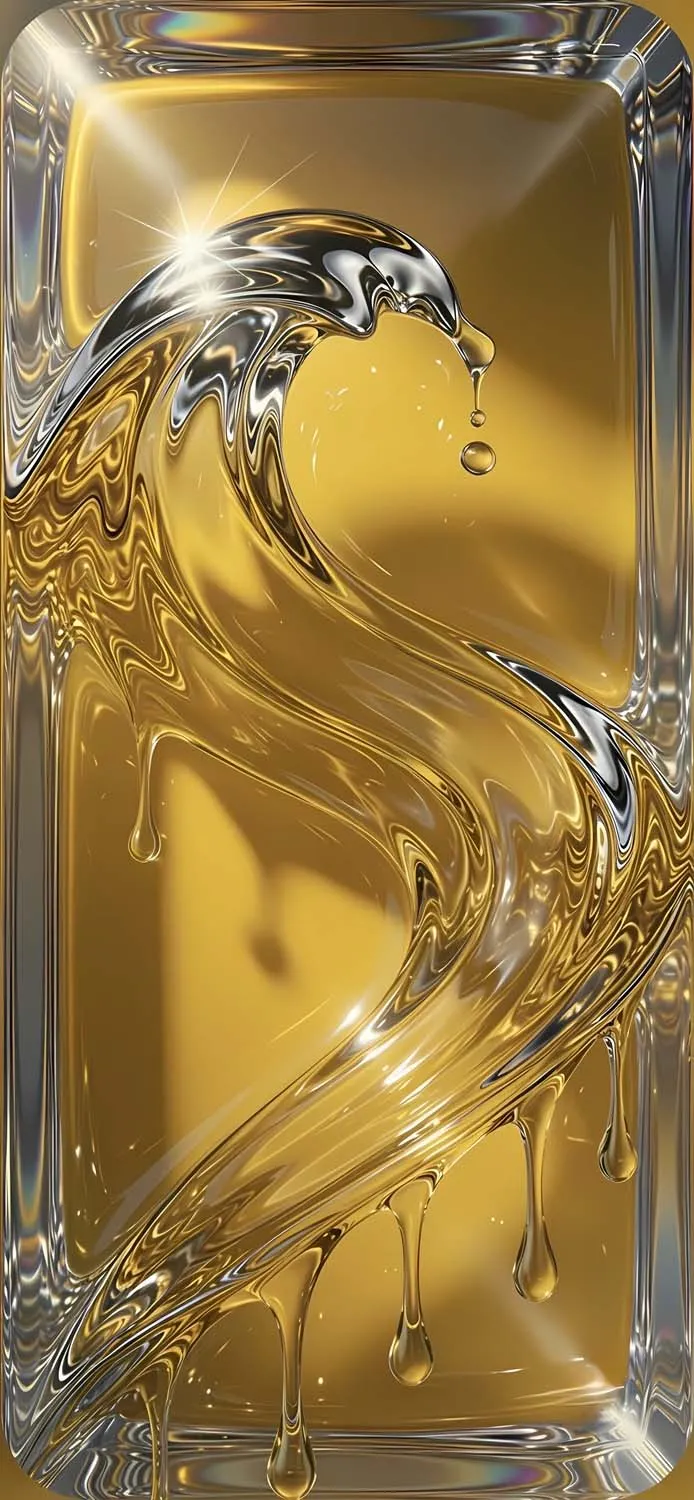
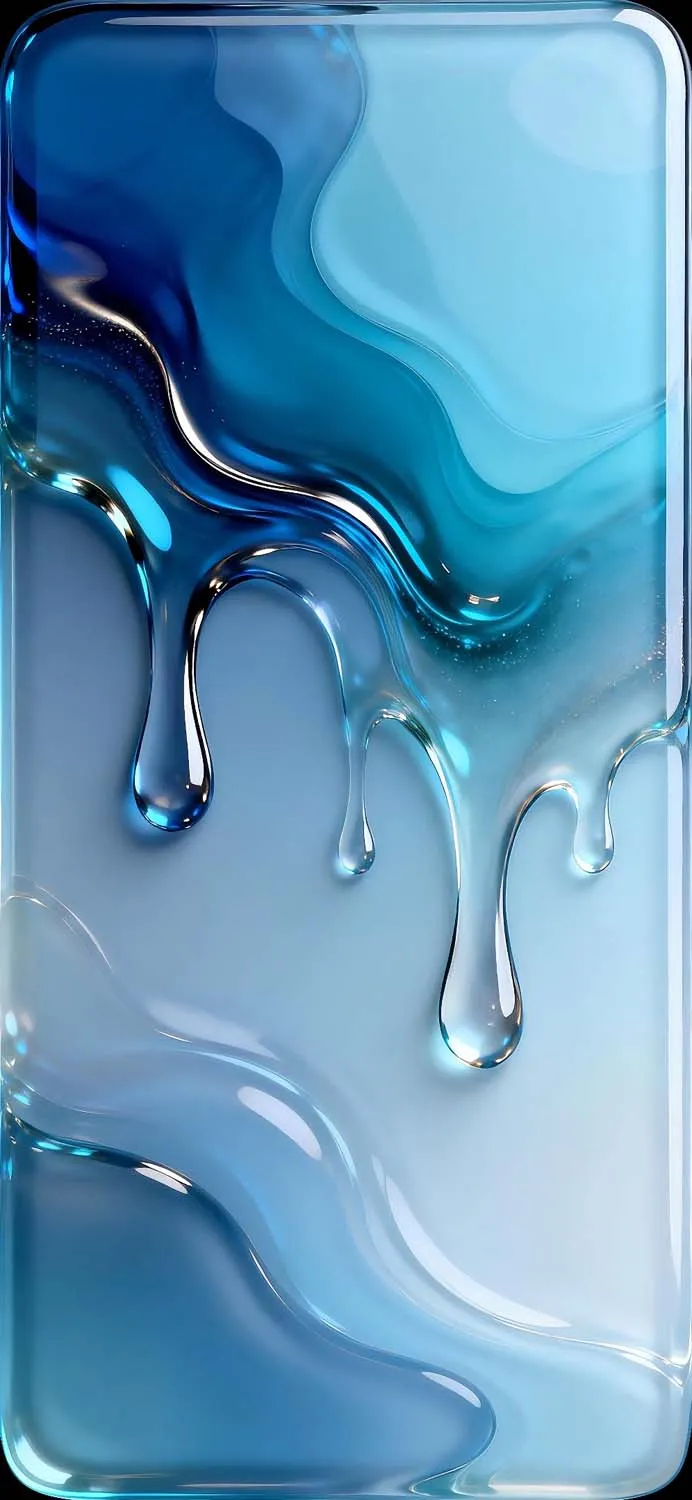
The wallpapers in this collection cover a wide range of colors and moods, so there is something for every taste. Cool-toned options like the mint teal, royal blue, and dark blue ribbon suit users who prefer a calm, clean aesthetic. Warmer options like the rose gold copper, gold pink ribbon, and crimson red bring richness and warmth. For those who love bold, dramatic setups, the emerald green dark, deep purple drip, and black-to-pink gradient deliver maximum visual impact.
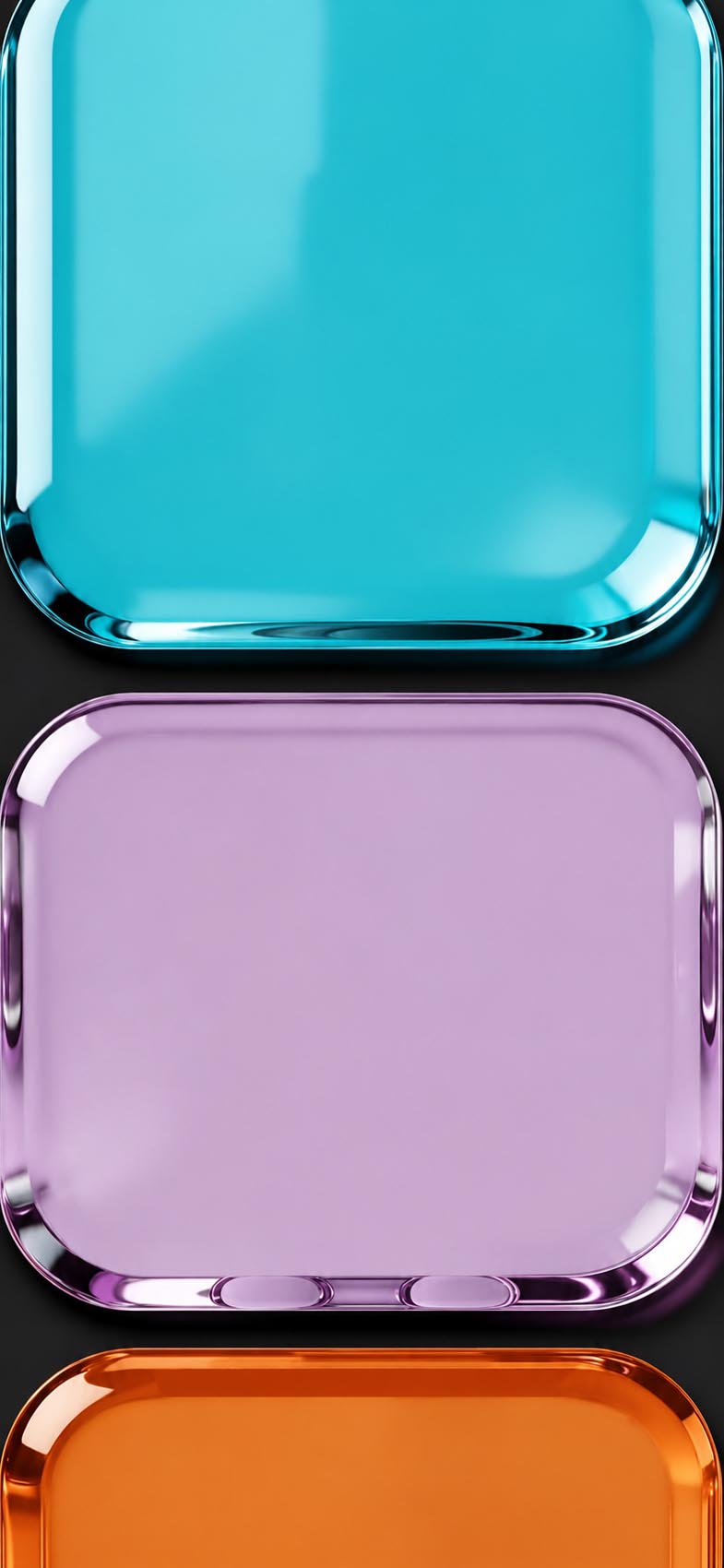
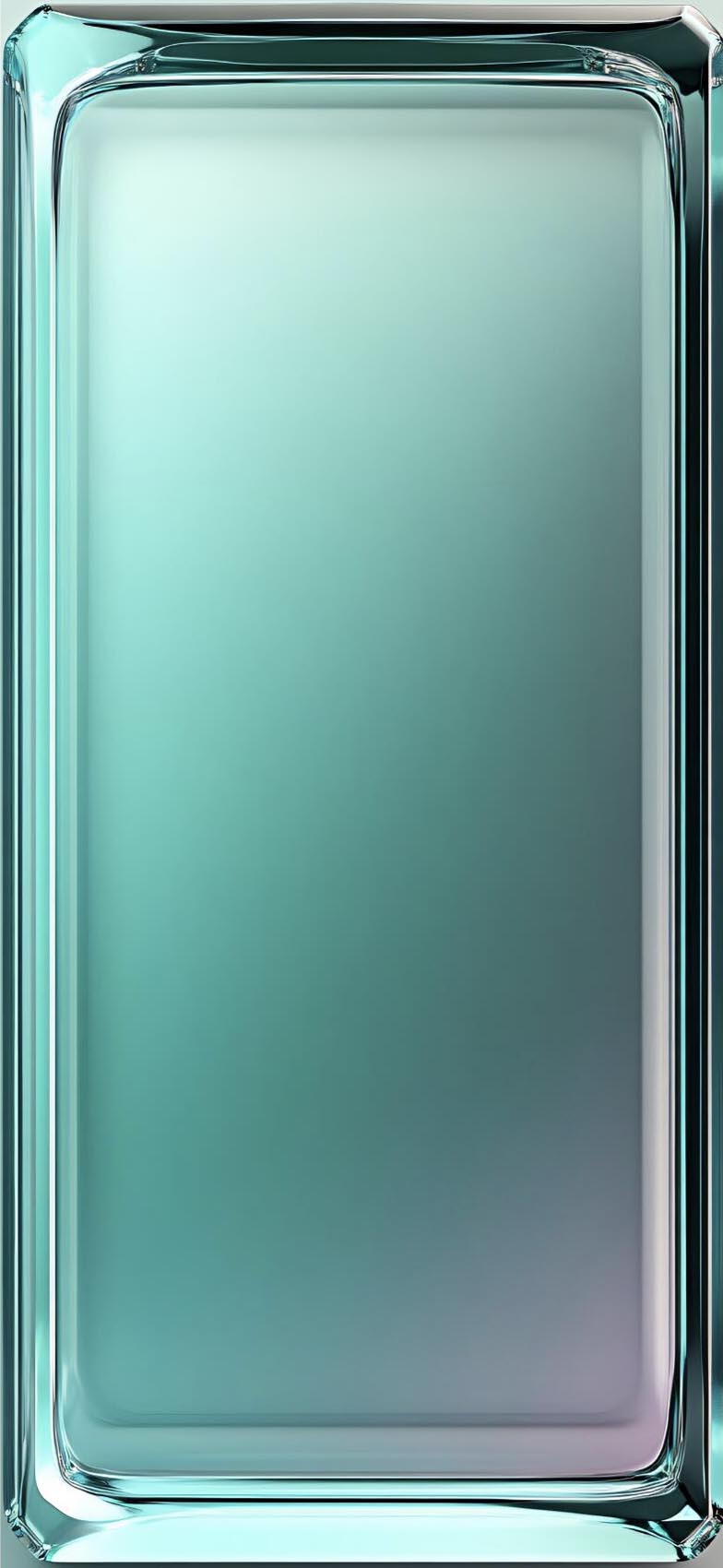
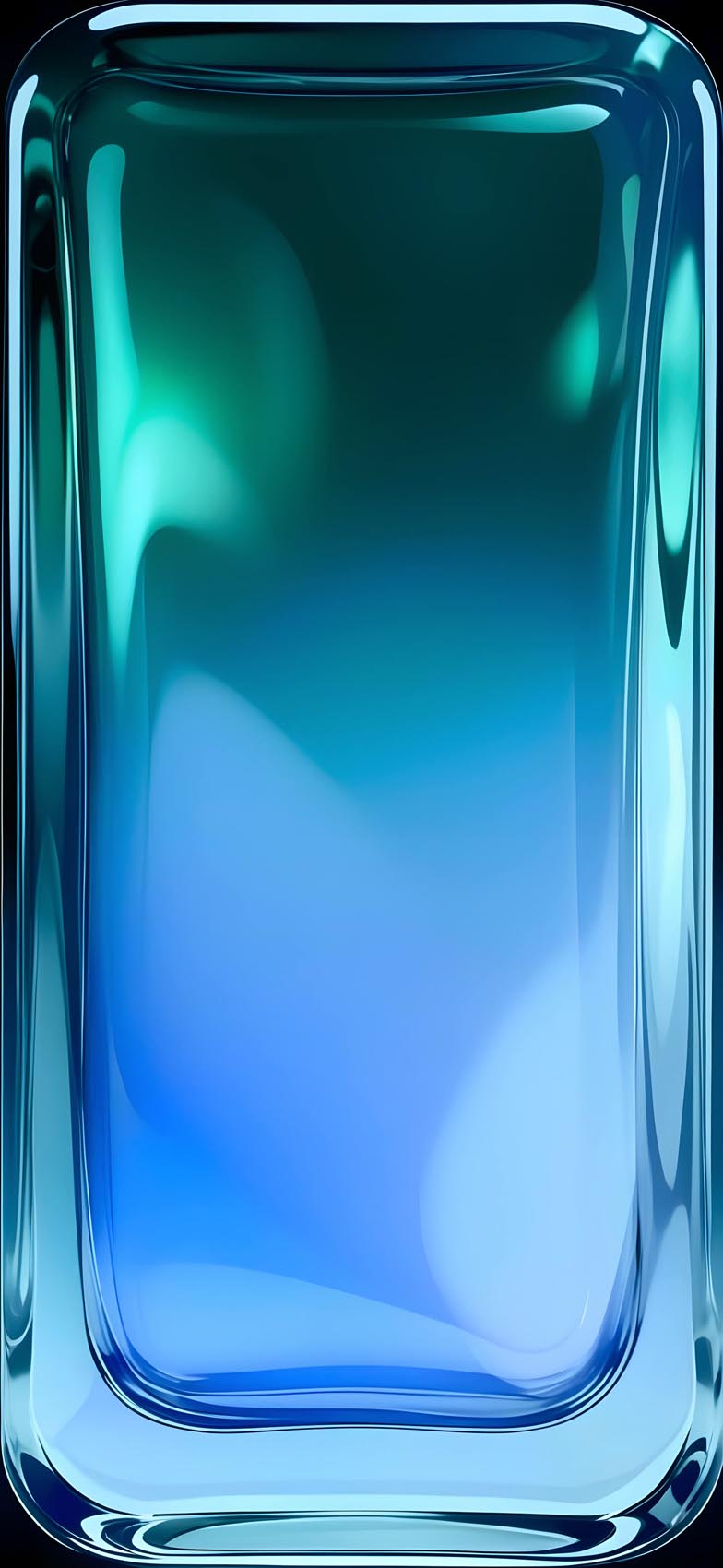
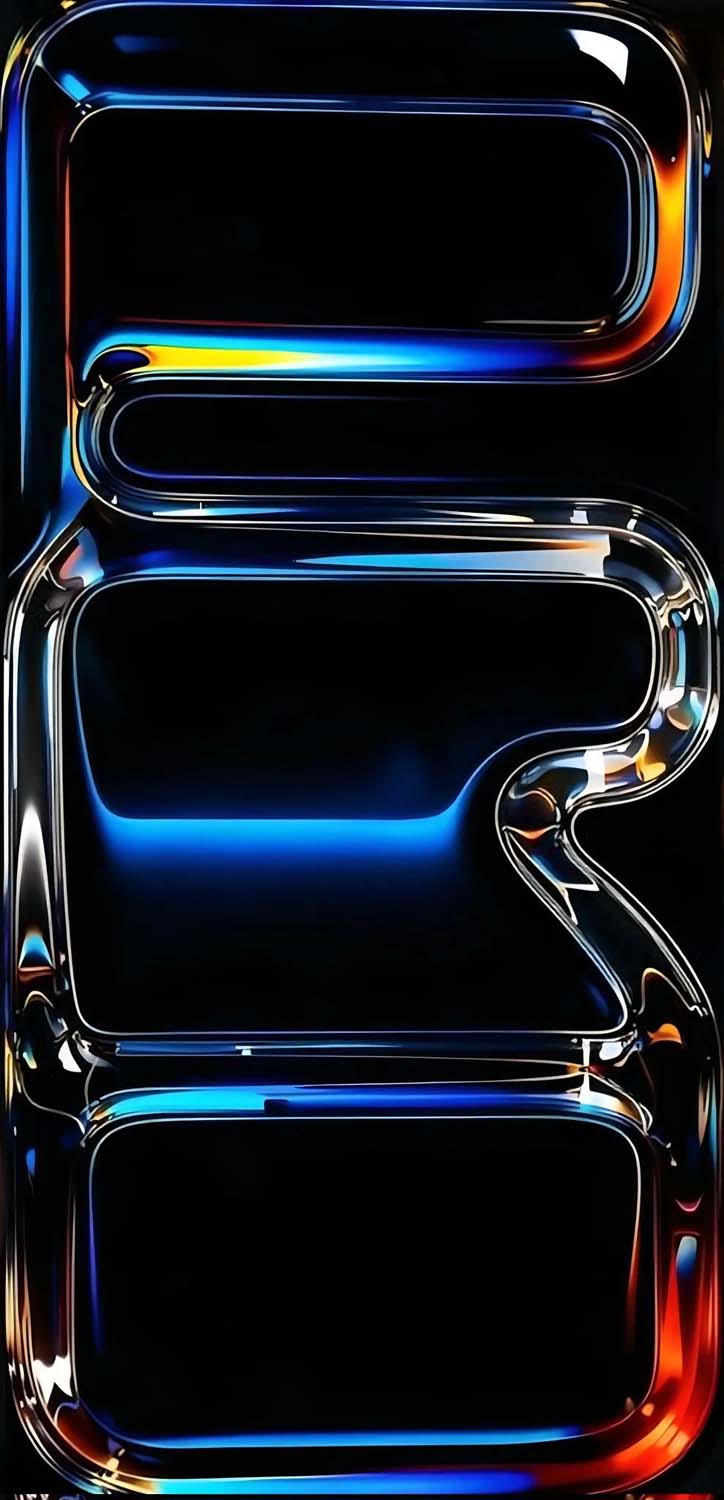
There are also multi-tone compositions — the cyan, purple, and orange glass tiles stack bold primary colors in a single image, while the teal-to-blue gradient frame blends two cool tones into something that almost looks like deep ocean water caught in glass.
Every wallpaper in this collection is available in full HD resolution, optimized for iPhone screens. They look stunning on OLED displays where the deep blacks and rich colors get the most contrast and clarity.
Download iOS 26 Liquid Glass Wallpapers – Free HD
 Download Image
  Download Image
  Download Image
  Download Image
  Download Image
  Download Image
  Download Image
  Download Image
  Download Image
  Download Image
  Download Image
  Download Image
  Download Image
 Download Image
  Download Image
  Download Image
  Download Image
  Download Image
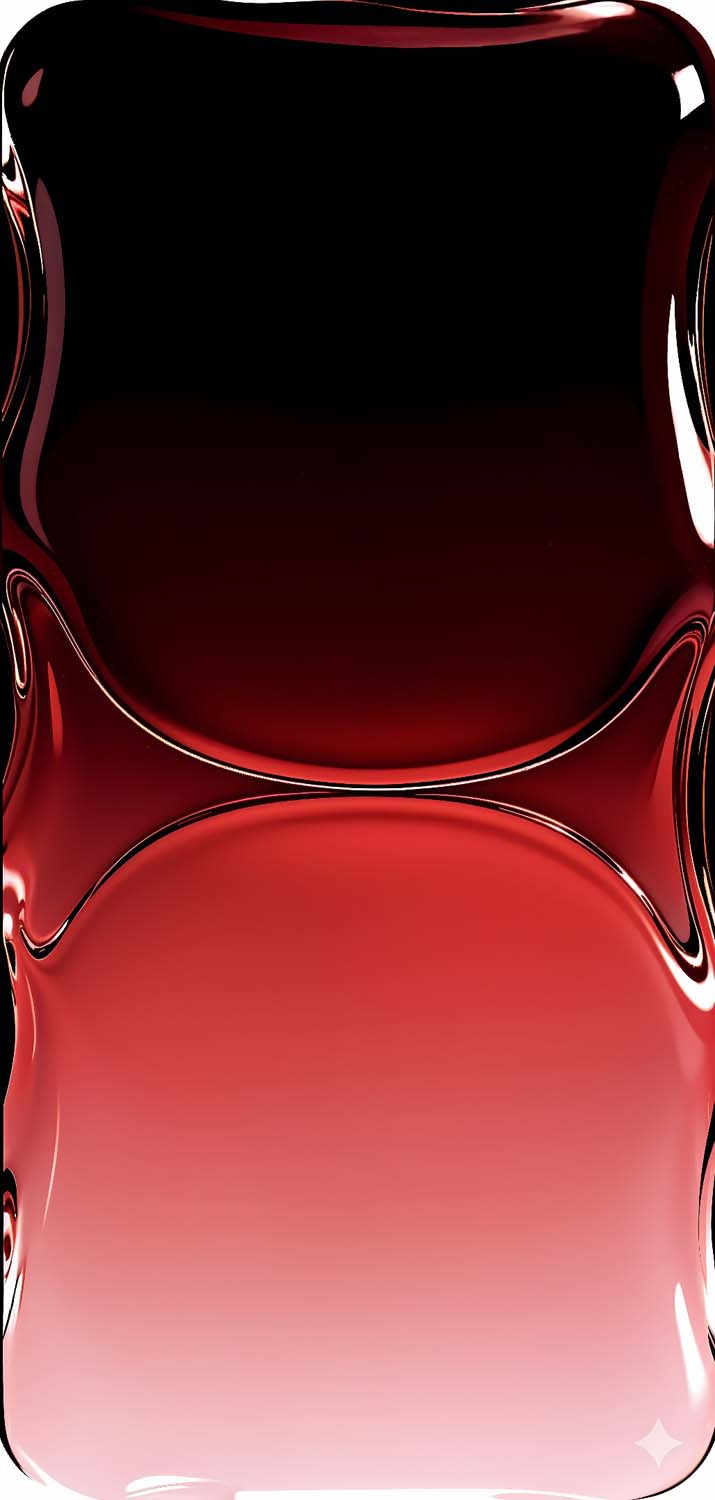

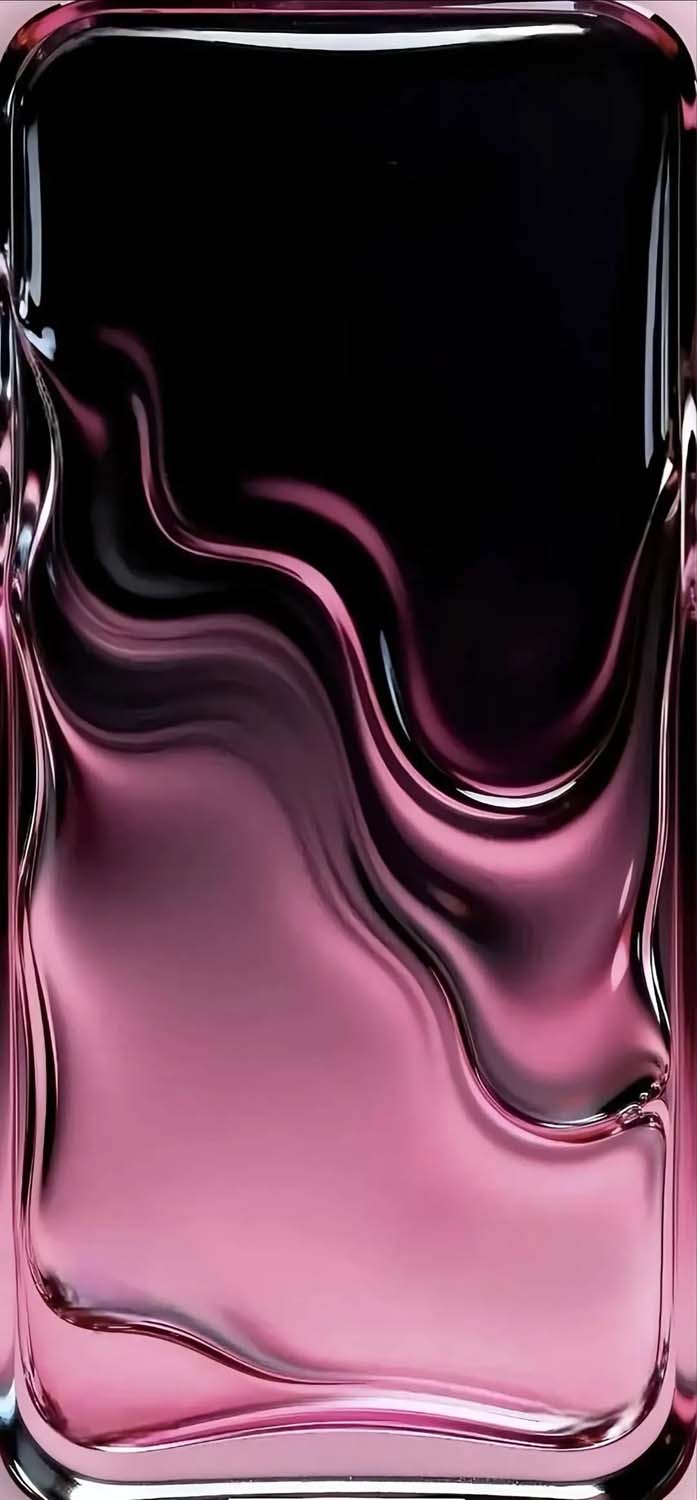
All wallpapers are available for free download below. Save them directly to your camera roll and set them up in seconds.
How to Set These Wallpapers on Your iPhone
Setting a new wallpaper on iOS 26 takes just a few seconds:
- Download your preferred wallpaper from this page.
- Open Photos and tap the image.
- Tap the Share button → scroll down → tap Use as Wallpaper.
- Choose Lock Screen, Home Screen, or Both.
- Tap Set and enjoy.
For the best result, use these on your Lock Screen where the full resolution and color depth are most visible.
Compatible iPhones
These wallpapers are optimized for all modern iPhones including iPhone 16, 15, 14, 13, 12, and 11 series. They look best on Pro models with Super Retina XDR OLED displays, where the glass textures and deep blacks truly shine.