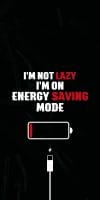
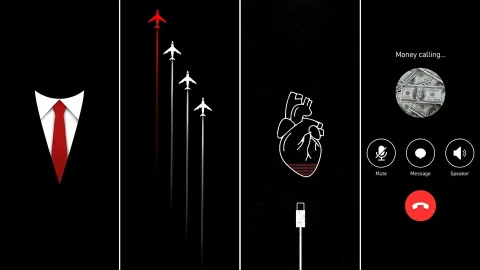
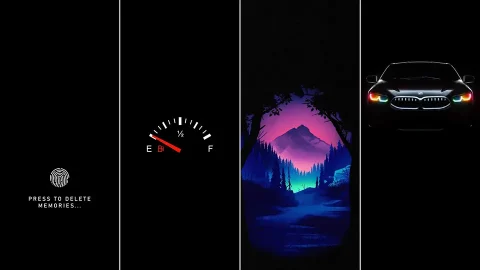
AMOLED Black iPhone Wallpaper Pack – Pure Black Edition
There’s a certain elegance to a screen that seems to disappear into darkness. This collection of 20+ AMOLED black iPhone wallpapers is built around true pure black — the kind of deep, uniform darkness that makes your icons and widgets appear to float on the display itself. Whether you want a minimal aesthetic, better battery efficiency, or just a cleaner-looking Lock Screen, this pack has an option worth setting.
Why AMOLED Black Wallpapers Are Different
Standard dark wallpapers often use a very dark gray or navy tone that still emits light across the whole screen. True AMOLED black wallpapers use pure black (#000000), which allows each pixel showing black to turn off completely on OLED and AMOLED displays. The result is a sharper contrast between your wallpaper and app icons, plus a subtle reduction in power draw compared to lighter backgrounds.
What’s Included in the Pack
1. Solid Pure Black Completely flat black wallpapers with zero gradient — the purest form of the AMOLED aesthetic, ideal for a distraction-free Home Screen.
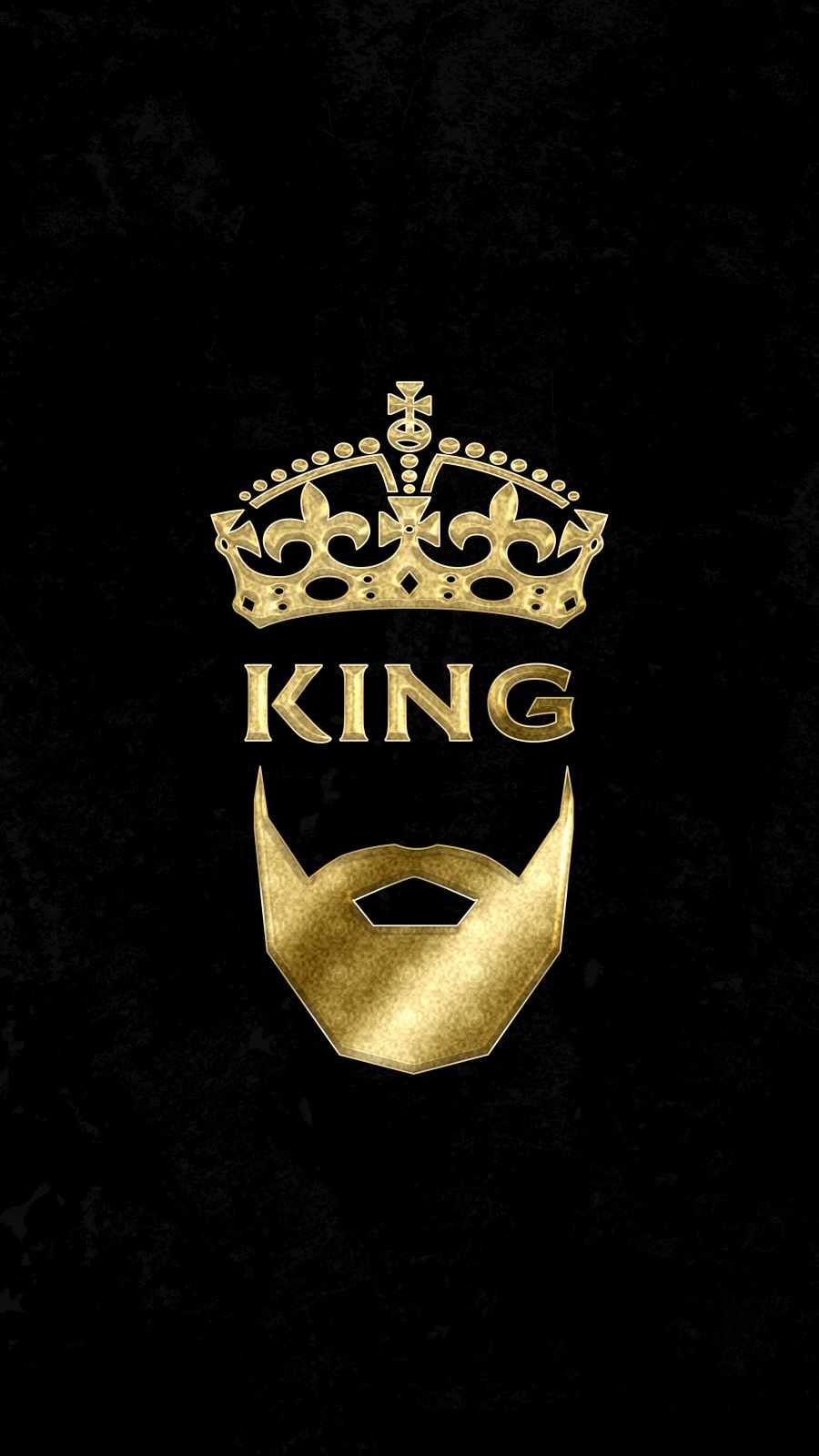
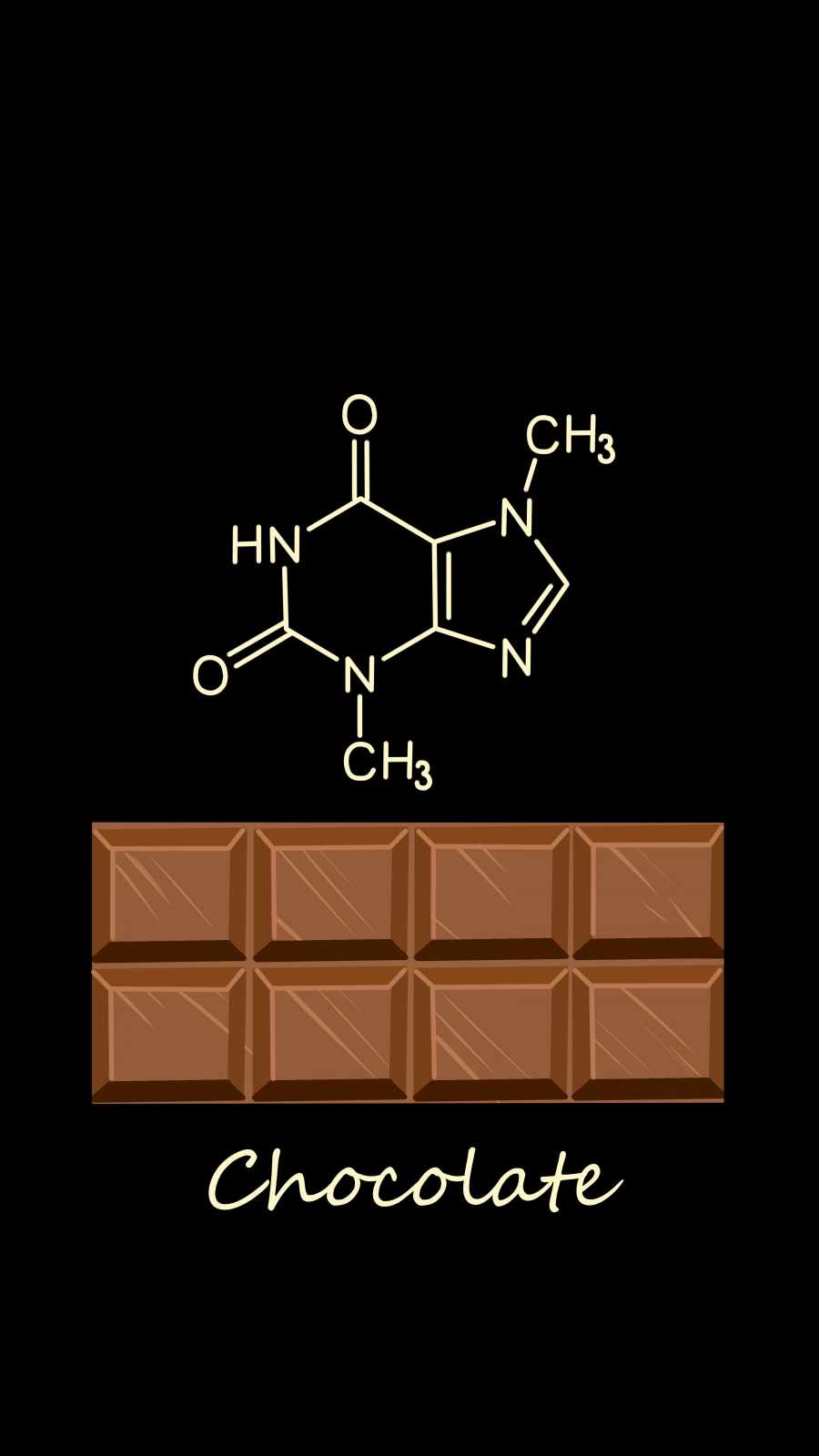
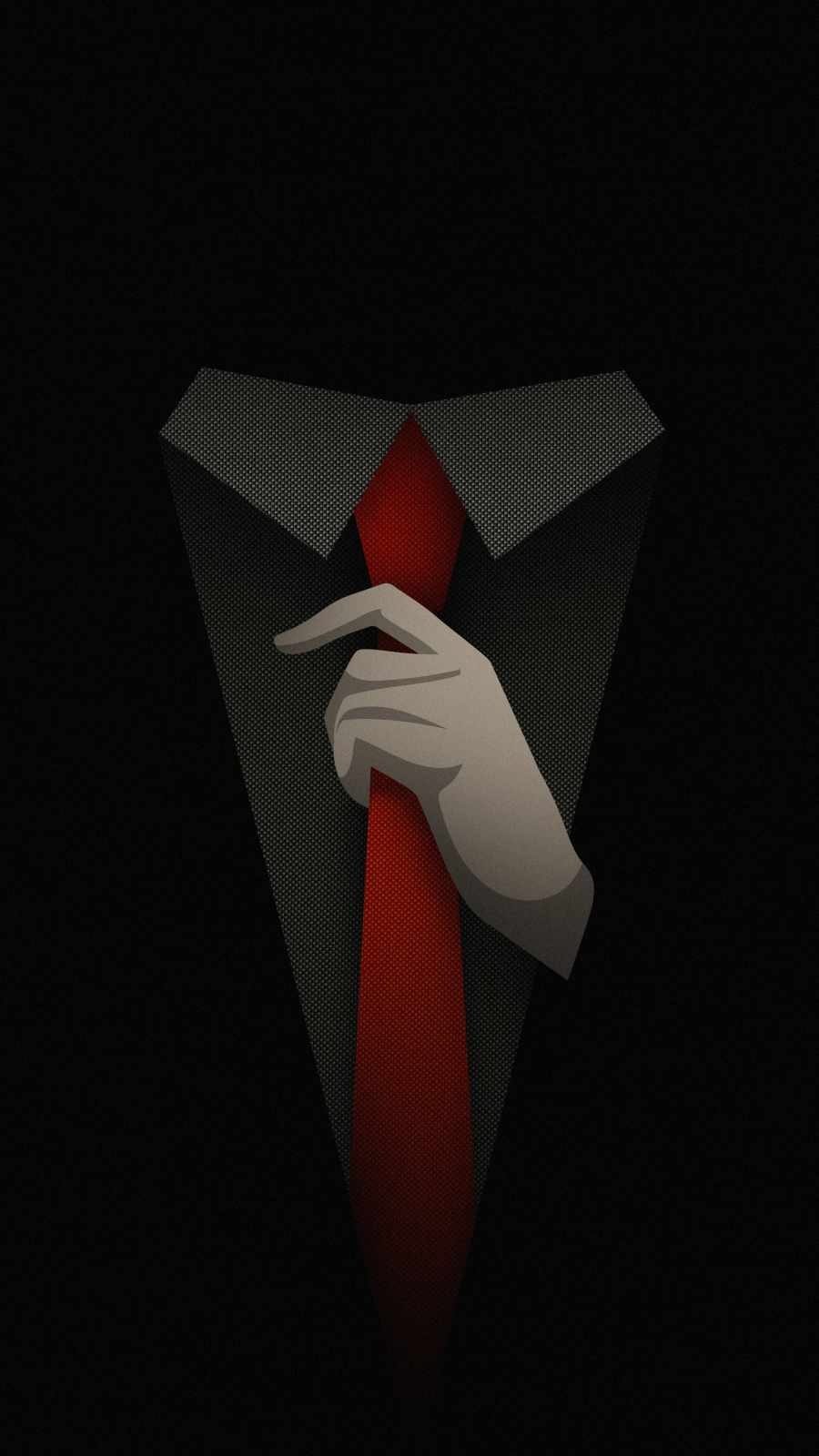
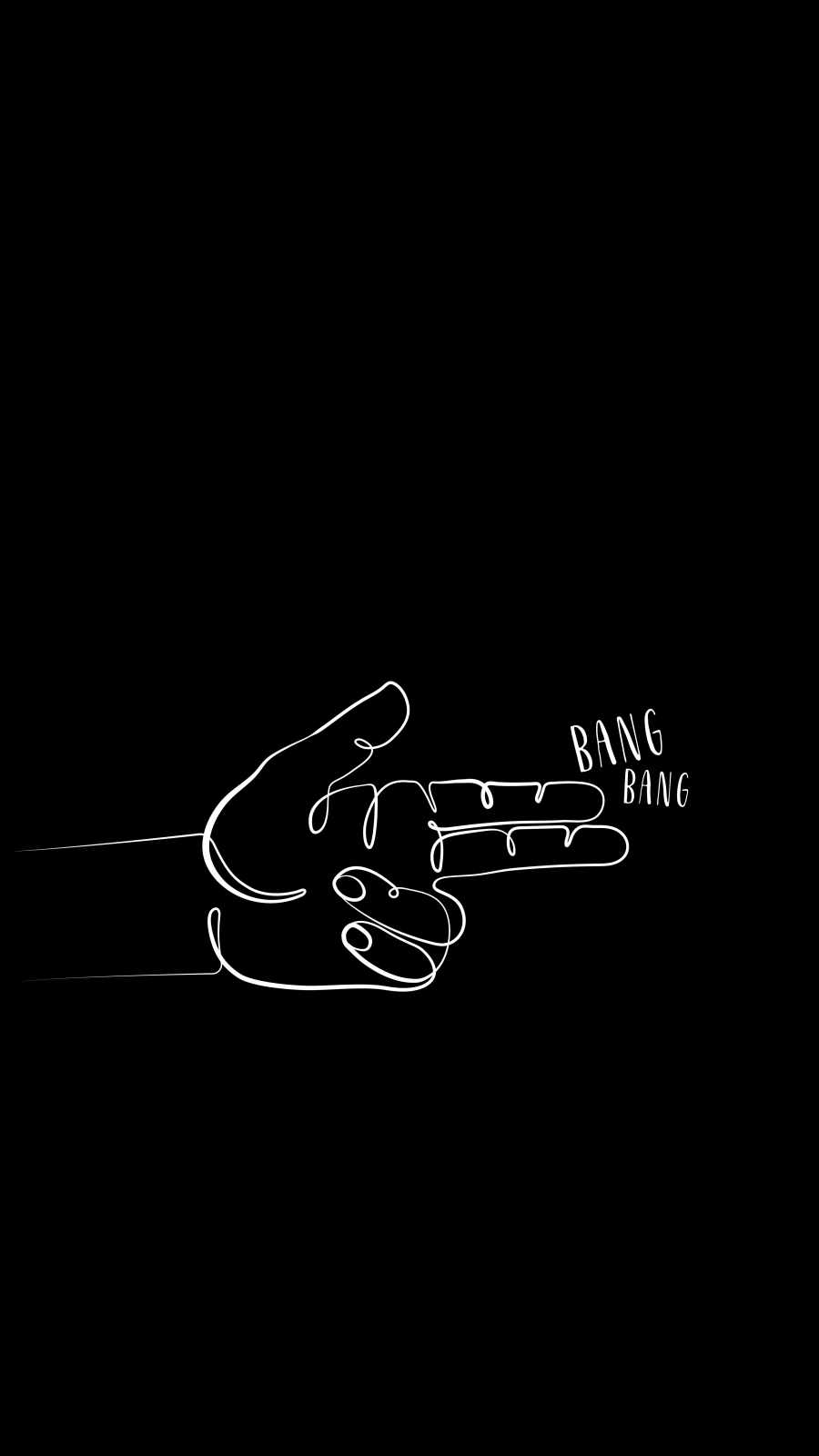
2. Minimal Black with Subtle Accents Wallpapers featuring a thin line, small geometric shape, or faint glow against a black background, adding just enough visual interest without breaking the dark aesthetic.
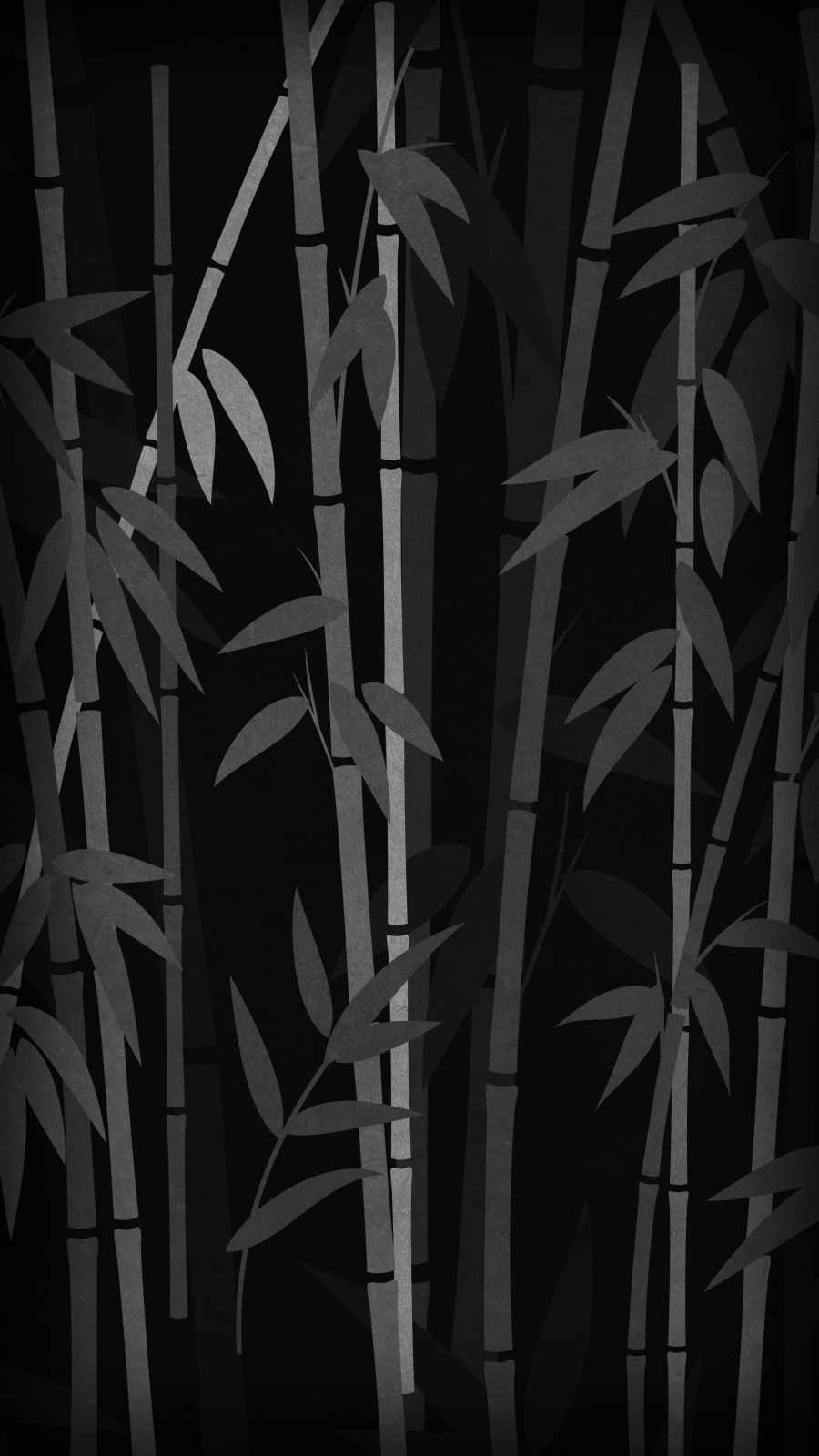
3. Black with Abstract Textures Smoky, grainy, or textured black designs that add depth while still keeping most of the frame in true black.
4. Black Space & Night Sky Themes Star-scattered black backgrounds that combine the AMOLED look with a subtle cosmic feel.





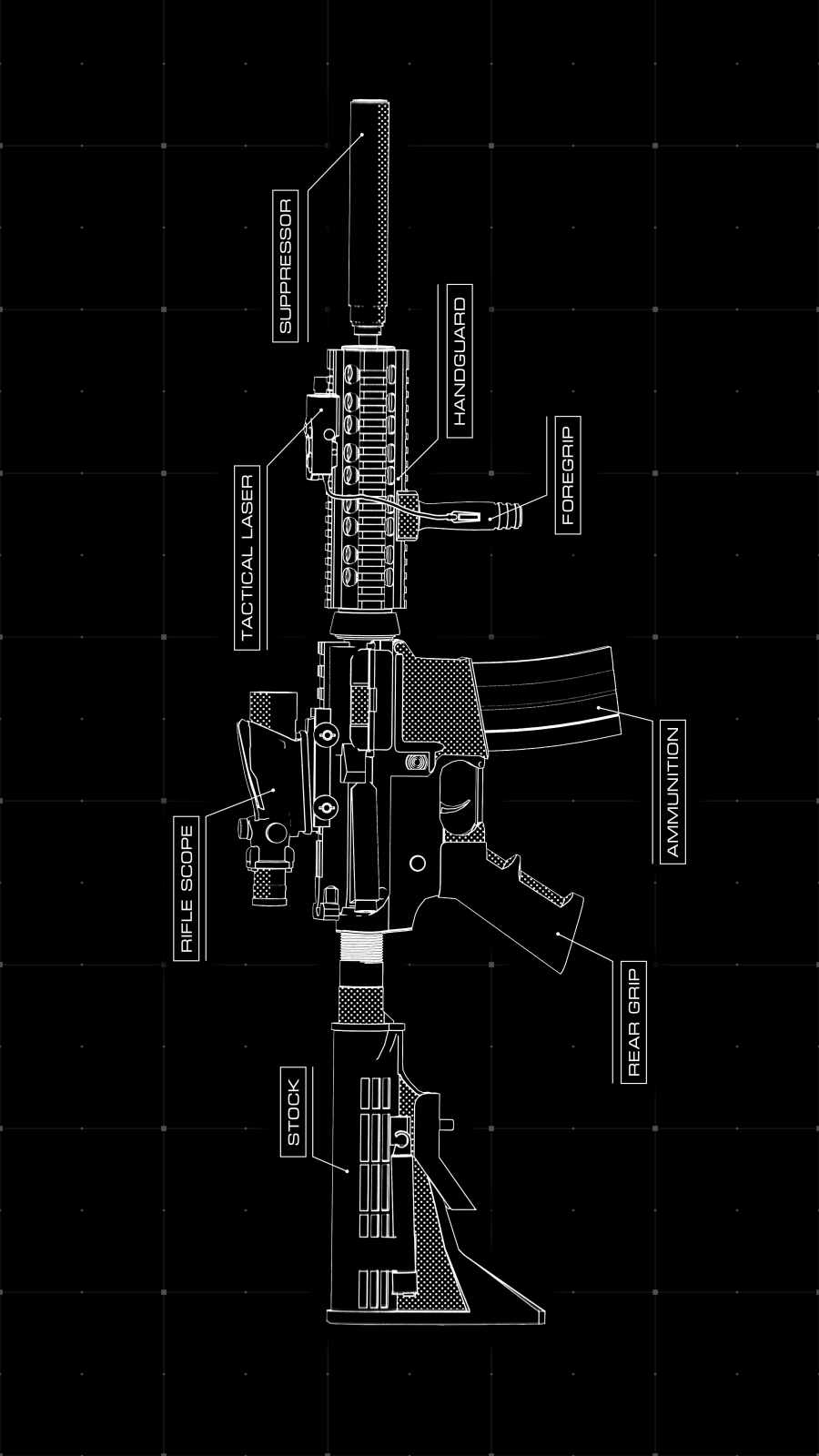



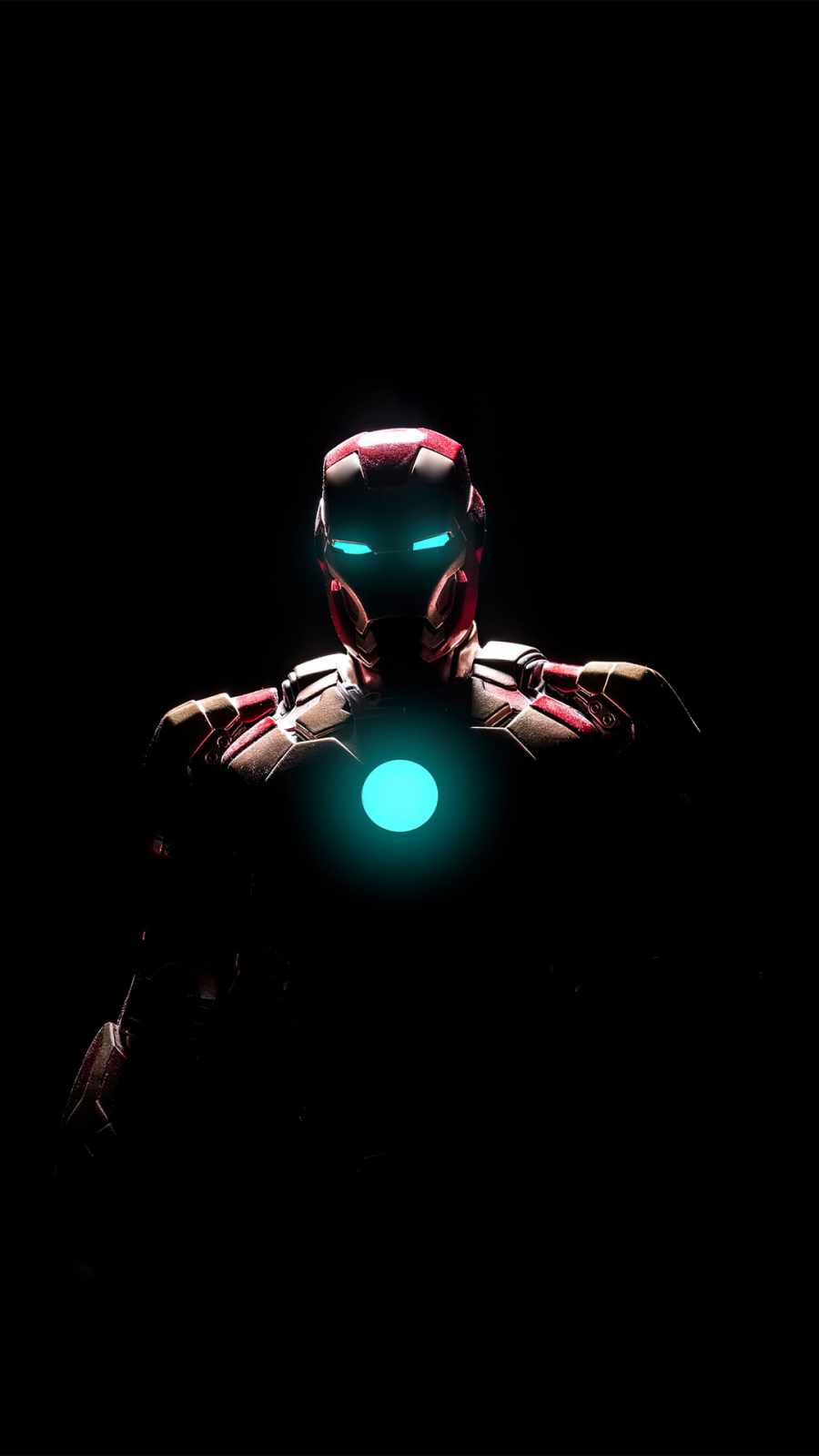
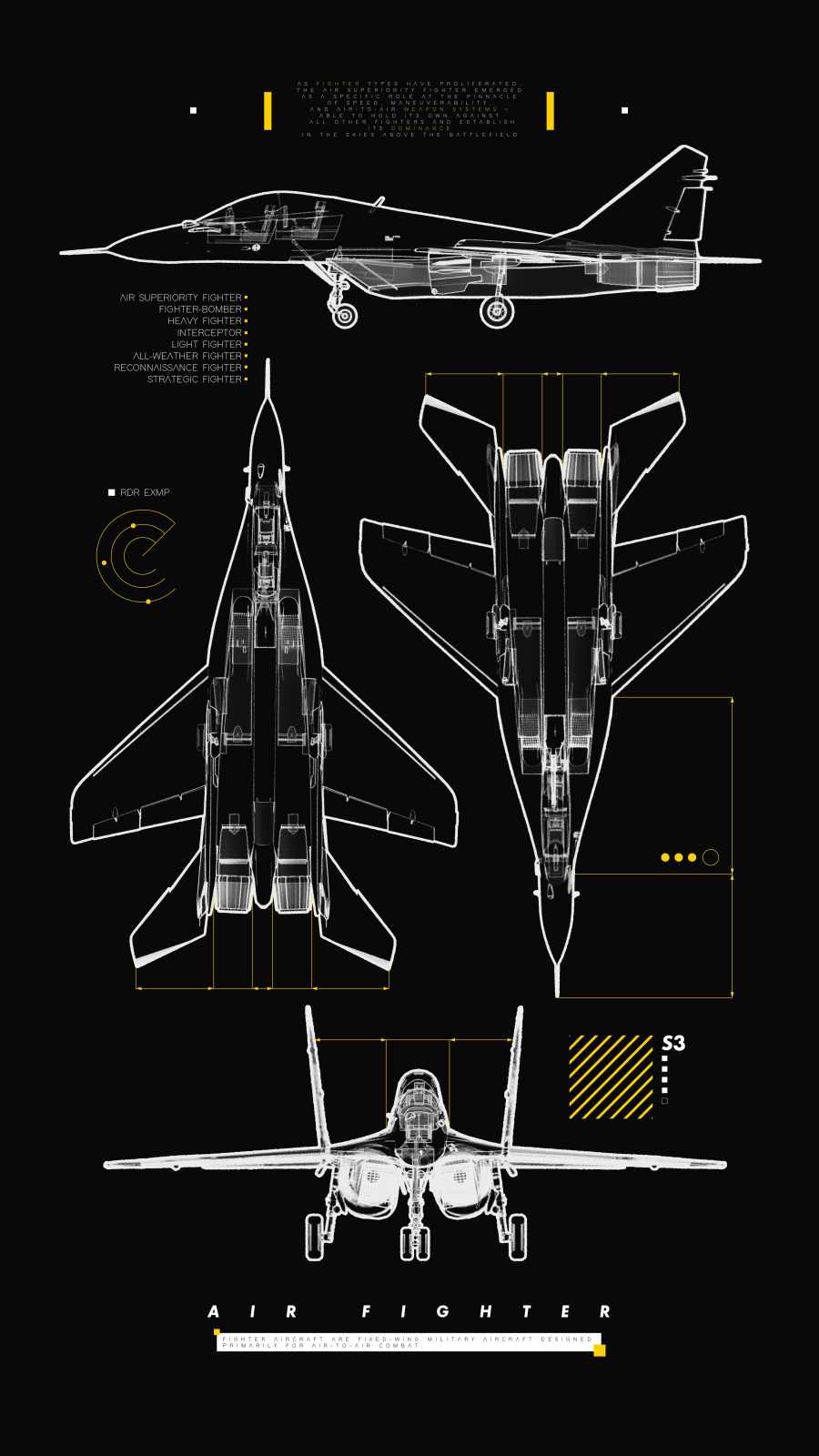

How to Set It Up on iPhone
- Save your chosen wallpaper to Photos.
- Go to Settings > Wallpaper > Add New Wallpaper.
- Select Photos and choose your image.
- Apply it to your Lock Screen, Home Screen, or both.
For true pure black to render correctly, make sure the image itself uses #000000 rather than a dark gray, and avoid heavy compression that can introduce visible noise into the black areas.
Tips for Getting the Best AMOLED Look
- Check for true black: Some “black” wallpapers online are actually very dark gray — these won’t give you the same seamless blend with your interface.
- Pair with Dark Mode: Combining these wallpapers with iOS Dark Mode creates the most cohesive all-black look across your entire interface.
- Widget contrast: Light-colored widgets stand out sharply against pure black, so keep that in mind if you use Lock Screen widgets.
- Battery consideration: While the battery savings from black wallpapers are modest on modern iPhones, they’re a nice bonus alongside the aesthetic benefit.
Final Thoughts
A pure black wallpaper is one of the simplest ways to give your iPhone a sleeker, more premium feel. This AMOLED Black Wallpaper Pack offers everything from completely solid black to subtly textured designs, so you can find the exact level of minimalism that fits your style.
Related posts:

The Ultimate Pure Black AMOLED iPhone Wallpaper Pack (4K UHD)

Gothic Chrome Cross Savage iPhone Wallpaper – Dark Aesthetic Design
Sculpted Archangel Statue Sword iPhone Wallpaper 4K (OLED Dark)

40+ Deep Black AMOLED Dark iPhone Wallpapers for OLED Displays
Deep Black AMOLED Dark iPhone Wallpapers for OLED Displays [20+]