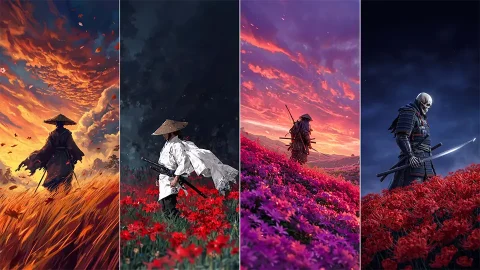
Medieval Dark Fantasy Wallpapers for iPhone (16 Designs)
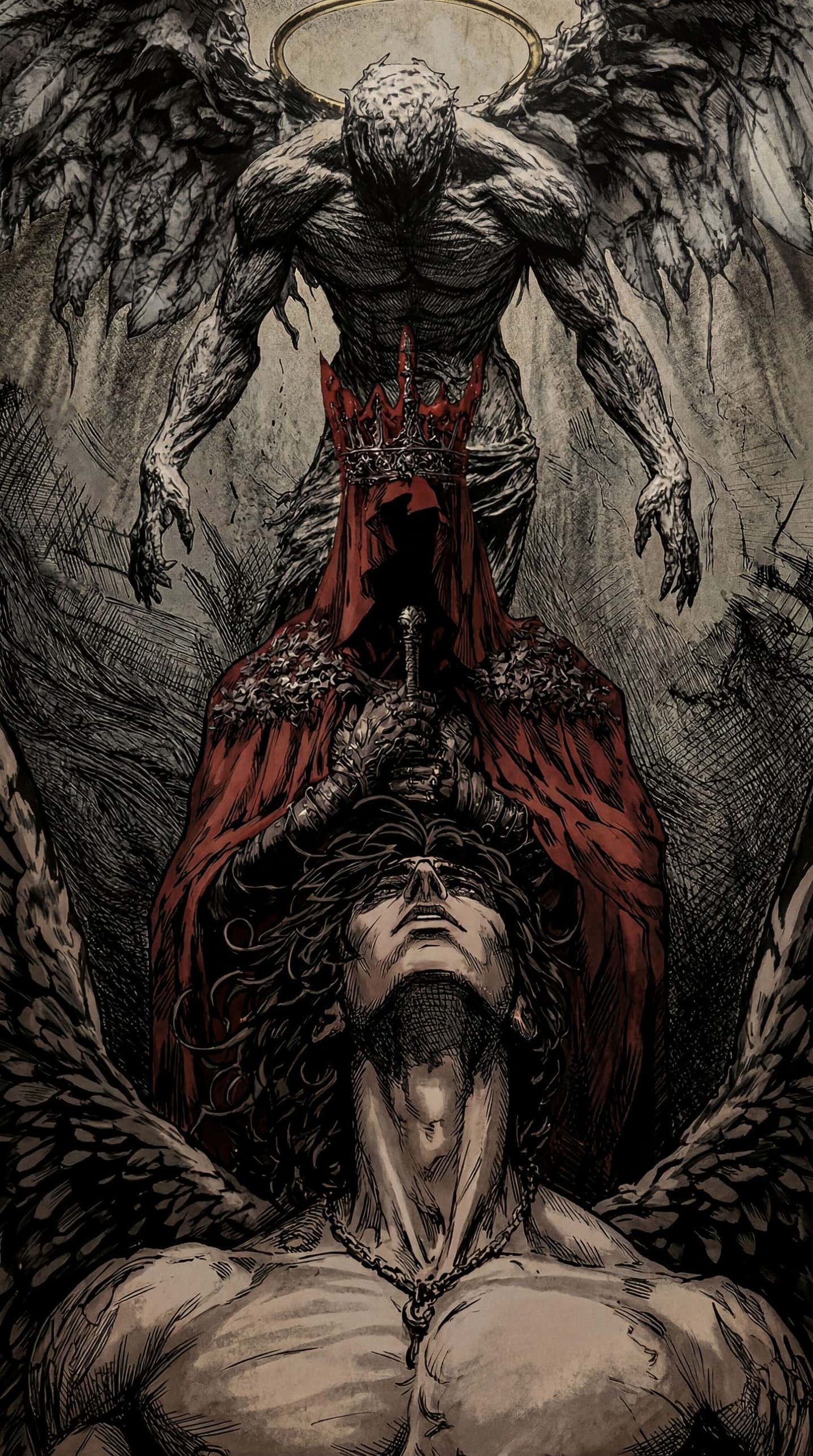
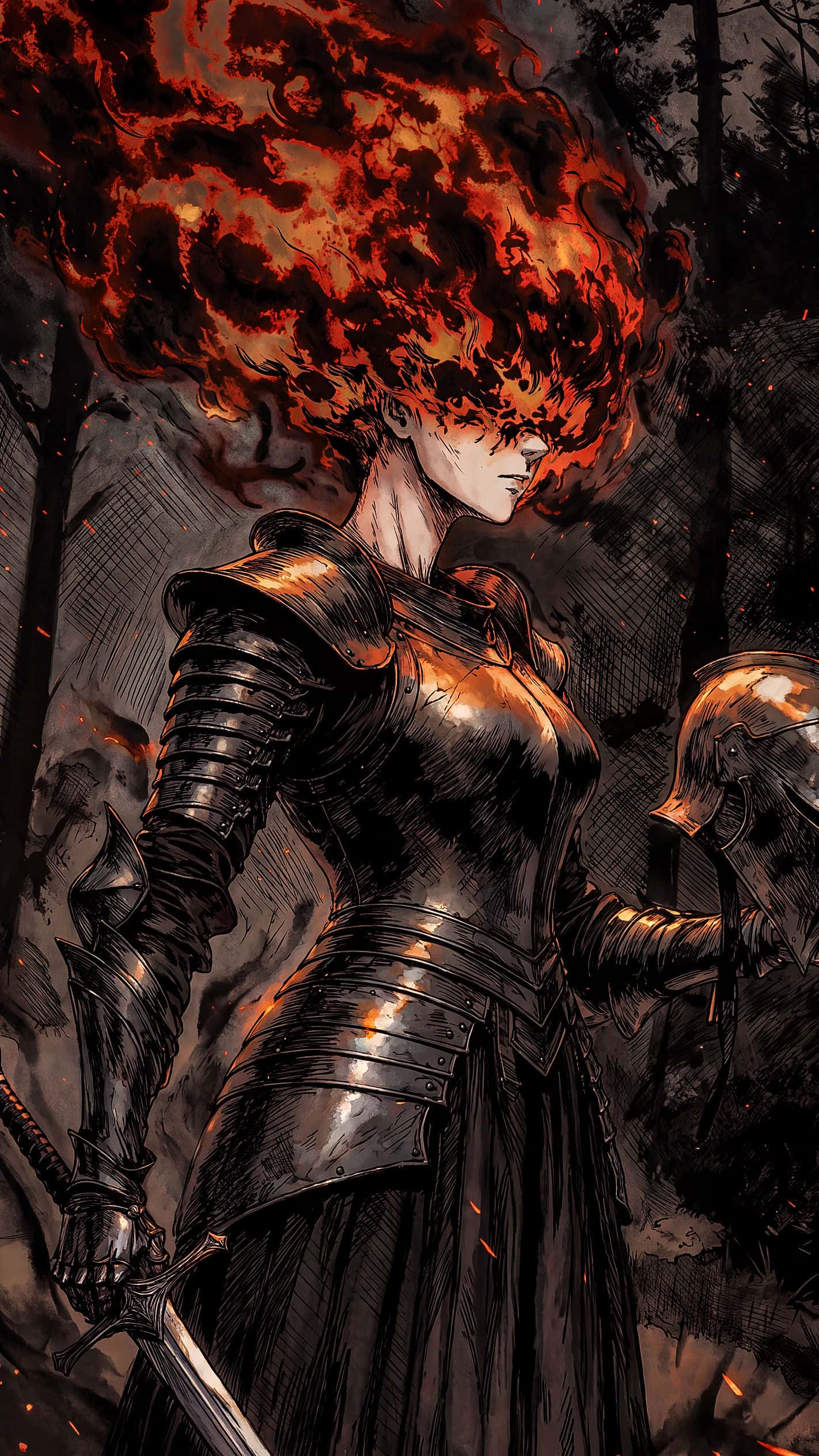
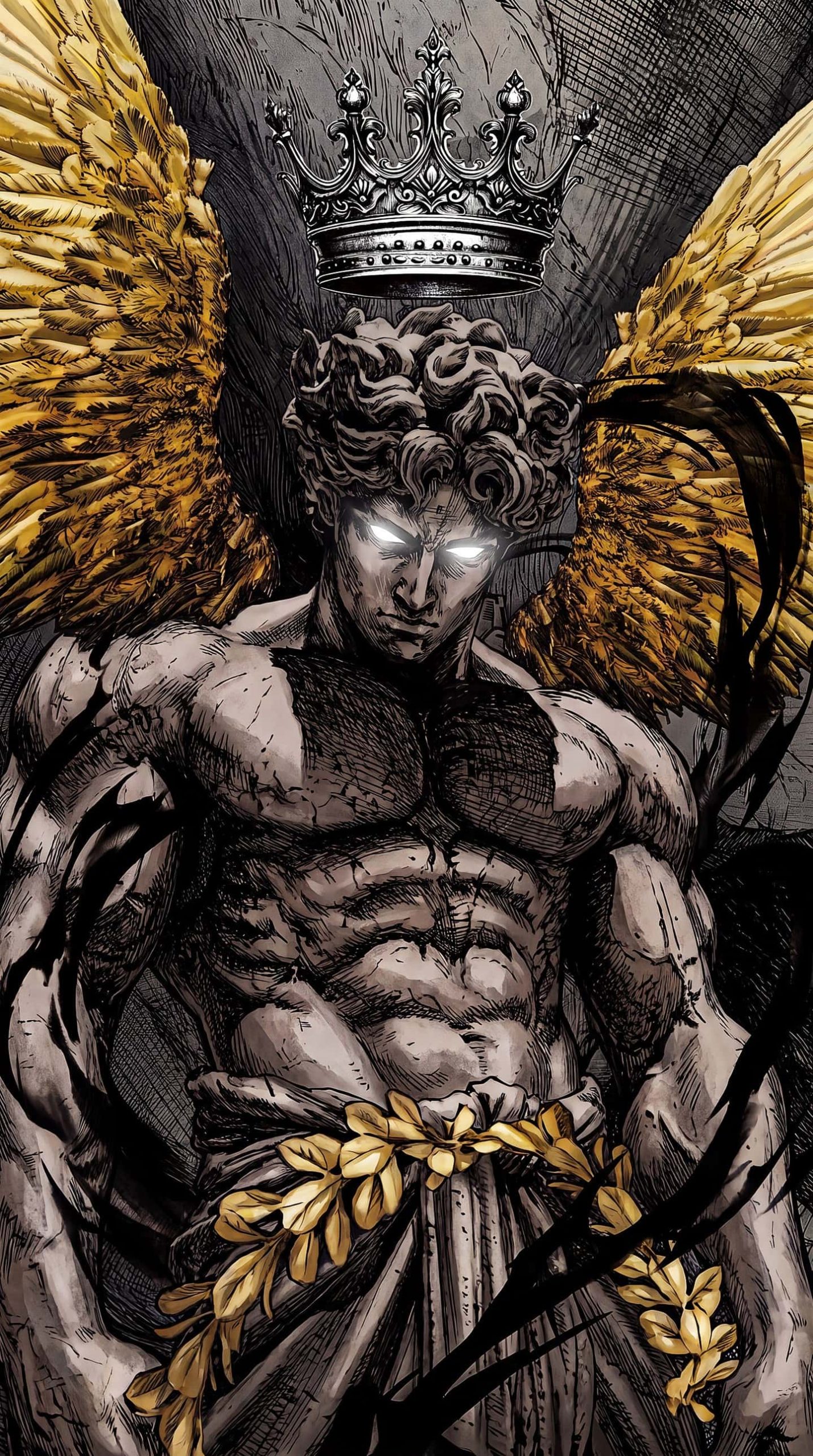
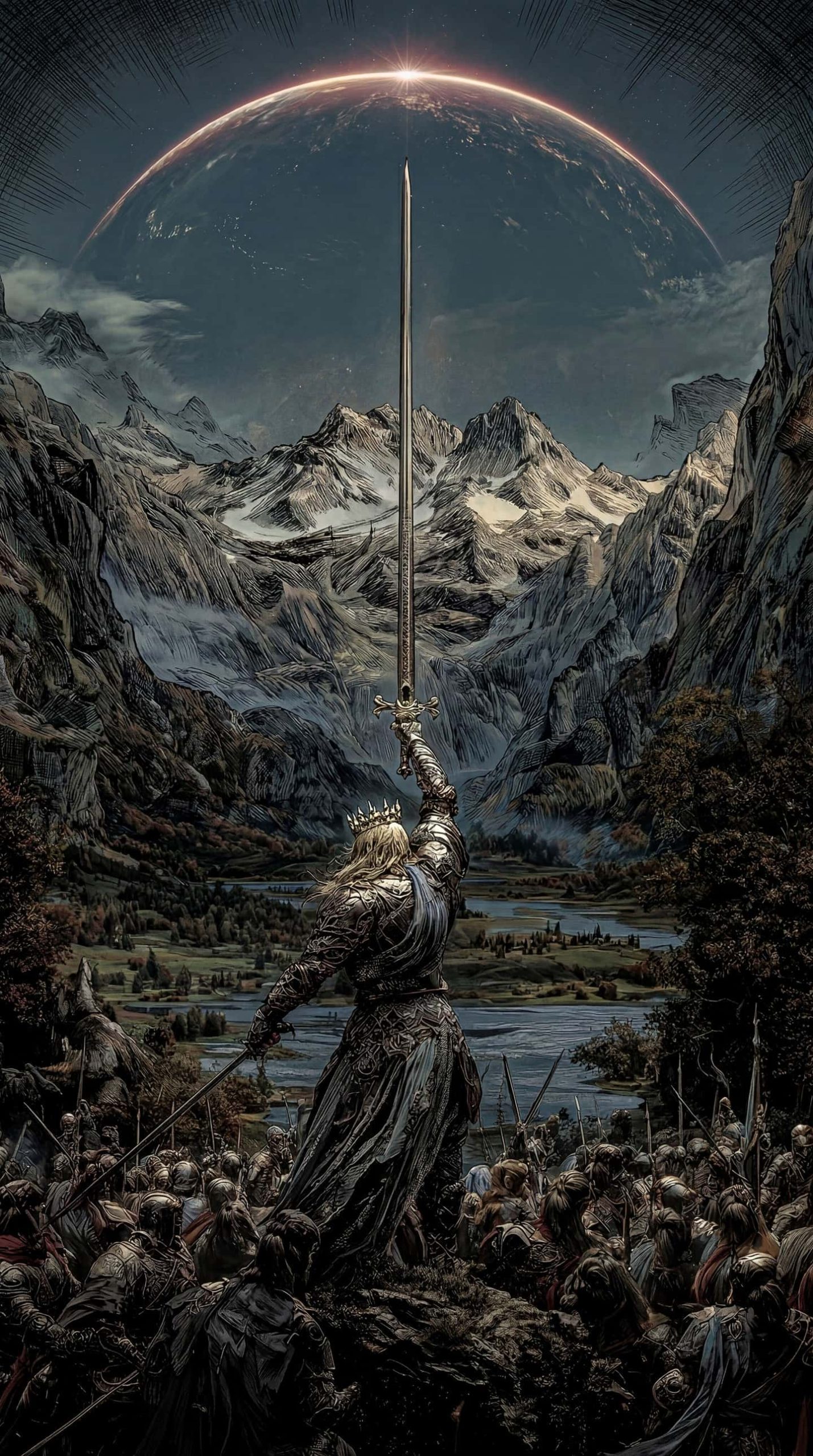
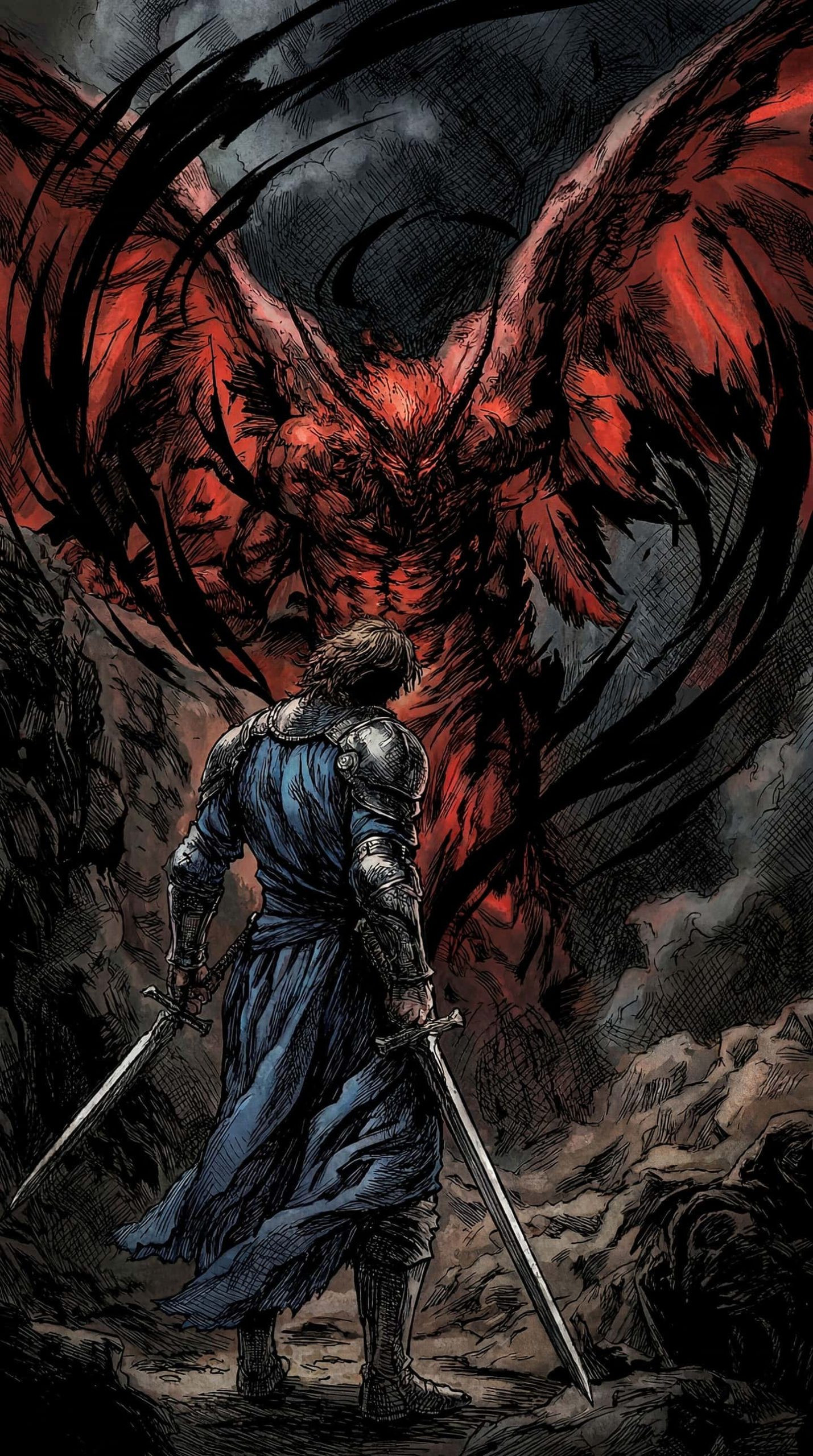
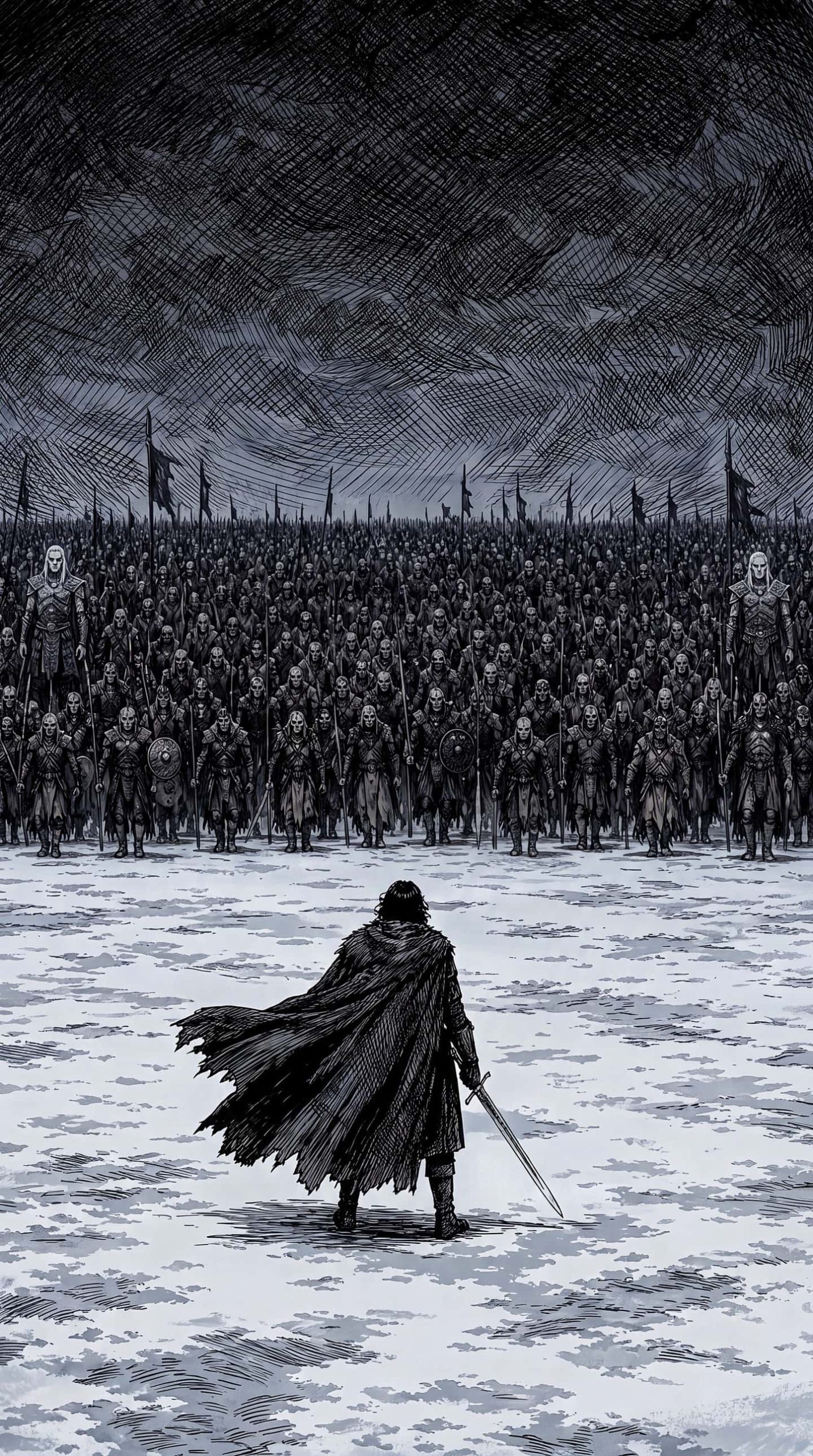
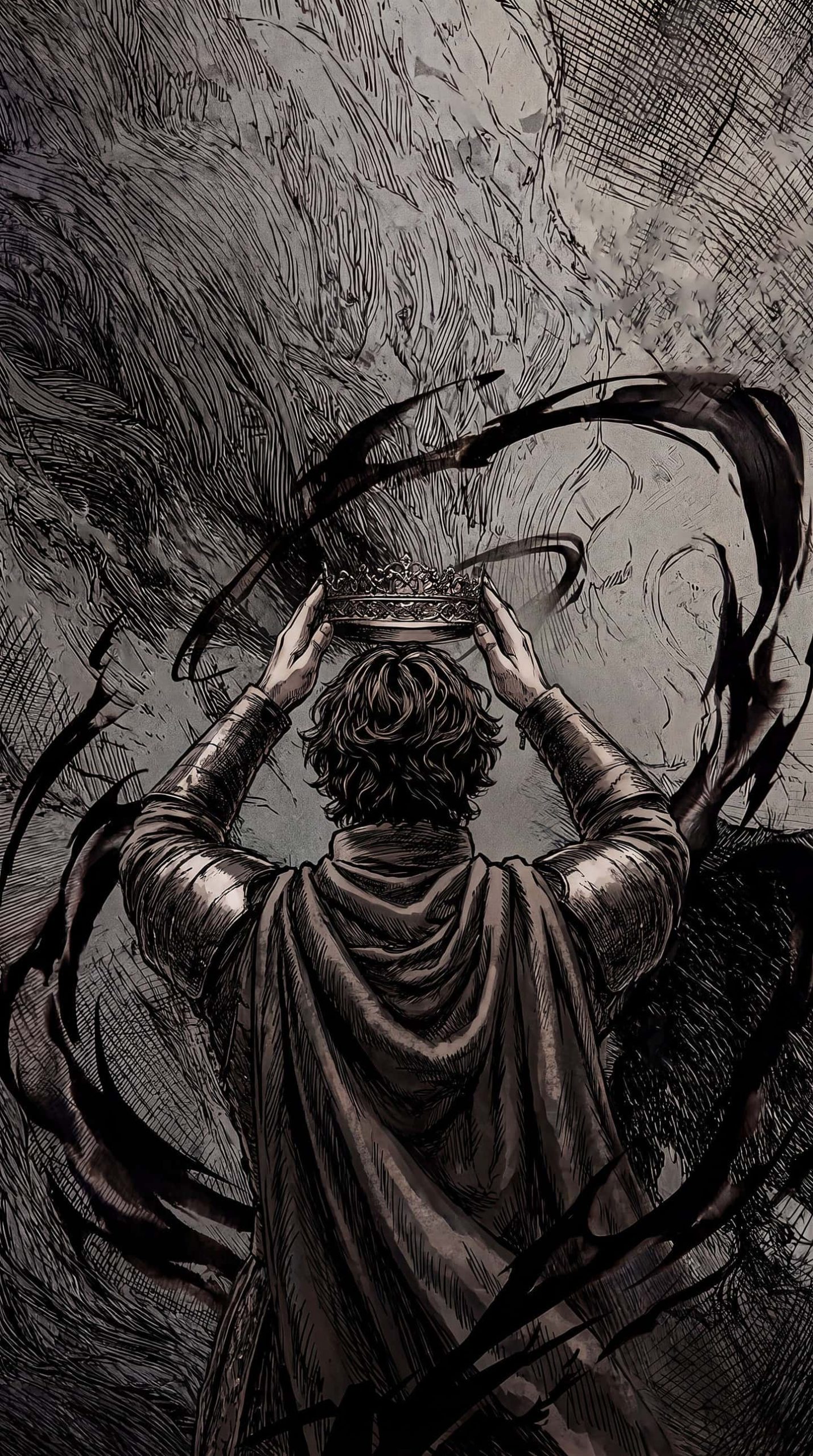
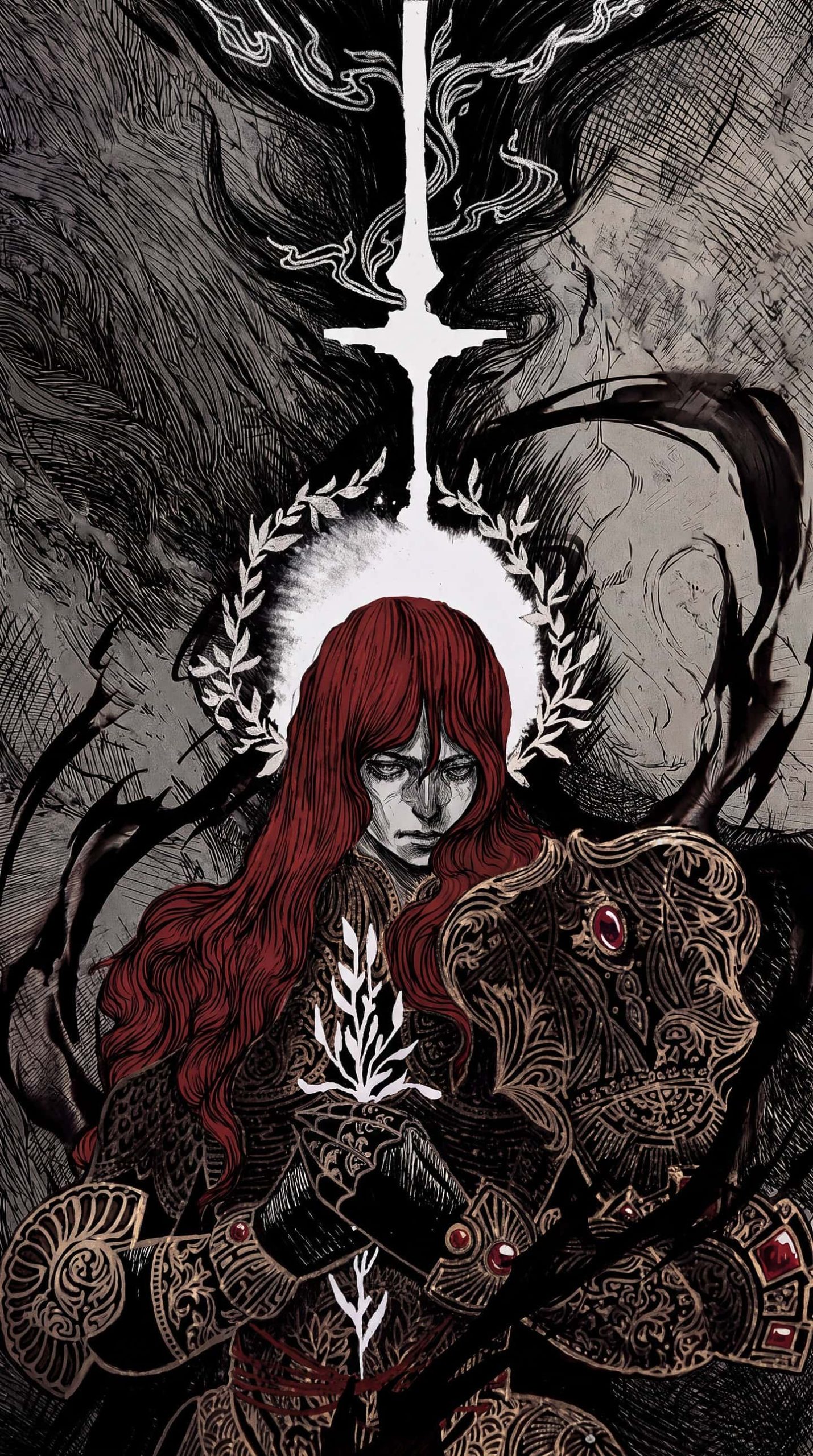
There’s a specific kind of atmosphere that medieval dark fantasy art captures — the weight of armor, the tragedy of fallen figures, the grandeur of kings standing over battlefields. This collection of 16 medieval dark fantasy wallpapers brings that atmosphere straight to your iPhone, with hand-inked illustration style, moody color palettes, and epic-scale compositions inspired by legendary knights, crowned rulers, and otherworldly beings.
What’s Included in the Collection
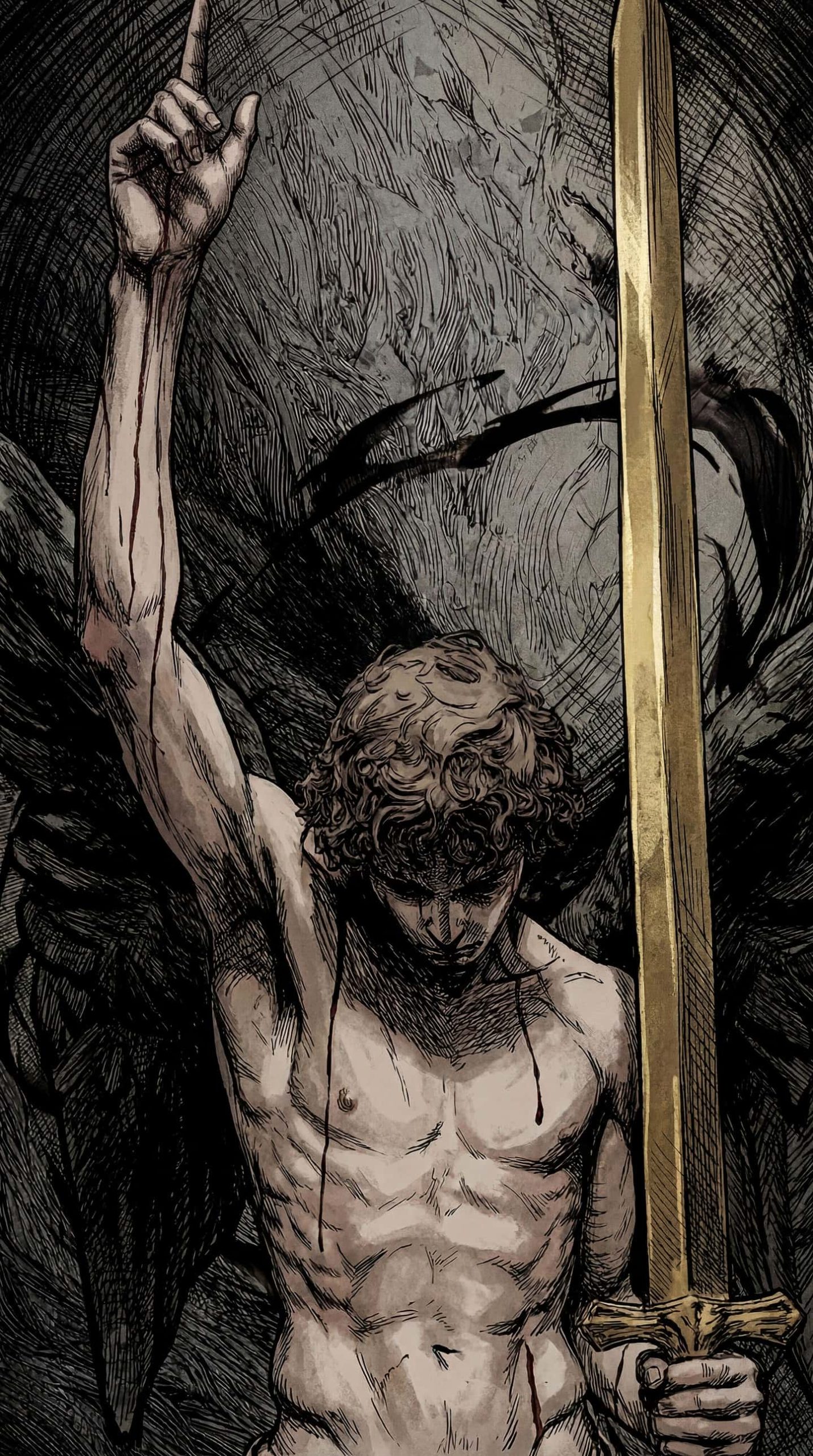
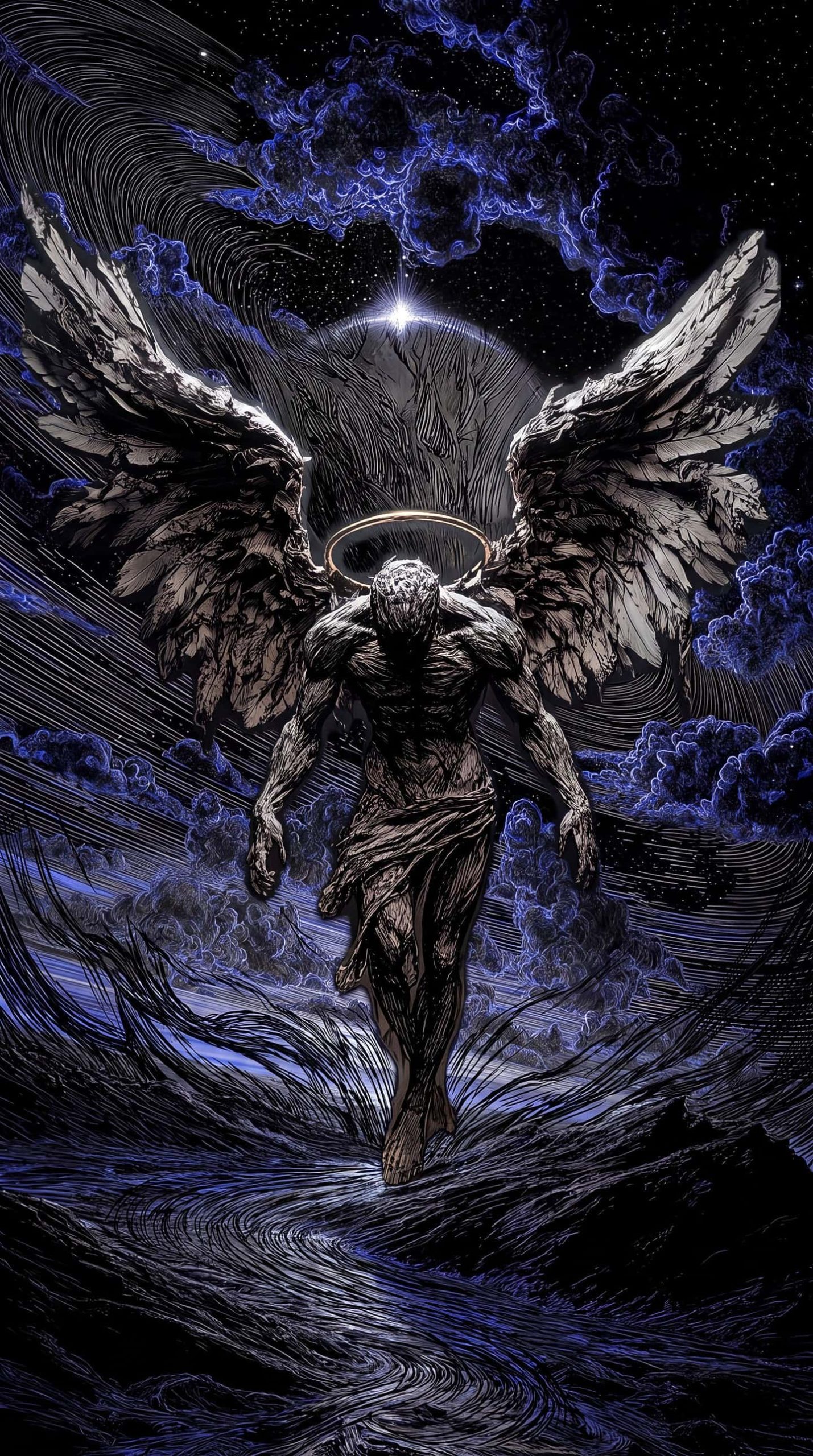
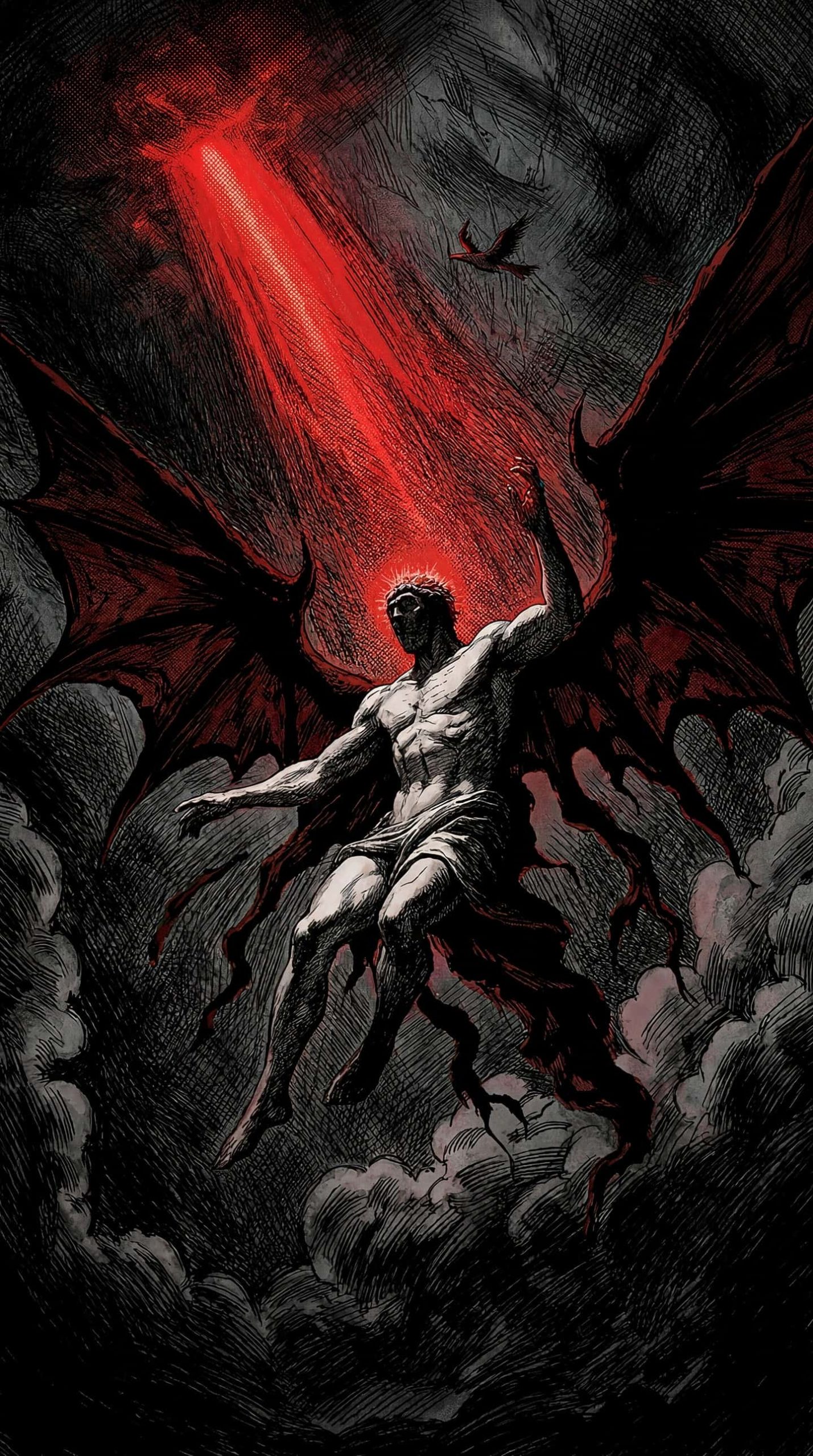
1. Fallen Angels & Divine Figures Winged figures with halos, rendered in a way that blurs the line between holy and haunted — perfect for anyone drawn to religious-inspired dark fantasy imagery.
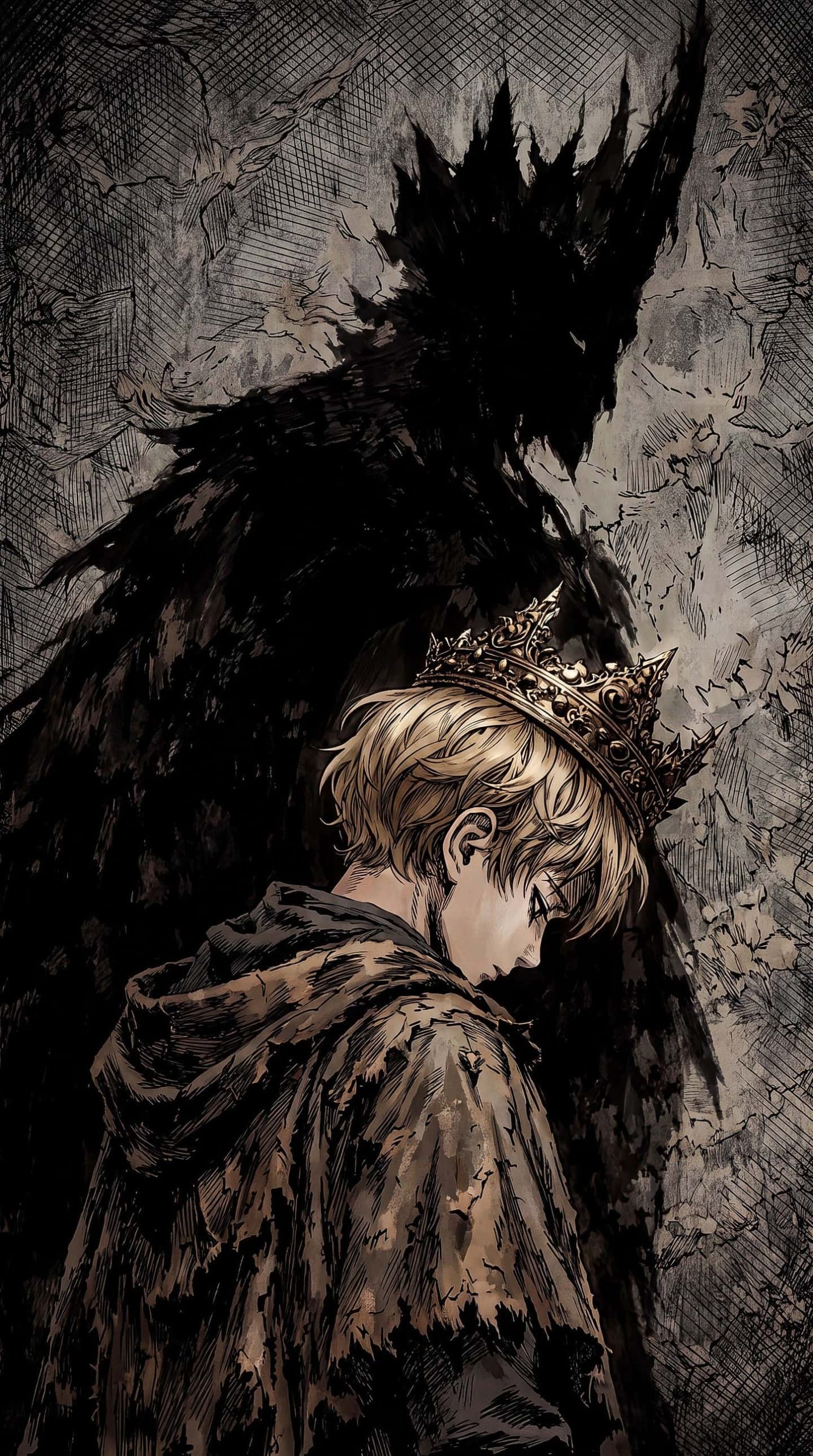
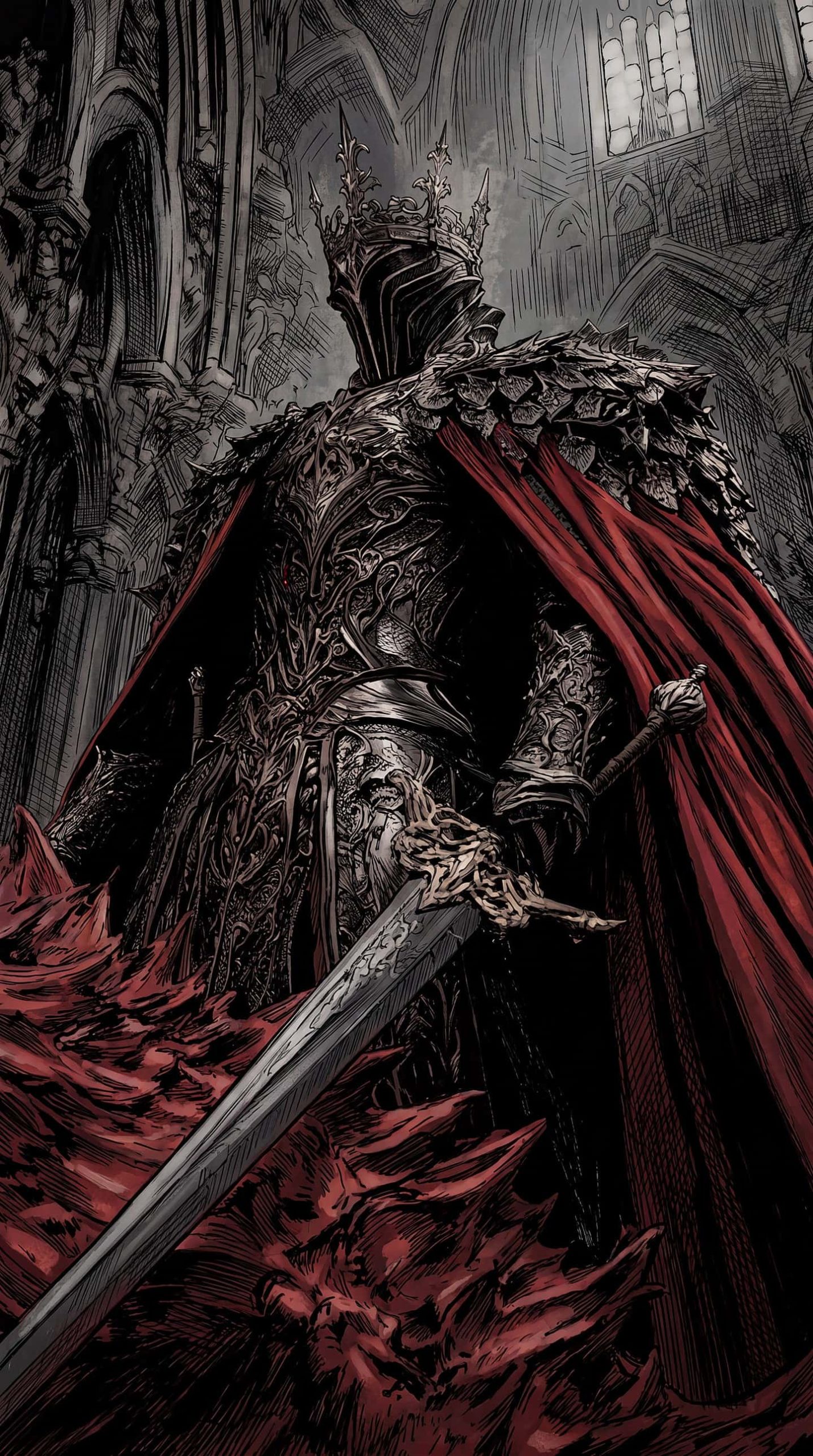
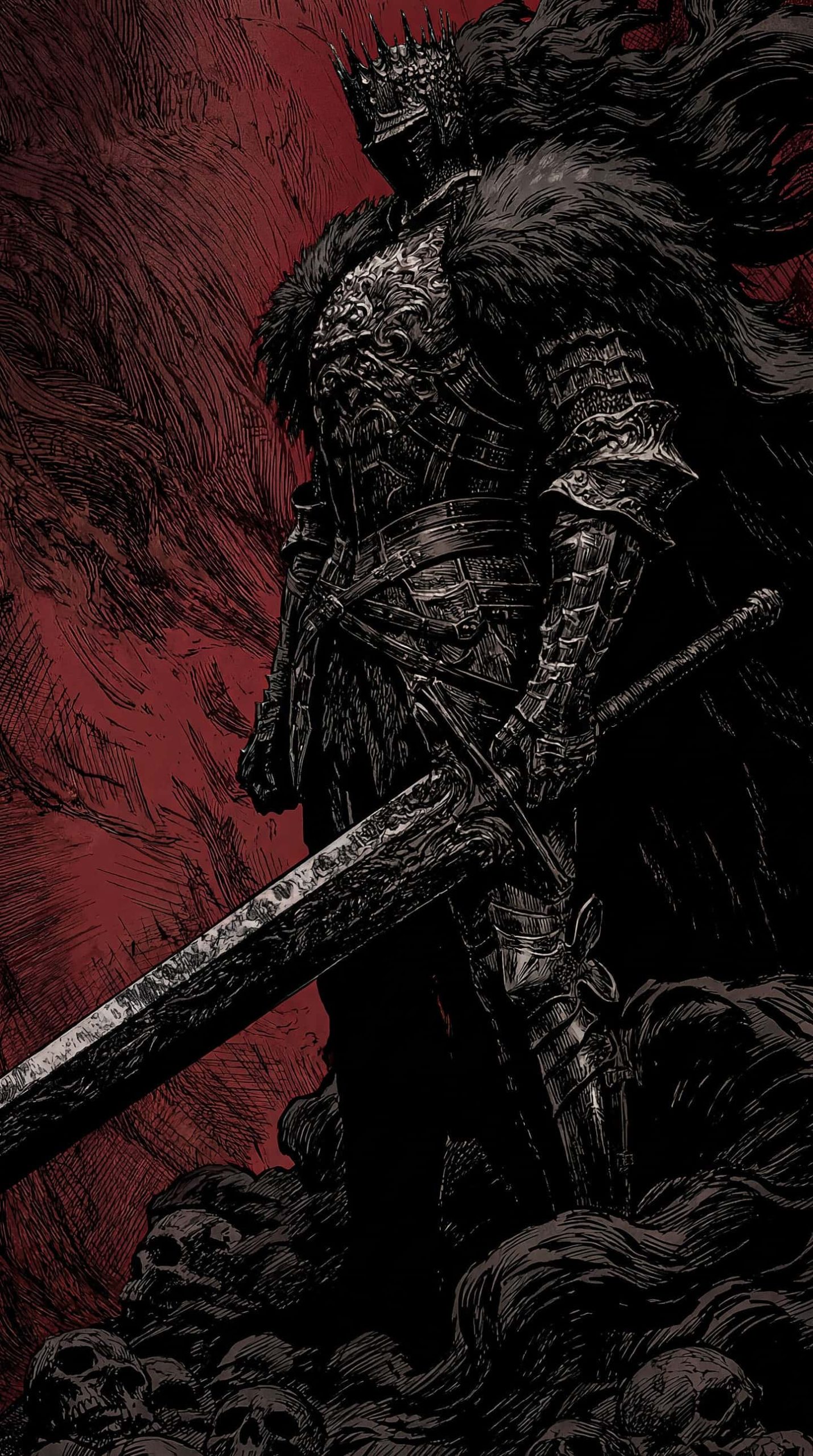
2. Armored Kings & Knights Detailed illustrations of crowned warriors in ornate armor, cloaked in red capes and standing before cathedrals or battlefields.
3. Epic Battle Scenes Wide compositions featuring lone warriors facing down massive armies, capturing the scale and tension of legendary last stands.
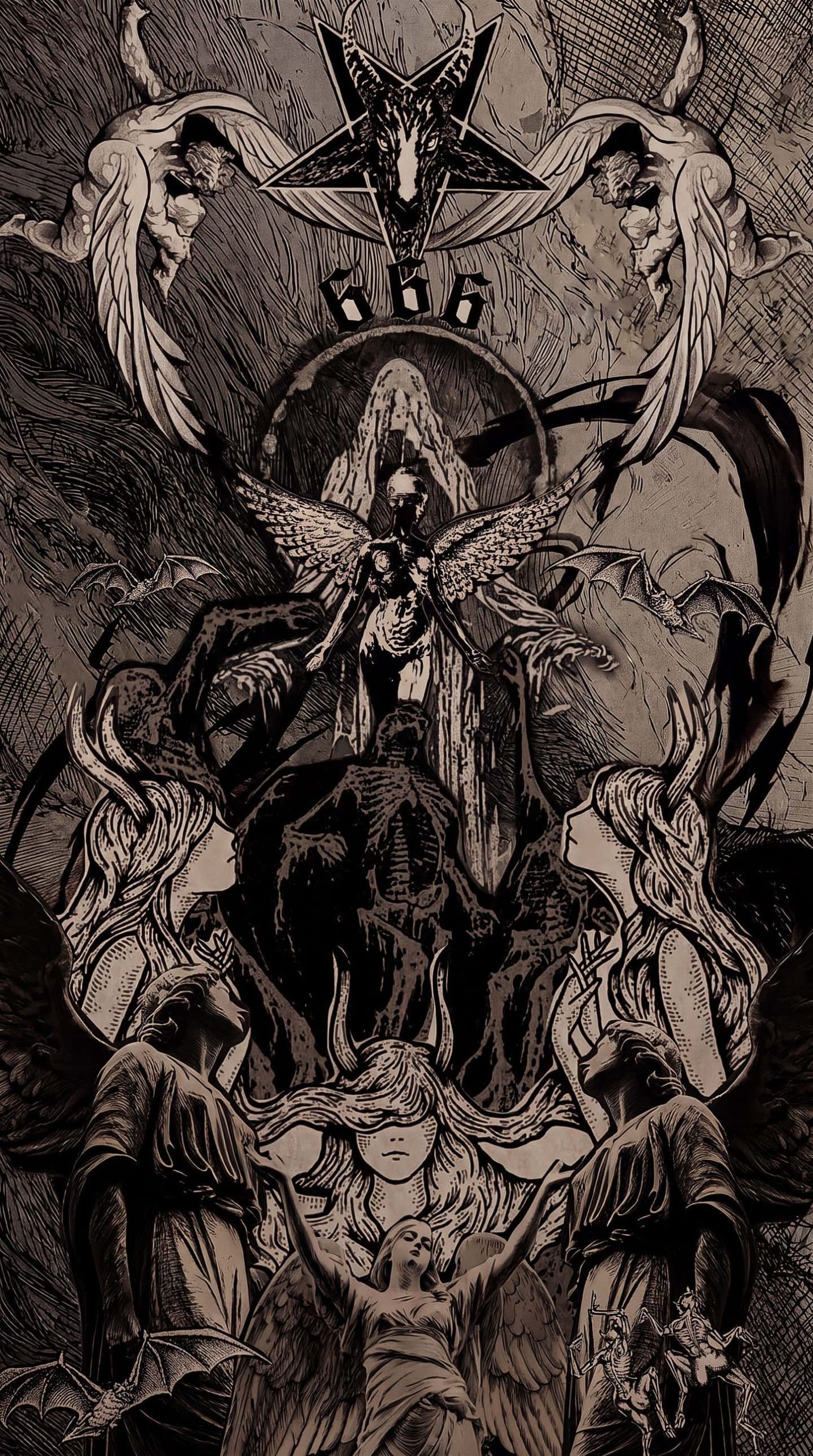
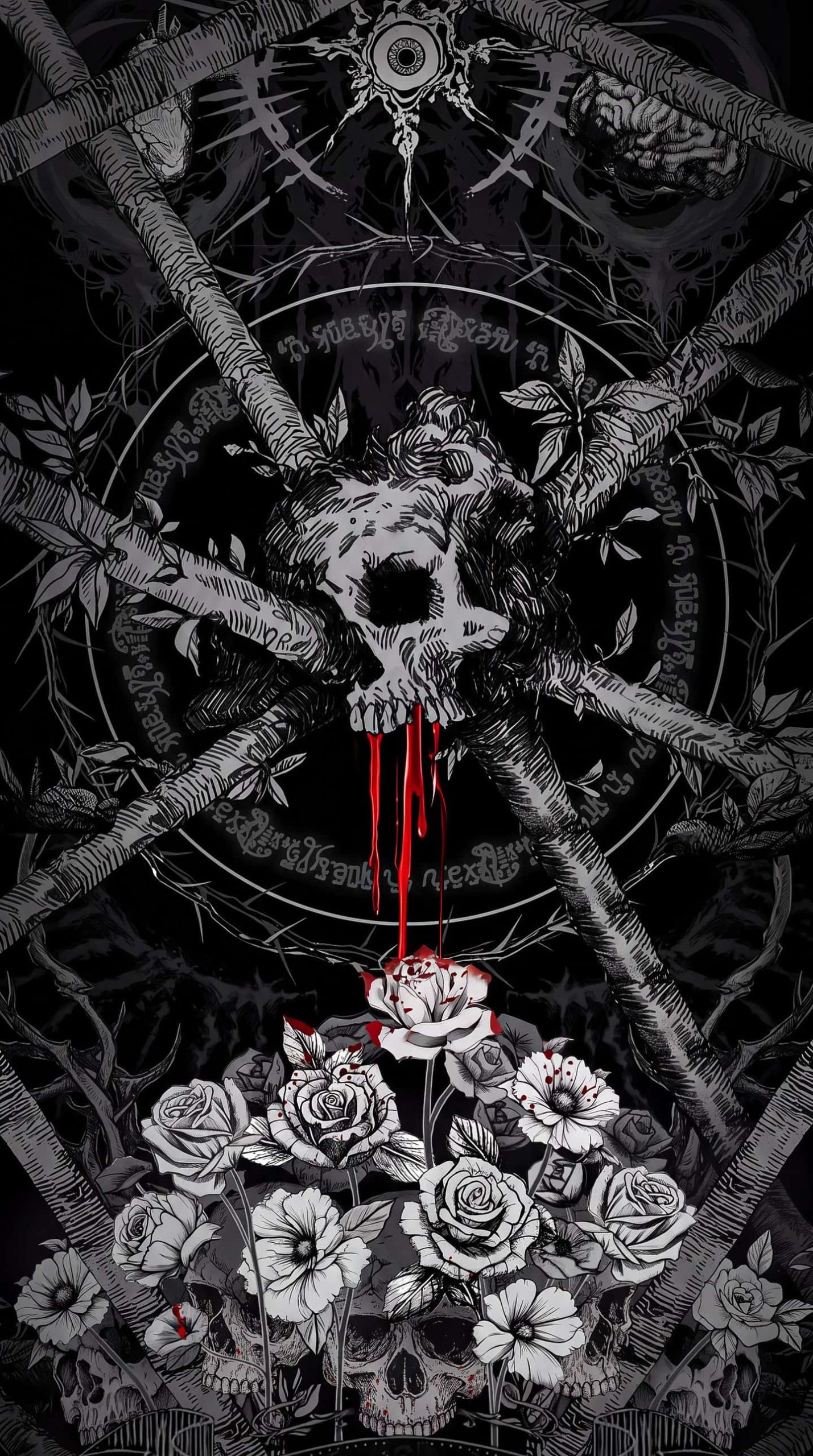
4. Symbolic & Occult Art Darker, more symbolic pieces featuring skulls, roses, and gothic motifs for a moodier, more macabre aesthetic.
5. Warriors in Flame and Blood Dynamic character portraits featuring fire, blood, and battle-worn detail, ideal for fans of dramatic character-driven fantasy art.
Why This Style Works So Well on iPhone
Dark, high-contrast illustration art translates beautifully to modern OLED displays. The deep blacks in these designs blend naturally into your Lock Screen, while the intricate cross-hatching and linework hold up sharply even at smaller icon sizes. It’s a style that feels equally at home as a Home Screen background or a full-screen Lock Screen moment.
How to Set It Up on iPhone
- Save your chosen wallpaper to Photos.
- Go to Settings > Wallpaper > Add New Wallpaper.
- Select Photos and choose your image.
- Adjust the crop to frame the artwork the way you like.
- Apply it to your Lock Screen, Home Screen, or both.
Because many of these designs feature a strong focal point near the top or center, they pair especially well with a minimal Home Screen icon layout that doesn’t compete for attention.
Tips for Choosing Your Wallpaper
- Match the mood: Pick fallen angel or celestial designs for a more melancholic tone, or armored king and battle scenes for something more aggressive and heroic.
- Consider contrast: Designs with strong red or gold accents against black backgrounds tend to make icons and widgets pop more clearly.
- Rotate by mood: Since the set spans several distinct themes, many fans like to rotate wallpapers to match whatever fantasy world or game they’re currently into.
Final Thoughts
Medieval dark fantasy art has a timeless, dramatic quality that few other styles match. Whether you’re drawn to fallen angels, crowned kings, or knights facing impossible odds, this 16-design wallpaper pack offers a strong dose of atmosphere for your iPhone.
Artist Credit: This collection features artwork by @mclalan_ on Instagram. Be sure to follow and support the artist for more dark fantasy illustrations like these.