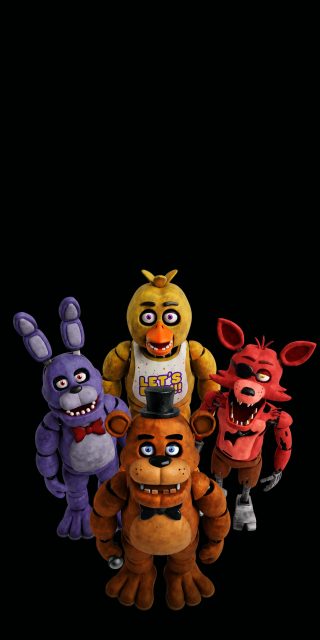
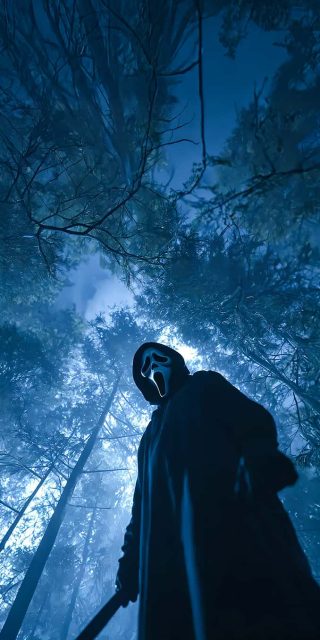
Halloween iPhone Wallpapers 4K – Spooky & Cute Backgrounds
Halloween is the perfect time to give your iPhone a darker and more mysterious look. Whether you enjoy creepy pumpkins, haunted houses, ghosts, witches, skulls, or cute Halloween characters, the right wallpaper can instantly bring the spirit of October to your screen. Our Halloween iPhone wallpapers collection combines spooky artwork, cute designs, dark backgrounds, and high-quality 4K details for a stylish seasonal makeover.
These wallpapers are designed to look great across different iPhone models and screen sizes. From simple pumpkin illustrations to detailed horror-inspired scenes, there is a Halloween background for almost every style. Dark AMOLED-inspired wallpapers are especially popular for users who prefer a clean and dramatic lock screen, while colorful designs work well for anyone looking for something more playful.
Spooky Halloween Wallpapers for iPhone
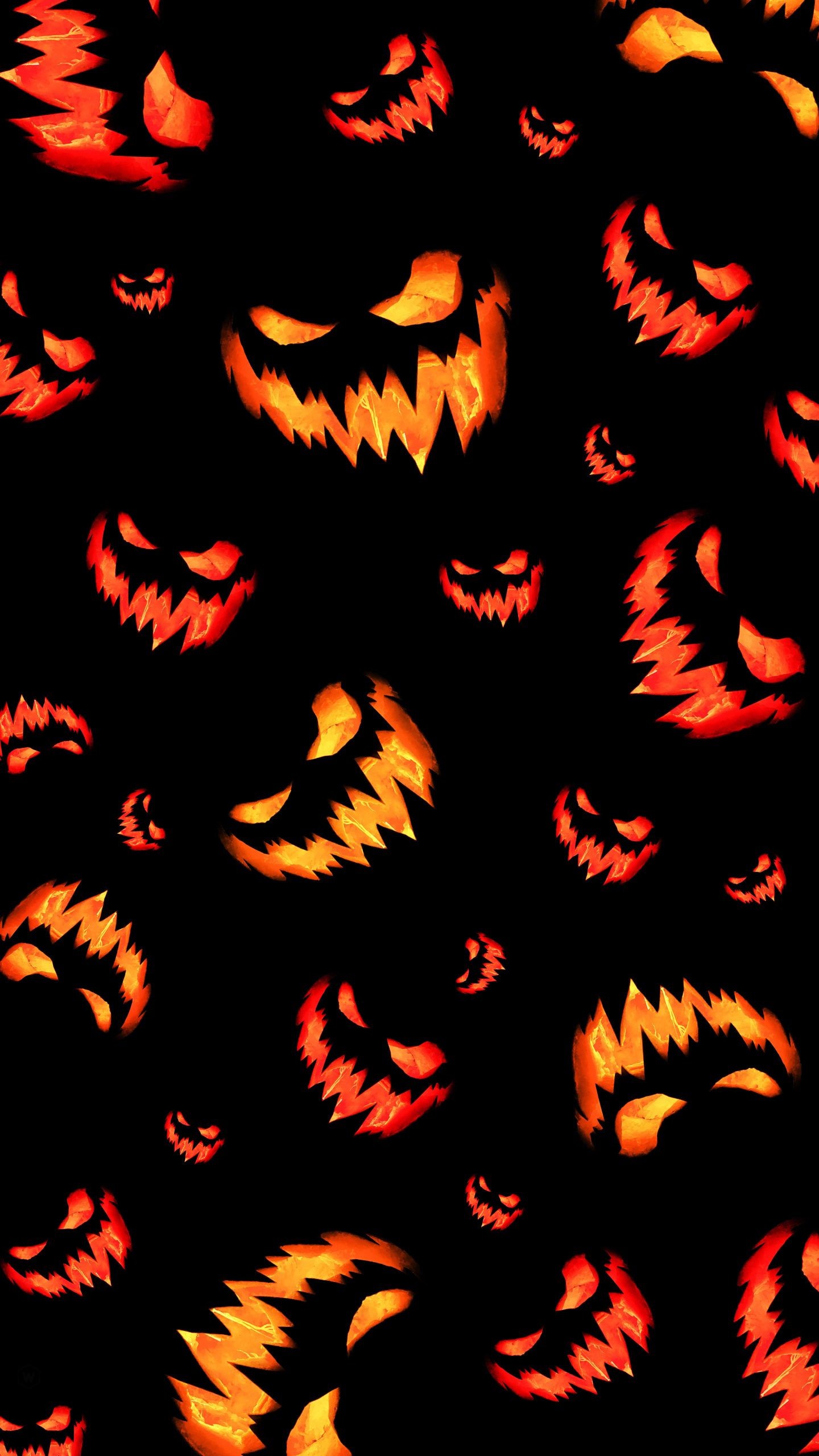
For a traditional Halloween atmosphere, spooky wallpapers are an excellent choice. Imagine glowing jack-o’-lanterns sitting beneath a full moon, fog drifting through an abandoned forest, or a haunted house surrounded by twisted trees. These darker designs create an eerie atmosphere without making your iPhone screen look overly busy.
Black, orange, purple, and deep red tones are commonly associated with Halloween, making them ideal for creating a strong seasonal appearance. Detailed 4K artwork also helps preserve sharpness, especially on modern iPhone displays.
Cute Halloween iPhone Wallpapers
Halloween does not always have to be scary. Cute Halloween wallpapers are a great option for users who want something fun and festive. Adorable pumpkins, cartoon ghosts, smiling bats, tiny witches, and playful Halloween illustrations can give your iPhone a cheerful October look.
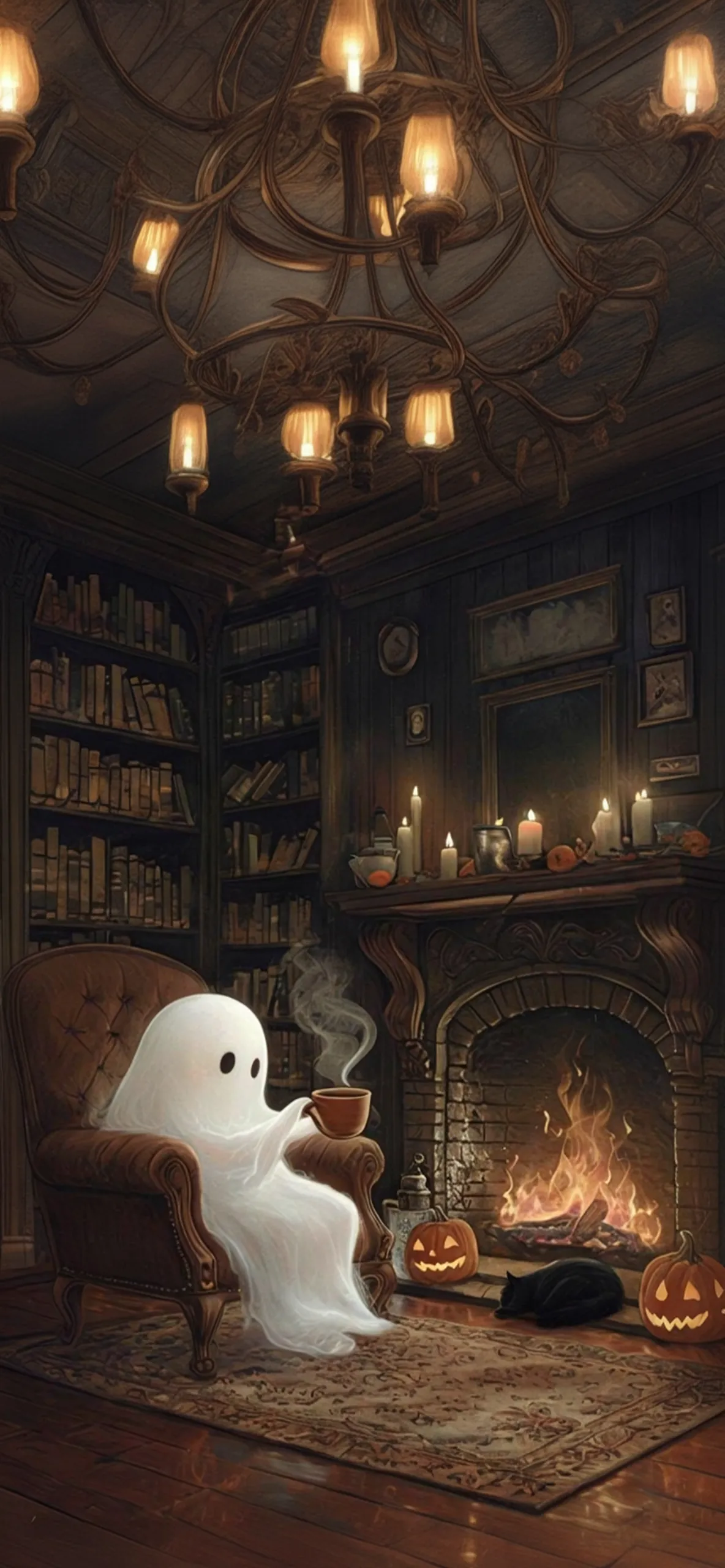
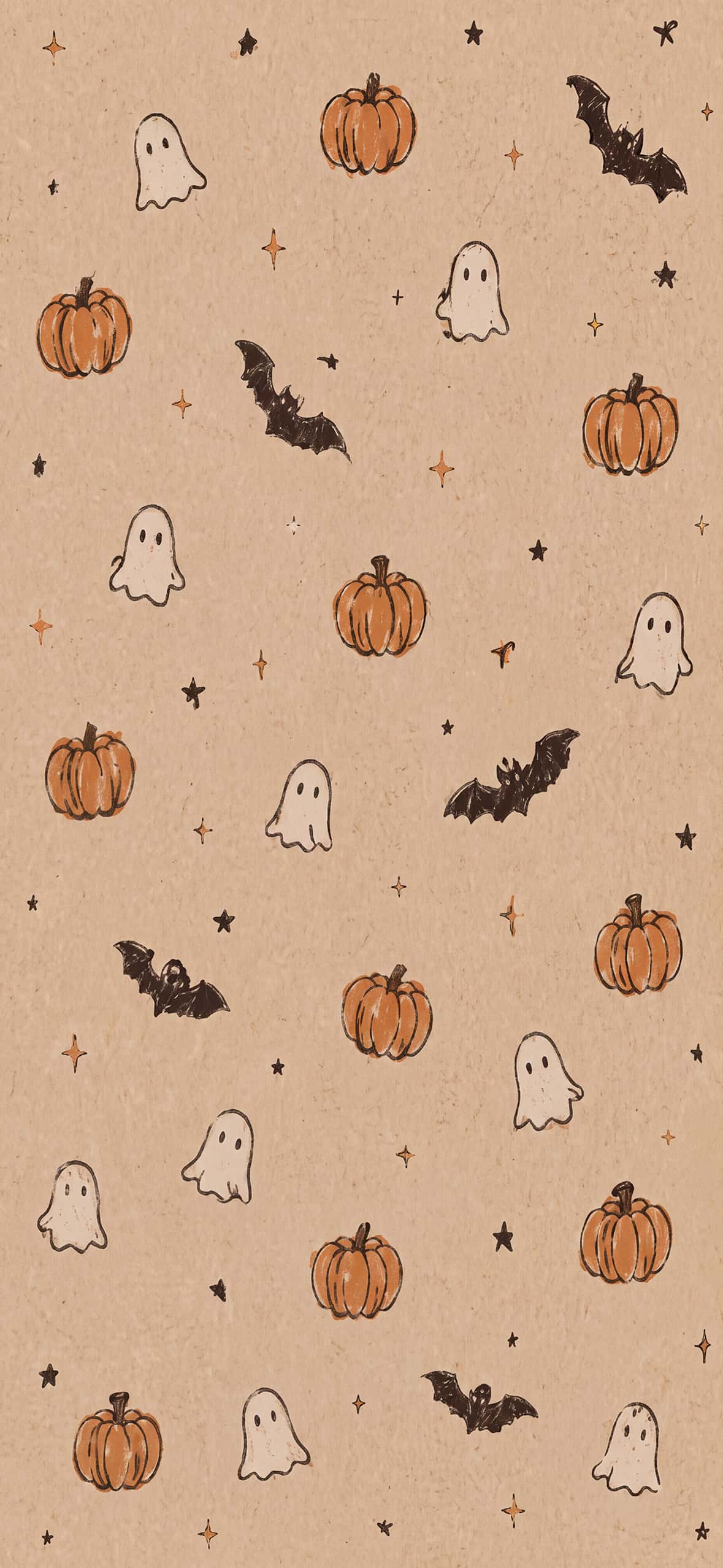
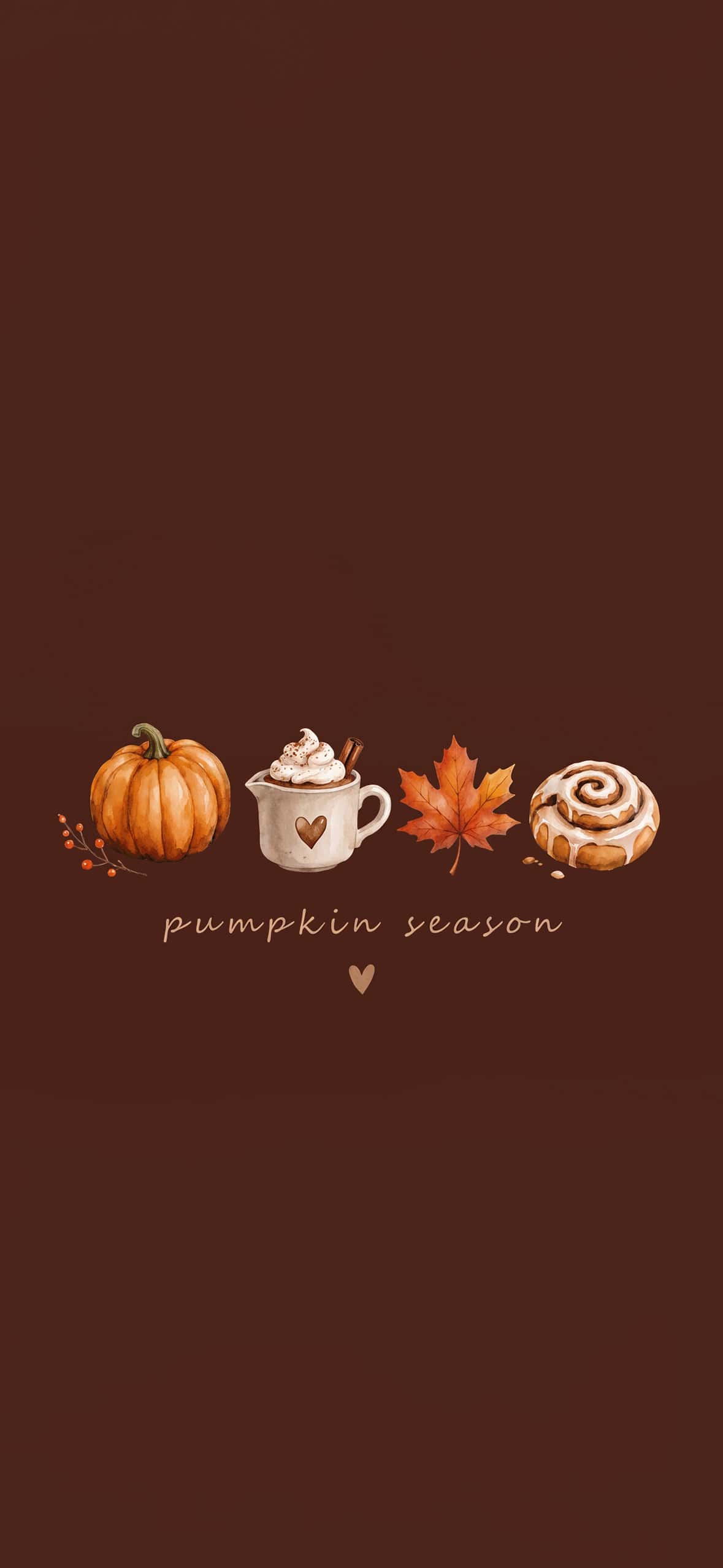
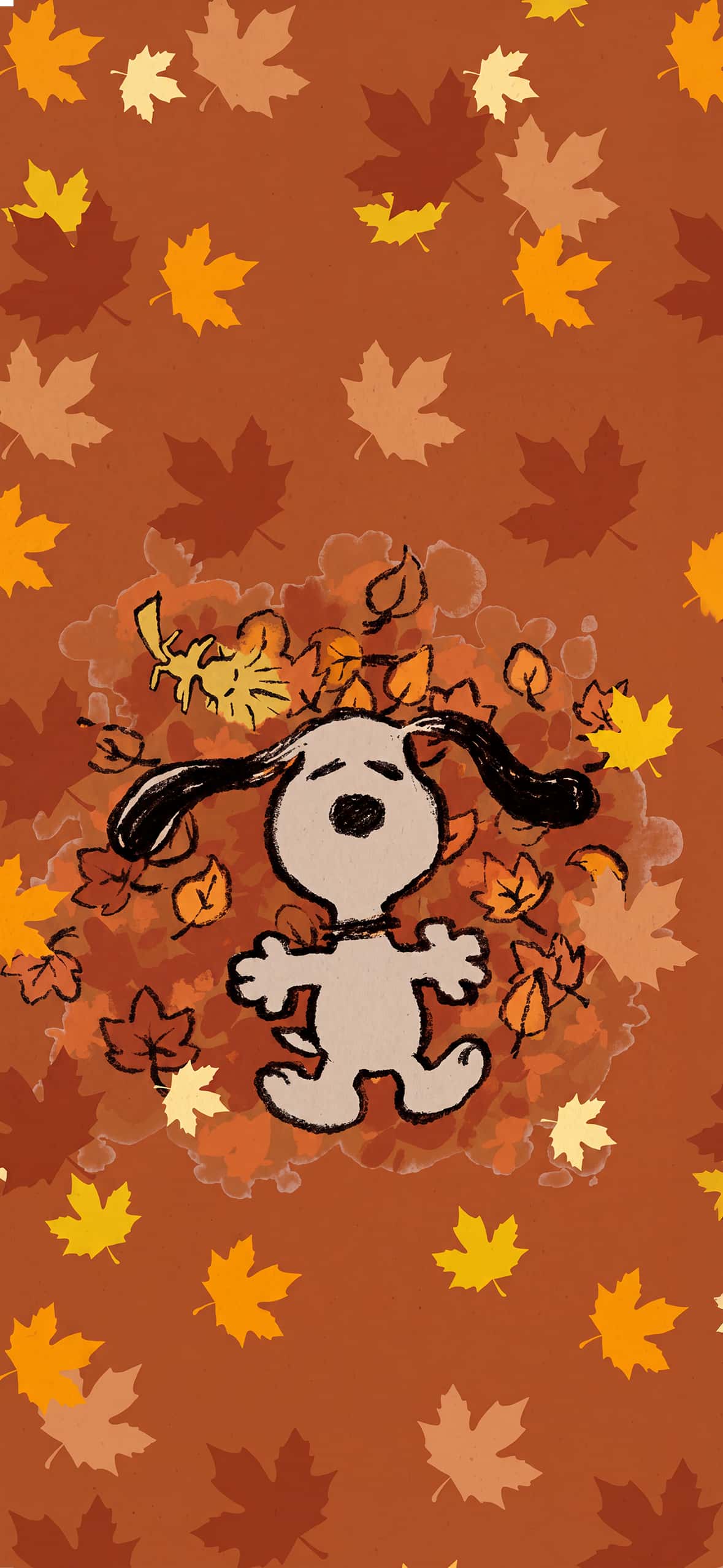
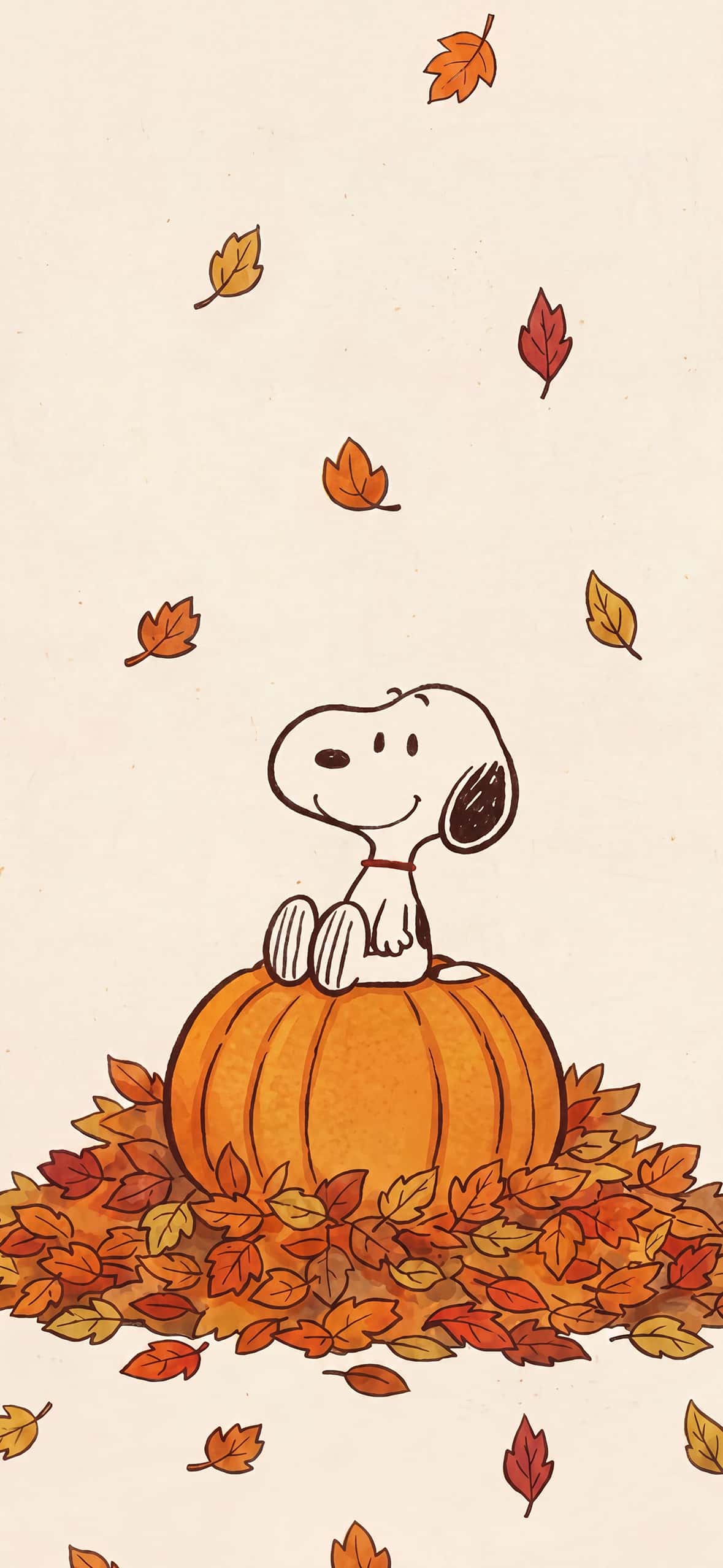
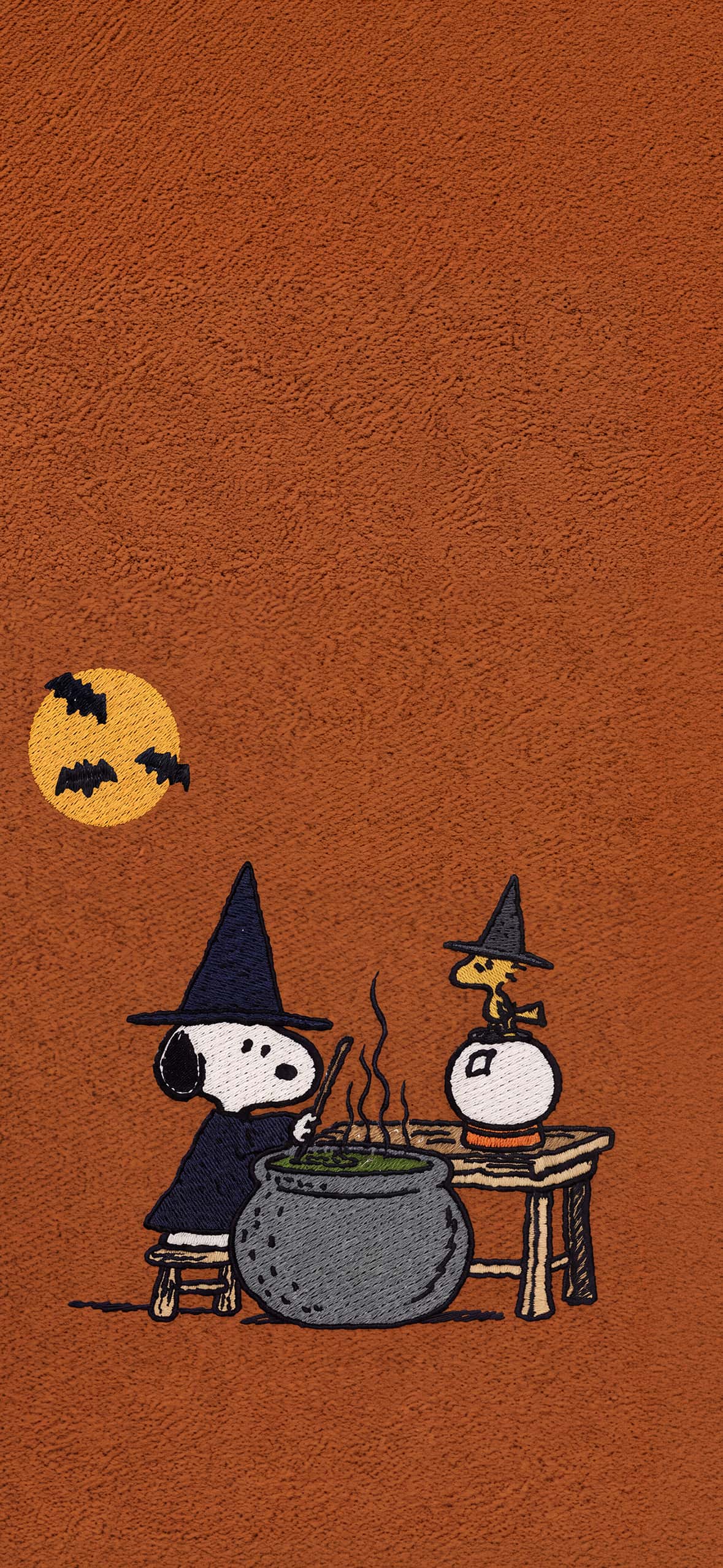
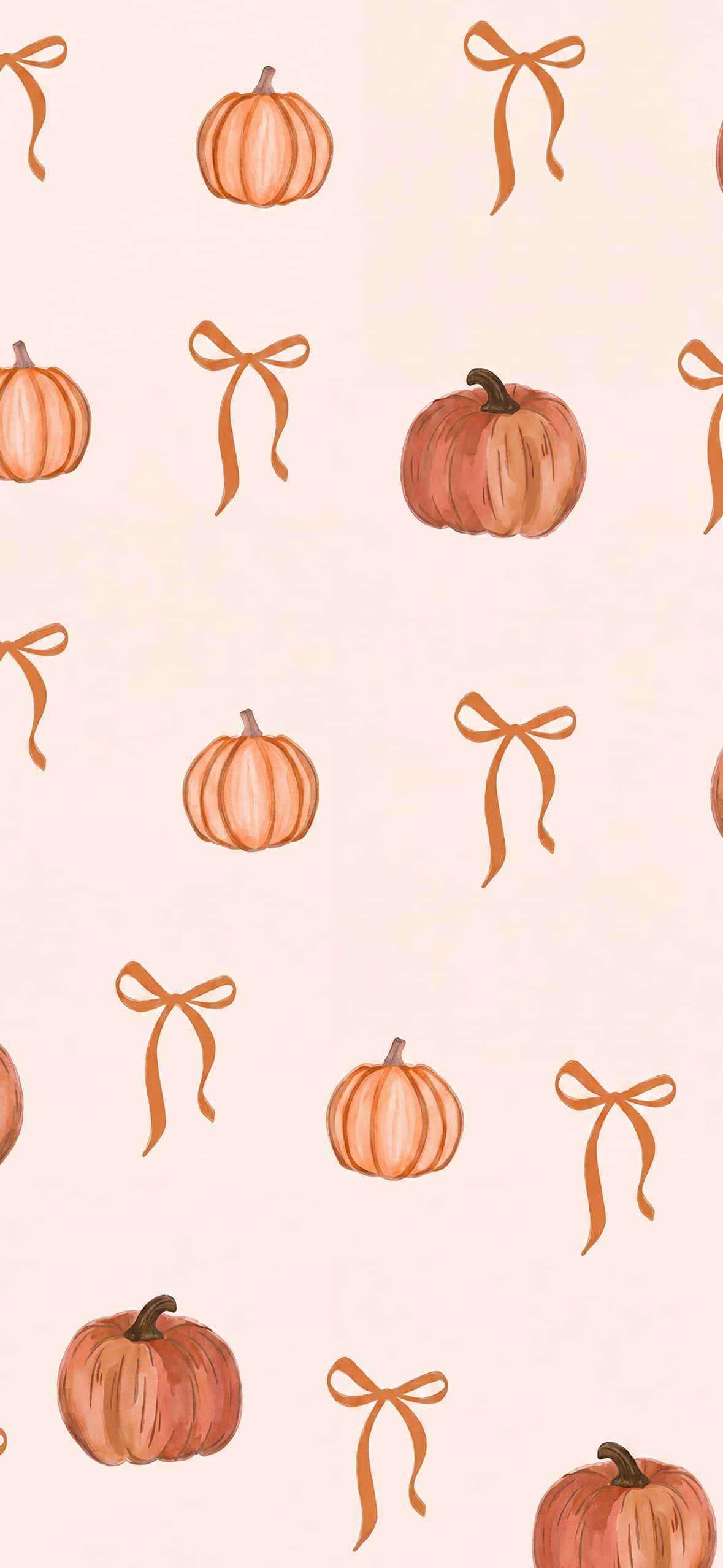
These designs are particularly useful when you want a wallpaper that feels seasonal without relying on horror themes. Minimal cute wallpapers can also work beautifully with app icons and widgets because they leave enough visual space around important areas of the screen.
Dark and Minimal Halloween Backgrounds
Minimal Halloween wallpapers are another popular option for iPhone users. Instead of a complex scene, these designs may feature a single pumpkin, crescent moon, skull, bat silhouette, or Halloween symbol against a dark background.
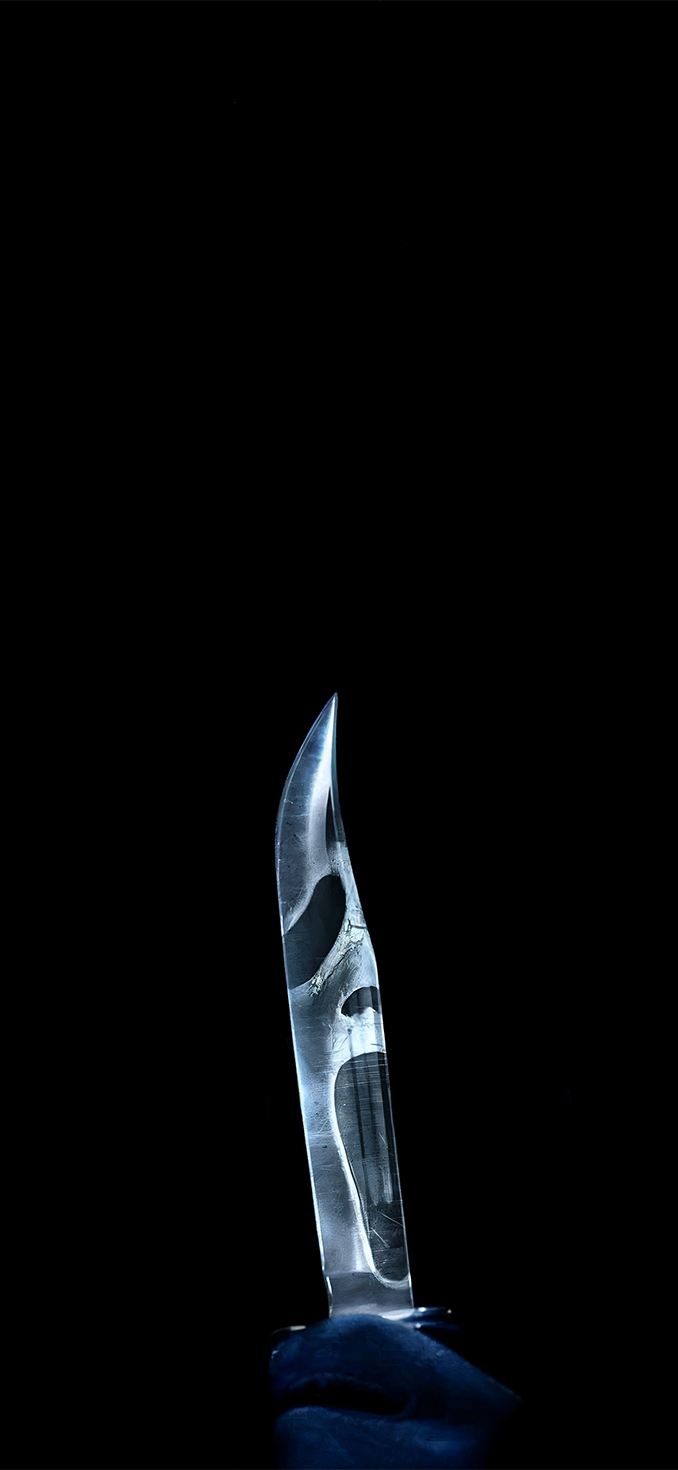
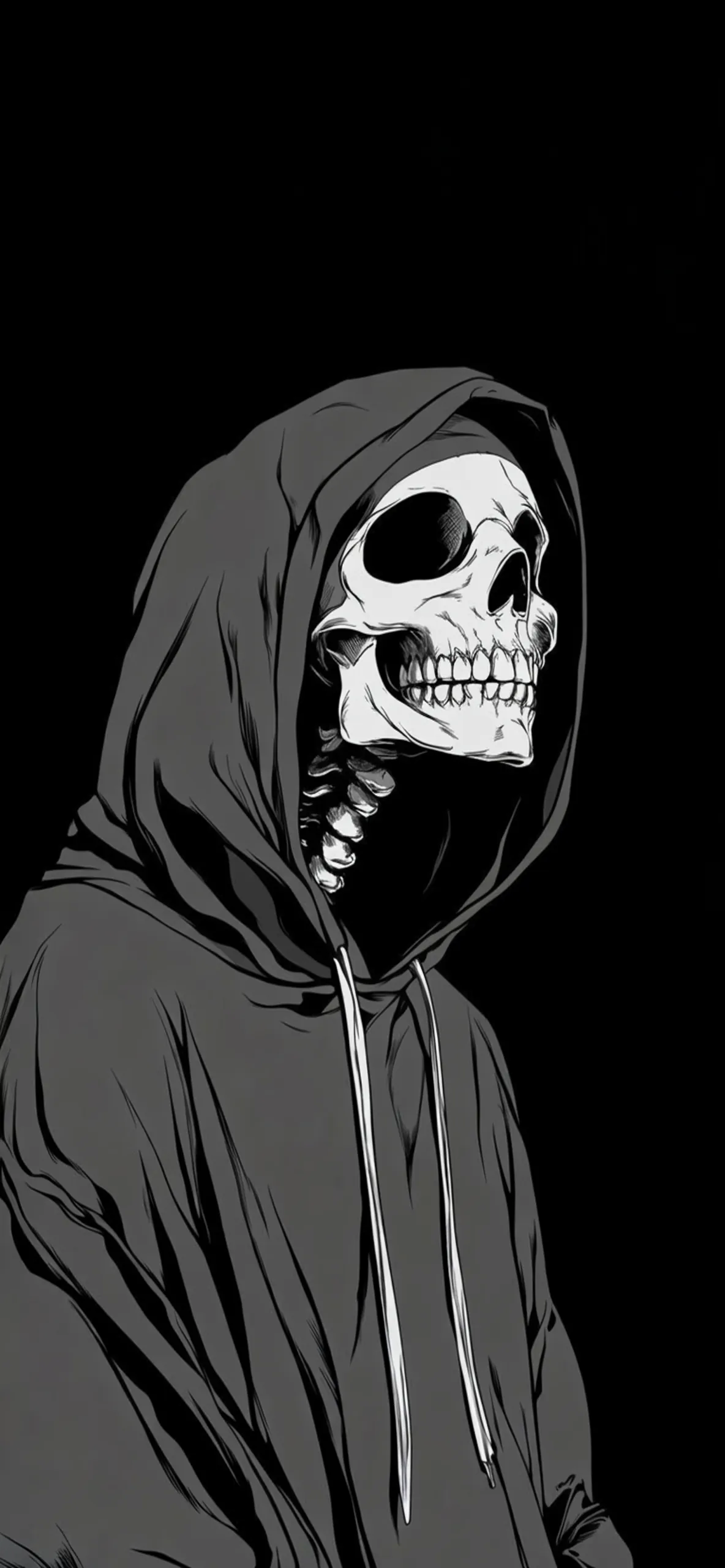
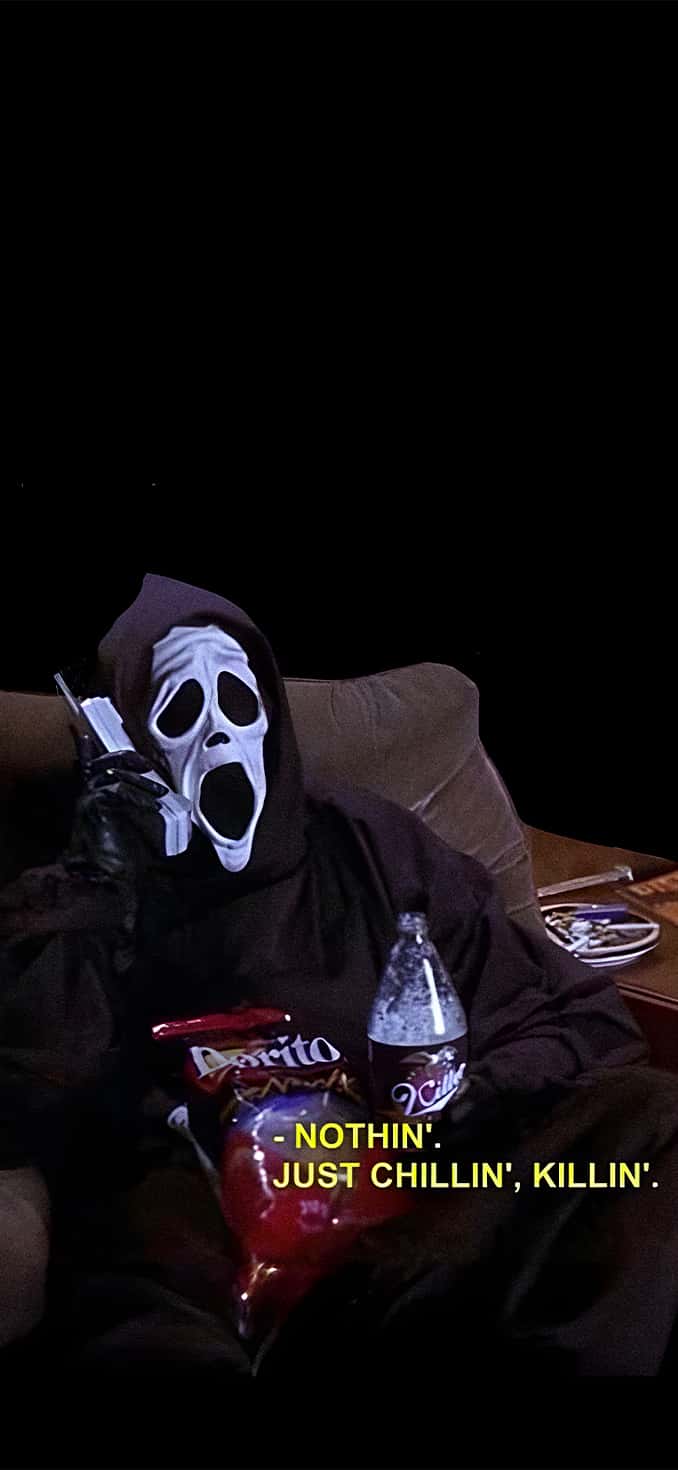
The simplicity makes them easy to pair with the iPhone’s lock screen clock, widgets, and notification area. Dark wallpapers can also create a premium appearance while keeping the overall screen clean and uncluttered.
Why Choose 4K Halloween Wallpapers?
High-resolution wallpapers make a noticeable difference on modern smartphone displays. A 4K Halloween wallpaper can retain fine details, textures, shadows, and lighting effects, helping the artwork look crisp rather than blurry or stretched.
For this reason, choosing a properly sized HD or 4K background is a better option than downloading a low-resolution image that may lose quality after being applied to your iPhone.
How to Set a Halloween Wallpaper on iPhone
Download your favorite Halloween iPhone wallpaper and save the image to your Photos app. Open the image, tap the Share button, and select Use as Wallpaper. Adjust the image until the composition looks right on your screen, then choose whether you want it on the Lock Screen, Home Screen, or both.
You can also customize the Lock Screen by adding widgets, changing the clock style, or applying Apple’s available photo effects to create a more personalized Halloween setup.
Download Halloween iPhone Wallpapers
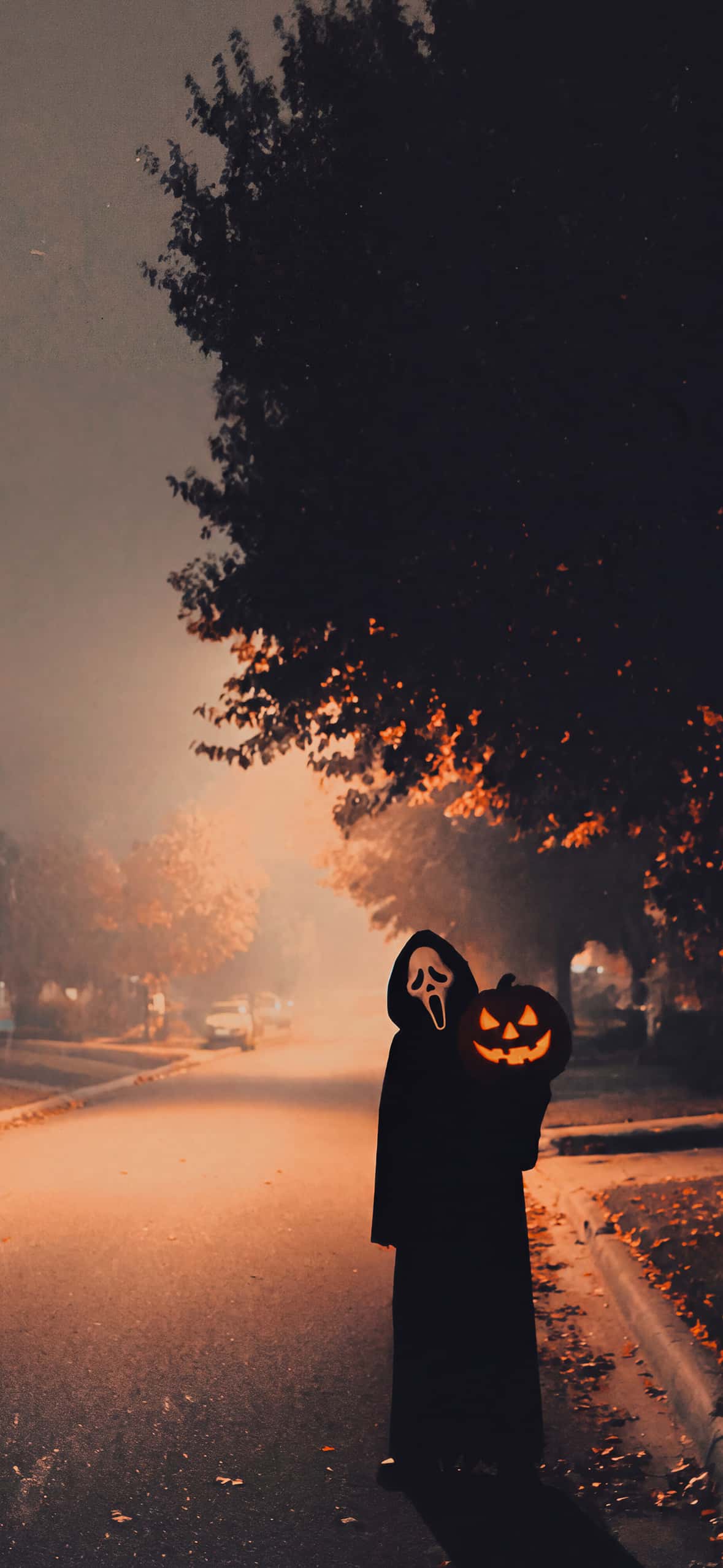
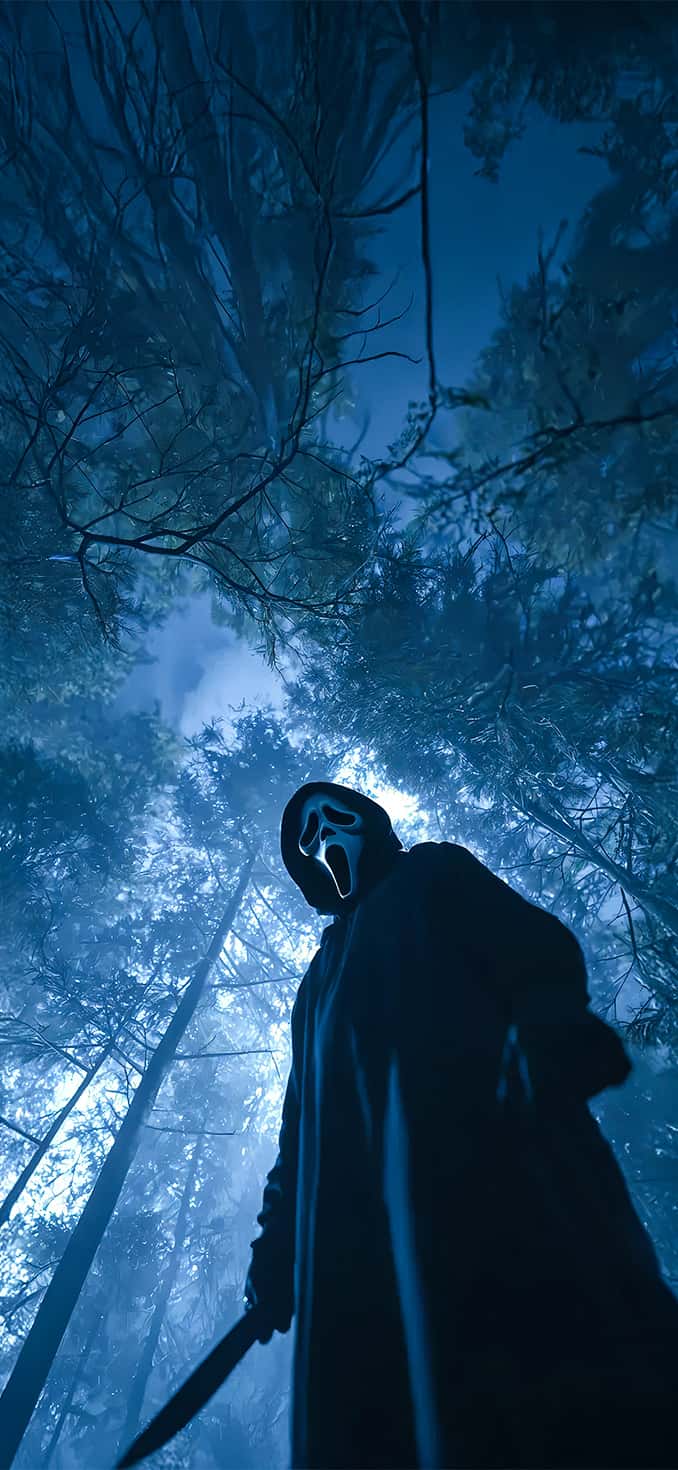
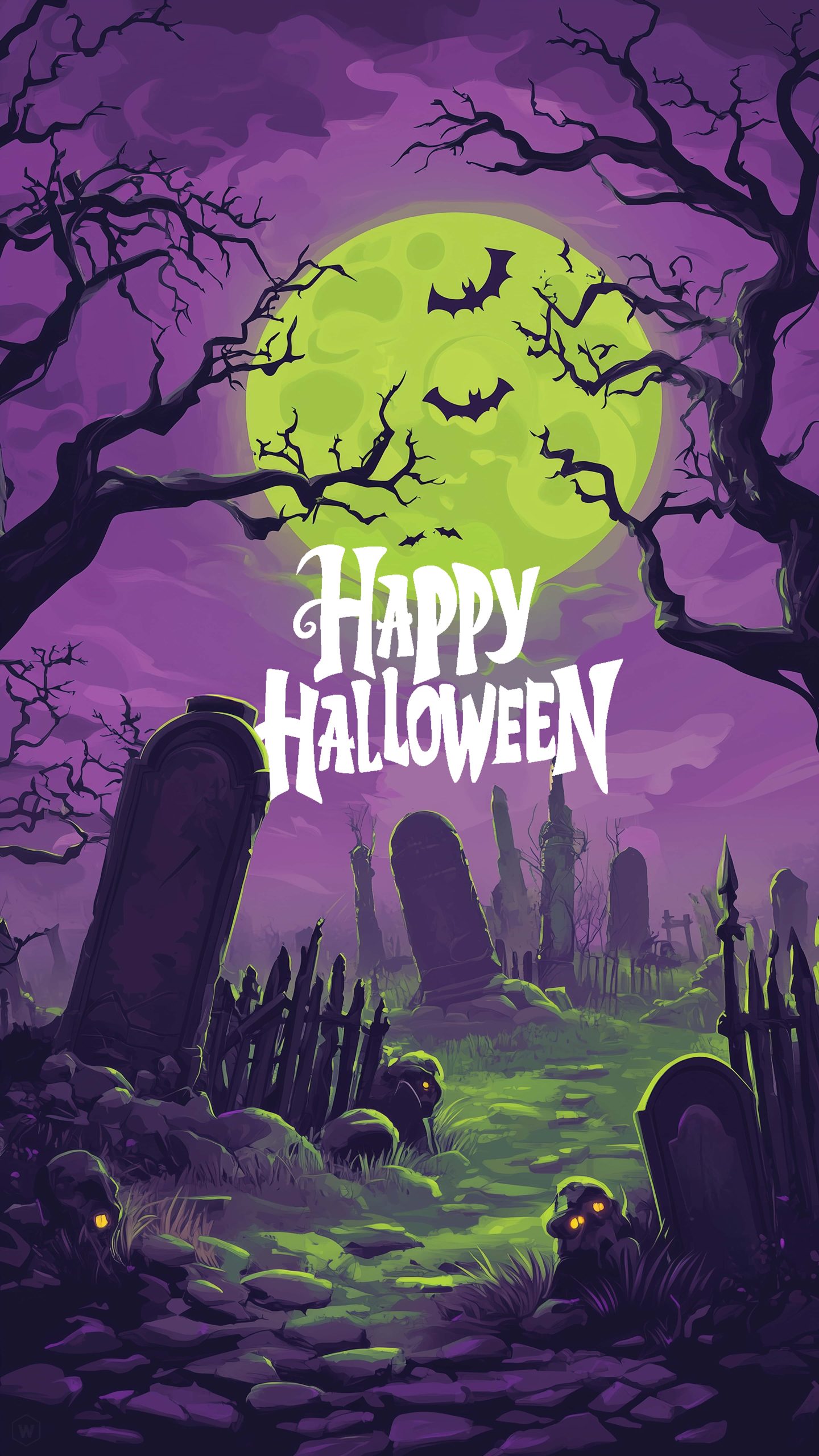
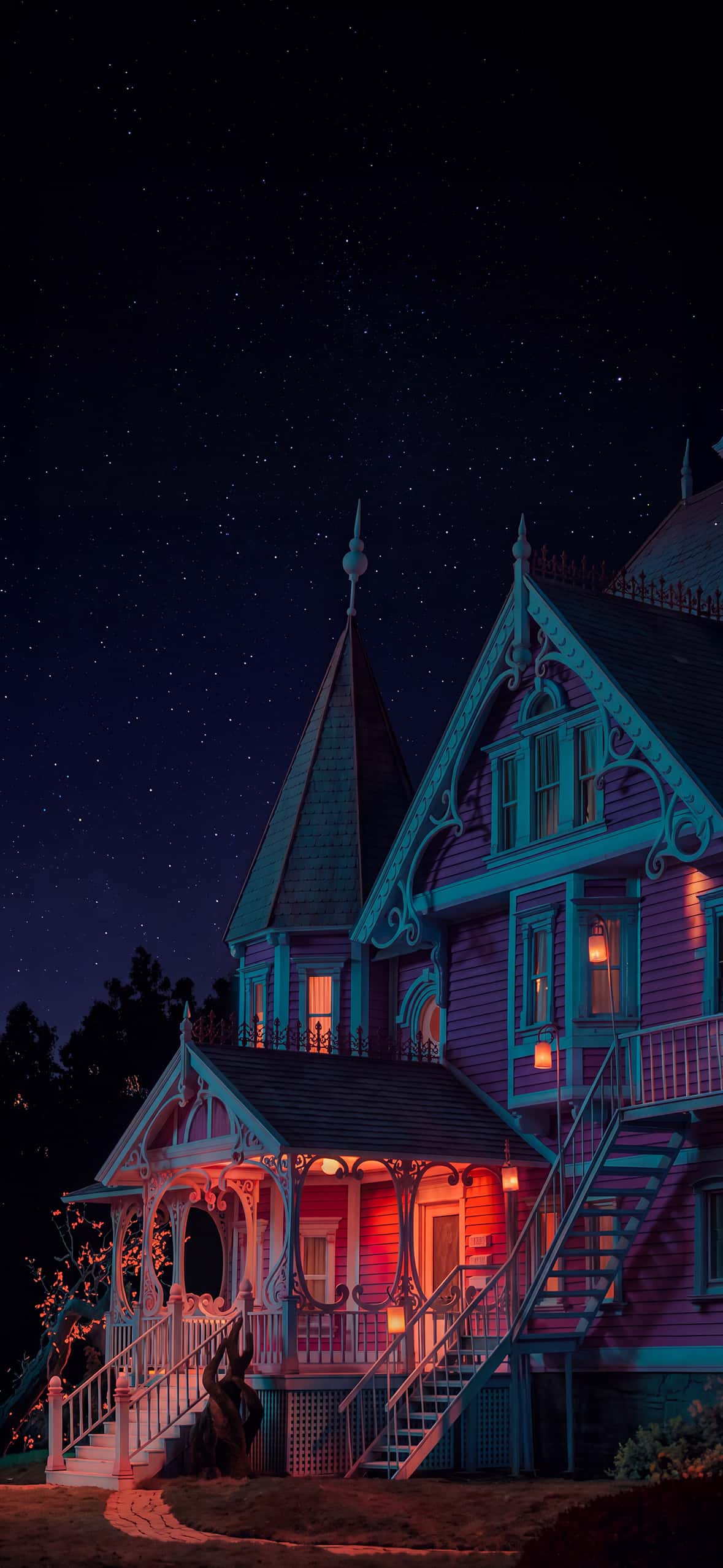
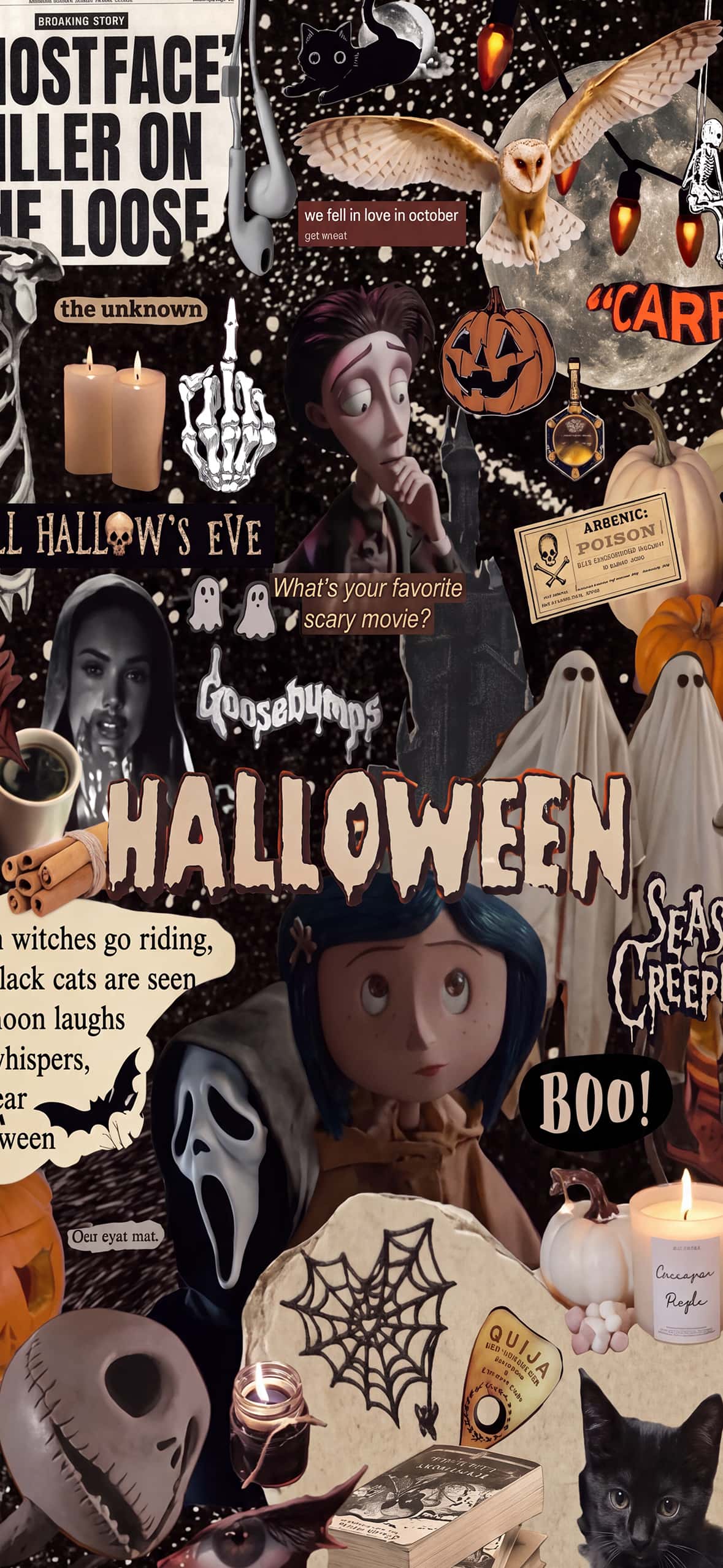
Ready to give your iPhone a Halloween makeover? Explore this collection of Halloween iPhone wallpapers in 4K and HD and choose a design that matches your style. Whether you prefer creepy horror artwork, cute pumpkins, spooky night scenes, or simple dark backgrounds, these wallpapers make an easy way to celebrate Halloween right from your phone.
Download your favorites, set them as your Lock Screen or Home Screen, and enjoy a festive Halloween look throughout October.
For More Halloween Wallpapers Please Visit to our Pinterest Page.