Dynamic Selective Color: Visual Breakdown
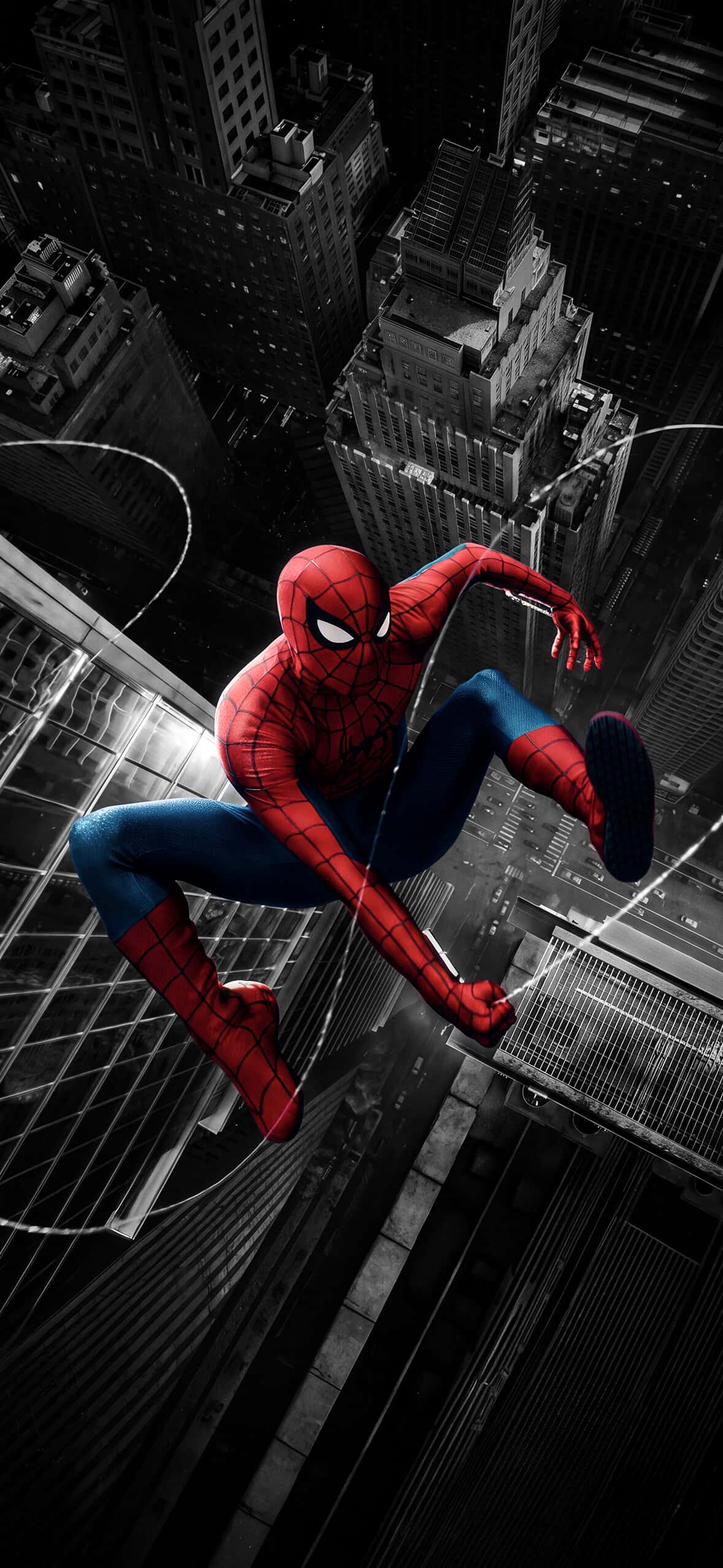
This high-octane mobile background utilizes a selective color aesthetic to create a striking visual centerpiece. Spider-Man is rendered in full-color vibrancy, featuring his iconic red and blue suit, detailed web patterning, and bright white lens eyes. Captured mid-action, he leaps and crawls downward across the sheer glass facade of a skyscraper, trailing thin strands of glowing white webbing through the air.
The surrounding cityscape is rendered in a high-contrast black-and-white monochrome tone. Framed from a dramatic bird’s-eye perspective looking straight down, the towering urban architecture, grid-patterned streets, and distant vehicles create an intense sense of depth and vertiginous height. The harsh light reflections along the building’s glass panels accent the web-slinger’s motion, making the character pop off the display.
OLED Display & Visual Performance
Designed to take advantage of high-density mobile screens, this wallpaper leverages contrast to maximize display hardware:
Selective Color Pop: By concentrating primary color strictly on Spider-Man’s suit, your display’s subpixels deliver punchy saturation on the subject while keeping background elements clean and subtle.
OLED Power Savings: The dark, monochromatic cityscape lowers overall screen luminosity on Super Retina XDR and AMOLED displays, conserving battery during frequent lock screen checks.
High-Detail Rendering: Fine details—such as the texture on Spidey’s boots and the razor-thin web strands—remain sharp across ultra-high-resolution smartphone screens.
Recommended iOS Lock Screen Setup
To achieve an optimal layout on your iPhone or Android lock screen:
Clock Font & Color: Choose a clean, bold clock font in pure white or silver-gray to match the metallic tones of the monochromatic buildings in the upper canvas.
Widget Placement: Position widgets in the upper shadow region above Spider-Man’s head to ensure high contrast without obscuring the main hero artwork.
Depth Effect: Enable the iOS Depth Effect so the top edge of the skyscraper structure overlaps slightly behind the lock screen clock for a layered 3D feel.
Home Screen Configuration: Pair this image on your lock screen with a dark, blurred companion background on your home screen to keep app icons legible.
Related posts:

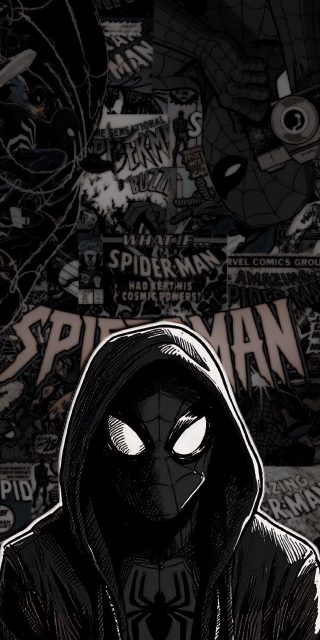
Dark Hooded Spider-Man Comic Collage iPhone Wallpaper – Vintage Marvel Art
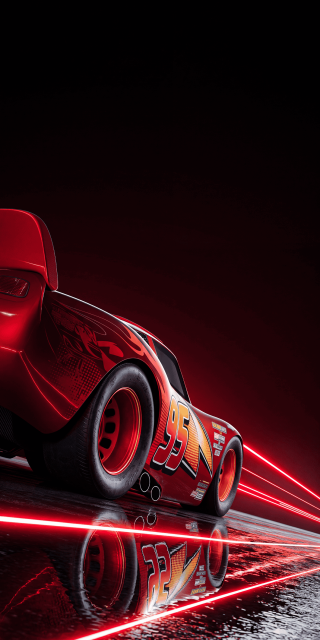
Lightning McQueen Neon Red iPhone Wallpaper – Dark Racing Aesthetic

Iron Man Wallpapers for iPhone | 4K High-Res Marvel Lock Screens

Spider-Man Pure Black AMOLED Wallpapers for iPhone | OLED 4K
[50+] Ultimate Spiderman Wallpapers for iPhone – 4K & HD Collection