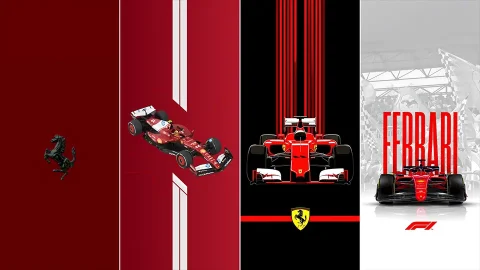
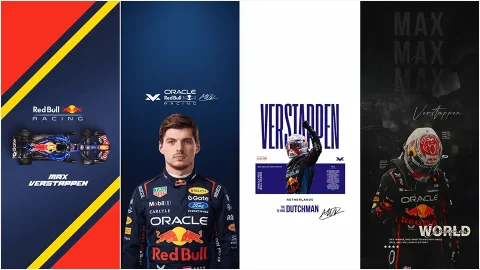
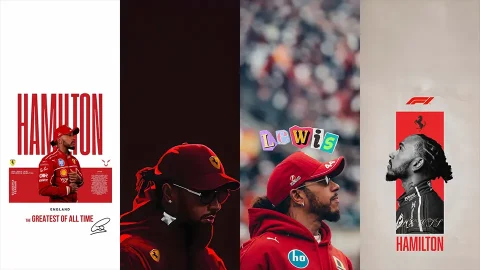
Charles Leclerc iPhone Wallpaper Pack – Ferrari F1 Edition
Few drivers on the current Formula 1 grid inspire the kind of devotion that Charles Leclerc does. The Monégasque driver’s blend of raw speed, emotional intensity, and unmistakable red racing suit has made him one of the most photographed athletes in motorsport — and one of the most searched-for names when fans go looking for a fresh Charles Leclerc iPhone wallpaper. If your lock screen still shows the default Apple photo, it’s time for an upgrade.
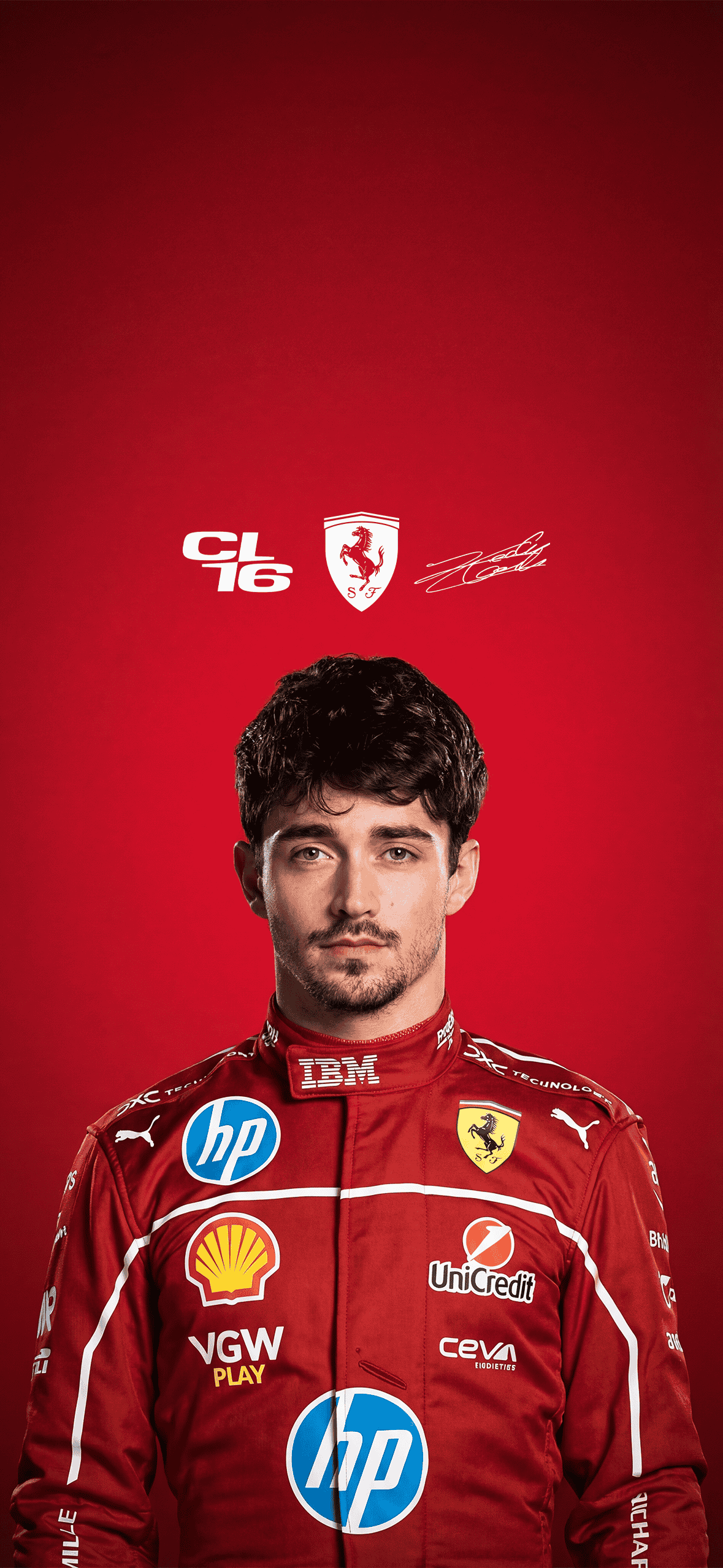
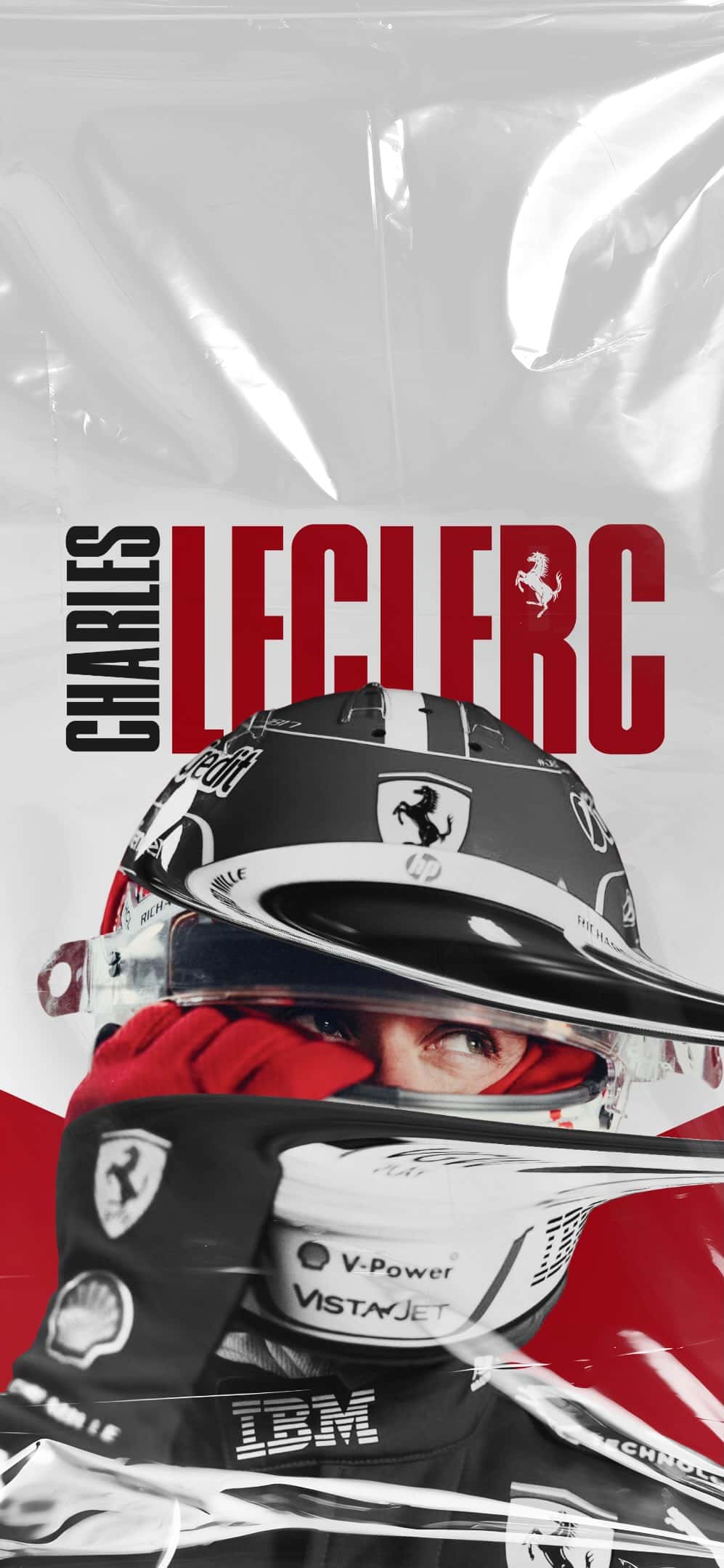
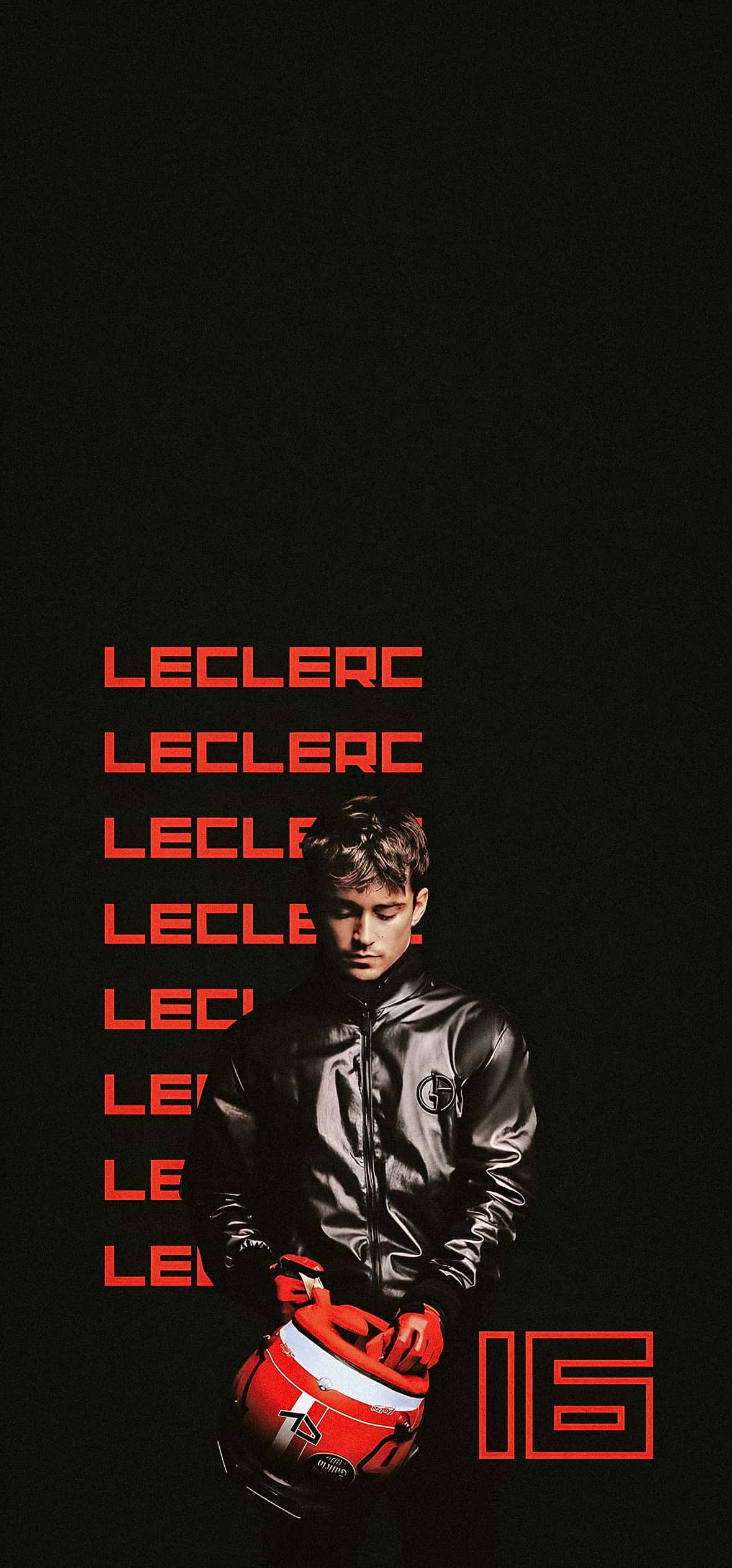
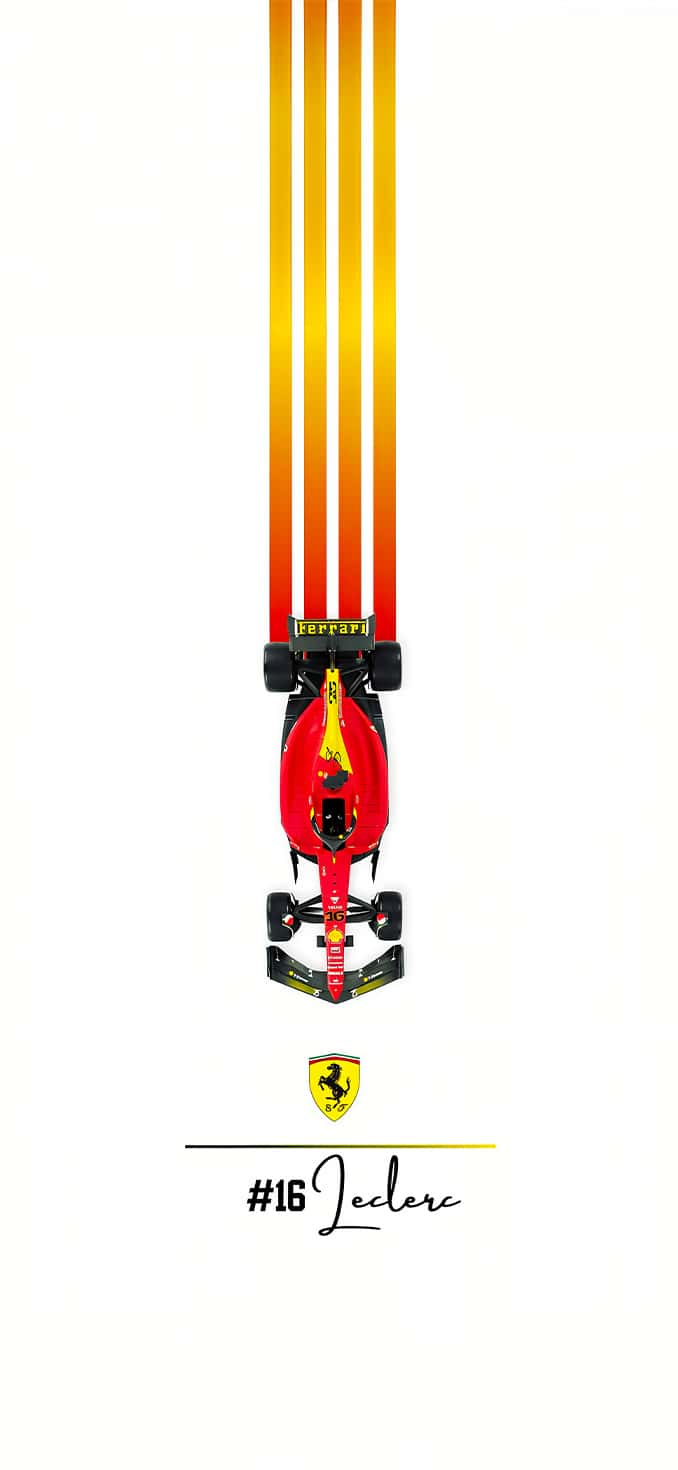
This Ferrari F1 Edition wallpaper pack has been put together specifically for iPhone users who want their phone to reflect their passion for the Scuderia. Whether you’re after a moody helmet close-up, a full-throttle track shot, or a minimalist Ferrari-red aesthetic, this collection covers every style of fan.
Why a Charles Leclerc iPhone Wallpaper Pack?
A great wallpaper does more than fill empty screen space — it’s a small, constant reminder of what you’re excited about. For Formula 1 fans, that might be:
- The thrill of race weekend mornings
- The iconic Ferrari red against the tarmac
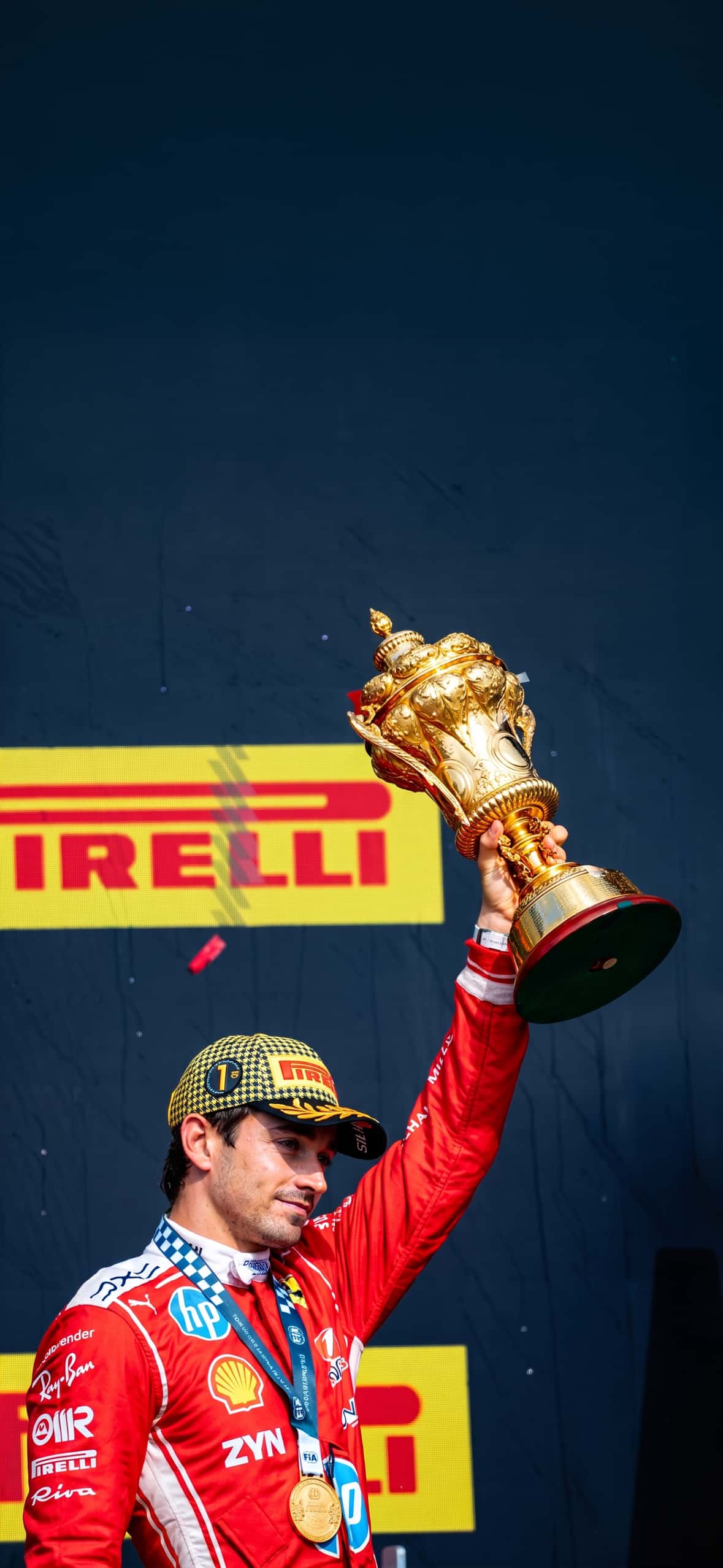
- Leclerc’s on-track battles and podium celebrations
- The elegance of his Monaco home Grand Prix
A dedicated wallpaper pack lets you swap between these moods depending on your day, your outfit, or simply how the last race went.
What’s Included in the Pack
This Ferrari F1 Edition collection is built around a few core themes so there’s something for every kind of fan:
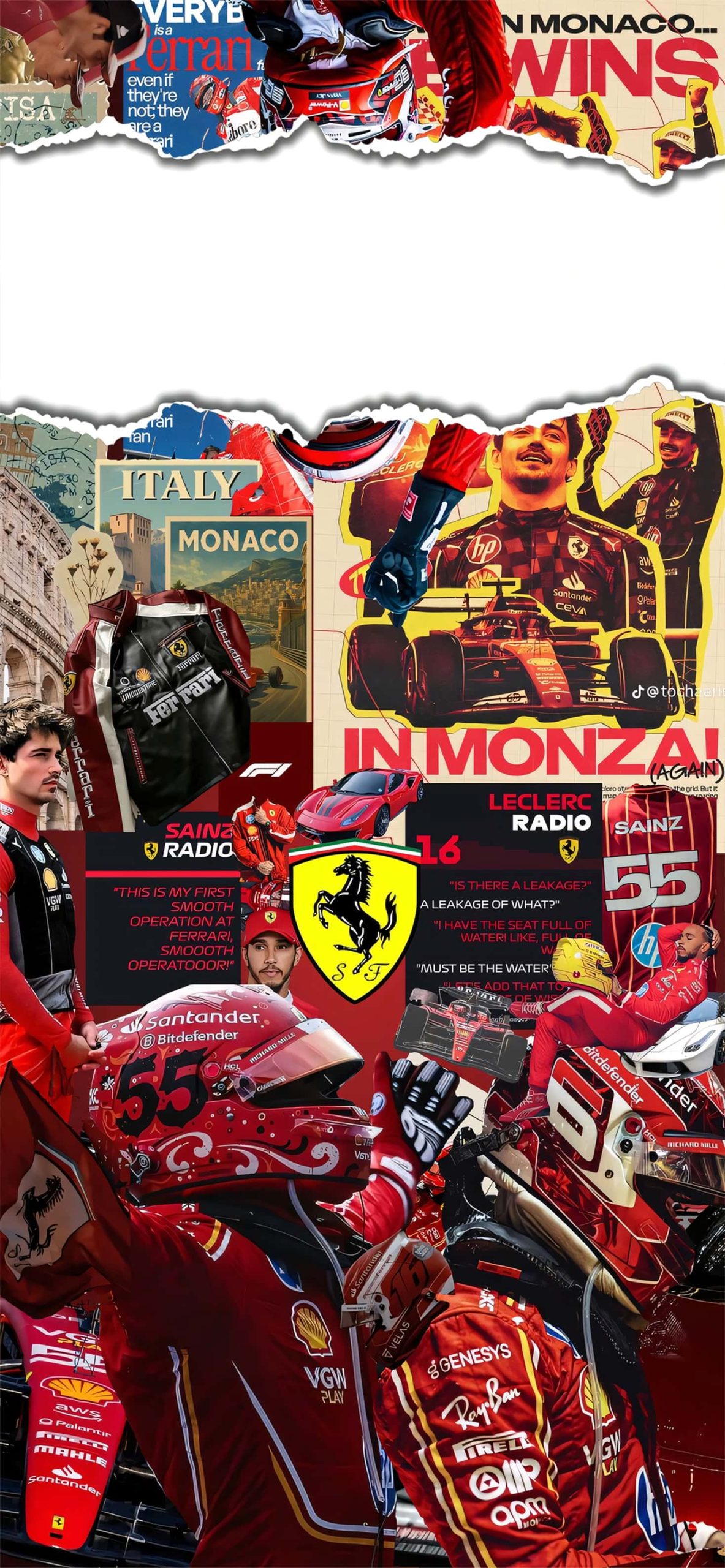
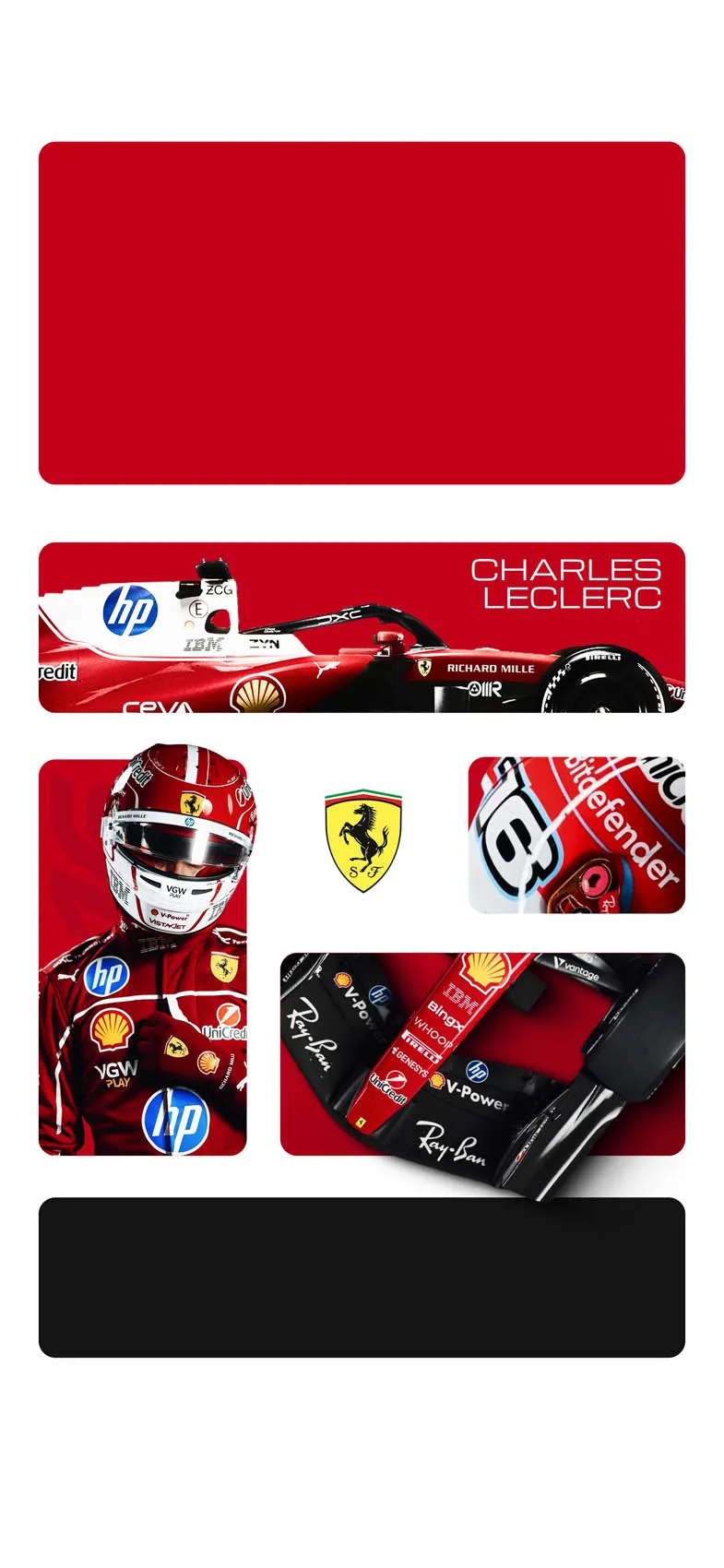
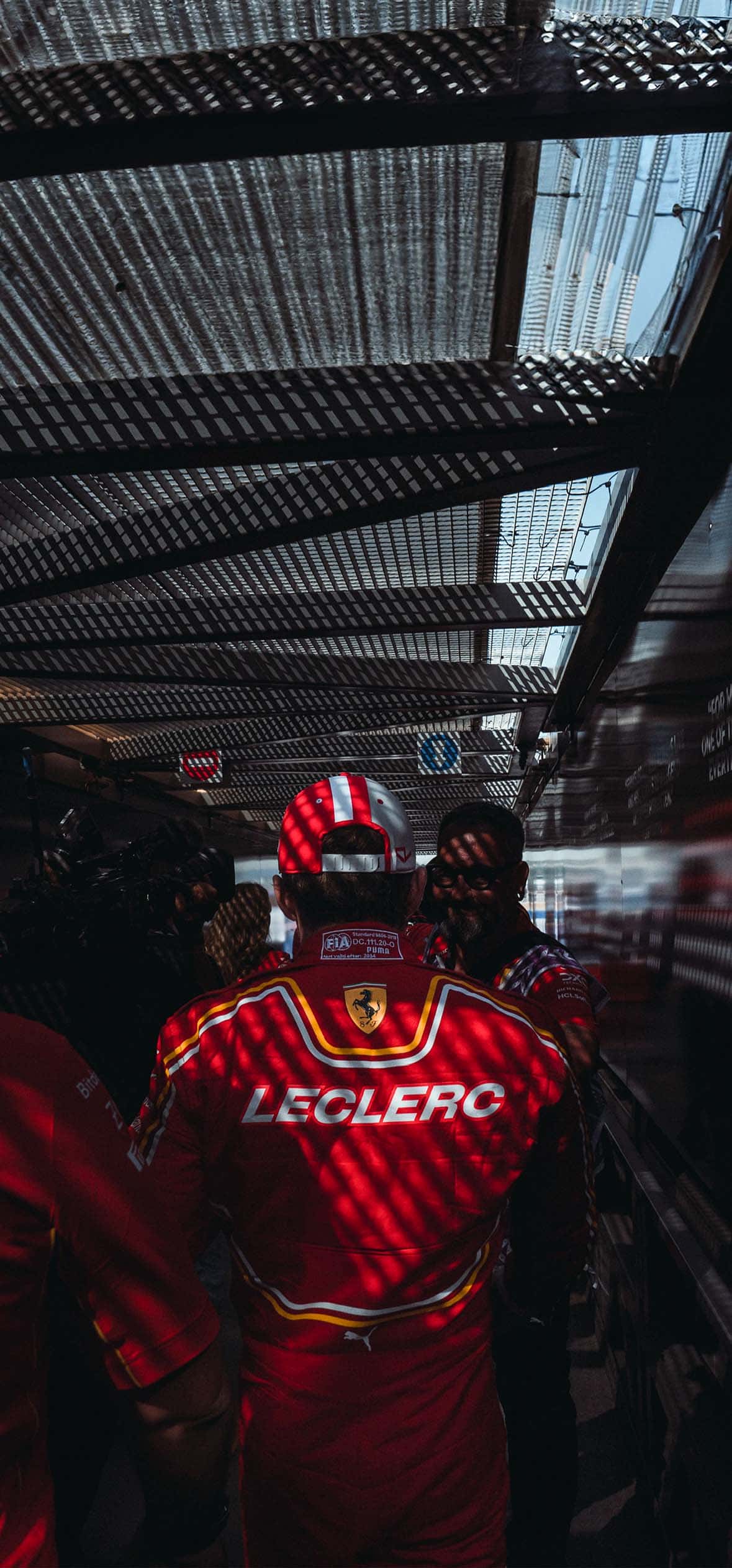
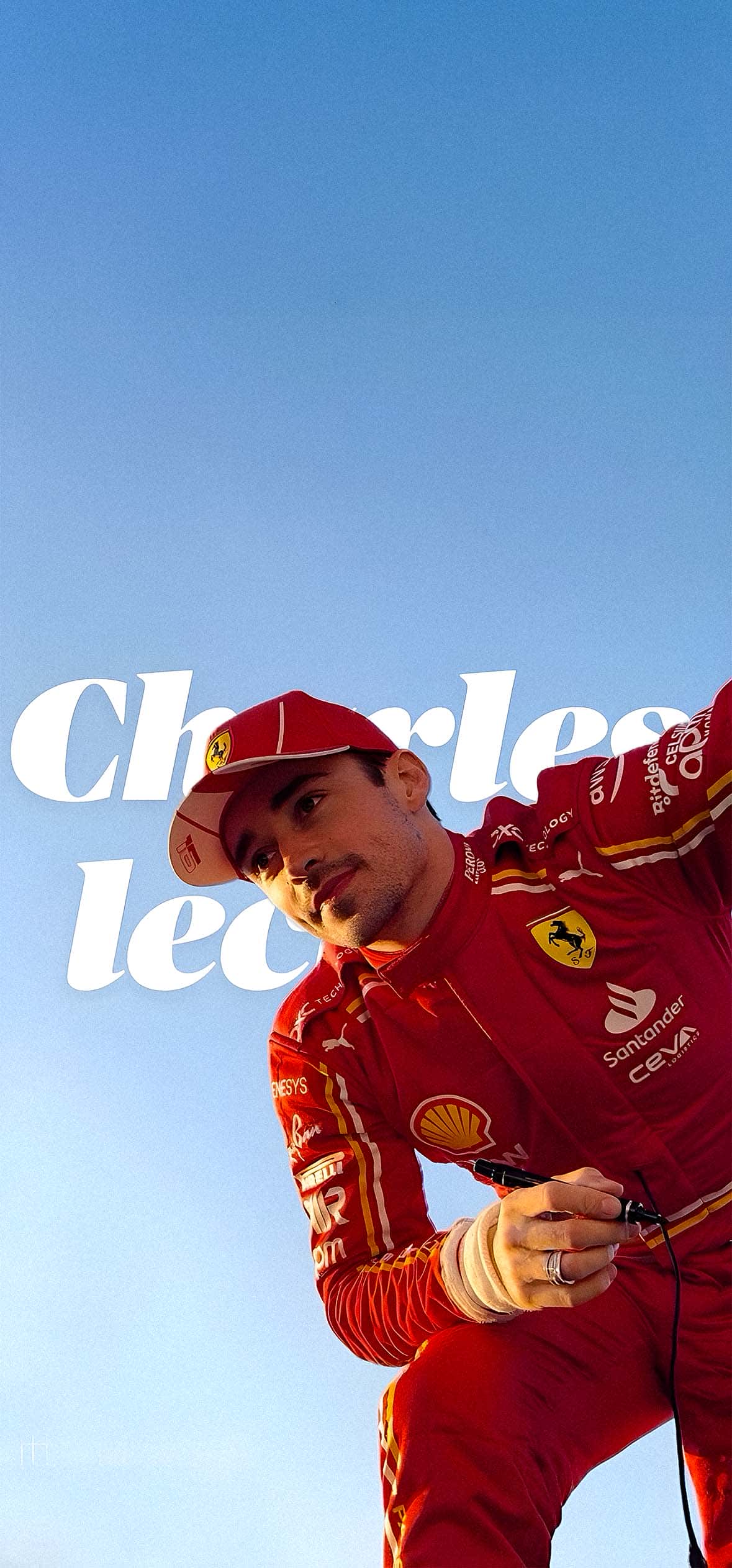
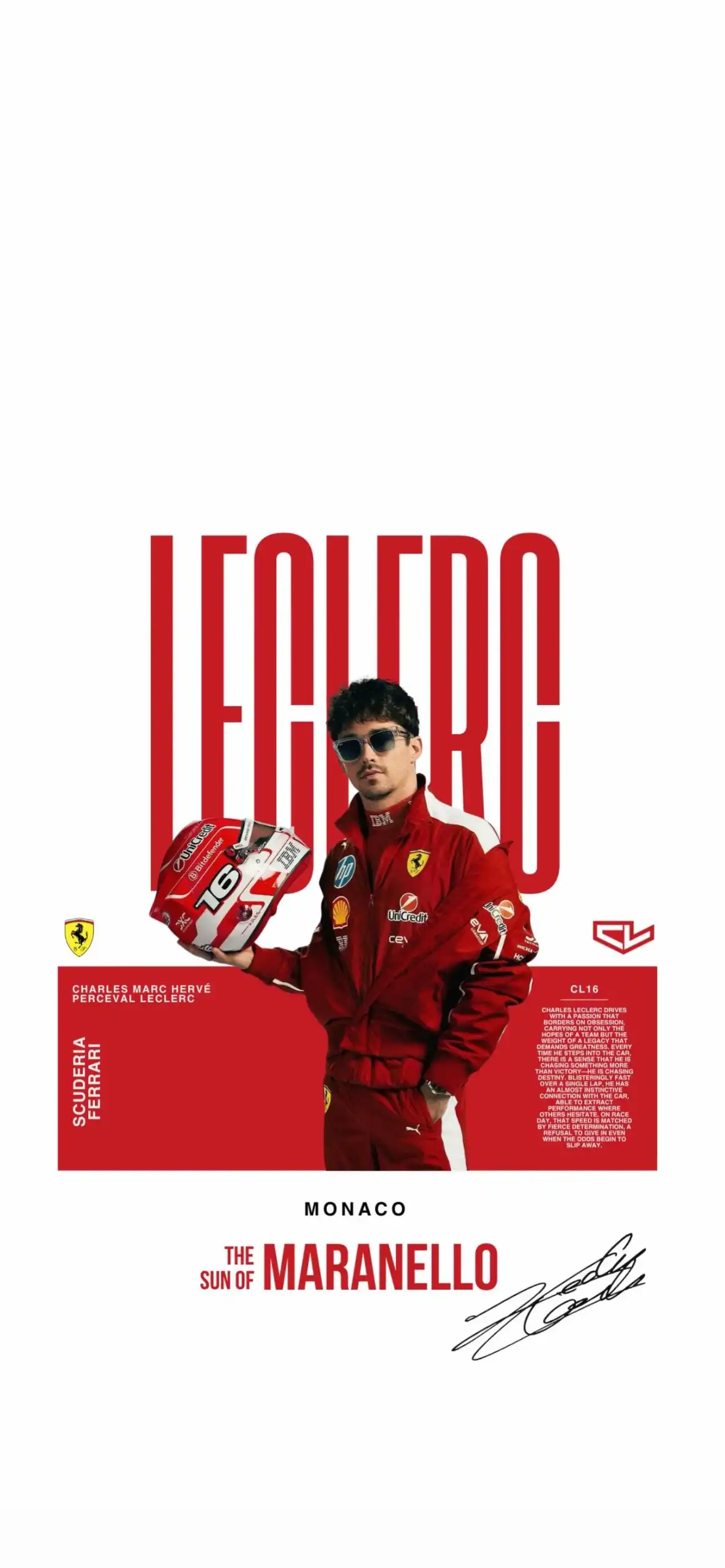
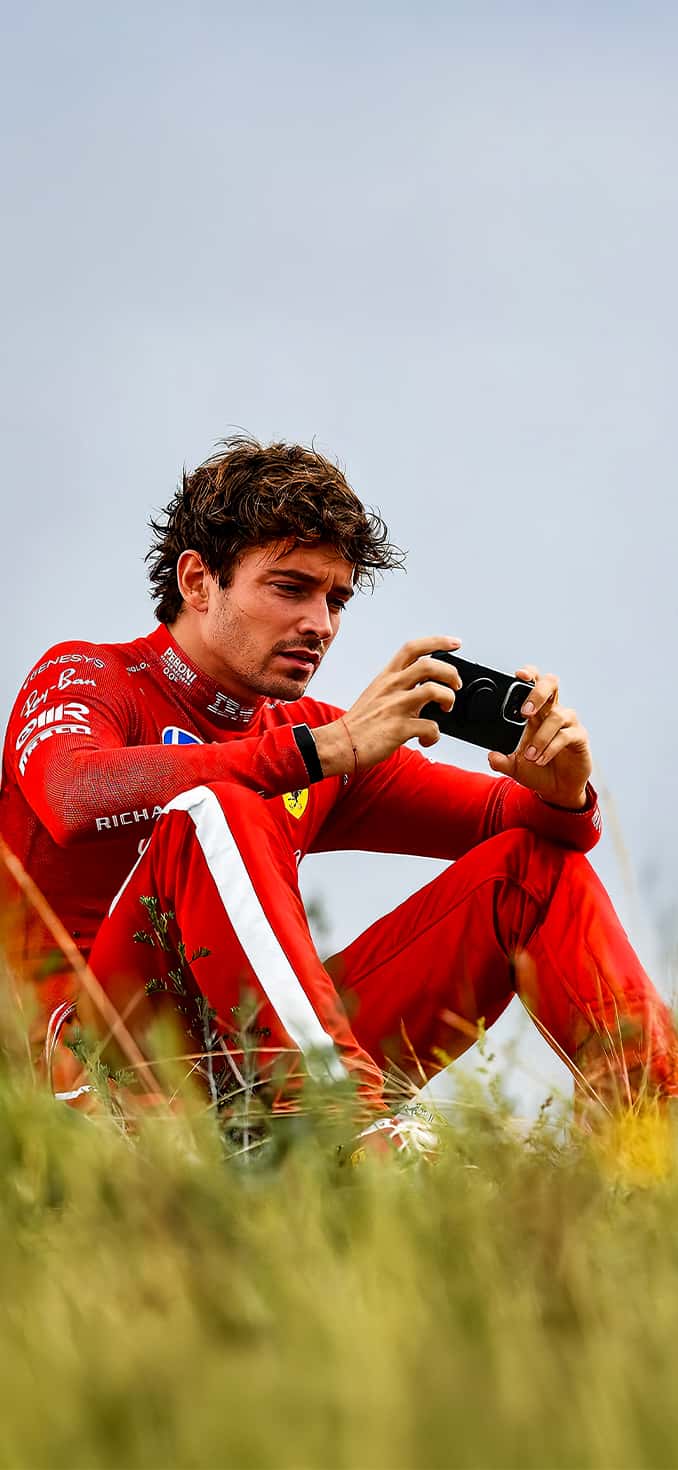
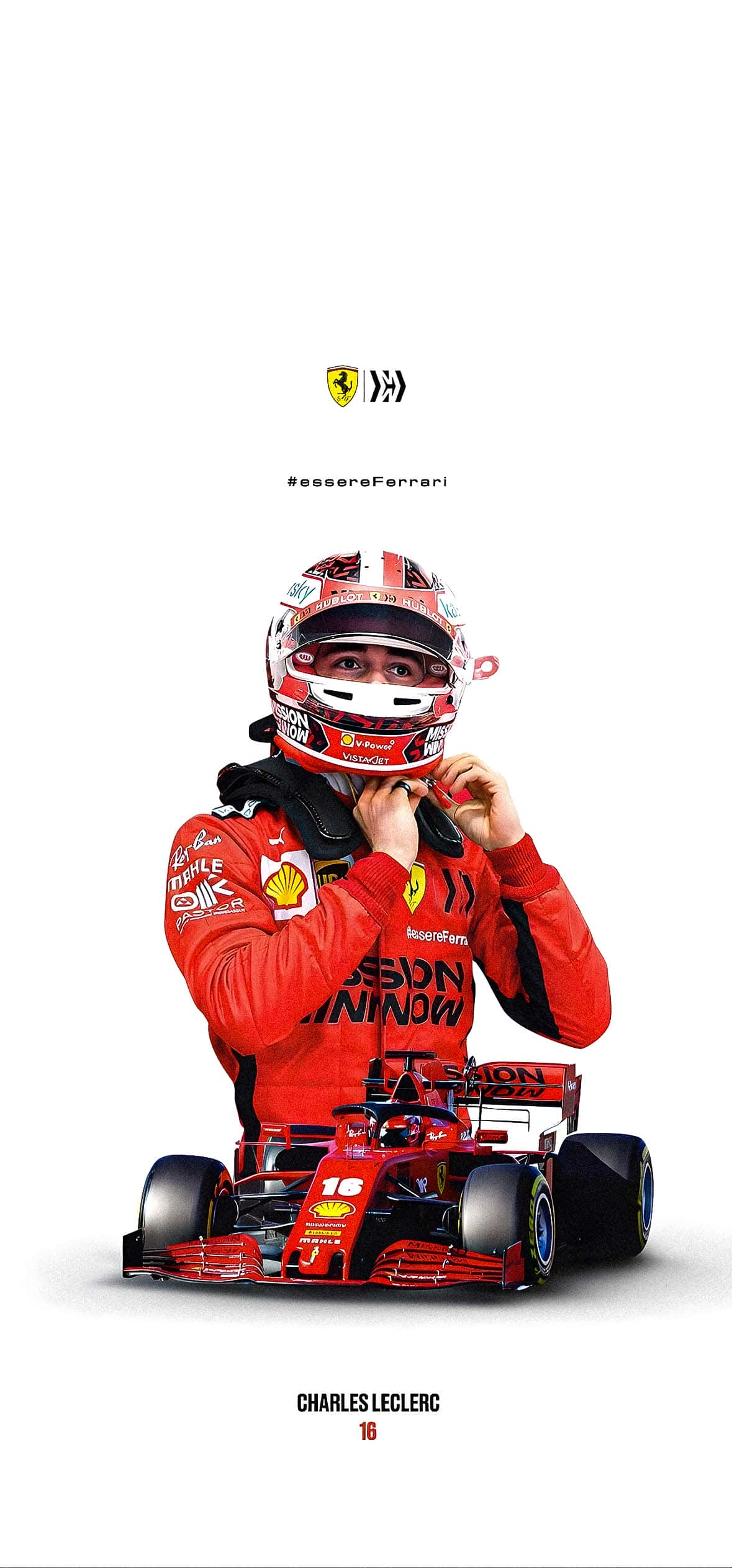
1. Helmet and Portrait Shots Close-up, high-contrast images of Leclerc’s helmet design and racing suit, perfect for lock screens where you want a bold, recognizable focal point.
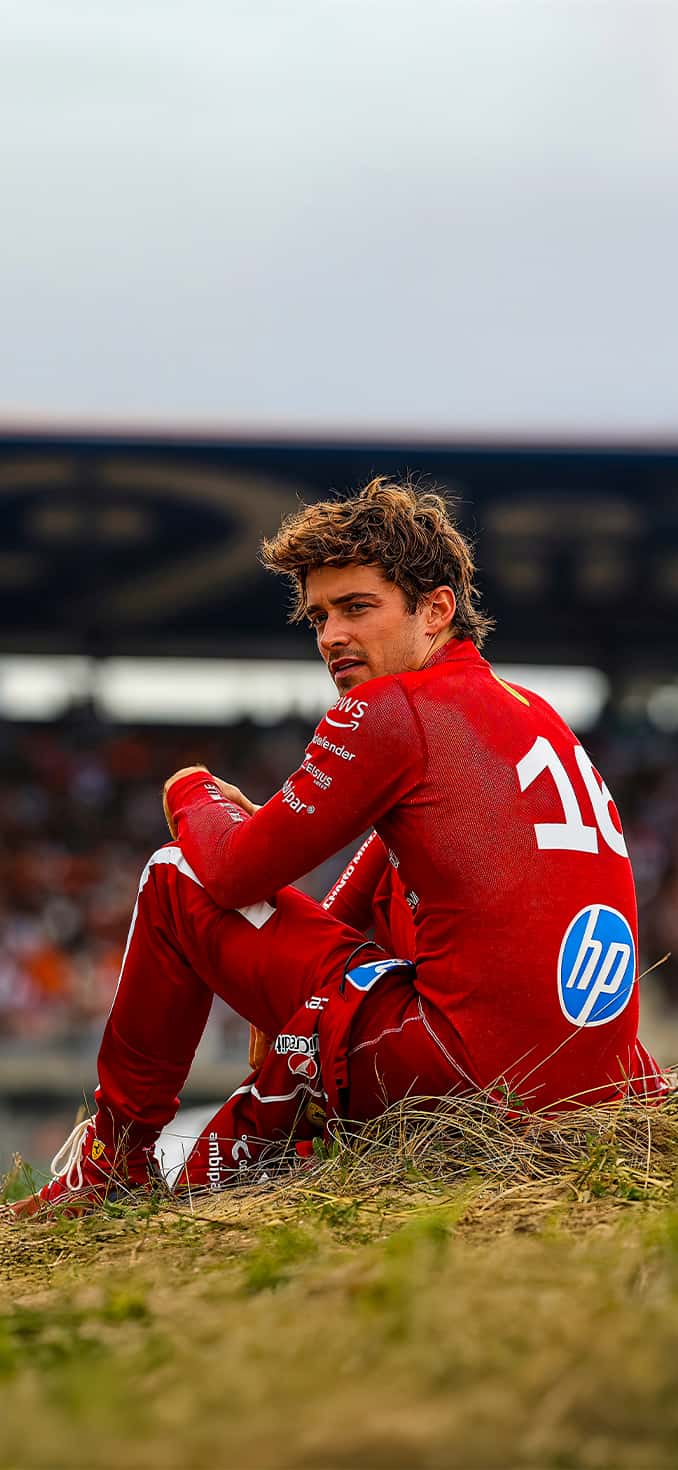
2. On-Track Action Dynamic shots capturing cornering, overtakes, and pit stops — ideal for fans who want their phone to feel as fast as race day itself.
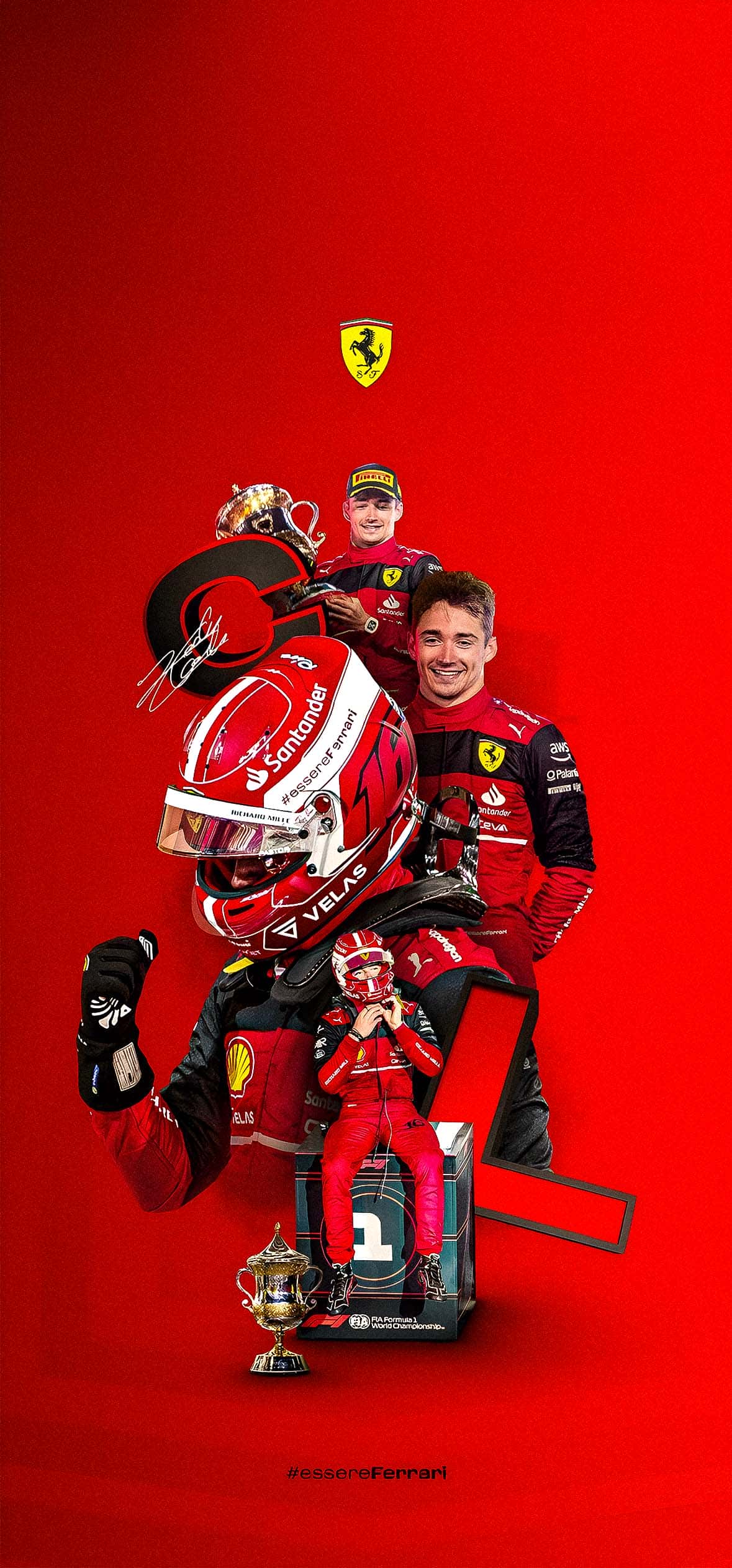
3. Ferrari Red Minimalist Designs Clean, simple wallpapers using Ferrari’s signature red and the Prancing Horse motif, designed not to clutter your home screen icons.
4. Podium and Celebration Moments Wallpapers capturing champagne showers, trophy lifts, and crowd celebrations — great for reliving a favorite race result every time you unlock your phone.
5. Monaco-Themed Editions Special wallpapers tying Leclerc to his home city, blending the glamour of Monaco’s streets with Ferrari’s racing heritage.





How to Set Up Your Wallpaper on iPhone
Getting your new Charles Leclerc iPhone wallpaper onto your device only takes a minute:
- Save your chosen image to your Photos app.
- Go to Settings > Wallpaper > Add New Wallpaper.
- Select Photos and choose your saved image.
- Adjust the crop and perspective to fit your screen.
- Set it for your Lock Screen, Home Screen, or both.
For the best results, choose images with a vertical orientation and a resolution of at least 1170 x 2532 pixels (or higher for newer Pro Max models) to avoid any blurring or stretching.
Tips for Choosing the Right Wallpaper
- Match your icon layout: Busy home screens pair better with simpler, less detailed wallpapers so your app icons stay easy to read.
- Consider Dark Mode: If you use iOS Dark Mode, a wallpaper with strong contrast and darker tones will feel more cohesive.
- Rotate with race weekends: Some fans like to switch wallpapers to match the current Grand Prix — for example, a Monaco-themed image during the Monaco GP weekend.
- Widgets matter too: If you use Lock Screen widgets for weather or calendar, leave enough negative space in the image so the widgets don’t overlap busy details.
Final Thoughts
A wallpaper is a small thing, but for F1 fans it’s a daily nod to the team and driver they follow all season long. This Charles Leclerc iPhone Wallpaper Pack – Ferrari F1 Edition brings together action shots, clean minimalist designs, and celebratory moments so you can pick whatever fits your mood — and show your Tifosi pride every time you check your phone.
Whether you’re gearing up for the next race weekend or just want a screen that matches your passion for Ferrari red, this pack has an option worth setting as your next wallpaper.