Transform Your Screen: The Ultimate Guide to 4K MacBook Wallpapers Download
Your MacBook is a triumph of design and engineering. From the crisp lines of the hardware to the vibrant, high-density Liquid Retina display, it is built to look beautiful. Yet, many of us spend hours staring at the exact same stock desktop background that came out of the box.
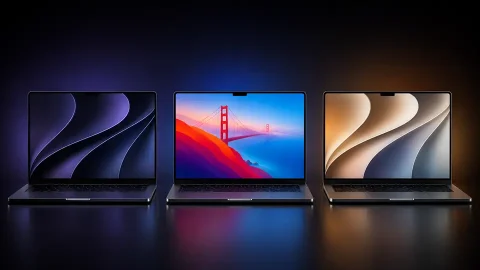
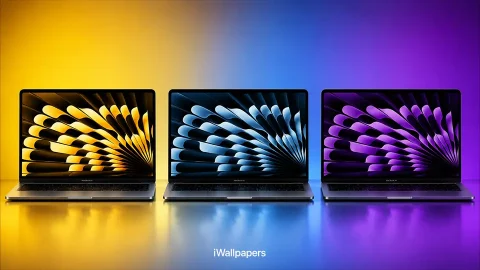
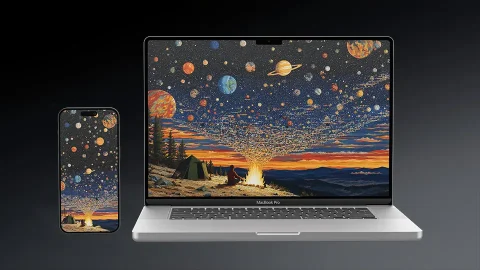
If your workspace is feeling a bit uninspired, it is time for a digital refresh. Finding the right 4K MacBook wallpapers download can completely change the vibe of your daily workflow, reduce eye strain, and spark a little extra creativity every time you flip open the lid.
This comprehensive guide will show you where to find the absolute best high-resolution backgrounds, explain how Apple’s unique display technology affects your wallpaper choices, and help you pick the perfect aesthetic for your setup.
Why 4K Resolution Matters for Your MacBook
If you have downloaded a standard HD wallpaper ($1920 \times 1080$) in the past, you probably noticed it looked strangely fuzzy or “soft” on your MacBook screen. This happens because of Apple’s specialized Retina Display technology.
Retina screens pack an incredibly high pixel density into a compact area. To display images without making text microscopically small, macOS uses a technique called pixel scaling. It essentially takes a high-resolution canvas and renders it at double the density.
[Standard 1080p Image]  ---> Stretched over high-density screen ---> Blurry/Soft Art
[4K Ultra HD Image]     ---> Scaled perfectly with deep detail  ---> Razor-Sharp View
Because of this 2x scaling, a standard resolution wallpaper simply won’t cut it. For a truly crisp, sharp visual experience where you cannot see individual pixels at arm’s length, you need an image that is at least 3840 × 2160 pixels (4K UHD). In fact, if you use a 16-inch MacBook Pro or an external Apple Studio Display, stepping up to a 5K or 6K file will look even more pristine.
Top Wallpaper Aesthetics for Your Mac
Everyone works differently, and your desktop background should reflect your personal focus strategy. Here are the most popular styles trending across the community:
1. Ultra-Minimalist & Abstract
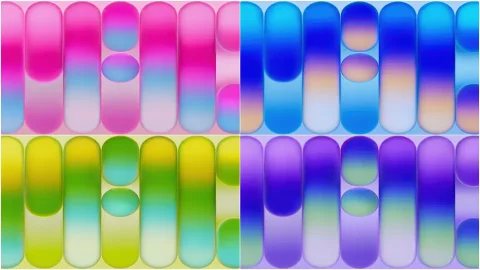
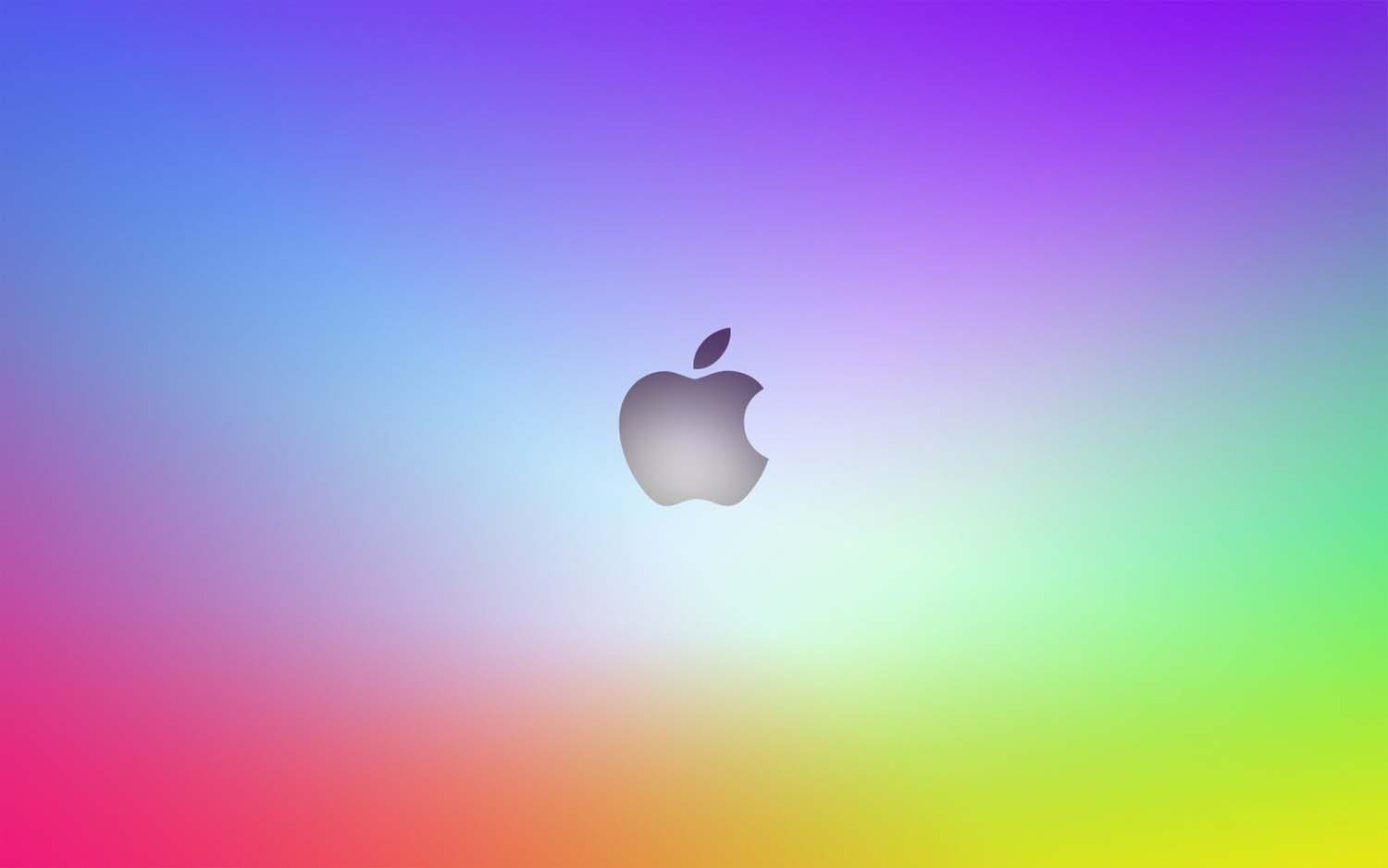
When your desktop is cluttered with folders and app windows, a busy background can feel overwhelming. Minimalist designs use clean geometric shapes, smooth color gradients, and plenty of negative space. These are excellent for staying focused during deep-work sessions because they do not compete with your open windows for your attention.
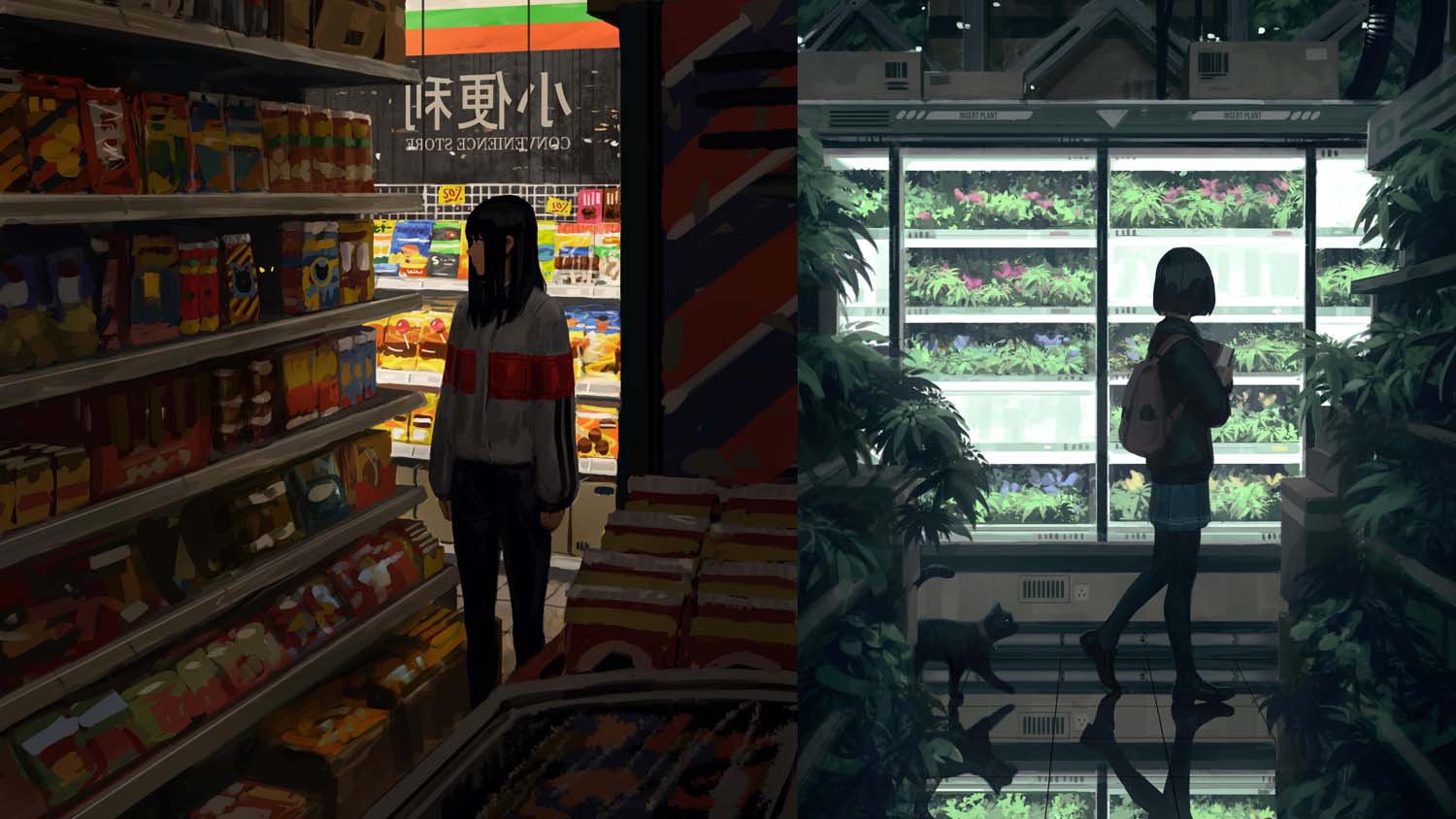
2. Breathtaking Nature & Landscapes
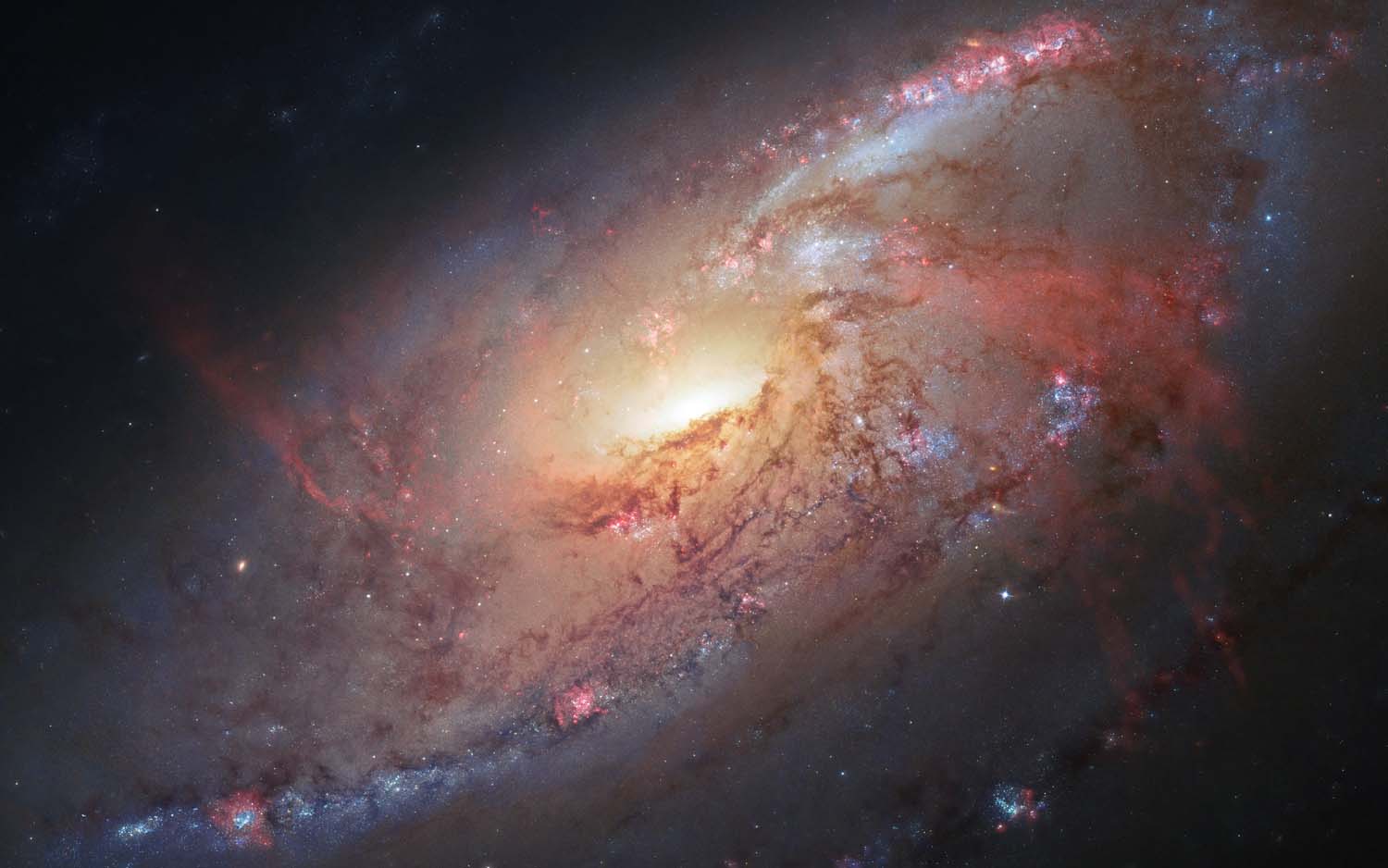
From misty pine forests and snow-capped peaks to drone shots of rocky coastlines, landscape photography is a classic choice for a reason. High-quality 4K nature photography lets you catch a momentary glimpse of the outdoors, offering a brief mental escape during a stressful workday.
3. Apple-Inspired Retro & Core Aesthetics
Many users love to lean into the classic Apple ecosystem identity. This includes downloading remastered 4K versions of nostalgic Mac OS backgrounds (like the legendary Mac OS X Aqua waves or the cosmic Aurora of Snow Leopard) as well as modern variations of the official WWDC graphics.












Where to Find the Best 4K MacBook Wallpapers
You do not need to pay a premium to unlock an incredible desktop setup. Several high-quality platforms offer gorgeous, royalty-free 4K MacBook wallpapers download options.
| Platform | Best For | Licensing |
| Unsplash | Professional photography, moody landscapes, architecture | Free / Open-use |
| Wallhaven.cc | Digital art, anime, abstract patterns, high-resolution filters | Free |
| Pexels | Clean minimalist visuals, textures, cozy home-office aesthetics | Free / Open-use |
| Reddit (r/wallpaper) | Community-curated 4K, 5K, and ultrawide setups | Free |
Pro Tip: When downloading from platforms like Unsplash or Pexels, always click the drop-down arrow next to the “Download” button and select the Original Size or 4K option. Saving the default preview image will often result in a lower-resolution file that looks blurry on a Retina panel.
How to Set Up a Dynamic Wallpaper on macOS
If you want your desktop to change seamlessly throughout the day, macOS supports dynamic backgrounds that shift based on your local time or system appearance mode.
Step-by-Step Installation
Keep Your Desktop Organized
A beautiful wallpaper loses its impact if it is buried under fifty messy document icons. To make the most of your fresh 4K view, right-click on your desktop and select Use Stacks. This native macOS feature instantly organizes your scattered files into neat, expandable groups based on file type or date modified, keeping your view clean and inspiring.
Whether you prefer a dark, moody digital landscape or a bright, high-energy abstract wave pattern, changing your background is the fastest way to customize your machine. Find your favorite platform, secure a high-quality 4K download, and elevate your daily desktop experience today.