2025 MacBook Air Official Wallpapers
Every MacBook Air release comes with a small, easy-to-overlook detail that ends up mattering more than most people expect: the stock wallpaper. Apple treats these defaults as part of the product’s identity, not an afterthought, and the 2025 MacBook Air is no exception. Whether you’re setting up a brand-new machine, restoring an old one, or just want the exact background Apple shipped this generation with, tracking down the real files — at full resolution, not a screenshot pulled off social media — is worth doing properly.
Why the stock wallpaper still matters
It would be easy to assume nobody cares about default wallpapers anymore — everyone customizes their setup eventually, right? In practice, the opposite is true. Apple’s stock wallpapers get downloaded, screenshotted, and redistributed constantly, often more than any third-party wallpaper pack. Part of that comes from trust: an Apple-designed background is guaranteed to be color-calibrated correctly for the display it ships on, cropped without stretching, and free of the compression artifacts that plague images pulled from random wallpaper sites.
There’s also a design language worth tracking. Apple’s wallpaper choices tend to reflect the visual identity of that hardware generation — color grading, gradient style, and even subject matter shift subtly from release to release. Comparing this year’s set against previous MacBook Air defaults says almost as much about Apple’s current design direction as the spec sheet does.
What’s typically included in a stock wallpaper set
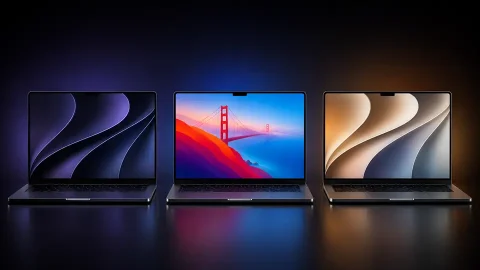
Apple usually ships a MacBook Air with a small collection rather than a single image: a primary hero wallpaper matched to the device’s finish and marketing colors, a few abstract or gradient variations, and often a dynamic light/dark adaptive version that shifts subtly depending on system appearance mode. Some releases also carry over a handful of “classic” wallpapers from macOS’s back catalog — Big Sur–style waves, Monterey-style peaks, that sort of thing — bundled in as legacy options alongside the new default.

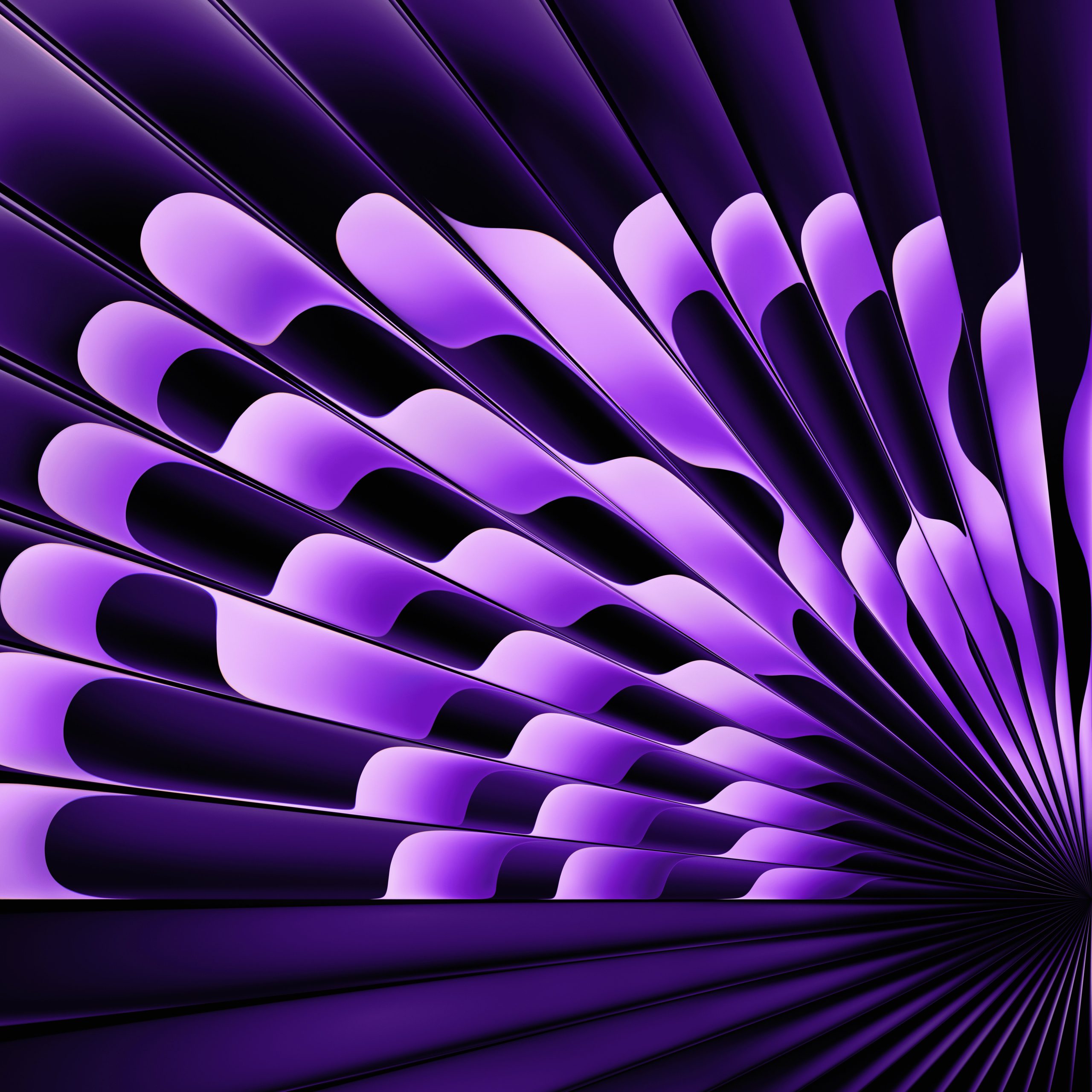

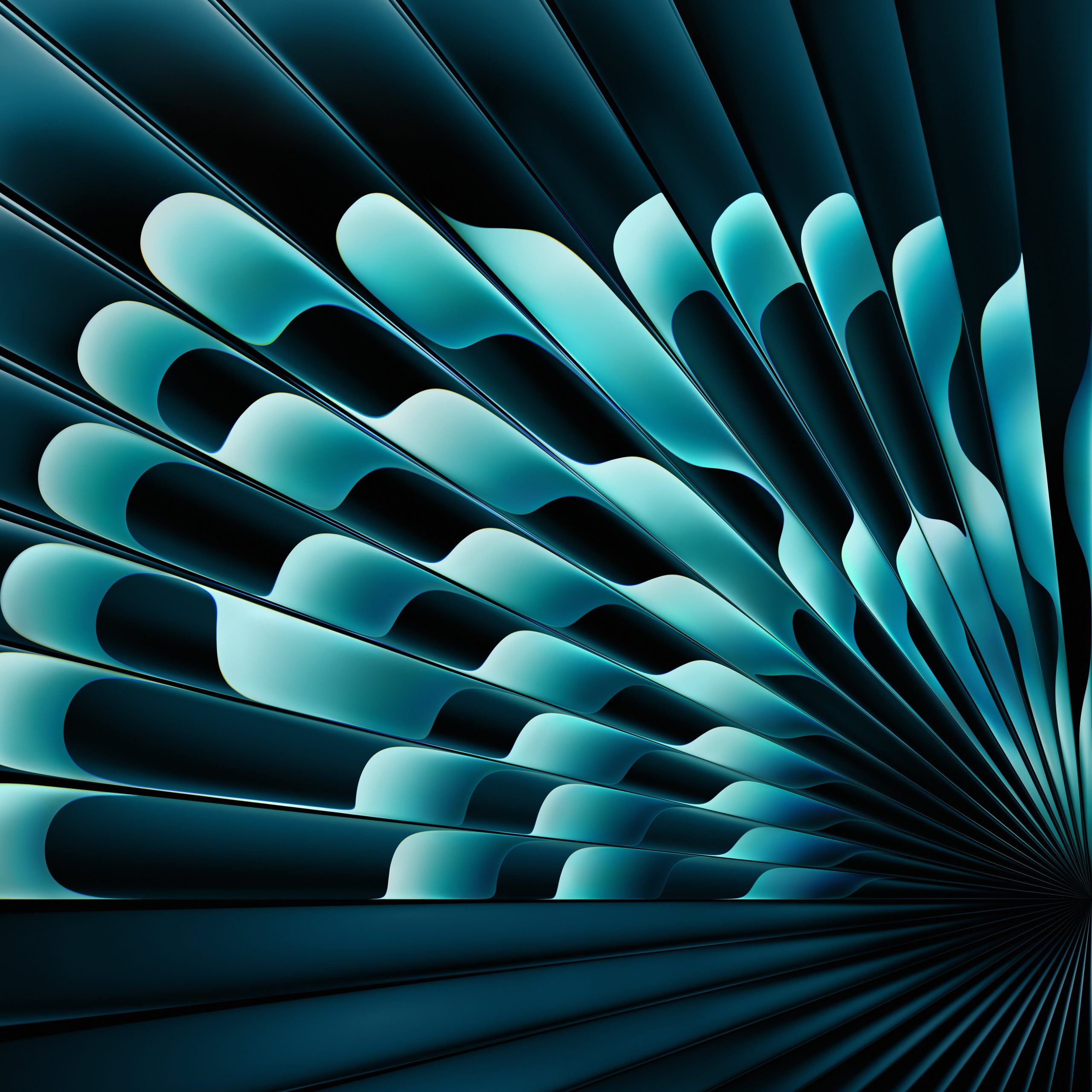

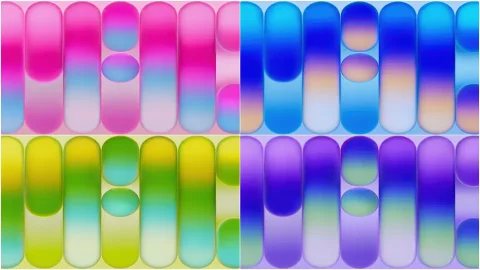
For the 2025 MacBook Air specifically, the wallpaper set tends to lean into the same finish options the laptop itself ships in — soft, muted gradients that echo the aluminum colorways, rather than anything too saturated or busy. Apple has moved further away from photographic wallpapers toward abstract, rendered gradients over the past several MacBook generations, and this release continues that pattern rather than reversing it.
Getting the real files instead of a copy
A common mistake is downloading a “2025 MacBook Air wallpaper” from a third-party site that’s actually a re-compressed screenshot, sometimes even upscaled or color-shifted from the original. A few ways to avoid that:
- Pull straight from the source when possible. If you have access to the machine itself, the wallpapers live locally in the system’s wallpaper library and can be copied directly — this guarantees full resolution and correct color profile, with no compression loss.
- Check resolution before downloading anywhere else. The MacBook Air’s display resolution is well documented; a genuine stock wallpaper file should match those dimensions exactly, not be scaled up or down to fit a generic size.
- Avoid JPEG re-uploads for anything with a gradient. Gradient-heavy wallpapers band and posterize badly under repeated JPEG compression. A properly sourced file will typically be a PNG or another high-quality format that preserves smooth color transitions — if what you’re looking at has visible stepping in the gradient, it’s already been recompressed at least once.
- Match to your actual device, not just the model year. Apple sometimes ships slightly different default sets depending on configuration or region. If precision matters to you, confirm the wallpaper set against your specific MacBook Air configuration rather than assuming every 2025 unit shipped identically.
Using these beyond the MacBook itself
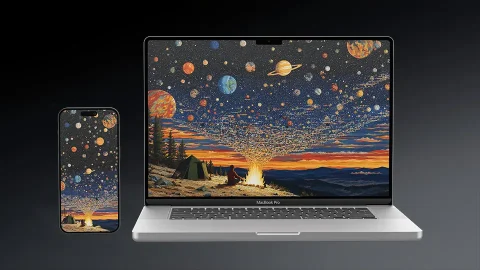
Because these wallpapers are typically rendered at very high resolution to look correct on a Retina display, they scale down cleanly to just about anything — an iPhone, an iPad, an external monitor, or a second desktop machine that isn’t a Mac at all. That’s part of why stock Apple wallpapers circulate so widely outside their original context: the production quality holds up even when the intended screen size doesn’t match the file’s origin.
If you’re setting up a MacBook Air alongside other Apple devices, there’s also a case for deliberately not using the exact matching wallpaper on the phone and the laptop — choosing visually related but distinct sets so each device feels intentional rather than like an automated backup restored the same image everywhere. Something worth thinking about if you’re chasing a cohesive “setup” look across your devices rather than just picking a background in isolation.
Final thought
Stock wallpapers get treated as disposable more often than they should be. Apple puts real design effort into these defaults, and getting the actual, uncompressed files — rather than a lossy screenshot passed around online — is a small thing that noticeably affects how sharp and accurate your screen looks day to day. The 2025 MacBook Air’s default set follows Apple’s recent direction toward abstract, colorway-matched gradients, and having the real files on hand is worth the extra couple of minutes it takes to source them properly.