6 Refreshing Summer Drink Aesthetic Wallpapers for iPhone (Free 4K Download)
Is your phone screen feeling a little dry? As the temperature rises, there is nothing better than a crisp, ice-cold beverage to beat the heat. If you want to bring those cool, breezy summer vibes straight to your lock screen, you are in the right place.
We have curated a stunning collection of 6 aesthetic summer drink wallpapers for iPhone in crisp, high-resolution 4K. From sparkling, fizzy citrus sodas to frozen floral aesthetics, these high-refreshing backgrounds will give your mobile device an instant, frosty makeover.
Scroll down to browse the collection, find your favorite flavor, and save them directly to your device!
Why Upgrade to an Aesthetic Fruit & Soda Background?
Your phone is the most used accessory in your daily life, so why settle for a boring, generic background? A vibrant, macro-shot wallpaper featuring carbonated bubbles, floating mint leaves, and crystal-clear ice cubes doesn’t just look incredibly satisfying—it adds a refreshing burst of color every single time you check your notifications.
Whether you love the clean minimalist look of lemon water or the dreaminess of pink cherry blossoms frozen in ice, this collection has an aesthetic for everyone.
Browse the 4K Summer Drink Wallpaper Collection
Fruit & Soda Ice Wallpapers
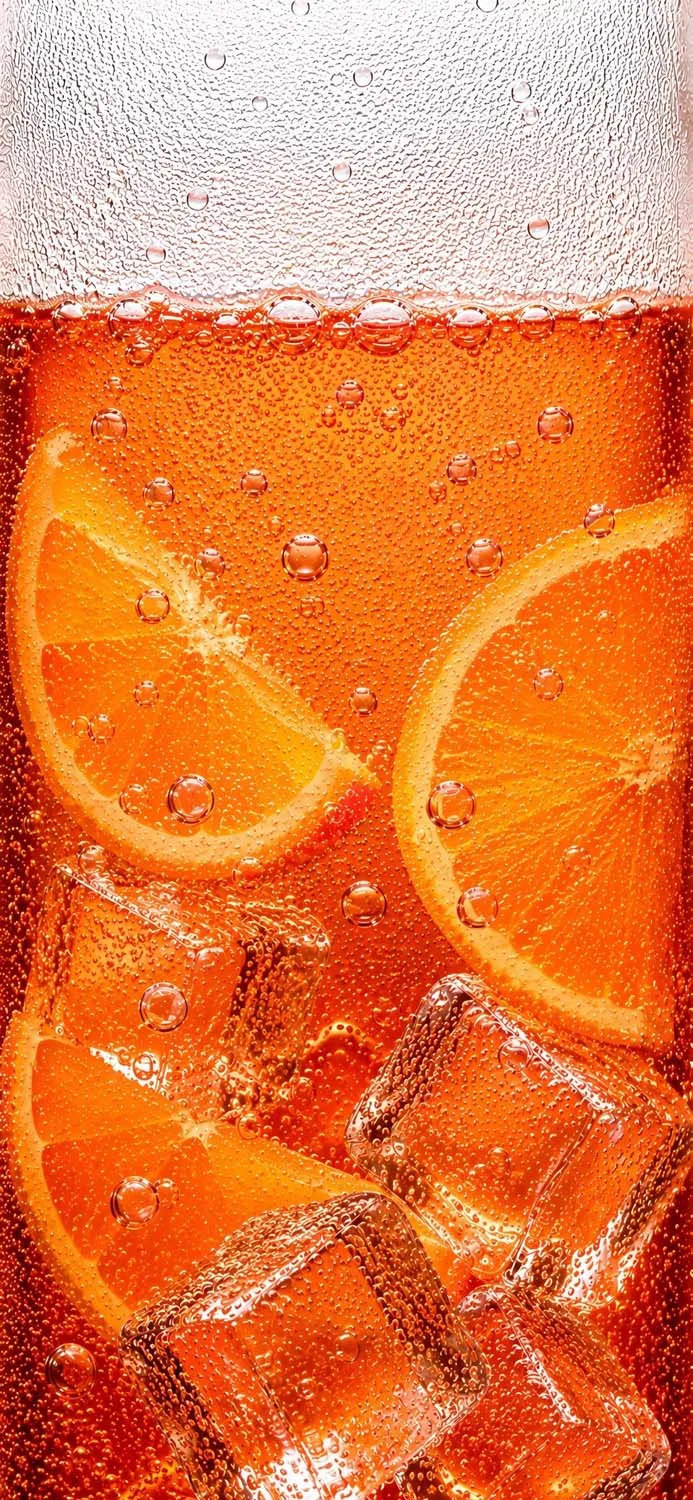
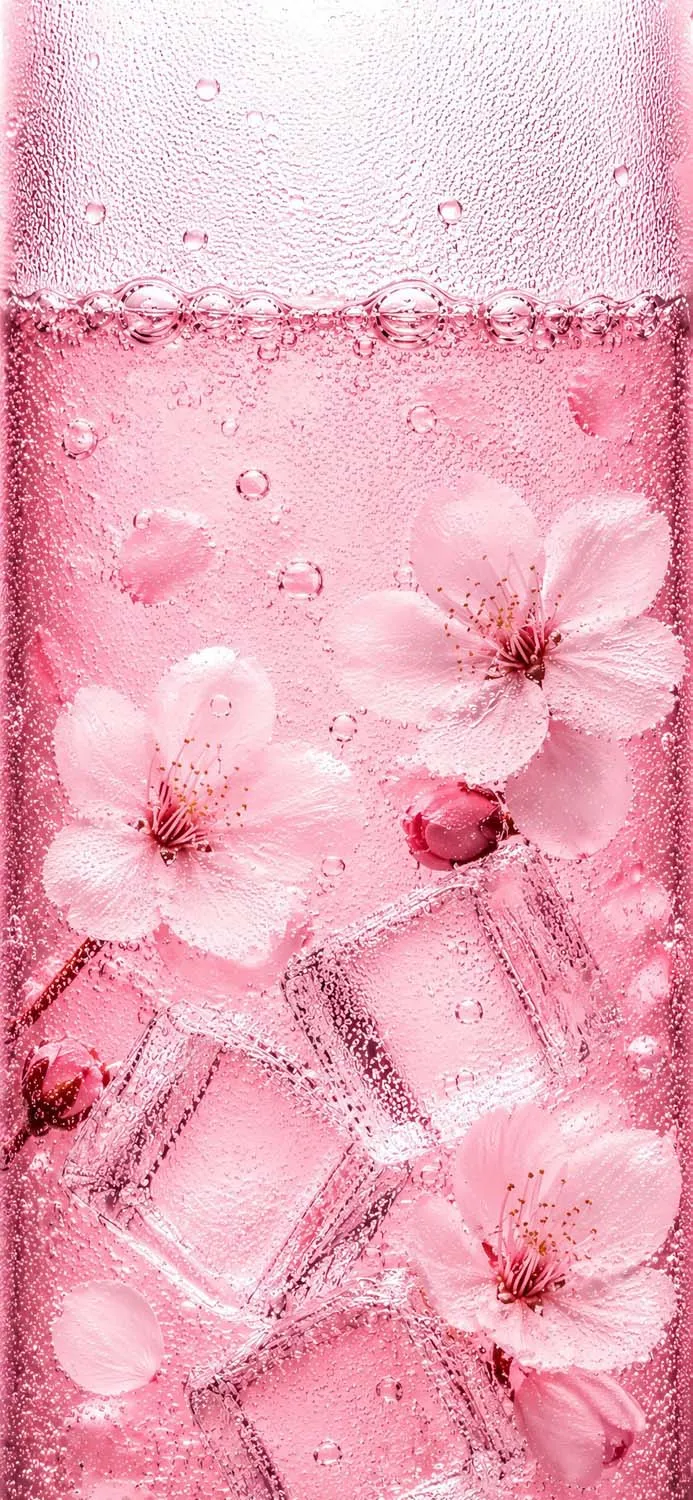
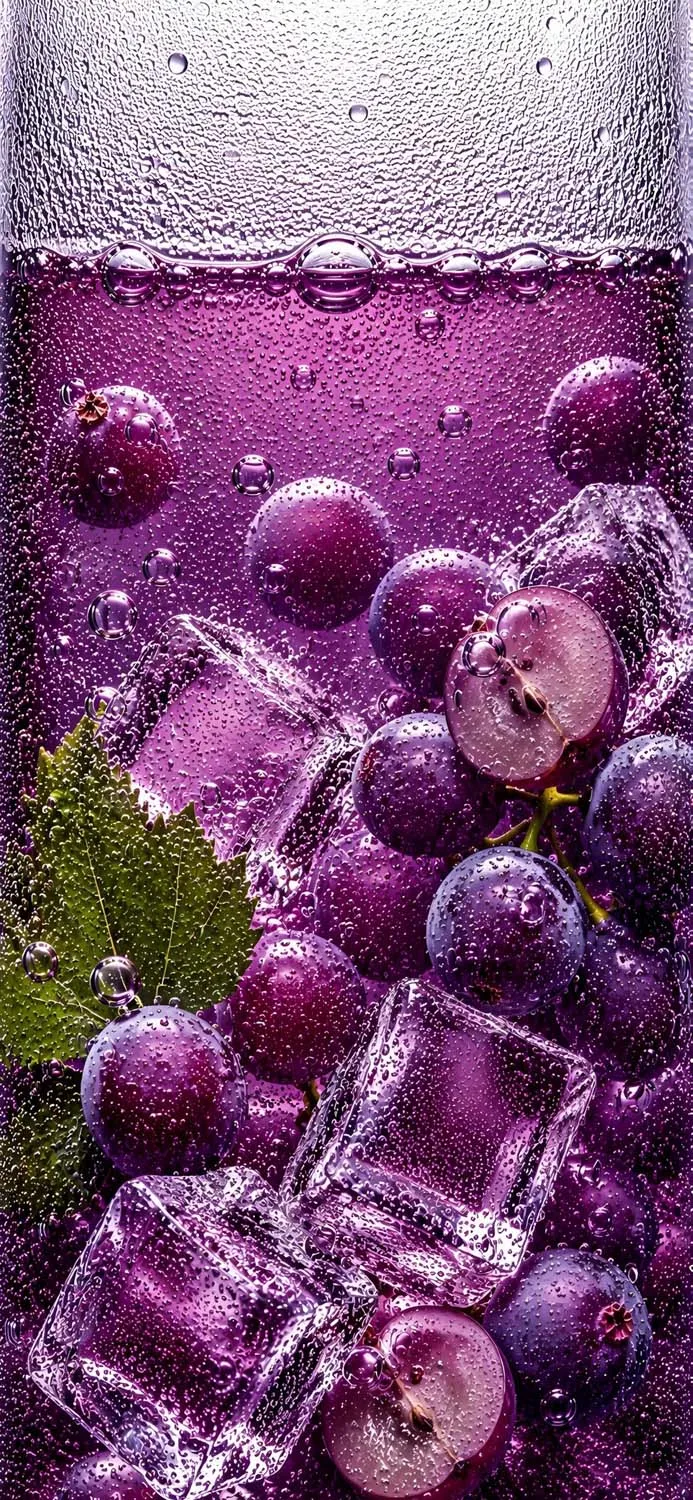
1. Zesty Orange Soda Energy
If you love vibrant, warm tones, this background is an absolute must-have. It captures a close-up look at a sparkling orange citrus drink, complete with perfectly sliced oranges floating alongside glistening ice cubes. The bright orange hues pop beautifully on both iOS and Android lock screens.
Best for: Lovers of bold, energetic, and sunny aesthetics.
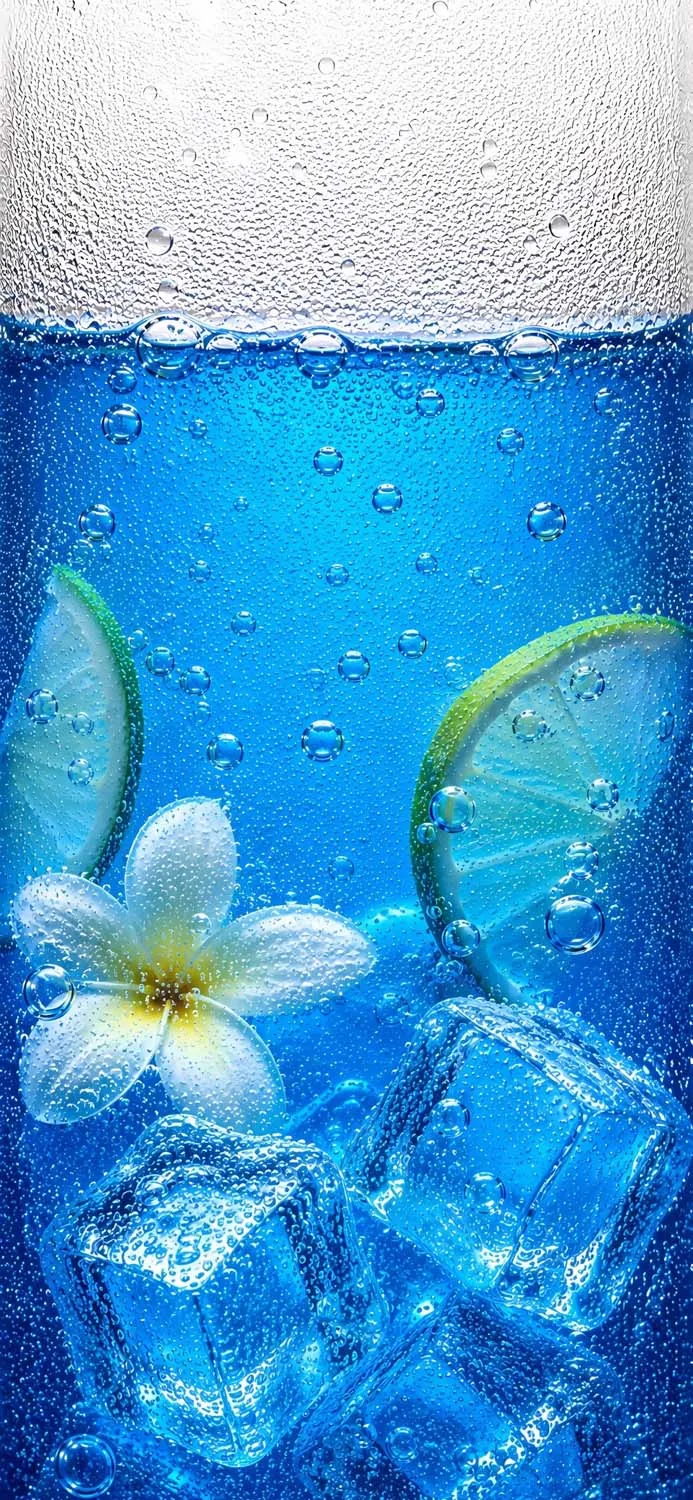
2. Deep Blue Tropical Escape
Escape to paradise with a wallpaper that screams luxury island vacation. This deep blue beverage features floating lime slices and a gorgeous white plumeria flower nestled against frosted ice. It is the perfect blend of refreshing pool-blue water and tropical relaxation.
Best for: A calm, cool, and coastal lock screen vibe.
3. Rich Sparkling Grape Fusion
For a moodier, deeply saturated look, this fizzy purple grape wallpaper is stunning. Featuring plump, juicy grapes cut in half alongside textured ice cubes and a fresh green vine leaf, the contrast between the deep purple liquid and bright green accents is incredibly eye-catching.
Best for: Anyone wanting a rich, high-contrast, and unique color palette.
4. Dreamy Pink Cherry Blossom Ice
Bring the soft girl aesthetic to your phone with this breathtaking floral wallpaper. Freshly bloomed pink cherry blossoms and delicate petals are beautifully suspended in a sparkling, light pink liquid with frosted ice blocks. It is soft, elegant, and perfectly refreshing.
Best for: Pastel pink, cottagecore, and soft coquette aesthetics.
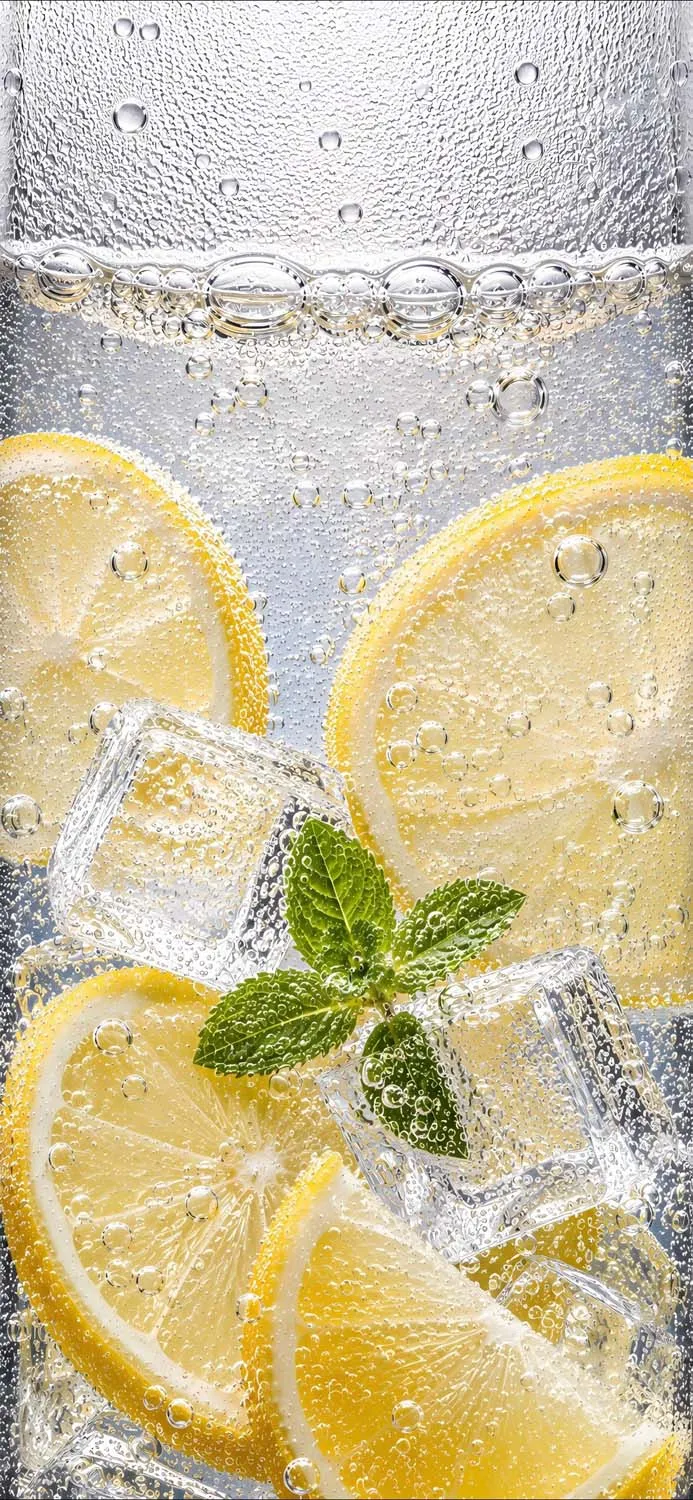
5. Crisp & Clean Lemon Mint Water
If your style leans towards clean, healthy, and ultra-minimalist, this lemon and mint wallpaper is the ultimate choice. It features bright yellow lemon wheels and vibrant green mint leaves floating in crystal-clear carbonated water. It looks so real you can almost feel the condensation on your screen.
Best for: A clean, crisp, energetic, and modern aesthetic.
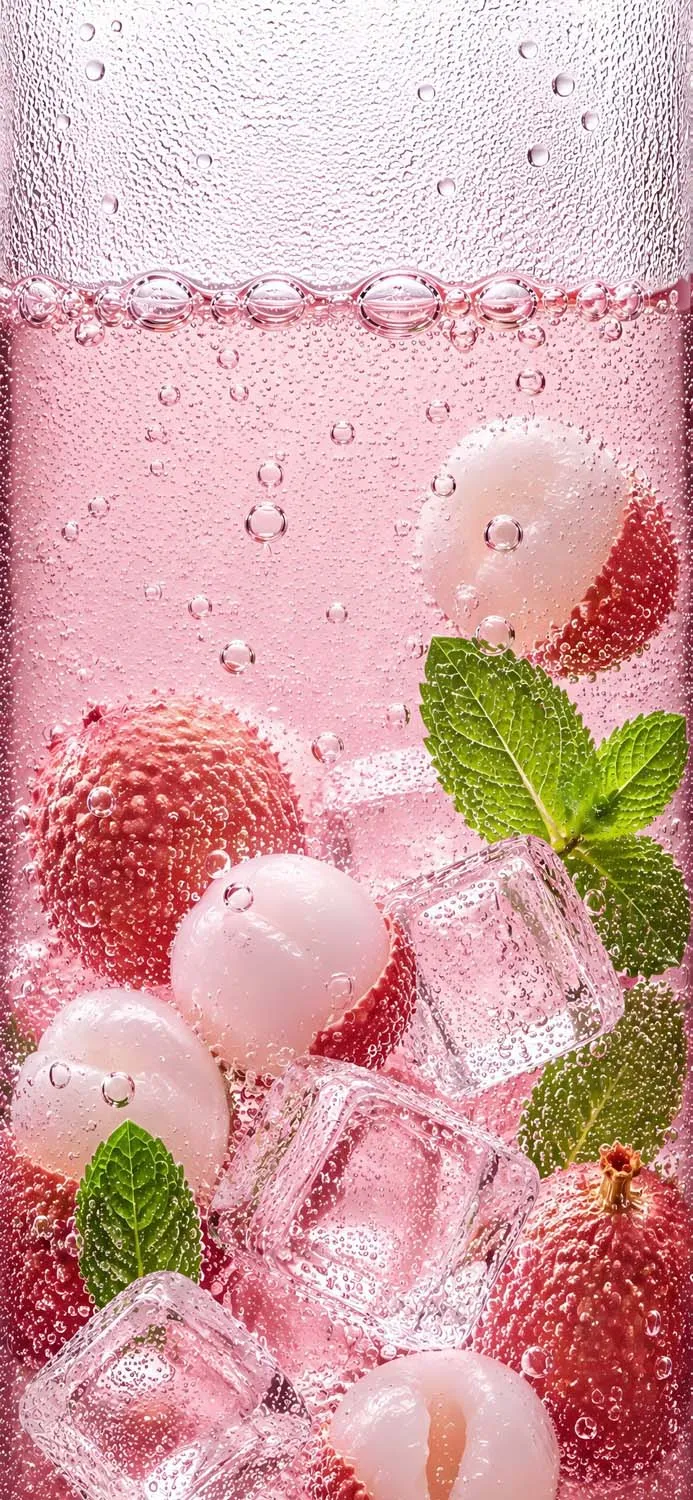
6. Aesthetic Pink Lychee Mint Soda
Sweet, fruity, and undeniably stylish, this wallpaper features exotic lychee fruits submerged in a bubbly pink soda. With perfectly squared ice cubes and a pop of green mint, this background looks like a trendy drink straight off your favorite social media feed.
Best for: Trendy, food-aesthetic lovers looking for a cute pop of pink.
How to Save and Set Your 4K Wallpaper on iPhone
Ready to refresh your screen? Saving these high-resolution images is incredibly simple:
Tap and hold the image you want to download.
Select “Save to Photos” or “Download Image.”
Open your iPhone’s Photos app and locate the image.
Tap the Share icon (the little square with an upward arrow) in the bottom left corner.
Scroll down and select “Use as Wallpaper.”
Pinch to zoom or adjust the framing to your liking, then hit “Done”!
Which refreshing drink style is your favorite? Pin your top choices to Pinterest and share this collection with a friend who needs a phone glow-up!