MacBook Neo Wallpapers – Official Stock HD Collection Free Download (2026)
Apple has always treated wallpapers as a serious part of the product experience. From the original flower macro shots that shipped with the first iMac to the breathtaking aerial photography of macOS Sonoma, every Apple device launch comes with a set of backgrounds that feel deliberately, carefully crafted to match the hardware they live on. The MacBook Neo continues that tradition — and arguably pushes it further than any Mac release in recent memory.
In this post, we’re sharing the complete official MacBook Neo wallpaper collection in full HD, free to download with no watermark and no compression.
MacBook Neo — What Makes It Different
The MacBook Neo represents Apple’s boldest laptop redesign in years. Built around the next-generation Apple Silicon chip, it combines the thin, refined elegance of the MacBook Air with display and performance capabilities that previously belonged only to the Pro lineup. The result is a machine that sits in its own category — powerful enough for professional creative work, light enough to carry anywhere, and beautiful enough to turn heads in any room.
Apple launched the MacBook Neo in a new set of finishes that depart from the familiar Silver, Space Grey, and Midnight palette. The colors are deeper, more saturated, and more confident — reflecting a design team that is clearly feeling bold. And as always, the wallpapers that ship with the device are designed to complement those finishes perfectly, pulling colors and textures from the same visual language as the hardware itself.
What the MacBook Neo Wallpapers Look Like
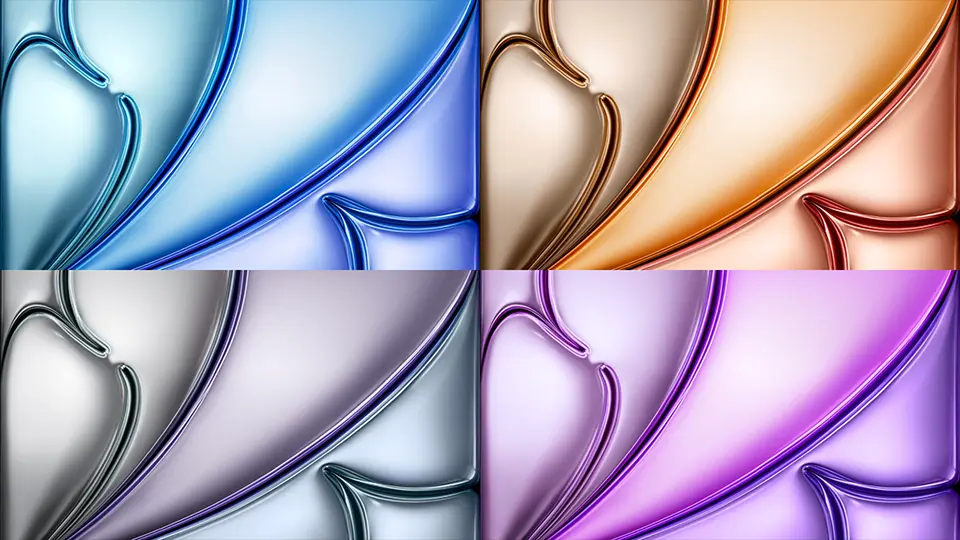
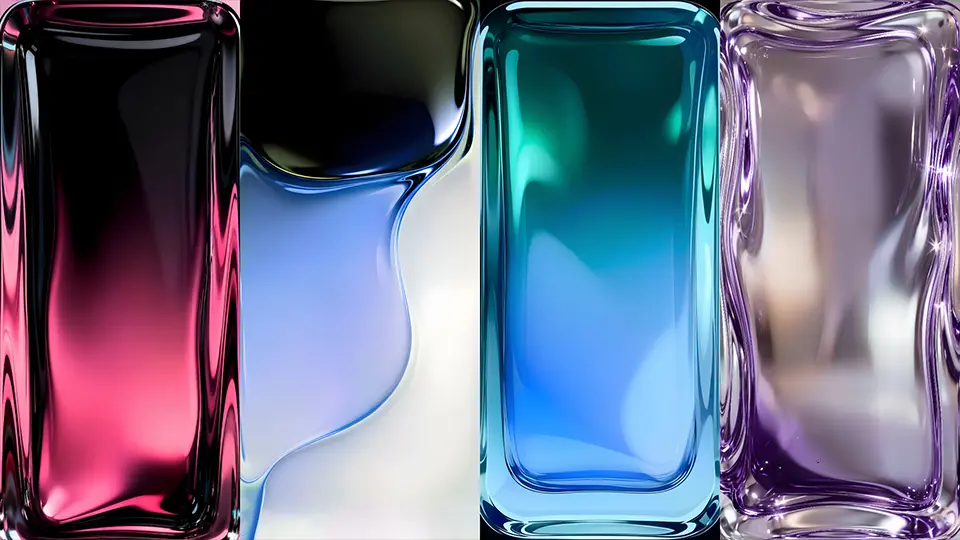
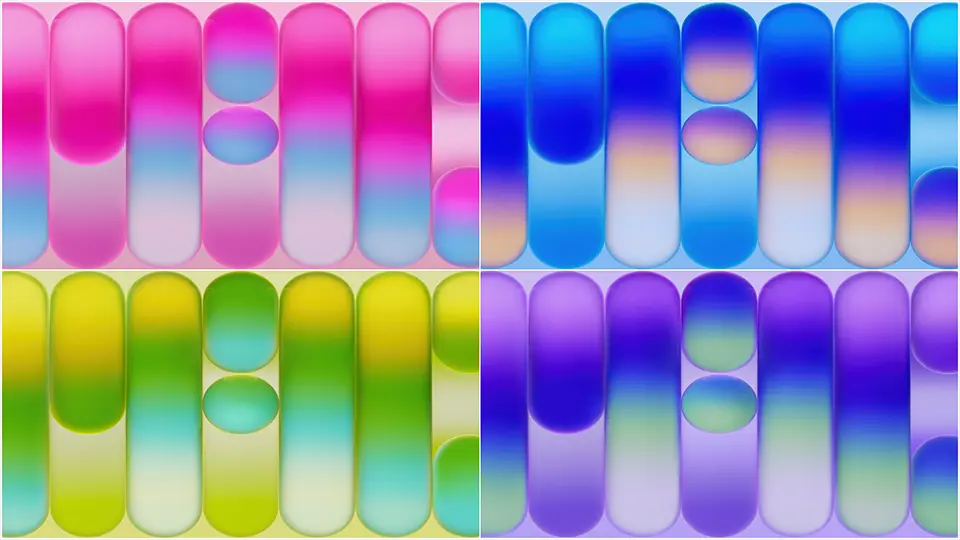
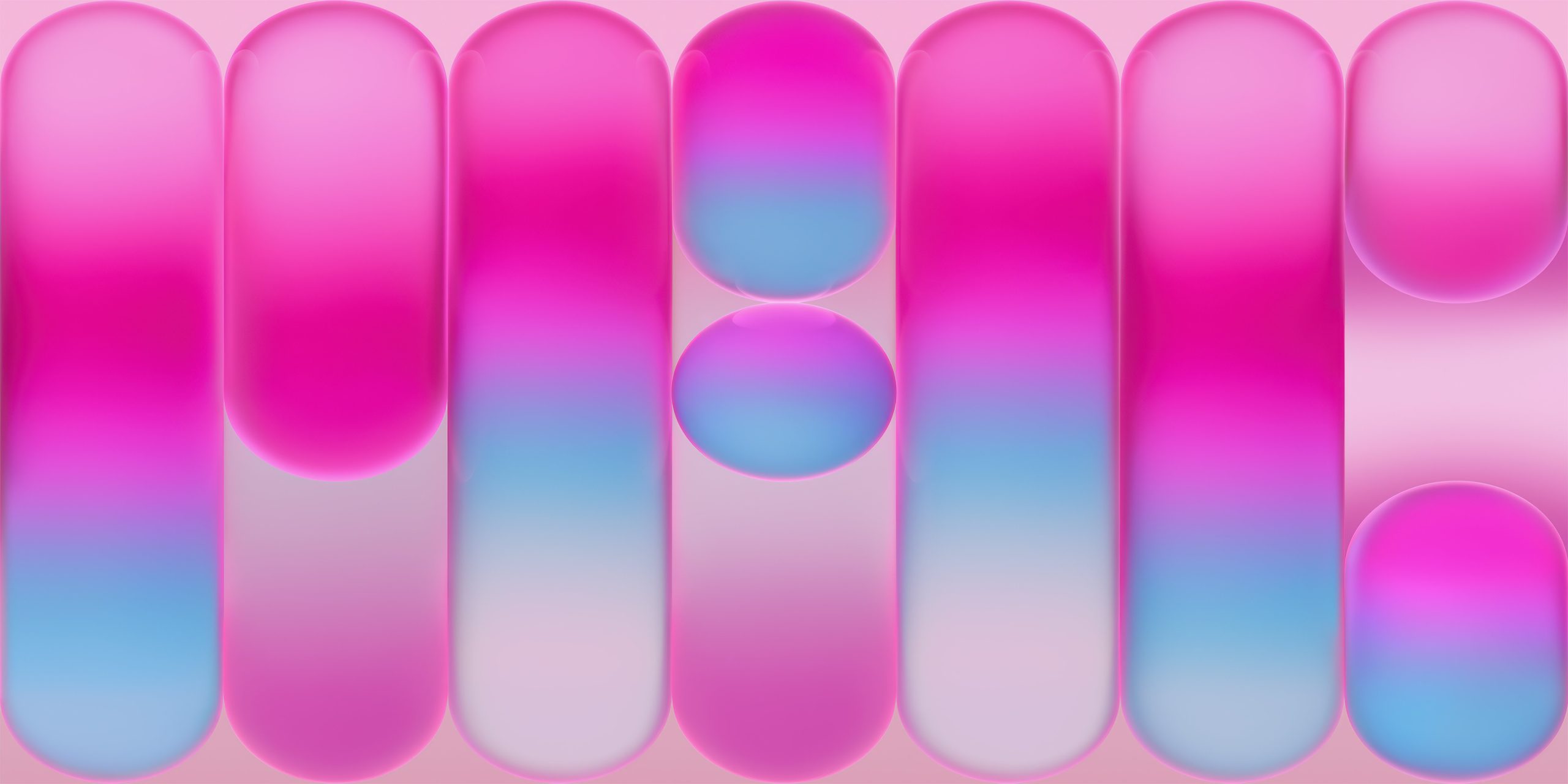
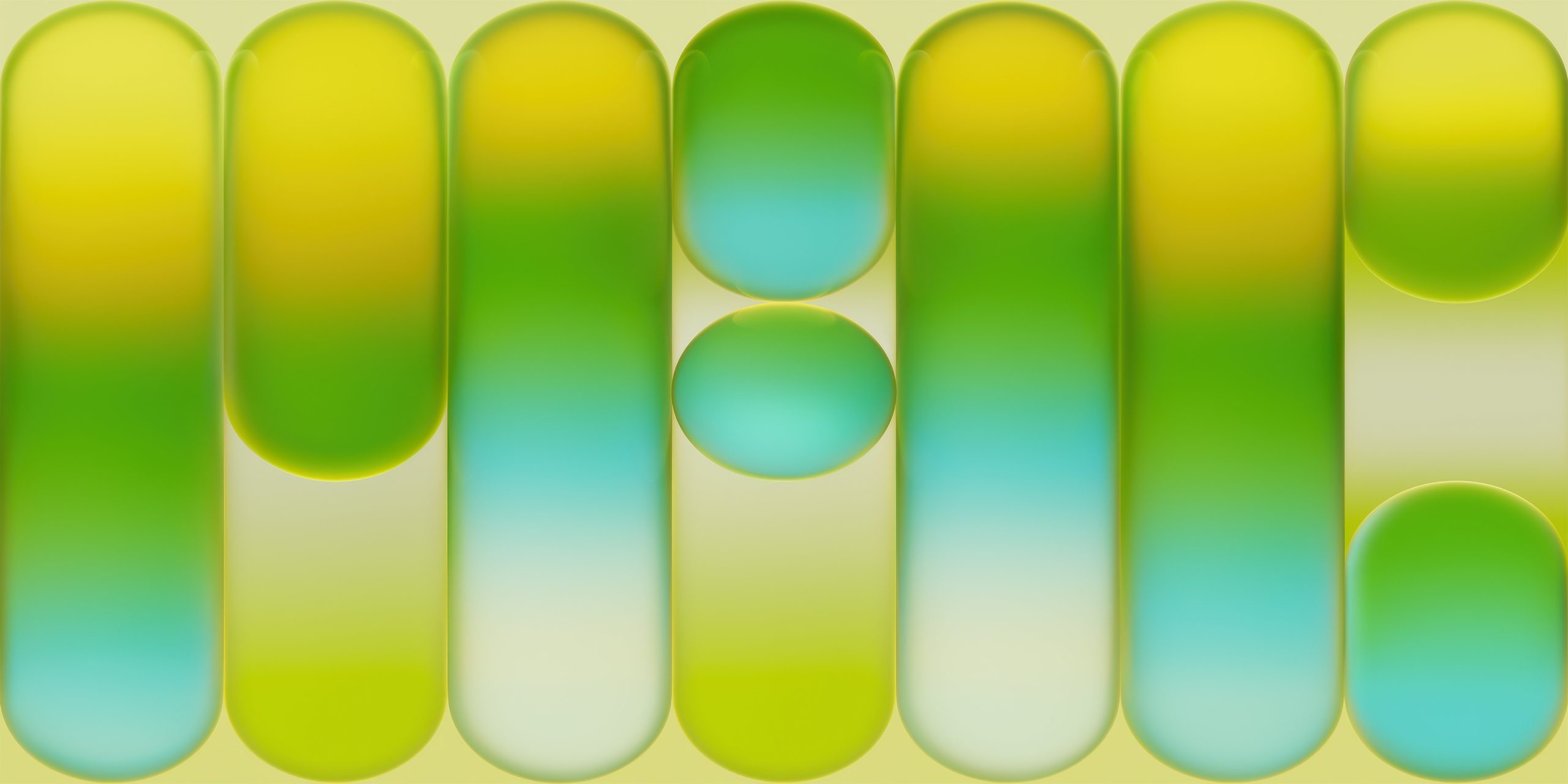
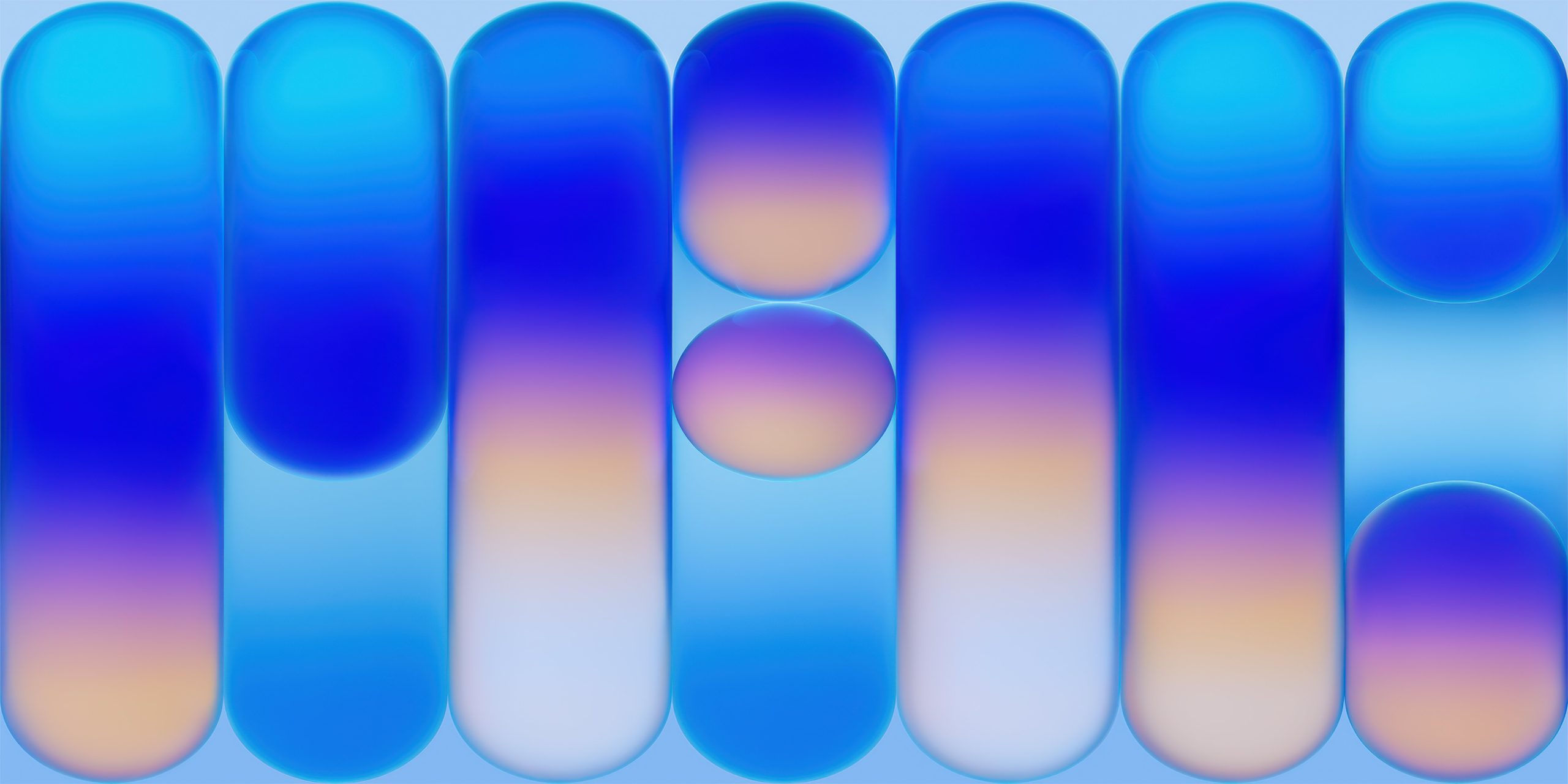
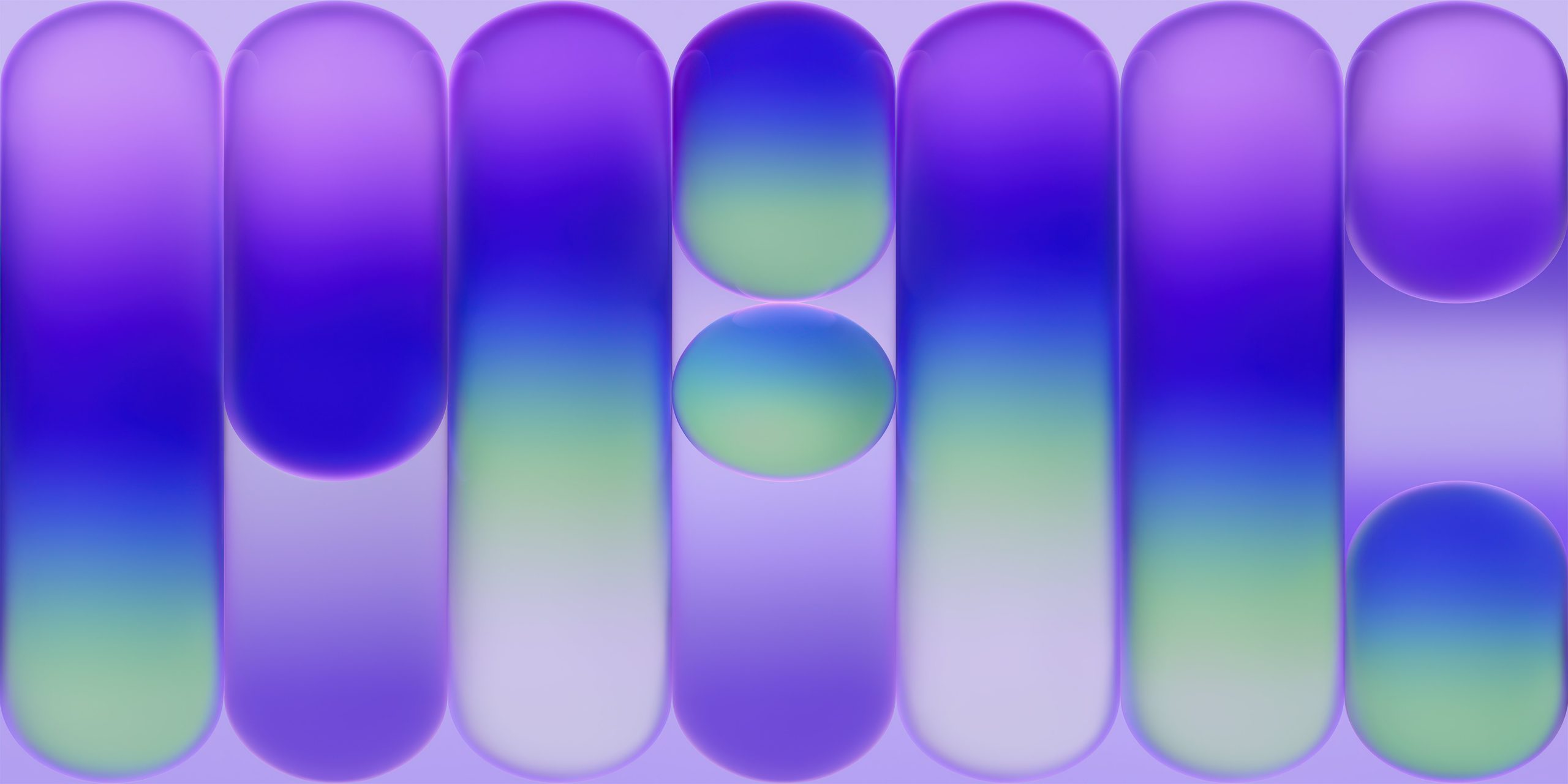
If you were expecting more of the same soft gradients and abstract color washes, the MacBook Neo wallpapers will pleasantly surprise you. Apple’s design team has taken a noticeably more textural, almost sculptural approach with this collection — very much in keeping with the Liquid Glass design language introduced across the broader Apple ecosystem in 2026.
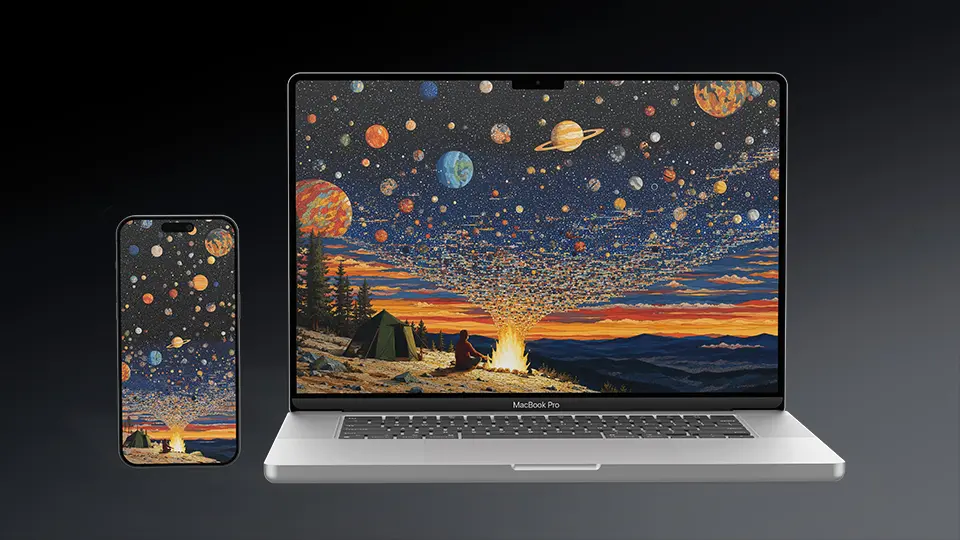
The wallpapers feature rich, layered compositions that reward a large, high-resolution display. There are deep cosmic abstracts that feel like photographs taken inside a nebula — swirling dark matter punctuated by pinpricks of light and slow gradients of indigo, violet, and near-black. There are geological textures that look like cross-sections of rare minerals — obsidian, labradorite, raw copper — with a depth and complexity that makes them endlessly interesting to look at.
There are also cleaner, more minimal options for users who prefer a quieter desktop. Soft luminous gradients in warm neutrals — bone white bleeding into pale gold, cool grey shifting into lavender — give the desktop a calm, premium feel without demanding visual attention. These work particularly well for productivity setups where the wallpaper needs to stay in the background while multiple windows and apps occupy the screen.
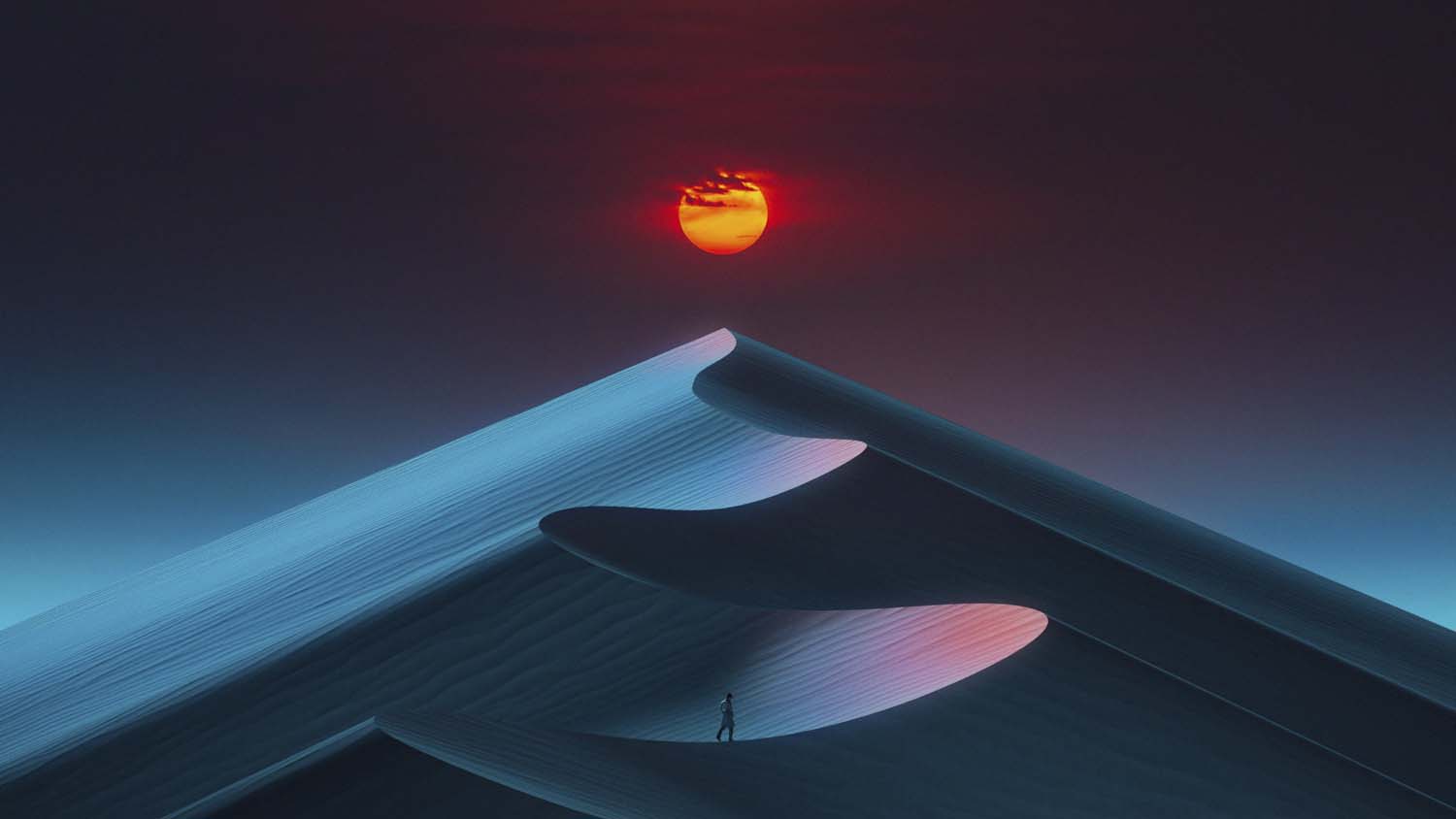
What unites the entire collection is a sense of material authenticity. These don’t look like digital renders or algorithmically generated patterns. They look like photographs of real surfaces, real light, real matter — just matter that happens to be extraordinarily beautiful and perfectly composed for a widescreen display.
Why These Wallpapers Look Incredible on MacBook Neo
The MacBook Neo ships with Apple’s most advanced display to date — a Liquid Retina XDR panel with a higher peak brightness, broader color gamut, and deeper blacks than any previous MacBook. This is not a minor upgrade. On this display, the dark cosmic wallpapers achieve a depth and dimensionality that simply isn’t possible on conventional LCD screens. The blacks are genuinely black, not dark grey, which means the glowing elements within those wallpapers seem to float in actual darkness rather than sitting on a dim backlit surface.
Download MacBook Neo Wallpapers – Free HD
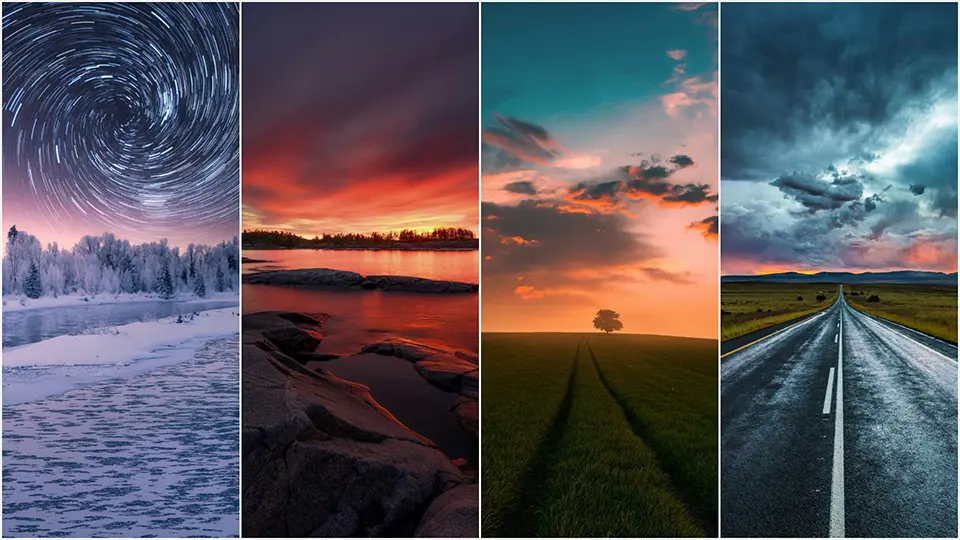
Every wallpaper in this collection is available in full HD resolution, optimized for the MacBook Neo’s Liquid Retina XDR display. They look equally stunning on all MacBook Air, MacBook Pro, iMac, and iPhone models.
↓ Download Full Collection
 Download Image
  Download Image
  Download Image
The ProMotion technology — with its adaptive refresh rate up to 120Hz — also makes a subtle but real difference. Wallpapers with fine detail and subtle gradients render with a sharpness and smoothness that makes them feel almost physical. Sitting in front of a MacBook Neo with one of these wallpapers on your desktop feels less like using a computer and more like having a piece of art on your desk.
Using MacBook Neo Wallpapers on iPhone and iPad
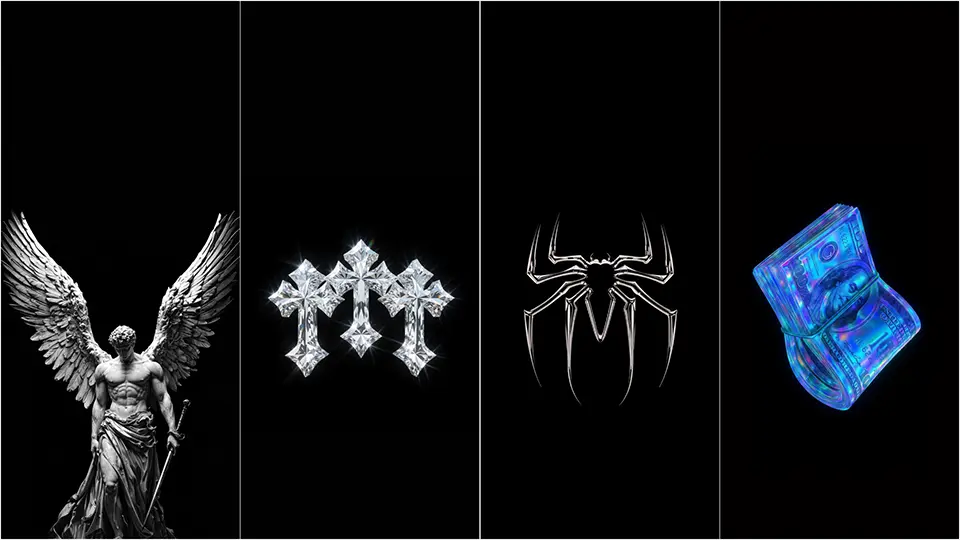
One of the best things about Apple’s Mac wallpapers is how well they translate to smaller screens. The MacBook Neo wallpapers are no exception. Their high resolution and careful composition mean they crop beautifully to iPhone and iPad aspect ratios without losing their impact. The cosmic abstracts look particularly spectacular on iPhone 16 Pro’s OLED display, where the deep blacks and luminous highlights get the full benefit of the panel’s capabilities.
If you want your entire Apple ecosystem — MacBook, iPhone, and iPad — to share a unified, cohesive visual theme, this collection gives you everything you need in a single download.
How to Set MacBook Neo Wallpapers on Your Mac
Getting these onto your Mac takes seconds:
- Download your preferred wallpaper from this page.
- Right-click the image file → select Set Desktop Picture.
- Or go to System Settings → Wallpaper → drag the image into the wallpaper picker.
- Choose Fill Screen for the best result on the MacBook Neo’s widescreen display.
For a dynamic setup, you can set different wallpapers for Light and Dark Mode — Apple’s wallpaper system supports this natively and it is a genuinely satisfying feature to use.