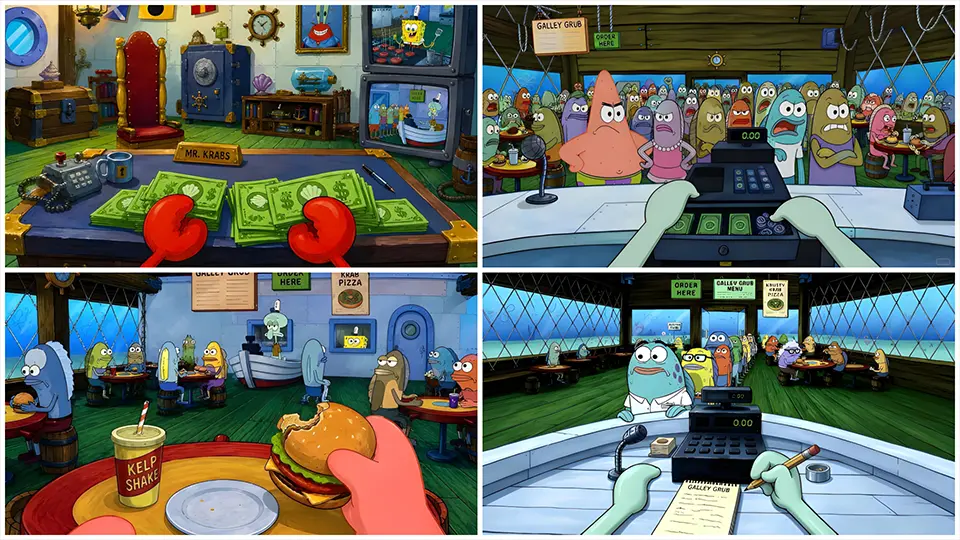
SpongeBob MacBook 4K Wallpapers
If you’ve ever wanted your MacBook to feel a little less “corporate laptop” and a lot more “living under the sea,” you’re not alone. SpongeBob SquarePants wallpapers have become one of the most searched desktop customization trends among students, remote workers, and anyone who wants a screen that makes them smile every time they open their laptop lid. In this guide, we’ll walk through why SpongeBob wallpapers are so popular, what makes a great 4K wallpaper specifically for MacBook screens, where you can responsibly find them, and how to set one up correctly so it looks crisp instead of blurry or stretched.
Why SpongeBob Wallpapers Are So Popular Right Now
SpongeBob SquarePants has been a cultural staple since it premiered in 1999, and its appeal has only grown with the rise of “nostalgiacore” aesthetics online. For Gen Z and younger millennials, SpongeBob represents a comforting blend of childhood memory and internet humor — memes, reaction images, and quotable moments from the show circulate constantly on social media. Turning that nostalgia into a desktop background is a small but meaningful way to personalize a device that otherwise looks identical to millions of others.
There’s also a practical angle. MacBooks, especially models with Retina and Liquid Retina XDR displays, have incredibly sharp screens. A low-resolution image looks noticeably worse on these displays than it would on an older laptop, which is exactly why “4K” matters so much in search queries like this one.
What Makes a Wallpaper “MacBook 4K Ready”
Before downloading any wallpaper, it helps to understand the technical side, because not every image labeled “4K” is actually suited for a MacBook screen.
1. Resolution and aspect ratio. True 4K resolution is 3840×2160 pixels. However, MacBook screens use different aspect ratios depending on the model — most modern MacBook Pro and Air models use a 16:10 ratio rather than the 16:9 ratio common on TVs and monitors. That means a wallpaper cropped for a standard 4K TV might leave awkward black bars or get stretched on your Mac. Look for wallpapers sized closer to 3456×2234 (MacBook Pro 16″) or 2560×1664 (MacBook Air 13″) for a pixel-perfect fit, or choose an image with enough resolution that macOS can crop it cleanly.
2. File format. PNG works well for images with flat colors and clean edges (which suits cartoon-style art like SpongeBob), while JPEG is fine for more photographic or gradient-heavy designs. Avoid heavily compressed images, since compression artifacts become very visible on Retina displays.
3. Color and contrast with macOS icons. A busy or overly bright wallpaper can make your desktop icons and menu bar text hard to read. Many popular SpongeBob wallpaper styles use darker or more muted backgrounds — nighttime Bikini Bottom scenes, minimalist line-art versions, or soft pastel takes — specifically because they keep file names and icons legible.
Popular SpongeBob Wallpaper Styles for MacBook

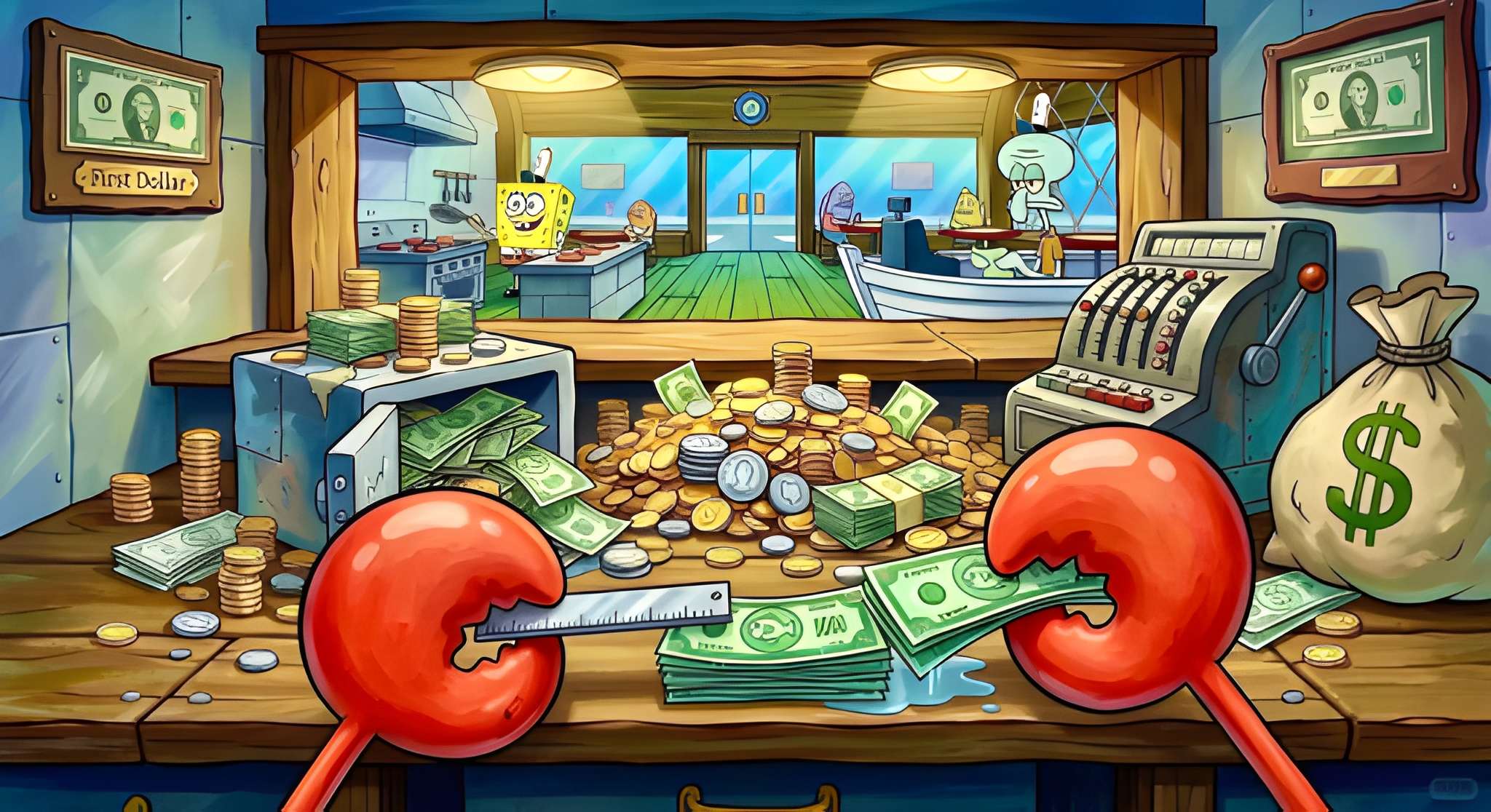
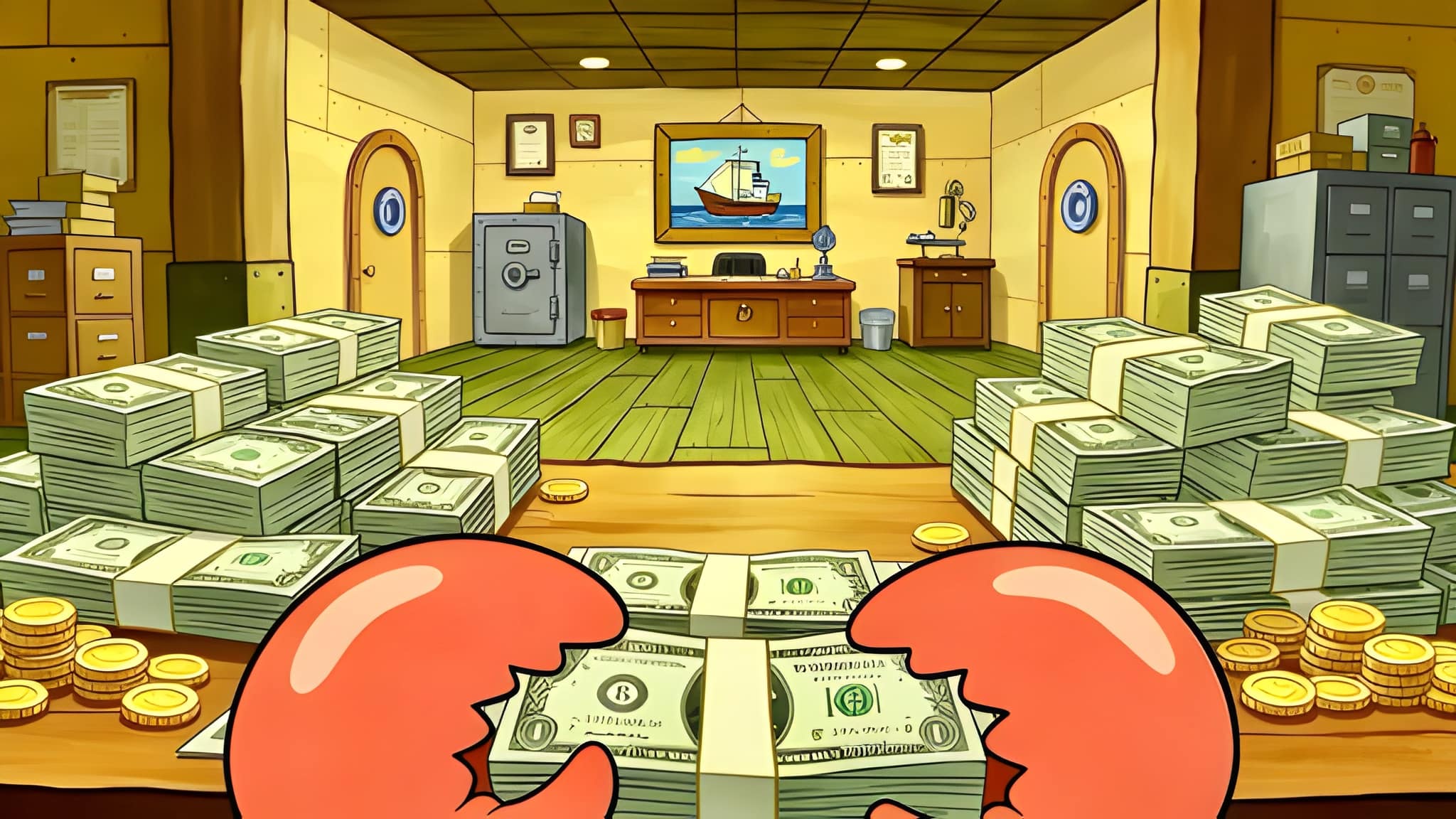
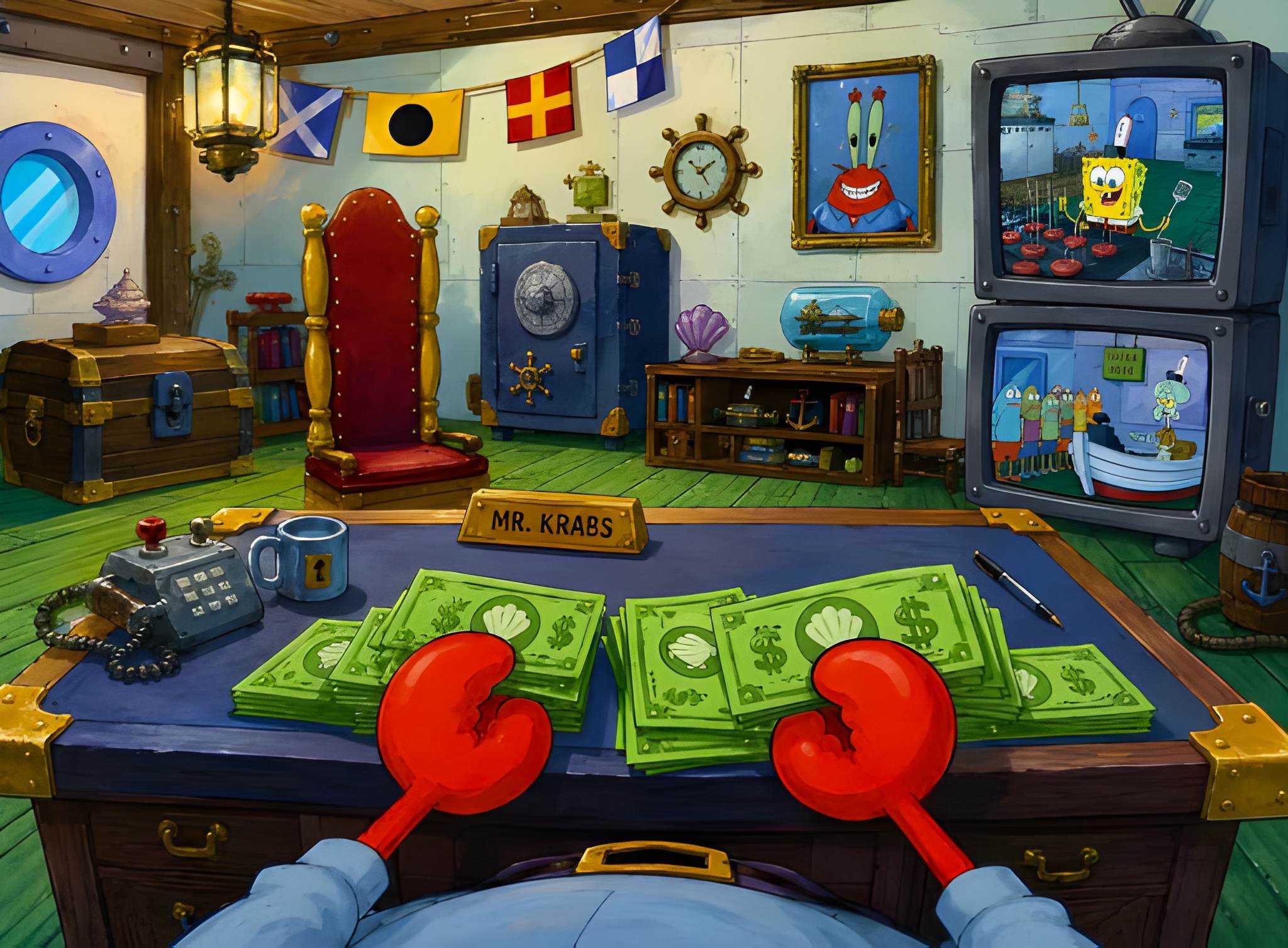

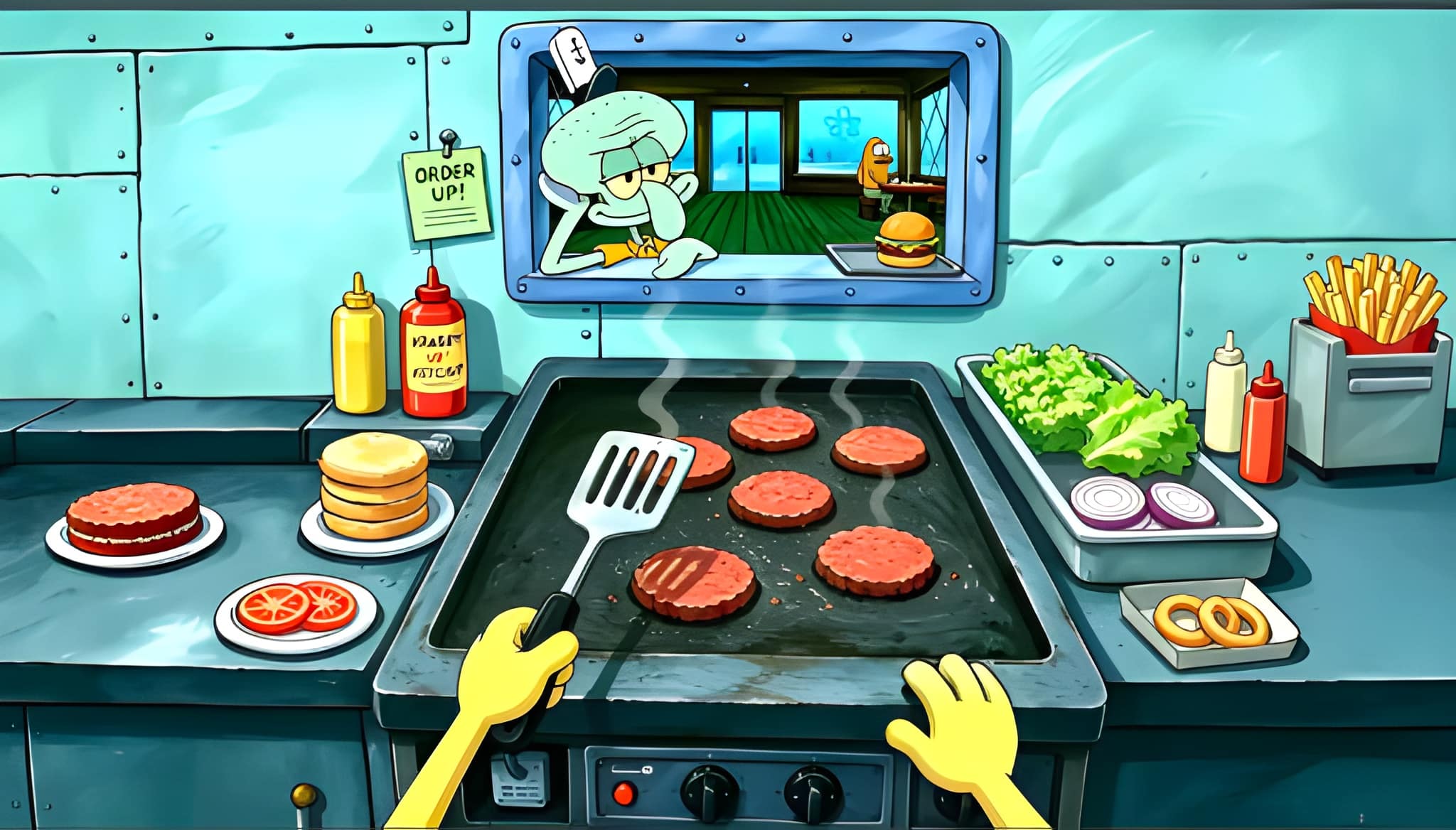
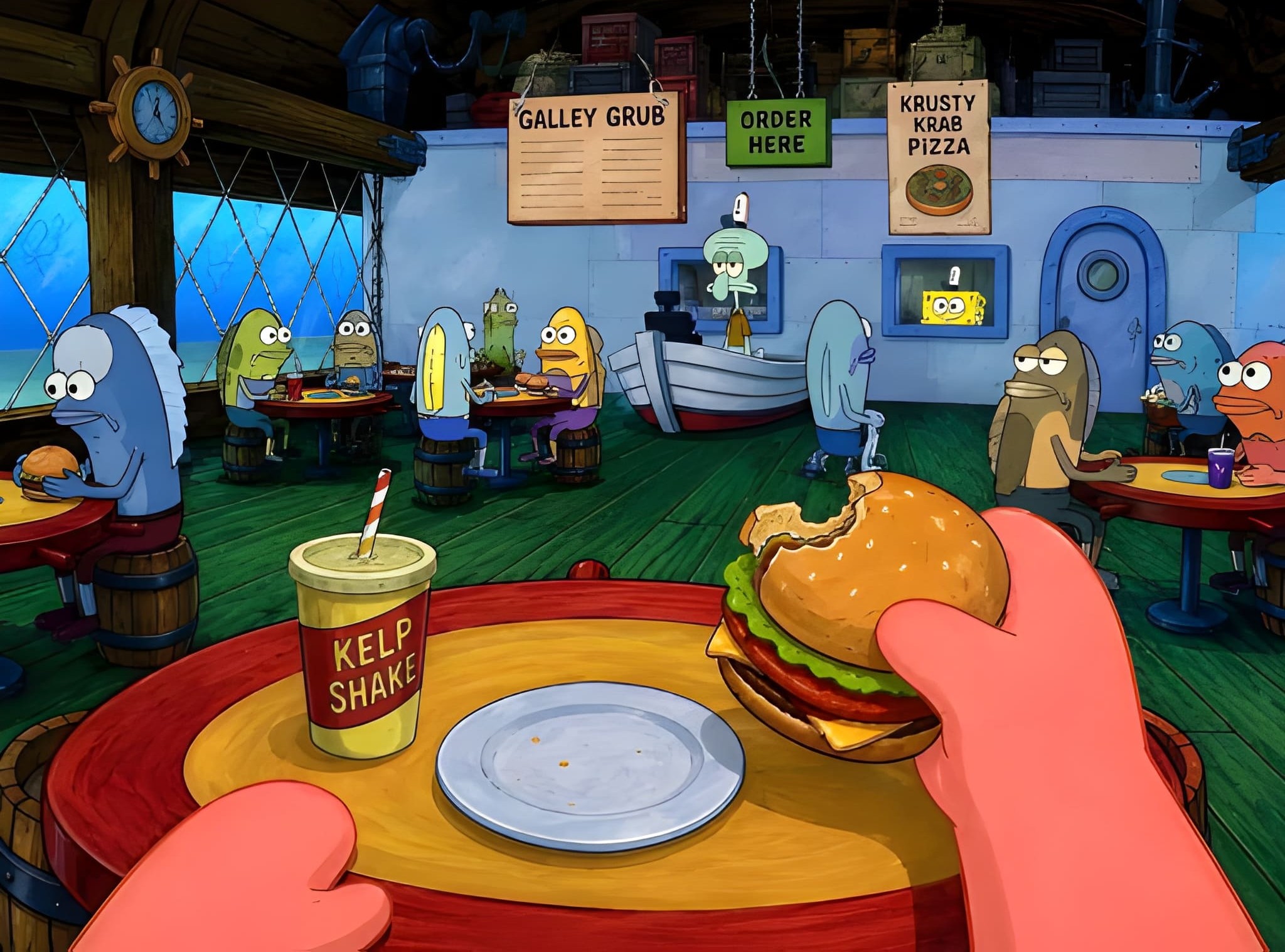
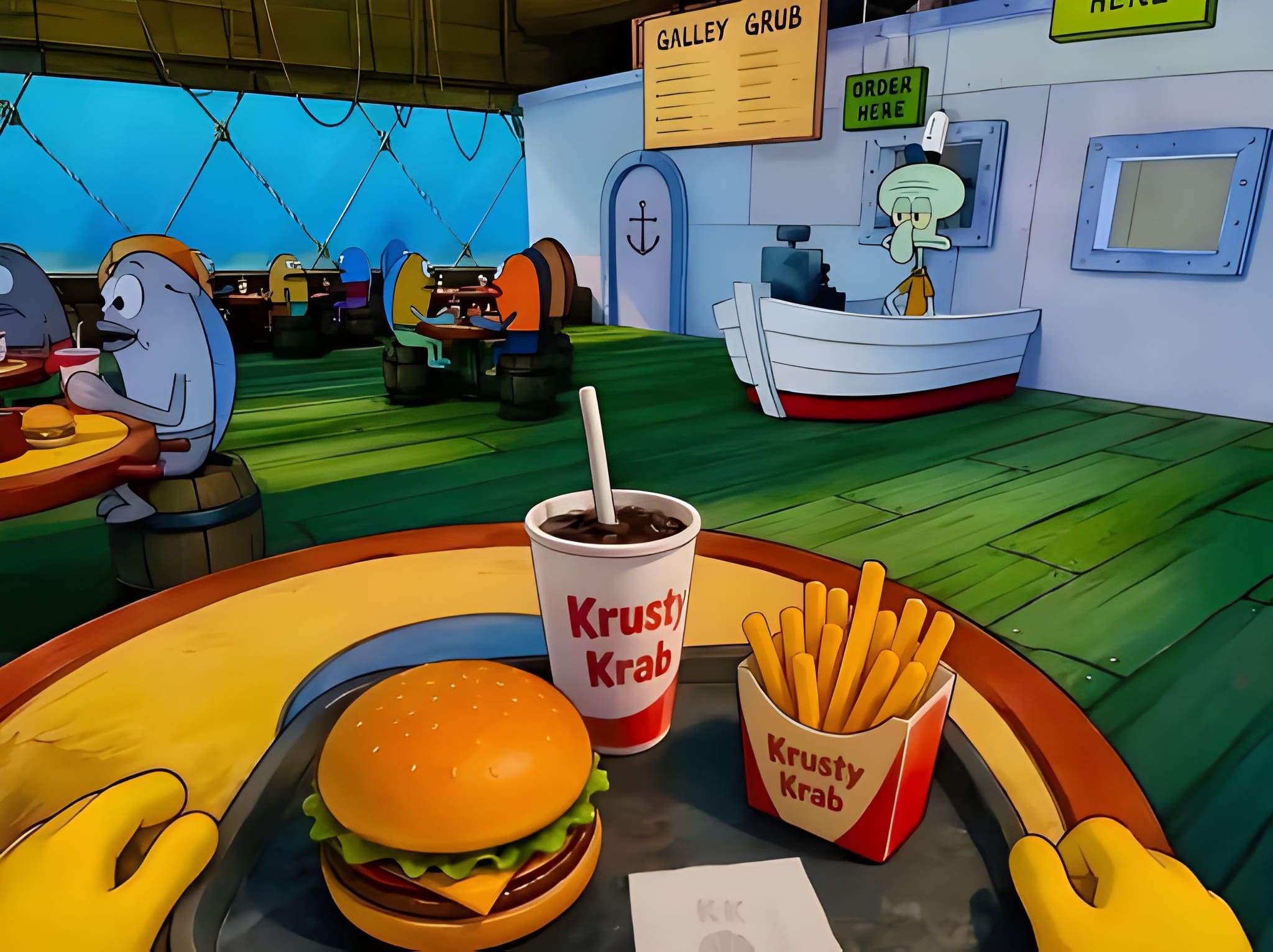
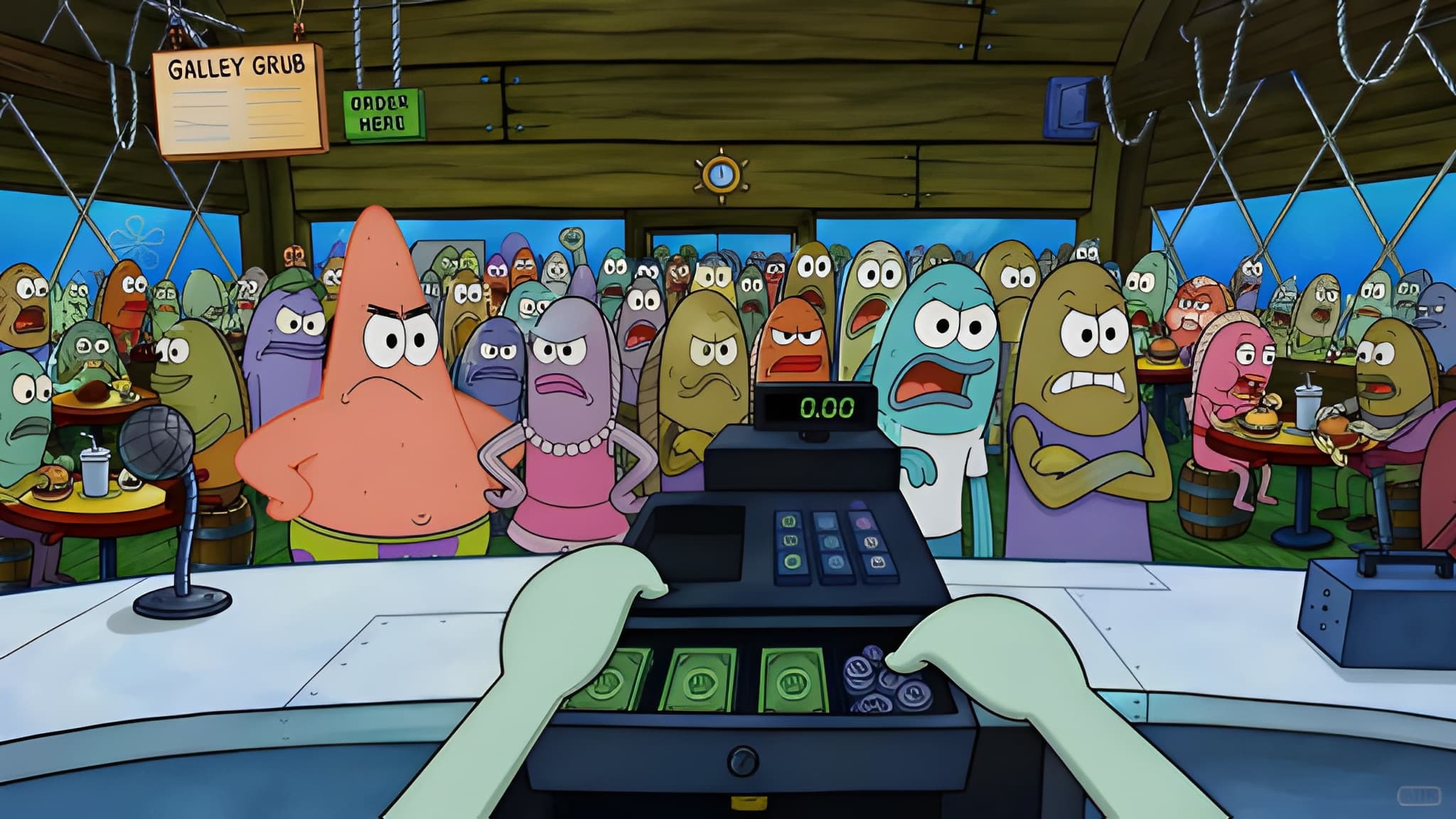
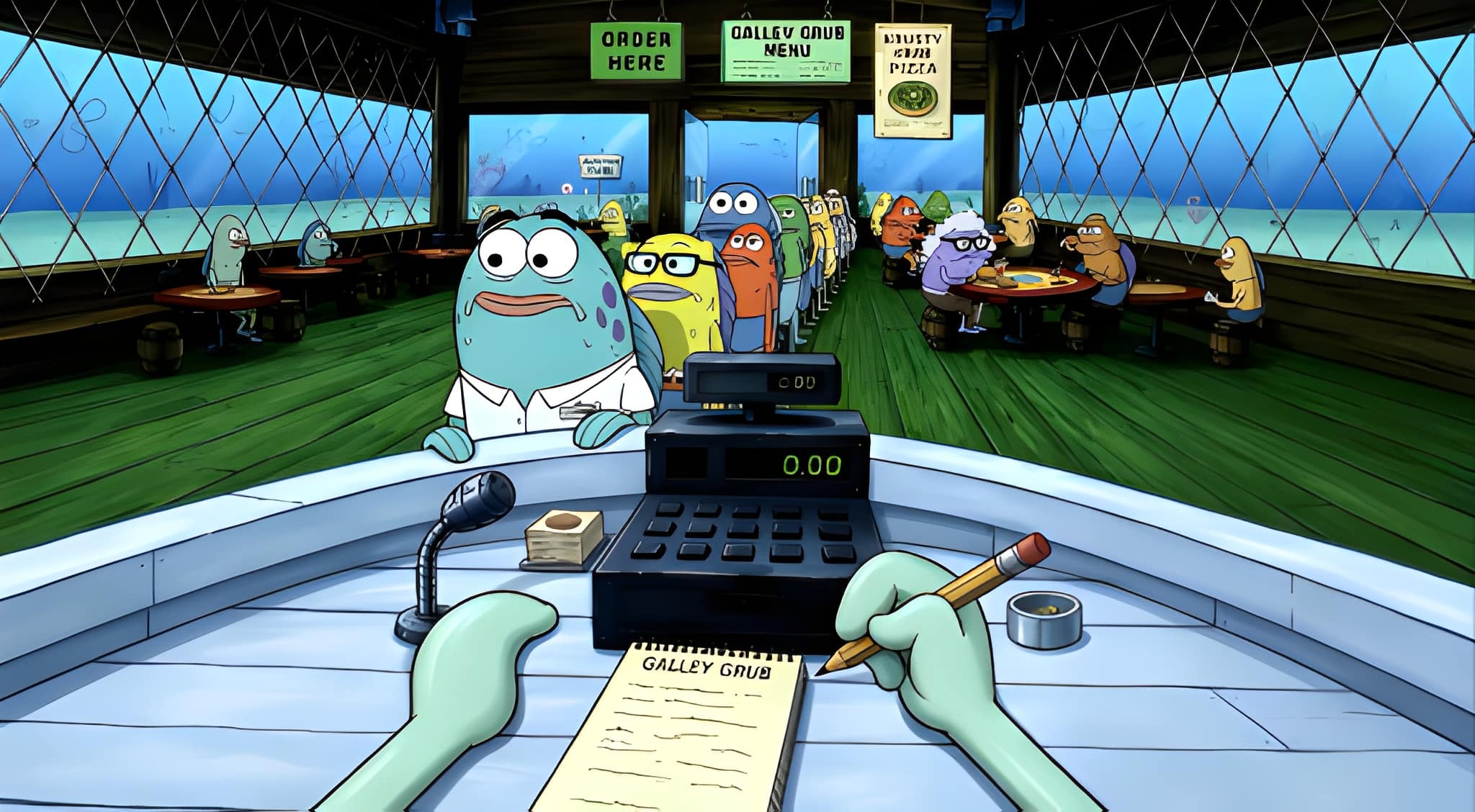
While we can’t reproduce copyrighted artwork here, it’s worth knowing the styles that consistently trend in this niche so you know what to search for:
- Minimalist SpongeBob silhouettes — simple, single-color outlines on a solid background, great for a clean aesthetic.
- Retro VHS-style Bikini Bottom scenes — grainy textures and warm color grading for a nostalgic feel.
- Meme-collage wallpapers — grids of iconic reaction faces, popular with people who want a conversation-starter desktop.
- Aesthetic pastel edits — soft pink, lavender, or mint color palettes layered over familiar characters.
- Dark mode Bikini Bottom — moody, nighttime-style backgrounds that pair well with macOS Dark Mode.
- Line-art and sketch versions — hand-drawn-looking outlines that feel more artistic than cartoonish.
Where to Find Wallpapers Responsibly
Because SpongeBob SquarePants is owned by Nickelodeon/Paramount, official artwork is copyrighted. When searching for wallpapers, prioritize:
- Official Nickelodeon or Paramount fan resources, when available, since these are cleared for personal use.
- Wallpaper platforms with clear licensing terms, such as sites that specify “free for personal use” and credit original artists.
- Fan art communities where artists explicitly offer their SpongeBob-inspired designs as free downloads — many digital artists create original, stylized fan art available for personal desktop use.
Avoid downloading from random file-sharing sites, since these often carry malware risks alongside unclear copyright status.
How to Set a Wallpaper on macOS
- Download your chosen image and confirm it’s high resolution.
- Open System Settings (or System Preferences on older macOS versions).
- Click Wallpaper in the sidebar.
- Click Add Photo or drag your downloaded file into the wallpaper picker.
- Choose Fill Screen, Fit to Screen, or Stretch to Fill Screen depending on how you want the image cropped — “Fill Screen” usually looks best for full-bleed cartoon art.
- If you use multiple desktops (Spaces), you can assign different wallpapers to each one for extra variety.
Tips for Keeping Your Desktop Looking Sharp
- Match your Dock and menu bar transparency settings to your wallpaper’s brightness for better visual harmony.
- Pair a busy wallpaper with a minimal Dock (auto-hide it) so icons don’t clash with the image.
- Rotate wallpapers seasonally — a “Krusty Krab winter” edit in December, for example — to keep things fresh without losing the SpongeBob theme.
- If you use Stage Manager on macOS, test how your wallpaper looks with windows layered on top, since some busy designs get visually cluttered.
Final Thoughts
SpongeBob MacBook 4K wallpapers are a simple, low-effort way to add personality to your workspace while staying nostalgic and fun. Focus on true Retina-friendly resolutions, respect artist and studio copyrights by sourcing images responsibly, and take a few minutes to set your Dock and desktop settings to complement the artwork. A well-chosen wallpaper won’t just look good — it’ll make opening your laptop each morning feel just a little more like diving into Bikini Bottom.