Ocean Depth Effect Wallpapers for iPhone (4K HD) – Free Download
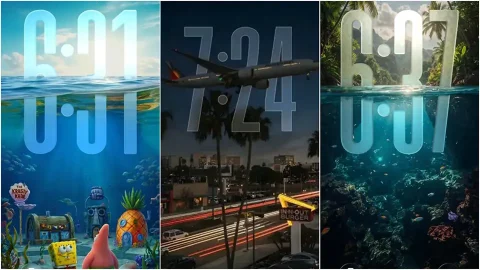
Some wallpapers look good. Some wallpapers stop you mid-reach, make you look twice, and stay in your mind long after you’ve put your phone down. Ocean depth effect wallpapers belong firmly in the second category. There is something about the visual grammar of deep water — the way light behaves as it penetrates the surface and scatters through layers of blue, the way darkness gathers at depth while brightness dances above, the way scale becomes impossible to judge when there is nothing but water in every direction — that creates imagery unlike anything else in the natural world. On an iPhone screen, particularly on OLED displays where blacks are genuinely black and blues can be genuinely electric, these wallpapers are transformative.
In this post we’re sharing the best ocean depth effect wallpapers for iPhone in full 4K HD quality — completely free to download, no watermark, no compression, compatible with every iPhone model from iPhone 11 through to the latest iPhone 17 Pro Max.
What Is the Depth Effect and Why Does It Matter
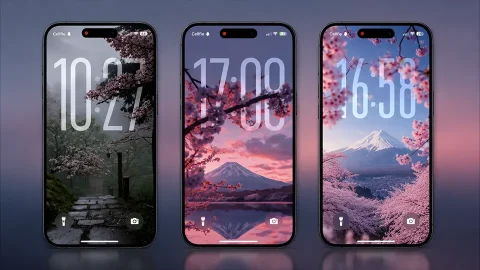
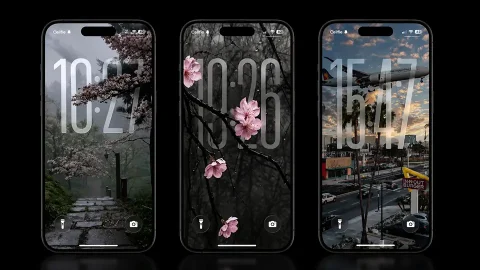
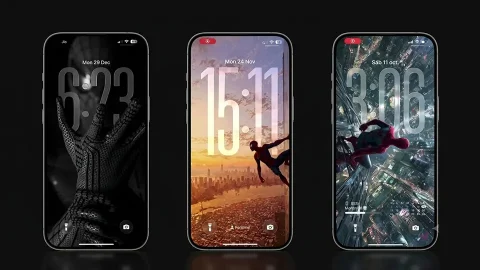
Before diving into the collection, it is worth understanding what makes a depth effect wallpaper different from a regular ocean photo. A standard ocean photograph, however beautiful, is flat — it exists on a single plane and stays there. A depth effect wallpaper is engineered to create a genuine sense of three-dimensional space on your screen. When used with iOS’s built-in Depth Effect feature on the lock screen, these wallpapers interact with the clock and notification elements in a way that makes some elements appear to sit in front of the image and others behind it — creating a layered, almost holographic quality that makes your lock screen feel less like a photograph and more like a window.
The best ocean imagery is perfectly suited to this effect. A shot taken from just below the surface looking upward — with the sun fragmenting through the water above and darkness gathering below — already has a natural sense of depth that iOS’s processing amplifies beautifully. The light rays that pierce downward through deep water, the gradient from turquoise at the surface to midnight blue at depth, the soft blur that gathers at the edges of an underwater composition — all of these qualities that make ocean photography so compelling in the first place become even more powerful when depth processing is applied.
The Visual Language of Ocean Depth
What makes ocean depth wallpapers so enduringly popular is that they tap into something primal. Human beings are drawn to water. We are calmed by it, awed by it, and permanently curious about what lies beneath it. The ocean covers more than seventy percent of the earth’s surface, and the vast majority of it remains unexplored — which means that deep ocean imagery carries an inherent mystery that no other landscape can replicate.
The color palette of ocean depth photography is also uniquely suited to iPhone screens. The blues and teals and aquamarines that define underwater imagery are precisely the colors that OLED displays reproduce most brilliantly. Where other subjects — faces, landscapes, architecture — rely on a broad palette that tests a display’s color accuracy across the full spectrum, ocean depth imagery lives almost entirely in the cool end of the color wheel, where modern iPhone displays are at their most spectacular. A deep navy gradient that shifts through cobalt and teal to a pale aquamarine surface glow is one of the single most beautiful things you can put on a Super Retina XDR display. It looks like the screen is generating its own light from within.
What This Collection Includes
The ocean depth effect wallpapers in this collection span a wide range of underwater moods and compositions, ensuring there is something for every aesthetic preference.
The surface light series features shots taken from just below the waterline looking upward, capturing the sun as it breaks through and scatters into diverging rays of light through clear tropical water. These images are bright, energetic, and optimistic — the blues are vivid and warm, and the light has a joyful quality that makes them perfect for home screen use where the wallpaper needs to work alongside colorful app icons without competing with them.
The mid-depth series sits in the visual sweet spot between the bright surface and the dark abyss. These images feature the gradual transition from sunlit turquoise above to deepening blue below, often with abstract light caustics dancing across the frame. They have a meditative, balanced quality that makes them genuinely calming to look at — the kind of wallpaper that makes you take a slow breath every time you check your phone.
The deep water series goes darker and more dramatic. These images push toward the deeper end of the ocean palette — midnight blue, near-black navy, deep teal — with only distant light sources suggesting the surface far above. They are moody, cinematic, and particularly stunning on OLED displays where the surrounding darkness in the image renders in true black. If you use dark mode on your iPhone and prefer wallpapers that feel serious and premium rather than bright and cheerful, these are the ones for you.
The abstract ocean series takes the visual elements of underwater photography — light caustics, color gradients, bubble formations, wave interference patterns — and renders them in a more graphic, less literal way. These wallpapers have the feel of ocean imagery without being direct photographs, giving them a more design-forward, aesthetic quality that pairs particularly well with minimal home screen setups and monochromatic icon packs.
Depth Effect Setup — Getting the Most From These Wallpapers
Setting up a depth effect wallpaper on iPhone is straightforward, but a few extra steps make a significant difference to the final result.
- Download your preferred wallpaper from this collection.
- Go to Settings → Wallpaper → Add New Wallpaper.
- Select Photos and choose your downloaded ocean wallpaper.
- On the lock screen preview, tap Depth Effect at the bottom if it isn’t already enabled.
- Position the image so the brightest, most detailed area sits behind where the clock appears — this creates the most dramatic layering effect.
- Tap Add then choose Set as Wallpaper Pair for both lock and home screen.
The depth effect works best with images that have a clear distinction between a bright foreground area and a darker background — ocean images with their natural light-above-dark-below gradient are ideal candidates. For maximum impact on OLED iPhones, choose one of the darker deep water variants and watch the blacks in the image disappear into the screen edges completely.
Compatible iPhone Models
Every wallpaper in this collection is optimised for the full range of modern iPhones. The depth effect feature is supported on iPhone 11 and later. For the best visual experience the deep water and mid-depth series are recommended on OLED models — iPhone 12 and above — where true black rendering makes the most dramatic difference.
Download Ocean Depth Effect Wallpapers for iPhone – Free 4K HD
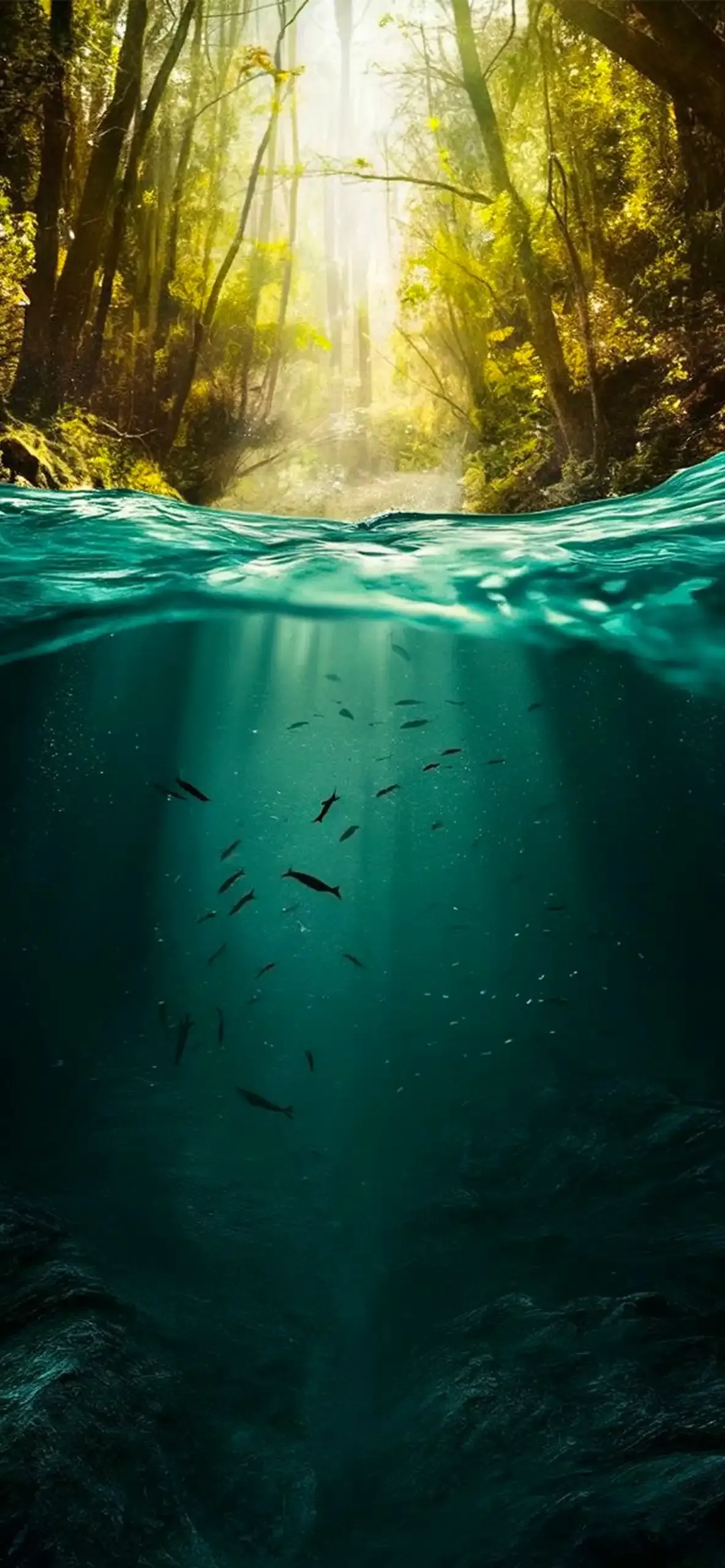
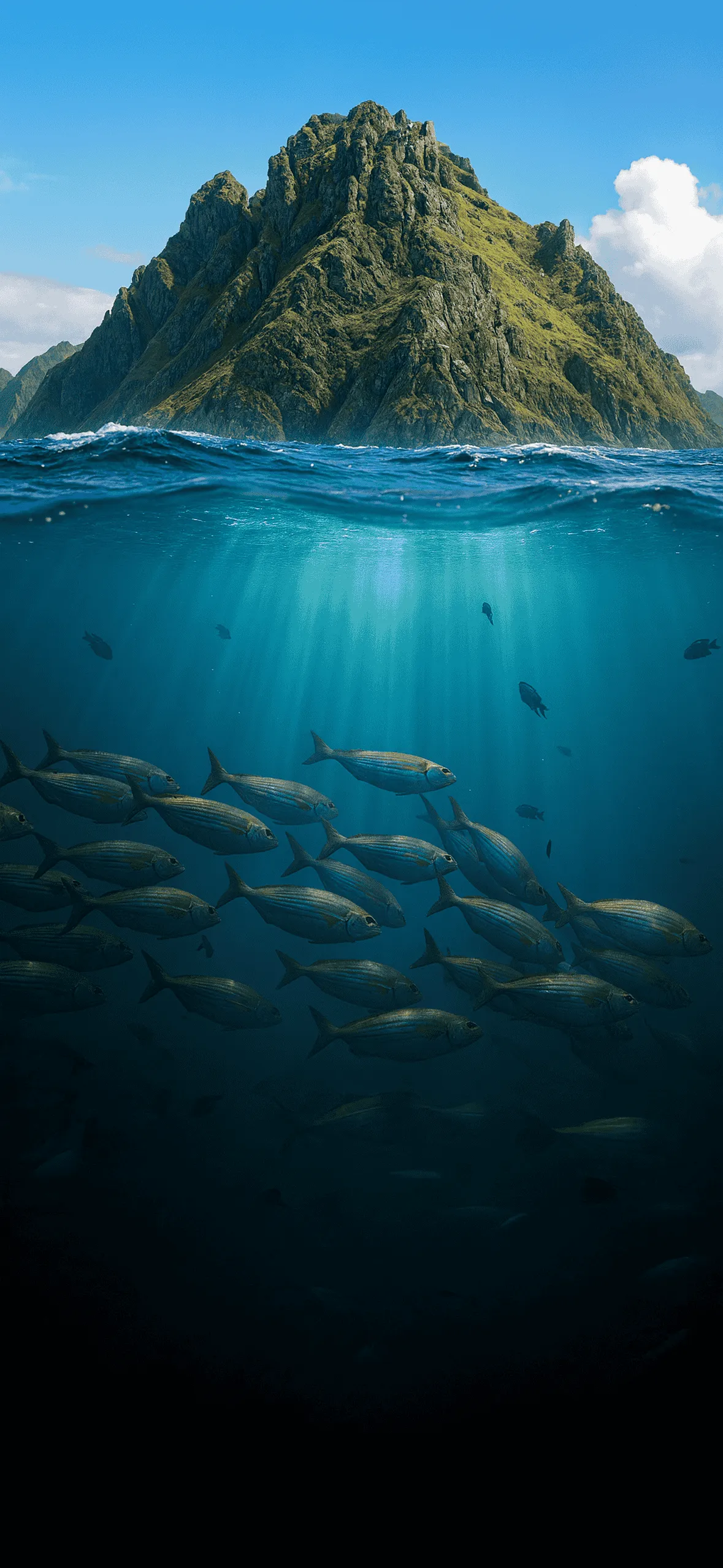
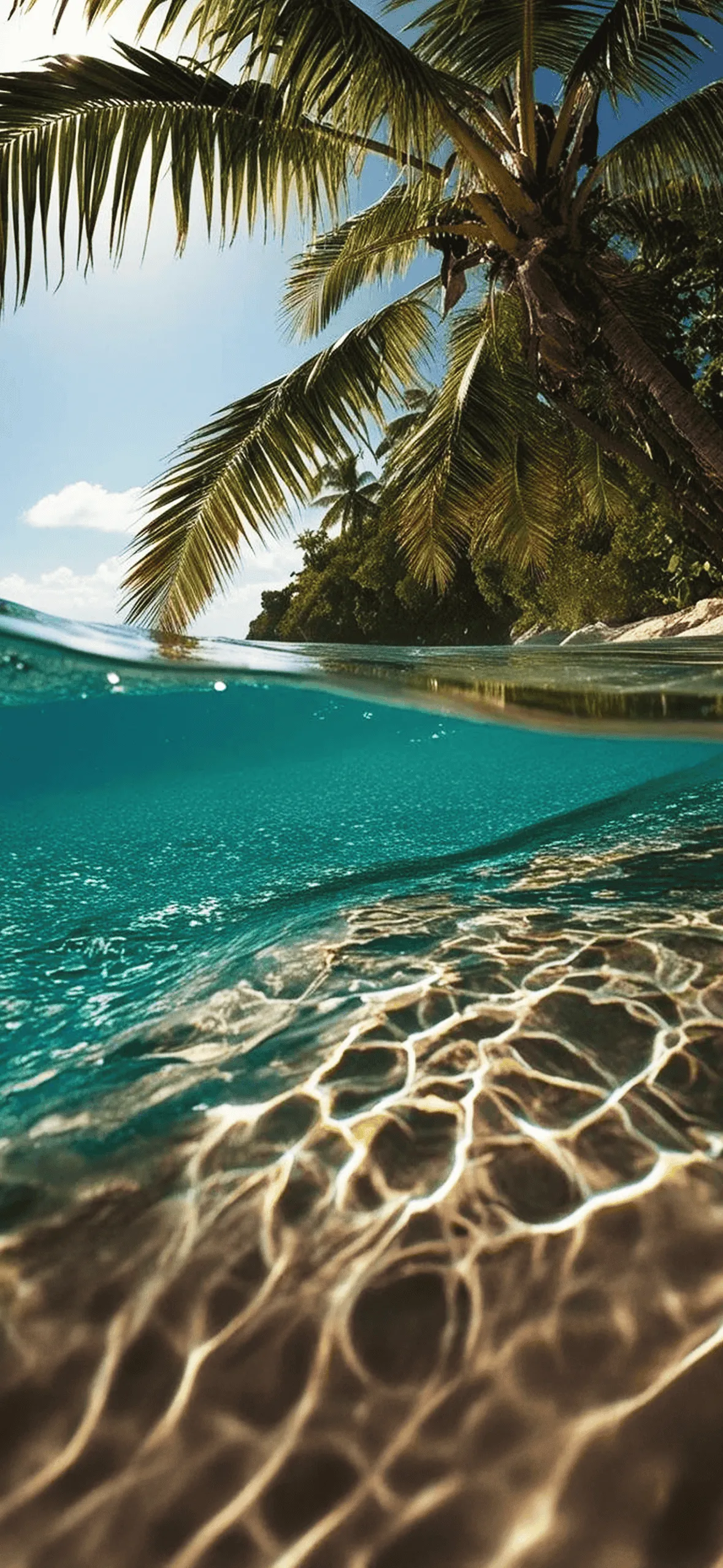
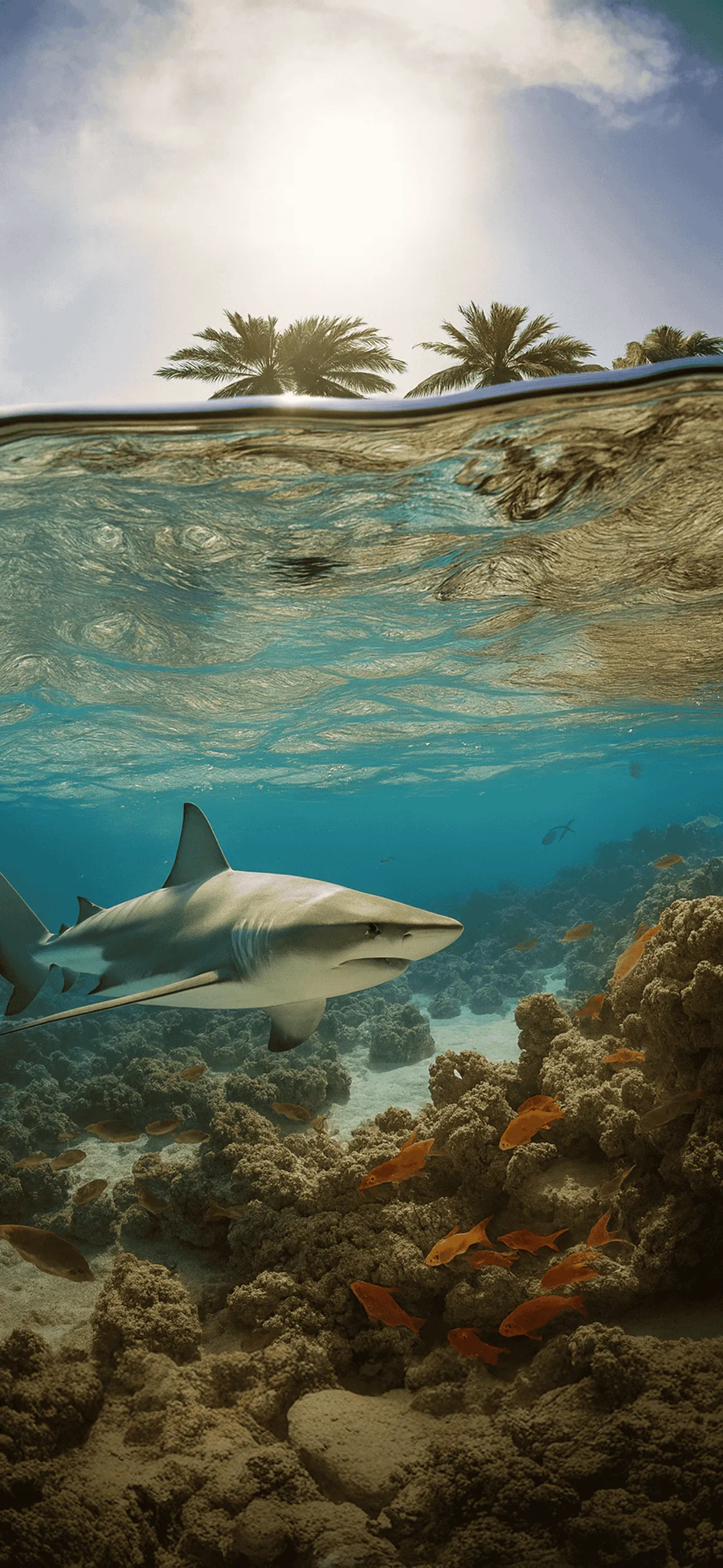
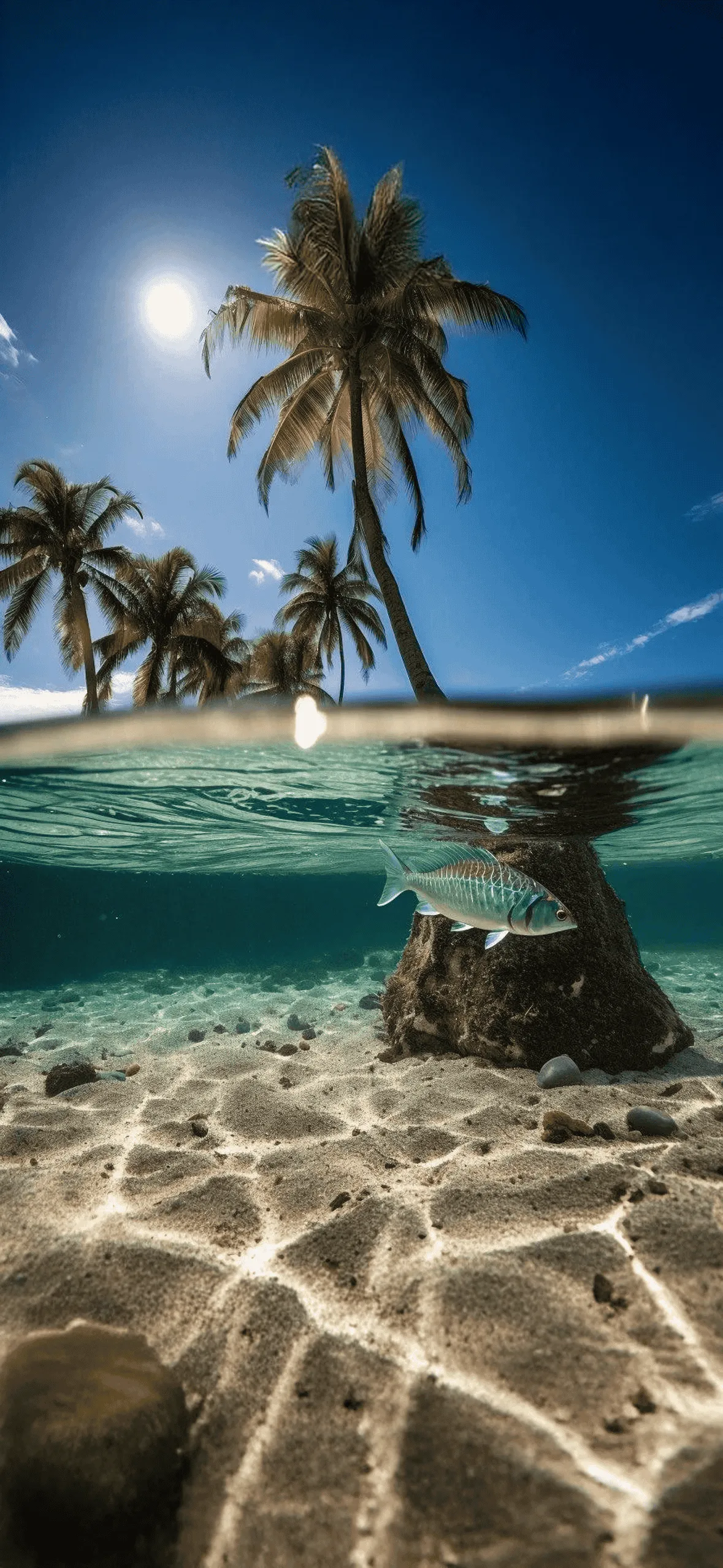
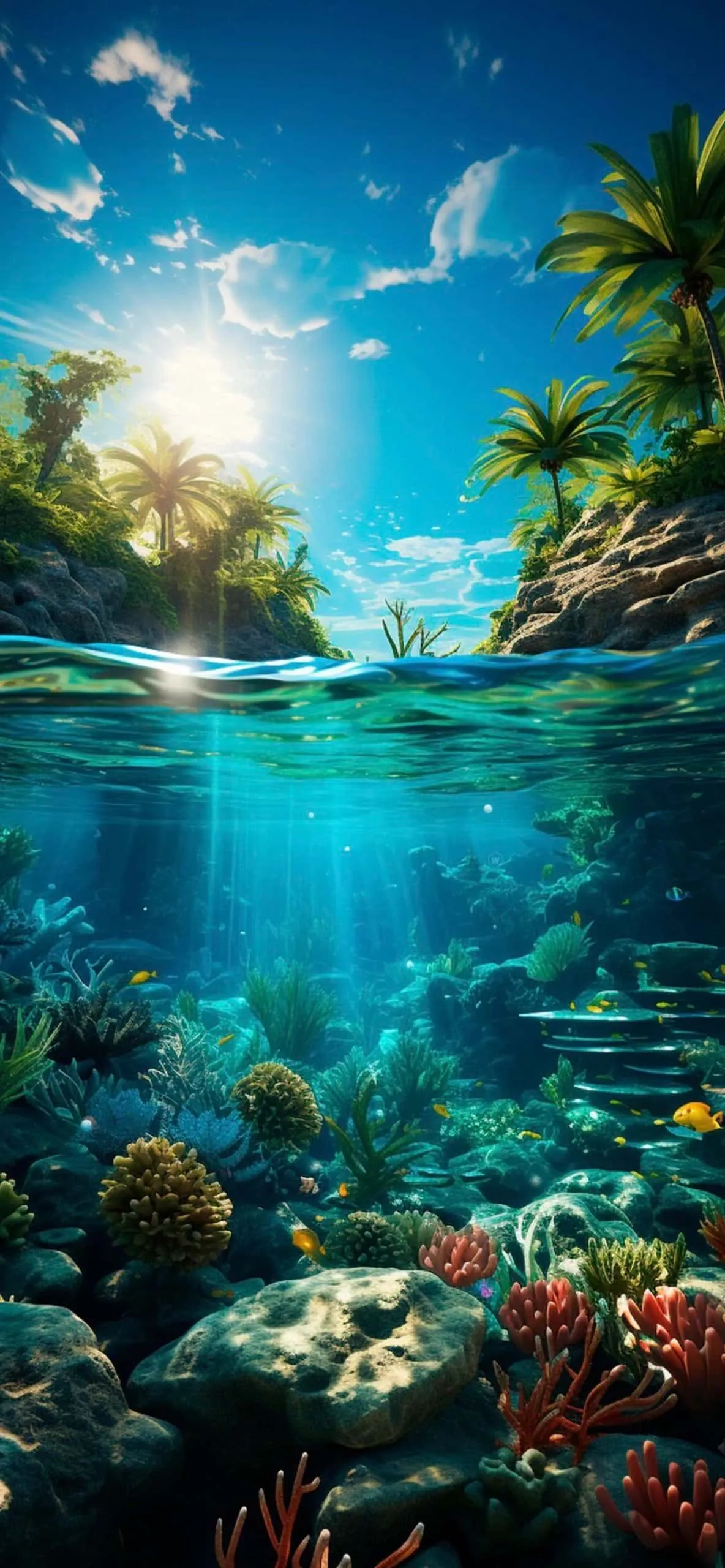
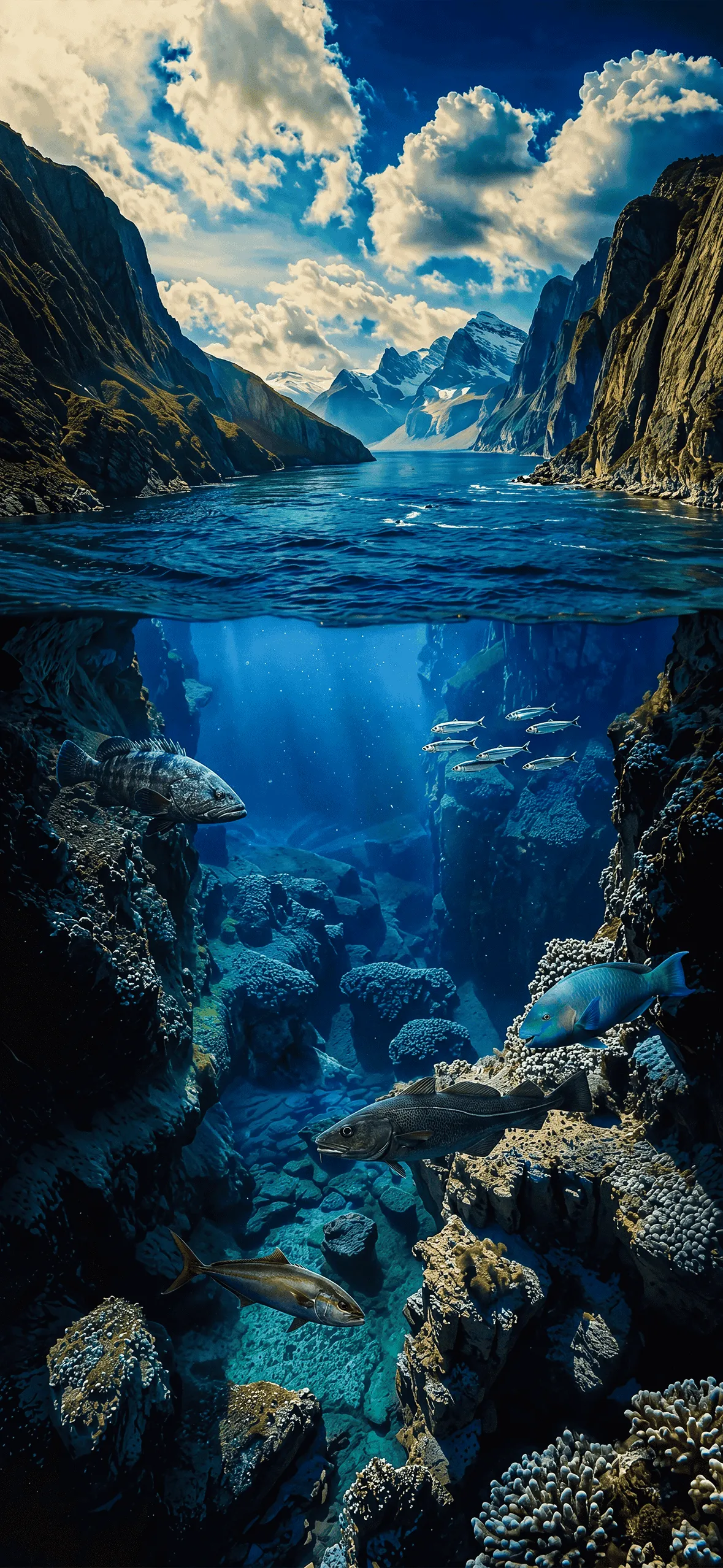
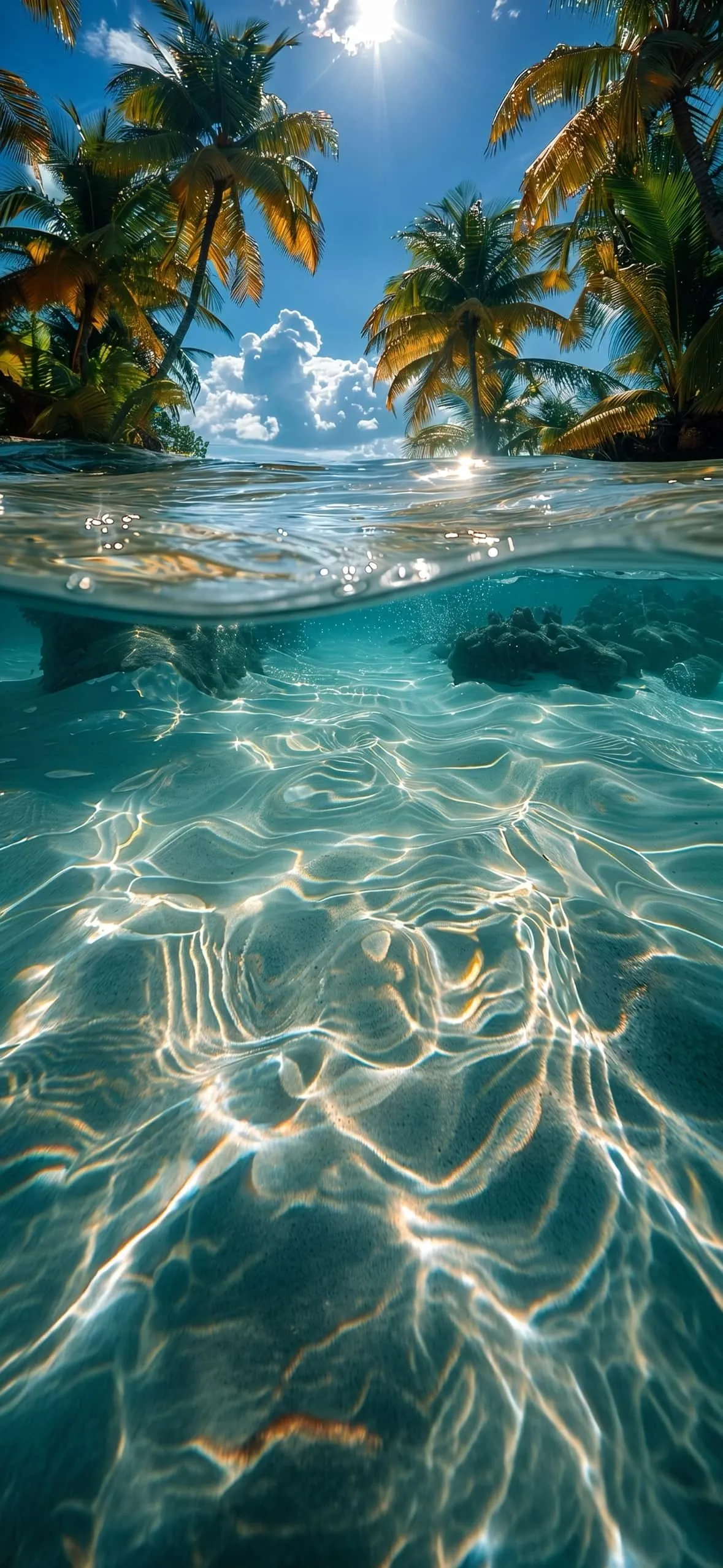
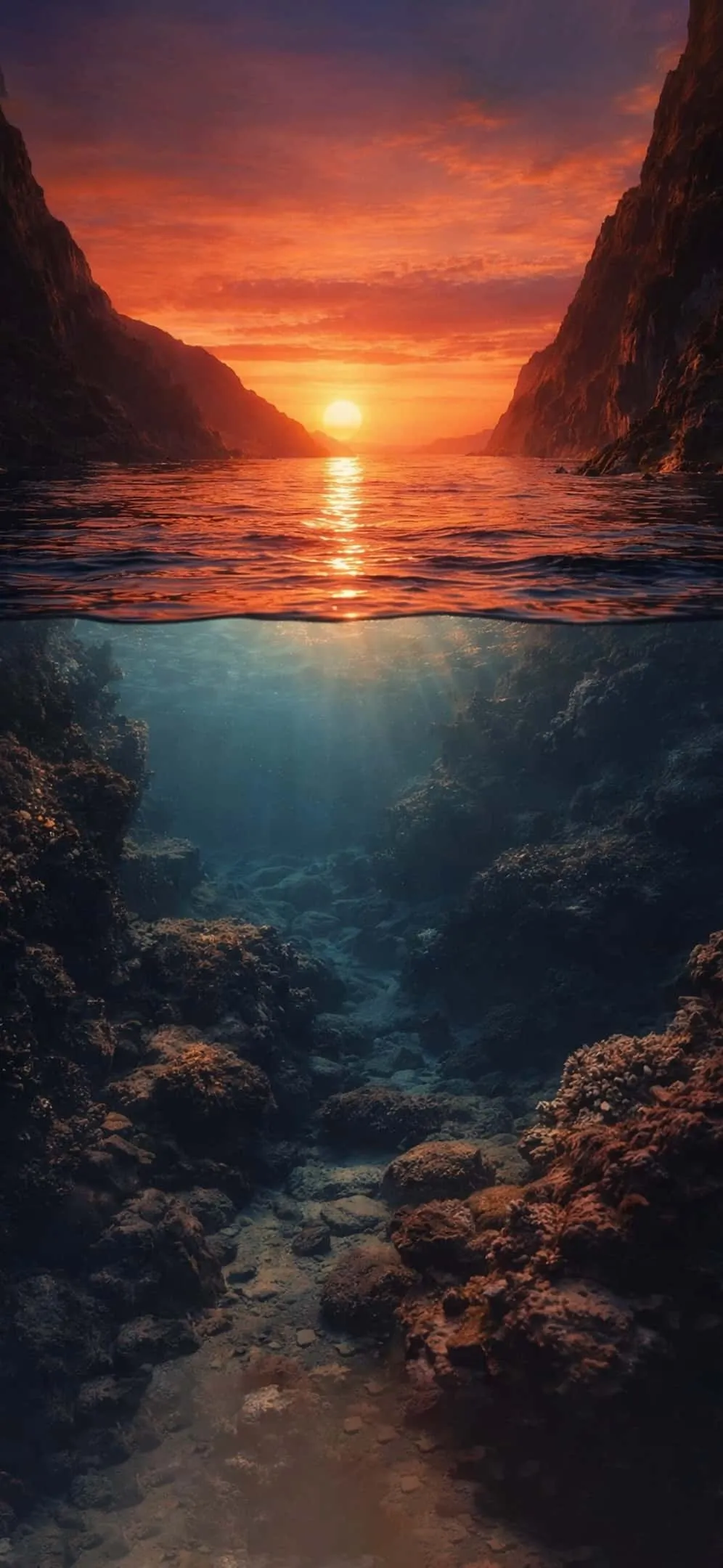
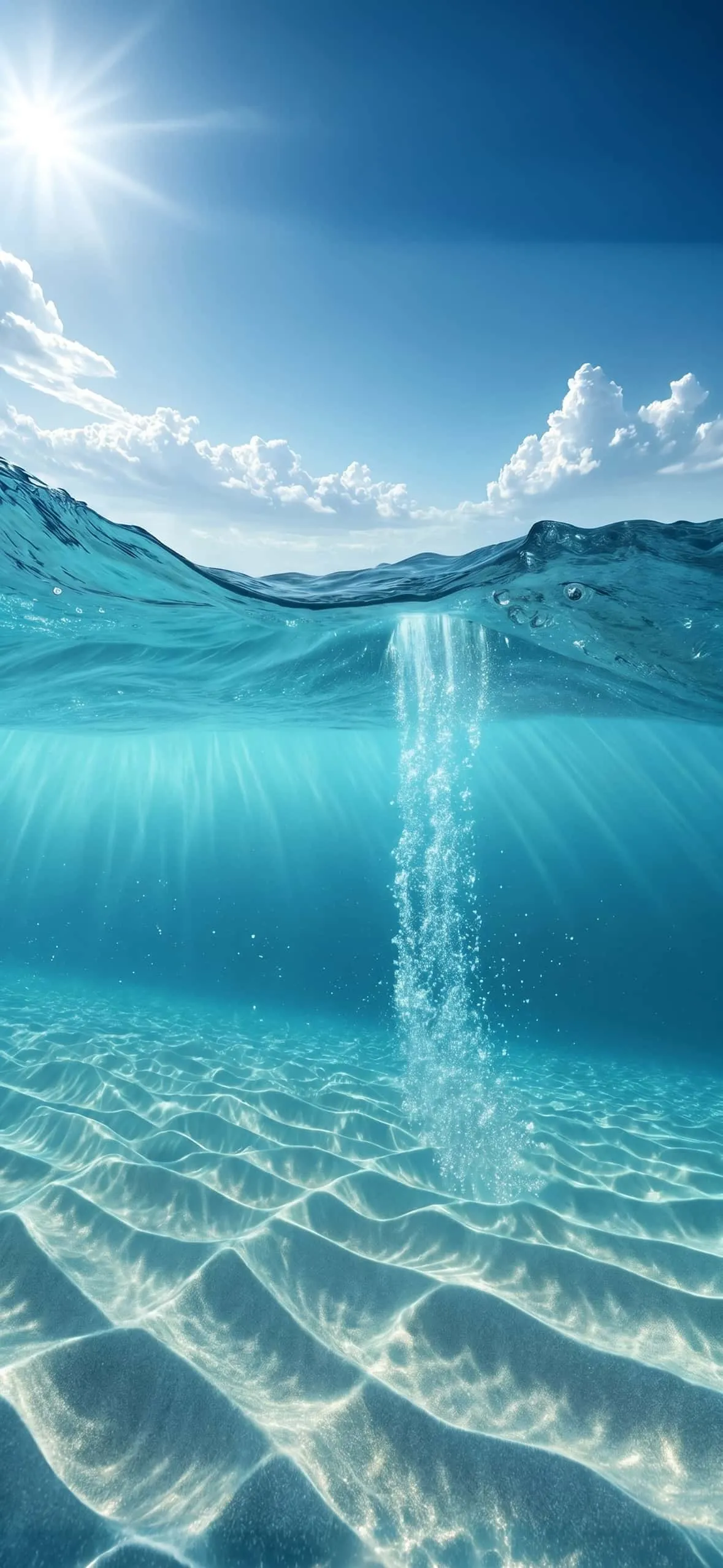
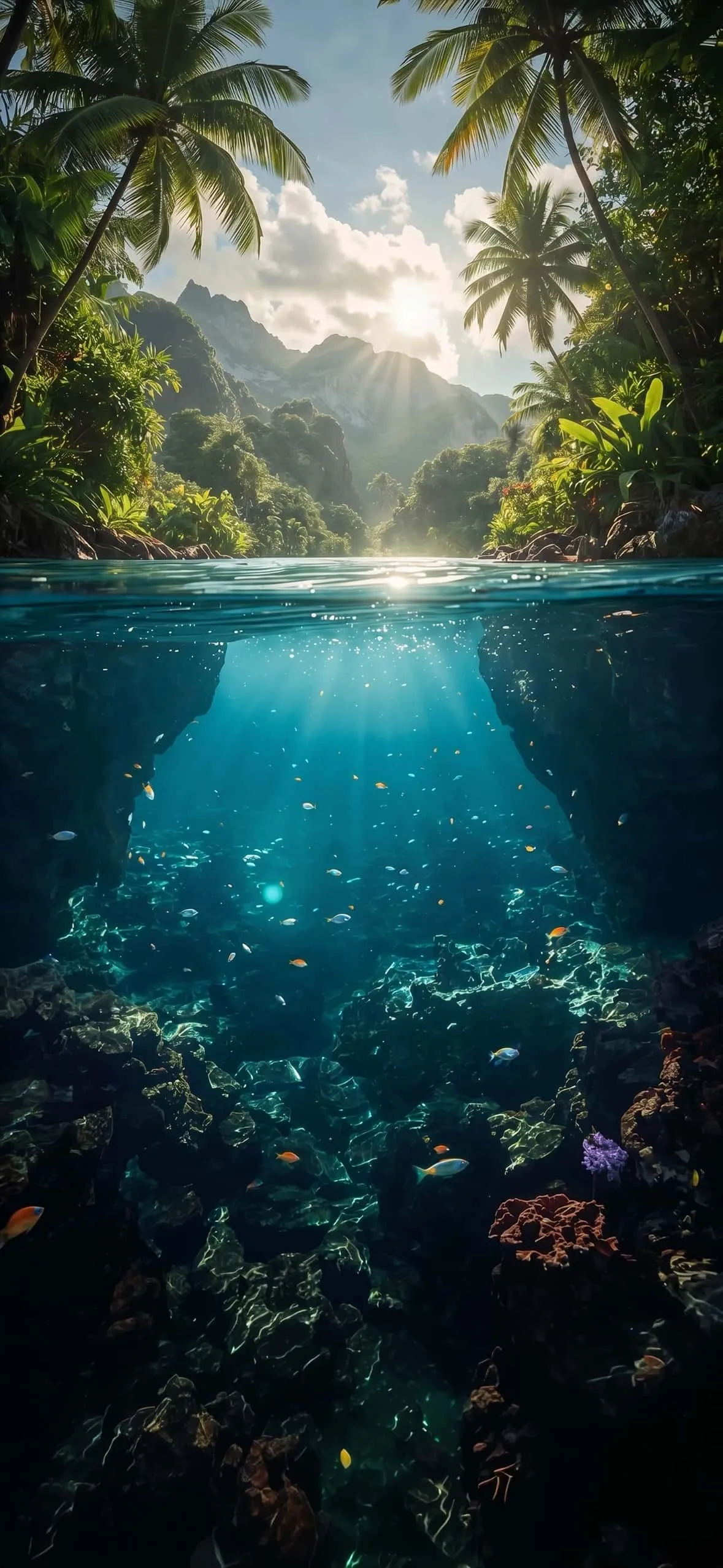
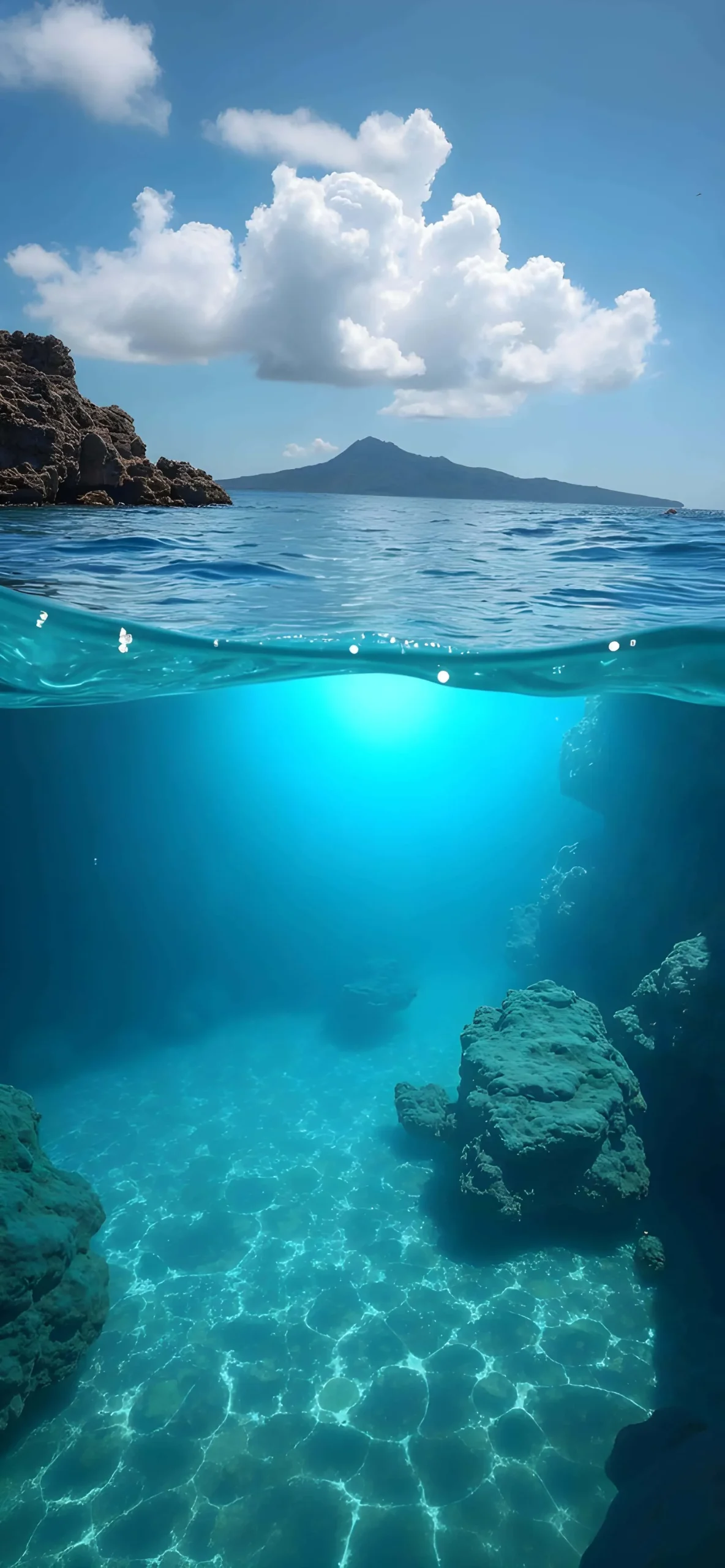
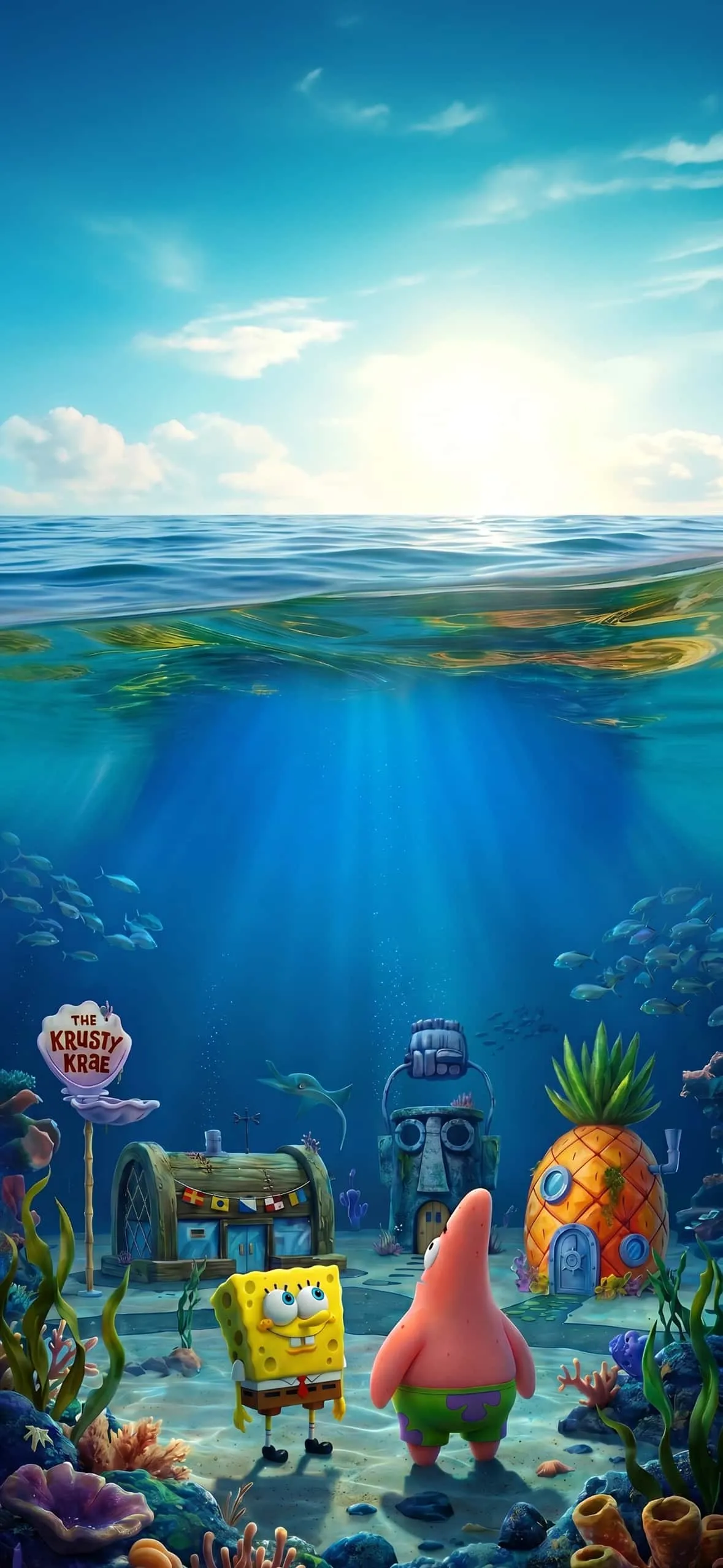
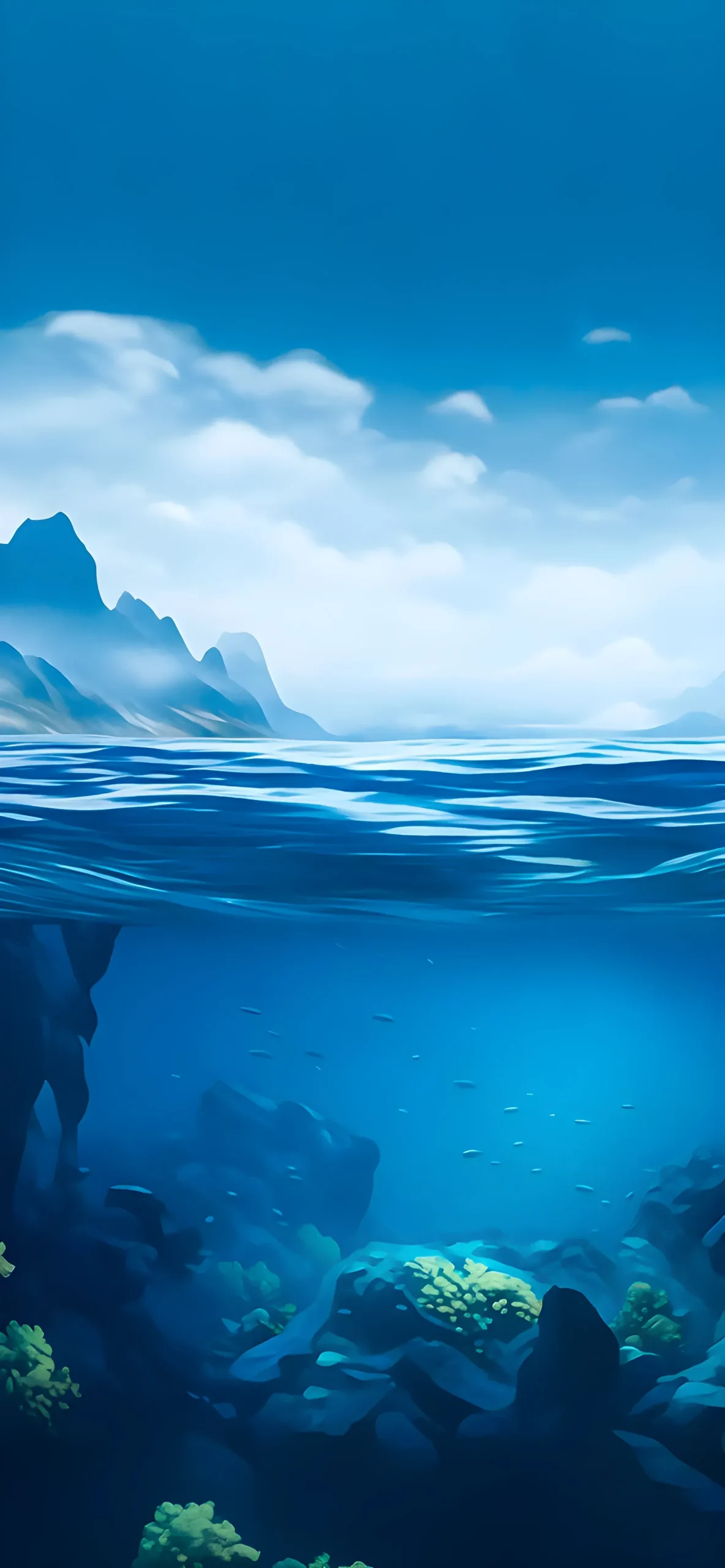
Every wallpaper below is available in full 4K HD resolution, original quality, no watermark, completely free. Download as many as you like — no sign-up required.
Explore More :
- 10 Best Split-View iPhone Depth Effect Wallpapers (4K Download)
- Aesthetic Flower iPhone Wallpapers: Minimalist 4K Picks
- iOS 27 Pastel Depth Effect Wallpapers: Soft 3D Lock Screens [10+]
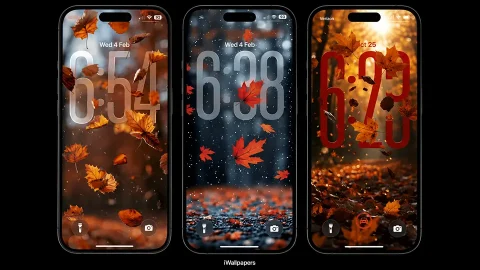
- Autumn Depth Effect iPhone Wallpapers: Cozy 3D Lock Screens
- Spider-Man 3D Wallpapers for iPhone (4K HD) – Free Download
- 15+ iOS 27 3D Spatial Scene Wallpapers for iPhone (4K HD)
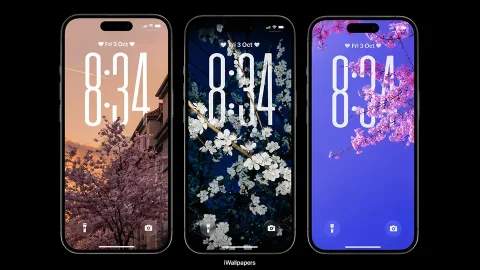
- 20+ Blooming Sakura 3D Depth Effect iPhone Wallpapers 4K