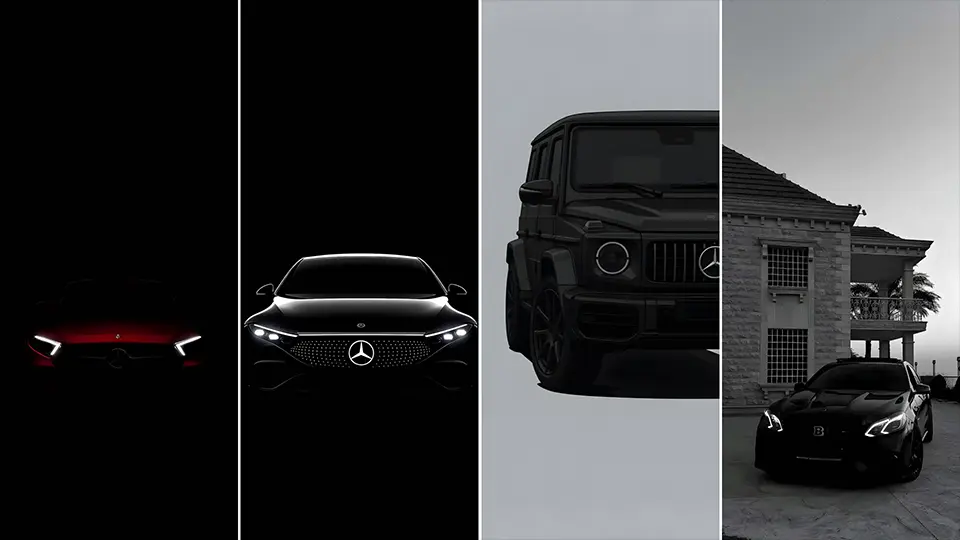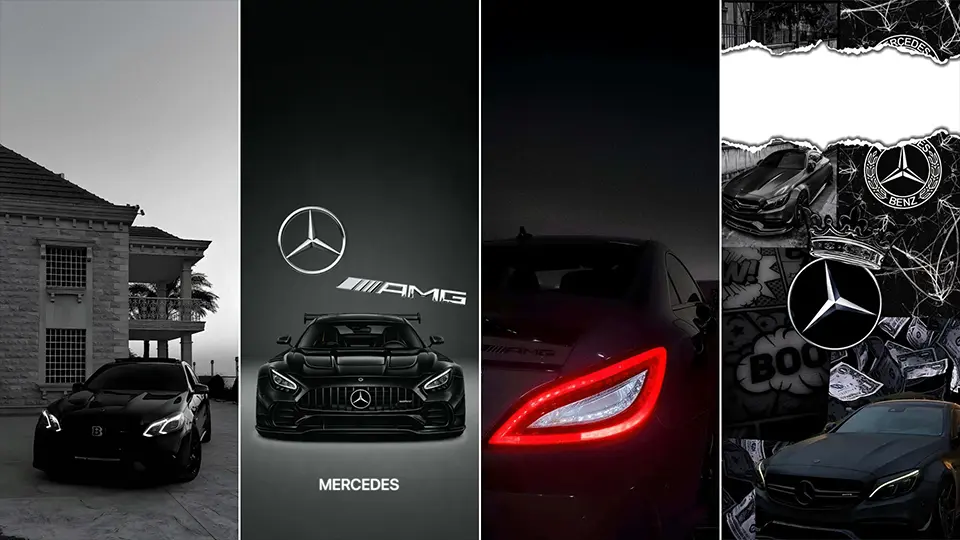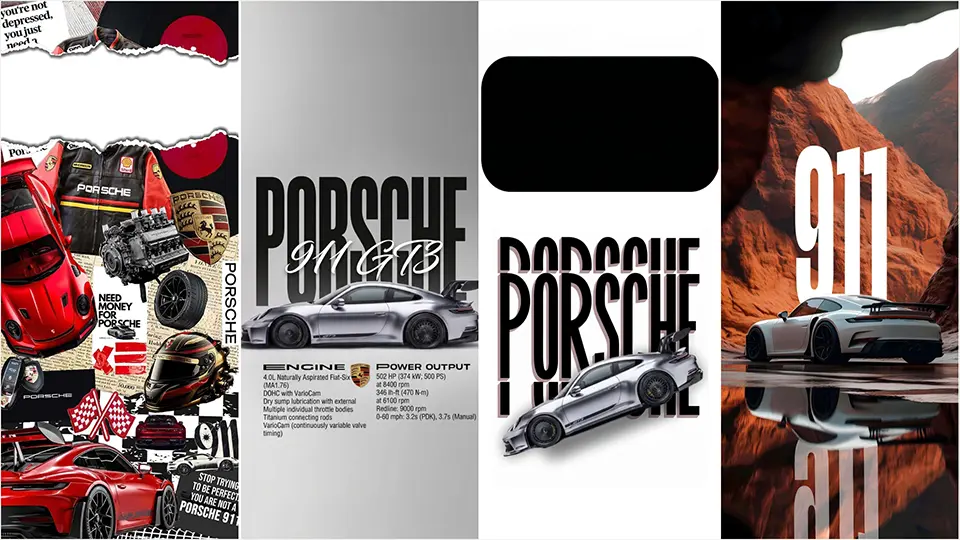
20+ Porsche 911 iPhone Wallpaper Pack – Classic & Modern Edition
Few cars carry the kind of instantly recognizable silhouette that the Porsche 911 does. From its debut in the 1960s to today’s turbocharged, track-ready variants, the 911’s shape has stayed remarkably consistent while evolving in performance and detail. This Porsche 911 iPhone wallpaper pack of 20+ images celebrates that history, blending air-cooled classics with the latest Carrera, Turbo, and GT3 models.
Why a Classic & Modern 911 Pack?
The 911 isn’t just one car — it’s decades of design evolution. A wallpaper pack that spans both eras lets fans appreciate the full story:
- The rounded, chrome-trimmed charm of vintage air-cooled 911s
- The sharper lines and aerodynamic details of water-cooled generations
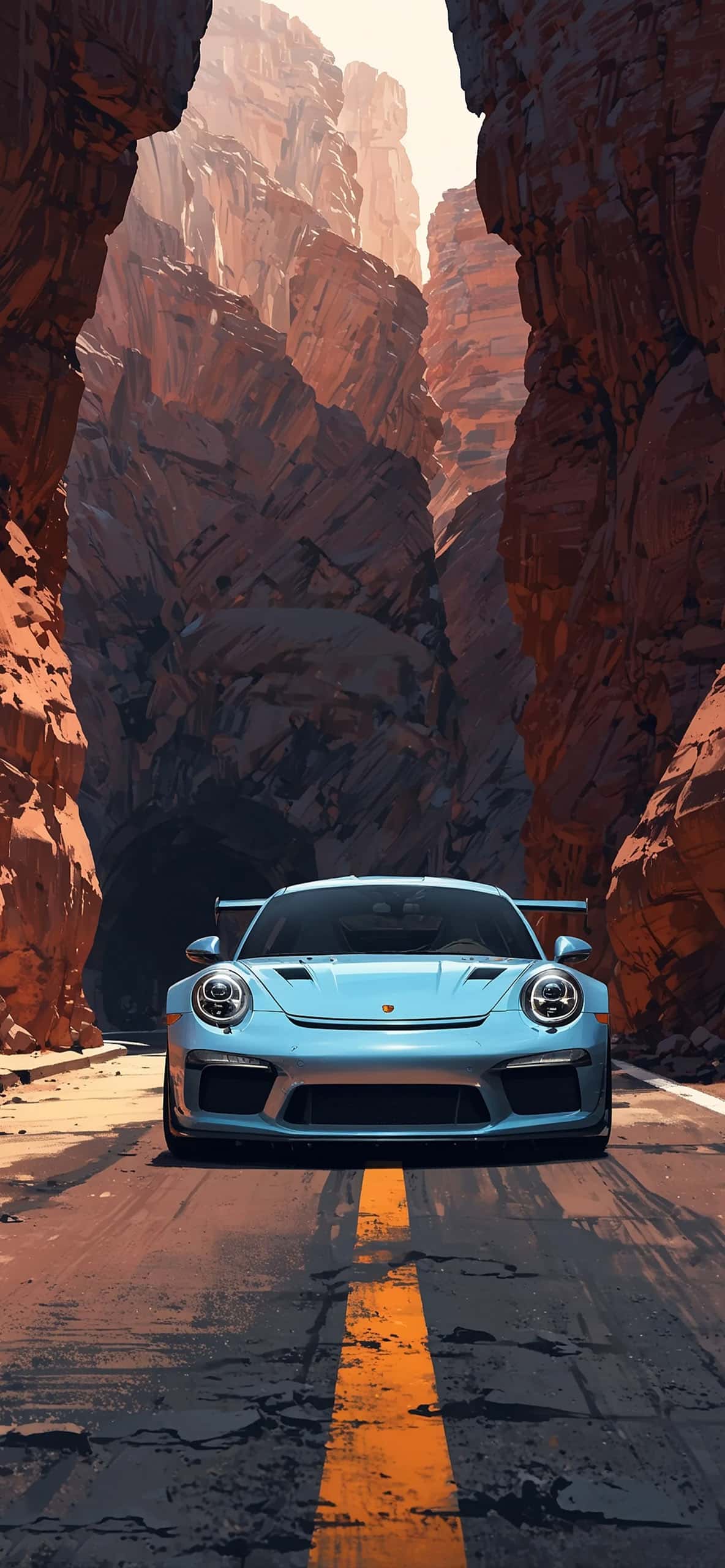
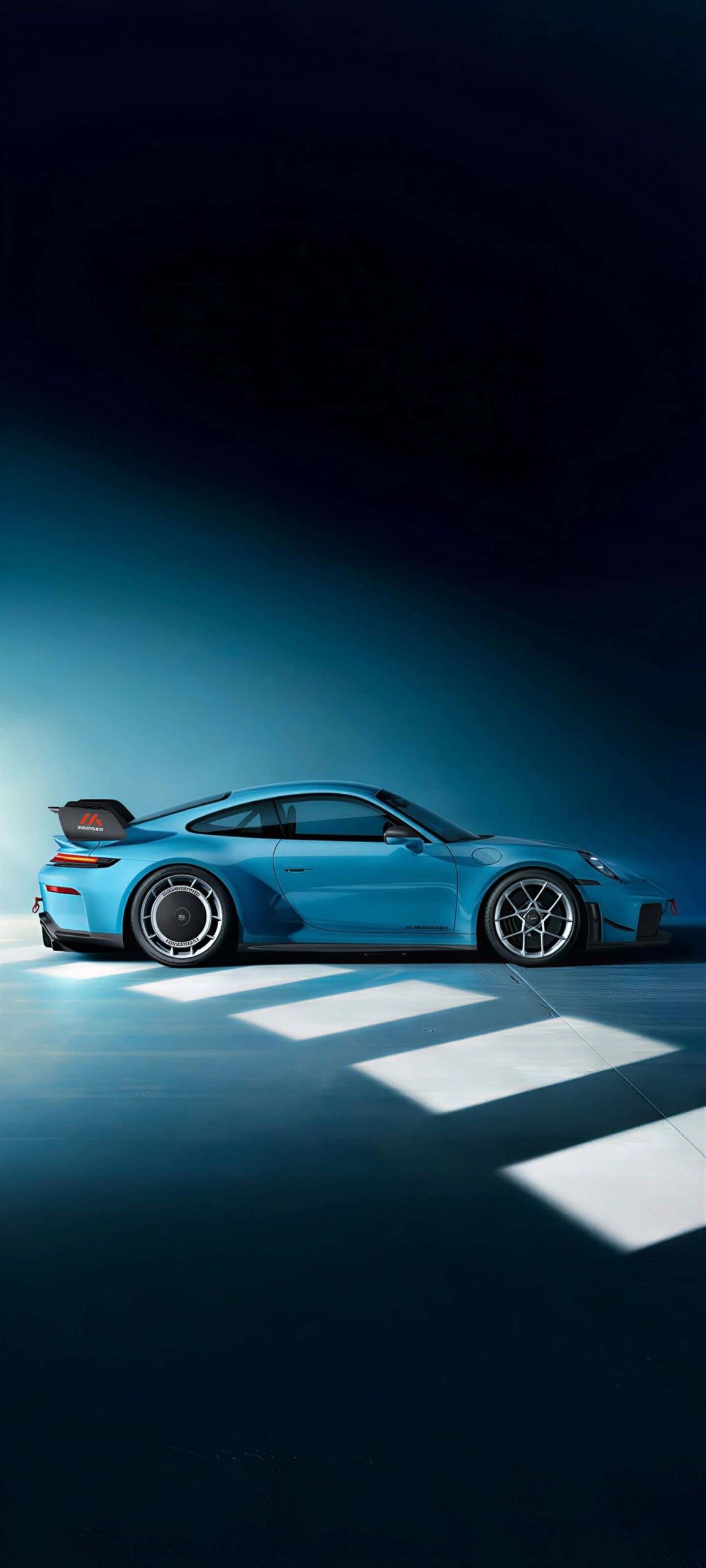
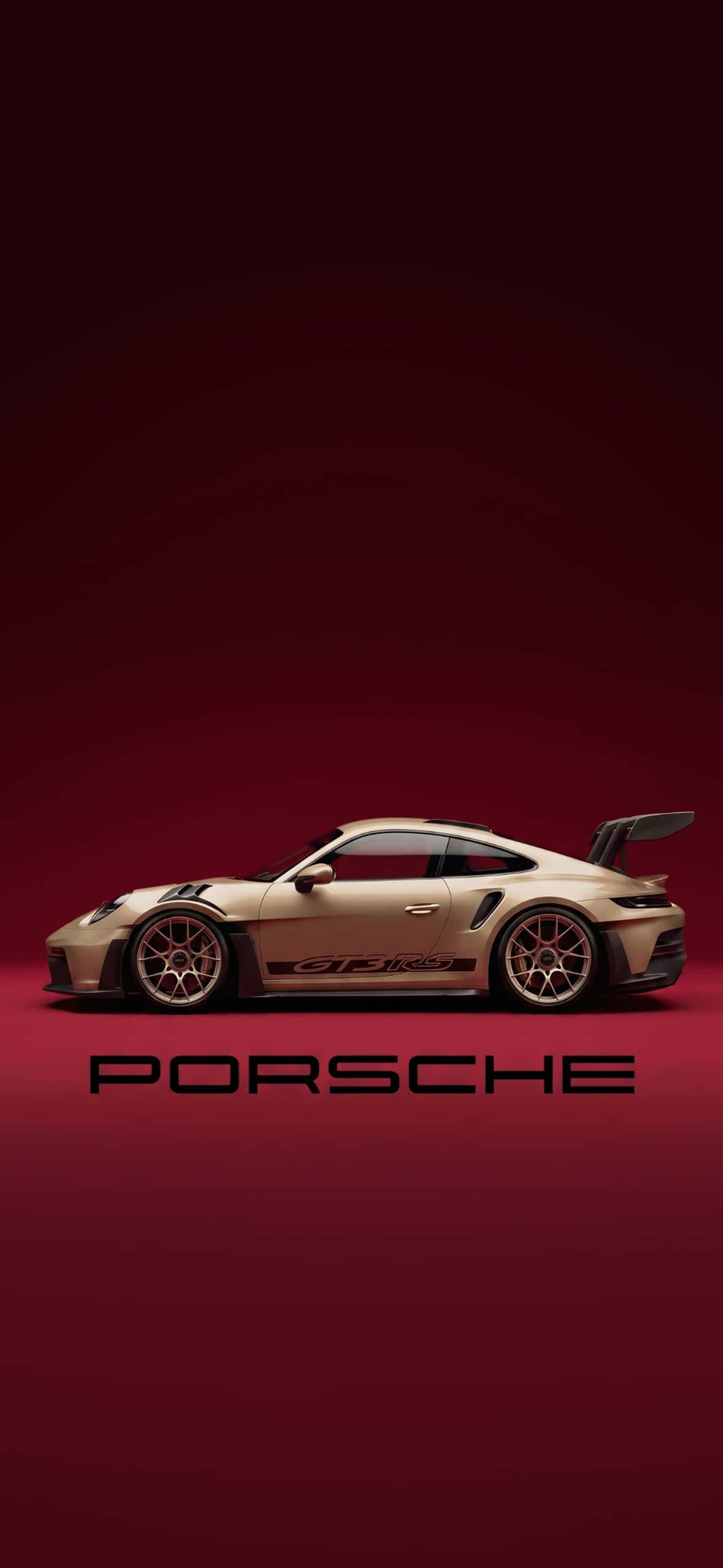
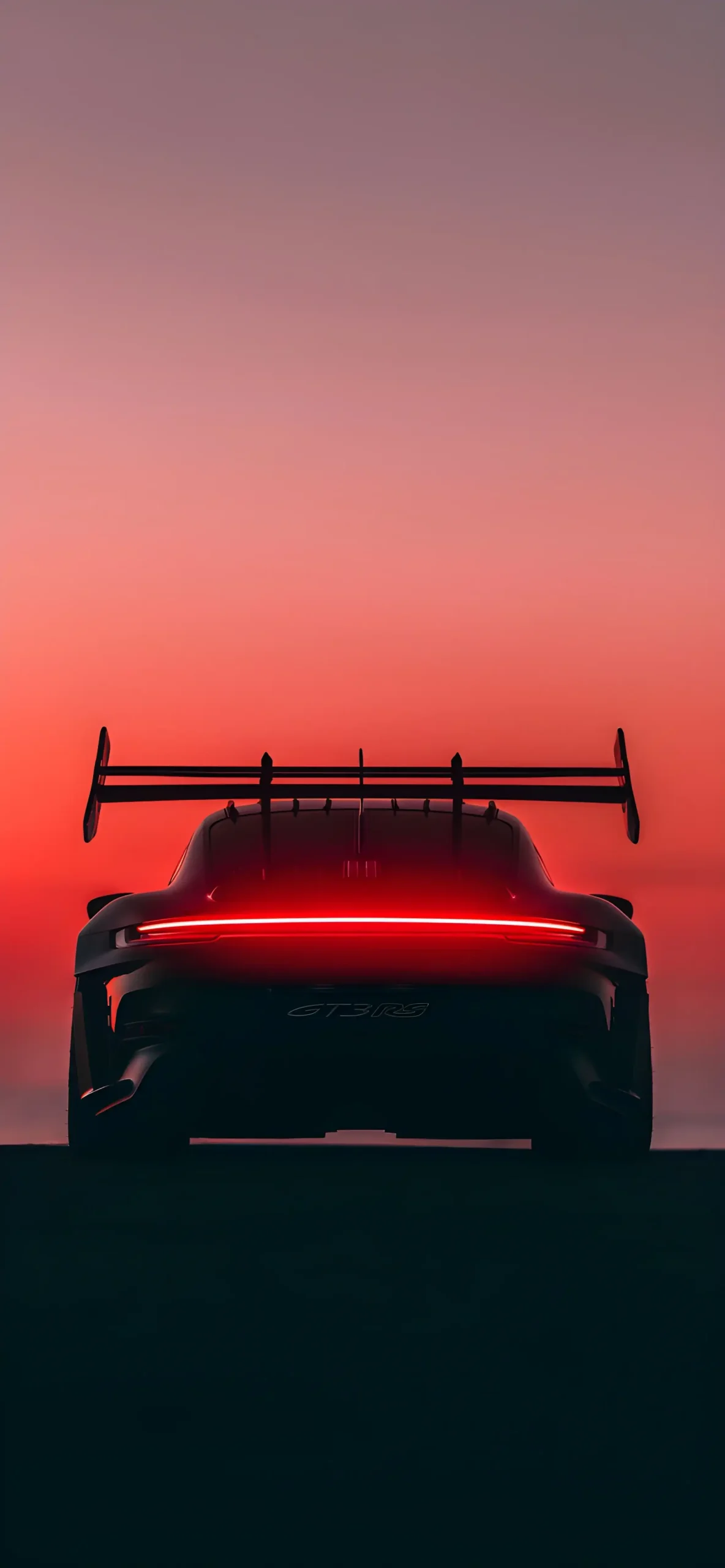
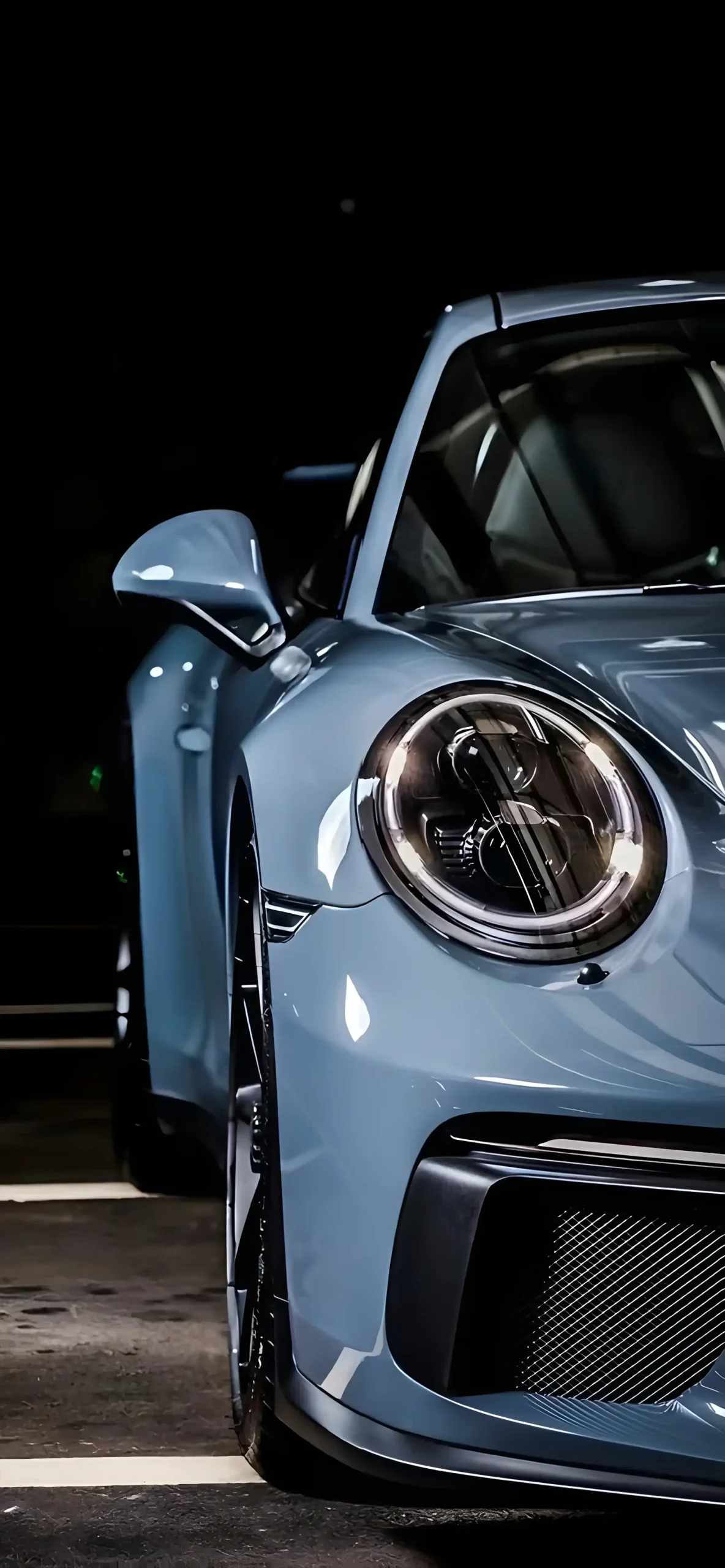
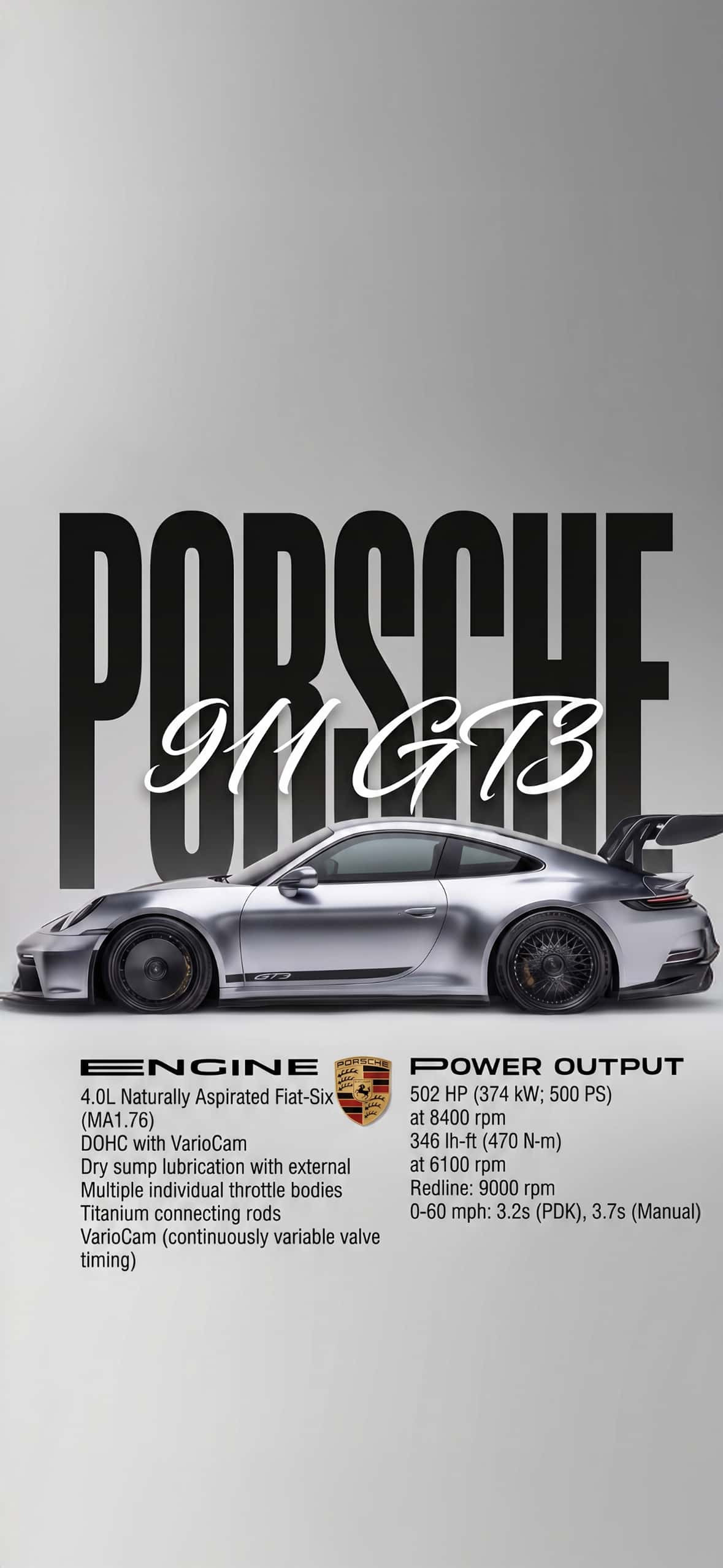
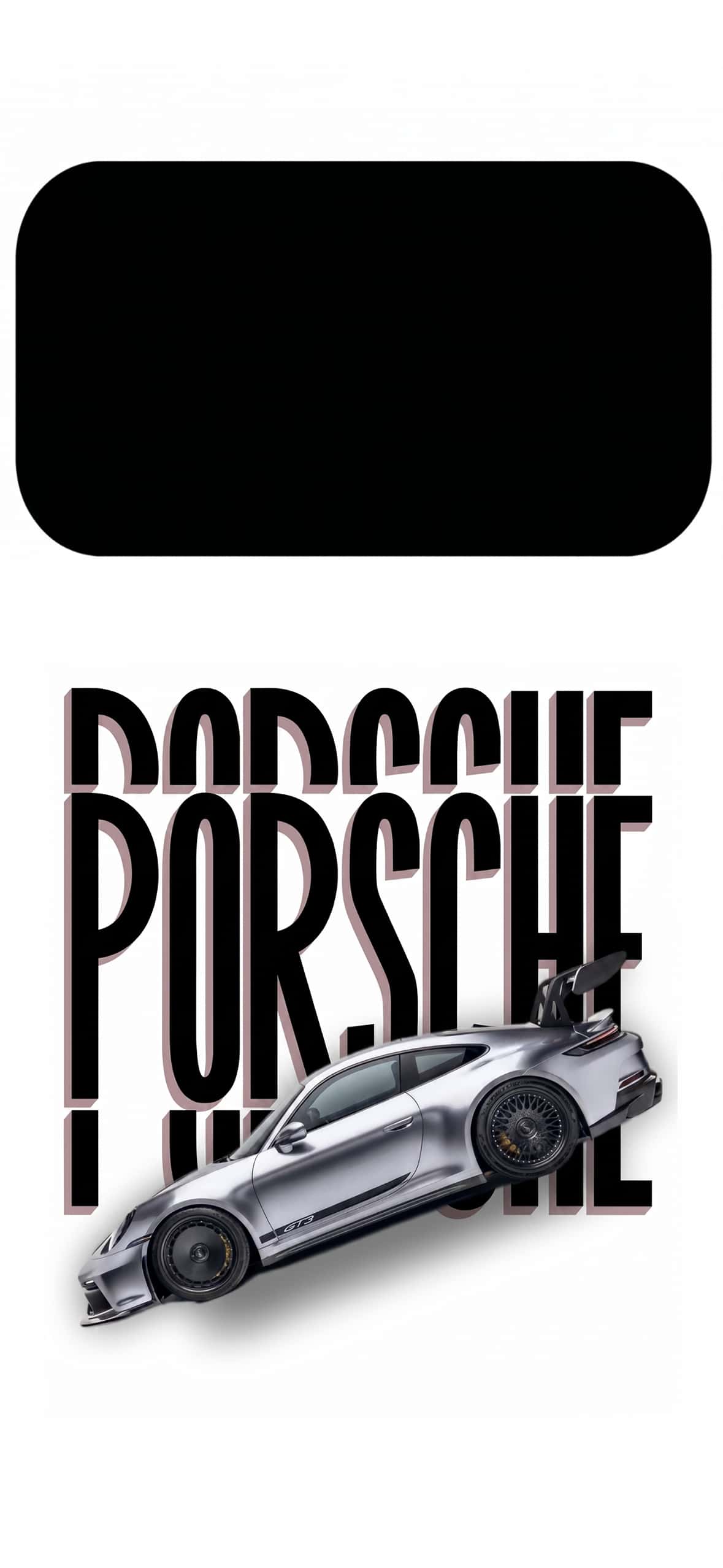
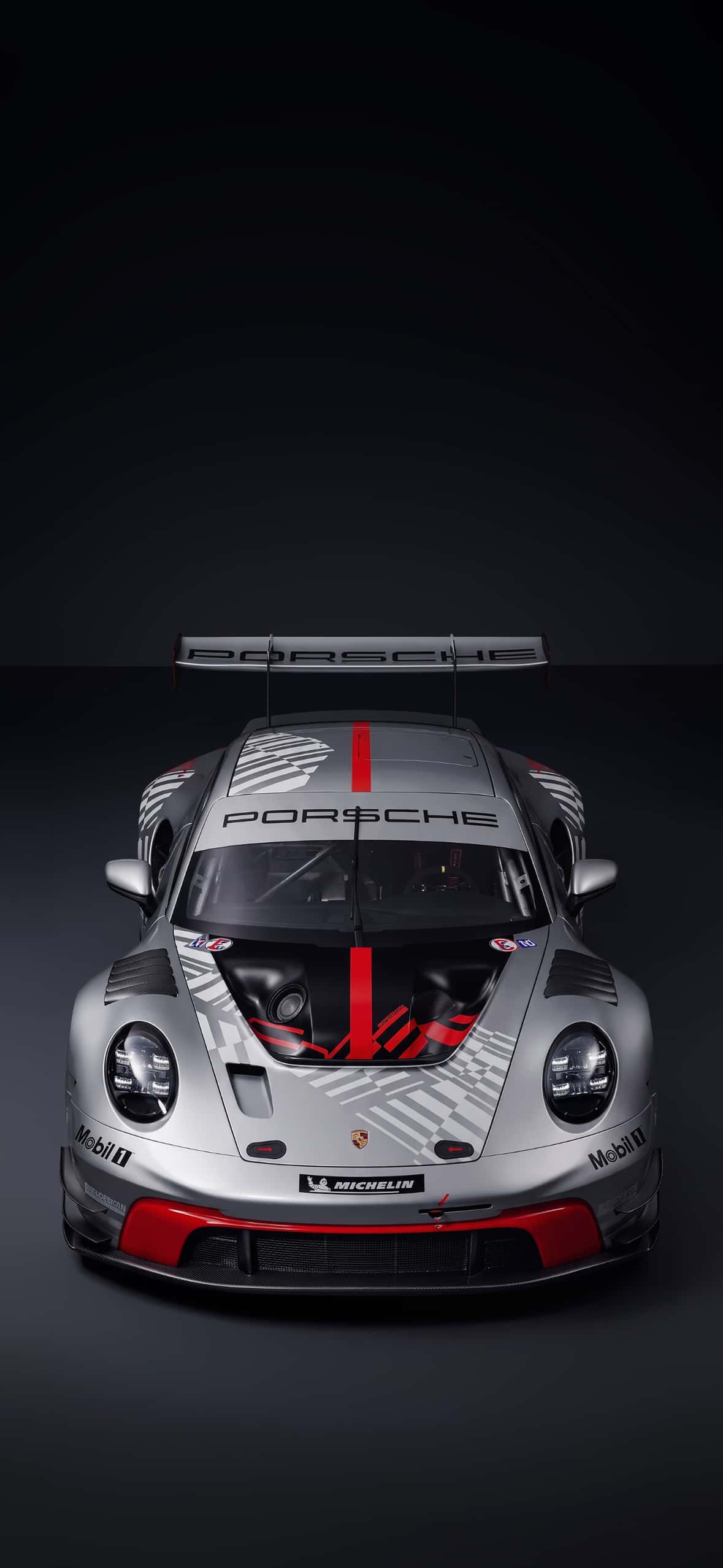
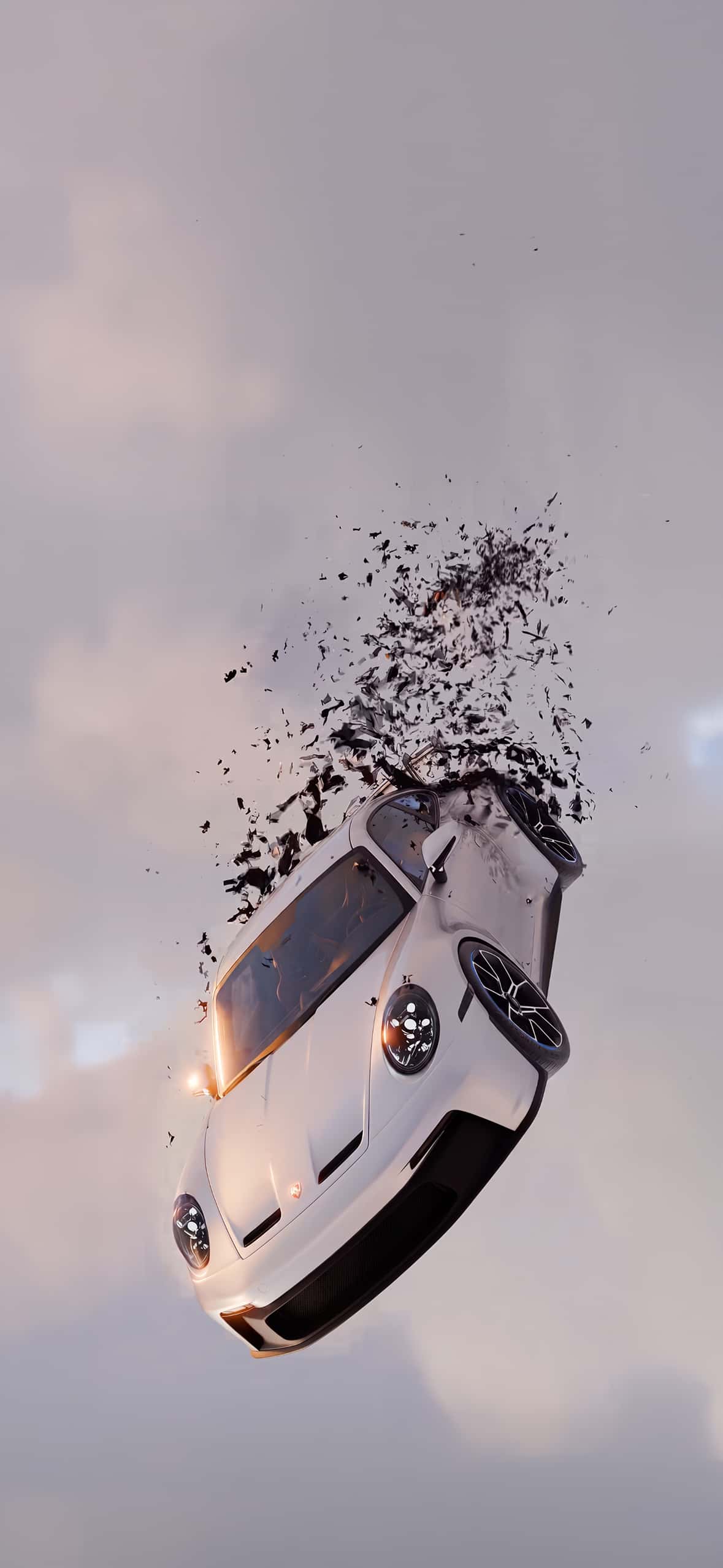
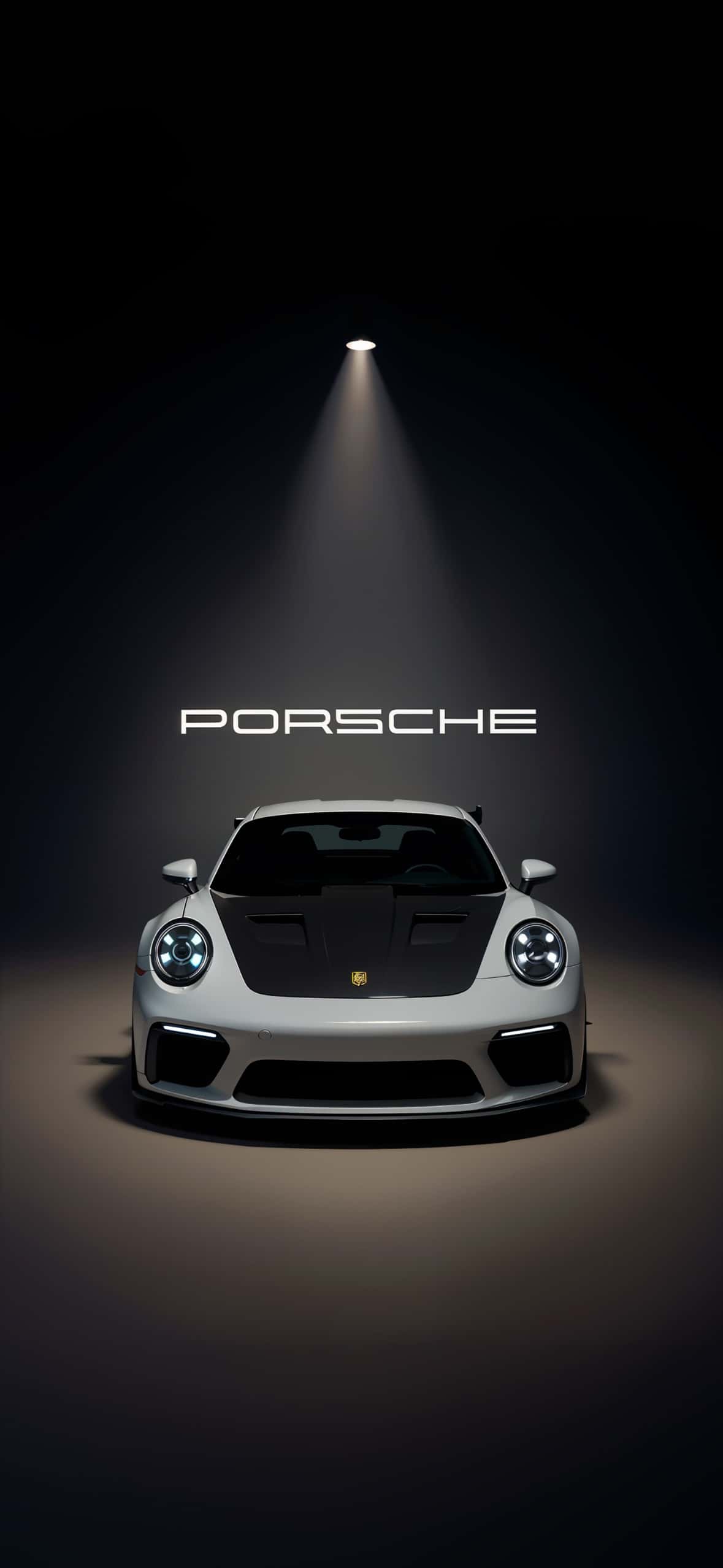
- Modern GT3 and Turbo variants with aggressive spoilers and wide-body stances
- Timeless color choices, from classic Guards Red to modern matte finishes
Switching between eras on your lock screen is a small way to celebrate the car’s legacy every time you check your phone.
What’s Included
1. Air-Cooled Classics Vintage 911s from the 1960s–1990s, known for their rounded headlights and understated elegance.
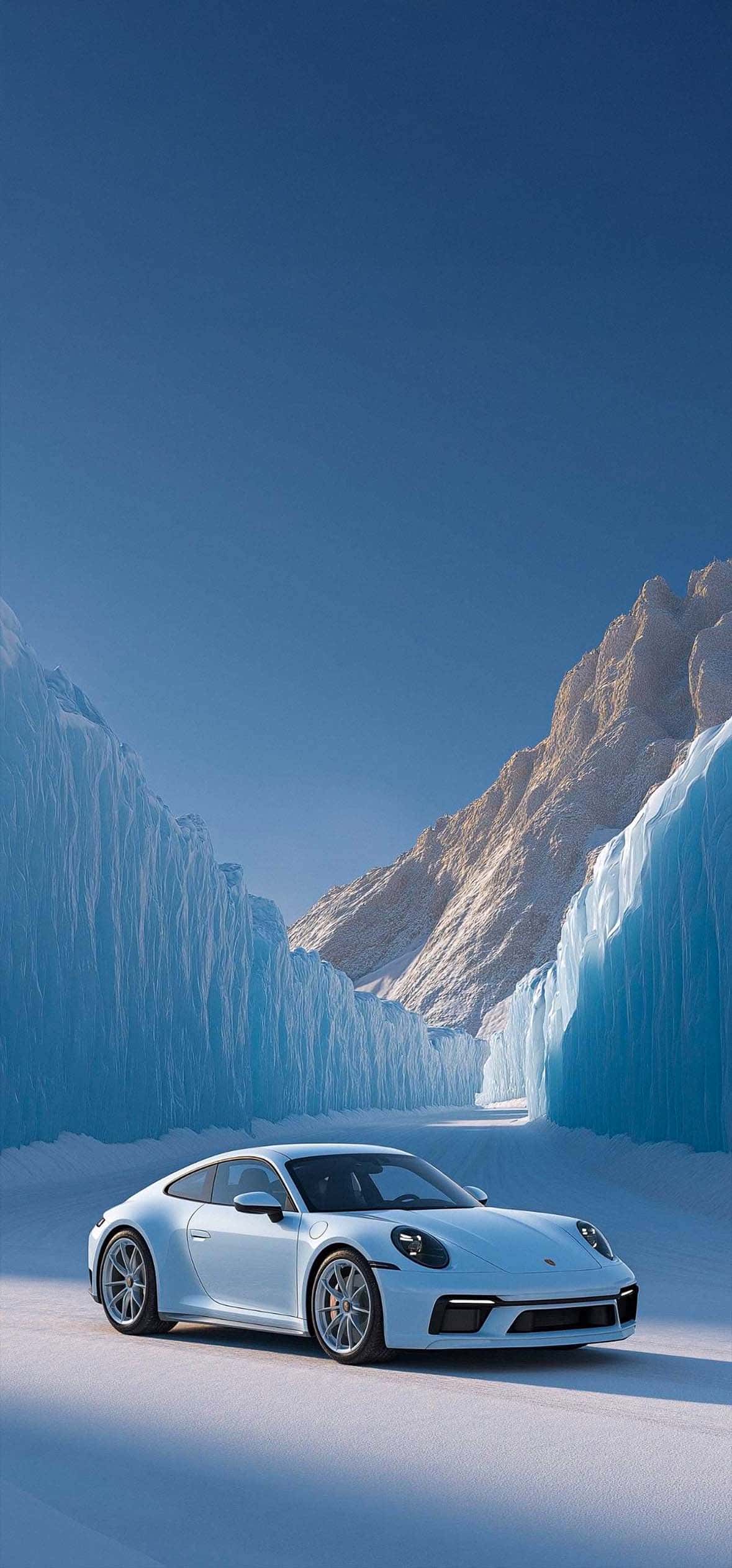
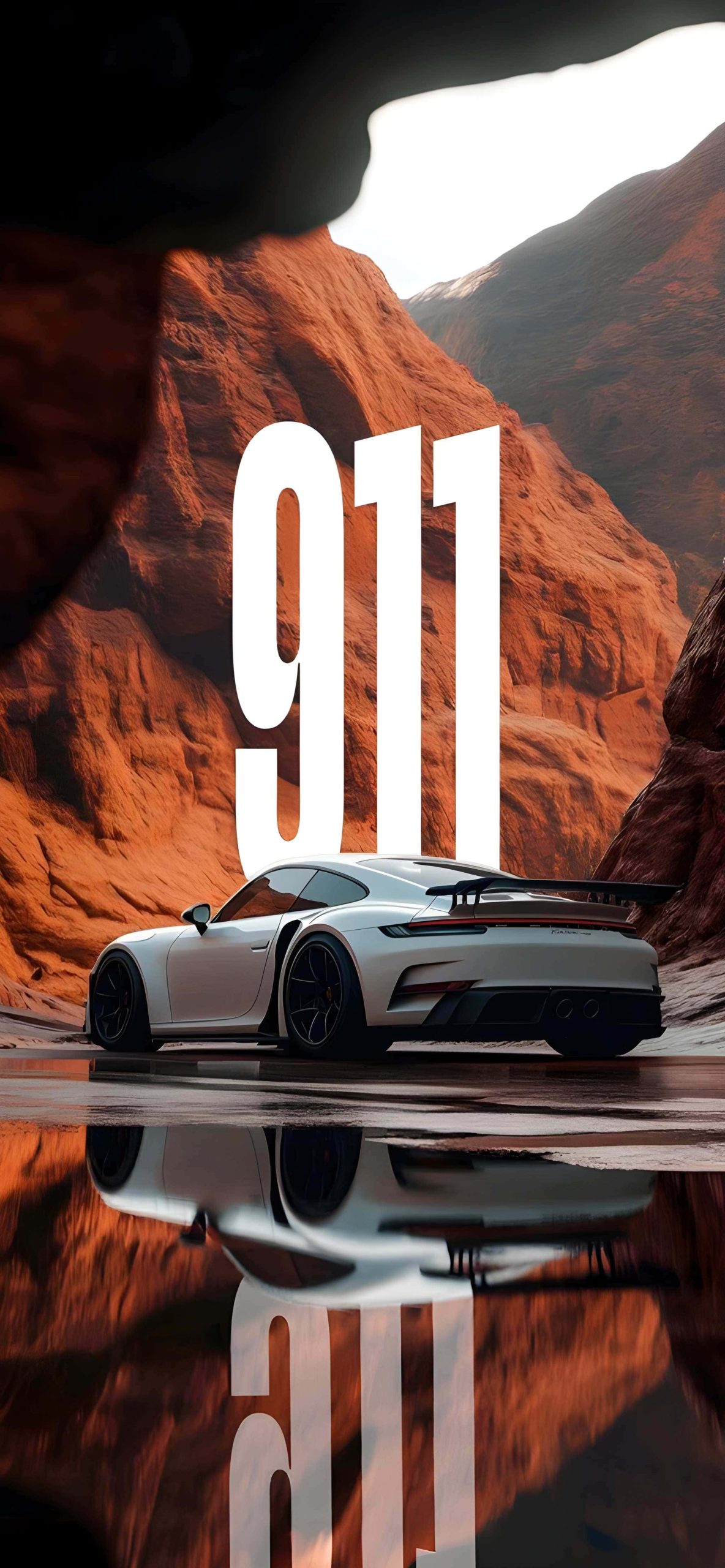
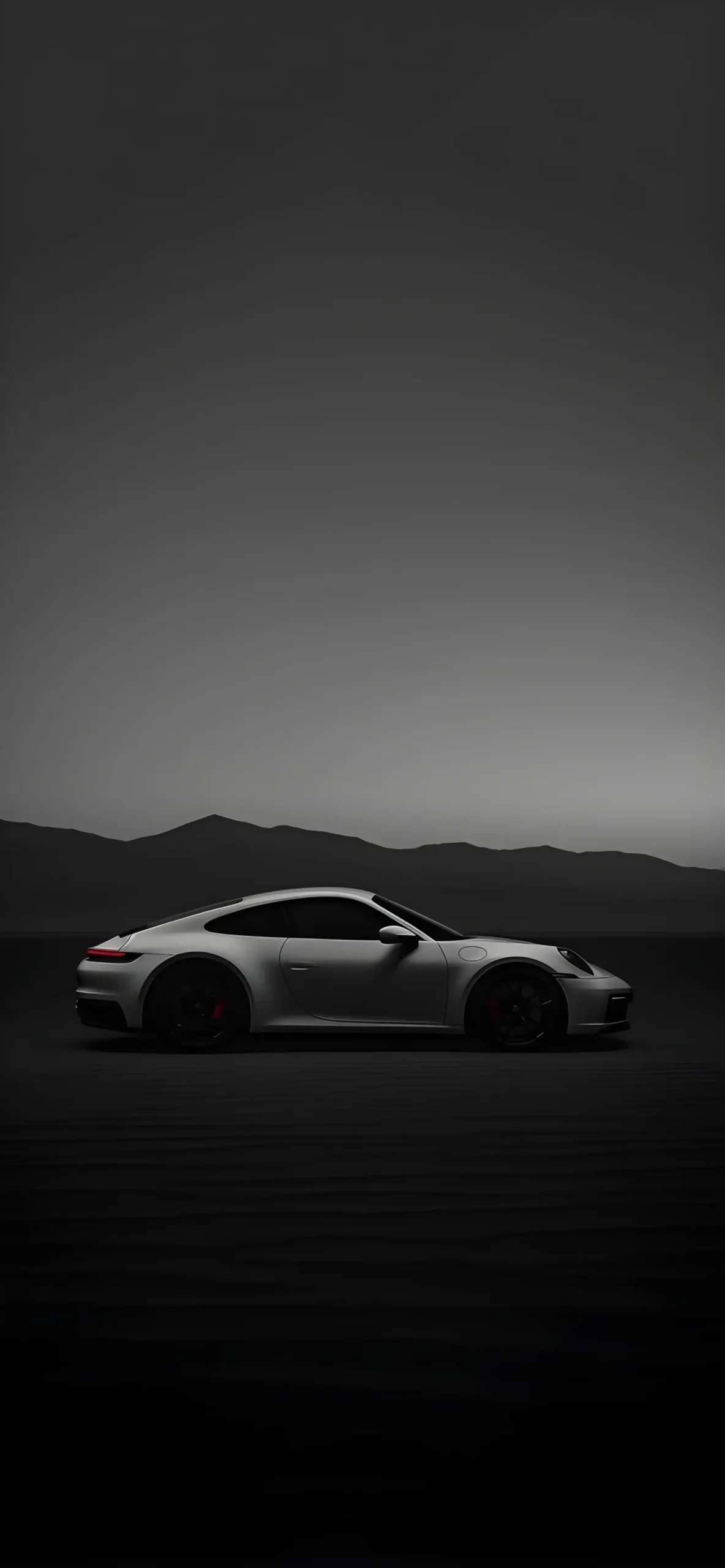
2. Modern Carrera & Turbo Models Sleek, contemporary shots highlighting the 911’s current design language and refined proportions.
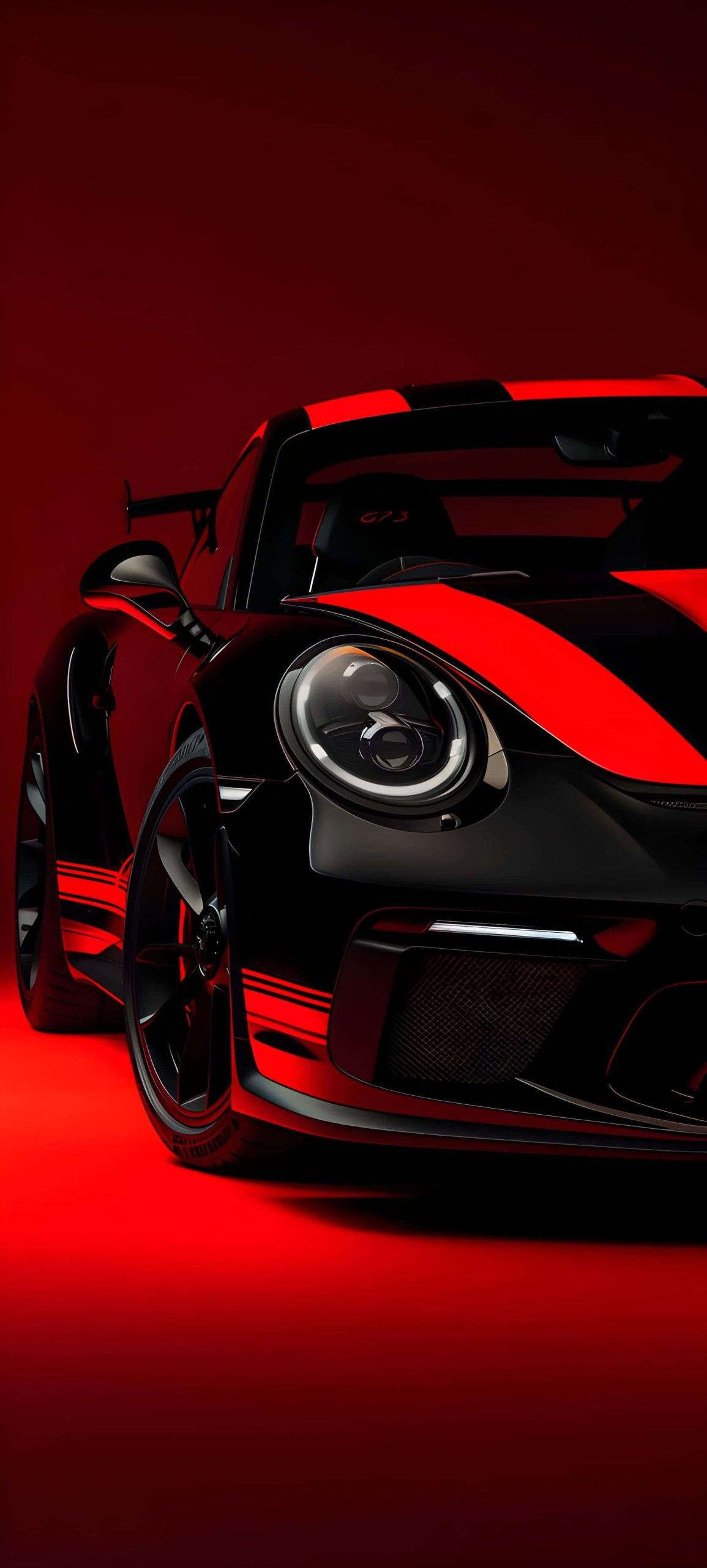
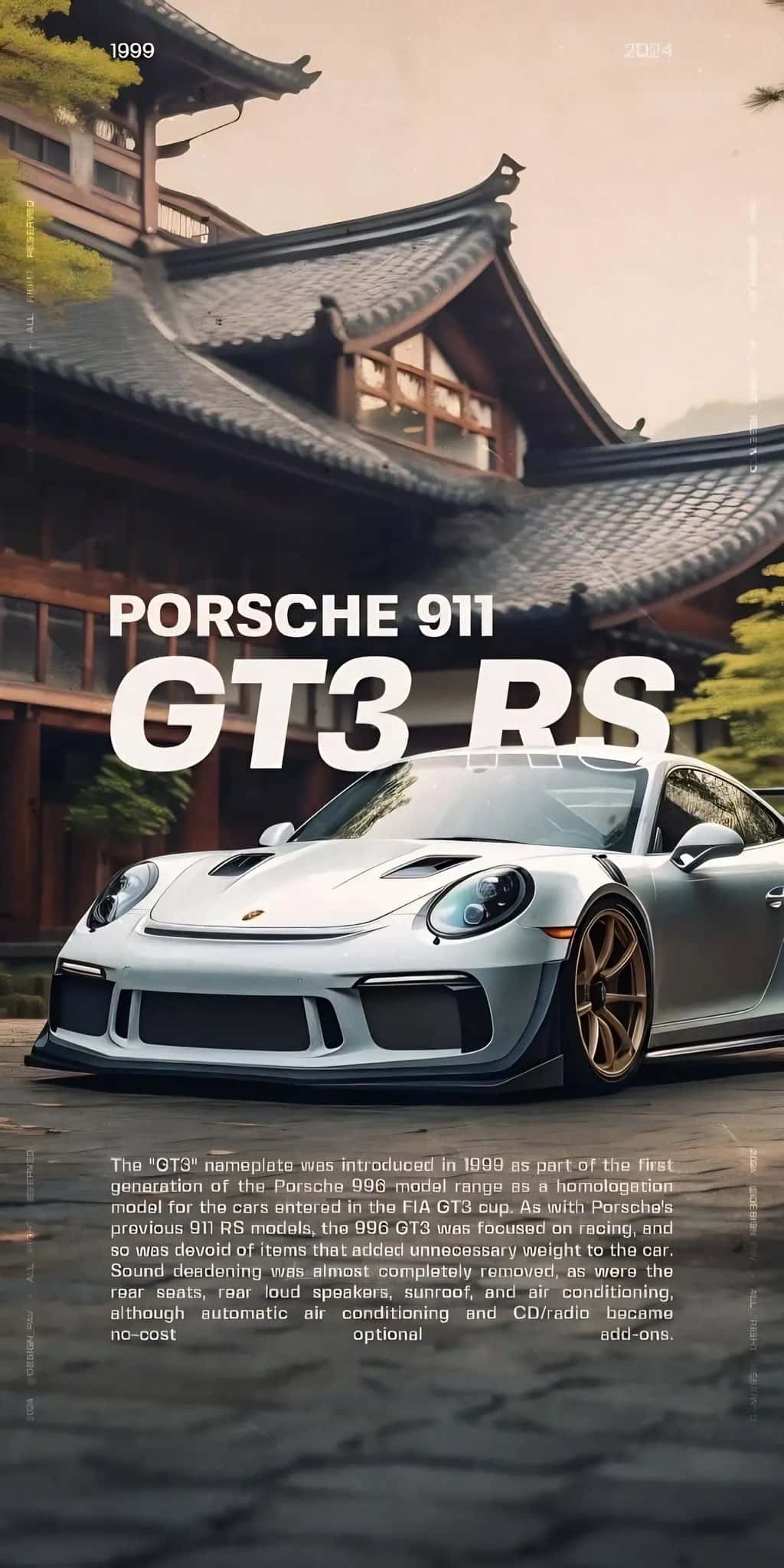
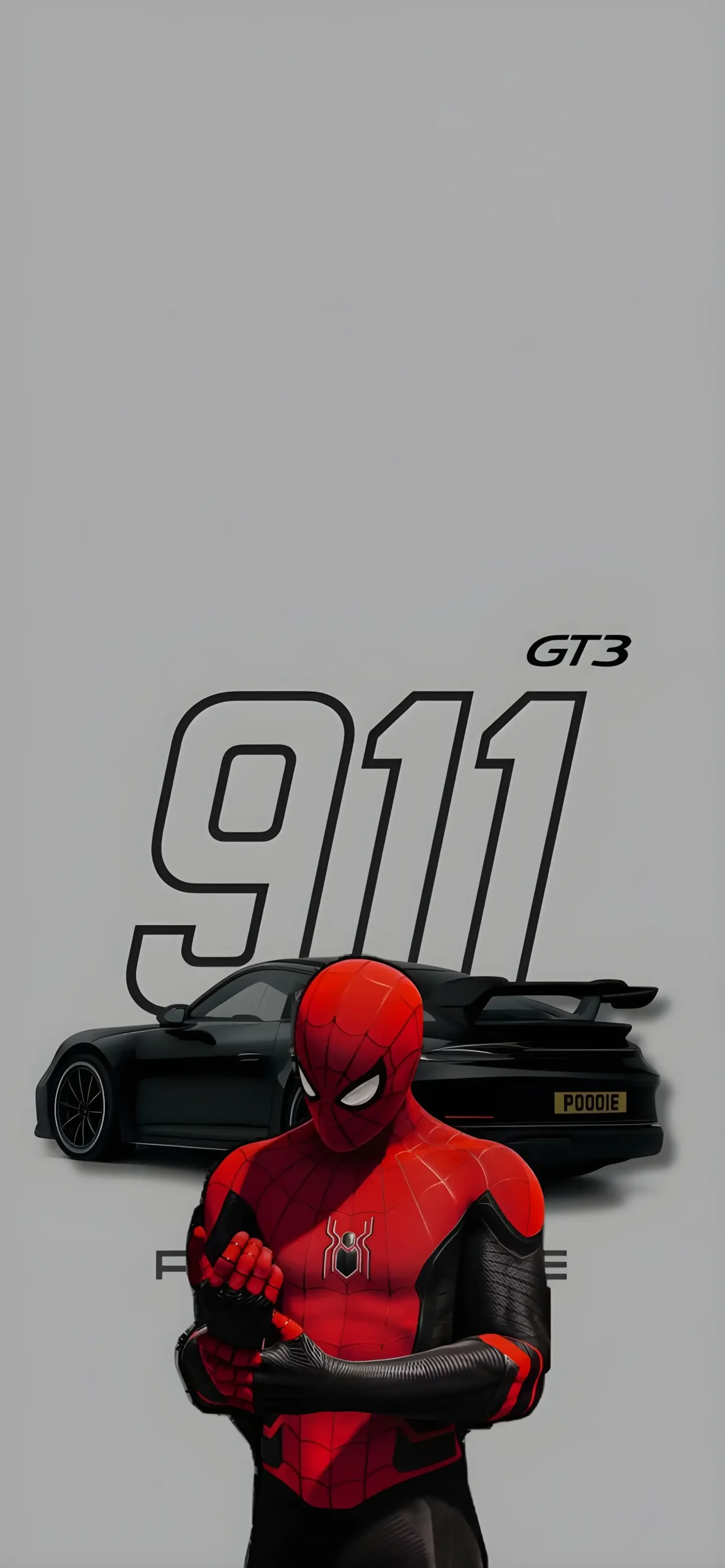
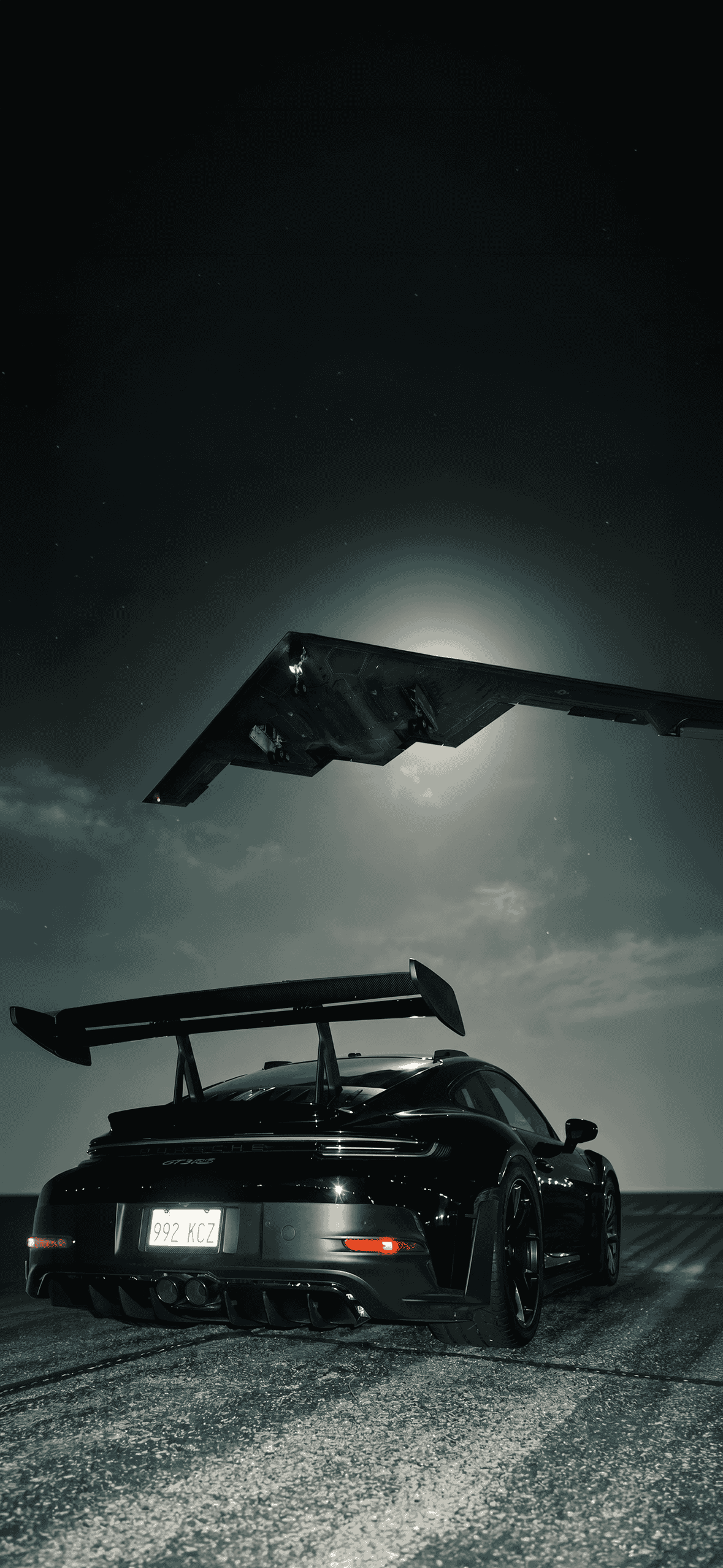
3. Track-Focused GT3 Variants Aggressive aero, wide fenders, and motorsport-inspired details for fans of the performance-oriented lineup.
4. Detail & Close-Up Shots Close-ups of iconic elements — the round headlights, the rear engine grille, the classic Porsche badge — for a more minimal, abstract wallpaper option.
 Download Image
  Download Image
  Download Image
  Download Image
  Download Image
  Download Image
  Download Image
  Download Image
  Download Image
 Download Image
  Download Image
  Download Image
  Download Image
  Download Image
  Download Image
  Download Image
  Download Image
  Download Image
  Download Image
  Download Image
How to Set It Up on iPhone
- Save your chosen image to Photos.
- Go to Settings > Wallpaper > Add New Wallpaper.
- Select Photos and pick your image.
- Adjust the crop to fit your screen.
- Apply it to your Lock Screen, Home Screen, or both.
For the sharpest results, choose images sized at least 1170 x 2532 pixels, or higher for Pro Max models.
Tips for Choosing Your 911 Wallpaper
- Classic vs. modern: Vintage shots feel nostalgic and warm; modern shots feel sharp and high-performance — pick based on your taste.
- Color coordination: Match the car’s paint color to your phone case or app icon theme for a cohesive look.
- Widget space: Choose images with open sky or negative space near the top if you use Lock Screen widgets.
Final Thoughts
Whether you’re a die-hard fan of the original air-cooled 911 or you’re drawn to the latest GT3’s track-bred aggression, this wallpaper pack offers a little bit of every era. It’s a simple way to keep a piece of automotive history — and a genuine design icon — with you every time you unlock your phone.