Liquid Glass iPhone Wallpapers 4K | HD Glassmorphism Backgrounds
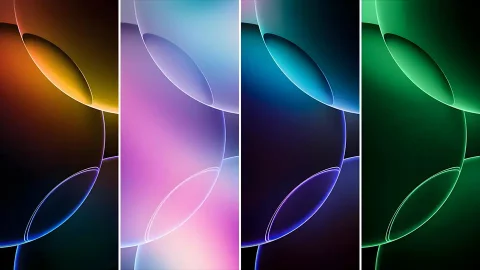
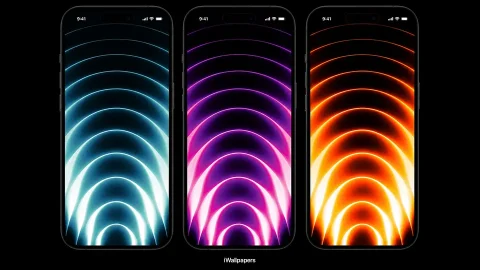
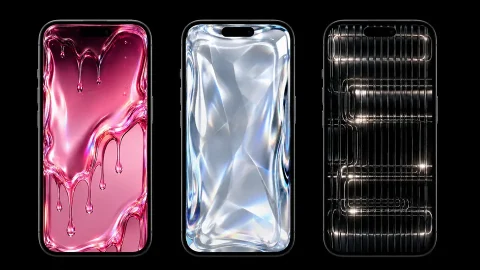
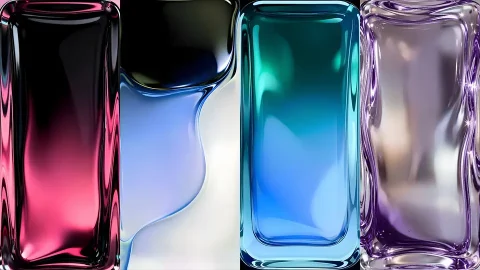
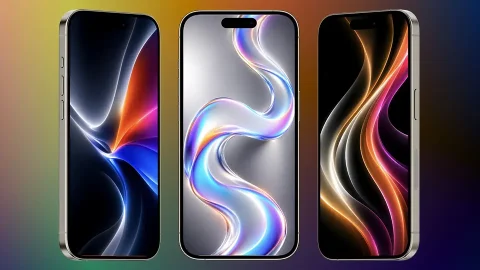
Glassmorphism has become one of the most popular visual styles in modern design, and this collection brings that same glossy, translucent aesthetic to your iPhone. Each of these liquid glass iPhone wallpapers is rendered to look like a smooth, molded slab of glass, with soft internal light, subtle color shifts, and rounded reflective edges that catch the light just right.
What’s Included in the Collection
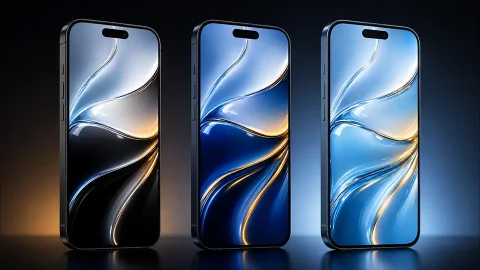
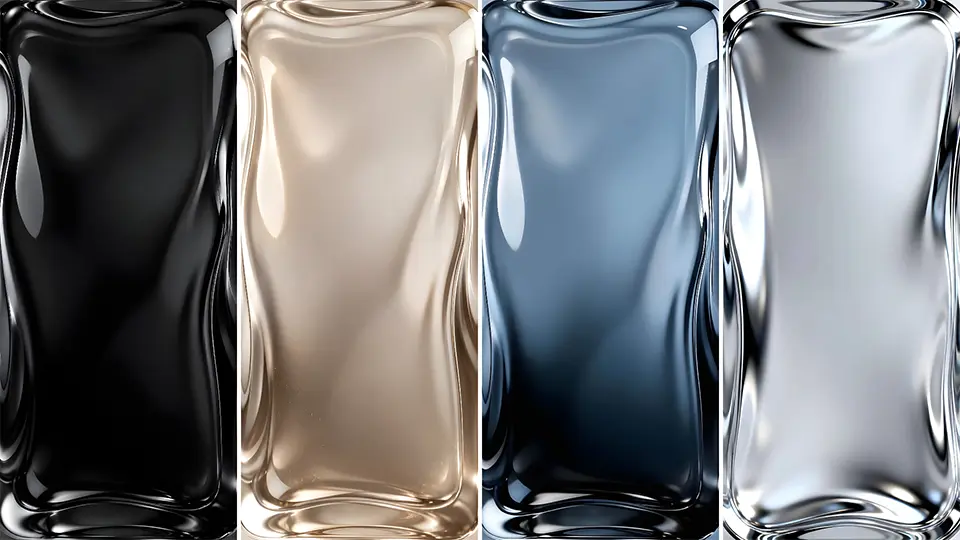
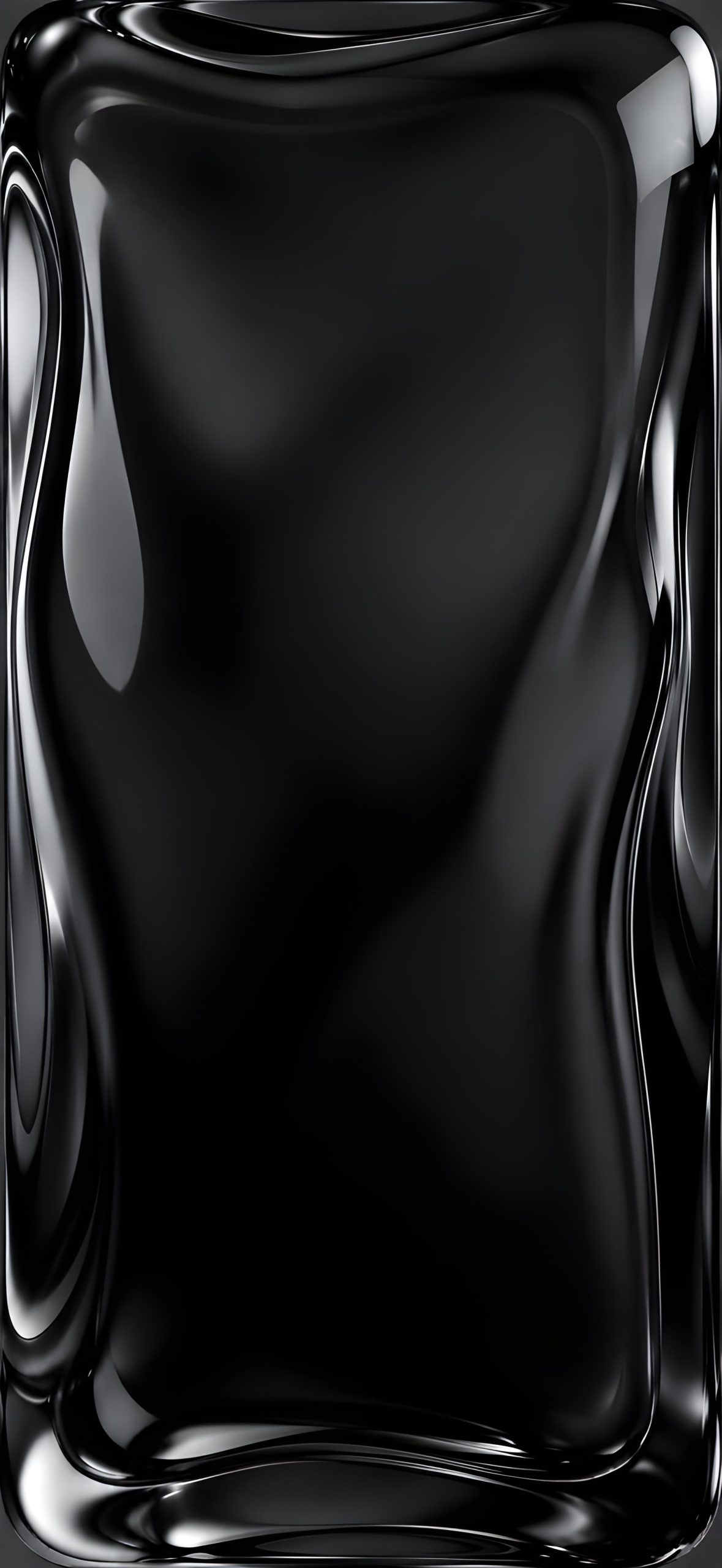
1. Black Liquid Glass A deep, glossy black finish with sharp highlights along the edges, giving it a sleek, high-end look that pairs beautifully with dark app icons.
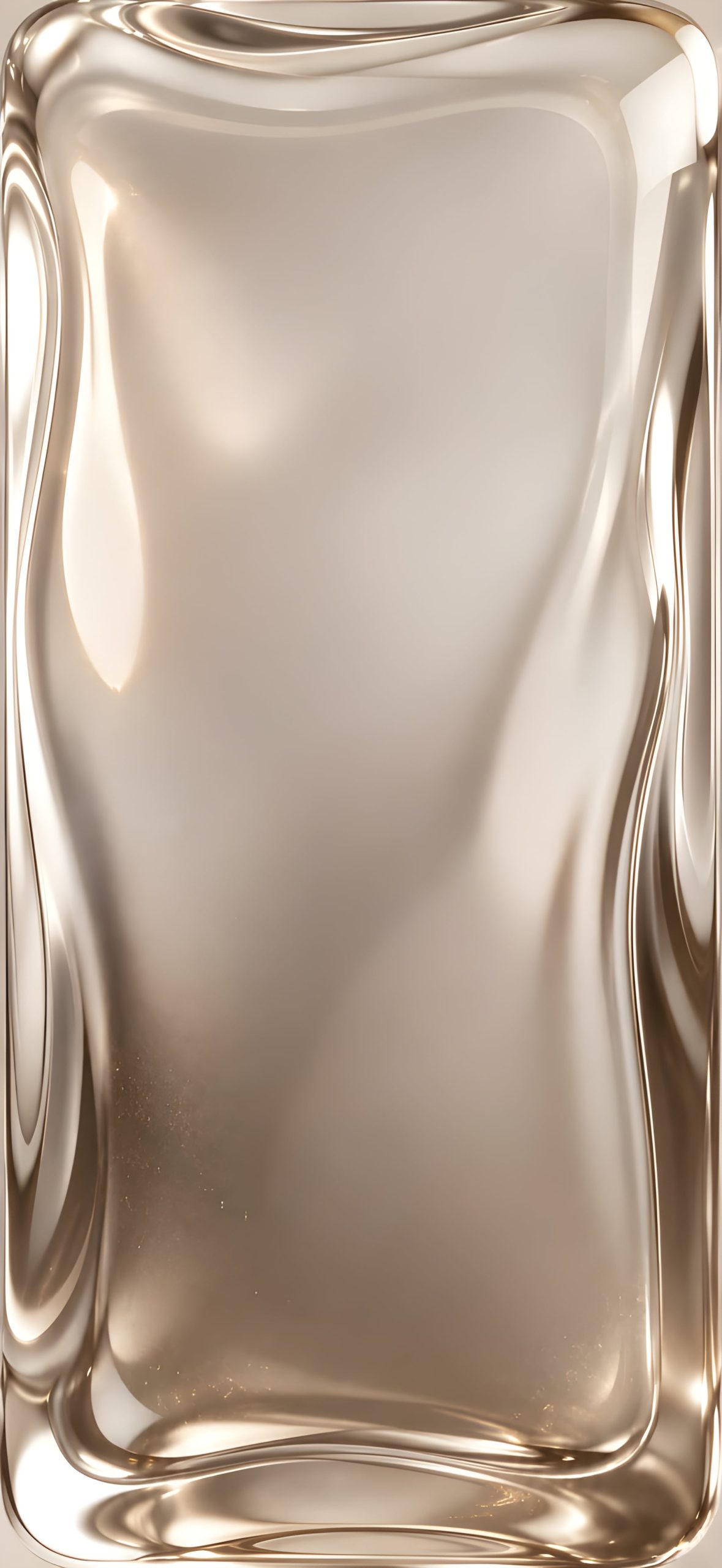
2. Champagne Gold Liquid Glass A warm, softly lit gold tone that feels elegant and premium, ideal for a more luxurious Home Screen aesthetic.
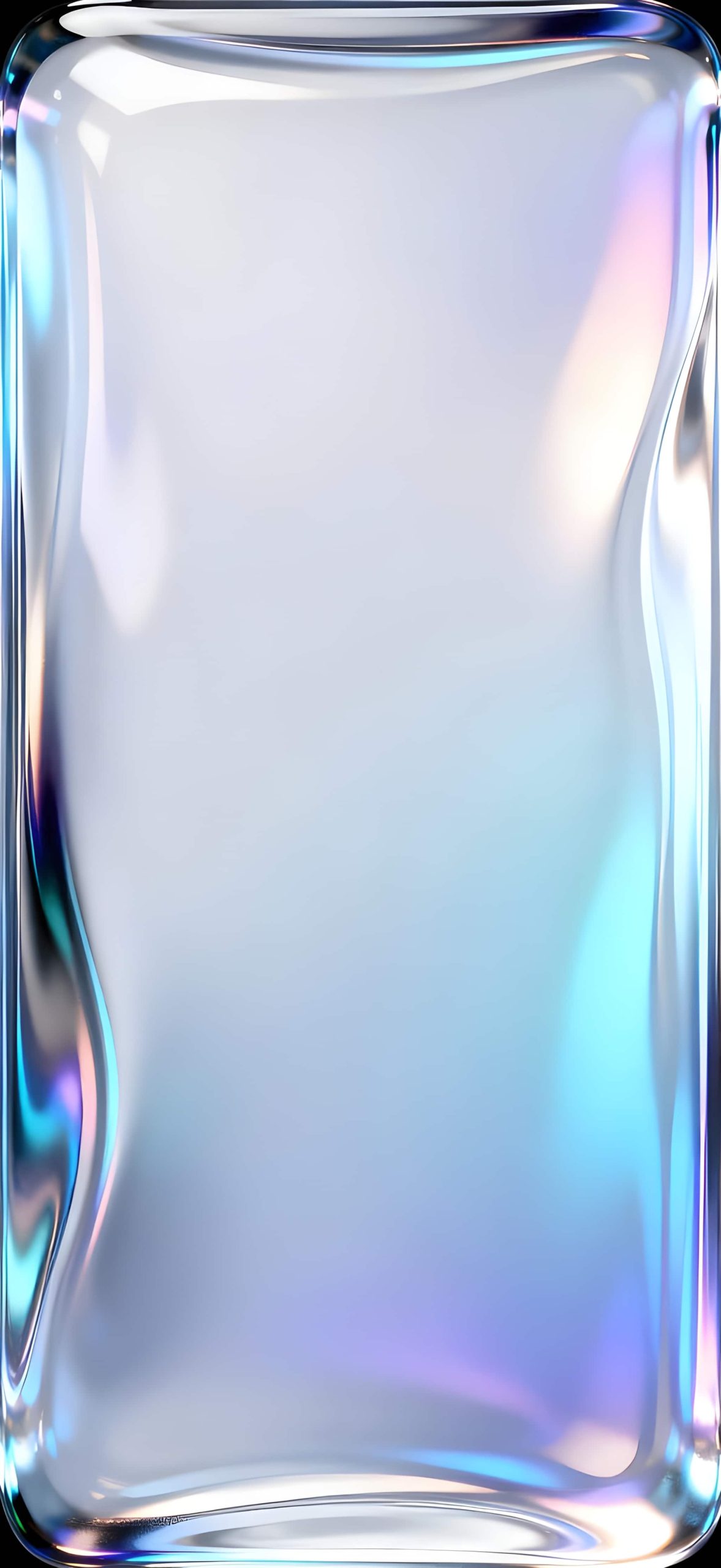
3. Holographic Liquid Glass A pearlescent white base with soft rainbow-colored edge reflections, creating a dreamy, iridescent effect as the light shifts across the glass.
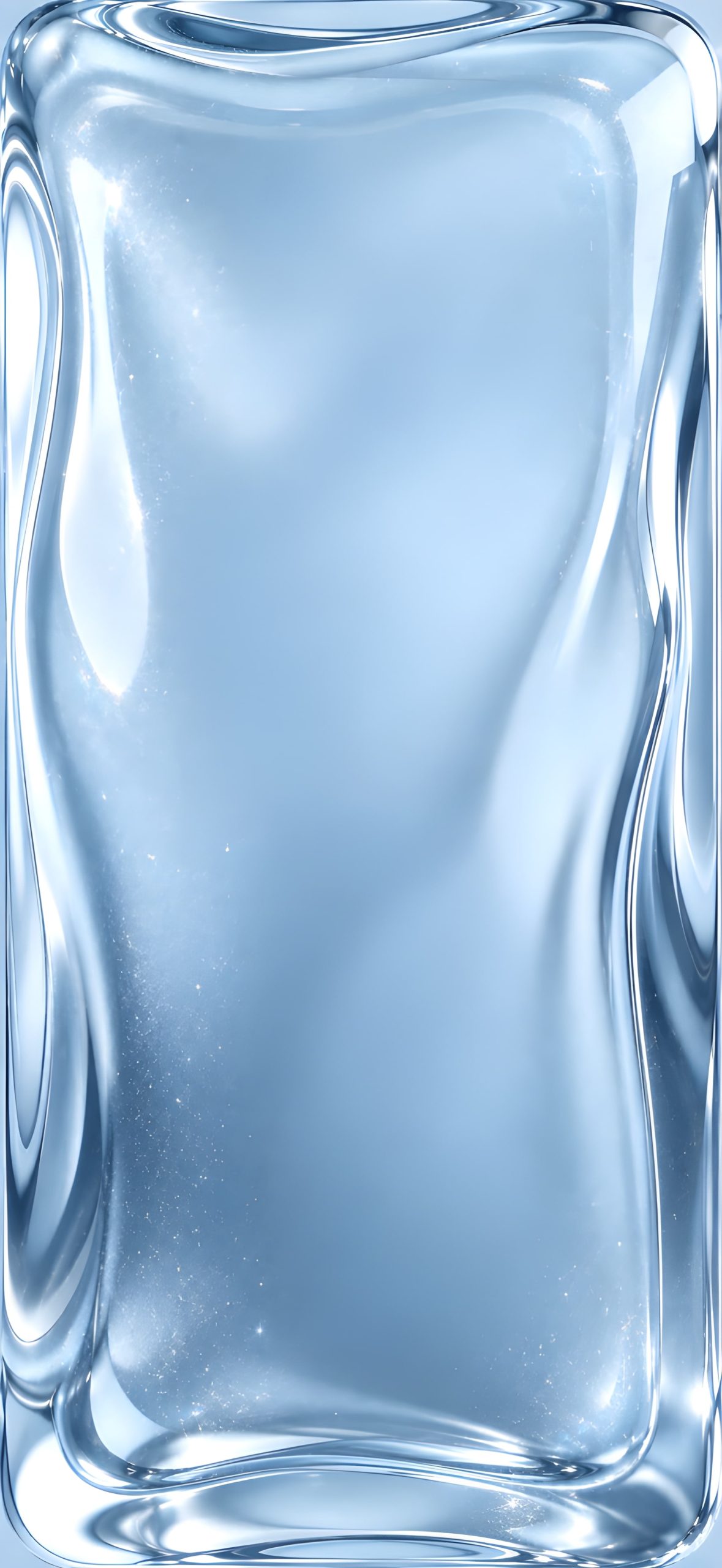
4. Ice Blue Liquid Glass A crisp, pale blue tone with a frosted, icy quality that feels clean and refreshing.
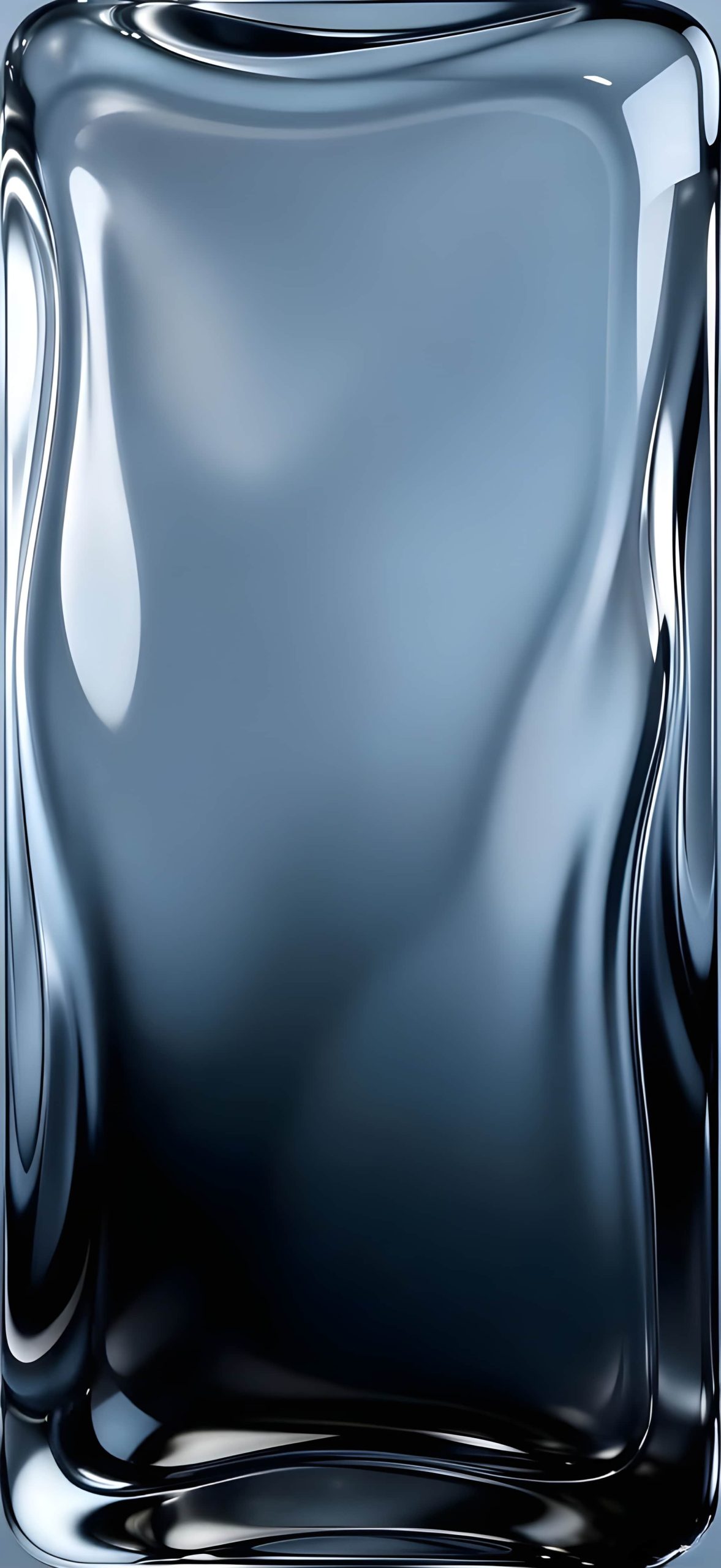
5. Metallic Blue Liquid Glass A deeper, more saturated blue with a metallic sheen, striking a balance between cool and bold.
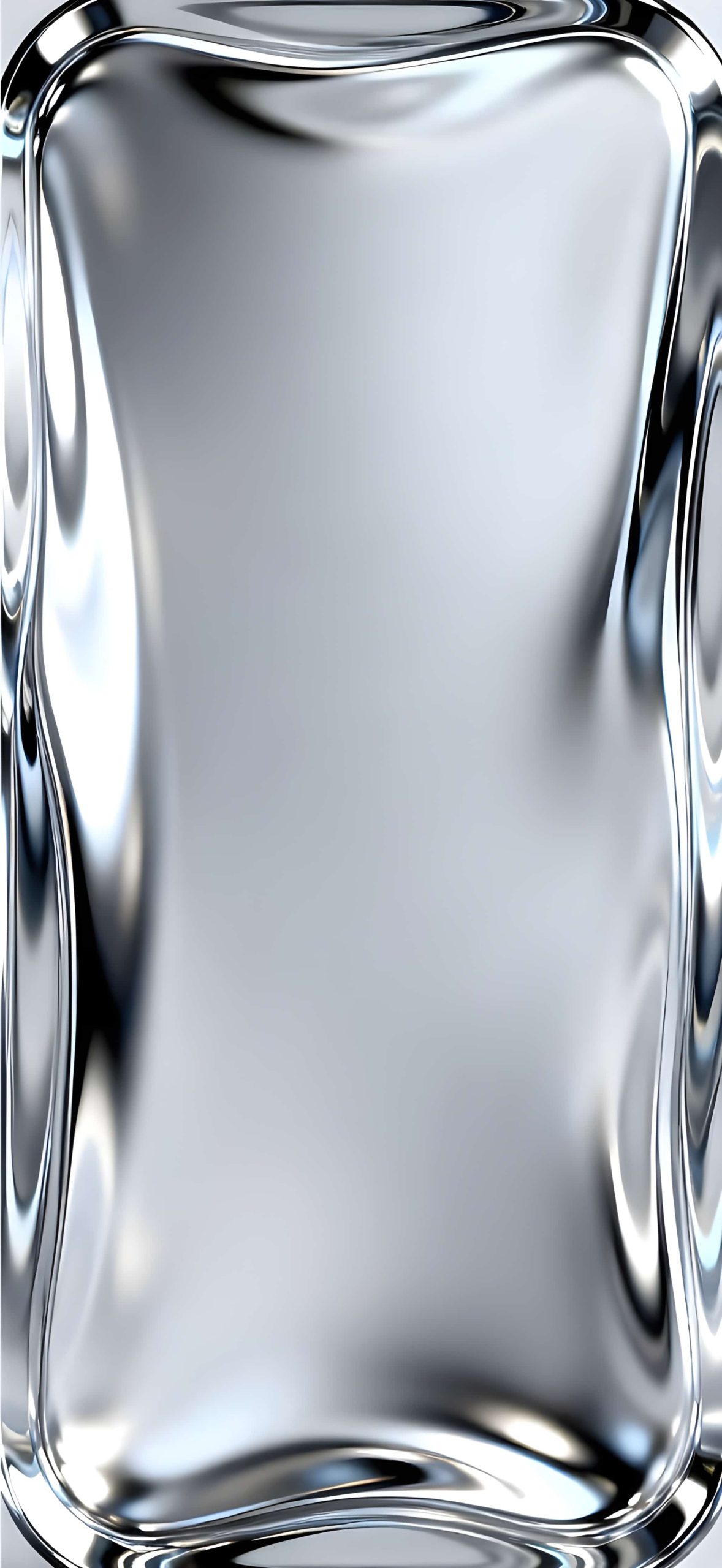
6. Silver Chrome Liquid Glass A bright, mirror-like chrome finish that reflects light sharply, giving it a futuristic, high-shine look.
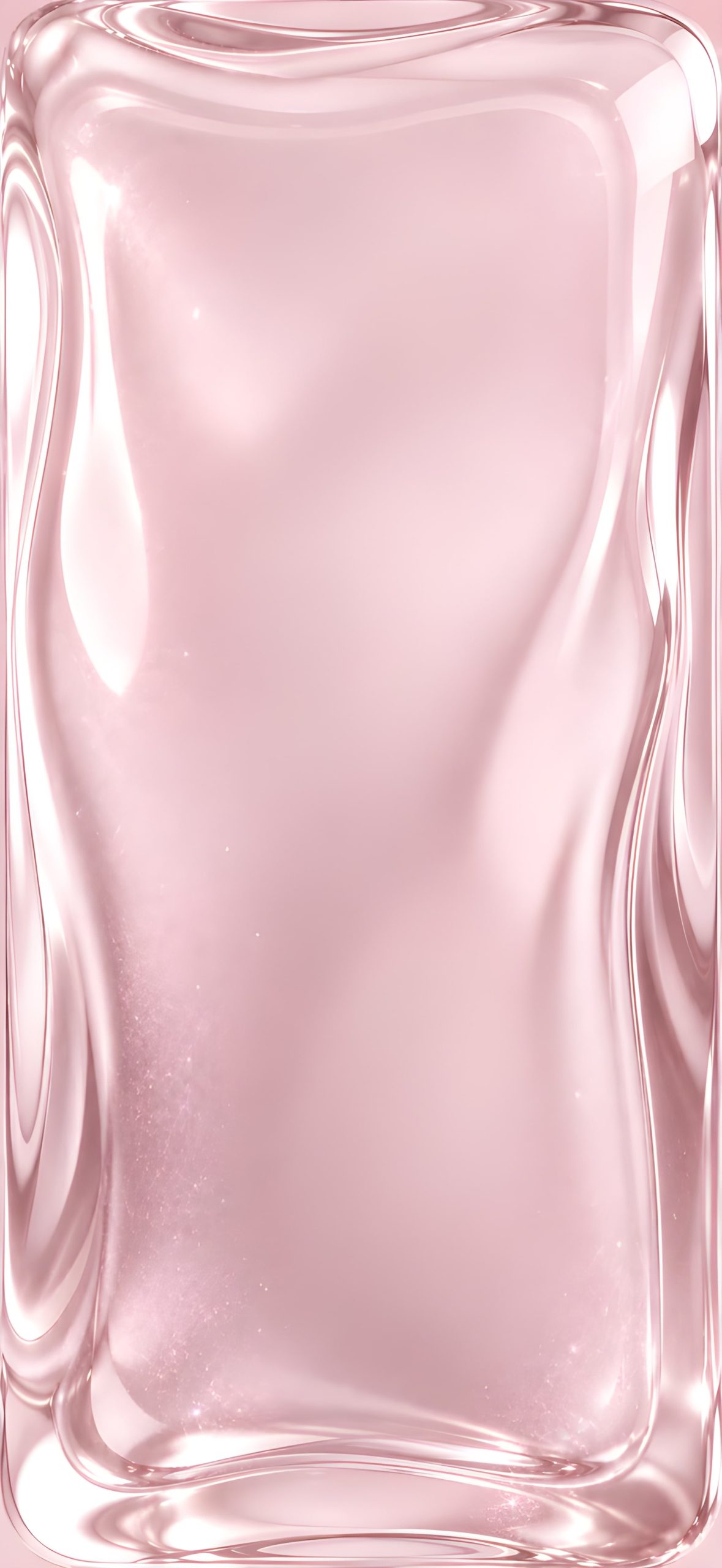
7. Soft Pink Liquid Glass A gentle, blush-toned variant with warm highlights, perfect for a softer, more delicate aesthetic.
Why Liquid Glass Wallpapers Work So Well
The appeal of this style comes down to how naturally it mimics real glass and light. The smooth curves and rounded highlights create a sense of depth without any actual texture or noise, which means these wallpapers stay clean and legible behind app icons and widgets rather than competing with them for attention.
How to Set It Up on iPhone
- Save your chosen wallpaper to Photos.
- Go to Settings > Wallpaper > Add New Wallpaper.
- Select Photos and choose your image.
- Adjust the crop to fit your screen.
- Apply it to your Lock Screen, Home Screen, or both.
Tips for Choosing Your Wallpaper
- Match your device color: Chrome and metallic tones pair naturally with silver finishes, while gold and pink suit warmer device colors.
- Consider your icon style: Since these wallpapers are smooth and low-detail, they work well with almost any icon theme without visual clutter.
- Try more than one: With seven distinct tones, switching between them is an easy way to change your phone’s mood without changing the overall style.
Final Thoughts
This liquid glass wallpaper collection offers a clean, modern aesthetic across seven distinct colorways, giving you plenty of options to match your personal style while keeping that same glossy, glassmorphism-inspired look.
Related posts:

3D Glass Sphere Wallpapers for iPhone | 4K Crystal Orb Lock Screens
iOS 27 Liquid Glass Waves Wallpapers – 4K Collection Free Download
iOS 26 Liquid Glass iPhone Wallpapers – Download Apple’s Stunning 4K Backgrounds
iOS 27 Liquid Glass Wallpapers for iPhone (4K) – Free Download
iOS 26 Liquid Glass Wallpapers for iPhone – HD Collection Free Download