ColorOS 17 Wallpapers for iPhone 4K | Official OPPO HD Backgrounds
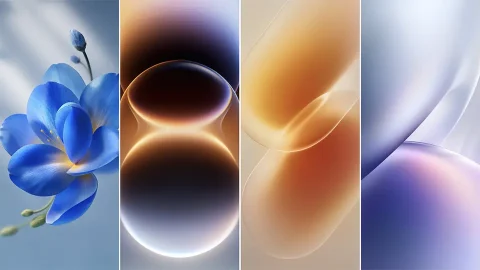
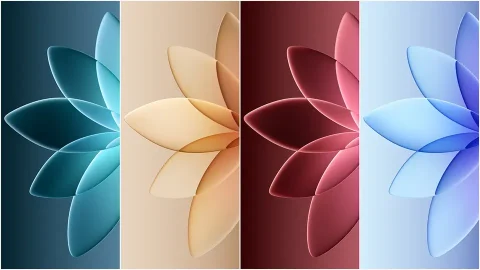
Looking for a fresh wallpaper that brings something different to your iPhone screen? These ColorOS 17 wallpapers offer an opportunity to experience OPPO’s latest visual identity without switching from iOS. Originally designed for the OPPO smartphone ecosystem, these backgrounds can also be used on iPhones, making them an interesting choice for anyone who enjoys exploring wallpaper designs from different mobile platforms.
ColorOS 17 introduces a new visual direction for OPPO, with its official announcement highlighting a fluid design language focused on visual effects, motion, and responsive interactions.
While those system features are designed for compatible devices, the wallpaper artwork itself provides a simple way to bring part of that visual experience to your iPhone.
Explore the ColorOS 17 Wallpaper Collection
The ColorOS 17 wallpaper collection is intended for users who enjoy clean, modern smartphone backgrounds rather than conventional photography. Its appeal comes from the way software-inspired artwork can change the overall appearance of a screen without requiring additional customization apps.
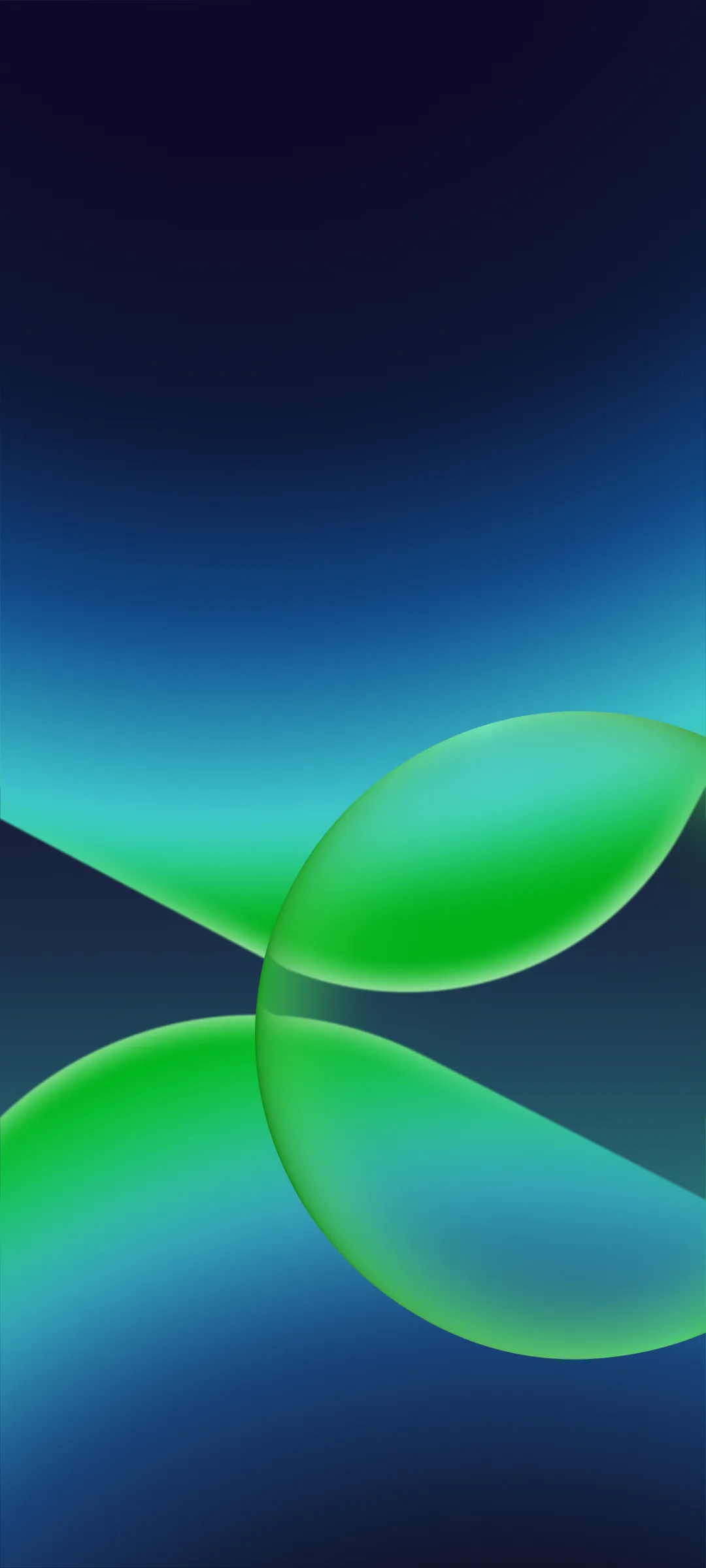
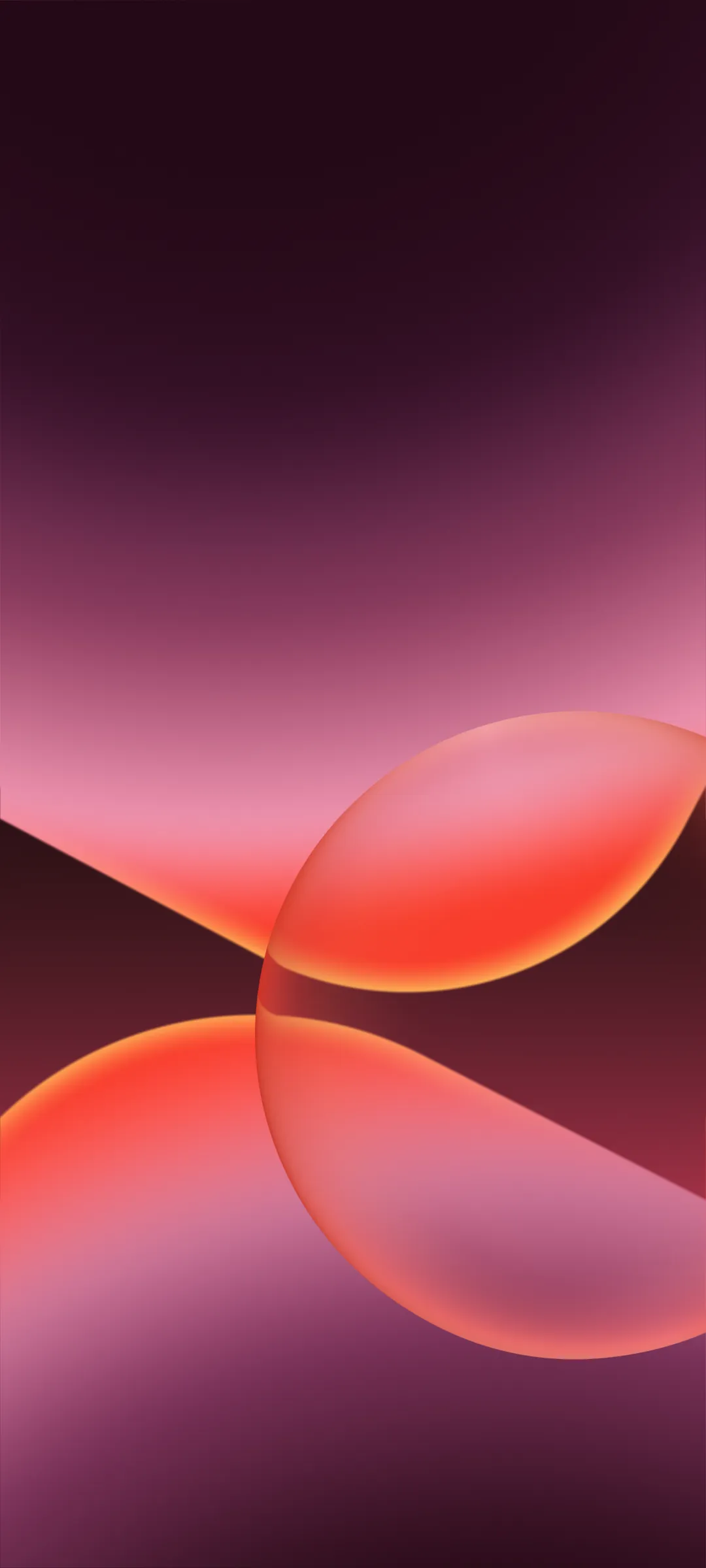
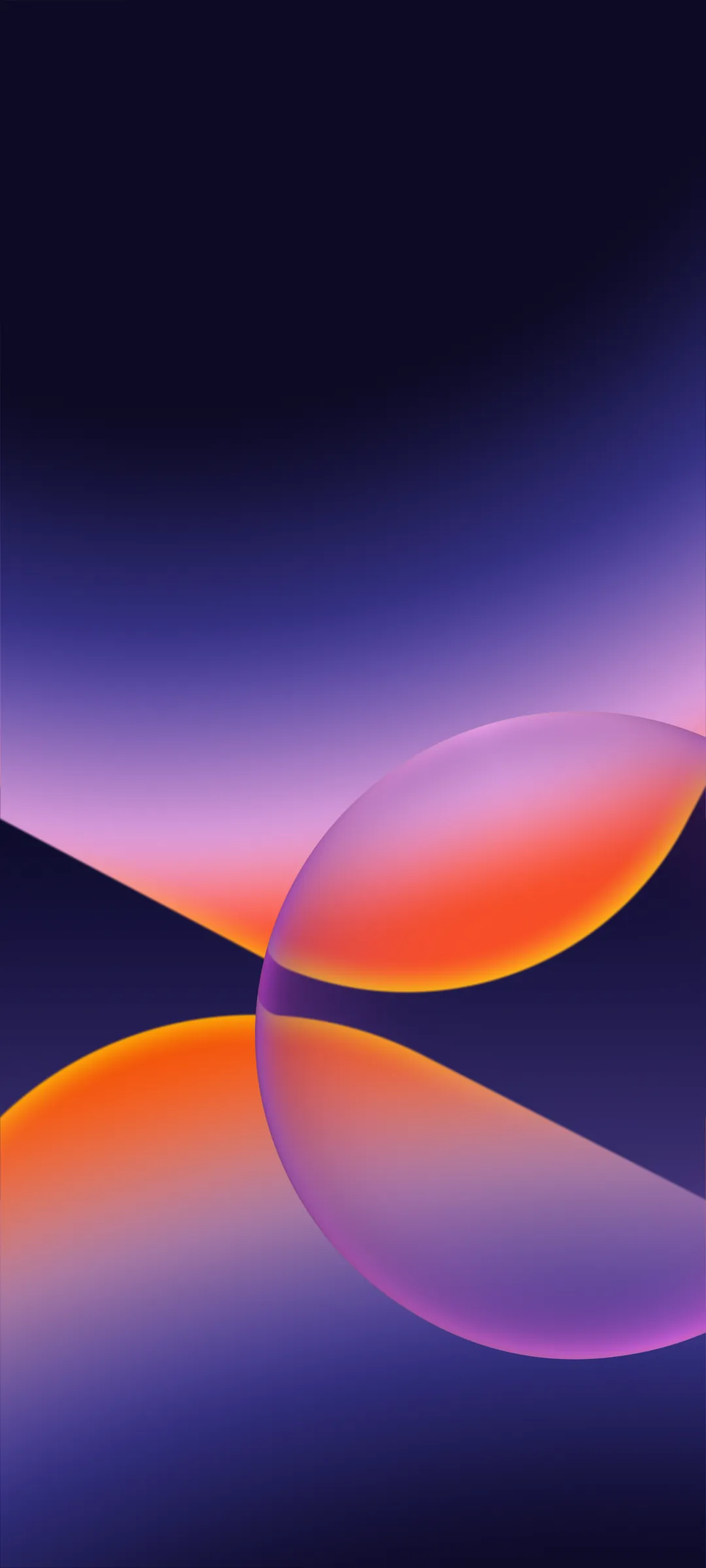
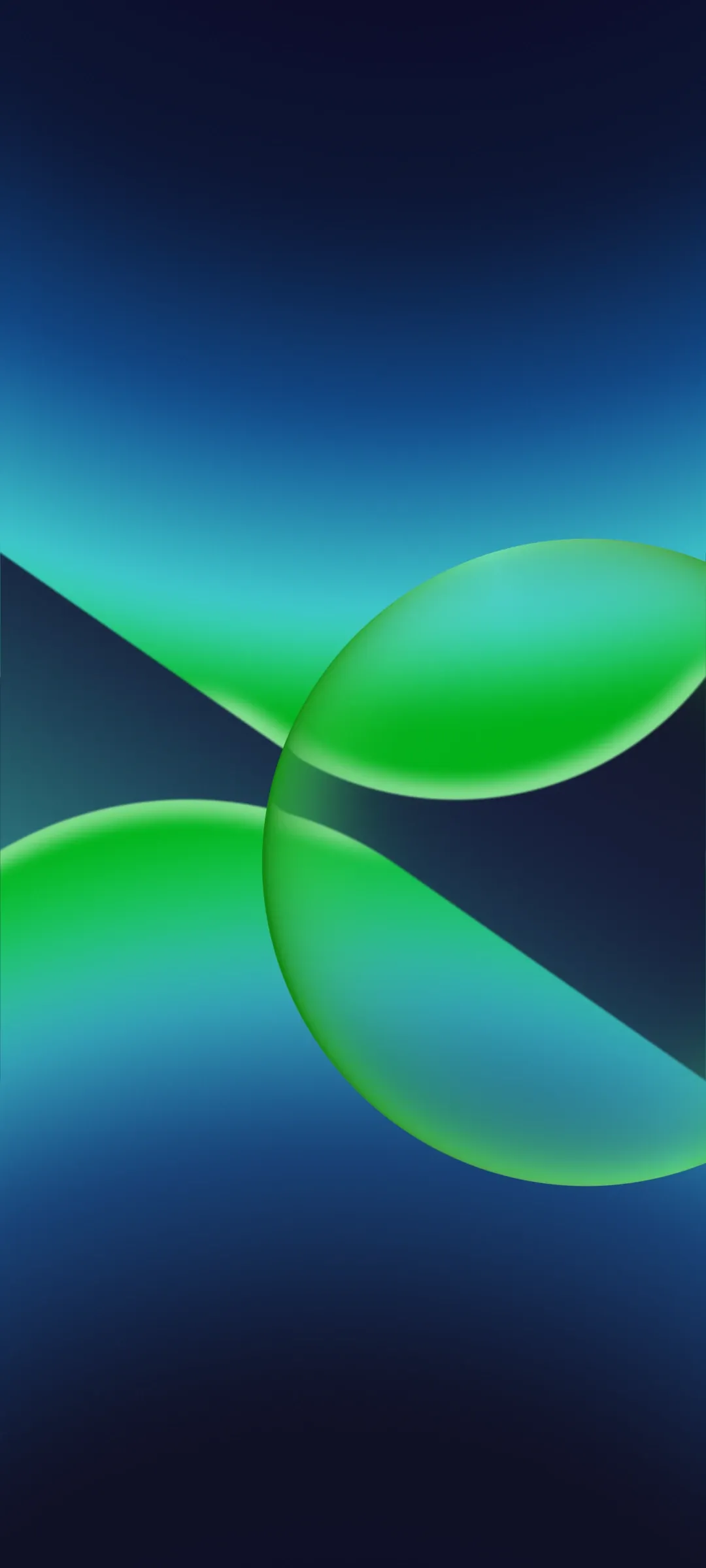
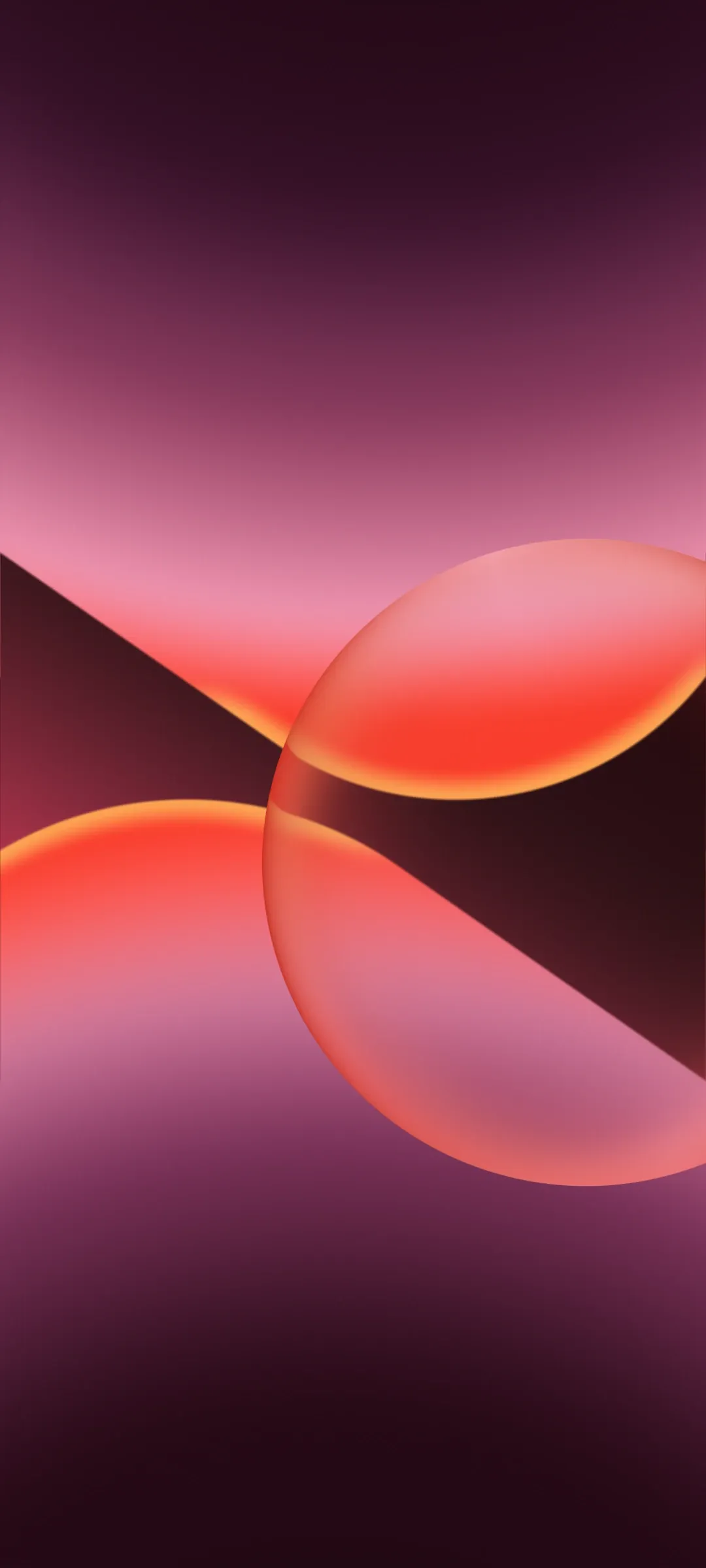
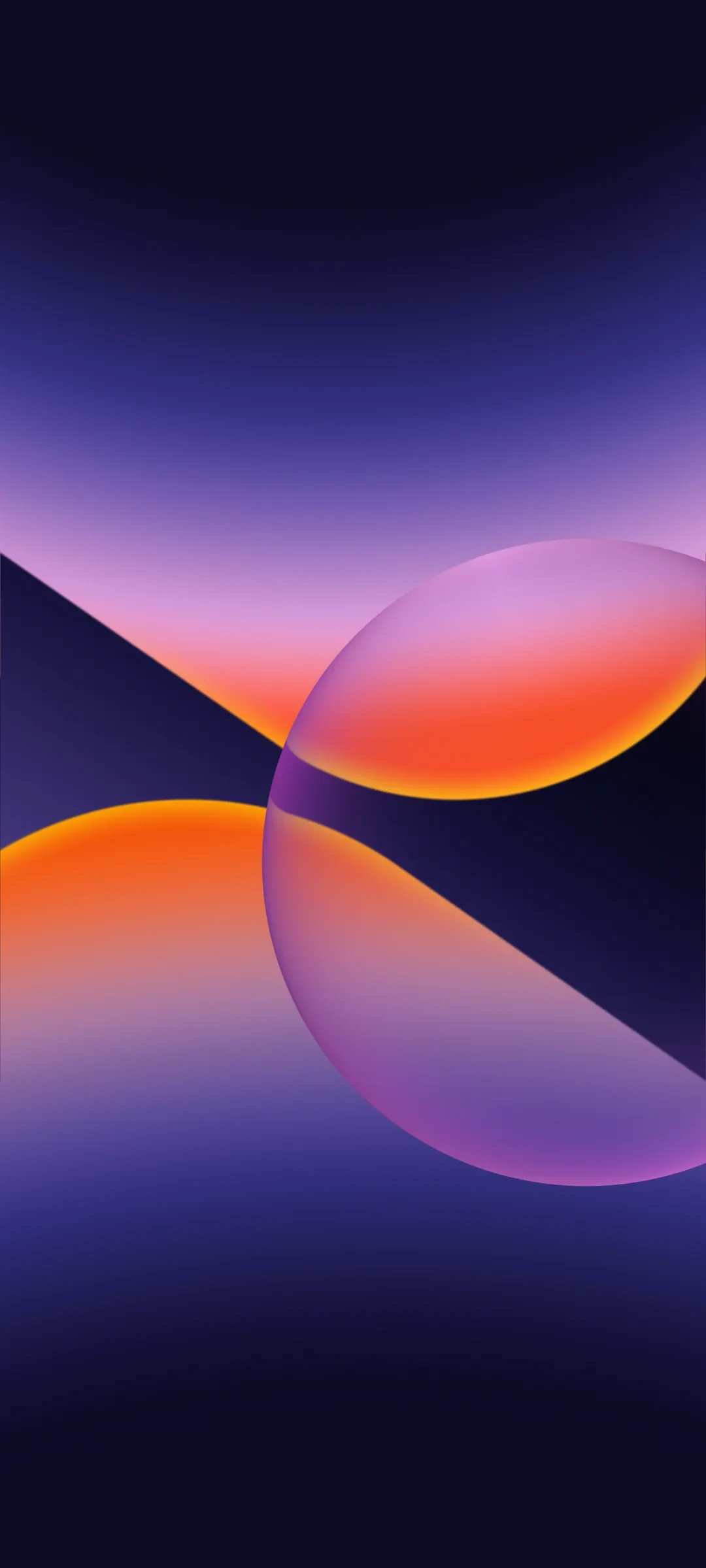
These OPPO wallpapers are suitable for different iPhone setups, whether you prefer a coordinated lock screen and home screen or a single background that gives your device a refreshed appearance.
The high-resolution format also makes the collection useful for users who want detailed backgrounds instead of images that appear soft or stretched after being applied.
Why Use OPPO Wallpapers on an iPhone?
You don’t need an OPPO smartphone to enjoy its wallpaper designs. Once downloaded as image files, compatible backgrounds can be saved to your iPhone’s Photos library and applied through the standard wallpaper settings.
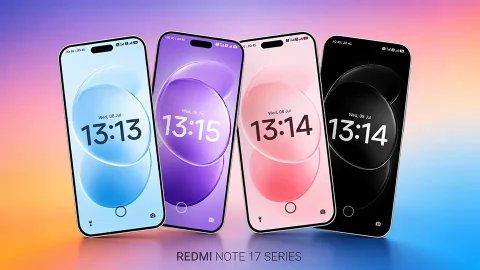
Using wallpapers from another smartphone brand is also an easy way to create a setup that feels different from the default iOS appearance. You can experiment with the background positioning, clock placement, and home screen icons to find a combination that suits your preferences.
For a cleaner look, try keeping your home screen relatively simple so the wallpaper remains visible rather than competing with numerous app icons.
How to Set ColorOS 17 Wallpapers on iPhone
Download your preferred ColorOS 17 wallpaper and save the original image to your Photos app. Open the image, tap the Share button, and select Use as Wallpaper if available. Alternatively, open Settings, choose Wallpaper, and create a new wallpaper using the downloaded image.
Adjust the positioning to fit your display, preview the lock screen, and apply your selection.
Download ColorOS 17 Wallpapers in 4K HD
Give your iPhone a fresh visual style with these ColorOS 17 wallpapers. Whether you enjoy OPPO’s software design or simply want something different from traditional iPhone backgrounds, this collection offers another way to personalize your screen.
Choose your favorite image, download it in high resolution, and make it part of your everyday iPhone setup.