iPhone Duo Mountain Wallpapers 4K | Free Matching Dual Screen HD Backgrounds
A good mountain photo has a lot of empty sky, and that’s exactly what a lock screen needs. This pack of iPhone mountain wallpapers collects fourteen square photographs with room for a clock, a peak to anchor the frame, and a mood that changes from one file to the next. Several of them work as matching pairs, which is the idea behind the “duo” name: one image for the lock screen and a related one for the home screen.
The colour set
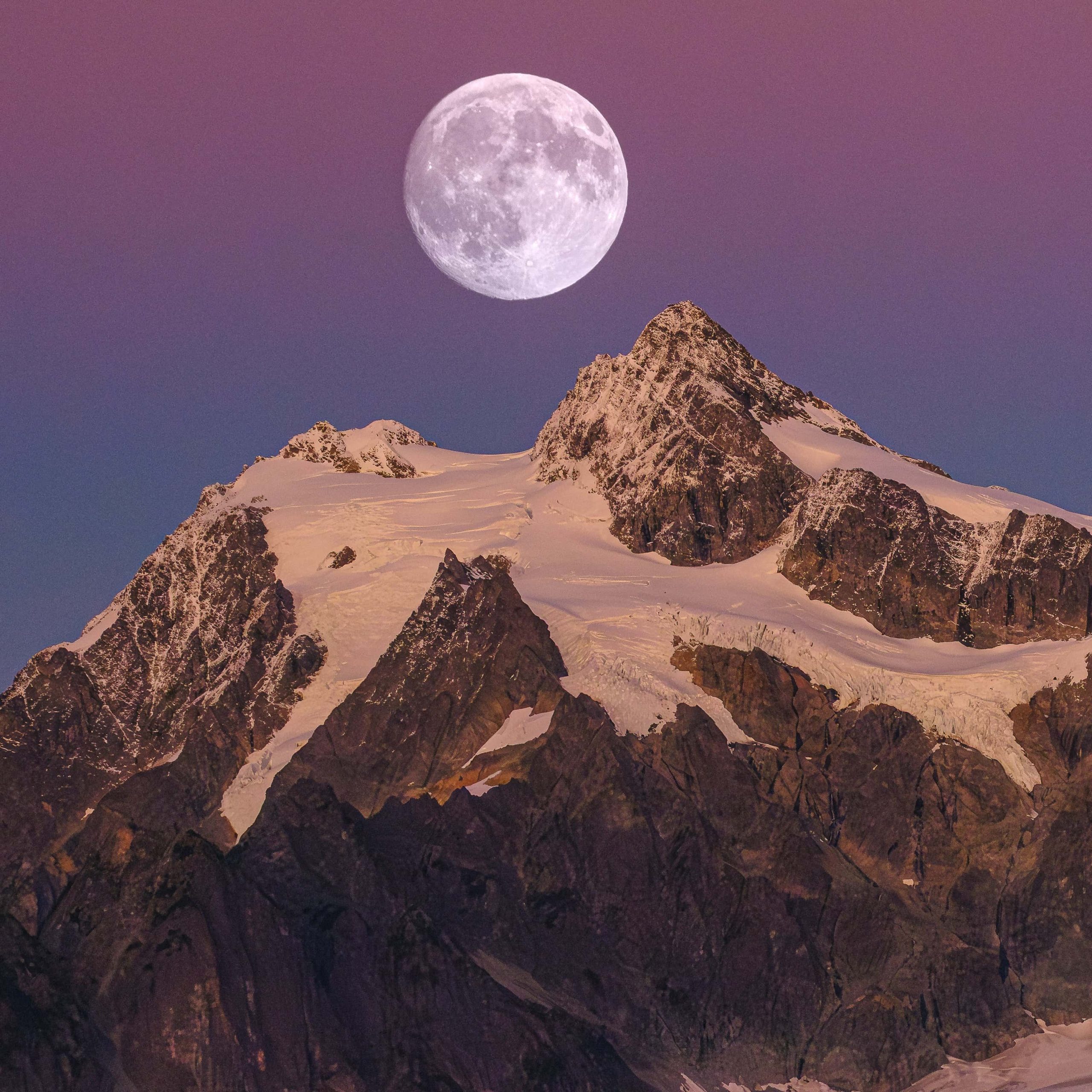
Moon over the glacier. A huge full moon hangs in a purple sky above peaks lit pink and gold. It’s the most dramatic photo in the pack.
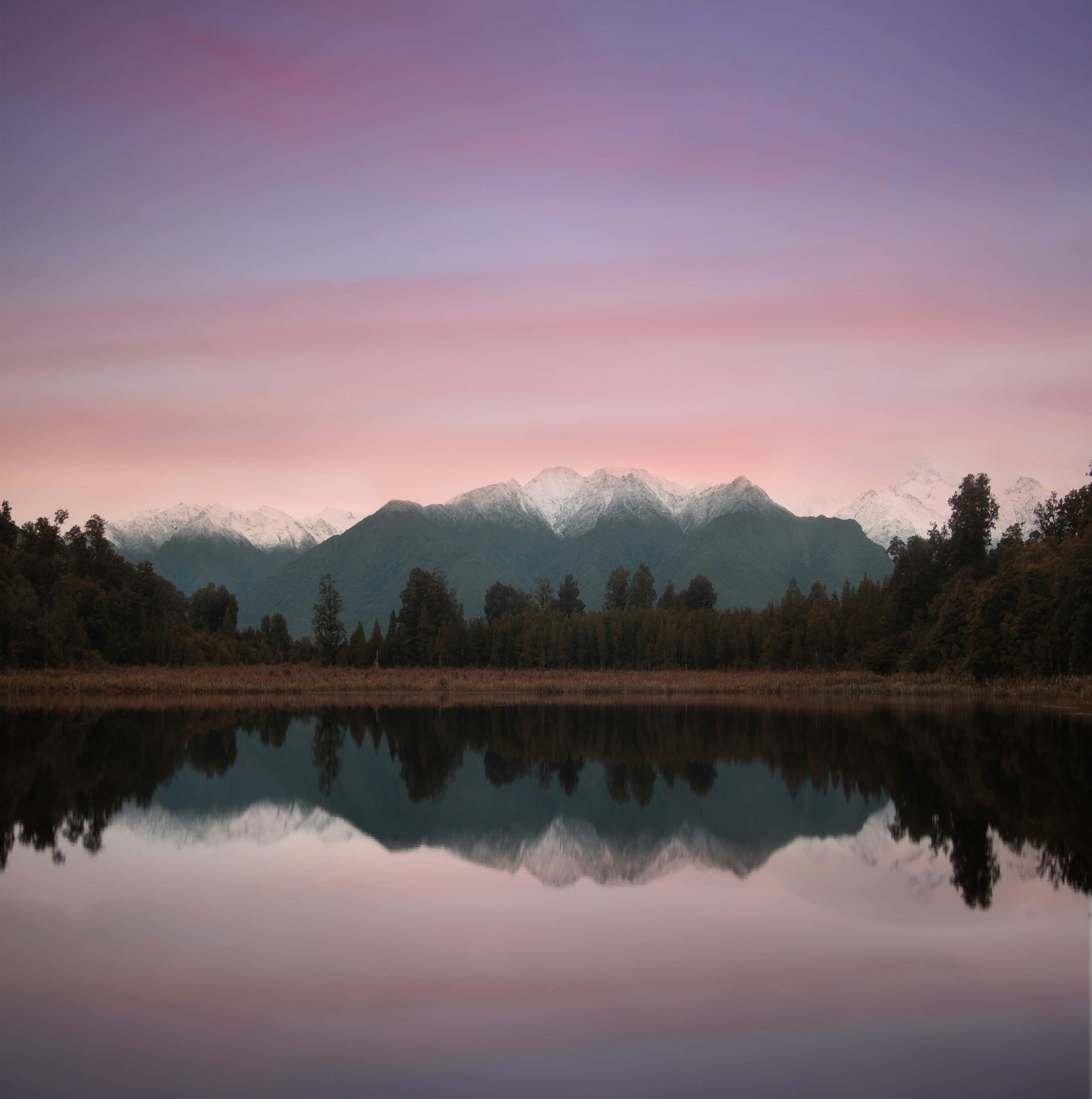
Mirror lake at dusk. Snowy ridges and dark forest reflect almost perfectly in still water. Pink and lilac bands of cloud drift across the sky.
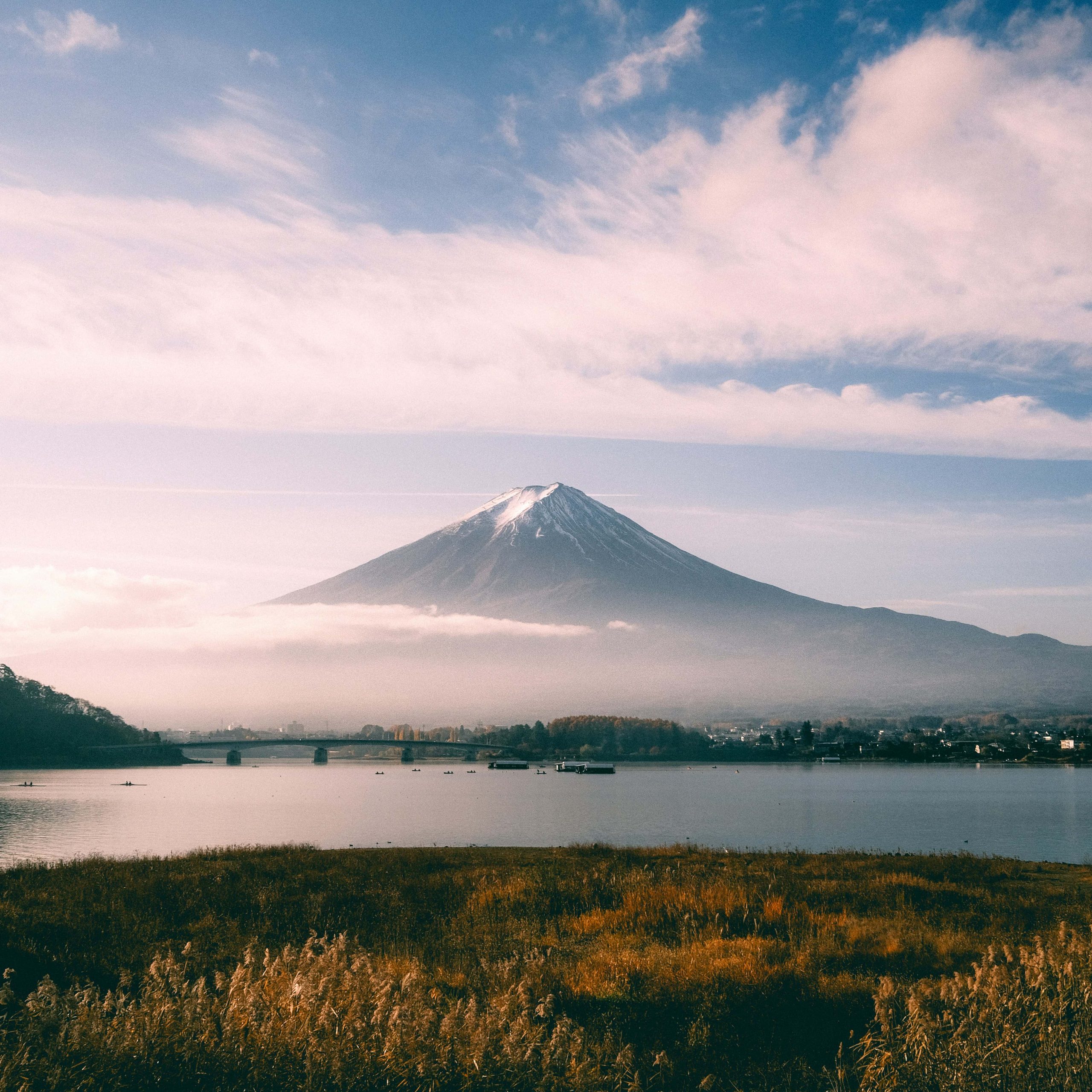
Mount Fuji from the lake. Fuji floats above a layer of cloud, with a long bridge, small boats and golden reeds in front. The soft blue and pink sky makes it the calmest image here.
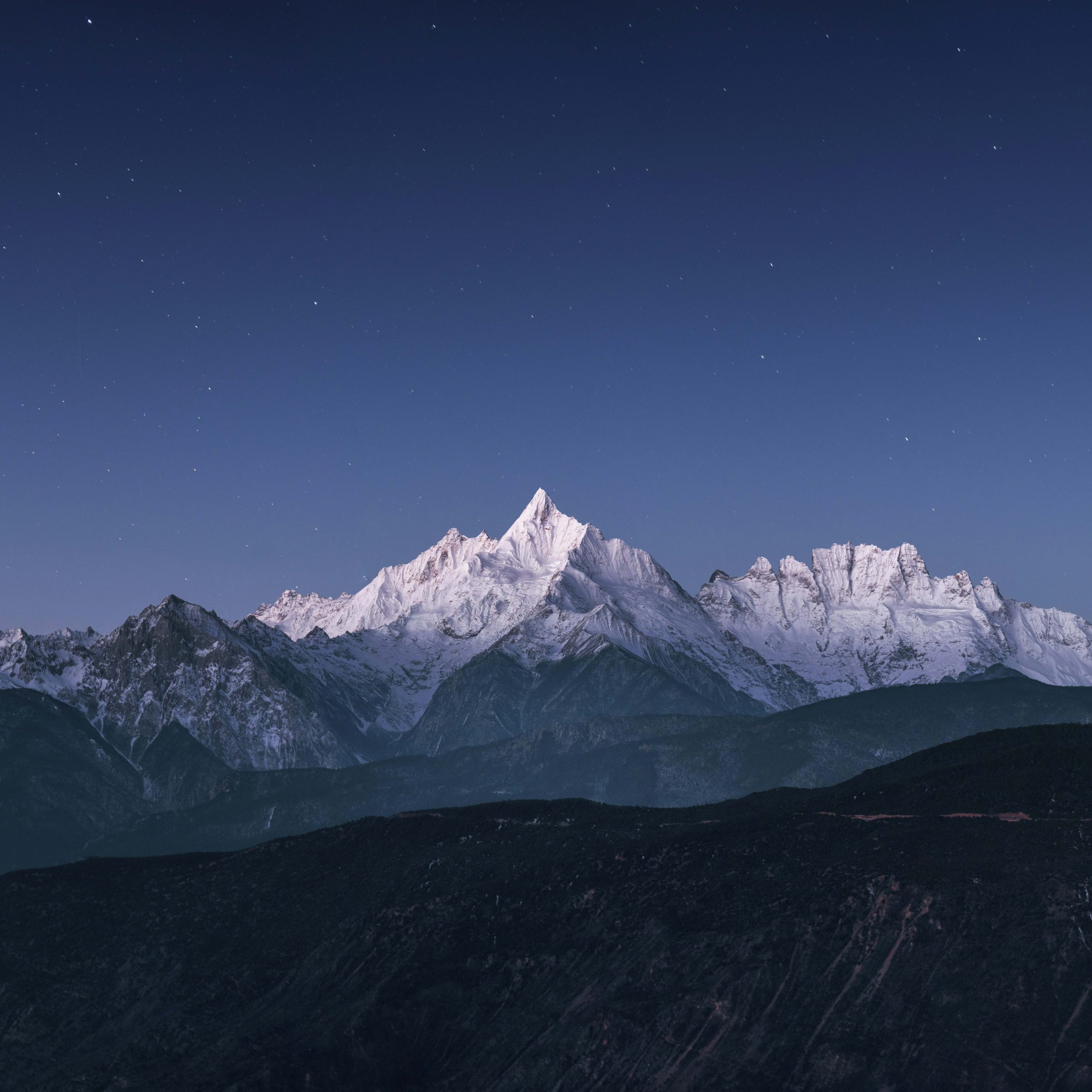
Starlit snow peak. A white pyramid of snow glows under a deep blue, star-filled sky.
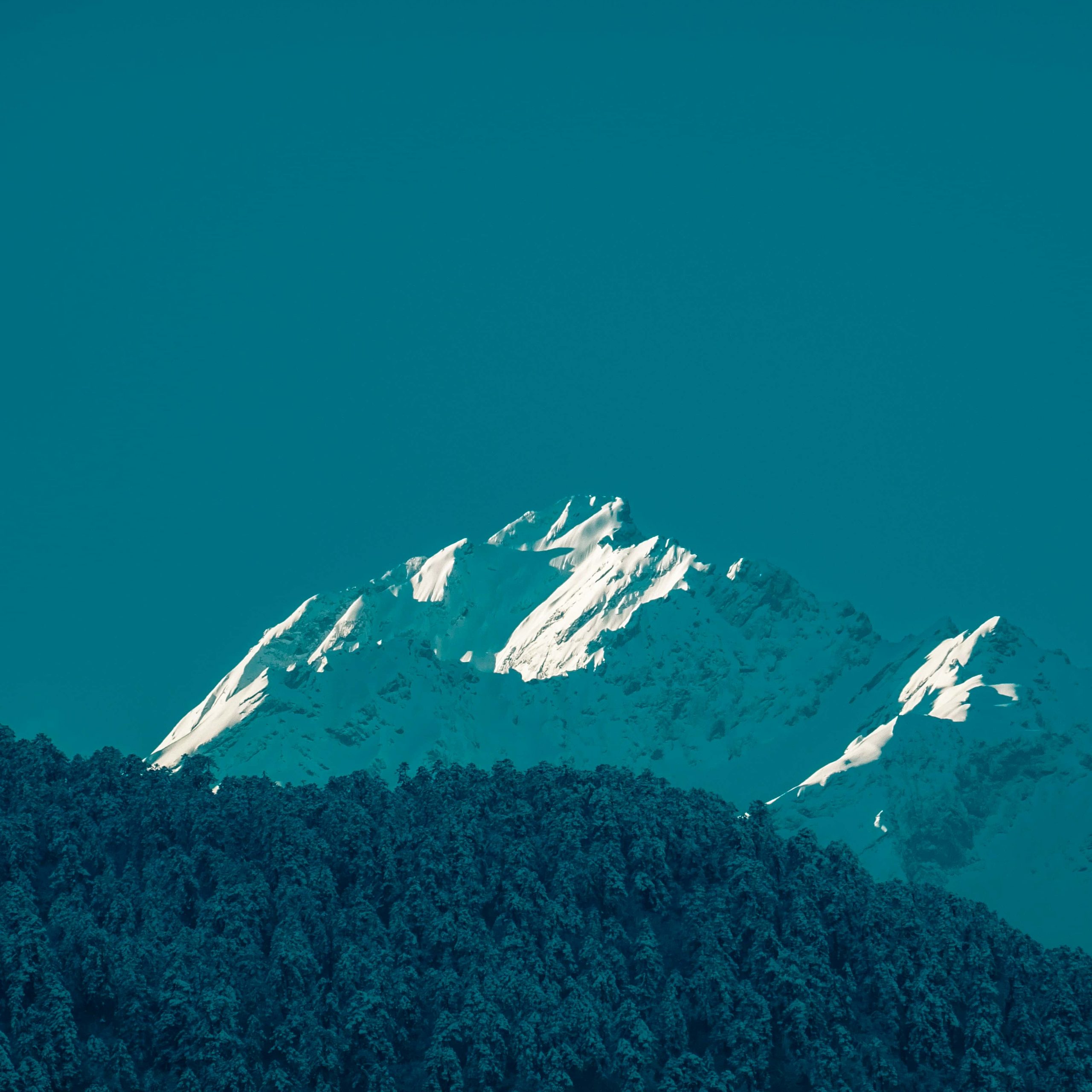
Teal peak. Sunlit snow slopes sit on a flat teal sky, above a band of frosted pines. It’s the most minimal of the colour images.
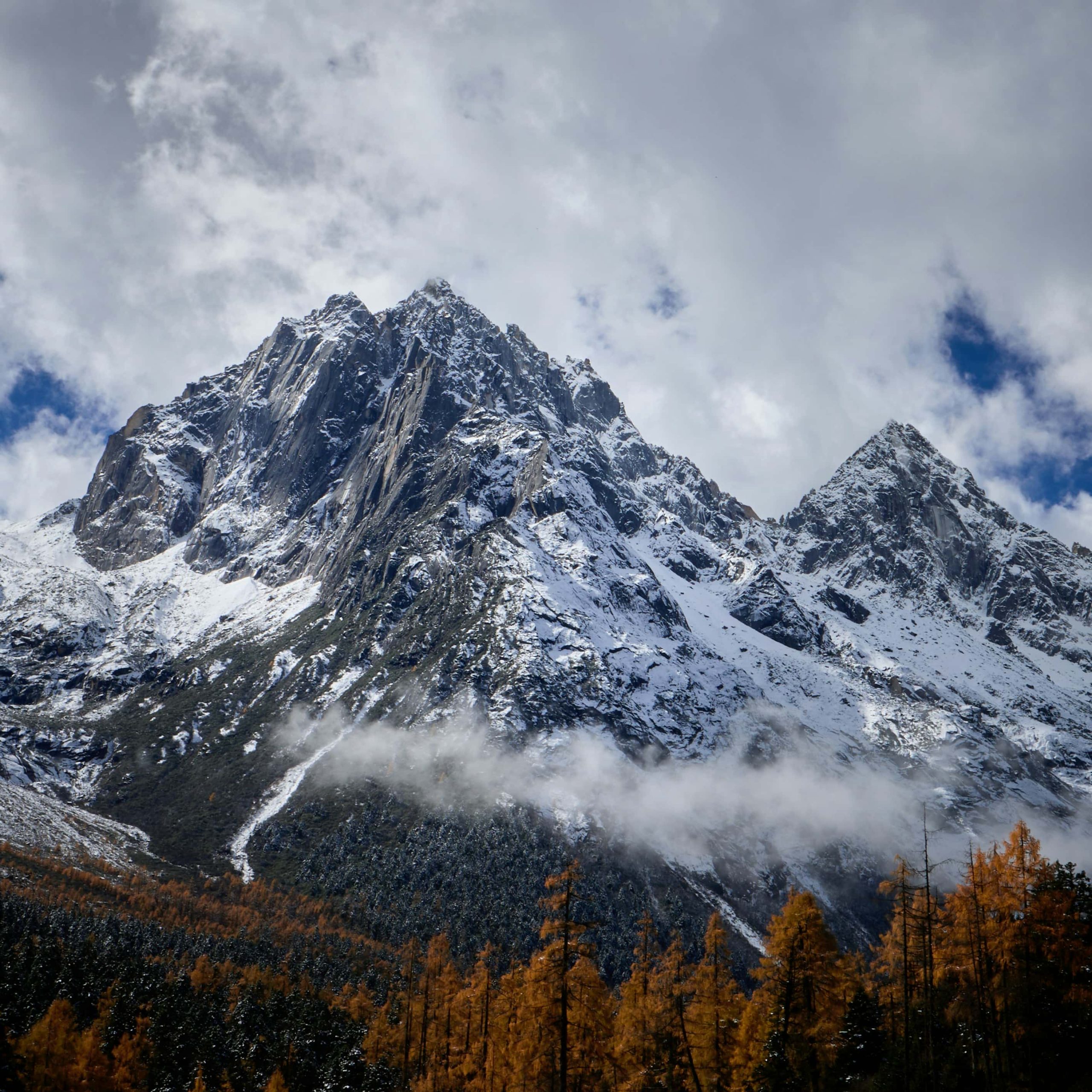
Autumn larches. Golden larch trees stand below a dark, snow-streaked granite peak and a cloudy sky.
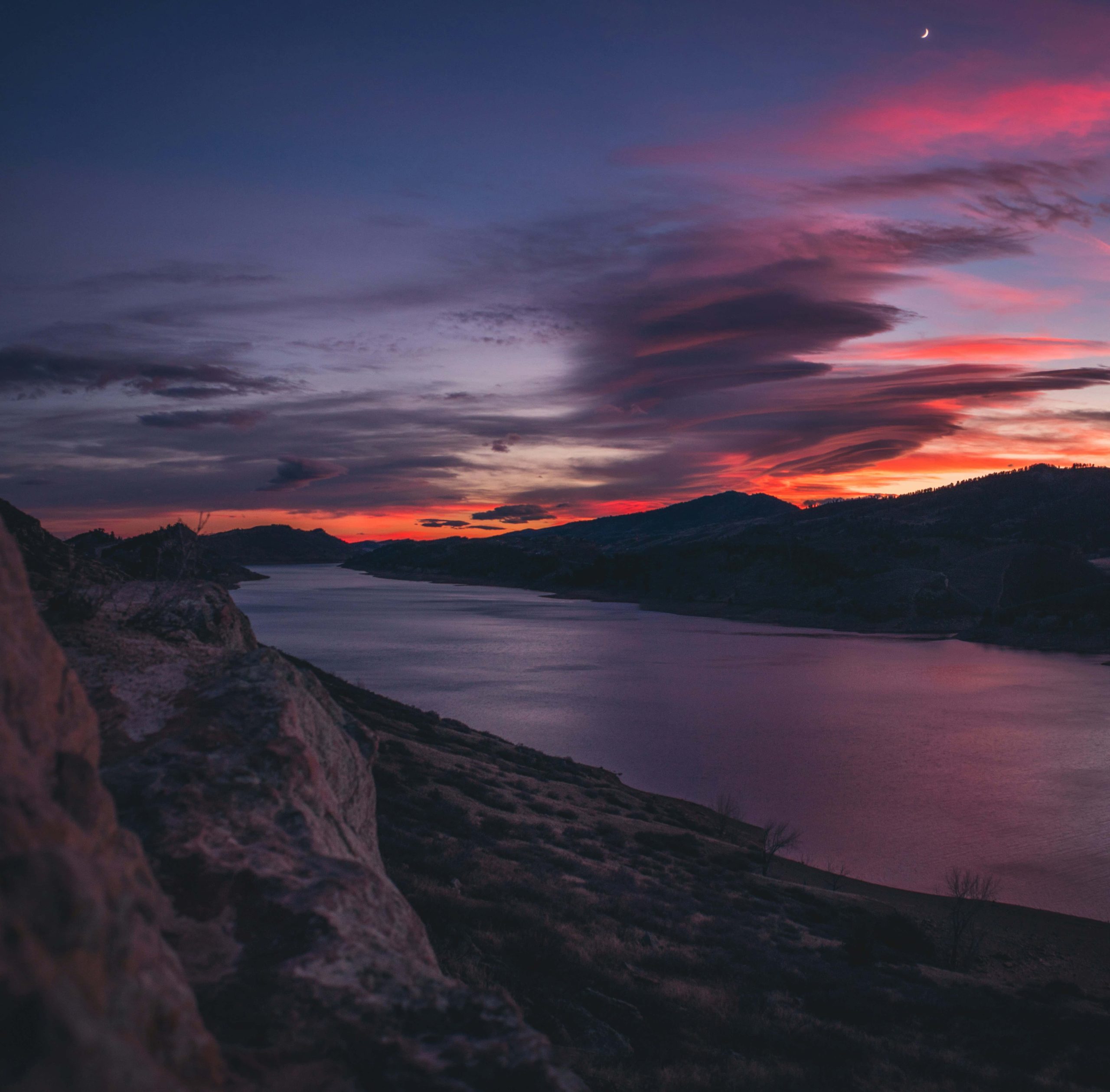
Sunset reservoir. A narrow lake winds between dark hills under pink, orange and violet clouds, with a thin crescent moon at the top right.
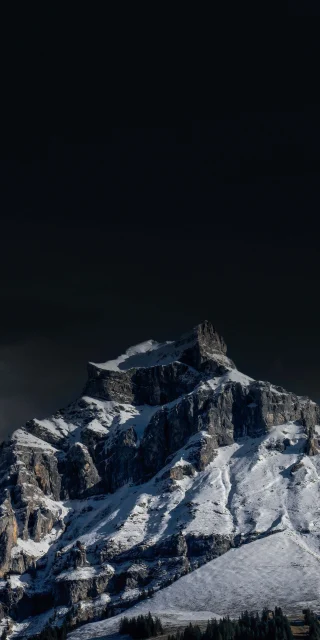
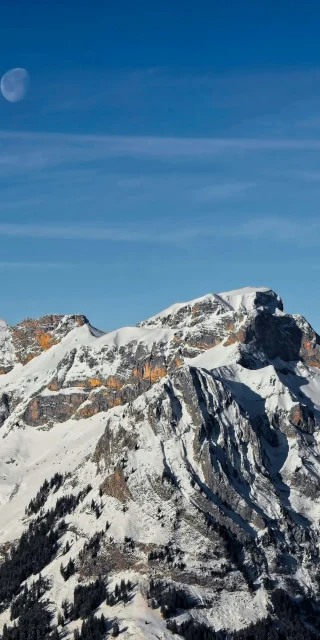
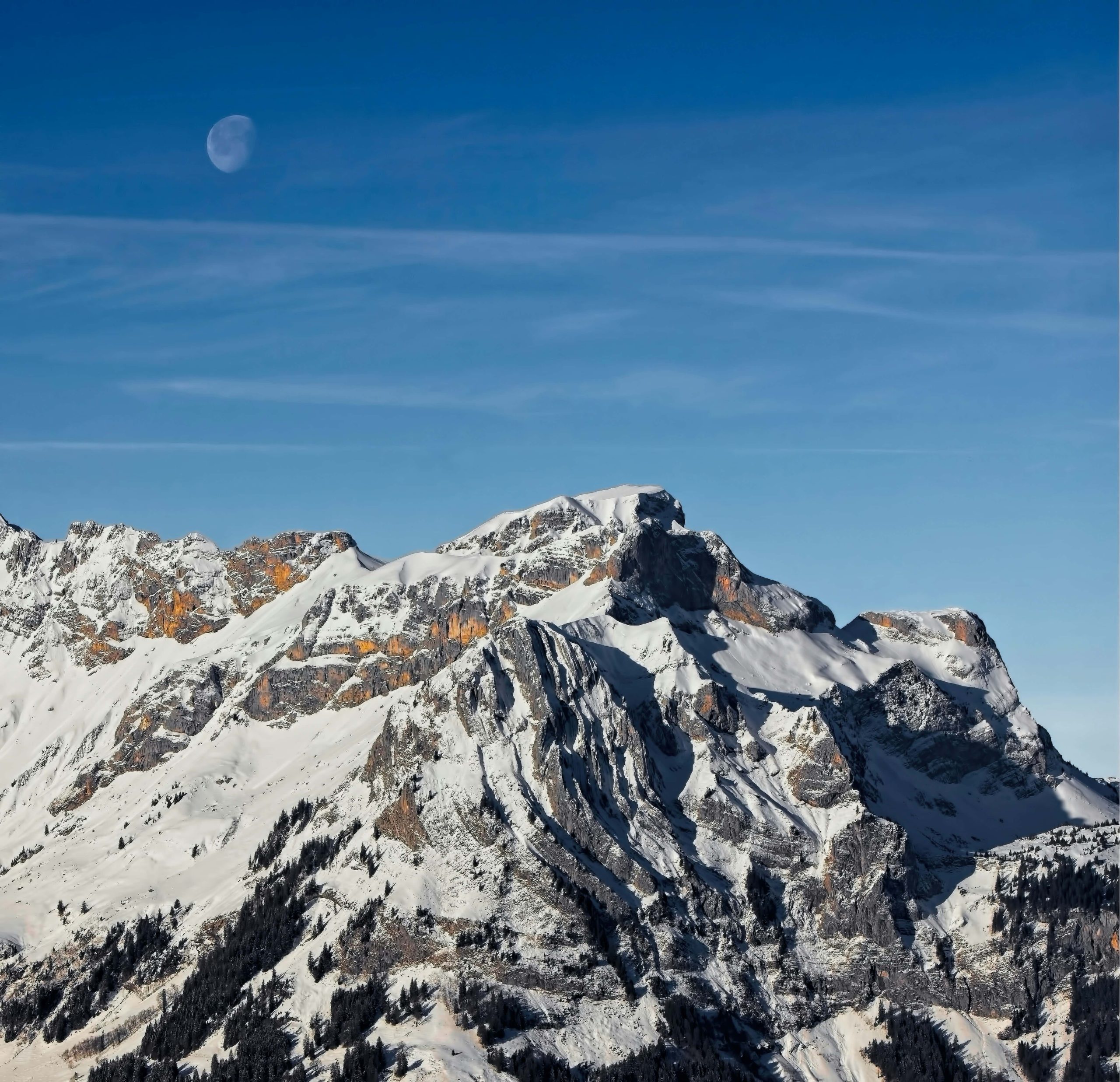
Daytime moon over a snowy ridge. Rust-orange rock shows through the snow on a ridge in a deep blue sky, with a half moon on the left. A second photo of the same ridge with a near-black sky is also included.
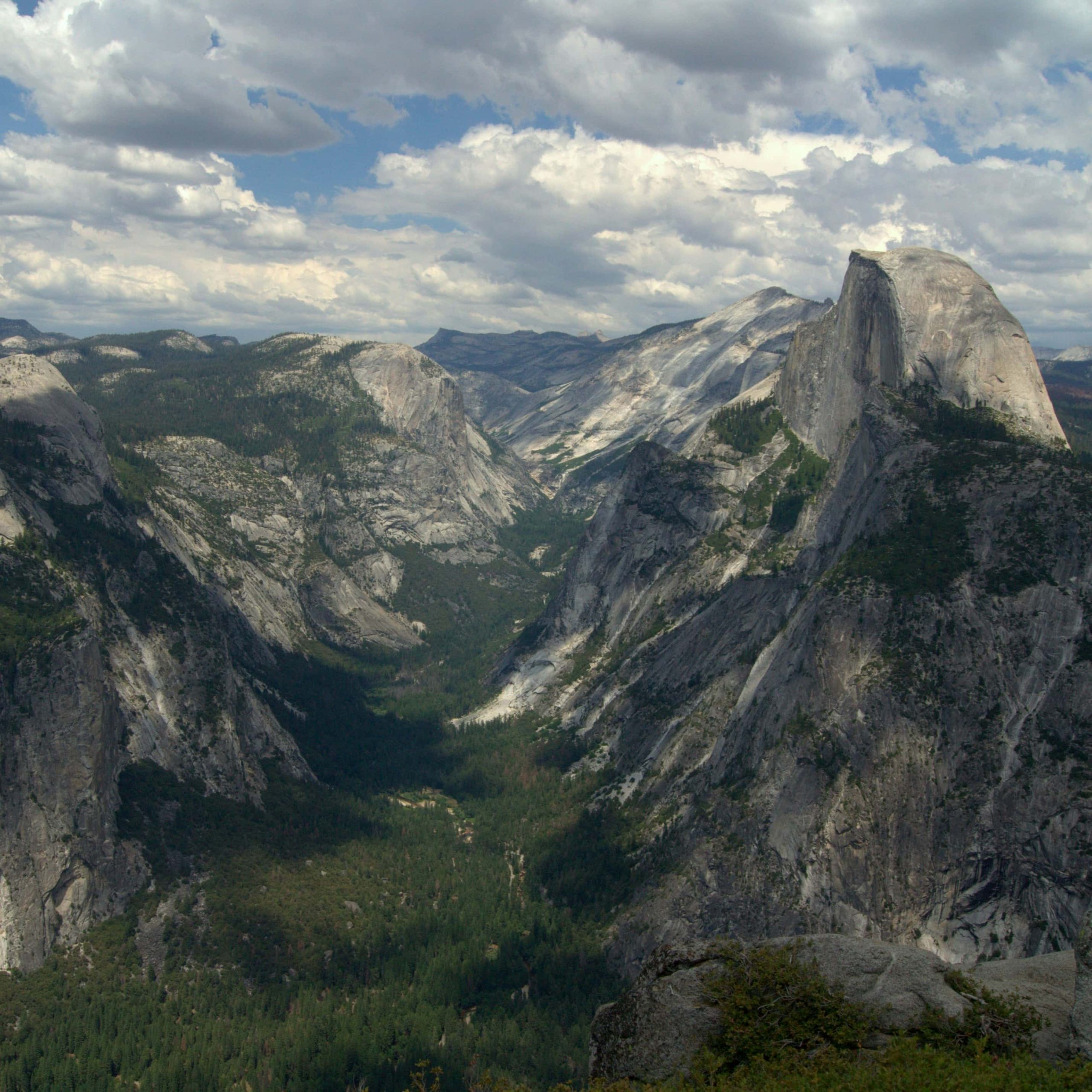
Half Dome valley. A wide view from above, with granite walls, pine forest and big summer clouds.
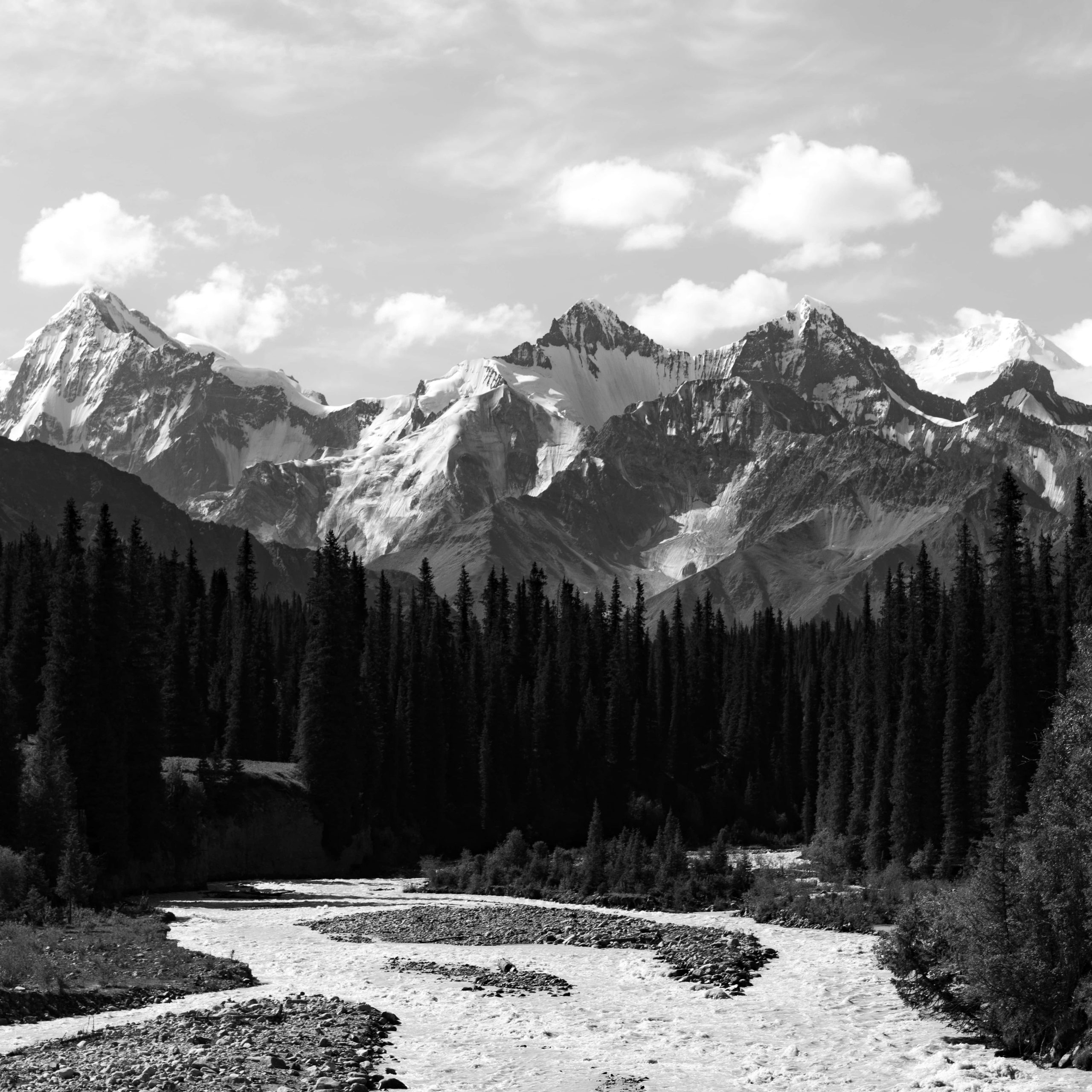
The black-and-white set
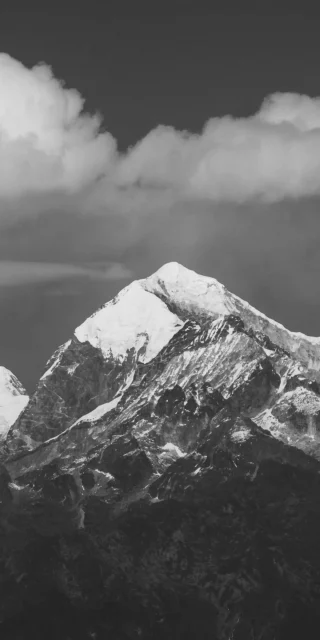
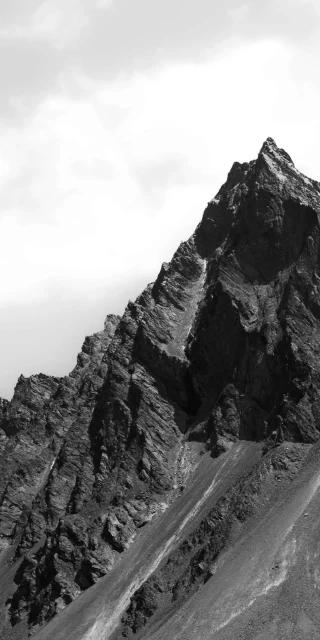
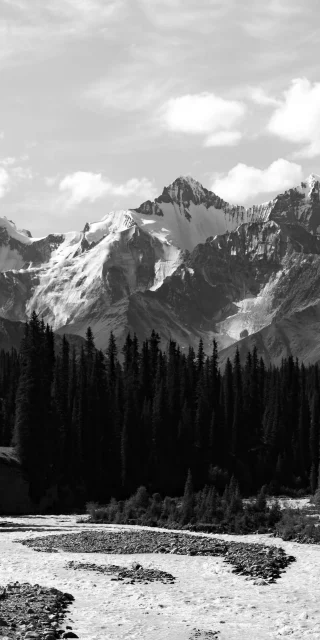
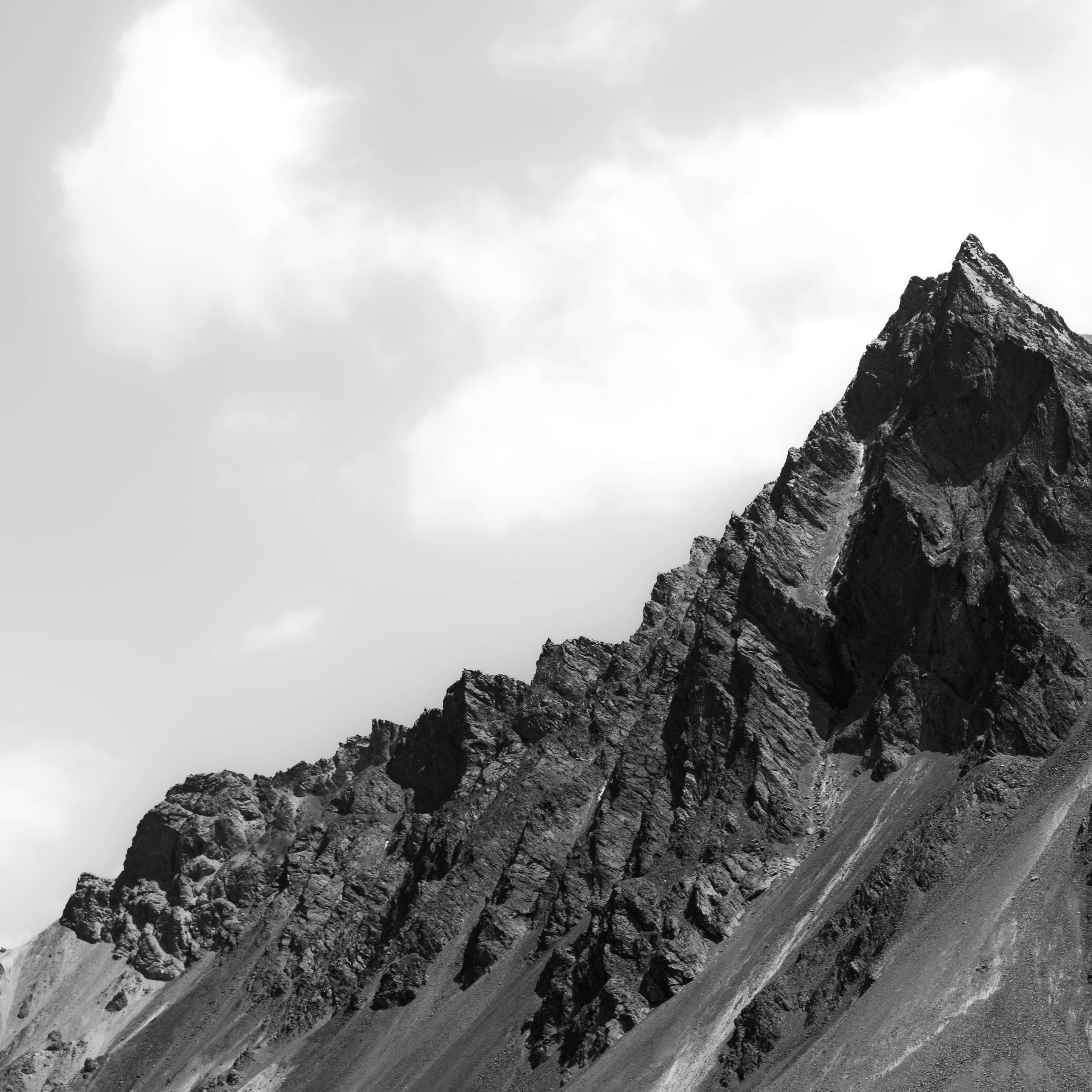
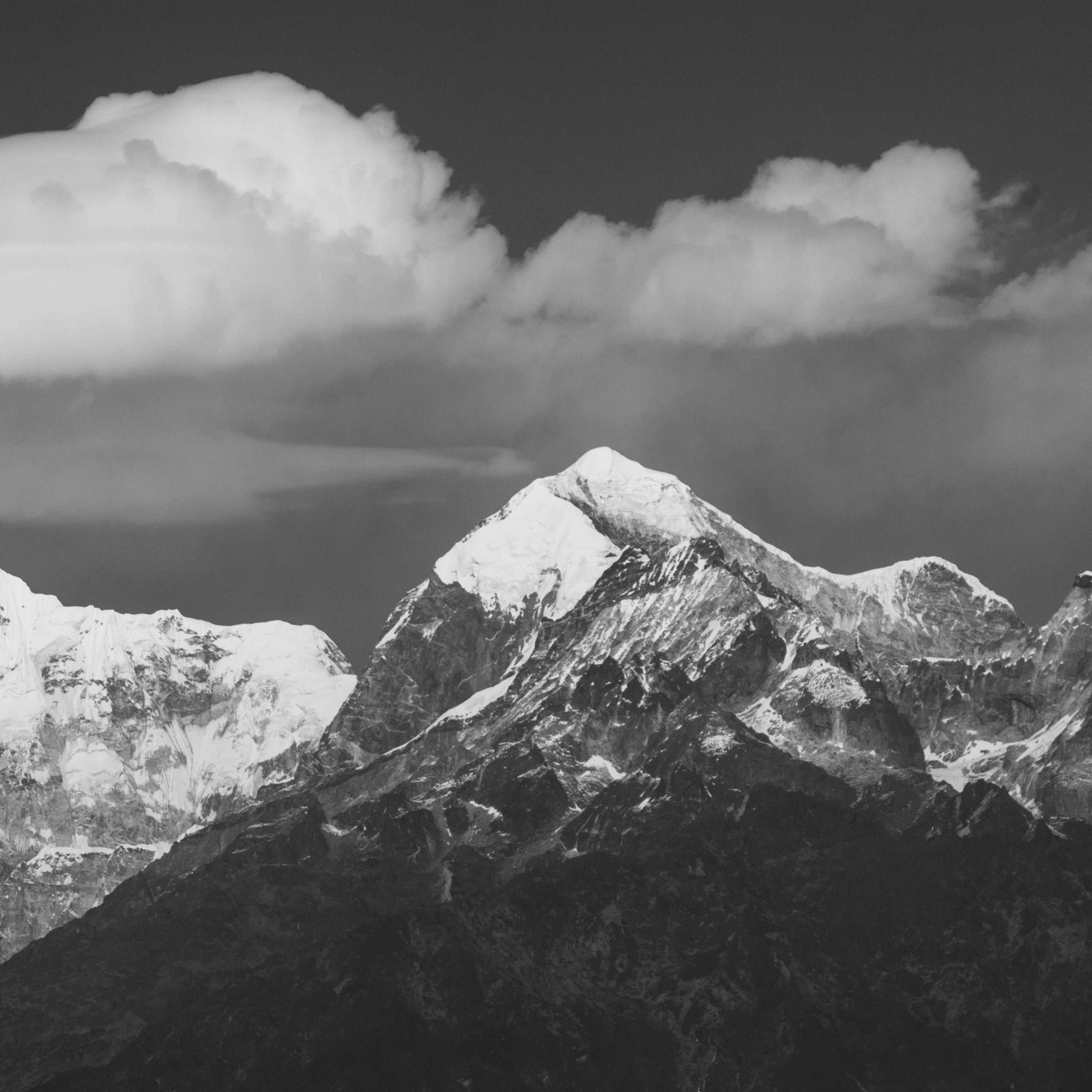
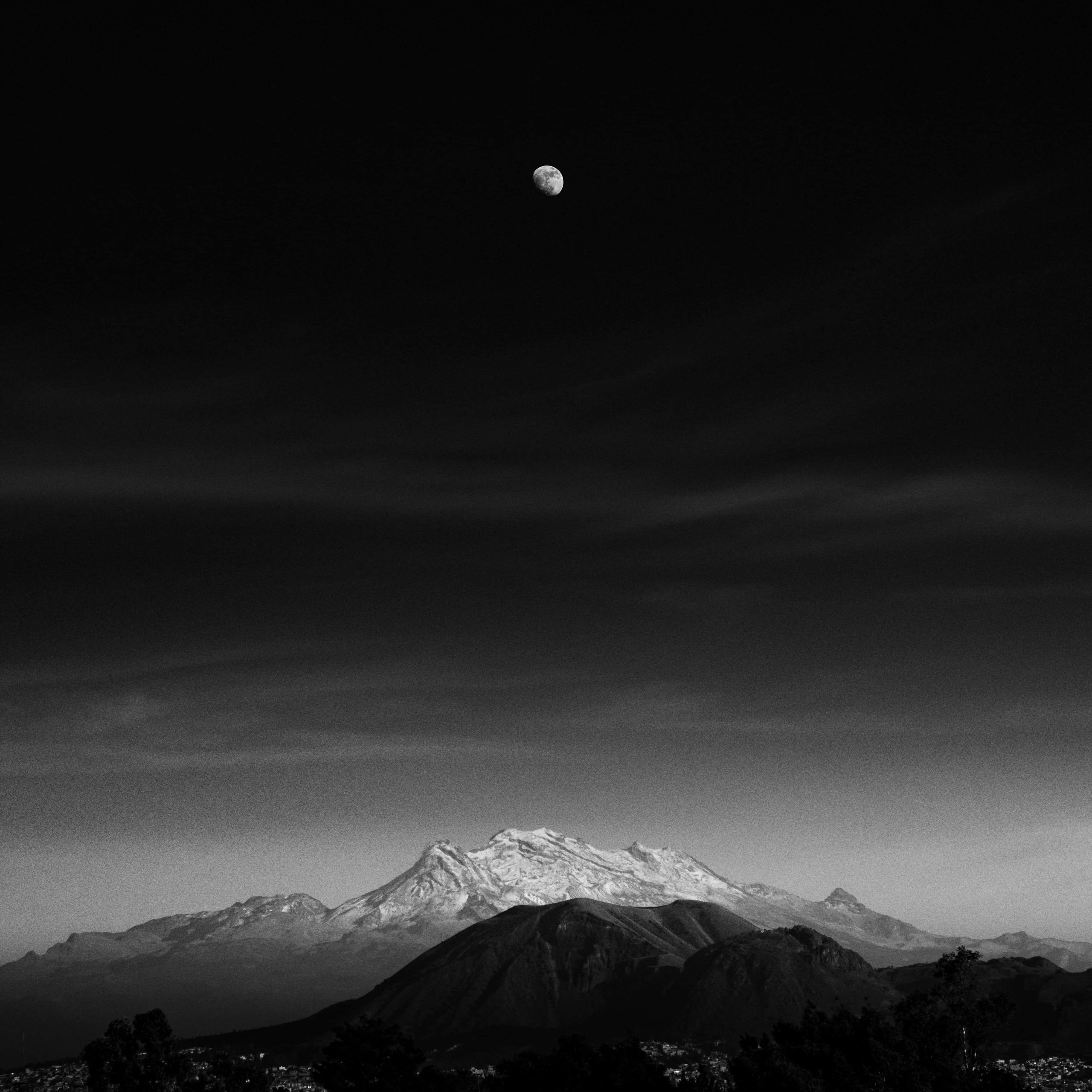
Four monochrome photos add a quieter side. A dark volcano sits under a tiny moon in an almost black sky. A river braids through spruce forest in front of a jagged range. A close crop of a rock ridge runs diagonally across a white sky. A Himalayan-style summit shows snowy ridges under a heavy cloud.
Choosing for your screen
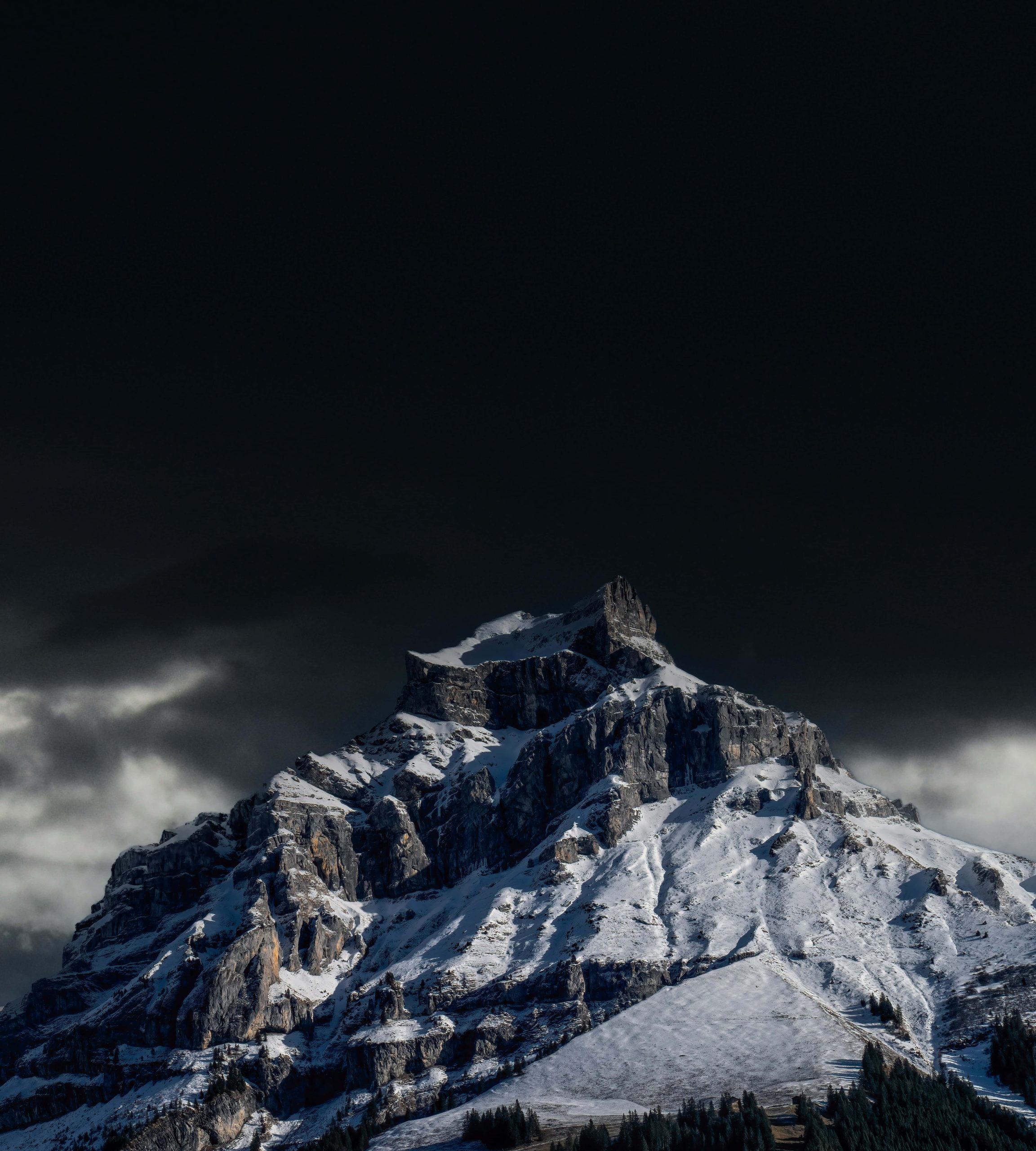
The files are square at about 2000 pixels, so you’ll crop them for a phone. That’s easy, because the subject is usually centred and the sky is plain. On an OLED iPhone, the dark volcano and the black-sky snow peak give the deepest blacks. For a matching pair, put the moonlit version on the lock screen and the daytime version on the home screen. All Wallpapers come from Unsplash
Setting one up
Save the image to Photos, then go to Settings, Wallpaper, Add New Wallpaper. Pinch in until the peak sits below the clock, and keep widgets minimal so they don’t cover the summit. A thin white clock reads best on the dark and dusk images. On the bright black-and-white skies, use a darker font.