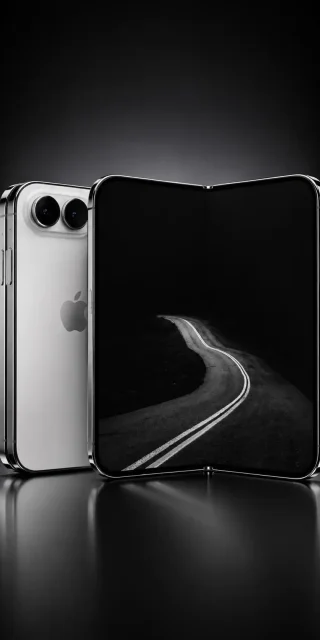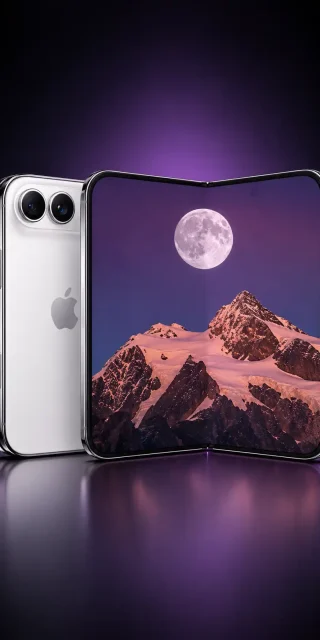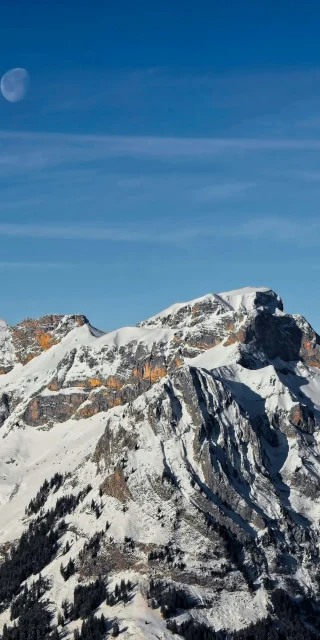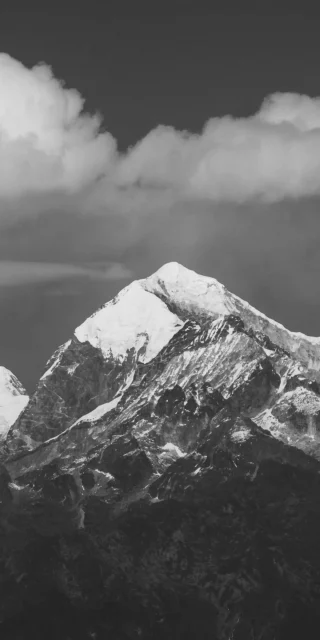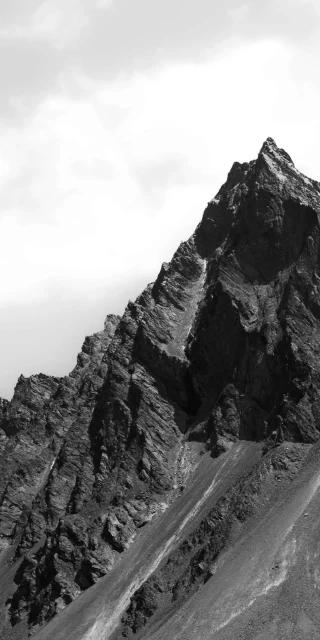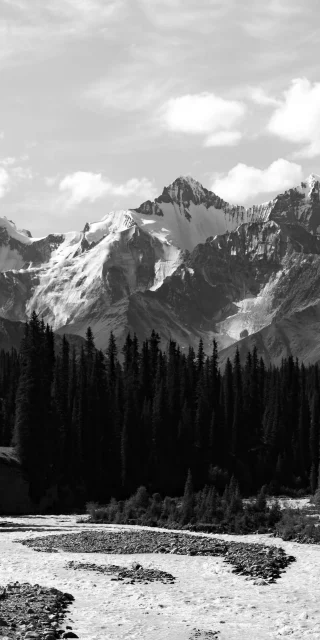
Finding a mountain wallpaper that looks rugged without turning your screen into a bright, blinding mess of white snow is tough. Most alpine shots wash out your white app labels or clash with the lock screen clock. This iPhone duo dark moody snow covered mountain summit wallpaper balances raw, sunlit rock detail against an ink-black sky, giving you a high-contrast background built for dual screen setups.
The lower half of the frame is dominated by a steep, fortress-like mountain peak. Unlike pure monochrome edits, this shot keeps its natural, muted colour palette. You can see the cold slate-blue shadows across the fresh snowpack, the warm ochre and grey tones on the sheer vertical cliffs, and a dark cluster of deep green pine trees tucked along the bottom right ridge. Low, ghostly grey clouds drift right behind the jagged summit, separating the illuminated rock face from the pitch-black void taking up the entire top half of the canvas.
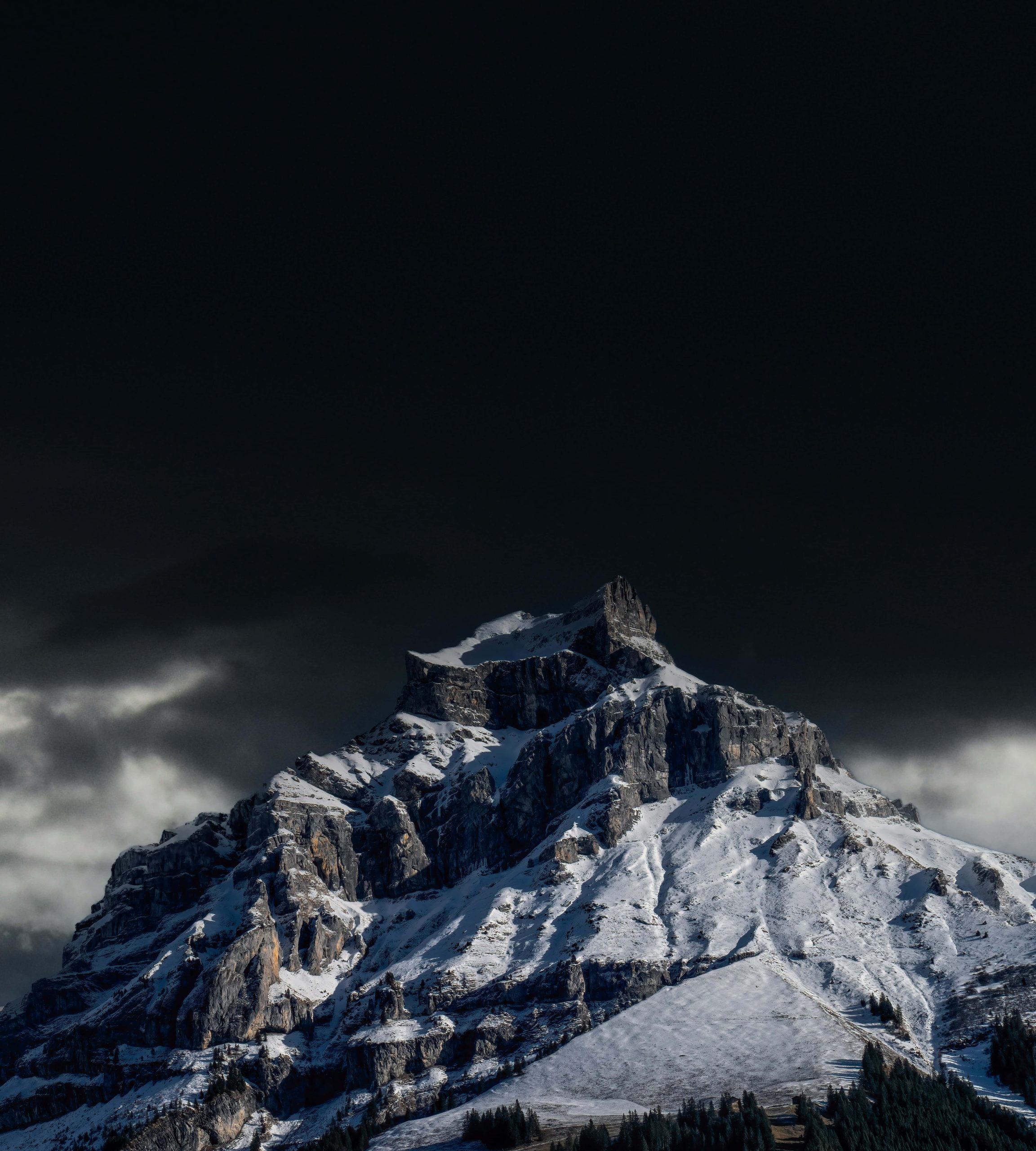
Because the sharp tip of the summit rises right into the middle of the frame against a pure black backdrop, this wallpaper works brilliantly with the iOS Depth Effect<span data-path-to-node=”5,2″>. If you position the peak just over the lower edge of your lock screen clock, the rocky spire will tuck neatly in front of the digits for a genuine 3D layered look. Meanwhile, the completely black upper sky hides the Dynamic Island or notch and keeps your top status bar icons razor-sharp.
As a wide, square-format iPhone duo wallpaper, it gives you two distinct ways to customize your setup:
The Lock & Home Screen Pair: Center the jagged summit on your lock screen so the peak interacts with your clock and widgets. For your home screen, pan the crop toward the upper-left dark sky and soft cloud wisps, or zoom into the lower-right snowy slope, giving your app icons a calmer, less detailed backdrop.
The Two-Phone Split: If you are pairing two iPhones side by side, set the left half—featuring the dramatic, stepped cliff faces and glowing mist—on one screen, and the right half—showing the sweeping snowfields and dark pine treeline—on the other. Placed together, the central ridge connects across both displays seamlessly.
On Super Retina XDR OLED screens, that massive upper stretch of true black turns the display pixels completely off, cutting down battery drain and keeping your screen easy on the eyes in the dark.