
Messi iPhone Wallpapers: Best 4K Picks for Fans
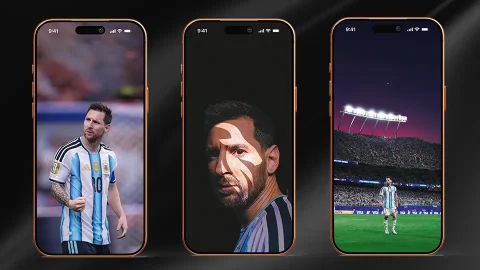
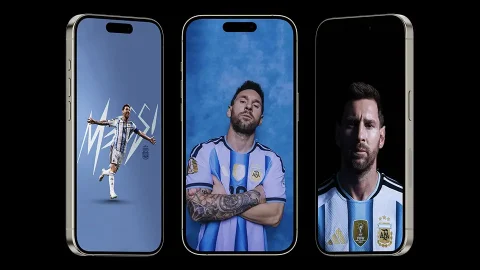
Few athletes inspire the kind of devotion that Lionel Messi does, and that devotion shows up constantly in search trends for messi iphone wallpapers. Whether it’s a triumphant World Cup moment, bold graffiti-style typography, or a quiet, cinematic shot built around a single quote, Messi wallpapers give fans a way to carry a piece of that fandom with them every day. This guide covers why these wallpapers are so popular, the major style categories to look for, how to judge image quality before downloading, and how to get everything set up cleanly on your iPhone.
Why Messi Wallpapers Are So Popular
Messi’s career has produced an unusually large library of iconic, highly photogenic moments — lifting the World Cup trophy, wearing the Argentina captain’s armband, celebrating goals with his signature fist pumps. Fan designers and graphic artists have turned these moments into wallpaper-ready edits for years, often layering in bold typography, quotes, or symbolic elements (crowns, shadows, graffiti lettering) that turn a photo into a genuine piece of fan art.
There’s also a strong emotional component. For many fans, a Messi wallpaper isn’t just decoration — it’s a small daily reminder of admiration for an athlete they’ve followed for years, often since childhood. That emotional pull is part of why this niche has such a steady, dedicated search volume regardless of whether Messi is actively playing a match that week.
Key Style Categories to Look For
Messi wallpaper edits tend to fall into a few recognizable categories, each suited to a different mood:
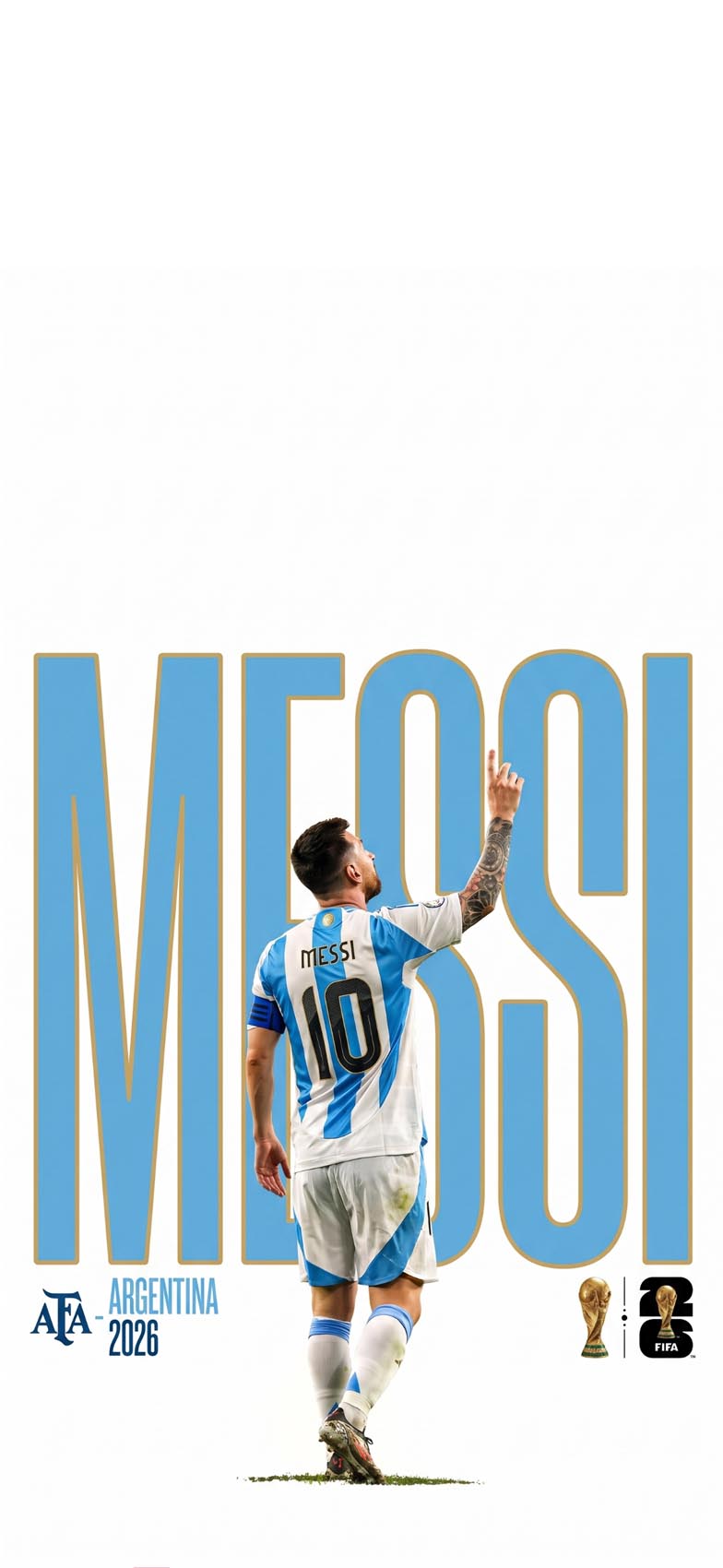
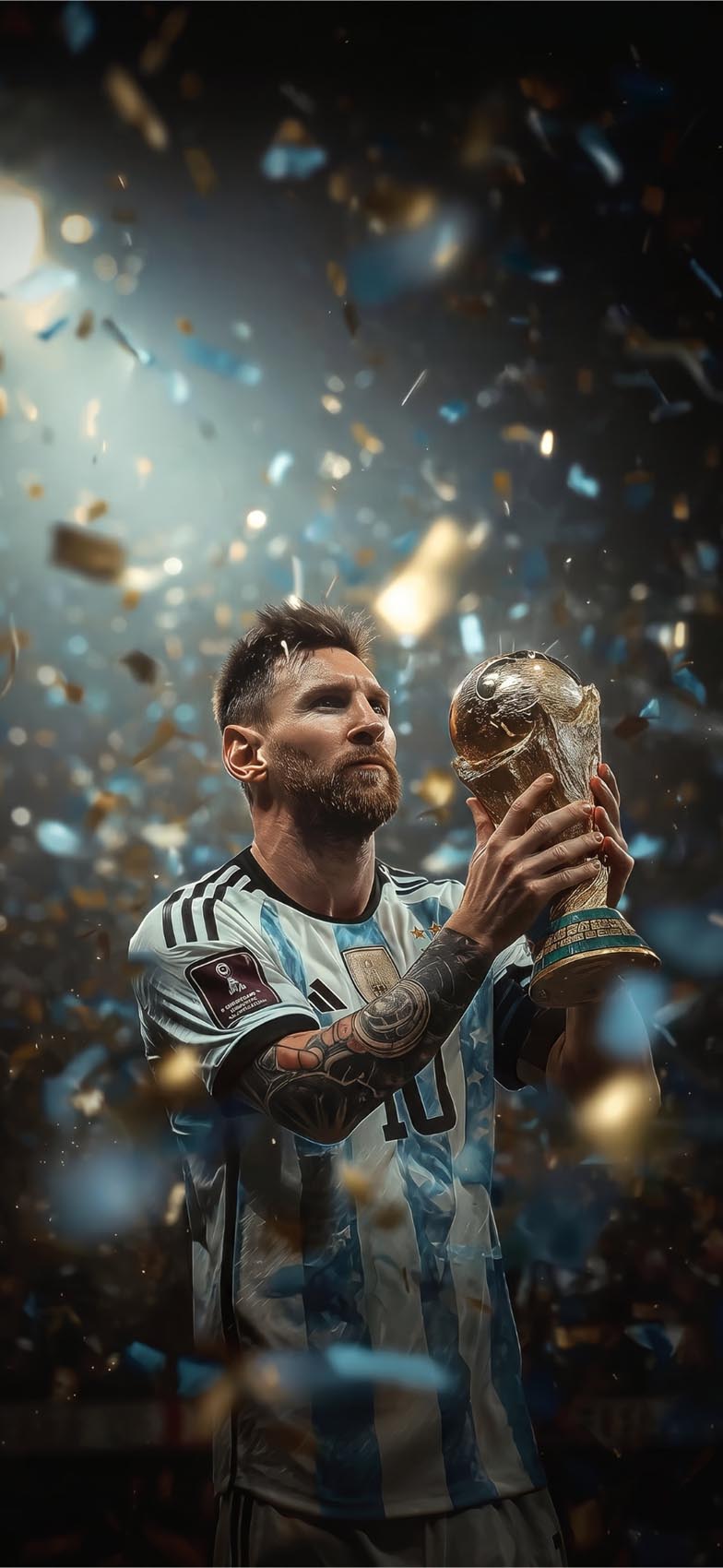
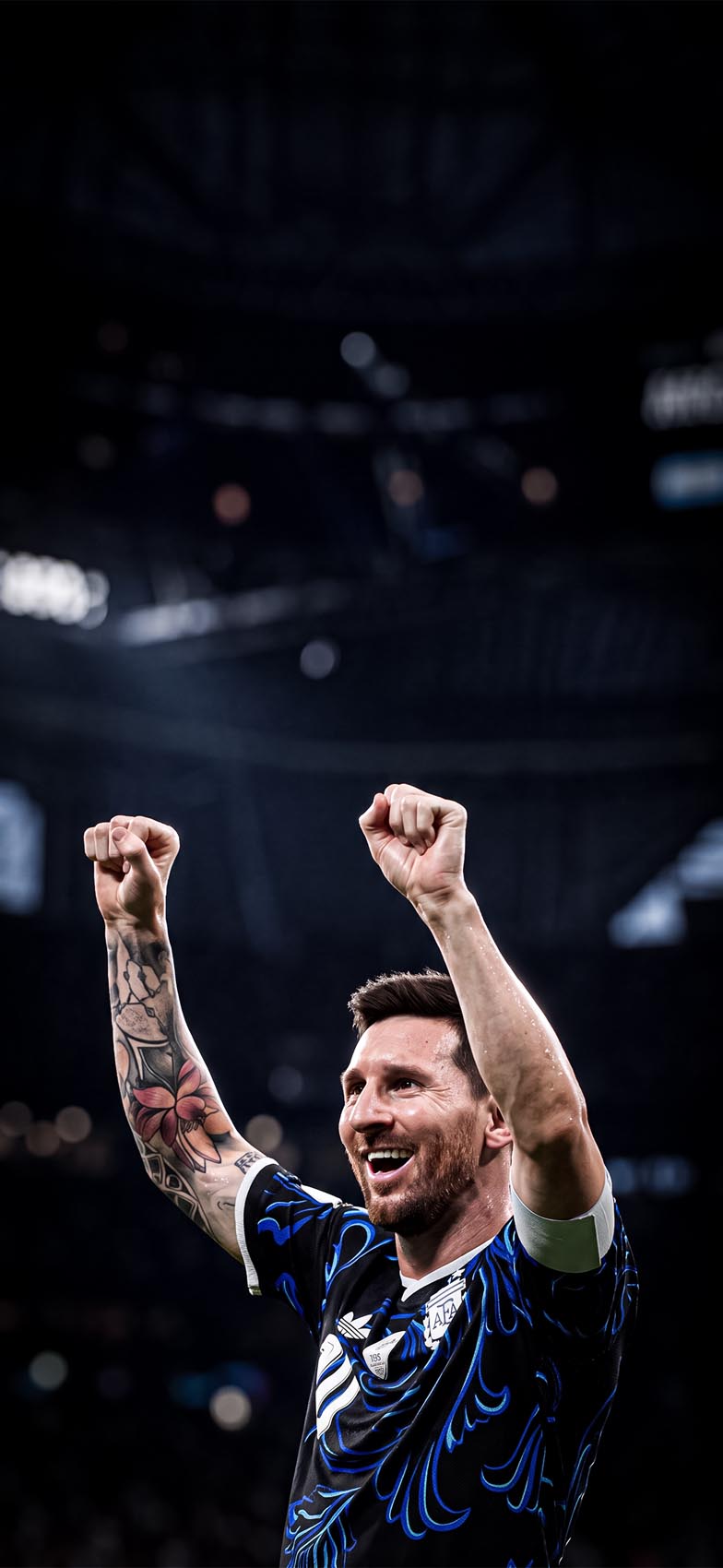
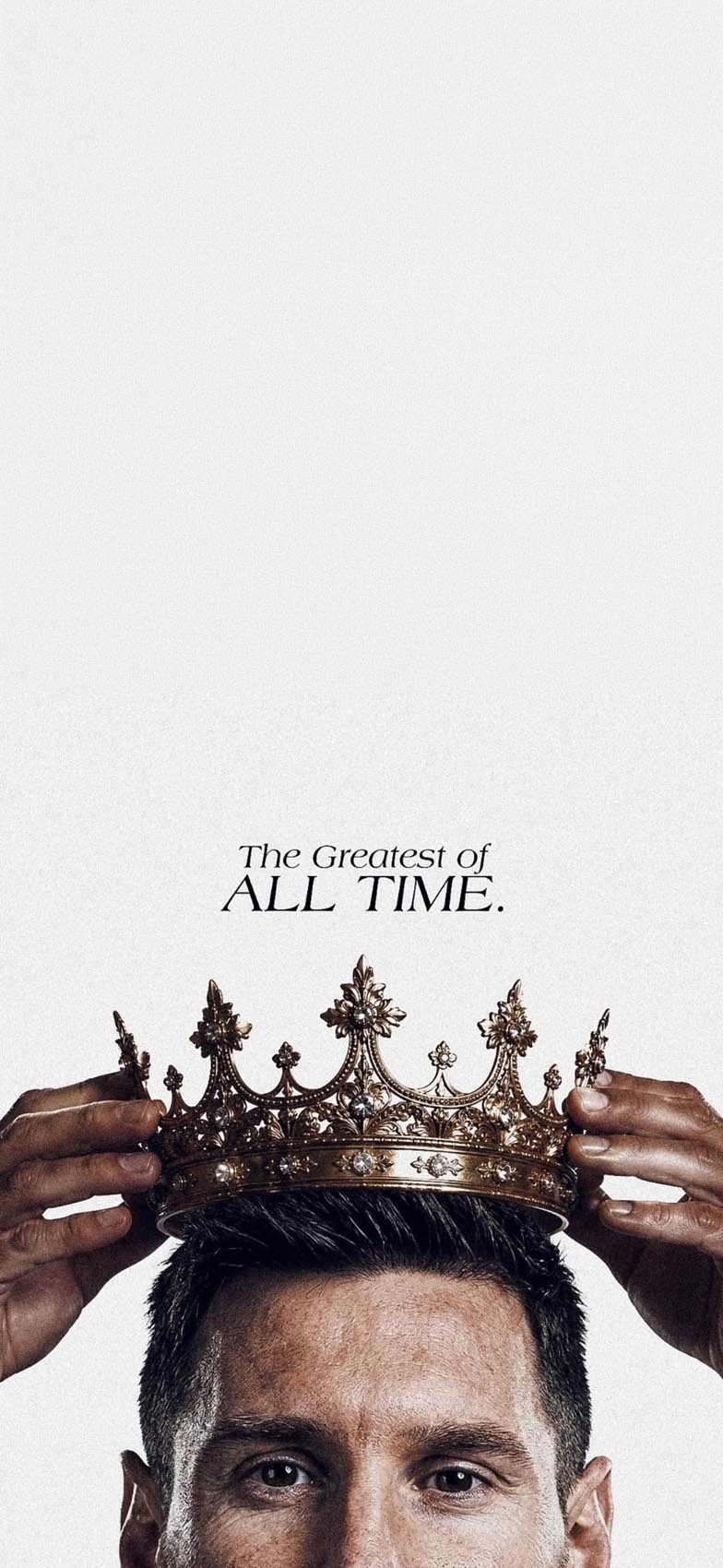
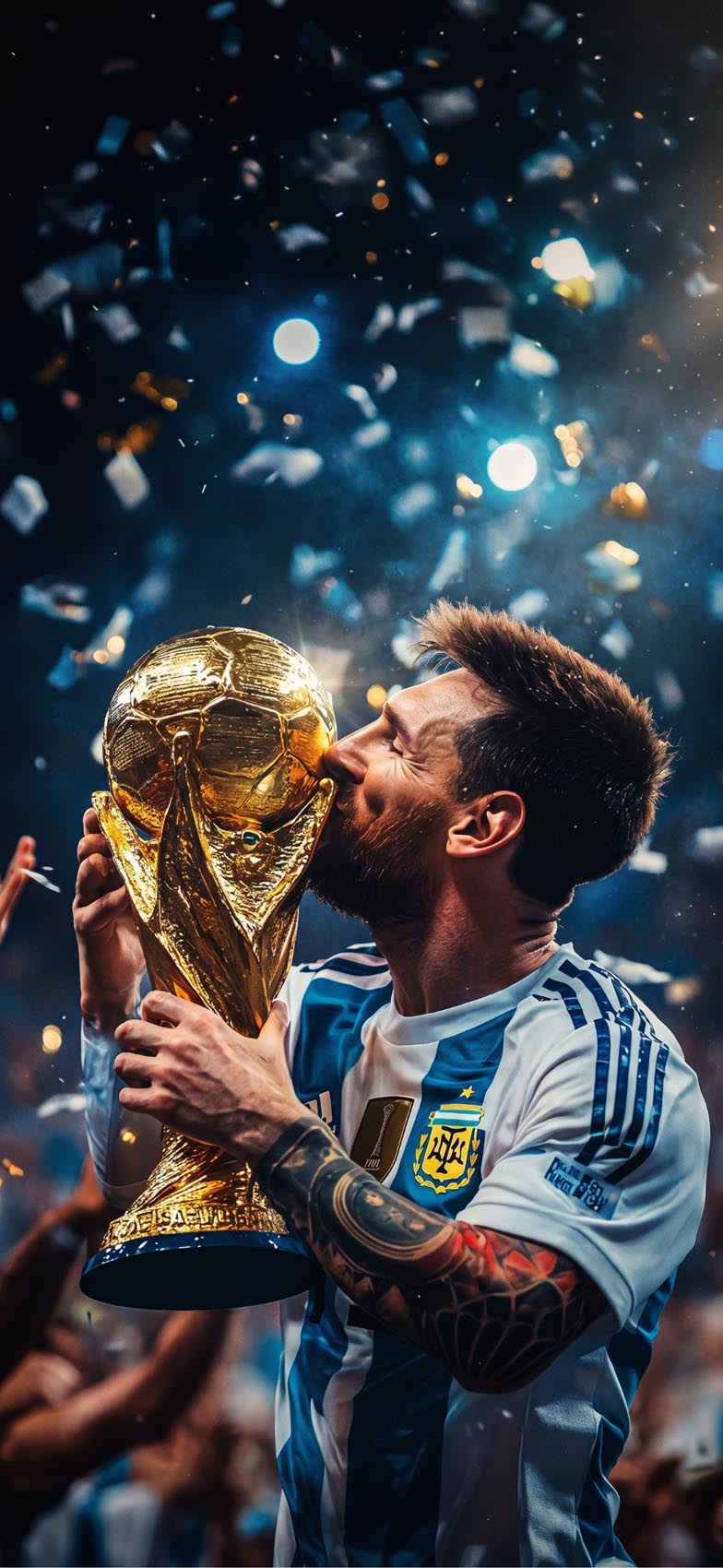
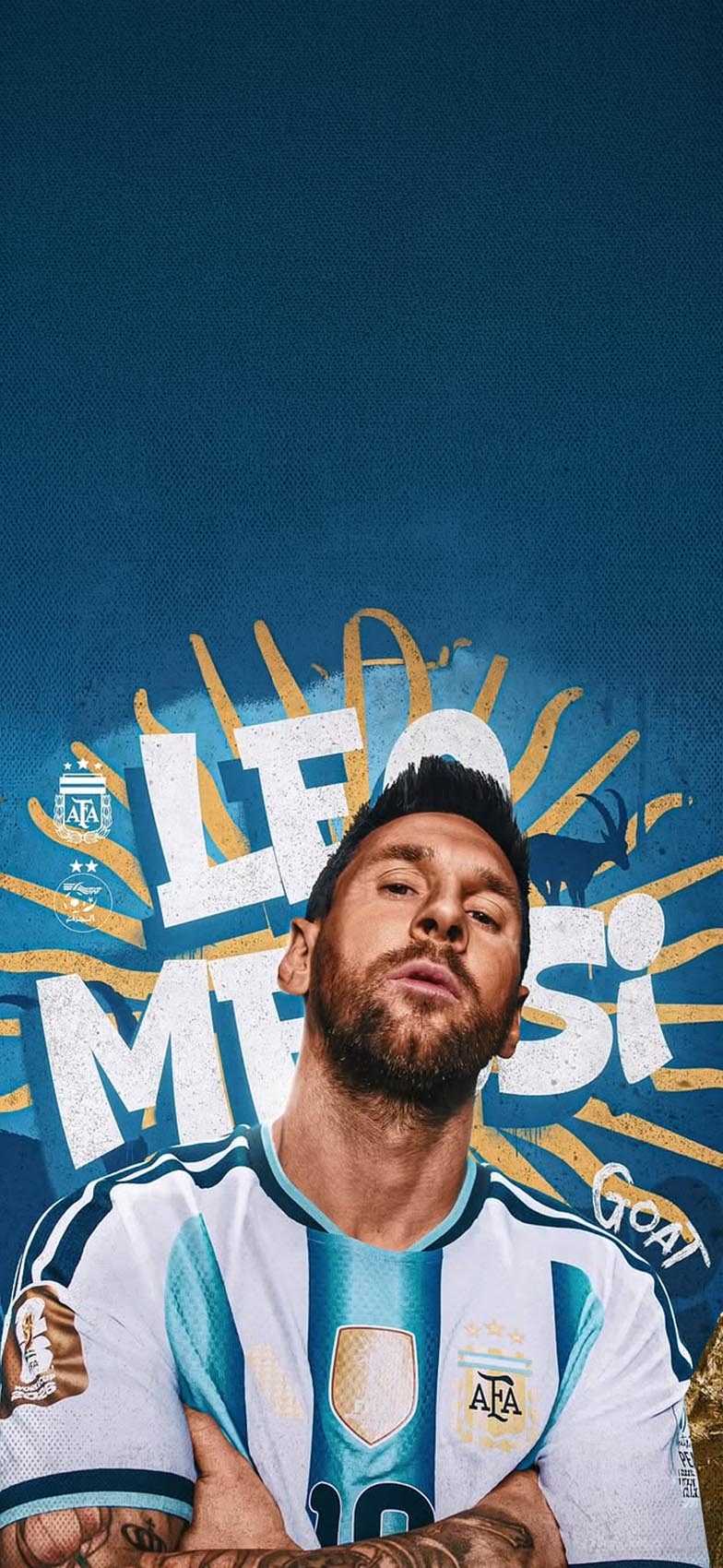
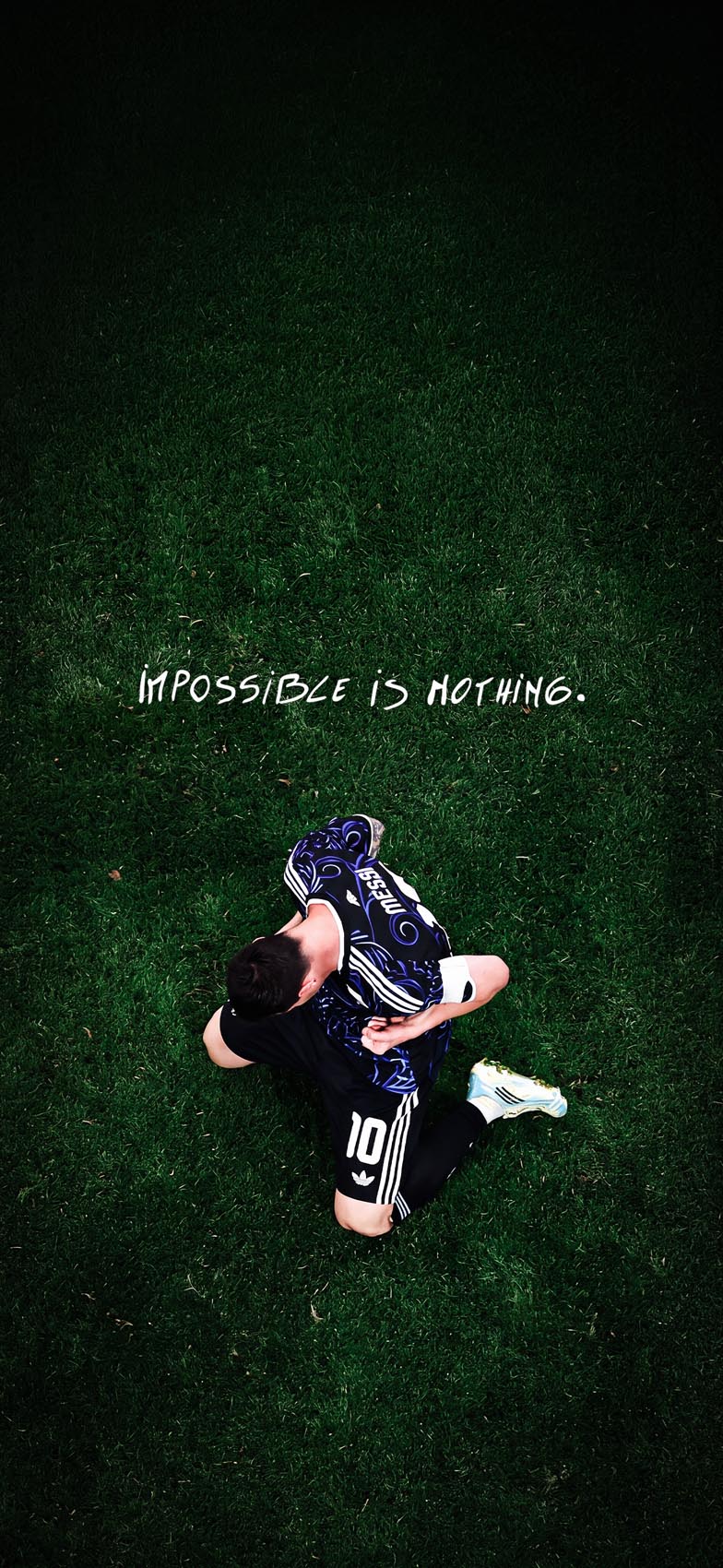
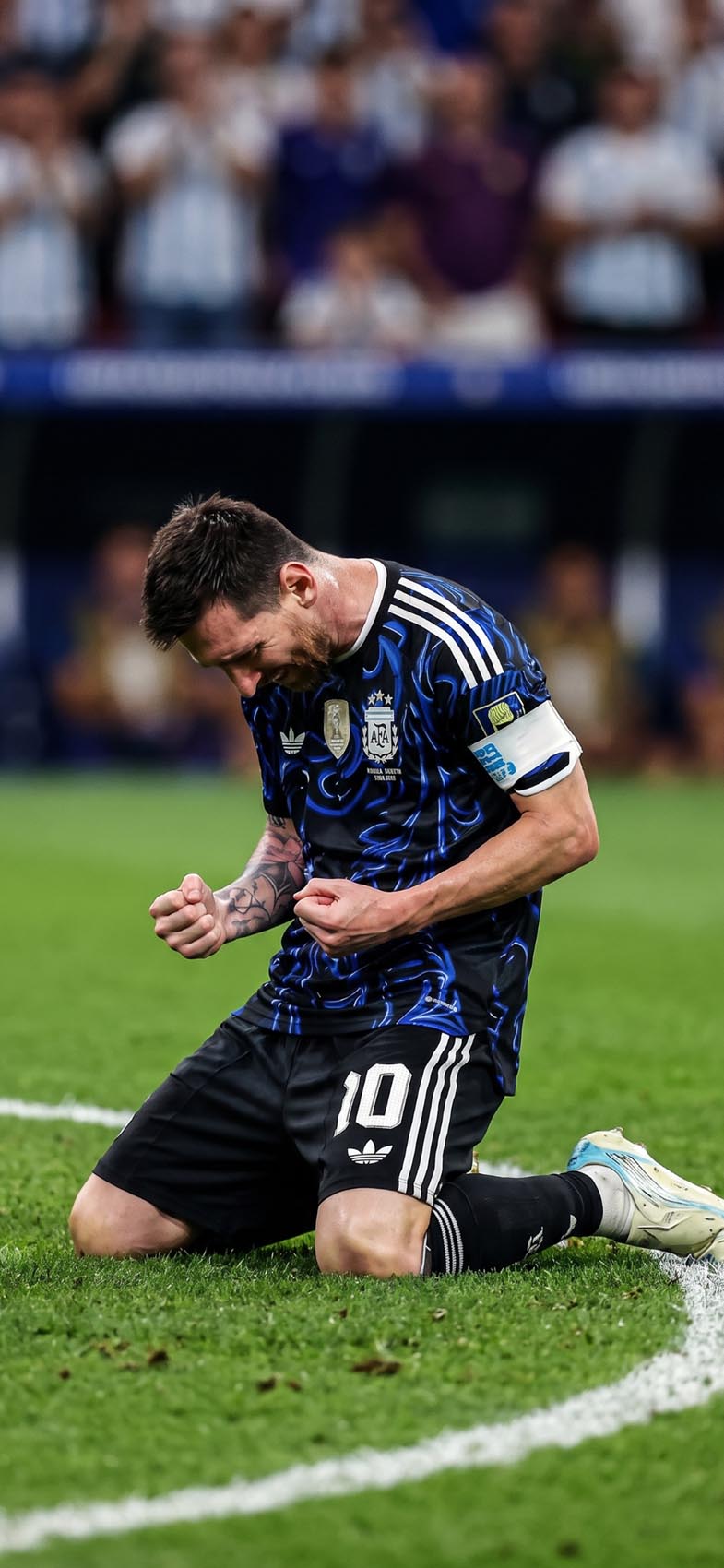
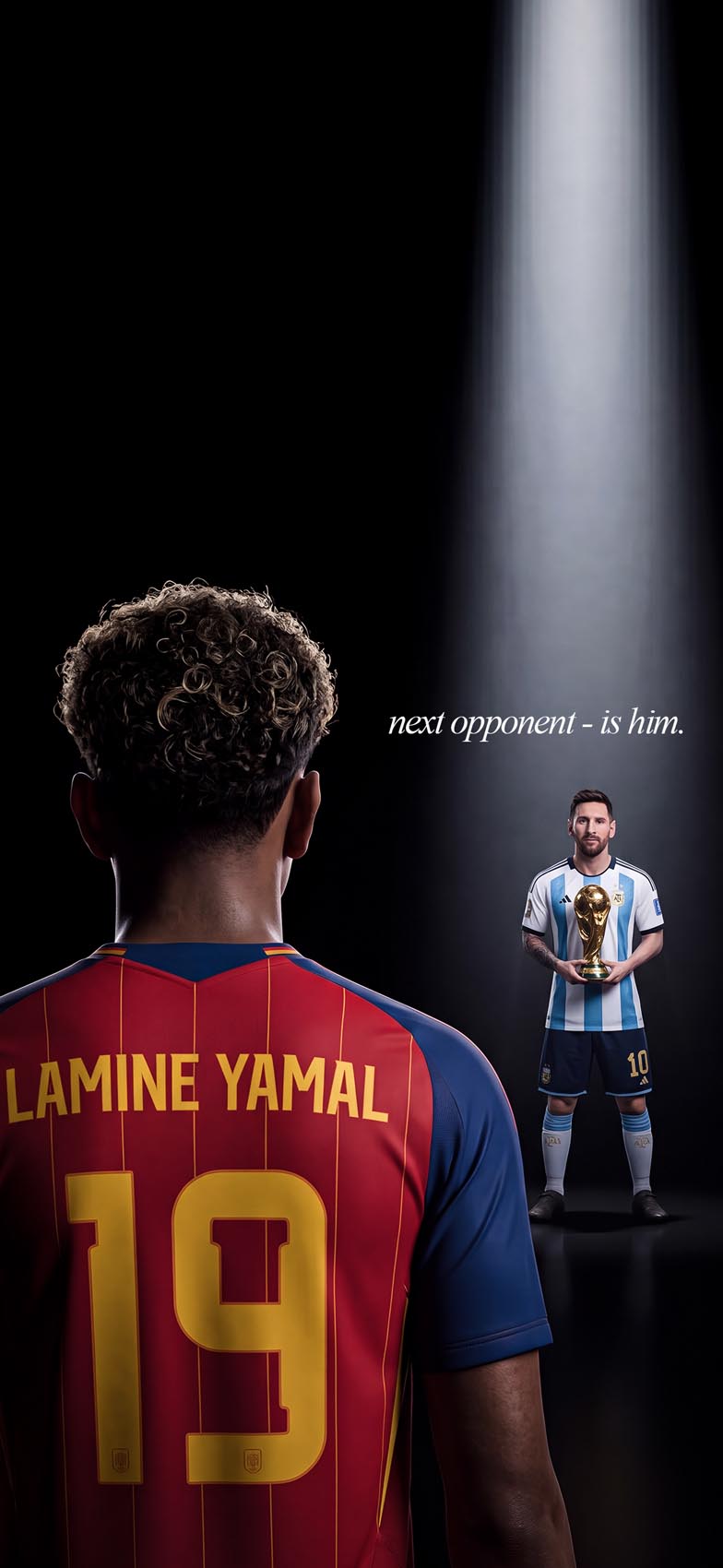
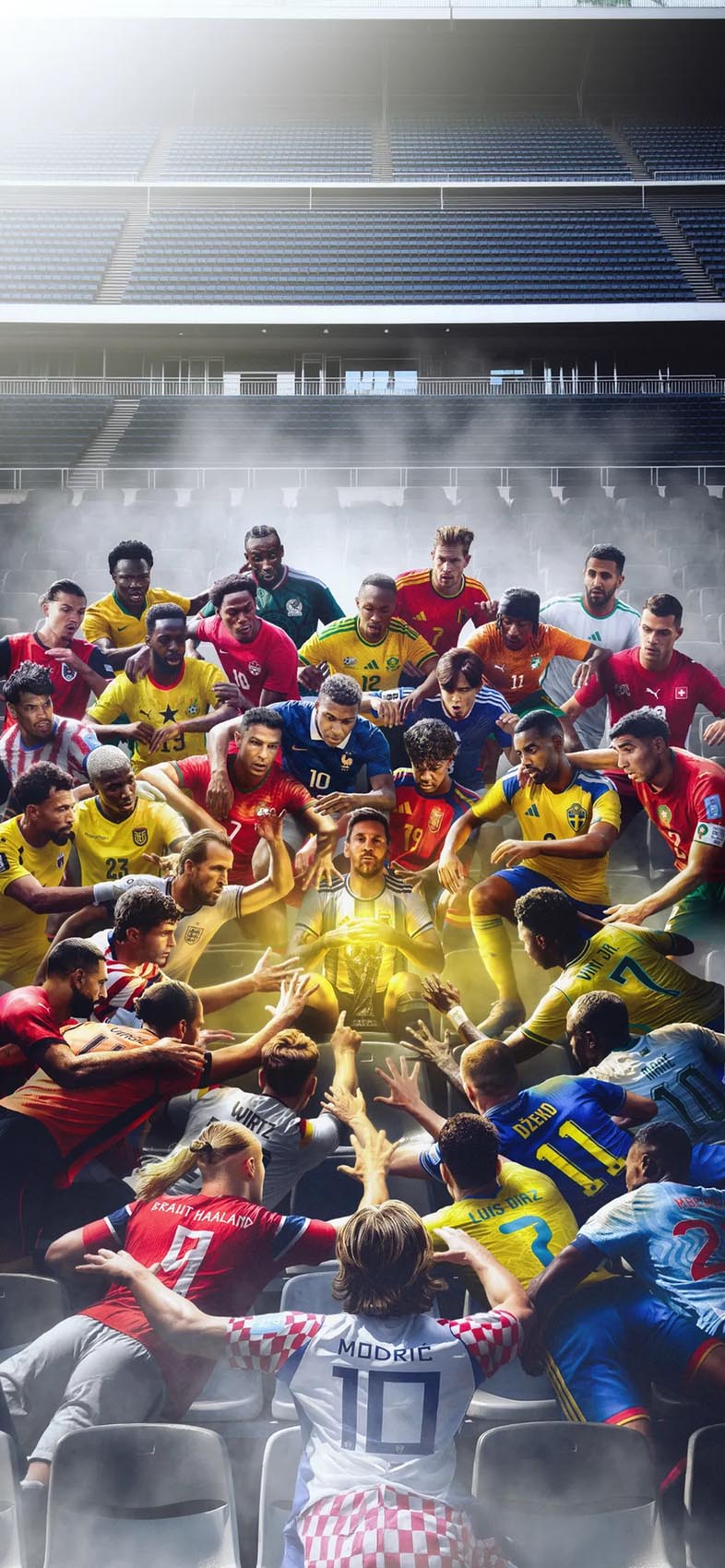
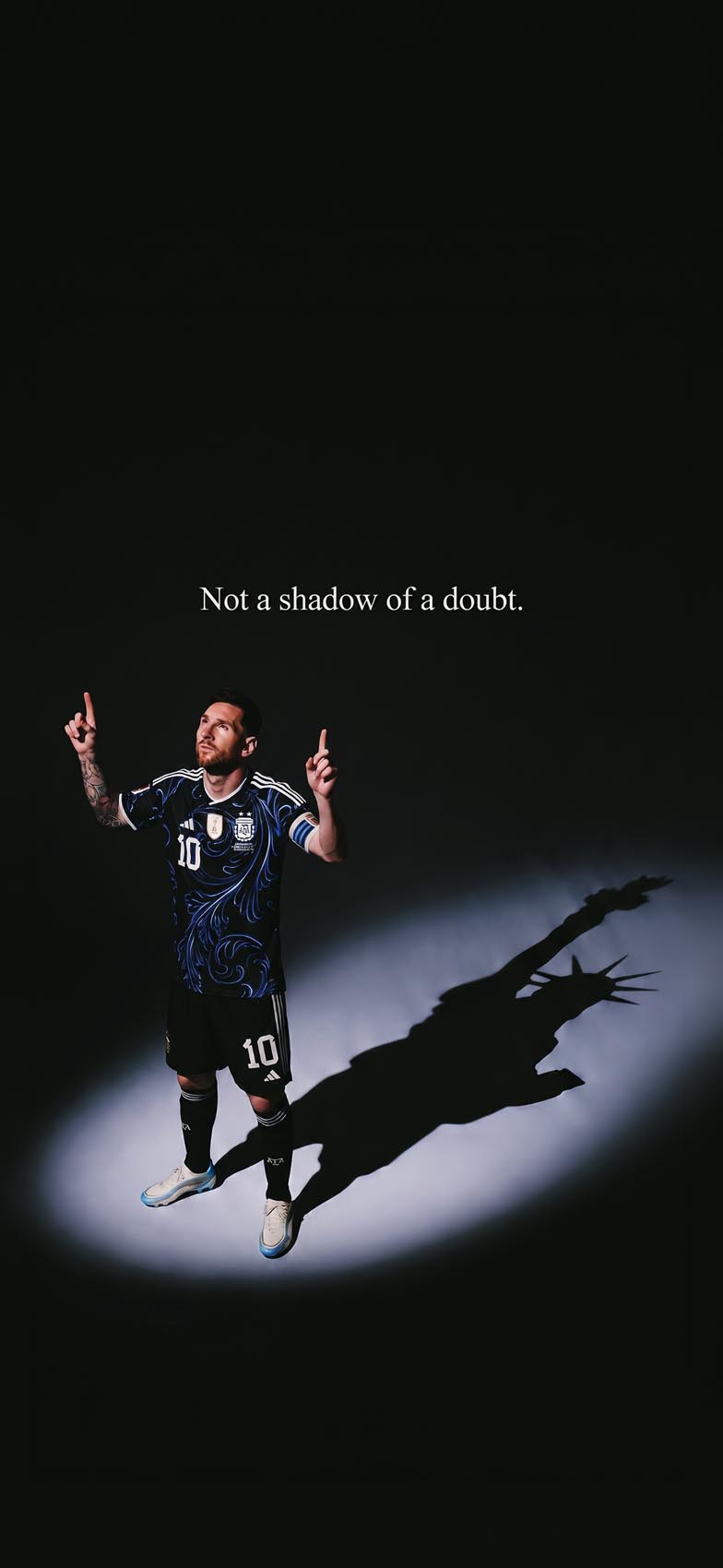
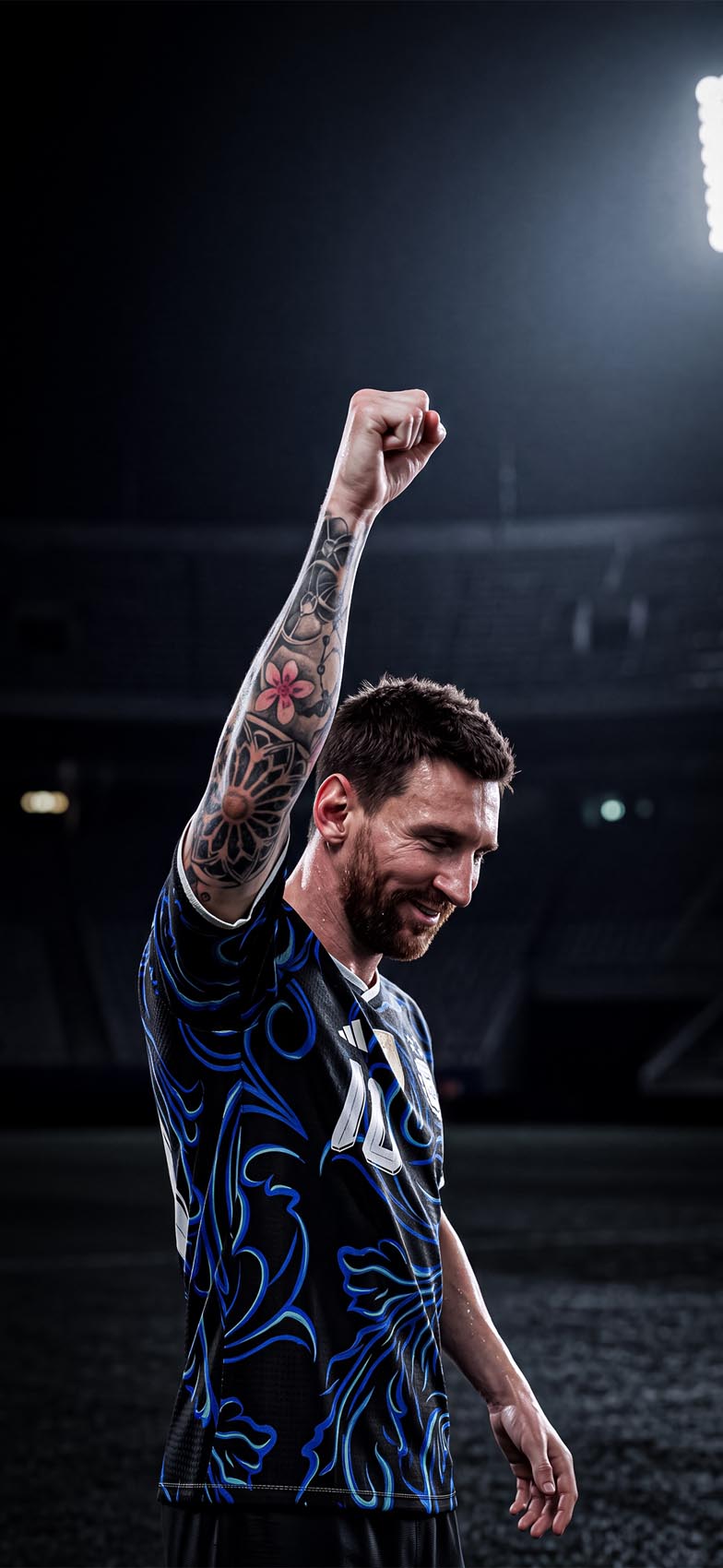
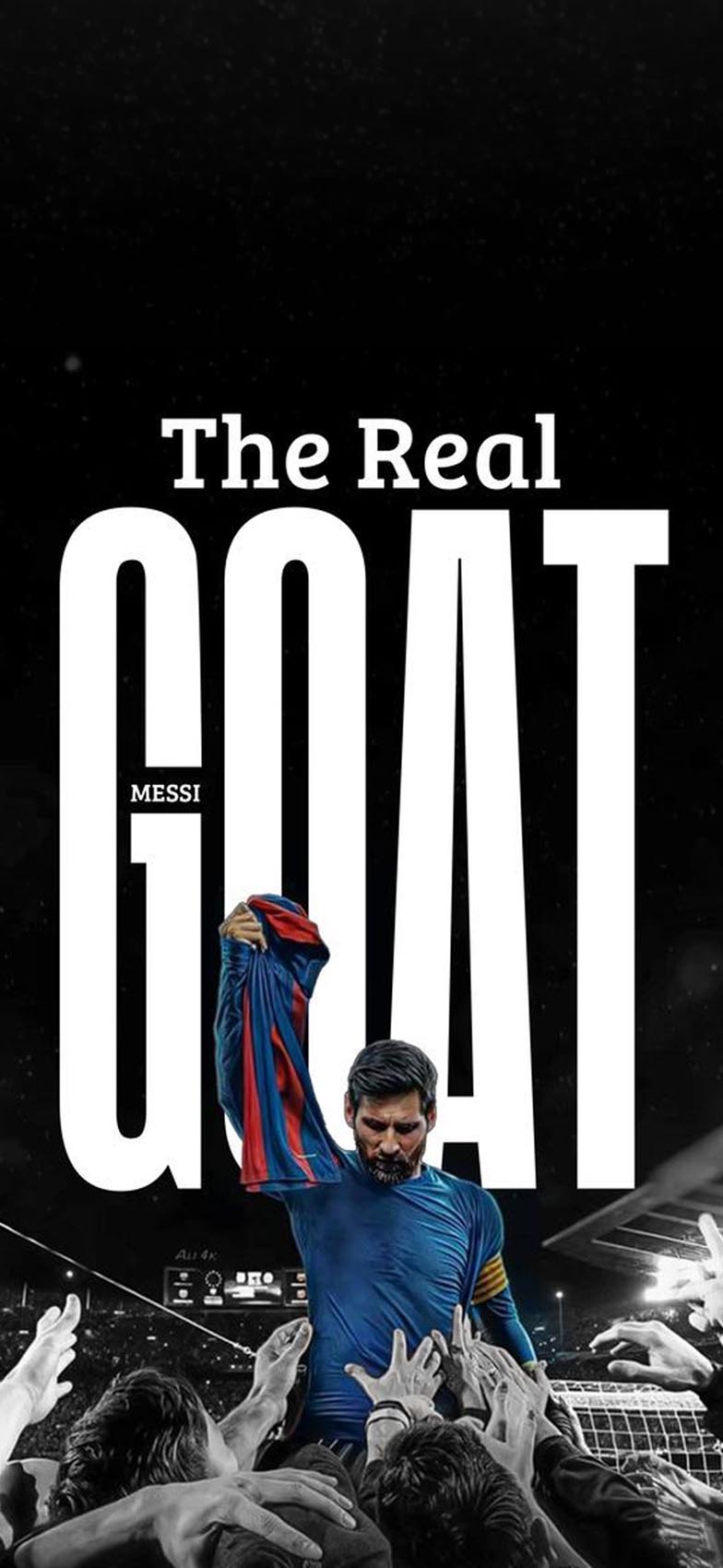
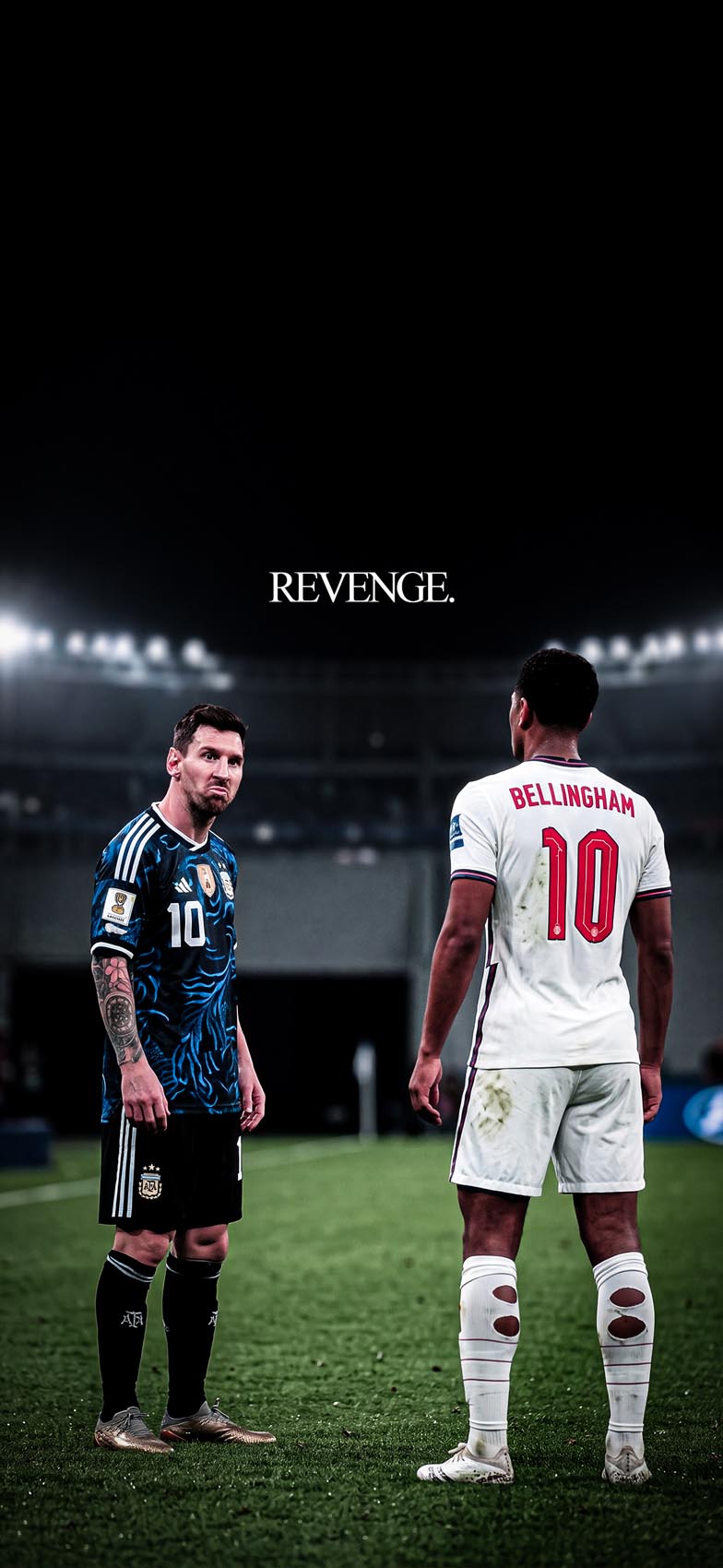
Trophy and championship moments. Images capturing Messi lifting or kissing a championship trophy, often with confetti, stadium lights, or crowd blur in the background. These are the most classic “hero shot” style and work well as a bold, celebratory Lock Screen.
Typography and quote-driven designs. Many of the most popular edits pair a striking photo with large, bold lettering — Messi’s name, a nickname, or a short motivational phrase. These tend to have strong graphic design appeal even for people who aren’t deeply into football, since the typography does a lot of the visual work.
Graffiti and street-art style edits. Some designers style their Messi wallpapers like spray-painted murals, combining photo cutouts with hand-lettered text and grunge textures. This style has a more urban, artistic feel compared to a straightforward photo edit.
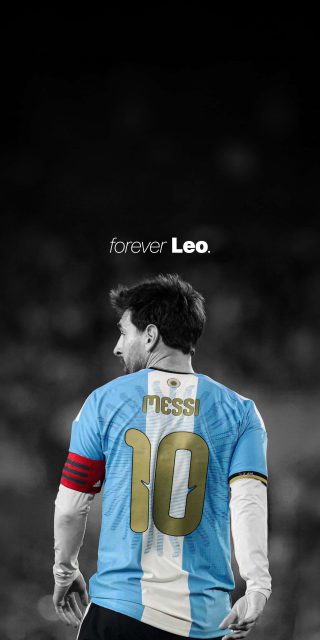
Minimalist silhouette and shadow compositions. A newer trend uses negative space heavily — a small figure of Messi against a mostly black or white background, sometimes with a dramatic shadow cast behind him. These are striking without being visually busy, which makes them a good fit for a Home Screen with lots of widgets.
Rivalry and matchup-themed edits. Some fan wallpapers frame Messi opposite another player — a rival, a young up-and-comer, or a former opponent — often paired with a short dramatic caption. These tend to appeal to fans who enjoy the storyline and narrative side of football as much as the sport itself.
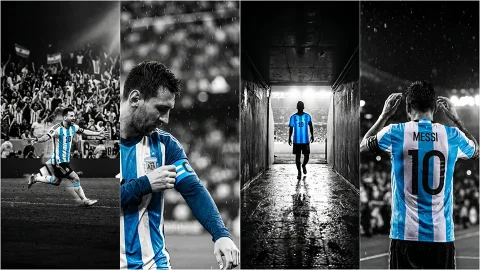
Emotional celebration shots. Close-up, candid-style images capturing raw emotion — fists clenched, eyes closed, arms raised — tend to perform well because they capture something more personal and human than a posed photo.
What “4K” Means for iPhone Wallpapers
As with most wallpaper searches, “4K” is used loosely to mean “sharp and high-resolution” rather than a literal 3840×2160 display spec, since no iPhone actually uses that resolution natively. iPhone screens range from roughly 1170×2532 up to 1290×2796 pixels depending on the model. What actually matters when choosing a wallpaper is starting from a high-resolution source file — ideally with a long edge of 2000 pixels or more — so that fine details like jersey textures, tattoo linework, and small text elements stay crisp rather than blurring out when scaled to your screen.
This matters especially for typography-heavy designs, since blocky or pixelated text is one of the fastest ways a wallpaper starts looking low-quality. Always check that any text elements in the design are sharp, not just the photo itself.
How to Set a Messi Wallpaper on iPhone
- Save the image to your Photos app.
- Open Settings and tap Wallpaper.
- Tap Add New Wallpaper, then choose Photos.
- Select your image and adjust zoom and position so the main subject and any text stay fully visible and centered.
- Choose whether to set it as your Lock Screen, Home Screen, or both, then tap Set.
- If you’re on iOS 16 or later, try the Depth Effect for photos with a clear subject against a blurred background (like stadium shots), since it can add a subtle parallax layer behind your clock.
Tips for a Clean, Balanced Look
- Match your Lock Screen text color to the dominant tone of the image — white for dark backgrounds, darker tones for bright or white-background designs.
- If the wallpaper already includes bold typography (like a name or quote), keep widgets minimal so the design doesn’t feel cluttered.
- Build a small rotating folder of 3–4 wallpapers spanning different moods — a celebration shot, a quote-based design, a minimalist silhouette — so you can switch things up without losing the overall theme.
- For Home Screens with a lot of app icons, choose designs where the main subject sits in the upper half of the frame, leaving the lower section cleaner for icons and folders.
Final Thoughts
Messi iPhone wallpapers work because they combine genuine sports history with strong visual design — bold typography, dramatic lighting, and iconic moments that fans immediately recognize. Whether you’re drawn to a triumphant trophy shot, a graffiti-style mural edit, or a quiet, minimalist silhouette, prioritizing high-resolution images will make sure the final result looks as sharp and impactful on your screen as the original design intended.

1 comment