15+ Stunning Impasto Oil Painting iPhone Wallpapers (4K HD)
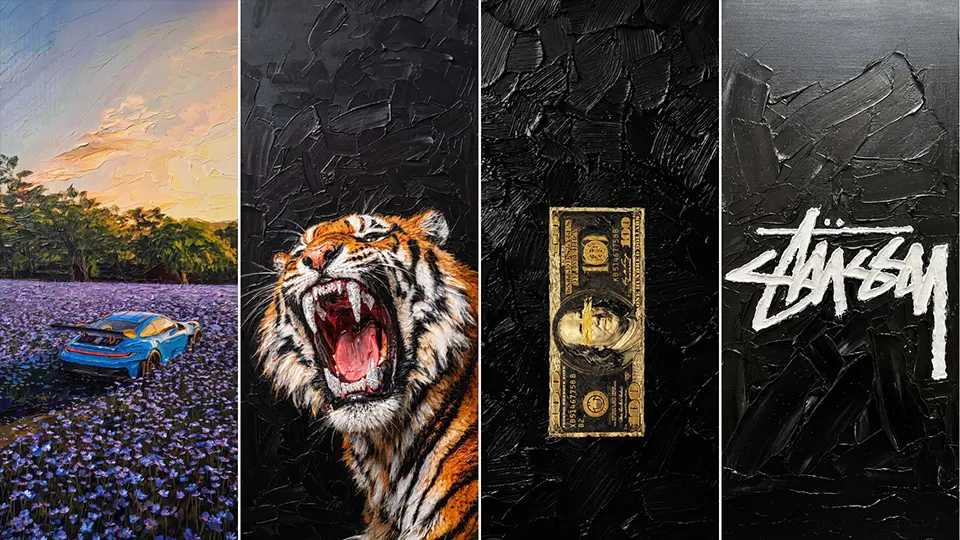
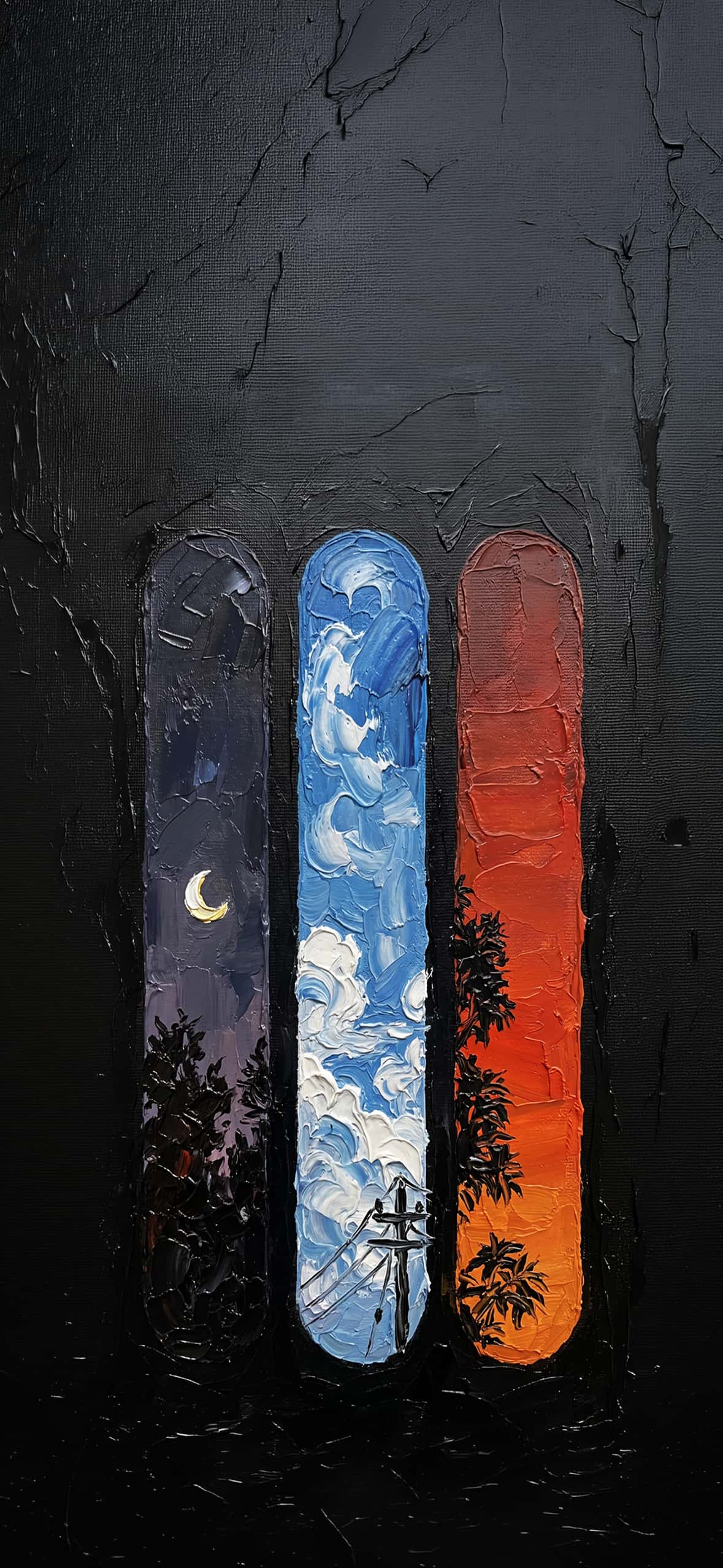
Forget flat digital designs; the future of your iPhone background is tactile, dimensional, and steeped in classical fine art. Impasto oil painting—a technique where thick, sculptural layers of paint are applied with brushes and palette knives—creates a landscape of texture that light dances across. On modern OLED and Retina displays, this raised, three-dimensional surface comes alive with incredible clarity.
Below, we’ve curated an exclusive collection of 10 high-resolution 4K impasto oil painting iPhone wallpapers designed to transform your lock screen.
The Monochromatic Urban Collection
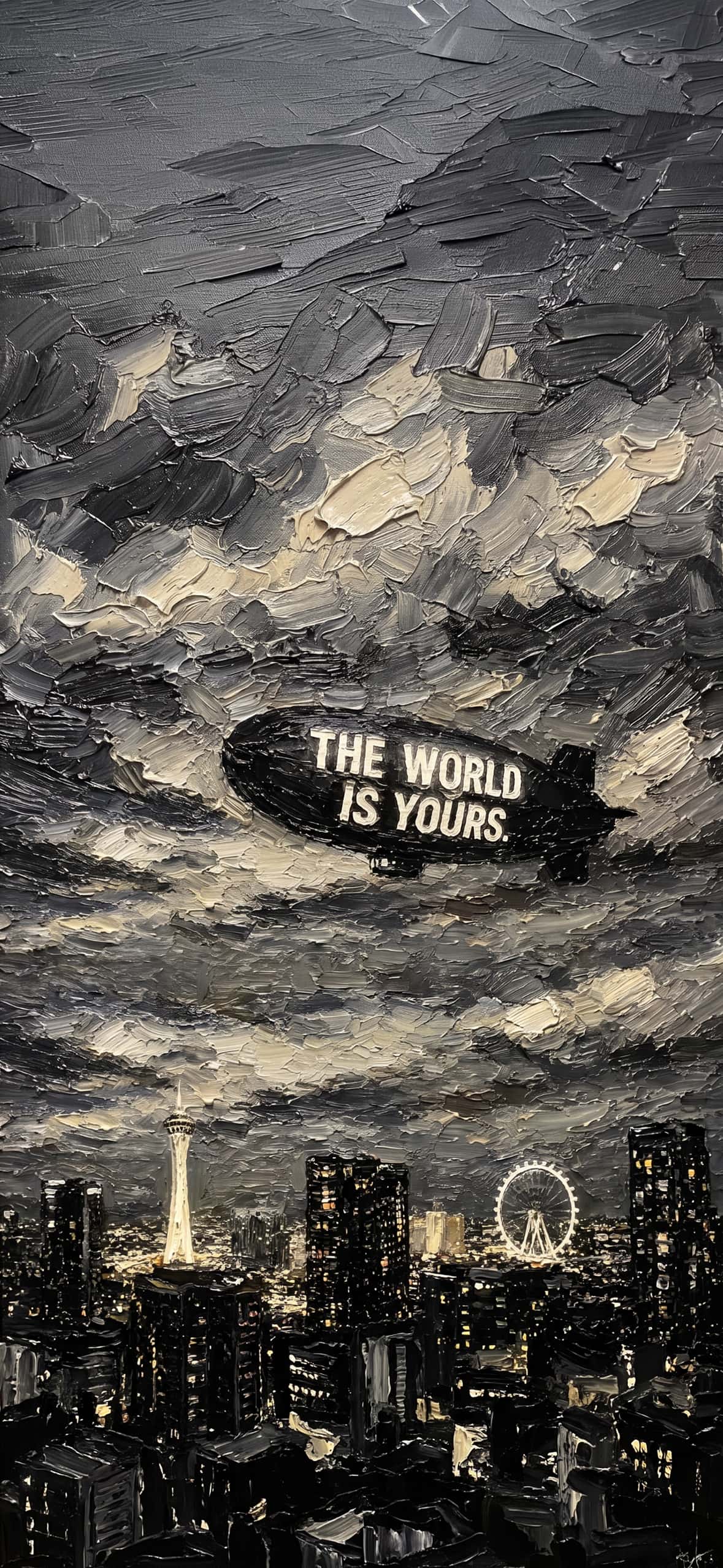
1. Urban Aspiration: “The World Is Yours”
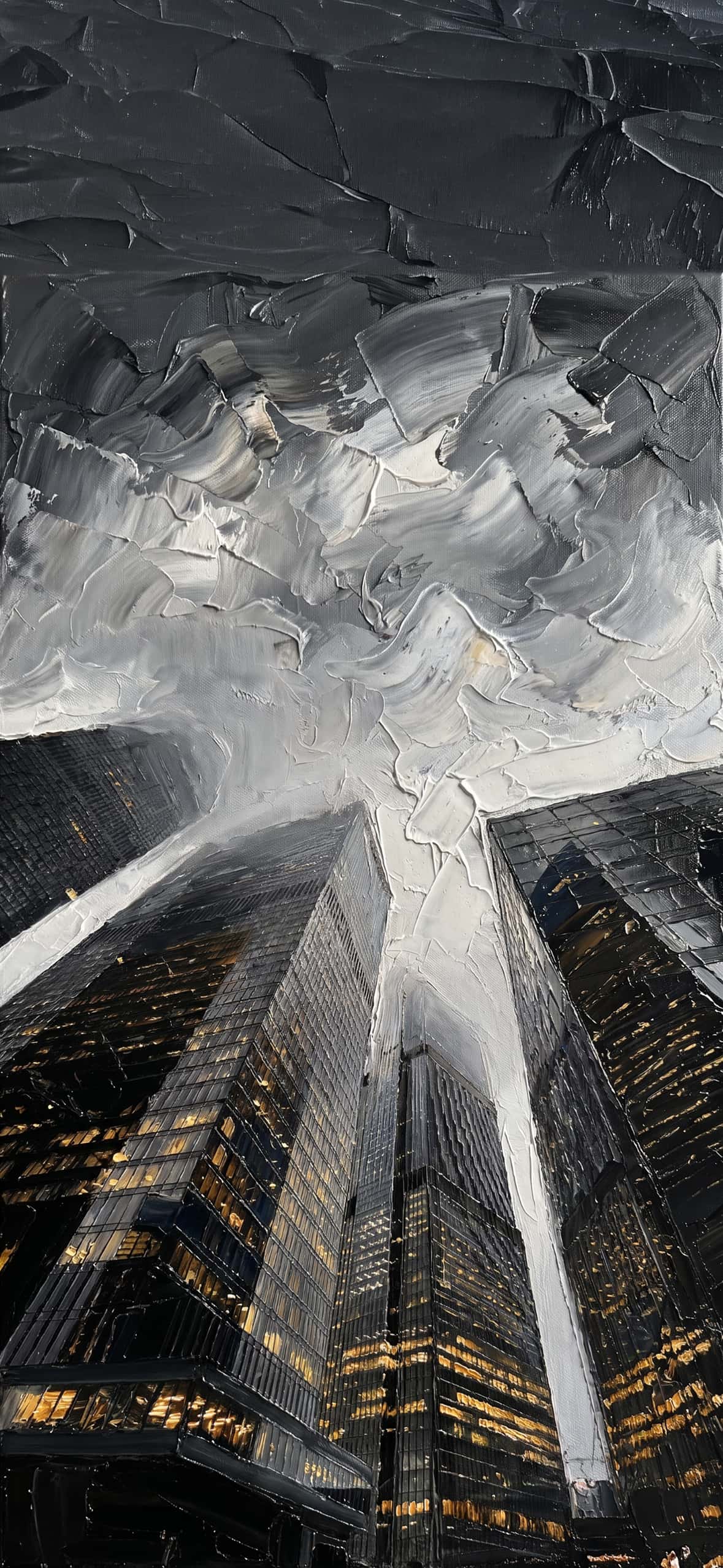
For the dreamer, this wallpaper captures an iconic city skyline, including a glowing observation tower and Ferris wheel. Swirling, heavy monochromatic clouds fill the sky, dominated by a black blimp bearing the defiant white text: “THE WORLD IS YOURS.” The thick, broken strokes make the lights shimmer on the dark streets.
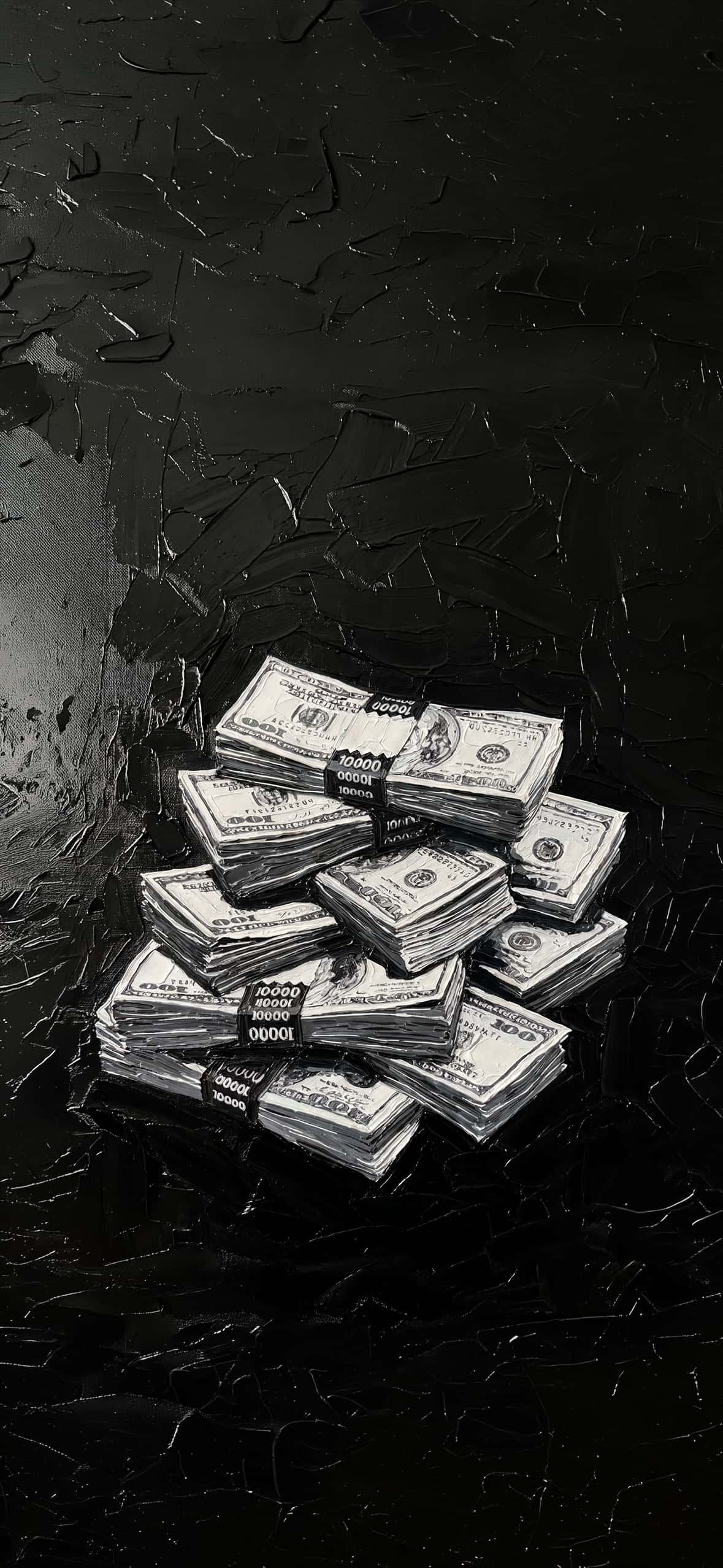
2. The Golden Stack: $100 Bill Money Mountain
Visualize wealth with this sculpture of currency. A massive stack of tightly bound $100 bills rests against a background of pure black impasto texture. The bills themselves are painted with a sense of solidity, emphasizing the physical presence of ambition.
3. Classic Power: Gold & Black $100
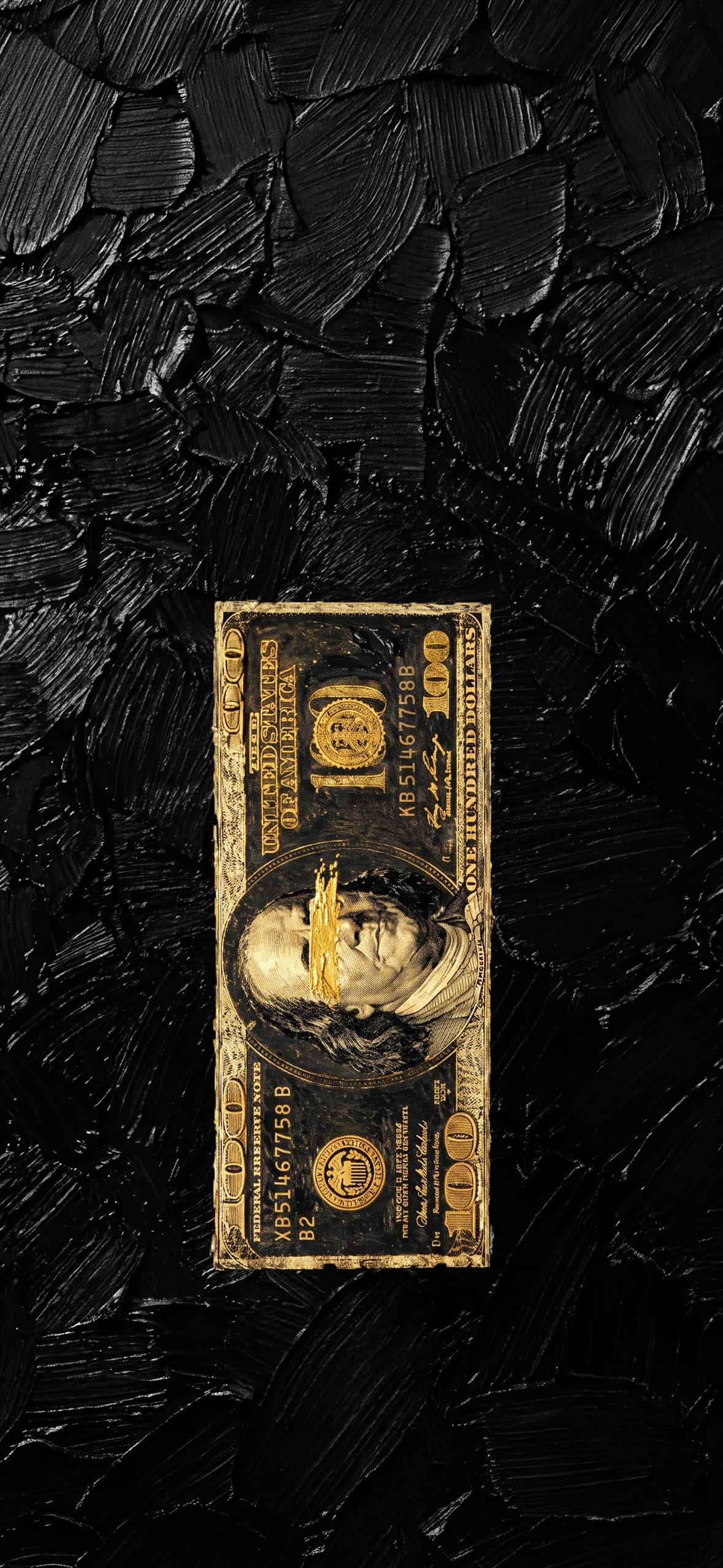
If you prefer minimalist power, this single, rich $100 bill is a work of art. The background is a dense, sculpted field of black oil paint. Resting on top is a single $100 bill, its details rendered in gold paint with a defiant gold brush stroke striking across Benjamin Franklin’s portrait.
Bold Pop Art & Iconic Figures
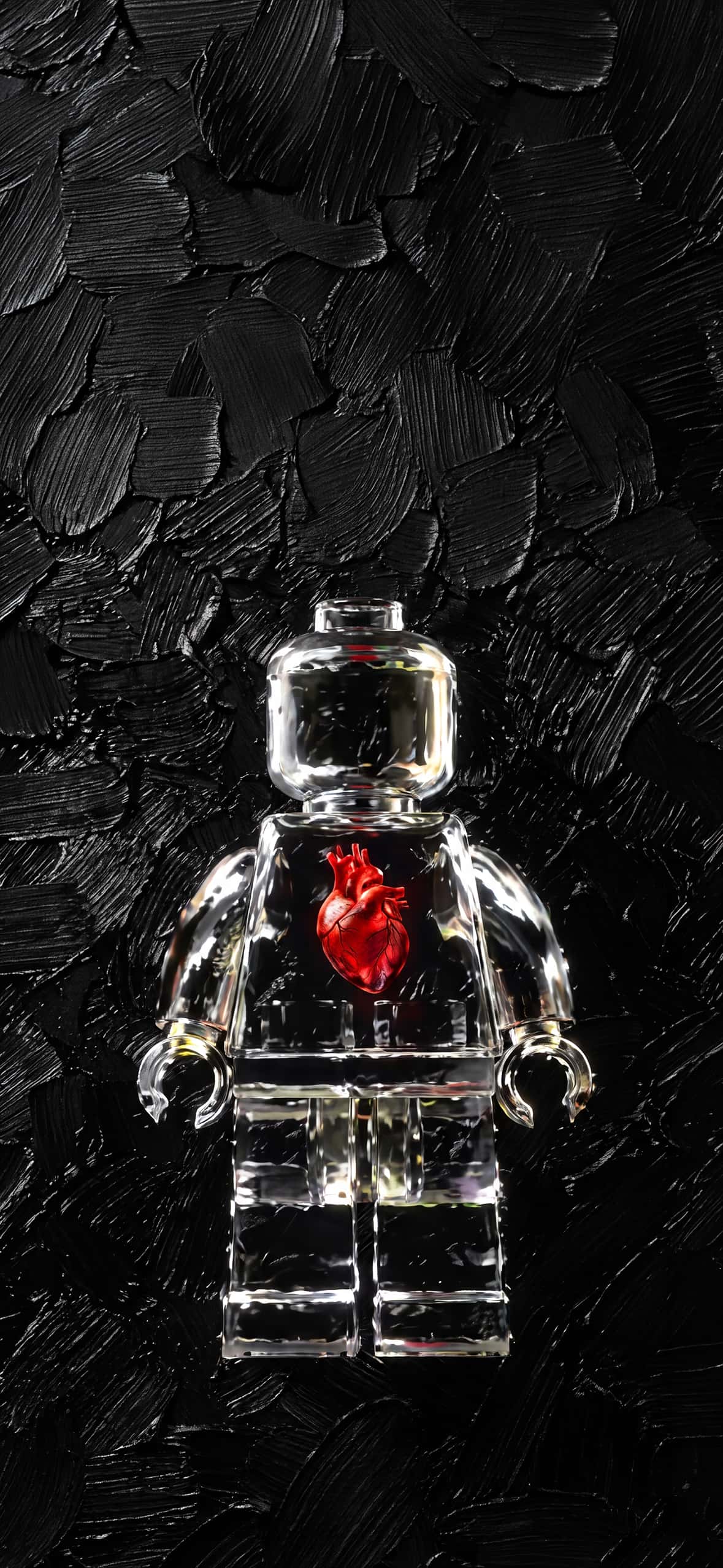
4. The Heart of Play: Clear LEGO Man
This unique wallpaper features a clear, anatomical-model style LEGO minifigure made of transparent resin. The figure stands centered against a massive, dark field of sculpted black oil paint. Inside the figure’s clear chest cavity, a vibrant, realistic human anatomical heart glows red—a perfect fusion of play and humanity.
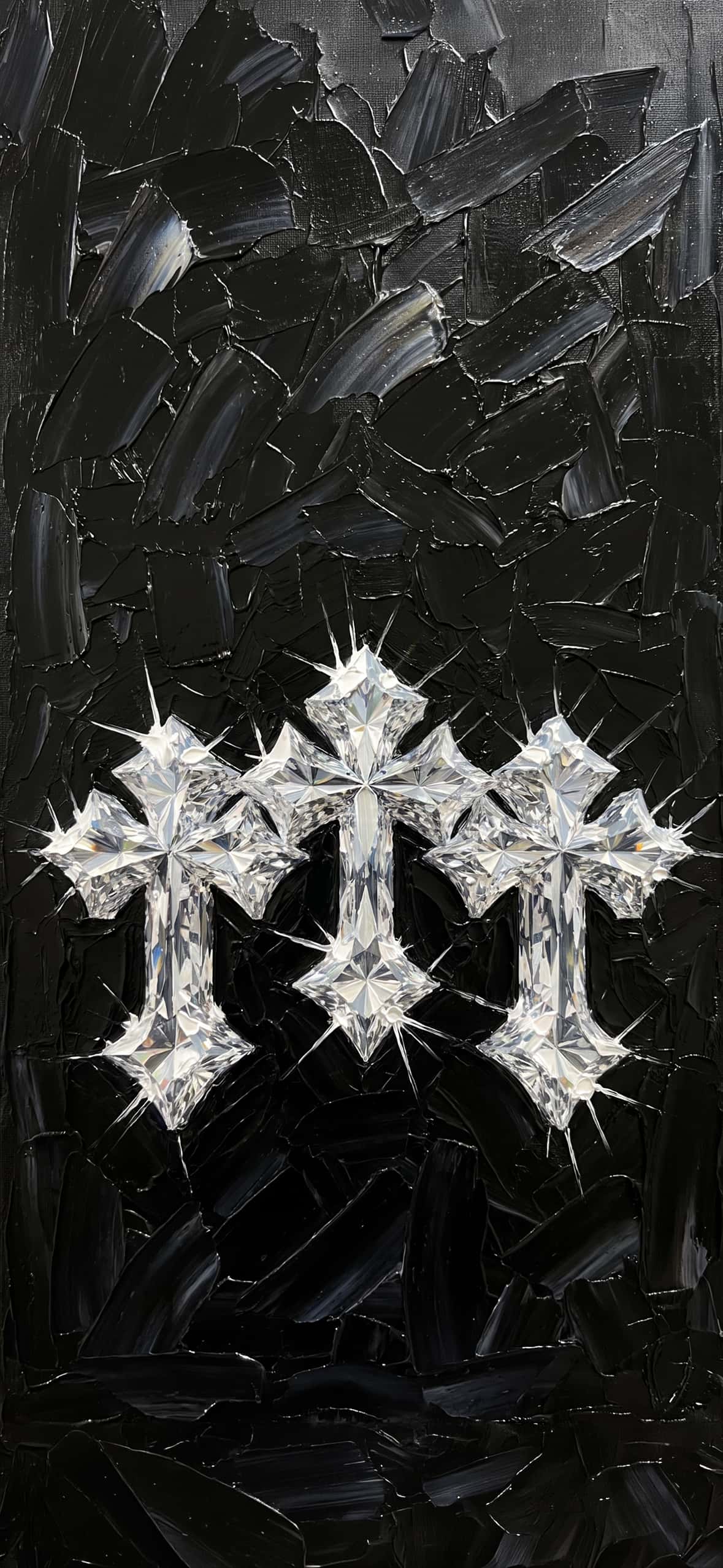
5. Diamond Divinity: The Triple Cross
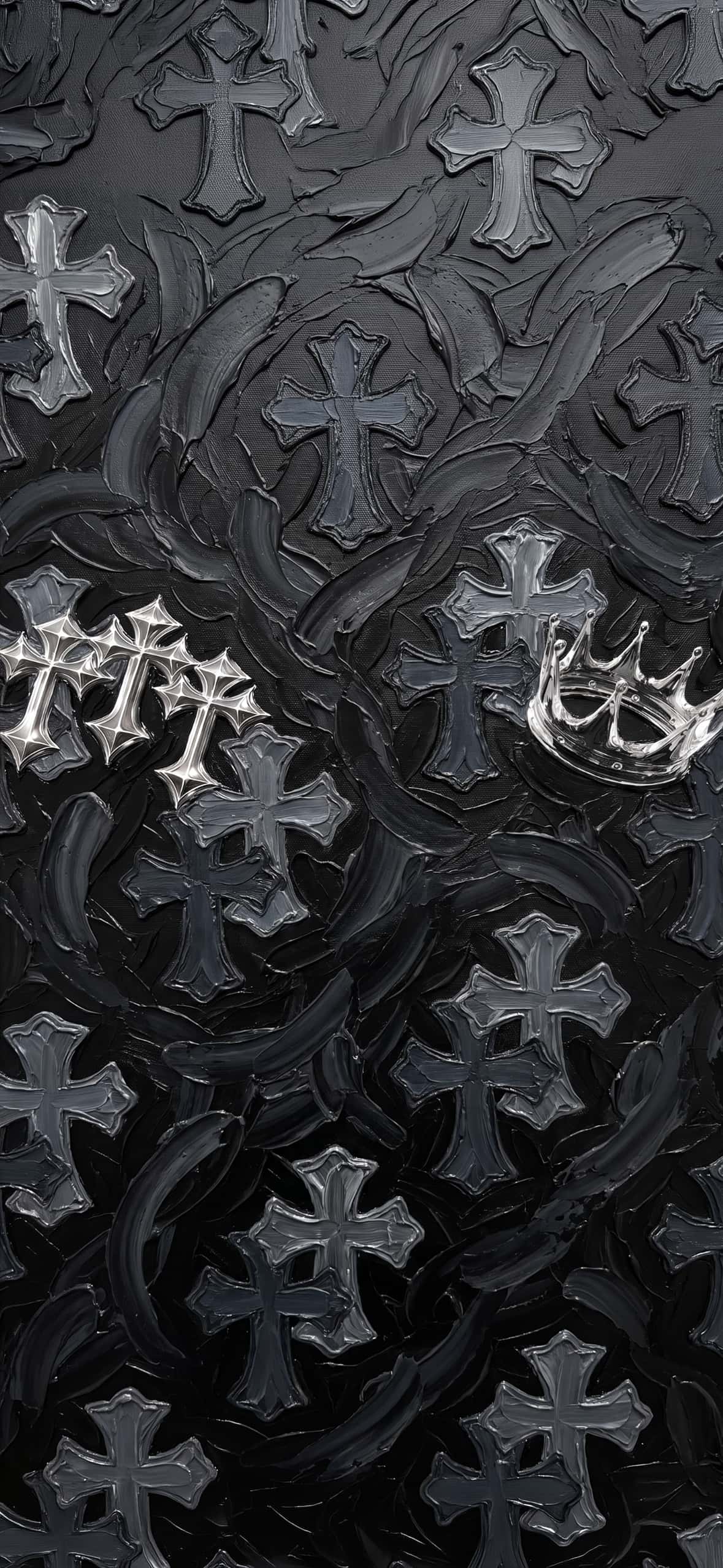
Symbolic and striking, this composition presents three stylized, highly faceted crosses arranged horizontally. Each cross looks sculpted from solid diamonds, casting complex light refractions. The background is a dense, high-contrast matrix of deep black, sculptural paint strokes, making the diamond-crosses pop.
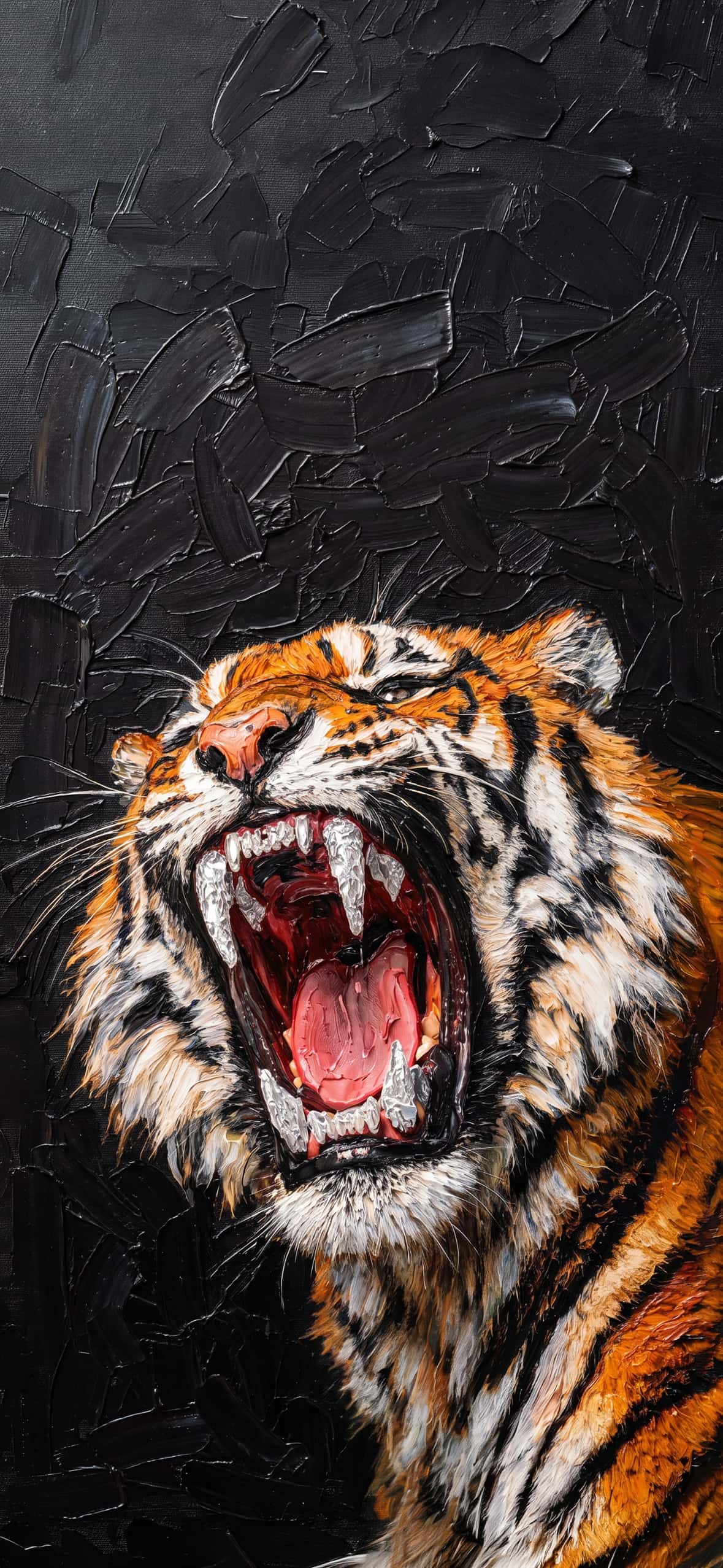
6. The Tiger’s Roar: Majestic Fury
Capture raw energy with this powerful close-up of a roaring tiger. The intense palette knife work renders the beast’s striped fur with dynamic texture, contrasting sharply against a deep, dark impasto background. The tiger’s mouth is open wide in a powerful scream, showing detailed teeth and gums.
7. Warrior’s Gilded Edge: Gold-Hilted Katana
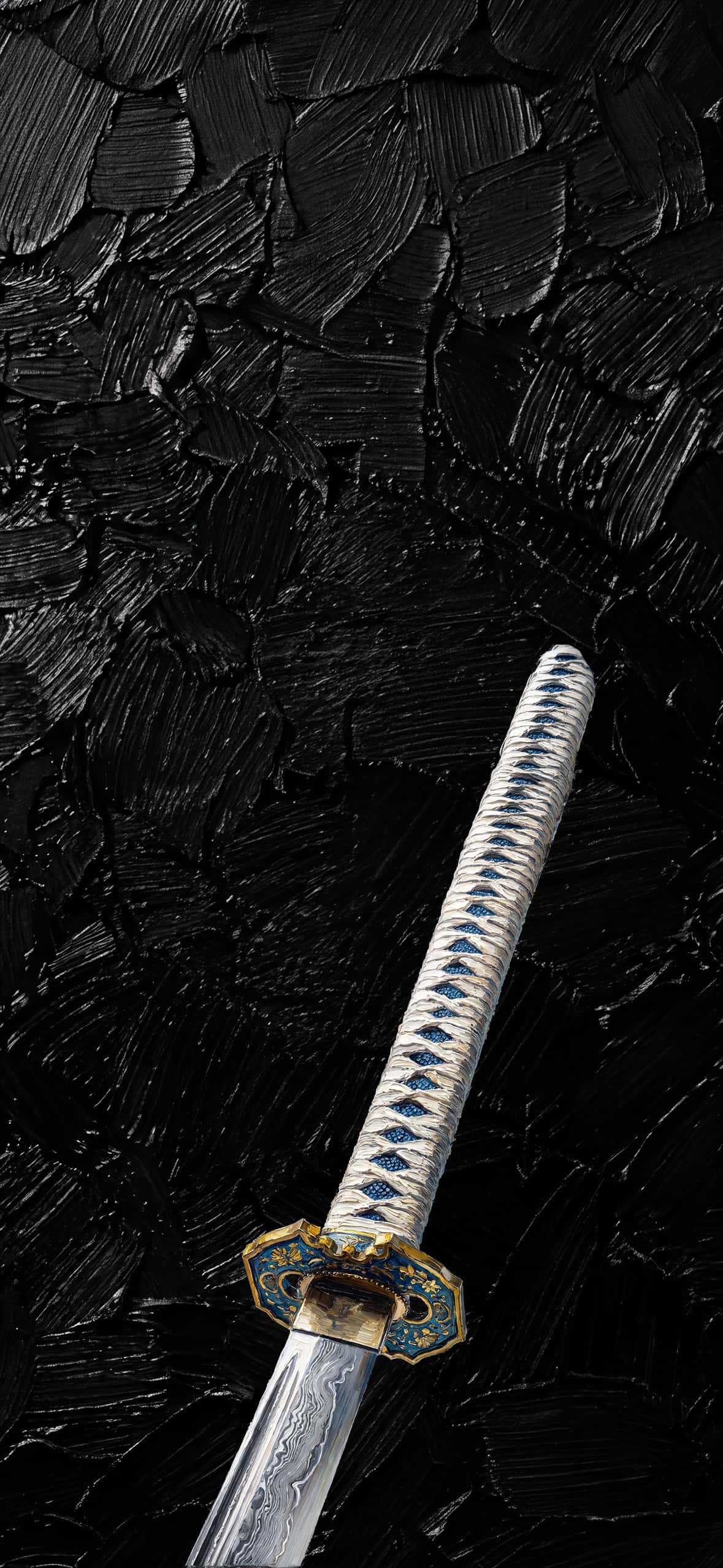
For a touch of ancient discipline, this wallpaper features the hilt (tsuka) of a katana pointing upwards. The intricate, geometric gold guard and hilt work are rendered in detailed gold paint, set against a chaotic field of large, dark black textured strokes.
Vibrant Color & Nostalgia
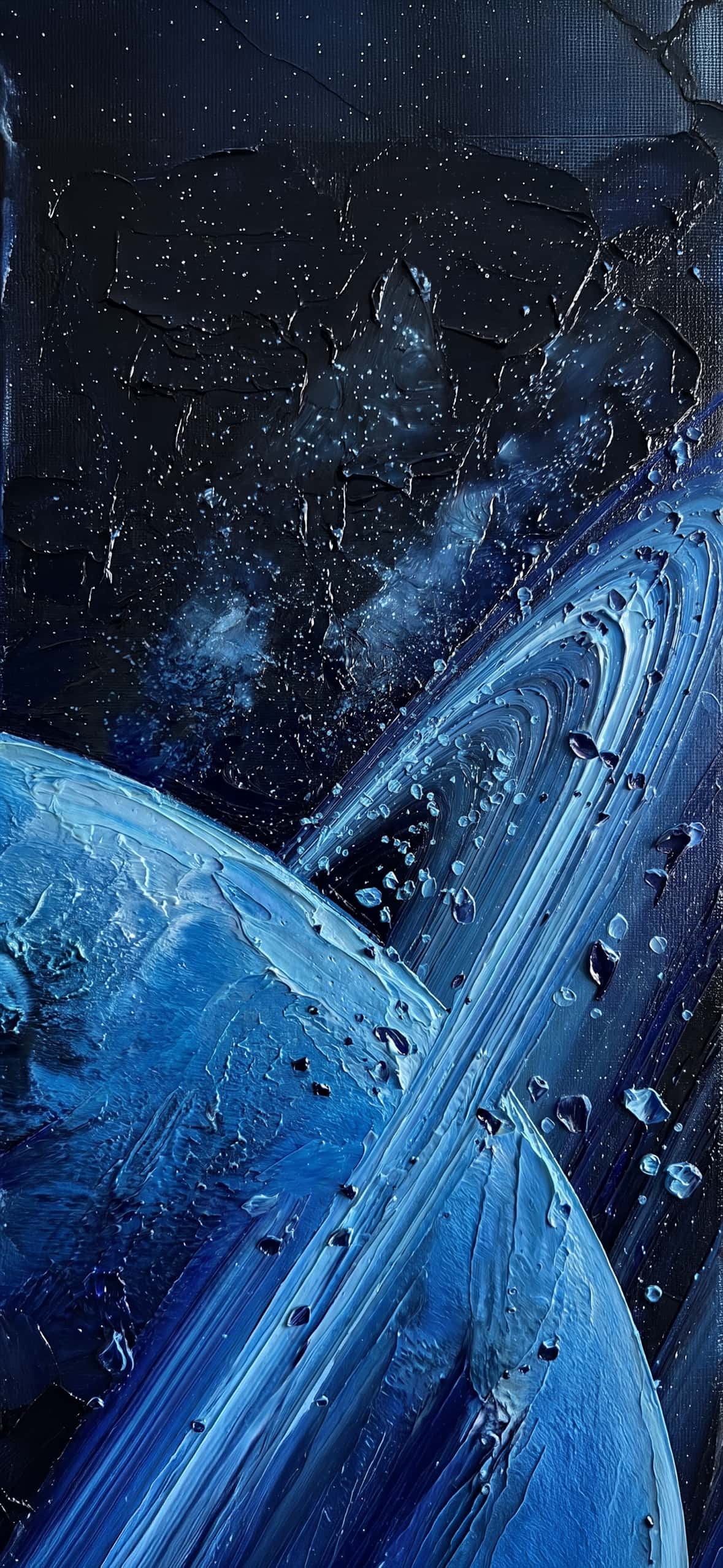
8. Blue Deep Space: A Cobalt Galaxy
Dive into a deep cobalt-blue dreamscape. Thick, flowing waves of sculpted blue and turquoise paint form the rings of a majestic planet. The surrounding background is a field of starry, deep space rendered in swirling, galactic shades of navy and midnight blue with subtle specks of light.
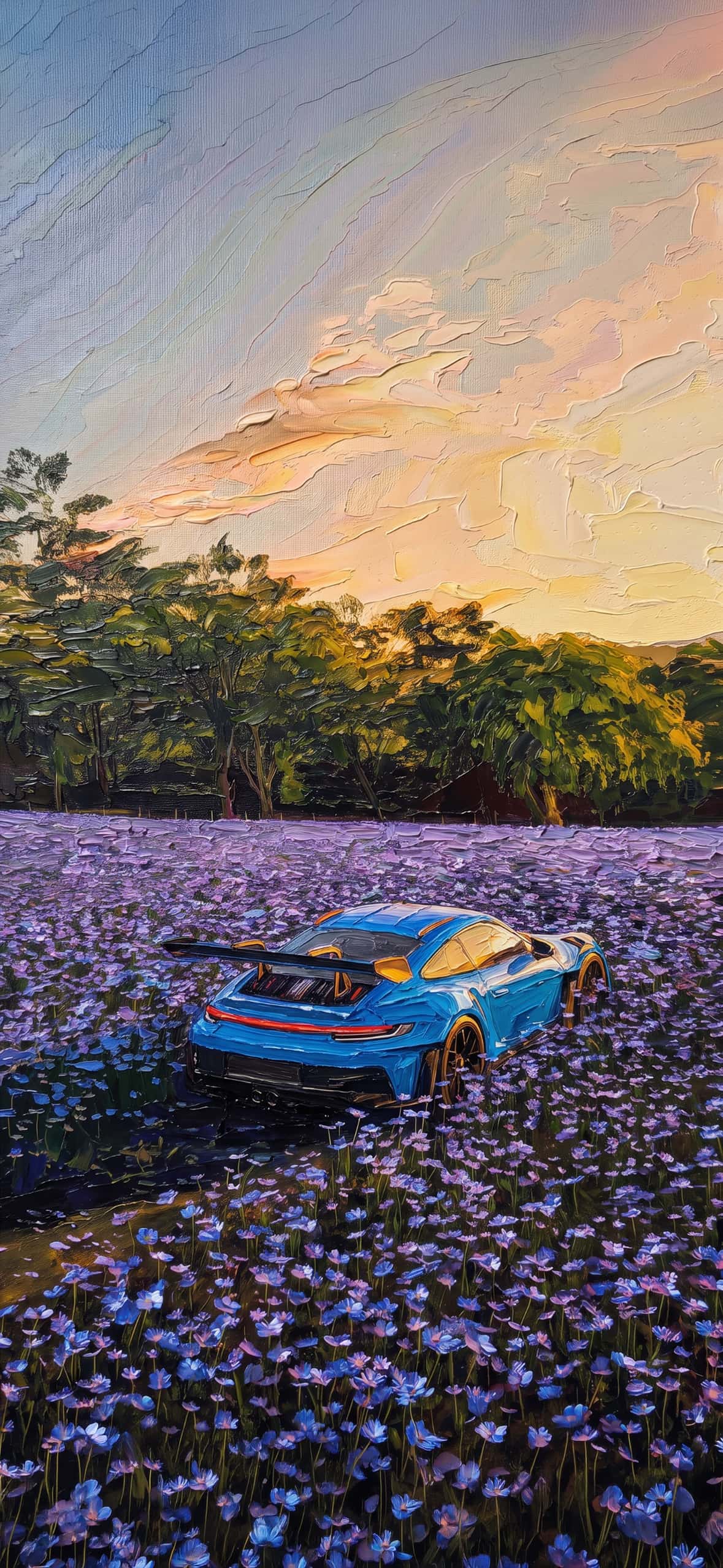
9. Lavender & Lightning: The Hypercar
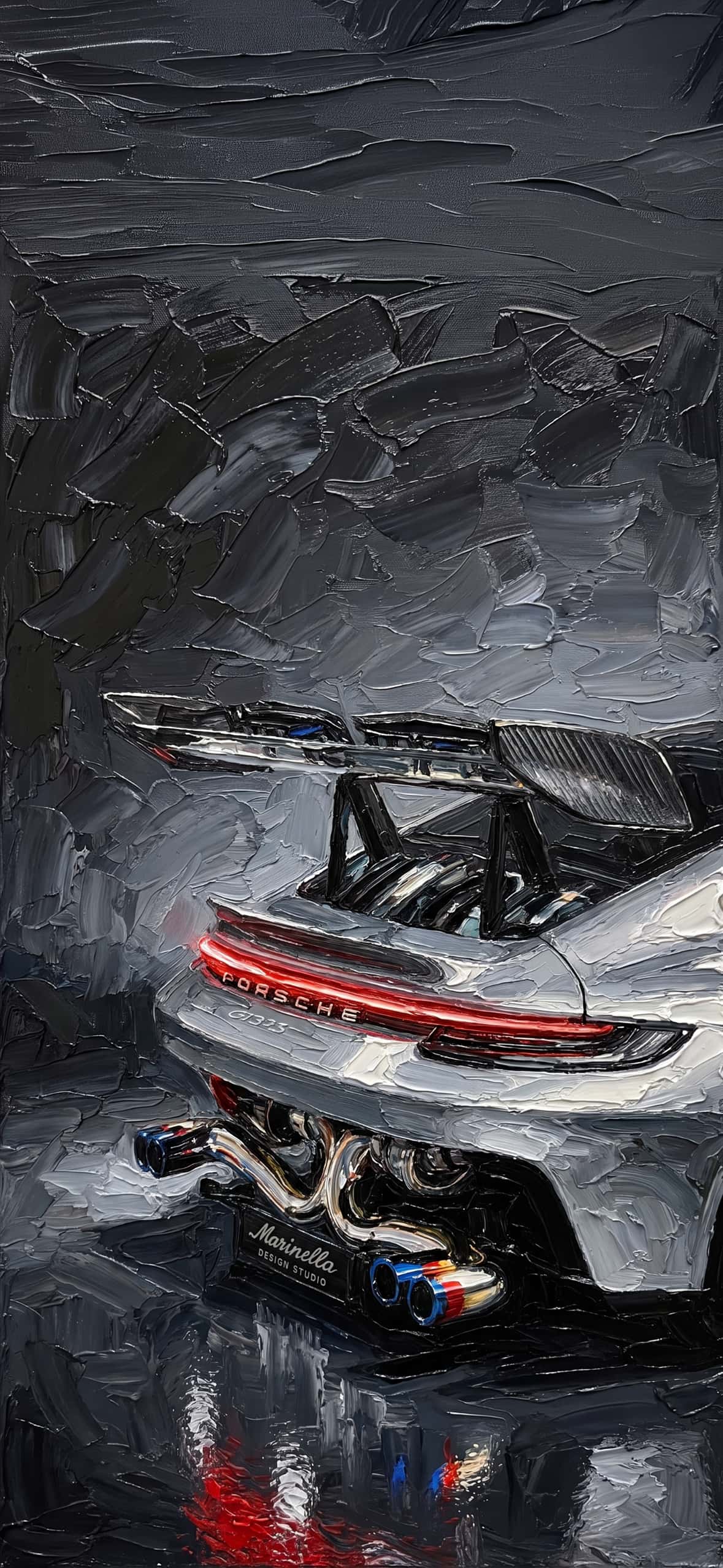
Speed meets serenity in this vibrant composition. A bright cyan-blue Porsche GT hypercar is parked in the middle of a vast field of purple lavender flowers. The car’s dynamic lines are rendered with swift palette knife strokes, and the whole scene rests under a dramatic pastel sunset.
10. Nostalgic Night: Tom & Jerry Under the Moon
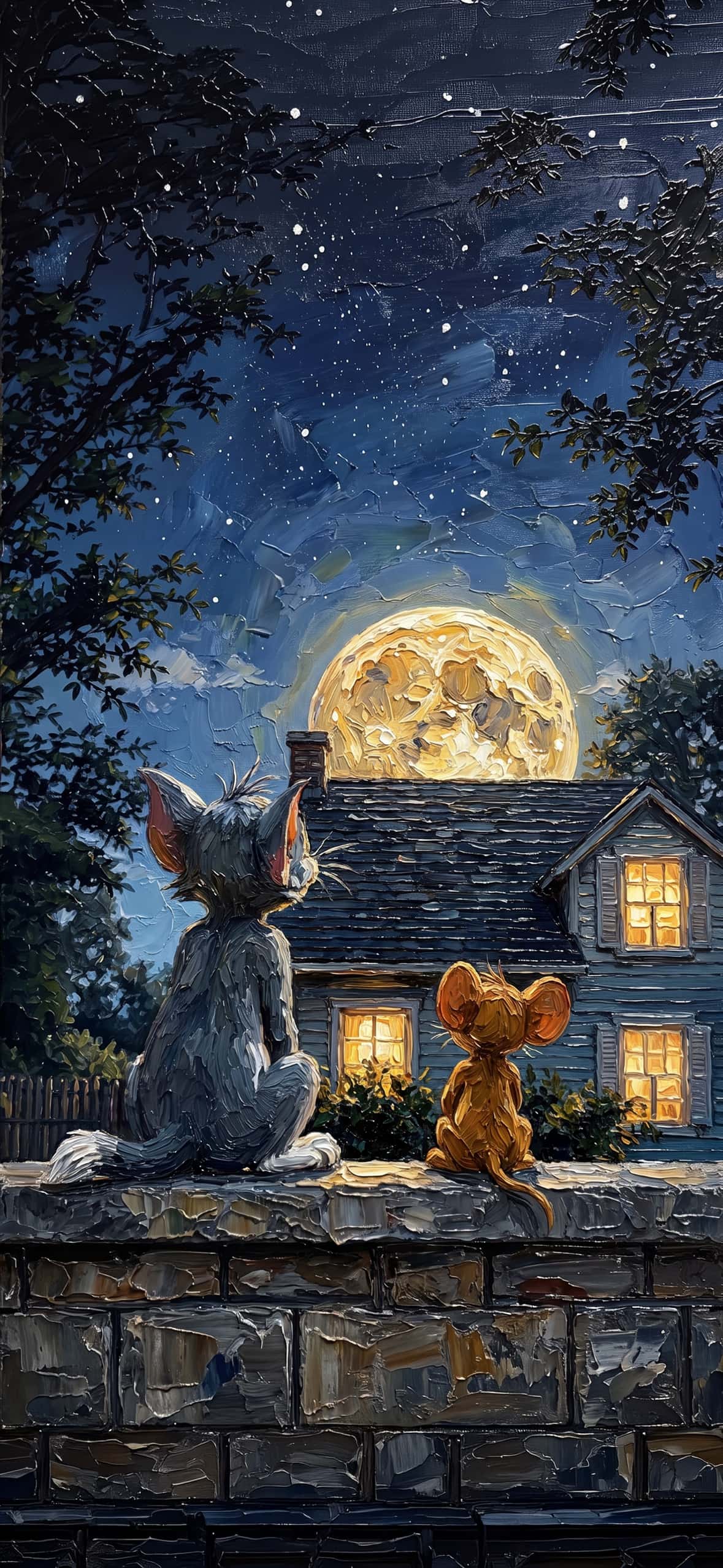
End with timeless comfort. This charming wallpaper features classic rivals Tom (the cat) and Jerry (the mouse) sitting peaceably together on a textured stone wall. They are looking away, towards a large, glowing full moon that rises above a cozy house with warm, glowing windows. The thick, organic textures bring their fur and the starry night to life.
 Download Image
  Download Image
  Download Image
  Download Image
  Download Image
  Download Image
  Download Image
  Download Image
  Download Image
  Download Image
  Download Image
  Download Image
  Download Image
  Download Image
  Download Image
  Download Image
  Download Image
Why Impasto Oil Painting Wallpapers Excel on Modern iPhones
Modern iPhone screens render ultra-high contrast, making them ideal for high-resolution 4K art scans. Traditional digital art can sometimes feel flat, but impasto backgrounds stand out for three reasons:
Depth & Lighting: Ultra-HD captures of physical oil paintings reveal light bouncing off real paint ridges. This dynamic shadow play adds organic warmth to tech devices.
Widget Friendly: The organic, broken-color technique used in impasto art keeps focal points soft across the screen, ensuring white clock digits and battery widgets remain crisp and legible.
Timeless Personalization: Fine art wallpapers elevate your device from a utility item into a reflection of personal taste.
How to Apply Your 4K Wallpaper
Save: Tap and hold your favorite image to download it in full 4K resolution to your Photos app.
Set: Open Settings > Wallpaper > Add New Wallpaper.
Customize: Select the image, pinch to adjust the perspective cropping, and set a complementary color tint for your clock font to match the palette knife tones.


1 thought on “15+ Stunning Impasto Oil Painting iPhone Wallpapers 4K”