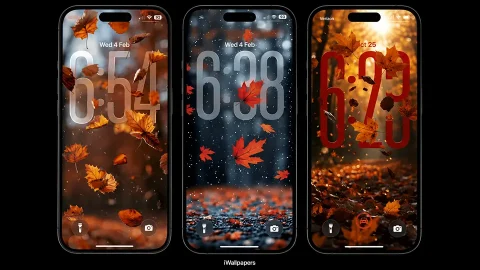
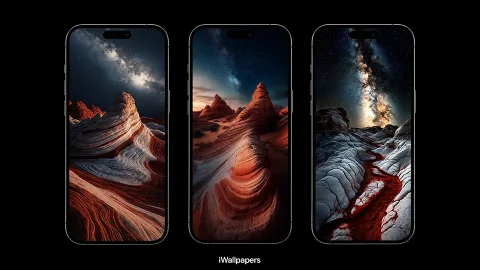
Cozy Autumn iPhone Wallpapers (4K) – Aesthetic Fall Lock Screen & Home Screen
Autumn brings a warm and peaceful feeling that makes it one of the most beautiful seasons of the year. Golden leaves, soft sunlight, cozy cafés, rainy windows, pumpkins, and quiet forest paths all capture the charm of fall. With cozy autumn iPhone wallpapers, you can bring that seasonal atmosphere directly to your phone and give your screen a fresh new look.
This collection features aesthetic autumn backgrounds in high resolution, created for both the iPhone Lock Screen and Home Screen. Whether you prefer colorful landscapes, cozy indoor scenes, or simple fall-inspired artwork, there are plenty of styles to match your personal taste.
Warm Autumn Wallpapers for iPhone
Autumn is naturally associated with warm colors such as orange, brown, gold, beige, cream, and deep red. These tones create a comfortable and sophisticated appearance on your iPhone screen. Scenic wallpapers featuring colorful trees, mountain roads, forests, cabins, and falling leaves are perfect for anyone who enjoys nature and peaceful backgrounds.
Cozy Fall Lock Screen Wallpapers
The Lock Screen is a great place to use cozy autumn imagery. Coffee cups, books, candles, sweaters, blankets, and rainy windows can create a relaxing fall aesthetic every time you check your phone.
Minimal designs are especially useful because they leave enough space for the clock and Lock Screen widgets. A simple background with subtle autumn colors can look elegant without making the screen feel crowded.
Autumn Wallpapers for the Home Screen
For the Home Screen, it is helpful to choose wallpapers with less visual clutter so your app icons remain easy to see. Soft landscapes, blurred leaves, simple textures, and darker backgrounds work particularly well.
You can also pair a matching Lock Screen and Home Screen to create a consistent autumn theme across your iPhone.
How to Set an Autumn Wallpaper
Download your favorite wallpaper and save it to your Photos app. Open the image, tap the Share button, and select the option to use it as wallpaper. Adjust the image to fit your screen, then choose whether you want it on your Lock Screen, Home Screen, or both.
Download Cozy Autumn iPhone Wallpapers
Whether you love golden forests, pumpkin scenes, cozy interiors, rainy afternoons, or minimalist fall artwork, this collection has plenty of options to refresh your iPhone for the season.
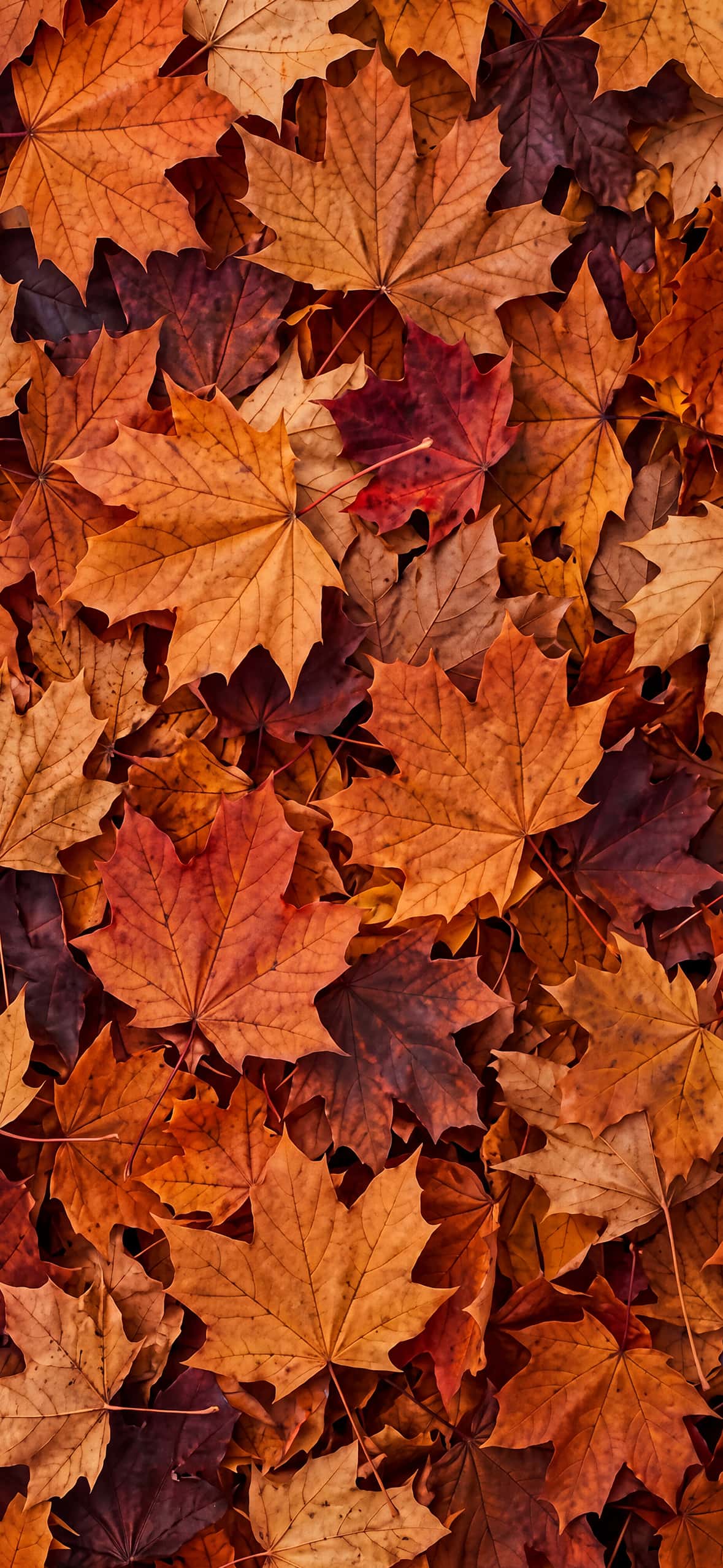
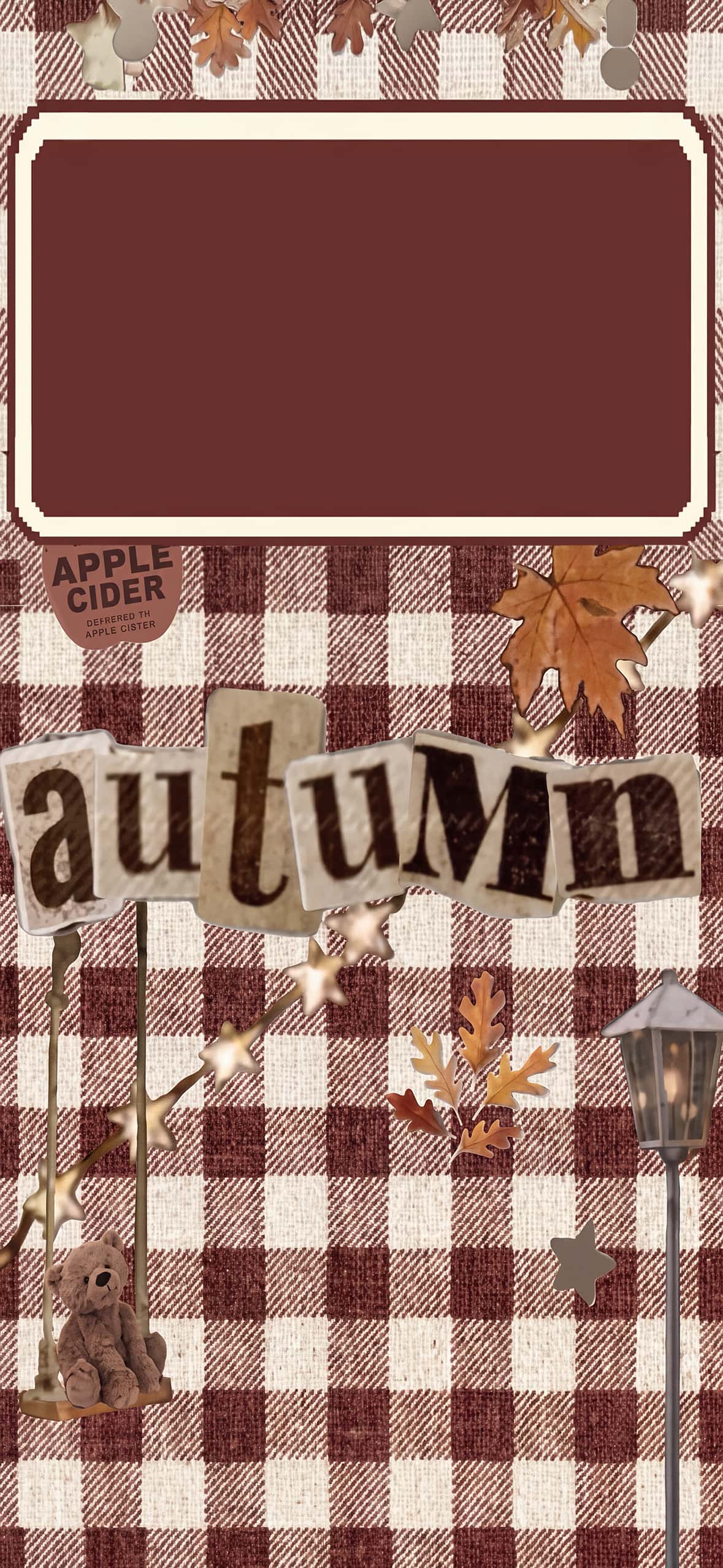
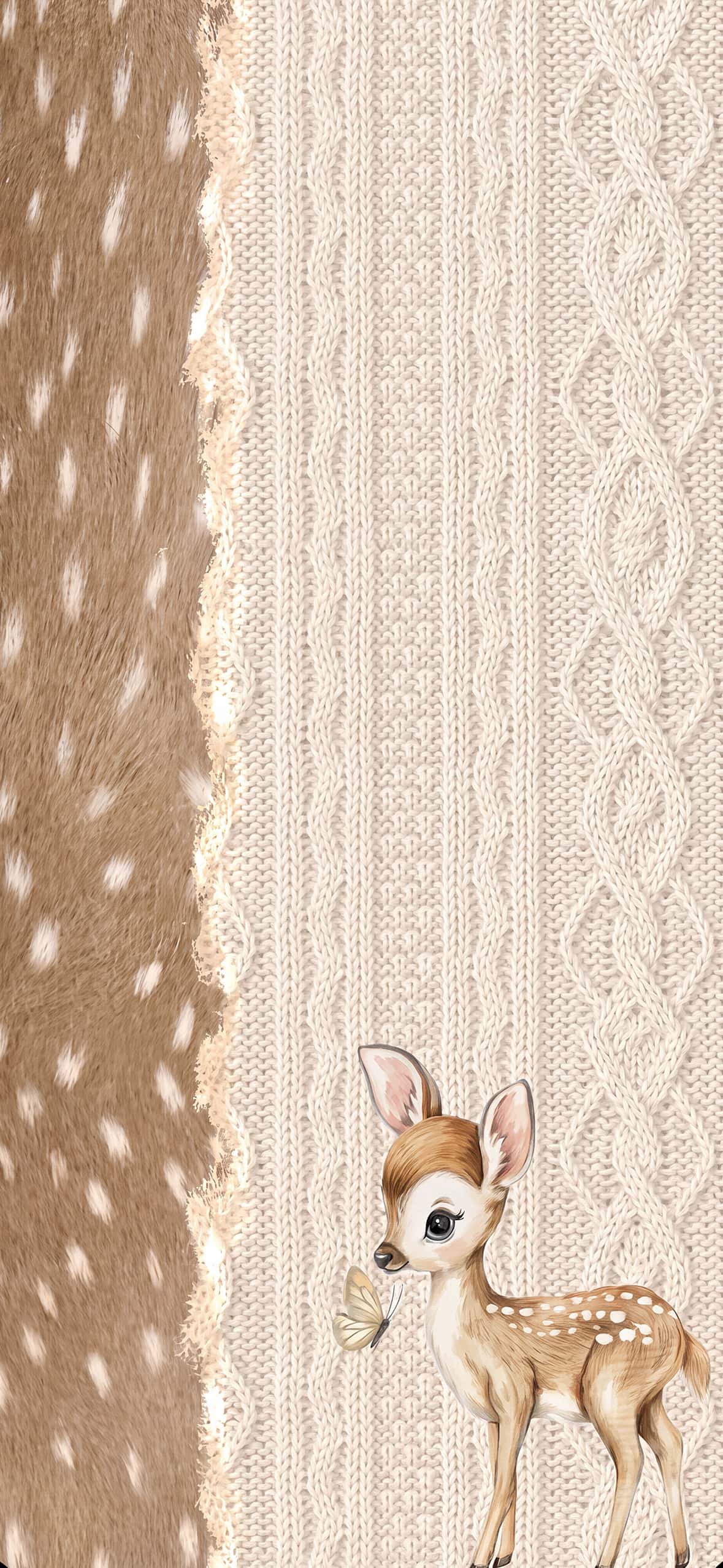
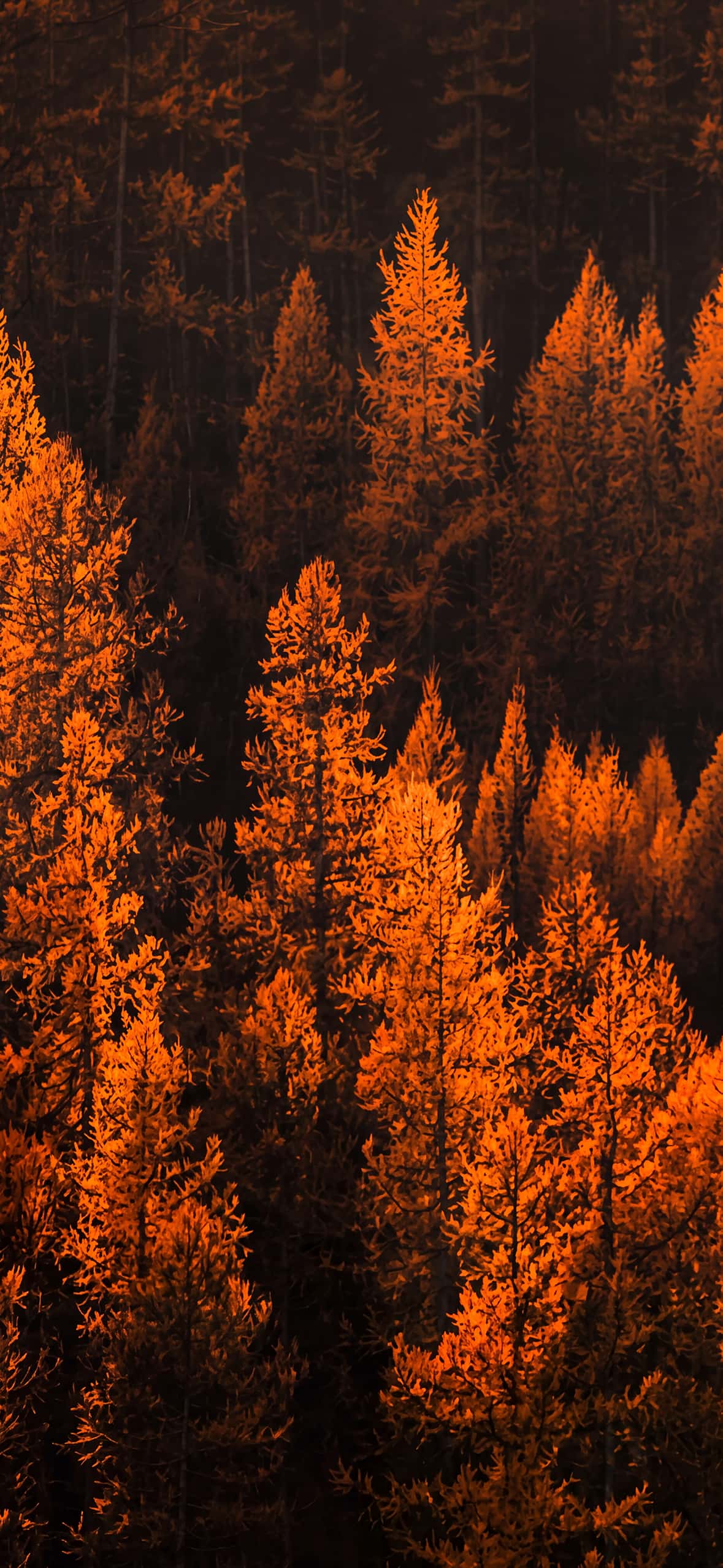
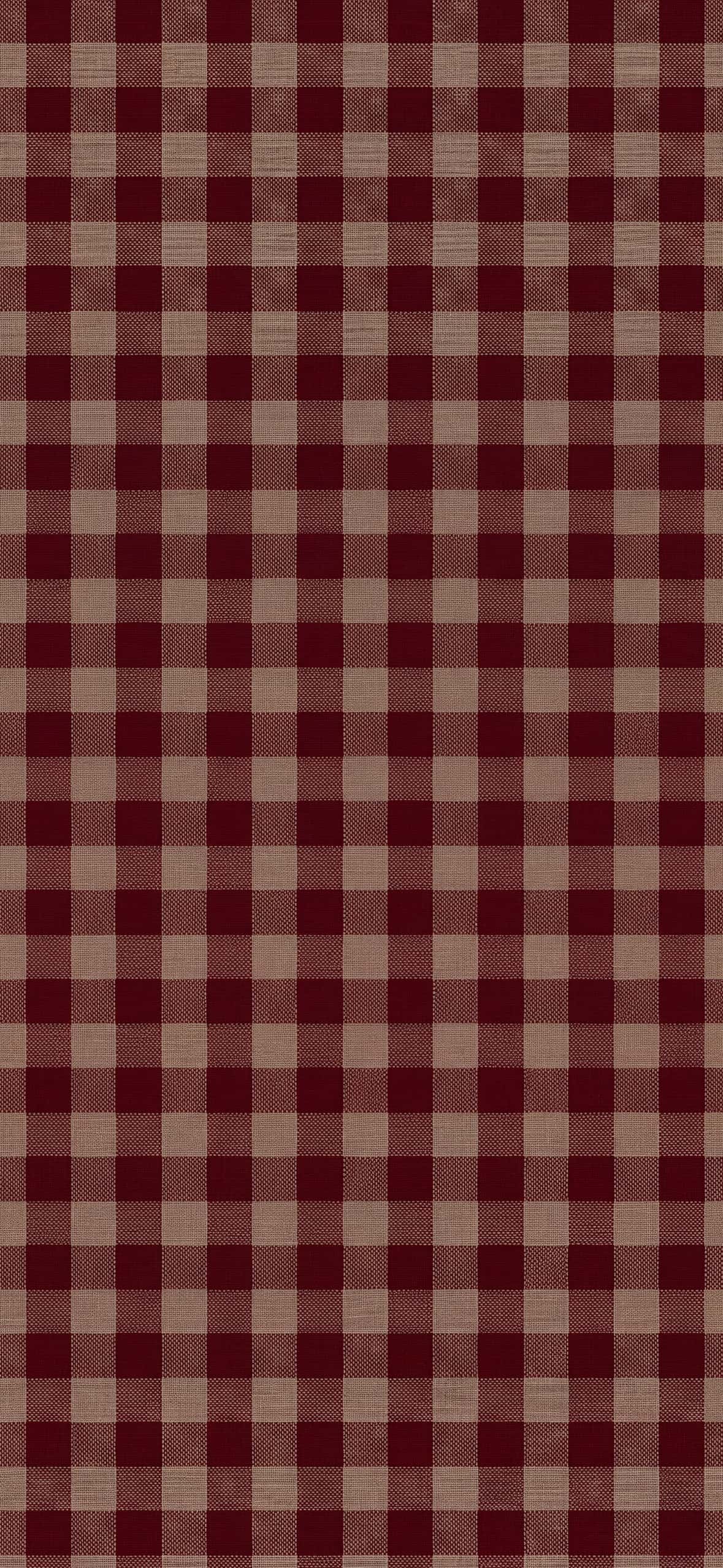
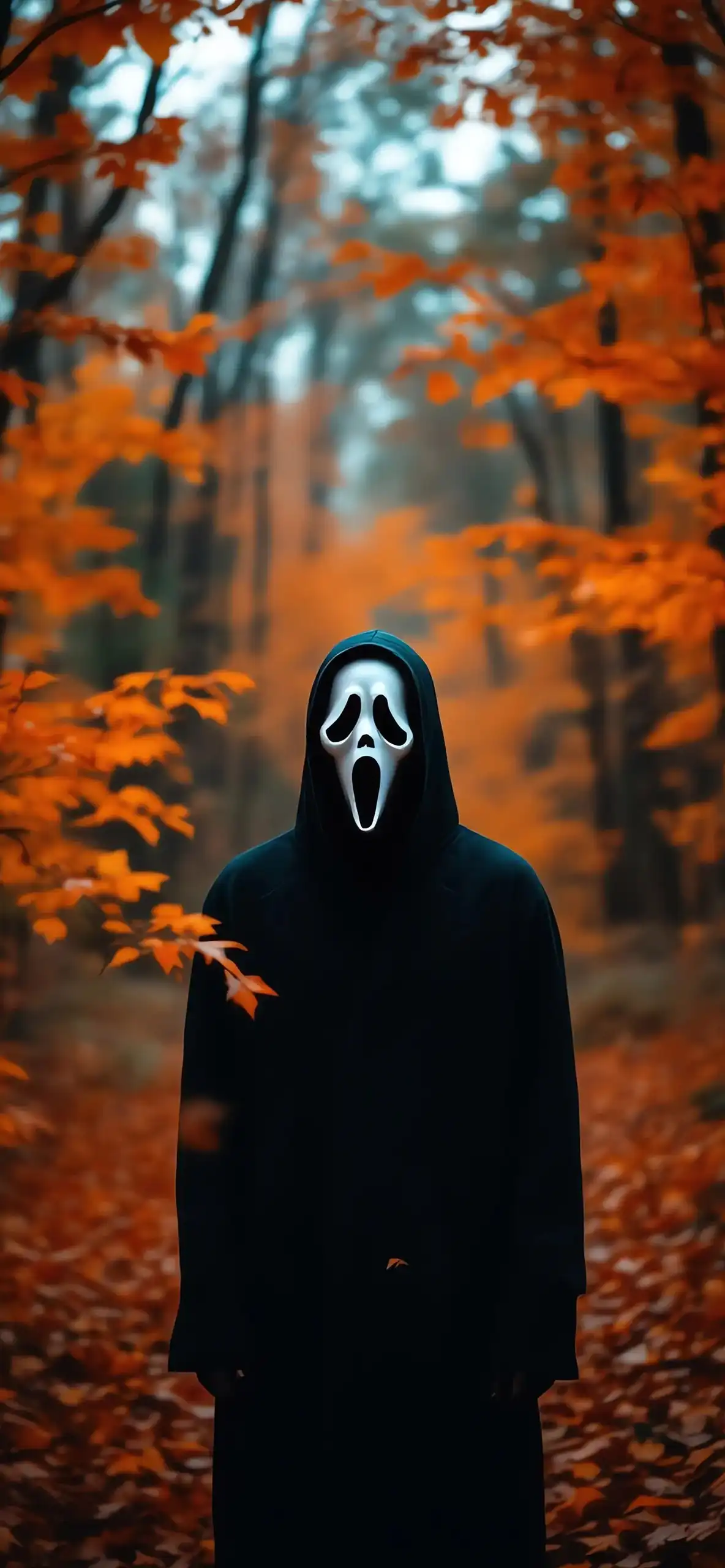
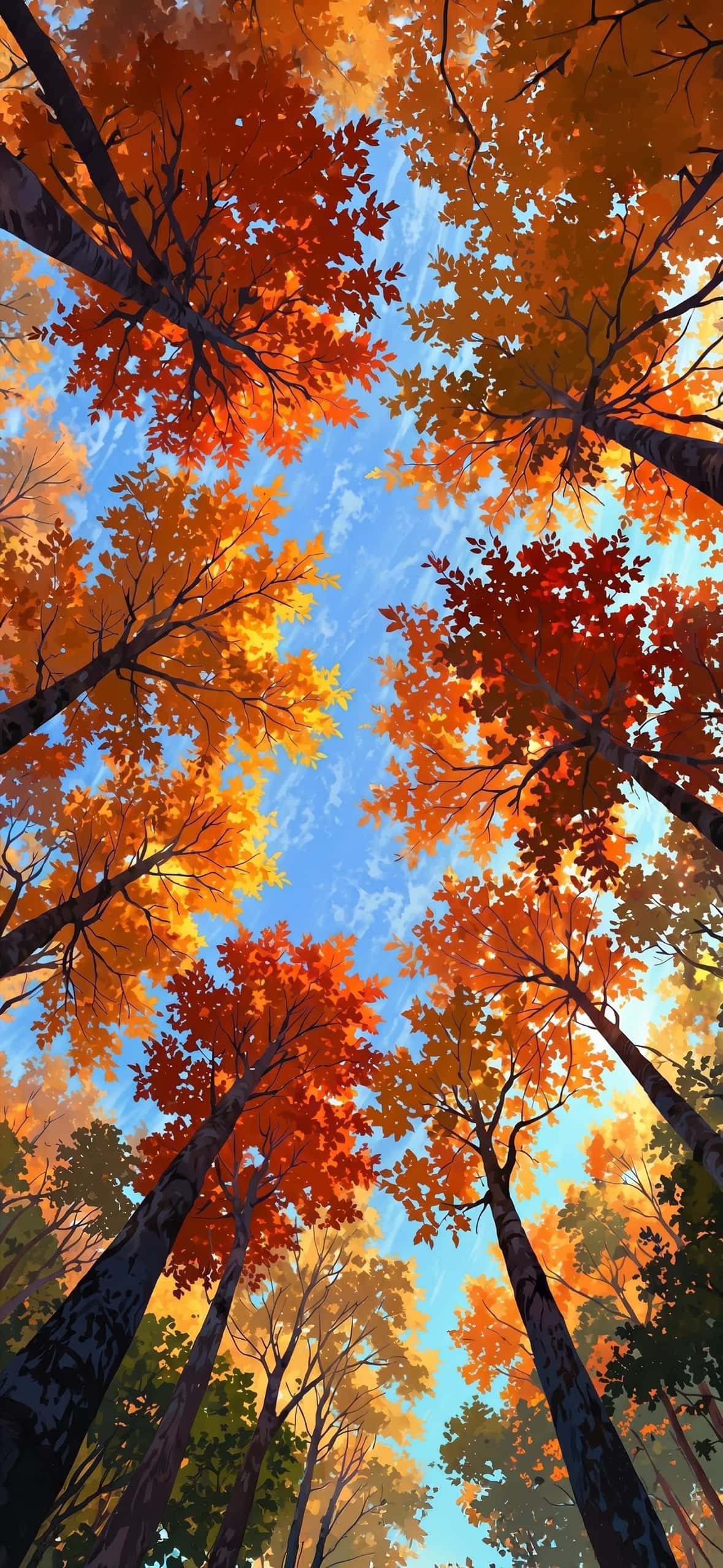
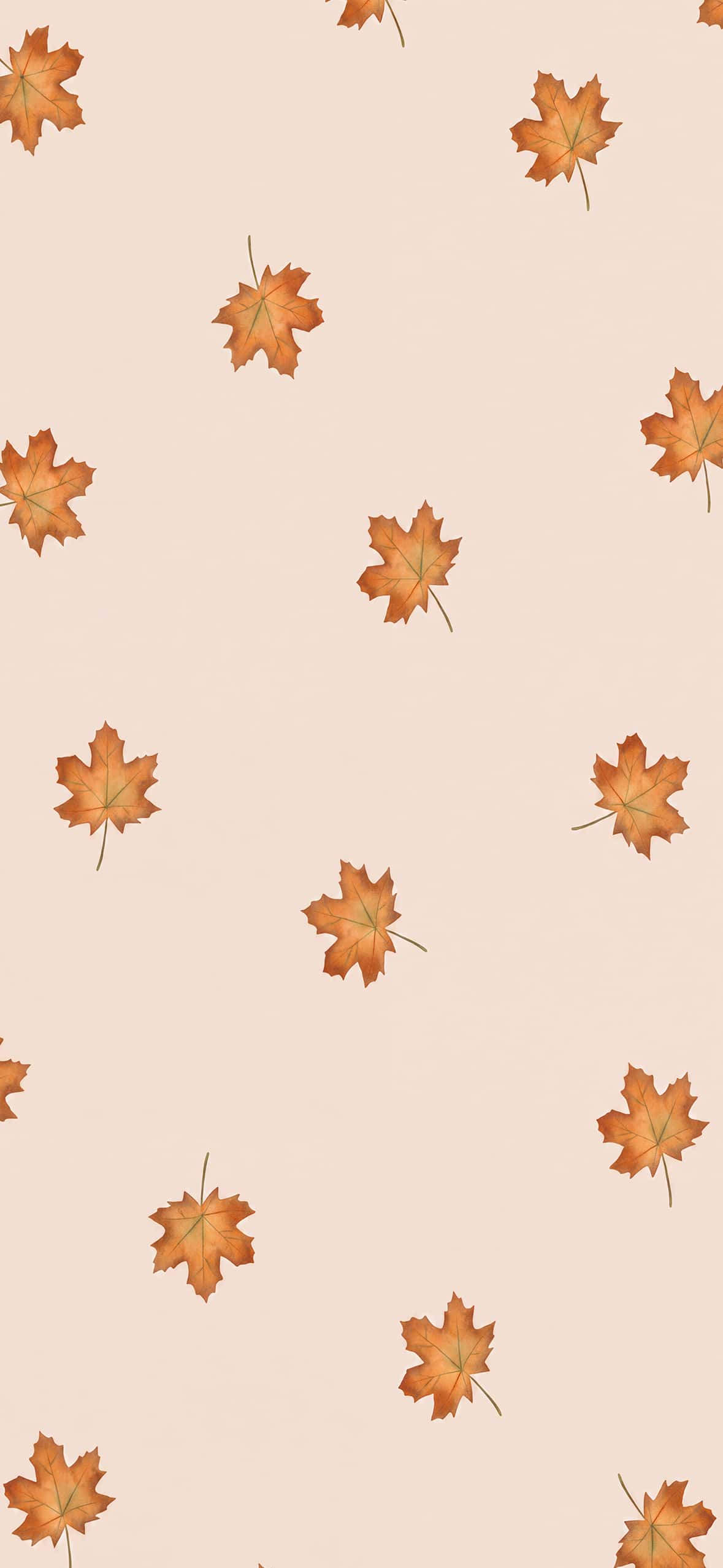
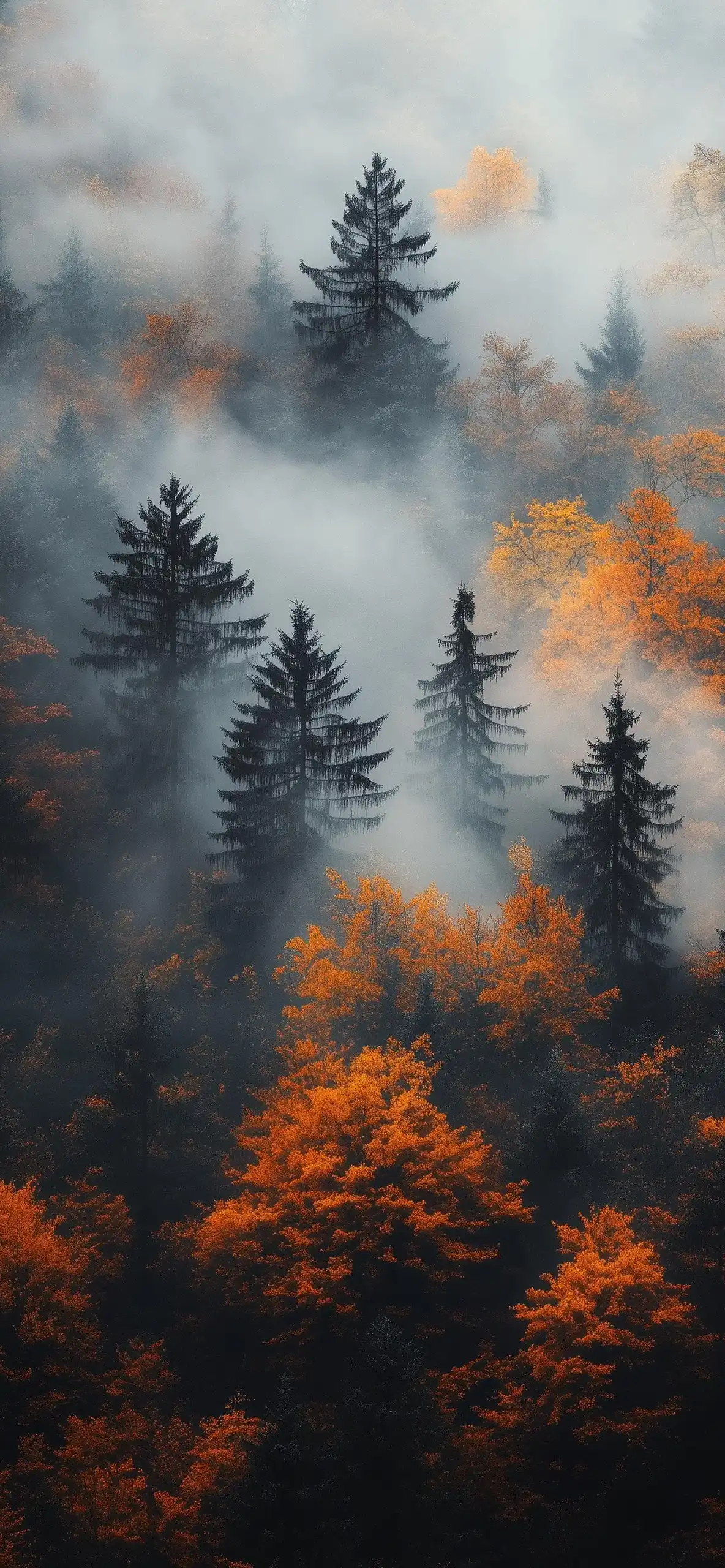
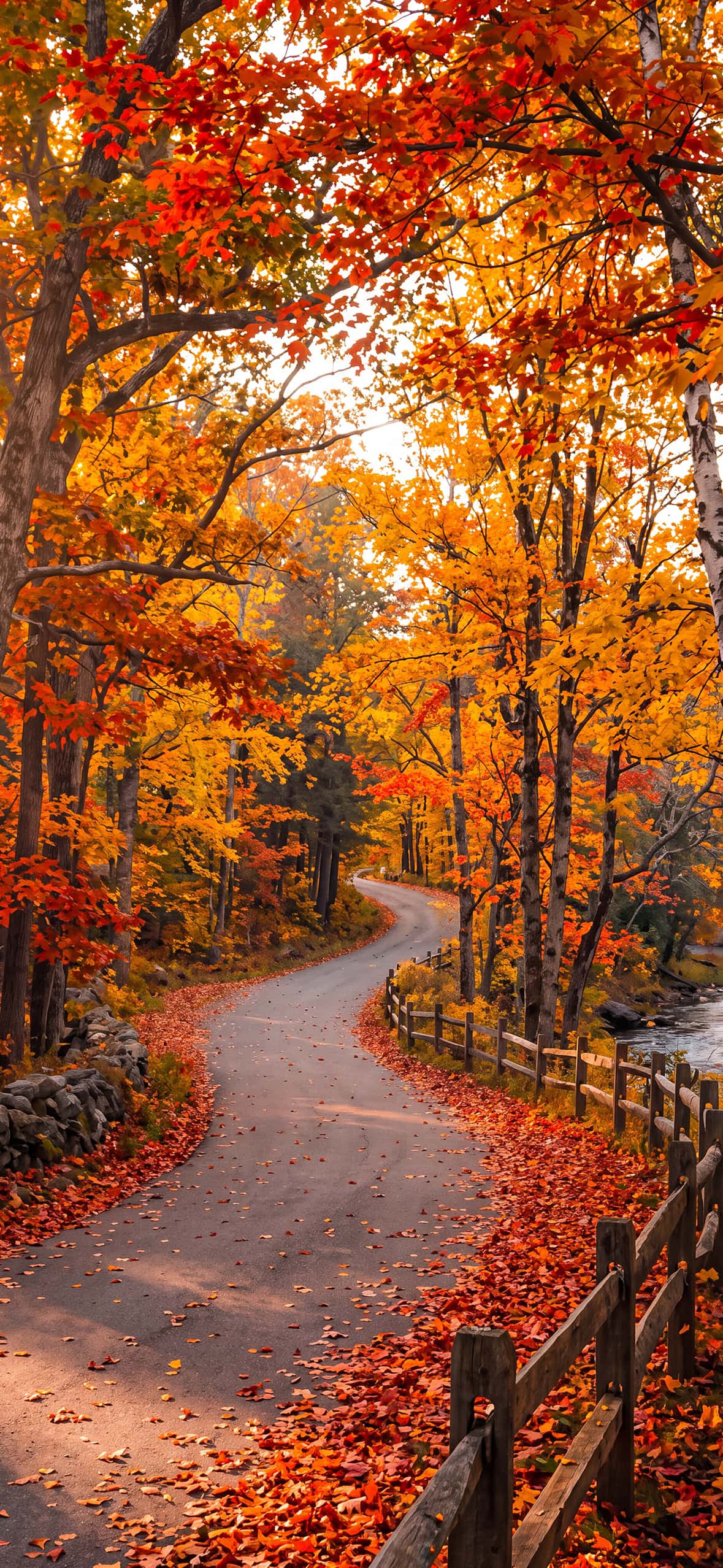
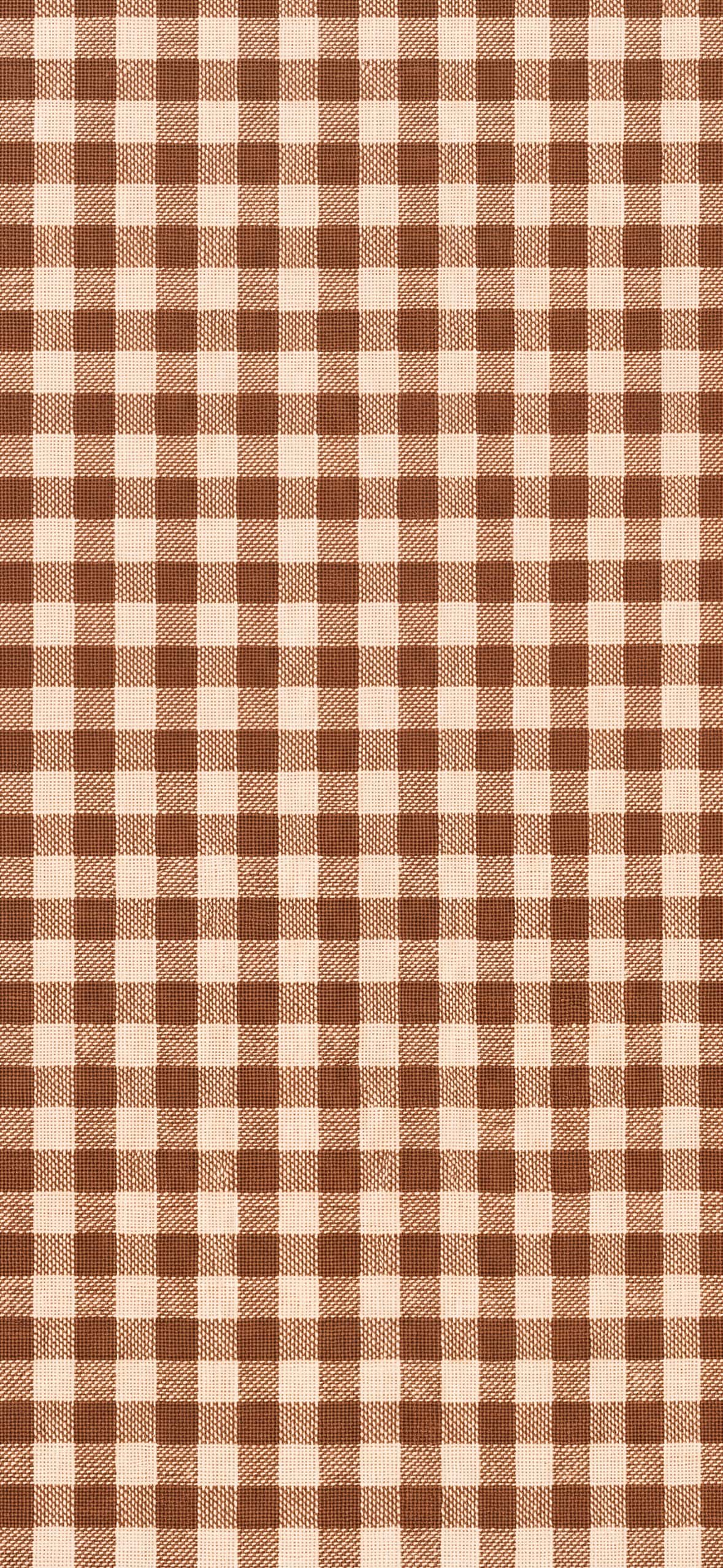
Explore these cozy autumn iPhone wallpapers, download your favorites in 4K, and give your Lock Screen and Home Screen a warm fall-inspired makeover.