Gemstone iPhone Wallpapers 4K | Luxury Backgrounds
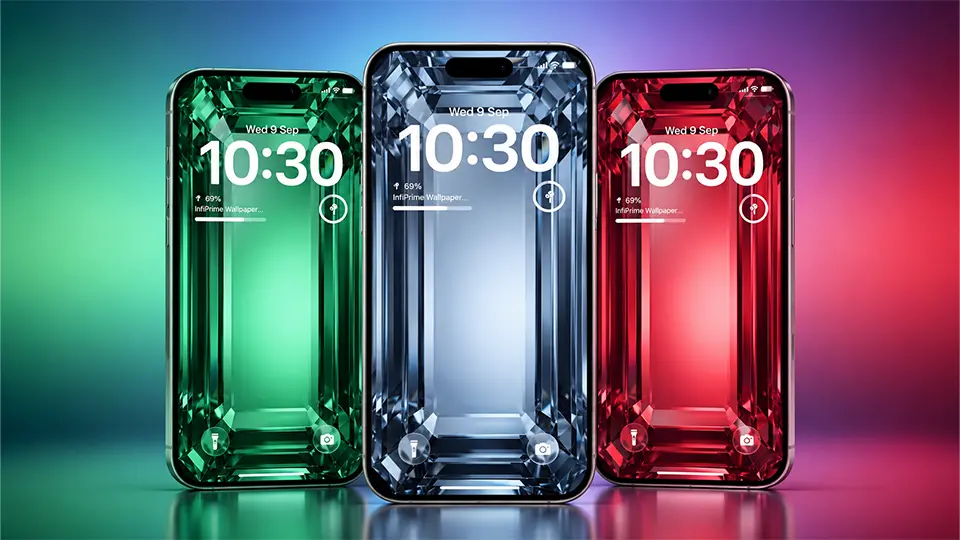
There’s something naturally striking about the emerald cut — the long, stepped facets and clean geometric lines make it one of the most elegant ways to showcase a gemstone. This collection of 8 gemstone iPhone wallpapers takes that iconic cut and turns it into a full-screen macro wallpaper, with light refracting through crystal in eight different colors.
What’s Included in the Collection
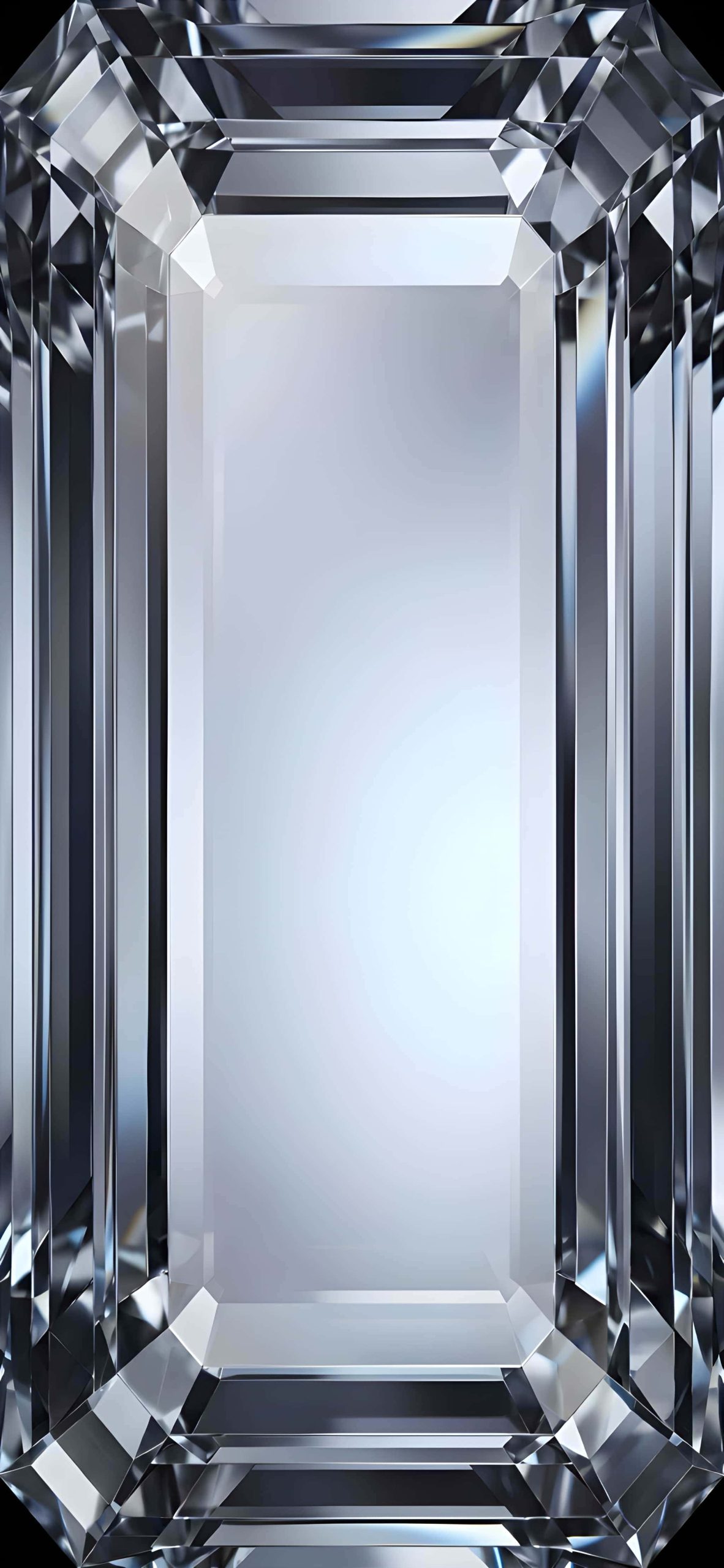
1. Clear Diamond Crystal A classic, colorless diamond wallpaper with sharp, icy facets catching cool white light — timeless and versatile.
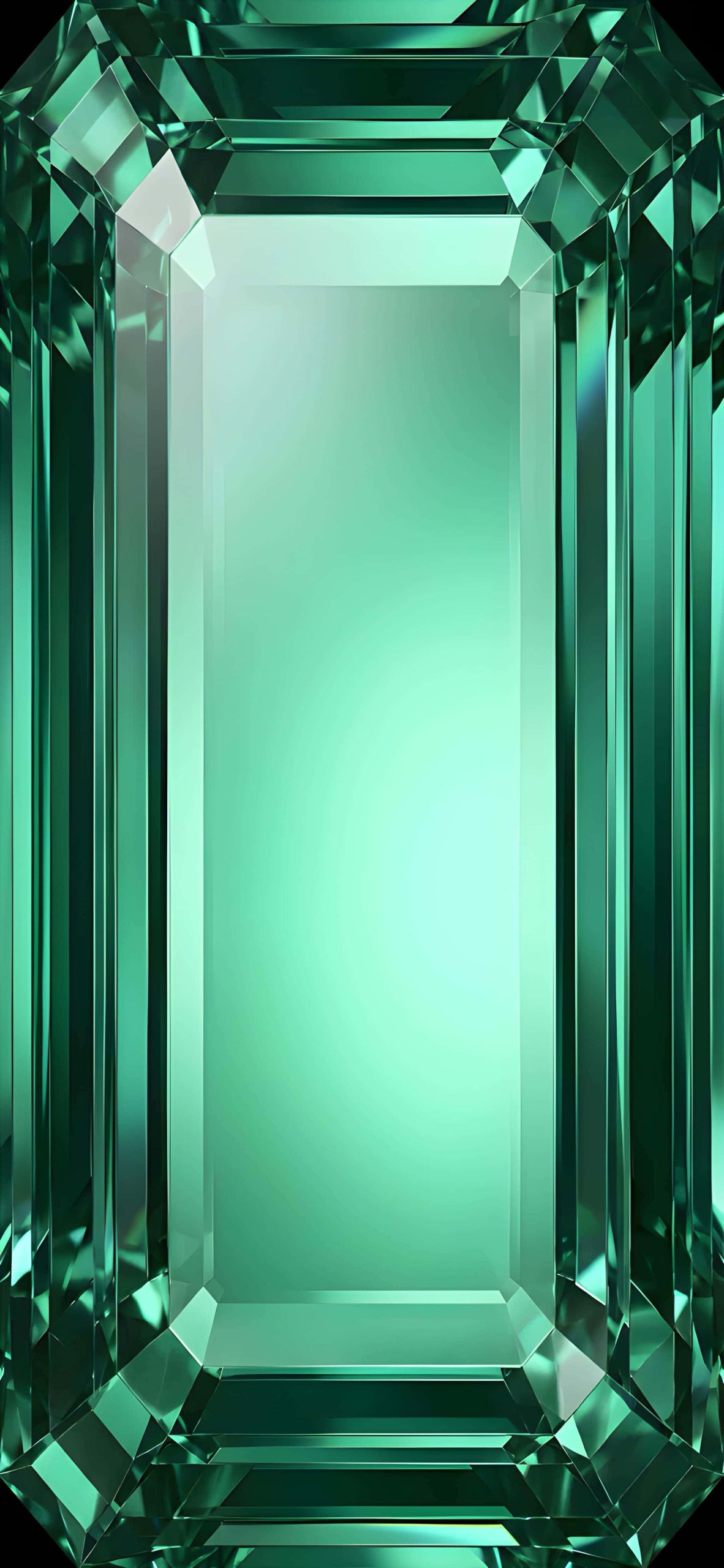
2. Emerald Green Gemstone A rich, deep green crystal with a glowing center, evoking the luxury of a genuine emerald.
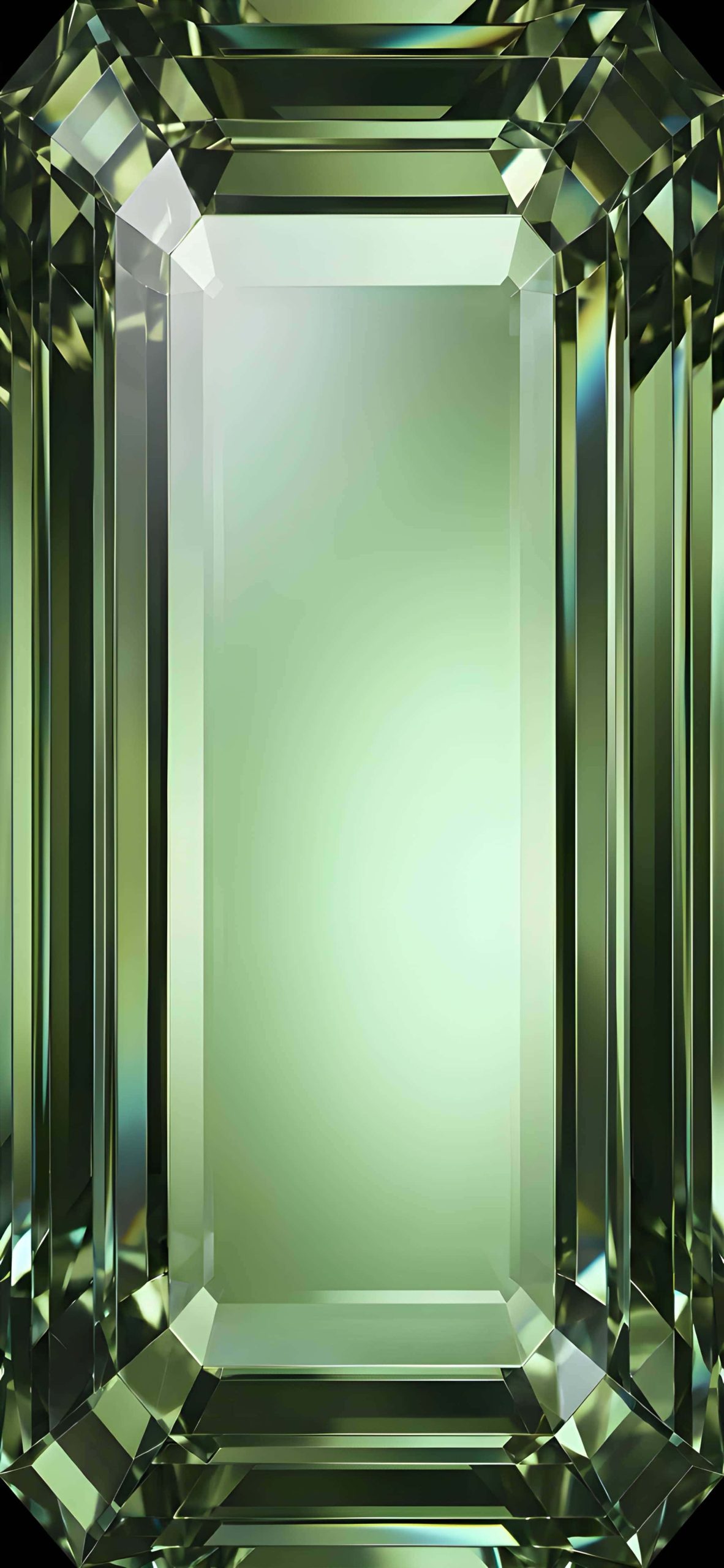
3. Peridot Green Gemstone A softer, more yellow-green tone that feels lighter and more natural than a true emerald.
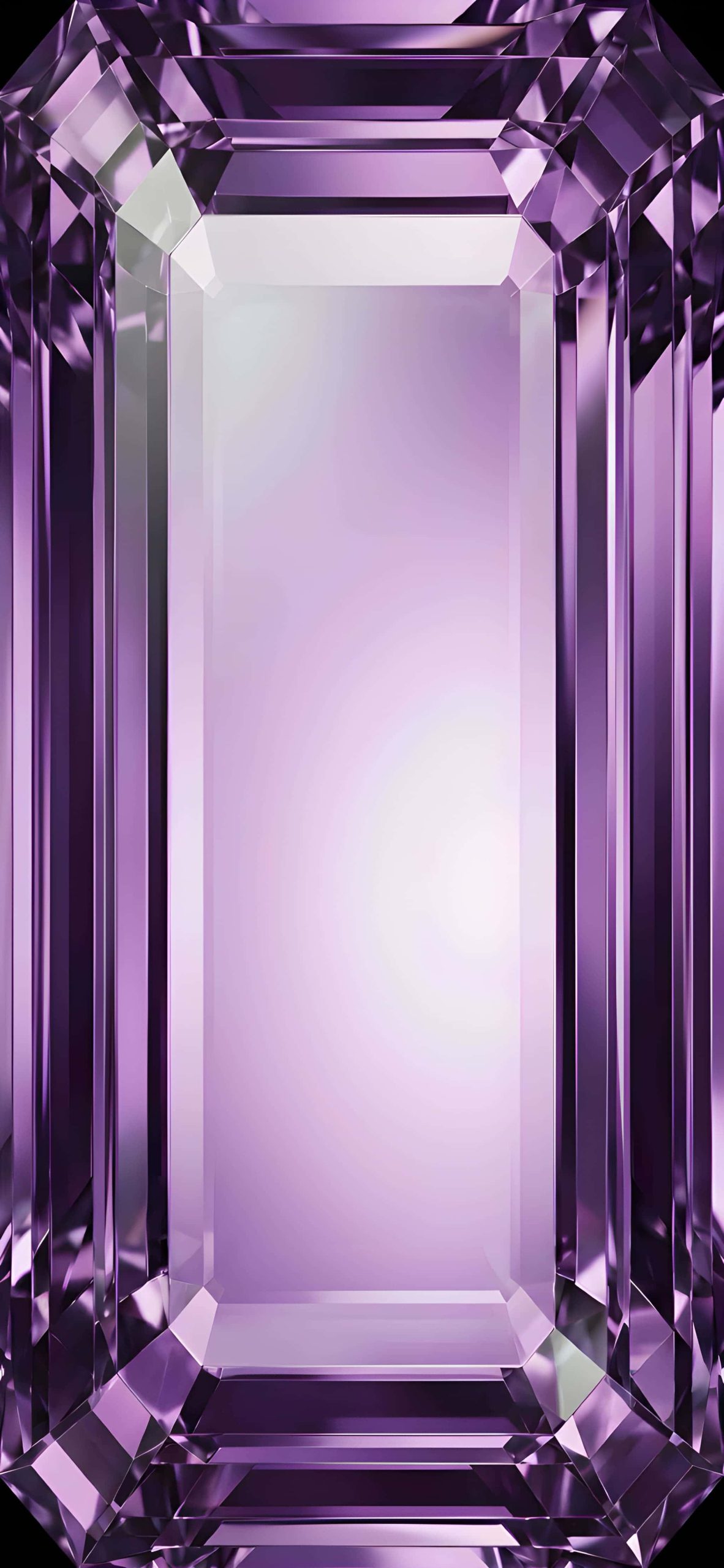
4. Purple Amethyst Gemstone A violet-toned crystal with a soft glow, striking a balance between vibrant and calming.
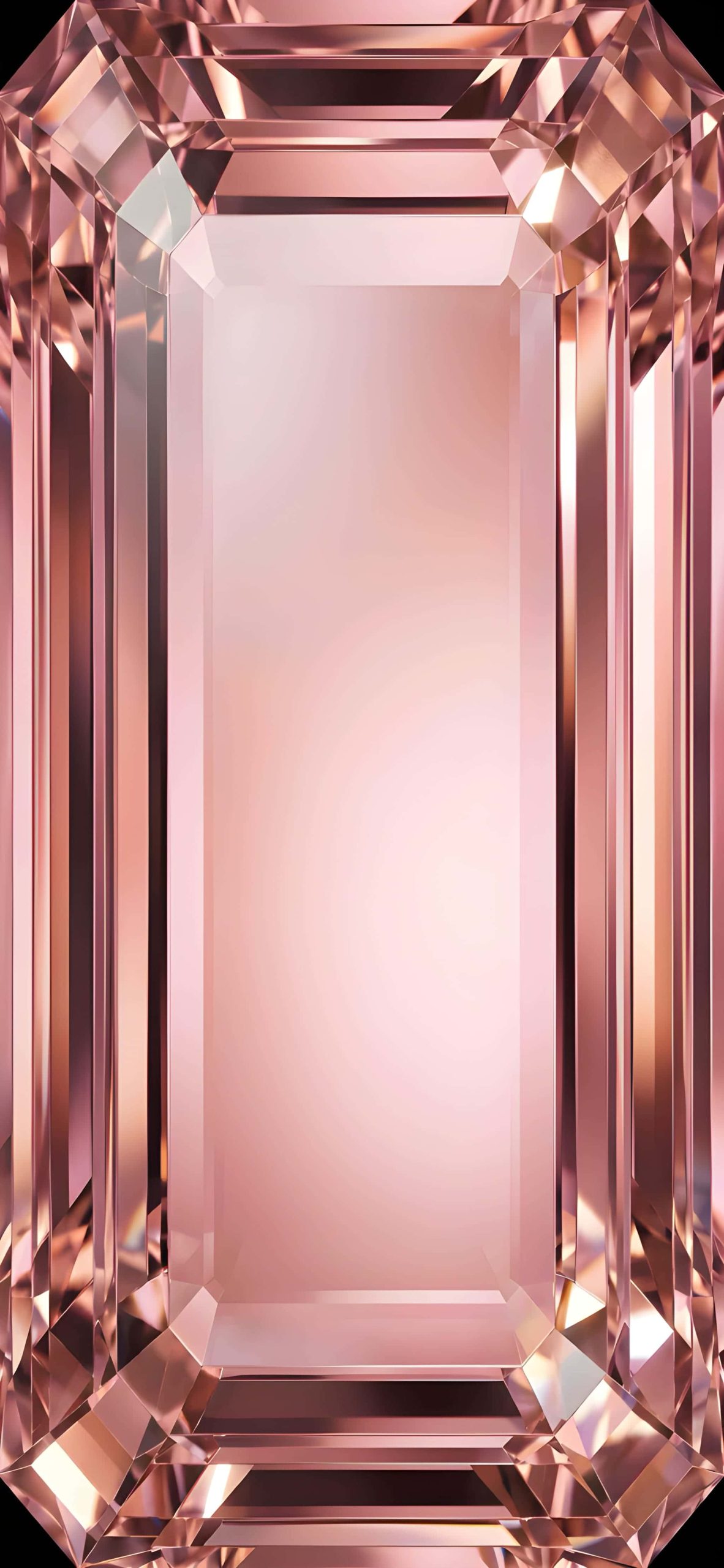
5. Rose Gold Morganite A warm, blush-pink stone with soft golden undertones, offering a more delicate and romantic aesthetic.
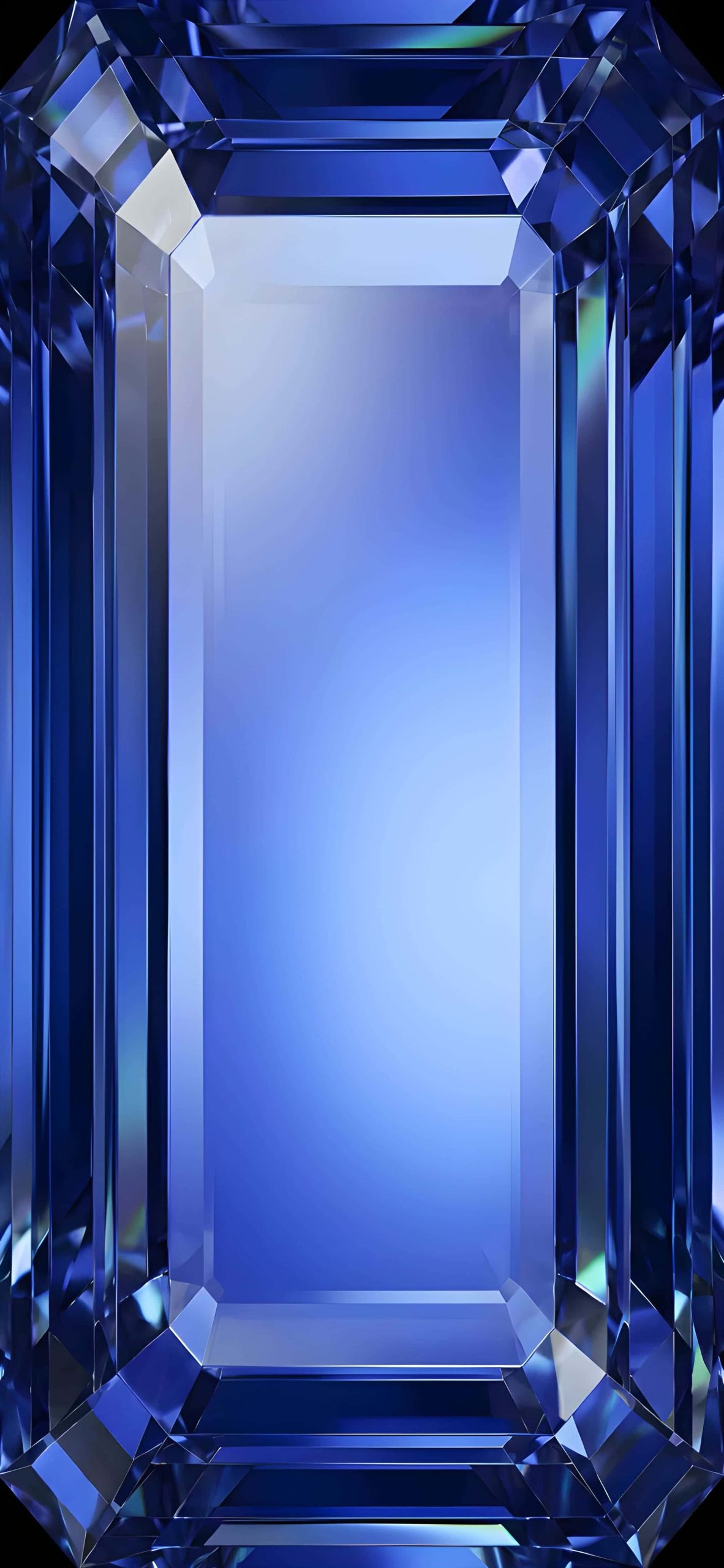
6. Royal Blue Sapphire A deep, saturated blue crystal with dramatic contrast between its dark edges and glowing center.
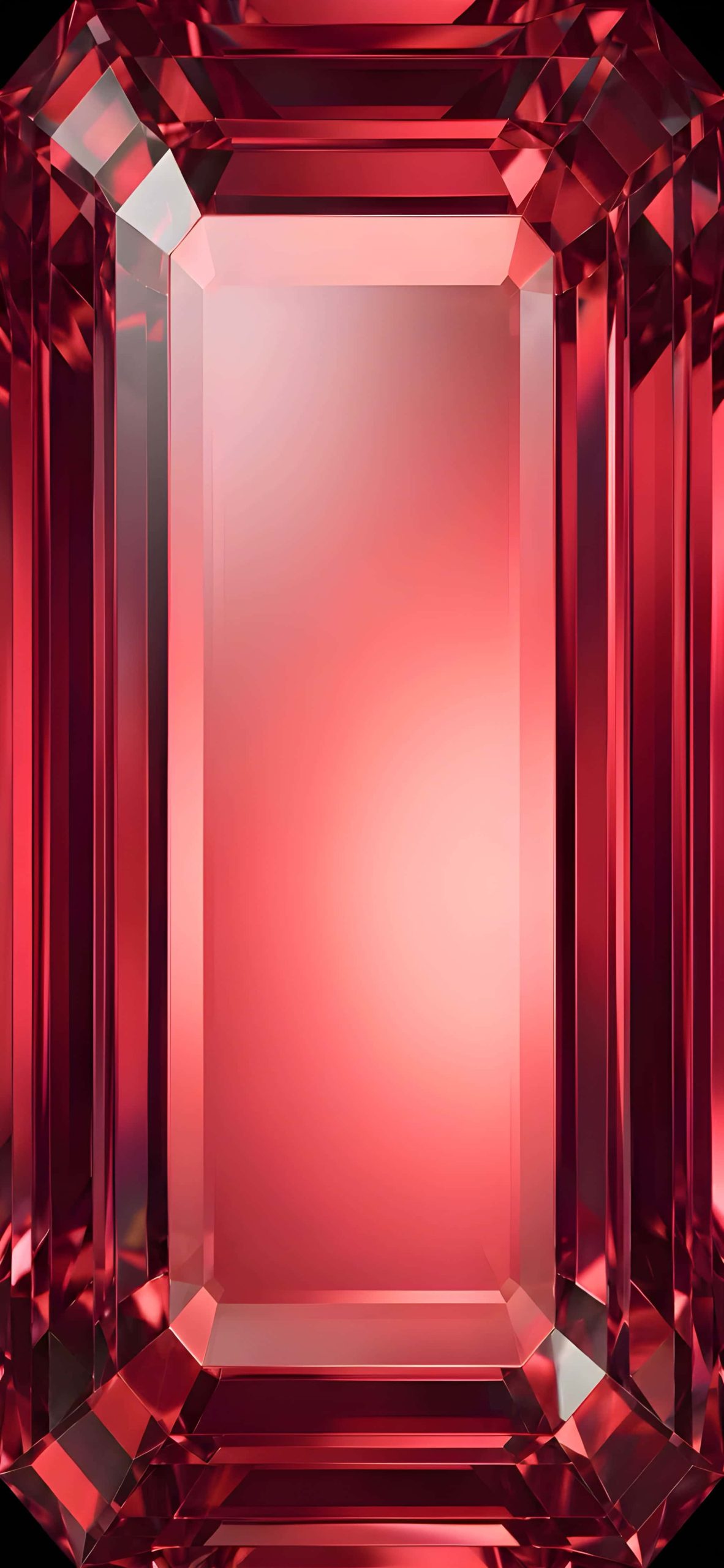
7. Ruby Red Gemstone A bold, fiery red stone that feels intense and luxurious, perfect for a striking Lock Screen.
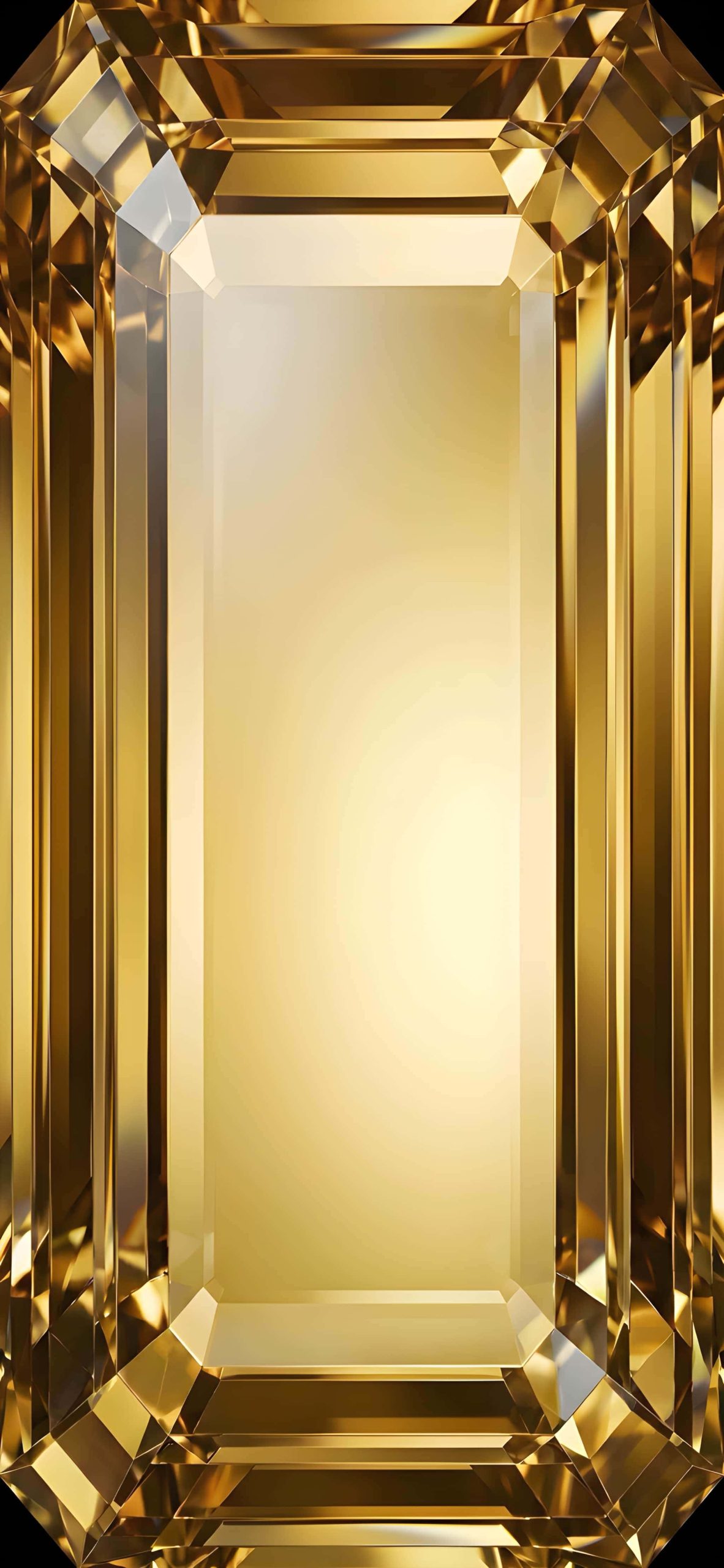
8. Yellow Diamond Gemstone A warm, golden-toned crystal with a sunny, radiant glow running through its center.
Why Gemstone Wallpapers Work So Well
The emerald-cut style naturally creates a framed, symmetrical composition — the faceted edges form a border around a softly lit center, which leaves a clean space for your Lock Screen clock and widgets to sit without visual clutter. The macro-level detail also means these wallpapers hold up beautifully on high-resolution displays.
How to Set It Up on iPhone
- Save your chosen wallpaper to Photos.
- Go to Settings > Wallpaper > Add New Wallpaper.
- Select Photos and choose your image.
- Adjust the crop to fit your screen.
- Apply it to your Lock Screen, Home Screen, or both.
Tips for Choosing Your Wallpaper
- Match your birthstone: Many fans like to pick the gemstone wallpaper that matches their actual birthstone for a more personal touch.
- Consider your color palette: Cooler tones like sapphire and amethyst pair well with a minimal, monochrome Home Screen, while warmer tones like ruby and morganite suit a softer aesthetic.
- Rotate by mood: With eight colors to choose from, switching wallpapers is an easy way to match your outfit or mood for the day.
Final Thoughts
Whether you’re drawn to the icy clarity of a clear diamond or the warmth of a ruby red gemstone, this collection offers a luxurious, eye-catching way to dress up your iPhone. Each wallpaper captures that same elegant emerald-cut symmetry in a color to suit any style.
Related posts:

Liquid Glass iPhone Wallpapers 4K | HD Glassmorphism Backgrounds
3D Glass Sphere Wallpapers for iPhone | 4K Crystal Orb Lock Screens
iOS 27 Liquid Glass Waves Wallpapers – 4K Collection Free Download
iOS 26 Liquid Glass iPhone Wallpapers – Download Apple’s Stunning 4K Backgrounds
iOS 27 Liquid Glass Wallpapers for iPhone (4K) – Free Download
iOS 26 Liquid Glass Wallpapers for iPhone – HD Collection Free Download