
Official iPhone 14 Stock Wallpapers in 4K (All New Colors)
Every time Apple releases a new iPhone, there’s a quiet little tradition that happens alongside all the camera and chip talk, people start hunting down the stock wallpapers before the phone even ships to stores. The iPhone 14 lineup is no different, and honestly, this batch might be one of the more satisfying sets Apple has put out in a while. Each wallpaper is built around the phone’s actual color story, so instead of generic backgrounds, you get a set that genuinely feels tied to the hardware itself.
Why These Wallpapers Feel Different
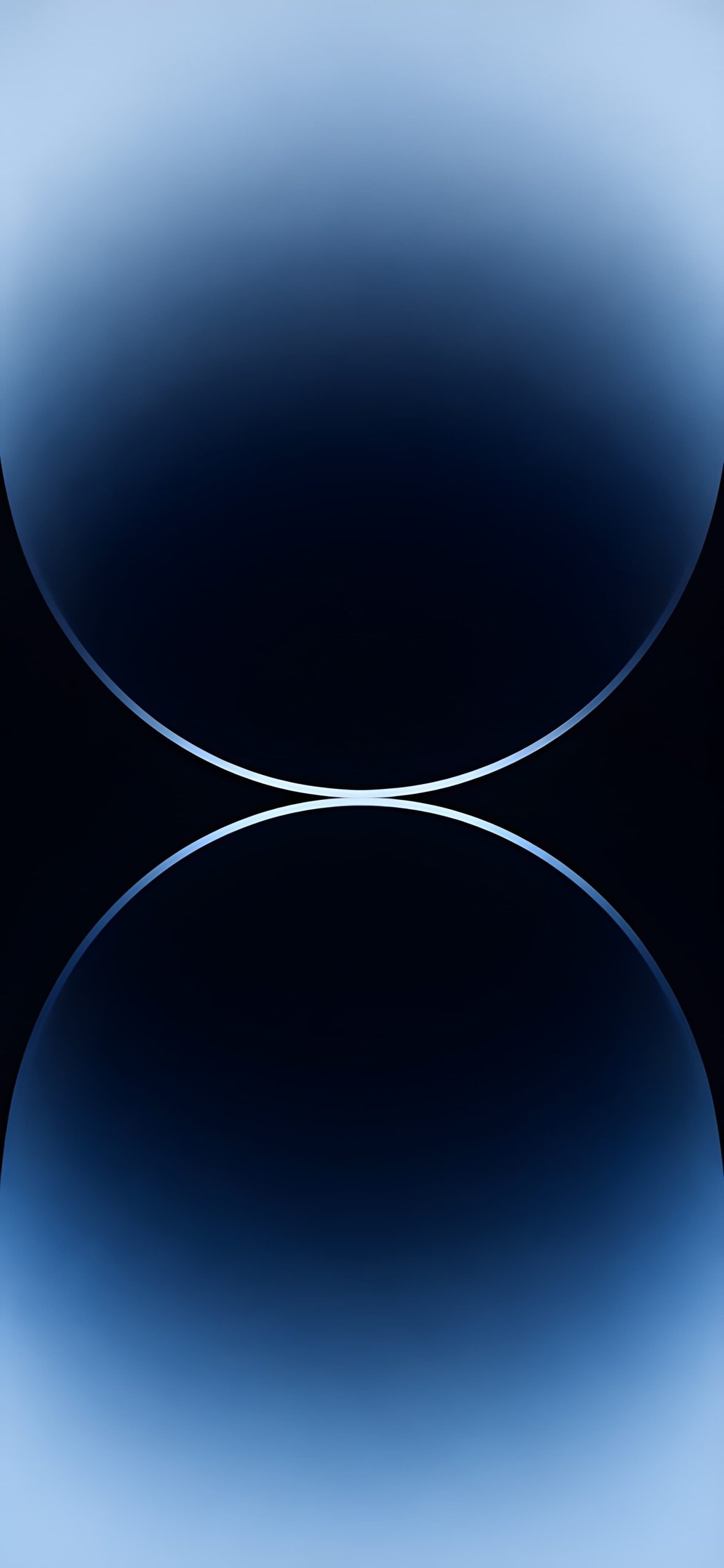
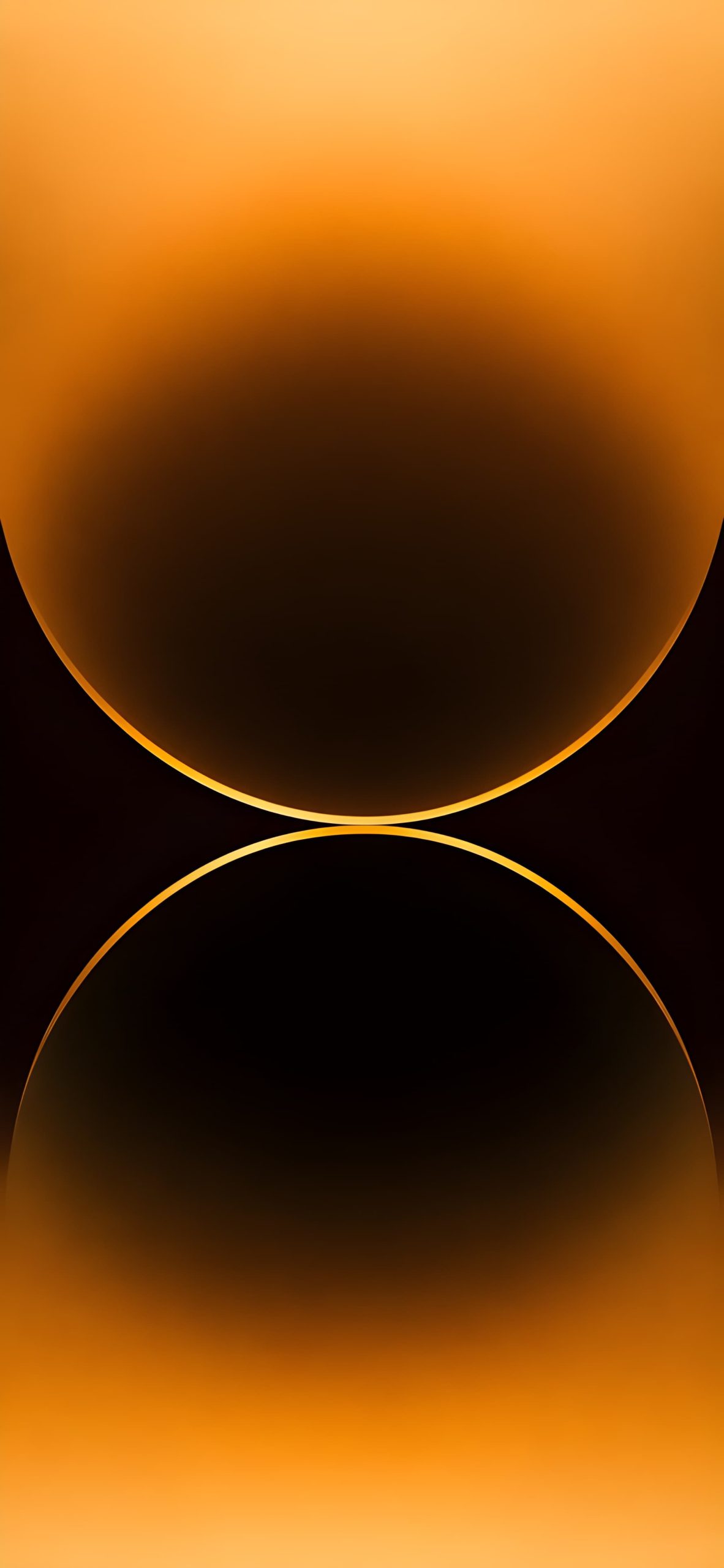
What makes the iPhone 14 stock set stand out is the way each wallpaper uses that same glowing, orb-like design, two soft spheres meeting in the middle with a thin ring of light where they touch, but rendered in a completely different tone depending on the color. It’s a simple concept, but it works because the lighting and gradient shifts make each one feel custom-built for its matching phone color rather than just a reused template with a new tint slapped on.
The Full Color Lineup
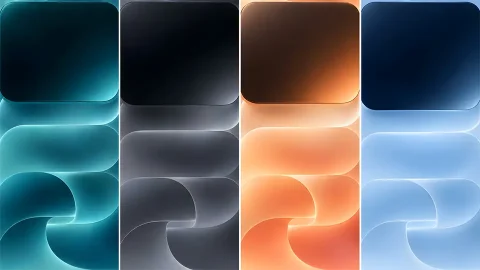
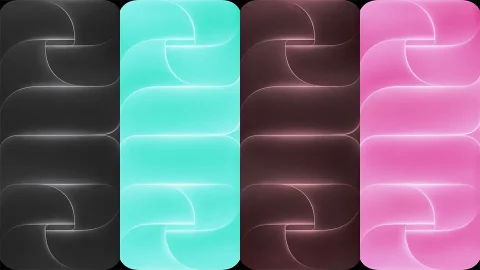
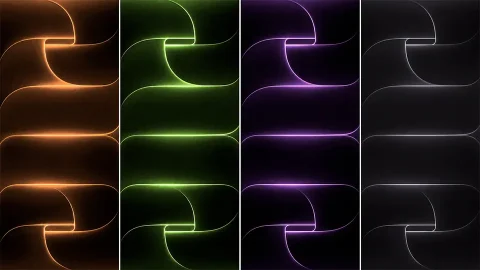
Deep Purple gets a moody, twilight-blue gradient with a soft icy ring at the center, calm without being flat. The Gold model pairs with a warm amber-orange glow that fades into near-black at the edges, giving it a sunset-like richness. For the neutral crowd, the Silver colorway comes with a warm champagne and taupe gradient, very soft, very understated.
Download Wallpapers:
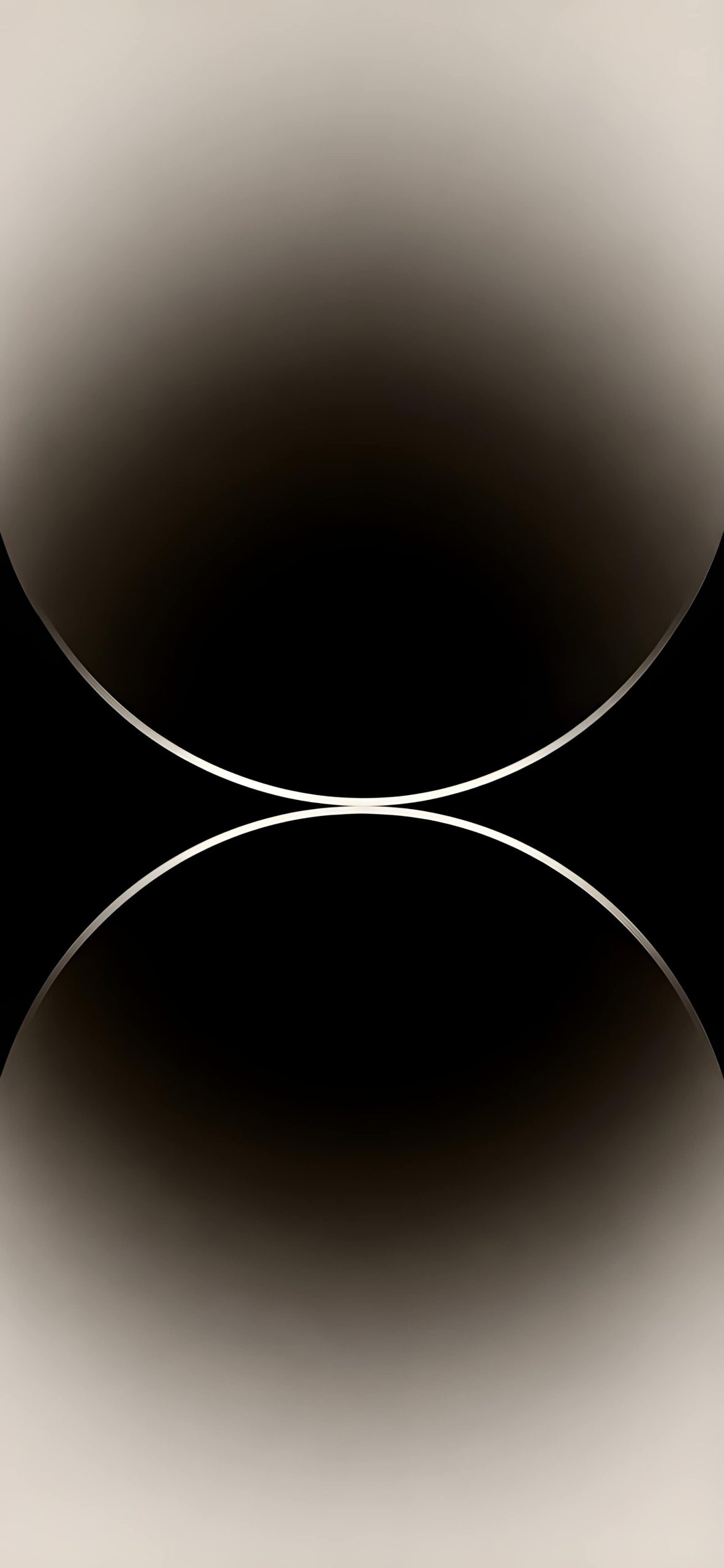
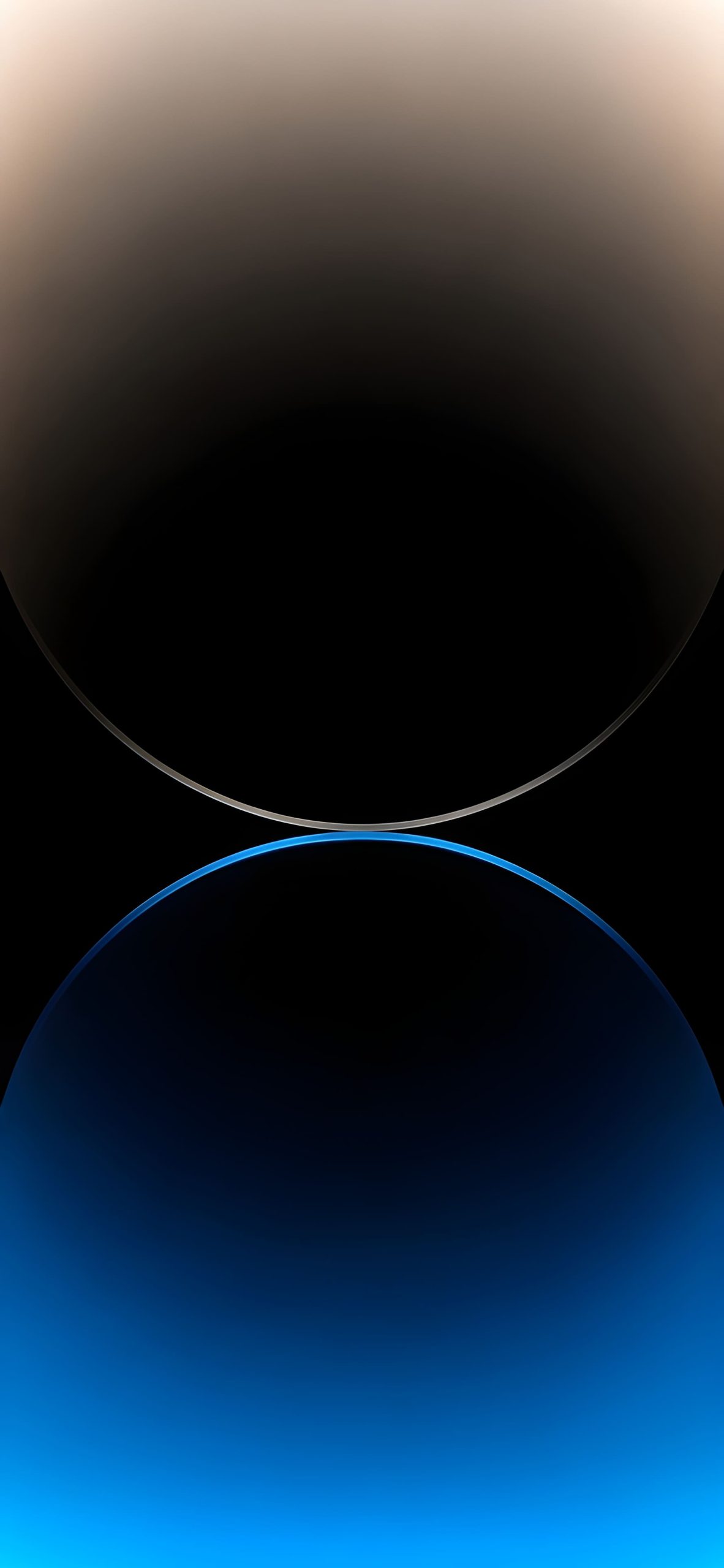
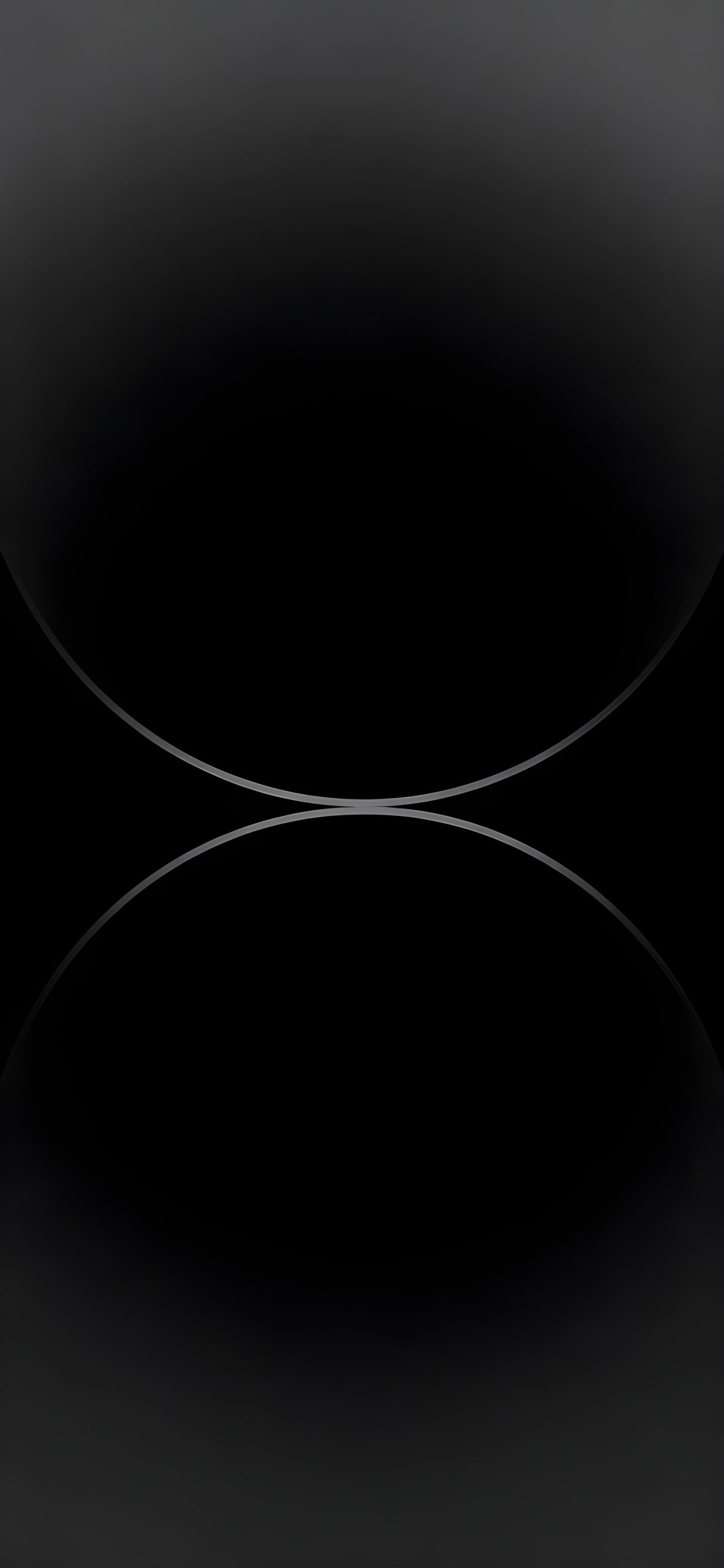
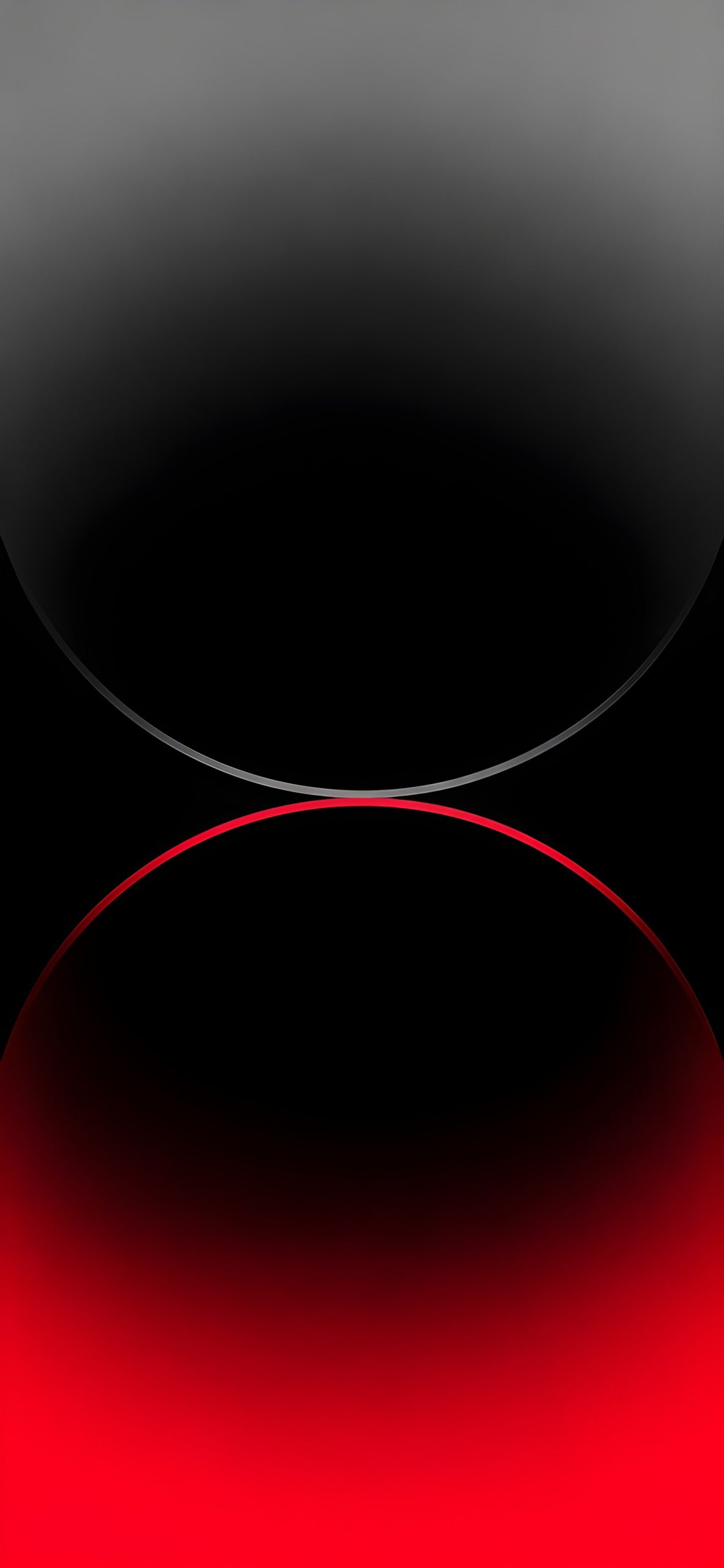
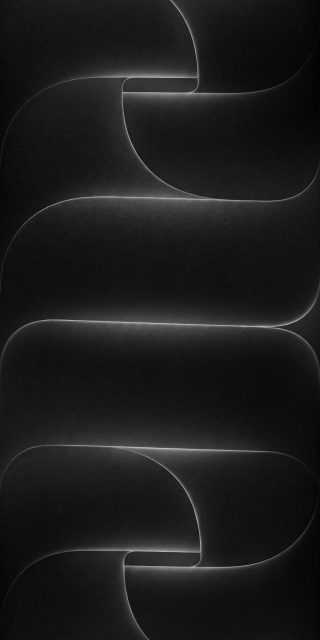
Sierra Blue takes a slightly different approach, blending a warm beige top half with a vivid electric blue bottom half, split by a thin glowing ring, it’s probably the most visually striking of the set. Space Black keeps things minimal with a nearly monochrome charcoal gradient, barely-there but still textured enough to not look completely flat. And for the Product Red version, a cool grey top transitions into a deep, glowing red bottom, giving it a bit more edge than the rest.
Why 4K Resolution Actually Matters Here
These wallpapers rely heavily on smooth gradients, and gradients are exactly the kind of image detail that falls apart fastest under compression. A low-res version will show visible banding, those ugly stripe-like lines where the color transition isn’t smooth anymore. Getting the full 4K UHD file keeps every gradient looking seamless, which is really the whole point of this design style in the first place.
Getting the Right Wallpaper for Your Phone
If you already own one of the iPhone 14 colors, matching your wallpaper to your actual device color creates that cohesive, straight-out-of-the-box look. But there’s nothing stopping you from mixing and matching either, plenty of people pick a wallpaper based on the shade they like best rather than what color case or phone they actually have.
Setting It Up
Once downloaded, head to Settings, then Wallpaper, then Add New Wallpaper, and select your chosen file. Since the glowing ring sits right in the center of each design, it’s worth adjusting the zoom slightly so that focal point lines up nicely on your lock screen instead of getting pushed off to one side.
These wallpapers work well with minimal widget setups too, since the gradients already carry a lot of visual weight on their own. Keep icons simple, and let the color do the talking.

3 comments