Official Oppo Reno 17 Stock Wallpapers for iPhone (Free 4K Download)
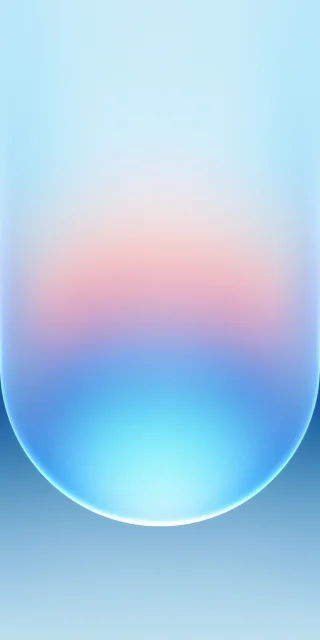
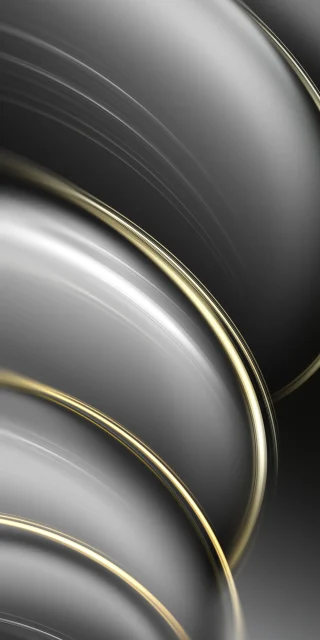
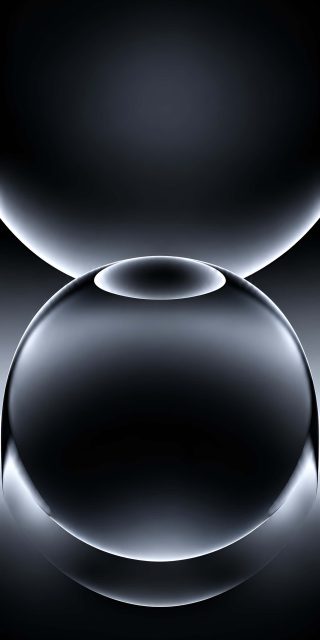
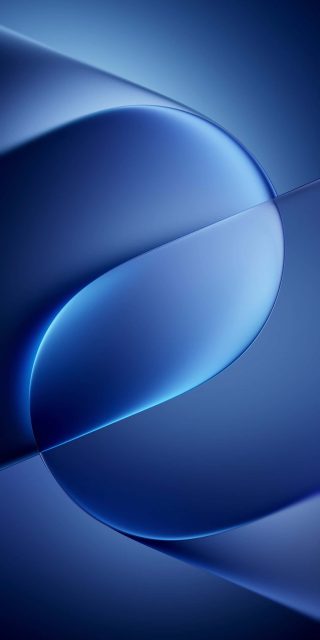
There are only three wallpapers in this pack, but they are one design in three colours, which is why they work well together. Each shows the same curved shape rising toward the top right, like a sheet of tinted glass folded over itself. You get a thin bright edge along the top curve, a soft translucent middle, and a deeper, blurrier patch of colour pooling at the lower right.
Bronze gold
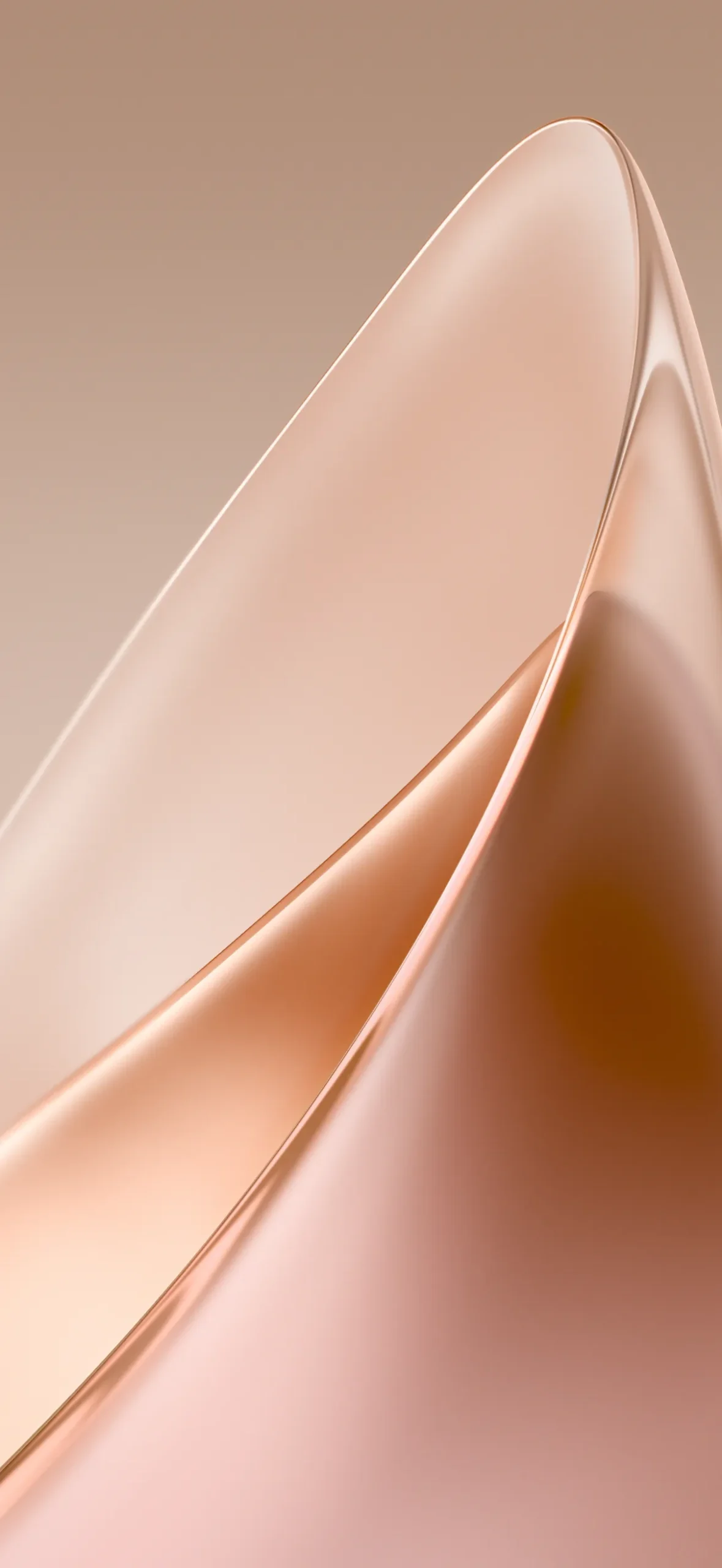
The first is the warmest. The background is a muted cocoa-beige, and the glass shape runs from pale peach to rose gold, with a dark amber glow low on the right. The edge catches a fine copper highlight. It looks like brushed metal at a glance, but the surface is smooth and glossy. It’s a good choice for anyone with a gold or natural-titanium iPhone.
Coral pink
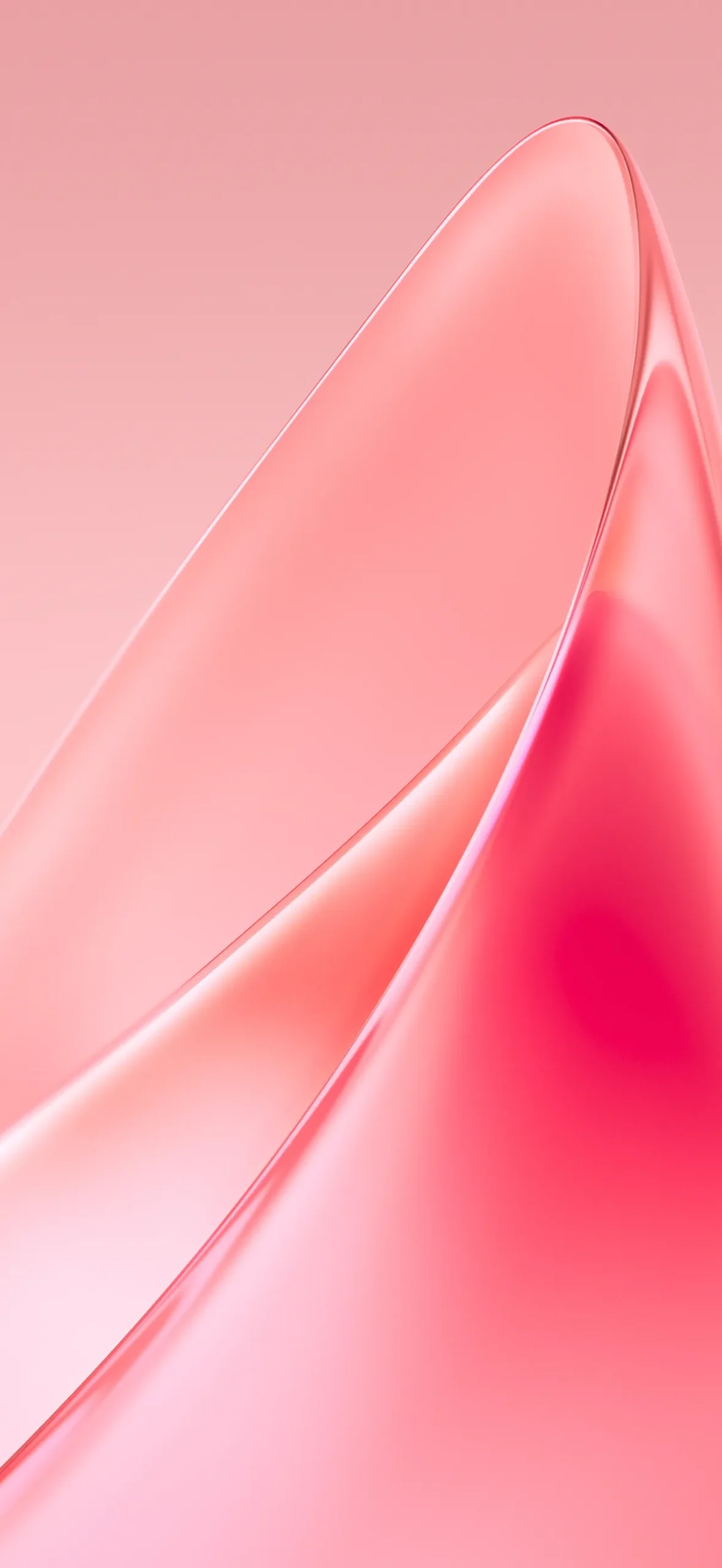
The second is the loudest. A dusty pink backdrop gives way to salmon in the middle, then a hot magenta-red bloom at the bottom right. Pale pink streaks run through the lower left, so the whole thing looks like a petal seen up close. This one has the most colour of the three, but the top half stays quiet, so a clock and widgets read well there.
Periwinkle blue

The third is the coolest. The background is a soft lavender-blue, and the glass shape deepens into a violet-blue patch at the lower right. White edge highlights make it feel icy and clean. It’s the easiest on the eyes if you keep your screen brightness high during the day.
Why they suit an iPhone
The files are tall, so the curve fills a modern iPhone screen without much cropping. The heaviest colour sits in the bottom right, so your dock and the lower icons won’t blur into it. The top left is almost flat, which makes it a good place for the clock. These aren’t OLED-black wallpapers, so don’t expect battery savings. They’re light, bright designs, and they look best with dark text.
Setting them up
Save the image to Photos, then go to Settings > Wallpaper > Add New Wallpaper > Photos. Drag the image so the glass peak sits just under the clock. If you want all three, add them as separate lock screens and swap between them from the lock screen.